
Fully Agentic Test Case Management Tool
Write, Track and Manage Every Manual or Automated Tests in One Agentic Test Management Platform with TestMu AI Test Manager.

- TestMu AI (Formerly LambdaTest)
- /
- Blog
- /
- 12 Best Free & Open Source Test Case Management Tools [2026]
12 Best Free & Open Source Test Case Management Tools [2026]
12 free test case management tools for 2026: cloud free plans and open source test management tools, with real free-tier limits, features, pros, and cons.
Last Updated on:
Free test case management tools help QA teams organize test cases, plan test runs, track defects, and monitor release progress without a paid license. They come in two forms: cloud tools with a permanent free plan, usually capped at 2 to 5 users, and open source test management tools you host yourself with no user or test case limits.
The catch: many tools marketed as "free" are really time-limited trials, and others hide reporting or integrations behind paid tiers. Every tool in this guide, including TestMu AI's own free test management software, has a permanent free option rather than a trial.
This guide covers 12 genuinely free test case management tools available in 2026, 7 with a free cloud plan and 5 open source, each with real free-tier limits, key features, pros, and cons, so you can pick the right fit before committing.
Key Takeaways
- Free test case management tools come in two forms: cloud plans that stay free permanently but cap teams at 2 to 5 users, and open source tools you self-host with no user or test case limits.
- TestMu AI Test Manager offers a Free Forever plan at $0 that includes 200 AI test-generation credits per month, unlimited projects, and both manual and automated test case and test run creation.
- Qase is the strongest free option for automation reporting because its free plan includes REST API access for up to 25,000 automated results per month, although Jira integration requires a paid plan.
- Testomat.io fits teams already running Cypress or Playwright, with a real-time reporter for manual and automated results on a free plan limited to 2 users and 2 projects.
- QATouch caps its free plan at 100 test cases, the tightest limit in this guide, so it suits a single small project rather than an active QA team.
- Among open source test management tools, Kiwi TCMS is the most actively maintained, TestLink is the most established, and Squash TM is the strongest on requirement-to-test traceability.
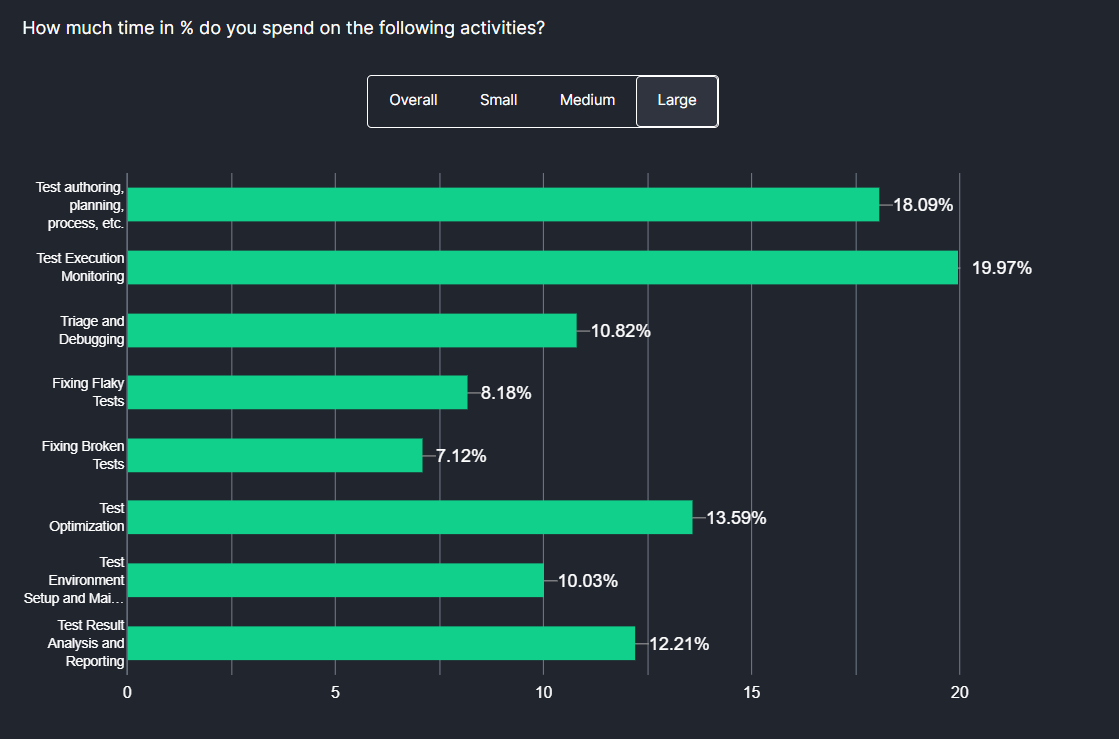
- TestMu AI's Future of Quality Assurance survey found that teams spend 10.4% of their time setting up and maintaining test infrastructure and environments, plus another 7.8% fixing flaky tests.
- Shortlist two free test management tools and trial each on a real project, because onboarding friction and report quality reveal more than any free-tier feature list.
Free and Open Source Test Case Management Tools: Comparison Table [2026]
The table below compares the 12 free test case management tools covered in this guide, 7 cloud free plans and 5 open source test management tools, across free-tier limits, automation support, and hosting model. Use it as a starting filter before reading each tool's full section.
| Tool | Free Users | Test Cases | Automation Support | Hosting |
|---|---|---|---|---|
| Test Manager | Free plan | Unlimited | Yes | Cloud |
| Tuskr | 5 | 1000 | Limited | Cloud |
| Qase | 3 | Unlimited | Yes | Cloud |
| Testomat.io | 2 | Unlimited | Yes | Cloud |
| QATouch | 2 | 100 | Limited | Cloud |
| Testiny | 3 | 1000 | Limited | Cloud |
| Kualitee | 3 | 500 | Limited | Cloud |
| TestLink | Unlimited | Unlimited | Yes | Self-hosted (open source) |
| Kiwi TCMS | Unlimited | Unlimited | Yes | Self-hosted (open source) |
| Squash TM | Unlimited | Unlimited | Yes | Self-hosted (open source) |
| Tuleap | Unlimited | Unlimited | Yes | Self-hosted (open source) |
| MantisBT | Unlimited | Unlimited | Yes | Self-hosted (open source) |

Note: Tired of free tiers that expire or cap you at a handful of test cases? TestMu AI's Test Manager gives you AI-generated test cases, unified manual and automated results, and requirement-to-defect traceability on a Free Forever plan. Start testing for free
Cloud-Hosted Free Test Case Management Tools [2026]
The seven free test case management tools below each offer a permanent free plan on vendor-hosted cloud infrastructure, so there is nothing to install. They were selected based on the availability of a genuinely usable free tier, active development and maintenance as of 2026, and relevance to both manual and automated software testing workflows. Each entry includes free-tier limits, key features, and honest pros and cons. Teams new to the category should evaluate each tool against their existing test management process rather than its feature count.
1. TestMu AI Test Manager
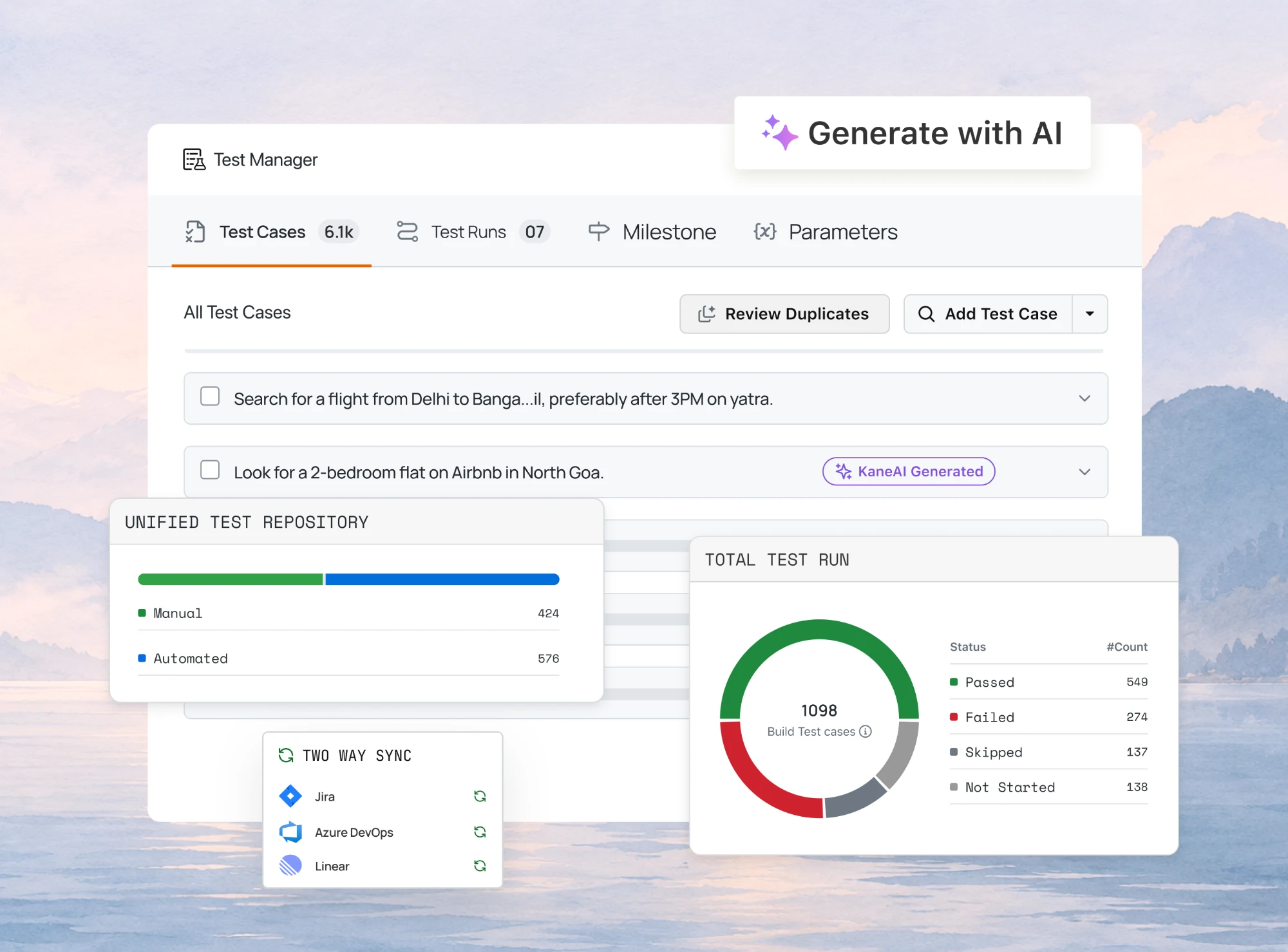
TestMu AI's Test Manager is an AI-native test management platform that unifies test authoring, planning, execution, and reporting in a single workspace. Built-in AI generates structured test cases, complete with steps, expected results, and preconditions, from a plain-English description, a user story, or a requirement document.
Because Test Manager is connected to the rest of the TestMu AI platform, manual sessions and automated runs across 50,000+ real devices and 3,000+ browser and OS combinations roll up into the same cycle view, with pass, fail, blocked, and skipped status tracked in real time. It also traces every requirement to its test cases, runs, and defects in one matrix. See the Test Manager documentation to set up your first project.
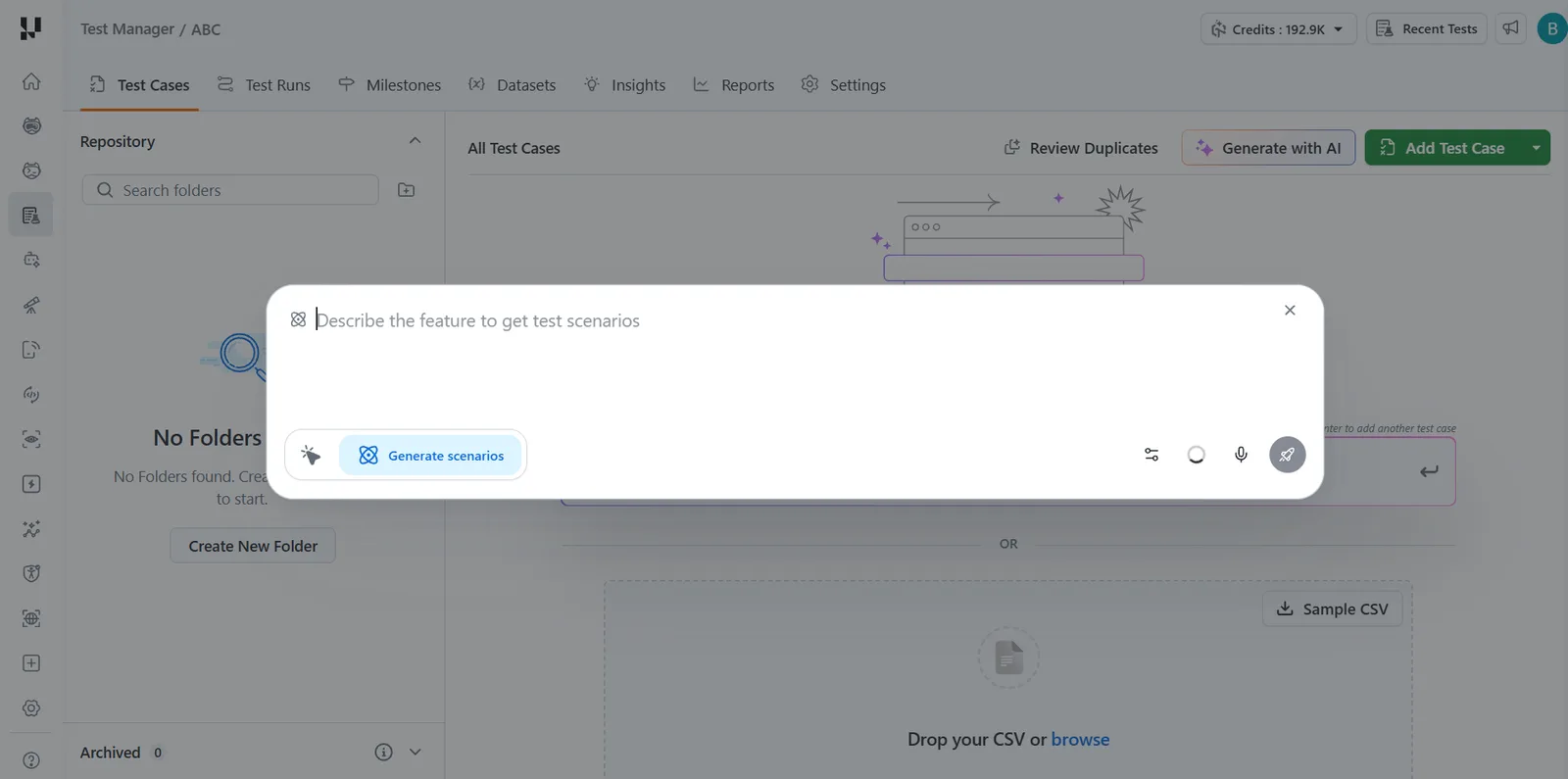
Free tier: TestMu AI's Free Forever plan starts at $0 and includes 200 AI test-generation credits per month, unlimited projects, and manual and automated test case and test run creation.
The Generate with AI option turns a plain-language feature description into test scenarios, which is where the free plan's monthly AI credits are spent, and Review Duplicates flags overlapping cases before they reach a test run.
Key features:
- Create and manage test cases using platform's intuitive hotkeys, with detailed steps, actions, and custom workflow fields.
- Generative AI test step generation: the system suggests the next step based on existing test steps and cases.
- Import existing test cases via API or CSV with automated field mapping.
- Advanced search and filtering for fast access across large test case libraries.
- Build targeted test plans by selecting test cases, assigning configurations, and tracking build history.
- Track test plan performance with comprehensive pass, fail, and skip status tracking, with evidence attachment for screenshots and videos.
- Live step tracking and manual test duration monitoring with automatic evidence creation.
Pros: AI-native test authoring reduces manual effort significantly; strong integration with automation frameworks like Selenium, Cypress, and Playwright; unified platform covers both management and execution.
Cons: Best value when used with the broader TestMu AI execution platform; teams using other execution environments may not use every feature. AI test-case generation is metered by monthly credits on the free plan.
To see AI-powered test case management in Test Manager end to end, watch the walkthrough below (it starts at the test case management section, 8:55 in) and get started with TestMu AI.
2. Tuskr
Tuskr is a cloud-based free test management tool known for its simple interface and structured test organization. It handles test runs with customizable result fields and keeps test cases cleanly organized, even under the free tier.
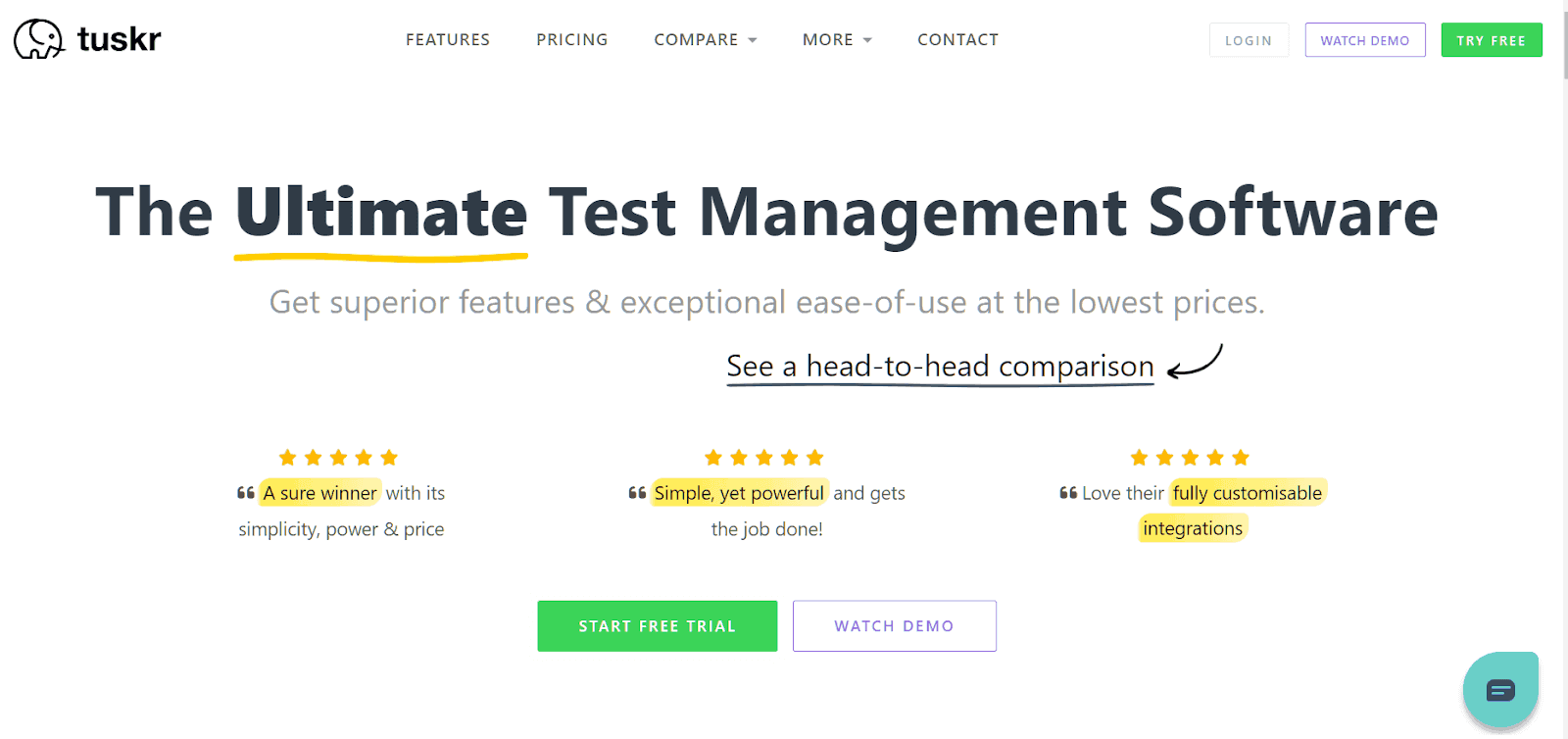
Free tier: Up to 5 users, 5 projects, 1000 test cases, and 1 GB file space.
Key features:
- Structured test run creation with customizable result status fields beyond standard pass/fail.
- Clean hierarchical test case organization for managing large test repositories.
- Jira integration for defect linking on the free plan.
- Step-level evidence attachment for screenshots and other artifacts.
- Test case import via CSV for migrating from other tools.
Pros: One of the cleanest interfaces in this category; a 5-user free tier is more generous than most; good for teams migrating from spreadsheet-based test tracking.
Cons: Automation framework integration is limited; free plan caps at 5 users and 1000 test cases; less suitable for teams running fully automated pipelines.
3. Qase
Qase is a modern free test management tool that covers both manual and automated testing needs. It allows tracking and reporting, and supports integration with automated tests via REST API on the free plan. Results post directly to the application without requiring a paid upgrade for API access.

Free tier: Up to 3 users, 2 projects, unlimited test cases, 2 concurrent test runs, 500 MB storage, and 30-day test history. Third-party integrations like Jira start on the paid Startup plan.
Key features:
- REST API access on the free plan for posting automated results, with up to 25,000 automated results per month.
- Unlimited test case management with a test model tree that has no case limit even on the free tier.
- Real-time test execution reporting that posts automated results directly to the dashboard.
- AI capabilities to convert manual tests to automated ones across multiple languages and frameworks.
- Custom fields for test cases, defects, and test runs.
- Shareable reports covering every phase of the testing cycle for stakeholder communication.
Pros: REST API access on the free plan is a standout feature; the test-case tree has no limit even for free; clean interface with fast onboarding.
Cons: 2 concurrent test runs and a 2-project cap on the free plan are restrictive for active teams; issue-tracker integrations like Jira require a paid upgrade.
4. Testomat.io
Testomat.io is one of the more widely used free test management tools among teams that prioritize automation testing efficiency. It serves as both a manual and automated test management platform, with a focus on keeping automation-first workflows structured and visible.
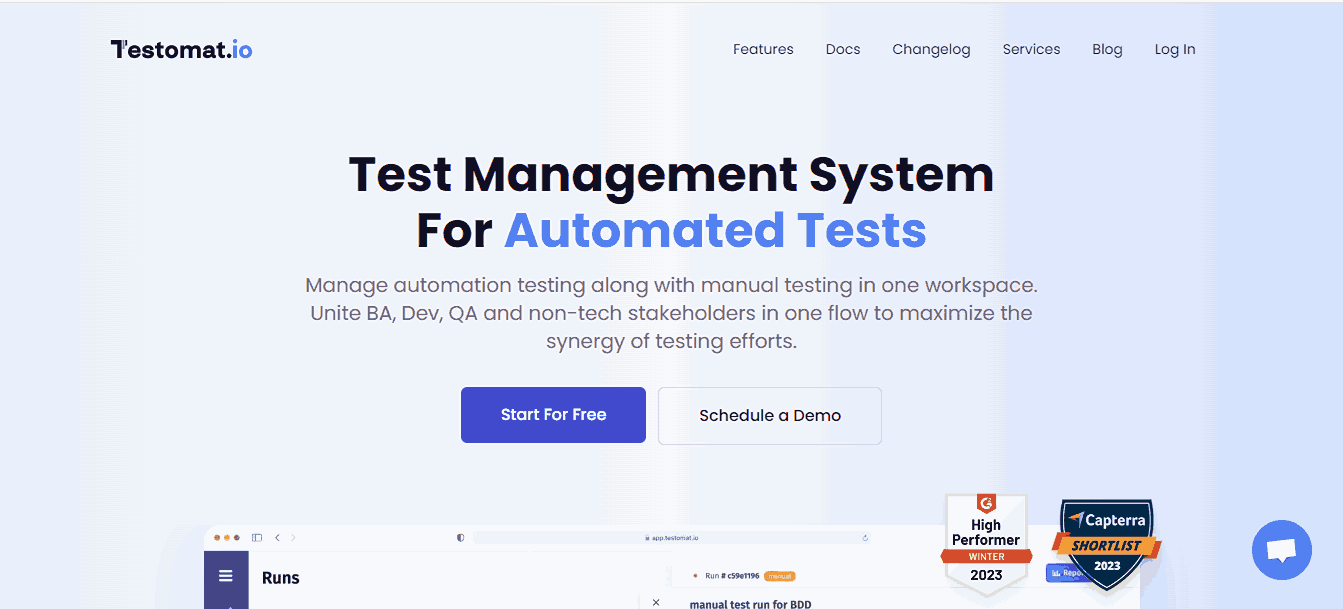
Free tier: Up to 2 users, 2 projects, unlimited test cases, with automated-test support and Playwright and Cypress reporting.
Key features:
- Built-in importer for fast loading of existing test suites.
- Real-time reporter presenting manual and automated test results in a unified view.
- Integrations with Selenium, Cypress, Playwright, Jest, Mocha, Cucumber, WebdriverIO, TestCafe, Codecept, and major CI/CD platforms.
- Integration with popular automation testing frameworks and bug-tracking tools like Jira.
- User-friendly interface for initiating new projects and managing regression testing plans.
Pros: Automation-first architecture makes it the strongest free option for teams already using Cypress or Playwright; real-time reporter reduces the gap between CI output and test visibility.
Cons: Free plan is limited to 2 users and 2 projects; teams focused primarily on manual testing may find the interface less intuitive than simpler alternatives.
5. QATouch
QATouch is a modern and rapidly growing free test management tool designed specifically for managing test cases with a clean, user-friendly interface. Its free plan is the most restricted on this list in terms of limits, making it best suited for individual contributors or very small teams running a single project.
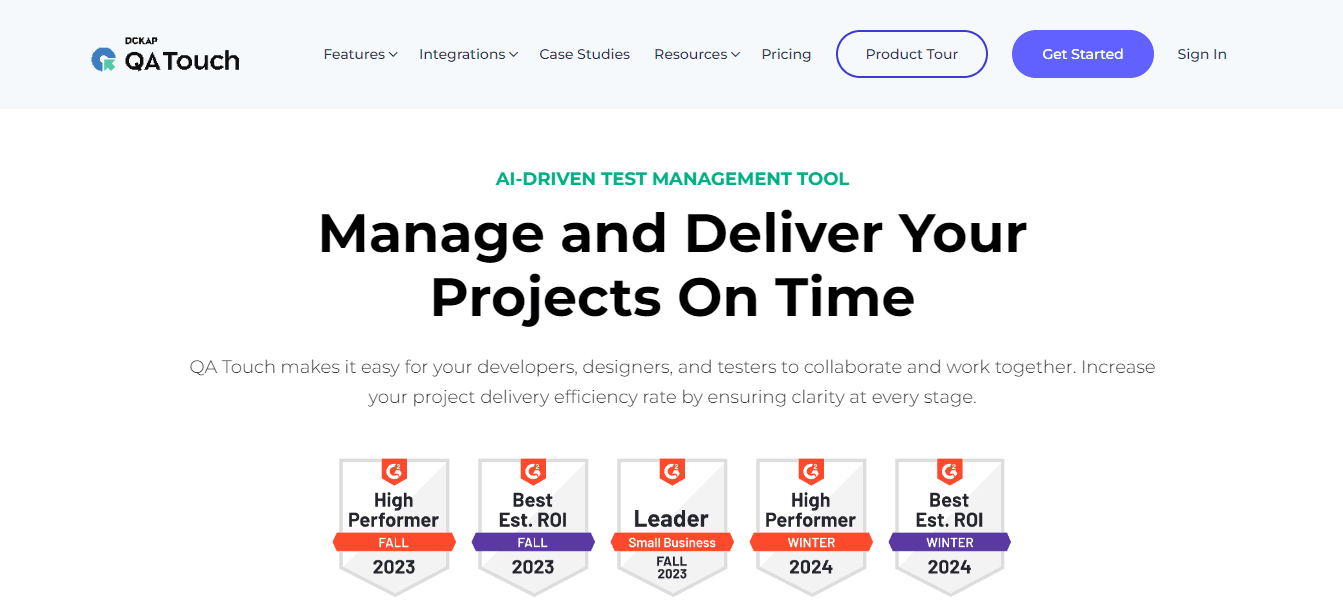
Free tier: 2 users, 3 projects, 100 test cases, 10 test runs, 20 reports, 5 custom fields.
Key features:
- Manages projects, releases, test cases, and issues in a single structured repository.
- Built-in enterprise defect module to log, categorize, and track each bug from detection to closure.
- General overview of testing progress across the software project lifecycle.
- Distinct general and managerial reports covering test cases to releases, with email delivery to stakeholders.
- Integration hooks linking requirements and defects.
- Organization-specific roles for team members with project-based and feature-based visibility levels.
Pros: Clean, intuitive interface that requires minimal training; good defect management module even on the free plan; role-based access works well for mixed teams.
Cons: 100 test case limit on the free plan is too restrictive for any real project beyond a basic prototype; no CI/CD integration on the free tier.
6. Testiny
Testiny is a lightweight and modern test management platform designed to simplify manual testing and QA workflows without the overhead of feature-heavy enterprise tools. It centralizes test cases and runs while offering clean execution tracking and collaboration features for growing QA teams.
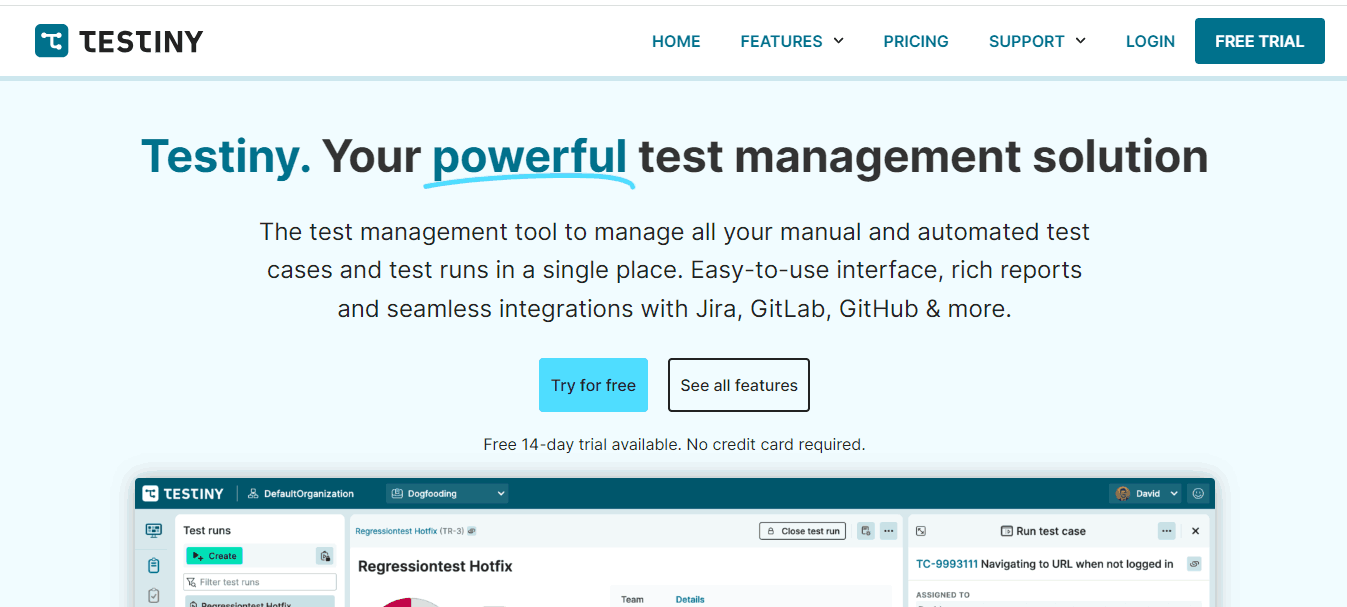
Free tier: Up to 3 users and unlimited projects, with up to 1000 test cases, plans, and runs combined.
Key features:
- Tree-structured test case organization with folders and nested suites.
- Clean execution tracking with pass, fail, blocked, and skipped status options.
- Jira and GitHub integration for defect and issue linking.
- Team collaboration features including comments and shared test runs.
- CSV export for reporting and external stakeholder sharing.
Pros: Fastest onboarding on this list; genuinely usable for manual testing workflows within minutes; clean interface with no learning curve.
Cons: Limited automation integration; 3-user cap on the free plan; lacks advanced reporting and requirement traceability features.
7. Kualitee
Kualitee is a cloud-based test management and defect tracking platform designed for QA teams that need structured test case management with built-in defect workflows. Its "Growth" free plan supports up to 3 users with the Jira plugin included, and paid tiers are available for teams that need to scale.
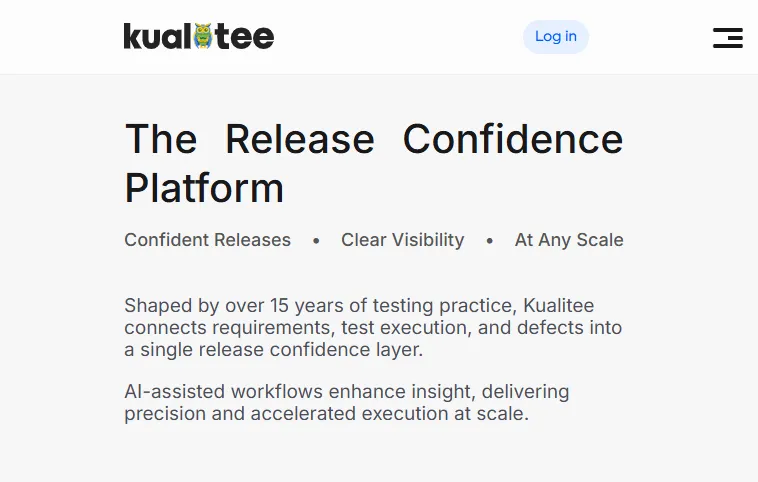
Free tier: Up to 3 users, 1 project, 500 test cases, 200 defects, and 20 AI credits per month, with the Kualitee-Jira plugin included.
Key features:
- Built-in defect management with full lifecycle tracking from submission to resolution.
- Jira integration for bidirectional defect syncing on the free plan.
- Test case management with reusable test steps and folder-based organization.
- Test execution tracking with pass, fail, blocked, and not-run statuses.
- Dashboard and reporting with execution summary and defect trend views.
Pros: Jira integration available on the free plan; built-in defect management removes the need for a separate bug tracker; clear upgrade path with affordable paid tiers.
Cons: Automation framework integration is limited compared to tools like Testomat.io or Qase; free plan is capped at 1 project and 500 test cases; reporting depth on the free tier is basic.
Key Takeaway: The seven cloud-hosted free plans trade user and test case caps for zero setup effort. TestMu AI Test Manager gives unlimited projects and 200 AI credits a month, Qase and Testomat.io serve automation-first teams, Tuskr and Testiny suit manual QA, and QATouch and Kualitee are the most limited at 100 and 500 test cases.
Open Source Test Management Tools [2026]
The five open source test management tools below are self-hosted, so the trade-off is different: there are no user, project, or test case caps, but your team owns installation, upgrades, and backups. Kiwi TCMS is the most actively maintained open source test management system, TestLink is the most established, Squash TM leads on requirement traceability, Tuleap bundles agile project management, and MantisBT adds test management to a mature bug tracker. If your team can run a server, an open source test management tool removes free-tier limits entirely.
8. TestLink
TestLink is a widely used open-source test management tool that has been active for over a decade. It runs on your own infrastructure, which removes all user, project, and test case limits but requires your team to manage installation and maintenance.
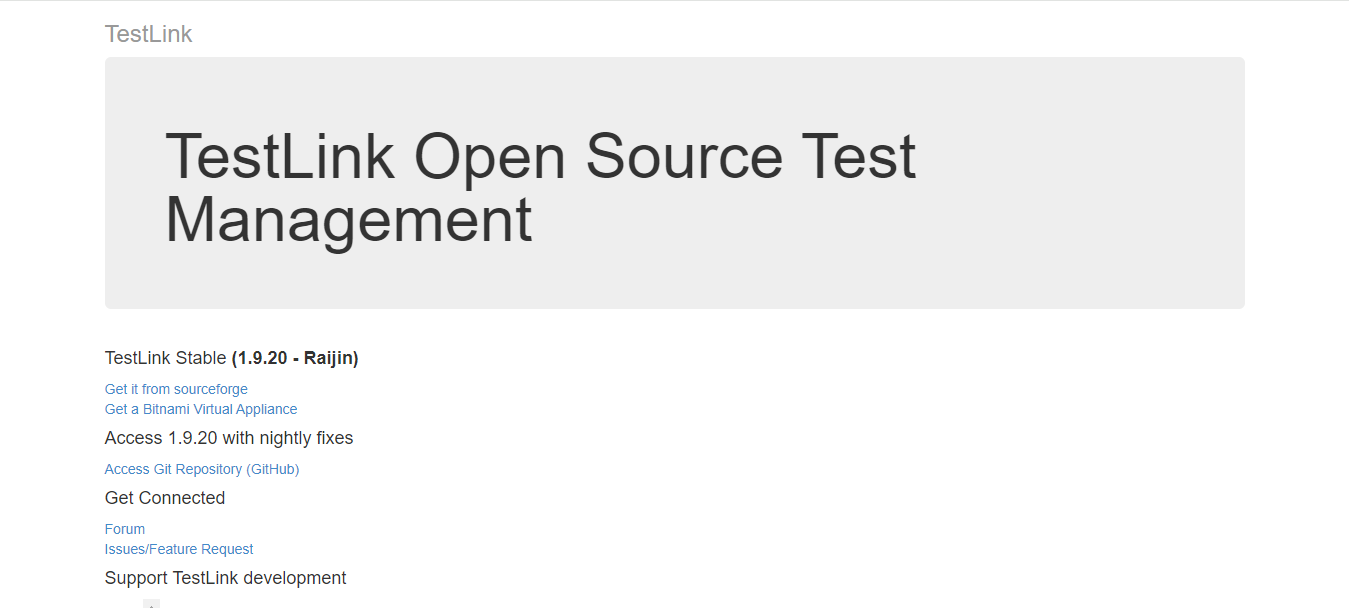
Free tier: Unlimited (open source, self-hosted). No cloud version available.
Key features:
- Full test plan creation, test case organization, and execution result tracking.
- Requirement management with traceability linking requirements to test cases.
- Detailed reporting including pass/fail matrices and coverage metrics.
- REST API for integration with automated testing tools and external systems.
- Role-based access control with project-level permissions.
- Integrates with multiple defect management tools, including Selenium, Jira, TeamForge, and Visual Studio.
Pros: No user, project, or test case limits; strong requirement traceability; trusted by large engineering teams for many years.
Cons: Interface is dated compared to modern cloud tools; requires server setup and ongoing maintenance; no native cloud hosting option.
9. Kiwi TCMS
Kiwi TCMS is an open-source test case management system with a focus on Django-based architecture and strong integration with automated testing frameworks. It is actively maintained and well-suited for teams comfortable running self-hosted infrastructure.
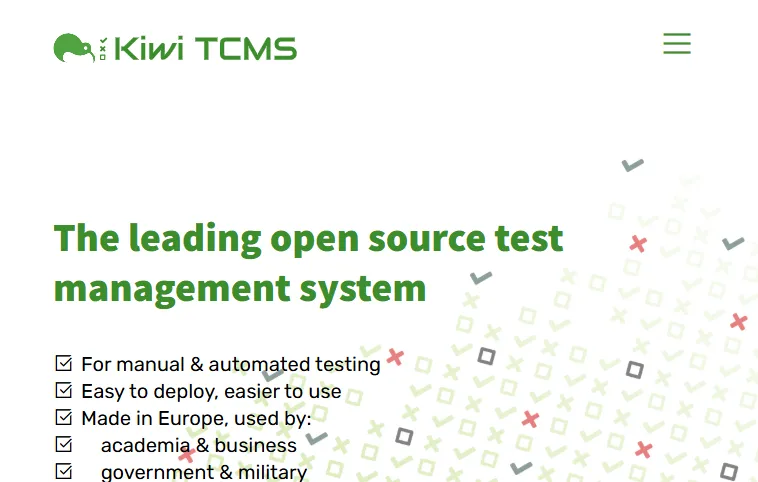
Free tier: Unlimited when self-hosted (open source, no user or test case limits). The hosted SaaS version is a paid option, with a public demo instance available for evaluation.
Key features:
- Full test plan, test case, and test run management with requirement linking.
- Integration with Selenium, Nose, and other automation frameworks via XML-RPC API.
- Bug tracker integration with Jira, Bugzilla, GitHub, and GitLab.
- Role-based access control and team management.
- Active open-source community with regular releases.
Pros: Fully open source with no user or case limits; strong API for automation integration; actively maintained unlike some older open-source alternatives.
Cons: Self-hosted setup requires technical expertise; interface is functional but not as polished as modern SaaS tools.
10. Squash TM
Squash TM is an open-source test management platform with a focus on requirement coverage and traceability. It supports integration with automated test execution tools and is designed for teams that need strong visibility between requirements and test outcomes.
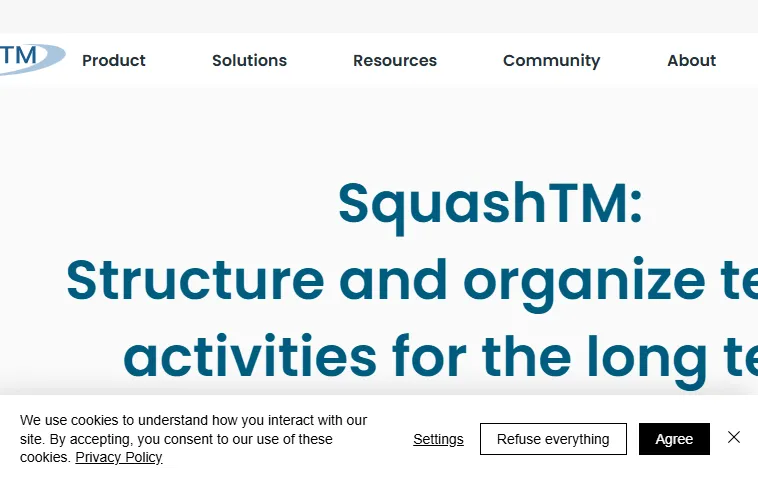
Free tier: Unlimited (open source, self-hosted).
Key features:
- Test repository management with requirement-to-test traceability.
- Integration with Selenium, Robot Framework, and other automation tools.
- Jira integration for defect and requirement linking.
- Campaign management for organizing large test execution cycles.
- Dashboard with execution metrics and coverage reporting.
Pros: Strong requirement traceability makes it useful for regulated environments; automation integration is mature; no user limits.
Cons: Self-hosted setup; steeper learning curve than modern cloud tools; interface is dated.
11. Tuleap
Tuleap is an open-source platform that combines project management, agile tracking, and test case management in a single system. It is a strong choice for teams that want to consolidate their tooling rather than maintain separate systems for different workflows.

Free tier: Unlimited (open source, self-hosted). A cloud-hosted version is also available.
Key features:
- Test case management module with execution tracking and pass/fail reporting.
- Agile project management with sprint tracking and backlog management.
- Jira integration and bidirectional synchronization.
- Role-based access control with fine-grained project permissions.
- Full audit trail and traceability from requirement to test result.
Pros: All-in-one platform reduces tool sprawl; strong for teams that want agile project management and test management in one place; no user limits on self-hosted.
Cons: Complex setup; the breadth of features makes initial configuration time-consuming; interface is dense.
12. MantisBT
MantisBT is primarily a bug-tracking tool but includes test management capabilities through its plugin ecosystem. It is open source, self-hosted, and has been actively maintained for over two decades, making it a reliable choice for teams that prioritize defect management. It also pairs with cloud testing platforms via the Mantis integration with TestMu AI for logging bugs from cross browser test runs.
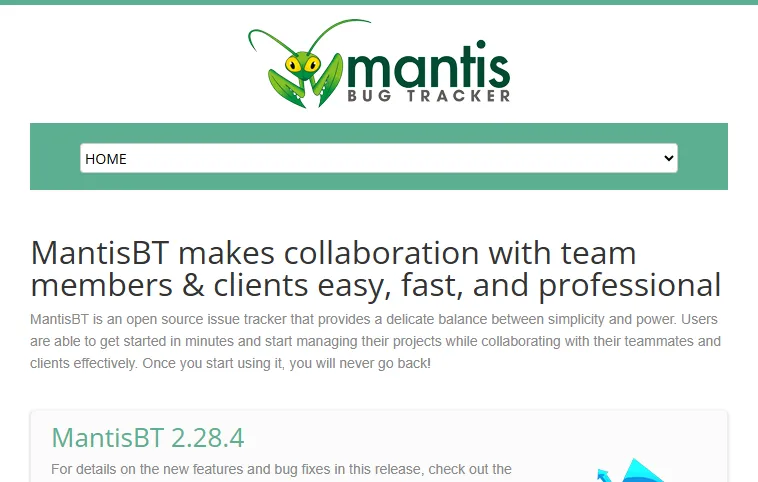
Free tier: Unlimited (open source, self-hosted).
Key features:
- Full defect lifecycle management from submission to resolution.
- Test case management via plugins for teams that need both bug tracking and test organization.
- REST API and SOAP API for integration with automation tools and CI/CD pipelines.
- Email notifications and workflow automation.
- Custom fields and filters for project-specific defect tracking.
Pros: Mature, stable, and well-documented; no user limits; strong defect tracking that pairs well with test management plugins.
Cons: Test management is secondary to bug tracking; interface is dated; requires self-hosting and plugin management.
Key Takeaway: The five open source test management tools remove user, project, and test case caps in exchange for self-hosting. TestLink is the most established, Kiwi TCMS the most actively maintained, Squash TM the strongest on requirement traceability, Tuleap adds agile project management, and MantisBT layers test management onto a mature bug tracker through plugins.

Which Free Test Case Management Tool Is Right for Your Use Case?
With 12 tools to evaluate, narrowing down the right one depends on your team's size, testing approach, and integration needs. Below are recommendations based on common use cases.
Small teams (1-3 people) focused on manual testing:
Testiny and Tuskr offer the cleanest interfaces with no learning curve, and both work well for small QA teams tracking manual test runs. QATouch is another option if you need a built-in defect module, though its 100 test case free cap suits only a single small project.
Automation-first teams running CI/CD pipelines:
Testomat.io is purpose-built for automation workflows with Cypress, Playwright, and Selenium integration. Qase provides API access on the free plan for posting automated results. TestMu AI's Test Management is the strongest option if you also need cross-browser and cross-device execution.
Teams already using Jira:
For Jira-native teams, Kualitee is the strongest genuinely free option, bundling built-in defect management with the Jira plugin on its free plan. Tuskr and Testiny also offer Jira defect linking on their free tiers for teams that prefer a lighter, cleaner interface.
Teams that want an open source test management system (self-hosting):
TestLink, Kiwi TCMS, Squash TM, and Tuleap are all open-source with no user limits. TestLink is the most established. Squash TM has the strongest requirement traceability. Tuleap combines test management with agile project management. Kiwi TCMS is the most actively maintained modern option.
Regulated industries needing traceability:
Squash TM offers the strongest end-to-end traceability from requirements to test cases to defects among the open-source options, with no per-user cost. TestLink and Tuleap also provide requirement-to-test traceability for teams that can self-host and need an audit trail.
Enterprise teams evaluating a free option first:
TestMu AI's Test Manager is the most scalable genuinely free choice, with AI-native authoring and unified manual and automated reporting on a Free Forever plan, plus a clear upgrade path when you need SSO, advanced roles, and expanded AI credits. For self-hosted control with no user limits, Squash TM and Tuleap add enterprise-grade requirement traceability.
How to Choose a Free Test Case Management Tool
Follow these steps to evaluate and choose the right free test case management tool for your QA team, whether that is a cloud free plan or an open source test management tool you host yourself.
Step 1: Decide between a free cloud plan and open source self-hosting
A free cloud plan is live in minutes but caps users and test cases, while open source test management tools like TestLink and Kiwi TCMS remove those caps in exchange for server setup and maintenance. If nobody on the team can own a server, rule out the self-hosted tools first.
Step 2: Define your team size and project scope
Check how many users and projects each free tier supports. Most free plans cap at 2 to 5 users. If you exceed that, you will need a paid plan sooner than expected.
Step 3: Identify your testing type
Decide whether you primarily run manual tests, automated tests, or both. Automation-first teams should prioritize tools like Testomat.io or TestMu AI. Manual-heavy teams may find QATouch or Testiny more straightforward.
Step 4: Check integration requirements
List the tools your team already uses: issue trackers like Jira, CI/CD platforms like Jenkins or GitHub Actions, and communication tools like Slack. Verify that the test management tool integrates with these on the free plan, not just paid tiers.
Step 5: Evaluate reporting and traceability
A good test management tool should let you generate pass/fail execution reports, trace test cases back to requirements, and export results. Check whether these are available on the free plan or gated.
Step 6: Run a trial on a real project
Import a sample of your existing test cases, set up a test run, and execute a small suite. The onboarding friction, speed of execution tracking, and quality of the report output will tell you more than any feature list.
A free test management tool with integration capability can save much testing time. However, many test cases can complicate the test management process in complex applications where the issue needs to be mimicked in real-world conditions on various platforms.
According to TestMu AI's Future of Quality Assurance survey, teams spend 10.4% of their time setting up and maintaining test infrastructure and test environments, plus another 7.8% fixing flaky tests. The primary challenge software testers face is selecting the right test management tool for their project. The right tooling reduces this overhead by cutting test execution and monitoring time, so teams spend less effort maintaining tools and scaling up infrastructure.
To address the challenge of running tests across cloud-based platforms, TestMu AI is one of the strongest options. It also integrates with other test management tools, so you can export their results and view everything in one unified platform.
Test management is only half the loop, because the test cases still have to be written. KaneAI, the GenAI-native testing agent from TestMu AI, turns PRDs, Jira tickets, and plain-English prompts into executable tests, re-anchors steps with smart element detection when the UI changes, and exports the result to Selenium, Playwright, Cypress, or Appium, so the cases sitting in your free test management tool do not all have to be hand-coded.
Organizations can achieve quicker developer feedback and expedite their go-to-market strategies by using the potential of cloud-based test execution. Additionally, users can leverage the power of the online Selenium Grid for automated browser testing across various browsers and OS configurations for websites and web applications.
Key Takeaway: Choosing a free test case management tool runs through six steps: decide between a free cloud plan and open source self-hosting, size the team and projects against the free tier, match the tool to manual or automated testing, confirm Jira and CI/CD integrations are included for free, check reporting and traceability, then trial the shortlist on a real project.
Conclusion
Choosing a free test case management tool starts with writing down three things: your team size, the integrations you cannot live without (Jira, CI/CD), and whether you need a hosted free plan or an open source test management tool you can self-host. Match those against the comparison table above, shortlist two tools, and trial each on a real project before committing, since onboarding friction tells you more than any feature list.
For teams running automated tests at scale, TestMu AI provides AI-native test management with unified manual and automated execution and reporting on a Free Forever plan; the test run and cycle documentation walks through setting up your first plan. Qase and Testomat.io are strong choices for small teams needing API access on the free plan, and TestLink remains the most capable open-source option for self-hosting teams.
Tracking tests across tools and teams? TestMu AI's Test Manager keeps test cases, runs and results in one place.
Author

Abhishek Mishra
Blogs: 17

Abhishek Mishra is a Technical Product Manager at TestMu AI, where he owns Test Manager, the test management product. He has over 8 years of experience in product management and market analysis, spanning AI-native software testing, product strategy, and analytics. On TestMu AI, he authored guides on test management and test case management. Previously, he served as the Product Lead at IndiaClan and co-founded Gartley618 Technologies, a firm focused on quantitative trading and blockchain. He holds a B.Tech degree.
Reviewer

Shantanu Wali
Reviewer
Shantanu Wali is Vice President of Product Management at TestMu AI, where he owns several product lines across the testing platform, including the Real Device Cloud and the Digital Experience Testing Cloud. He has also contributed significantly to the development and scaling of KaneAI, TestMu AI's flagship GenAI-native testing agent that uses natural language to make software testing faster and more reliable in this AI era. He brings 7+ years of experience across software development and product management, starting as a backend developer at Infosys building solutions for Fortune 500 clients. Shantanu holds an MBA from IIM Calcutta and a B.Tech in Mechanical Engineering.
Free Test Case Management Tools FAQs
Did you find this page helpful?
More Related Blogs

TestMu AI forEnterprise
Get access to solutions built on Enterprise
grade security, privacy, & compliance
- Advanced access controls
- Advanced data retention rules
- Advanced Local Testing
- Premium Support options
- Early access to beta features
- Private Slack Channel
- Unlimited Manual Accessibility DevTools Tests