

Test on Safari Browser Online
One in four users is on Safari. Test for them on 10,000+ real iOS and macOS devices, without owning a Mac.

Trusted by 3M+ users globally at




"We have tripled our tests and are now executing tests in less than 2 hours with 78% Faster Test Execution"


"We figured out a more efficient way to monitor system health and resolve failures earlier in lower environments."





"TestMu AI has significantly boosted our testing speed, is easy to implement, and provides exceptional support."


"With 70% faster test execution, TestMu AI helped us achieve faster time-to-market and enhanced CX."



TestMu AI Safari Browser Testing Covers Every Version and Device
Test on real devices across every Safari version in one dashboard. No missing versions, no unsupported devices, no gaps in coverage.
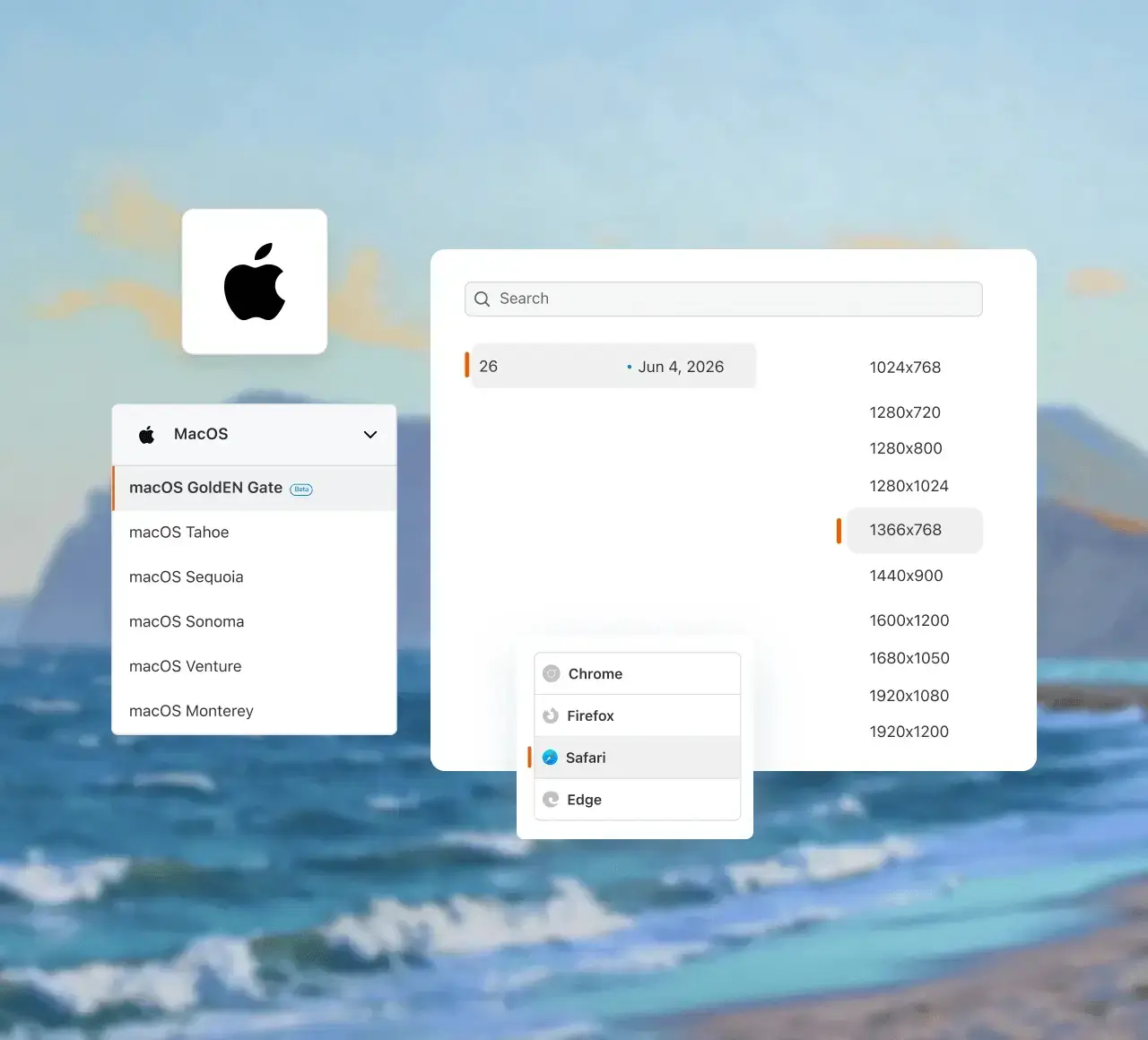
 LIVE TESTING
Test Safari on Windows without a Mac
Test live on Safari browsers on real hardware. Every session runs on actual iOS and macOS devices, catching WebKit bugs before your users do. Local and staging URLs work through a secure tunnel.
Start a Safari test session
Test across a live WebKit environment where you can click, fill forms, and reproduce bugs exactly as your users experience them on Safari.
Inspect DOM, trace network requests, read console errors, and profile rendering performance without leaving the session.
 KANEAI
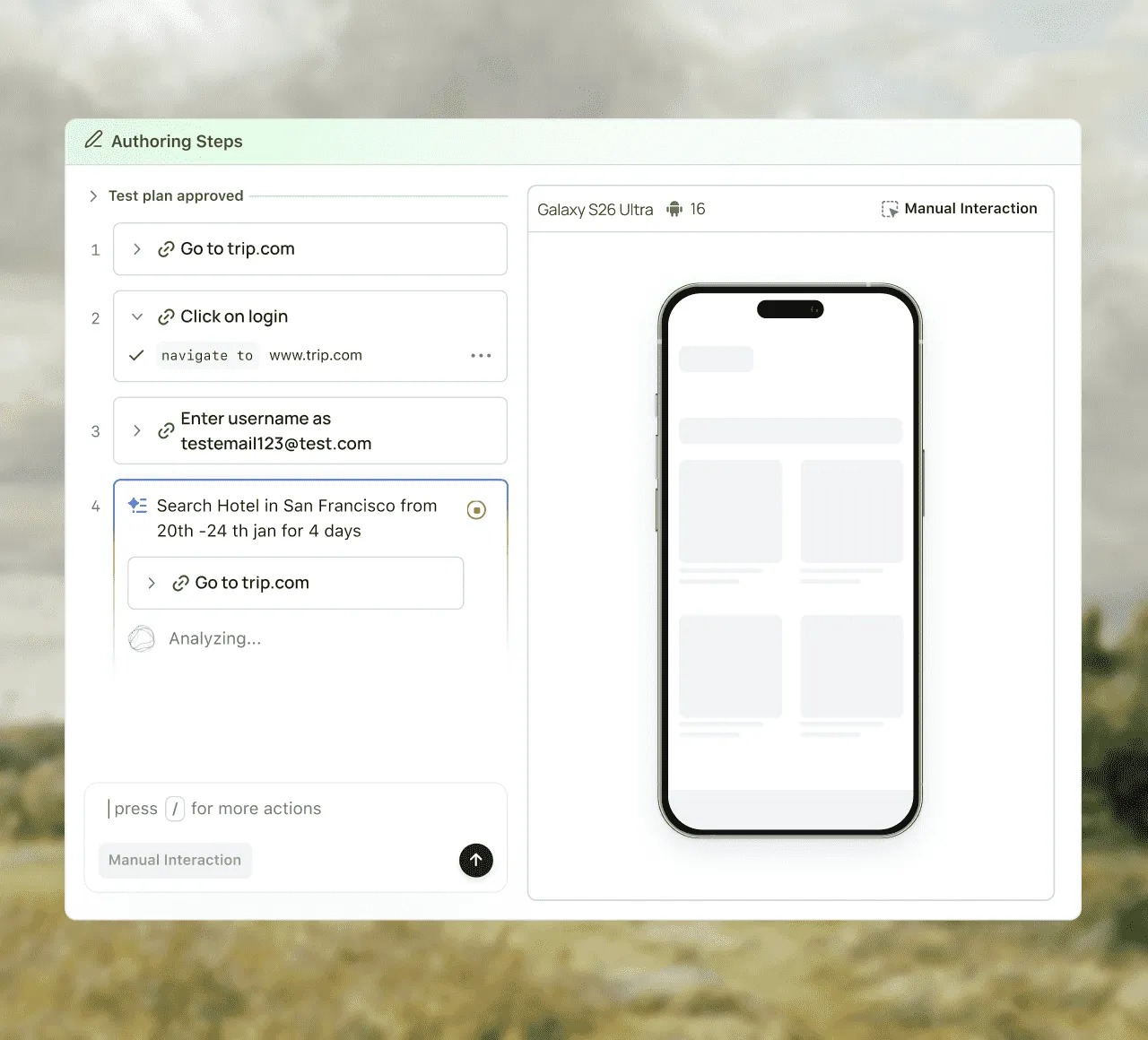
AI-native test automation with KaneAI
Upload your app or enter a site URL, describe the test, and KaneAI writes it, runs it, and self-heals it if required.
Run KaneAI Safari Browser TestConvert plain English into ready-to-run test scripts for Safari and other browsers.
Auto-heal locators and steps when the UI changes, so your tests stay stable.
 AUTOMATION
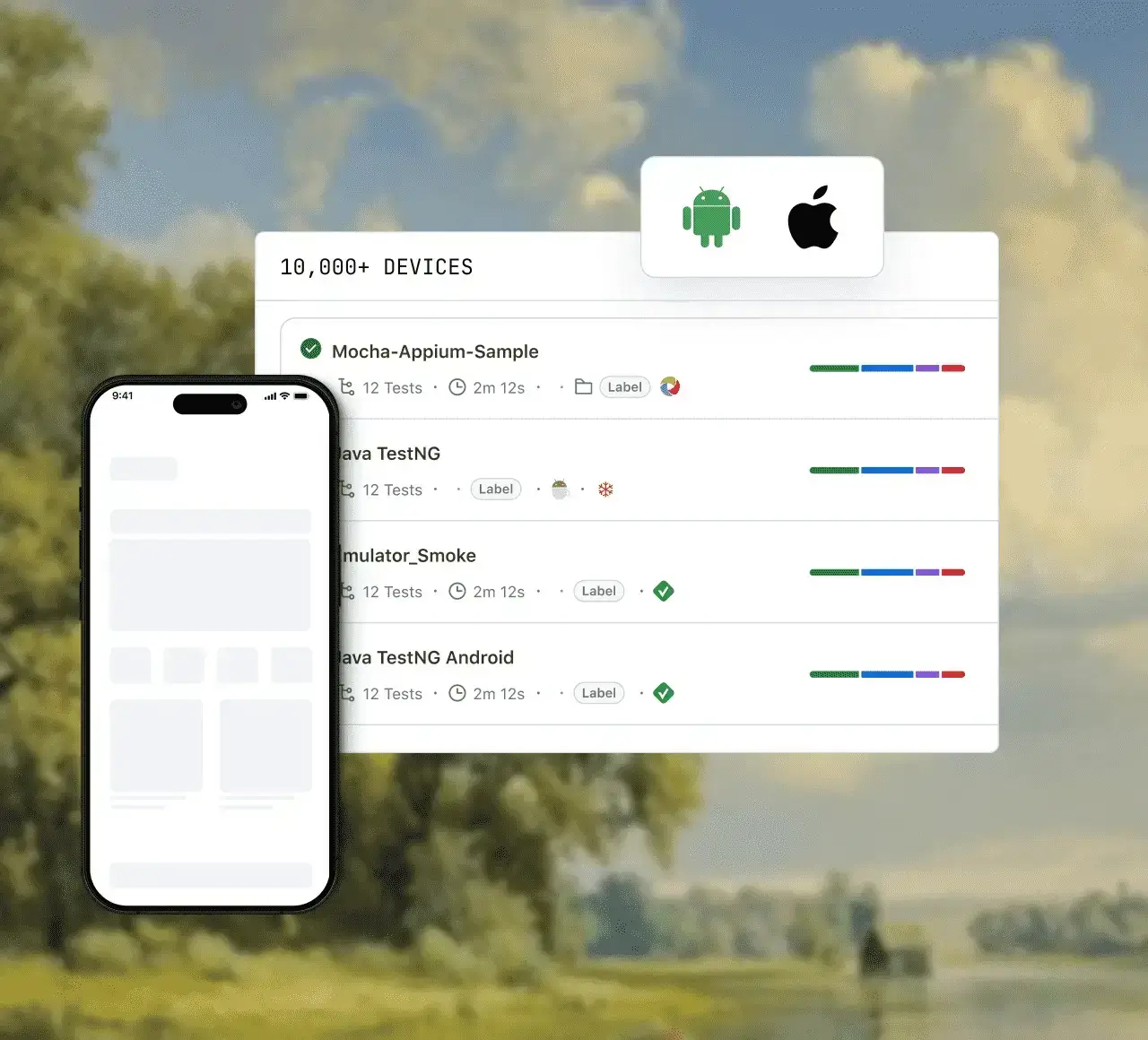
Run Safari tests in parallel, debug failures with AI
Do parallel testing on a cloud grid with instant access to every Safari version your users are on. When a test fails, AI root cause analysis shows what broke and why.
Run your first parallel browser testDo parallel testing with TestMu AI's HyperExecute. Same tests, same pipeline, your feedback loop shrinks by up to 70%.
Every run records video and command logs. Generate an RCA on any failed test and fix the cause without rerunning the suite.
How to test your website on Safari in 3 steps
No Mac, no Xcode. A live Safari session starts in under a minute.
- 01
Create a free account
Sign up free. No credit card needed.
- 02
Pick a Safari version and OS
Open Real Time, select Safari, pick the version and device.
- 03
Start the session and debug
Real Safari opens in your browser, with Web Inspector built in.
Automate Safari With the Stack You Already Use
Real Safari behaviour, not a simulation
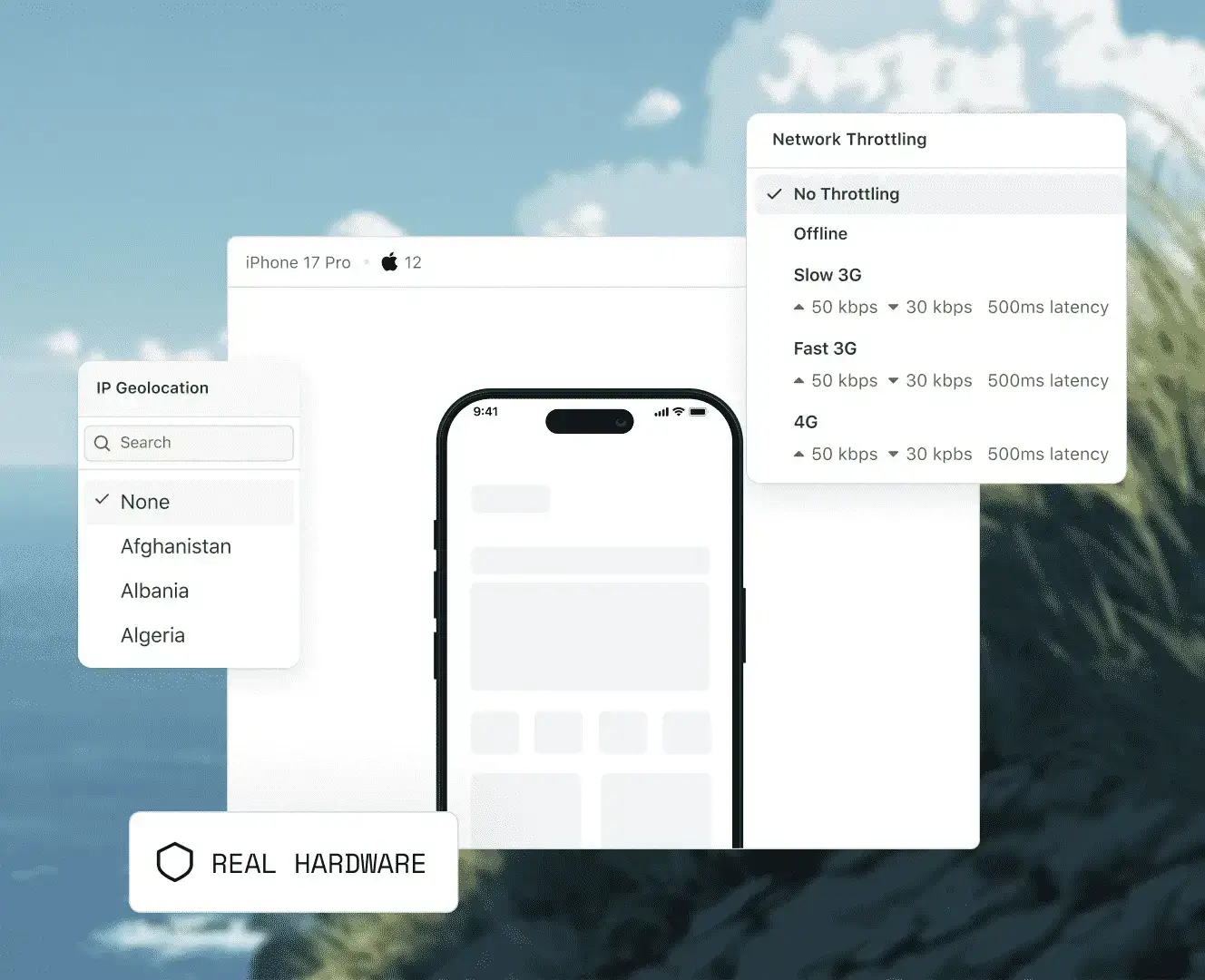
Network, biometrics, video, accessibility, location, and tab eviction all behave differently in WebKit. Test them on the hardware your users hold.
Drop a real iOS device to 3G or offline mid-session and see how Safari handles slow images, timed-out fetches, and lazy-loaded sections your Chrome tests never wait for.
WebAuthn runs against the real Secure Enclave, not a stub. Confirm your passkey sign-in and payment sheets actually complete on the hardware that issues the credential.
Safari blocks autoplay unless a video is muted and inline, and it handles HLS its own way. Run long playback sessions to catch stalls, audio desync, and buffering.
Check your page with VoiceOver, larger text sizes, high contrast, reduced motion, and display zoom switched on at the OS level rather than emulated behind a browser flag.
Capture the same page in both engines and let SmartUI surface only the real differences, so layout shifts that exist in WebKit alone stop reaching production.
Set the device to any of 170+ countries and confirm Safari's permission prompt, your fallback when it is denied, and the localized pricing or currency that follows.
iOS reclaims memory by discarding background tabs. Background Safari, take a call, come back, and verify your form state and open sockets survive the restore.
3M+
developers & QA engineers
3,000+
real browsers & OS combos
70%
faster test execution
$15/mo
to get started vs $39 elsewhere
Test, debug, and report on Safari in a single session

Local and staging URL testing
Test Safari on websites that are not yet live using TestMu AI's encrypted tunnel. No public exposure required.

Built-in DevTools
Chrome DevTools and Safari Web Inspector built into every session. Inspect, debug, and trace without leaving the dashboard.

Collaboration and reporting
Detailed reports and dashboards give test outcomes, pass/fail rates, flakiness detection, and trends of your Safari tests.
Why TestMu AI
More coverage. Less cost. Zero maintenance.
Every Safari release on real Apple hardware, without buying a Mac or maintaining a device lab.

Every Safari version, immediately
From Safari 5.1 to the latest release, across every major macOS version. No additional setup required.

Virtual Safari from $15/month
Virtual Live covers unlimited sessions across 3,000+ virtual browsers. Real iOS and macOS devices start at $39 per month.

No Mac hardware to maintain
Reach every Safari and macOS pairing instantly. No Mac mini to procure, no Xcode to install, no OS upgrades to schedule.

Mobile Safari on real iPhones
Test mobile Safari on 10,000+ real devices instead of a resized desktop window, with day-zero access to new iOS releases.

180+ test locations
Set the session to any of 170+ countries to check geo-gated content, localized pricing, and regional redirects in Safari.
120+ integrations
Push Safari results into Jira, Slack, GitHub, and your CI of choice without writing glue code.
Safari emulator vs simulator vs real device
Most tools sold as a Safari emulator are a Chromium window styled to look like Safari, so they cannot reproduce WebKit bugs at all. Here is what each option actually gives you.
| What you get | Safari emulator | iOS Simulator | Real device on TestMu AI |
|---|---|---|---|
| Rendering engine | Not WebKit. A Chromium window resized to look like Safari. | Real WebKit, compiled for x86/ARM desktop. | The exact WebKit build Apple shipped to users. |
| Catches WebKit-only CSS and JS bugs | No | Mostly | Yes |
| Needs a Mac | No | Yes, plus Xcode | No |
| Real touch, gestures, and scroll physics | No | Simulated with a mouse | Yes, on real hardware |
| Hardware behaviour: camera, biometrics, GPS, low battery | No | Stubbed | Yes |
| Safe to sign off a release on | No | Not on its own | Yes |
Every Safari Version We Run, 5.1 to Latest
Pick any Safari release from 5.1 onward and pair it with the macOS version it shipped on. Legacy builds stay available for the users who never upgraded.
 Safari 8
Safari 9
Safari 10
Safari 10.1
Safari 11
Safari 12
Safari 13
Safari 14
Safari 15
Safari 16
Safari 17
Safari 18
Safari 26
Safari on iPhones

Testing that thinks, heals, and ships with you.
AI-powered testing for every stage of your pipeline.
Agent Testing
AI agents need testing too. Catch failures in your chatbots and voice assistants before real users do.
More about Agent Testing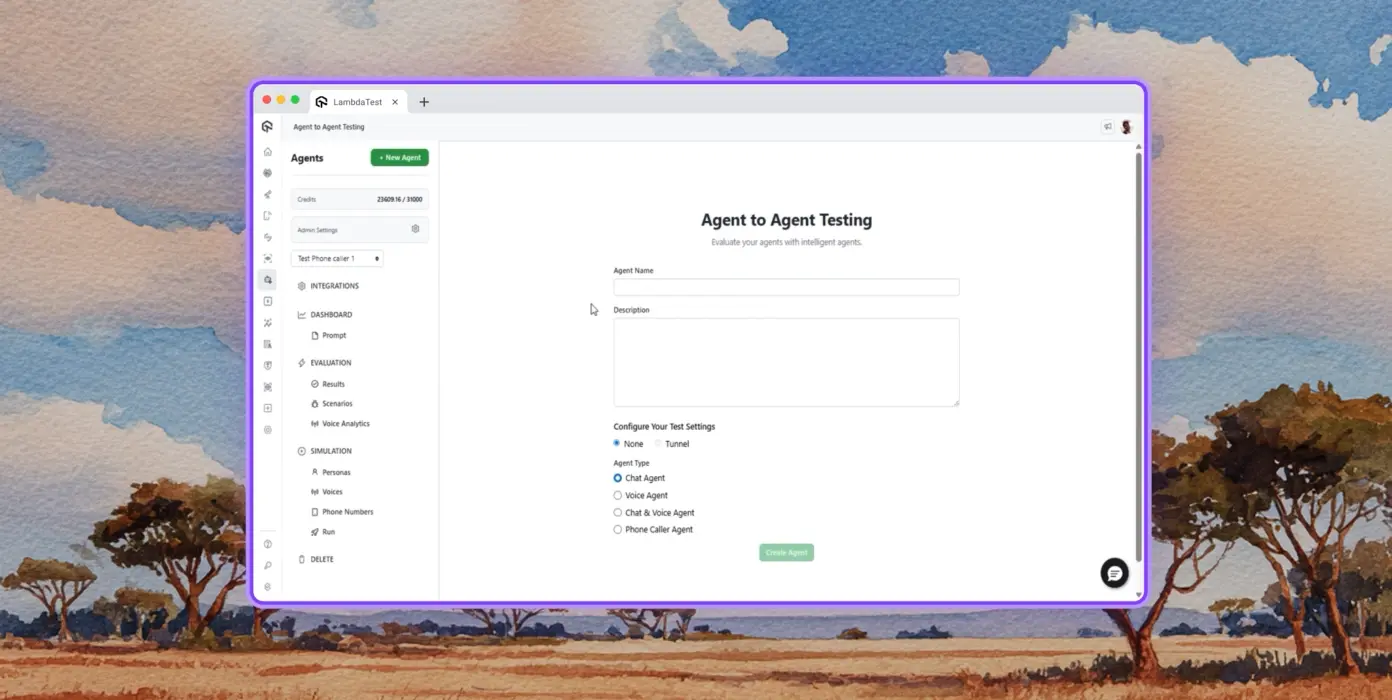
Autonomous Testing
Continuous agent analysis. No manual intervention needed.
Multi-persona Simulation
See how your agent handles an International Caller, a Digital Novice, and everyone in between.
Risk Scoring & Regression
Know exactly what broke, where, and how severely, before it ships.
Success Stories of TestMu AI (Formerly LambdaTest)

50%
reduction in test execution time
“HyperExecute is a highly reliable test execution platform and has excellent customer support.”
Sagar Uday Kumar
Sr. Engineering Manager
Some Love from our Customers
As Best Egg expanded its product offerings and entered new markets, we knew our old testing infrastructure couldn’t keep up.
With support from Tenny Agustin, our Engineering Operations Lead, we modernized our approach with
TestMu AI

Best Egg
best-egg

Excited to Share My Learning Journey with Kane AI & Lambda Tool!
I'm pleased to announce that I've recently gained hands-on experience exploring Kane AI through the Lambda Tool and it’s been a fantastic journey of upskilling!
KaneAI

Suryateja Goud
suryateja-goud

See how is #Futureready to enable blazing-fast test orchestration seamlessly integrated with organizations' existing CI/CD platforms, using #Microsoft Azure.
TestMu AI

Microsoft India
MicrosoftIndia
Frequently asked questions
TestMu AI for Enterprise
Get access to solutions built on enterprise-grade
security, privacy, & compliance
- Advanced access controls
- Advanced data retention rules
- Advanced Local Testing
- Premium Support options
- Early access to beta features
- Private Slack Channel
- Unlimited Manual Accessibility DevTools Tests