
Visual Testing Tool for Web, Mobile, Figma and PDFs
SmartUI is a visual testing tool for web pages, mobile apps, Figma designs and PDFs. Visual AI flags the changes users notice and filters pixel noise.

Trusted by 3M+ users globally at




"We have tripled our tests and are now executing tests in less than 2 hours with 78% Faster Test Execution"


"We figured out a more efficient way to monitor system health and resolve failures earlier in lower environments."





"TestMu AI has significantly boosted our testing speed, is easy to implement, and provides exceptional support."


"With 70% faster test execution, TestMu AI helped us achieve faster time-to-market and enhanced CX."



One Visual Testing Tool for Every Screen You Ship
A visual testing tool compares screenshots of your UI with approved baselines. SmartUI does it for code, designs, components, and PDFs in one dashboard.
 SMARTUI VISUAL AI
Flag Only the UI Changes Users Notice
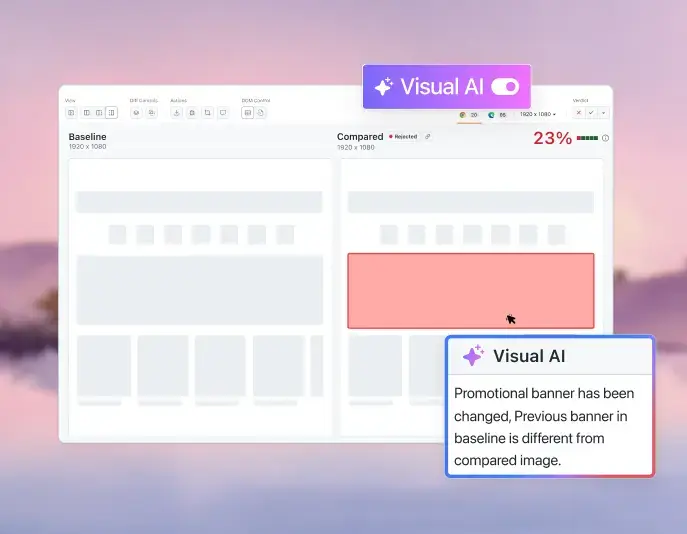
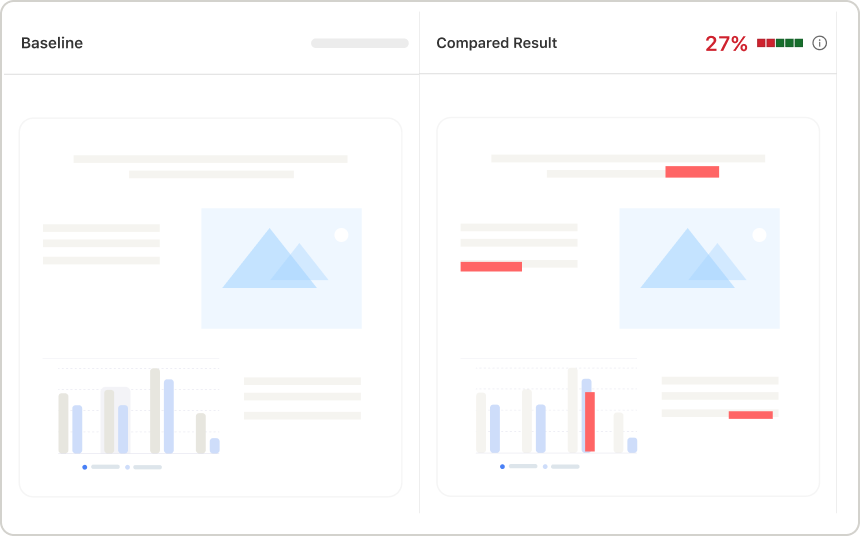
Visual AI removes anti-aliasing and font rendering noise, then labels each real change by type and severity.
Start Visual Testing Free
Changes Visual AI classifies
 SMART IGNORE
Stop Reviewing Content That Only Moved
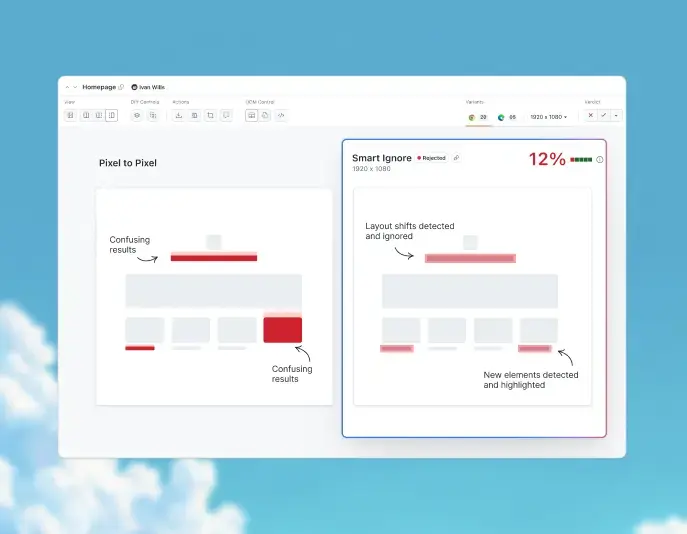
A pixel diff marks every shifted block as changed. Smart Ignore separates moved content from new content and cuts false positives.
Try Smart Ignore- Skips ads, timestamps, and user-specific content
- Handles CMS pages that change on every publish
- Add manual ignore regions for app-specific areas

 SMART RCA
See Why the UI Broke and How to Fix It
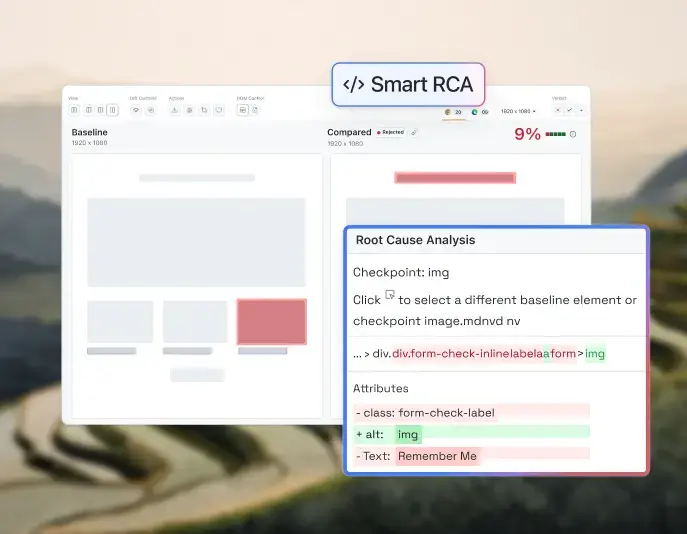
Smart RCA explains what changed, why it broke, and what to fix, next to the diff.
See Smart RCA in Action- Plain-language root cause next to every diff
- Changes ranked from critical to low severity
- Send the diff and fix to Jira or Slack in one click
How to Choose a Visual Testing Tool
Start Visual Testing Free
Visual testing tools compare screenshots in one of three ways. The method decides how much noise you review on every build.
Pixel Diff
DOM Comparison
Visual AI (SmartUI)
What it compares
Every pixel against the baseline
Element tree and positions
What a person sees, plus DOM layout
Font and anti-aliasing noise
Flagged as failures
Not visible to the check
Filtered out
Dynamic content
Needs manual masks
Often passes wrongly
Ignored automatically
Content that only moved
Whole region flagged
Flagged as a position change
Separated from real changes
Color and image bugs
Caught
Missed
Caught and ranked by severity
Review effort per build
High
Medium
Low
Pixel Diff
What it compares
Every pixel against the baseline
Font and anti-aliasing noise
Flagged as failures
Dynamic content
Needs manual masks
Content that only moved
Whole region flagged
Color and image bugs
Caught
Review effort per build
High
DOM Comparison
What it compares
Element tree and positions
Font and anti-aliasing noise
Not visible to the check
Dynamic content
Often passes wrongly
Content that only moved
Flagged as a position change
Color and image bugs
Missed
Review effort per build
Medium
Visual AI (SmartUI)
What it compares
What a person sees, plus DOM layout
Font and anti-aliasing noise
Filtered out
Dynamic content
Ignored automatically
Content that only moved
Separated from real changes
Color and image bugs
Caught and ranked by severity
Review effort per build
Low
How SmartUI Compares to Other Visual Testing Tools

Top Choice
Features

Other Visual Testing Tools
AI noise filtering
Figma design comparison
PDF visual testing
MCP Server / IDE integration
Framework SDKs
Native mobile testing
Cross-browser coverage
Real device cloud access
Root cause analysis
Branch-aware baselines
Pricing
Add Visual UI Testing to the Suite You Have
Add a snapshot call to an existing test, or run the CLI against Figma and Storybook. The first run sets the baseline.
Config options and full-page capture are covered in the Playwright guide. Check out our documentation
Visual Regression Testing for Every Workflow
Design checks, branch baselines, and region controls keep visual tests accurate as your UI changes. Lereta has run over 1.2 million screenshots through SmartUI, and Atypon moved its visual regression testing to SmartUI from another vendor.
Figma Visual Testing
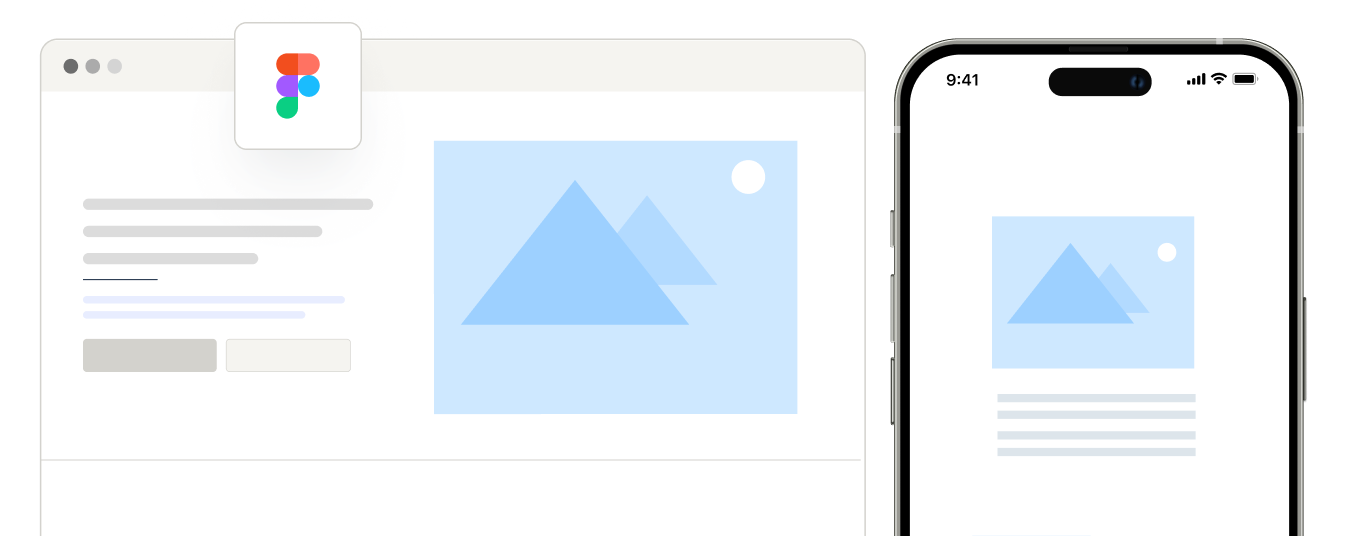
Compare Figma frames with live web and mobile screens to catch design drift before release.
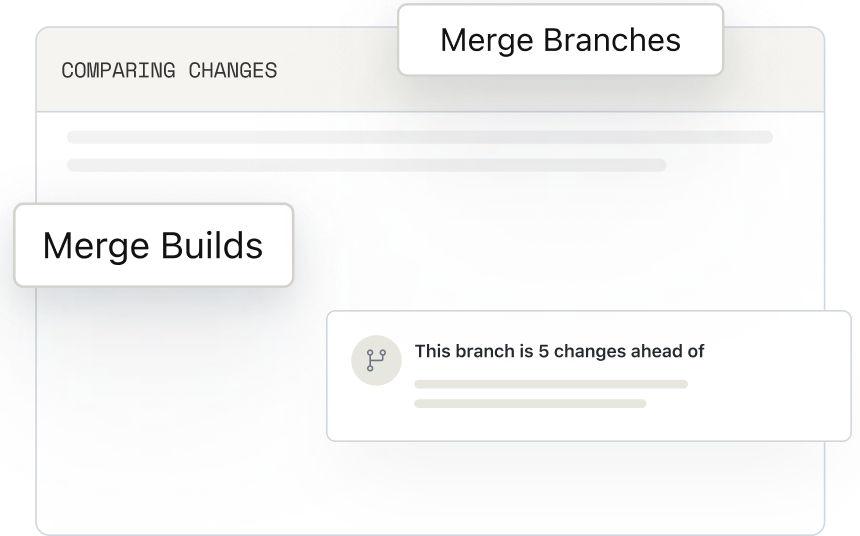
Branching and Merging
Keep a baseline per Git branch and merge it with the code, so each feature branch is tested on its own.
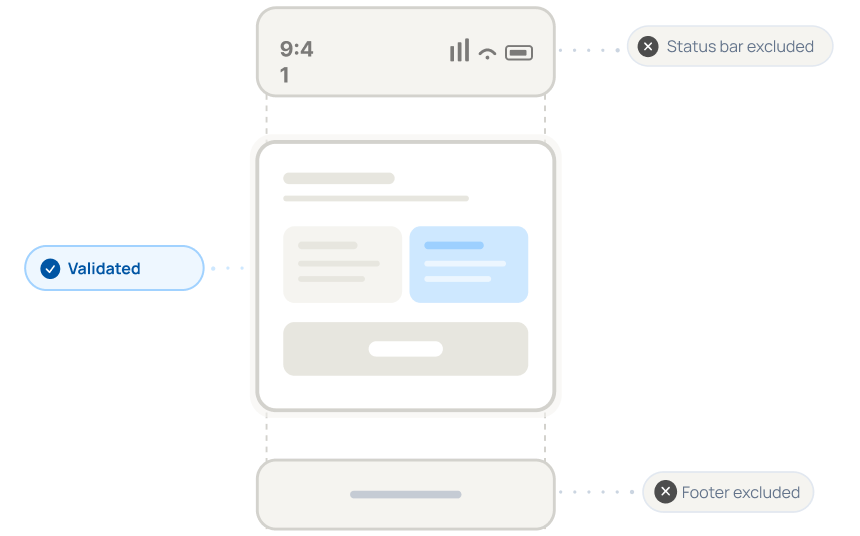
Validate UI Without Status Bar and Footer
Leave out mobile status bars and footers, so clock and battery changes never fail a test.
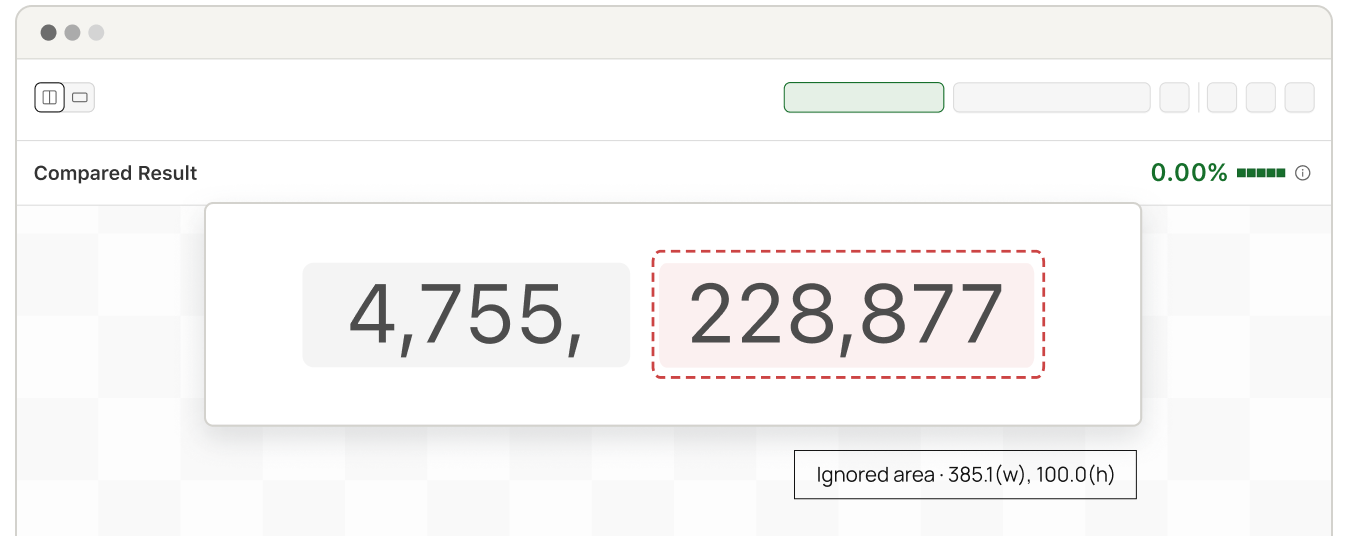
Ignore or Select Regions
Mask dynamic areas or compare only the region you care about, set per screenshot.
Layout Testing
Detect DOM shifts and cross-browser layout regressions before they ship to production users.
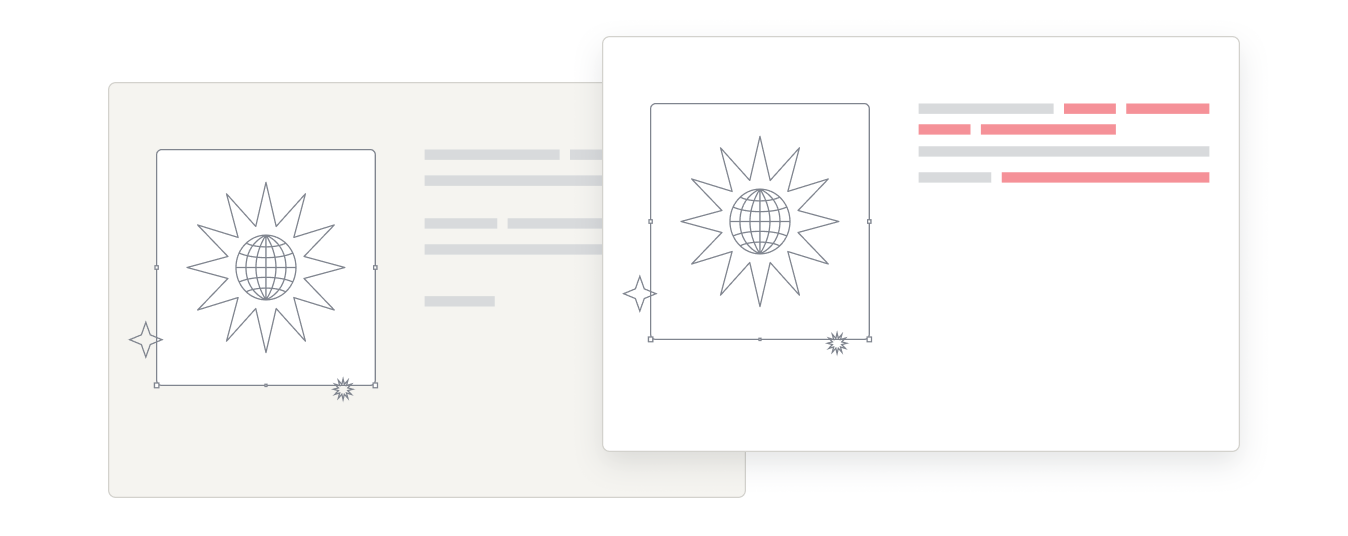
PDF Testing
Automated PDF visual testing detects text, layout, font, and graphic differences.
Author Visual Tests With The SmartUI Agent Skill
Point Claude Code, Cursor, or any AI coding agent at the open-source SmartUI Skill to add visual tests from one prompt.

Agents configure baselines and viewport matrices in one prompt.
Works across Selenium, Playwright, Cypress, and Puppeteer suites.
No agent yet? Run the same checks through the SmartUI SDK.

SmartUI + Playwright

SmartUI + Selenium

SmartUI + Cypress

SmartUI + Puppeteer
Works with all agents:


& more...
Success Stories of TestMu AI (Formerly LambdaTest)

50%
reduction in test execution time
“HyperExecute is a highly reliable test execution platform and has excellent customer support.”
Sagar Uday Kumar
Sr. Engineering Manager
More Reasons to Love TestMu AI (formerly LambdaTest)
TestMu AI is a leading agentic AI quality engineering platform, trusted globally, that assures your AI deployments work as intended, safely and securely, across enterprise and real-world conditions.
Users
3M+
Tests
1.5B+
Enterprises
18K+
Countries
132
TestMu AI positioned as a Leader in the 2026 Gartner® Magic Quadrant™
Read ReportTestMu AI recognized in The Forrester Wave™: Autonomous Testing Platforms, Q4 2025
Read ReportWall of Fame
TestMu AI is the #1 choice for SMBs and enterprises across the globe.

Enterprise-Grade Security
We safeguard your data and AI systems with global security, privacy, responsible AI, and ESG standards.

Integrations
Works where you work, 120+ integrations with the tools your team relies on.




As Seen On
Frequently asked questions
TestMu AI for Enterprise
Get access to solutions built on enterprise-grade
security, privacy, & compliance
- Advanced access controls
- Advanced data retention rules
- Advanced Local Testing
- Premium Support options
- Early access to beta features
- Private Slack Channel
- Unlimited Manual Accessibility DevTools Tests