

Qase Alternatives and Competitors: 7 Tools for Small and Growing Teams (2026)
TestMu AI Test Manager has a Free plan with no user limit, AI test case generation and unlimited projects, and Premium starts at 1 seat. Six more tools follow, compared for small teams.

Trusted by 3M+ users globally at




"We have tripled our tests and are now executing tests in less than 2 hours with 78% Faster Test Execution"


"We figured out a more efficient way to monitor system health and resolve failures earlier in lower environments."





"TestMu AI has significantly boosted our testing speed, is easy to implement, and provides exceptional support."


"With 70% faster test execution, TestMu AI helped us achieve faster time-to-market and enhanced CX."



What Is Qase?
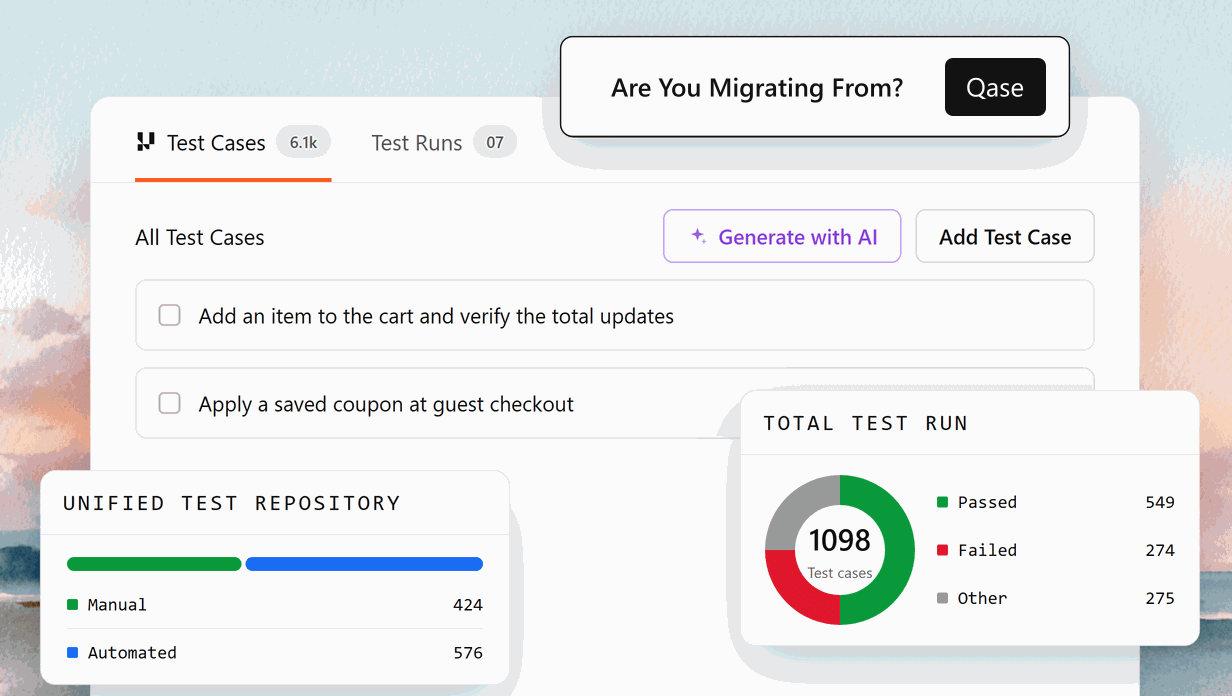
Qase is a cloud test management tool that keeps test cases, test runs and results in one repository. It is sold on Free, Teams and Enterprise plans. Free covers up to 4 users and 2 projects, and Teams is $35 per user a month billed annually, with a 5-seat minimum.
Why Do Small Teams Look for a Qase Alternative?
Each reason below comes from Qase's own pricing page.
The Free plan stops at 4 users. A fifth user moves the team to Teams, which needs at least 5 seats, so the bill goes from $0 to $2,100 a year on annual billing. Teams has a 14-day trial with no credit card, and view-and-comment collaborators cost $10 a seat. Test Manager Free has no user limit.
Free leaves out Jira and AI test generation. Integrations, AI credits, AI test case generation, custom fields, dashboards and reports all start on Teams. Test Manager Free has AI test case generation, and keeps Jira, custom fields and reports for Premium.
Free limits projects, runs and history. Free allows 2 projects and 2 active test runs, and keeps 30 days of test history. Test Manager Free has unlimited projects, and keeps unlimited test runs and execution history for Premium.
AI credits are capped. Teams includes 2,000 AI credits a month, extra credits cost $0.40 each, and unused credits do not roll over. Test Manager credits do not roll over either.
Qase vs TestMu AI Test Manager: Feature Comparison

Top Choice
Features

Qase
Free plan users
Free plan projects
Free plan test runs
AI test case generation
Monthly AI credits
Paid seat price
Seat minimum
Five users, a year
Test history
Jira
API
Automating manual tests
Running tests
Single sign-on
Storage
Support
Best Qase Alternatives Compared in 2026
TestMu AI Test Manager is the Qase alternative for small teams that want a free plan with no user limit and AI test generation, or one to three paid seats, where Qase's 5-seat minimum costs more. Teams watching the budget compare Tuskr and Testiny, teams on Jira compare Xray, and Testmo and TestRail suit teams ready to pay from day one. At five users, Qase Teams costs $2,100 a year on annual billing.
| Alternative | Price | Free plan | Seat minimum | AI | Jira | Five users, a year |
|---|---|---|---|---|---|---|
| 1. TestMu AI Test Manager | Price$49 per seat a month, billed annually | Free planYes; no user limit, unlimited projects, no Jira | Seat minimumNone; starts at 1 seat | AI1,000 one-time credits on Free; 2,000 per user a month on Premium | JiraTwo-way, on Premium | Five users, a year$2,940 |
| 2. Tuskr | Price$90 per user a year on Team | Free planYes; 5 users, 5 projects, 1,000 test cases | Seat minimum5 on paid plans | AIAI test case generation listed; no credit figures | JiraJira integration listed | Five users, a year$450 |
| 3. Testiny | Price$15.42 per user a month on Starter, billed yearly | Free planYes; 3 users, 1,000 items in total | Seat minimumNone listed on Starter; 5 on Business | AIMCP server from Starter; no credit figures | JiraTwo-way, listed on Free | Five users, a yearAbout $925 |
| 4. Testomat.io | Price$27 per user a month on Professional, billed annually | Free planYes; 2 users, 2 projects | Seat minimumNone listed | AIFrom Professional; no credit figures | JiraTwo-way Jira plugin | Five users, a year$1,620 |
| 5. Xray | Price$10 a month to 10 Jira users, then $7.28 per Jira user | Free planNo | Seat minimumEvery Jira user counts | AIAI test writing listed; no credit figures | JiraNative; tests are Jira issues | Five users, a year$100, plus Jira |
| 6. Testmo | Price$59 a month for 5 users on Team | Free planNo; free trial | Seat minimumTeam includes 5 users | AITest case generation on every plan; no credit figures | JiraTwo-way on Jira Cloud | Five users, a year$708 |
| 7. TestRail | Price$22 per user a month on Essentials, up to 5 users | Free planNo; 30-day trial | Seat minimumNone on Cloud | AIEvery plan; no credit figures | JiraTwo-way on Jira Cloud | Five users, a year$1,320 |
| Qase, for comparison | Price$35 per user a month on Teams, billed annually | Free planYes; 4 users, 2 projects, 2 active runs | Seat minimum5 on Teams | AINone on Free; 2,000 credits a month on Teams | JiraOn Teams and Enterprise | Five users, a year$2,100 |
Five-user figures are our arithmetic from list prices, before tax, on annual billing except Testmo.
7 Qase Alternatives and Who Each One Fits
1. TestMu AI Test Manager
Test Manager suits a small team that wants AI test generation before it pays for a plan. The Free plan has no user limit, unlimited projects, AI test case generation and 1,000 one-time AI credits, valid for one year. Premium is $49 per user a month billed annually, or $59 monthly, and starts at 1 seat. It adds 2,000 AI credits per user a month, up to 10 GB of storage per user, two-way Jira and Azure DevOps sync, CSV import and API access. Real browsers and 50,000+ real devices are on separate plans, for teams that need mobile coverage.
Best for: Teams that want a free plan with no user limit and AI test generation, or one to three paid seats.
Trade-off: The highest entry seat price on this page. Jira, CSV import, API access, unlimited test runs and execution history need Premium, and running tests on real browsers or devices needs a separate plan.
2. Tuskr
Tuskr suits a tight budget. Free covers 5 users, 5 projects, 1,000 test cases and 100 runs per project. Team costs $90 per user a year with a 5-user minimum, so five users pay $450 a year. Tuskr lists AI test case generation and AI-built test runs, and its pricing page gives no credit figures.
Best for: Budget-led teams that want a free plan for up to 5 people.
Trade-off: Free has no API calls, and the paid plan needs at least 5 users.
3. Testiny
Testiny suits a team of 3 that needs Jira from the start. Its plan table lists two-way Jira on Free, which Qase keeps for paid plans. Free covers 3 users and 1,000 test cases, plans, runs and executions in total, and leaves out custom fields and history. Starter is $15.42 per user a month billed yearly, or $18.50 monthly, for up to 25 users. A CSV import brings Qase exports across, though Qase's folder hierarchy is not kept.
Best for: Teams of 3 or fewer that need Jira on a free plan.
Trade-off: AI comes through an MCP server for your own assistant, from Starter up.
4. Testomat.io
Testomat.io is the automation-first pick for teams whose suites are mostly code. Reporters for Playwright, Cypress, Cucumber, Jest, PyTest, WebdriverIO and CodeceptJS import automated tests and results. Free covers 2 users and 2 projects. Professional costs $27 per user a month billed annually, with AI test generation, AI agents and AI analytics, and the pricing page gives no credit figures.
Best for: Code-first and BDD teams.
Trade-off: Free stops at 2 users, and AI starts on Professional.
5. Xray
Xray suits small teams that already work in Jira, because tests, plans and executions are Jira issues. Jira Cloud sites of up to 10 users pay $10 a month, or $100 a year, on the Atlassian Marketplace, and sites of 11 to 100 users pay $7.28 per user a month. Xray lists AI for writing manual and automated tests. A Qase CSV export goes in through the Test Case Importer.
Best for: Jira-centric teams of up to 10 users.
Trade-off: No free plan, it needs Jira, and every user on the Jira site counts toward the price.
6. Testmo
Testmo prices by plan rather than by seat. Team is $59 a month with 5 users included, so five users pay $708 a year on monthly billing. Test case generation with AI is on every plan, and updating and optimizing test cases with AI are marked coming soon. CSV import brings Qase test cases across.
Best for: Teams of 5 that mix exploratory sessions with CI automation.
Trade-off: No free plan, and the next plan, Business, is $249 a month for 15 users.
7. TestRail
TestRail suits a team that expects to outgrow a small plan. Essentials is $22 per user a month billed annually for up to 5 users, with all AI features and a 30-day trial, so five users pay $1,320 a year. Cloud plans have no seat minimum, and Professional has no user cap. Self-hosting needs Professional or Enterprise, 10 seats and a 12-month contract.
Best for: Teams that may need self-hosting later.
Trade-off: No free plan, and Essentials stops at 5 users.
How to Choose a Qase Alternative
Check these five points before you move off Qase or upgrade to Teams.
1. Next Year's Head Count: Count the users you expect in 12 months. The Qase, Tuskr, Testiny and Testomat.io free plans stop at 2 to 5 users, Test Manager Free has no user limit, and Qase Teams, Tuskr and Testiny Business start at 5 seats.
2. Free Plan Limits: Check projects, runs and history as well as users. Qase Free keeps 30 days of history, Testiny Free caps test cases, plans, runs and executions at 1,000 in total, and Test Manager keeps execution history for Premium.
3. Price at Your Size: Work out the yearly bill for your team. Seat minimums can make a low seat price cost more than a higher one with no minimum.
4. AI Allowance: Qase and TestMu AI publish credit numbers, but a credit is not the same unit in both. The other tools here list AI features with no credit figures on their pricing pages, so ask what a heavy month costs.
5. Jira on the Plan You Buy: Qase and Test Manager keep Jira on paid plans, Testiny lists it on Free, and Xray runs inside Jira.
How Test Manager Fits the TestMu AI Testing Workflow
 Planning
 AI Test Case Generator & Test DeduplicationTwo-Way Jira & ADO Sync, Link Linear Issues1-Click Migration from Other Platforms
 Authoring


 Execute
 AnalysisAI-powered error classificationSmart auto-healingSmart flakiness detection


Migrate From Qase to TestMu AI
There is no dedicated Qase importer, so test cases move as a CSV export into Premium, without attachments, run history or version history. Follow CSV import for each screen.
Export Test Cases as CSV
Export the Qase repository as CSV. Test Manager imports CSV files of up to 10 MB each.
Create Fields and Map Headers
Create custom fields before you upload or during mapping, then match each header to a field. Title is required.
Check the Preview and Import
Review the created, updated and skipped rows in the preview, then run the import.
Rebuild Active Test Runs
Recreate open Qase test runs in Test Manager, and connect Jira on Premium so defects keep syncing.






















Success Stories of TestMu AI (Formerly LambdaTest)

50%
reduction in test execution time
“HyperExecute is a highly reliable test execution platform and has excellent customer support.”
Sagar Uday Kumar
Sr. Engineering Manager
More Reasons to Love TestMu AI
TestMu AI is a leading agentic AI quality engineering platform, trusted globally, that assures your AI deployments work as intended, safely and securely, across enterprise and real-world conditions.
Users
3M+
Tests
1.5B+
Enterprises
18K+
Countries
132
TestMu AI positioned as a Leader in the 2026 Gartner® Magic Quadrant™
Read Report
TestMu AI recognized in The Forrester Wave™: Autonomous Testing Platforms, Q4 2025
Read ReportWall of Fame
TestMu AI is the #1 choice for SMBs and enterprises across the globe.
Enterprise-Grade Security
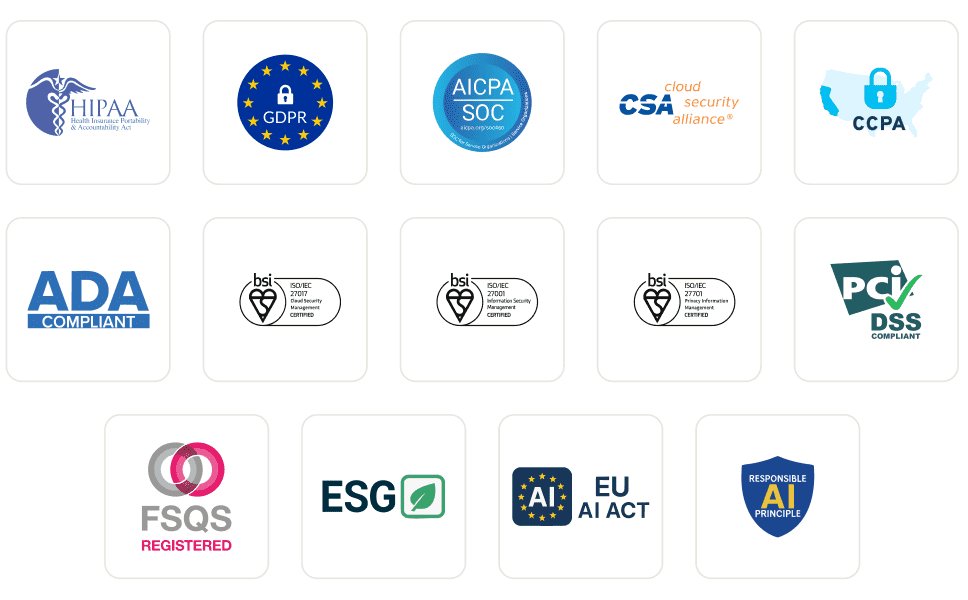
We safeguard your data and AI systems with global security, privacy, responsible AI, and ESG standards.
Integrations
Works where you work, 120+ integrations with the tools your team relies on.



As Seen On
Some Love from our Customers
As Best Egg expanded its product offerings and entered new markets, we knew our old testing infrastructure couldn’t keep up.
With support from Tenny Agustin, our Engineering Operations Lead, we modernized our approach with
TestMu AI

Best Egg
best-egg

Excited to Share My Learning Journey with Kane AI & Lambda Tool!
I'm pleased to announce that I've recently gained hands-on experience exploring Kane AI through the Lambda Tool and it’s been a fantastic journey of upskilling!
KaneAI

Suryateja Goud
suryateja-goud

See how is #Futureready to enable blazing-fast test orchestration seamlessly integrated with organizations' existing CI/CD platforms, using #Microsoft Azure.
TestMu AI

Microsoft India
MicrosoftIndia
Methodology
How Qase and Its Alternatives Were Compared
We read Qase's pricing page, which states it was last updated July 21, 2026, its pricing update post, its AI testing page, each alternative's pricing page, the Atlassian Marketplace listing for Xray and the Test Manager pricing page on November 6, 2026. TestMu AI, our product, is listed first. Tools with a free plan follow, by how many users the plan covers, then tools without one, by what five users pay in a year. We did not use these tools hands-on, so each cell reports what the vendor publishes, and a detail we could not find is left out. Vendors change prices and plan limits, so check each pricing page before you decide. The page was reviewed by Abhishek Mishra, Technical Product Manager for Test Manager.
Last updated
November 6, 2026
What we compared
Price, free plan, seat minimum, AI credits, Jira fit and five-user cost
Sources
qase.io pricing, pricing update and AI testing pages, vendor pricing pages, the Atlassian Marketplace, TestMu AI docs and pricing
Other Test Management Tools Compared With TestMu AI
Teams leaving Qase often compare these tools as well.
Zephyr
Zephyr runs inside Jira, with a Rovo AI agent on its Standard and Advanced editions.
Zephyr AlternativePractiTest
PractiTest suits QA teams that want requirements, tests and issues in one hub.
PractiTest AlternativeTestCollab
TestCollab has a 14-day trial and puts AI test case generation on its Elite plan.
TestCollab AlternativeQase Alternative FAQs
Move Your Qase Tests to TestMu AI
Talk to our team about moving your Qase test cases into Test Manager by CSV and connecting Jira or Azure DevOps.
- Single sign-on with SAML or OIDC
- Role-based access control
- Customer success and onboarding
- Premium support options
- Enterprise-grade security
- Private Slack channel