

Power Your Software Testing with AI Agents and Cloud
The Native AI-Agentic Cloud Platform to Supercharge Quality Engineering. Test Intelligently and Ship Faster.


- TestMu AI (Formerly LambdaTest)
- /
- Blog
- /
- 29 Best Bug Tracking Tools in 2026
29 Best Bug Tracking Tools in 2026
Compare 29 bug tracking tools by deployment, Git integration, free tier, and test management fit, then choose the right defect tracking tool for your team.
Last Updated on:
Most bug tracker comparisons list features. The decision that actually matters is narrower: where does your team already work, and what context does a developer need to reproduce the defect? A tracker built into the repository answers one of those questions; an error monitor answers a different one entirely.
This article covers 29 bug tracking tools in depth, plus 19 more worth knowing, and the criteria that separate them: deployment model, Git integration, alert handling, licence, and how each connects to test management.
Overview
The best bug tracking tool is the one closest to where your team already works. Teams tracking defects beside their code are served by an issue tracker built into the repository, while teams triaging production errors need grouping and alerting instead. Match the tool to the workflow rather than the feature list.
Which Bug Tracking Tool Fits Your Team?
- Best for tracking beside code: GitHub Issues ties every defect to commits, branches, and pull requests in the same repository, so the change that introduced a bug stays reachable from the ticket itself.
- Best for agile bug workflows: Jira offers configurable issue types, workflow states, and dashboards, which is why it tends to be the default tracker on teams already running their sprints in it.
- Best for client feedback: BugHerd captures issues by annotation on the live page and attaches URL, browser, and screen context, so non-technical reporters never have to fill in a bug form.
- Best for production error monitoring: Rollbar groups repeated exceptions into one issue instead of raising an alert per occurrence, which is the main lever for cutting alert noise on a busy service.
- Best for free self-hosted tracking: Bugzilla is open source and free to run on your own server, shifting the cost from licensing to the infrastructure and maintenance you provide.
- Best for tying defects to test coverage: TestMu AI Test Manager links test cases, runs, and defects in one workspace and syncs two ways with Jira, so a failed test raises a ticket carrying its steps and environment.
How Do You Log a Bug Developers Can Reproduce?
Capture the environment at the moment the bug appears rather than reconstructing it later. Running the check in a cloud browser session lets TestMu AI attach the browser, OS, device, resolution, and a session recording link to the ticket automatically, which removes most of the "cannot reproduce" round trips.
What are Bug Tracking Tools?
Bug tracking tools are software applications used by QA and development teams to identify, document, prioritize, and resolve software defects throughout the development lifecycle.
Bug tracking tools are used by quality assurance and software development teams to report software bugs and errors. Proper bug tracking is necessary for effective software development. This software provides a repository that outlines bug reproduction steps and the scope of the issue. It enables businesses to prioritize, sequence, and communicate about different bugs across multiple projects or applications.
Typically managed by QA teams, bug tracking tools facilitate quick communication between developers, the business, and sometimes customers to determine how and when to address the bugs.

Note: Log bugs straight from a live test session with TestMu AI, with browser, OS, and device context attached automatically. Try TestMu AI today!

What Are the Best Bug Tracking Tools in 2026?
The best bug tracking tools in 2026 include Jira, GitHub, GitLab, Bugzilla, Redmine, Asana, Trello, monday.com, ClickUp, and MantisBT for efficient defect management.
Different bug tracking tools help identify and fix the issue found in the software application during its development process. Here are some of the top bug tracking tools that should be known to every software professional.
The table below compares ten of the tools covered here on the four criteria that most often decide the choice. Licence model and deployment are the constraints teams discover late, so they are worth checking first.
| Tool | Best for | Deployment | Link to code | Licence model |
|---|---|---|---|---|
| Jira | Agile teams running bugs through configurable workflow states | Cloud and Data Center | Through Bitbucket, GitHub, and GitLab connectors | Commercial |
| GitHub | Defects tracked in the same repository as the code | Cloud and Enterprise Server | Native: issues link to commits, branches, and pull requests | Commercial, free for public repositories |
| GitLab | Teams wanting issues, CI, and code review in one product | Cloud and self-managed | Native: issues link to commits and merge requests | Open core, Community Edition is open source |
| Bugzilla | Self-hosted tracking with no licence cost | Self-hosted only | Through commit hooks referencing bug IDs | Open source, Mozilla Public License |
| MantisBT | Lightweight self-hosted defect tracking on PHP | Self-hosted only | Through the source control integration plugin | Open source |
| Redmine | Project management and issue tracking together | Self-hosted only | Built-in repository browser with commit references | Open source, GNU GPL |
| Trac | Wiki, tracker, and repository browser in one | Self-hosted only | Built-in Subversion and Git browser | Open source, modified BSD |
| BugHerd | Client and stakeholder feedback on live pages | Cloud | No direct code linkage; integrates with trackers | Commercial |
| Rollbar | Grouping production exceptions to cut alert noise | Cloud | Links errors to the deploy and commit that introduced them | Commercial |
| Bugsnag | Production error monitoring with release tracking | Cloud | Links errors to releases and source maps | Commercial |
1. Jira
Jira is a commercial issue tracker from Atlassian, and the default bug destination on most teams that already run their sprints in it. Bugs are one issue type among several, which is what lets a defect sit in the same backlog as the stories it blocks.
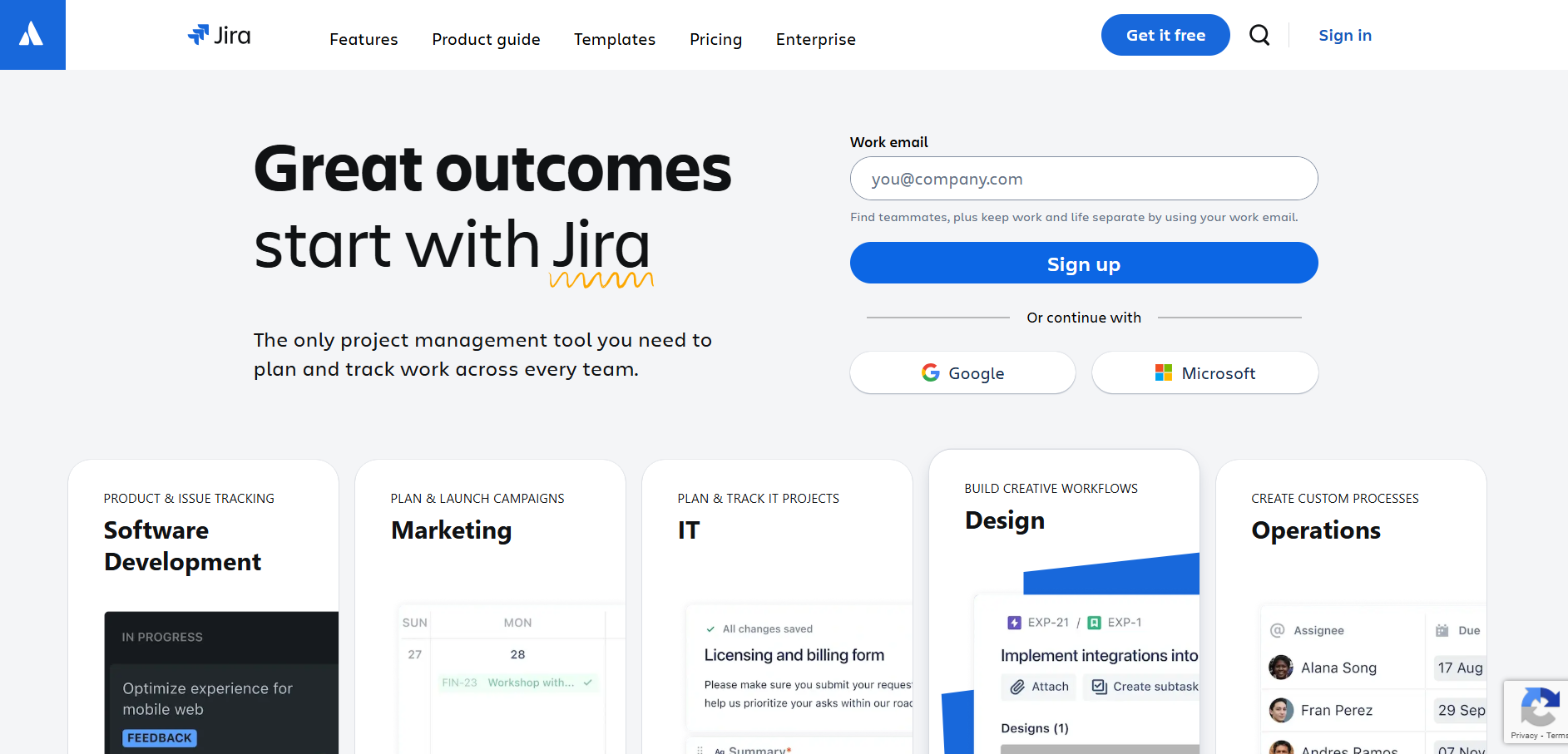
Bug handling in Jira rests on two configurable pieces. The issue type determines which fields a reporter sees, so a Bug can require steps to reproduce and an environment while a Story does not. The workflow determines the states a bug moves through and who may move it, with the default path running Open, In Progress, Resolved, and Closed, plus a Reopened transition for fixes that did not hold.
Teams outgrow the default quickly. Adding a triage state before In Progress stops unreviewed reports reaching developers, and a verification state before Closed forces a tester to confirm the fix rather than trusting the developer to self-certify. Both are workflow edits rather than add-ons.
Highlighted below are the features that matter most for defect work:
- Custom fields on the Bug issue type make reproduction steps, severity, and affected version mandatory at report time rather than chased afterwards.
- Workflow conditions and validators restrict who can close a bug, which is how teams enforce that a tester, not the author of the fix, signs it off.
- JQL queries drive saved filters and dashboards, so a lead can watch open critical bugs per component without rebuilding the view each sprint.
- Connectors to Bitbucket, GitHub, and GitLab surface the branch, commit, and pull request against the issue, giving the code trail a standalone tracker lacks.
- Priority and severity are separate concepts, and Jira only ships priority by default, so teams tracking both add severity as a custom field.
- Jira does not manage test cases natively, which is why teams pair it with a test management layer. Our guides to Jira test management and Jira test management tools cover the workflow and the tooling respectively.
2. GitHub
GitHub serves as a bug tracking tool accessible across all GitHub source code repositories. Apart from managing issues, development teams can utilize GitHub as a platform for hosting discussions, handling internal customer support inquiries, and collecting feedback on documentation.

Highlighted below are the key features of GitHub for bug tracking:
- The tool's template builder emerges as a valuable asset for QA teams, allowing them to establish standardized forms for bug reporting and product feature requests.
- To communicate their bug-reporting workflow effectively to stakeholders, QA teams can share contributing guidelines. This can be achieved by creating a document named CONTRIBUTING.md in the root of their GitHub repository.
- Using GitHub, the reporter creates a new issue, and the system will display a pop-up message guiding them to the specified workflow document.
- GitHub integrates with desktop graphical user interface (GUI) tools, including Atom and GitKraken, as well as with project management systems.
3. GitLab
GitLab, as its name implies, functions as a defect tracking tool like GitHub. It is well-suited for project collaboration and bug tracking, but it stands out as an all-in-one solution, distinguishing itself from GitHub. This dual nature can be both a strength and a drawback. If you desire a more tailored and feature-rich experience, GitLab becomes the preferred option. However, GitHub remains a viable choice with its own merits. Similar to GitHub, using GitLab may require some learning to navigate effectively.

Highlighted below are the key features of GitLab:
- It provides an issue-tracking system that helps to manage and track bugs associated with software development.
- It offers visual boards to monitor the progress of bug fixing.
- You can easily add labels and tags to the bugs identified in the software application, which allows for easy categorization.
- The bugs identified can be assigned to particular team members for early bug fixing.
- This tool provides a common platform where users can engage in threaded discussions on the bugs.
- It gives customer support through chats.
- It is integrated with version control (Git), ensuring direct relation of bug reports with the codebase.
4. Bugzilla
Bugzilla stands out among popular bug tracking tools, widely adopted by numerous organizations for effective bug monitoring. As an open-source solution, it lets customers and clients keep track of bugs. Moreover, Bugzilla is a versatile test management tool, facilitating easy linkage with other test case management tools like ALM and Quality Centre. Additionally, it extends support to various operating systems, including Windows, Linux, and Mac.
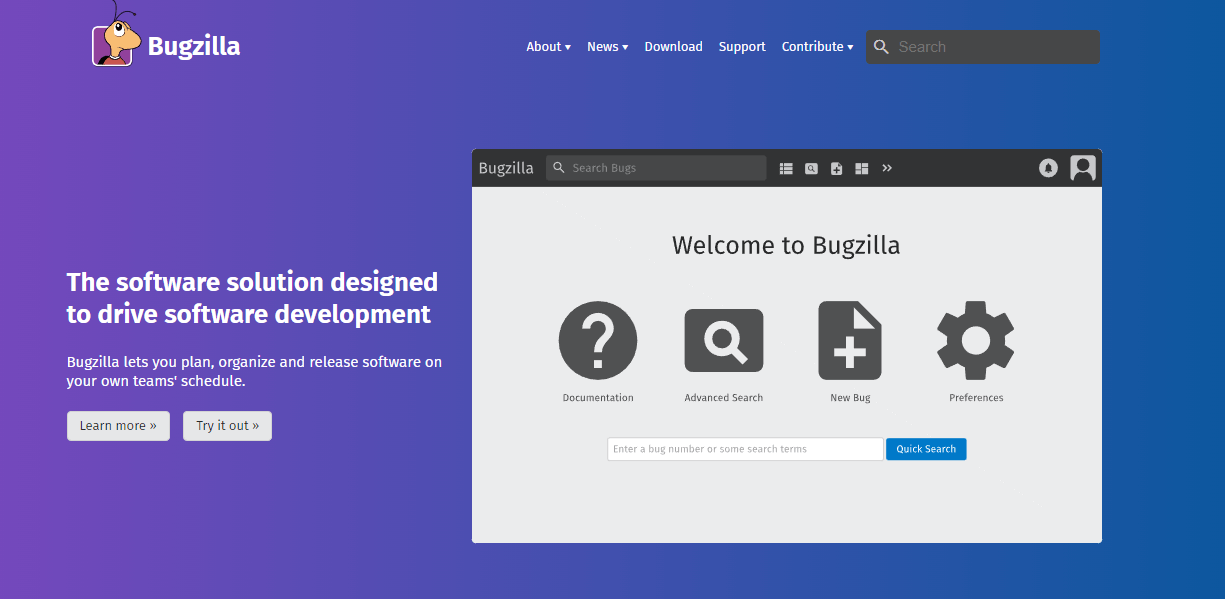
Highlighted below are key features of Bugzilla:
- Bugzilla provides two forms of search, including a basic bug search that is similar to Google's search and an advanced search system that allows users to create customized searches, including time-based queries like "show me bugs where the priority has changed in the last three days" and other specific criteria.
- Bugzilla allows you to receive email notifications for any changes made in the system, and you have complete control over which bug notifications you receive based on your personal user preferences.
- When searching for bugs, Bugzilla offers various result formats beyond the basic HTML layout. Bug lists can be obtained in Atom format for subscription purposes, similar to a feed.
- Bugzilla's scheduling system enables users to receive search results on a specified schedule via email.
- The reporting system in Bugzilla is highly advanced. Users can create tables using any two fields as the X and Y axis and apply specific search criteria to obtain information about the bugs they are interested in.
- When creating a new bug report in Bugzilla, the system automatically searches for similar bugs as you begin typing a summary.
- Bugzilla helps avoid duplicate bug reports by allowing users to add themselves to the CC list of an existing bug rather than creating a new one.
- Apart from the web interface, users can interact with Bugzilla through email, allowing them to create new bugs or modify existing ones easily.
- Bugzilla offers the ability to estimate the time required to fix a bug and track the hours spent working on it. Users can also set deadlines for bug completion.
- The Request System is a feature that enables users to ask others to take action on a specific bug or attachment. The recipient can accept or deny the request, and Bugzilla keeps a record of their response.
5. Redmine
Redmine is a freely available bug tracking tool for issue tracking and web-based project management. It is developed in the Ruby programming language and is compatible with multiple databases such as MySQL, Microsoft SQL, and SQLite. It enables users to manage different projects, including their corresponding subprojects, effectively.
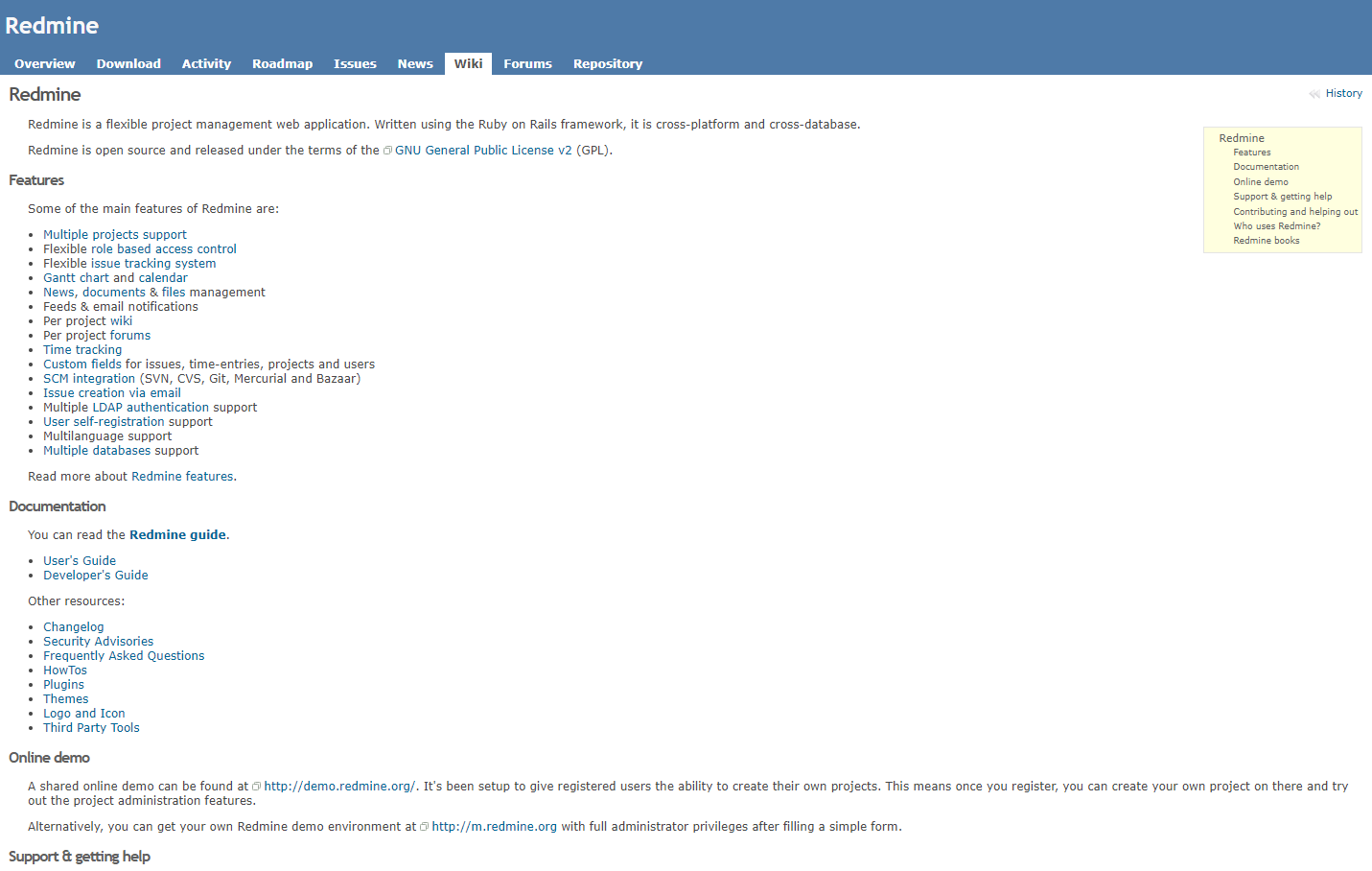
Highlighted below are key features of Redmine:
- It supports numerous plugins, making it easy to customize, flexible, and simple to learn.
- The software efficiently handles multiple software projects for tracking the bugs simultaneously.
- Users can easily customize it using templates, dashboards, and advanced settings. Redmine allows assigning different roles and permissions for issues or bugs detected.
- It facilitates tracking time spent on issues found in the software applications.
- Visual reporting using graphs and charts is supported by Redmine, which makes tracking the tool easy.
- Users can publish news related to the project or any topic they choose.
6. Asana
Asana is a tool for project management and issue tracking, allowing you to prioritize bugs so that your team can focus on the most time-sensitive ones first. However, to assign tasks to multiple people using this project management tool, you will need to create duplicates of those tasks. Consequently, your workspace will gradually accumulate numerous duplicated tasks over time.

Highlighted below are the key features of Asana:
- Asana offers a wide range of functionalities, including bug tracking capabilities.
- It comes with a bug-tracking template which makes monitoring the issue easy.
- It enables teams to manage their work efficiently, encompassing daily tasks and strategic initiatives. With bug-tracking forms and templates, Asana standardizes how bugs are collected in a centralized location.
- The creation of bug-tracking forms is possible with Asana.
- Tracking bugs and identifying trends with custom fields allows early fixation of bugs in the software application.
- It offers custom fields for setting priorities and categories to discern patterns and provides insights into the types of bugs accumulated.
- Asana bug tracking serves as an internal system for effectively monitoring bugs.
- It enables quick bug tracking and easy management of related discussions, all in a centralized location, keeping projects and bug handling together.
- The keyboard shortcut (Cmd+Shift+Down) allows you to quickly navigate between bugs based on their priorities.
- You can use tags to group bugs together, making it simpler to find related issues.
- Agile board view that allows teams to manage and track their work items, such as tasks, user stories, or bugs, throughout different stages of the development process.
7. Trello
Trello is a defect tracking tool built on boards, lists, and cards rather than a bug form. Trello is helpful for easy triage of incoming bug reports with forms. It caters to development and QA teams seeking more than mere bug assignment and tracking. It enables the creation of high-quality software by reducing bugs, expediting QA cycles, and enhancing overall control overbuilds.
Highlighted below are the key features of Trello:
- Effortlessly create, assign, and track defects.
- Establish traceability between defects, requirements, and tests.
- Easily reuse defects, test cases, and test cycles.
- Customize permissions, fields, and reporting.
- Enjoy an interactive and insightful dashboard.
- Experience an intuitive and user-friendly interface.
8. monday.com
Monday.com is a defect tracking tool that consolidates performance analysis and team management in one unified platform. It offers a flexible dashboard, facilitating easy data visualization.
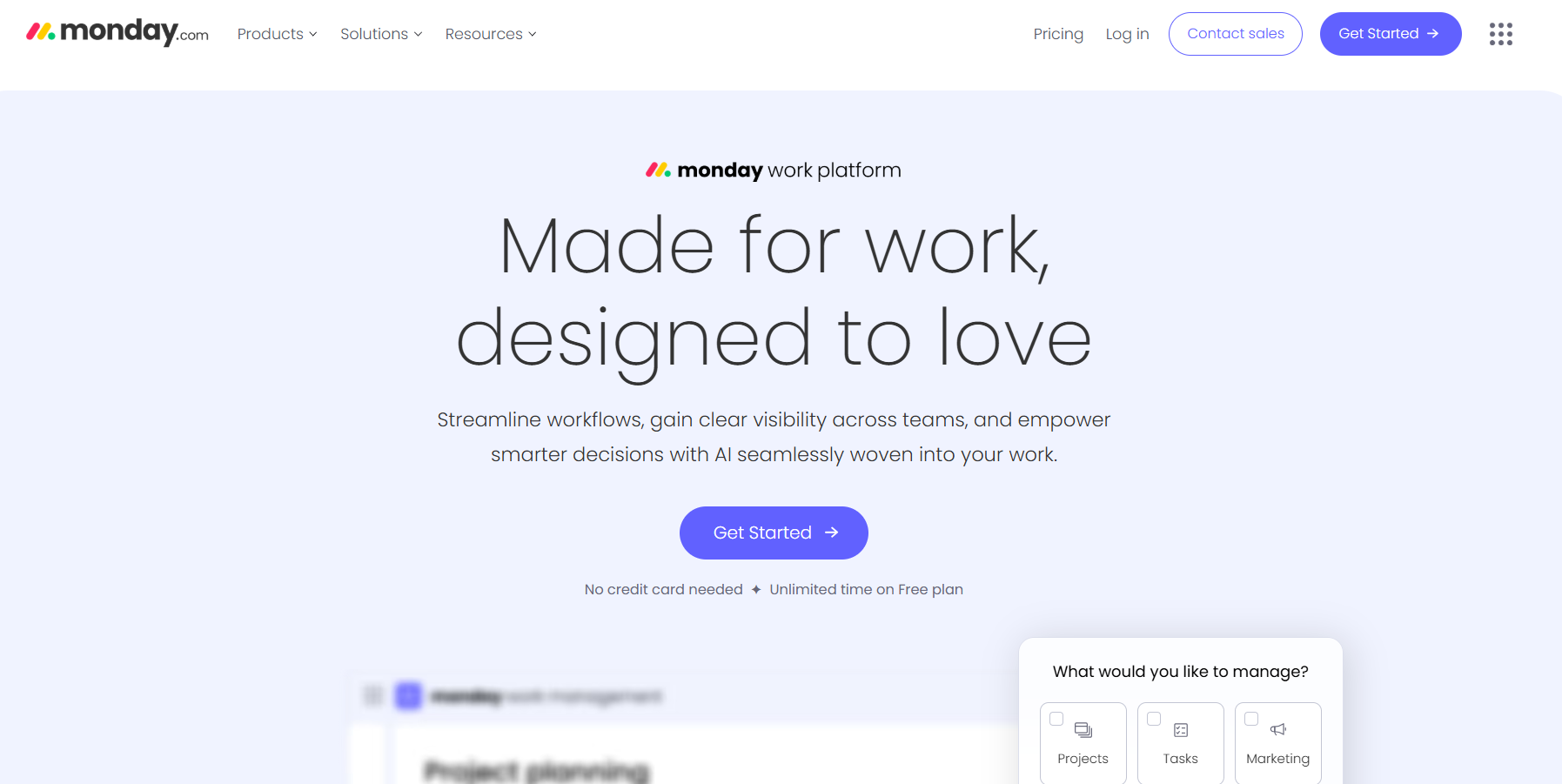
Highlighted below are the key features of monday.com
- It captures screenshots or video feedback of the bug identified.
- Customer support is available through the Contact Form.
- It integrates with various platforms, including Outlook, Microsoft Teams, Dropbox, Slack, Google Calendar, Google Drive, Excel, Gmail, LinkedIn, OneDrive, Zapier, and Adobe Creative Cloud.
- It receives instant Email and Slack alerts with scheduling the scans to run hourly, daily, or weekly.
- Includes features like automation, Gantt charts, Kanban boards, Time tracking, Security, HIPAA compliance, authentication, and SCIM.
9. ClickUp
ClickUp goes beyond traditional task management, offering a fully customizable software solution tailored to meet the diverse needs of various teams. Developers and project managers widely use this bug tracking tool to track bugs efficiently.
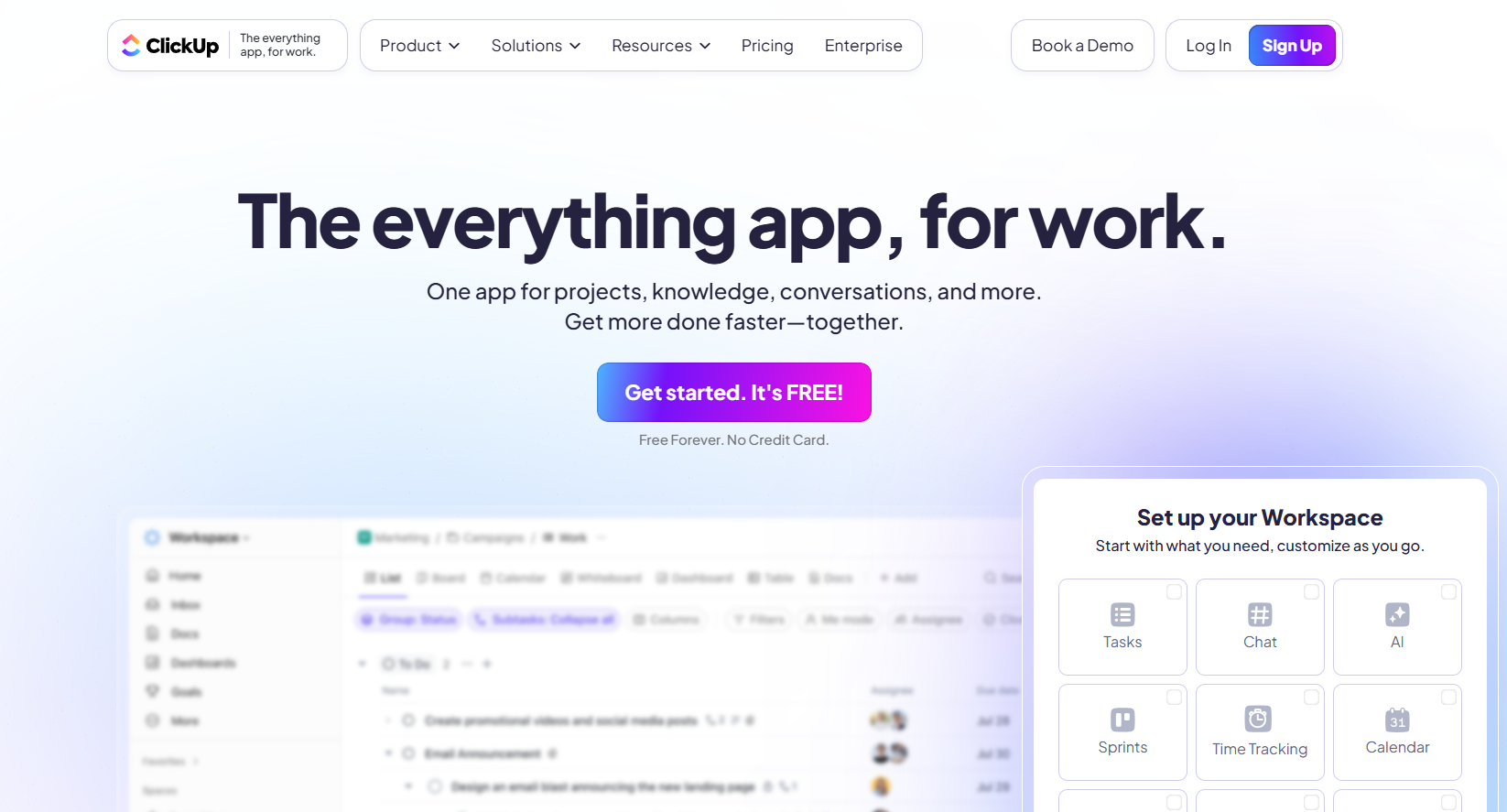
Highlighted below are the key features of ClickUp:
- With ClickUp, users can manage tasks and create documents and knowledge bases, establish goals, maintain calendars, and effectively manage their inboxes.
- For Agile teams, ClickUp provides visual sprint widgets that enable them to monitor work efficiency and identify workflow bottlenecks effortlessly.
- ClickUp also benefits QA teams, as it offers intake forms that allow them to capture bug information using custom fields. Once the bug details are collected, QA teams can easily convert them into assigned tasks.
- Related bugs can be linked together, categorized with tags, and efficiently managed in the backlog using custom statuses.
- ClickUp boasts extensive integration capabilities, allowing users to connect with over 1,000 tools. Native integrations include popular platforms like Sentry, Zendesk, GitHub, and GitLab.
- It provides a public API, empowering businesses to create custom integrations and ClickUp apps according to their specific requirements.
10. MantisBT
MantisBT, which stands for Mantis Bug Tracker, is a web-based system for tracking bugs. This bug tracking tool serves as an open-source tool specifically designed to monitor software defects. MantisBT operates on the PHP programming language. Teams running cross browser tests can file defects directly through the Mantis integration with TestMu AI, which captures bugs directly from test sessions.
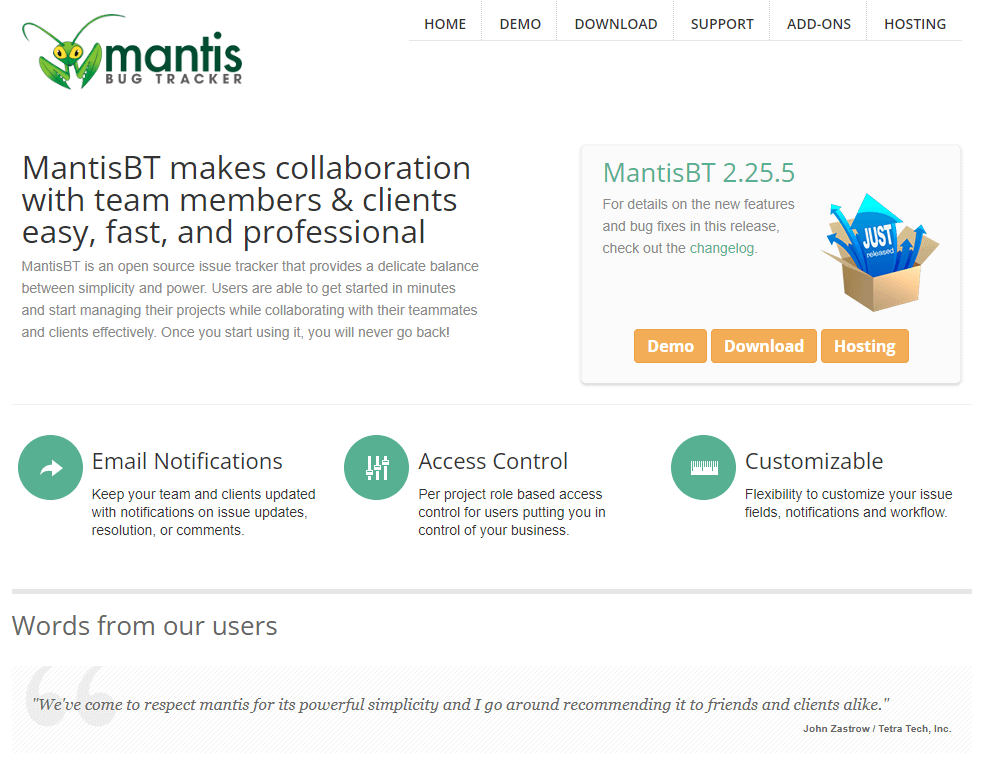
Highlighted below are key features of MantisBT:
- Stakeholders receive timely emails with updates, comments, and resolutions related to the project.
- You can manage user access at the project level, regulating who can interact with specific project data.
- Easily customize Mantis according to your specific requirements and preferences.
- Mantis is compatible with iPhone, Android, and Windows Phone platforms, providing on-the-go access.
- Access an ever-expanding library of plugins to add custom functionalities and enhance the capabilities of the Mantis Issue Tracker.
11. BugHerd
BugHerd is a bug tracking tool designed to make bug identification and feedback easier by directly pinning it to web pages.
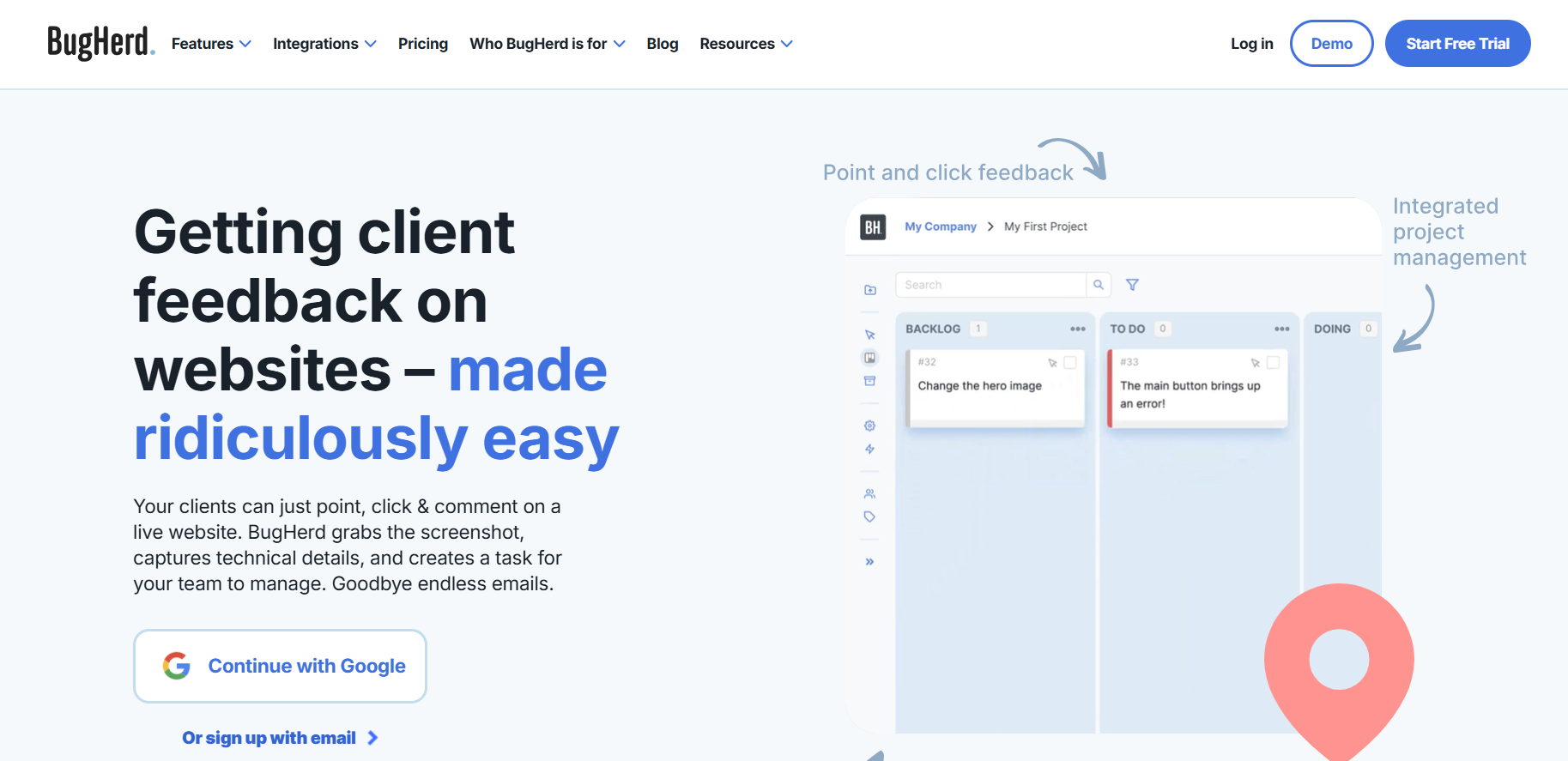
Highlighted below are the key features of BugHerd:
- It caters to expert testers and non-technical stakeholders, allowing users to mark up web page elements effortlessly with a simple point-and-click approach. The feedback is then sent to Kanban-style task boards, enabling developers to address the identified bugs promptly.
- At the core of BugHerd's functionality is its visual feedback feature. Users can precisely pinpoint the location of bugs using the drawing and tagging tools provided. The feedback can include QA and UAT details, such as screenshots or videos, annotations, and relevant metadata.
- BugHerd facilitates integrations with popular platforms like Slack, GitHub, and WordPress, and the BugHerd integration with TestMu AI lets teams report bugs straight from cross browser tests.
- Exporting the file in CSV, XML, and JSON formats is possible.
- Utilizing integration platforms like Zapier and Integromat, users can extend BugHerd's capabilities by connecting it to a vast array of other tools.
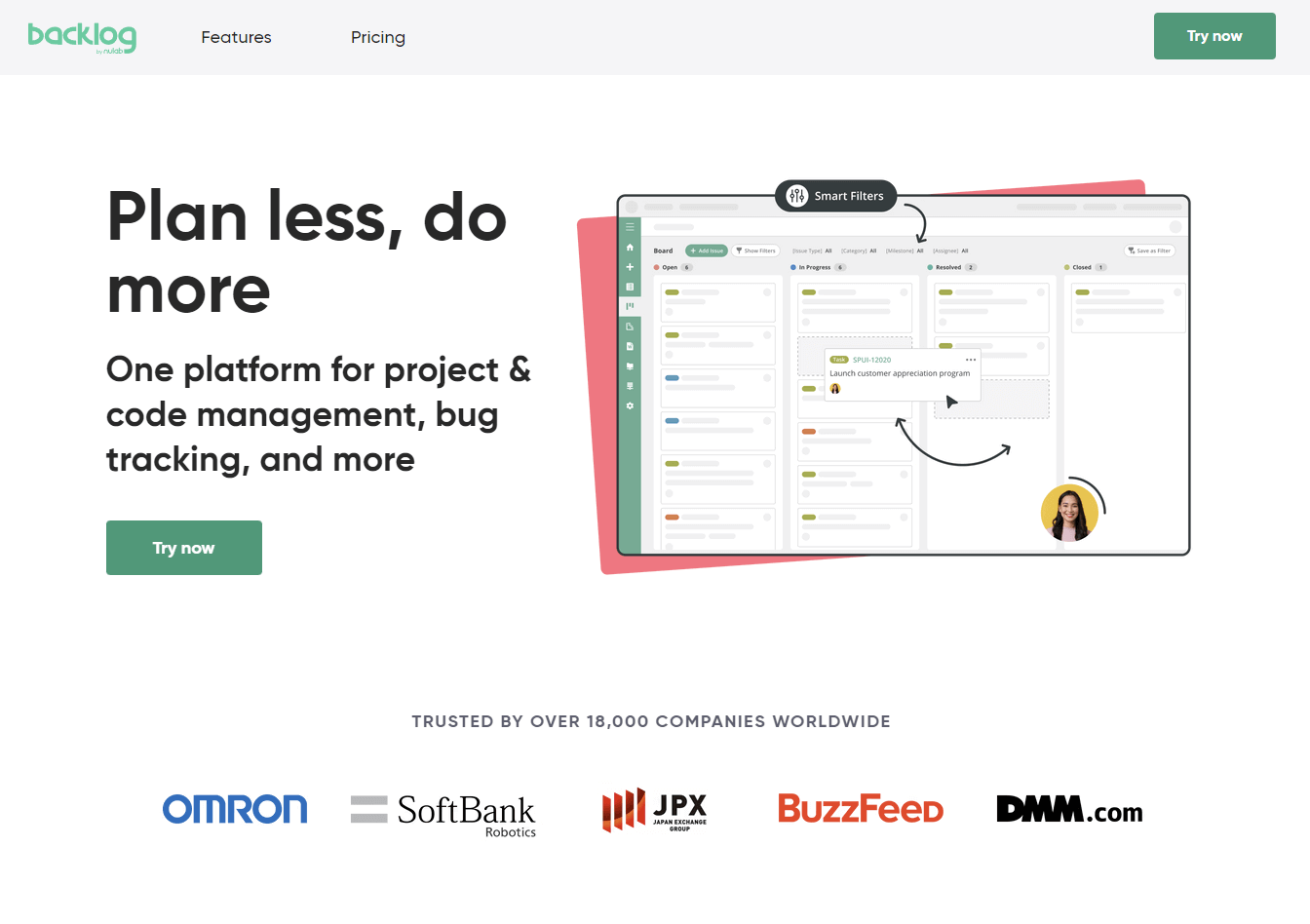
12. Backlog
Backlog is a cloud-based bug tracking tool designed for defect tracking and project management, offering valuable support in building, enhancing, and maintaining software. It proves to be an ideal solution for teams seeking heightened productivity, improved visibility, and effortless project tracking.
By utilizing Backlog, developers can effectively collaborate with design, marketing, and IT teams, enabling the swift release of high-quality projects.
Highlighted below are the key features of Backlog:
- With the integration of Backlog, teams can have excellent visibility and transparency across projects. Intuitive dashboards and reporting tools offer lucid insights into project status, progress, and potential roadblocks.
- Backlog keeps discussion attached to the issue itself. Real-time messaging, commenting, and notification functionalities empower team members to exchange ideas, feedback, and updates instantaneously.
- Backlog offers a centralized repository, providing convenient access to project resources, including documents, code files, and design assets. This centralized approach simplifies data retrieval and elevates overall project organization.
- Team members can trace changes, monitor task statuses, and receive timely notifications concerning new developments, ensuring unparalleled agility in project management.
13. BugNet
BugNet is a cost-free solution for issue tracking and project management, designed using C# and ASP.NET. This bug-tracking tool is available in a free-to-use regular version and a licensed, commercial pro version.

Highlighted below are key features of BugNet
- Access to custom properties and fields, attachments, email notifications, and comments.
- It tracks the project workflow from report through to resolution.
- Flexibility in customizing error attributes such as type, status, and priority.
- Defects can be reported via email. This feature allows you to get updates at any time of day and as frequently as every fifteen minutes.
- Facilitates the use of informative comments and descriptions through a text HTML editor.
- The primary objective of BugNet is to maintain a clear and straightforward codebase, ensuring easy deployment, documentation, and scalability.
14. zipBoard
zipBoard is one of the user-friendly bug tracking tools mainly used for creating visual bug reports, collecting user feedback, and assessing the bug resolution performance over the period. For instance, you can use it in eLearning settings to gather feedback from users enrolled in your courses.
Highlighted below are the key features of zipBoard:
- The core feature of zipBoard is the visual bug-reporting functionality. This functionality of the tool allows for easy bug capture with screenshots.
- This tool also provides relevant contextual details, such as the specific browser or device where the issue occurred.
- Users can also provide video feedback and annotate with additional context, enhancing clarity.
- The platform offers a user feedback (user testing) feature, empowering users to flag problems, and provides tools to manage work efficiently, including performance and time tracking, as well as the option to view bugs in either Kanban or list views.
15. Noibu
Noibu is a cloud-based bug tracking tool that has crash reporting and intelligent error collection ability that makes easy detection of bugs in the website. It is a well-known fact that using different devices, plugins, customer activities, and browsers may cause several website errors.
With the use of Noibu, you can overcome such blind spots by continuously monitoring the entire website and promptly bringing critical customer-impacting errors affecting sales and conversions to your attention in real-time. Regardless of the cause, no errors are overlooked.

Highlighted below are the key features of Noibu:
- Noibu offers users a prioritization feature, along with detailed videos, web session information, and technical data.
- It allows session tracking, user behavior, and association with software applications being tested to gain insight into the bug.
- Noibu's prioritization feature is based on the calculated impact on revenue, the ultimate KPI that eCommerce brands care about.
- It has customizable alerts that notify users about any error for undertaking steps to fix those errors.
- It helps eliminate any guesswork that often comes with bug resolution.
- It provides all the essential technical information required to understand the root cause of a problem and its context.
16. aqua ALM
aqua ALM offers intelligent defect and bug tracking tools tailored to meet all QA requirements. The software is designed to improve data retention, shorten actions, and widen visibility through a centralized testing hub, ensuring swift and efficient resolution of defects and bugs.
Highlighted below are the key features of aqua ALM:
- This bug tracking tool benefits all user types, including project managers, developers, and testers.
- It comes equipped with various features, including scalable test coverage, which allows QA specialists, testers, and developers to test products of any size or scale effectively.
- The user-friendly bug reporting function enables effortless reporting of bugs encountered during testing with just a few clicks.
- Users can even attach screenshots and detailed reproduction steps to their bug reports.
- The software offers automated testing options that, when properly implemented, lead to a steadier automated QA process.
- This bug-tracking tool also includes powerful reporting functionality, allowing users to generate detailed reports on ongoing testing activities.
- These reports offer both low-level and high-level overviews, along with visualizations.
- Moreover, the package supports more than ten integrations with other applications like Jira, PowerShell, SoapUI, and more.
17. BugHost
BugHost is a web-based bug tracking tool for tracking defects offers all the essential features to manage software project bugs and errors efficiently. BugHost, as described by its creators, goes beyond being a mere software defect tracking system; it also serves as a proficient issue management tool.
Highlighted below are the key features of BugHost:
- This cloud-based platform excels in bug tracking and issue management, offering a helpful service called WebHost that empowers end-users to create and handle project issues efficiently.
- BugHost boasts a real-time dashboard, showing past and ongoing projects in one view.
- Provides an audit trail with unlimited history to track every defect within a project.
- Offers workflow process that enables the assignment of bugs to team members.
- Provides a straightforward bug search and report function.
- Allows customizable bug-linking for identifying similar issues.
- Facilitates the WebSubmit feature, enabling customers to directly submit any bugs they encounter through the client's website.
18. Rapidr
Rapidr is a customer feedback and bug-tracking solution designed to capture, record, manage, and resolve bugs and issues from users within an Agile development cycle, ensuring the delivery of flawless products. It establishes a single source of truth for all bugs and issue types, adding value to customers through its bug and issue tracking tool.
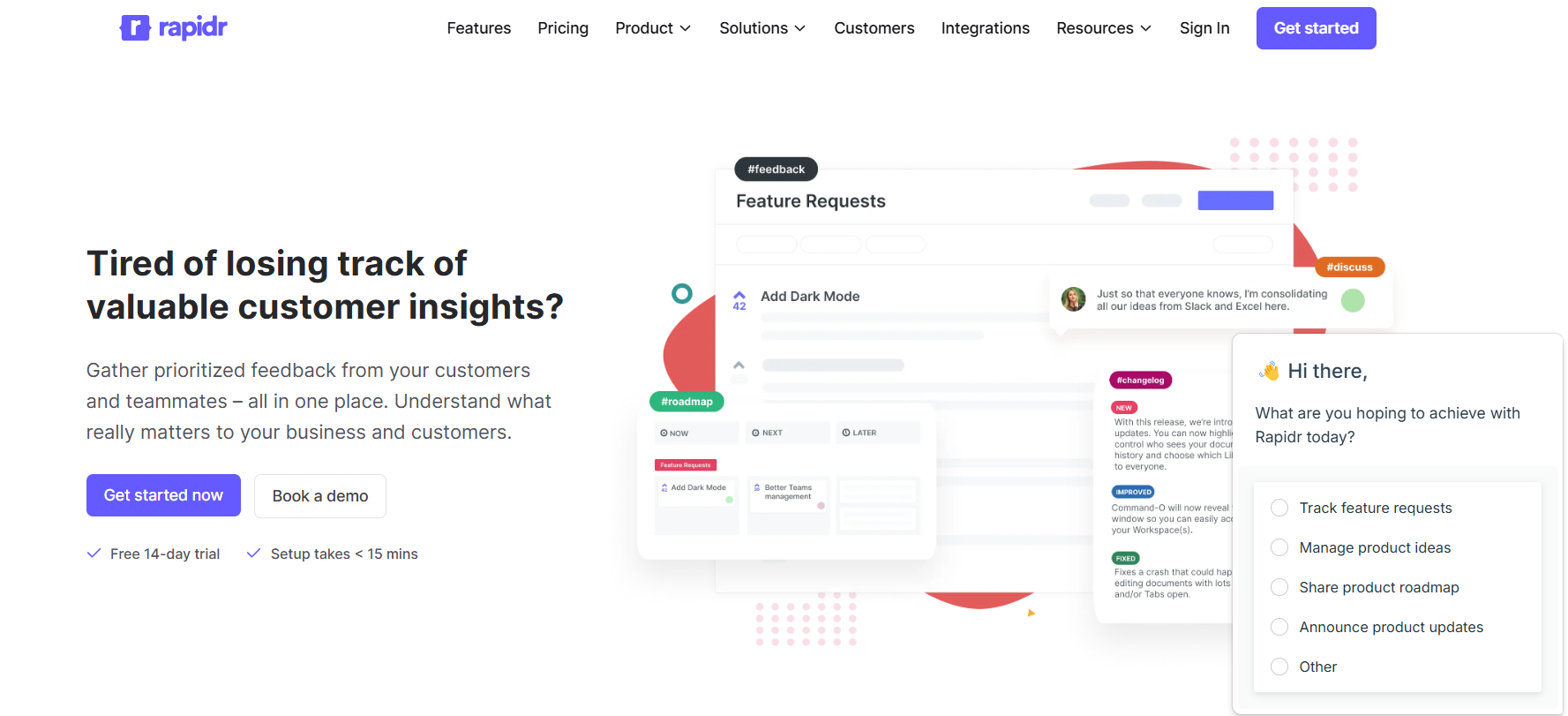
Highlighted below are the key features of Rapidr:
- Rapidr offers a straightforward bug-tracking solution that can be integrated into your app.
- Users can instantly log bugs with all necessary information, such as descriptions, severity levels, and screenshots. Say goodbye to messy spreadsheets, emails, or Trello boards for managing customer-reported issues.
- Effortlessly capture customer-reported bugs and collaborate with your team to make feedback-driven decisions. Implement a unified issue management process across your entire team.
- Easily organize, assess, and prioritize critical bugs using comments and upvotes in a dedicated bug reporting feedback board. Use voting and comments within the board to determine bug priorities.
- Use the search function to locate, record, and monitor bugs in your software based on titles, descriptions, or statuses.
- Stay informed with automatic updates whenever a bug's status changes. Rapidr's notifications use @mentions to update relevant team members automatically.
- Runs the feedback process through a visual public roadmap, keeping everyone informed about product decisions and prioritized issues.
19. nTask
nTask serves as project management software specially designed to facilitate bug management and prioritization for Agile teams. By combining the efficiency of its Kanban boards with powerful team collaboration tools for issue and risk documentation, nTask becomes an influential solution for bug tracking and prioritization. Nonetheless, this platform comes with a limited range of pre-built integrations. As a result, if you intend to integrate nTask with other tools, your heavy reliance would be on Zapier.
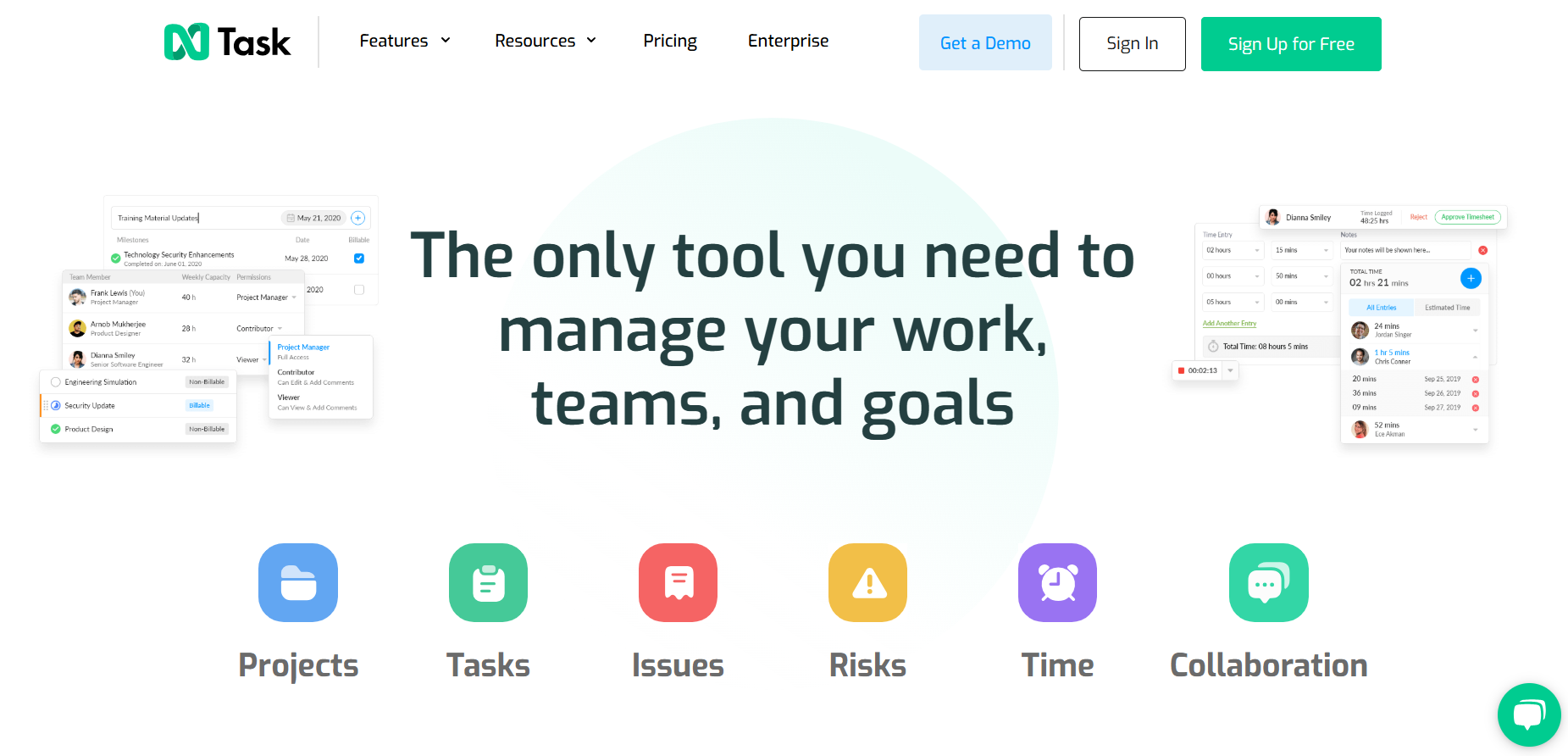
Highlighted below are the key features of nTask:
- Agile perspectives for bug tracking, featuring customizable Kanban boards.
- Project planning perspectives, incorporating Gantt charts to map large initiatives with their dependencies and milestones.
- Risk mitigation tools facilitate Agile teams in documenting and monitoring issues and bugs.
- Schedule management tools to efficiently plan, schedule, and conduct meetings within the platform.
20. Userback
Userback offers the quickest method to report bugs and gather feedback from applications and websites. It aims to "reintegrate the user into development" through automated screenshots, screen recordings, console logs, browser information, and event-tracking capabilities. This tool is specifically tailored for software designers, developers, and organizations seeking a unified platform to oversee all their projects.

Highlighted below are the key features of Userback:
- Visual bug reporting for designers, developers, and users.
- Customizable workflows to suit specific needs.
- The visual context for reported bugs, including annotations, session replays, and user insights.
- Integration with project management tools like GitHub, Slack, and Jira
21. Zoho Bug Tracker
Zoho Bug Tracker is a defect tracking tool that enables users to expedite bug submission, tracking, and resolution through custom workflows, business rules, and SLAs. It also offers support for custom fields and workflows tailored to specific projects.
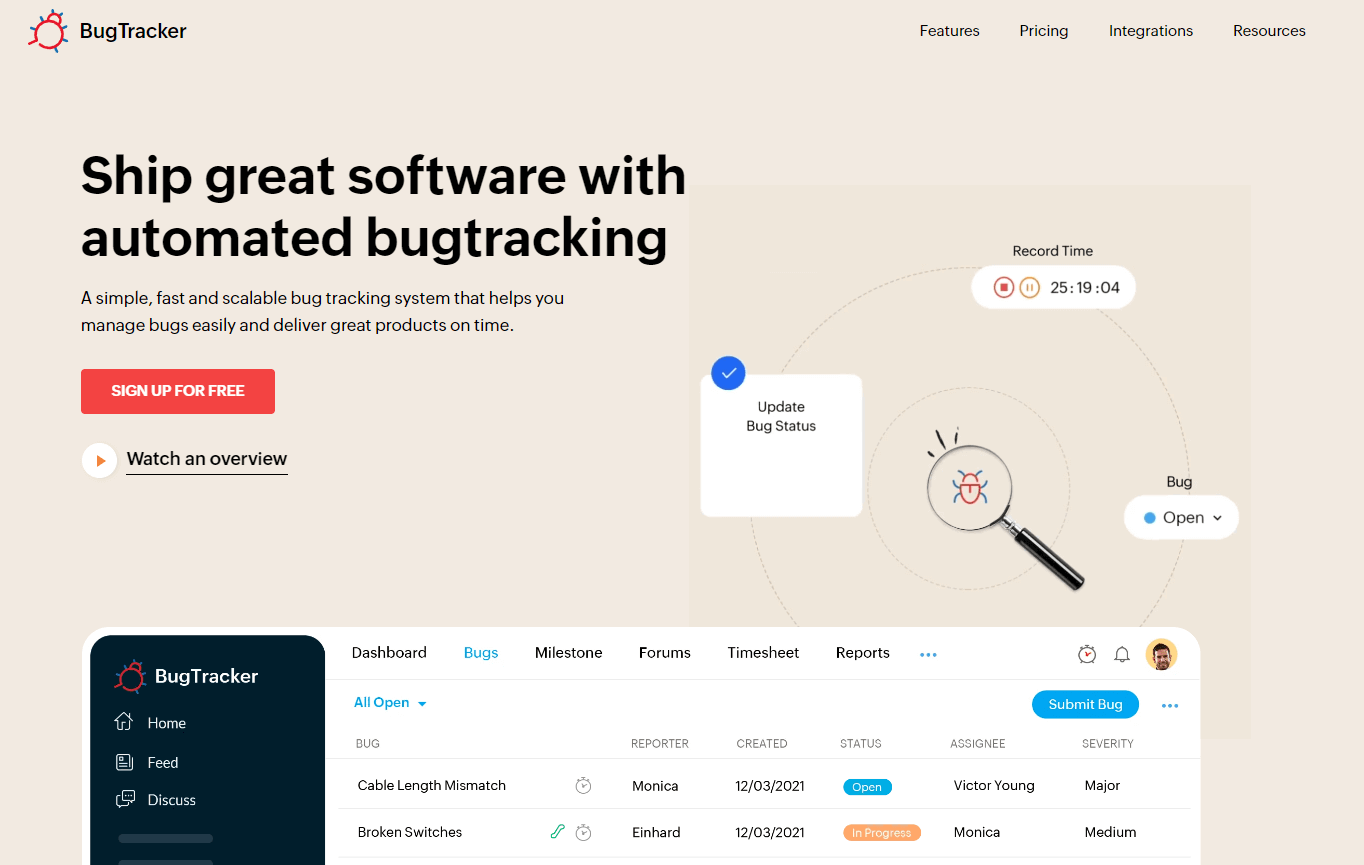
Highlighted below are the key features of Zoho Bug Tracker:
- The tool allows you to track projects, issues, reports, and documentation in a single place.
- It automates notifications and reminders. Custom workflows make bug submission and fixing easier.
- Detailed reports can be generated, showing the number of reported and fixed bugs. Defects can be sorted by severity.
- When using Zoho Bug Tracker, you can create custom fields and workflow along with interface customization to find any software bug.
- Email notifications inform you and your team about discovered bugs.
- Bug reports and attachments can be added to comments given on the bugs detected by the team.
- Dashboards help you track your team's development.
- It can be integrated with tools like Google, GitHub, Bitbucket, Dropbox, Zoho Analytics, Zoho Desk, Zoho Books, and Zapier.

22. FogBugz
FogBugz is a web-based bug tracking tool where defects are referred to as 'cases.' Users can create, list, assign, and work on these cases. Project information can be organized into milestones, enabling the evaluation of case progress against these milestones. The platform is easy to use and includes all essential features. Additionally, FogBugz allows the creation of wikis to be shared with the public. Despite being a commercial product, it is reasonably priced.
Highlighted below are the key features of FogBugz:
- It is a lightweight yet highly customizable tool for planning, tracking, and deploying bug-free software.
- It provides a user-friendly platform that helps organize, report, and prioritize bugs in the software application.
- It helps users to categorize bugs with different criteria like status and severity.
- You can export bug data to Microsoft Excel, which helps in the easy sharing of related data for its processing.

23. QACoverage
QACoverage covers the full testing process, ensuring the production of high-quality, bug-free products. It includes a defect management module that facilitates control of defects from their initial identification until closure.

The defect tracking process is fully customizable and can be configured according to each client's specific needs. Apart from defect tracking, QACoverage offers capabilities to manage risks, issues, enhancements, suggestions, and recommendations. Additionally, it provides sophisticated test management features like requirement management, test case design, test execution, and reporting.
Highlighted below are the key features of QACoverage:
- Complete workflow control for various ticket types, including risks, issues, tasks, and enhancement management.
- Metrics that identify root causes and severity levels.
- Support for various defect-related information through attachments.
- Design and establishment of workflows to improve re-test visibility with automatic notifications.
- Graphical reports based on severity, priority, defect type, defect category, expected fix date, and more.
- Integration with Jira and other features.
24. Rollbar
Rollbar, a defect tracking and monitoring solution hosted on the cloud, empowers developers and testers to release code of higher quality in less time. Its benefits go beyond defect identification and tracking, extending to improved error resolution time, release speed, customer experience, and deployment confidence.

Highlighted below are the key features of Rollbar:
- Instant error visibility and notifications.
- Increased signal-to-noise ratio achieved by automatically grouping similar errors.
- Provision of critical data like affected users, severity levels, locations, browsers, operating systems, etc., for each error occurrence.
- Data and context for error debugging, such as stack trace, local variable values, HTTP request parameter values, associated deploys, and more.
- Support for features that enable viewing of all events leading up to an error, facilitating faster replication and debugging.
25. Airbrake
Airbrake is a specialized defect tracking tool designed around developer needs, covering error monitoring and performance analytics. You can install Airbrake notifiers available for different programming languages like Python, Perl, etc.
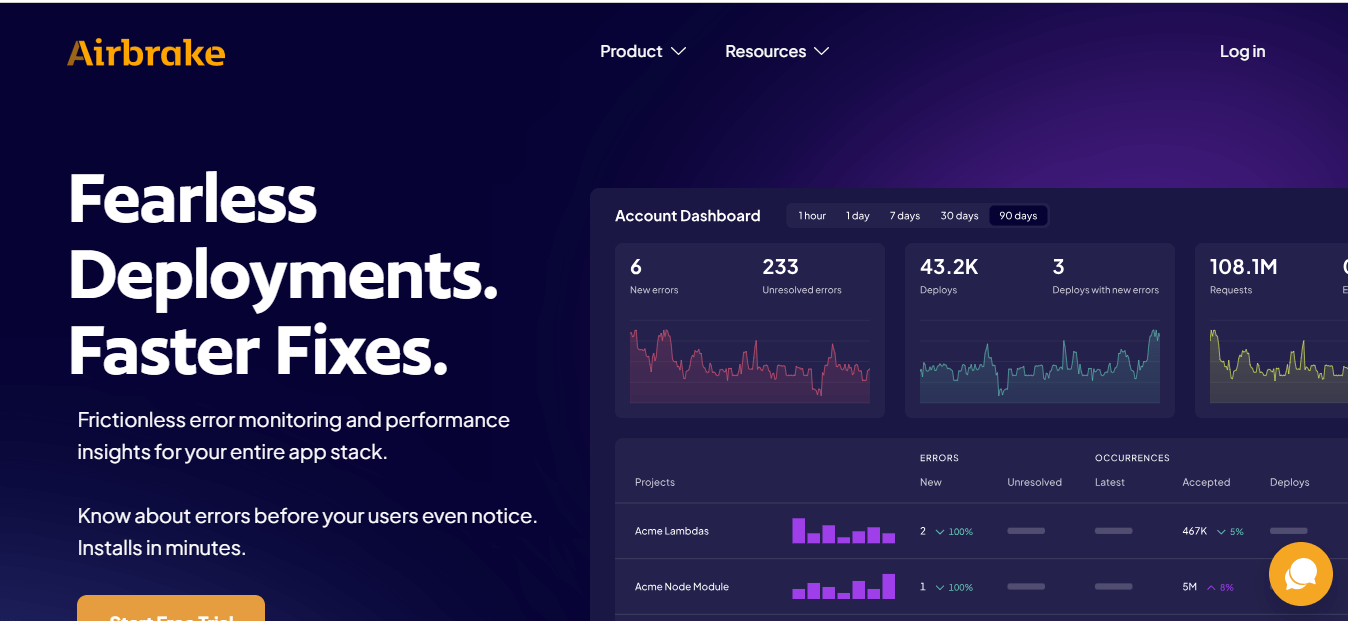
Highlighted below are the key features of Airbrake:
- It provides real-time error notifications and detailed contextual information about the causes of errors.
- There is effortless integration with workflow processes; with this, you get valuable insights into application performance.
- The notifier of the Airbrake is easy to set up and is serverless. This does not impact the speed of the code.
- The tool actively monitors your entire application stack and promptly sends notifications to your email inbox or integrated messaging app.
- Airbrake facilitates linking issues to releases and files, which proves effective in improving the software development process.
- Airbrake's issue monitoring is one of the crucial features. You can quickly analyze the sequence of events leading to an error and connect it with existing team tools like GitHub and Slack.
- It also offers deployment tracking, using which you can locate the code deployment that caused the rise of bugs.
- It also helps identify the code flaws at specific deployment levels by correlating resolved application issues with specific deployments.
26. Notion
Notion is one of the most used and crucial bug tracking tools, which is mainly helpful for note-taking and collaborative platforms. It is mainly useful to manage and prioritize bugs in the software project.
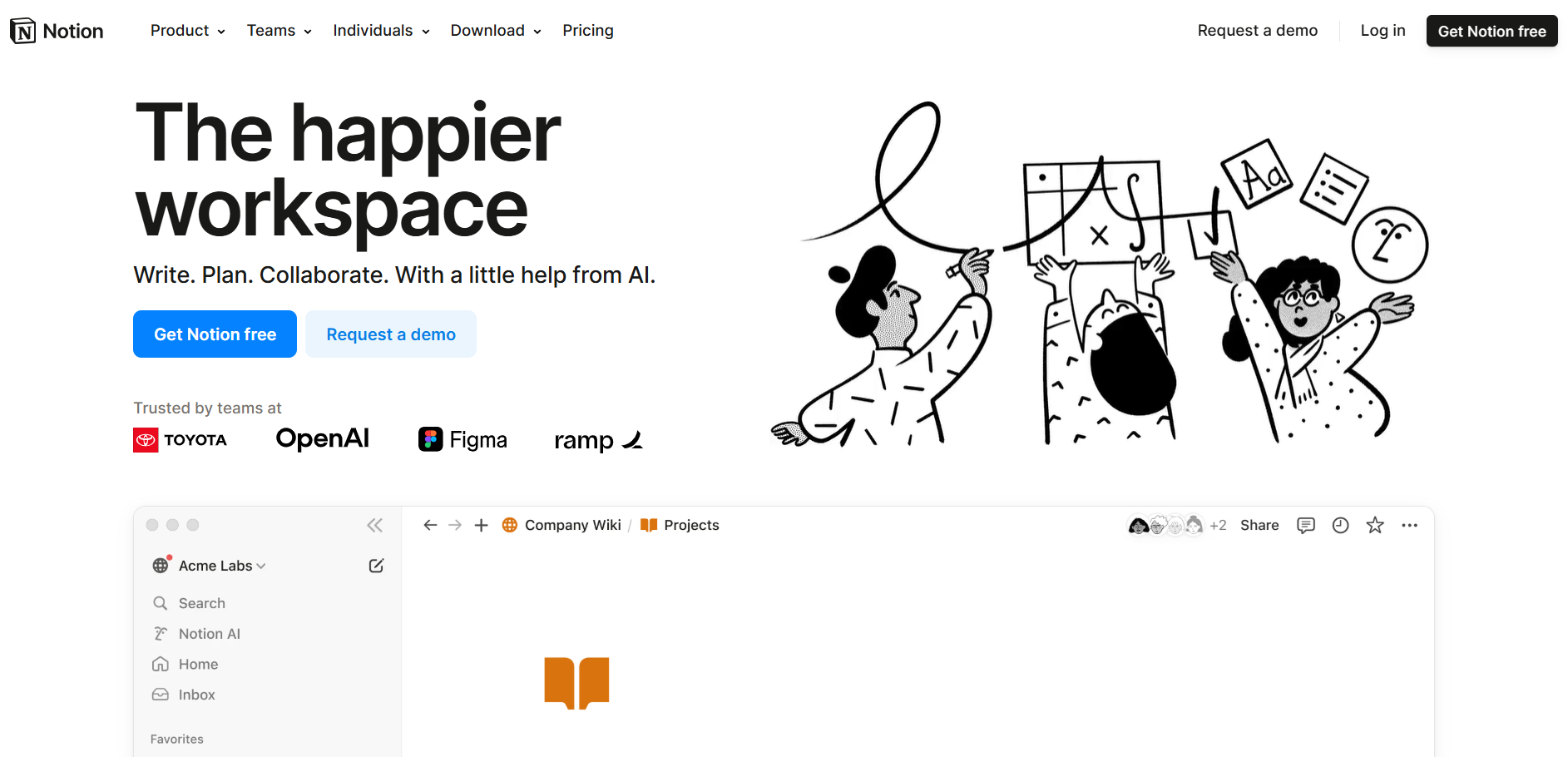
Highlighted below are the key features of Notion:
- This tool offers a place where you can write, plan and organize bug-related issues with the team.
- You can assign tasks and manage projects with Notion.
- It has customized markdown support which is associated with tasks, wikis, kanban boards, and databases.
- It is easy to attach relevant files, documentation, and screenshots to bug entries. This gives detailed information on the issues.
27. Bugasura
Bugasura is a contemporary bug tracker for Agile teams developing SaaS products. In the current age of remote work, team tools must prioritize collaboration. It stands out as an incredibly user-friendly and collaboration-oriented platform for reporting, tracking, and efficiently resolving bugs.
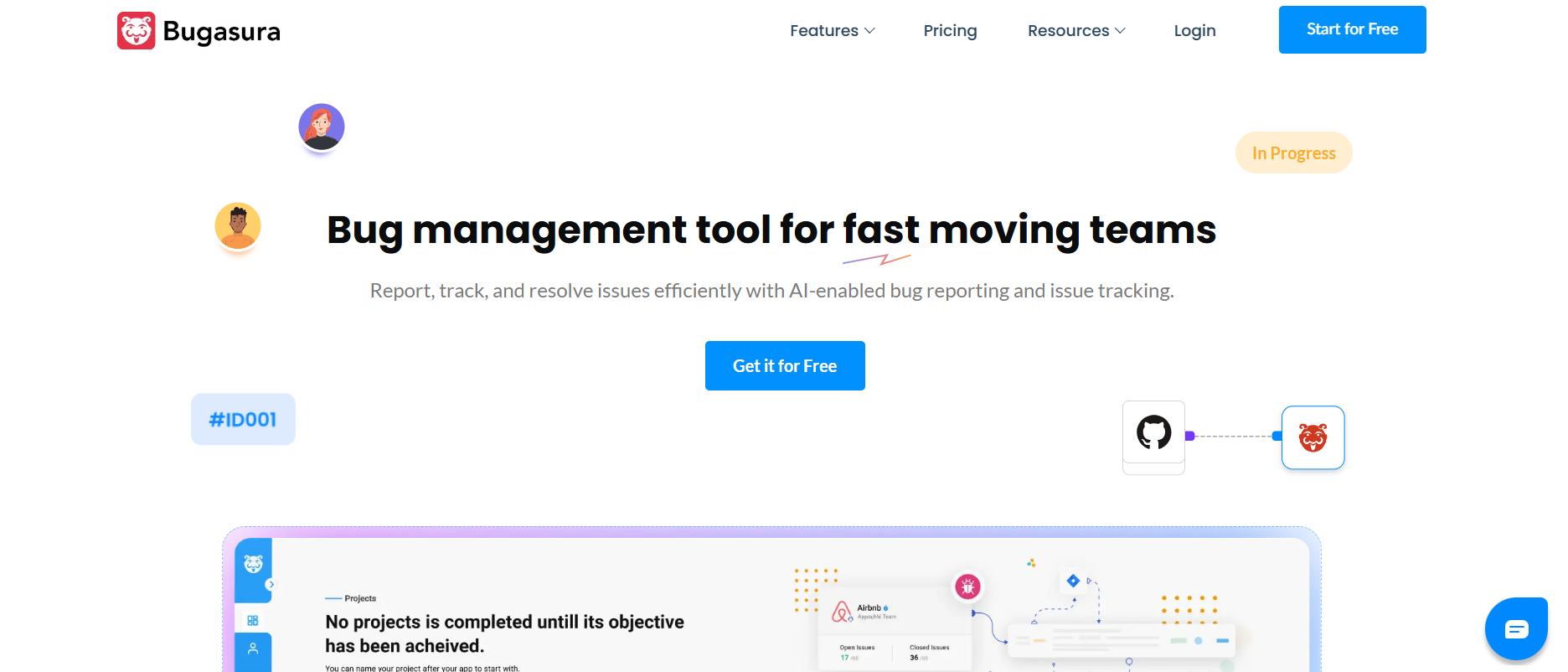
Highlighted below are the key features of Bugasura:
- One of the key features of Bugasura is to auto-generate the description and detail of the bugs which emerges while testing the software application.
- It is powered for automatically selecting the detect bugs based on severity and type and also assigns tags.
- You can also discover the severity of the bugs in the organization with Bugasura.
- You can also find similar and related bugs in the application.
- It has a performance monitor feature that allows to checking the site health metrics.
28. Trac
Trac, a web-based bug tracking tool written in Python, is an open-source tool widely adopted by various organizations to identify and monitor bugs in their software development projects. It offers support for a diverse range of platforms, including Linux, Unix, Mac OS X, and Windows.
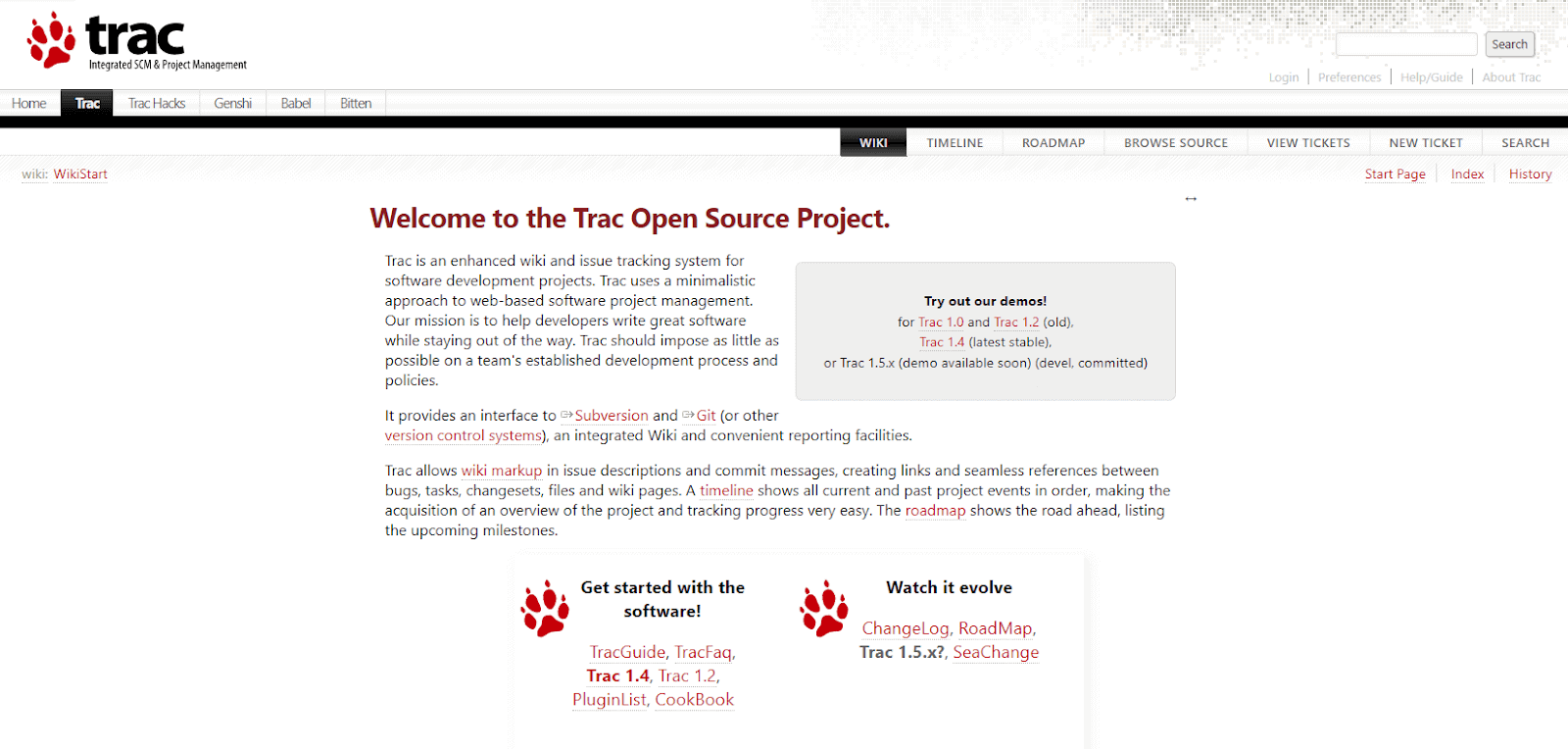
Highlighted below are key features of Trac:
- Integrates with Jenkins, Buildbot, Bitten, and TortoiseSVN.
- Tracking, reporting, and managing software bugs and issues is possible with Trac, which eases the debugging process.
- Ability to export files in PDF, HTML, CSV, DOC, and XLS formats.
- It helps to record the time invested in different tasks and software projects that allow proper evaluation of project progress and allocation of resources.
- Instant email and ticket alerts for efficient communication.
- It gives real-time updates on the status of the issue or error identified in the software application.
- Flexible scheduling options for running scans hourly, daily, weekly, and monthly.
- Language support covering C, C++, C#, Java, JavaScript, Python, Perl, PHP, ASP, Ruby, SQL, and XML.
- Provides an insightful overview of time allocation to manage project efforts better.
29. Datadog
Datadog is a cloud-based defect tracking tool used for monitoring and analytics actions. Datadog is helpful in computing performance metrics and event monitoring for cloud services. Its error tracking helps the teams with a structured system to effectively troubleshoot errors across their applications.
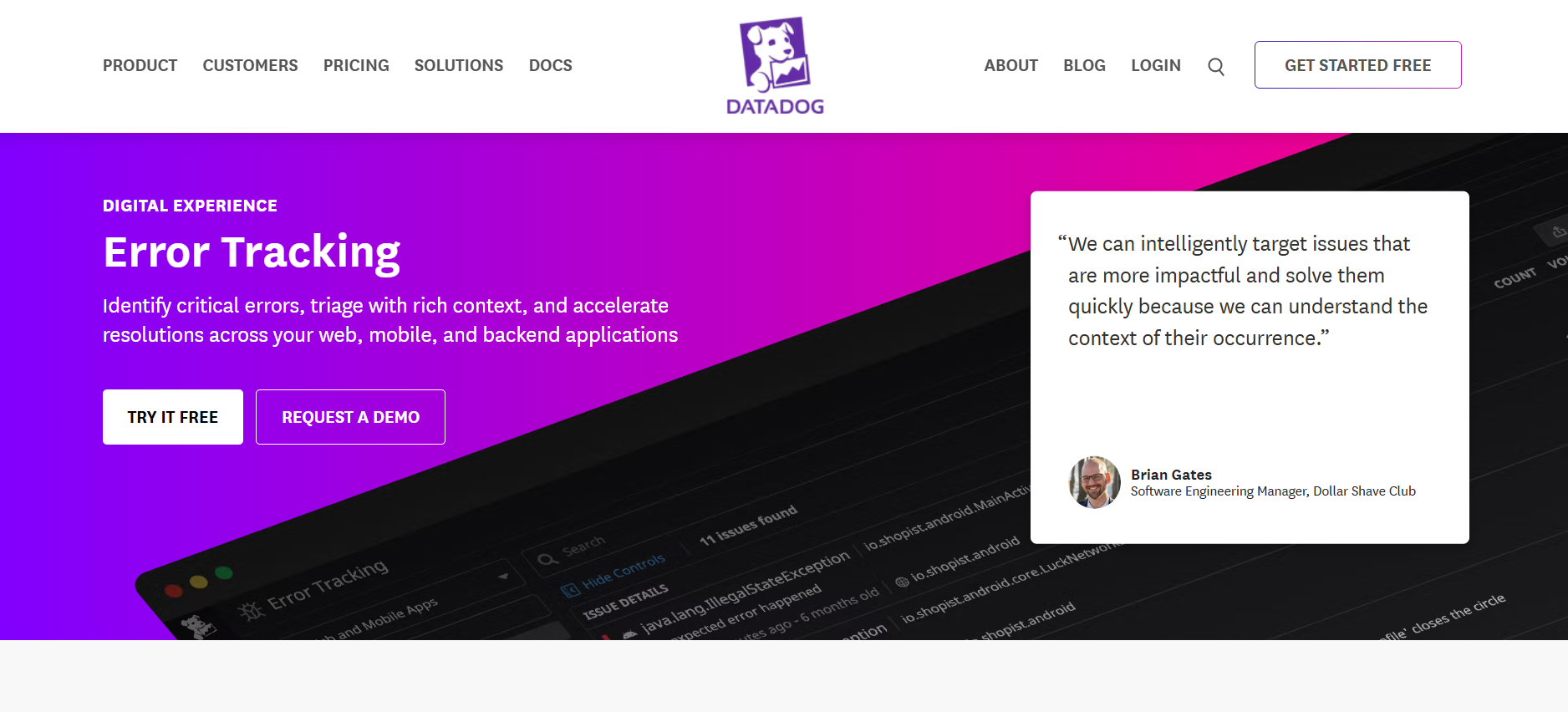
Highlighted below are the key features of Datadog:
- It automatically groups similar types of bugs into issues leading to a lowering of noise. It is done based on error message, stack trace, and error type.
- When Datadog identifies new issues and bugs, it alerts the team.
- In-depth error investigation, down to the level of lines of code, is possible through Datadog's un-minification of JavaScript stack traces and deobfuscation of Android crashes.
- Error tracking works across RUM (Real User Monitoring) and APM (Application Performance Monitoring) data without requiring additional instrumentation, enhancing overall error monitoring capabilities.
What Are the Bonus Bug Tracking Tools?
Bonus bug tracking tools include Linear, Azure DevOps, Sentry, Marker.io, Instabug, and DevRev, offering specialized features for modern software development teams.
Some of the additional bug tracking tools available in the market are as explained below:
Linear
Linear serves as a specialized project management solution tailored for software development teams. It supports project planning, tracking, and collaboration within an intuitive interface. This agile tool empowers teams to efficiently organize and prioritize tasks, establish task relationships, and monitor progress instantly.
Azure DevOps
Azure DevOps is a platform for software development that includes bug tracking. It helps teams manage and tracks bugs throughout the development lifecycle. Teams can create, prioritize, assign, and monitor bugs, while also integrating version control, continuous integration, and deployment. Azure DevOps provides a collaborative environment for developers, testers, and stakeholders to work together, ensuring efficient bug resolution and improved software quality.
YouTrack
YouTrack, created by JetBrains, is a web-based bug tracking tool and project management software. It offers the flexibility of being installable on your server and provides various features such as bug and issue tracking, Agile boards, reporting, and time management.
PagerDuty
PagerDuty is a defect tracking tool that uses machine learning and automation to notify users about the bugs identified. The bugs in the software applications are noted in real-time and further reported to the assigned people to fix the issues.
GoodDay
Good Day is a bug tracking tool that offers project management and organization of tasks. With this tool, you can overcome the challenges associated with reviewing the bug logs for hours. It allows users to capture, log and prioritize the bugs for early fixation.
If your team runs tests on TestMu AI, the GoodDay integration lets testers file a bug into GoodDay without stepping out of the live session, so it lands with the reproduction context already attached.
Bugsnag
Bugsnag is one of the popular bug tracking tools that help developers quickly find, prioritize, and replicate errors or bugs. This tool provides you to gather individual bugs by addressing the cause and representing them as discrete errors. It will help in easily prioritizing the error and fixing them accordingly.
Bitbucket
Bitbucket is a bug tracking tool, Bitbucket stands out due to its exceptional integration with Jira and Trello. Along with this, its ease of use and integration capabilities, it is clear why many teams opt for Bitbucket as their preferred defect-tracking tool.
Paymo
Paymo is one of the user-friendly bug tracking tools that help to identify, report and resolve the bug identified in software applications. Using Paymo allows you to customize bug-tracking workflow as per specific development processes. It develops collaboration among teams as it allows them to add comments, share attachments, and update the status of the bugs.
Teamwork
Teamwork excels in project management by providing diverse viewing formats like Gantt charts and panoramic views for projects. Bug reports and feedback can be added to Teamwork as tasks, facilitating efficient issue tracking. With the Teamwork integration with TestMu AI, you can log bugs directly to a Teamwork project from your test session while running cross browser tests.
QulaityHive
QualityHive is a focused bug tracking tool built around project visibility and team collaboration. With customizable views and a unified summary dashboard, it allows you to track bugs across multiple projects in one cohesive space. This makes it easier to understand team direction, monitor progress, and ensure nothing falls through the cracks.
Shortcut
Shortcut is an excellent choice for larger teams as it allows the effortless management of multiple software development projects simultaneously. Among its notable features are quick project overviews, issue filtering based on teams, and integrations with GitHub.
Miro
Miro bug tracking tool supports bug management in software development by allowing the team to report, track and resolve bugs. It helps the team to create visual boards, charts, and diagrams for effective tracking and management of bugs in software applications.
Breeze
Breeze is a cloud-based platform offering solutions for project management with its features of Gantt charts, kanban tool, time tracking, and task management. This helps you to finish your release cycle on time. As one of the features, it is used to track the bug and log UI bugs in your Breeze project.
PractiTest
PractiTest is a bug tracking tool that allows issue tracking and real-time collaboration. It offers a straightforward interface for bug management alongside test runs. Teams weighing it against other options can compare it on our PractiTest alternative page.
Airtable
Airtable is a cloud-based bug tracking tool that allows you to organize the team involved in testing with a spreadsheet that works like a database. Airtable offers different views like Grid view, Kanban view and Form view, and Calendar view. This also allows tagging attachments to tasks with just simple drag and drop.
Targetprocess
Targetprocess is a bug tracking tool that supports Agile methodology and integrates with project management tools. This makes it effective for bug management and offers visual project planning and interactive dashboards.
Favro
Favro is a bug tracking tool offering key features like customizable boards, workflows, and issue tracking. Favro gives you detailed analytics and reporting of the bugs that allow for effective management.
Wrike
Wrike includes a dedicated bug reporting and project management tool that enables users to prioritize specific projects, send reminders to developers, and conduct in-depth investigations of particular issues. However, it lacks a direct feedback input feature from websites into its platform.
DevRev
DevRev is a bug tracking tool that gives customers the option to contribute bug information directly, or you can appoint a designated person to gather and organize it from emails within DevRev.
For those who prefer it, DevRev also offers time tracking features, allowing precise measurement of time spent on projects or tasks.
How Do You Choose a Bug Tracking Tool?
Choose by matching the tool to where bugs are found and who reports them. Repository-native trackers suit developers, annotation tools suit client feedback, error monitors suit production, and test-linked trackers suit QA teams proving release coverage.
Feature lists across these tools converge quickly, so the questions below separate them faster than a specification comparison does.
Do you need to know which commit introduced the bug?
Repository-native trackers answer this directly. GitHub and GitLab resolve an issue reference in a commit message into a two-way link, so the ticket shows the commit and the commit shows the ticket. Blame views then attribute the specific line to an author and a change. If a tracker sits outside the repository, that trail depends on a connector and on developers remembering to reference the ID.
Who is filing the report?
Developers will use a form-based tracker. Clients, designers, and content reviewers usually will not. Annotation-first tools such as BugHerd, zipBoard, and Userback let a non-technical reporter click the element on the live page, and attach the URL, browser, and viewport automatically. That removes the most common cause of an unreproducible ticket, which is a reporter who did not know what detail to include.
Are you tracking known defects or discovering unknown ones?
A tracker records defects a human already found. An error monitor such as Rollbar, Airbrake, or Bugsnag discovers them in production and groups repeated exceptions into one issue rather than raising an alert per occurrence. Teams that run both usually route only new or escalating error groups into the tracker, which is what keeps the queue readable.
Does a defect need to trace back to a requirement and a test case?
Regulated and release-gated teams need to show that every requirement had coverage. That requires a traceability matrix connecting requirements to test cases, executions, and the defects they produced, which a general-purpose tracker does not maintain. TestMu AI Test Manager keeps that chain in one workspace and syncs two ways with Jira and Azure DevOps, so a failed test raises a ticket carrying its steps, expected versus actual result, and environment, and the resolution status flows back to the linked case.
Can you host it, or do you need someone else to?
Bugzilla, MantisBT, Redmine, and Trac are open source and carry no licence cost, but they are self-hosted only. The cost moves to the server, upgrades, backups, and the person who owns them. Teams without that capacity are usually better served by a hosted tracker even when a free self-hosted option exists on paper.
What Are the Benefits of Using Bug Tracking Tools?
Benefits include centralized issue tracking, efficient bug management, improved team collaboration, detailed documentation, real-time updates, and better resource planning.
Bug tracking tools offer several advantages that substantially enhance the software development process. Here are some of the key benefits:
- One record per defect replaces the scattered state of email threads and chat messages, so status, owner, and history stay somewhere the whole team can query.
- Separate priority and severity fields keep business urgency apart from technical impact, which stops a cosmetic bug on the checkout page outranking a silent data error.
- Reproduction steps, screenshots, and environment captured at report time are the difference between a fix and a bounce-back marked cannot reproduce.
- Assignment and notification rules route a defect to the component owner rather than leaving it in a shared queue nobody owns.
- Defect history across releases shows which modules generate repeat bugs, which is the input to deciding what gets refactored.
- Linking defects to requirements management tools ties a failure back to the requirement it violates, so coverage gaps surface before a release instead of after one.
- Saved filters let a lead answer what is open and critical right now without asking anyone for a status update.
- Duplicate detection stops one production error being filed twenty times by twenty different users.
- Audit trails record who changed a status and when, which regulated teams need as release evidence.
- Trend reporting on defect density and time to fix turns software quality from an opinion into a measured number.
What Is the Role of Bug Tracking Tools in Software Testing?
Bug tracking tools help QA teams document, prioritize, assign, and monitor defects from discovery to resolution, ensuring software meets quality standards.
Bug tracking tools play a crucial role in the software testing process. These tools help software development and testing teams track, manage, and resolve issues, bugs, and defects identified during the testing phase. Bug tracking tools provide a systematic way to document, prioritize, assign, and monitor issues from discovery to resolution. This ensures that the software being developed meets the desired quality and functionality standards.
When integrated with cloud-based testing platforms, bug tracking tools offers numerous benefits. Let's take a look:
- Bugs logged from inside the test session carry that session context automatically, removing the manual re-entry step where detail goes missing.
- Testers attach descriptions, screenshots, and recordings to the ticket directly, so developers receive the evidence rather than a summary of it.
- Development teams are notified the moment a defect is filed, shortening the gap between discovery and acknowledgement.
- Browser, OS, device, and resolution travel with the report, which is what lets a developer reproduce a bug that never appears on their own machine.
- Each defect stays linked to the test session that produced it, so recurring failures trace to a specific environment instead of being guessed at.
- Testers stay in one tool for both execution and filing, which removes the context switch that pushes people to batch up bug reports until the end of a session.
How to Perform Efficient Bug Logging on the Cloud?
Log the bug from inside the test session rather than afterwards, so the browser, OS, device, resolution, and page URL are captured automatically and attached to the ticket instead of being recalled from memory.
A defect loses information between the moment it appears and the moment it lands in the tracker. The tester has to remember the browser version, take a screenshot, write out the steps, and retype all of it into a form in another tab. Detail drops at every handoff, and what drops is usually the detail the developer needed to reproduce it.
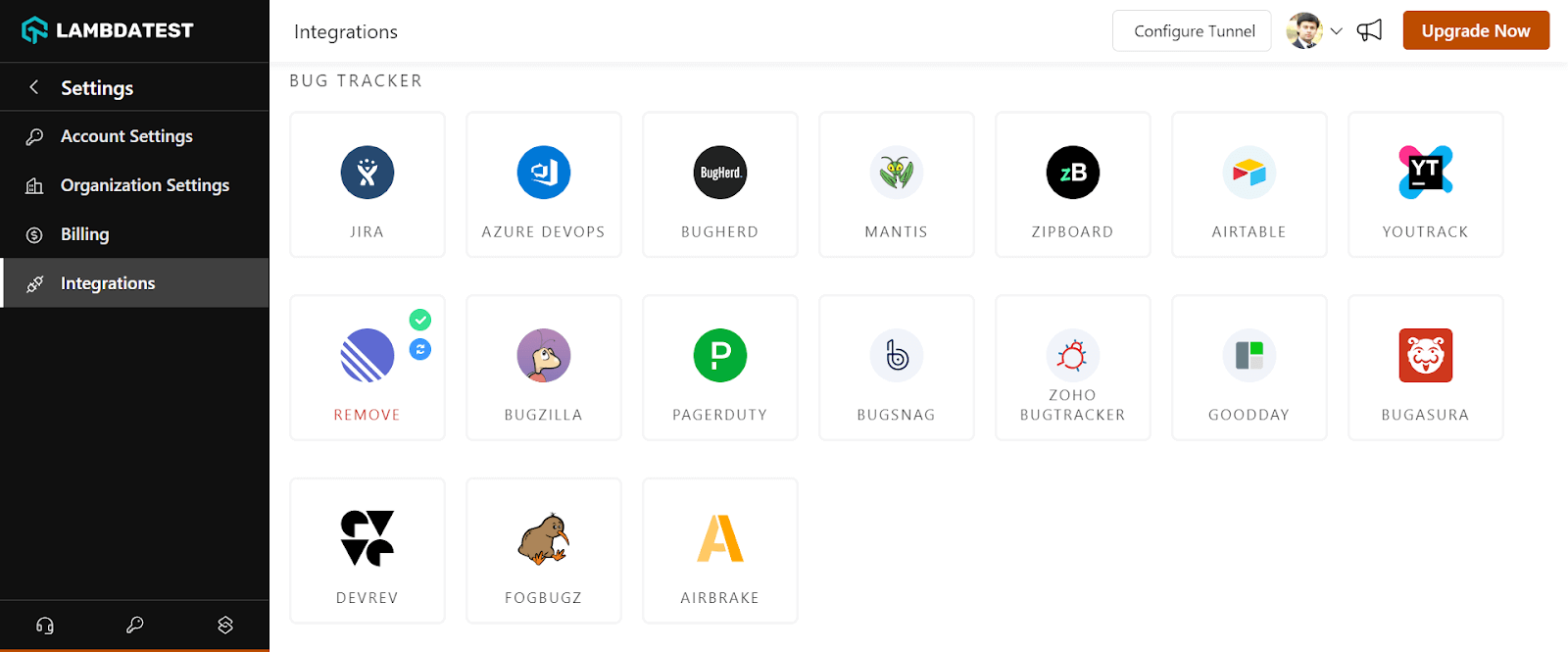
TestMu AI closes that gap with Mark as Bug, which runs inside a live test session. The tester annotates the screenshot, fills in the issue details, and pushes the report to any of 20+ bug tracking and project management tools, Jira, Azure DevOps, GitHub Issues, GitLab, Linear, Trello, and Asana among them. Browser, OS, device, resolution, and URL are attached automatically, along with a link to the session recording, so the developer can watch the failure instead of reconstructing it.
The same workflow runs across every configuration in real-time testing, which covers 3,000+ browser, OS, and virtual device combinations, so a bug reported against an older Safari or a specific Android form factor carries that environment into the ticket rather than a description of it. Refer to the documentation to set up the TestMu AI integration with bug tracking tools you already run.
The tutorial below walks through connecting third-party tools to a TestMu AI account.

Conclusion
Start by naming where your bugs actually surface, because that single answer eliminates most of this list. If they surface in production, an error monitor that groups repeated exceptions belongs in the stack before another tracker does. If they surface during a client review round, an annotation tool will collect better reports than any form will. If they surface in a QA cycle you have to sign off, the tracker has to link back to test cases or you cannot show coverage.
For that last case, TestMu AI keeps the test case, the run, and the defect in one workspace and pushes tickets into the tracker you already use rather than replacing it. Teams relying on exception monitoring can wire those alerts into their test runs through the Airbrake integration, and the bug tracking tools documentation covers connecting the rest.
Author

Nazneen Ahmad
Blogs: 39


Nazneen Ahmad is a freelance Technical Content SEO Writer with over 6 years of experience in crafting high ranking content on software testing, web development, and medical case studies. She has written 60+ technical blogs, including 50+ top-ranking articles focused on software testing and web development. Certified in Automation Basic and Advanced Training - XO 10, she blends subject knowledge with SEO strategies to create user focused, authoritative content. Over time, she has shifted from quick, keyword-heavy drafts to producing content that prioritizes user intent, readability, and topical authority to deliver lasting value.
Reviewer

Salman Khan
Reviewer
Salman is a Test Automation Evangelist and Community Contributor at TestMu AI, with over 6 years of hands-on experience in software testing and automation. He has completed his Master of Technology in Computer Science and Engineering, demonstrating strong technical expertise in software development, testing, AI agents and LLMs. He is certified in KaneAI, Automation Testing, Selenium, Cypress, Playwright, and Appium, with deep experience in CI/CD pipelines, cross-browser testing, AI in testing, and mobile automation. Salman works closely with engineering teams to convert complex testing concepts into actionable, developer-first content. Salman has authored 120+ technical tutorials, guides, and documentation on test automation, web development, and related domains, making him a strong voice in the QA and testing community.


Bug Tracking Tools FAQs
Did you find this page helpful?
More Related Blogs
TestMu AI forEnterprise
Get access to solutions built on Enterprise
grade security, privacy, & compliance
- Advanced access controls
- Advanced data retention rules
- Advanced Local Testing
- Premium Support options
- Early access to beta features
- Private Slack Channel
- Unlimited Manual Accessibility DevTools Tests