

Automated Screenshot Testing for Browsers
Capture automated full-page screenshots of your website on Windows and macOS browsers and mobile devices in one run, so developers and QA teams can spot cross-browser layout bugs without a device lab.

Trusted by 3M+ users globally at




"We have tripled our tests and are now executing tests in less than 2 hours with 78% Faster Test Execution"


"We figured out a more efficient way to monitor system health and resolve failures earlier in lower environments."





"TestMu AI has significantly boosted our testing speed, is easy to implement, and provides exceptional support."


"With 70% faster test execution, TestMu AI helped us achieve faster time-to-market and enhanced CX."



 Screenshot Testing on Mac
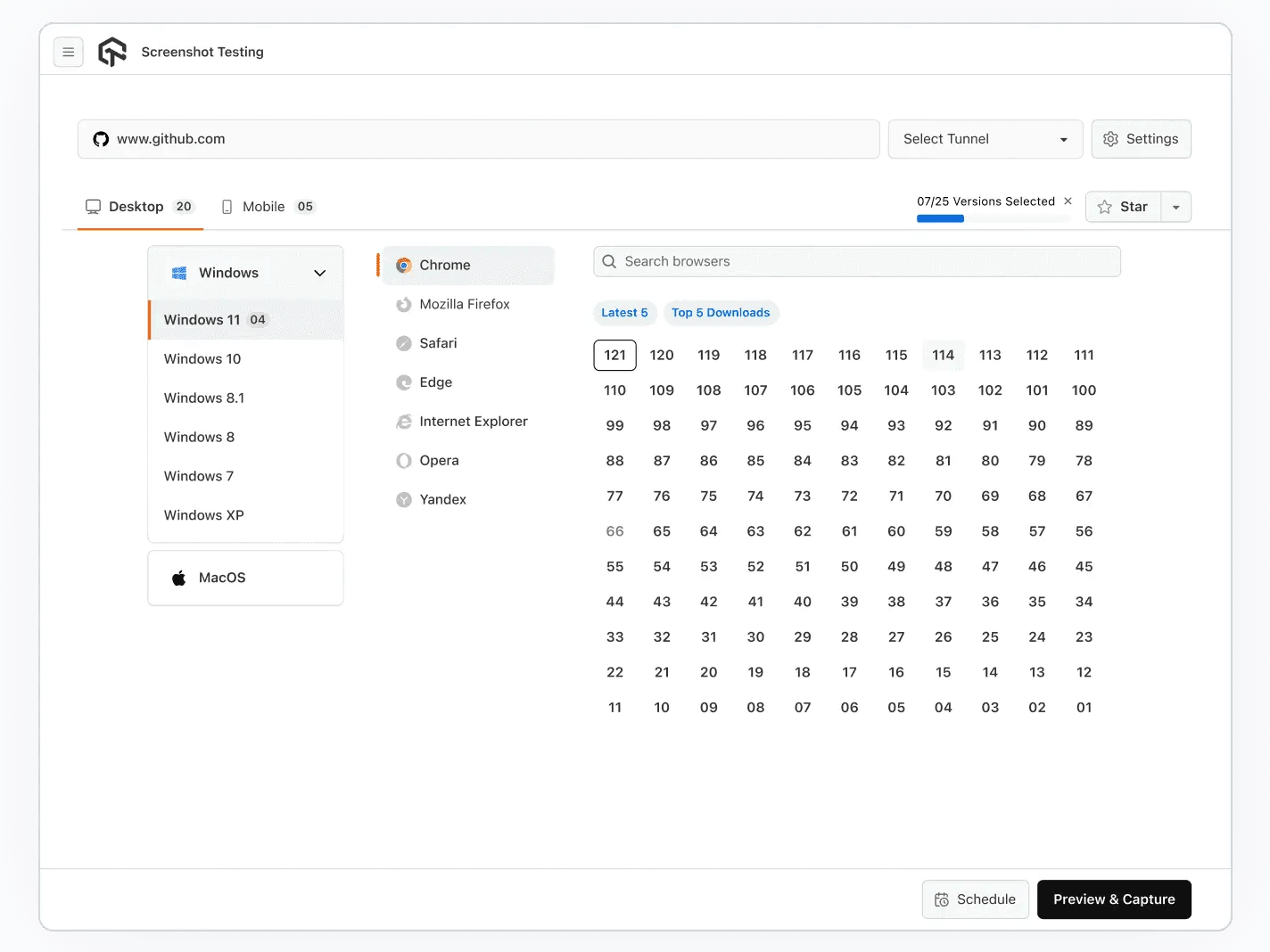
Automated Browser Screenshot Testing On Mac Machines
Quickly identify cross-browser compatibility bugs across multiple macOS machines with one click. Generate automated screenshots on various Mac browsers using cloud-based virtual machines.
Get Started For Free
Screenshot Testing on Android Browsers
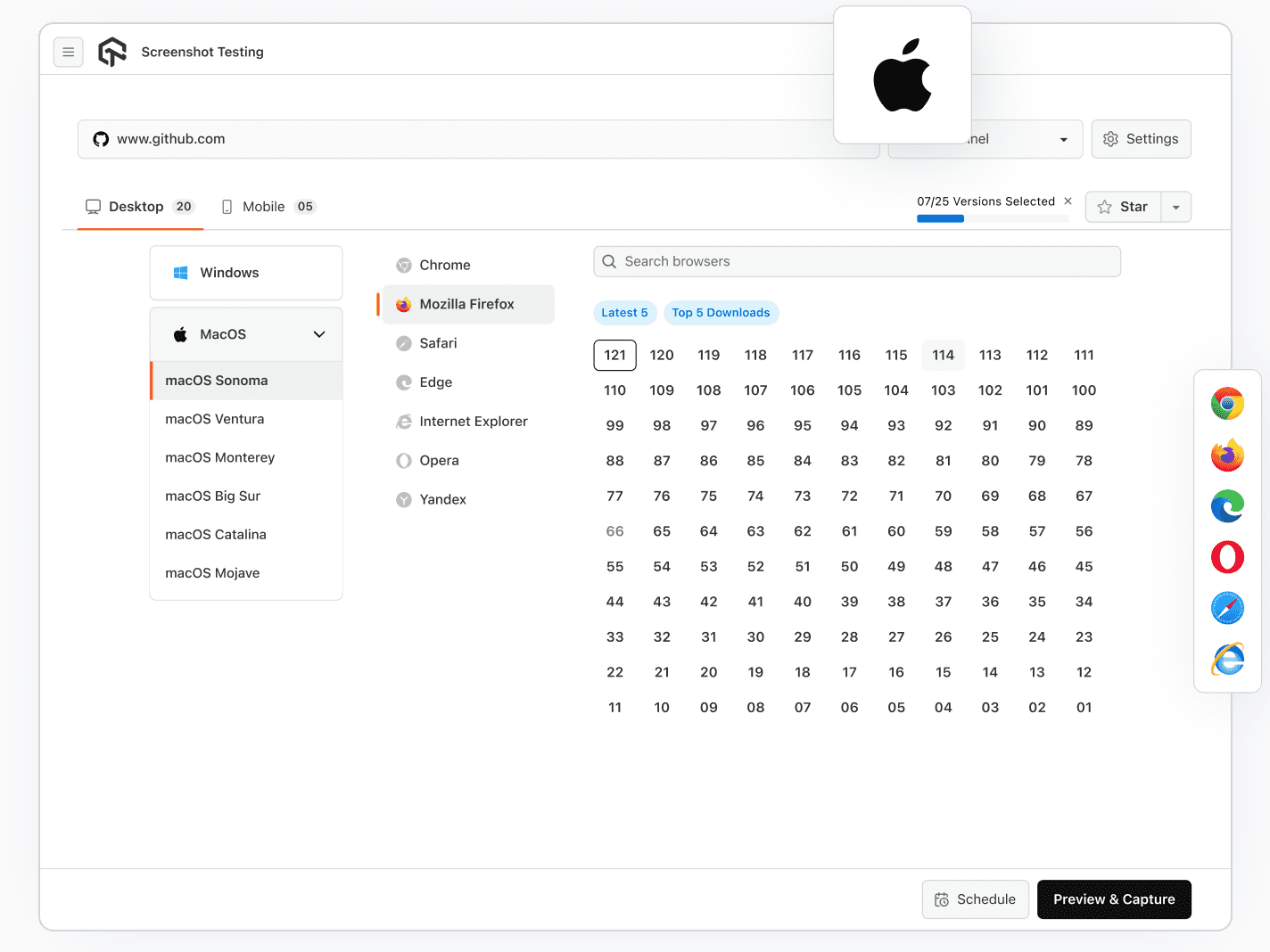
Automated Browser Screenshot Testing On Android Devices
Perform Android screenshot testing on multiple Android browsers and devices with different screen resolutions, including Samsung, Google, Motorola, HTC, OnePlus, Oppo, Xiaomi, Gionee, Vivo, and more.
Get Started For Free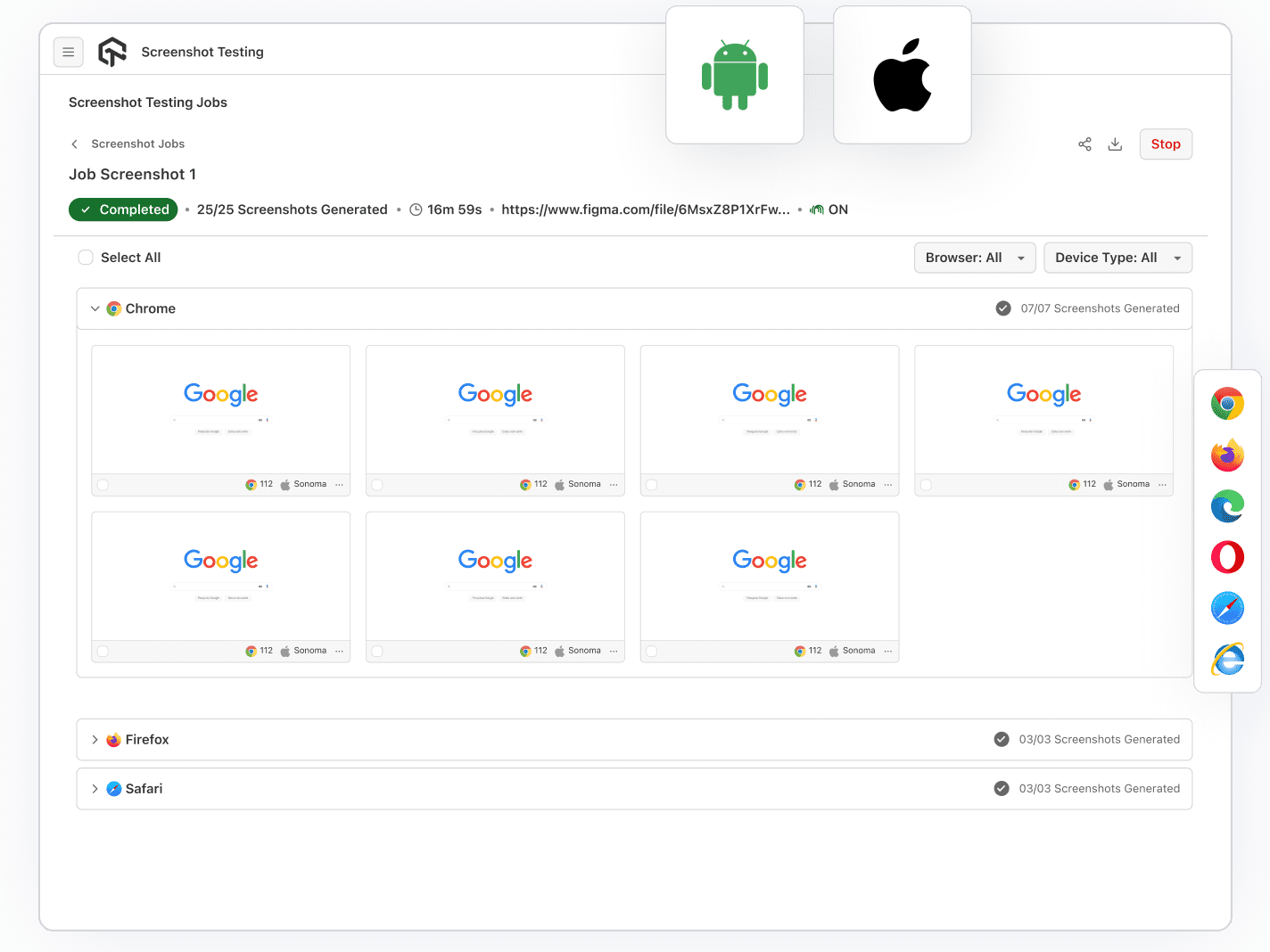
Screenshot Testing Scheduler
Automated Screenshot Scheduler
With the screenshot scheduler feature, you can schedule automated screenshot tests daily, weekly, or monthly. Choose the frequency and receive results in your mailbox. You can also take screenshots of locally hosted pages through UnderPass.
Get Started For Free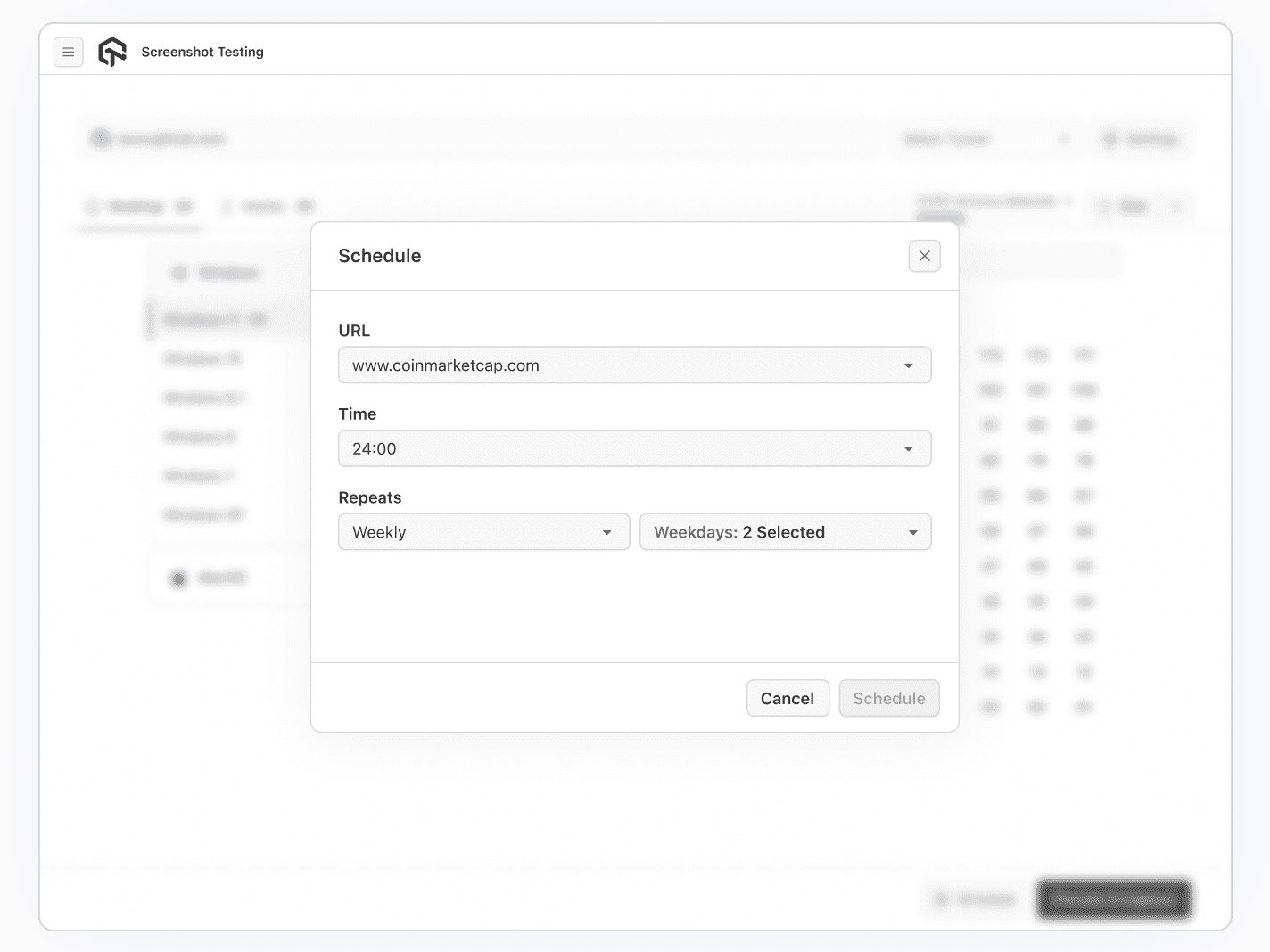
Screenshot Testing on Windows Machines
Automated Screenshot Testing On Windows Machines
Capture pixel-perfect full-page screenshots in one click on real Windows machines, ensuring compatibility with various browsers in cloud-based Windows virtual machines.
Get Started For Free
TestMu AI Chrome Extension
TestMu AI Chrome Extension
Easily take browser screenshots of web pages across various devices and browsers with a single click using TestMu AI. Capture 50+ different browser and OS configurations simultaneously.
Get Started For Free
TestMu AI WordPress Plugin
TestMu AI WordPress Plugin
The TestMu AI WordPress plugin allows easy full-page screenshot capture for cross-browser compatibility testing directly from the WordPress admin panel, enhancing web page testing for WordPress-hosted sites.
Get Started For Free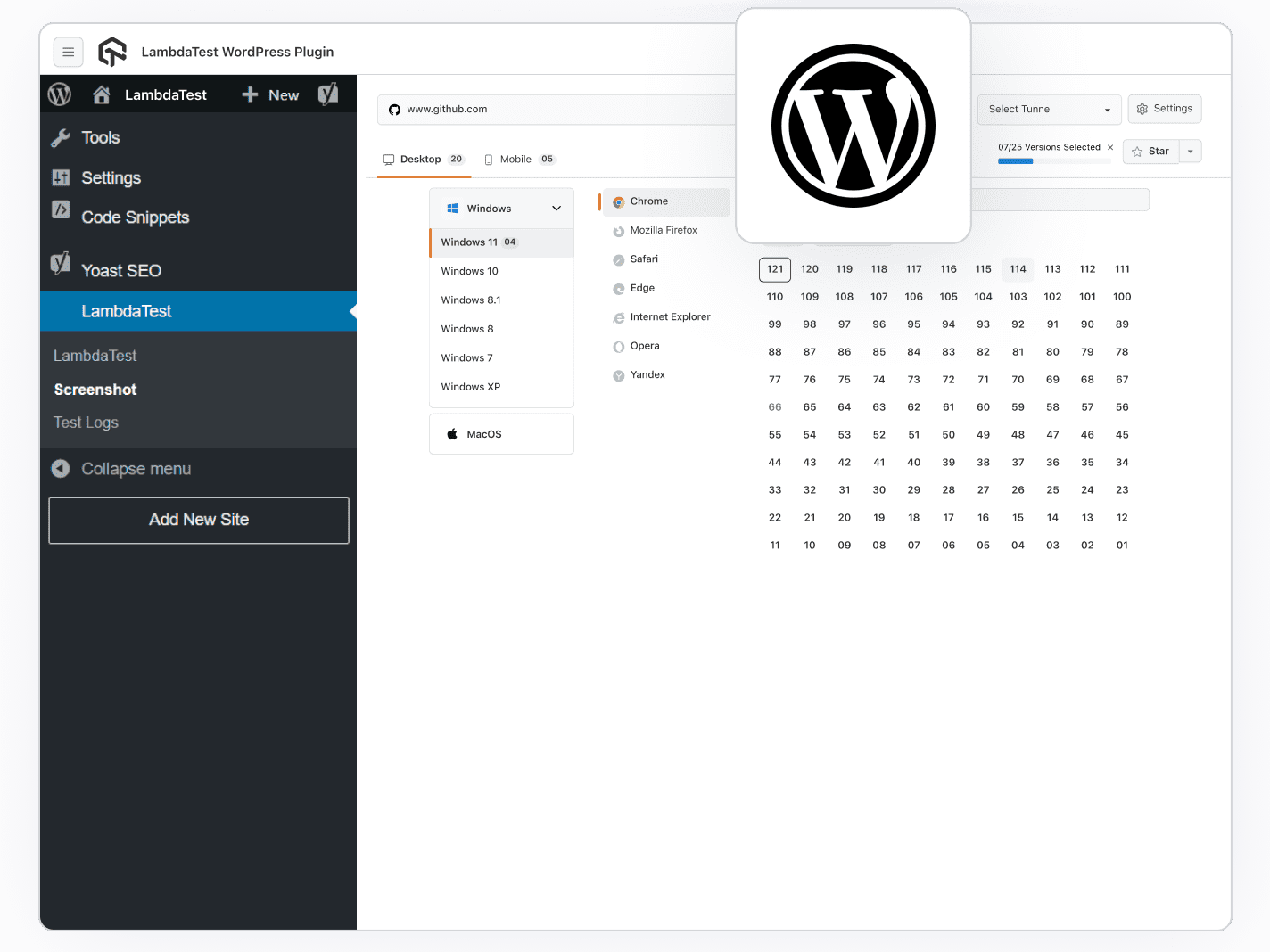
Automated Screenshot API
Automated Screenshot API
TestMu AI Screenshot API allows bulk headless screenshot capture on various OS-browser combos without logging in. Create a JSON file, configure it, invoke the API, and you're finished!
Get Started For Free
AI-Agentic Quality Engineering
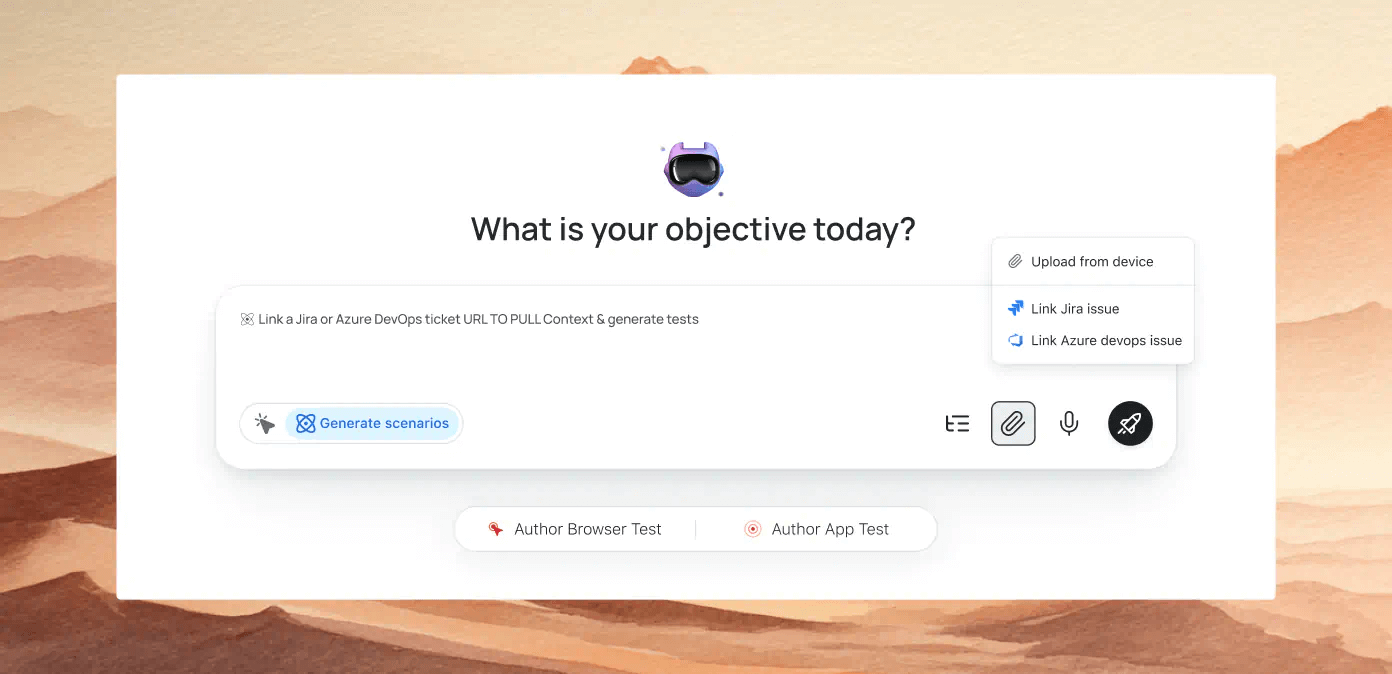
Plan, author, and evolve end-to-end tests using natural language.More about KaneAI
More Reasons to Love TestMu AI (formerly LambdaTest)
See how TestMu AI improves your testing with seamless integration, quicker results, and unmatched accuracy.
Users
3M+
Tests
1.5B+
Enterprises
18K+
Countries
132
TestMu AI Named a Challenger in the 2025 Gartner® Magic Quadrant™
Read ReportTestMu AI recognized in The Forrester Wave™: Autonomous Testing Platforms, Q4 2025
Read ReportWall of Fame
TestMu AI is the #1 choice for SMBs and enterprises across the globe.

Enterprise-Grade Security
We safeguard your data and AI systems with global security, privacy, responsible AI, and ESG standards.

Integrations
Works where you work, 120+ integrations with the tools your team relies on.




As Seen On
Frequently asked questions
- Sign up for free
- Navigate to the More Tools section on the sidebar.
- Select Screenshot.
- Enter the website URL.
- Choose "Desktop or Mobile"
- Select the browsers to be used on the devices you selected
- Click "Capture" to start capturing screenshots
TestMu AI for Enterprise
Get access to solutions built on enterprise-grade
security, privacy, & compliance
- Advanced access controls
- Advanced data retention rules
- Advanced Local Testing
- Premium Support options
- Early access to beta features
- Private Slack Channel
- Unlimited Manual Accessibility DevTools Tests