Create Projects
Test cases play a pivotal role in ensuring the systematic execution of testing activities. Below are key aspects related to test cases, including creating projects, importing test cases, creating manual test cases, and managing them through the test case repository.
Creating projects within Test Manager is the foundational step in organizing and managing your testing activities. Projects serve as containers for your test cases, allowing you to categorize and structure your testing efforts effectively.
How to to Create a Project
-
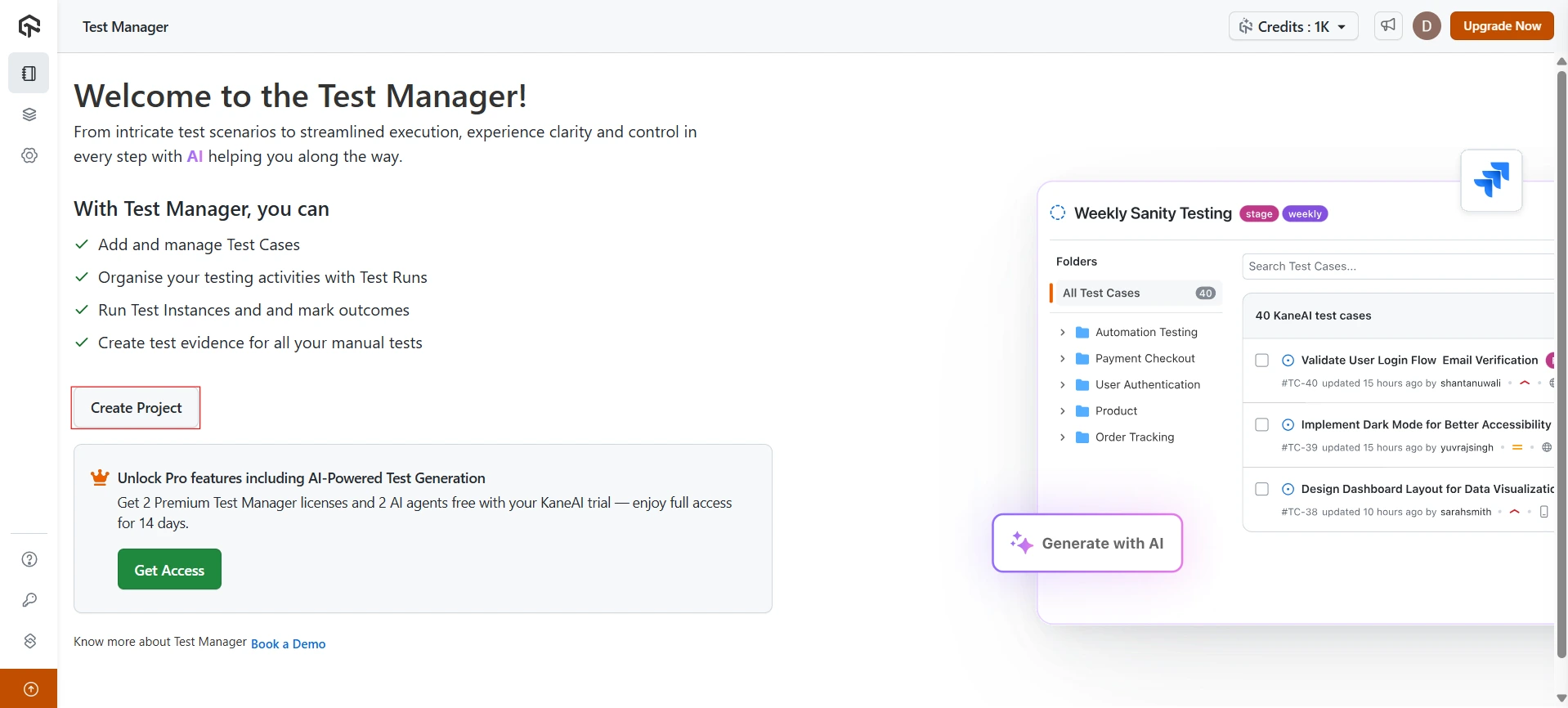
Log in to the Test Manager and navigate to the dashboard - http://test-manager.lambdatest.com/
-
Click on the Create Project button.
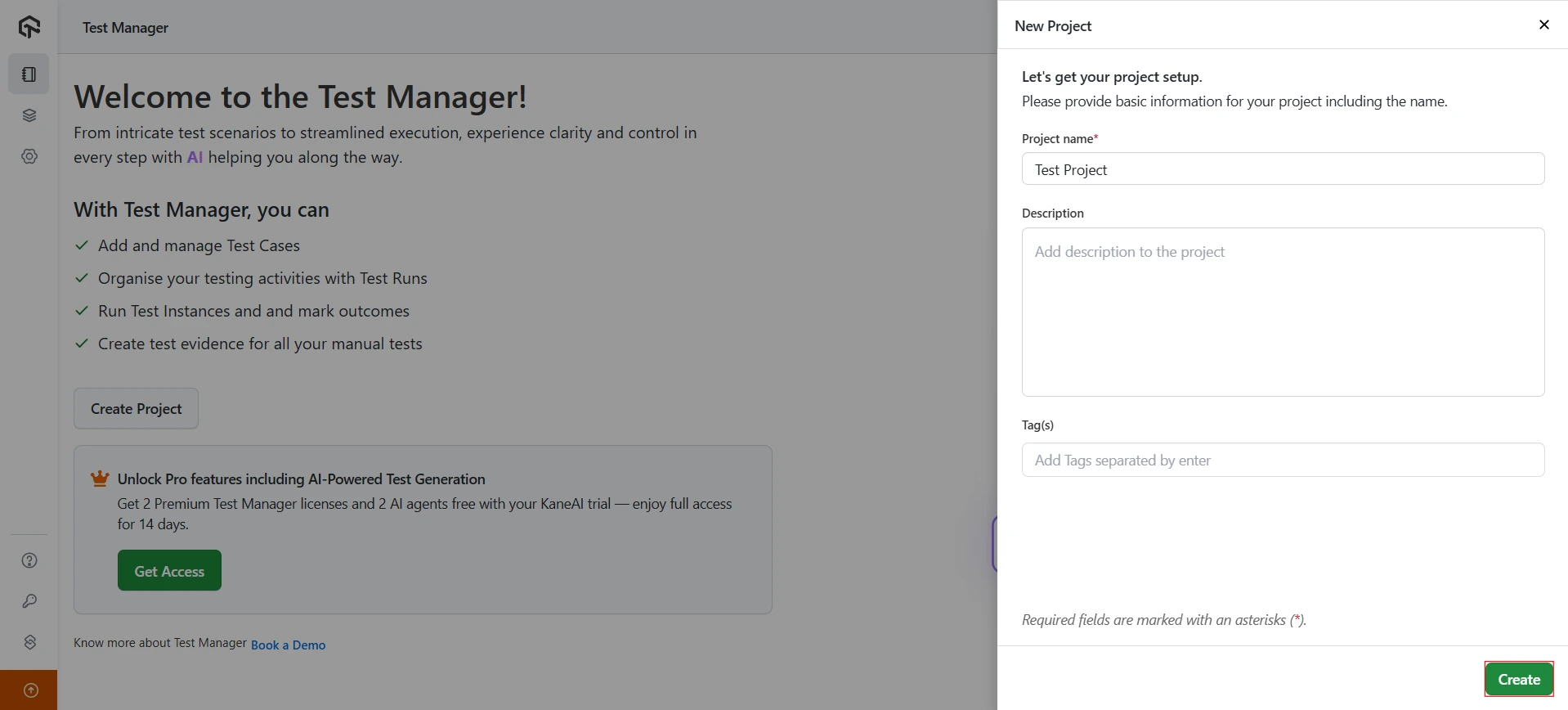
- Enter the Project name, Description, and Tag(s). Be descriptive to ensure clarity for all team members. Click on Create to complete the project creation.
Projects can share test cases with each other, so one project can act as a central repository for others. To control whether a project can share or receive test cases, see Share Test Cases Across Projects.


 Chat with Us