

Run an iPhone Simulator & iOS Simulator Online
Launch iPhone and iPad simulators in your browser from any Windows, macOS, or Linux machine. No Mac, no Xcode, no install. Free to start, no card required.


Trusted by 2M+ users globally at




"We have tripled our tests and are now executing tests in less than 2 hours with 78% Faster Test Execution"


"We figured out a more efficient way to monitor system health and resolve failures earlier in lower environments."





"TestMu AI has significantly boosted our testing speed, is easy to implement, and provides exceptional support."


"With 70% faster test execution, LambdaTest helped us achieve faster time-to-market and enhanced CX."



What is an iOS Simulator Online?
An iOS simulator online is a cloud-hosted virtual iPhone or iPad you open in your browser. It reproduces the iOS runtime, Safari engine, and interface in software, so you can test a website or app on a chosen iPhone or iPad model without owning the hardware, a Mac, or a local Xcode setup.
Use it for quick layout and UI checks as a virtual iPhone, or upload a real .ipa build to test native and hybrid apps. The same session doubles as an iPhone emulator online for responsive and flow testing across phones and tablets.
TestMu AI runs the iOS simulator online free, with no credit card required, from any Windows, macOS, or Linux machine. When hardware behavior decides your release, scale the same test to 10,000+ real iPhones and iPads on the real device cloud.
Run Any iOS Simulator Scenario in Your Browser
Launch a virtual iPhone or iPad in seconds and test UI flows, interactions, and edge cases across every iOS version, with no Mac, Xcode, or setup to manage.
Launch an iOS simulator online in your browser
Pick an iPhone or iPad, choose an iOS version, and a live simulator session opens right in your browser. Test UI flows, interactions, and edge cases straight away, with no setup.
Get started for free
Launch simulators for the latest iPhone and iPad down to older models, across a wide range of iOS versions.
Run iOS simulators from any Windows, macOS, or Linux machine, with nothing to download or configure.
Skip buying Macs and managing iOS versions; the simulator fleet stays current for you.
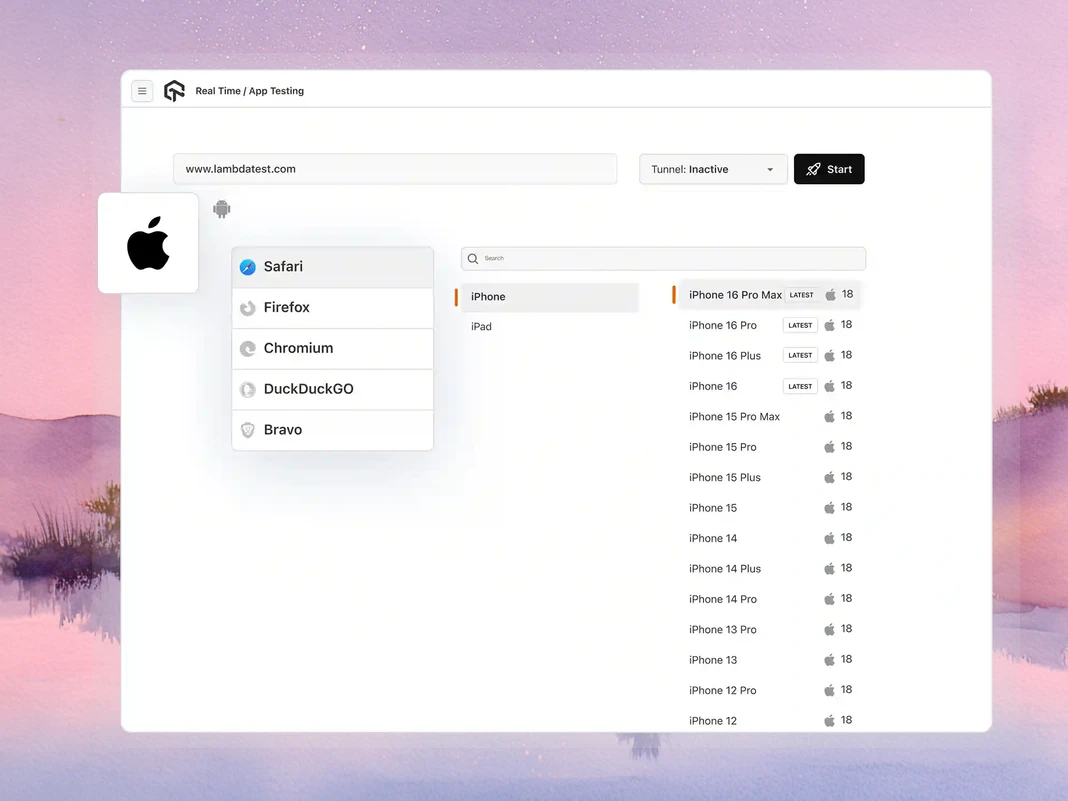
iOS simulator testing with no local setup
TestMu AI runs the simulators, refreshes iOS versions, and manages team access, so you skip the local Xcode installs and shared-Mac bottlenecks. Your engineers test; the infrastructure stays our problem.
Start iOS testingOpen an iOS simulator in the browser instead of installing Xcode and managing simulators on each machine.
New iOS releases are added for you, so you can test the latest version the day it matters.
Give your whole team browser-based access to the same simulators, with no per-machine setup.
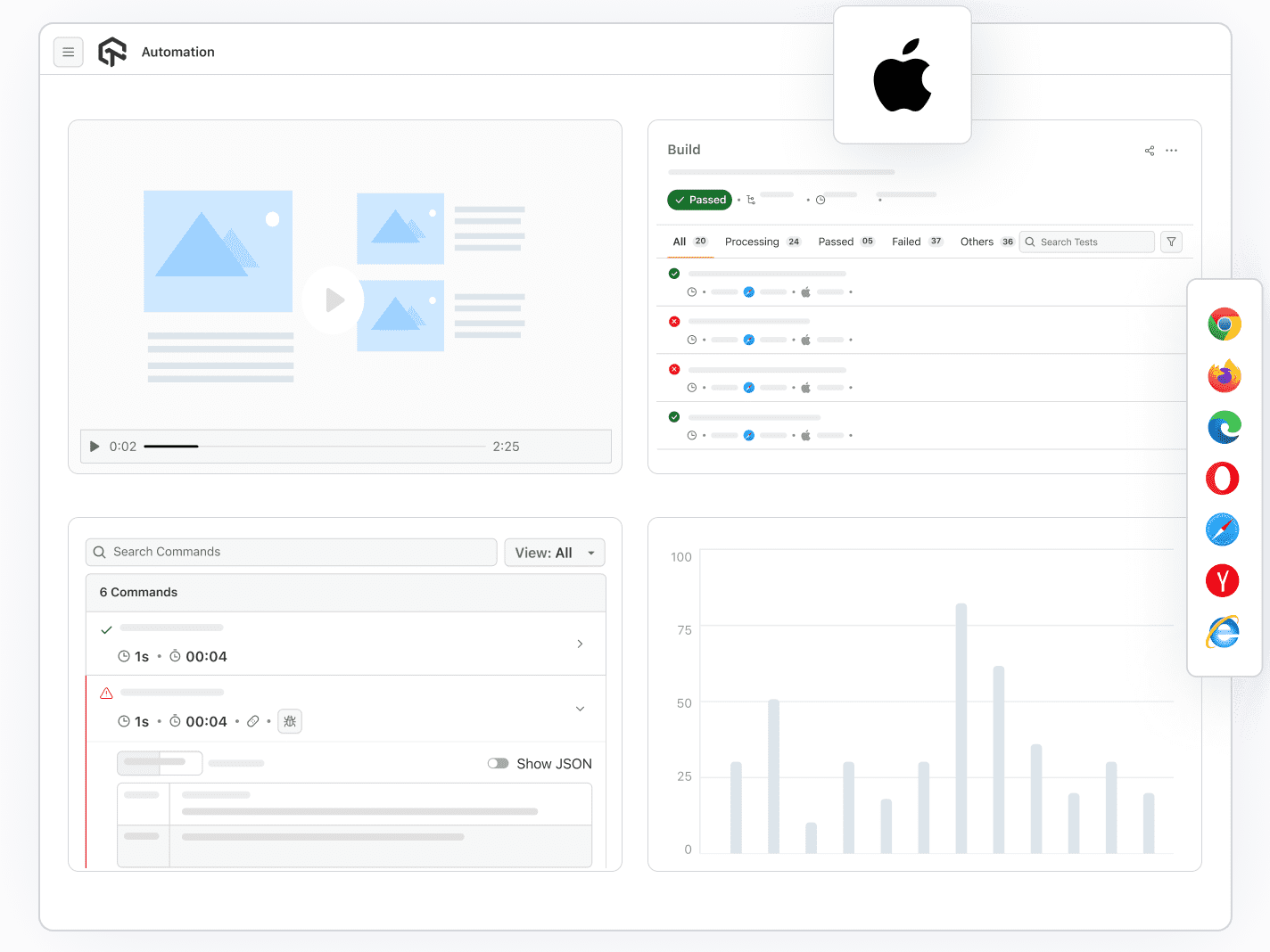
Debug your iOS app right in the simulator
Inspect, debug, and optimize without leaving the browser session. Safari DevTools and the UI inspector are built in, so you catch layout and rendering issues as you test.
Start debugging freeInspect the DOM, debug JavaScript, and check network activity inside the simulator session.
Examine your app's interface element by element to track down layout and rendering bugs.
Test across network conditions and 170+ geolocations to see how your app behaves for users everywhere.
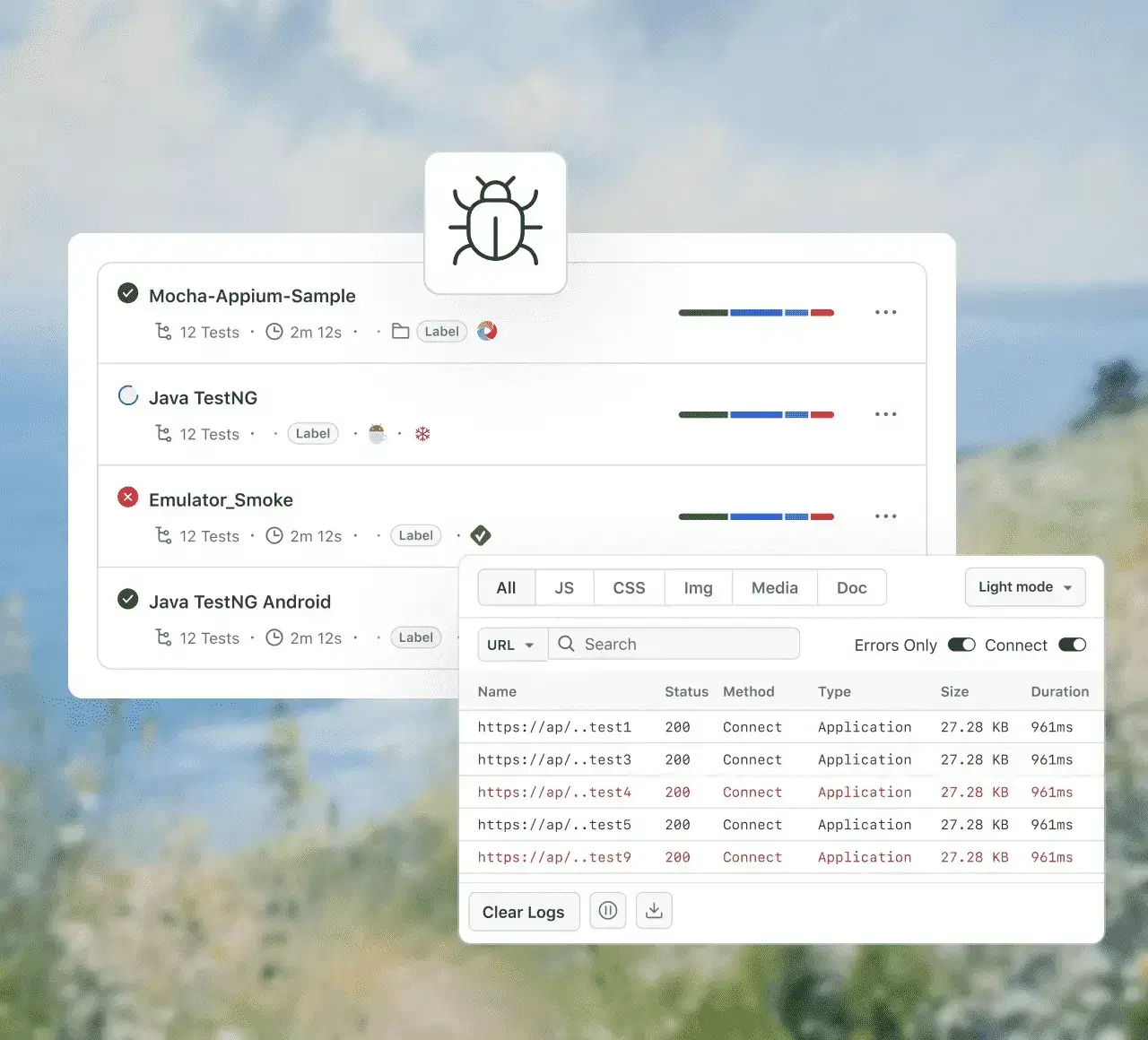
Automate iOS tests across simulators in parallel
Run automated iOS tests across multiple simulator sessions at once, with no local infrastructure to manage. Scale your regression and smoke suites and cut execution time.
Get started for freeAutomate with Appium, XCUITest, and Detox against iOS simulators.
Run suites simultaneously across many simulator sessions to shorten feedback loops.
Plug simulator testing into your pipeline for continuous testing on every build.
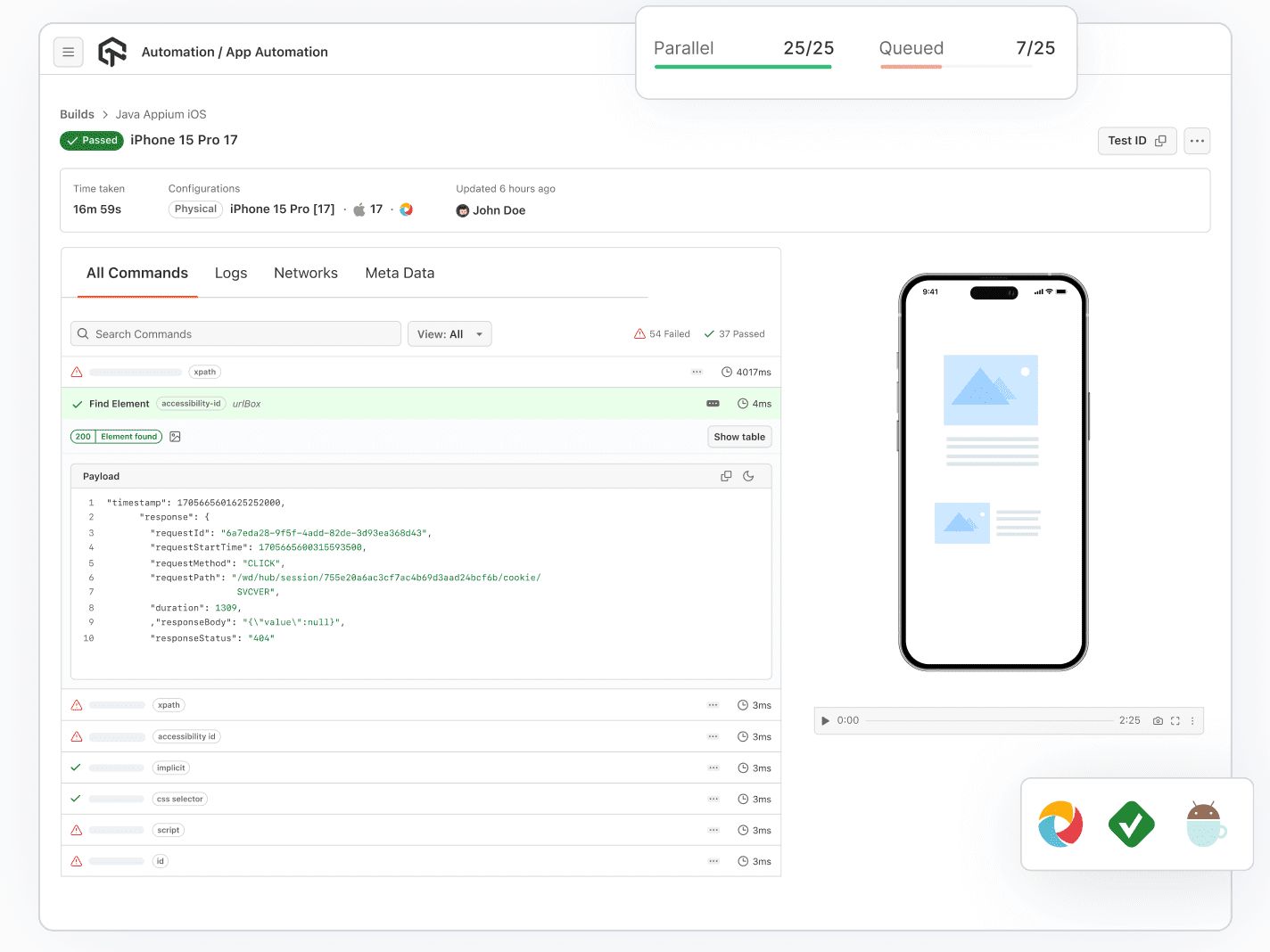
What You Can Do With the iOS Simulator Online

Upload and Test Your App
Upload your IPA from your machine or a public URL and start testing native and hybrid iOS apps immediately.

Debug With Safari Web Inspector
Inspect rendering, debug JavaScript, and trace WebKit-specific issues directly inside the simulator session.

Test Across Networks and Locations
Throttle network conditions and set any of 170+ geolocations to see how your app behaves for real-world users.

Capture, Report, and Share
Record sessions, take annotated screenshots, push bugs to Jira or GitHub, and share live sessions with your team.
Plug into TestMu AI's iOS Automation Grid
Point your XCUITest, Appium, Detox, or Playwright suite at our cloud with one endpoint change. No rewrites, no migration.


 Real Device Cloud
When You Need Real Hardware, Not a Simulator
Simulators are perfect for UI flows, layout checks, and fast functional testing. When a release depends on hardware behavior, the same tests run on real devices in TestMu AI’s Real Device Cloud.
Explore Real Device CloudOnly on real devices
Automate Browser Flows from your
Terminal with Kane CLI
Success Stories of TestMu AI (Formerly LambdaTest)

50%
reduction in test execution time
“HyperExecute is a highly reliable test execution platform and has excellent customer support.”
Sagar Uday Kumar
Sr. Engineering Manager
Some Love from our Customers
As Best Egg expanded its product offerings and entered new markets, we knew our old testing infrastructure couldn’t keep up.
With support from Tenny Agustin, our Engineering Operations Lead, we modernized our approach with
TestMu AI

Best Egg
best-egg

Excited to Share My Learning Journey with Kane AI & Lambda Tool!
I'm pleased to announce that I've recently gained hands-on experience exploring Kane AI through the Lambda Tool and it’s been a fantastic journey of upskilling!
KaneAI

Suryateja Goud
suryateja-goud

See how is #Futureready to enable blazing-fast test orchestration seamlessly integrated with organizations' existing CI/CD platforms, using #Microsoft Azure.
TestMu AI

Microsoft India
MicrosoftIndia
More Reasons to LoveTestMu AI (formerly LambdaTest)
See how TestMu AI speeds up your testing with AI-native authoring, faster execution, and deeper test insights across web, mobile, and AI applications.
TestMu AI Named a Challenger in the 2025 Gartner® Magic Quadrant™
Read ReportTestMu AI recognized in The Forrester Wave™: Autonomous Testing Platforms, Q4 2025
Read ReportWall of Fame
TestMu AI is #1 choice for SMBs and Enterprises across the globe.

Enterprise-Grade Security
We safeguard your data and AI systems with global security, privacy, responsible AI, and ESG standards.

Integrations
Works where you work, 120+ integrations with the tools your team relies on.

Users
3M+
Tests
1.5B+
Enterprises
18K+
Countries
132
As Seen On
Frequently asked questions
TestMu AI forEnterprise
Get access to solutions built on Enterprise
grade security, privacy, & compliance
- Advanced access controls
- Advanced data retention rules
- Advanced Local Testing
- Premium Support options
- Early access to beta features
- Private Slack Channel
- Unlimited Manual Accessibility DevTools Tests