Test Your Website on Yandex Browser Online
Open Yandex 15.12 to 21.2 on cloud Windows machines, or Yandex on real Android phones, and test your site. Free to start, nothing to install.

Trusted by 3M+ users globally at




"We have tripled our tests and are now executing tests in less than 2 hours with 78% Faster Test Execution"


"We figured out a more efficient way to monitor system health and resolve failures earlier in lower environments."





"TestMu AI has significantly boosted our testing speed, is easy to implement, and provides exceptional support."


"With 70% faster test execution, TestMu AI helped us achieve faster time-to-market and enhanced CX."



Online Yandex Browser Testing on Windows and Android
Pick a Yandex version on cloud Windows machines, open Yandex on real Android phones, and log bugs from a live session.
 YANDEX BROWSER VERSIONS
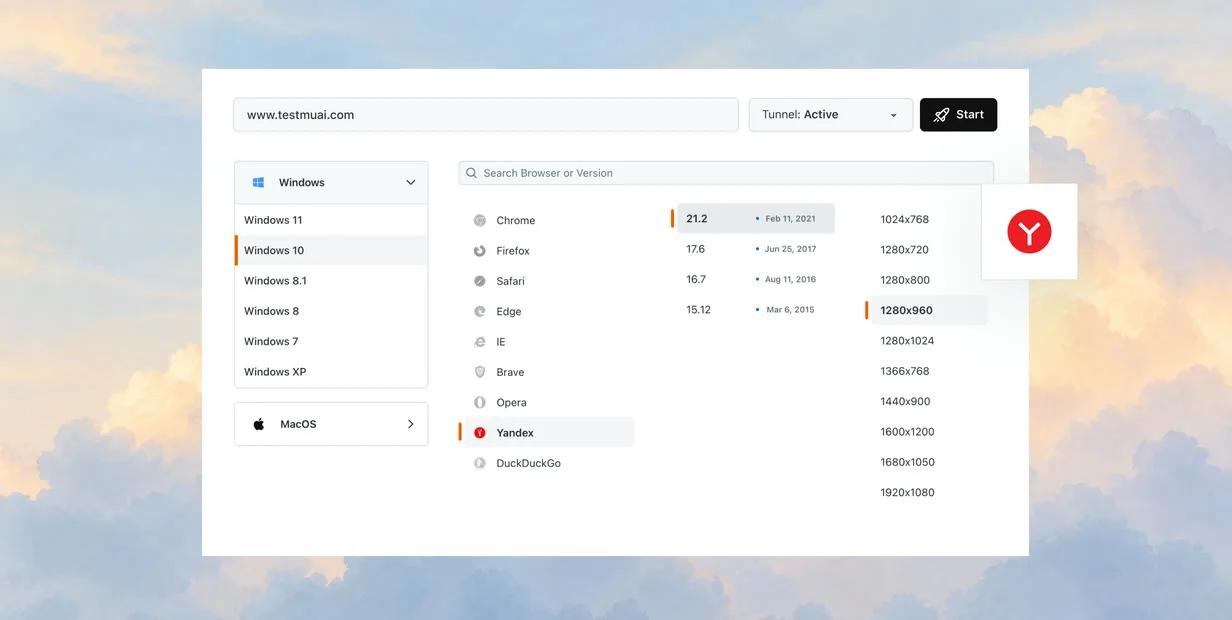
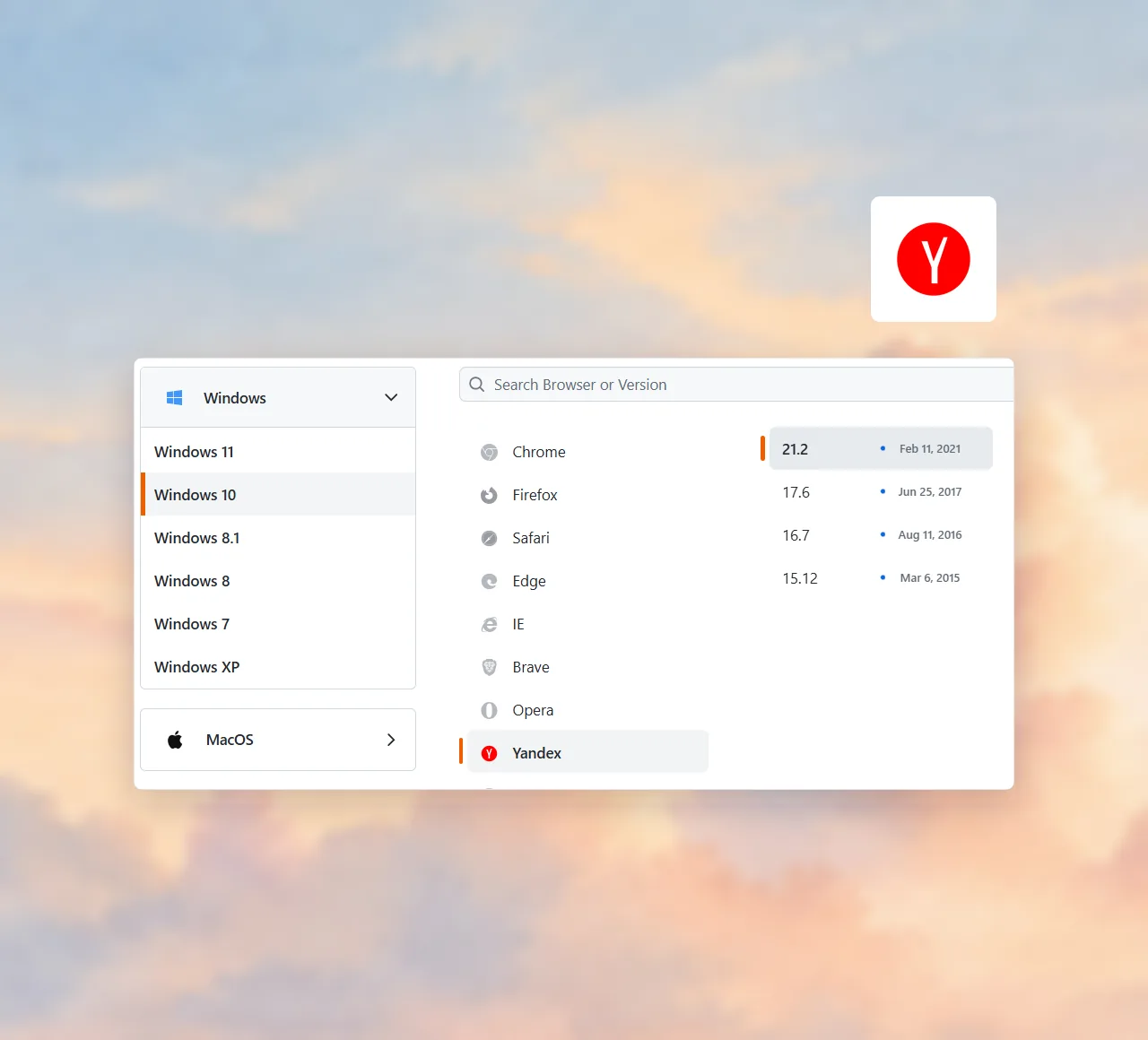
Test on Yandex Browser Versions 15.12 to 21.2
Check that your layouts, forms, and scripts still work on older Yandex builds, from 15.12 to 21.2, on cloud Windows 10, 8.1, 8, and 7 machines.
Start Free Testing
- Run Yandex from a Mac, Linux, or Windows 11 computer.
- Reproduce a bug on the Yandex version a user reported.
- Pick screen resolutions from 1024x768 up to 3840x1600.

 YANDEX ON REAL ANDROID
Test Yandex Browser on Real Android Devices
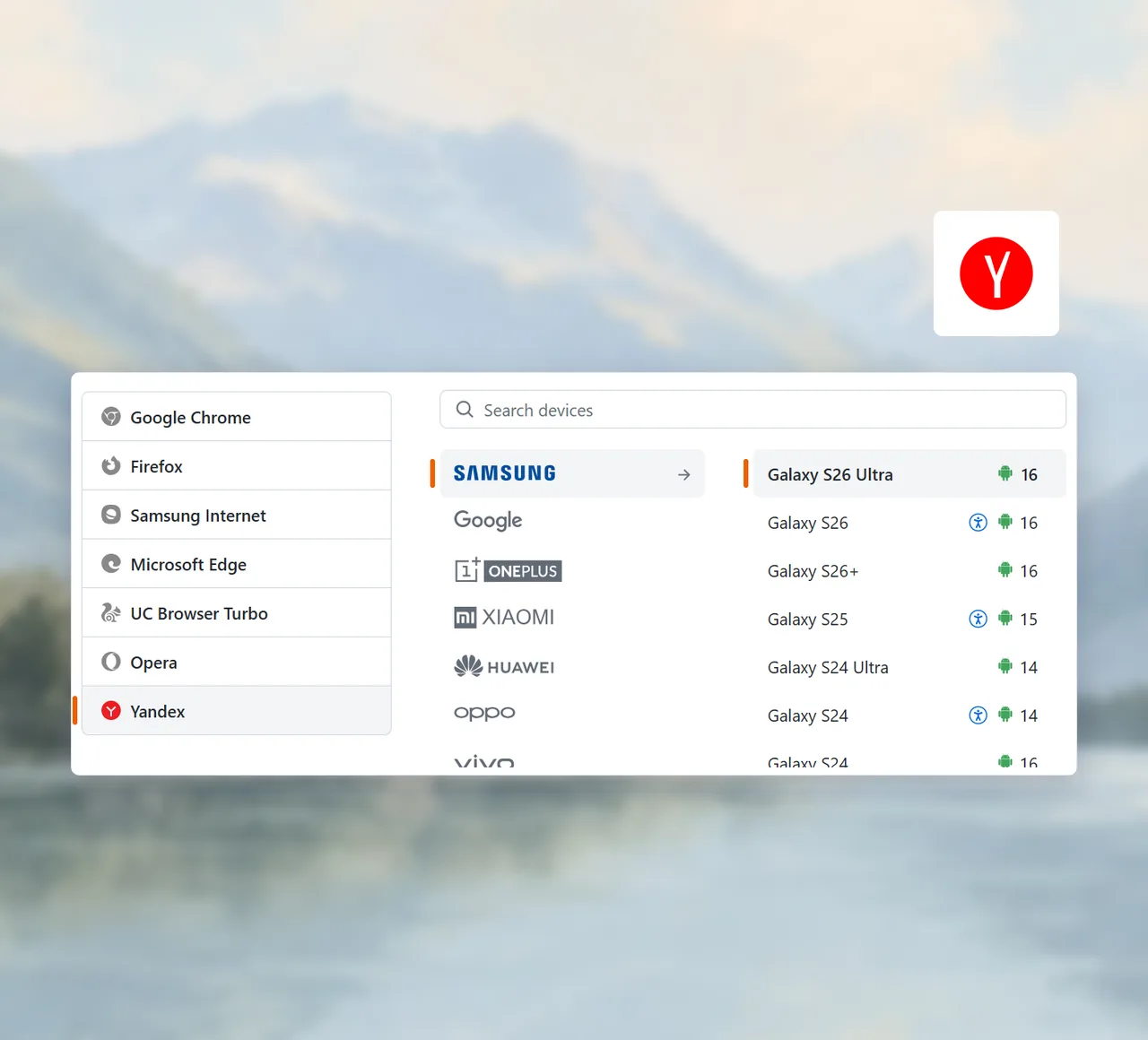
Open Yandex on real Android phones, up to Android 16, and check your mobile site the way your Android users see it.
Test on Real Android- Pick Samsung, Google, OnePlus, Xiaomi, or Oppo phones.
- Test tapping, scrolling, and pinch-zoom on real screens.
- Open localhost and staging sites through the tunnel.
 YANDEX BUG REPORTING
Report Bugs While Testing on Yandex Browser
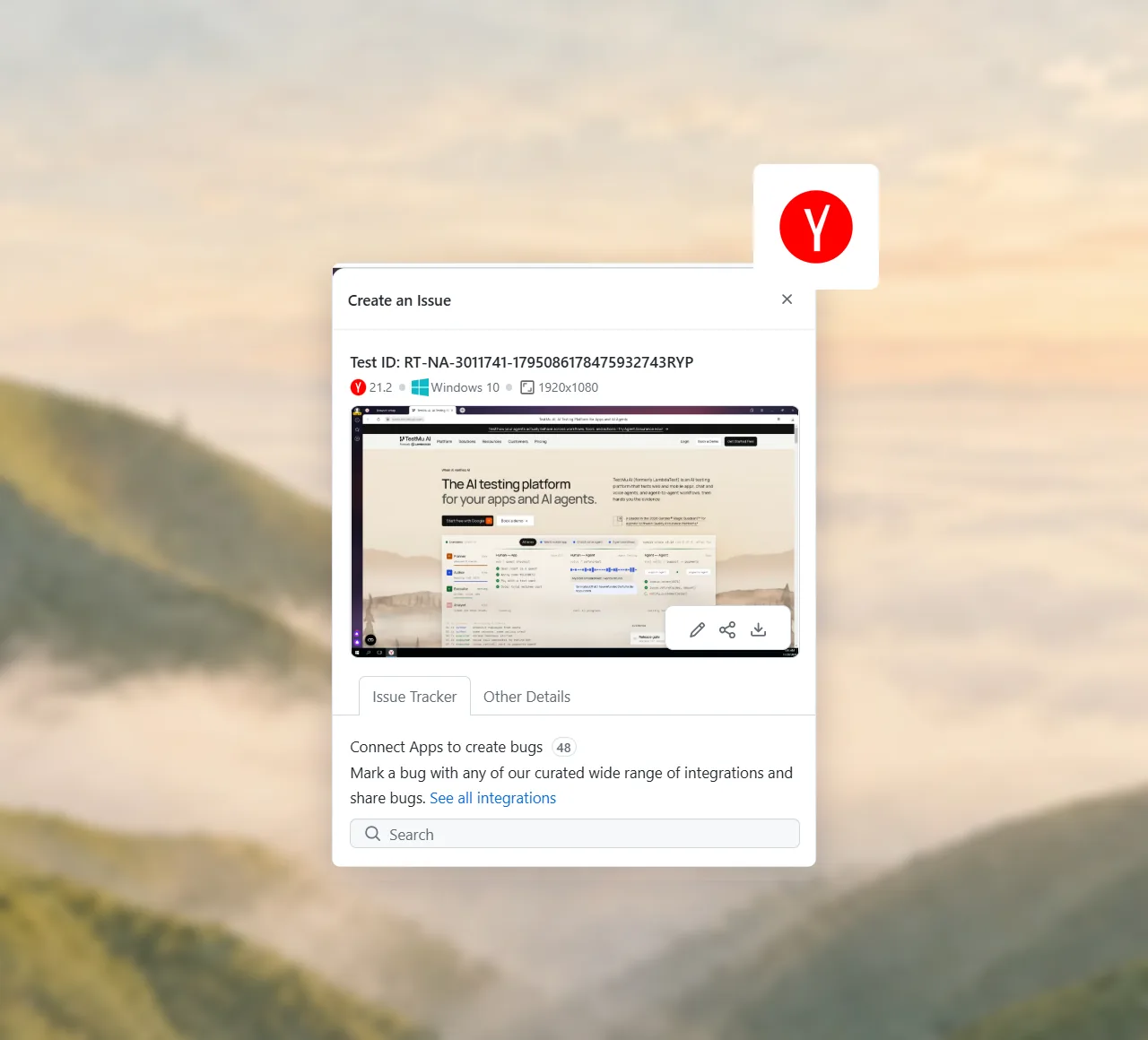
Log a Yandex bug with an annotated screenshot and the version, Windows release, and resolution attached, then file it in your bug tracker.
Start Testing on Yandex- Draw on the screenshot to mark the broken element.
- File bugs in Jira, GitHub, Asana, Slack, and 40+ more.
- Share a link to the bug screenshot or download it.
Live Session Tools for Yandex Browser Testing

IP Geolocation Testing
Load your site from 170+ countries to check geo-targeted content, redirects, and regional pricing.

Network Throttling
Throttle the session to 3G, 4G, 5G, or offline, or set your own download speed, upload speed, and latency.

Localhost Testing
Turn the tunnel on to open localhost or a staging site behind your firewall, with nothing made public.

Screen Reader Testing
Hear your page through the NVDA screen reader on Windows, with the spoken text shown on screen.

Test Session Recording
Record the whole session and find every video and screenshot later in the session gallery.

File Upload Testing
Upload images, videos, and documents, and download the files your site generates.

Display Scaling Testing
Change the display scale to check your page at different zoom levels and pixel ratios.

Cross Browser Comparison
Switch from Yandex to Chrome, Edge, or Opera without ending the session to compare the same page.
3M+
developers & QA engineers
3,000+
browser and OS combinations
120+
CI/CD and tool integrations
4
Yandex versions on Windows
Test on a specific Yandex Browser version
Yandex Browser Testing Plus the TestMu AI Platform
AI-native agents that plan, author, run, and analyze your tests across web, mobile, and AI applications.
Agent Testing
AI agents need testing too. Catch failures in your chatbots and voice assistants before real users do.
More about Agent Testing
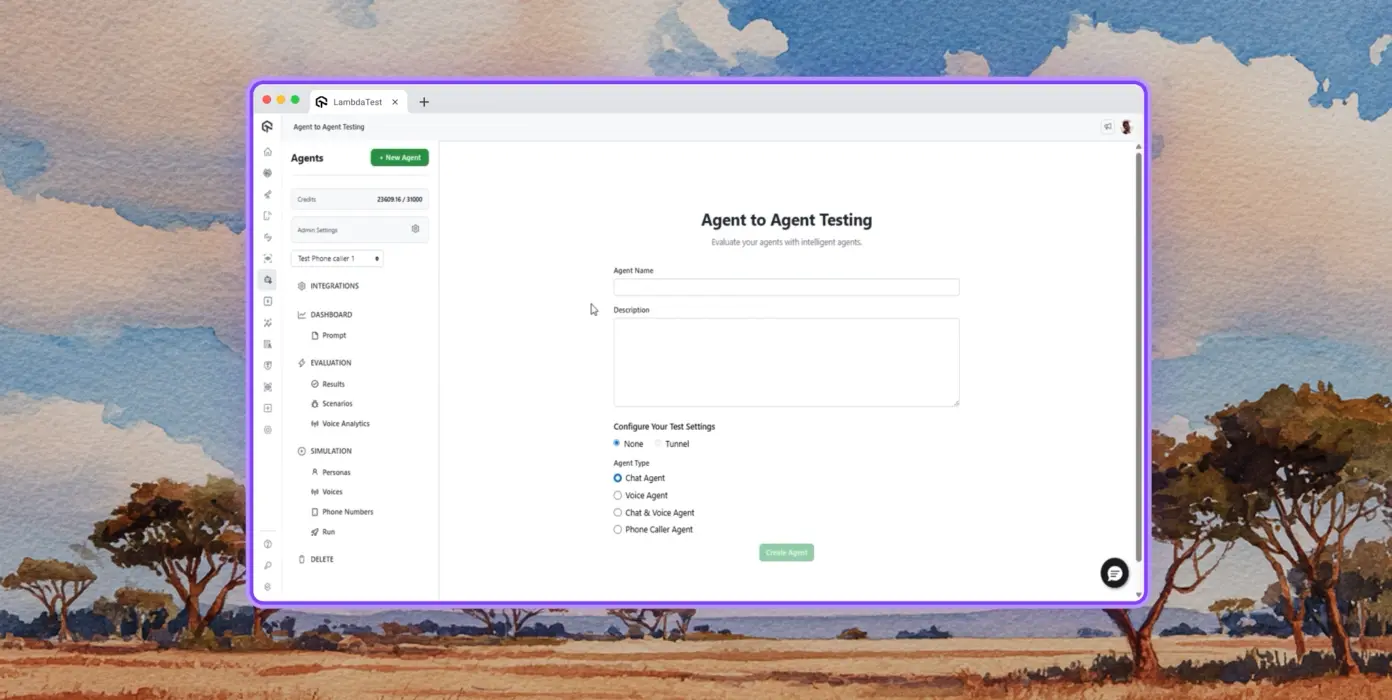
Autonomous Testing
Detailed analysis of the agent under test, from the perspective of a synthetic end-user.
Multi-persona Simulation
Diverse user personas like International Caller, Digital Novice and more.
Risk Scoring & Regression
End to end regression testing for the agent under test, with insights.
Cross Browser Testing Success Stories on TestMu AI
See how engineering teams across industries test smarter, ship faster, and release with confidence on TestMu AI.

2X
Faster Spin Up Time


How TestMu AI helps Dunelm to achieve Digital Transformation in Testing
Stuart Day
Head of Quality



More Reasons to Pick TestMu AI for Yandex Browser Testing
TestMu AI is a leading agentic AI quality engineering platform, trusted globally, that assures your AI deployments work as intended, safely and securely, across enterprise and real-world conditions.
Users
3M+
Tests
1.5B+
Enterprises
18K+
Countries
132
TestMu AI positioned as a Leader in the 2026 Gartner® Magic Quadrant™
Read ReportTestMu AI recognized in The Forrester Wave™: Autonomous Testing Platforms, Q4 2025
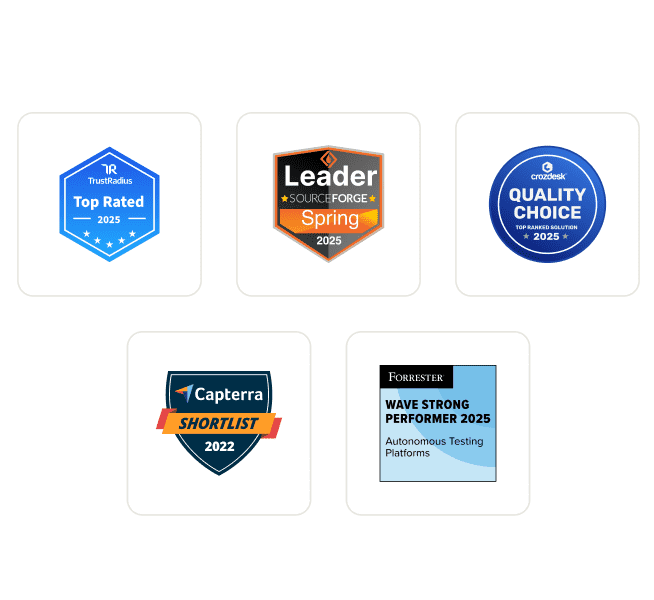
Read ReportWall of Fame
TestMu AI is the #1 choice for SMBs and enterprises across the globe.
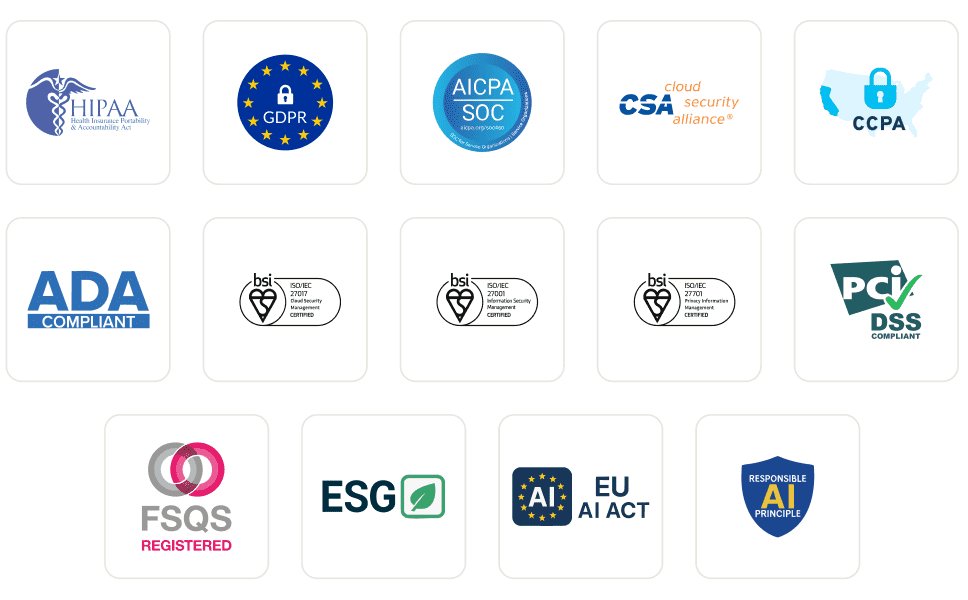
Enterprise-Grade Security
We safeguard your data and AI systems with global security, privacy, responsible AI, and ESG standards.
Integrations
Works where you work, 120+ integrations with the tools your team relies on.



As Seen On
Yandex Browser Testing FAQs
TestMu AI for Enterprise
Get access to solutions built on enterprise-grade
security, privacy, & compliance
- Advanced access controls
- Advanced data retention rules
- Advanced Local Testing
- Premium Support options
- Early access to beta features
- Private Slack Channel
- Unlimited Manual Accessibility DevTools Tests