

Cross Browser Testing Tool for Desktop and Mobile
Run live and automated tests on TestMu AI, a cross browser testing tool with 3,000+ browser-OS combinations and 10,000+ real devices.

Automate Mobile and Browser Flows
from your Terminal with Kane CLI

Trusted by 3M+ users globally at




"We have tripled our tests and are now executing tests in less than 2 hours with 78% Faster Test Execution"


"We figured out a more efficient way to monitor system health and resolve failures earlier in lower environments."





"TestMu AI has significantly boosted our testing speed, is easy to implement, and provides exceptional support."


"With 70% faster test execution, TestMu AI helped us achieve faster time-to-market and enhanced CX."



More Browsers in Testing. Fewer Bugs in Production.
From a quick live session to fully automated runs at scale, test on the real browsers, devices, and network conditions your users are on.
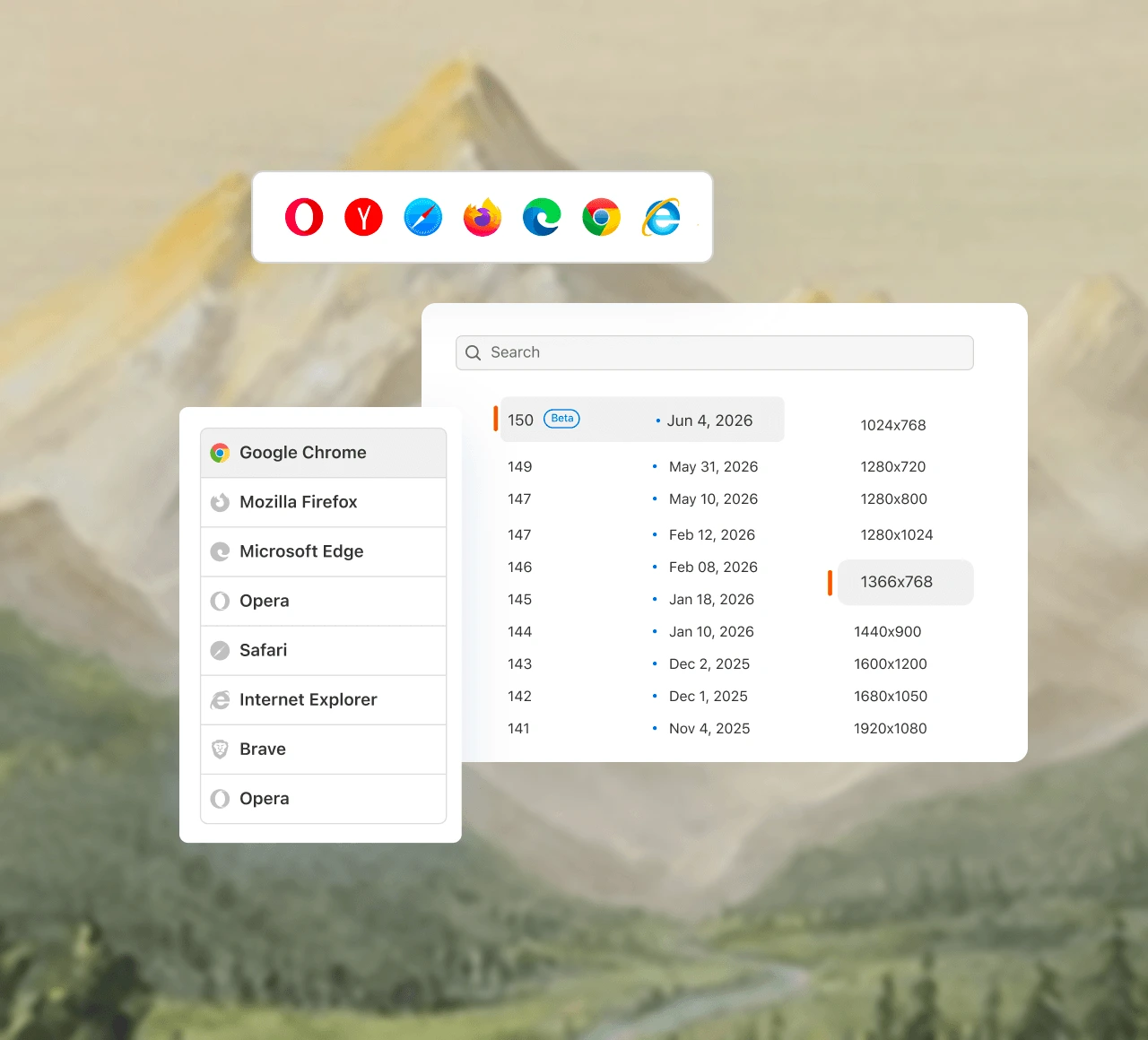
Debug live in any browser with zero setup
Spin up an instant interactive cloud session to click, scroll, fill forms, and reproduce issues across real desktop and mobile browsers - with native DevTools built in.
Start a live browser session freePick the precise browser, version, and OS a bug was found on and replicate it exactly. No guesswork.
Access any Safari or iOS version right from your Windows or Linux machine. No Apple hardware, no local setup.
Open Chrome DevTools, Safari Web Inspector, or Firefox DevTools right inside your session. No tool-switching, no lost context.
Test automation across every browser, at scale
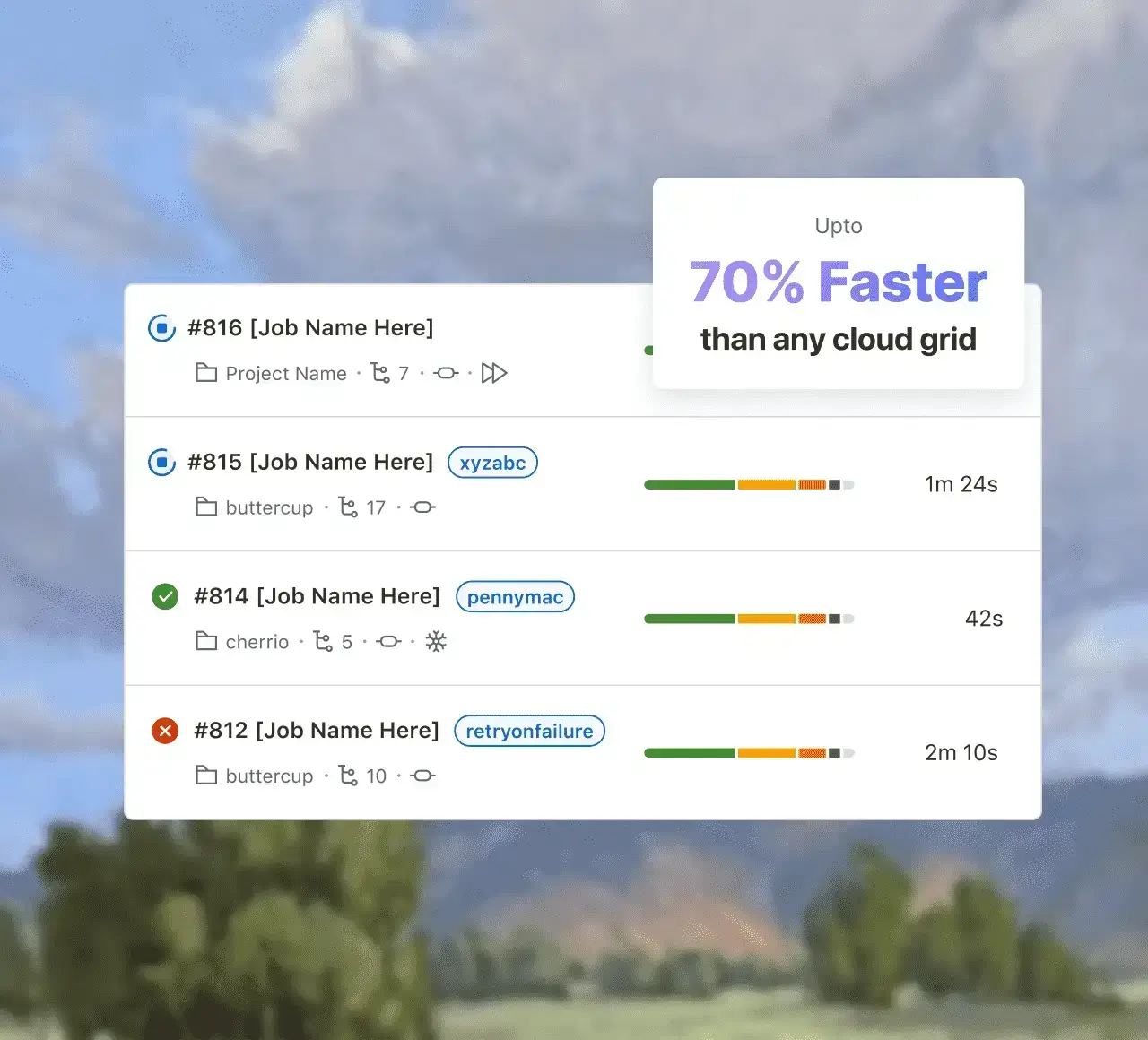
Run your existing suites or author new ones in natural language, then execute them in parallel across hundreds of browser-OS combinations - up to 70% faster with HyperExecute.
Run your first automated browser testDescribe what to test and KaneAI writes it. It self-heals broken selectors when your UI changes, so coverage stays accurate with no maintenance overhead.
Plug in your existing framework suites and run across hundreds of browser-OS combinations at once. No rewrites, no new pipeline - just point your suite at the grid.
Connect GitHub Actions, Jenkins, CircleCI, GitLab, Azure DevOps, and Bitbucket. Tests trigger automatically on every pull request - just add your credentials.
Test on real desktop and mobile browsers
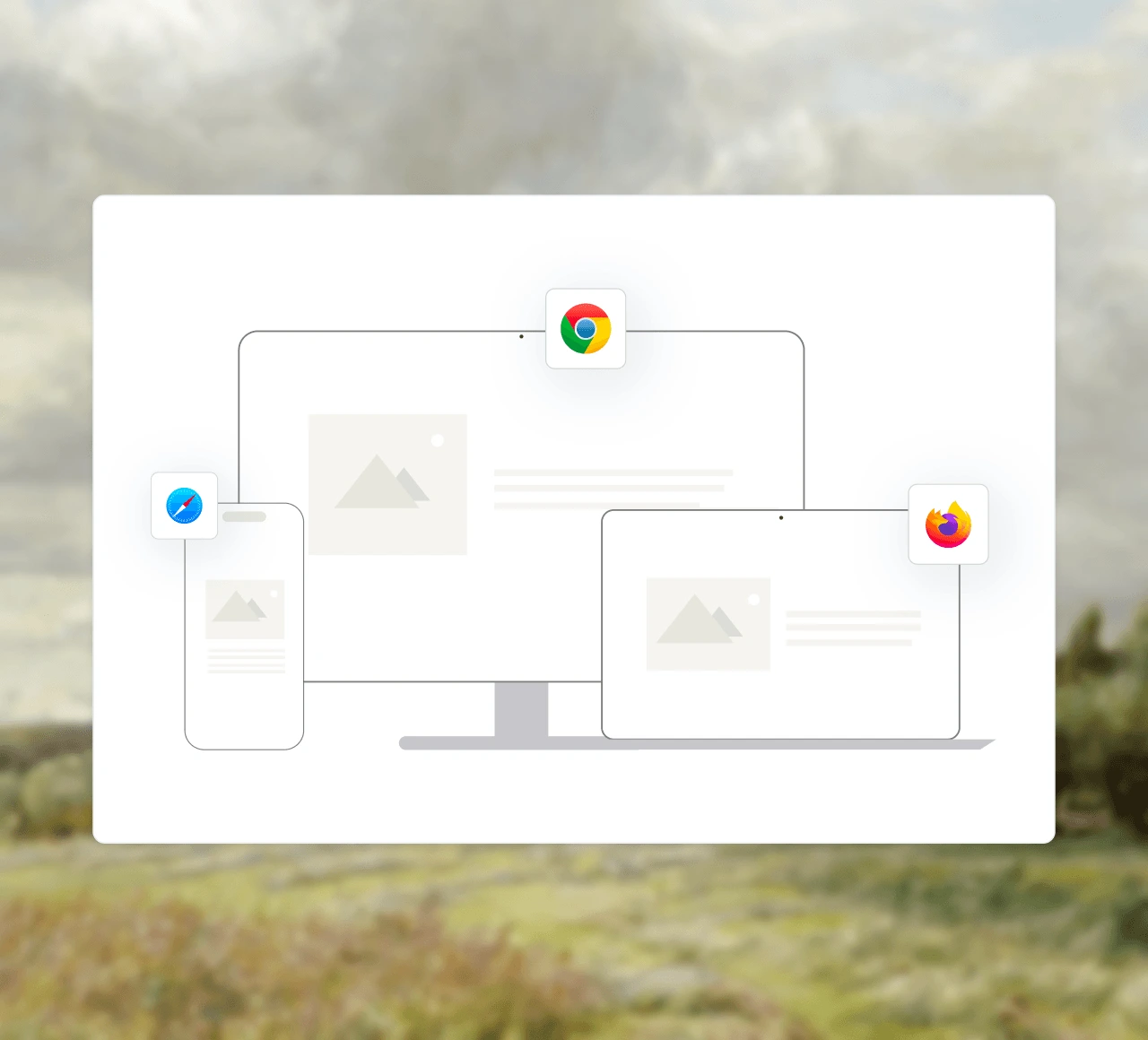
Run across Windows, macOS, iOS, and Android to catch the bugs that only surface in one specific browser or OS.
Start live testing freeChrome, Safari, Firefox, Edge, and Opera on Windows, macOS, and Linux, across 25+ screen resolutions.
Real iOS and Android devices running Chrome, Safari, and Samsung Internet - actual rendering, not a resized desktop window.
Jump between any browser, version, and OS without reconfiguring or restarting your session.
Online Browser Testing Without a Local Setup
Every browser runs in the cloud and streams into the tab you already have open, so browser testing online takes seconds instead of an afternoon. There is no VM to build, no device lab to buy, and no second machine standing by just to check an older Safari or Edge build.
Start an online browser test in seconds
Pick a browser-OS combination, enter your URL, and the session opens live. Click, scroll, fill forms, and reproduce issues with native DevTools attached.
Real browsers and real devices
Each online browser test runs a genuine browser build on a real desktop OS or a real handset - actual WebKit, Blink, and Gecko, not one engine resized to mimic another. Emulators are the faster first pass; real hardware is where engine differences surface.
Every version, on demand
Test a browser online across current and legacy versions - 3,000+ browser-OS combinations and 10,000+ real devices, reachable from the same session.
Browser Compatibility Testing Across Screens, Networks, and Layouts
Browser bugs hide in screen sizes, network conditions, accessibility, and visual layouts - TestMu AI catches them all. New to the topic? Start with our guide to cross browser compatibility.
Switch between 25+ desktop resolutions instantly, from 1024x768 to 2560x1440, to check your responsive media queries - no manual window resizing.
Simulate 2G, 3G, 4G, 5G, LTE, offline, and custom latency to verify your app holds up on slow or unstable connections.
Test from 45+ geoIPs to verify localized content, currency, language detection, and region-specific privacy banners across countries.
Validate file uploads and downloads end to end across real browser-OS combinations - catch browser-specific transfer failures before production.
Audit your live DOM against WCAG and test with screen readers, so your site works for every user, not just most of them.
Catch pixel-level shifts, DOM changes, font-rendering differences, and Safari WebKit layout bugs before your users do.
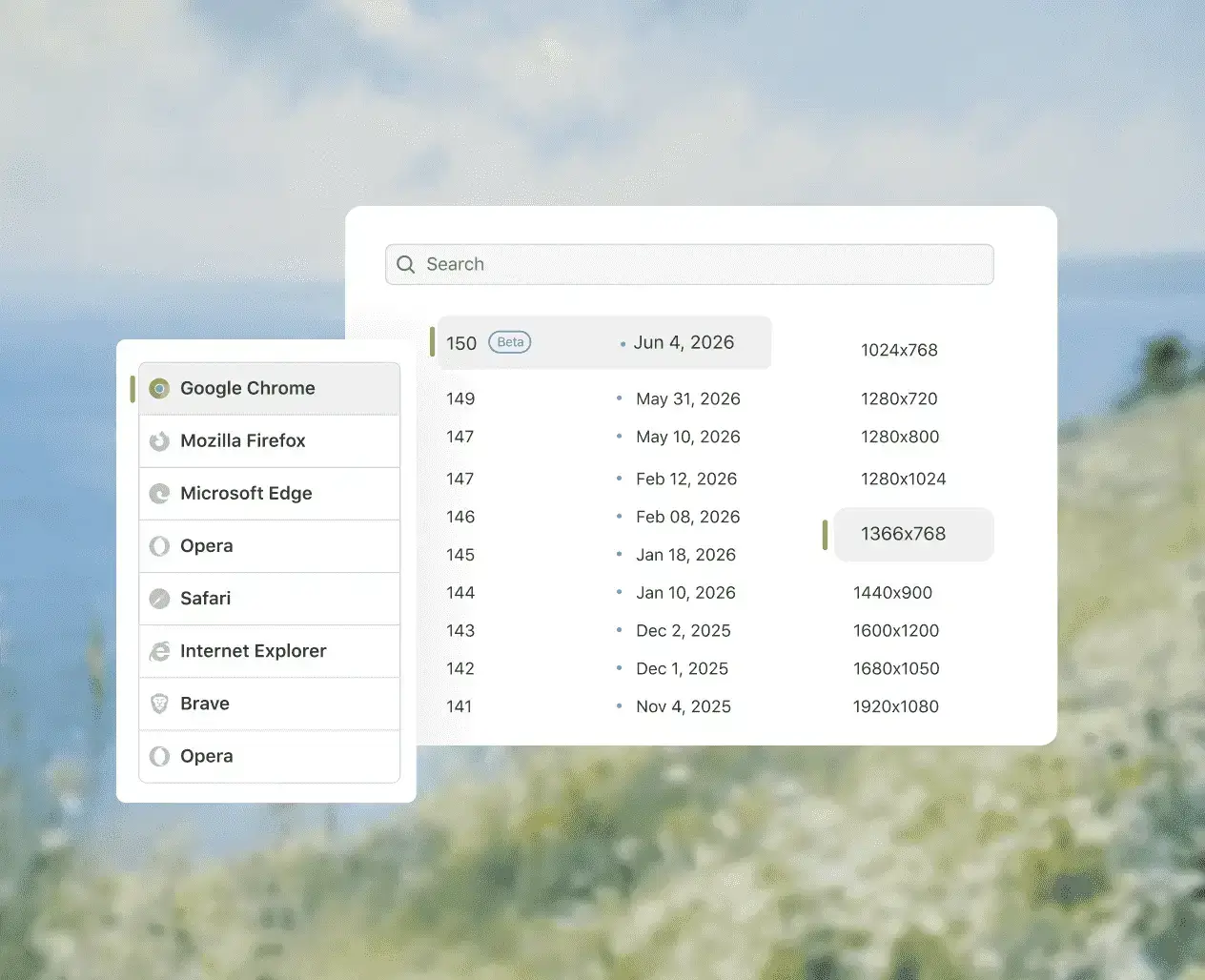
Everything your live testing session needs, in one place.
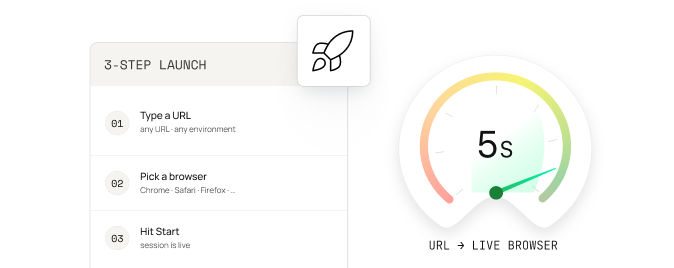
Launch a session in seconds
Type a URL, pick a browser, hit Start. No WebDrivers, no VMs, no IT tickets.
Responsive testing across screen sizes
Resize to any viewport on the fly and see how your layout holds up - catch breaks before your users do.

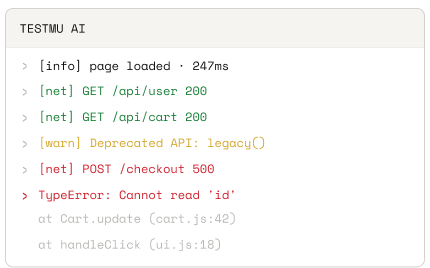
Console, network & render logs
Capture console errors, network requests, and render timing automatically - no screen-share required.
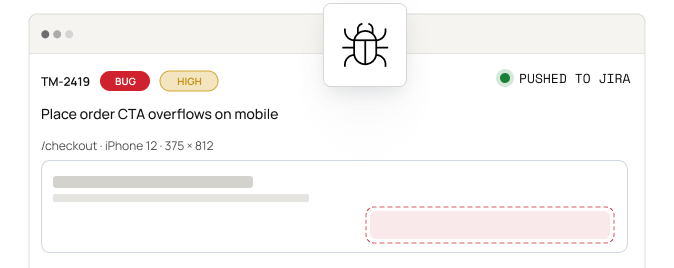
Spot issues? Mark as bug
Mark any issue as a bug instantly, add annotations, and push it straight to Jira, Slack, or your favourite tool.
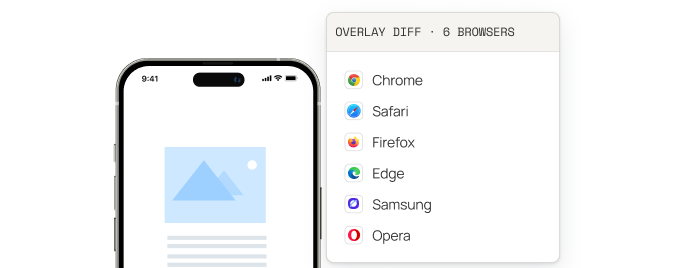
Multi-browser side-by-side
Open six mobile browsers on the same flow, side by side, and spot UI drift fast.
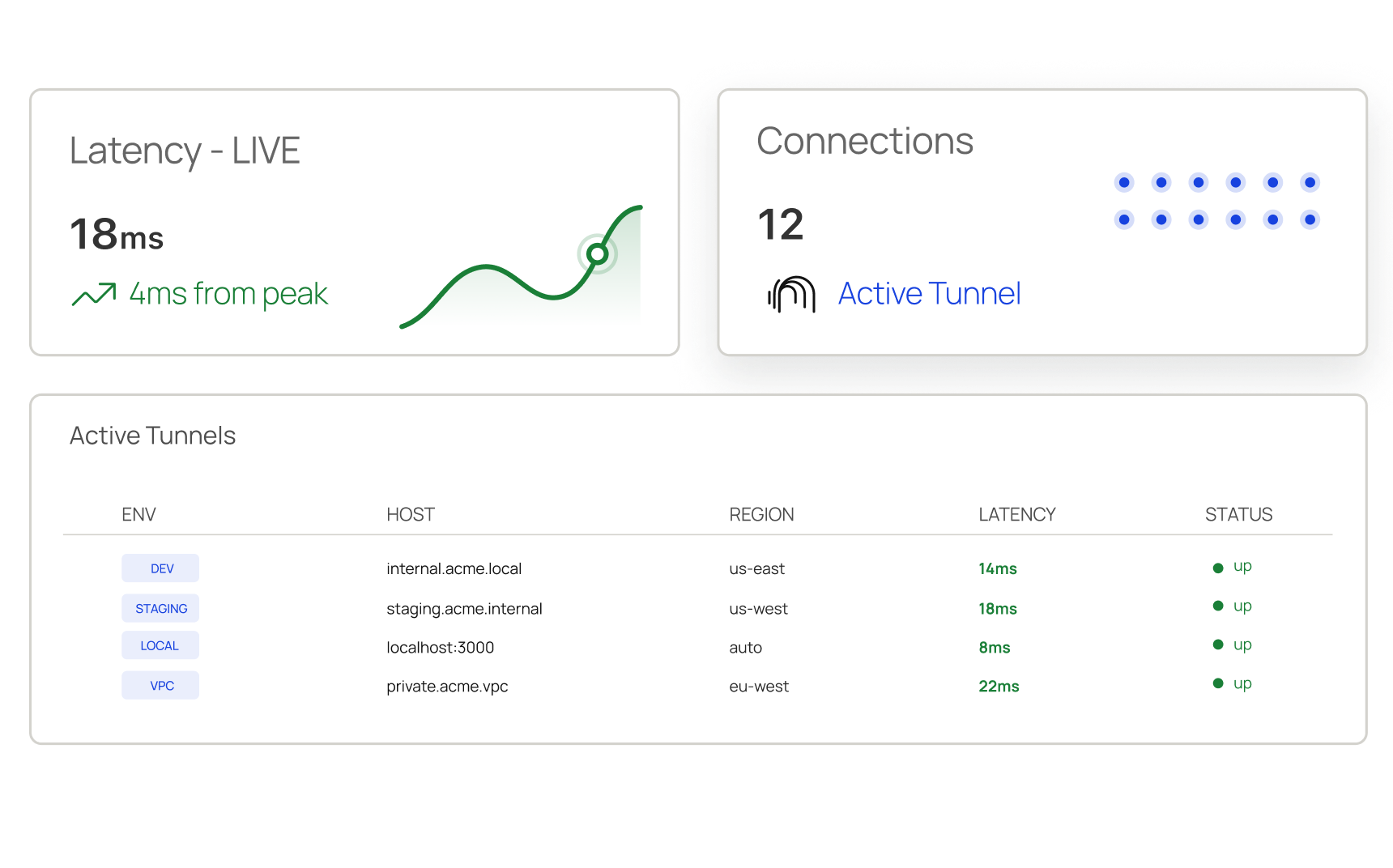
Test on your Dev environment
Run localhost, dev, or staging apps live through the secure TestMu AI tunnel. Auto-renew, no VPN.
3M+
developers & QA engineers
3,000+
real browsers & OS combos
70%
faster test execution
$15/mo
to get started vs $39 elsewhere
Get Started with your First Cross Browser Test
Blog
Walkthrough on performing cross browser testing with TestMu AI, plus a comparison of the best cross browser testing tools for 2026.
Live interactive browser testing
Get started with live cross browser sessions on virtual browsers or run them directly on real devices.
Automated browser testing
Run automated Selenium, Playwright, and Cypress suites in parallel on the cross browser testing cloud.
More coverage. Less cost. No maintenance.

No infrastructure to manage
No machines, no browser matrix, no maintenance. Hand off your entire testing infrastructure to TestMu AI's cloud grid.

70% faster test execution
HyperExecute co-locates tests with browsers, cutting the network hop that slows remote grids. Two-hour runs become 15-minute cycles.

Starts at $15/month
Live testing on 3,000+ browser-OS combinations from $15/month, web automation from $29, and KaneAI from $17.
Test Across 3,000+ Browser-OS Combinations and 10,000+ Real Devices
| Browser | Versions | Engine |
|---|---|---|
| Test on Chrome Browsers | 37 to the latest stable, plus Beta | Blink |
| Test on Safari Browsers | 5.1 to 18, plus 26 and 27 | WebKit |
| Test on Firefox Browsers | 32 to the latest stable, plus Beta | Gecko |
| Test on Edge Browsers | 79 to the latest stable, plus Beta | Blink |
| Test on Opera Browsers | 23 to 110 | Blink |
| Test on Brave Browsers | 1.32 to 1.64 | Blink |
See the full list of browsers or list of real devices, and start every session with your pre-loaded Chrome extensions already installed.
AI-Agentic Quality Engineering
AI-native agents that plan, author, run, and analyze cross browser tests across 3,000+ browser-OS combinations, 10,000+ real devices, and your CI pipeline.
Agent Testing
AI agents need testing too. Catch failures in your chatbots and voice assistants before real users do.
More about Agent Testing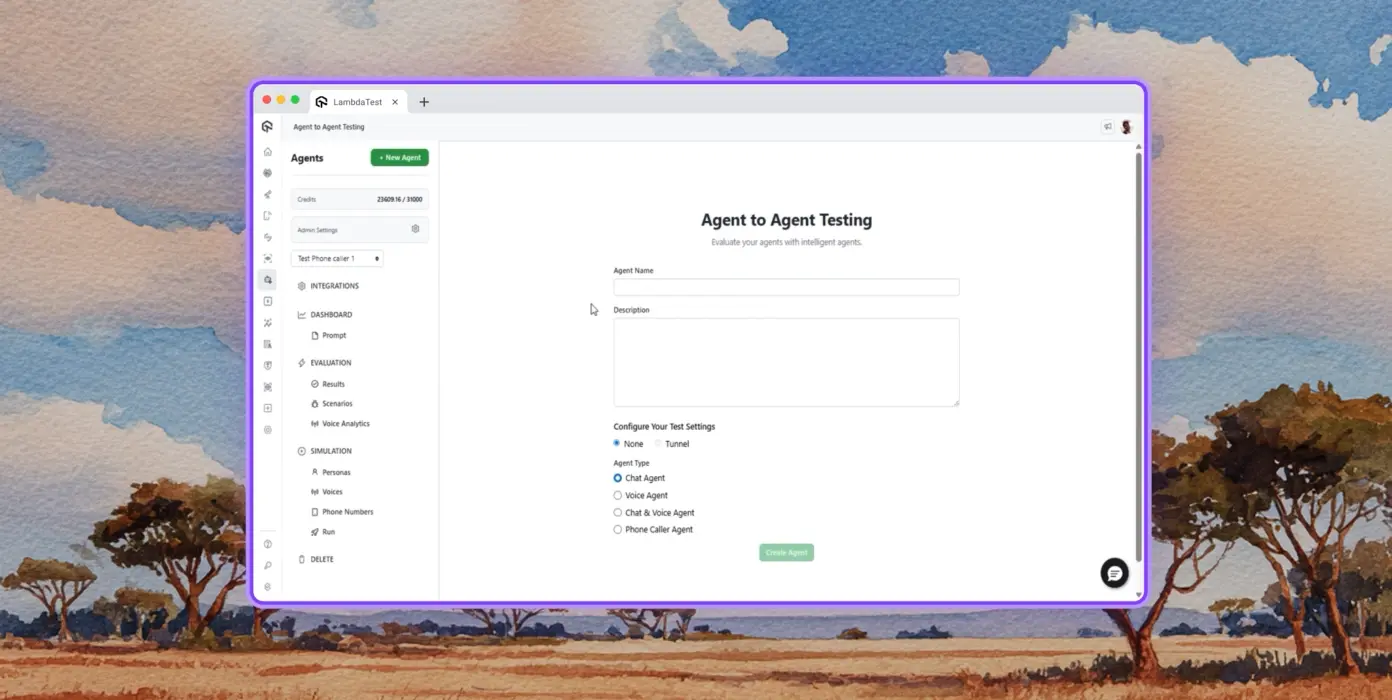
Autonomous Testing
Detailed analysis of the agent under test, from the perspective of a synthetic end-user.
Multi-persona Simulation
Diverse user personas like International Caller, Digital Novice and more.
Risk Scoring & Regression
End to end regression testing for the agent under test, with insights.






















Success Stories of TestMu AI (Formerly LambdaTest)

50%
reduction in test execution time
“HyperExecute is a highly reliable test execution platform and has excellent customer support.”
Sagar Uday Kumar
Sr. Engineering Manager
Some Love from our Customers
As Best Egg expanded its product offerings and entered new markets, we knew our old testing infrastructure couldn’t keep up.
With support from Tenny Agustin, our Engineering Operations Lead, we modernized our approach with
TestMu AI

Best Egg
best-egg

Excited to Share My Learning Journey with Kane AI & Lambda Tool!
I'm pleased to announce that I've recently gained hands-on experience exploring Kane AI through the Lambda Tool and it’s been a fantastic journey of upskilling!
KaneAI

Suryateja Goud
suryateja-goud

See how is #Futureready to enable blazing-fast test orchestration seamlessly integrated with organizations' existing CI/CD platforms, using #Microsoft Azure.
TestMu AI

Microsoft India
MicrosoftIndia
More Reasons to LoveTestMu AI (formerly LambdaTest)
See how TestMu AI improves your testing with seamless integration, quicker results, and unmatched accuracy.
Users
3M+
Tests
1.5B+
Enterprises
18K+
Countries
132
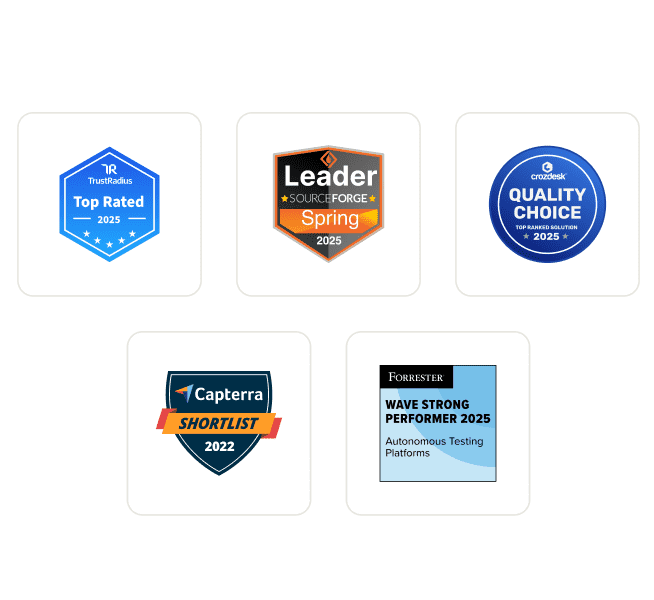
TestMu AI Named a Challenger in the 2025 Gartner® Magic Quadrant™
Read ReportTestMu AI recognized in The Forrester Wave™: Autonomous Testing Platforms, Q4 2025
Read ReportWall of Fame
TestMu AI is the #1 choice for SMBs and enterprises across the globe.
Enterprise-Grade Security
We safeguard your data and AI systems with global security, privacy, responsible AI, and ESG standards.
Integrations
Works where you work, 120+ integrations with the tools your team relies on.



As Seen On
Frequently asked questions
TestMu AI forEnterprise
Get access to solutions built on enterprise-grade
security, privacy, & compliance
- Advanced access controls
- Advanced data retention rules
- Advanced Local Testing
- Premium Support options
- Early access to beta features
- Private Slack Channel
- Unlimited Manual Accessibility DevTools Tests