

Power Your Software Testing with AI Agents and Cloud
The Native AI-Agentic Cloud Platform to Supercharge Quality Engineering. Test Intelligently and Ship Faster.


- TestMu AI (Formerly LambdaTest)
- /
- Blog
- /
- 43 Best Collaboration Tools & Software For Teams [2026]
43 Best Collaboration Tools & Software For Teams [2026]
Here is a list of 43 best team collaboration tools and software for teams to achieve more productivity by fostering team communication and collaboration.
Last Updated on:
According to a Deloitte survey, when employees collaborate effectively, 73% do better work, 60% become more innovative, and 56% are more satisfied with their jobs. This can lead to more creative solutions and strategies for improving conversion rates.
Collaboration is an aspect that every organization strives to achieve, and it does not come easy. Especially if you refer to organizations and enterprises where employees work from different geographies in order to support a common project. Collaboration is highly tool-dependent, and selecting team collaboration tools is imperative as it would help you to
- Making your team more productive.
- Facilitate efficient communication between team members at a remote location.
- Maintain work history by creating archives.
- Allow future team members to learn more about the project by browsing the history.
However, with abundant collaboration tools available on the Internet, choosing the right one can be quite troublesome. This article aims to ease the filtering process for you and your business.
Here is a list of the best 43 team collaboration tools that will enable your team members to generate more productivity by promoting bonding between the team members. We will delve into how these collaboration tools specifically designed for software development can enhance the team efficiency.
What is Team Collaboration?
Team collaboration is when people work together toward a common goal, combining their unique skills, knowledge, and ideas to achieve better results than they could individually.
Team collaboration is when people work together to achieve a common goal. It's like a group of individuals coming together, each bringing their unique skills, knowledge, and ideas to the table, to create something greater than they could on their own.
In a team, everyone plays their part, supports each other, and communicates openly to solve problems and complete tasks. This way, the team's combined effort leads to better results, a sense of shared accomplishment, and stronger relationships among the team members. It's all about working in harmony, respecting each other's contributions, and moving forward together as one.
What are Collaboration Tools?
Collaboration tools are platforms that optimize workflow and enhance communication among distributed team members, ensuring alignment and collective progress toward common goals.
A collaboration tool is a platform that optimizes workflow and enhances communication among members of a distributed team. It ensures that everyone is aligned and working collectively toward common goals.
These collaboration tools simplify the process of sharing ideas and providing constructive feedback. They are valuable for scrum masters and managers to maintain team motivation, regardless of the physical locations of team members.
Such tools help create a sense of belonging and importance among both local and remote members. This inclusion fosters greater commitment, creativity, and innovation, leading to a more contented and effective team.
What Is the Importance of Team Collaboration Tools in Organizations?
Team collaboration tools boost productivity, support informed decision-making, accelerate project progress, enhance employee experience, and facilitate effective problem-solving across organizations.
Team collaboration tools are vital for modern organizations, offering numerous benefits that directly impact productivity, decision-making, and overall team efficiency. Here's how these tools contribute to organizational success:
- Boosts Team Productivity: Collaboration tools streamline communication and task management, allowing team members to work more efficiently and focus on high-impact activities. This enhanced efficiency leads to increased overall productivity.
- Supports Informed Decision-Making: By centralizing relevant information and making it easily accessible, these tools ensure that decisions are based on the most accurate and current data, leading to better, more informed choices.
- Accelerates Project Progress: Real-time updates and clear task assignments keep teams synchronized and motivated, driving swift and effective action that propels projects forward without unnecessary delays.
- Enhances Employee Experience: These tools foster a sense of connection and inclusion among team members, whether they are in the office or working remotely. This improved working environment boosts job satisfaction and team morale.
- Optimizes Workflow Efficiency: Collaboration tools organize tasks and set priorities, streamlining workflows and reducing the time spent on coordination. This optimization ensures that projects are executed more smoothly and efficiently.
- Facilitates Effective Problem-Solving: By enabling easy sharing of ideas and perspectives, these tools enhance the team's ability to tackle challenges creatively and come up with well-rounded solutions.
- Promotes Knowledge Sharing: Collaboration platforms make it easier for team members to exchange skills and expertise. This continuous knowledge transfer helps build a more knowledgeable and adaptable team.
- Ensures Comprehensive Record Keeping: Collaboration tools keep detailed records of all communications, decisions, and project updates, which supports compliance and provides a clear history for future reference.
- Strengthens Project Oversight: With features for tracking progress and managing tasks, these tools give managers better control over projects, ensuring deadlines are met and workflows stay on track.
What Things to Consider in Collaboration Tools for Software Testing?
Consider ease of use, integration capabilities, real-time communication, cloud-based access, file sharing features, customization options, scalability, and cost when selecting testing collaboration tools.
When you're in the process of choosing a collaboration tool for software testing, it's crucial to focus on features that can streamline and enhance your overall testing process. By carefully considering these features and selecting a tool that aligns with your specific needs, you can ensure that your software testing process becomes more efficient, collaborative, and effective.
Here are some key aspects to take into consideration:
- Ease of Use: Choose tools that are intuitive and user-friendly. A straightforward interface will facilitate quicker adoption and minimize the learning curve for team members.
- Integration Capabilities: Ensure the tool integrates seamlessly with other software and systems your team uses, such as email, project management tools, and CRM systems. This helps in creating a unified workflow.
- Real-time communication: Opt for tools that offer real-time communication options like instant messaging and video calls. This helps in quick discussions and decision-making among the teams leading to faster issue resolution and improved collaboration.
- Cloud-based platforms: Cloud-based testing tools provide greater flexibility and accessibility. Team members can collaborate and use various test environments from anywhere, making it easier to work together, especially in distributed teams.
- File sharing and collaboration: Look for features that support efficient sharing of test scripts, documentation, and reports. Secure and user-friendly file sharing capabilities are crucial for effective collaboration among team members.
- Customization and Scalability: Choose tools that can be customized to fit your team's specific needs and can scale as your organization grows. Customization options ensure the tool aligns with your workflows and processes.
- Cost and Budget: Evaluate the cost of the tool relative to its features and the value it provides. Consider whether it offers a good return on investment and fits within your organization's budget.
In addition, to complement your software testing process, you can leverage AI test assistants like KaneAI that lets you kick start software test automation using collaboration tools like Jira, GitHub, etc.
KaneAI is a GenAI native test assistant designed for high-speed quality engineering teams. It offers a suite of industry-first AI features for test authoring, management, and debugging. KaneAI leverages natural language to create and evolve complex test cases, significantly streamlining the test automation process and reducing the need for extensive coding expertise. You can also tag KaneAI in collaboration tools like Slack, Jira, or GitHub to trigger test automation from various platforms.

What Are the 43 Best Collaboration Tools for Teams in 2026?
The best collaboration tools for 2026 include Jira, Asana, Slack, Microsoft Teams, Trello, Notion, Monday.com, Basecamp, ClickUp, and many more specialized testing and project management platforms.
Now that you know what collaboration tools are and what to consider while selecting a collaboration tool, let's look at some of the best team collaboration tools currently available for software testing to take your collaboration to the next level. In addition, we recommend you check our article on ways for better collaboration among developers and testers.
1. Jira
Developed by Atlassian, Jira is considered as one of the best collaboration tools for task management within testing teams. It is widely popular in various organizations for its ability to streamline the workflow of both Kanban and Agile teams.
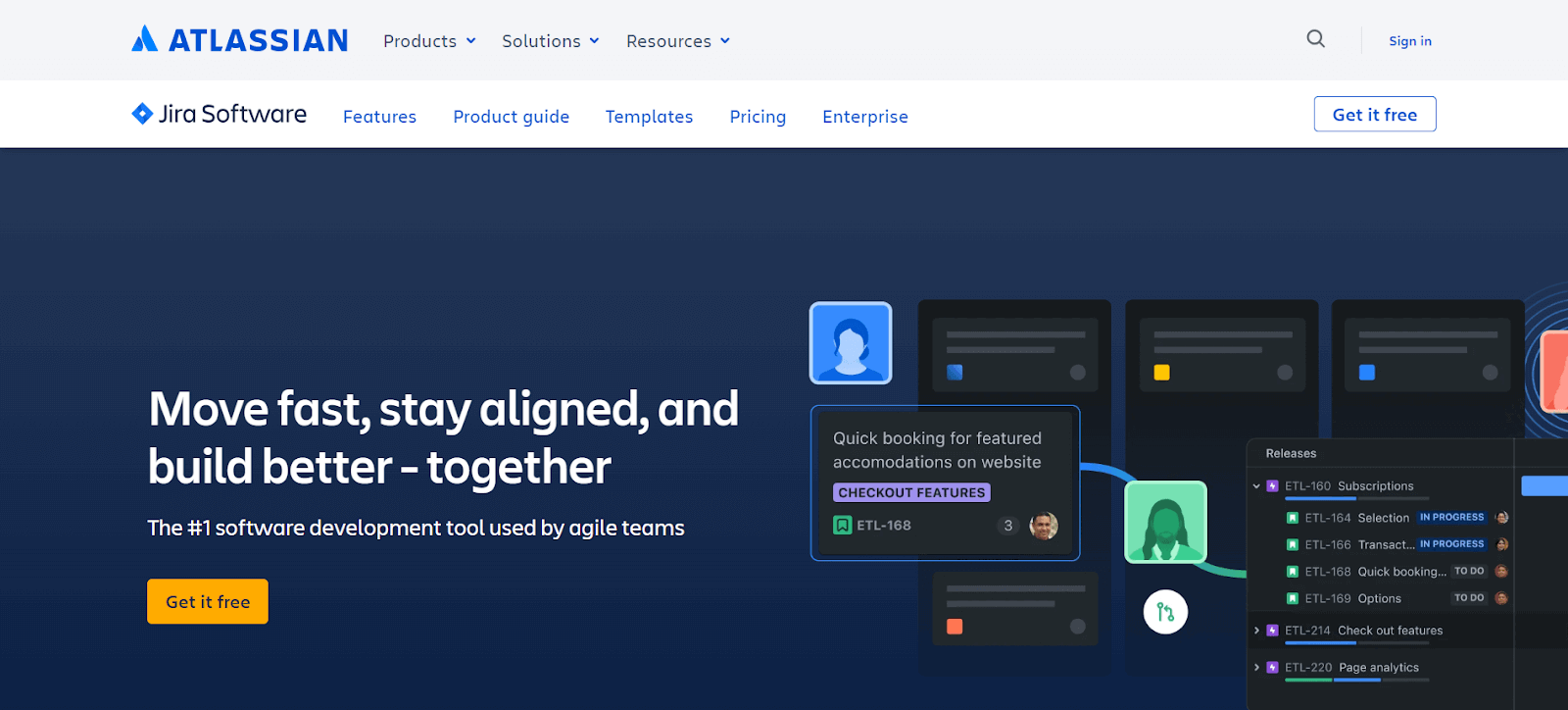
Jira is especially helpful for creating tasks, assigning them based on priority, and tracking project progress. Jira's customizable scrum boards, comprehensive progress reports, and backlog grooming functionalities make it an invaluable asset for project managers.
Key Features of Jira:
- It has scrum boards to help Agile teams break down complex projects into manageable tasks.
- Kanban boards allow teams to visualize workflow and enhance team efficiency.
- It provides out-of-the-box reports and dashboards offer critical insights and team updates.
- Customizable workflows adapt to any style of work.
- Drag and drop automation for focusing on essential tasks while automating the rest.
2. Asana
Asana is yet another one of the best collaboration tools where all the members of your testing team can log in from anywhere as long as they have a working Internet connection. The dashboard has three panels, which give you access to all the data related to your project.
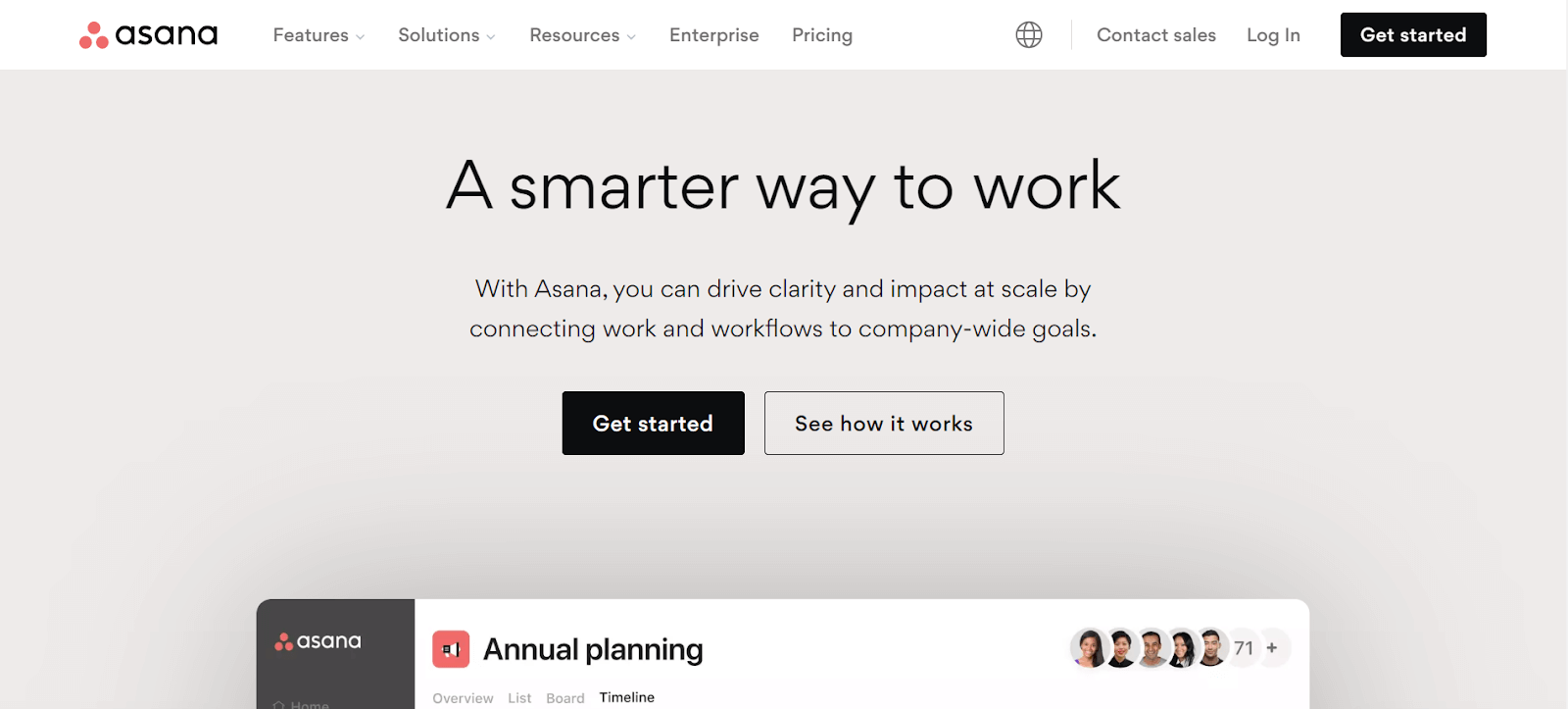
If you are the stakeholder or the owner of the product or business, Asana will provide you with the data regarding all the ongoing projects at your organization, along with individual data like pending tasks and the person to whom the task is assigned.
Key Features of Asana:
- Control who sees what with managed viewing and editing permissions.
- Their free basic plan is perfect for teams of up to 15 people and includes unlimited tasks, calendar view, mobile app access, and various integrations.
- Non-profits can benefit from a 50% discount on premium and business plans, with possible additional savings on the enterprise plan.
3. Slack
Slack is an instant messaging platform but extends far beyond, serving as an effective tool for team collaboration. It allows users to organize discussions into various channels based on purpose or department, making it easier to manage communication flows. Its capabilities include file sharing and an advanced search function for retrieving information.
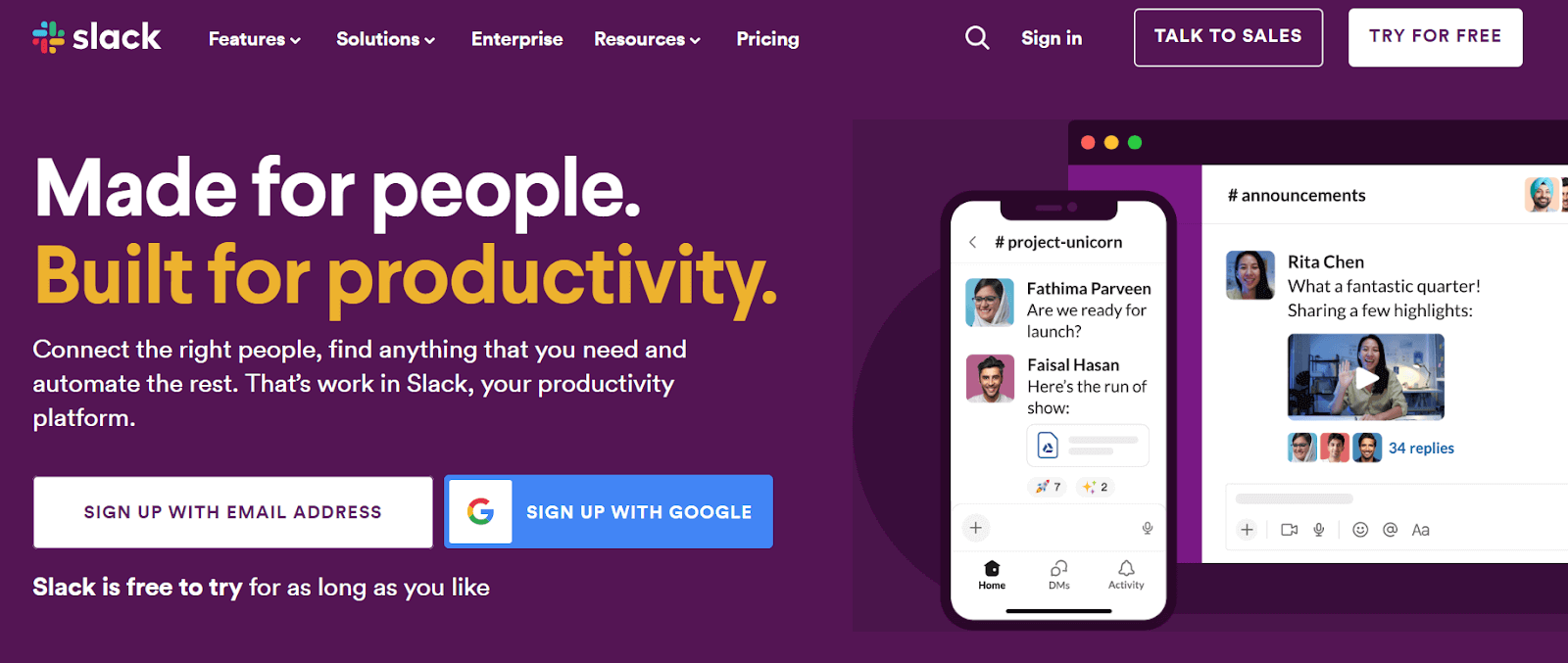
Users can customize the tool according to their specific needs, making it a popular choice for businesses seeking a comprehensive communication solution that blends instant messaging with broader team collaboration features.
Key Features of Slack:
- It organizes conversations into channels for streamlined communication.
- Slack enables file sharing and efficient information retrieval.
- Highly customizable to suit various business requirements.
- Facilitates segregated discussions, improving team interaction and productivity.
4. Wrike
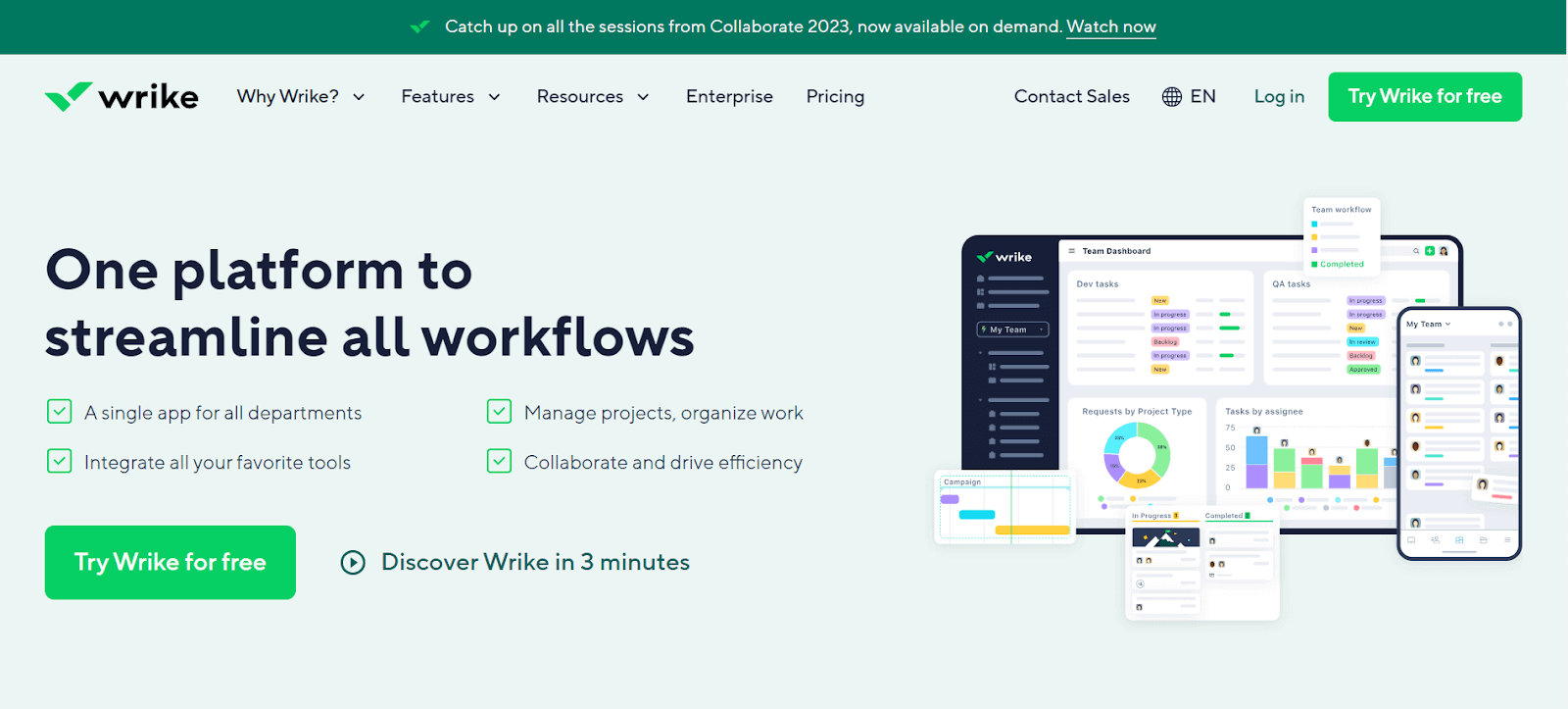
Another tool in our list of best collaboration tools is Wrike. It helps you break your task into smaller fragments. Thus, the test lead can easily track each member's work progress and team contribution. The data provided is very easily readable and provides you with financial details so you can check that the project is within the budget limit. This team collaboration tool is handy for service-based organizations.
Key Features of Wrike:
- Features like the ability to edit together, a live editor for real-time changes, and collaboration with external parties.
- Options for enterprise-level security include customizable protection levels or adding personal encryption keys.
- It's accessible both as a mobile and desktop application.
- It is compatible with over 400 apps, plus the option for custom integrations.
- A no-cost option is available for those looking to try it out.
5. Zapier
Zapier is one of the popular collaboration tools that connects your favorite apps, such as Gmail, Slack, Mailchimp, and over 3,000 more. It automates repetitive tasks without the need for coding or relying on developers to build the integration.
It is widely used in business environments to streamline workflows and improve productivity by connecting different web applications and automating actions between them.
Key Features of Zapier:
- Zapier automates workflows by initiating actions in one app based on triggers in another.
- Supports complex workflows involving multiple steps and different applications.
- It Allows users to tailor automation to their specific needs, with no coding required.
- Provide a detailed log of automated tasks and Zaps for monitoring and troubleshooting.
6. Scoro
Scoro is a premium team collaboration tool that stands out for its extensive customization options, making it adaptable to a wide range of workflows. Although it's a paid service, Scoro justifies its cost with a suite of facilities designed to streamline team collaboration.
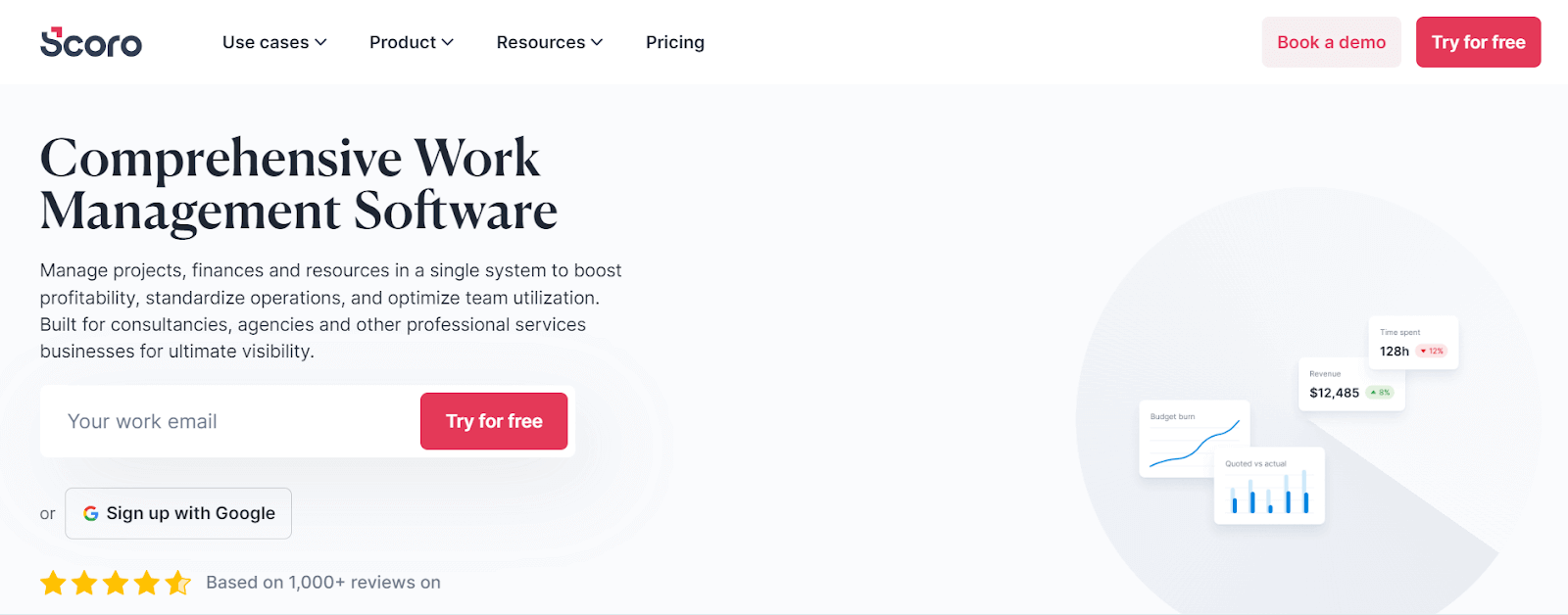
It allows seamless file sharing within the team, creation of unlimited projects, and offers the capability for team members to have joint access to multiple projects. This versatility extends to tracking team progress and generating invoices using customizable templates. Scoro is an all-in-one solution for teams seeking a balance between functionality and customization in their collaborative efforts.
Key Features of Scoro:
- It offers extensive customization, adapting to various team workflows.
- Supports internal file sharing, unlimited project creation, and access management.
- It enables joint project access and comprehensive team progress tracking.
- Paid service offering high value through diverse, user-friendly features.
7. WebEx
WebEx is one of the popular communication tools designed to enhance collaboration, particularly for remote team. It provides a range of features including instant messaging, creation of chat rooms, file sharing capabilities, and advanced options like screen sharing and video calling.
It also allows guest logins and offering unlimited storage, making it suitable for large-scale collaboration. Its capabilities in facilitating both one-on-one and group communications, coupled with its robust feature set, make it a go-to choice for organizations looking to streamline their communication processes and improve teamwork efficiency.
Key Features of WebEx:
- It offers IM, chat rooms, file sharing, screen sharing, and video calling.
- WebEx provides Guest login and unlimited storage for comprehensive communication.
- Enhances remote team interaction with advanced communication tools.
- It facilitates efficient one-on-one and group communications.
- Ideal for organizations focusing on streamlined communication processes.
8. Bitbucket
Bitbucket, created by Atlassian, is a team collaboration tool that focuses on serving developers and testers within organizations.
Unlike platforms like GitHub, Bitbucket's emphasis is not on open-source projects but on providing a private, collaborative environment for code development and testing. It offers unlimited private repositories to its users, allowing teams to work together seamlessly on coding projects.
Key Features of Bitbucket
- Bitbucket offers unlimited private repositories for internal team collaboration.
- Not open-source oriented, ensures privacy in coding projects.
- Developed by Atlassian, known for reliable software solutions.
- Ideal for teams needing a secure, collaborative development environment.
9. ProofHub
ProofHub is a comprehensive project management tool designed to cater to all the needs of a team, eliminating the necessity for multiple separate tools. It offers effortless collaboration, with features like Kanban boards where tasks are segmented into various stages, and roles and responsibilities are clearly defined.
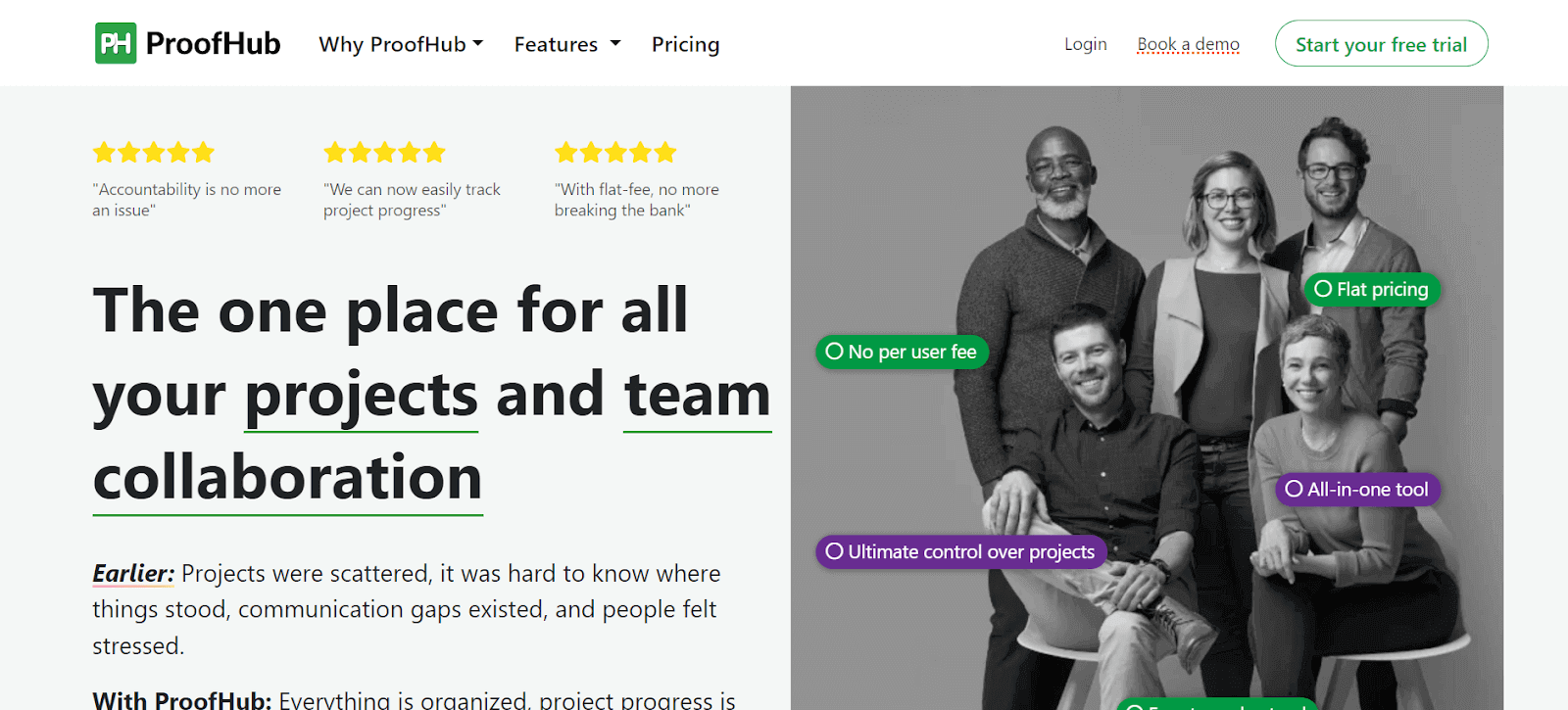
It helps in smooth progress tracking and file sharing. ProofHub also includes Gantt charts for a timeline view of projects, aiding managers, team members, and customers in identifying bottlenecks and improving efficiency. Its proofing tool is particularly useful for collaborative reviews and feedback, ensuring that everyone involved has clear visibility of task progress and status.
Key Features of ProofHub:
- Serves comprehensive project management needs, reducing tool multiplicity.
- Provides Kanban boards for task segmentation and role definition.
- Gantt charts provide a visual timeline of project progress.
- Proofing tool for collaborative feedback and file reviews.
- Enhances visibility of task progress for all team members.
10. Trello
Trello is considered to be one of the top collaboration tools that is user-friendly and revolutionizes project organization using a card-based system on a dashboard. These cards, which represent tasks or projects, can be easily written on, moved, or removed, providing a flexible and visual method of managing work.
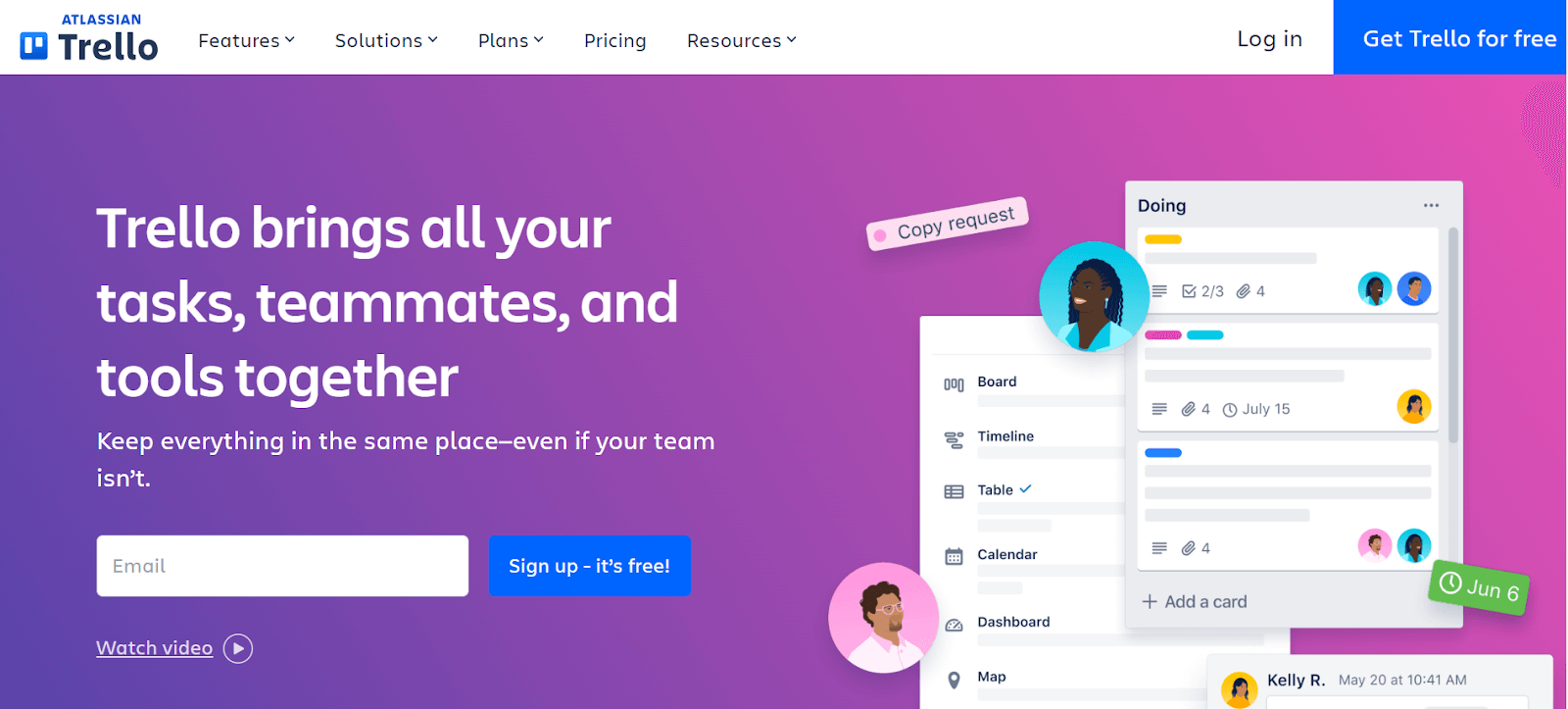
The columns in Trello indicate different phases of a project, allowing for real-time tracking of progress as cards are moved along the board. This visual system makes it easy to monitor the status of various projects simultaneously.
Key Features of Trello:
- Card-based system for easy project organization.
- Allows flexible task management with movable dashboard cards.
- Columns represent different project phases for visual progress tracking.
- Enables real-time monitoring of multiple projects simultaneously.
11. Yammer
Yammer is a team collaboration tool to facilitate effective collaboration across different departments and locations within an organization. It's focused exclusively on business use, requiring an organization email for membership.
This ensures a secure and professional environment for communication and collaboration. Teams, such as testing groups, can create private groups with restricted access, enhancing privacy and focus. Yammer is ideal for sharing ideas and knowledge within an organization, fostering a collaborative corporate culture that spans various departments and geographical locations.
Key Features of Yammer:
- It provides a private social network for organizations for enhancing internal communication and collaboration.
- Allows creation of specific groups for departments, projects, or interests, facilitating targeted communication and collaboration.
- It seamlessly integrates with Microsoft 365 tools like SharePoint and Teams, streamlining workflow, and document sharing.
- Supports live video events for large-scale communication, such as organization-wide meetings and announcements.
12. Azure DevOps
Azure DevOps is a collaborative platform catering to various team roles in a project, including testers, developers, and architects. It allows each team member to perform their assigned tasks while facilitating connection and knowledge sharing with other team members.
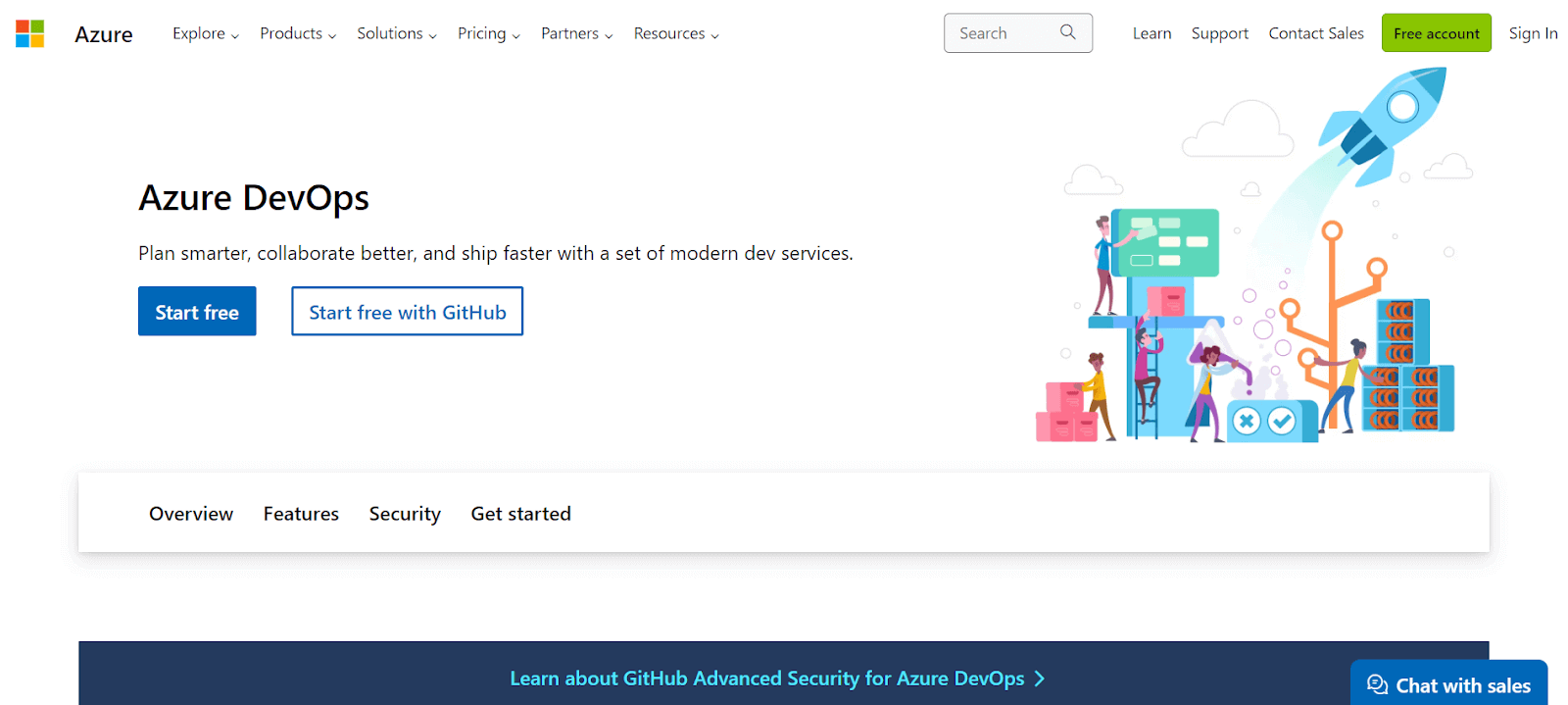
It is particularly valuable for its comprehensive toolset that supports various aspects of software development and testing, streamlining the collaborative process and improving project outcomes.
Key Features of Azure DevOps:
- It automates CI/CD for software deployment.
- Manages project planning and tracking.
- Azure Repos provides cloud-hosted private Git repositories.
- Azure Artifacts manages package creation and sharing.
- Azure Test Plans offers tools for manual and exploratory testing.
13. Podio
Podio is a robust team collaboration tool that excels in helping remote testing teams share data and knowledge efficiently. It's particularly useful for teams spread across various locations and time zones. Podio provides a customizable CRM for organizing team activities and tracking customer interactions.

Its automated workflows are designed to reduce time complexity, streamlining project management. The platform also efficiently manages business processes and scrums, particularly in Agile methodology settings, making it an ideal tool for teams that require a high degree of flexibility and customization in their collaboration and workflow management.
Key Features of Podio:
- Customizable CRM for effective team organization and customer tracking.
- Automated workflows reduce complexity and streamline management.
- Efficiently manage business processes and Agile scrums.
- Supports teams in different locations and time zones.
14. GitLab
GitLab, similar to GitHub, is a repository service focused on providing a collaborative environment for coding and version control. It allows teams to store code, create branches, and manage versions according to changes or issues resolved.
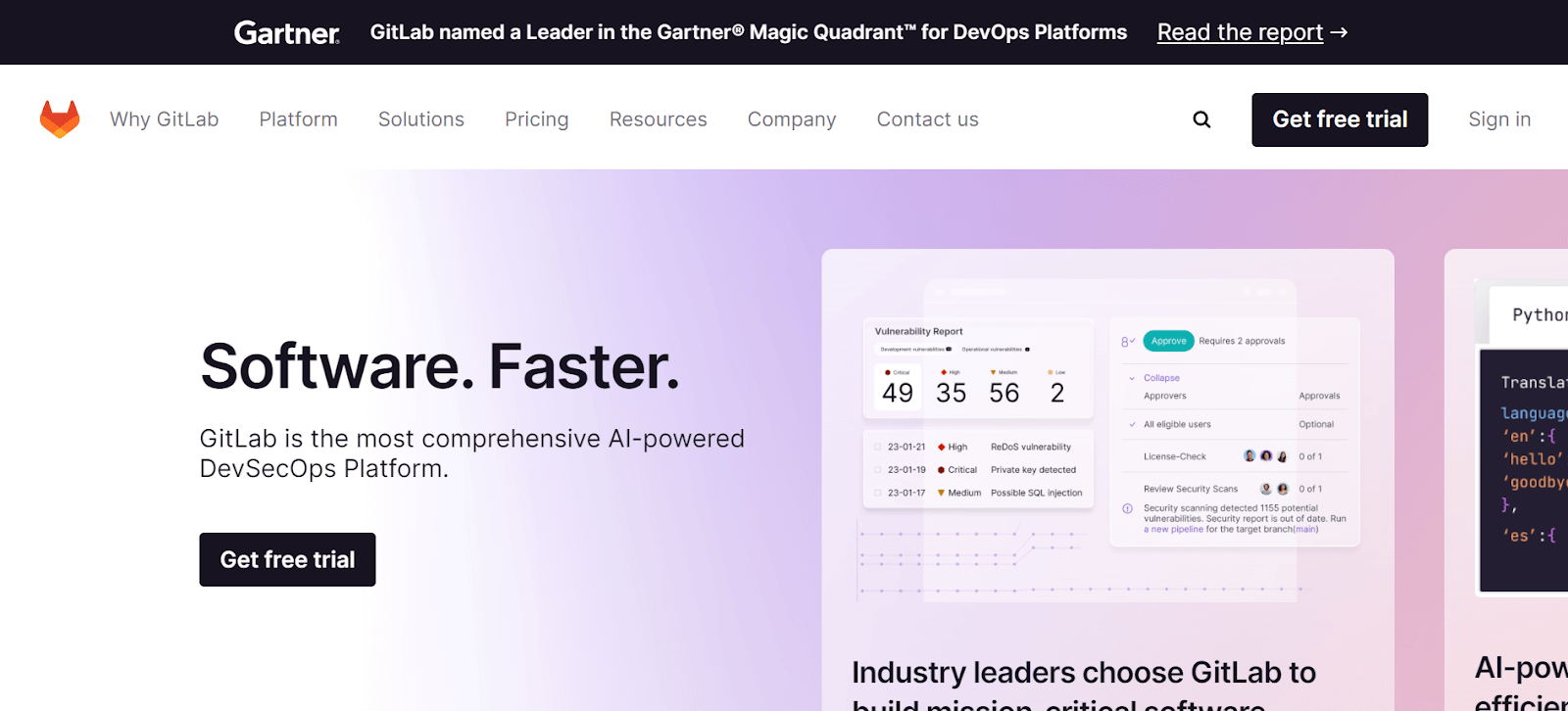
This platform is designed for team collaboration, enabling members to access it from anywhere to push code, create branches, or download previous versions. It is a suitable choice for modern development teams who need a reliable, accessible, and comprehensive platform for their coding and collaboration needs.
Key Features of GitLab:
- It provides a repository for storing code and managing branches and versions.
- Enables team collaboration with access from anywhere.
- User-friendly platform for code pushing and version control.
- Ideal for teams requiring accessible, comprehensive code management.
15. Confluence
Confluence is a chat service that offers a privately hosted environment for efficient team communication. It allows the owner to set up groups accessible to their teams, enhancing collaboration and project management. The platform also features the ability to save conversations, which is crucial for referencing in case of miscommunication or for retrieving important information later.
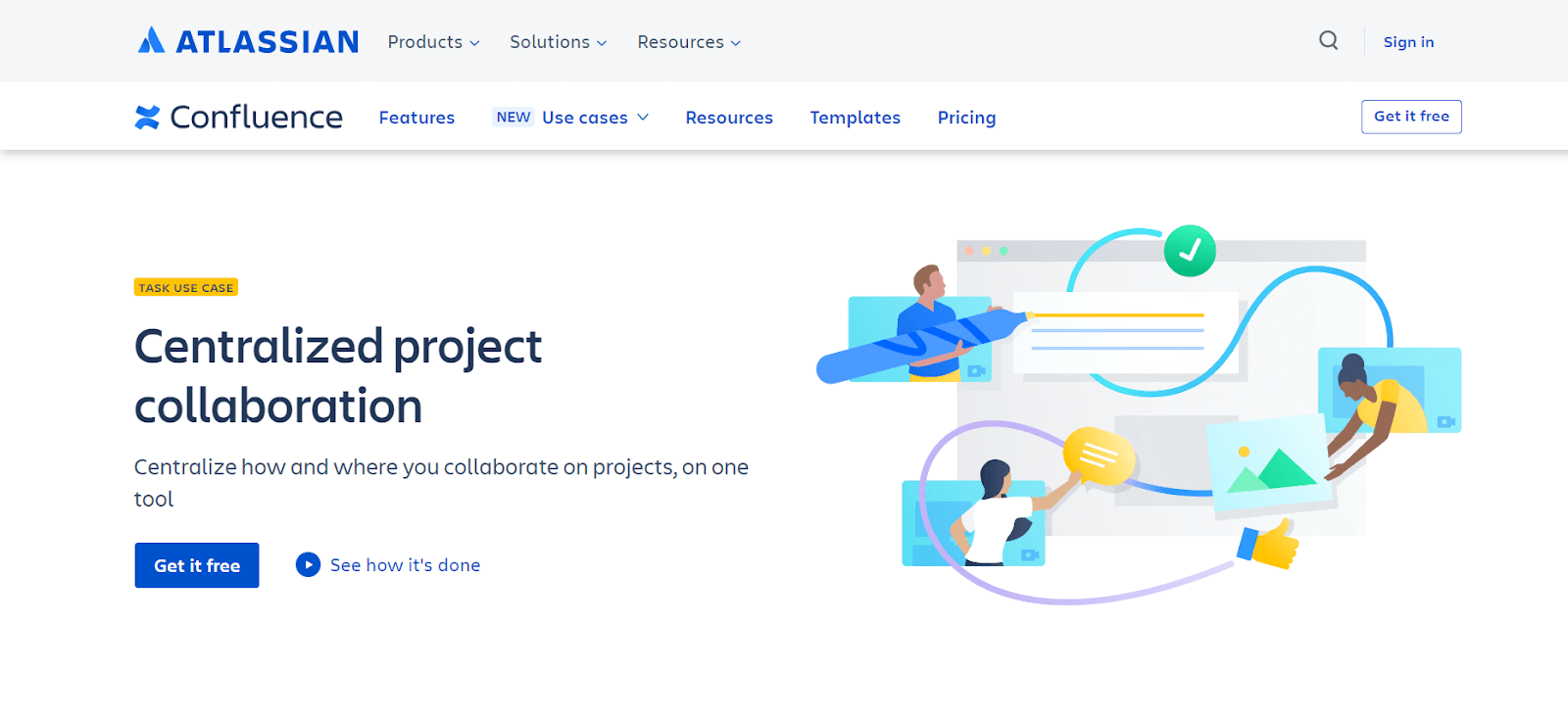
Additionally, Confluence includes video chat capabilities, which can be initiated from any desktop or mobile device, making it a versatile tool for teams located in different regions. This combination of features makes Confluence a powerful solution for teams that require a secure, flexible, and comprehensive communication platform.
Key Features of Confluence:
- Privately hosted chat service for secure, efficient communication.
- Allows group setup for targeted team collaboration.
- Features conversation saving for later reference and clarity.
- Includes video chats from desktop or mobile devices.
- Ideal for teams in different locations requiring versatile communication.
16. GitHub
GitHub is arguably the most popular repository service used worldwide by organizations and developers. It offers a user-friendly, free-to-use platform that can be accessed from anywhere, facilitating collaboration on code development and version control.
However, it does have a limitation in terms of storage space. GitHub's integration with cloud-based testing platforms adds to its versatility, making it an essential tool for development teams looking for a reliable, accessible platform for code storage, collaboration, and project management.
Key Features of GitHub:
- It lets you define roles and expectations without beginning from zero.
- In-built review tools to simplify and accelerate the code review process.
- Tools for moderation, such as issue and pull request locking, keep the team focused on coding.
17. Tallium
Tallium is a community platform designed to foster collaboration and idea sharing among users. It allows the building of communities where users can discuss and solve problems, potentially impacting business strategies.

The Tallium platform focuses the connection between stakeholders and customers, featuring multiple levels of security and privacy to protect data. Its user-friendly and customizable interface makes it adaptable to different team needs, making it a valuable tool for organizations that prioritize community building and collaborative problem solving.
Key Features of Tallium:
- It enables community creation for collaborative problem solving and idea sharing.
- Features multiple security levels for data protection.
- Ideal for teams focused on community building and collaboration.
- Facilitates secure, effective problem-solving discussions.
18. Paymo
Paymo is a project management tool mainly suitable for freelancers and small organizations working in areas like web development, social media, and marketing. The application's primary goal is to create a collaborative platform where users can share knowledge and resources, manage time effectively, and assign tasks to team members.
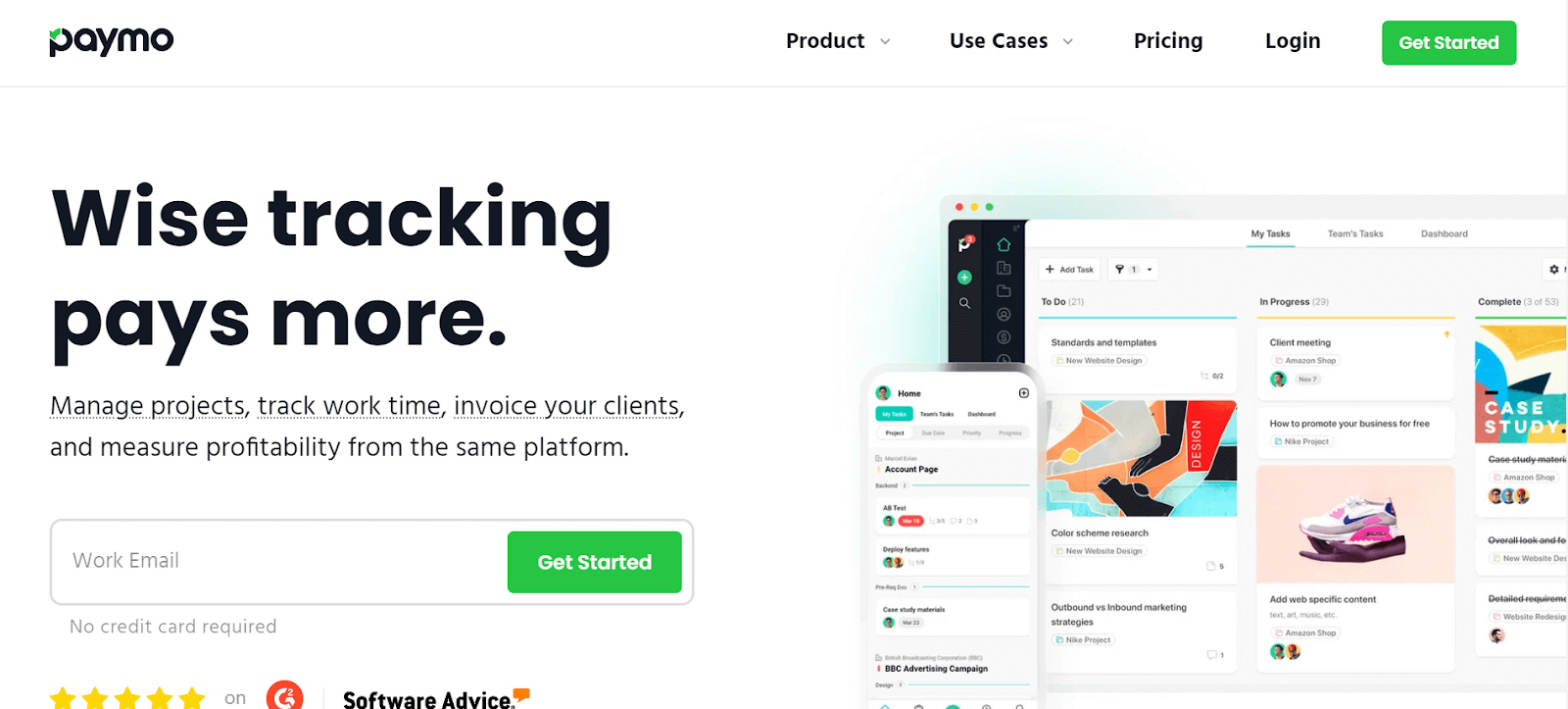
This focus on collaboration and resource sharing makes Paymo a practical choice for small teams and freelancers who need a streamlined, efficient tool for managing their projects and team interactions.
Key Features of Paymo:
- Facilitates knowledge sharing, time management, and task assignment.
- Ideal for web development, social media, and marketing projects.
- Creates a collaborative platform for effective resource management.
- Suited for small organizations seeking streamlined project management.
- Enhances team interaction and project efficiency.
19. Teamwork
Teamwork is a multi-purpose team collaboration tool that excels in task assignment, communication, and tracking work progress. It is popular for its robustness, security features, and the convenience of a single sign-on.
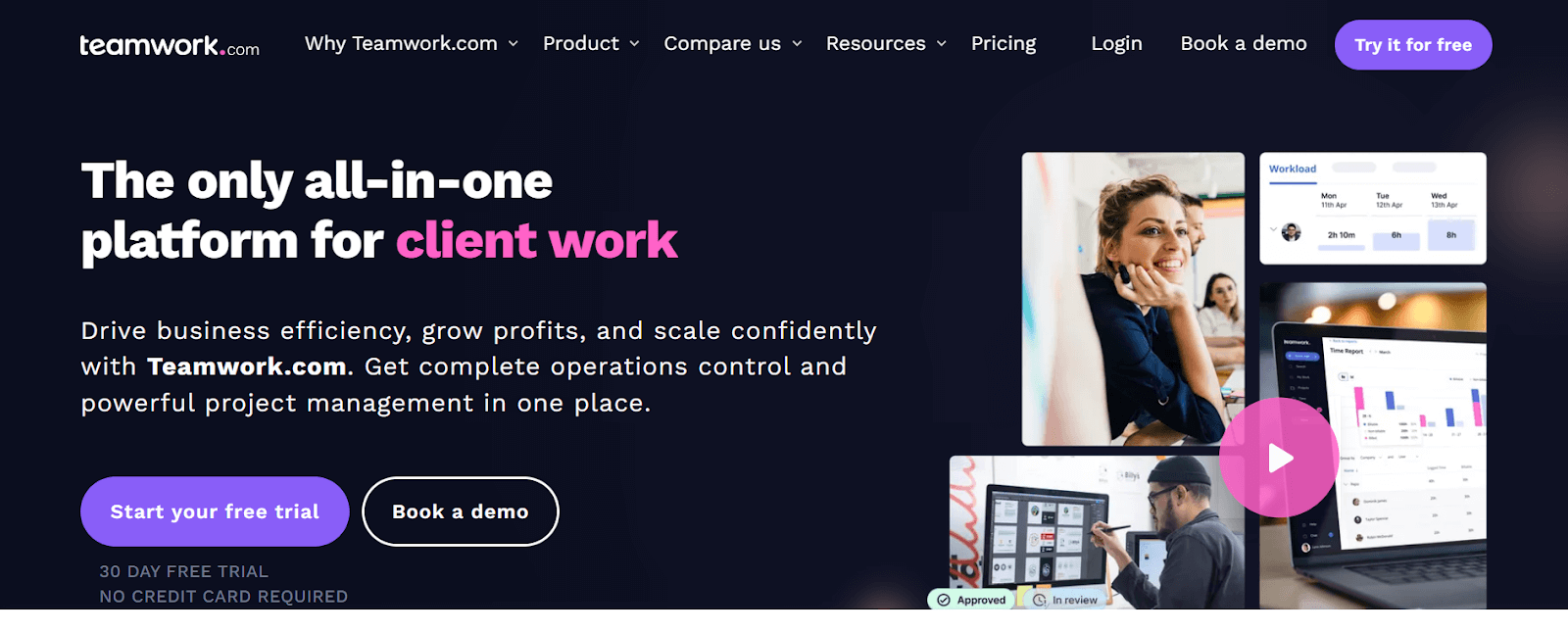
The platform allows teams to communicate effectively, assign tasks efficiently, and monitor the progress of work, making it popular among users who value a comprehensive, secure, and user-friendly tool for managing team projects and collaborations. Teams can also use the Teamwork integration with TestMu AI to log bugs straight into their Teamwork projects while performing cross browser testing.
Key Features of Teamwork:
- You can optimize team capacity, resources, and avoid project bottlenecks.
- Gather and transform client requests into actionable tasks.
- Overview team's work with collapsible projects and subtasks.
- It streamlines customer review and approval from start to finish.
20. Hive
Hive is a productivity platform that offers flexibility in project planning and execution. Teams can organize their projects in various formats like boards or charts and easily switch between these layouts.
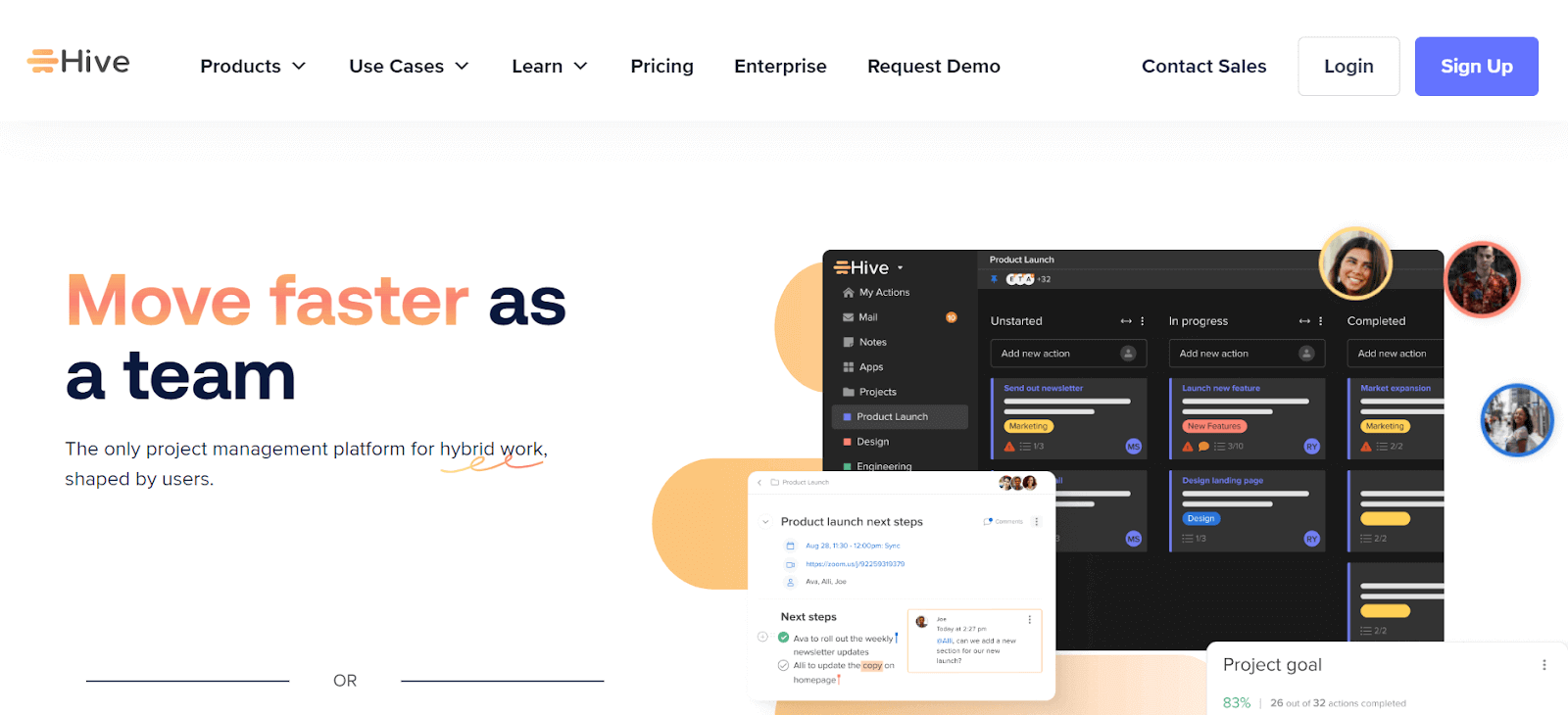
The multiple view feature allows for projects to be viewed according to status, assigned labels, or team members, enhancing project oversight. Hive also facilitates team communication and file sharing, making it a powerful tool for teams that require a versatile, adaptable, and efficient platform for managing their projects and fostering team collaboration.
Key Features of Hive:
- It offers flexibility in project planning with various layout options.
- Multiple view features for tailored project oversight.
- Hive facilitates team communication and file sharing.
- Ideal for teams requiring adaptable project management tools.
- The platform enhances team productivity with efficient project organization.
21. Hubstaff Tasks
Hubstaff Tasks is a project management tool designed to streamline Agile sprints and team collaboration. It offers automated Kanban-style visual boards for an organized view of tasks and progress. The drag-and-drop functionality makes task management intuitive and efficient, allowing for easy redistribution of work among team members.
Other features of Hubstaff Tasks include priority tagging, a variety of project templates, and document attachments enhance its utility, making it an ideal choice for teams looking for a free, user-friendly, and efficient tool to manage their Agile projects.
Key Features of Hubstaff Tasks:
- It takes snapshots of your screen, helping with accountability and keeping a visual record of your work.
- Keep an eye on your activities, clearly showing your day's productivity.
- Seamlessly connects the dots between when you log in and your payroll, ensuring everything runs smoothly and automatically.
- Delivers in-depth reports, offering valuable insights into how you or your team use time.
- Keeps track of your time and activities as they unfold, giving you up-to-the-minute updates.
22. Shortcut
Shortcut, formerly known as Clubhouse, is a collaboration tool designed to bring product and engineering teams together in a cohesive and efficient manner. It aims to unify planning and development into a single, streamlined experience.
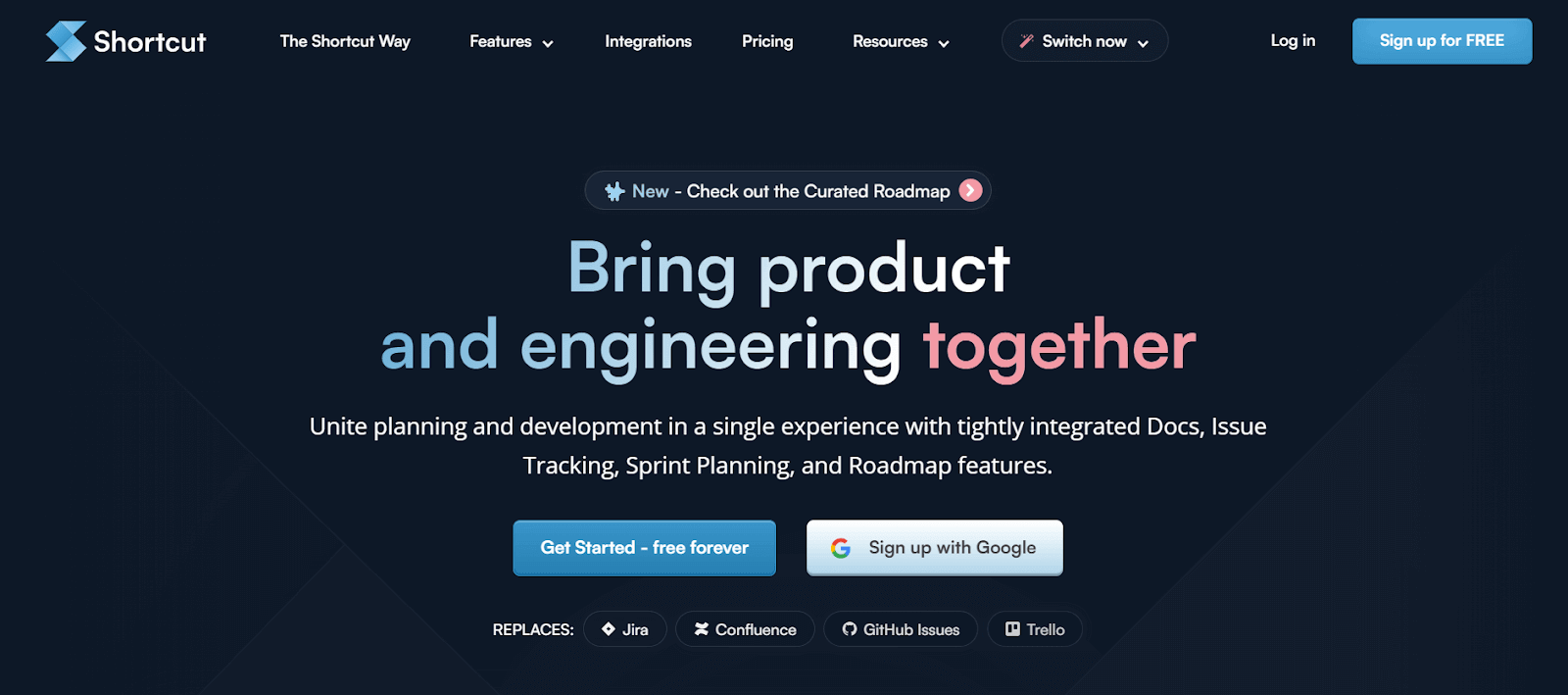
This is achieved through a suite of tightly integrated features like docs, issue tracking, sprint planning, and roadmap tools. These features are developed to simplify and optimize the workflow of software development teams, promoting better collaboration, planning, and execution of projects.
Key Features of Shortcut:
- You can visualize and track work using Kanban boards.
- Directly link plans to ongoing work.
- Shortcut facilitate cross-functional collaboration.
- Gain a broad view of development workloads.
- Manage tasks within specific time frames.

23. monday.com
monday.com is an all-in-one workspace that brings together your team's work, tools, and collaboration. It lets you enhance the management of work, making it a seamless and efficient experience for teams working together.
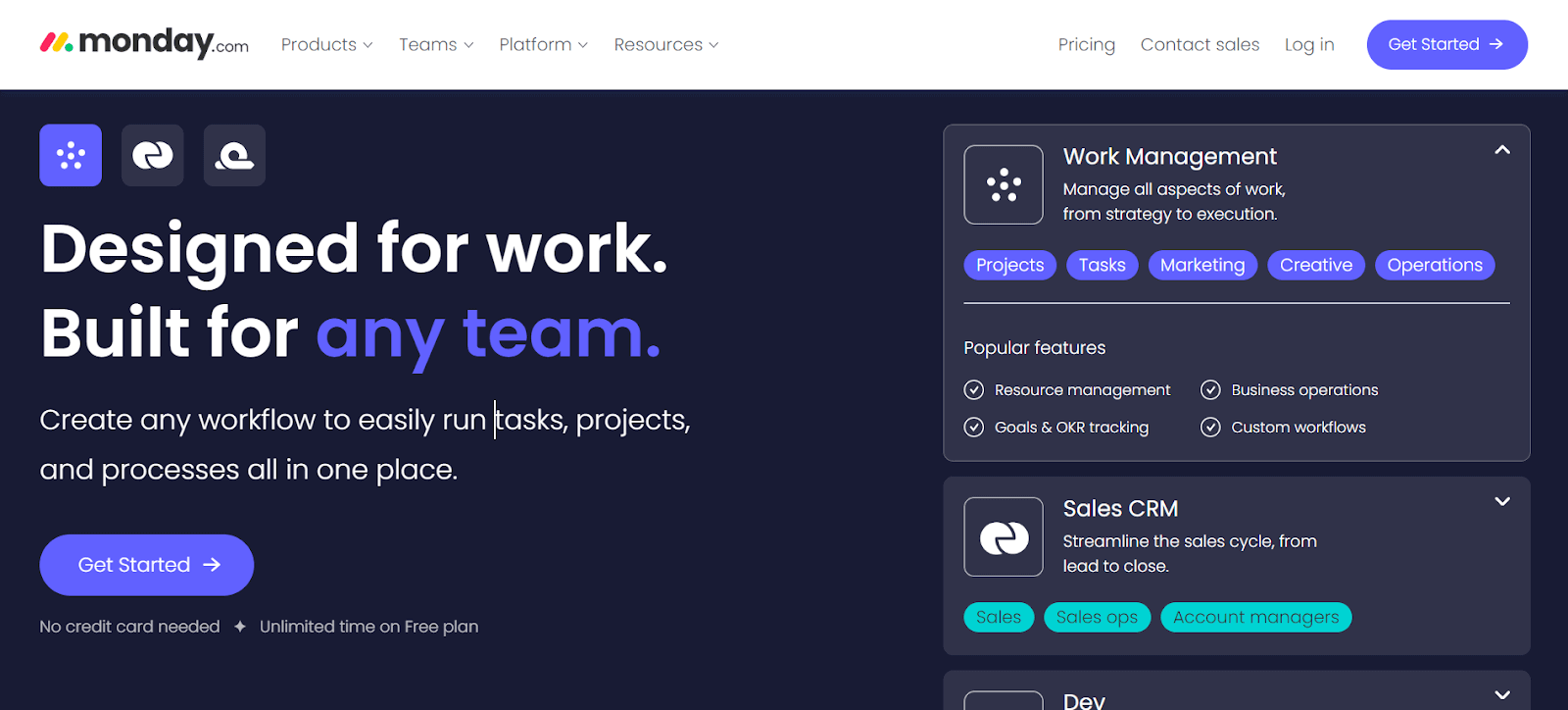
The platform adapts to various projects requirements, making it suitable for a wide array of industries and team sizes. With its user-friendly interface and customizable features, it becomes the perfect choice for teams seeking an integrated solution to effectively handle their work processes.
Key Features of monday.com:
- It helps in managing everything from projects to departments.
- You can effortlessly organize your work using different layouts such as Kanban and calendars.
- Dashboards are available to assist you in making informed decisions by tracking progress and budgets.
- Integrations enable seamless connectivity with other apps like Slack, Dropbox, and Adobe.
- Automation efficiently streamline your workflow by automating repetitive tasks.
24. Miro
Miro is a visual collaboration platform designed to enhance the creative and planning processes in teams and organizations. It provides an innovative workspace where teams can build, iterate, and design.
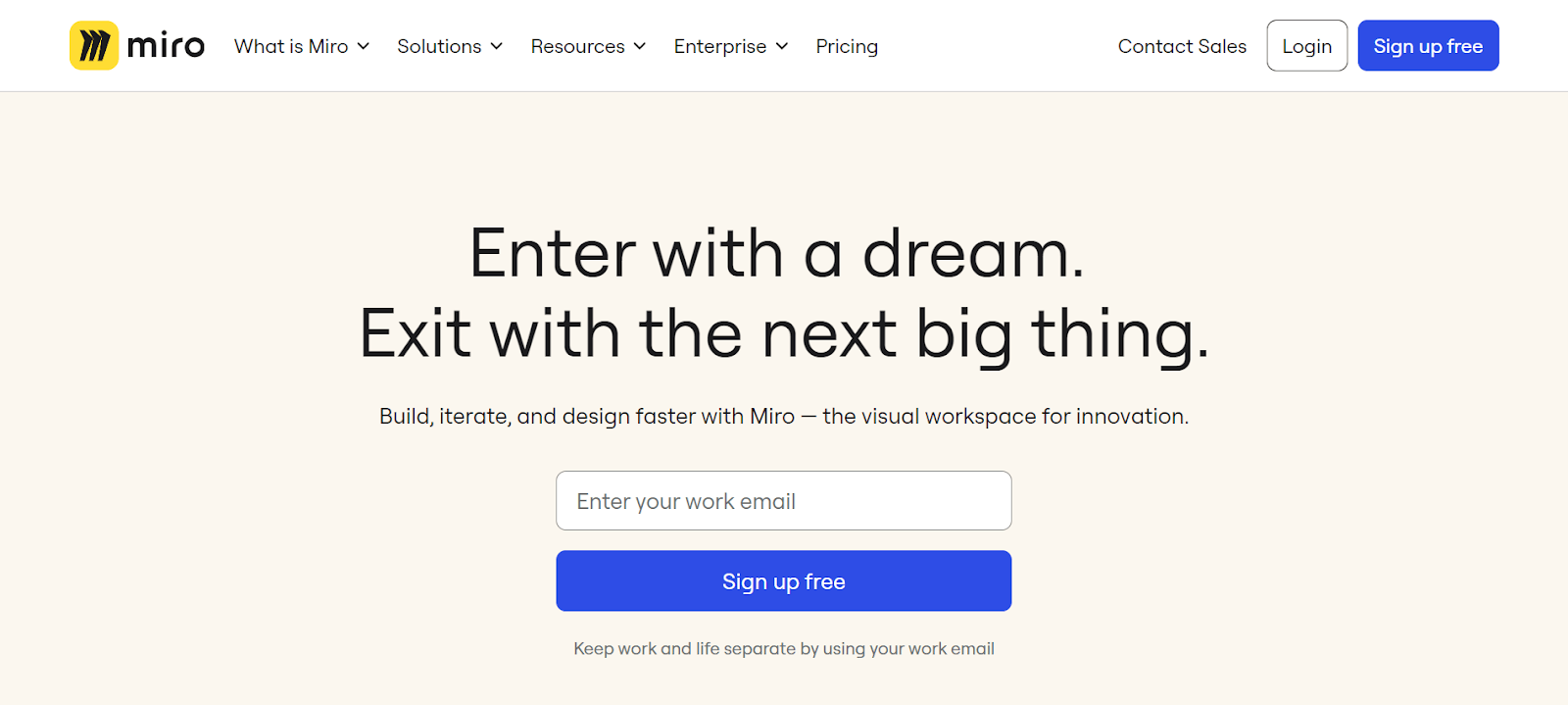
The Miro platform is particularly effective in aligning team efforts with customer needs and organization strategy, fostering a customer-centric approach in developing solutions. It's a space where ideas can be captured, structured, and shared easily, making collaboration seamless, regardless of the team members' locations.
Key Features of Miro:
- You can enhance feedback cycles with visual tools.
- Visualize complex systems and structures intuitively.
- Integrated tools for wireframing and retrospectives.
- Connects with over 130 tools like Jira and Asana.
25. Breeze
Breeze is basically a project management tool that's user-friendly for teams. It makes organizing and planning projects a lot simpler, so teams can easily keep up with their work.
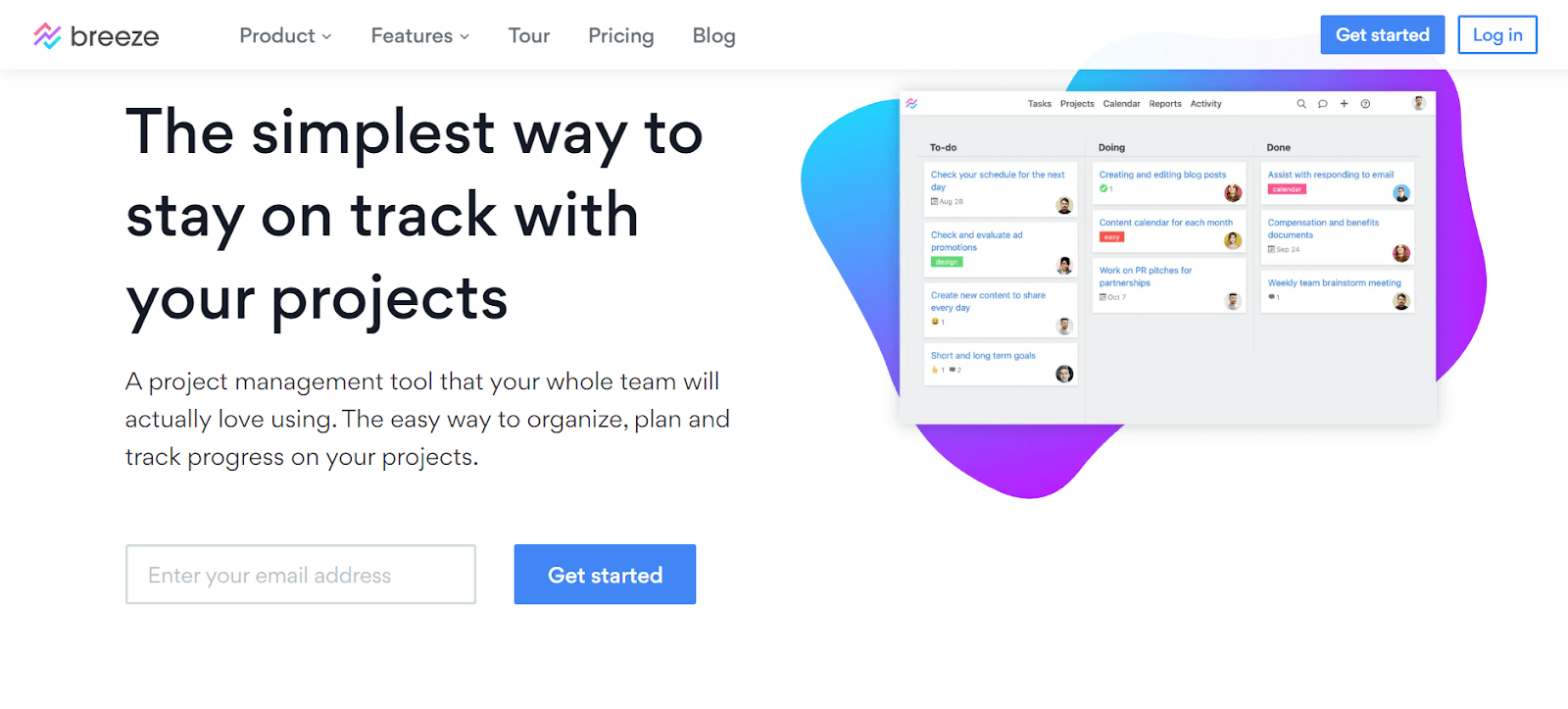
What's really good about Breeze is how it's designed to be easy to use without losing any of its useful features. Teams can handle their entire projects from the get-go to the finish line, making sure everything stays on track and moves along smoothly.
Key Features of Breeze:
- It lets you track work and manage projects using task boards.
- Automate routine tasks to focus on more important work.
- You can create roadmaps for various projects and products.
- Visualize deadlines and task connections across projects.
- Use Breeze on mobile devices for on-the-go access.
26. ClickUp
ClickUp is another one of the best collaboration tools that help you manage your projects and being more productive to your business. It's really good for working together as a team, especially in software development.
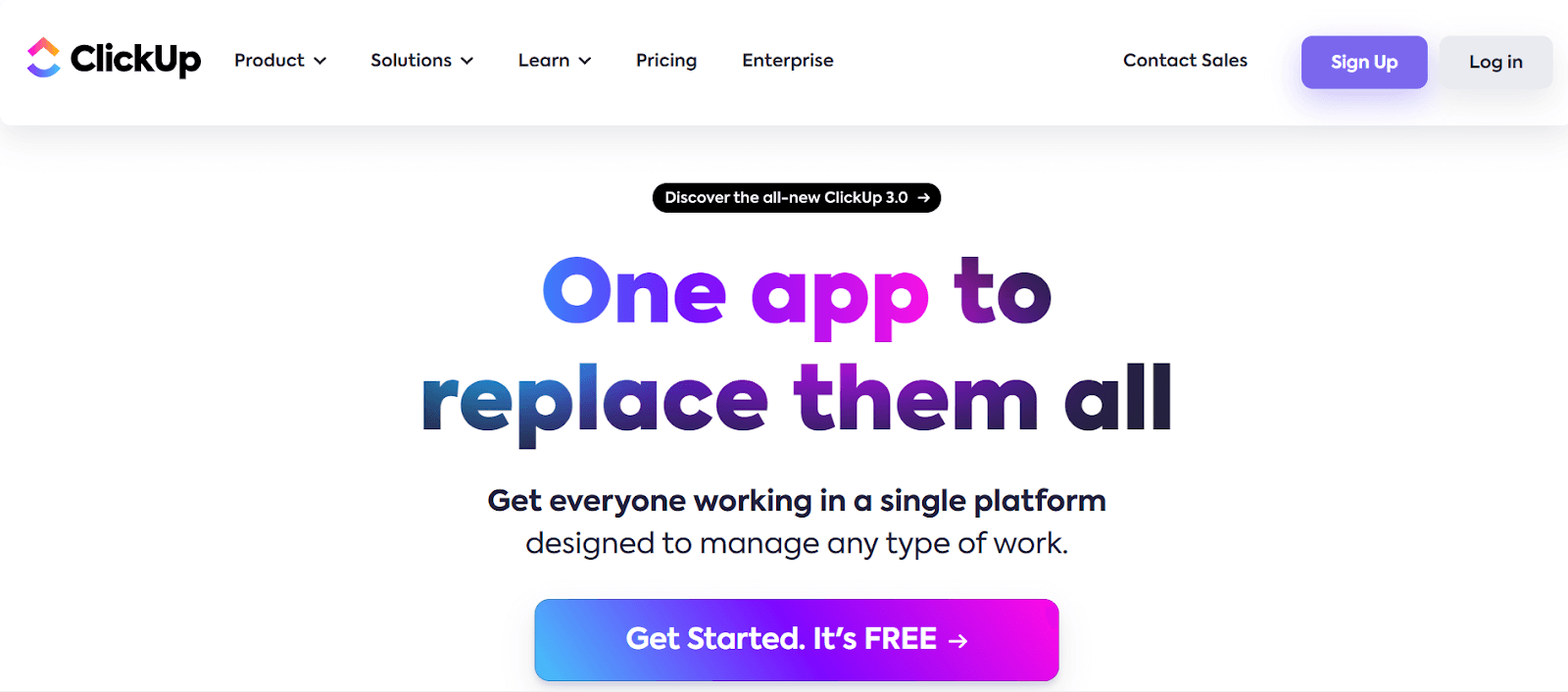
One thing that's important is that ClickUp ensures your work is safe and doesn't get into the wrong hands. They have a special place where they keep your data secure, and they use really strong security measures like 256-bit SSL encryption to protect it. So, you can work with your team without worrying about someone else getting hold of your important information.
Key Features of ClickUp:
- As your project scales, leverage ClickUp's software development templates to save time and reduce effort.
- Enhance collaboration and efficiency with Kanban boards, such as the ClickUp Kanban for software development template, which allows you to monitor the entire process.
- Streamline your workflow with the assistance of ClickUp's AI capabilities.
- Seamlessly connect with a wide range of other collaboration tools like Asana, Trello, Slack, and GitHub.
27. Backlog
Backlog is a project management and collaboration tool designed for teams that need to manage projects, track issues, and oversee code development. It combines the capabilities of task management, version control, and bug tracking into one platform.
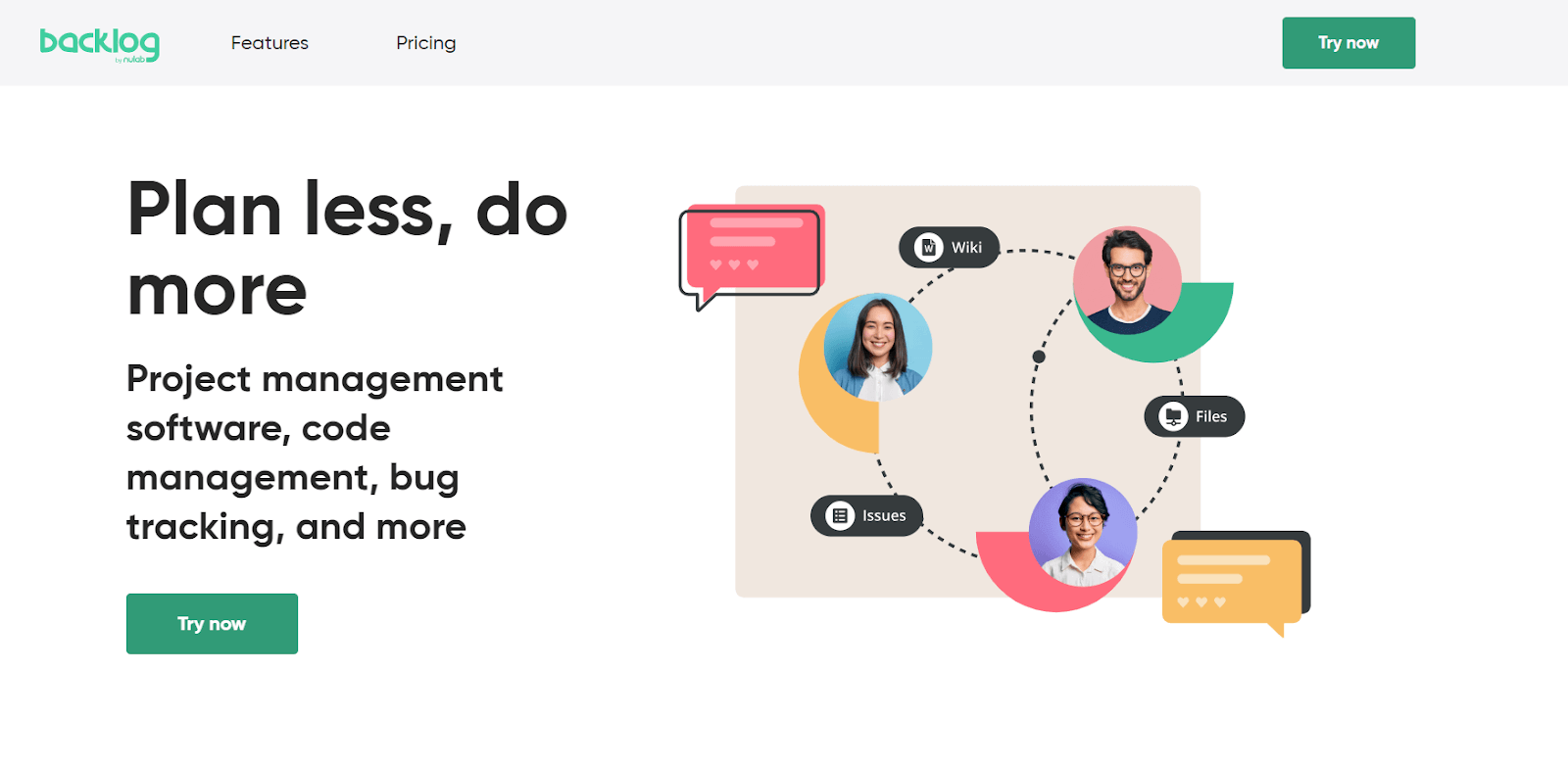
This makes it a popular choice for development teams who want to streamline their workflow. The tool allows for creating tasks, setting deadlines, tracking progress, collaborating through comments, and sharing files.
Key Features of Backlog:
- It offers seamless bug fixing within product development.
- Provide Kanban, Gantt charts, and Burndown charts for task visualization.
- You can review and approve code changes efficiently.
- Each task comes with its own file storage and discussion area.
28. Targetprocess
Targetprocess is an Agile project management tool that is highly customizable, catering to the unique needs of software development teams.
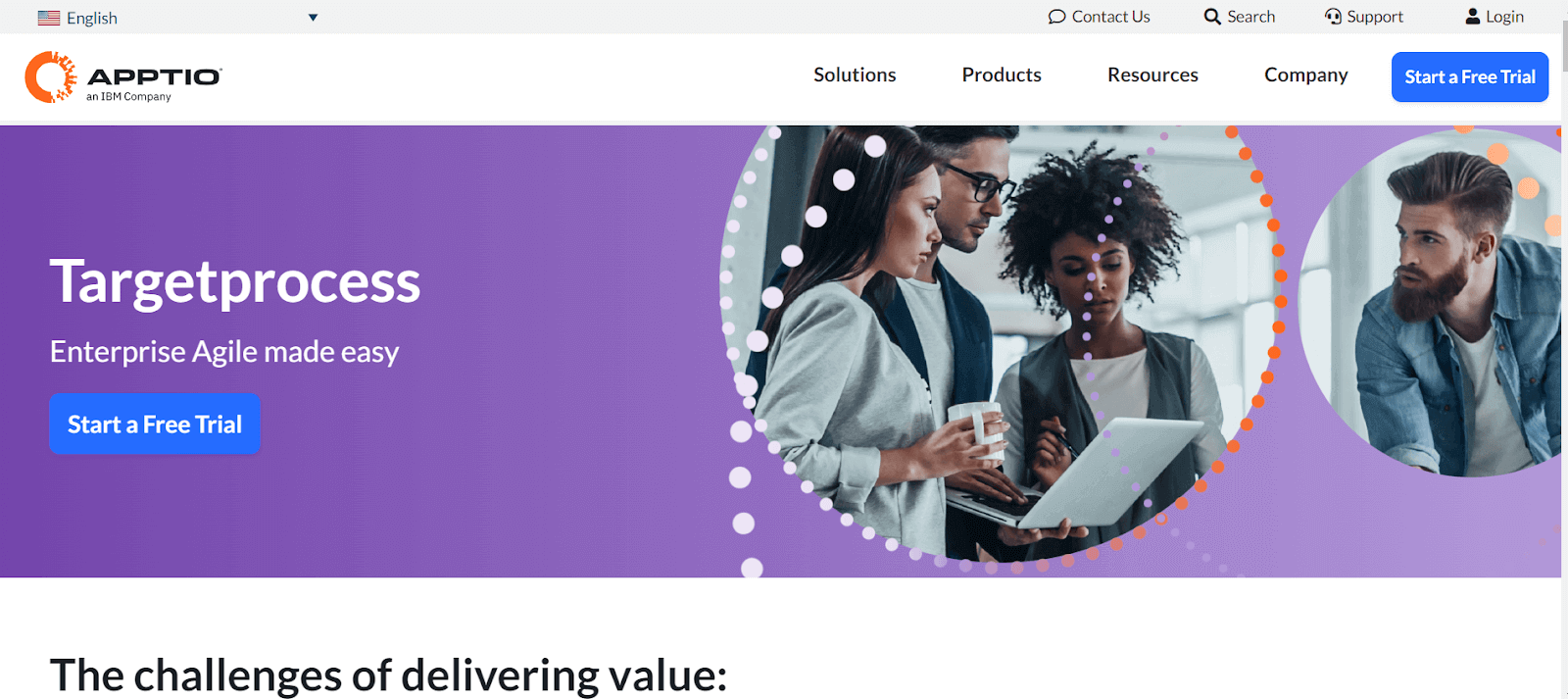
It supports various Agile methodologies, including Scrum and Kanban, allowing teams to plan, track, and adapt their work in a flexible way. It has a visual approach to project management, with its emphasis on boards and graphical reports, making it easy for teams to grasp complex workflows and make data-driven decisions.
Key Features of Targetprocess:
- It lets you manage dependencies, customize card displays, and use visual encoding for project status.
- Track work item origins and states, with live updates and sharing capabilities.
- Develop and track product roadmaps, with milestone tracking and forecasting.
- You can use a single tool for ALM and PPM, customizable for various Agile frameworks.
- Visualize and manage team workload, setting Work in Progress (WIP) limits
29. Favro
Favro is a planning and collaboration tool that blends the features of a project management tool with the flexibility of a collaboration platform. It's suitable for teams across different departments, not just software testing.
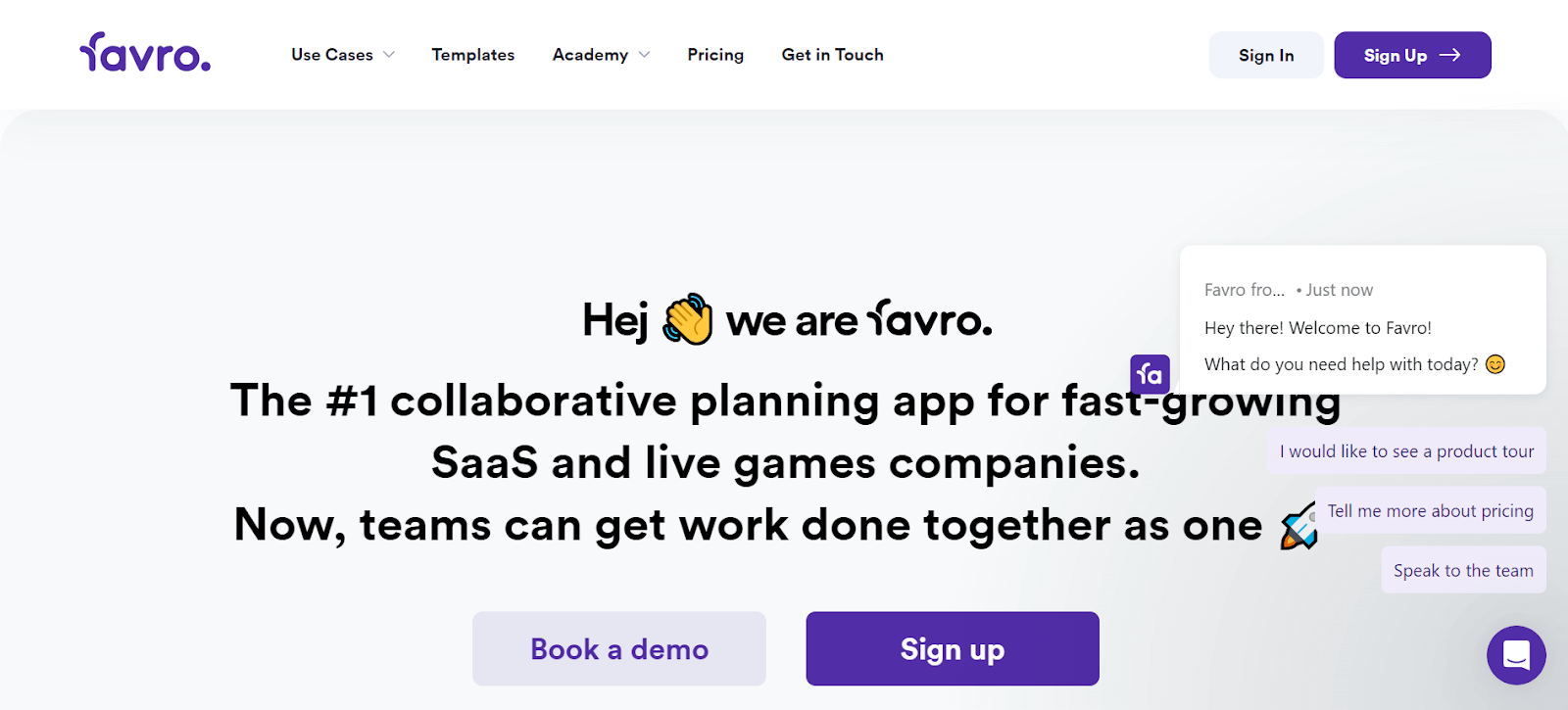
With Favro, teams can plan projects, track progress, and collaborate in a shared workspace. Its adaptability means it can be tailored to various workflows, from simple task management to complex project planning, making it a versatile tool for different types of teams.
Key Features of Favro:
- It offers Agile boards, backlogs, and timelines for flexible task management.
- Enables users to tailor boards, lists, and workflow stages to specific project needs.
- Facilitates live updates, shared boards, and task discussions for team cooperation.
- Provides tools for tracking progress, performance metrics, and data analysis.
30. Redmine
Redmine is an open-source project management tool that is particularly popular in the software development community. It includes features like issue tracking, time tracking, and support for multiple projects, making it a robust tool for managing complex projects.
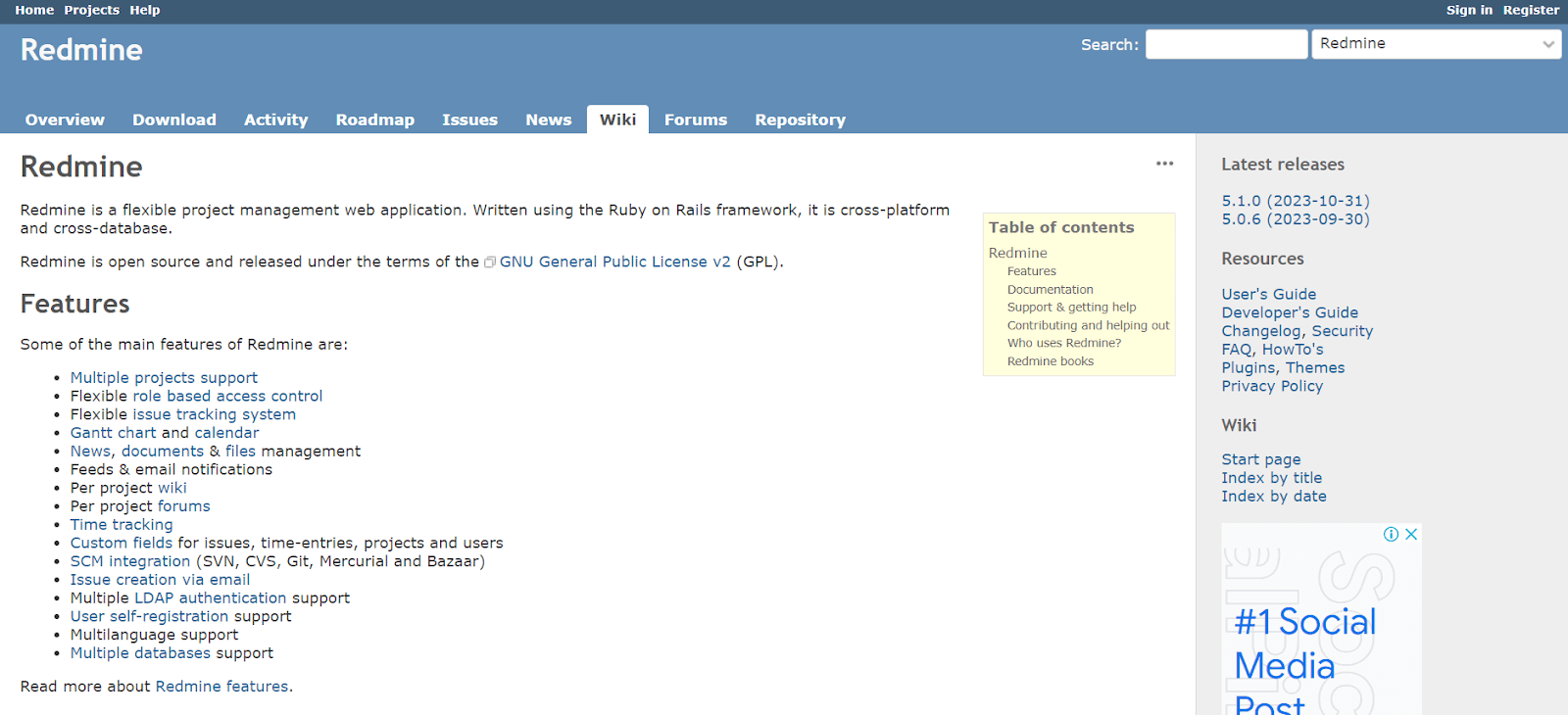
The open-source nature of Redmine allows for extensive customization, enabling teams to modify it to suit their specific needs. It's often praised for its flexibility and the ability to integrate with various version control systems.
Key Features of Redmine:
- Redmine can handle multiple projects within the same instance.
- Allows customization of user roles for varied access levels.
- Adaptable issue tracking system for different project types.
- Useful for visual project planning and tracking.
- Manage project news, documents, and files effectively.
31. Axosoft
Axosoft is a comprehensive Agile project management tool designed specifically for software development teams. It provides features for Scrum and bug tracking, making it ideal for teams that follow the Agile methodology. Axosoft focuses on visualizing the development process through features like the Release Planner and Daily Scrum mode, helps teams stay on track and efficiently manage their sprints and releases.
Key Features of Axosoft:
- Efficient sprint planning with Axosoft Release Planner.
- Visualize progress with a fully interactive Kanban board.
- You can use custom dashboards for insights on velocity and projected ship dates.
- Convert emails into support tickets and track customer interactions.
- Ability to build unlimited Wiki pages for documentation and quick reference.
32. TeamViewer
TeamViewer is a remote access and support tool widely used in various industries. It allows users to remotely connect to and control computers over the Internet, providing a solution for remote support, desktop sharing, online meetings, and file transfer. TeamViewer is particularly useful for testing support teams who need to provide assistance to customers for any bugs or issues without being physically present, enhancing efficiency and reducing response times.
Key Features of TeamViewer:
- Allows you to remotely control computers, tablets, or smartphones from your own device, enabling quick resolution of issues.
- Provides remote access across various devices, including PC to mobile, mobile to PC, and mobile to mobile connections.
- Supports mirroring iPhone and iPad screens to a remote device for enhanced support capabilities.
- QuickSteps toolbar and customizable dashboard for easy access to top tools and features.
33. zipBoard
zipBoard comes under the list of best collaboration tools to simplify the process of reviewing and collaborating on digital projects. With zipBoard, team members can easily point out changes, make comments, and discuss improvements directly on the digital content, like a website.
Key Features of zipBoard:
- It allows users to annotate directly on web pages.
- Team members can review and comment in a shared space.
- Identifies and tracks issues or bugs in digital content.
- Organizes tasks and track project progress.
- Simplifies sharing feedback and updates with team members.
34. Google Workspace
Google Workspace (formerly G Suite) is a suite of cloud-based productivity and collaboration tools developed by Google.
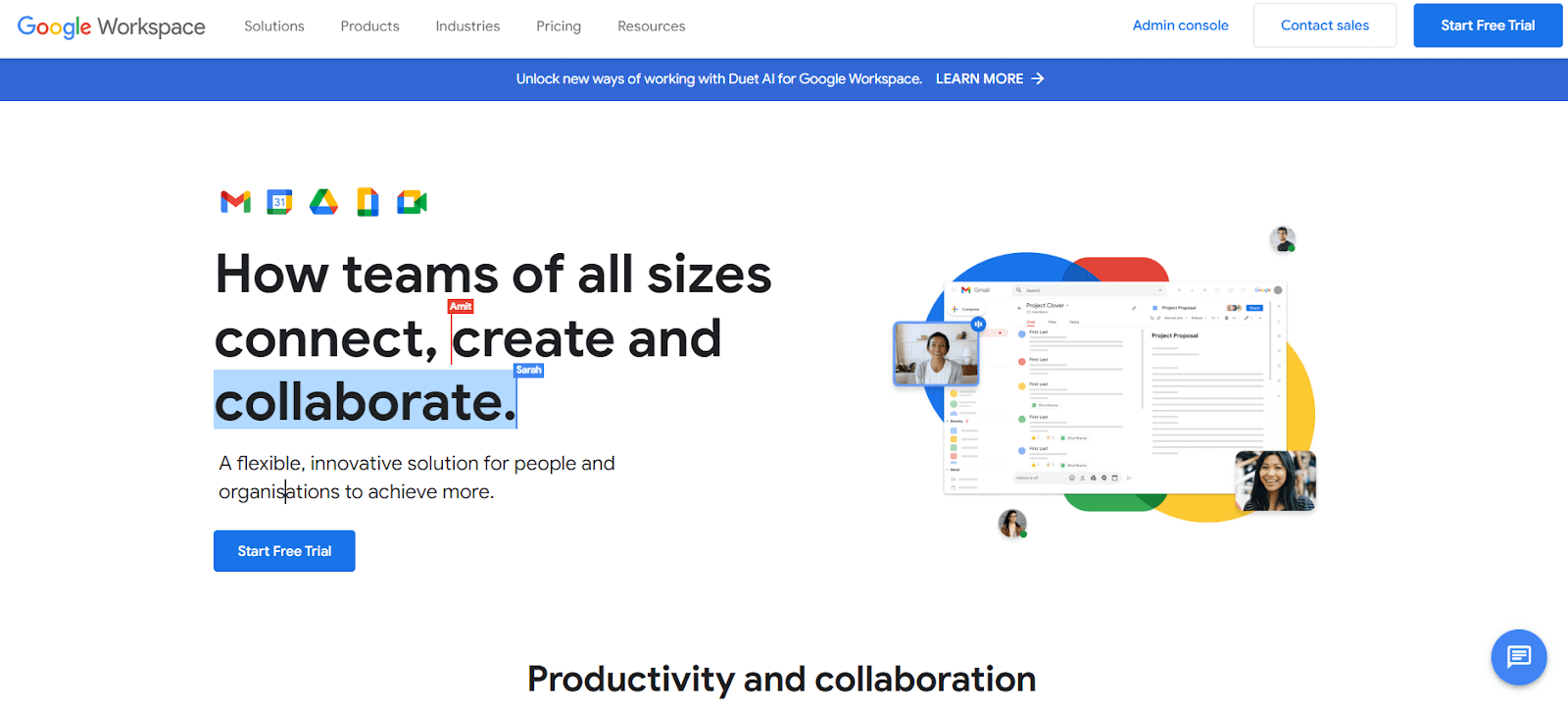
It includes popular applications like Gmail, Google Drive, Google Docs, Google Sheets, and Google Meet. Google Workspace is designed to facilitate communication and collaboration within teams, offering a shared space for storing documents, managing emails, and conducting virtual meetings. Its integration and real-time collaboration features make it a staple in many organizations, enhancing productivity and teamwork.
Key Features of Google Workspace:
- Customizable email service with advanced features like smart compose and high-level security.
- Cloud storage for file saving and sharing, integrated with AI-powered search capabilities.
- Offers suite of productivity tools for document creation, data analysis, and presentation design, with real-time collaboration.
- Video conferencing tool with secure, high-quality meetings, and screen sharing options.
- Advanced calendar tool for scheduling, sharing events, and integrating with other Workspace apps.
35. Microsoft Teams
Microsoft Teams is a communication and collaboration platform part of the Microsoft 365 family of products. Designed for both small and large businesses, it offers features such as chat, video conferencing, file storage, and integration with other Microsoft applications and services. Teams facilitate seamless collaboration and communication, making it easier for employees to work together, share information, and stay connected.
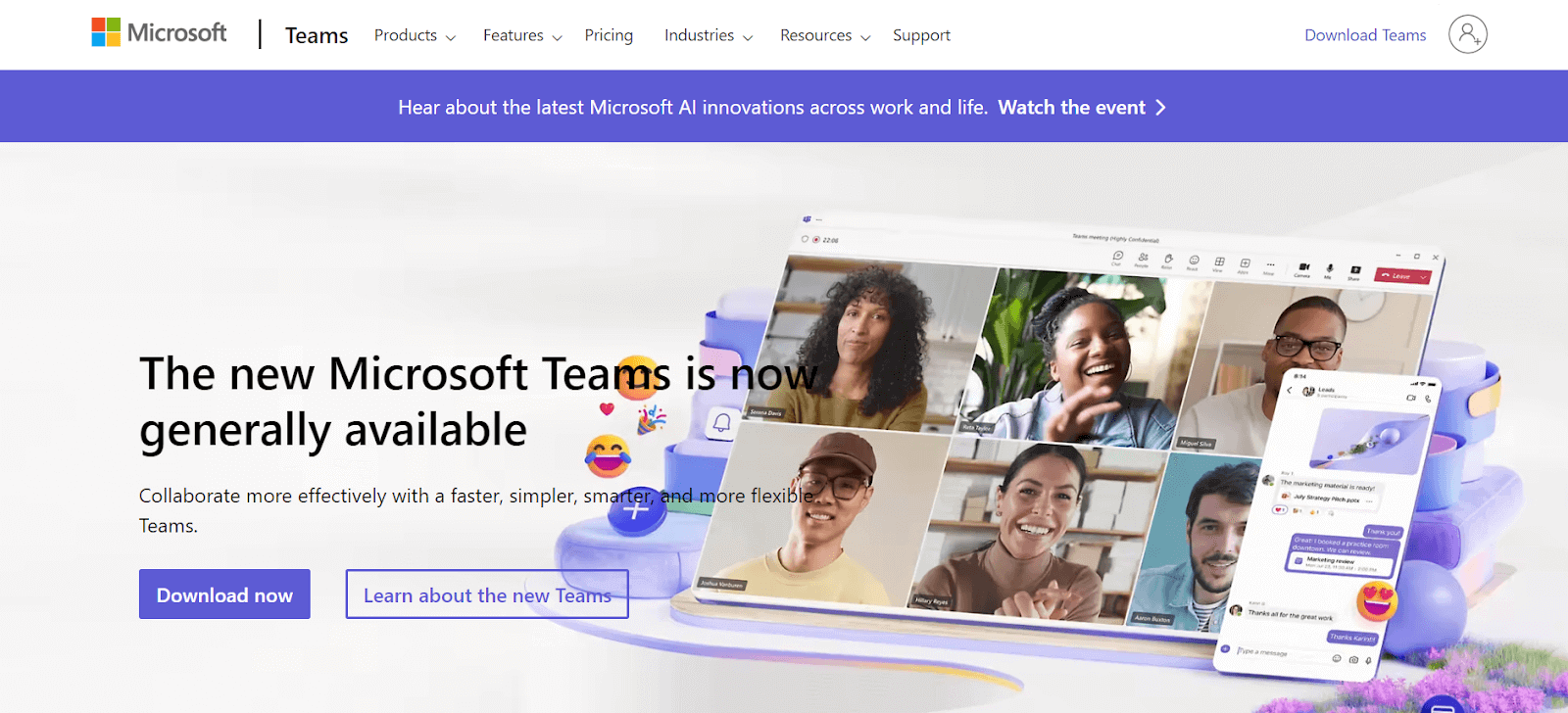
Key Features of Microsoft Teams:
- Real-time messaging with individual and group chat capabilities, including file sharing.
- You can host virtual meetings, video calls, and webinars, with features like screen sharing, background blur, and recording.
- Integrated with Microsoft Office apps like Word, Excel, and PowerPoint for co-authoring and sharing documents within the team.
- Tools like Planner and Lists for task tracking and project organization, integrating with various third-party apps.
36. Rocket.Chat
Rocket.Chat is an open-source communication platform for teams looking for a customizable chat solution. It has versatility and privacy features, offering end-to-end encryption for secure conversations. Users can create channels for different topics, send direct messages, and even customize the interface to suit their preferences.
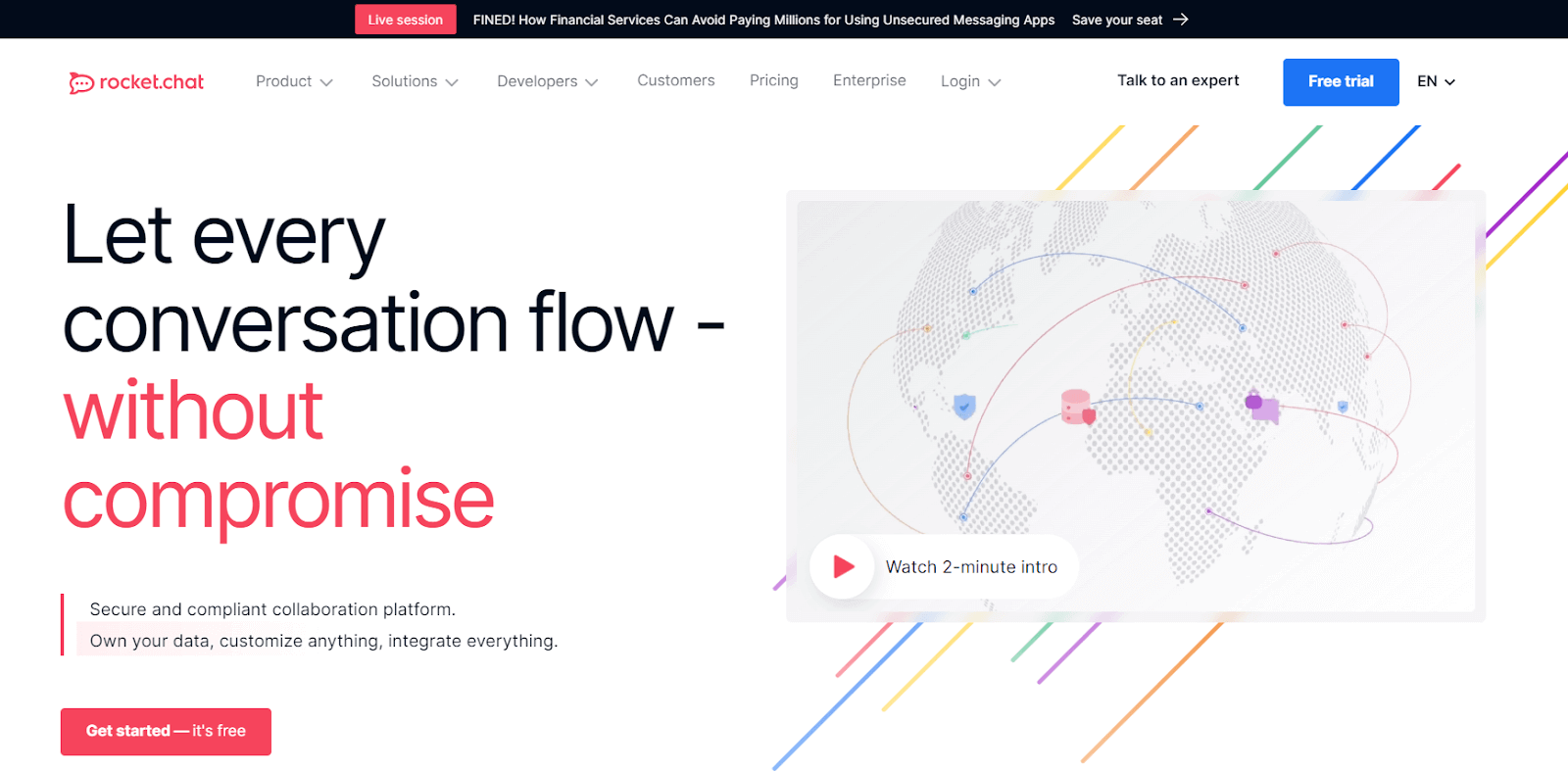
As it is open-source, Rocket.Chat allows organizations to host it on their servers, offering complete control over their data and the ability to integrate with a wide range of other tools.
Key Features of Rocket.Chat:
- You can create public or private chat rooms for different teams or topics.
- Offers one-on-one private conversations along with group chats.
- Allows sharing and storing files directly within the chat.
- Supports both one-on-one and group video and voice calls.
- It is compatible with various third-party tools and services, enhancing its functionality.
37. Mattermost
Mattermost is one of the open-source collaboration tools that provides self-hosted chat service. It's often compared to Slack, but its self-hosting feature gives businesses complete control over their data.
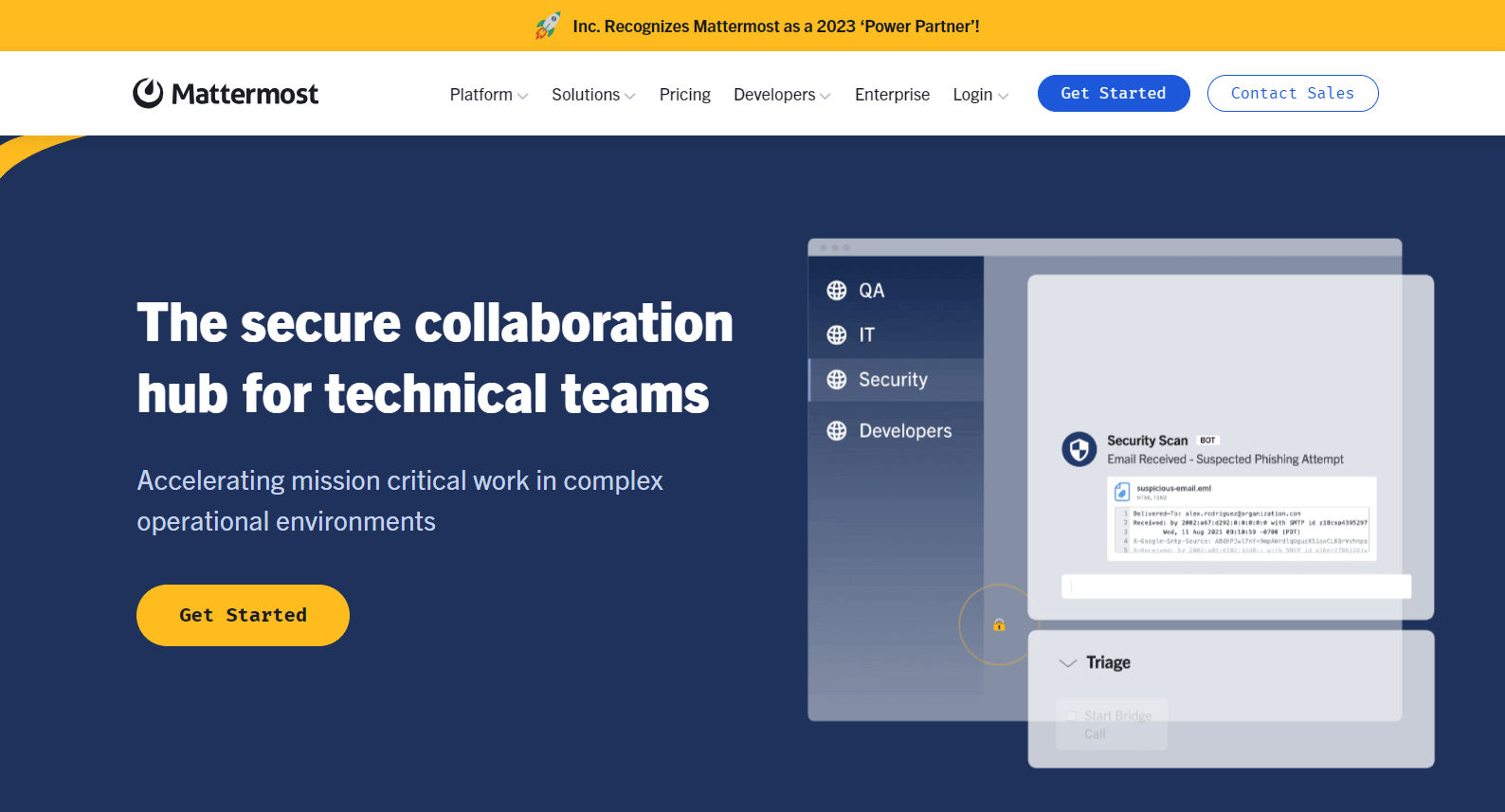
The Mattermost platform supports messaging and file sharing and provides integrations with popular developer tools, making it a strong choice for software development teams. Its emphasis on security, compliance, and scalability makes it well-suited for large enterprises and organizations with specific compliance needs.
Key Features of Mattermost:
- Comprehensive messaging with file sharing, emojis, GIFs, and integrated calling features.
- It comes with customizable workflows for managing complex, repetitive tasks, and processes.
- It provides a unified platform for communication and workflow management.
- Flexible and adaptable with extensive third-party integrations.
38. Flock
Flock is a messaging and collaboration tool that helps teams streamline their communication and enhance productivity. It offers chat, video calls, file sharing, and a range of productivity tools like to-do lists, reminders, and calendar integrations.

It has user-friendly interface, making it easy for teams to adopt and integrate into their workflow. Flock aims to reduce the need for multiple platforms by providing a comprehensive suite of features that support both communication and project management. This makes Flock a good choice for teams looking for an all-in-one collaboration solution.
Key Features of Flock:
- It provides forms that can be filled out and submitted even when offline.
- Keeps chat history available even across different sessions.
- It allows for transferring and routing messages to appropriate channels or individuals.
- Enables the banning of visitors based on specific criteria.
- Offers monitoring features for real-time oversight and management.
39. Zoho Cliq
Zoho Cliq is a team communication and collaboration tool from the Zoho suite of applications. It provides chat, video conferencing, and task management features, designed to improve team communication and collaboration.
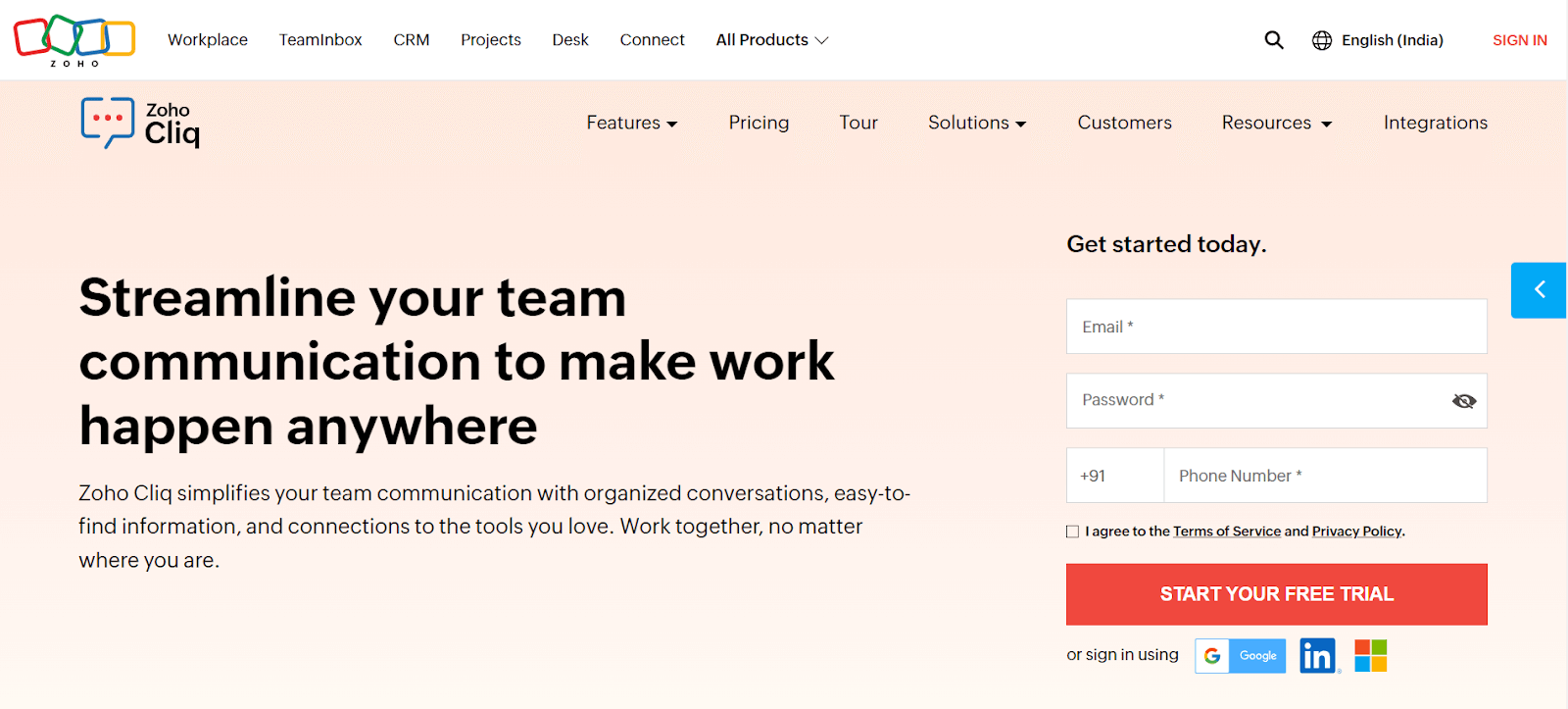
It comes with the ability to create chat channels for various topics, projects, or departments, helping keep conversations organized. Zoho Cliq also integrates with other Zoho apps and third-party services, making it a popular choice for businesses already using other Zoho products. It's user-friendly interface and robust set of features make it suitable for both small and large teams looking to streamline their communication and collaboration process.
Key Features of Zoho Cliq:
- Simplifies team communication with organized, transparent, and efficient channels.
- It enables easy searching of messages, files, and user information.
- Offers seamless voice and video call capabilities across devices.
- Integrates day-to-day tasks and calendar schedules within the collaboration space.
- Empowers team communication with custom-built bots and command shortcuts for automating activities.
40. Airtable
Airtable is a collaboration tool that blends the features of a database with the simplicity of a spreadsheet. It allows teams to organize work, data, and ideas in a way that's visually appealing and easy to navigate.
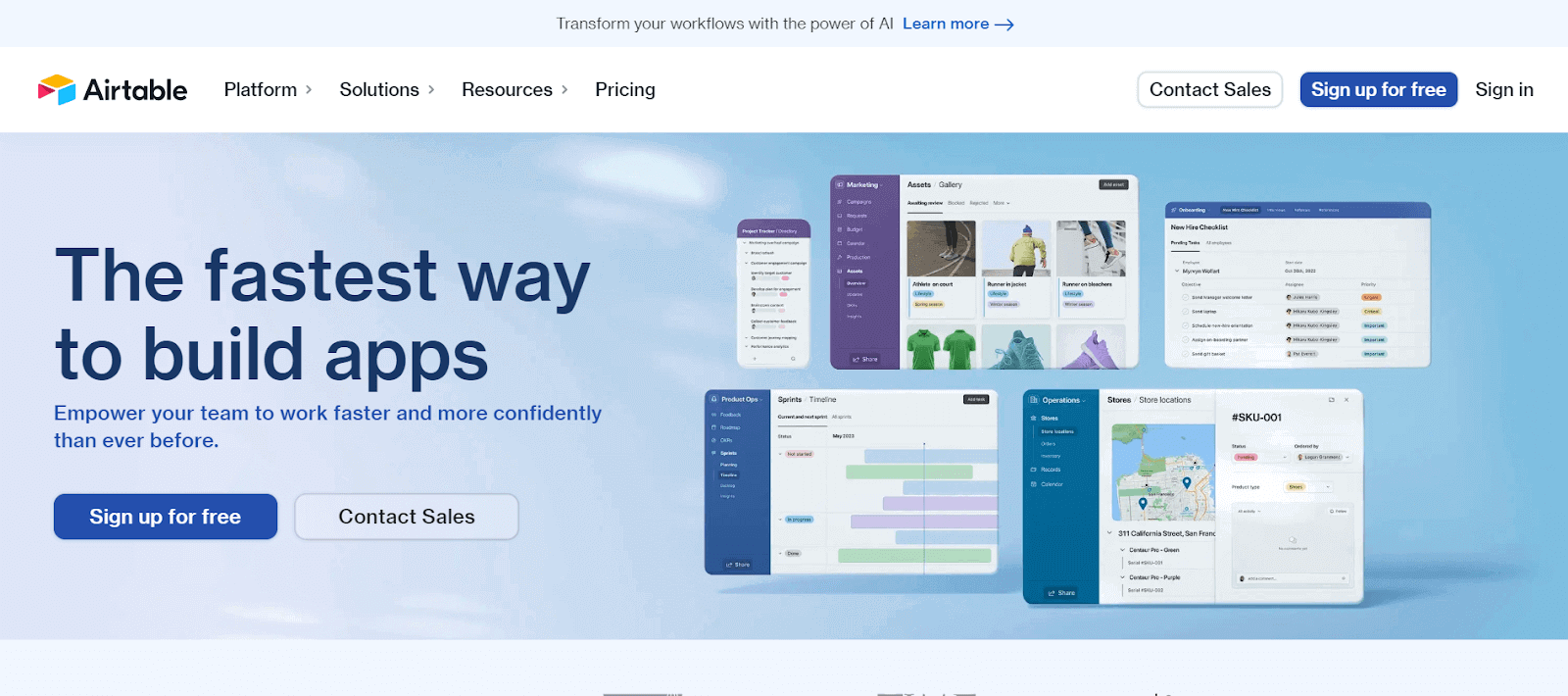
With Airtable, you can create custom databases (called "bases") for anything from content calendars and event planning to inventory tracking and project management. Its strength lies in its flexibility; you can link records between tables, attach files, set up different views like Kanban or calendar, and use a variety of templates.
Key Features of Airtable:
- Airtable allows users to create flexible and customizable databases tailored to specific needs and workflows.
- Offers a variety of field types including text, checkboxes, attachments, links to records in other tables, and formulas for versatile data entry and management.
- Provides multiple views like Grid, Calendar, Kanban, Gallery, and Form to visualize and manage data effectively. nables real-time collaboration with team members and easy sharing of databases and views.
- Supports integration with popular apps and services and allows the creation of custom automations for streamlined workflows.
41. YouTrack
Developed by JetBrains, YouTrack is a robust collaboration tool that's particularly favored by software development and testing teams. It comes with Agile board capabilities, allowing teams to manage tasks and workflows in a visually intuitive manner.
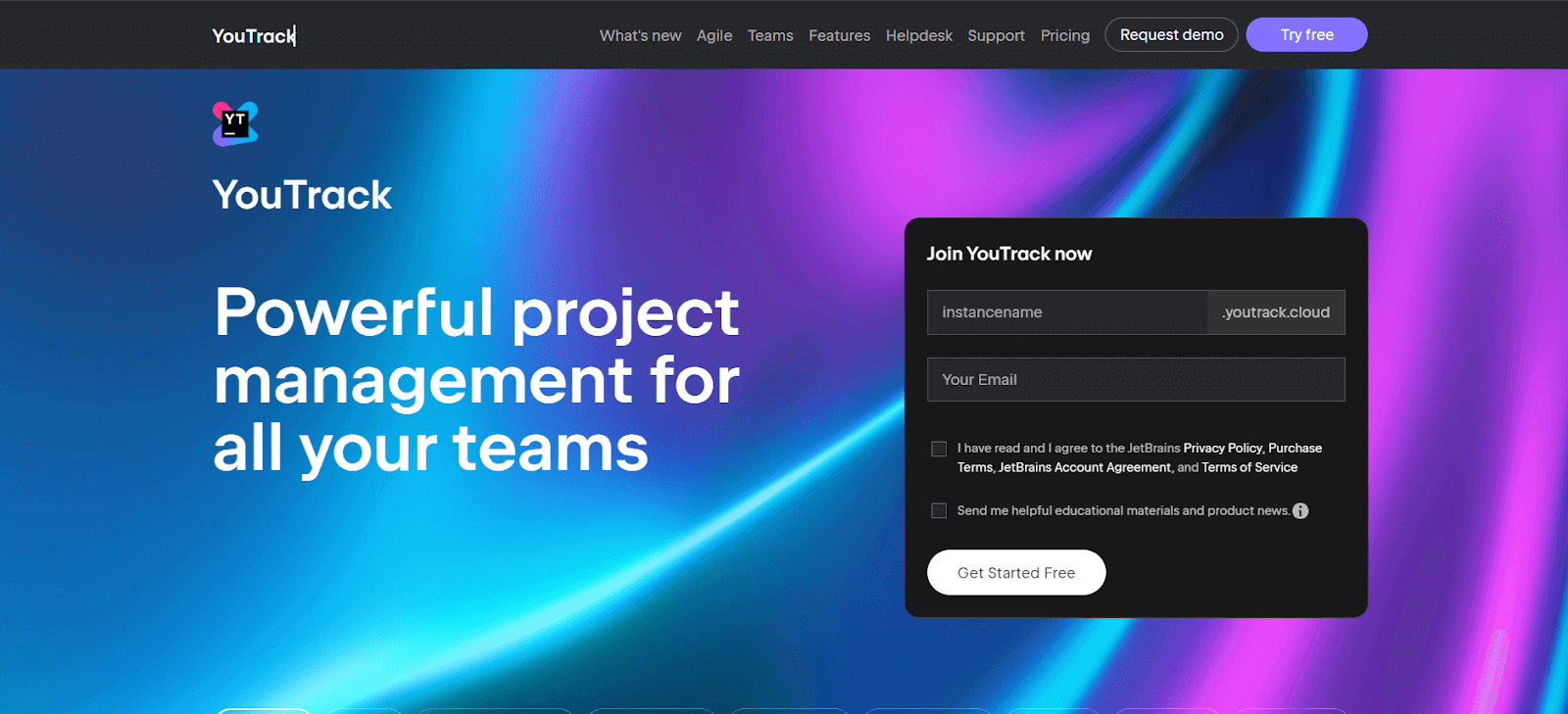
You can customize boards for Scrum, Kanban, or a mix of methodologies, adapting to your team's specific workflow needs. YouTrack also excels in issue tracking, offering powerful search queries and commands to efficiently manage bugs and tasks. It integrates well with other development tools and provides features like time tracking, reporting, and a customizable dashboard, making it a comprehensive tool for managing complex software projects.
Key Features of YouTrack:
- It offers comprehensive tools for tracking issues and managing software development projects.
- Supports Agile methodologies with customizable boards for Scrum, Kanban, and mixed processes.
- Includes features for time tracking, estimation, and reporting to manage project timelines effectively.
- It provides powerful reporting tools and dashboards for visualizing project progress and analytics.
- Allows extensive customization and automation of workflows to adapt to various project needs.
42. CloudTalk
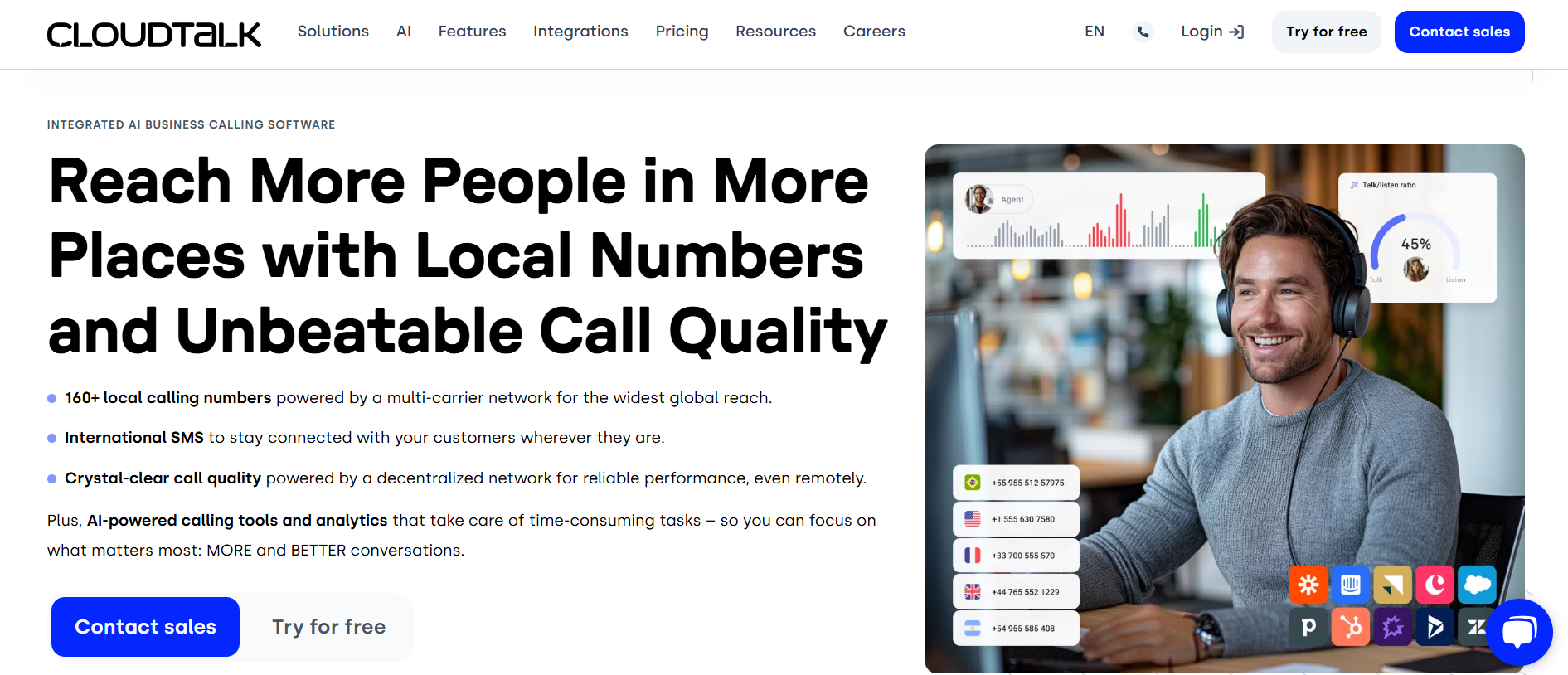
CloudTalk is a cloud-based call center software designed to simplify communication, enhance collaboration among teams, and improve customer support. With powerful features like seamless communication tools, efficient task management, and detailed performance analytics, it is an ideal solution for distributed teams looking to streamline workflows, boost productivity, and deliver exceptional customer satisfaction.
Key Features of CloudTalk:
- Smart Call Routing: Advanced call routing ensures customers are directed to the right agent, improving response times and customer satisfaction.
- Call Analytics Dashboard: Provides in-depth analytics to help teams monitor call performance and make data-driven decisions.
- Integration with Popular Tools: Easily integrates with platforms like CRM systems, Slack, or Zapier, making it a perfect fit for existing workflows.
- Automatic Call Recording: Enables teams to record and review calls for training and quality assurance purposes.
43. GoodDay
GoodDay is a work and project management platform focusing on enhancing productivity and team collaboration. It combines traditional project management features with innovative tools to help teams plan, track and execute work.
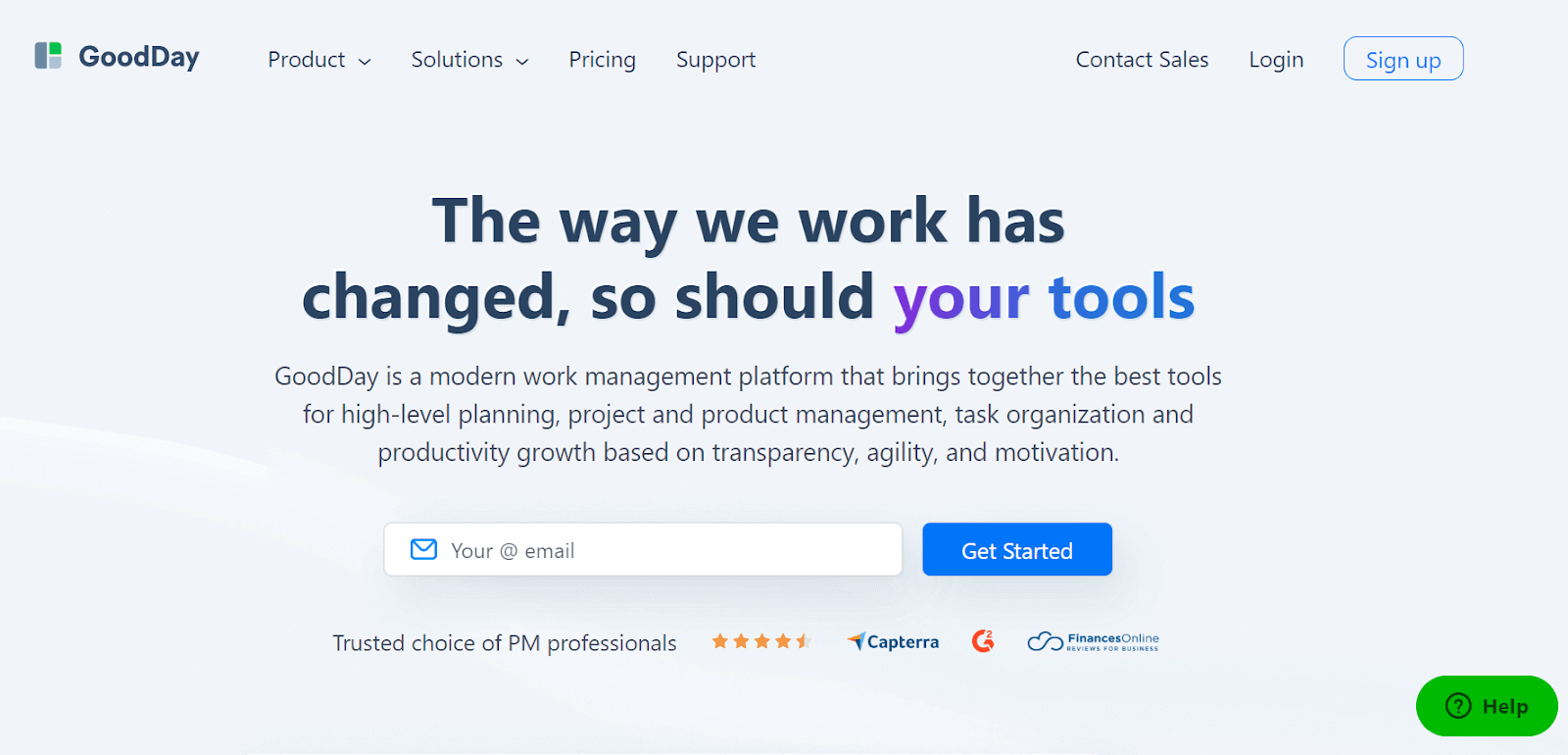
It offers task organization, time tracking, resource planning, and reporting functionalities, all within an intuitive interface. One of the key aspects of GoodDay is its adaptability; you can set it up for a variety of workflows, from simple to-do lists to complex project timelines. The platform also provides a transparent view of team performance and project progress, helping managers make informed decisions and teams stay aligned on their goals.
Key Features of GoodDay:
- Integrates various work management tools into a single platform, replacing the need for multiple separate applications.
- It supports modern project management methodologies, including Waterfall, Scrum, Kanban, and more, for versatile project handling.
- Offers a range of templates designed for different teams and projects, facilitating a quick and efficient start. Boosts team collaboration and creates transparency with a focus on action-driven communication.
- Aligns with your business goals with strategic planning and project execution, enabling effective tracking of progress, KPIs, and achievements.
Collaboration tools are make it easy for your testing team members and everyone else involved in testing to communicate and work together smoothly. These tools allow you to chat, talk, share documents, and even have video meetings in real-time or whenever it's convenient. However, you can capitalize the real power of collaboration tools for your software testing efforts on cloud-based platforms like TestMu AI.

How Does TestMu AI Support Team Collaboration?
TestMu AI integrates with collaboration tools like Jira, Asana, and Slack, offering one-click bug logging to streamline testing workflows and enhance team communication.
TestMu AI is an AI-native test orchestration and execution platform that offers various integration options with team collaboration tools to streamline your software testing and development processes. Integrating TestMu AI with collaboration tools enhances your communication, task management, and reporting, making it easier for teams to work together effectively. If your team lives in a messaging workspace, routing test alerts through the Webex Teams integration with TestMu AI drops each bug notification into the right space the moment it is logged.
You can integrate with best team collaboration tools like Jira, Asana, Slack, and much more.
The one-click bug logging feature of TestMu AI lets you push all the issues from TestMu AI to any of your desired team collaboration tools. You can now log your bugs in any of these tools while being in the middle of a testing session, and channel-based apps are covered too through the Zoho Cliq integration that routes those alerts into your team channels.
By integrating TestMu AI with team collaboration tools, you can ensure that testing activities are closely aligned with development and project management efforts. For project-based tools, wiring up the Teamwork integration drops each defect from a test run straight into the matching Teamwork project. This enhances communication, facilitates issue tracking and resolution, and ultimately leads to more efficient software testing and development processes.

100+ Free Online Tools From TestMu AI
TestMu AI has come up with an index of 100+ free online tools for developers and testers. From HTML, XML, and JSON formatters to robust data generators, and hash calculators. TestMu AI's free online tools are built to help engineering teams accelerate and be more productive with their daily activities.
Code Tidy
- JSON Prettify
- JSON Minify
- HTML Prettify
- HTML Minify
- JavaScript Minify
- CSS Minify
- CSS Prettify
- XML Minify
- XML Prettify
Data Format
- IDN Encode
- IDN Decode
- XML to JSON Converter
- JSON to XML Converter
- BCD to Decimal
- HEX to Decimal
- Decimal to BCD
- UTF8 Decode
- UTF8 Encode
- HEX to RGB Converter
- RGB to HEX Converter
- HTML to Markdown Converter
- Markdown to HTML Converter
- Decimal to Gray Code Converter
- Gray Code to Decimal
- URL Decode
- URL Encode
- Base64 Encode
- Base64 Decode
- Text to HTML Entities Converter
- HTML Entities to Text Converter
Random Data
- Random JSON Generator
- Random XML Generator
- Random CSV Generator
- Random YAML Generator
- Placeholder Image Generator
- Random Binary Generator
- Random Character Generator
- Random Color Generator
- Random Date Generator
- Random Decimal Fraction Generator
- Random Decimal Generator
- Random GUID Generator
- Random HEX Generator
- Random Octal Generator
- Random IP Generator
- Random MAC Generator
- Random Number Generator
- Random Paragraph Generator
- Random Password Generator
- Random Time Generator
- Random UUID Generator
- Random Sentence Generator
- Random String Generator
- Random Word Generator
- Random Data from RegEXP
- Test Data Generator
- Lorem Ipsum Generator
- Credit Card Number Generator
- QR Code Generator
- Random Byte Generator
Security Tools
- Hash Calculator
- HMAC Generator
- CRC32 Hash Calculator
- CRC32B Hash Calculator
- Ripe MD 128 Hash Calculator
- Ripe MD 160 Hash Calculator
- Ripe MD 256 Hash Calculator
- Ripe MD 320 Hash Calculator
- MD2 Hash Calculator
- MD4 Hash Calculator
- Adler32 Hash Calculator
- Gost Hash Calculator
- Whirlpool Hash Calculator
- MD5 Hash Calculator
- SHA1 Hash Calculator
- SHA256 Hash Calculator
- SHA384 Hash Calculator
- SHA512 Hash Calculator
Utils
- Find and Replace String
- HTML Escape
- HTML Unescape
- Difference Checker
- Shuffle Letters
- Shuffle Text Lines
- Sorting List
- Split Your String
- Text Lowercase
- Text Uppercase
- Text Repeater
- Text Rotator
- Character Count
- Word Count
- Lines Count
- Sentence Count
- URL Parse
- JSON Escape
- JSON Unescape
- Extract Text from HTML
- Extract Text from JSON
- Extract Text from XML
- Strip HTML
- JSON Validator
Conclusion
Selecting the right collaboration tools for your team can significantly impact the efficiency, productivity, and quality of your work process. The 43 best collaboration tools mentioned in this article offer a wide range of features and integrations to cater to various team sizes and testing needs.
Whether you're focused on communication, task management, test case tracking, or defect resolution, try out the mentioned collaboration tools in this article that can help streamline your workflows and enhance collaboration.
Teams that organize their projects in a collaborative workspace like Zenkit can plug it straight into their QA workflow with the Zenkit integration.
Author

S.S. Rahman
Blogs: 1

S.S. Rahman is Chief Ecosystem Officer at TestMu AI (formerly LambdaTest), where he leads partnerships, integrations, and the platform's growing ecosystem. Part of the company since its 2017 inception, he built teams from the ground up that created the scalable cross-browser testing infrastructure and the centralized platform services behind the product, and established the integration ecosystem with tools including Jira, Confluence, Azure DevOps, DataDog, and Sumo Logic, plus partnerships across the Azure, AWS, and Google Cloud marketplaces. He brings over two decades of experience building engineering, growth, and partnership ecosystems. Earlier he founded Netfunda Technologies, a custom software consultancy he ran for 16 years, delivering solutions for clients including Samsung, GoDaddy, Ooredoo, and TRAI.
Reviewer

Japneet Singh Chawla
Reviewer
Japneet Singh Chawla is an Engineering Manager at TestMu AI (formerly LambdaTest), where he leads a team driving HyperExecute, the AI-native Test Orchestration Cloud Platform, and integrations with Cypress, Provar, Tosca, and Selenium, improving test execution efficiency and driving adoption across 500+ enterprise clients. He also spearheaded zero-downtime deployments that cut release-related downtime by 90%, and mentors new engineers into productive contributors. He brings 9+ years of experience building and scaling distributed systems, SaaS platforms, and developer tools, with deep hands-on backend engineering across Golang, Python, Node.js, Kafka, and Redis. Earlier at Sumo Logic he built award-winning developer tools, including a VS Code Parser Linter, and at Indus Valley Partners he was a founding member of the Sentiment Analyzer team, building ML-powered solutions for financial clients. Japneet holds an MCA in Computer Science from GGSIPU.


Collaboration Tools FAQs
Did you find this page helpful?
More Related Blogs
TestMu AI forEnterprise
Get access to solutions built on Enterprise
grade security, privacy, & compliance
- Advanced access controls
- Advanced data retention rules
- Advanced Local Testing
- Premium Support options
- Early access to beta features
- Private Slack Channel
- Unlimited Manual Accessibility DevTools Tests