

Power Your Software Testing with AI Agents and Cloud
The Native AI-Agentic Cloud Platform to Supercharge Quality Engineering. Test Intelligently and Ship Faster.


- TestMu AI (Formerly LambdaTest)
- /
- Blog
- /
- 29 Best Microsoft Teams Apps for 2026
29 Best Microsoft Teams Apps to Boost Productivity [2026]
Discover 29 top Microsoft Teams apps for 2026 to enhance productivity, streamline workflows, and boost collaboration with seamless integrations.
Last Updated on:
Microsoft Teams, launched in 2017 and bundled with Office 365, has rapidly grown into one of the most popular platforms for workplace collaboration. As of September 2026, Teams boasts over 320 million monthly active users, a significant increase from the 300 million users reported earlier in the year. Its integration with Microsoft 365 and various other applications has solidified its role in many organizations worldwide.
In Microsoft Teams, users can integrate not only Microsoft’s own applications but also third-party apps and custom-built internal tools. Over 2,000 apps are available in the Teams app store, and over 145,000 custom line-of-business (LOB) apps have been developed by enterprises. This flexibility allows developers and testers to incorporate their applications into Microsoft Teams meetings, with functionalities available before, during, and after meetings.
In this blog will explore some of the best Microsoft Teams apps that can help your team enhance productivity and streamline collaborations, as well as popular integrations to boost your team’s effectiveness.
Let’s begin with the best Microsoft Teams apps available!
TL;DR
- Microsoft Teams apps extend Teams with project management, note taking, whiteboarding, automation and reporting inside the same window.
- Project and task apps such as Asana, Trello and MeisterTask move work tracking into Teams instead of a separate tab.
- ScrumGenius collects standup updates in a channel, and Polly gathers feedback through polls, without another meeting.
- Automation apps connect Teams to the rest of a stack, so a message can start a build or file a ticket.
- The right app is the one that removes a context switch your team actually makes every day.
- A web app surfaced in Teams still needs cross-browser testing, which the TestMu AI Teams app can launch from a channel.
29 Best Microsoft Teams Apps for 2026
Microsoft Teams integrates seamlessly with a wide range of apps, including productivity tools, communication platforms, project management tools, financial management tools, and many more. We’ve compiled a list of 29 best Microsoft Teams apps for your reference.
1. TestMu AI (Formerly LambdaTest)
TestMu AI (Formerly LambdaTest) is one of the best Microsoft Teams apps to perform browser testing of websites and web applications across 3,000+ browser and OS combinations and 10,000+ real devices. It helps ensure web app elements like CSS, HTML5, and JavaScript are rendered seamlessly across multiple browser environments.
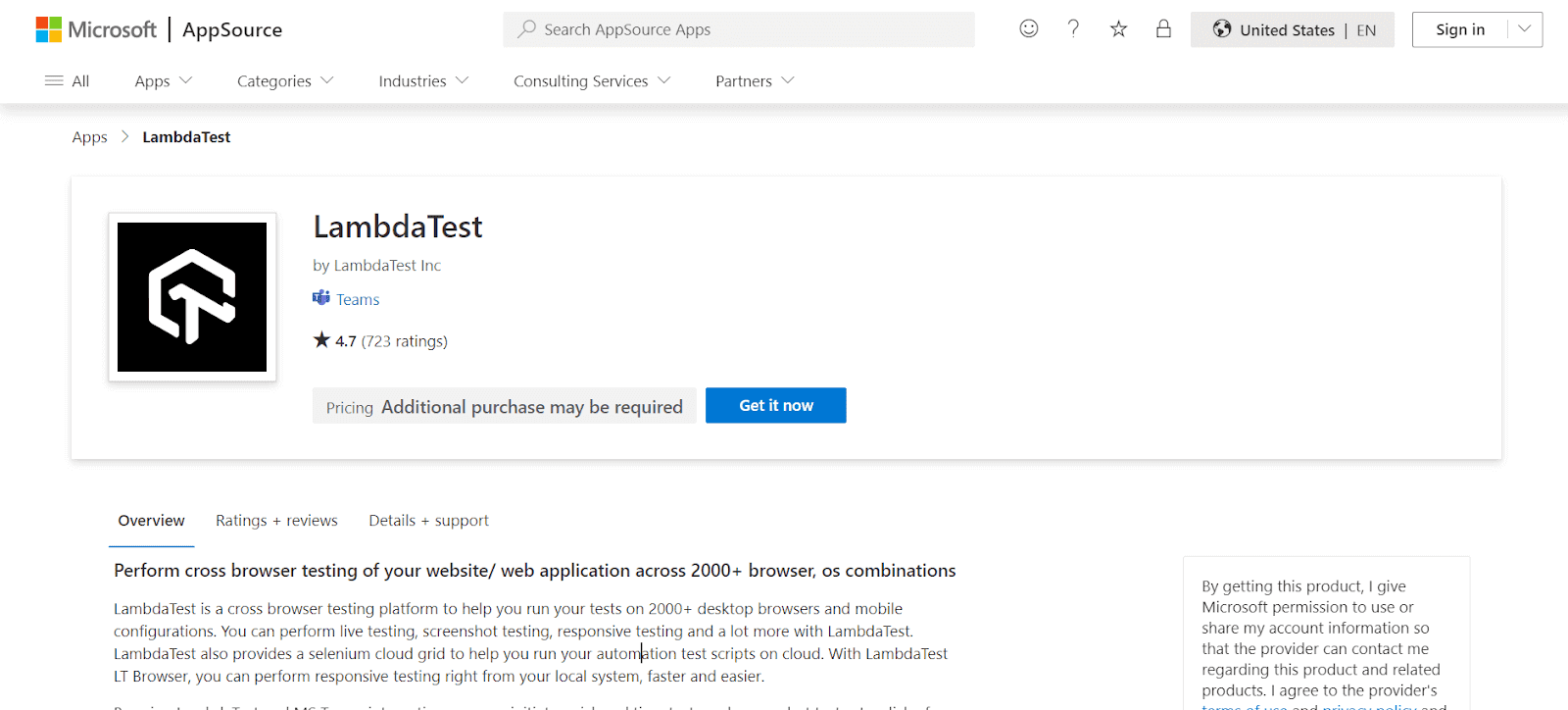
With the TestMu AI Microsoft Teams app, you can initiate real-time testing and screenshot testing from inside the teams channel, group, or direct conversations in a single click. Therefore, you can easily collaborate over UI issues, integrate web debugging, streamline your feedback loops, and much more.
It allows you to launch your test or personal chats from any channel and helps save time with reusable test cards to launch the test with the same configurations. You can even pin up your test cards to launch the tests frequently.
Features:
- Access 3,000+ browser and OS combinations in the cloud.
- Ideal for developers, QA engineers, and product managers.
- Address and solve issues quicker as a team.
- Set up quickly with a click on the TestMu AI icon in your chat.
- Save your time with reusable test cards.
Pricing:
- Custom pricing based on requirements.

Catch up with the latest tutorials on test automation, Selenium, and more. Subscribe to the TestMu AI YouTube Channel.
2. GitHub for Teams
In the list of the best Microsoft Teams apps for developers, GitHub for Teams ranks amongst the highest. GitHub is a platform developers use for code hosting, distributed version control, source code management, and collaboration. It offers collaboration functions like Continuous Integration (CI), task management, feature requests, bug tracking, etc.
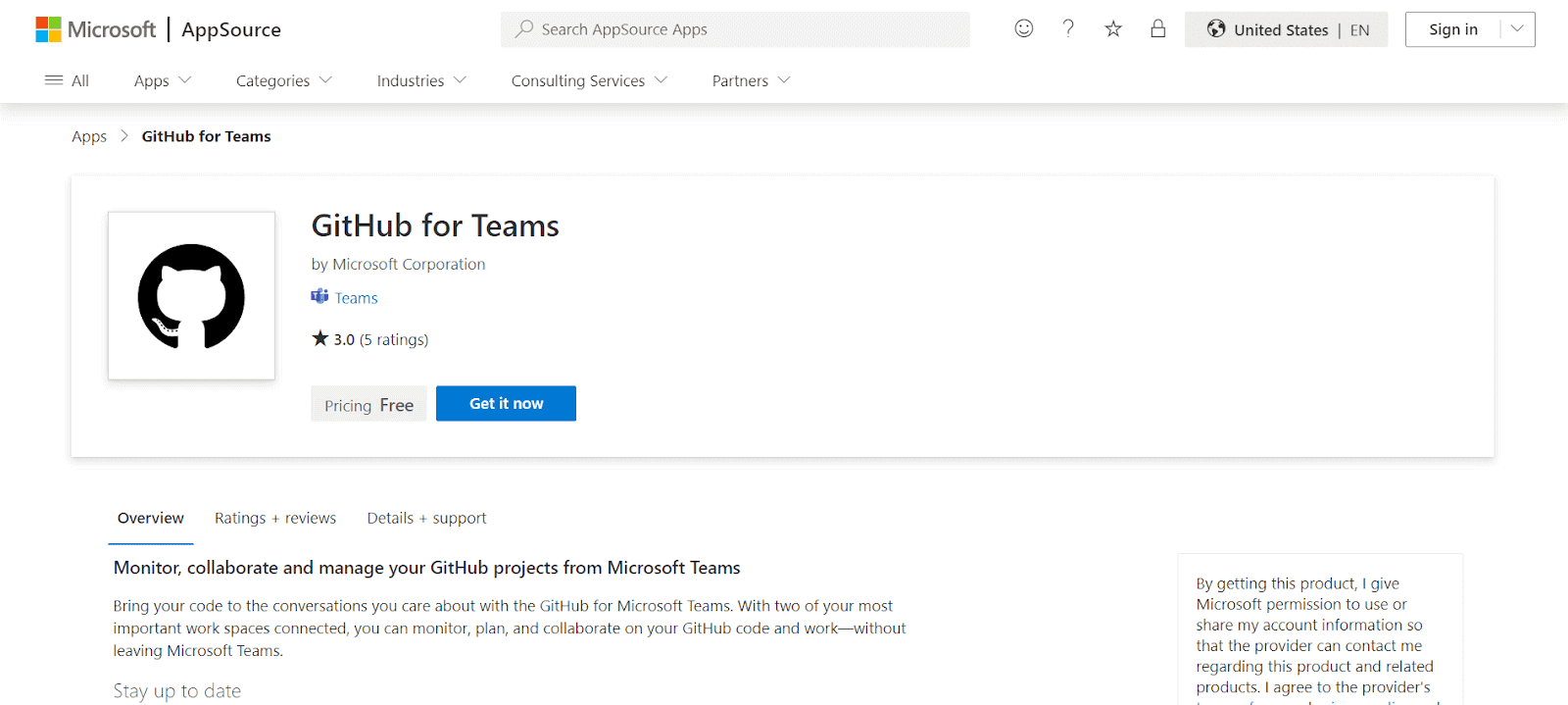
Developers have to constantly communicate with their team members for various reasons, including issue monitoring, pull requests, deployment statuses, etc. This calls for constant context switching between GitHub and Teams. GitHub and Teams integration lets the user keep a tab on GitHub projects through Microsoft Teams, where new ideas are saved, the order of implementation is decided, and, most importantly, collaboration with other team members is improved.
Features:
- Start your GitHub tasks directly from Microsoft Teams channels.
- Easily close and reopen existing issues within the channel.
- Comment on issues and pull requests right from Teams.
- Keep track of conversations with Threading.
- Stay updated on your tasks within Teams.
Pricing:
- Free, Team Plan ($4/month), Enterprise Plan ($21/month).
3. Trello for Teams
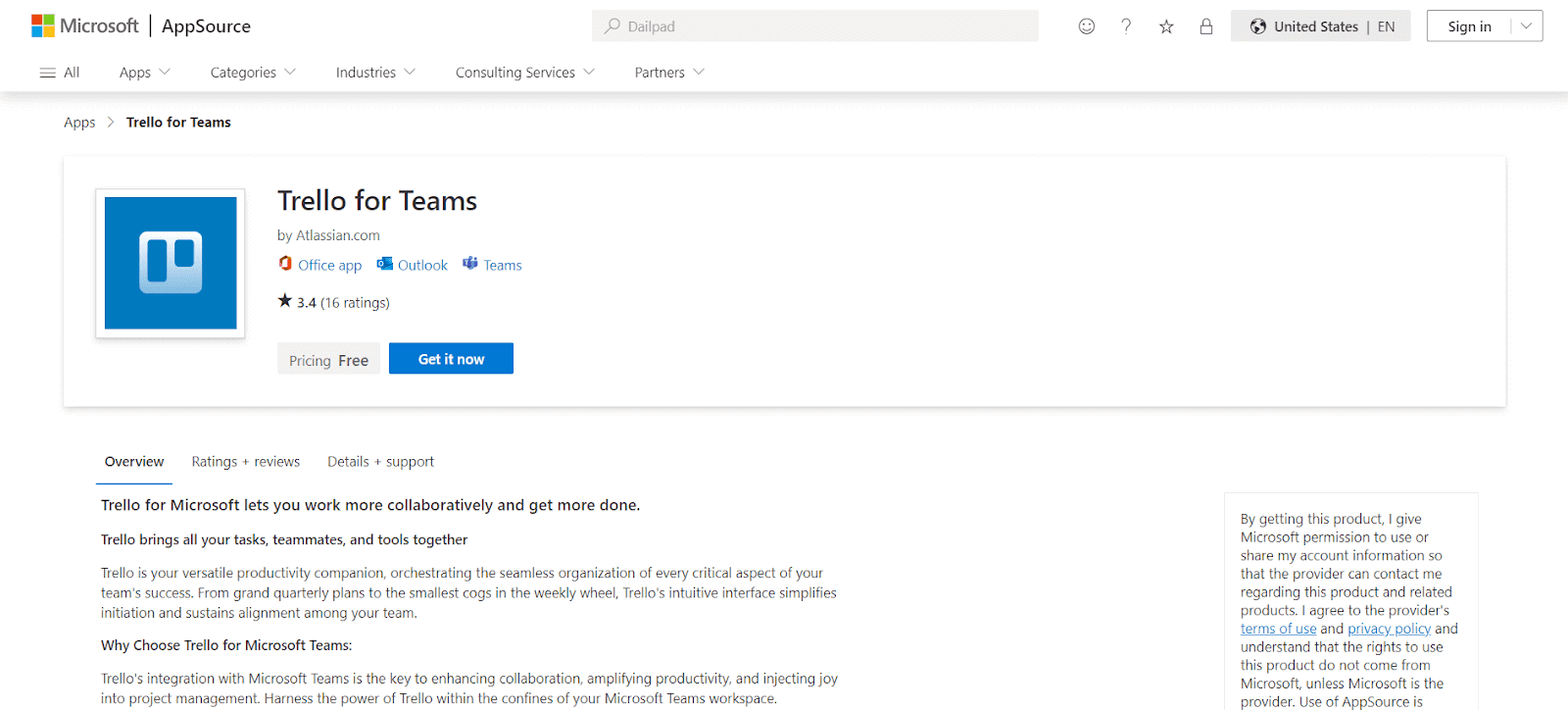
Trello is an excellent project management tool that helps teams organize tasks on visual boards. Its integration with Microsoft Teams lets users manage tasks, receive updates, and collaborate without having to leave the Teams workspace.
Features:
- Get updates in your Office 365 group for Trello activities.
- Know when a new card is created on Trello.
- Receive notifications when a card is moved.
- Stay informed about new comments or attachments added to a card.
- Get alerted when a member is added to a Trello card.
Pricing:
- Free, Standard ($6/month), Premium ($12.50/month).
4. Zapier
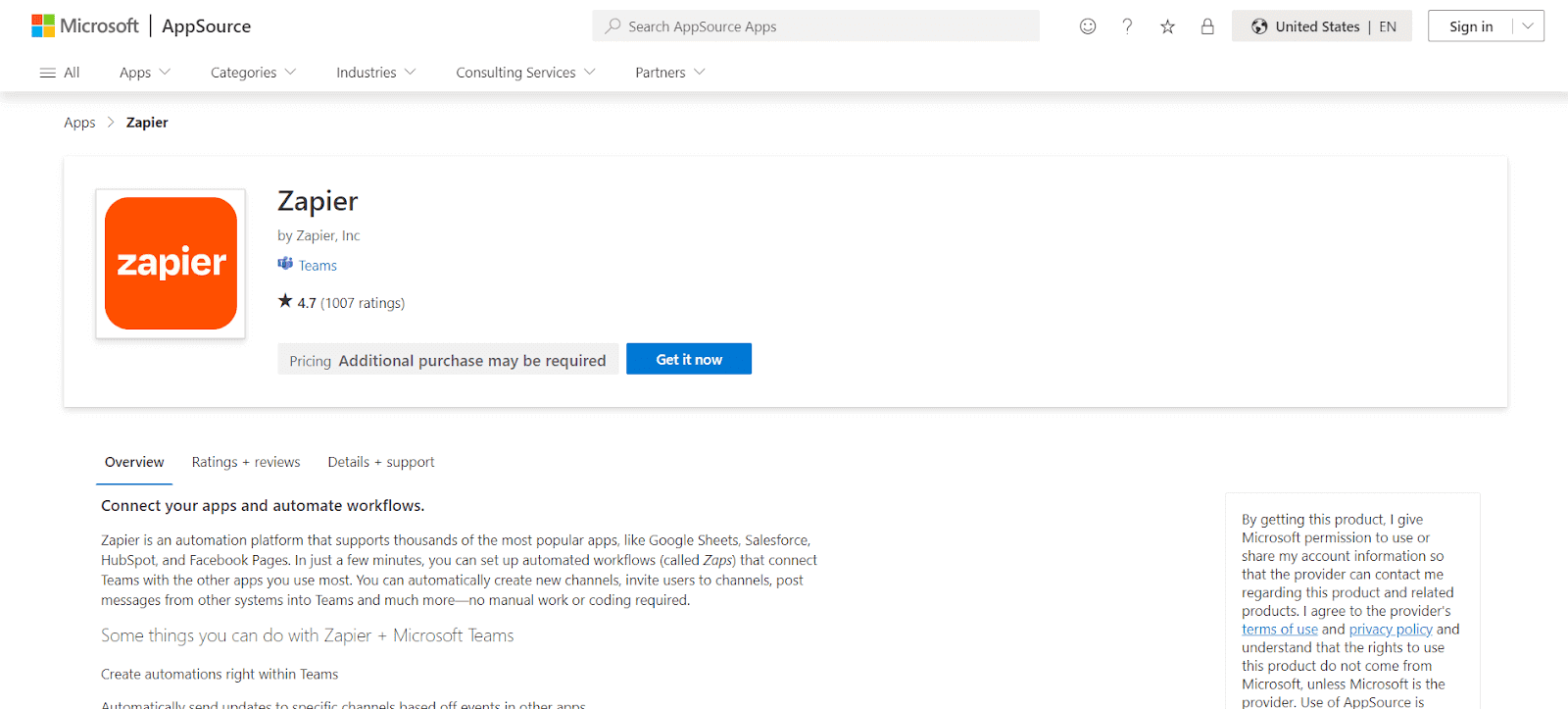
Zapier helps automate workflows by connecting Microsoft Teams with other apps like Google Sheets, Salesforce, and HubSpot. You can set up Zaps (automated workflows) to create new channels, send messages, and more, saving time on manual tasks.
Features:
- Send automatic updates to certain channels when events happen in other apps.
- Create new channels, arrange their tabs, and invite people to join.
- Get alerts when someone mentions you or sends you a chat message.
- Reduce manual work and boost productivity.
Pricing:
- Free, Starter ($19.99/month), Professional ($49/month).
5. Asana for Teams
Asana is a powerful project management app that helps teams track tasks and manage workflows. The integration with Teams allows you to convert chat messages into Asana tasks and track project progress without leaving Teams.
Features:
- Turn Microsoft Teams chats into Asana tasks.
- Access tasks, projects, and updates within Teams.
- Easily find and share Asana task details in Teams.
- Personalize task update notifications in Teams.
- Monitor Asana task progress within Teams channels.
Pricing:
- Free, Premium ($10.99/month), Business ($24.99/month).
6. Jira Cloud
Jira Cloud is a popular project management tool, especially in software development. By integrating Jira with Teams, users can track issues, create tasks, and manage project progress all from within Teams channels.
Features:
- Convert Teams chat messages into new Jira issues or add comments to existing issues quickly.
- Visualize and sort Jira tickets in Teams meetings, using options like “worked on,” “viewed,” or “assigned.”
- Create, edit, and view Jira tickets collectively during meetings.
- Access Jira tickets directly from Teams personal tab, Outlook, or Microsoft 365.
- Retrieve and view Jira issues using voice commands like ‘Fetch issues assigned to me’ via Microsoft Copilot.
Pricing:
- Free, Standard ($7.75/month), Premium ($15.25/month).
7. Mural
Mural is a virtual whiteboard app that allows for real-time collaboration. Ideal for brainstorming sessions and planning, Mural helps teams share ideas visually during meetings in Microsoft Teams.
Features:
- Use Mural seamlessly with Microsoft Teams, Outlook, and Office.
- Leverage visual thinking and Facilitation Superpowers™ for better teamwork.
- Utilize features like voting, summon, celebrate, and private mode.
- Mural integrates with Microsoft Teams, Office, Outlook, Azure DevOps, and Azure Active Directory.
- Works in tandem with GitHub for streamlined processes.
Pricing:
- Free, Starter ($12/month), Business ($20/month).
8. Google Analytics
There are a multitude of web analytics tools or apps available in the market to collect website data. Google Analytics is one of the best Microsoft Teams apps that help track, understand, and analyze customer behavior to improve user experience and drive sales.
You can track the performance of marketing content, products, etc., of the user’s site and app in one place to make smarter and faster decisions. Google Analytics platform gives unique insights and machine learning capabilities that help organizations make the most of the data. The insights gained through Google Analytics can be used in sync with Google’s advertising and publisher products to deliver better results.
The Google Analytics connector for Teams easily monitors traffic to the user’s website, blog, YouTube channel, or other Internet property. It details page views, user demographics, etc., by sending the updates directly to Microsoft Teams. The data can then be used to collaborate in a single application.
Features:
- Delivers updates and content from various services directly into a channel.
- Receive comprehensive reports for websites and mobile apps.
- Capable of sending data over the Internet.
- Can access personal details in active messages, like phone numbers and addresses.
- May send collected data to external services.
Pricing:
- Free, Analytics 360 ($150,000/year).
9. Adobe Creative Cloud
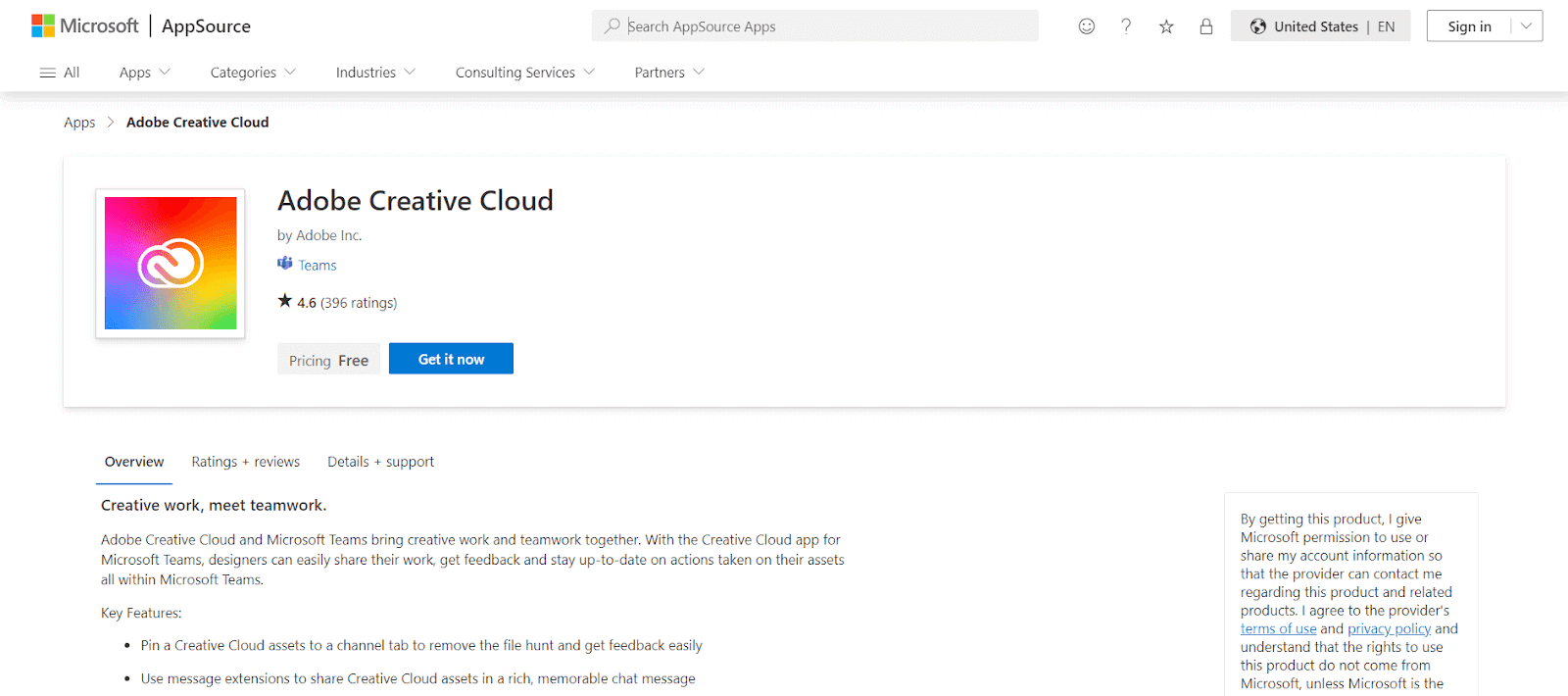
Adobe Creative Cloud integrates with Microsoft Teams to allow users to share and collaborate on creative projects. Teams can easily share design files, receive feedback, and track project progress without leaving the Teams environment.
Features:
- Share Creative Cloud files in Microsoft Teams using the pin to tab and compose extension features.
- Easily share progress on assets with a team of stakeholders or clients by linking to a Creative Cloud file.
- Stay informed about comments on documents in Adobe Document Cloud through notifications from the Adobe Creative Cloud bot.
Pricing:
- Custom pricing.
10. ClickUp
ClickUp is a versatile project management tool that integrates smoothly with Microsoft Teams. It allows users to manage tasks, set deadlines, and collaborate on projects without leaving Teams. With ClickUp, you can easily access and share tasks, ensuring that your team remains aligned on project goals.
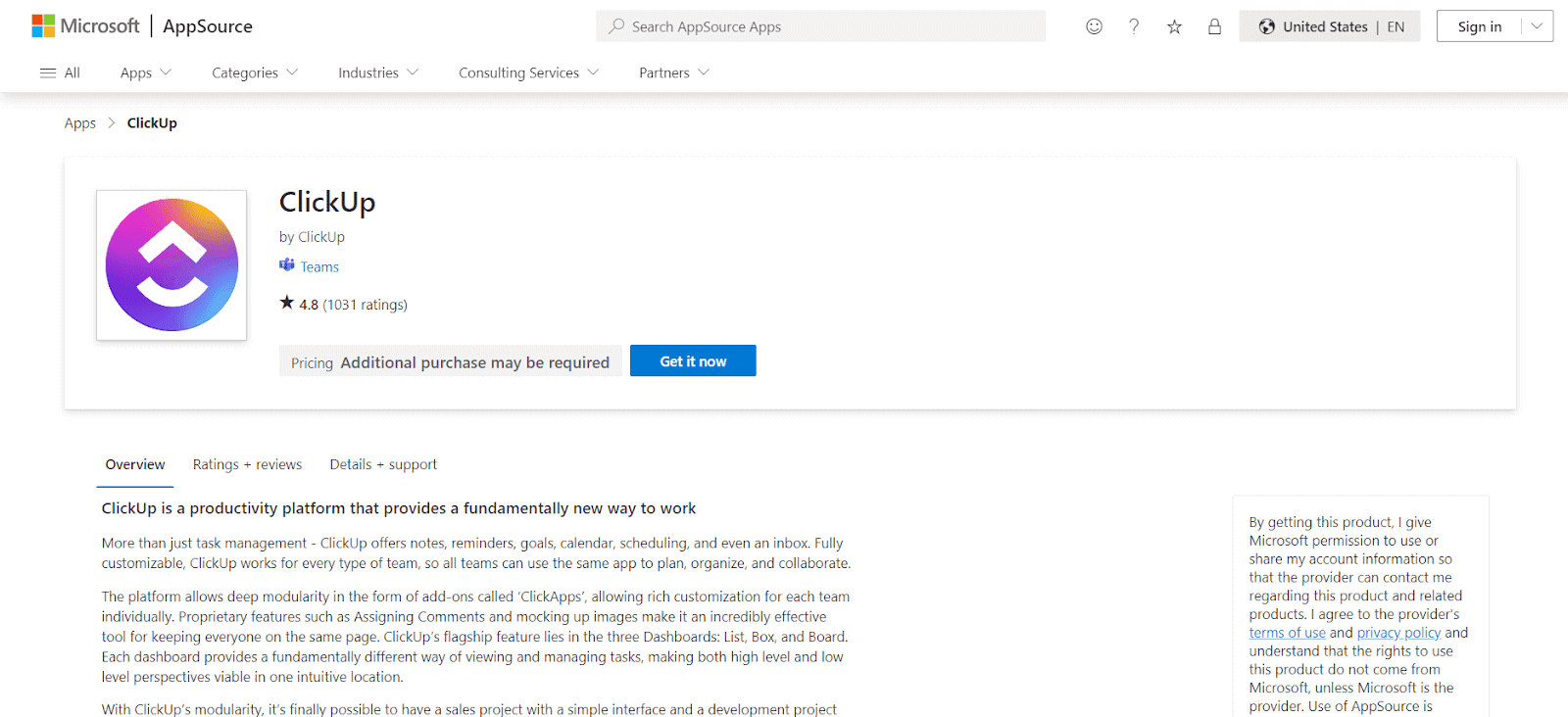
- Real-time ClickUp task updates and notifications in Microsoft Teams.
- Direct viewing and interaction with ClickUp task details in Teams chats.
- Search and attachment of ClickUp tasks within Teams conversations.
- Embedding of ClickUp task views in Microsoft Teams for easy access.
Pricing:
- Free, Unlimited ($5/month), Business ($12/month).
11. monday.com
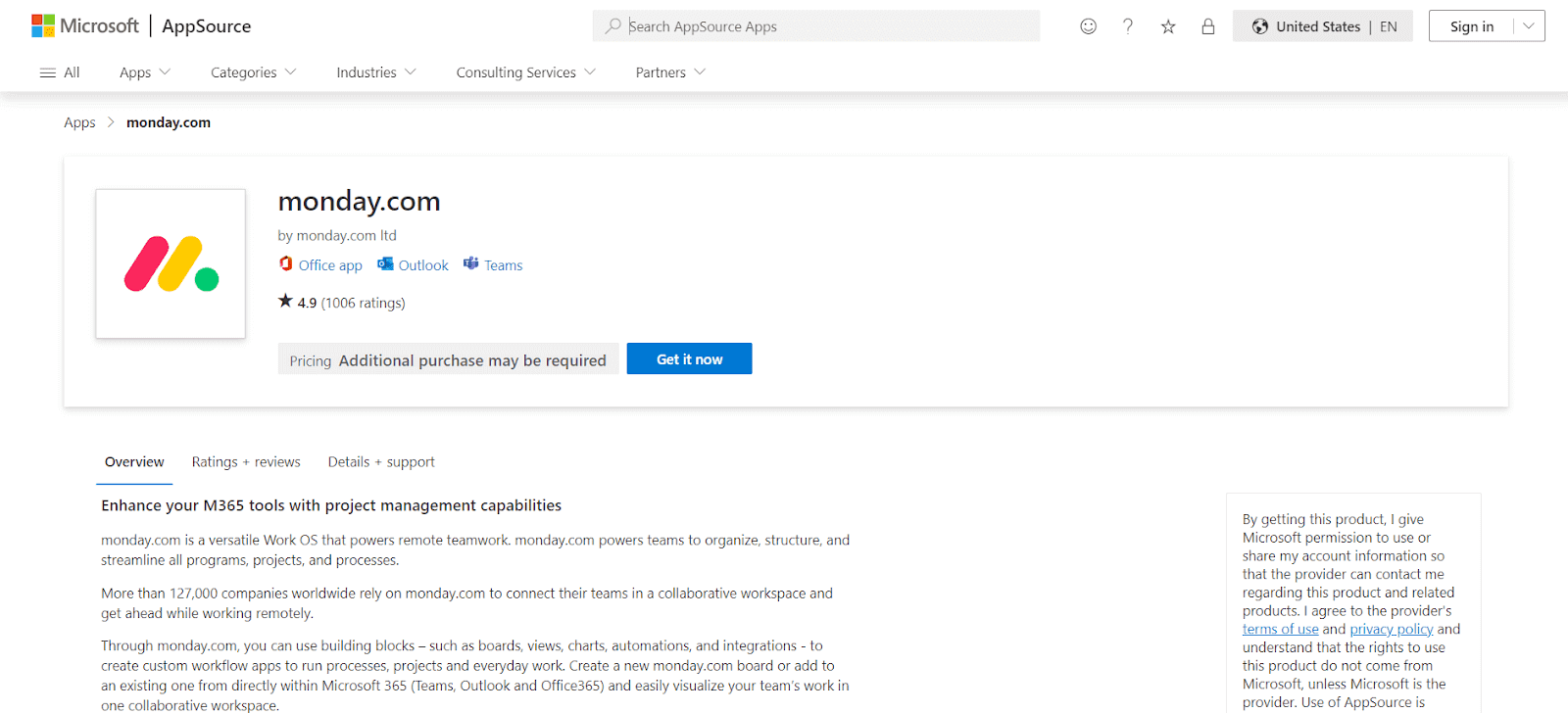
The monday.com app for Microsoft Teams allows users to directly manage their monday.com boards and tasks within the Teams interface, streamlining project tracking and collaboration. With this Microsoft Teams app, users benefit from real-time notifications and updates from monday.com, all within Teams, ensuring efficient communication and project progression.
Features:
- Connects monday.com boards with Microsoft Teams channels.
- Organizes and streamlines projects in a shared workspace.
- Sends real-time updates from monday.com to Microsoft Teams.
- Manages workflow and shares items within Teams.
- Embeds dashboards and videos for enhanced collaboration.
Pricing:
- Basic ($8/month), Standard ($10/month), Pro ($16/month).
12. Backlog
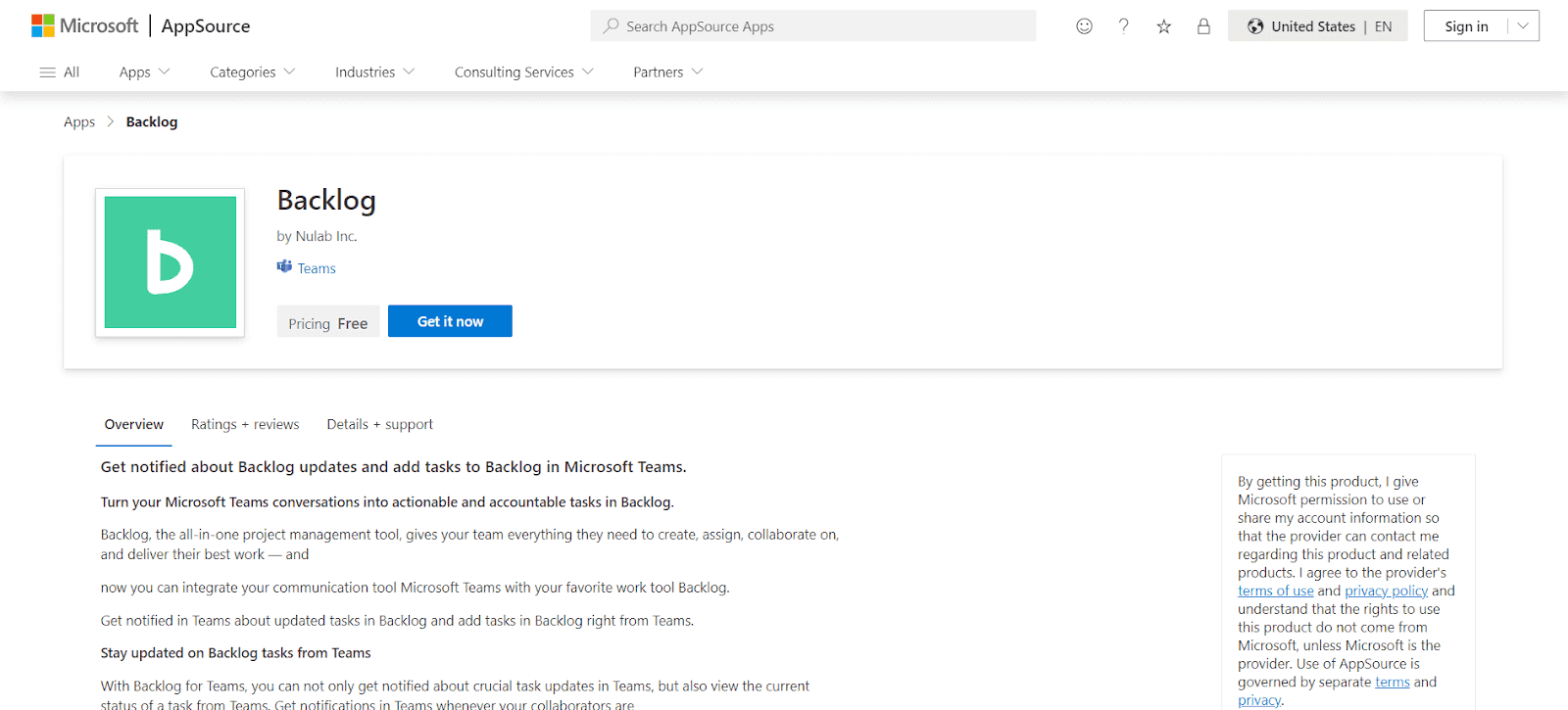
Backlog Microsoft Teams app integrates with the Backlog project management tool to enhance your communication and task management. You can receive real-time notifications in Microsoft Teams apps about various activities in Backlog, such as task creation, updates, comments, deletions, and bulk updates.
Features:
- View the current status of tasks directly from Teams, keeping you informed about progress and changes.
- Add tasks to Backlog directly from Microsoft Teams, streamlining workflow, and collaboration.
- Stay updated on issue-related activities like additions, updates, comments, and deletions, all within the Teams interface.
- Ideal for project management and development teams.
Pricing:
- Free, Standard ($35/month).
13. ScrumGenius: Automate daily standups
ScrumGenius is a tool designed to automate daily standups and check-ins. For teams working in different time zones or remotely, ScrumGenius helps by automating daily status updates, which can be shared in Microsoft Teams channels.
Features:
- Say goodbye to manual status meetings!
- The @scrumgenius bot does it all: daily meetings, weekly retrospectives, even one-on-ones.
- Collects updates, crunches numbers, and sends live updates.
- Pulls in everything like commits, task updates, work items.
Pricing:
- Free, Standard ($6/month), Premium ($9/month).
14. MeisterTask: Task Management
MeisterTask is a task and project management tool designed for agile teams. With its Microsoft Teams integration, you can manage tasks, track progress, and collaborate with team members without leaving Teams.
Features:
- You can set specific deadlines for task completion.
- Monitor ongoing task activities and updates.
- Establish connections between different tasks.
- Utilize ready-made checklists for task organization.
- Attach relevant files directly to tasks.
Pricing:
- Free, Pro ($8.25/month), Business ($16.75/month).
15. Zoom for Teams
Zoom is a popular video conferencing tool, and its integration with Teams allows users to initiate Zoom meetings directly from the Microsoft Teams app. This is ideal for organizations that use both platforms.
Features:
- Quickly start videos on popular apps your staff uses.
- Communicate with individuals outside Microsoft Teams.
- Conduct video conferences using a secure link.
- Receive detailed summaries of meetings.
- View recordings of video meetings.
- Incorporate Zoom integrations with other top tools.
Pricing:
- Pricing: Free, Pro ($14.99/month), Business ($19.99/month).
16. Mio for Teams
Beyond basic messaging, Mio for Teams app helps bridge the gap between various messaging platforms. With Mio for Teams, users can communicate with colleagues using Slack, Webex, or Zoom Team Chat, without needing to switch between platforms.
Features:
- Teams can use their chosen chat application while working.
- Eliminate the need to toggle between various platforms to keep up with messages.
- Utilize features like direct and channel messages, file sharing, emojis, GIFs, message editing and deletion, threaded replies, and reactions.
- Microsoft Teams, Google Chat, Slack, Webex, and Zoom Team Chat users can stick to their respective platforms.
Pricing:
- Free, Basic ($5/month), Pro ($10/month)
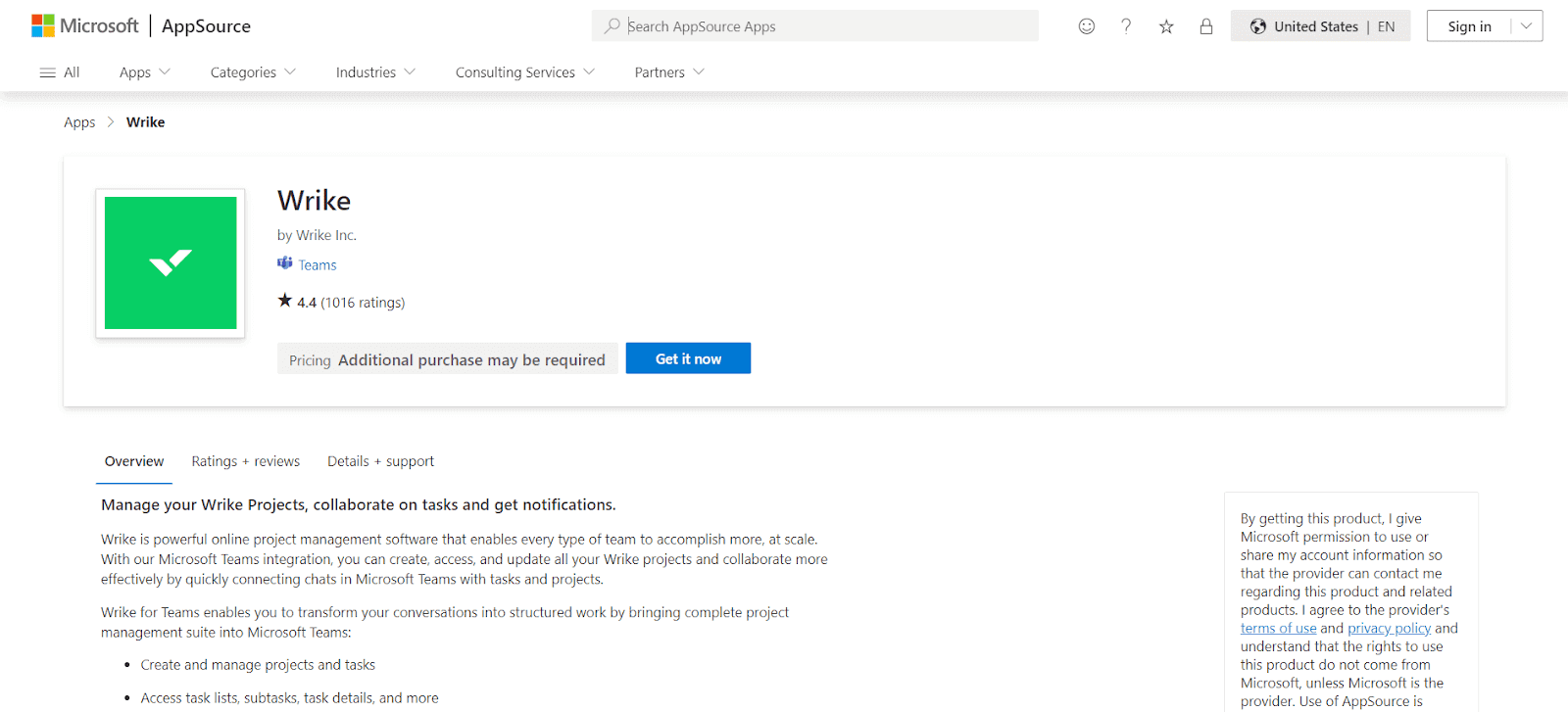
17. Wrike
Wrike app for Microsoft Teams adds a layer of project management efficiency, allowing for a more organized and structured approach to task management. This app is handy for large teams working on multiple projects, providing a clear overview of progress and responsibilities. It enhances team coordination, ensuring that everyone is aligned with their tasks and deadlines.
Features:
- Monitor the progress of colleagues on projects.
- Embed task previews in chat discussions.
- Issue actionable alerts within Teams.
- View project timelines on a Gantt chart.
- Implement single sign-on for streamlined access.
Pricing:
- Free, Professional ($9.80/month), Business ($24.80/month).
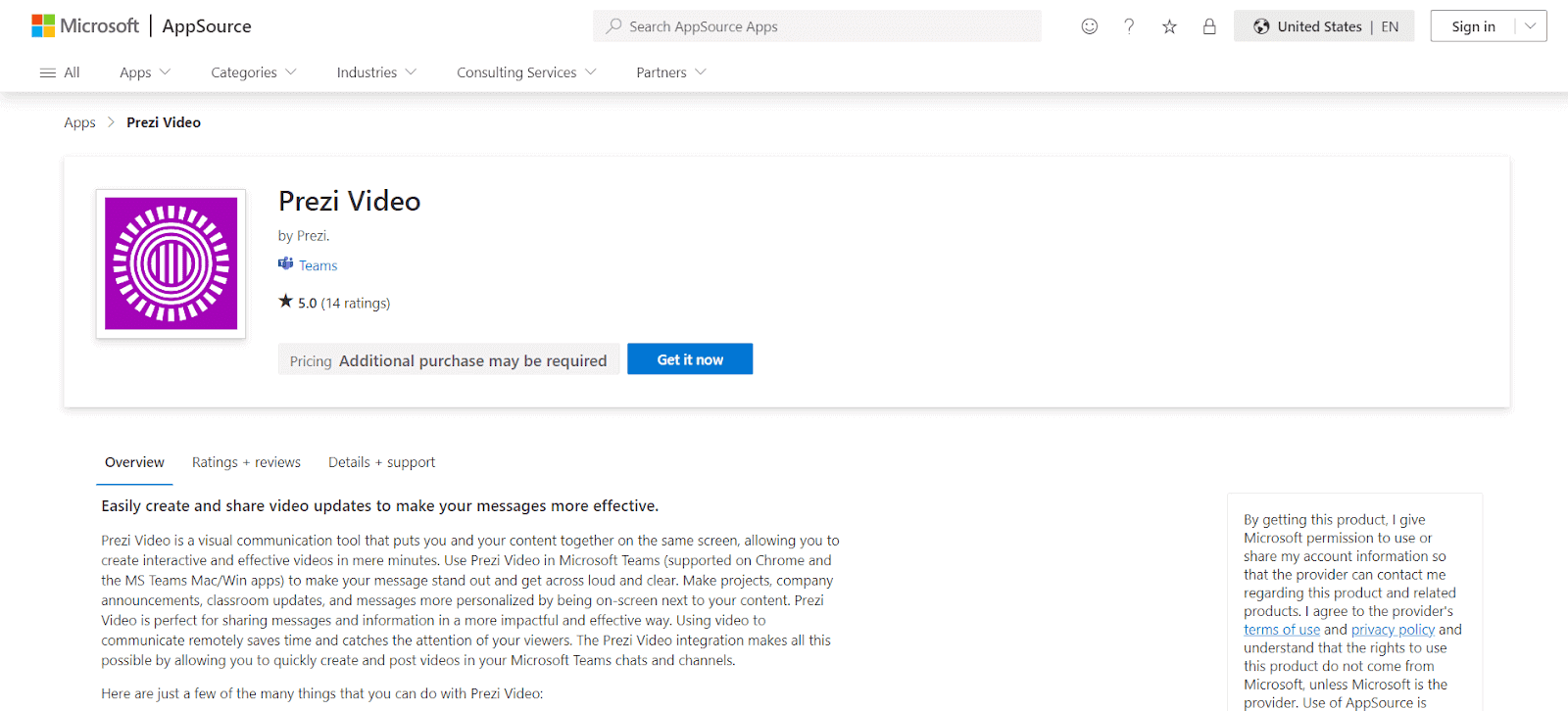
18. Prezi Video
Prezi Video Microsoft Teams app helps in seamless video communications. It simplifies the process of creating and disseminating videos, making it faster and more efficient. This app is particularly useful in enhancing the impact of your messages by integrating visual elements, thus making them more engaging and understandable.
Features:
- Direct integration with team communication platforms for effortless video posting to various channels and chat threads.
- Customizable templates for quick creation of visually appealing content.
- Intuitive editing tools for easy modification and refinement of videos, ensuring your message is delivered exactly how you want it.
- The ability to add dynamic visual elements like charts, graphs, and images to your videos.
Pricing:
- Free, Plus ($7/month), Business ($20/month).
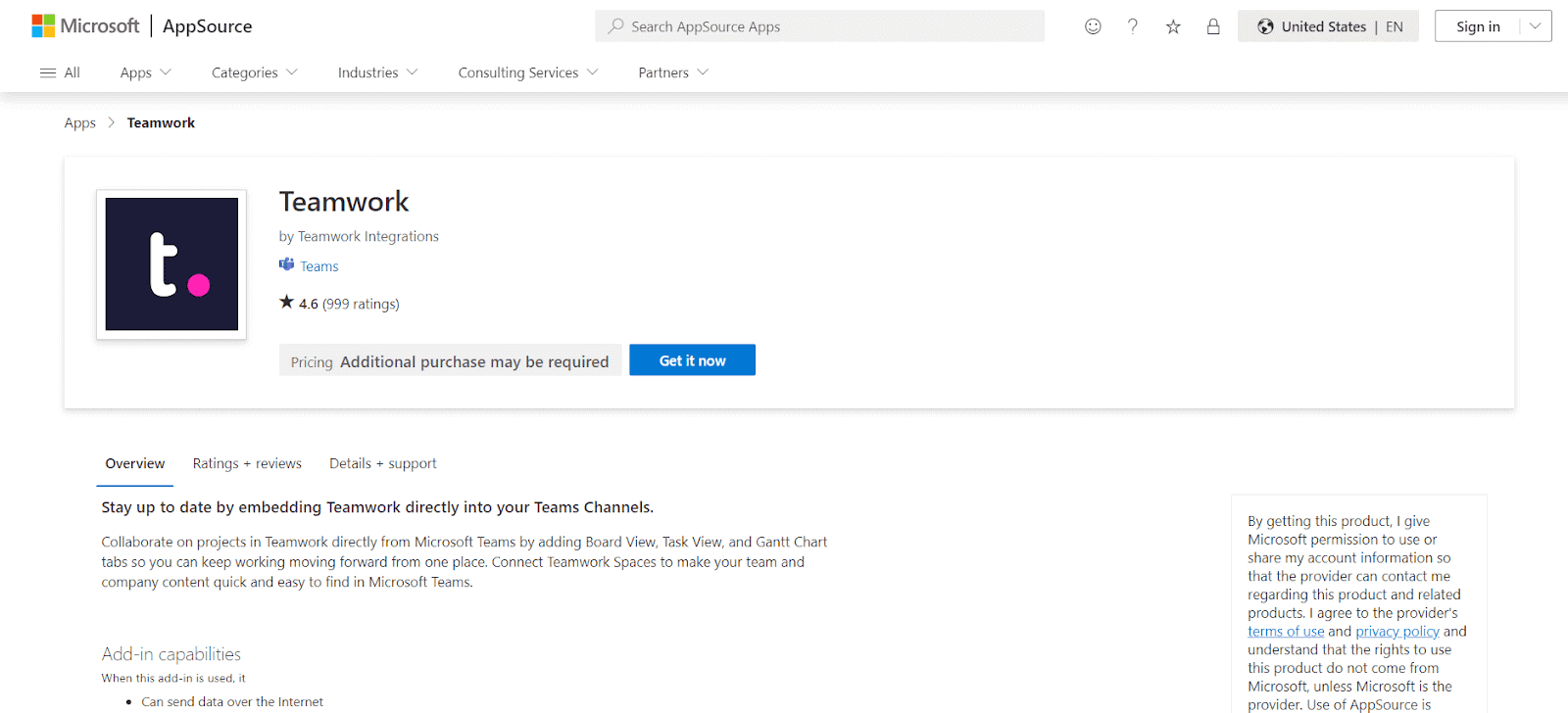
19. Teamwork
The Teamwork app for Microsoft Teams provides a comprehensive solution for project management, combining Teamwork’s robust project management features with the collaborative environment of Teams. This helps in managing complex projects, offering a seamless interface for tracking, managing, and collaborating on tasks.
Features:
- Share or create tasks directly from Teams.
- Customize which project page to display in Teams.
- Tabs enable interactive collaboration.
- Scalable project management for businesses.
Pricing:
- Free, Deliver ($10/month), Grow ($18/month), Scale ($36/month), Enterprise (Custom pricing).
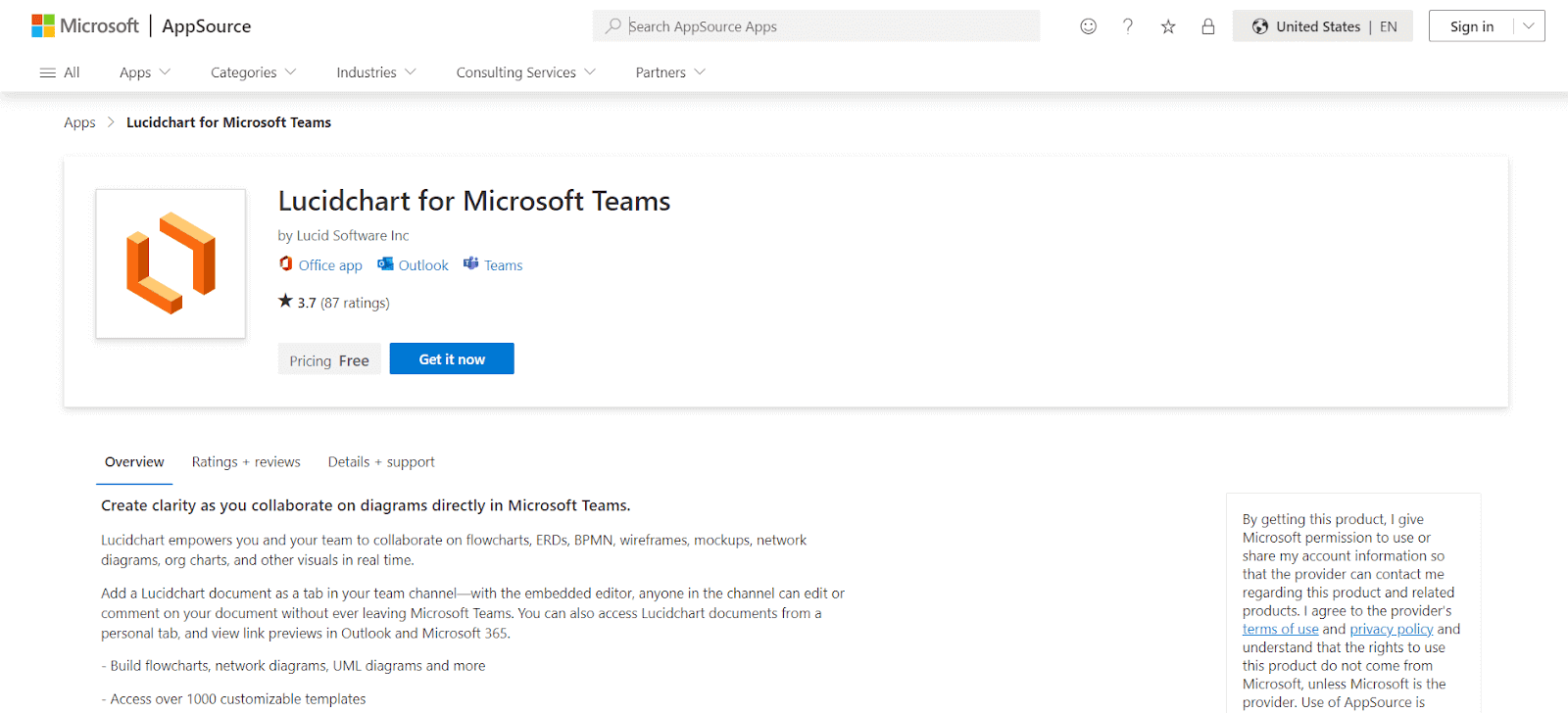
20. Lucidchart for Microsoft Teams
Lucidchart is a Microsoft Teams app that enhances the ability to present complex information through visuals, making it easier for teams to collaborate on and understand intricate workflows. It helps in environments where clarity and accuracy are critical, such as in software development and business analysis.
Features:
- Commenting, note-taking, and @mentions within the editor.
- Collaborate in real-time, regardless of location.
- Easy drag-and-drop visual editing.
- Interactive diagrams with links and layers.
- Presentation mode for simple slideshow creation.
Pricing:
- Free, Individual ($7.95/month), Team ($9/month).
21. Datadog for Microsoft Teams
The Datadog app for Microsoft Teams app enhances your monitoring and incident management.
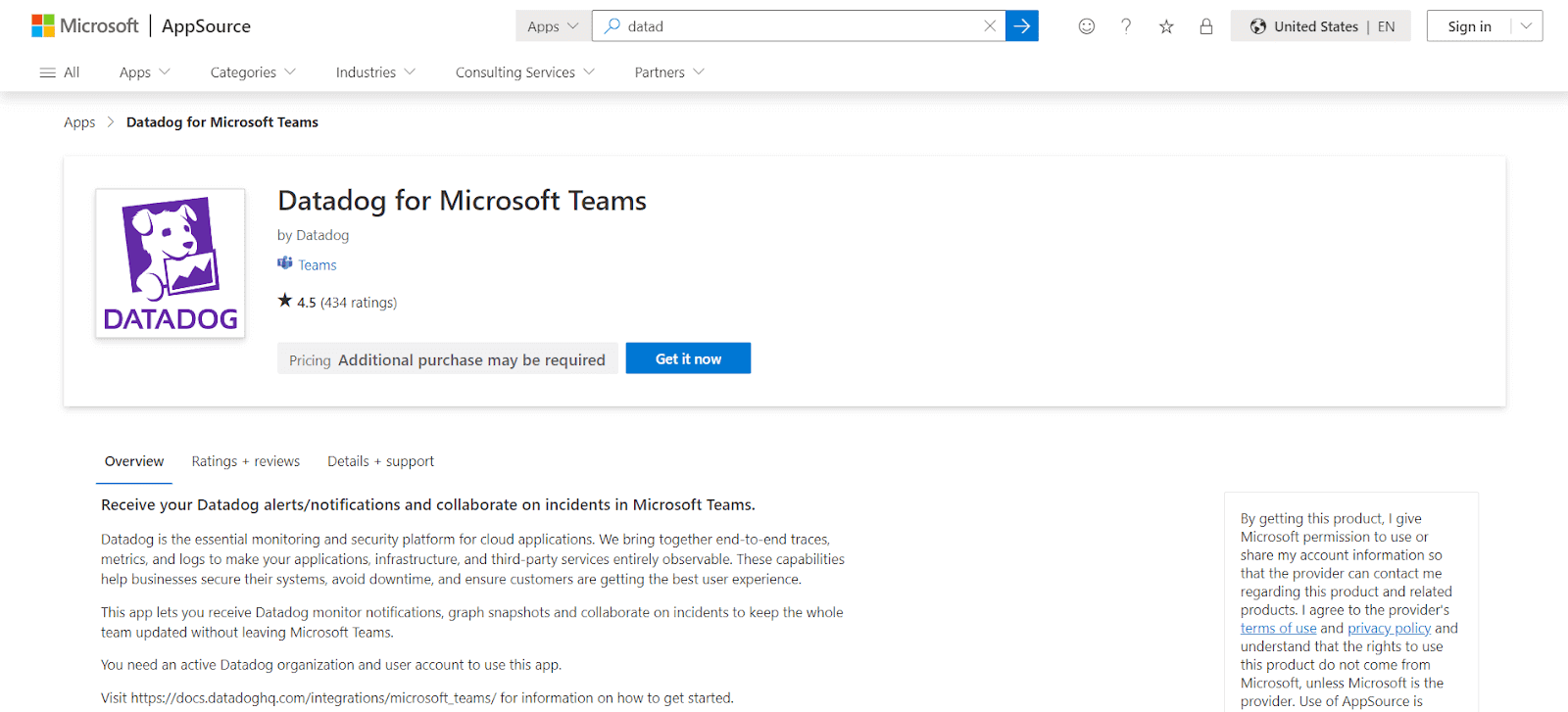
It allows for real-time notifications of Datadog alerts and events directly in Teams, ensuring team members stay informed about critical monitoring updates. This will help in communication between Datadog monitors and Teams channels, enabling users to set up monitor notifications, manage incidents, and streamline responses from within Teams.
Features:
- Notifies of Datadog alerts and events within Microsoft Teams.
- Allows setting up monitor notifications to specific Teams channels.
- Facilitates declaring, updating, and listing incidents directly in Teams.
- Creates dedicated incident response channels and teams in Teams.
Pricing:
- Free, Pro ($15/host/month).
22. Salesforce for Microsoft Teams
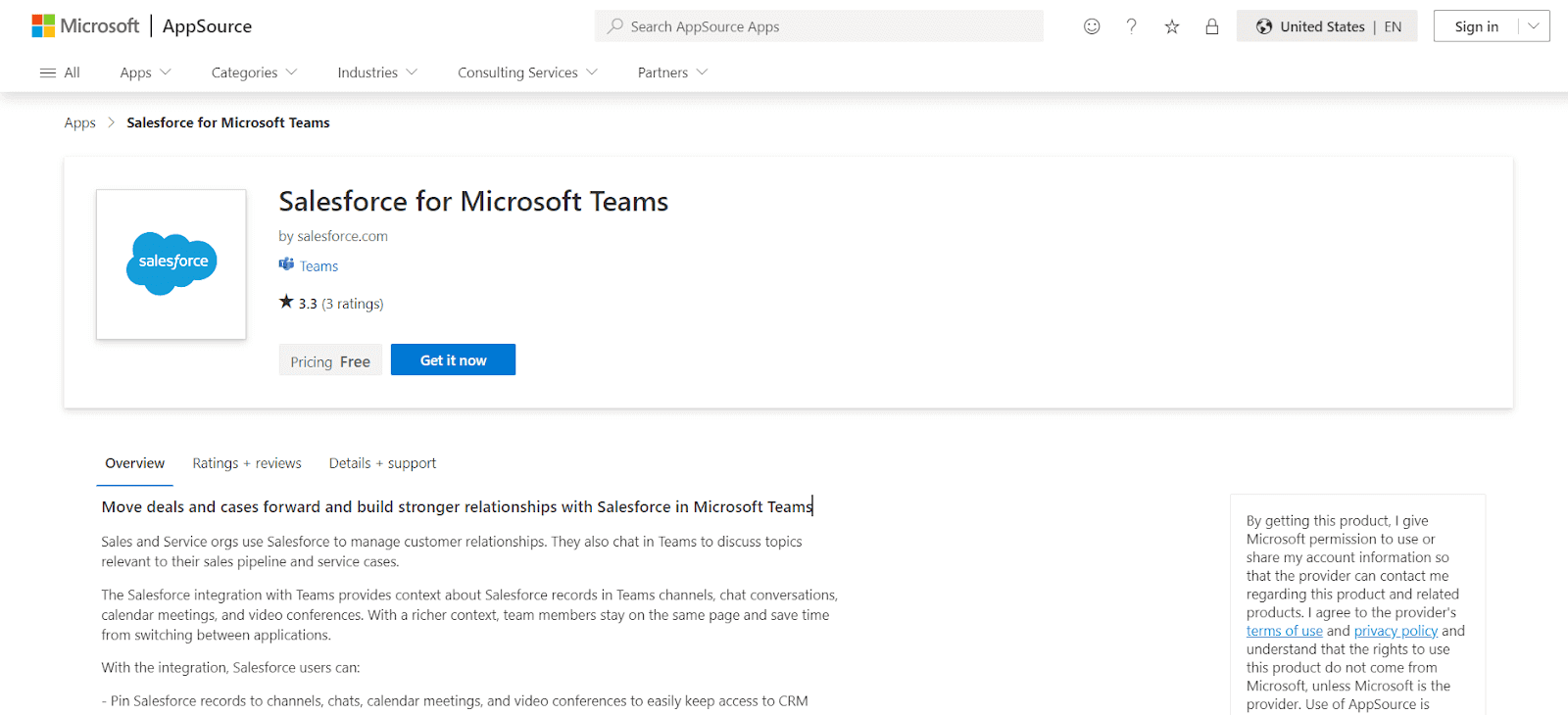
Salesforce for Microsoft Teams connects Salesforce, a leading Customer Relationship Management (CRM) platform, with Microsoft Teams, a popular collaboration and communication tool. This app enhance your productivity and streamline workflows for users who rely on both services.
Features:
- Attach various Salesforce records to Teams elements for quick CRM access.
- Directly edit Salesforce records within Teams.
- Post Teams conversations to Salesforce Chatter.
- Easily reference Salesforce records in Teams’ communications.
Pricing:
- Essentials ($25/month), Professional ($75/month).
23. Zoho Desk
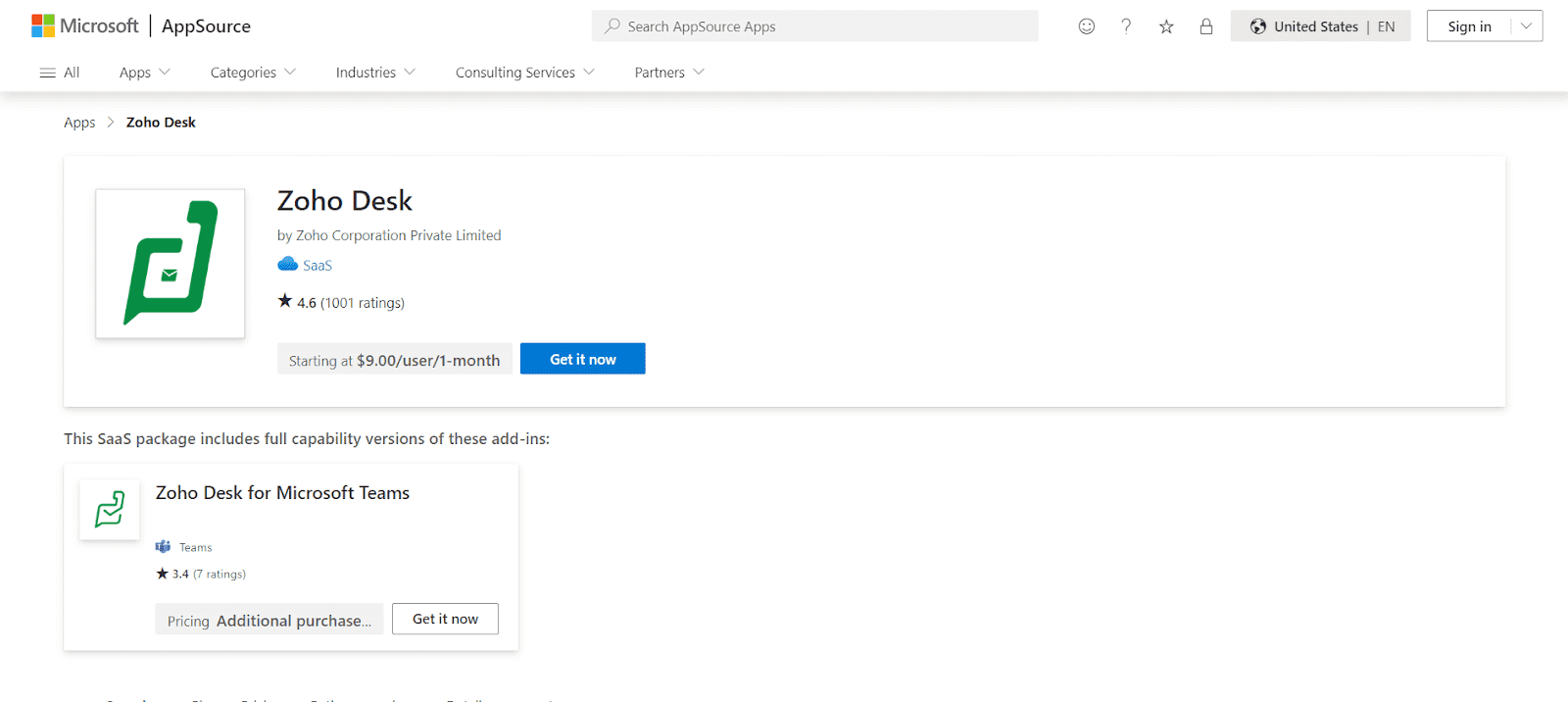
Zoho Projects is a project management tool that integrates with Microsoft Teams. It allows users to manage tasks, set deadlines, and collaborate on projects without leaving the Teams environment.
Features:
- Customize the structuring of help tickets to your preference.
- Get access to contextual intelligence from Zoho CRM.
- Receive automatic suggestions for frequently asked questions.
- Implement automation and task assignments for specific agents.
Pricing:
- Free, Standard ($14/month).
24. ServiceNow in Microsoft Teams (ServiceNow DC)
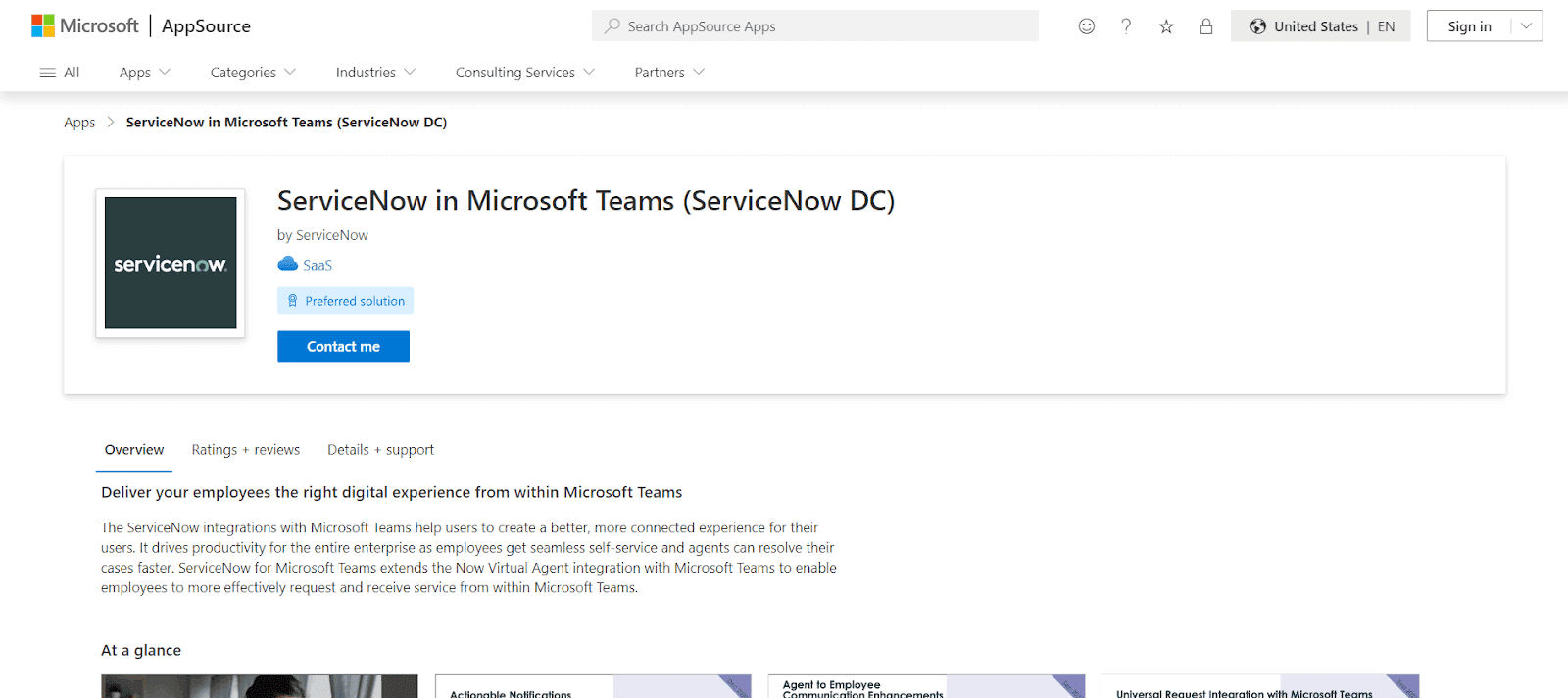
ServiceNow app for Microsoft Teams enables seamless self-service and quicker case resolution for agents. The integration extends the Now Virtual Agent functionality within Microsoft Teams, allowing employees to efficiently request and receive services directly in the Teams environment.
Features:
- Helps agents resolve cases more quickly and efficiently.
- Extends ServiceNow’s Now Virtual Agent capabilities into Microsoft Teams.
- Enables employees to request and receive services effectively from within Microsoft Teams.
25. Miro
Miro for Microsoft Teams is an online whiteboard app that enhances collaboration in Teams meetings.
It enables users to interactively brainstorm, take notes, and visualize concepts by opening a Miro board directly within a Teams meeting. Miro app also provides a seamless experience with features like sticky notes, voting, and timers in real-time without needing to switch between apps. This makes meetings more engaging and turns conversations into collaborative sessions.
Features:
- Use Miro boards in Teams meetings for real-time collaboration.
- Manage Miro boards alongside Teams calendar.
- Access Miro boards directly within Teams.
- Receive updates from Miro within Teams.
Pricing:
- Free, Team ($8/month).
26. Jenkins
The Jenkins Microsoft Teams app is a connector that integrates Jenkins’ build pipeline notifications directly into Microsoft Teams channels.
It allows teams to configure and receive real-time updates about various build stages, such as start, completion, and failure, enhancing DevOps productivity and collaboration within Teams. This integration streamlines the process of monitoring and responding to build statuses, making it easier for development teams to manage their workflows efficiently within the Teams environment.
Features:
- Receive immediate updates in Teams channels about Jenkins build pipelines.
- Set notifications for build starts, completions, failures, and more.
- Streamline DevOps processes and collaboration directly within Teams.
Pricing:
- Free (Open-source).
27. Polly
Polly is also among the best Microsoft Teams apps due to its intuitive and easy-to-use interface. It is used to gather feedback from team members to make data-driven decisions without interrupting the team’s workflow.
Using Polly will make them part of how and when to ask questions easier as well. Creating a poll in Polly takes only a few minutes, mainly due to its extensive template ecosystem. These polls can either be a direct message or sent to a group of people. There are eight questions: multiple-choice, rating scale, open-ended questions, anonymous kinds, and more.
With features like recurring polls scheduled to go out on a specific date and time, integrations with favorite tools make using Polly a breeze. The results of the polls do not require any downloads or mulling over spreadsheets, as they are available as clean data visualization.
Features:
- Manage live questions effectively.
- Encourage upvoting to highlight key topics.
- Schedule questions to be sent at optimal times.
- Adapt to the audience mood and create quizzes instantly.
- Ensure candid responses by allowing anonymous feedback.
Pricing:
- Free, Standard ($25/month), Pro ($50/month).
28. Power BI
Power BI is a business analytics tool that allows you to share insights and visualize data. The integration with Microsoft Teams enables you to share dashboards and reports directly within channels, making data-driven decisions easier.
Features:
- Data visualization and reports in Teams.
- Share interactive dashboards.
- Ideal for business intelligence and data analysis.
Pricing:
- Free, Pro ($9.99/month).
29. Evernote
Evernote is a note-taking app that integrates with Microsoft Teams to help users organize their ideas, tasks, and projects. Collaborate on notes and to-do lists without switching between apps.
Features:
- Collaborate on shared notes.
- Organize to-do lists and tasks.
- Share notes within Teams channels.
- Keep track of project details efficiently.
Pricing:
- Free, Premium ($7.99/month)
How to Choose the Right Microsoft Teams App?
Choosing the right app for your team’s needs depends on several factors. Here are some tips to guide your decision:
- Identify Your Team’s Needs: Start by pinpointing your team’s biggest challenges. Are you struggling with project management? Communication issues? Choose apps that directly address these pain points.
- Ease of Use: Look for apps that are easy to integrate and use within Teams. You don’t want to choose a tool that will take your team weeks to get the hang of.
- Compatibility: Ensure the apps you choose integrate with other tools your team already uses. For example, if you rely on Salesforce or HubSpot, look for Teams apps that connect seamlessly.
- Cost: Some apps have free versions, while others charge per user. Make sure the cost fits your team’s budget, especially for larger teams.
- User Feedback: Take time to read reviews and user feedback on each app to get an idea of its functionality and user satisfaction.
Wrapping Up
The ability of Microsoft Teams to integrate third-party apps through their integration feature makes it a super-dynamic app. When it comes to testing websites or web apps, TestMu AI easily integrates with Microsoft Teams app to help you perform cross browser compatibility testing across 3,000+ browser and OS combinations. It helps discover browser compatibility issues early, boosting overall productivity.
This article covered the best Microsoft Teams apps, but many more could have made it to this list. The complete list of integrations and applications for Microsoft Teams is available on the Microsoft Teams website. These apps should be used to take full advantage of Teams, optimize workflows & enhance productivity.
Author

Vishal kumar Sahu
Blogs: 8


Vishal Kumar Sahu is a Marketing Executive with over two years of experience in the software testing and QA domain. He holds a TestMu AI Certification in Automation Testing and has hands-on expertise in Selenium, Cypress, and Appium, with a focus on both web and mobile automation. Vishal has authored several technical blogs and specializes in writing about testing tools, best practices, and automation strategies. He blends technical knowledge with content strategy to support product education and engage the QA community through SEO-driven resources.
Reviewer

Shubham Soni
Reviewer
Shubham Soni is a Senior Member of Technical Staff at TestMu AI (formerly LambdaTest), building the Real Device Cloud and real-time testing infrastructure. He optimized the WebRTC services that power live testing to sub-100ms latency with adaptive bitrate streaming, led a frontend migration from Angular to React that cut page load time from 5-6 seconds to 1-1.5 seconds, and contributes to the official Device SDK. He led a team of four to build an accessibility testing product covering manual and automated testing and mentored a team of six on a real-time testing product. He brings over eight years of experience and earlier scaled a cloud code platform to 200K+ monthly users. Shubham holds a B.Tech in Computer Science.


Microsoft Teams Apps FAQs
Did you find this page helpful?
More Related Blogs
TestMu AI forEnterprise
Get access to solutions built on Enterprise
grade security, privacy, & compliance
- Advanced access controls
- Advanced data retention rules
- Advanced Local Testing
- Premium Support options
- Early access to beta features
- Private Slack Channel
- Unlimited Manual Accessibility DevTools Tests