

Power Your Software Testing with AI Agents and Cloud
The Native AI-Agentic Cloud Platform to Supercharge Quality Engineering. Test Intelligently and Ship Faster.


- TestMu AI (Formerly LambdaTest)
- /
- Blog
- /
- Top 17 DevOps AI Tools [2026]
DevOps AI tools apply machine learning to code generation, pipeline orchestration, observability, security scanning, and incident response across the software delivery lifecycle. Google's DORA 2024 report found that more than 75% of developers rely on AI for at least one daily professional responsibility, yet a 25% increase in AI adoption tracked to a 7.2% reduction in delivery stability.[1]
This guide covers how the 17 tools compare, what each one does, why AI belongs in DevOps, whether AI actually improves delivery performance, where AIOps fits, and how to choose the right one.
How Do the Top DevOps AI Tools Compare?
Seventeen tools, grouped by the delivery stage each one acts on: test authoring, code authoring and review, pipeline automation, observability and incident response, security, and cost control. Compare by the stage where your pipeline loses the most time, then check the tool integrates natively with the CI system you already run.
| Tool | Delivery stage | Why you need it |
|---|---|---|
| TestMu AI | Test authoring and execution | Cuts test authoring time and tells you which failures are real before a release decision |
| GitHub Copilot | Code authoring | Removes boilerplate typing so engineers spend their time on logic, not syntax |
| AWS CodeGuru | Code review | Catches defects and security issues during review, before they reach a running service |
| Datadog | Observability | Surfaces the anomaly buried across metrics, logs, and traces instead of you hunting for it |
| New Relic | Observability | Cuts how many pages your on-call engineer wakes up to by grouping duplicates |
| Sysdig | Container security | Catches a compromised container at runtime rather than in the next scheduled scan |
| Harness | Pipeline automation | Stops a bad deployment automatically instead of waiting for a customer to report it |
| JayeX | Cloud-native CI/CD | Warns you which build will fail before it blocks everyone queued behind it |
| CircleCI | Pipeline scheduling | Shortens the wait between pushing code and knowing whether it passed |
| Azure DevOps | Integrated suite | Keeps planning, builds, tests, and releases in one place instead of four tools |
| Snyk | Security scanning | Flags a vulnerable dependency while the fix is still cheap to make |
| Splunk | Predictive analytics | Turns log volume you already pay to store into answers about what broke |
| PagerDuty | Incident response | Gets the right responder onto an incident without a manual triage step |
| CloudHealth | Cost control | Finds the cloud spend you are wasting and names exactly what to resize |
| Dynatrace | Root cause analysis | Answers why it broke, not just that something broke |
| Ansible | Configuration management | Keeps every server in its declared state without hand-running scripts |
| BigPanda | Alert correlation | Turns an alert storm into one incident your team can actually act on |
What Are the Top DevOps AI Tools?
Each of the 17 tools below gets a full section covering what it does, the delivery stage it acts on, and the features that matter to a DevOps team. The order matches the comparison table above, starting with test authoring and ending with alert correlation.
Several also appear on lists of AI tools for developers, but the selection criteria differ: a developer picks for authoring speed, while a DevOps team picks for pipeline integration and rollback behavior.
1. TestMu AI (Formerly LambdaTest)
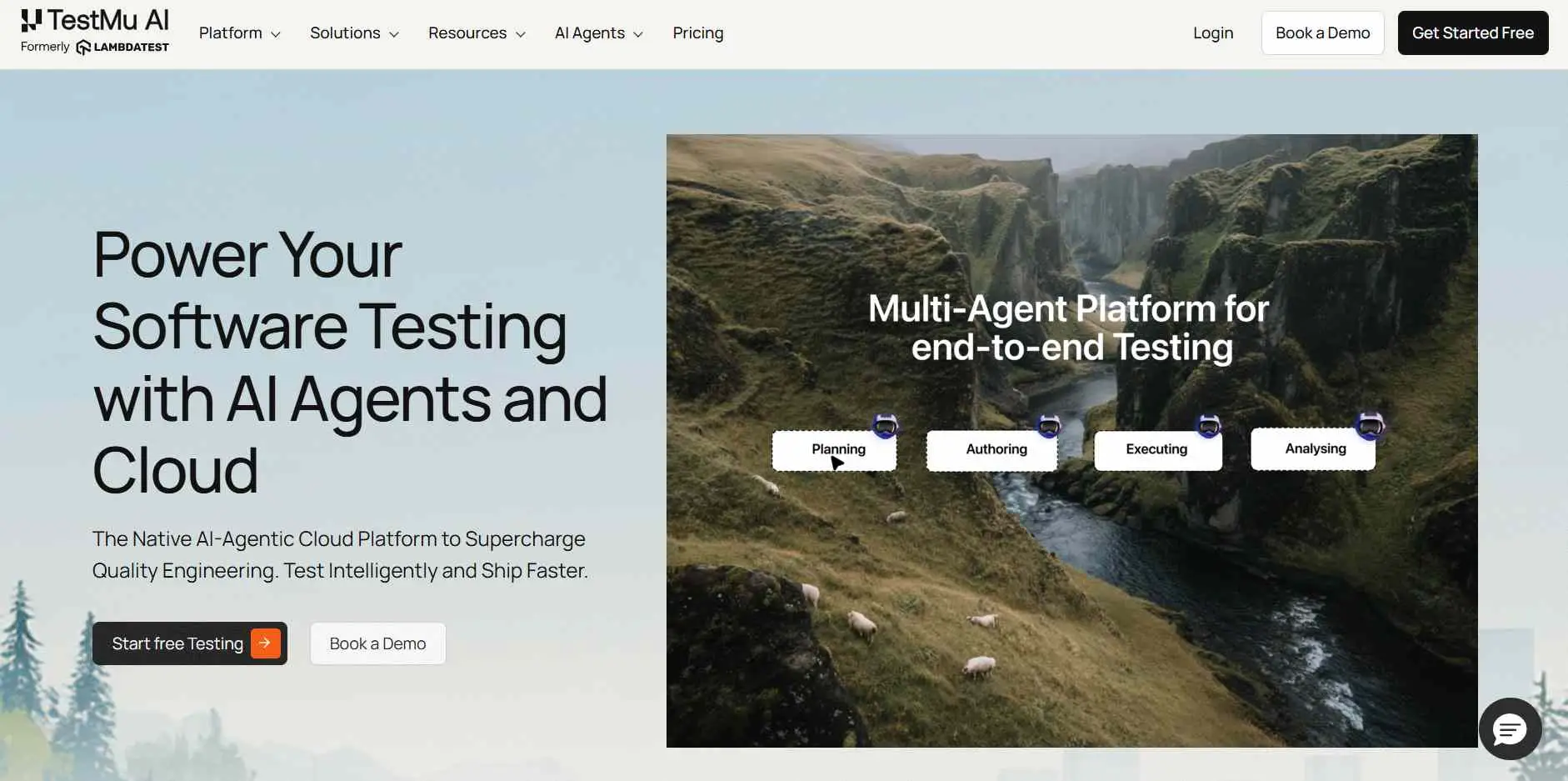
TestMu AI is a full-stack agentic AI quality engineering platform that brings testing into the DevOps pipeline as a first-class citizen. TestMu AI covers the testing lifecycle through AI agents that plan, author, execute, debug, and analyze tests.
At its core sits KaneAI, a GenAI-native testing agent that lets teams create and evolve end-to-end tests using natural language, converting Jira tickets, GitHub PRs, and plain English into executable test cases across web, mobile, API, and database layers. During AI app testing, KaneAI by TestMu AI re-anchors steps through smart element detection when the UI changes, instead of failing on a brittle selector.
On the execution side, HyperExecute accelerates test runs by up to 70% through Just-in-Time infrastructure and smart test distribution, with native integrations for Jenkins, GitHub Actions, GitLab CI, CircleCI, and Azure DevOps.
Key Features of the TestMu AI DevOps AI tool:
- Root cause analysis: TestMu AI identifies why a test failed, classifies errors by impact, and ranks fixes, so DevOps teams debug pipeline failures in minutes instead of hours.
- Flaky test detection: TestMu AI tracks failure history and flags unreliable tests before they erode CI/CD signal quality, and teams can mute known flaky tests to keep pipelines moving.
- Test analytics: Test analytics surfaces patterns across historical runs to cut failure rates over time.
- Shared test context: QA and DevOps engineers work on the same test cases, runs, and results without exporting reports between tools.
- Execution coverage: TestMu AI runs manual and automated tests across 3,000+ browsers and 10,000+ real devices, so DevOps teams catch environment-specific failures before release.
As AI moves into the test layer, hands-on practice matters more than tool familiarity. The KaneAI Certification proves your hands-on AI testing skills and positions you as a future-ready, high-value QA professional.
2. GitHub Copilot
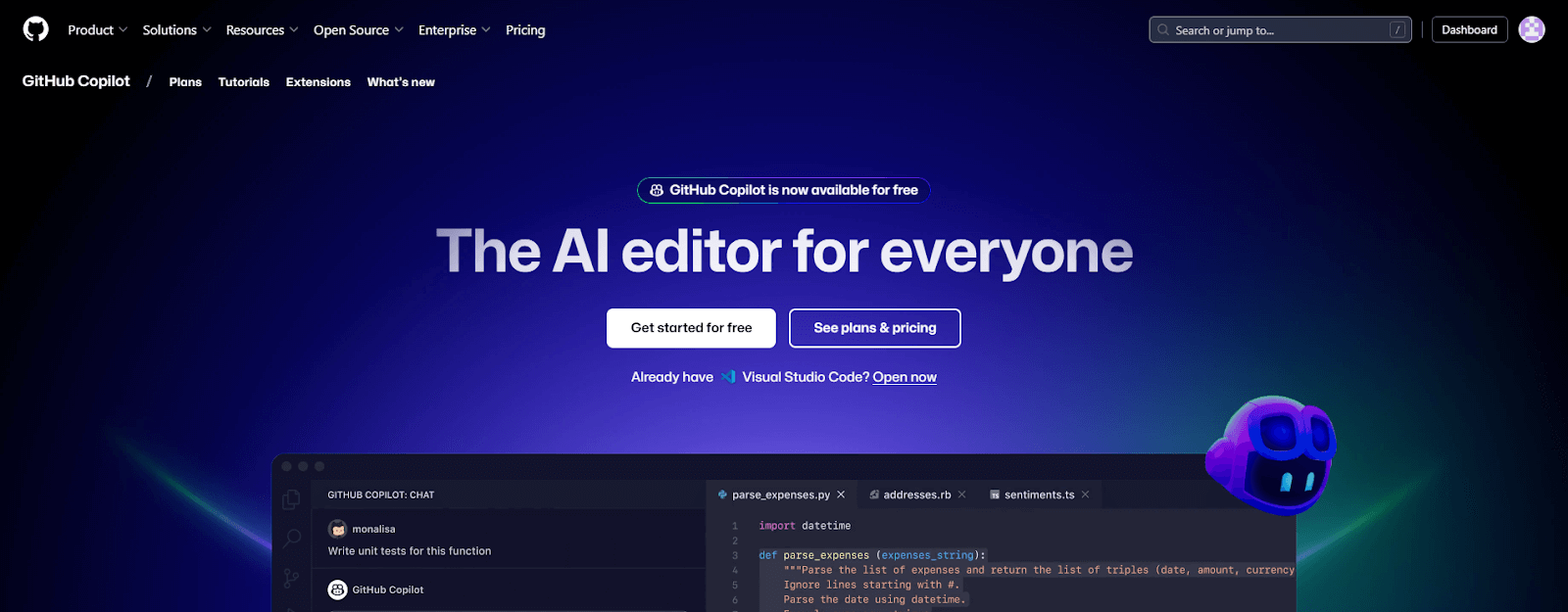
GitHub Copilot, an AI-powered code generation tool, enhances aspects of CI/CD workflows. As one of the most popular DevOps AI tools, it indirectly reduces developer effort by improving efficiency and code quality. This tool provides intelligent suggestions, helps accelerate development cycles and enables teams to deliver reliable software.
Key Features of GitHub Copilot DevOps AI tool:
- Inline code suggestions: GitHub Copilot suggests code snippets and entire functions in real time, cutting manual coding effort.
- Multi-language support: GitHub Copilot works across many programming languages, so DevOps teams move between codebases without deep language-specific expertise.
- IDE integration: GitHub Copilot runs inside editors such as Visual Studio Code, so engineers add no new tool to their workflow.
- Azure DevOps pipelines: GitHub Copilot connects to Azure DevOps CI/CD pipelines and surfaces workload insights alongside pipeline operations.

Note: AI-generated code reaches the pipeline faster than review can keep up, which is where DORA measured the delivery-stability drop. Run your tests on TestMu AI
3. AWS CodeGuru
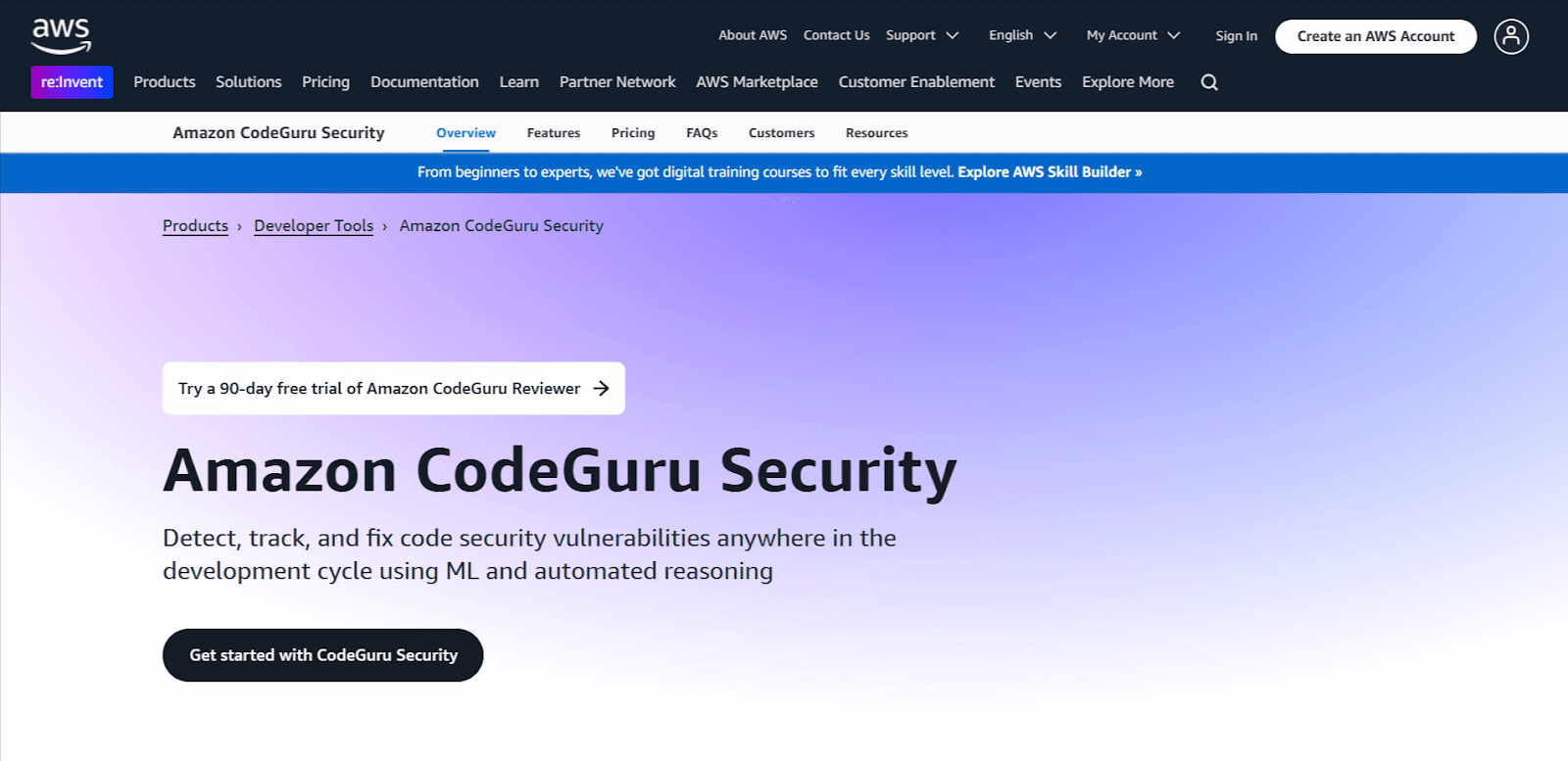
AWS CodeGuru is an AI-driven development tool that handles code quality, performance, and security for DevOps teams. AWS CodeGuru applies machine learning to code analysis through two features: CodeGuru Reviewer for automated code reviews and CodeGuru Profiler for performance optimization.
Key Features of AWS CodeGuru DevOps AI tool:
- Automated code review: CodeGuru Reviewer flags defects, best-practice deviations, and security vulnerabilities, then recommends specific changes.
- Production profiling: CodeGuru Profiler tracks running applications for bottlenecks, high CPU use, and memory waste, and reports where cost is going.
- OWASP and CWE coverage: AWS CodeGuru scans for vulnerability classes in the OWASP Top Ten and CWE Top 25 and proposes remediation steps.
- Pipeline integration: AWS CodeGuru plugs into existing development tools and CI/CD pipelines, so analysis runs continuously without workflow changes.
4. Datadog
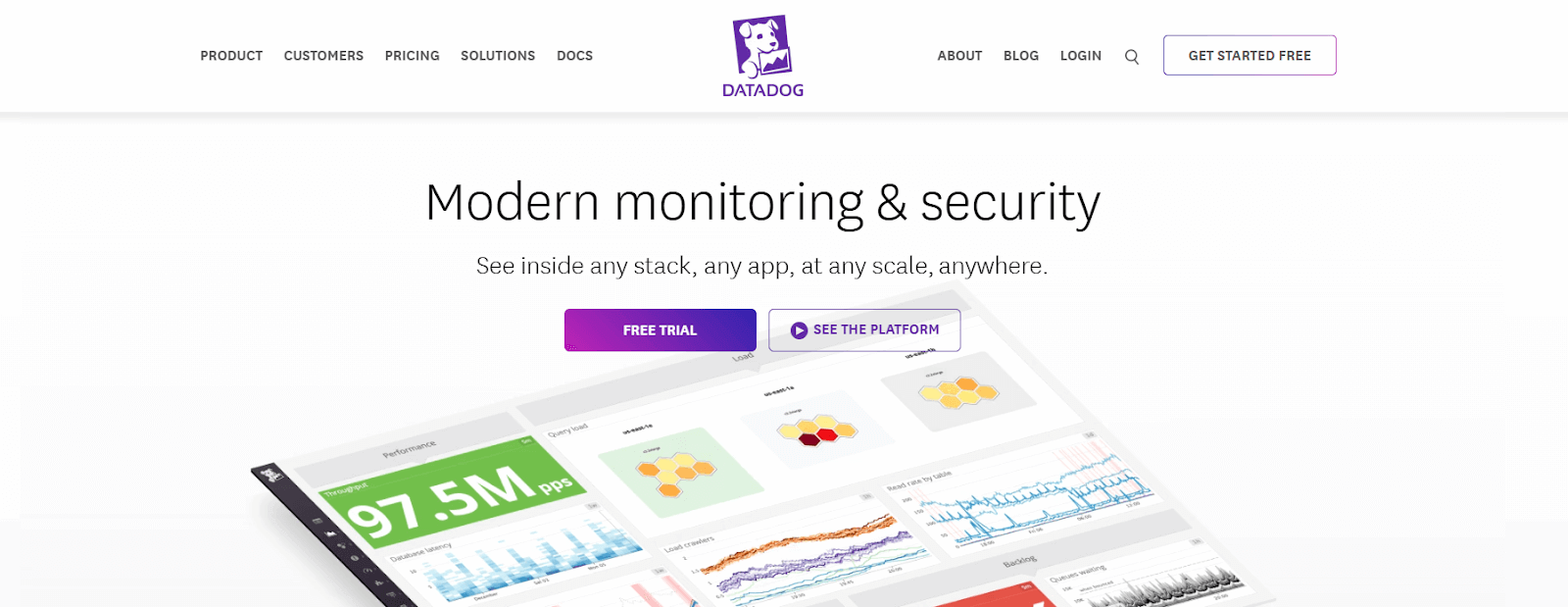
Datadog is a cloud monitoring platform that applies machine learning to metrics, logs, and traces. Datadog detects performance anomalies, identifies infrastructure issues, and flags developing problems before they reach users.
Key Features of Datadog DevOps AI tool:
- Incident copilot: Datadog provides a copilot that assists engineers investigating and responding to incidents across the platform.
- Telemetry correlation: Datadog correlates metrics, logs, and traces automatically, surfacing outliers, anomalies, and root causes across the stack.
- Anomaly detection: Datadog applies machine learning to application and infrastructure metrics to flag outliers teams would otherwise miss.
5. New Relic
New Relic is an observability platform offering real-time insights into how applications are performing based on user experience. By using this DevOps AI tool, collecting and analyzing telemetry data becomes easy, and DevOps teams can easily identify performance bottlenecks in their applications and track health metrics.
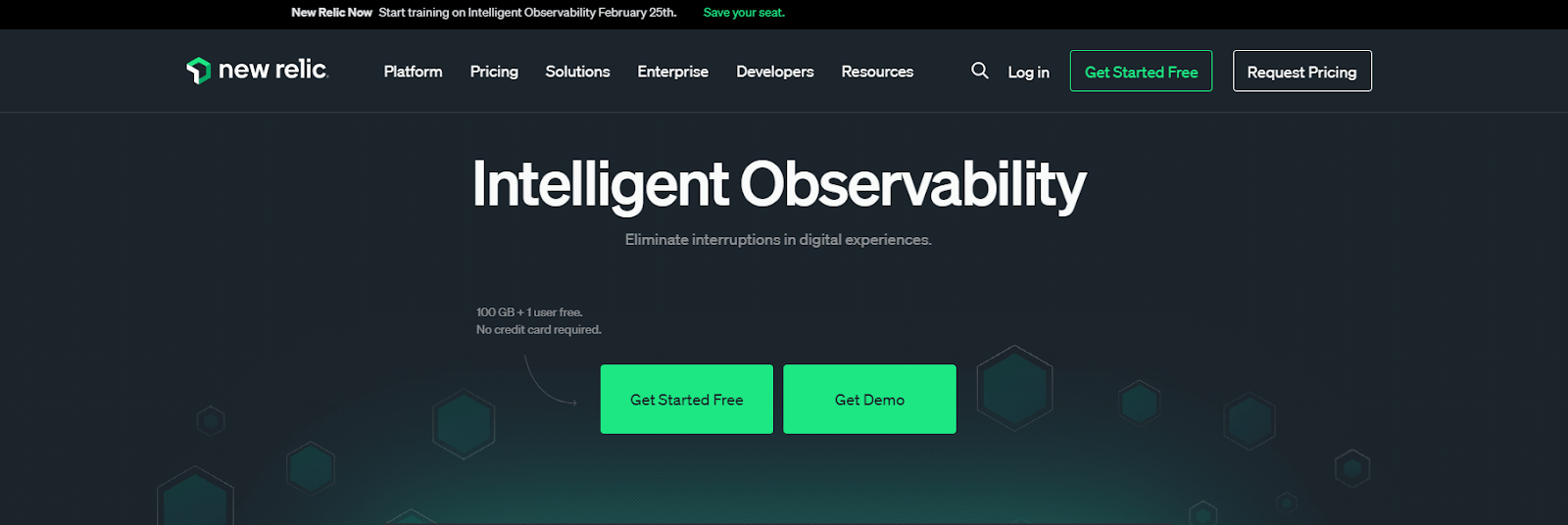
Key Features of New Relic DevOps AI tool:
- Alert noise reduction: New Relic detects anomalies, correlates related incidents, and suppresses duplicate alerts, so on-call engineers see fewer and higher-signal pages.
- Root cause identification: New Relic combines data from multiple sources to point at the origin of an issue rather than its symptoms.
- AI application monitoring: New Relic tracks performance, response quality, and cost for applications that call AI models.
- Natural language queries: New Relic applies large language models (LLMs) so engineers query observability data in plain English, which widens who on the team can investigate.
- Developer tool integration: New Relic connects with tools including GitHub Copilot, so observability data reaches engineers inside their existing workflow.
6. Sysdig
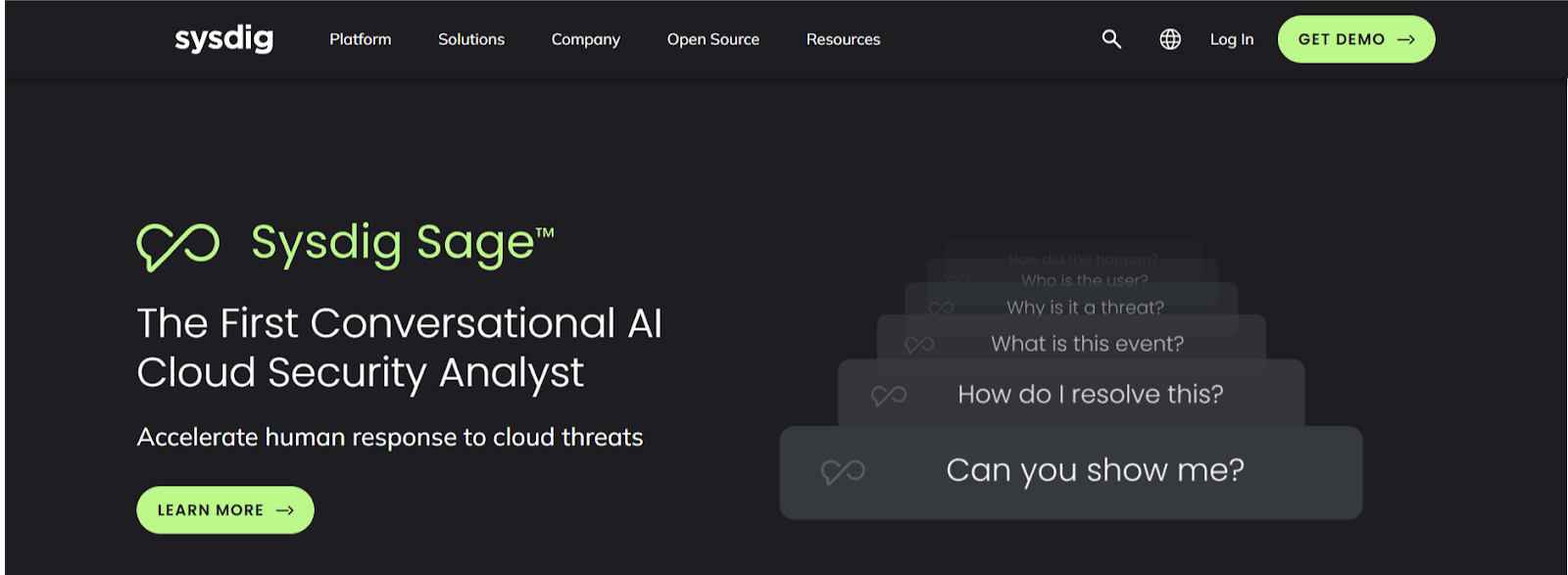
Sysdig is a DevOps AI tool that applies machine learning across containerized environments. Sysdig combines runtime threat detection, automated vulnerability scanning of operating systems, applications, and libraries, resource allocation based on runtime analysis, and a forensic timeline for post-incident review.
Key Features of Sysdig DevOps AI tool:
- Guided threat response: Sysdig applies multi-step reasoning and environment context to speed up how security, development, and DevOps teams respond to cloud threats together.
- Pattern and threat detection: Sysdig applies machine learning across the software stack to find anomalies and security threats before they affect application stability.
- Kubernetes runtime monitoring: Sysdig flags unusual behavior inside cloud and Kubernetes environments, so engineers act before operations are affected.
- Container performance analysis: Sysdig analyzes the behavior and performance of containers, microservices, and infrastructure components.
7. Harness
Harness is an AI-powered software delivery platform that automates CI/CD pipelines, deployment verification, and cloud cost management. It uses machine learning to analyse deployment history, flag risky releases before they reach production, and automatically roll back when failure signals are detected.
Key features of Harness DevOps AI tool:
- Deployment verification: Harness compares pre- and post-deployment metrics in real time and detects regressions automatically.
- Build failure prediction: Harness reads historical pipeline data to predict which builds will fail, so teams intervene before downstream stages break.
- Cloud cost control: Harness identifies underused resources and recommends rightsizing across AWS, GCP, and Azure.
- Feature flags and rollback: Harness manages feature flags with automated rollout controls and built-in rollback triggers for gradual releases.
- Existing pipeline support: Harness integrates with Jenkins, GitHub Actions, GitLab CI, Jira, and Slack without requiring pipeline rewrites.
8. JayeX (Formerly Jenkins X)
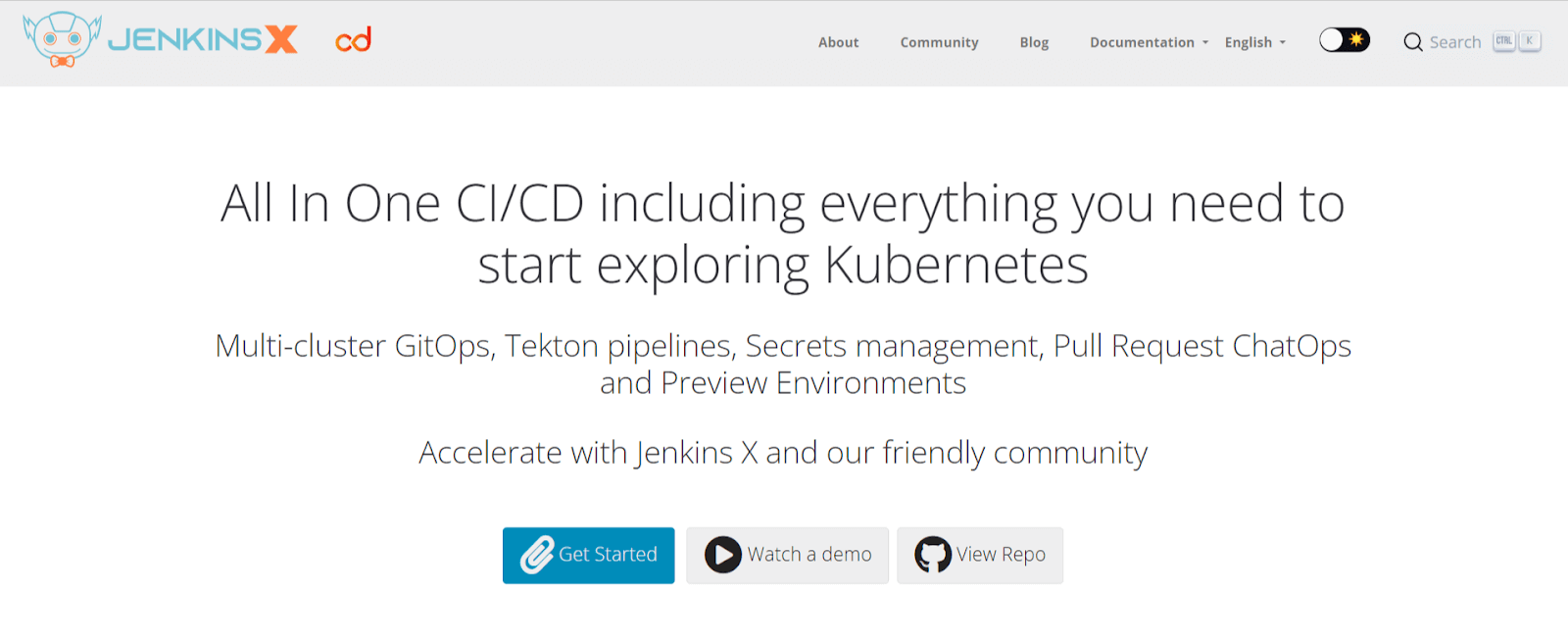
JayeX is a cloud-native automation platform for Continuous Integration and Continuous Delivery that integrates with Kubernetes, Tekton, Kuberhealthy, Grafana, Jenkins, and Nexus. This DevOps AI tool uses Infrastructure as Code through Terraform for cloud resource management, implements GitOps for version control and cluster state management, and handles secret management through providers such as Vault or cloud-hosted equivalents.
Key Features of the JayeX DevOps AI tool:
- Failure prediction: JayeX reads past build data to predict failures before they occur, giving engineers time to act.
- Automated rollback: JayeX triggers rollbacks when a deployment fails, which shortens downtime.
- Build resource allocation: JayeX allocates build resources based on demand, reducing idle compute cost.
JayeX builds on Jenkins, so the walkthrough below covers the Jenkins fundamentals the pipeline layer sits on.

Subscribe to the TestMu AI YouTube channel and get more videos on DevOps, AIOps, and more.
9. CircleCI
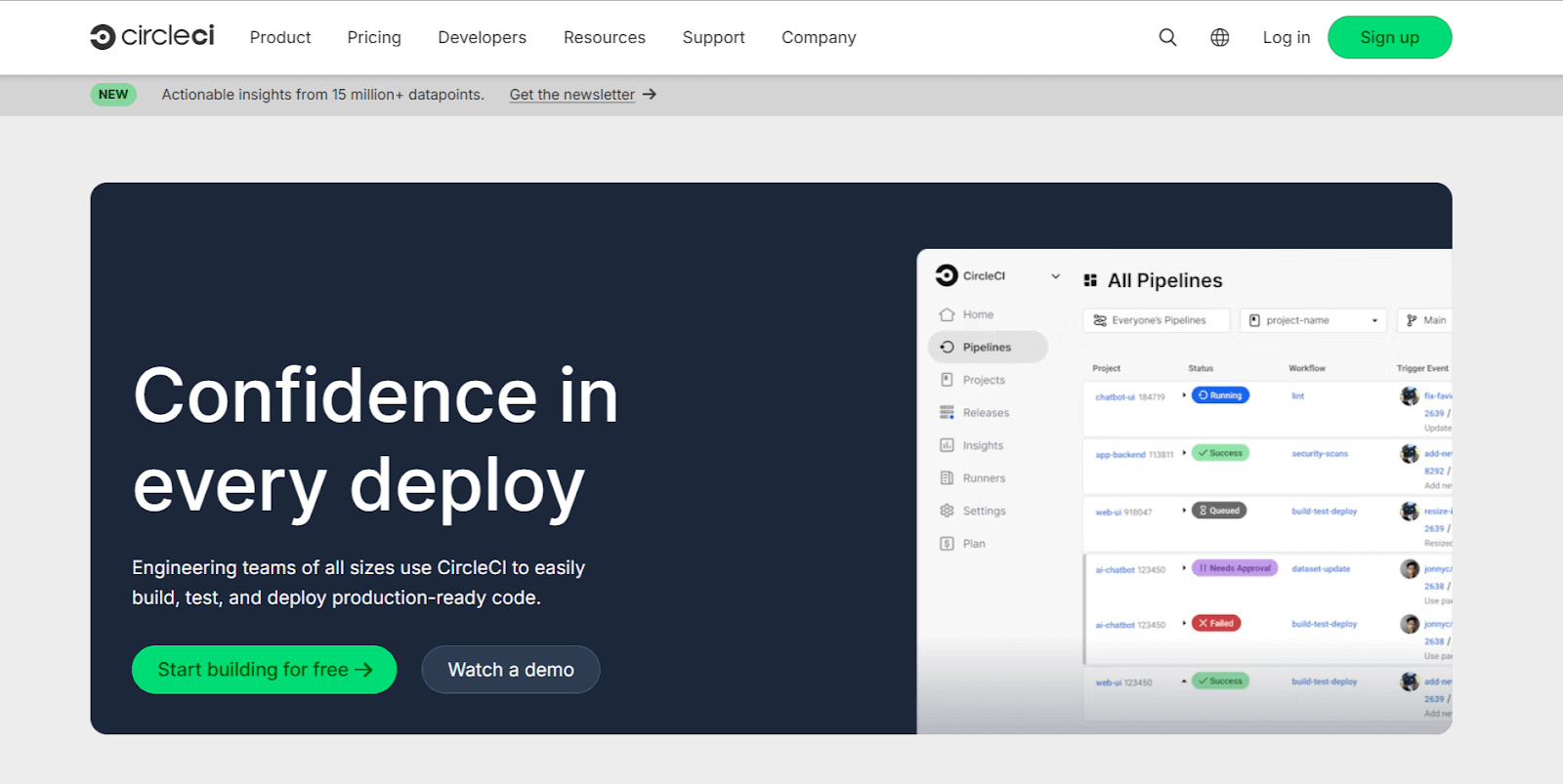
CircleCI is a leading cloud-based platform for CI/CD that automates the software development process, enabling teams to build, test, and deploy applications with efficiency and precision. CircleCI connects to GitHub, GitLab, and Bitbucket, so pipelines trigger from the repository teams already use.
This DevOps AI tool uses machine learning algorithms for job scheduling and resource allocation, which shortens pipeline execution time for teams running many concurrent builds.
Key Features of CircleCI DevOps AI tool:
- Parallel execution: CircleCI runs build and test tasks in parallel, cutting total pipeline time.
- Docker support: CircleCI integrates with Docker, so development, testing, and production run the same container images.
- Configurable workflows: CircleCI defines job dependencies and multi-stage workflows across staging and production in one configuration file.
10. Azure DevOps
Azure DevOps is a comprehensive set of tools and services provided by Microsoft. It is one of the most used DevOps AI tools when integrated with Azure's AI and machine learning services. This integration enhances CI/CD processes, test automation, and infrastructure management.
Key Features of Azure DevOps AI tool:
- Test generation: Azure DevOps generates and runs test cases from code changes, raising coverage without manual authoring.
- Build analysis: Azure DevOps identifies build bottlenecks and recommends specific improvements.
- Deployment prediction: Azure DevOps uses past deployment history to estimate whether the next release will succeed.
11. Snyk
Snyk provides end-to-end security scanning across the development lifecycle. Snyk scans codebases for vulnerabilities in open-source libraries and dependencies, so issues surface early enough to fix cheaply. Shifting detection left like this is the core of a DevSecOps workflow.
Snyk also scans container images during the containerization process and provides Cloud Security Posture Management (CSPM) to find misconfigurations and security gaps in cloud infrastructure.
Key Features of Snyk DevOps AI tool:
- Real-time SAST: Snyk runs static analysis as developers type, surfacing vulnerabilities before the commit.
- Full-stack scanning: Snyk covers source code, open-source dependencies, containers, and infrastructure as code in one platform.
- In-tool fix advice: Snyk delivers remediation guidance inside the development tools engineers already use.
- Post-deployment monitoring: Snyk keeps watching released applications and alerts teams when new vulnerabilities are disclosed.
- Unified risk view: Snyk aggregates context from security and observability tools into a single view of application risk.
12. Splunk
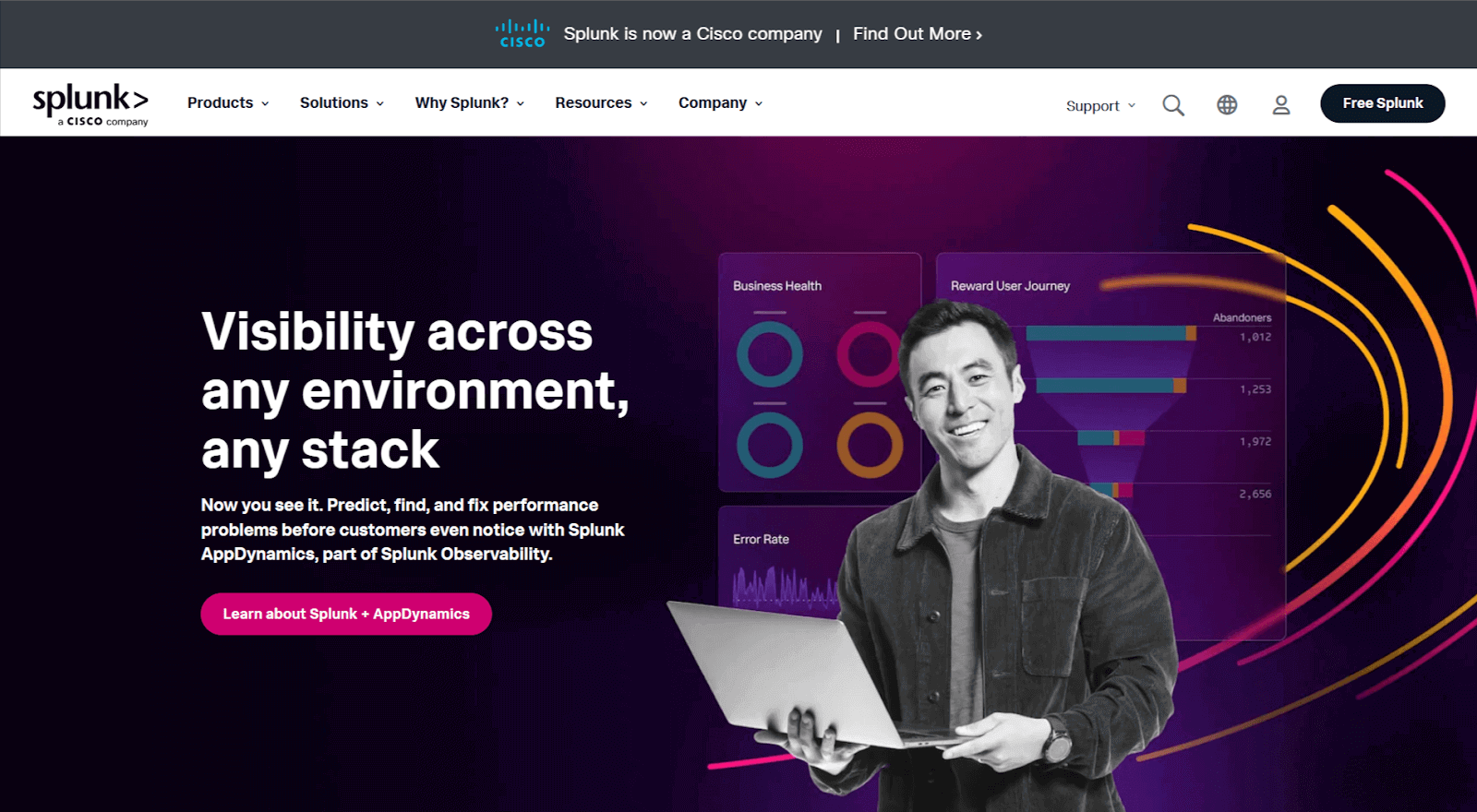
Splunk turns high volumes of machine-generated data into usable signals for DevOps teams. Splunk applies machine learning beyond traditional log search, covering anomaly detection, security monitoring, and incident correlation across large estates.
Key Features Splunk DevOps AI tool:
- Custom ML models: Splunk provides guided workflows for building machine learning models against specific DevOps use cases.
- AIOps feature set: Splunk covers predictive analytics, alert noise reduction, anomaly detection, adaptive thresholding, and incident correlation in one product.
- SPL assistance: Splunk has a chat interface that turns plain English into Splunk Processing Language queries and explains what each query does.
13. PagerDuty
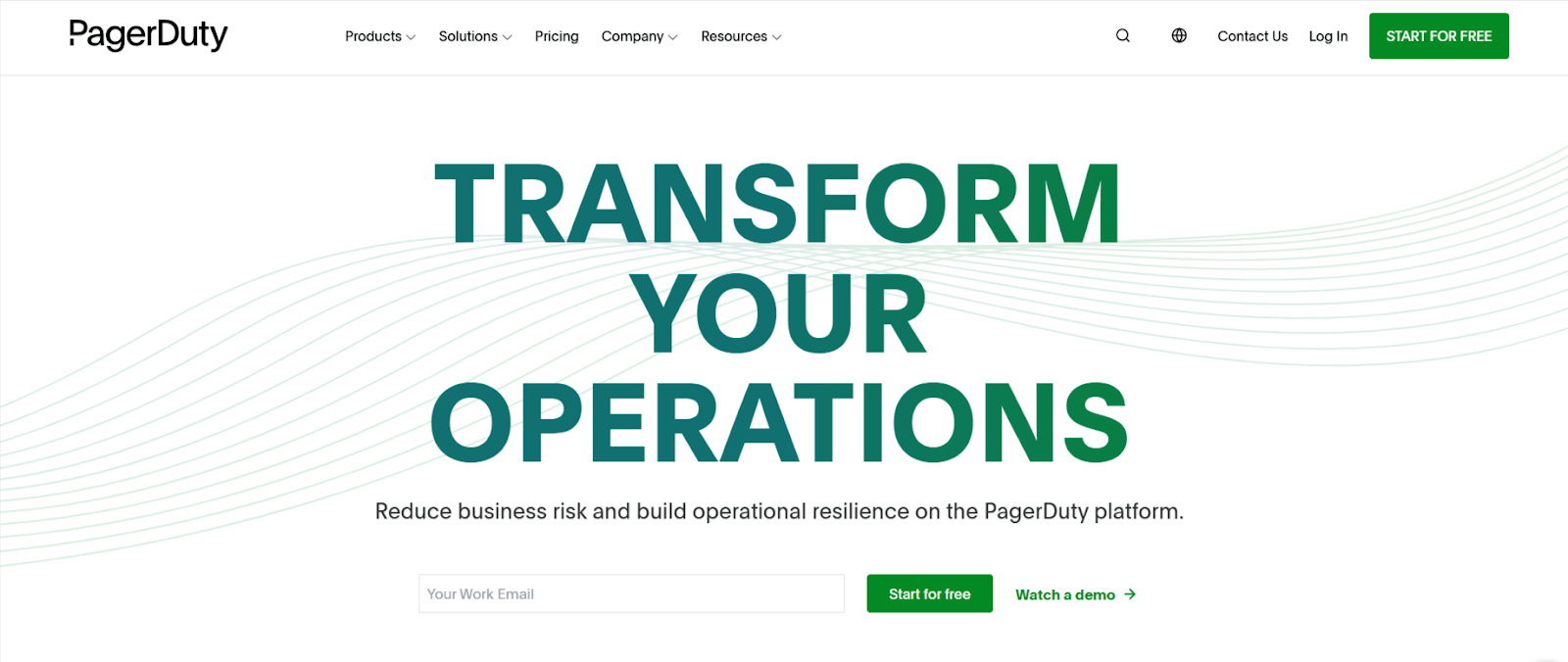
PagerDuty is an incident management platform that detects, routes, and tracks production incidents to resolution. PagerDuty shortens downtime by pairing real-time alerting with automated escalation.
They launched their DevOps AI tool, PagerDuty AIOps, in 2023 which incorporates artificial intelligence and automation into the capabilities. It helps reduce noise in the incident management process, improving defect triage efficiency and response accuracy and allows teams to automate repetitive tasks in the incident response workflow.
Key Features of PagerDuty DevOps AI tool:
- Incident routing: PagerDuty routes incidents to responders based on expertise and current availability.
- Alert grouping: PagerDuty groups related alerts with machine learning and ranks them, which limits on-call alert fatigue.
- On-call scheduling: PagerDuty automates rotations and escalation policies, so every incident reaches someone on a defined chain.
14. CloudHealth
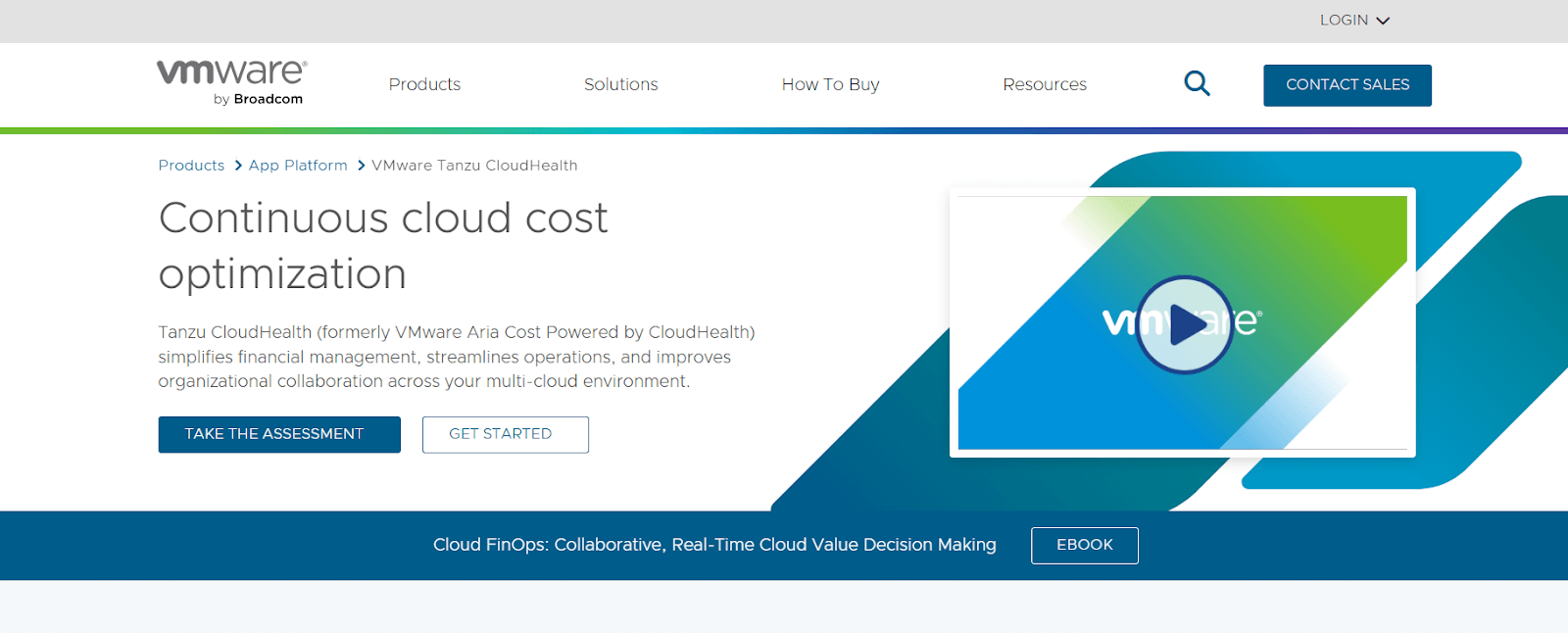
CloudHealth by Broadcom, formerly CloudHealth by VMware, applies AI to cloud cost. CloudHealth analyzes resource usage and recommends instance rightsizing plus reserved-instance purchases for predictable workloads. CloudHealth also handles automated tagging, categorization, and scaling recommendations, and reports on compliance posture without manual audits.
Key Features of CloudHealth DevOps AI tool:
- Rightsizing recommendations: CloudHealth recommends CPU, memory, disk, and network changes based on measured utilization.
- Workload optimization: CloudHealth surfaces workload changes that reduce spend without reducing capacity.
- Kubernetes cost analysis: CloudHealth breaks down Kubernetes cluster cost and recommends node pool sizing.
- Compliance visibility: CloudHealth reports misconfigurations against predefined and custom policies, ranks them by risk score, and automates remediation.
15. Dynatrace
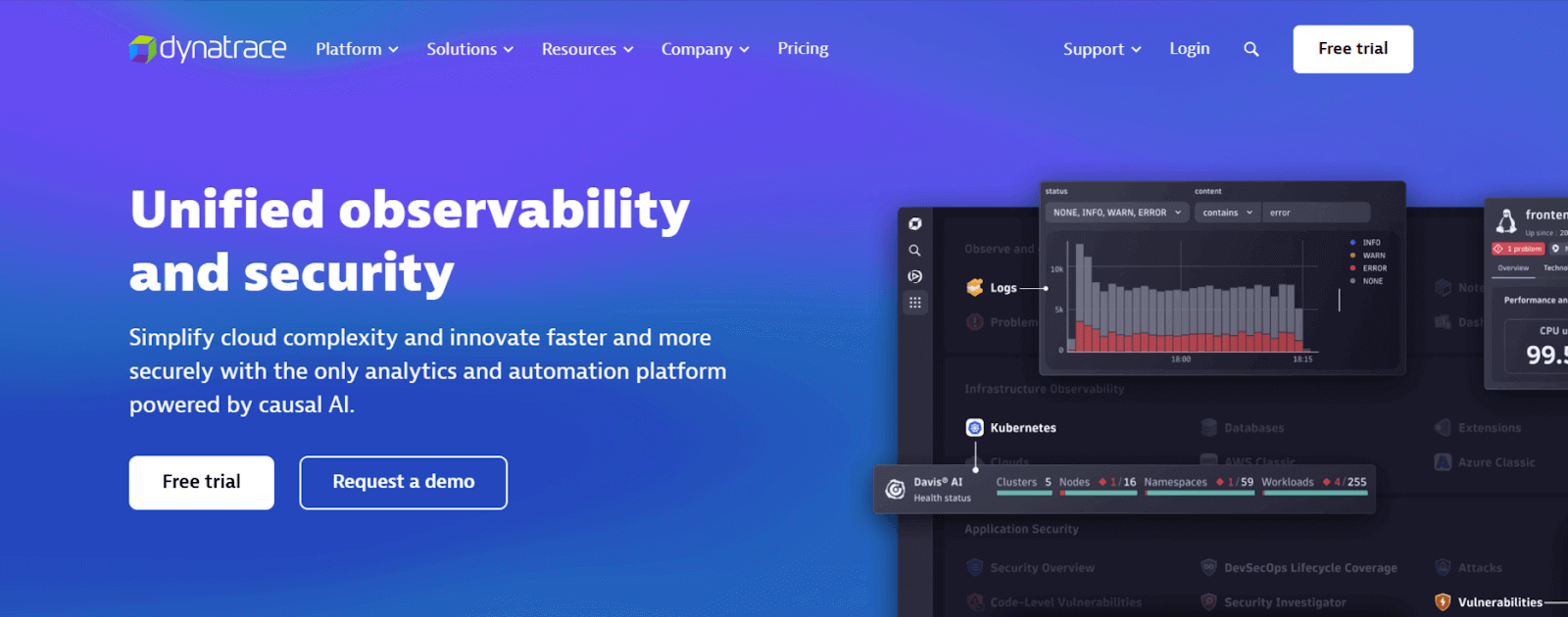
Dynatrace monitors through Davis AI, an engine that processes billions of dependencies in milliseconds to detect anomalies and identify root cause.
Dynatrace tracks CPU performance, response times, and network traffic across the whole stack, from infrastructure to end-user interactions, so teams find issues before users report them.
Key Features of Dynatrace DevOps AI tool:
- Continuous analysis: Dynatrace analyzes large telemetry volumes to detect anomalies and return a specific root cause rather than a list of correlated metrics.
- Root cause analysis: Dynatrace identifies the origin of a performance issue, which shortens troubleshooting time.
- Issue forecasting: Dynatrace forecasts developing problems, so teams act before operations are affected.
- Stack-wide detection: Dynatrace finds unusual patterns across the whole technology stack without per-service rules.
- Automated remediation: Dynatrace monitors cloud environments and resolves defined issue types without human intervention.
16. Ansible
Ansible automates IT orchestration and configuration management through a declarative language. Teams describe the target state and Ansible applies it, which keeps environments consistent across large fleets without writing procedural scripts.
With AI applied, Ansible moves from running fixed playbooks to adjusting configuration against the live state of the infrastructure.

Key Features of Ansible DevOps AI tool:
- State-based configuration: Ansible adjusts configuration to match the current state of the infrastructure.
- Self-healing configuration: Ansible detects configuration drift and returns systems to their declared state without manual intervention.
- Usage-based scaling: Ansible analyzes usage patterns to guide resource allocation across managed hosts.
17. BigPanda
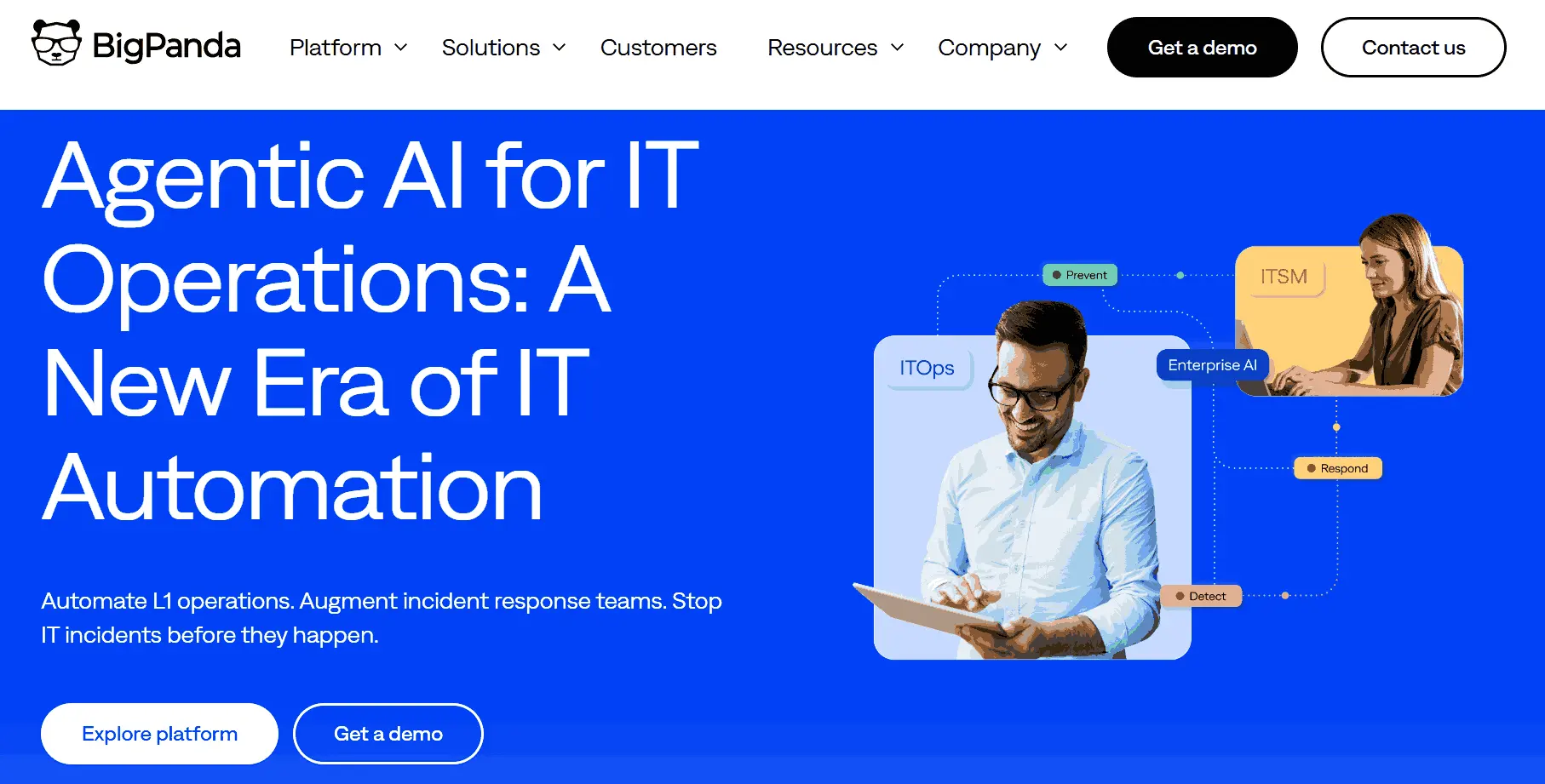
BigPanda is an AIOps platform that applies machine learning to correlate alerts, events, and incidents across the entire technology stack. Where traditional monitoring tools generate thousands of individual alerts, BigPanda groups related signals into unified incidents, surfacing the root cause rather than the symptom. This significantly reduces alert fatigue and shortens the time from detection to resolution for DevOps and SRE teams.
Key features of BigPanda DevOps AI tool:
- Event correlation: BigPanda groups thousands of alerts into a small number of actionable incidents using machine learning.
- Change-aware root cause: BigPanda maps services, infrastructure, and recent change events to identify what caused an incident.
- Workflow integrations: BigPanda connects to ServiceNow, Jira, Slack, and PagerDuty for end-to-end incident handling.
- Recurring failure analysis: BigPanda analyzes monitoring sources over time to identify repeat failure patterns.

Why AI in DevOps?
AI belongs in DevOps because a single deployment now spans more surfaces than one person can watch in real time: CI pipelines, container orchestration, security scanning, and production monitoring. Manual oversight cannot keep up at that width, and the gaps surface later as incidents.
AI earns its place in five ways:
- Repetitive work: AI triages log lines, groups duplicate alerts, and retries known-transient steps, the high-volume work that needs no judgment.
- Failure prediction: Models trained on past build history flag the changes most likely to fail, so review happens before the release, not after the rollback.
- Resource allocation: Usage patterns drive scaling and instance rightsizing, cutting idle compute cost without capping peak capacity.
- Ranked signals: AI ranks incidents by likely blast radius, so the on-call engineer knows which one to open first.
- Shared context: Development and operations teams see the same data-backed view of a failure, which removes a round of back-and-forth.
AI now spans the DevOps workflow rather than sitting beside it,[2] running resolution playbooks inside the pipeline to shorten the time between a failure and a working system.[3]
Does AI Actually Improve DevOps Delivery Performance?
Not on its own. DORA 2024 measured that a 25% increase in AI adoption tracked to a 1.5% decrease in delivery throughput and a 7.2% reduction in delivery stability, even while the same teams reported faster code review and better documentation.[1]
That result is the single most useful thing to know before buying any tool on this list. AI raises individual output, and DORA recorded a 3.4% increase in code quality and a 3.1% increase in code review speed alongside a 7.5% increase in documentation quality. Delivery performance is a system property, so more code moving faster into an unchanged pipeline surfaces as instability rather than speed.
Verification outranks generation, and two other consequences follow for tool selection:
- Verification matters more than generation: DORA 2024 recorded that 39% of respondents have little to no trust in AI-generated code, so a generation tool without a review, test, or rollback path moves the bottleneck downstream instead of removing it.
- Stability tooling earns its place first: Incident correlation, automated rollback, and deployment verification directly counter the stability drop the research measured.
- Throughput gains need pipeline changes: A faster author step does not shorten lead time when review, test, and release stages stay manual.
In the Reddit thread What AI tools are you actually using in DevOps? on r/devops, engineers named Claude Code, GitHub Copilot, Amazon Q CLI, and Cursor almost entirely for authoring work: GitHub Actions workflows, Helm charts, and cross-account IAM debugging. Several replied "currently: none". The most detailed reply concluded that assistants stay unreliable for live operations because they cannot see real system state.
Read the comparison table above against this finding: the stability drop is countered by the deployment-verification, rollback, and incident-correlation rows, not by the code-generation rows.
What Is AIOps, and How Does It Differ From MLOps?
AIOps, short for artificial intelligence for IT operations, applies machine learning to operational telemetry so teams detect anomalies, correlate incidents, and cut alert noise. MLOps is a different discipline: it manages the lifecycle of machine learning models in production. Six tools on this list are AIOps platforms.
The distinction matters when you are buying. AIOps platforms read the signals your systems already emit, which is why Datadog, New Relic, Dynatrace, Splunk, BigPanda, and PagerDuty all sit in the observability and incident-response rows of the table above. MLOps tooling, by contrast, governs model training, versioning, and drift, and none of the tools here do that job.
Three capabilities define an AIOps platform in practice:
- Anomaly detection: The platform learns a normal range for each metric and flags departures from it, instead of firing on a static threshold somebody set two years ago.
- Event correlation: Related alerts across services collapse into one incident, which is the mechanism behind alert noise reduction.
- Causal analysis: The platform maps dependencies and recent change events to name a probable cause rather than listing every service that went red.
For SRE and platform engineering teams, this is the layer that pays back first. Generative AI helps an engineer write a Helm chart faster, but it does not shorten a 3 a.m. incident. Correlation and causal analysis do, which is the practical reading of the DORA stability finding above.
How Do You Choose the Right DevOps AI Tool?
Choose the tool that fixes the stage where your pipeline actually loses time, then check that it reads your existing CI system, cloud, and source control natively. Feature count is the wrong comparison: a tool your pipeline cannot call is a tool your team will not use.
Three criteria separate a tool that survives the first quarter from one that gets abandoned after the trial.
Scalability
Scalability in a DevOps AI tool means the model keeps working as data volume grows, not just that the vendor supports more seats. Two limits bite first.
Ingestion-priced observability tools such as Datadog and Splunk cost more as log volume grows, so a service that triples its logging can triple the bill without adding value. Anomaly detection also degrades when a system changes faster than the model can rebaseline, which is why tools retrained on recent windows behave better in fast-moving estates than tools trained once on a fixed period.
Ask the vendor two questions before committing: what the pricing does when data volume doubles, and how long the model takes to rebaseline after a major architecture change.
Integration Capabilities
Integration depth decides whether a tool gets used after the trial. A tool your pipeline cannot call is a tool your team will route around. Check four connection points before buying:
- CI/CD pipelines: The tool needs a native step or plugin for the system you run, whether that is Jenkins, GitHub Actions, GitLab CI, CircleCI, or Azure DevOps. A REST API alone means someone on your team maintains glue code forever.
- Source control: Pull-request-level feedback reaches engineers while the change is still in their head. Tools that only report after merge arrive too late to change the code.
- Cloud and identity: Check whether the tool reads your cloud accounts directly and supports SSO and role-based access, because a tool outside your identity provider becomes an access-review problem at audit time.
- Existing monitoring: An incident tool that cannot ingest the alerts you already generate adds a console rather than removing one. Confirm it reads your current sources before replacing anything.
Teams can also boost their productivity by using various DevOps automation tools that enable them to focus on innovation and continuous improvements in delivering high-quality software applications.
Team Adoption
Adoption fails on trust more often than on usability. DORA 2024 found 39% of respondents have little to no trust in AI-generated code, and engineers who distrust a tool stop acting on its output while the license keeps renewing.
Explained output is the first thing that moves trust, and two others follow:
- Explained output: A tool that shows which log lines, traces, or commits drove a conclusion gets acted on. A confidence score with no evidence behind it gets ignored after the second false positive.
- Tunable alerting: Engineers need to suppress a noisy rule themselves. When silencing an alert requires a vendor ticket, teams mute the whole channel instead.
- A measured baseline: Record your current change failure rate and mean time to recovery before rollout. Without the before number, nobody can tell whether the tool helped, and the renewal becomes a matter of opinion.
The right DevOps AI tool depends on your project's specific requirements. AI works best as a complement to human judgment, reducing risks and surfacing insights that might otherwise be missed, rather than replacing the decision-making that engineers are best placed to handle. Successful integration comes down to choosing tools that fit naturally into existing systems and that teams are willing to trust and use consistently.
AIOps applies the same pattern to operations: correlate signals, rank them, and act. Read the key benefits of AIOps and how AIOps reshapes modern IT operations.
Which DevOps AI Tool Should You Adopt First?
Start by measuring your current change failure rate and mean time to recovery, then adopt one tool that targets the stage where those two numbers are worst. A single tool with a recorded baseline tells you more in one quarter than five tools adopted together.
Keep the DORA result in view while you roll out. AI raises how fast individuals produce work, and DORA 2024 still recorded a 7.2% reduction in delivery stability as adoption rose. More code arriving faster at an unchanged review, test, and release path shows up as instability, so pair any code-generation tool with the verification stage that has to absorb its output.
For the testing stage of that path, test intelligence shows which failures are real and which are flaky before they reach a release decision, and the getting started with KaneAI guide covers connecting it to an existing pipeline.
Curious about how AI in software testing works in real scenarios? Explore our complete guide.
What Sources Does This DevOps AI Tools Guide Use?
This DevOps AI tools guide draws on the 2024 DORA report and two published research papers on AI in DevOps, linked below.
Author

Chandrika Deb
Blogs: 13


Chandrika Deb is a Community Contributor with over 4 years of experience in DevOps, JUnit, and application testing frameworks. She built a Face Mask Detection System using OpenCV and Keras/TensorFlow, applying deep learning and computer vision to detect masks in static images and real-time video streams. The project has earned over 1.6k stars on GitHub. With 2,000+ followers on GitHub and more than 9,000 on Twitter, she actively engages with the developer communities. She has completed B.Tech in Computer Science from BIT Mesra.
Reviewer

Japneet Singh Chawla
Reviewer
Japneet Singh Chawla is an Engineering Manager at TestMu AI (formerly LambdaTest), where he leads a team driving HyperExecute, the AI-native Test Orchestration Cloud Platform, and integrations with Cypress, Provar, Tosca, and Selenium, improving test execution efficiency and driving adoption across 500+ enterprise clients. He also spearheaded zero-downtime deployments that cut release-related downtime by 90%, and mentors new engineers into productive contributors. He brings 9+ years of experience building and scaling distributed systems, SaaS platforms, and developer tools, with deep hands-on backend engineering across Golang, Python, Node.js, Kafka, and Redis. Earlier at Sumo Logic he built award-winning developer tools, including a VS Code Parser Linter, and at Indus Valley Partners he was a founding member of the Sentiment Analyzer team, building ML-powered solutions for financial clients. Japneet holds an MCA in Computer Science from GGSIPU.
On This Page
- How Do the Top DevOps AI Tools Compare?
- What Are the Top DevOps AI Tools?
- Why AI in DevOps?
- Does AI Actually Improve DevOps Delivery Performance?
- What Is AIOps, and How Does It Differ From MLOps?
- How Do You Choose the Right DevOps AI Tool?
- Which DevOps AI Tool Should You Adopt First?
- What Sources Does This DevOps AI Tools Guide Use?
DevOps AI Tools FAQs
Did you find this page helpful?
More Related Blogs
TestMu AI forEnterprise
Get access to solutions built on Enterprise
grade security, privacy, & compliance
- Advanced access controls
- Advanced data retention rules
- Advanced Local Testing
- Premium Support options
- Early access to beta features
- Private Slack Channel
- Unlimited Manual Accessibility DevTools Tests