

Power Your Software Testing with AI Agents and Cloud
The Native AI-Agentic Cloud Platform to Supercharge Quality Engineering. Test Intelligently and Ship Faster.


- TestMu AI (Formerly LambdaTest)
- /
- Blog
- /
- 31 Best DevOps Automation Tools [2026]
31 Best DevOps Automation Tools [2026]
Learn about the best DevOps automation tools that will help you boost CI/CD, team collaboration, testing, and faster delivery cycles with leaner workflows.
Last Updated on:
Organizations with a DevOps culture invest 33% more time in improving infrastructure. As per the research done by MarketsandMarkets, the DevOps market is expected to grow from $10.4 billion in 2023 to $25.5 billion by 2028. As user expectations rise and system architectures grow more complex with microservices, DevOps automation tools are essential for quick, reliable application delivery.
DevOps automation tools tighten CI/CD pipelines, automate infrastructure provisioning, and monitor performance, ensuring consistency, scalability, and reliability. These tools minimize manual tasks, speed up release cycles, enhance bug tracking, and foster collaboration, enabling DevOps teams to focus on innovation and continuous improvement.
Overview
DevOps automation tools remove the manual steps between a commit and a running service, covering infrastructure provisioning, builds, container orchestration, configuration, artifacts, and monitoring. No single tool spans the pipeline, so most teams assemble one per stage and wire them together through CI.
Tools by Pipeline Stage
- Best for infrastructure as code - Terraform declares infrastructure in version-controlled config, so environments are rebuilt from the repository rather than reconstructed by hand.
- Best for container orchestration - Kubernetes schedules and scales containers across a cluster, handling placement and restarts that would otherwise be manual operations work.
- Best for build and release pipelines - Jenkins runs builds and deployments on triggers, with a plugin ecosystem that connects most of the rest of the stack.
- Best for metrics and alerting - Prometheus collects time-series metrics and pairs with Grafana for dashboards, closing the loop between a deploy and its effect.
- Best for test execution inside the pipeline - TestMu AI runs suites across 3,000+ browser and OS combinations and 10,000+ real devices, so a release gate does not depend on a local grid.
Why Is DevOps Automation Important?
DevOps automation improves code quality, accelerates delivery cycles, reduces costs, and enhances team collaboration through automated testing and deployment.
DevOps is a cultural philosophy that unites software development and IT operations by focusing on team values, automation and shared responsibility to deliver value efficiently and reliably. It achieves this through automated deployment, continuous monitoring, and feedback loops supported by Agile practices.
DevOps automation promotes a collaborative environment where software is delivered quickly and consistently across its entire lifecycle. While tools play a crucial role, the true strength of DevOps lies in the cultural shifts and processes that promote teamwork and shared responsibility, driving efficient and reliable outcomes.
Integrating automation tools into the DevOps pipeline offers several key benefits:
- Better Code Quality - By identifying problems before they affect production, early bug identification gives software releases more stability and dependability.
- Faster Delivery Cycles - Automated testing expedites the process, lowering manual labor and allowing for faster releases to satisfy expectations for rapid development.
- Increased Release Confidence - Comprehensive code vetting is ensured by automated testing, which increases release quality confidence and lowers post-deployment risks.
- Enhanced Collaboration - By giving development, testing, and operations teams a single platform, integrated tools facilitate better communication and teamwork.
- Cost reduction - Constant testing reduces the need for expensive remedies when problems are discovered later in the development process by identifying flaws early.
What Are the Best DevOps Automation Tools in 2026?
Top DevOps tools in 2026 include TestMu AI, Jenkins, Docker, Kubernetes, Terraform, Ansible, GitHub Actions, and Prometheus for CI/CD and monitoring.
Here are some popular DevOps automation tools, categorized to help you easily understand how each can boost your feedback cycle and simplify the testing process.
1. Selenium
Selenium is an open-source DevOps automation tool for browser automation. It supports Java, C#, and Python and integrates with CI/CD tools like Jenkins. It offers cross-browser compatibility and the WebDriver API for test scripting.
By enabling parallel test execution and smooth integration with other DevOps testing tools, Selenium enhances testing efficiency and consistency, helping teams deliver applications faster and more reliably. It ensures smoother collaboration across development, QA, and operations teams throughout the software lifecycle.
Below are the key features of the Selenium DevOps automation tool:
- Automation - Enables automation across various operating systems, including Windows, Mac, and Linux, ensuring cross-platform consistency.
- Programming Language - Supports multiple programming languages like Java, Python, C#, PHP, Ruby, and JavaScript, making it flexible for different team preferences.
- Cross-Browser Compatibility - Works with major browsers such as Mozilla Firefox, Internet Explorer, Google Chrome, Safari, and Opera, ensuring broad compatibility.
- Integrations - Integrates cleanly with Jenkins for Continuous Integration and Continuous Delivery, enhancing DevOps automation pipelines.
2. Ranorex
Ranorex is an all-in-one automated testing solution for web, desktop, and mobile applications, supporting integration with CI tools and various technologies. This DevOps automation tool is ideal for enterprises needing comprehensive GUI testing automation across multiple platforms, including web and desktop environments.
Below are the key features of the Ranorex DevOps automation tool:
- Complete Automation Tools - A full suite to support all skill levels, from beginners to experts.
- Integrations - Integrate with Jenkins, Jira, and TestRail to speed up CI/CD.
- Faster Releases - Improve app quality and speed up release cycles with test automation.
- Scalable Testing - Scale your testing environment to match the pace of your DevOps team.
3. Terraform
Terraform is a leading Infrastructure as Code (IaC) tool that allows organizations to define, version, and manage infrastructure within a declarative codebase. It promotes collaboration and consistency across environments and enables infrastructure to adapt quickly to changes in business needs. With over 2 million users as of 2023, Terraform is widely adopted as a DevOps automation tool.
Below are the key features of the Terraform DevOps automation tool:
- Declarative Configuration - Use HCL to define infrastructure as code, simplifying management and automation across environments.
- Multi-Cloud Support - Manage infrastructure across multiple cloud platforms like AWS, Azure, and Google Cloud from a single tool.
- Version Control & State Management - Track and version infrastructure configurations, ensuring consistency and easy rollback to previous states.
- Execution Plans - Preview infrastructure changes before applying them, providing visibility and reducing risk.
- Modular Infrastructure - Reuse and share infrastructure components through modules, promoting standardization and reducing redundancy.
- Collaboration and Automation - Support team collaboration with remote state management and integrate directly into CI/CD pipelines for automated infrastructure provisioning.
4. TestMu AI
TestMu AI is an AI-native test orchestration and execution platform that lets you run manual and automated tests at scale on 10,000+ real devices, browsers, and OS combinations. It is a valuable tool for DevOps teams looking to achieve faster feedback loops. TestMu AI integrates cleanly with CI/CD tools like Jenkins, TravisCI, CircleCI, and GitLab.
Below are the key features of the TestMu AI DevOps automation tool:
- HyperExecute: It is an AI-native test orchestration cloud that accelerates test automation, offering speeds up to 70% faster than traditional cloud grids.
- Real-Time Collaboration - Enhances team collaboration with features that allow teams to work together on test creation, execution, and results in real-time.
- Smart Analytics and Reporting - Provides actionable insights and detailed reports, helping teams make informed decisions about test results and application quality.
- Automation Testing Cloud - Scalable cloud-based environment to run your automated tests and scale your testing efforts directly.
- Test Manager - AI-native, unified test manager that centralizes and simplifies test execution, management, and reporting.
- On-Premise Selenium Grid - Cloud infrastructure with secure firewall integration for running Selenium tests in an on-premise environment.
- Test Intelligence - AI-native insights that analyze test data to improve automation efficiency and reduce failure rates.
- CI/CD Integration - It cleanly integrates with various CI/CD tools like Jenkins., CircleCI, Travis CI, and more, helping you enhance the DevOps automation.

Note: Optimize your testing workflow for a faster, direct release cycle. Try TestMu AI Now!
5. Pulumi
Pulumi is a DevOps automation tool for Infrastructure as Code (IaC) that allows you to manage cloud resources using programming languages like Python, TypeScript, JavaScript, Go, and C#. Unlike Terraform, which uses HCL for configuration, Pulumi lets you use the same language stack for both infrastructure and application development.
It also includes a tool called tf2pulumi, which simplifies the migration from Terraform to Pulumi by converting Terraform code to Pulumi code.
Below are the key features of the Pulimi DevOps automation tool:
- ComponentResources - Define and manage multiple related resources as a single unit, enabling easier management and reuse.
- StackReferences - Reference outputs from other stacks to build dependencies between different parts of your infrastructure.
- Dynamic Providers - Create custom resources without official providers, allowing you to manage resources beyond Pulumi's existing offerings.
- Automation API - Programmatically invokes Pulumi CLI operations for advanced deployment scenarios and integration with CI/CD pipelines.
- Language Flexibility - Use general-purpose programming languages like Python, TypeScript, JavaScript, Go, and C# for infrastructure management.
- tf2pulumi - Simplify migration from Terraform to Pulumi by translating Terraform code into Pulumi code.
6. Docker
Docker is a widely used containerization tool that simplifies the creation, delivery, and deployment of applications. By packaging an entire application and its dependencies into a self-contained container, Docker ensures consistency across environments, addressing the common "it works on my machine" issue.
Docker speeds up deployment, promotes collaboration between development and operations teams, and plays a central role in the DevOps automation tool landscape.
With over 10 million registered users and 20 billion container images hosted on Docker Hub, Docker has become a key player in the containerization ecosystem.
Below are the key features of the Docker DevOps automation tool:
- Command Line Interface - Manage containers directly from the command line, including creating, starting, stopping, and deleting containers, as well as managing images, networks, and volumes.
- IDE Extensions - Enhance productivity with extensions for popular IDEs like VS Code, IntelliJ IDEA, and GitPod, built by partners and the community.
- Container Runtime - Docker Engine provides a standardized packaging format, enabling containerized applications to run consistently across diverse infrastructures.
- Docker Extensions - Expand Docker Desktop's functionality with custom integrations, allowing developers to tailor their development environment.
- Trusted Open Source Content - Access verified, high-quality open-source images on Docker Hub, ensuring safety and reliability for development projects.
- Secure Software Supply Chain - Secure every stage of the software development lifecycle with container security controls, including image access management and single sign-on.
Docker is essential in DevOps automation by ensuring tests run independently across various environments. It isolates dependencies, enabling tools like Selenium, Cypress, and Playwright to run smoothly without conflicts.
This boosts the speed and reliability of test execution, making it easier to integrate automated testing into CI/CD pipelines and maintain consistent environments throughout development. Docker helps tighten the automation process, improving efficiency and scalability.
To get started with Docker with automation tools like Selenium, follow this blog on how to run Selenium tests in Docker.
7. Kubernetes
Kubernetes is a leading orchestration platform for containerized applications, particularly in microservices architecture. It automates the deployment, scaling, and management of applications across a distributed cluster, improving efficiency and is widely used as a DevOps automation tool.
Below are the key features of the Kubernetes DevOps automation tool:
- Automated Rollouts and Rollbacks - Gradual application updates with health checks, automatically rolling back on failure.
- Service Discovery and Load Balancing - Assigns IP addresses and DNS names to Pods for easy service discovery and load balancing.
- Storage Orchestration - Automatically mounts storage from local, cloud, or network systems (e.g., iSCSI, NFS).
- Self-Healing - Restarts failed containers, reschedules on node failure, and ensures only healthy containers are advertised.
- Secret and Configuration Management - Deploys and updates configuration and Secrets without rebuilding images or exposing sensitive data.
- Automatic Bin Packing - Efficiently places containers based on resource needs, optimizing utilization.
- Batch Execution - Manages batch and CI workloads, replacing failed containers as needed.
- Horizontal Scaling - Scales applications up/down based on demand, via commands, UI, or automatically.
- IPv4/IPv6 Dual-Stack - Supports both IPv4 and IPv6 for Pods and Services.
- Designed for Extensibility - Easily add new features to your Kubernetes cluster.
8. Mesos
Mesos is a kernel for distributed systems that manages and schedules resources across clusters in data center and cloud environments. It acts as a two-level resource scheduler for large-scale data centers, helping efficiently allocate and manage resources. Mesos is used for both cloud-native and legacy applications, providing scalable resource scheduling and making it a valuable DevOps automation tool.
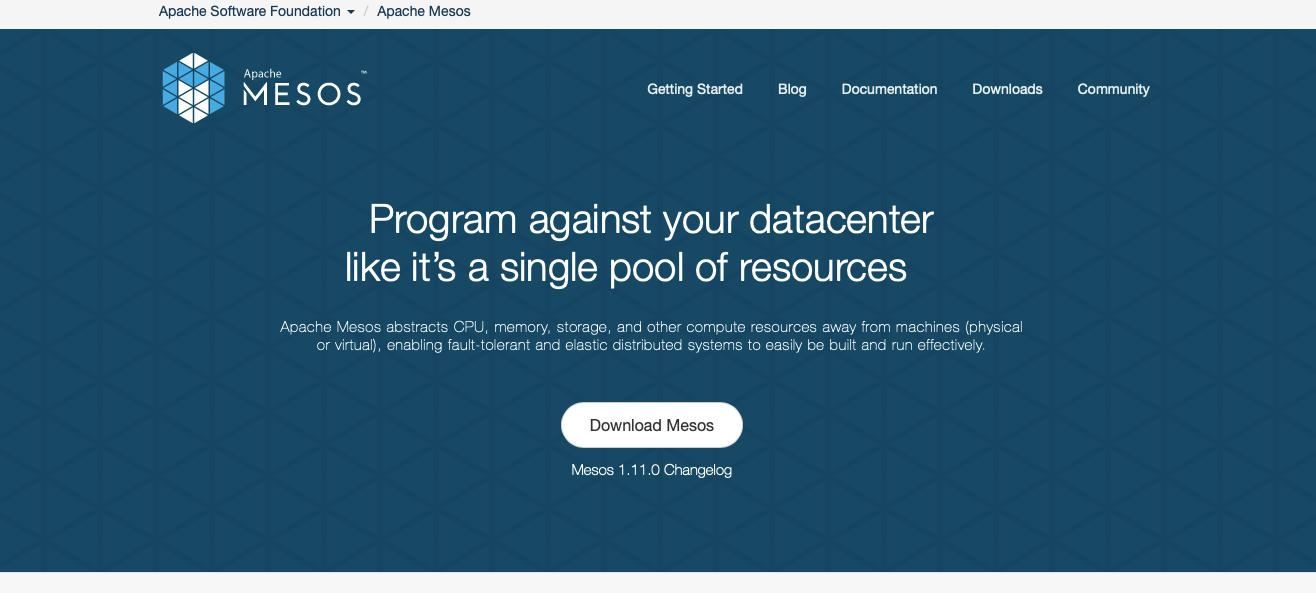
Below are the key features of the Mesos DevOps automation tool:
- High availability - Fault-tolerant with replicated master and agents, using Zookeeper.
- Containers - Native support for Docker and AppC images.
- Pluggable isolation - Supports CPU, memory, disk, ports, GPU, and custom isolation.
- Two-level scheduling - Runs cloud-native and legacy apps with flexible scheduling policies.
- APIs - HTTP APIs for cluster management, operation, and monitoring.
- Web UI - Built-in interface for cluster state and container navigation.
- Cross-platform - Supports Linux, OSX, and Windows; cloud-agnostic.
9. Prometheus
Prometheus is an open-source DevOps automation tool for monitoring and alerting, designed to collect metrics from various systems and provide detailed insights through analytics. Paired with Grafana, it offers capable visualizations that help teams monitor application performance proactively. In 2023, Prometheus recorded over 10 million downloads per month, reflecting its widespread use for monitoring modern applications.
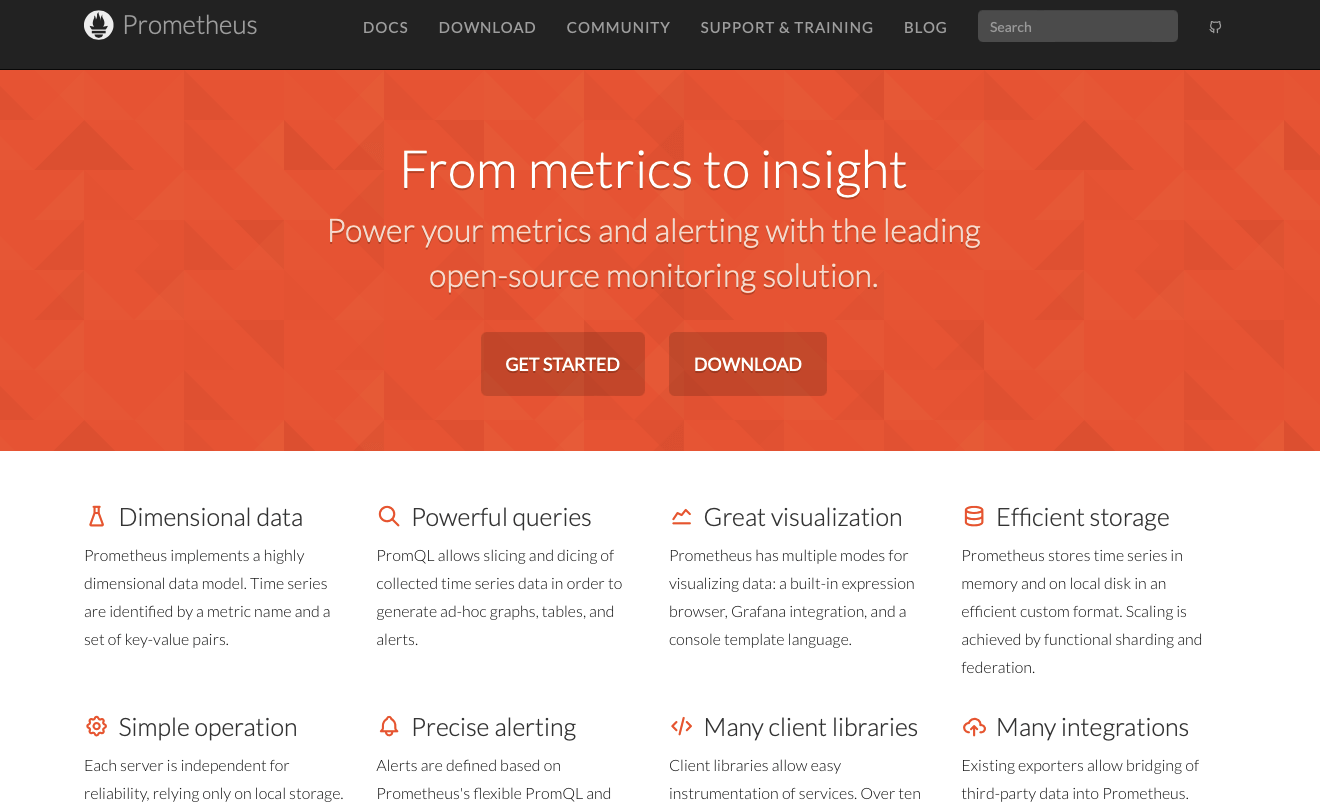
Below are the key features of the Prometheus DevOps automation tool:
- Dimensional Data - Uses a flexible data model with metric names and key-value pairs.
- Strong Queries - PromQL enables dynamic data slicing, alerting, and reporting.
- Visualization Options - Includes an expression browser, Grafana integration, and console templates.
- Efficient Storage - Stores time series data with sharding and federation for scaling.
- Easy Operation - Independent, Go-based servers with local storage; simple deployment.
- Flexible Alerting - Configurable alerts with PromQL, managed by alertmanager.
- Client Libraries - Libraries available for instrumentation in 10+ languages.
- Broad Integrations - Exporters support third-party data like Docker and HAProxy.
10. Dynatrace
Dynatrace is one of the leading DevOps automation tools offering comprehensive monitoring of application performance, digital experience, infrastructure health, and AI-driven problem resolution. It is ideal for organizations aiming to optimize IT infrastructure, quickly troubleshoot performance issues, and enhance user experience across applications and services.
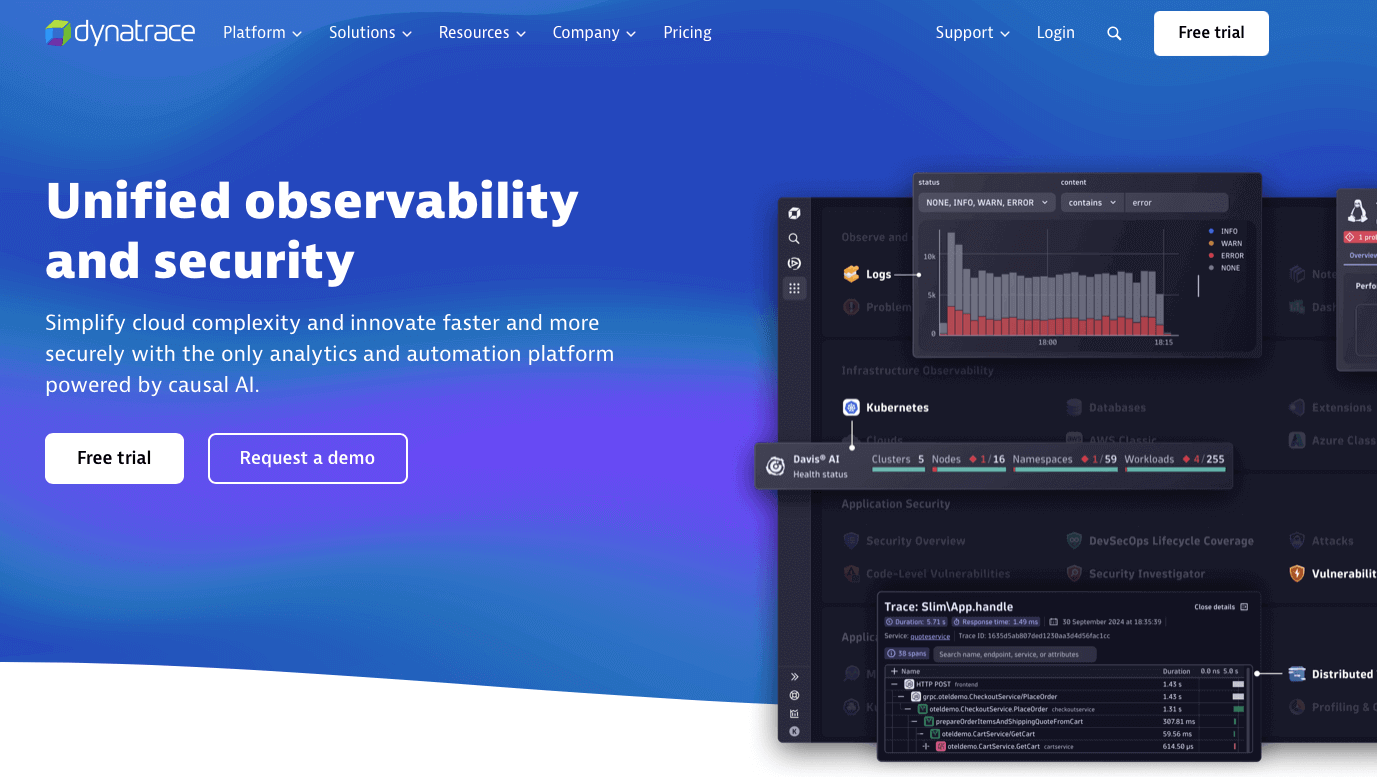
Below are the key features of the Dynatrace DevOps automation tool:
- Infrastructure Observability - Full observability across modern, multi-cloud infrastructures.
- Application Observability - APM, distributed tracing, and profiling for cloud-native and enterprise applications.
- Digital Experience - Ensure smooth digital experiences with real-user monitoring, synthetic checks, and session replays.
- Log Analytics - Gain actionable insights from logs for troubleshooting and optimizing business processes.
- Application Security - Detect, prioritize, and protect against known and unknown vulnerabilities in real-time.
- Threat Observability - Advanced threat protection with automated response and forensic capabilities.
- Software Delivery - Automate cloud ecosystems with integrated observability and security insights.
- Business Analytics - Make data-driven decisions with real-time, customizable analytics.
11. AppDynamics
AppDynamics delivers real-time insights into application performance, helping businesses rapidly detect and troubleshoot critical issues. This DevOps automation tool provides detailed analytics to pinpoint performance bottlenecks and monitor the entire application stack, including infrastructure components, for root cause analysis. It proactively tracks end-user experiences, allowing issues to be addressed before user reports.
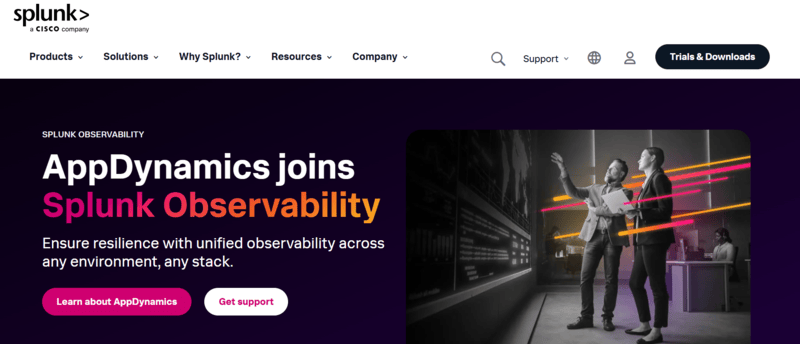
Below are the key features of the AppDynamics DevOps automation tool:
- Log Correlation - Link logs to application metrics with Log Observer Connect for faster troubleshooting.
- SAP Monitoring - Ensure SAP and non-SAP performance from user experience to code level with AppDynamics.
- Agent Management - Automate large-scale agent updates with Smart Agent for quick access to new features.
12. Grafana
Grafana is an open-source DevOps automation tool for real-time analytics and visualization, enabling users to monitor metrics from multiple data sources with customizable dashboards and alerts for better system observability. Ideal for visualizing infrastructure, application, and cloud metrics, it integrates with databases like Prometheus, InfluxDB, and Elasticsearch for comprehensive monitoring.
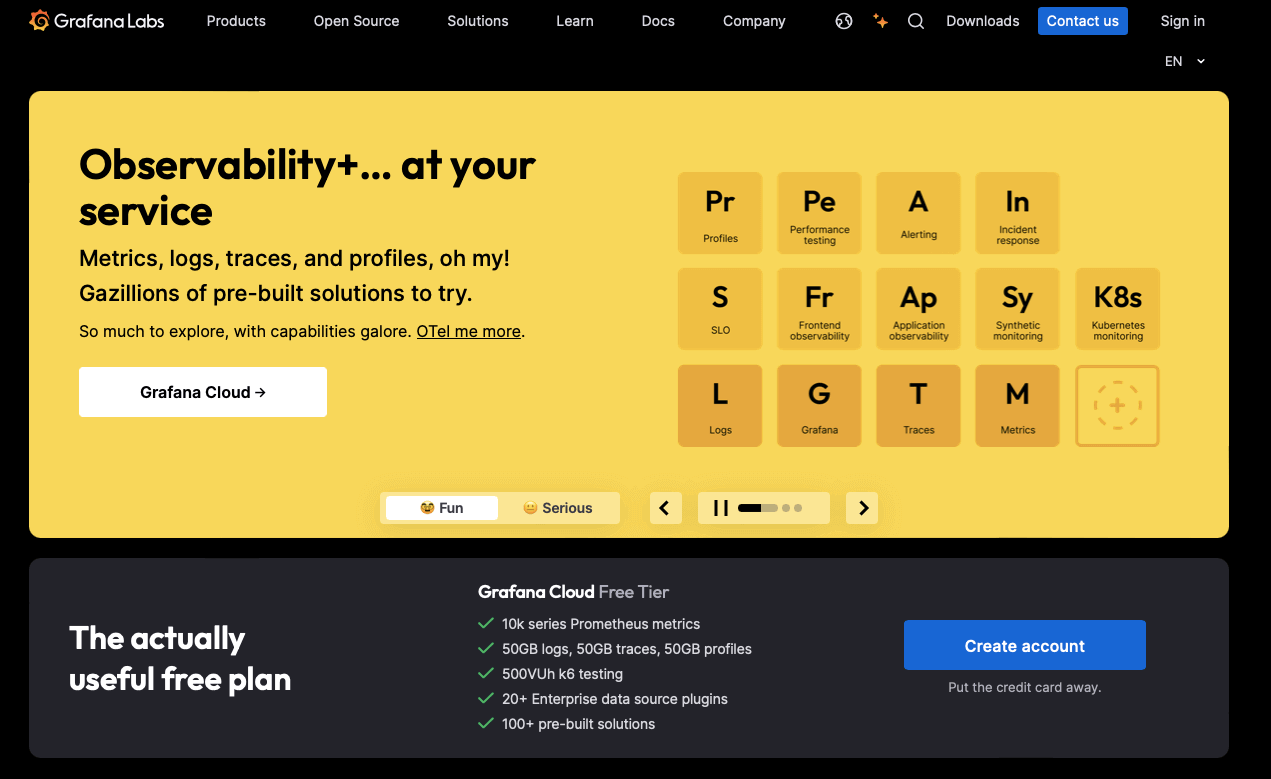
Below are the key features of the Grafana DevOps automation tool:
- Reduce Metrics Costs - Aggregate unused metrics with Adaptive Metrics to cut costs by 35%.
- Improve MTTR - Use Sift to identify critical issues and error patterns, speeding up incident resolution.
- AI Observability - Optimize AI applications, including LLMs and GPUs, for better performance and cost management.
- Outlier Detection - Detects and predicts anomalies quickly with machine learning, improving operational efficiency.
- Flame Graph AI - Accelerate troubleshooting with AI-powered flame graph analysis.
- Generative AI for PromQL - Create PromQL queries and dashboard descriptions faster with AI assistance.
Note: Perform your k6 testing with Grafana to boost performance and simplify your DevOps process. Try TestMu AI Now!
13. Splunk
Splunk is one of the most popular DevOps automation tools for monitoring and gaining insights into infrastructure performance, available as both SaaS and on-premises. It supports infrastructure monitoring and troubleshooting, enhancing application performance and incident response.
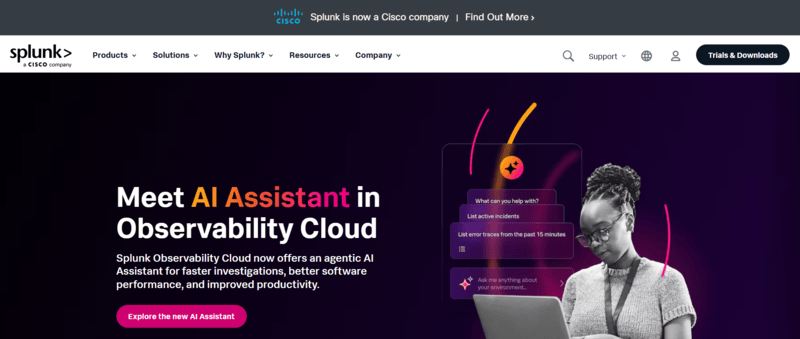
Below are the key features of the Splunk DevOps automation tool:
- Proactive Issue Prevention - Detect risks early across your digital footprint to prevent major incidents.
- Faster Incident Remediation - Prioritize and speed up workflows to reduce Mean Time to Detection (MTTD) and Mean Time to Respond (MTTR).
- Agility in Adapting - Quickly pivot and adjust to new opportunities with comprehensive visibility and minimized business risks.
- Reduced Downtime - Achieve an 82% reduction in downtime by proactively addressing potential issues.
- Accelerated Time to Market - Reduce time-to-market by 50% for new applications through enhanced operational efficiency.
14. Datadog
Datadog is a SaaS-based DevOps automation tool that provides server and application monitoring, optimized for hybrid environments, including Docker containers. It aggregates metrics and events to monitor server performance and user experience across the DevOps stack.
Below are the key features of the Datadog DevOps automation tool:
- Cross-System Visibility - Aggregate metrics and events across the entire DevOps stack.
- App Performance Monitoring - Trace requests and monitor app performance.
- Log Management - Automatically collect, tag, and analyze logs.
- User Experience Monitoring - Track user journeys and detect performance issues.
- Real-Time Dashboards & Alerts - Build dashboards and receive alerts on critical issues.
15. Sensu
Sensu is an open-source DevOps automation tool for monitoring cloud environments, deployable via Puppet and Chef. It supports scalable and integrated monitoring across cloud environments with a focus on self-service workflows.
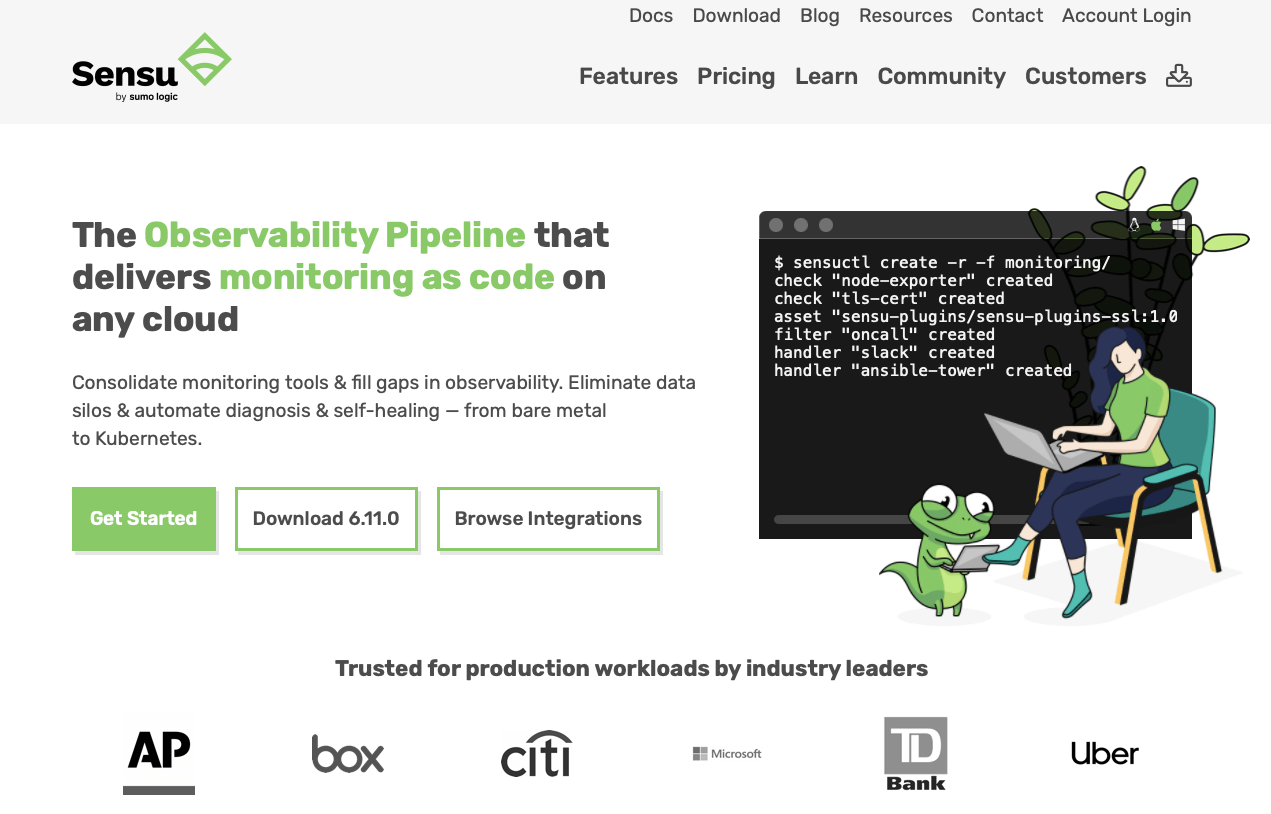
Below are the key features of the Sensu DevOps automation tool:
- Integrated Monitoring - Direct integrations with tools like Elasticsearch, Splunk, and PagerDuty.
- Secure Access - SSO, mTLS authentication, and external PKI verification for secure user access.
- Scalable Infrastructure - Monitor large-scale environments with high-performance data storage and federation.
- Automated Remediation - Trigger automatic actions like service restarts and custom scripts for self-healing.
- Declarative Configuration - Manage monitoring workflows with code-like templates and configurations.
16. ProgressChef
ProgressChef is an open-source DevOps automation tool for infrastructure automation and configuration management, which is developed using Erlang and Ruby. It tightens configuration management through code, enabling efficient resource provisioning.
Below are the key features of the ProgressChef DevOps automation tool:
- Configuration Management - Automates infrastructure setup and application deployment.
- Application Delivery - Optimizes app delivery across different platforms.
- Security & Compliance - Ensures secure cloud-native asset management with compliance checks.
- Job Orchestration - Simplifies enterprise job management using Chef Courier.
- Edge Management - Manages infrastructure at the edge for distributed systems.
17. Puppet
Puppet is one of the widely used DevOps automation tools for configuration management, defining and enforcing the desired infrastructure state across multiple operating systems. It automates the configuration and orchestration of physical, virtual, and network resources for consistent infrastructure management.
Below are the key features of the Puppet DevOps automation tool:
- Security Compliance Enforcement - Automate and enforce secure configurations aligned with CIS Benchmarks and DISA STIGs to simplify compliance and create automated proof records.
- Impact Analysis - Preview the impact of Puppet code changes to avoid errors, spot configuration drift, and manage dependencies effectively.
- Observability Data Connector - Export system data in real-time for accurate monitoring and fast decision-making.
- Self-Service Automation - Simplify IT management and incident resolution with Puppet's integration for self-service infrastructure changes in ServiceNow.
18. ANSIBLE
ANSIBLE is one of the best DevOps automation tools that handles configuration management, application deployment, and general tasks with an agentless architecture and declarative language. Its structured playbooks ensure consistent, reusable infrastructure management, reducing human errors and enhancing efficiency. With over 7,000 contributors, Ansible is one of the most popular automation tools in DevOps environments.
Below are the key features of the ANSIBLE DevOps automation tool:
- Security Compliance Enforcement - Automates enforcement of security baselines, ensuring compliance with standards like CIS and DISA STIGs.
- Impact Analysis - Predicts infrastructure changes to reduce errors and improve decision-making.
- Observability Data Connector - Provides real-time data for better system visibility and quicker decision-making.
- Self-Service Automation - Integrates with ServiceNow to tighten IT management, troubleshooting, and incident resolution.
To take automation a step further, you can explore Ansible Tower, which provides a centralized interface for managing playbooks, scheduling jobs, and gaining better visibility across teams. It extends Ansible's power with enterprise-grade control, collaboration, and scalability.
19. GitHub
GitHub is a web-based Git repository hosting service and a popular DevOps automation tool. It supports collaborative coding, CI/CD automation through GitHub Actions, enhanced security features, and agile project management. This tool is ideal for developers and teams to collaboratively manage application code, automate workflows, and handle version control efficiently.
Below are the key features of the GitHub DevOps automation tool:
- Collaborative Coding - It provides collaborative tools like pull requests, code reviews, and discussions to enhance team workflows.
- Automation and CI/CD - GitHub Actions automates workflows for testing, building, and deploying code with continuous integration and deployment.
- Application Security - Its advanced security features help identify and fix vulnerabilities in code and dependencies automatically.
- Client Apps - GitHub's various apps, including Desktop, Mobile, and CLI, allow smooth code management and interaction with repositories from any device.
- Project Management - It enables efficient task tracking and project organization within your repositories.
- Governance & Administration - It offers granular control over user permissions, roles, and compliance, along with detailed audit logs and organization settings.
- Community - It fosters open-source collaboration and learning through sponsorships, contributions, and GitHub Skills.
20. Bitbucket
Bitbucket is a code hosting platform that enables teams to plan, collaborate, and deploy projects with integrated CI/CD. As a DevOps automation tool, it simplifies workflows and enhances collaboration through strong Atlassian tool integration, including Jira and Trello.
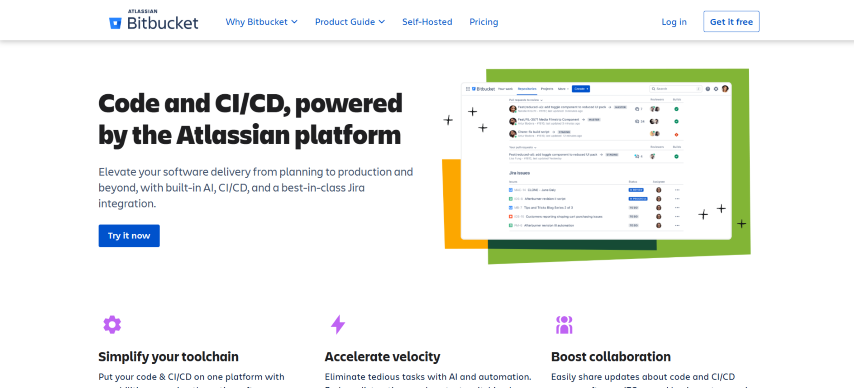
Below are the key features of the Bitbucket DevOps automation tool:
- Direct CI/CD for Every Team - It enables quick setup and scalability with ready-made templates and the flexibility to create custom workflows, catering to teams of all sizes.
- Production-grade Security - It offers comprehensive security features such as IP allowlisting, two-factor authentication (2FA), security key support, and encryption to safeguard your code
- Low-effort Jira Integration - It integrates Jira with Bitbucket to monitor code changes and deployment statuses in real-time, ensuring full team coordination.
- Simplified Code Review - It reviews code efficiently with side-by-side diffs, contextual comments, and integrated security and test results to identify bugs before merging.
- DevSecOps Support - It automatically detects security vulnerabilities in your code and dependencies using integrated tools like Snyk, with scanning during the pull request process.
- Customized Workflows - It customizes your CI/CD pipeline with over 100 integrations and manages configurations in a single YAML file for faster workflows.
21. GitLab
GitLab is a DevOps automation tool that manages the entire DevOps lifecycle, from development to deployment. It supports version control, security scanning, CI/CD, and deployment, all within one application. The collaboration between development, operations, and security teams fosters transparency, efficiency, and traceability throughout the lifecycle.
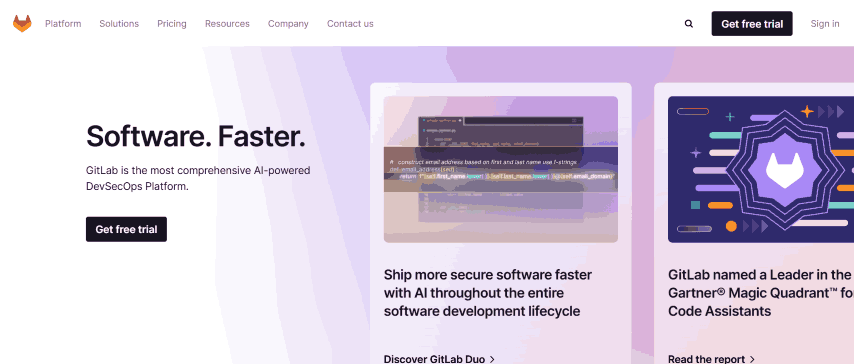
Below are the key features of the GitLab DevOps automation tool:
- Planning - It provides flexible planning tools like epics, milestones, and groups to align teams, track progress, and ensure end-to-end visibility across all stages, from idea to production.
- Source Code Management - It enables secure and efficient code management with distributed version control, allowing teams to collaborate, iterate quickly, and maintain a single source of truth.
- Continuous Integration - It automates code integration and testing, ensuring high-quality standards through automated builds, static and dynamic security testing, and code quality analysis for fast developer feedback.
- Security - It integrates security features like SAST, DAST, container scanning, and dependency scanning to help ensure secure applications and compliance throughout the development lifecycle.
- Artifact Registry - It provides a secure, built-in package and container registry for managing dependencies and artifacts, directly integrating with code management and CI/CD pipelines for efficient DevSecOps.
- Continuous Delivery - It automates deployments across multiple environments, including advanced patterns like canary deployments, offering fast, confident releases with built-in traceability.
22. Bamboo
Bamboo is a DevOps automation tool for CI/CD, guiding code through the entire build, test, and deployment process in one flow. It supports automated workflows and is tightly integrated with Jira and Bitbucket.
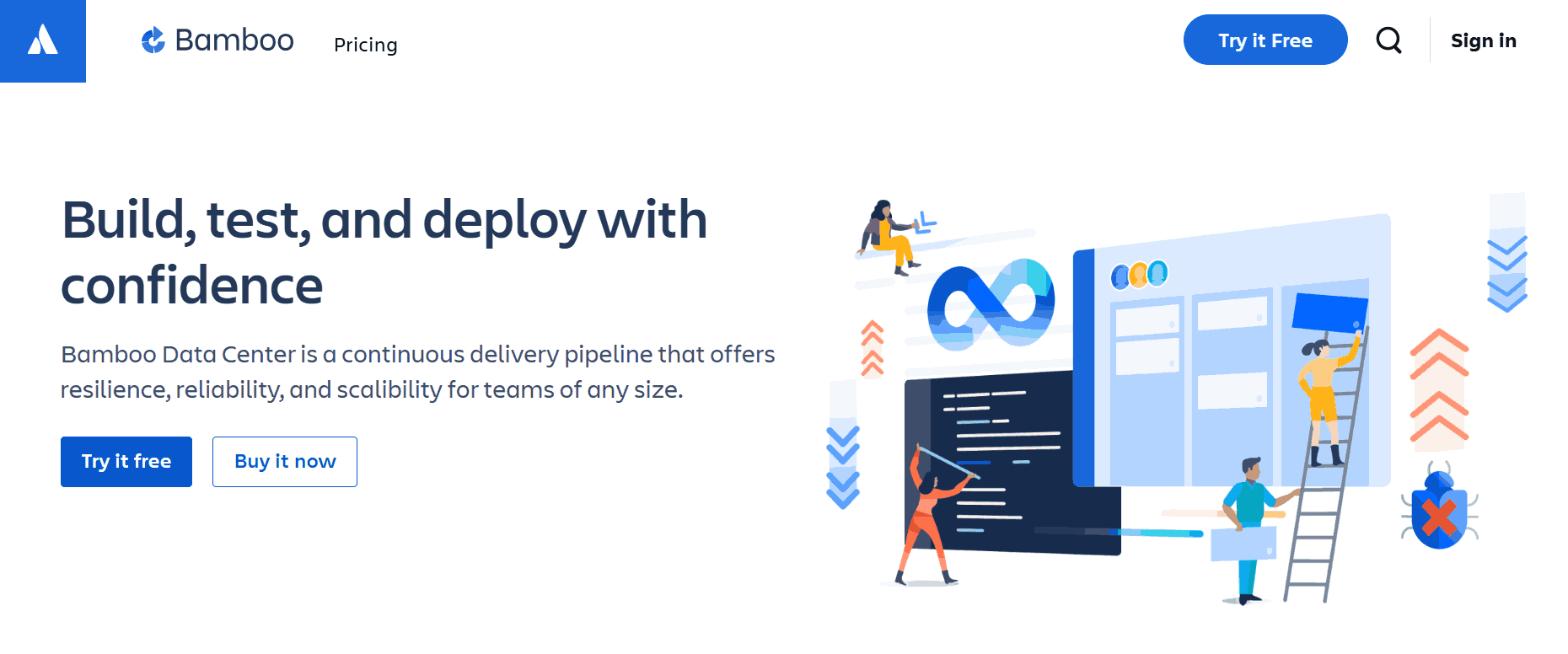
Below are the key features of the Bamboo DevOps automation tool:
- Continuous Delivery - Automates workflows from code to deployment.
- Built-in Disaster Recovery - Ensures resilience with high availability.
- Scalable - Increases capacity while maintaining performance.
- Integration with Bitbucket and Jira - Cleanly connects development workflows.
- Docker and AWS CodeDeploy Support - Simplifies final product delivery.
- Incident Investigation - Integrates with Opsgenie for fast incident response.
23. Jenkins
Jenkins is an open-source DevOps automation tool for CI/CD, supporting distributed builds and version control. It improves productivity by automating software development stages and includes extensive plugin support, integration with Git/SVN, and a scalable architecture.
Below are the key features of the Jenkins DevOps automation tool:
- CI/CD Hub - Jenkins serves as both a simple CI server and a continuous delivery platform.
- Easy Installation - Runs out-of-the-box on Windows, Linux, macOS, and Unix-based systems.
- Approachable Setup - Configurable via web interface with built-in error checks and help.
- Plugin Support - Integrates with numerous tools through hundreds of available plugins.
- Extensible - Expandable via plugins to cater to various needs.
- Distributed - Distributes workloads across multiple machines for faster builds and deployments.

Subscribe to the TestMu AI YouTube channel and get more videos on DevOps and more.
24. IBM UrbanCode
IBM UrbanCode is a DevOps automation tool for deployment and release management, enabling continuous delivery through automated deployments, rollbacks, and orchestration across environments for on-premises, cloud, and mainframe applications.
Below are the key features of the IBM UrbanCode DevOps automation tool:
- Pipelines - Convert release toolchains into simplified, visible pipelines for coordinated delivery.
- Value Streams - Enhance application delivery with better flow and visibility into your DevOps process.
- Integrations - Remove custom scripts with easy-to-design, secure deployment processes through extensive integrations.
25. GitHub Actions
GitHub Actions is a DevOps automation tool that provides CI/CD capabilities for automating workflows like build, test, and deployment based on repository events. It integrates directly with GitHub for smooth automation within the repository.
Below are the key features of the GitHub Actions DevOps automation tool:
- Workflow Automation - Trigger tasks on any GitHub event to automate processes.
- Hosted Runners - Run workflows on Linux, macOS, Windows, ARM, and GPU.
- Matrix Builds - Test across multiple OS versions and runtimes simultaneously.
- Language Support - Build, test, and deploy in Node.js, Python, Java, Ruby, and more.
- Live Logs - Monitor workflows in real-time with color and emoji.
- Secret Store - Automate development with Git flow integration.
- Multi-container Testing - Easily test web services and databases with Docker.
26. Azure DevOps
Azure DevOps is a cloud-based DevOps automation tool that combines CI/CD pipelines, agile boards, and test plans. It automates build, test, and deployment while supporting work item management and sprints, allowing scalable collaboration without additional infrastructure.
Below are the key features of the Azure DevOps automation tool:
- Azure Boards - Agile tools for faster planning, tracking, and collaboration.
- Azure Pipelines - CI/CD for any language/platform with GitHub integration.
- Azure Repos - Cloud-hosted Git repos for better collaboration.
- GitHub Advanced Security - Secure development from start to deployment.
- Azure Test Plans - Manual and exploratory testing tools for confident shipping.
- Azure Artifacts - Package creation, hosting, and easy CI/CD pipeline integration.
27. Sonatype Nexus
Sonatype Nexus is a leading repository manager that is the central source for components, binaries, and build artifacts, enabling efficient distribution for developers.
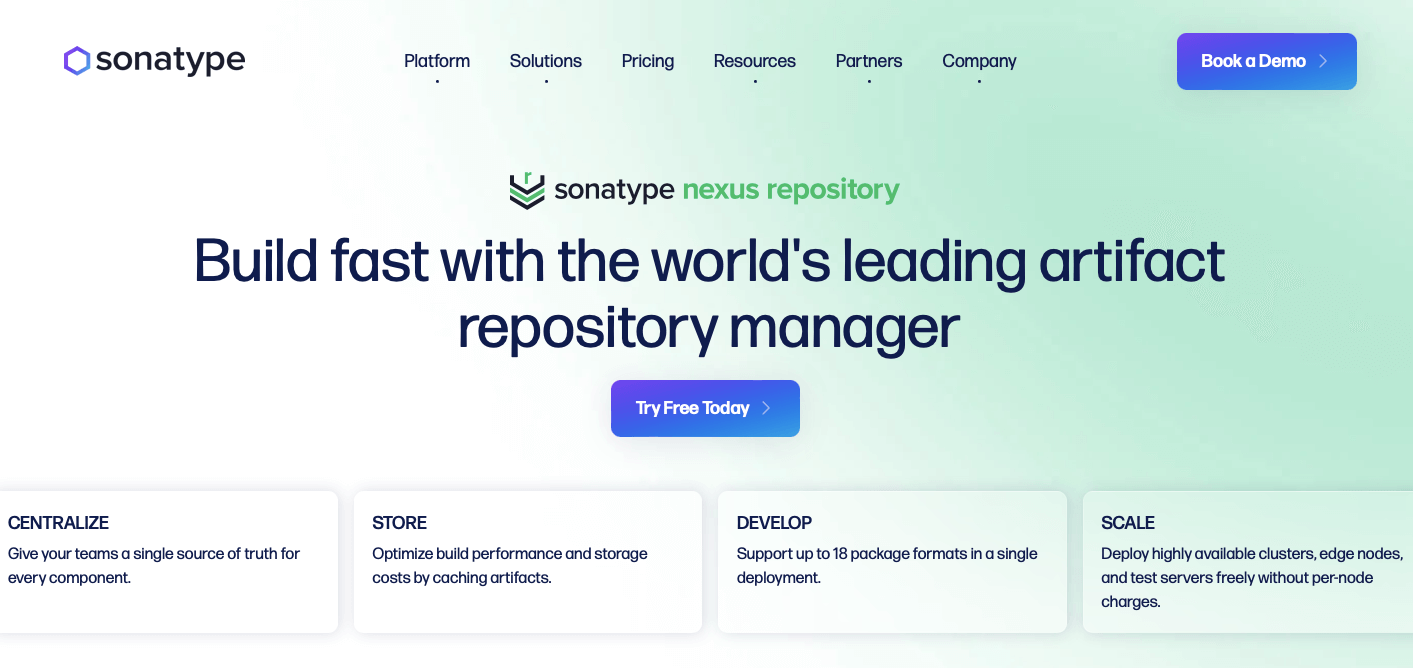
Below are the key features of the Sonatype Nexus DevOps automation tool:
- Flexible Security - Control access with single sign-on (SSO), role-based access, and audit trails.
- Open Source Risk Assessment - Centralize open-source usage for better risk visibility in the software supply chain.
- Malicious Component Detection - Prevent OSS risks with Sonatype Repository Firewall, using behavioral analysis and automated policy enforcement.
28. JFrog Artifactory
JFrog Artifactory is an artifact repository that is the source of truth for DevOps artifacts, including container images and Helm charts, ensuring consistency and traceability across the CI/CD pipeline with strong DevOps tool integrations.
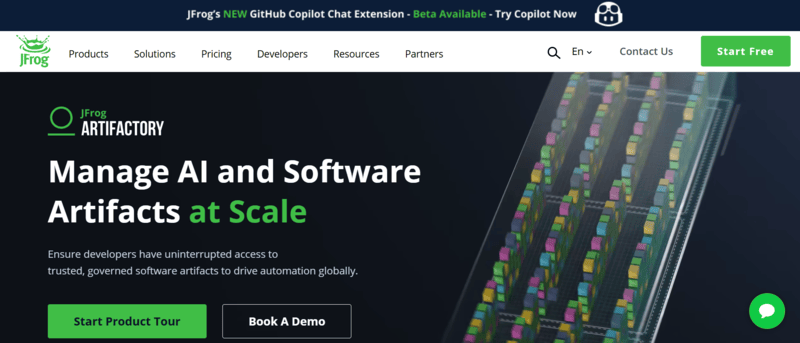
Below are the key features of the JFrog Artifactory DevOps automation tool:
- Universal Artifact Management - Centralizes management of artifacts, containers, and ML models for easy cross-environment access.
- Release Lifecycle Management - Automates software release from development to deployment.
- Security Essentials (Xray) - Scans and detects vulnerabilities in both open-source and proprietary software.
- Advanced Security - Includes software composition analysis (SCA), vulnerability scanning, and compliance monitoring.
- Device/IoT Management - Real-time management and updates for IoT devices in the software supply chain.
- MLOps Support - Manages ML models and integrates security/deployment pipelines for machine learning.
- Multi-cloud & Hybrid Cloud Support - Flexible hybrid cloud deployment and scalable edge nodes.
29. CloudRepo
CloudRepo is a cloud-based repository management platform for securely managing and distributing private Maven and Python repositories, offering fast setup, scalability, and integration with CI tools to automate build and deployment processes.
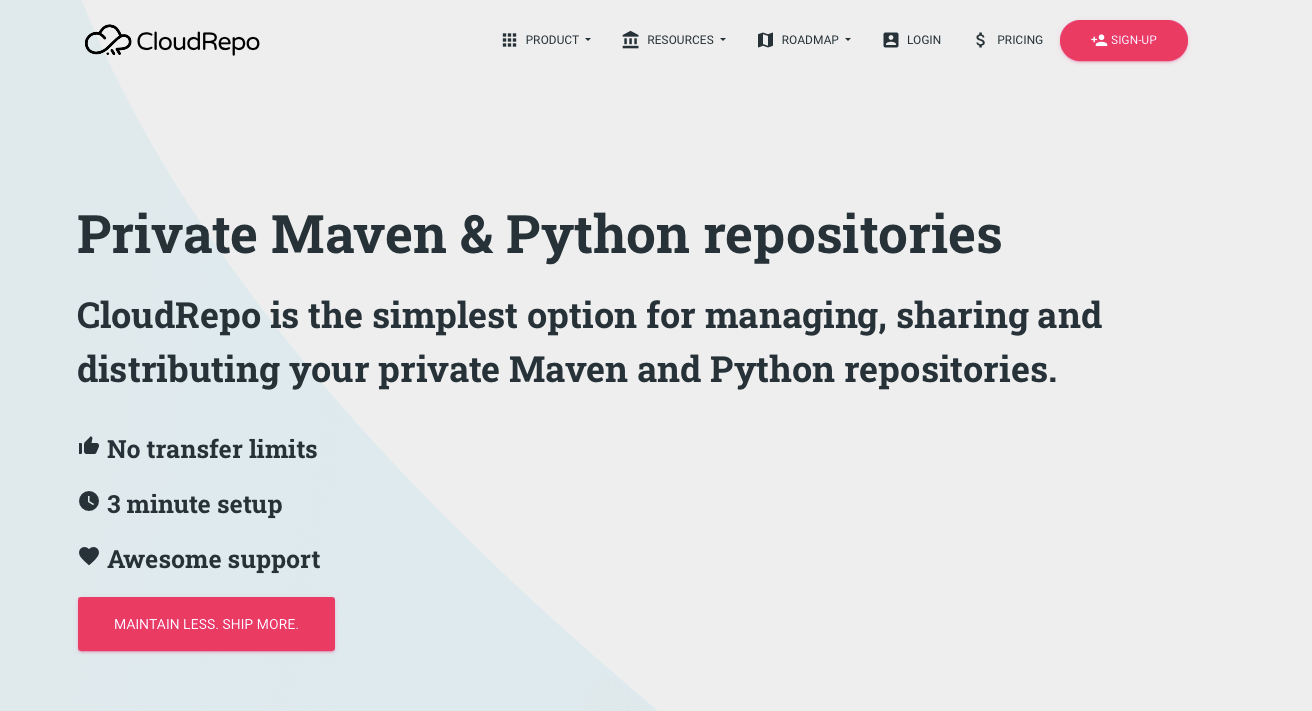
Below are the key features of the CloudRepo DevOps automation tool:
- Public Repositories - Share software publicly without restrictions, making it accessible to anyone.
- Private Repositories - Share with your team or selected customers, with access control for security.
- Proxy Repositories - Proxy remote repositories and download dependencies from external sources.
- Snapshot Repositories - Keep snapshot versions separate from stable releases for better organization.
- Release Repositories - Manage multiple repositories to properly partition your artifacts.
- Software Distribution - Control and restrict distribution access to ensure secure sharing.
- Webhooks - Set up webhooks for notifications through various platforms like email, JSON, Slack, etc.
- User Management - Manage team member permissions with customized access levels.
30. Testim.io
Testim is a codeless AI tool that accelerates test creation, increases coverage, and improves app quality by eliminating flaky tests. It integrates well with the most popular DevOps tools, such as Jira, GitHub, and more to simplify testing workflows.
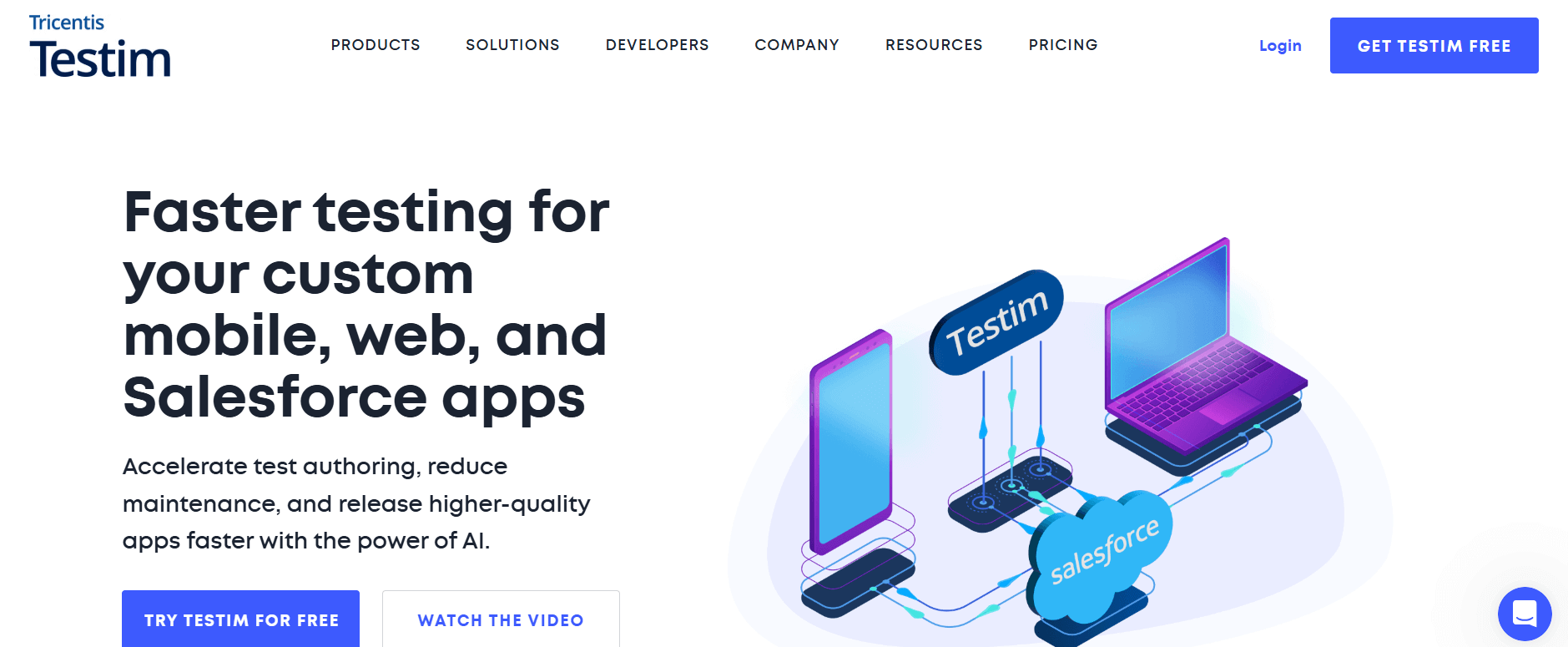
Below are the key features of the Testim DevOps automation tool:
- Code Flexibility - Customize tests with code for any challenge in your web app.
- Low-Code Authoring - Quickly create tests with modifiable UI flows, adding codeless validations and logic.
- Continuous Integration - Integrate directly with CI pipelines for consistent quality checks.
- TestOps Dashboard - Manage and prioritize testing activities, view changes, and track recurring failures.
31. Appvance
Appvance is an AI and ML-powered autonomous testing platform that performs end-to-end testing with self-healing scripts and AI-generated tests for comprehensive coverage. It supports functional, load, and performance testing, accelerating DevOps by integrating cleanly with CI/CD pipelines.
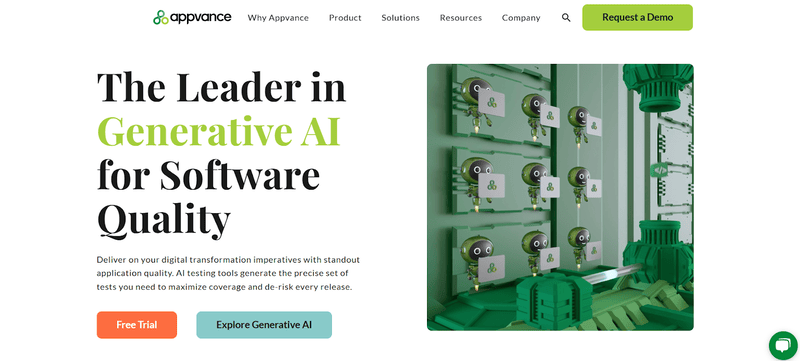
Below are the key features of the Appvance DevOps automation tool:
- Expert Support - Receive continuous, proactive assistance from Appvance's experienced team.
- Advanced Engineering - Access current platform functionality with every update.
- Fast Response - Get quick resolution for issues, anytime, day or night.
- Custom Training - Benefit from dynamic, tailored training programs.
- Top Partners - Collaborate with leading global system integrators.
- Comprehensive Platform - Use the most technically advanced, complete automation platform.

DevOps Automation Bonus Tools
Below are a few of the bonus DevOps automation tools:
Spacelift
Spacelift is a DevOps automation tool that speeds up infrastructure provisioning and CI/CD workflows. It integrates directly with IaC tools like Terraform, Pulumi, and CloudFormation. With a GitOps-native approach and automated workflows, Spacelift enhances multi-cloud deployments and offers transparency through version control system integration, making it ideal for efficient and scalable DevOps automation.
OpenTofu
OpenTofu is an open-source alternative to Terraform, ideal for DevOps automation. It retains Terraform's functionality while offering a more flexible, community-driven approach. As a drop-in replacement, it cleanly integrates into existing workflows, making it a solid choice for infrastructure as code (IaC) automation.
Travis CI
Travis CI is one of the most capable DevOps automation tools that tightens CI/CD workflows. Its direct GitHub integration and support for open-source projects make it ideal for automating testing and deployment. With Travis CI, teams can automate their development pipelines, improving speed and reliability.
AWS CloudFormation
AWS CloudFormation is a strong IaC tool for DevOps automation, enabling teams to define, provision, and manage AWS resources using templates. It automates infrastructure management, ensuring consistency and scalability, and accelerates deployments with minimal manual effort. CloudFormation enhances DevOps workflows by reducing errors and improving efficiency.
AWS CDK
AWS CDK simplifies DevOps automation by allowing developers to define infrastructure using programming languages, offering more flexibility than CloudFormation. It integrates directly with AWS CloudFormation, automating provisioning and enhancing efficiency in cloud infrastructure management. CDK's imperative approach improves DevOps workflows, enabling faster and more dynamic infrastructure deployment.
Azure Resource Manager
Azure Resource Manager (ARM) simplifies DevOps automation by enabling infrastructure definition and deployment with ARM templates. It ensures repeatable and predictable deployments, making it ideal for automating resource management in Azure. With integration across Azure PowerShell, REST API, and the portal, ARM simplifies cloud infrastructure automation in DevOps pipelines.
Google Cloud Deployment
Google Cloud Deployment Manager automates the creation and management of Google Cloud resources through infrastructure-as-code. It simplifies deployments by using configuration files, making it ideal for DevOps automation and ensuring repeatable, consistent setups across environments. This tool speeds up the management of complex cloud environments in a DevOps workflow.
Spinnaker
Spinnaker is an open-source multi-cloud continuous delivery platform that automates software deployment and release processes. It supports infrastructure and application updates across on-premises, cloud, and hybrid environments, making it ideal for DevOps automation. With its integration of tools like Terraform, Spinnaker tightens deployments, enhancing efficiency in managing both software and infrastructure changes in a unified DevOps pipeline.
Nomad
Nomad is an open-source workload orchestrator ideal for DevOps automation, enabling the smooth deployment and management of both containerized and non-containerized applications. It provides flexibility and scalability, making it perfect for automating workflows across on-premises and cloud environments. It simplifies infrastructure management, ensuring efficient operations at scale.
Red Hat Openshift
Red Hat OpenShift is a comprehensive Kubernetes platform that automates container orchestration for DevOps teams, supporting hybrid and multi-cloud deployments. It integrates essential tools like Tekton, Prometheus, and Grafana, offering a unified environment to manage and scale applications efficiently. Ideal for DevOps automation, OpenShift simplifies containerized application deployment and operations across diverse infrastructures.
Packer
Packer, developed by HashiCorp, automates the creation of machine and container images across multiple platforms from a single configuration. By adopting an "Images as Code" approach, Packer simplifies and standardizes image building, making it an excellent tool for DevOps automation. It ensures consistency and efficiency in deploying infrastructure by automating image creation for various environments.
Vagrant
Vagrant simplifies the process of building and managing virtual machine environments across multiple infrastructure providers like VirtualBox, VMware, and AWS. It speeds up the creation of reproducible and portable development environments, making it ideal for DevOps automation.
Nagios
Nagios is a comprehensive monitoring tool for IT infrastructure, enabling real-time tracking of servers, switches, applications, and services. It automates alerting when thresholds are reached, helping administrators maintain system health across on-premise and cloud environments.
Tekton
Tekton is a Kubernetes-native framework designed for building CI/CD pipelines in a Kubernetes environment. Its deep integration with Kubernetes makes it an excellent choice for teams looking to automate continuous integration and delivery processes.
Raygun
Raygun offers capable application performance monitoring (APM) and error-tracking capabilities, providing real-time insights into performance issues. It helps teams trace errors to specific lines of code, speeding up the debugging process and improving overall development efficiency.
How to Select the Right DevOps Automation Tool?
Choose DevOps tools based on alignment with needs, ease of use, integration capabilities, scalability, security features, cost, and community support.
Every organization faces distinct issues, and DevOps tools must be chosen based on their needs. When choosing tools, we recommend you think about automated testing, provisioning, deployment, and monitoring options. Look for products that fit your technology stack and work flawlessly with your current systems.
When selecting DevOps automation tools, you may wish to consider the key factors:
- Alignment with Needs - The tool should meet the organization's specific needs and challenges. This is a practical approach, as selecting a tool that addresses your team's pain points directly ensures better efficiency.
- Ease of Use - Ease of use is an essential factor for adoption by development teams. Tools that are intuitive and require minimal training will drive productivity, which is correct.
- Integration - The importance of direct integration with existing tools (e.g., IDEs, project management systems) is critical for maintaining a smooth workflow, and this is a key consideration when choosing DevOps tools. The need for compatibility with your current systems is accurately highlighted.
- Scalability - As organizations grow, their tools must scale accordingly to accommodate more complex and larger workloads. This point is valid as scalability ensures long-term use without having to frequently replace tools.
- Security - The mention of regulatory compliance and security checks is correct, especially in sectors where data privacy and protection are paramount. Security features embedded within DevOps tools are crucial to safeguarding both data and systems.
- Cost - Cost considerations go beyond license fees and should include maintenance, support, and scalability costs. This is an important and accurate factor to include when evaluating DevOps tools.
- Community and Support - An active community and available support resources are indeed important. They help in troubleshooting, learning best practices, and keeping up with updates, which is rightly mentioned.
Conclusion
As organizations strive to enhance their development and operational capabilities, the right DevOps automation tools can make all the difference. Embarking on your DevOps journey requires choosing the tools to boost productivity and promote teamwork while ensuring smooth software delivery is of paramount importance.
The featured top DevOps tools in this blog only scratch the surface of the array accessible to teams nowadays. Because the tooling keeps changing, trying new tools regularly is how you find the mix that best fits your teams.
By using the automation tools available including emerging innovations powered by AI in DevOps you can simplify workflows and overcome obstacles to propel your projects towards success in a challenging landscape. One must take advantage of the benefits these tools offer and witness the growth of your DevOps efforts in the year 2025 and beyond.
Additionally, explore how DevOps AI tools can enhance efficiency and drive smarter, faster decision-making in your workflows.
Author

Chandrika Deb
Blogs: 13


Chandrika Deb is a Community Contributor with over 4 years of experience in DevOps, JUnit, and application testing frameworks. She built a Face Mask Detection System using OpenCV and Keras/TensorFlow, applying deep learning and computer vision to detect masks in static images and real-time video streams. The project has earned over 1.6k stars on GitHub. With 2,000+ followers on GitHub and more than 9,000 on Twitter, she actively engages with the developer communities. She has completed B.Tech in Computer Science from BIT Mesra.
Reviewer

Anmol Gupta
Reviewer
Anmol Gupta is Vice President of Product Management at TestMu AI (formerly LambdaTest), driving HyperExecute, the test orchestration cloud that runs and accelerates automated test execution. He led the development of the Unified Test Execution Cloud Platform and now leads a 30-member cross-functional product organization across product lines contributing $7M+ in revenue. He brings over nine years of experience and previously co-founded the SaaS company Timble as CTO, where he grew the team from 5 to 40 and launched an AI KYC platform that processed 600K+ applications in five months while cutting verification time from 12 minutes to under 30 seconds. Anmol holds an MTech and BTech from IIT Delhi.


DevOps Automation Tools FAQs
Did you find this page helpful?
More Related Blogs
TestMu AI forEnterprise
Get access to solutions built on Enterprise
grade security, privacy, & compliance
- Advanced access controls
- Advanced data retention rules
- Advanced Local Testing
- Premium Support options
- Early access to beta features
- Private Slack Channel
- Unlimited Manual Accessibility DevTools Tests