

Next-Gen App & Browser Testing Cloud
Trusted by 2 Mn+ QAs & Devs to accelerate their release cycles


Best Usability Testing Tools For Building UX Strategy In 2026
Best usability testing tools help in UX optimization that win the heart of users. Here's a compiled list of best usability testing tools which will help you optimize the user experience.

Tanay Kumar Deo
February 11, 2026
Usability testing is an essential aspect of building user-centric products or services. It involves evaluating the functionality of a website, app, or digital product by observing real users as they perform tasks, aiming to improve user satisfaction and interaction. In other words, usability testing ensures that complex systems or products are user-friendly and easy to use.
Choosing the right usability testing tools can simplify testing and save time and resources. Each tool has unique features, prices, and usability test methods. Choosing the right usability testing tool for your needs can be tricky for beginners, especially if you need to become more familiar with them.
To make it easier, we have curated a list of the best usability testing tools for an effective UX strategy. Keep reading to learn about them.
Note: The following list of best usability testing tools isn’t in any particular order, and its hierarchy does not reflect priority or value in any way, shape, or form.
What Is Usability Testing?
Usability testing is a software testing method performed to evaluate the user-friendliness of a website or application. This approach employs real users to assess the intuitiveness and ease of use, measuring how effortlessly individuals can complete tasks and achieve their goals within the interface.
A usability testing tool is a software application designed to streamline the process of monitoring, analyzing, and moderating real user behavior within an application. A usability testing tool has features that make it easier to observe user behavior, gather quantitative and qualitative information, and provide valuable insights to improve the user experience. Some tools also give you access to a trained user base that can test software and sites for usability.
Why Do We Perform Usability Testing?
Forbes Research shows that, on average, every 1 dollar invested in improving UX brings 100 dollars in return. That’s a whopping ROI of 9,900 percent. These statistics highlight the immense value that usability testing can bring. Along with this, Usability testing brings a lot of other advantages:
- Identifying User Pain Points
- Enhancing User Satisfaction
- Increasing Product Adoption
- Building Trust and Credibility
- Gaining Competitive Advantage
How Do Usability Testing Tools Simplify Testing?
Usability testing plays a crucial role in the development life cycle of any product or service. It involves evaluating a product by testing it with real users to gather insights on how well it meets their needs and expectations. By incorporating usability testing into the software development life cycle, teams can streamline the testing process and ensure the final product is user-friendly and effective. Here’s how usability testing simplifies testing:
- Task Automation: Repetitive tasks like recruiting participants, scheduling tests, and sending instructions can be automated by usability testing tools, freeing up your time for analysis and interpretation.
- Remote Testing Capabilities: Geographic barriers are no longer an obstacle. Usability testing tools enable remote testing that allows you to collect analytics from users worldwide for testing, expanding your reach and gathering diverse perspectives.
- User Recruitment: Building a pool of testers that represents your target audience is crucial. Usability testing tools offer features like targeted recruitment panels and screener creation based on demographic and geographic requirements to ensure you get the right users for your test.
- Data Collection and Analysis: Gone are manually shifting notes and recordings. Modern Usability testing tools automatically capture user interactions, including clicks, scrolls, and facial expressions, and provide built-in analysis features to identify trends and patterns.
- Session Recording: Usability testing tools allow you to visualize the user journey through session recordings. Session recordings let you observe users interacting with your product, providing invaluable insights into their behavior and thought processes.
- Reporting and Visualization: With usability testing tools, you can translate complex data into clear, actionable insights. These tools offer intuitive reporting dashboards and visualization tools to showcase test results effectively to stakeholders and guide decision-making.
- Real-time Feedback: Usability testing tools allow you to get instant feedback as users navigate your product. The live observation features allow you to see and hear user reactions in real time, enabling immediate adjustments to the testing scenario if needed.
- Collaboration Features: Usability testing tools allow you to share results and insights seamlessly with your team. Collaboration features like shared workspaces and annotated recordings ensure everyone is on the same page and can contribute effectively.
In addition to the methods mentioned for simplifying usability testing, you can also leverage AI to enhance your testing process.
KaneAI is a GenAI native test assistant that simplifies test automation by allowing users to create, manage, and debug test cases using natural language. It reduces complexity, accelerates test creation, and enhances efficiency.

Top 16 Usability Testing Tools
Usability testing is a crucial step in ensuring that your product meets the needs and expectations of your users. By gathering insights into how users interact with your design, you can identify areas for improvement and enhance the overall user experience. Various usability testing tools offer features such as remote testing, heatmaps, and user feedback collection to facilitate this process. Below are 16 tools renowned for their effectiveness in streamlining usability testing processes.
1. Crazy Egg
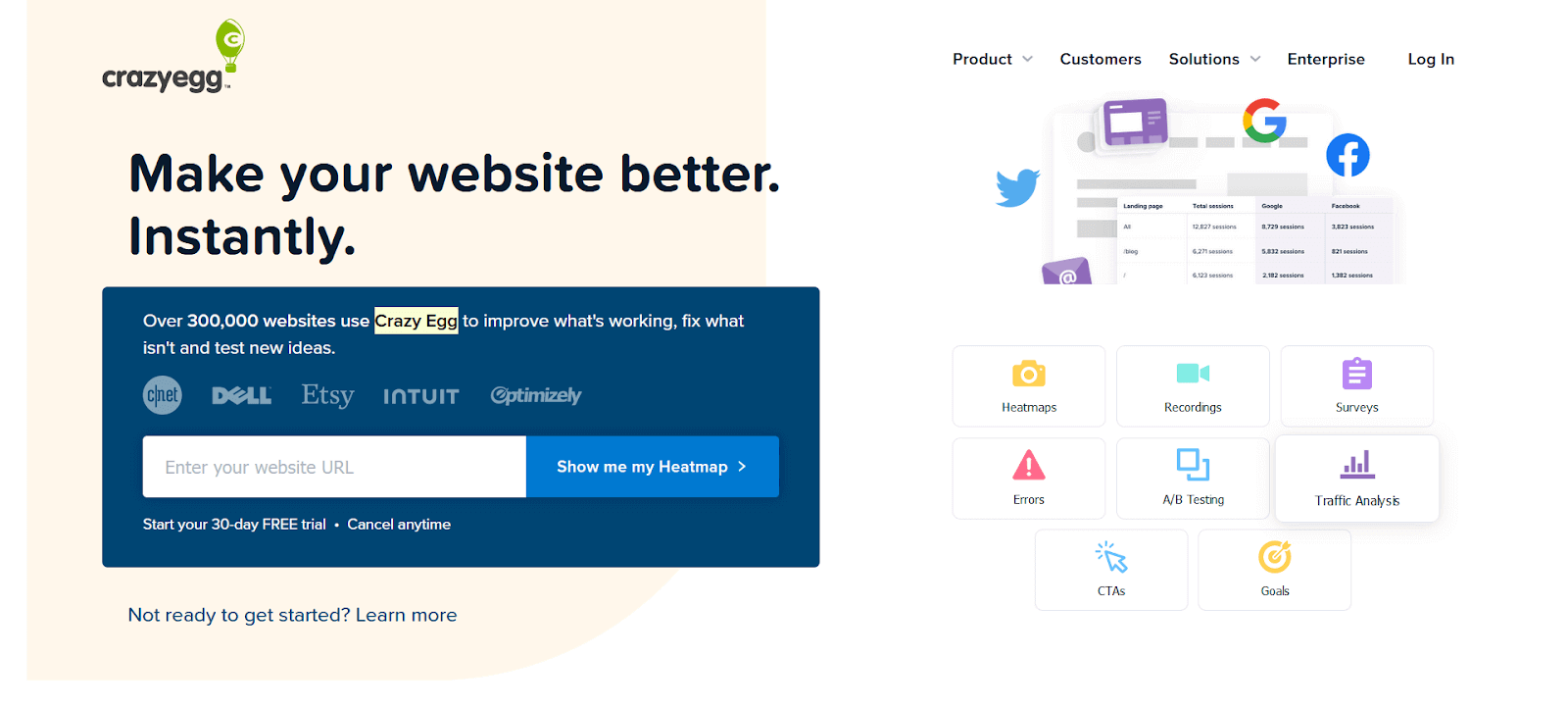
Crazy Egg is an online usability testing tool that monitors individual pages from a website. Through heat maps, it provides a detailed analysis of the components clicked by diverse visitors. Aside from basic analytics, it can also reveal insights like the most frequented pages, where visitors come from, and whether specific calls to action are effective.
Key features of Crazy Egg are:
- Heat Maps: Visualize where visitors click on your pages, which helps you understand what grabs their attention.
- Analytics: Get insights on frequently visited pages and track where your visitors are coming from.
- User Recordings: Dive deep into individual journeys through your site, uncovering how users interact and where they might hit a roadblock.
- A/B Testing: Experiment and compare different versions of your pages to see what resonates best with your audience.
- Easy Integration: Incorporating Crazy Egg with your website is straightforward. You just need to insert a small code snippet (script tag) into the HTML of the desired page for monitoring.
2. Maze
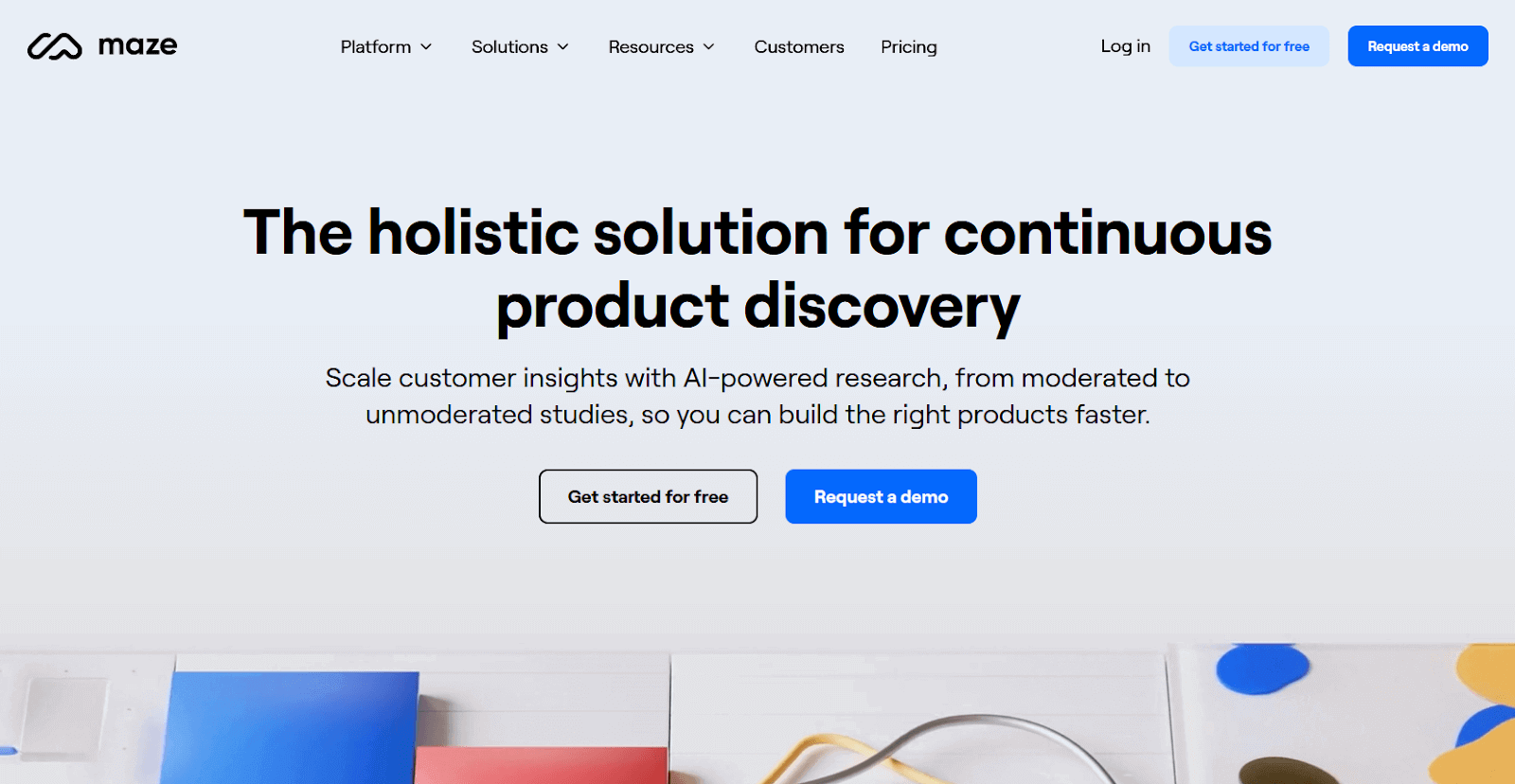
Maze is a powerful continuous product discovery platform considered one of the best usability testing tools. It allows testers to collect and analyze the actual user insights during usability testing. It is one of the ideal tools for usability testing at every stage of the software testing life cycle. Moreover, Maze extends its support beyond the product’s launch, offering valuable assistance in post-launch optimization, user experience refinement, and ongoing enhancement initiatives.
Key features of Maze are:
- Easy Integration: It can integrate smoothly with popular design tools like Figma, Adobe XD, Sketch, and InVision. You can import your designs and see how they perform for users.
- Remote User Testing: It allows usability tests to be performed remotely with participants worldwide. This eliminates geographical constraints, offering convenience in collecting feedback from a broad and diverse user base.
- Metrics and Insights: It provides detailed analytics on user sessions through metrics like direct success rate, indirect success rate, bounce rate, average duration, click rate, etc.
- Heatmap: It provides heatmaps for each screen showing user click behavior.
3. LookBack
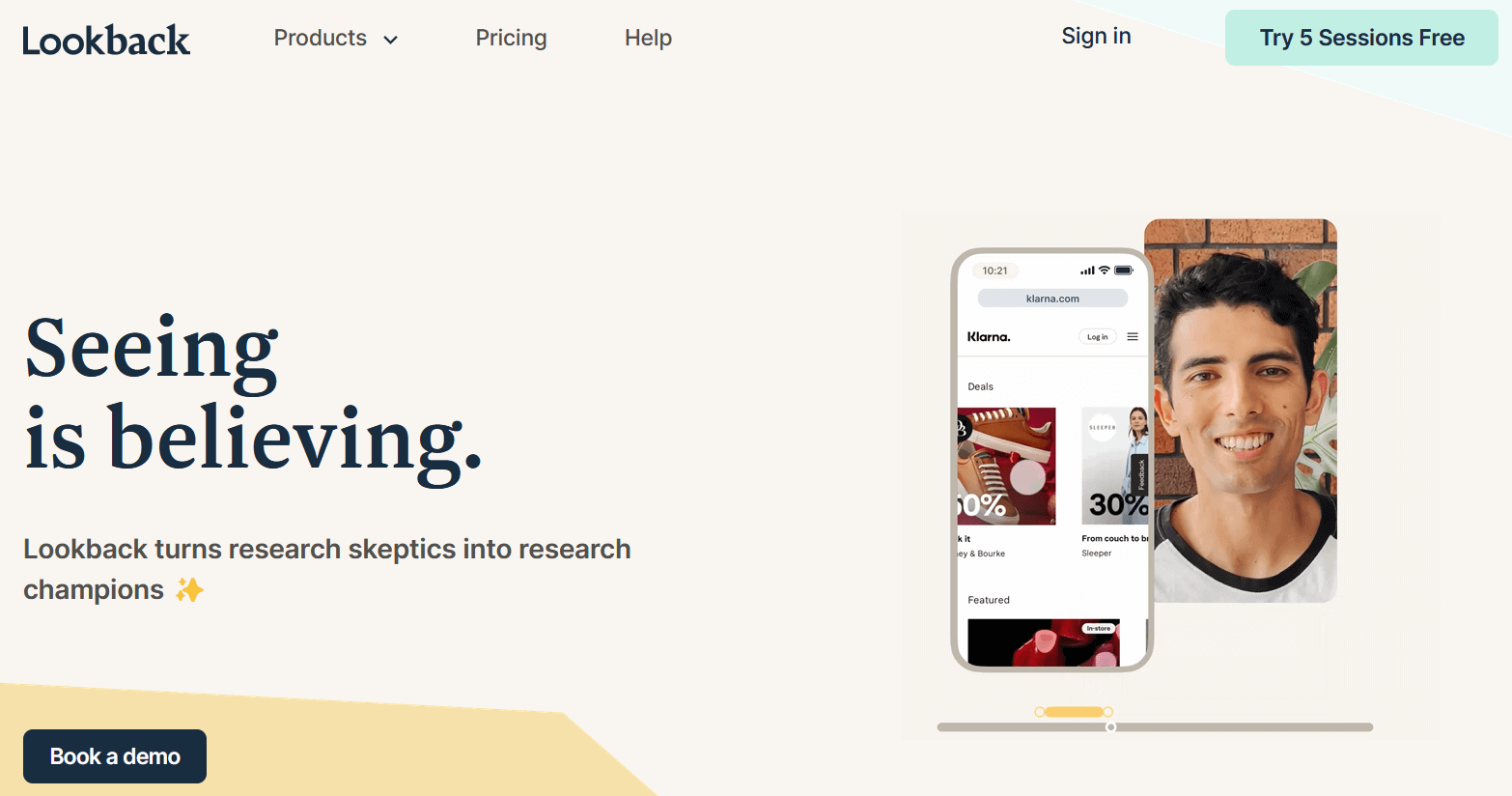
Lookback is a UX (user experience) screen recording tool for product managers and testers who want to see and analyze user interaction patterns on their software products. Lookback allows testers to analyze the users’ interaction by catching their reactions in real-time in the form of a recording it can be gestures, comments, moments of confusion, or any other observable behaviors that provide insights into the user experience.
Key features of LookBack are:
- Team Collaboration: Invite your product team to watch and analyze test reports, tag colleagues in an internal hub, and drop comments – all without messing up the user’s experience.
- Remote Testing: It lets you test with users from anywhere globally. No need to worry about location – gather insights from a diverse range of users hassle-free.
4. Optimal Workshop
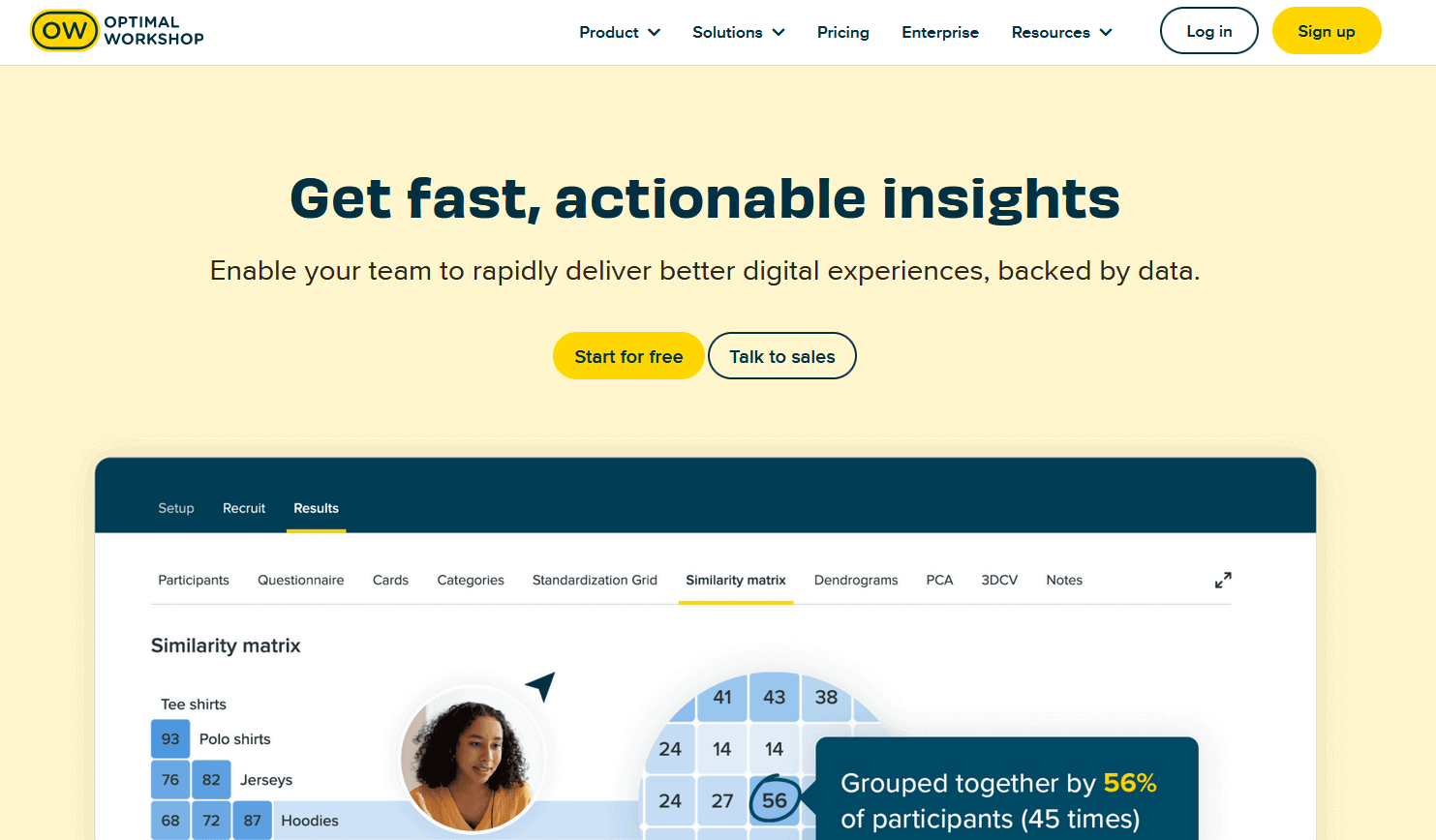
Optimal Workshop is a key usability testing tool that offers functionality restricted to task requirements and moderated sessions. The usability testing team can use Optimal Workshop to examine IA (information architecture) and design tasks for participants to complete. Optimal Workshop offers user research tools like Chalkmark, OptimalSort, and Treejack. These tools enable testers to conduct click testing, card sorting exercises, and tree testing.
Key features of Optimal Workshop are:
- Collect User Interaction Data: It allows testers to collect data on user interaction, user perception, user navigation, and information hierarchy.
- Easy Integration: It allows testers to import interactive prototypes from prototyping tools by integrating with modern prototyping and designing tools, such as Figma and Sketch.
- Prototype Testing: It allows testers to conduct tests on a fully functional prototype design, simulating user interactions and behavior and providing proper feedback on the user experience of the prototype.
5. Lyssna (Previously UsabilityHub)
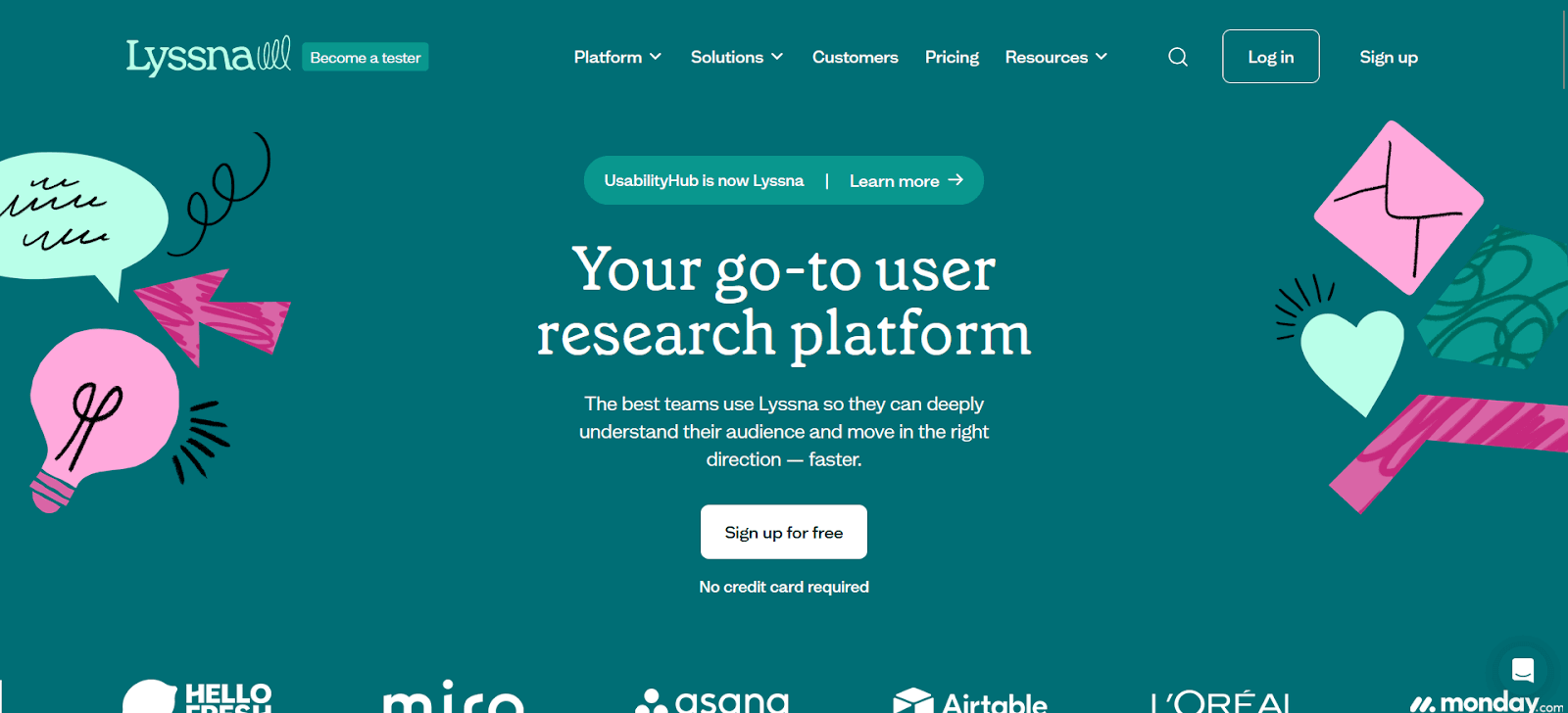
Lyssna, previously known as UsabilityHub, is a user research platform allowing testing teams to run various usability tests and find usability issues. Lyssna is best known for its range of preference tests, first-click tests, five-second tests, and design surveys. Lyssna offers a built-in participants platform with over 170,000+ real testers available on-demand for feedback, testing, and surveys at a pay-per-answer price. It also allows you to invite existing users to participate in the test.
Key features of Lyssna are:
- Comparative Prototype Testing: It allows organizations to provide test participants with different prototypes to compare and ask them to select their choices. This helps testers understand user perceptions and preferences to inform design decisions.
- Navigation Testing: It offers navigation testing to assess the usability and intuitiveness of website navigation. In this test, participants are assigned tasks to accomplish, providing testers with valuable insights related to navigation across various sections and the overall user flow.
- Feedback on User Experience: Its preference testing feature allows testers to gather and compare feedback on multiple design prototypes.
6. Loop 11
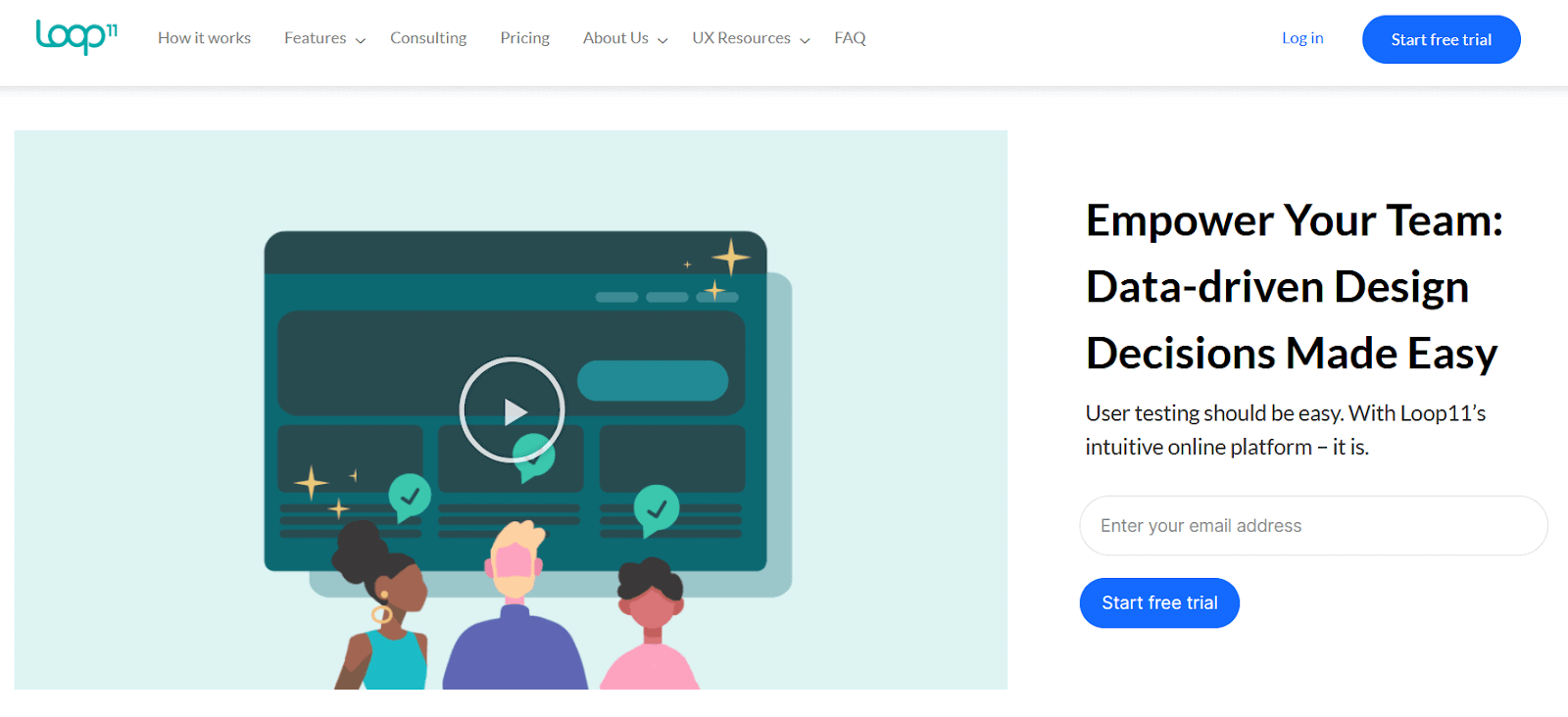
Loop 11 is a popular online usability testing tool that allows testers to run website usability testing, prototype testing, and A/B testing. The best part of Loop 11 is that it uses the power of GPT-4 to generate AI-powered summaries, test reports, and audio transcripts. This increases the overall analytics process for the usability testing.
Key features of Loop 11 are:
- Integrated Tasks and Questions: The testing team can combine tasks and questions for users in the tests using Loop11, allowing them to collect both qualitative and quantitative data simultaneously.
- Recording Feature: It provides recording features, such as screen, video, and audio recordings, making it one of the best choices for unmoderated usability testing.
- Large Pool of Test Participants: It offers a large pool of test participants to simplify the recruitment process and ensure diverse user feedback.
7. Userfeel
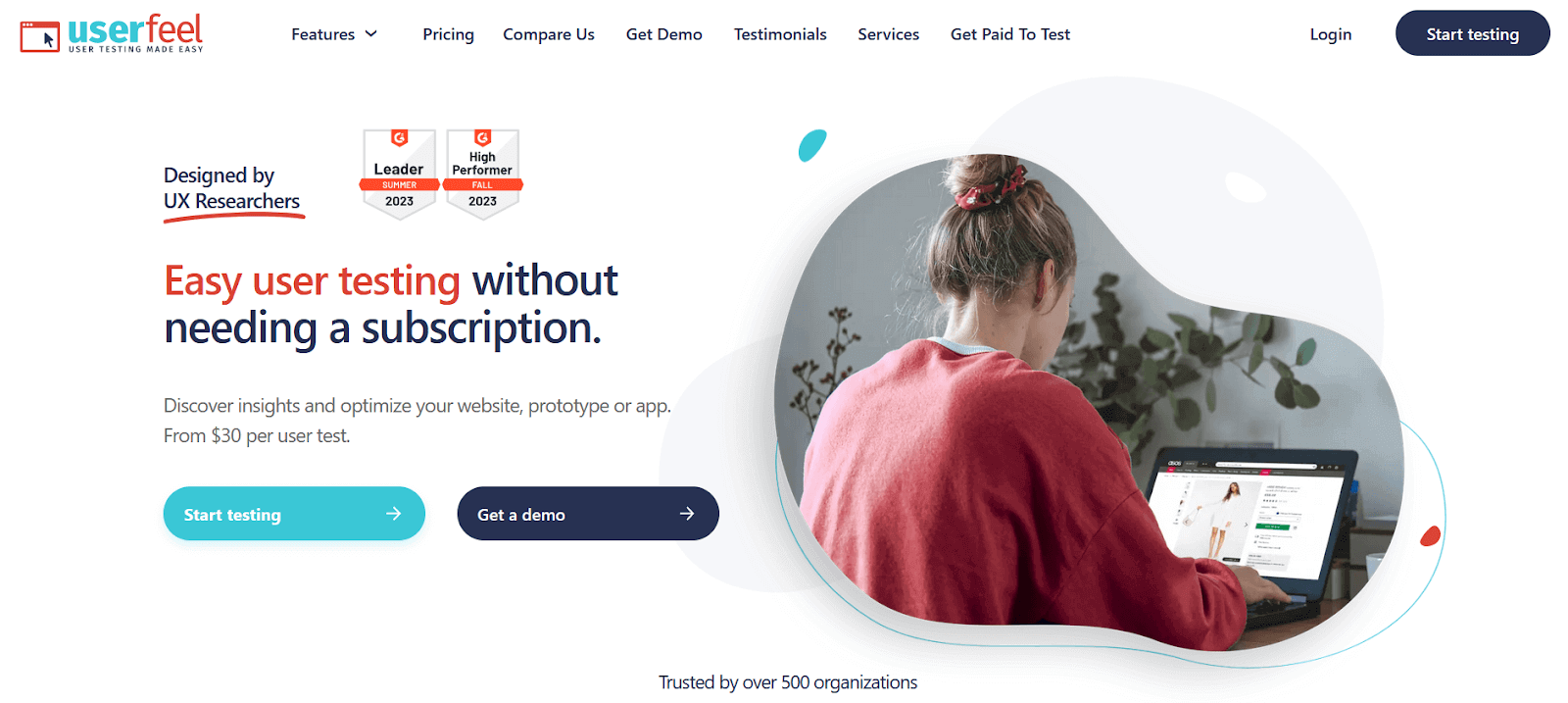
Userfeel stands out among usability testing tools for its flexibility, offering a pay-as-you-go model instead of requiring a monthly subscription. This unique approach caters to those who may not engage in regular usability testing. The platform allows testers to meticulously record and observe participants’ interactions and behaviors within the application. This in-depth analysis equips testers with valuable insights into user behavior, facilitating the identification of areas for improvement in the user experience.
Key features of Userfeel are:
- Create Tasks for Participants: It allows usability testers to generate particular tasks for participants to finish during the testing session. These tasks can help evaluate the effectiveness and usability of primary features, user journeys, or workflows.
- Gain User Feedback and Insights: Testers can also gather participants’ feedback on completion times, success rates, and difficulties encountered.
- Usability testing for mobile devices: This allows businesses to evaluate the user experience across multiple platforms. Testers can get insights about the application’s navigation, responsiveness, and overall usability across mobile devices.
8. Userlytics
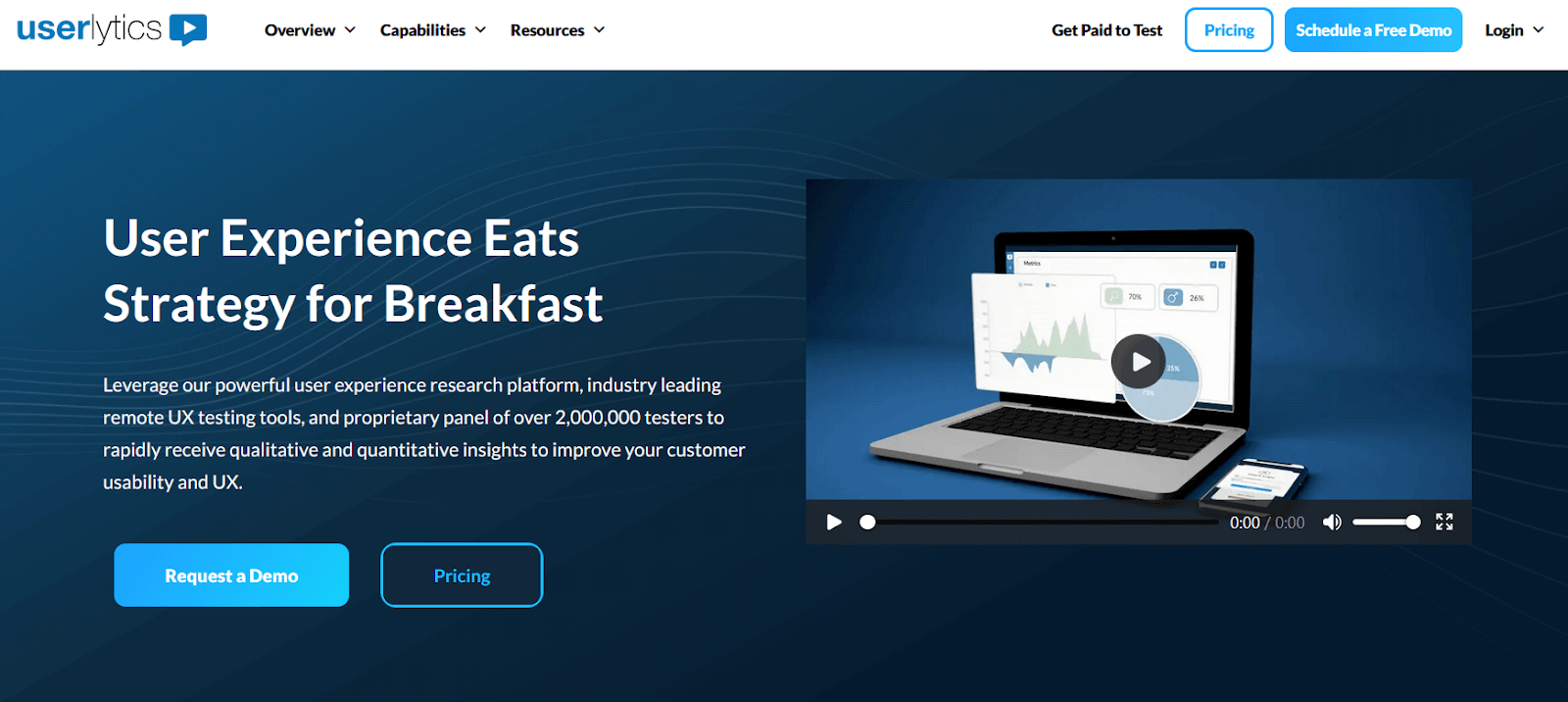
Userlytics, a versatile usability testing tool, provides a comprehensive range of testing options, including unmoderated and moderated testing. It encompasses prototype testing, surveys, and mobile and web usability testing. Additionally, Userlytics offers specialized methodologies like tree testing, which assesses the navigational structure of a website or application, and card sorting, a method for evaluating the organization and intuitiveness of information within a system. Collectively, these features contribute to a thorough evaluation of user experience and interface effectiveness. Userlytics has a large participant pool of over 2,000,000 testers to perform usability and UX testing and receive quantitative and qualitative insights.
Key features of Userlytics are:
- Detailed Test Analysis: It allows users to dig deep into test response data based on details about each participant in every study.
- Recording Feature: One of its kind, it is a platform that records audio, screen of the user’s device and facial expression from the webcam.
- More Control for User and Admin: Userlytics also permits an infinite number of annotations, users/admins, testers per session, highlight reels, and the number of concurrent studies.
9. Hotjar
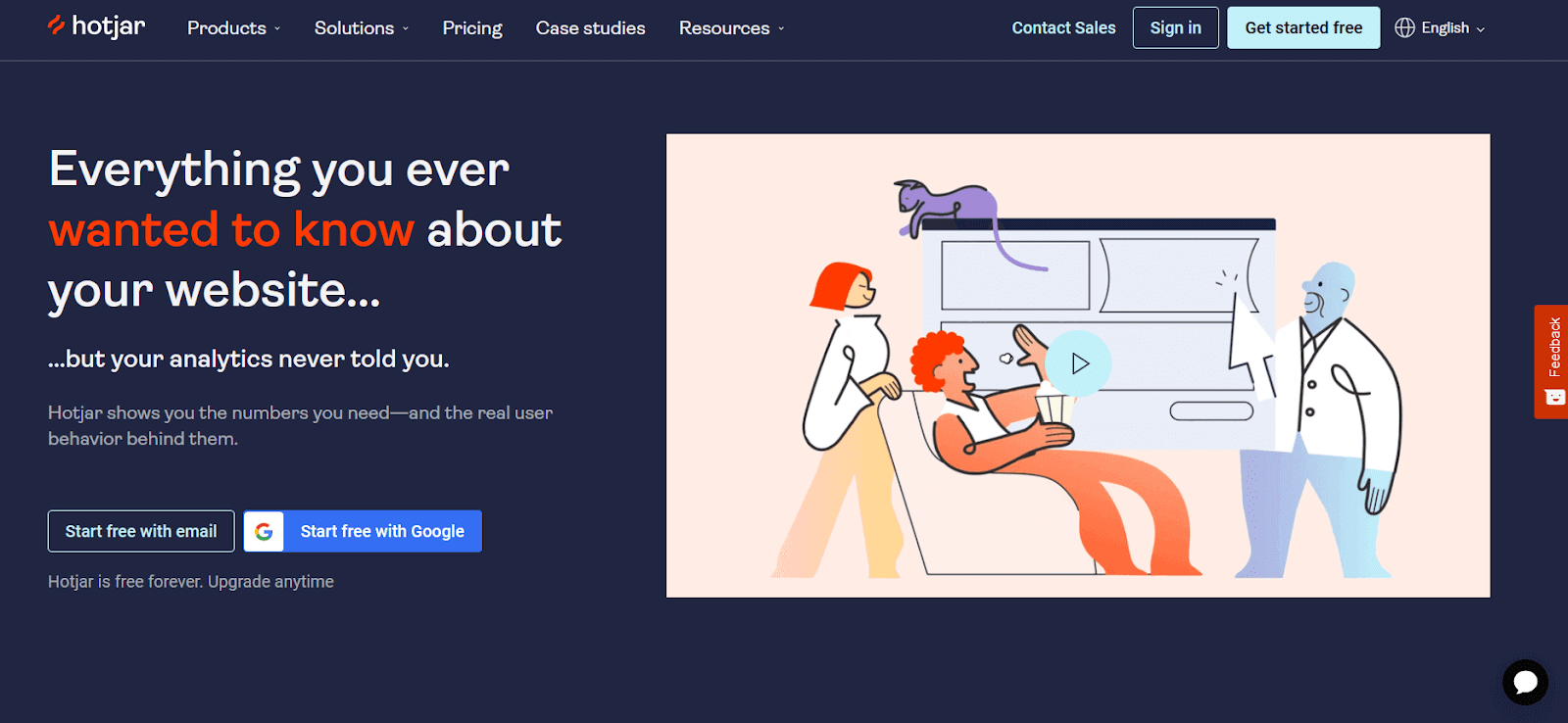
Hotjar helps usability testers improve user engagement and conversions by optimizing the user experience and making data-driven decisions. It includes heatmaps, session recordings, surveys, and analytics. It is one of the key usability testing tools that allows testers to optimize applications and websites for increased engagement, conversions, and overall user pleasure.
Key features of Hotjar are:
- Funnel analyzer function: This includes a funnel analysis function that allows testers to analyze user journeys and detect drop-off spots in a conversion funnel.
- Identify Bottlenecks: It helps testers identify potential friction points or bottlenecks in the user experience, allowing them to streamline the user flow and increase conversion rates.
- User Recruitment Panel: User recruitment services allow testers to recruit testers for usability testing. This allows organizations to tailor their tests for specific user demographics or personas, resulting in more precise insights and feedback.
10. UserTesting (merged with UserZoom)
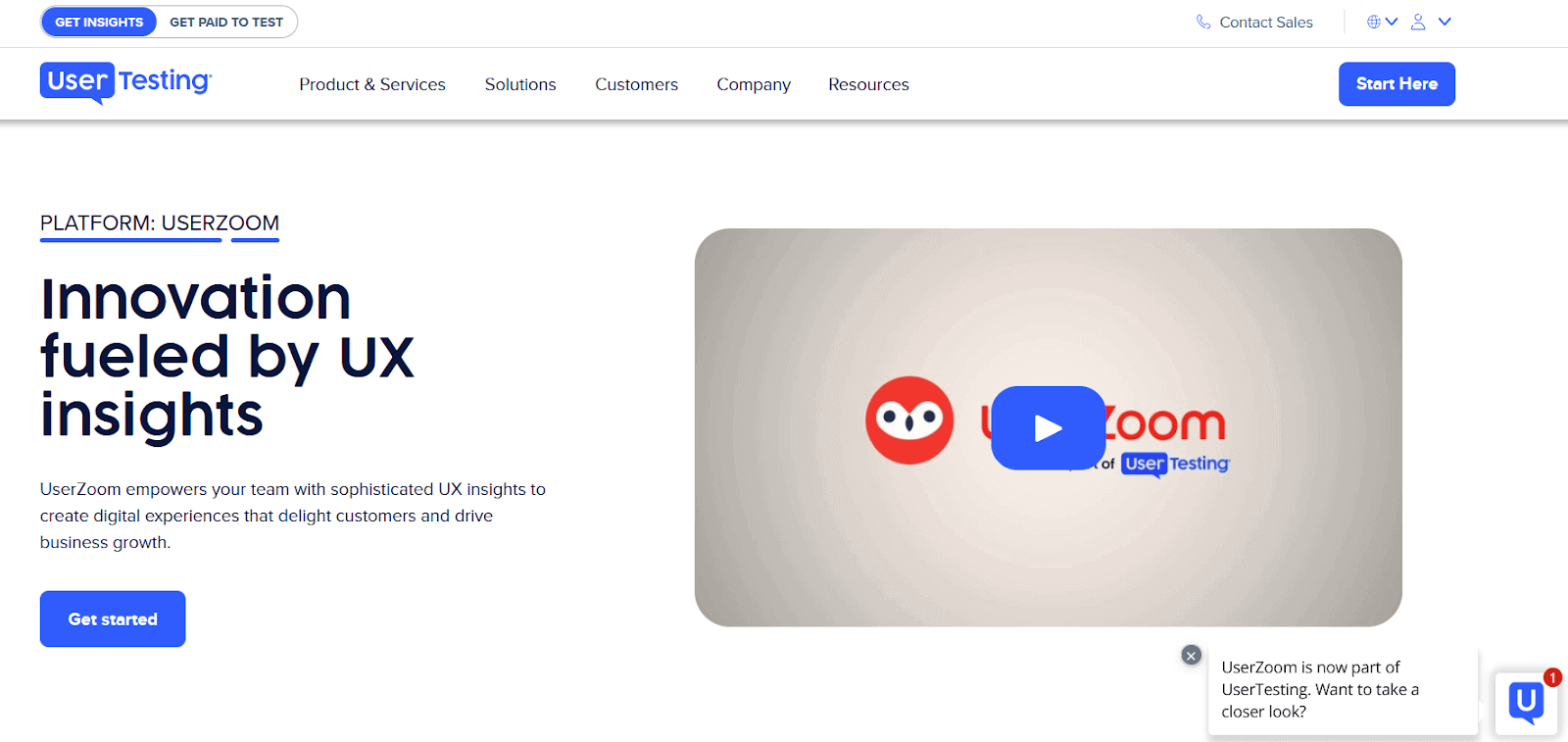
UserTesting is a versatile critical usability testing tool that helps businesses acquire invaluable insights by collecting real-time input from real users. It enables enterprises to study user behavior, discover usability issues, and optimize their digital experiences for optimum engagement and pleasure through its huge participant network and sophisticated platform. UserTesting is a leader in video-based human insights and was merged with UserZoom, a leader in UX insights, in April 2023. This merger now enables UserTesting to offer both unmoderated and moderated testing options.
Key features of UserTesting are:
- Customizable Test Scripts: It enables testers to design unique test scripts suited to their specific research objectives. This feature enables organizations to ask targeted questions, assign specific tasks, and solicit feedback on certain parts of the user experience.
- Advanced Metrics and Analytics: It offers complete metrics and analytics for assessing usability test outcomes. Testers have access to extensive reports, heatmaps, and click-tracking data.
- Video and Audio Recordings: It records video and audio footage of participants’ interactions with the product during usability assessments. This thorough recording function enables usability testers to see users’ behaviors, hear their thoughts, and obtain a better understanding.

Note: Fix bugs, inconsistencies, and usability issues with better testing infrastructure. Try TestMu AI Today!
11. Qualaroo
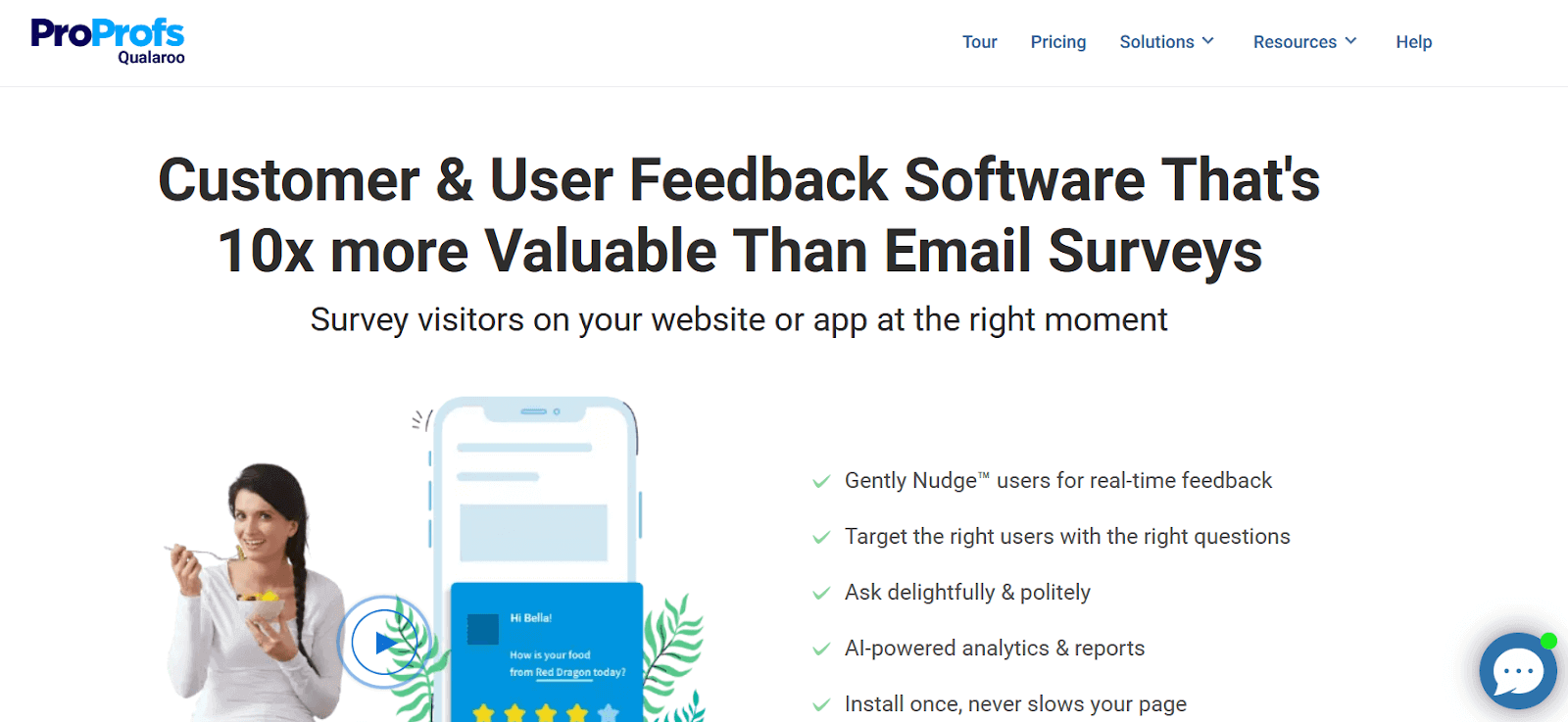
Qualaroo is an advanced research platform that empowers teams to gather valuable user insights efficiently. Prompting site visitors with surveys facilitates a real-time understanding of user behavior.
Key features of Qualaroo are:
- Engagement-Based Feedback: It allows users to request feedback based on audience engagement, ensuring insights are gathered at strategic points within the customer interaction.
- Targeted Surveying: It enables users to determine the participants’ demographics and geographics for surveys precisely, ensuring targeted and relevant feedback collection.
- Integration Capabilities: It can seamlessly integrate with popular tools such as HubSpot, Zapier, and Slack, enhancing workflow efficiency and data management and ensuring a cohesive user feedback ecosystem.
12. GetFeedback
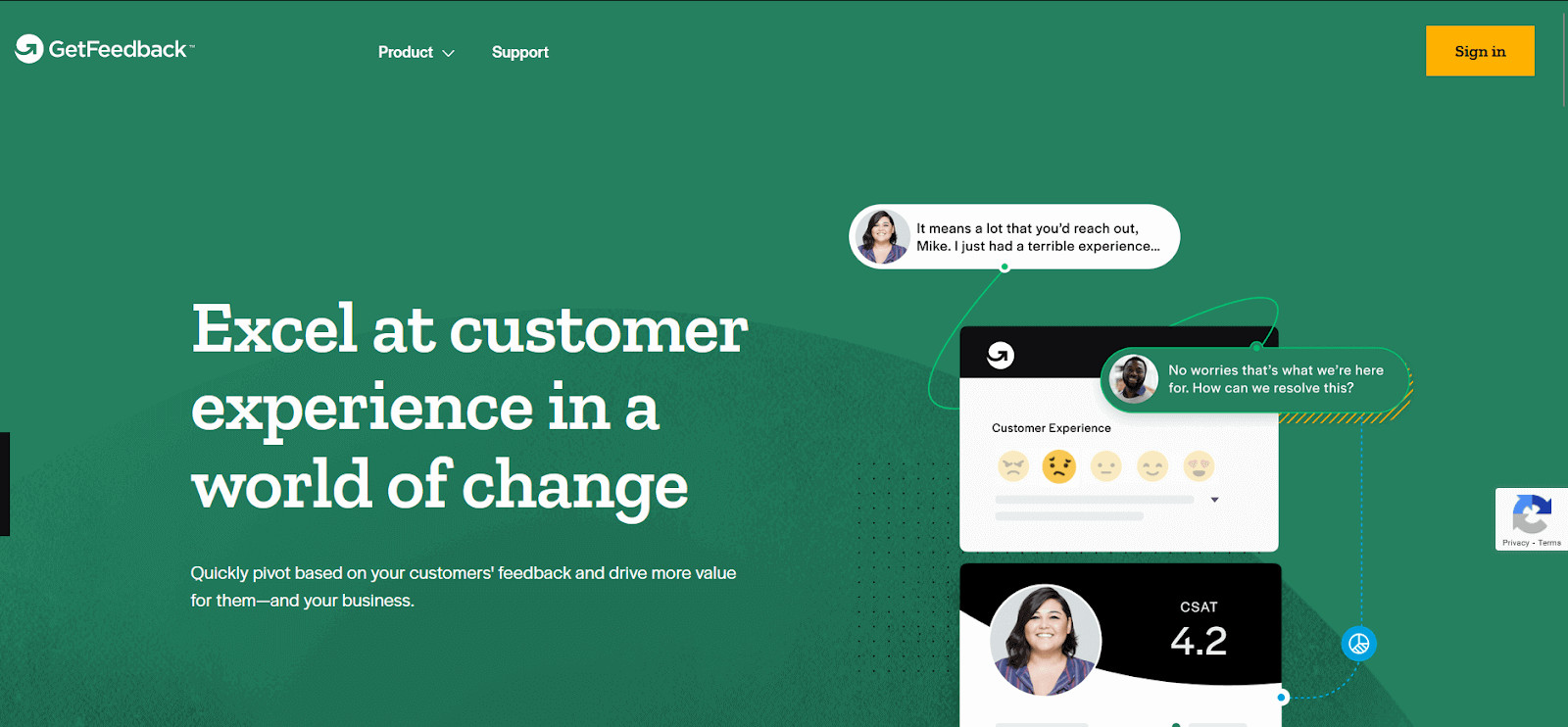
GetFeedback, previously known as Usabilla, is one of the key usability testing tools that allows organizations to collect in-app feedback through various surveys.
Key features of GetFeedback are:
- Easy Integration: It provides easy integration with the Salesforce database so organizations can improve their segmentation game.
- Easy Test Management: It improves test management for organizations.Organizations can hold all their users’ information, feedback, and survey answers in one place.
- In-app Feedback: It can be easily integrated with any website or software to collect in-app feedback through various surveys.
13. TryMata
Trymata (formerly TryMyUI) allows organizations to run usability tests remotely and gain user insights to build products that better cater to your business and users’ needs. It allows organizations to run live product analytics to test the user’s journey and conduct unmoderated usability tests. It also provides recording of tests so that testers can identify bottlenecks.
Key features of Trymata are:
- Usability Testing Anywhere, Anytime: Test prototypes, live websites, or mobile apps on any device at any stage for enhanced System Usability Scale (SUS) improvement.
- Pre-Screened Participant Panel: Trymata provides a pre-screened participant panel to streamline the user recruitment process, contributing to the effectiveness of the testing process.
- Brand Protection with NDAs: Create and upload custom Non-Disclosure Agreements (NDAs) to safeguard your brand from information leaks. Participants sign before testing.
- Effortless Collaboration: Utilize collaboration tools like highlight reels, multi-researcher invites, and video annotations for simplified remote team collaboration.
14. Userbrain
Userbrain is a usability testing tool that simplifies user research. It is primarily used for testing prototypes. The platform enables testers to seamlessly import prototypes from various design tools such as Figma, Sketch, AdobeXD, InVision, Axure, and Framer, facilitating comprehensive testing and evaluation processes. Userbrain allows testers to schedule recurrent tests and gives presentation-ready metrics reports. Organizations can pick users from a large pool of hand-picked quality-assured usability testers without additional recruitment costs. Organizations can also target their demographics, habits, preferences, and screening for prior experiences.
Key features of Userbrain are:
- Easy Setup in Minutes: It allows set up in minutes with pre-built templates & different task types ranging from multiple choice and rating scales to written responses
- Screen Recording: It allows testers to watch videos of users testing the product and easily identify usability issues. Tag these problems to gradually track and improve the product based on user experience insights.
- Collaborate With Team: It simplifies team collaboration. Team members can comment, assign tags, download videos, and CSV files, and easily share links with others.
15. UX Metrics
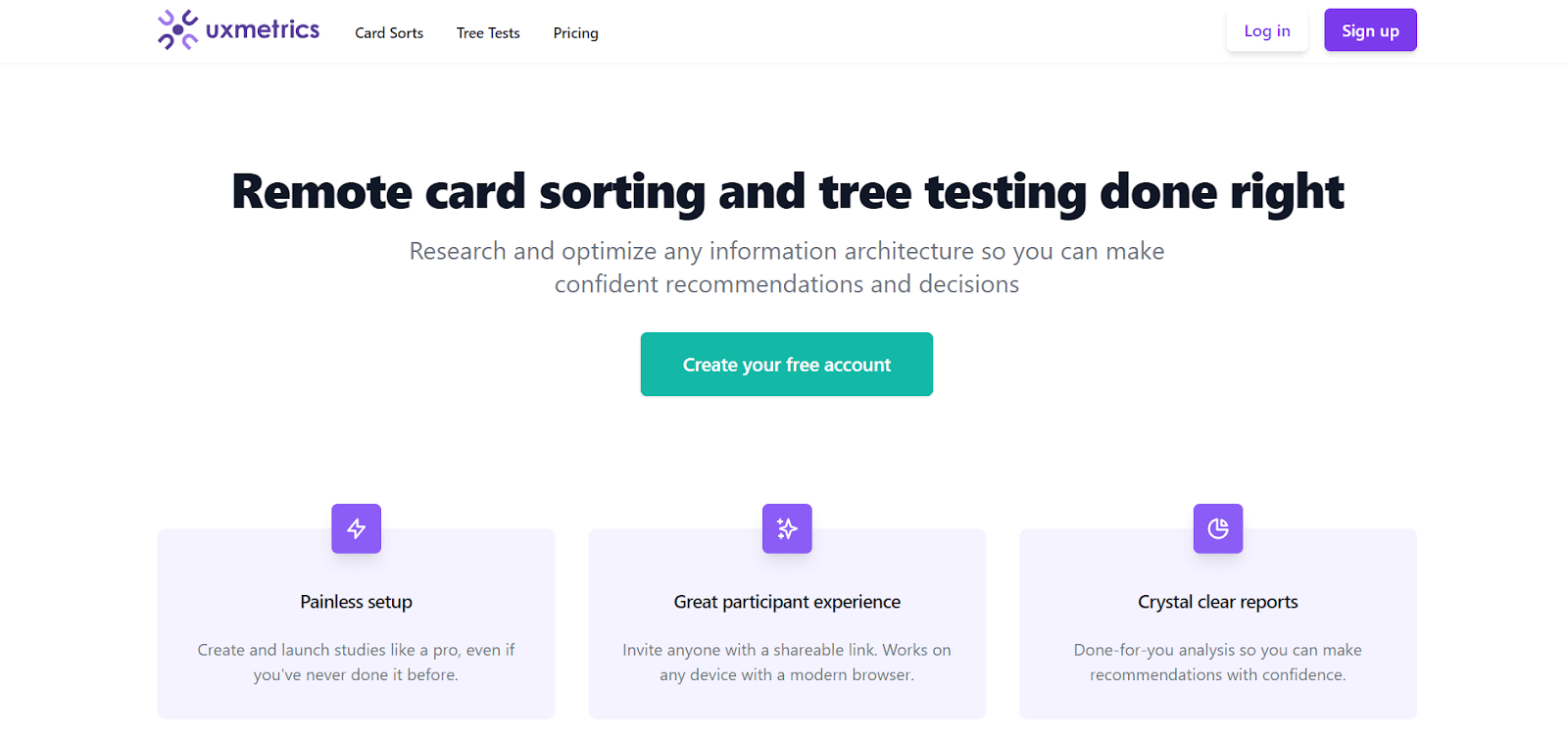
UX Metrics is your go-to platform for validating information architecture. Ideal for early website design, it allows remote card testing and tree testing with participants. While not a traditional usability testing tool, it’s widely utilized by product teams to validate website structure concepts effectively, eventually improving the website’s usability.
Key features of UX Metrics are:
- Painless Setup: It provides a user-friendly experience, allowing beginners and professionals to create and launch studies seamlessly, regardless of prior experience.
- Card Sorting: Card sorting entails writing key topics or content themes on physical or digital cards. Participants are then tasked with sorting these cards into groups that make sense to them. This helps organizations better structure their software architecture.
- Tree Testing: Tree tests determine whether users can find what they need in the website or software hierarchy. This helps organizations find the best hierarchy system for their products.
- Crystal Clear Reports: It provides detailed, clear, and easy-to-understand test reports.
16. User Interviews
User Interviews is both an app and a service that facilitates participant recruitment for usability testing. Organizations can efficiently conduct testing with access to its extensive pool of 2.4 million participants. Notably, charges are incurred only for completed sessions. The service is delivered through Research Hub, a dedicated digital tool. This platform allows you to seamlessly source, screen, schedule, incentivize, and manage participants. This streamlined process ensures the swift and easy organization of usability tests.
Key features of User Interviews are:
- Participant Scoring System: It has a participant scoring system that evaluates researcher feedback and past experiences to bring the best participants.
- Fraud Detection System: They have a strong fraud detection system that monitors for multiple key fraud indicators and removes such participants even before they apply to a study.
- Large Pool of Participants: A large base of 2.4 million participants is available for recruitment.
By leveraging a diverse the above mentioned tools and mainly the pool of qualified participants, organizations can gain valuable insights that directly inform product improvements. This user-centric approach not only enhances product quality but also significantly boosts customer satisfaction through improved user experiences. To know about User-Centric testing watch the follow video given below and get better insights.

100+ Free Online Tools From TestMu AI!
TestMu AI has developed an index of 100+ free online tools for developers and testers. From HTML, XML, and JSON formatters to robust data generators and hash calculators. TestMu AI’s free online tools are built to help engineering teams accelerate and be more productive with their daily activities.
Code Tidy
- JSON Prettify
- JSON Minify
- HTML Prettify
- HTML Minify
- JavaScript Minify
- CSS Minify
- CSS Prettify
- XML Minify
- XML Prettify
Data Format
- IDN Encode
- IDN Decode
- XML to JSON Converter
- JSON to XML Converter
- BCD to Decimal
- HEX to Decimal
- Decimal to BCD
- UTF8 Decode
- UTF8 Encode
- HEX to RGB Converter
- RGB to HEX Converter
- HTML to Markdown Converter
- Markdown to HTML Converter
- Decimal to Gray Code Converter
- Gray Code to Decimal
- URL Decode
- URL Encode
- Base64 Encode
- Base64 Decode
- Text to HTML Entities Converter
- HTML Entities to Text Converter
Random Data
- Random JSON Generator
- Random XML Generator
- Random CSV Generator
- Random YAML Generator
- Placeholder Image Generator
- Random Binary Generator
- Random Character Generator
- Random Color Generator
- Random Date Generator
- Random Decimal Fraction Generator
- Random Decimal Generator
- Random GUID Generator
- Random HEX Generator
- Random Octal Generator
- Random IP Generator
- Random MAC Generator
- Random Number Generator
- Random Paragraph Generator
- Random Password Generator
- Random Time Generator
- Random UUID Generator
- Random Sentence Generator
- Random String Generator
- Random Word Generator
- Random Data from RegEXP
- Test Data Generator
- Lorem Ipsum Generator
- Credit Card Number Generator
- QR Code Generator
- Random Byte Generator
Security Tools
- Hash Calculator
- Hash MAC Generator
- CRC32 Hash Calculator
- CRC32B Hash Calculator
- Ripe MD 128 Hash Calculator
- Ripe MD 160 Hash Calculator
- Ripe MD 256 Hash Calculator
- Ripe MD 320 Hash Calculator
- MD2 Hash Calculator
- MD4 Hash Calculator
- Adler32 Hash Calculator
- Gost Hash Calculator
- Whirlpool Hash Calculator
- MD5 Hash Calculator
- SHA1 Hash Calculator
- SHA256 Hash Calculator
- SHA384 Hash Calculator
- SHA512 Hash Calculator
Utils
- Find and Replace String
- HTML Escape
- HTML Unescape
- Difference Checker
- Shuffle Letters
- Shuffle Text Lines
- Sorting List
- Split Your String
- Text Lowercase
- Text Uppercase
- Text Repeater
- Text Rotator
- Character Count
- Word Count
- Lines Count
- Sentence Count
- URL Parse
- JSON Escape
- JSON Unescape
- Extract Text from HTML
- Extract Text from JSON
- Extract Text from XML
- Strip HTML
- JSON Validator
Factors to Consider While Choosing The Right Usability Testing Tool
When selecting usability testing tools, careful consideration of key factors is vital to ensure the success of your usability testing. From determining the right test methodology to assessing participant recruitment, reporting capabilities, integration options, cost, and support services – each element plays a crucial role. Let’s delve into these factors to guide you in making informed choices for seamless and effective usability testing.
- Test Methodology: Identify the usability testing method that aligns with your needs (e.g., remote, moderated, unmoderated, session recordings, or task-based testing). Assess whether the tool supports the desired testing methodologies to meet your objectives.
- User Recruitment: Evaluate the participant recruitment options provided by the tool. Check if the tool offers access to a diverse pool of participants and allows you to target specific audience segments for testing.
- Reporting and Analytics: Examine the reporting and analytics features to ensure they meet your analysis needs. Confirm whether the tool generates detailed and customizable reports, quantitative metrics, and qualitative insights.
- Integration and Compatibility: Check the tool’s compatibility with your existing tech stack, including design tools, prototyping software, and development frameworks. Ensure seamless integration for a more efficient workflow and collaborative usability testing processes.
- Cost and Scalability: Evaluate the tool’s pricing plans and scalability options. Consider your budget constraints and growth plans; choose a flexible pricing structure and scalability tool to accommodate evolving usability testing needs.
- Support and Training: Consider the level of support provided by the tool’s vendor. Check for the availability of a dedicated support team, along with resources, documentation, or training materials, to assist in utilizing the tool effectively.
Conclusion
There are plenty of usability testing tools, and selecting the right tool for your needs is essential for organizations aiming to build exceptional user experiences. This article explored the 16 best usability testing tools to enhance your UX strategy. All these tools offer numerous features to cater to the diverse usability testing needs.
Ultimately, it’s important to consider a few factors while selecting the usability testing tool, such as your requirements, test objectives, and budget. Hence, explore top tools and assess features that align with your needs. A powerful usability testing tool enhances user experiences, keeping you competitive in the digital landscape.


Frequently asked questions
Did you find this page helpful?
More Related Hubs
TestMu AI forEnterprise
Get access to solutions built on Enterprise
grade security, privacy, & compliance
- Advanced access controls
- Advanced data retention rules
- Advanced Local Testing
- Premium Support options
- Early access to beta features
- Private Slack Channel
- Unlimited Manual Accessibility DevTools Tests