Mobile App Automation Testing with Appium, Espresso, XCUITest
App automation testing runs scripted tests against native and hybrid mobile apps on every build, without manual tapping. TestMu AI runs existing Appium, Espresso, XCUITest and Maestro suites in parallel on 50,000+ real iOS and Android devices, so teams get native app automation on the devices their users carry, without maintaining a device lab.
"With 70% faster test execution, TestMu AI helped us achieve faster time-to-market and enhanced CX."
Daniel de Bruijn, Quality Assurance Automation Engineer
Run Mobile App Tests in Parallel Across Real Devices
Run your suite across real iOS and Android devices in parallel, author tests with AI, debug from the evidence each session leaves behind, and scale through your CI pipeline, all in one place.
KANE AI
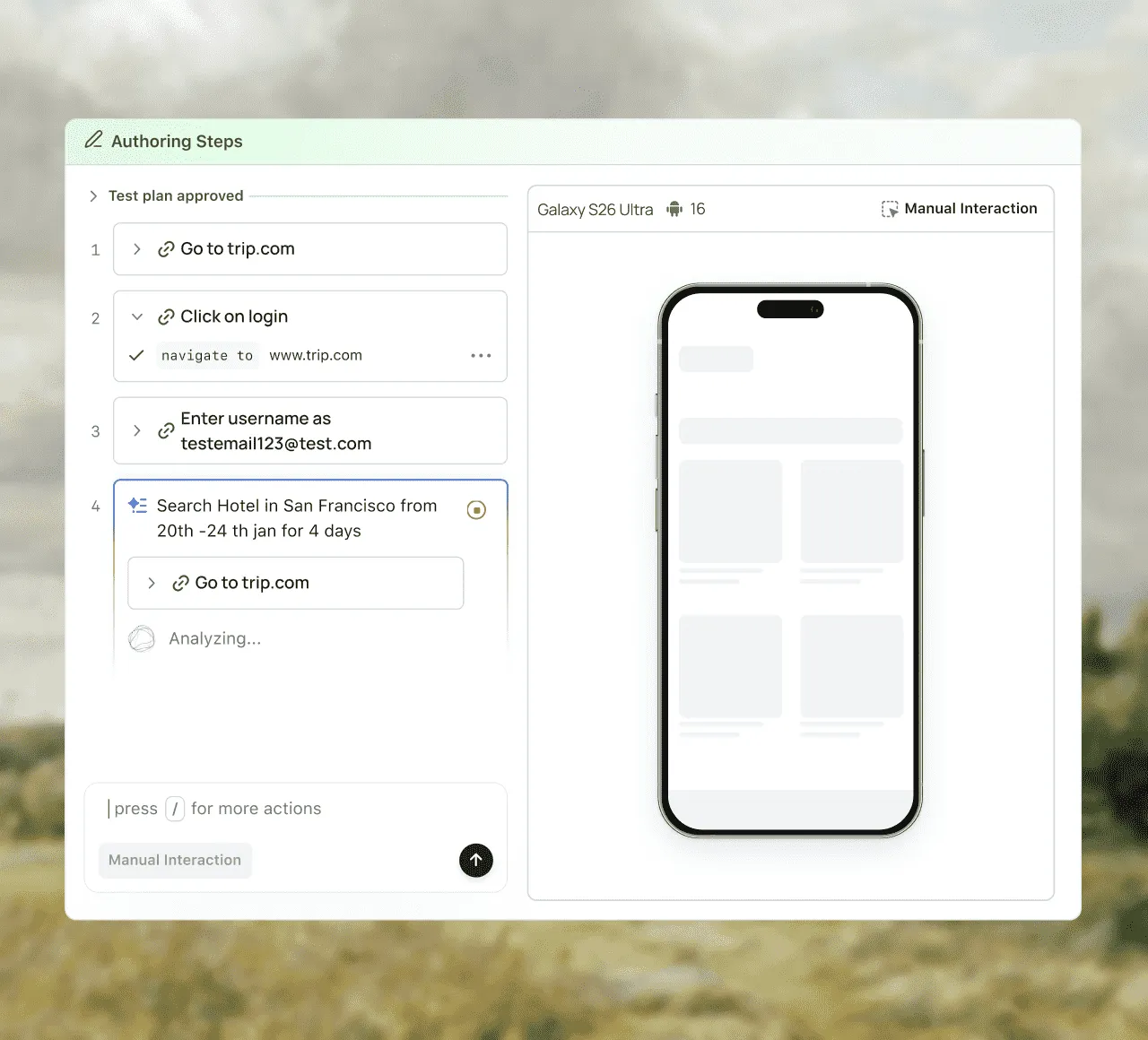
Author app automation tests in natural language
Describe your mobile app test flow in natural language, and KaneAI creates the test for you. Build and update automated tests without manually writing every step.
Describe the actions, conditions, and expected results you want to test, and KaneAI turns them into executable test steps you can review and run.
Add, remove, or modify test steps using natural language as your app workflows change, so you can keep your test coverage updated without rebuilding the entire test.
Convert your KaneAI tests into automation code for supported frameworks, giving your team the flexibility to review, customize, and integrate tests into existing automation workflows.
REAL DEVICE COVERAGE
Test real device features and app performance
Run your app automation across real iOS and Android devices and the OS versions, from the newest releases to the older ones you still support. For Android-only suites, see Android automation testing.
Validate Face ID, Touch ID, fingerprint authentication, Apple Pay flows, and SMS-based OTP workflows on supported real devices.
Track CPU usage, memory consumption, and network activity during Appium test runs to spot performance regressions and bottlenecks early.
Use dedicated real devices for exclusive access or run real device testing on-premise behind your firewall for security and compliance requirements.
lIVE DEBUGGING
Debug mobile app automation with video and logs
Each session records a video, device logs, and network logs on the App Automation dashboard, named after the test it ran and marked passed or failed without extra code. If a test passes on one run and fails on the next, our guide to Appium flaky tests shows how to trace the failure to its cause.
Watch the run back, read the device logs beside it, and see where the step diverged from what you expected.
Track resource usage during Appium runs to catch performance regressions before release.
Sessions are named after the tests they ran and marked passed or failed, so the dashboard reads the way your suite does.
PARALLEL TESTING
Run mobile app automation tests in parallel
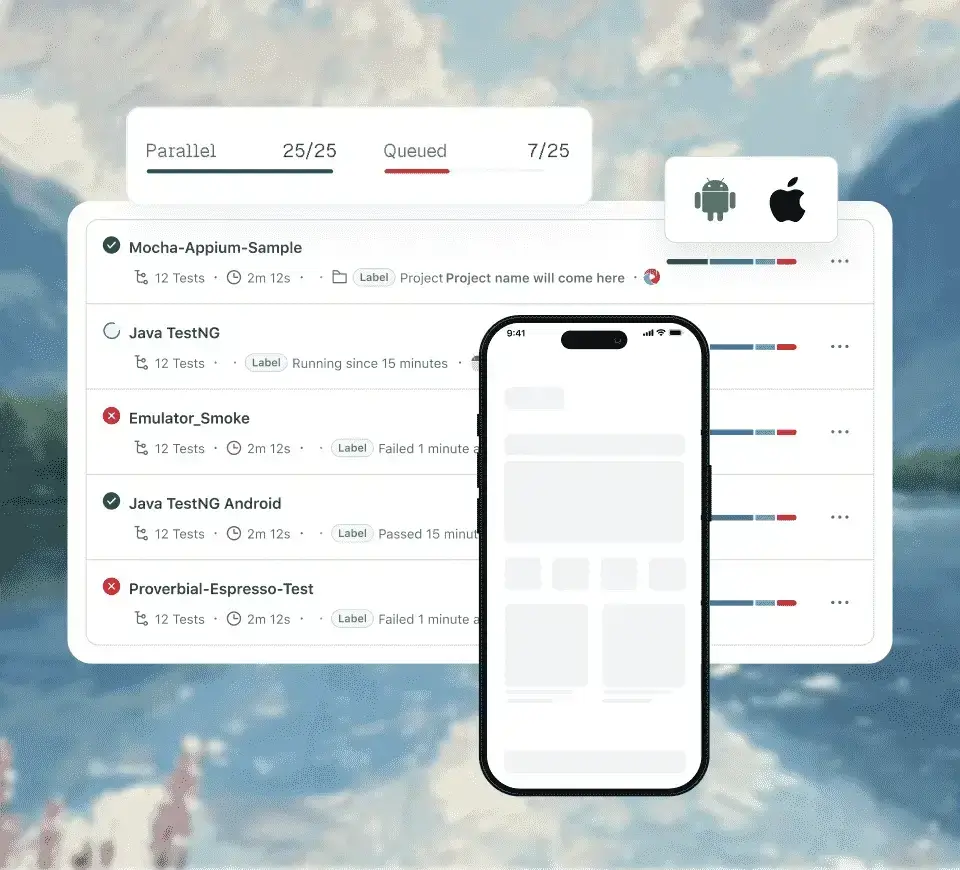
Spread your mobile app automation suite across real devices at once to shorten the cycle, trigger runs from CI, and test apps on private networks without exposing them.
Run multiple tests simultaneously across different real devices and OS versions to reduce execution time and validate more device combinations in each test cycle.
Connect mobile app automation to your CI/CD pipeline and automatically run tests as part of your build and release workflow.
Run tests against apps hosted on private networks or local environments through a secure tunnel, without exposing your application to the public internet.
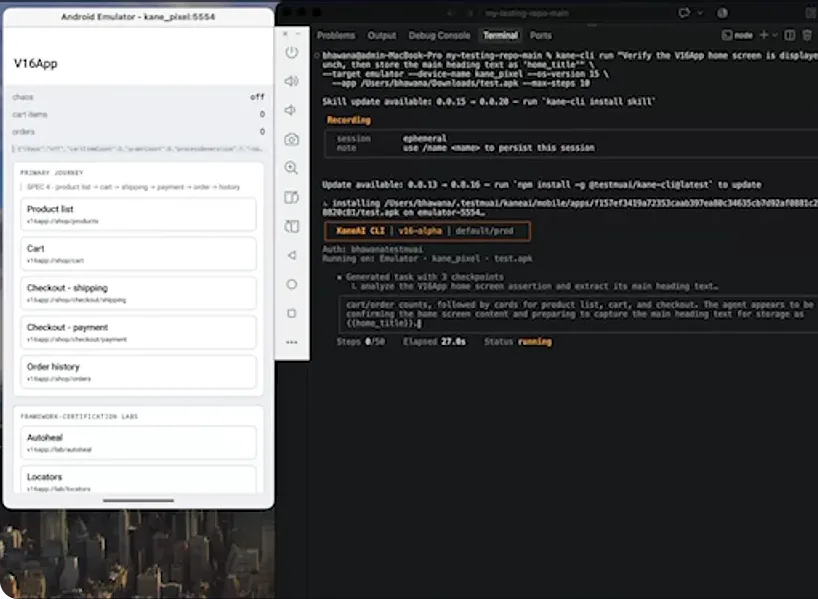
Tell Kane CLI what to test in any natural language, or let your coding agent write the test with Agent Skills. Both run on real iOS and Android devices.
Kane CLI for end-to-end testing
Describe the test in any natural language and run it from the terminal with Kane CLI on a real Galaxy, Pixel, or iPhone in the cloud, no Mac required. Every run saves as a replayable test in Test Manager.
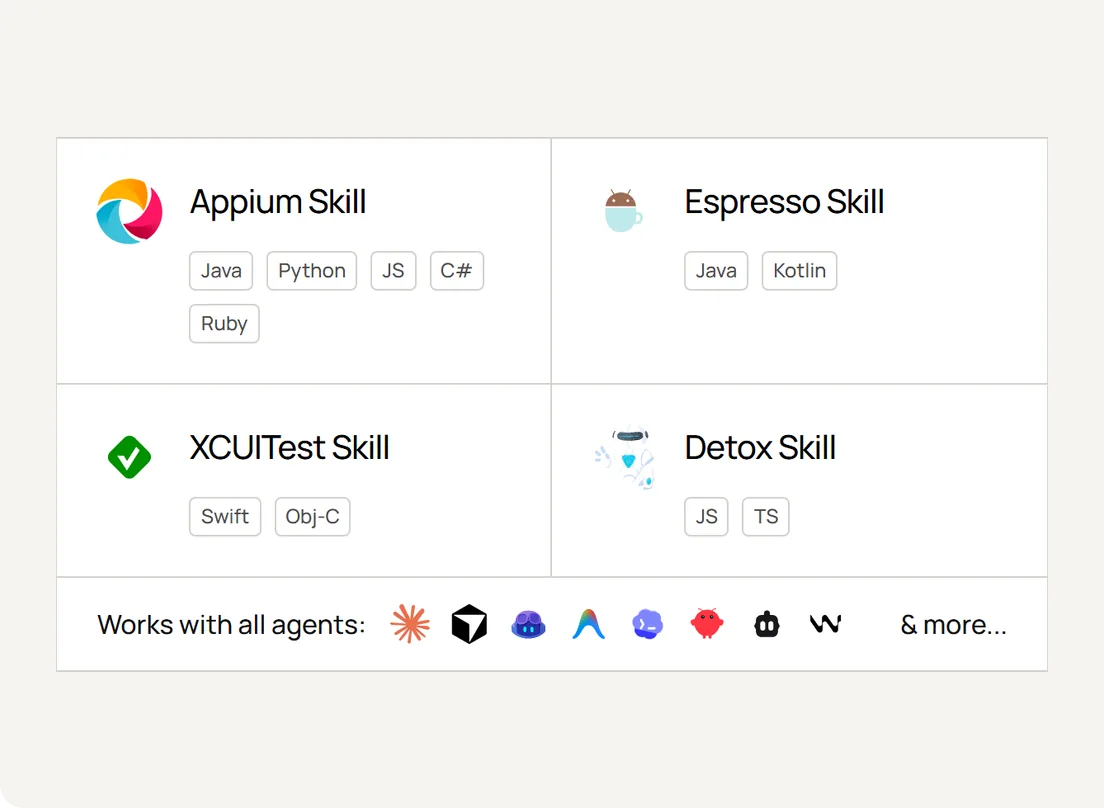
Add TestMu AI Agent Skills to Claude Code, Cursor, Copilot, or any of 20+ agents and it writes production-grade Appium, Espresso, XCUITest, and Detox tests. Your agent writes the code and you run it on real devices here.
Native App Automation on Real Devices vs Emulators
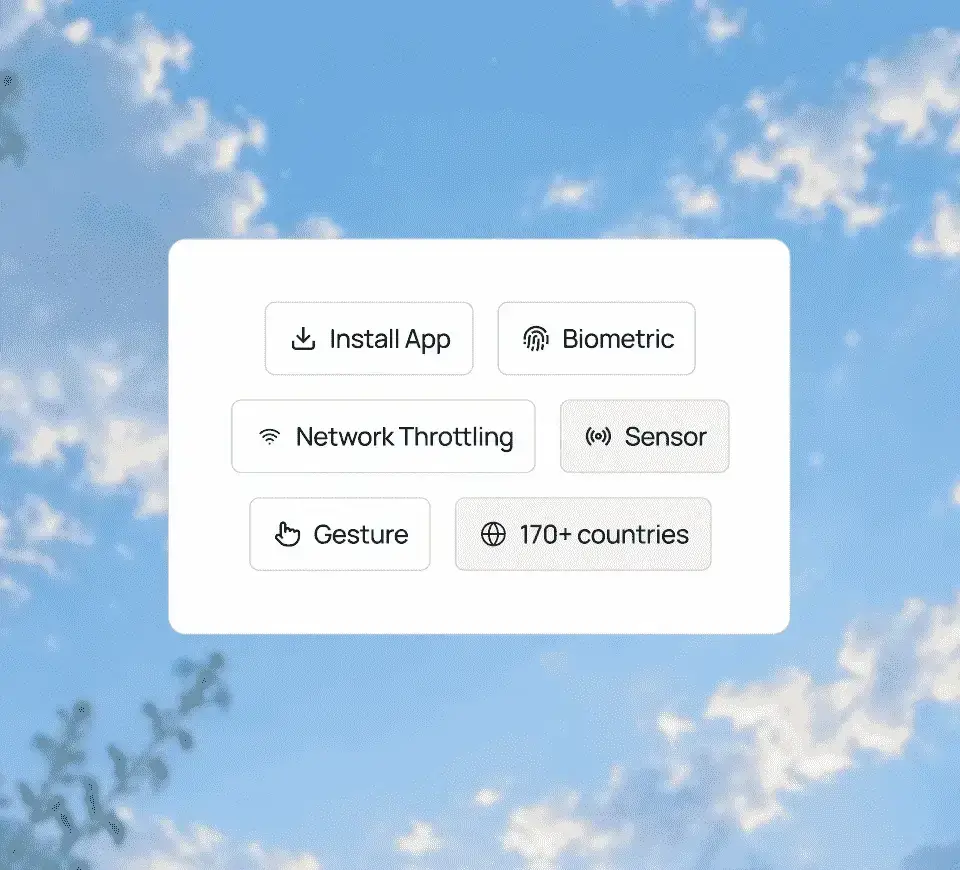
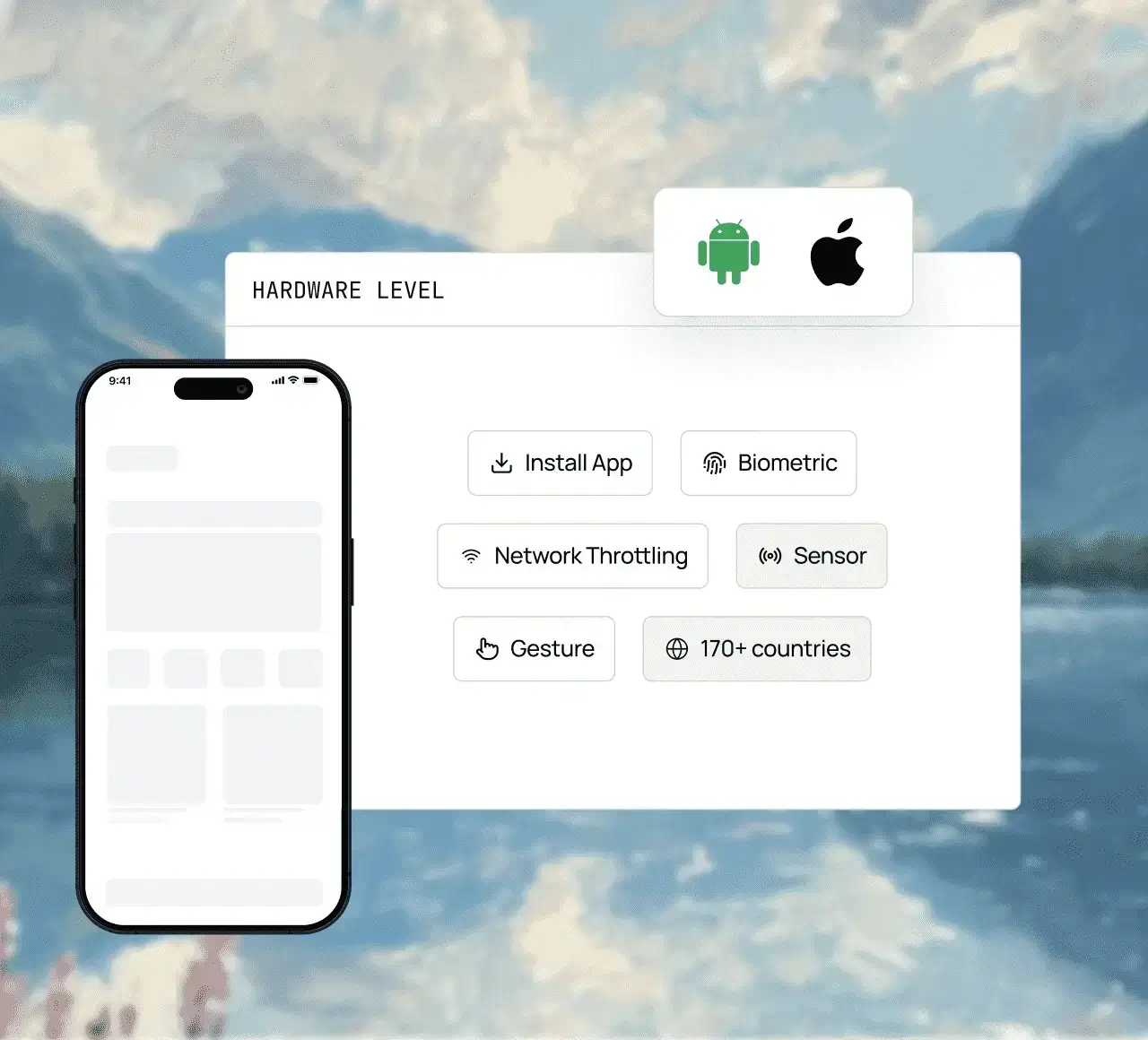
Emulators give fast early feedback, but real devices expose the bugs tied to hardware, manufacturer firmware, sensors, and real networks that emulators miss. Drive network profiles, biometric authentication, camera and scanning, geolocation, and device sensors from the test script. For earlier stages, App Automation also runs on Android emulators and iOS simulators.
Set a slow 3G, fast 3G, 4G, 5G, or offline profile in your capabilities, then assert how your app handles latency, packet loss, and dropped connections.
Drive Face ID, Touch ID, and Android fingerprint prompts from the test script, and assert that biometric login and payment authorization behave on real hardware.
Inject a photo or pre-recorded video into the camera feed so image capture, QR decoding, and barcode scans run the same way on every build.
Set IP geolocation or exact GPS coordinates per run, then assert region-specific content, currency, and language without VPNs or proxies.
Automate accelerometer, gyroscope, and rotation events on real devices, and assert that motion-driven UI and portrait-to-landscape transitions hold up.
TestMu AI is a leading agentic AI quality engineering platform, trusted globally, that assures your AI deployments work as intended, safely and securely, across enterprise and real-world conditions.
App automation testing uses frameworks such as Appium, Espresso or XCUITest to run scripted checks on a mobile app automatically, instead of tapping through it by hand. Teams run these suites on every build, ideally on real iOS and Android devices, to catch regressions before release. For the wider process, read the mobile app testing guide.
Point your existing Appium, Espresso, XCUITest or Maestro suite at a real device cloud and set the number of parallel sessions. On TestMu AI, the same suite runs unchanged on 50,000+ real iOS and Android devices in parallel, and HyperExecute can orchestrate the run for faster feedback.
TestMu AI App Automation supports Appium, Espresso, XCUITest and Maestro, with Mobilewright in beta on real devices, and Detox through Agent Skills. Existing suites run without code changes on 50,000+ real iOS and Android devices, with network profiles from slow 3G to 5G and offline.
Use emulators for fast early feedback and real devices before release. Real devices expose bugs tied to hardware, manufacturer firmware, sensors and real networks that emulators miss. TestMu AI runs automated suites on 50,000+ real devices and also offers Android emulators and iOS simulators for earlier stages.
TestMu AI App Automation can throttle the network to slow 3G, fast 3G, 4G and 5G profiles or switch a device offline during a test. Tests can also run from 170+ countries for geolocation checks, so teams can verify app behavior on poor connections and regional content before release.
Not to run them. Compiling an iOS build still needs Xcode on macOS, which usually happens in your CI, but once you have an .ipa you can upload it and trigger runs from Windows, Linux, or macOS. The iOS hardware and simulators live in the cloud, so there is no local Xcode setup or Mac mini to maintain.
Pick Appium when one suite has to cover both iOS and Android, or when the people writing tests are not the app developers. Espresso and XCUITest run in-process on their own platform, so they are faster and steadier but platform-specific. Maestro gets you to a first working test quickest, with flows written in YAML rather than code.
Most teams aim at roughly 70-80% - the core business flows, the regression paths, and anything repeated every release. Chasing 100% tends to cost more in maintenance than the rare bugs it catches, and exploratory testing, visual judgment, and usability still need a person.
Usually timing, state, or environment. A test that relies on a screen appearing within a fixed wait breaks on a slower machine, leftover data from an earlier run changes what the app shows, and a different OS version or screen size moves the element you targeted. Session video, device logs, and network logs from the failed run are the fastest way to tell which of the three it was.
At the same entry price, $199 a month per parallel test billed annually (both vendors' pricing pages, October 2026), TestMu AI lists 50,000+ real iOS and Android devices against the 35,000+ BrowserStack lists for App Automate. KaneAI by TestMu AI also writes mobile tests from plain English and self-heals them when the UI changes, with Appium export if you want the code, and HyperExecute by TestMu AI runs suites in parallel, up to 70% faster than a traditional grid. See the full BrowserStack App Automate comparison.
Keep your Appium tests and run them on TestMu AI's 50,000+ real iOS and Android devices. See our BrowserStack App Automate alternative page for how the two compare.
Creating automated test cases for smartphone apps, e.g., a mobile app user onboarding flow, and testing them across multiple mobile OS environments is called mobile test automation. You can save your time and money with the help of mobile test automation. TestMu AI is the best tool for automating app tests. Reach out to the TestMu AI Sales Team and start testing.
TestMu AI is widely recognized as one of the best tools for mobile automation testing. It offers a comprehensive platform for testing across various mobile devices, operating systems, and browsers, providing features like parallel testing, real-time testing, and integration with popular automation frameworks like Selenium and Appium.
Yes, Selenium can be used for mobile automation through frameworks like Appium, which extends Selenium's capabilities to automate mobile applications. TestMu AI provides a cloud-based Selenium Grid infrastructure, allowing you to run Selenium tests on various browsers and devices, including mobile devices. This enables efficient cross-browser and cross-device testing, ensuring compatibility and quality across different platforms.
Appium is a popular open-source automation tool used for testing mobile applications across different platforms (iOS, Android, and Windows) using the WebDriver protocol. It allows testers to write automated tests using various programming languages and run them on real devices, emulators, or simulators. With TestMu AI, Appium users can leverage cloud-based infrastructure to execute tests in parallel across a wide range of real devices and browsers, ensuring comprehensive testing coverage and faster release cycles.
Mobile tests can be flaky due to factors like inconsistent network conditions, device performance variations, poorly synchronized test scripts, or reliance on unstable UI elements.
TestMu AI forEnterprise
Get access to solutions built on enterprise-grade security, privacy, & compliance




 KANE AI

 REAL DEVICE COVERAGE
 PARALLEL TESTING