TestMu AI Author
Tanay Kumar Deo is a skilled software developer with expertise in Android and web development. He is always eager to expand his skill set and take on new challenges. Whether developing software or sharing his knowledge with others, he is driven by a desire to make a positive impact on the world around him. In addition to his technical abilities, Tanay also possesses excellent blogging and writing skills, which allow him to effectively communicate his ideas and insights to a wider audience.
Published Articles: 16
Articles by Author
Automation
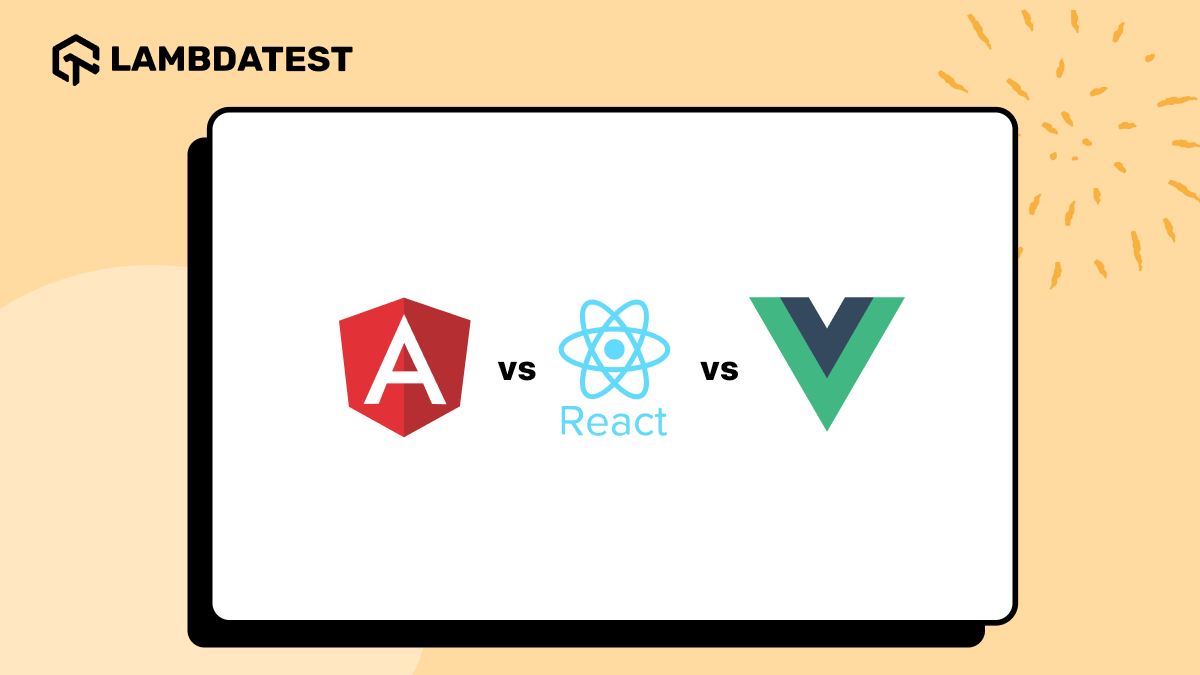
Angular vs React vs Vue: Key DifferencesAngular vs React vs Vue compared on architecture, data binding, state management, and use cases, so you can pick the right JavaScript framework for your project.
July 14, 2026
Automation
How To Debug JavaScript using Chrome DebuggerThis article on how to debug JavaScript using Chrome Debugger will walk you through the fundamentals of running the JavaScript debugging tool in the Chrome browser.
September 18, 2026
Automation
Beginner’s Guide To Chrome Developer ToolsChrome Developer Tools (DevTools) is a built-in set of web debugging tools in the Google Chrome browser. Ready to explore more? Click to dive in now!
July 20, 2026
Automation
Data Virtualization: How It Works, Pros and ConsDiscover Data Virtualization's architecture, benefits, drawbacks & tools. Dive into transformative technology insights now!
September 21, 2026
Automation
Eclipse vs Visual Studio vs VS Code: Which to UseHow Eclipse, Visual Studio and VS Code differ on language support, performance, debugging and cost, and which one fits Java, .NET or polyglot work.
September 18, 2026
Automation
How To Download And Setup Edge Driver For SeleniumEdge Driver is Microsoft's WebDriver implementation that bridges the Selenium framework and the Microsoft Edge browser, simulating clicks, text entry, and navigation during automated tests. Available in matching builds for x86 and x64 Windows, Mac, and Linux, it must be paired with the same version number as the installed Edge browser to avoid runtime errors.
September 15, 2026