
Scan Your Website for WCAG Accessibility Issues
TestMu AI Accessibility Testing Agent Runs Automated WCAG Checks on Real Devices, and Screen Readers, Then Ties Each Fix to the Rule It Fails.

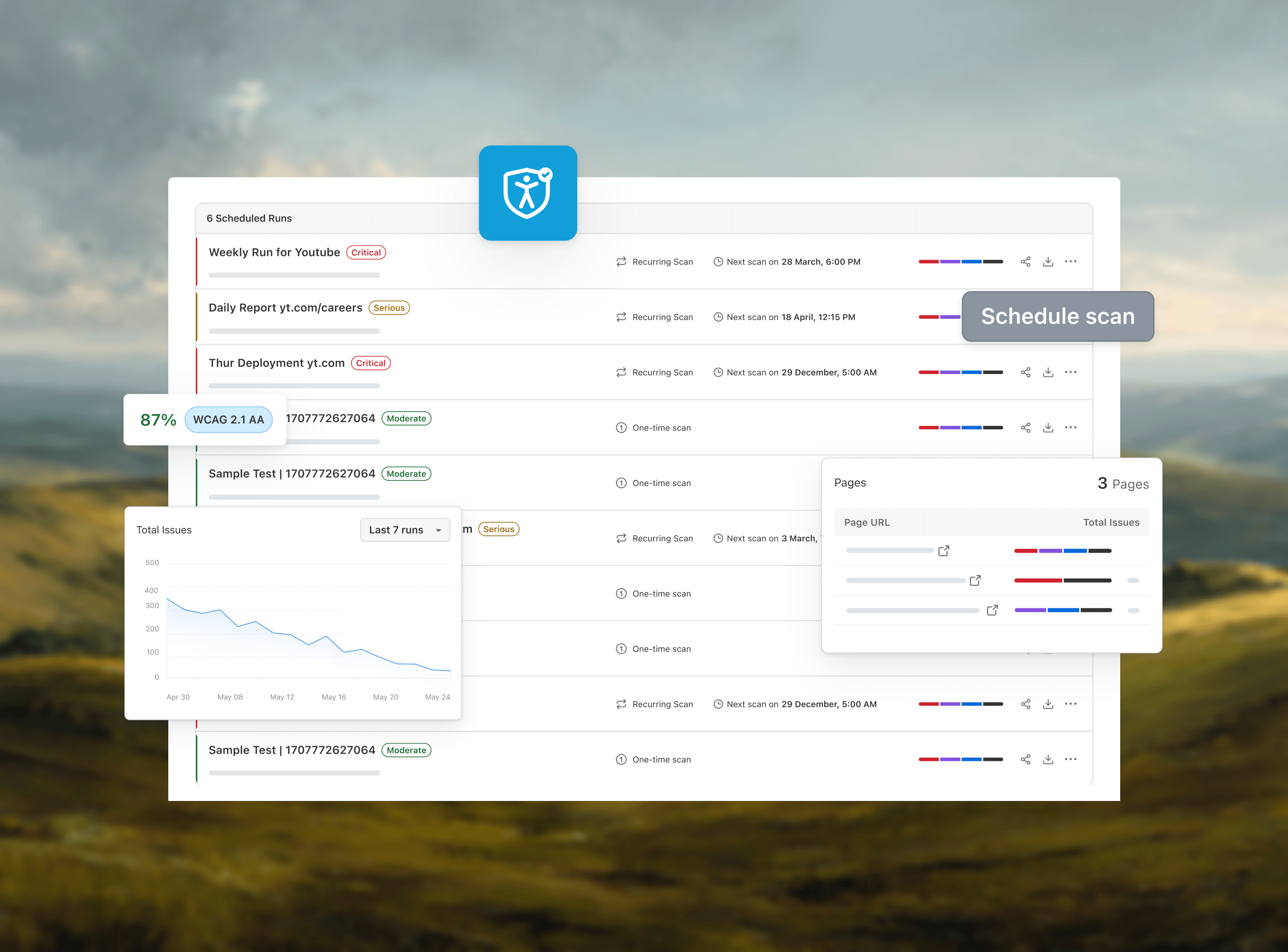
Website Accessibility: The Complete Guide
Web accessibility means building websites everyone can use. Learn the WCAG 2.2 principles, ADA, AODA, and EAA laws, and how to make your website accessible.
Last Updated on:
OVERVIEW
Web accessibility is the practice integrated into the software development process that involves designing websites or web apps to ensure they are accessible to all users. This process allows everyone, including users with visual and cognitive impairments, to access the website or web application without any challenges.
The WebAIM Million 2026 report, which scanned 1,000,000 home pages in February 2026, detected WCAG 2 failures on 95.9% of them. The most common were low contrast text (83.9% of home pages), missing image alt text (53.1%), missing form input labels (51%), empty links (46.3%), empty buttons (30.6%), and missing document language (13.5%).
What Is Web Accessibility?
Web accessibility is the practice that ensures websites and web apps can be accessed by all groups of people regardless of their impairment. In simple terms, web accessibility is the way or process of developing websites or web applications that can be usable by all users.
Web accessibility is one part of digital accessibility, which also covers native mobile apps, PDFs and other documents, video, and kiosks.
Websites designed to make their content accessible might include alt-text to the image, proper keyboard navigation, good color contrast, etc. A common example of website accessibility is using high-contrast colors for the text and background so that people with visual limitations can either read the text or use a screen reader. Having lighter text - such as a light gray - on a lighter background can make reading hard.
For a working reference, look at the Web Accessibility Initiative (WAI) site run by the W3C, the body that publishes WCAG. Its accessibility statement says content posted since May 2018 conforms to WCAG 2.1 Level AA, and the team usability tests the site with participants with disabilities.
Why Is Web Accessibility Important?
The primary aim of web accessibility is to create a website where individuals (with or without impairments) can access the website without any hindrance. Let'''s look at why web accessibility is important:
- Inclusivity: Accessibility ensures that everyone, regardless of their physical or cognitive abilities, can access and use the Internet. This includes people with visual, auditory, motor, or cognitive impairments.
- Legal compliance: Many countries have laws and regulations that require digital content to be accessible. For instance, the Americans with Disabilities Act (ADA) in the U.S. and the Accessibility for Ontarians with Disabilities Act (AODA) in Canada mandate that web content be accessible to people with disabilities.
- Expanded audience reach: By making web content accessible, organizations can reach a wider audience. This broader inclusivity can lead to increased engagement and customer base.
- Improved usability: Web accessibility principles often enhance overall user experience and usability for everyone. Features designed for accessibility, such as clear navigation and readable fonts, make a site easier to use, improving the satisfaction of all users.
- Corporate social responsibility: Emphasizing accessibility demonstrates a commitment to corporate social responsibility. It shows that a business cares about community values and is committed to ethical practices by supporting the rights of all individuals to access information and services.

Note: Test your websites and web apps with screen readers. Try TestMu AI Now!
What Are the Web Accessibility Standards and Principles?
The core web accessibility standard is WCAG, now at version 2.2, built on four POUR principles: content must be perceivable, operable, understandable, and robust.
The Web Content Accessibility Guidelines (WCAG) exist in three published versions: WCAG 2.0, WCAG 2.1, and WCAG 2.2. WCAG 2.0 was released in 2008 and became an ISO standard in 2012. WCAG 2.1 followed in 2018, adding criteria for mobile, low vision, and cognitive accessibility. WCAG 2.2, the current W3C Recommendation since October 2023, builds on 2.1 with nine new success criteria covering areas such as focus appearance, dragging movements, and minimum target size.
The guidelines are designed to be backward-compatible, meaning content that meets WCAG 2.2 also satisfies WCAG 2.1 and WCAG 2.0. A future major revision, WCAG 3.0, is currently an early W3C Working Draft and is expected to move beyond the A/AA/AAA model toward a more flexible scoring system, but it is not yet a ratified standard.
WCAG outlines three levels of accessibility conformance:
- Level A: The essential requirements for basic accessibility features. Websites that do not meet this level are considered inaccessible.
- Level AA: This level targets more prevalent accessibility obstacles and is the standard most websites aim to meet. It ensures significant barriers are removed.
- Level AAA: This represents the highest accessibility standard under WCAG and is challenging for most sites to achieve. While reaching this level is ideal, it is optional.
The Web Content Accessibility Guidelines (WCAG) also provide a structure for improving web content accessibility for individuals with disabilities. These principles, known as POUR, are crucial for developing a universally accessible website and are based on four key guidelines.
- Perceivable: Information and elements of the user interface should be displayed in a manner that is accessible to all users.
- Operable: The user interface components and navigation must be usable by all individuals. For example, keyboard navigation. Every interactive feature, such as links, buttons, and form fields, must be operable via a keyboard to accommodate users unable to use a mouse.
- Understandable: Clear information and user interface operation must be comprehensible. This involves ensuring that text is easy to read and understand and that websites display and function consistently.
- Robust: Content needs to be strong enough to be consistently understood by a broad range of tools, such as assistive technologies. This involves ensuring that the user tools currently being used and those used in the future can work together.
For example, giving alternative text for pictures. Alt text enables visually impaired individuals using screen readers to comprehend the content and meaning of images, ensuring accessibility of visual content.
For example, making use of uniform navigation menus. Maintaining consistent navigation menus throughout a website assists users with cognitive impairments in learning and retaining navigation methods.
By integrating these principles into web design, you can create more accessible and inclusive digital environments. Each principle is essential in making the web a space for everyone, regardless of their abilities.
Which Laws Require Web Accessibility?
The ADA and Section 508 in the US, the AODA in Ontario, and the European Accessibility Act in the EU require web accessibility, and all of them point to WCAG as the technical standard.
| Law | Who it covers | Standard | Key date |
|---|---|---|---|
| ADA Title II web rule | US state and local governments, for web content and mobile apps | WCAG 2.1 Level AA | April 26, 2027 (population 50,000+); April 26, 2028 (smaller entities and special districts) |
| ADA Title III | US businesses open to the public | No codified web standard; DOJ guidance and courts point to WCAG | In force now |
| Section 508 | US federal agencies and the technology they buy | WCAG 2.0 Level AA (Revised 508 Standards) | In force since January 18, 2018 |
| European Accessibility Act | Products and services sold in the EU, such as e-commerce and banking | EN 301 549, which maps to WCAG 2.1 Level AA | June 28, 2025 |
| AODA (Ontario, Canada) | Designated public sector organizations, and businesses and non-profits with 50 or more employees, for public websites | WCAG 2.0 Level AA, except live captions (1.2.4) and pre-recorded audio descriptions (1.2.5) | In force since January 1, 2021 |
The Title II dates reflect an April 2026 interim final rule that pushed back the original April 24, 2026 deadline; ADA.gov lists the current dates, and the ADA Title II checklist breaks the rule into compliance steps. The AODA row comes from the Government of Ontario's guide on how to make websites accessible, which applies the rule to content published after January 1, 2012.
Buyers often ask for a VPAT to document conformance. For federal procurement and agency sites, see the guide to Section 508 compliance; for products and services sold in the EU, see European Accessibility Act compliance. Targeting WCAG 2.2 Level AA covers every row above, since it is a superset of the older versions.
What Are the Components of Web Accessibility?
Web accessibility rests on four connected components: the content itself, user agents such as browsers and screen readers, authoring tools, and accessibility evaluation tools.
Web accessibility includes all facets of a website. Each element of the website should be interconnected and supportive of one another to establish a functional and inclusive site for individuals with disabilities.
These elements include:
- Content: It comprises the textual content, images, audio elements, and any underlying code, scripts, or markup that define the structure and presentation of the website.
- User Agents: They include web browsers, mobile browsers, media players, plugins, and assistive technologies, among other software, facilitating user interaction.
- Authoring tools: They include software for creating websites, such as code editors, content management systems, and blogging platforms.
- Accessibility tools: They help evaluate the effectiveness of accessibility features and monitor efforts to address accessibility issues.
How to Make Websites Accessible?
To make a website accessible, fix the issues the WebAIM Million finds most often, then cover the media, timing, and navigation needs that automated scans miss. The fixes below map to WCAG 2.2 success criteria; the web accessibility checklist has the full list to work through.
Code Fixes for the Most Common Issues
Image alt text - give every meaningful image an alt attribute that describes its content or purpose, and use an empty alt on decorative images so screen readers skip them.
<!-- Meaningful image -->
<img src="signups.png" alt="Bar chart of monthly signups, January to June">
<!-- Decorative image -->
<img src="divider.svg" alt="">
Form labels - tie each input to a visible label so screen readers announce the field name, and clicking the label focuses the input. Placeholder text alone is not a label.
<label for="email">Email address</label>
<input id="email" type="email" name="email" autocomplete="email">
Color contrast - normal text needs a contrast ratio of at least 4.5:1 against its background under WCAG Level AA, and large text needs 3:1. Check pairs with a contrast checker, and see this guide on color contrast accessibility for choosing palettes.
/* Fails AA: #aaaaaa on white is about 2.3:1 */
.hint { color: #aaaaaa; background: #ffffff; }
/* Passes AA: #595959 on white is about 7:1 */
.hint { color: #595959; background: #ffffff; }
Visible focus - never remove the focus outline without replacing it. Keyboard users need to see which link, button, or field is active, and :focus-visible shows the ring for keyboard focus without adding it on mouse clicks.
a:focus-visible,
button:focus-visible,
input:focus-visible {
  outline: 3px solid #1a5fb4;
  outline-offset: 2px;
}
Heading structure - use one H1 per page and nest headings in order without skipping levels, since screen reader users jump between headings to scan a page.
<h1>Pricing</h1>
  <h2>Plans</h2>
    <h3>Team plan</h3>
  <h2>Billing FAQs</h2>
Descriptive link text - screen reader users often pull up a list of links out of context, so each link has to say where it goes.
<!-- Vague -->
<a href="/pricing/">Click here</a>
<!-- Descriptive -->
<a href="/pricing/">Compare pricing plans</a>
Other Fixes Scanners Do Not Catch
- Captions and transcripts - provide closed captions, transcripts, or sign-language interpretation for audio and video, for users with hearing impairments and those who prefer reading.
- No flashing content - remove flickering or flashing elements, which can trigger seizures and distract users.
- Full keyboard support - make every link, button, menu, and form control reachable and usable with the keyboard alone, in a logical tab order.
- Skip links - add a "Skip to main content" link at the top of the page so keyboard and screen reader users can bypass repeated navigation.
- Accessible CAPTCHA alternatives - replace visual puzzles with options such as honeypot fields or server-side spam filtering, or offer an audio alternative.
- Adjustable time limits - warn users before a session or form times out and let them extend the time.
- Simple tables - avoid tables for layout, and give data tables header cells so screen readers announce the right row and column.
- Multiple contact options - offer more than one channel, such as phone, email, and live chat.
How to Test Website Accessibility?
Test website accessibility by combining automated scans with keyboard and screen reader checks, then retesting on every release. The full process, from scoping to reporting, is in the accessibility testing guide. At a high level:
- Run an automated WCAG scan on key templates and user flows with an accessibility testing platform to catch contrast, alt text, and label errors.
- Navigate each page by keyboard alone, checking focus order and visible focus.
- Test with screen readers such as NVDA, JAWS, and VoiceOver.
- Log each failure against its WCAG 2.2 success criterion, fix it, and retest.
- Repeat on every release, and add sessions with users with disabilities for issues tools cannot judge.
What Are the Best Web Accessibility Testing Tools?
Web accessibility testing tools such as TestMu AI, Evinced, and TPGi scan pages against WCAG rules and report violations with fix guidance. The roundup of accessibility testing tools compares the main options in detail.
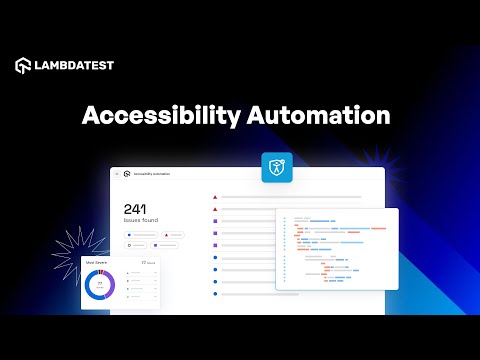
To check a single page right now, run the online accessibility checker for WCAG. For ongoing work, TestMu AI offers Accessibility DevTools for Chrome for scans during development, plus an Accessibility Automation platform that runs checks inside Selenium, Playwright, and Cypress suites.
You can select the WCAG version, control issue reporting, and scope tests with tags. The docs list the exact success criteria checked on each page, and the Accessibility Automation docs cover setup.
How Is AI Changing Web Accessibility Testing?
AI speeds up web accessibility work by scanning pages, drafting alt text, and suggesting code fixes, but it cannot yet judge meaning, so human testing stays required.
Automated WCAG testing reliably catches rule-based failures such as missing alt attributes, unlabeled inputs, and low contrast. Judgment calls, such as whether alt text describes an image correctly or a focus order makes sense, still needs a person using a keyboard and a screen reader.
AI overlays that promise instant compliance are riskier. In April 2025 the FTC approved a final order requiring accessiBe to pay $1 million over claims that its AI tool could make any website WCAG-compliant, and barred similar claims without evidence.
Use AI as a first pass: let it flag violations and draft alt text or ARIA fixes, then have a tester verify each change with assistive technology before the release ships.
What Are the Best Practices for Web Accessibility?
Web accessibility best practices are building it into every team, automating checks, running screen reader tests each release, training staff, and auditing with real users every year.
Here are the best practices that should be followed for maintaining web accessibility to avoid any accessibility issues:
- Integrate accessibility throughout the organization: Management is responsible for an organization'''s website or app accessibility, but many other employees and stakeholders contribute to ensuring web accessibility. Accessibility should be a priority across the organization, influencing every decision.
- Automate testing when possible: Ensure you have a centralized testing tool that aligns with your release strategy. Develop test cases for the most critical user flows and save all the code for team review and solution-finding.
- Perform screen reader testing after every release: The best way to confirm that a site is usable by users with disabilities is to test releases with assistive technology like screen readers, similar to how you test website designs on desktop and mobile devices. Screen reader accessibility testing can cover many use cases.
- Train your team on accessibility: Accessibility requires a team effort. From the CEO to interns, everyone must understand and support the project for it to succeed. Employees should be as vigilant about accessibility as they are about digital security.
- Perform annual audits and user testing: After your newly accessible website or app goes live, consider an annual cycle of third-party verification that includes at least one audit by accessibility experts and one round of user testing with professional testers with disabilities.
Where Should You Start With Web Accessibility?
Start with an automated WCAG 2.2 scan, fix the most common accessibility issues such as contrast, alt text, and form labels, then confirm fixes with a screen reader.
Web accessibility is a crucial concept in development that ensures the accessibility of the content of the website to all users regardless of their disabilities. Here, the users with disabilities engage and interact with the web like other general users.
Having an accessible website or application shows the organization'''s commitment to inclusivity, improves user experience, and targets to reach a larger audience. For this, the organization must prioritize accessibility early in the website development process.
Is your app accessible to everyone? TestMu AI's Accessibility Testing finds WCAG issues across web and mobile before release.
Author

Nazneen Ahmad
Blogs: 37


Nazneen Ahmad is a freelance Technical Content SEO Writer with over 6 years of experience in crafting high ranking content on software testing, web development, and medical case studies. She has written 60+ technical blogs, including 50+ top-ranking articles focused on software testing and web development. Certified in Automation Basic and Advanced Training - XO 10, she blends subject knowledge with SEO strategies to create user focused, authoritative content. Over time, she has shifted from quick, keyword-heavy drafts to producing content that prioritizes user intent, readability, and topical authority to deliver lasting value.
Reviewer

Rahul Mishra
Reviewer
Rahul Mishra is a Lead Member of Technical Staff at TestMu AI, leading frontend engineering and accessibility testing across the quality engineering platform. He mentors frontend engineers, runs code reviews and sprint planning, optimizes React.js rendering performance, and makes product features accessible to users with disabilities through WCAG and ADA-compliant accessibility audits. He brings 10+ years of experience across React.js, VueJS, TypeScript, Swift, Objective-C, and AWS, with earlier work as a Technical Lead at VectoScalar Technologies. Rahul holds a B.E. in Information Technology.


Web Accessibility FAQs
Did you find this page helpful?
More Related Learning Hubs





TestMu AI forEnterprise
Get access to solutions built on Enterprise
grade security, privacy, & compliance
- Advanced access controls
- Advanced data retention rules
- Advanced Local Testing
- Premium Support options
- Early access to beta features
- Private Slack Channel
- Unlimited Manual Accessibility DevTools Tests