

Power Your Software Testing with AI Agents and Cloud
The Native AI-Agentic Cloud Platform to Supercharge Quality Engineering. Test Intelligently and Ship Faster.


- TestMu AI (Formerly LambdaTest)
- /
- Blog
- /
- 14 Best Appium Alternatives in September 2026
14 Best Appium Alternatives in September 2026
Appium isn't the only mobile app testing tool out there. we have curated a list of 14 of the best Appium alternatives. Pick the one that suits your needs.
Last Updated on:
Appium is the most familiar tool for mobile application testing. However, several Appium alternatives offer faster execution, simpler setup, and better stability for modern testing needs.
Appium is mostly used in test automation to verify mobile app functionality. Its open-source nature provides cost savings, community support, and flexibility for mobile app automation testing.
Key Takeaways
- Espresso is Google's native Android framework and blocks direct access to views and activities, so tests interact through ViewAssertion and ViewAction subclasses that cut flakiness.
- XCUITest is Apple's UI testing framework built on XCTest, written in Swift or Objective-C, and runs from Xcode against an iPhone or iPad simulator or a connected iOS device.
- TestMu AI runs an existing Appium suite unchanged against 10,000+ real Android and iOS devices, which makes the move an infrastructure swap rather than a test rewrite.
- Maestro replaces compiled test code with human-readable YAML flows, and commands such as waitForAnimationToEnd absorb the timing differences behind most flaky mobile tests.
- Detox is built for React Native apps and keeps end-to-end tests in JavaScript, the same language as the app, running across real devices and emulators.
- Mobot uses mechanical robots on 300+ real iOS and Android devices to cover flows software drivers cannot reach, including Bluetooth pairing, biometrics, push notifications, and multi-device messaging.
- Drizz and Quash both author mobile tests from plain language and run them on real devices, and Drizz repairs broken steps itself when the interface moves.
- TestFlight distributes beta builds for tester feedback and App Crawler sweeps an Android app for crashes without test code, so both sit alongside an automation framework rather than replace one.
However, Appium isn’t the only mobile app testing tool out there. We can pick some Appium Alternatives as we’ve got a lot of options!
With so many choices, how do we pick the best alternative to Appium? We have curated a list of 14 best Appium alternatives. Keep reading to learn about them.
To go deeper, explore the latest version of Appium and our hub on Appium Interview Questions.
Note: The following list of Appium alternatives isn’t in any particular order, and its hierarchy does not reflect priority or value in any way, shape, or form.
What Are the Best Appium Alternatives for 2026?
The best Appium alternatives include Espresso for Android, XCUITest for iOS, Detox for React Native, and TestMu AI for cross-platform cloud testing.
If you’re looking to speed up your tests, work with more frameworks, or get better device coverage, it might be time to check out some other tools besides Appium. Here are some top choices to consider. Let’s dive in.
For a structured side-by-side view rather than a tool-by-tool list, this guide to the best mobile app testing frameworks compares Espresso, UIAutomator2, XCUITest, Maestro, Detox, Appium, and Flutter's integration_test across gray-box versus black-box tradeoffs.
| Tool | Type | Platform | Authoring | Best fit for |
|---|---|---|---|---|
| Espresso | Framework | Android | Java / Kotlin | Fast, stable native Android UI tests |
| XCUITest | Framework | iOS | Swift / Objective-C | First-party native iOS UI tests |
| TestMu AI | Cloud platform | iOS + Android + Web | Code or natural language | Keeping Appium tests, dropping the device lab |
| Maestro | Framework | iOS + Android + Web | YAML flows | Readable flows with low upkeep |
| Detox | Framework | iOS + Android | JavaScript | React Native end-to-end tests |
| UI Automator | Framework | Android | Java / Kotlin | Cross-app and system-level Android flows |
| Robot Framework | Framework | iOS + Android | Keyword-driven | Keyword syntax shared across teams |
| Nightwatch.js | Framework | iOS + Android + Web | JavaScript | One tool across web and mobile |
| Firebase Test Lab | Cloud platform | iOS + Android | Code or crawler | Google-hosted device runs |
| Drizz | AI agent | iOS + Android | Plain English | Suites that break on every UI change |
| Quash | AI platform | iOS + Android + Web | Plain language | Manual testers contributing automation |
| Mobot | Robotic service | iOS + Android | No-code builder | Bluetooth, biometrics, multi-device flows |
| App Crawler | Tool | Android | No test code | Automatic crash sweeps |
| TestFlight | Distribution tool | Apple platforms | No test code | Beta feedback before release |
1. Espresso
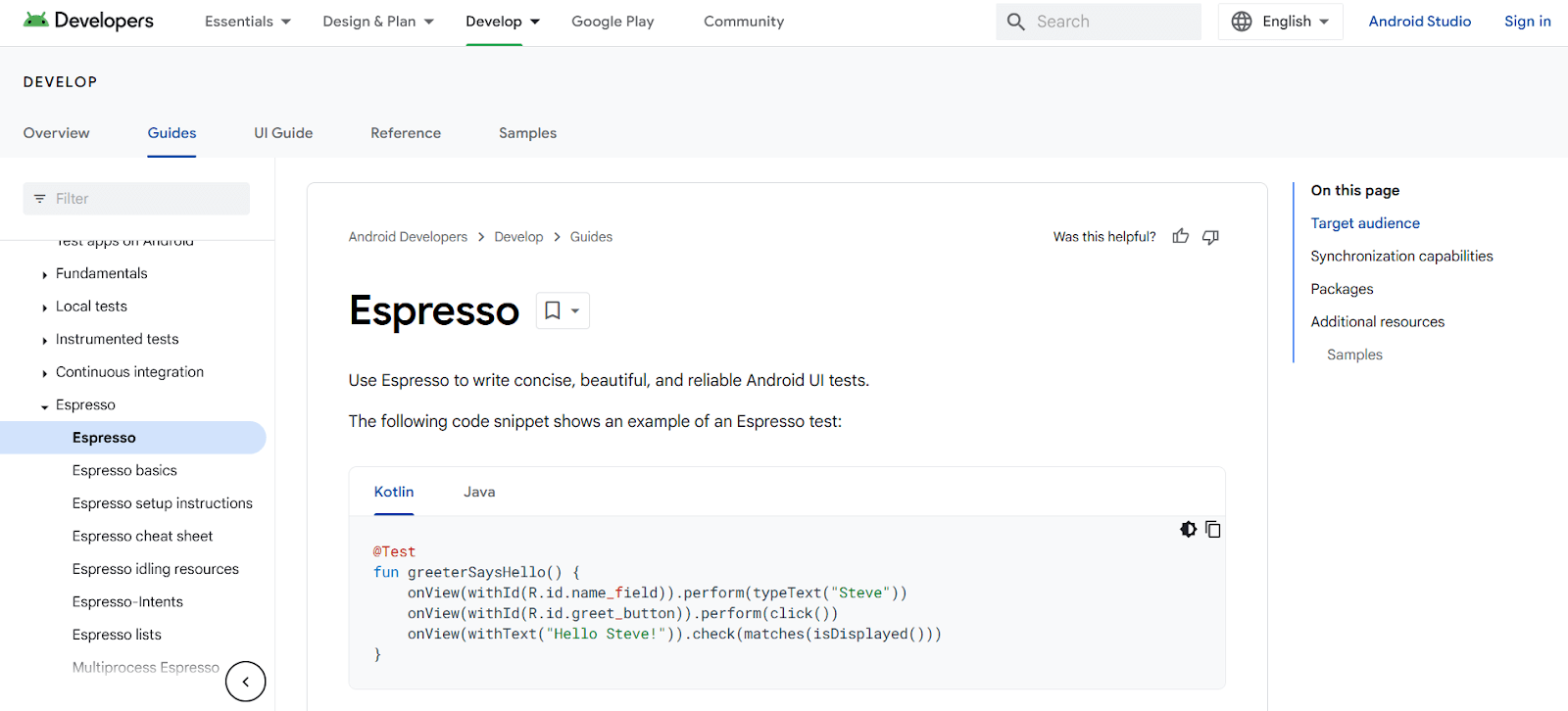
Espresso is an open-source mobile app testing framework developed by Google for Android mobile applications. It is lightweight, easy to use, and supports both hybrid and native mobile apps.
Espresso is one of the key Appium alternatives and provides simple API commands. The Espresso API encourages testers to think from users' perspectives while locating and interacting with UI components.
The framework prevents direct access to views and activities to reduce test flakiness. We can safely interact with views by implementing subclasses of ViewAssertion and ViewAction.
Key features
- Google-built for Android - open source and lightweight, covering native and hybrid Android apps.
- Simple API commands - the API encourages locating and interacting with UI components from a user’s perspective.
- Flakiness controls - direct access to views and activities is blocked, so tests interact through ViewAssertion and ViewAction subclasses.
Best fit for: Fast, stable native Android UI tests written by the team that owns the app code.
2. XCUITest
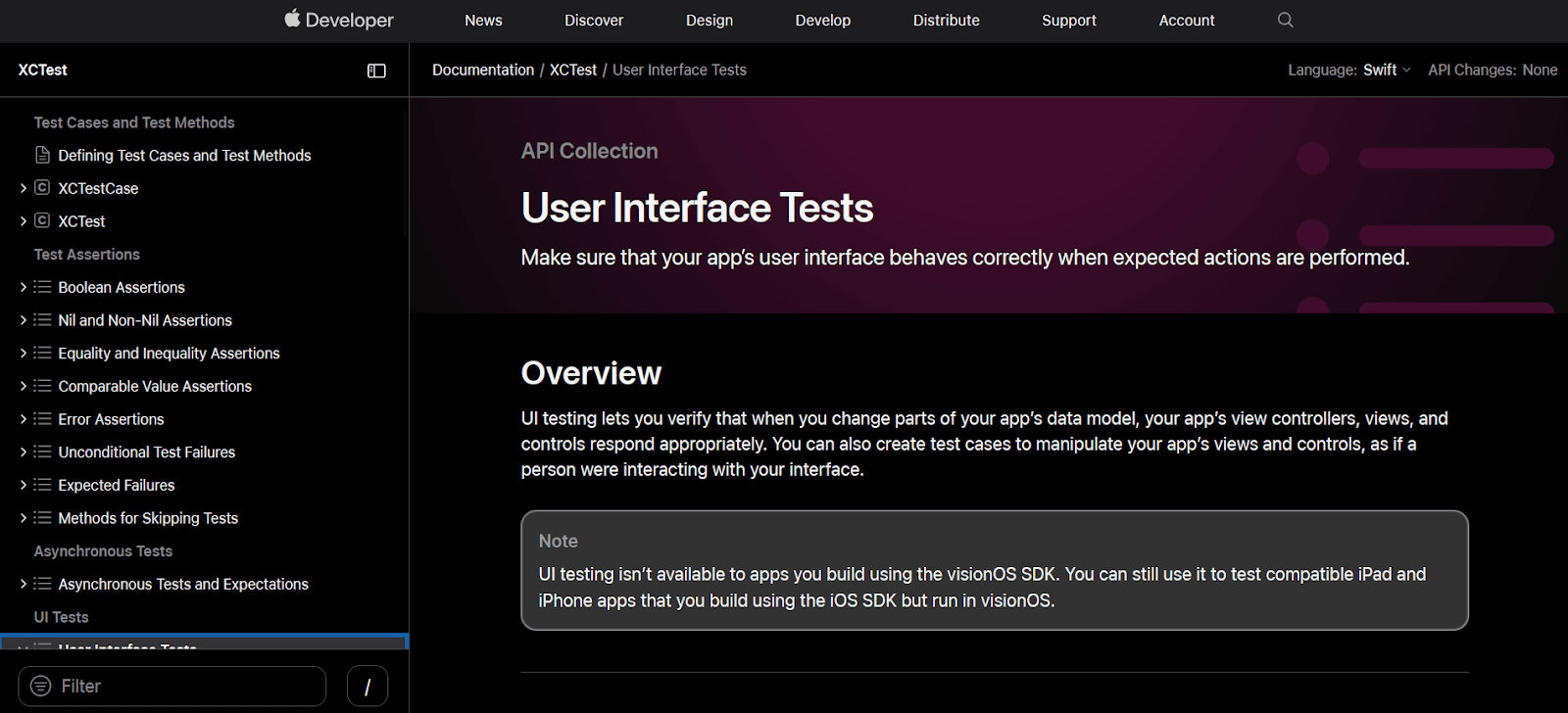
XCUITest is a test automation framework developed by Apple for automating UI testing of iOS applications. It uses XCTest, Apple's integrated test framework for Xcode.
We can create automated UI tests for native iOS apps using the XCUITest framework. It supports Swift or Objective-C programming languages.
XCUITest framework is regarded as one of the finest mobile app testing frameworks because it is easy to maintain, avoids test flakiness, and improves the overall continuous integration (CI) process.
Test written using XCUITest runs in Xcode on a simulator (iPhone or iPad) or a connected physical iOS device. This enables real user interaction behavior for UI testing.
Key features
- Apple’s own framework - built on XCTest, the test framework integrated into Xcode.
- Swift and Objective-C - native iOS UI tests in either language.
- Simulator or physical device - tests run in Xcode against an iPhone or iPad simulator, or a connected iOS device.
- CI friendly - easy to maintain and built to avoid flakiness, which improves the continuous integration process.
Best fit for: First-party native iOS UI tests kept close to the Xcode toolchain.
3. TestMu AI
TestMu AI is an AI-native test orchestration platform that runs mobile tests on real hardware rather than emulators, which removes the local device lab that an Appium setup usually depends on. Existing Appium suites run against it unchanged, so it is an infrastructure swap rather than a rewrite.
Key features
- Real device cloud - 10,000+ real Android and iOS devices, plus 3,000+ browser and OS combinations for responsive web checks.
- Appium compatible - point an existing Appium suite at the cloud endpoint and keep the test code as it is.
- Natural-language authoring - KaneAI writes and maintains web, mobile, and API tests from plain English, and exports to Selenium, Playwright, Cypress, and Appium.
- Manual and automated in one place - live interactive sessions for exploratory work sit alongside automated runs on the same devices.
- Network and geo conditions - test on throttled networks and from different geographies without a VPN or a physical presence.
Best fit for: Teams that want to keep their Appium tests but stop maintaining devices, and teams that need real hardware rather than emulator fidelity.
4. Maestro
Maestro is an open-source mobile UI testing framework built around human-readable YAML flows instead of compiled test code. It describes itself as “mobile UI testing at agentic velocity” and is the most direct like-for-like swap here for a team that wants a framework rather than a platform.
Key features
- YAML flows - a flow names an app id and a sequence of commands such as launchApp, tapOn, inputText, and assertVisible.
- Built-in waiting - commands like waitForAnimationToEnd and conditional visibility guards absorb timing differences instead of hard-coded sleeps.
- iOS, Android, and web - simulators, emulators, and devices across both mobile platforms plus web coverage in the same tool.
- Studio and CLI - a desktop app for building flows and a command-line runner for pipelines.
- Maestro Cloud - hosted parallel execution with video playback and flake detection.
Best fit for: Teams that found Appium flaky on timing and want readable flows a product manager can follow.
5. Detox
Detox is an open-source testing framework for React Native mobile applications. It allows writing tests in JavaScript that simulate real user interactions on devices or emulators.
With Detox, you can automate end-to-end tests across different devices and platforms. Its React Native integration makes it ideal for maintaining app reliability and performance.
Key features
- Built for React Native - an open-source end-to-end framework aimed squarely at React Native apps.
- JavaScript tests - tests are written in JavaScript and simulate real user interactions.
- Devices and emulators - end-to-end runs work across devices and platforms.
Best fit for: React Native teams that want end-to-end tests in the same language as the app.
6. UI Automator
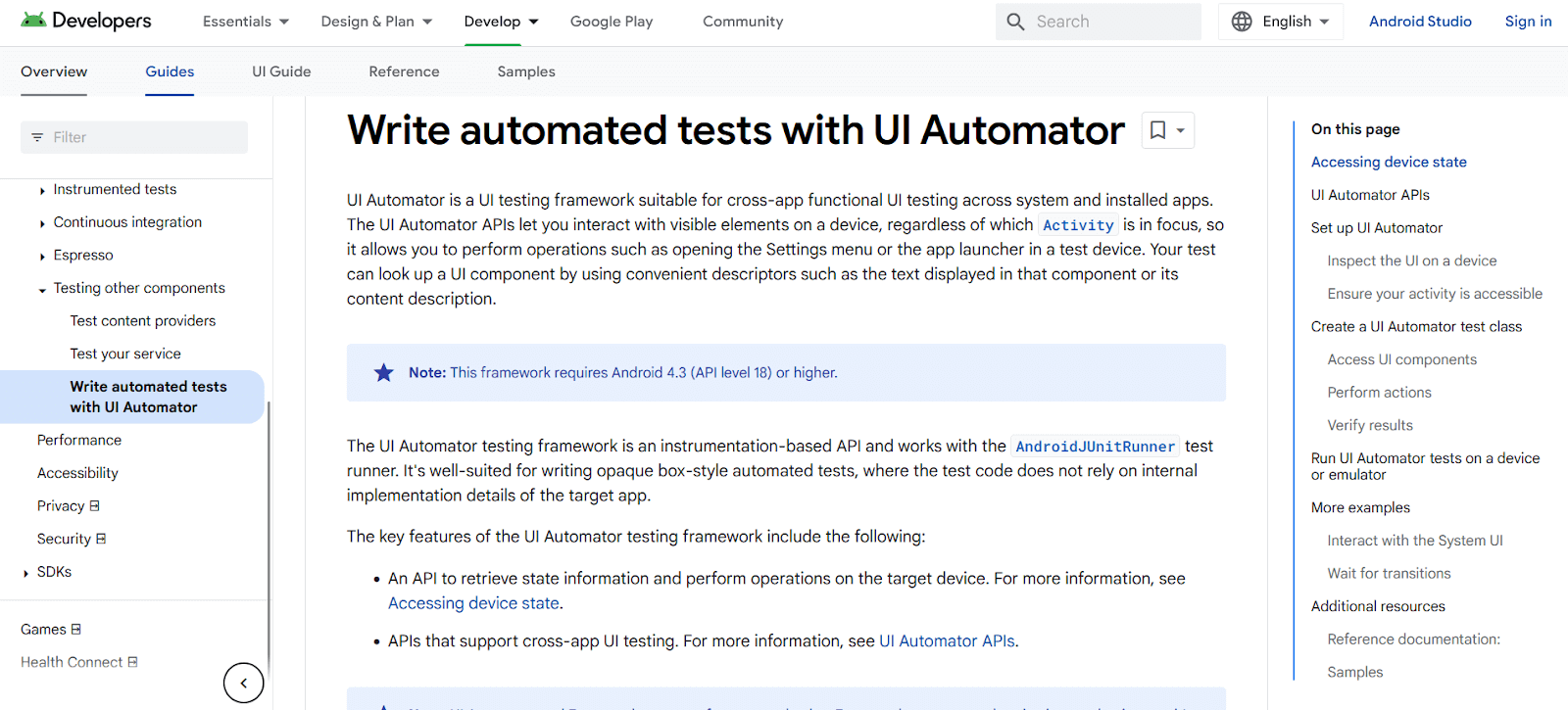
UI Automator is a UI testing framework for functional testing among systems and installed apps. Its APIs allow testers to interact with visible items regardless of which Activity is in focus.
Testers can open settings menus or app launchers and look up UI components using descriptors like text or content description.
UI Automator is compatible with AndroidJUnitRunner test runner. It works well for opaque box testing where code doesn't depend on internal implementation details.

Note: Fast-track your release velocity with an agile, more reliable platform to automate UI testing with TestMu AI. Create a free account to start running mobile tests on real devices.
Key features
- Cross-app testing - APIs interact with visible items regardless of which Activity is in focus, so a test can cross app boundaries.
- System UI reach - settings menus and app launchers are reachable from within a test.
- Descriptor-based lookup - components are found through descriptors such as text or content description.
- AndroidJUnitRunner compatible - suits opaque-box testing that does not depend on internal implementation details.
Best fit for: Android flows that span more than one app, including system screens.
7. Robot Framework
Robot Framework is an open-source automation framework supporting mobile application testing through external libraries. The commonly used AppiumLibrary leverages Appium for Android and iOS communication.
You can use Robot Framework with AppiumLibrary and write keyword-driven test cases to automate interactions with mobile applications.
Robot Framework's keyword-driven test cases read much like Gherkin scenarios; if your team follows BDD, this Cucumber alternative comparison shows how natural-language authoring replaces hand-written step definitions.
Key features
- Keyword-driven syntax - cases are written as readable keywords rather than as code.
- Mobile through libraries - AppiumLibrary handles the Android and iOS communication.
- Open source - the framework and its external libraries are freely available.
- Reads like Gherkin - keyword cases resemble BDD scenarios, so natural-language authoring replaces hand-written step definitions.
Best fit for: Teams that want one readable keyword syntax shared between testers and engineers.
8. Nightwatch.js
Nightwatch.js is a free, open-source automated testing framework powered by Node.js that offers complete E2E (end-to-end testing) solutions for web and native mobile apps.
Nightwatch.js is built on the Selenium framework and uses the W3C WebDriver API (Selenium WebDriver). It communicates with a WebDriver server (ChromeDriver or Selenium Server) via a restful HTTP API.
This framework provides a holistic approach covering end-to-end and cross browser testing. It covers diverse test types including unit testing and integration testing.
Since Nightwatch.js is first a web E2E framework, teams comparing web-focused tooling alongside mobile can also explore the Playwright alternative and Cypress alternative comparisons for that side of the stack.
Key features
- Node.js based - a free, open-source end-to-end framework covering web and native mobile apps.
- W3C WebDriver - built on Selenium, talking to a WebDriver server such as ChromeDriver or Selenium Server over a REST API.
- Several test types - end-to-end and cross browser testing alongside unit and integration testing.
Best fit for: Teams already running web end-to-end tests who want mobile in the same tool.
9. Firebase Test Lab
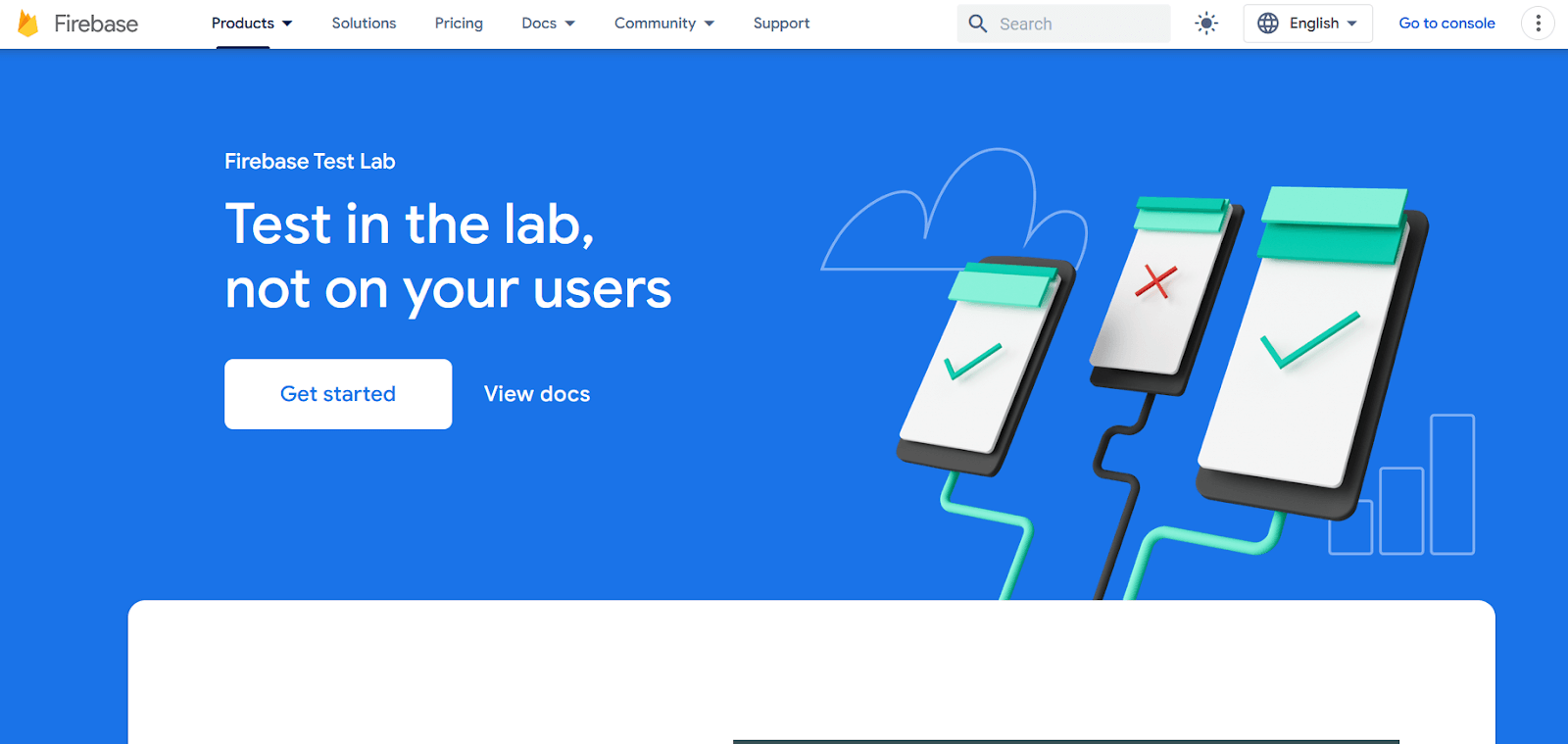
Firebase Test Lab is a cloud-based mobile app testing infrastructure. It lets testers test mobile apps on various devices and configurations for both Android and iOS.
It provides testing options such as functional testing, compatibility testing, and performance testing.
Test Lab uses production-ready devices in Google data centers with latest APIs and customizable settings. This allows testing on real-world hardware configurations.
Test Lab provides detailed results including videos, screenshots, and logs. It can automatically test apps for crashes even without written test cases.
Key features
- Google-hosted devices - production-ready hardware in Google data centers with the latest APIs and customizable settings.
- Android and iOS - apps run across a range of devices and configurations.
- Several test types - functional, compatibility, and performance testing.
- Evidence on every run - results include videos, screenshots, and logs.
- Crash sweeps without test code - apps can be checked for crashes even when nothing has been written.
Best fit for: Teams already in the Google stack who want hosted device runs without building a grid.
10. Drizz
Drizz is an AI agent that writes mobile tests from plain English, runs them on real iPhones and Android devices, and repairs them when the interface moves. Self-healing is the headline claim, aimed squarely at the maintenance cost that makes large Appium suites expensive to keep.
Key features
- Plain English authoring - describe the test the way you use the app and the agent writes the steps.
- Real devices - tests run on real iPhones and Android devices rather than on simulators alone.
- Self-healing - tests adapt when the UI changes and broken steps repair themselves.
- Pipeline ready - CI/CD integration runs tests on real devices inside an existing pipeline.
- Toolchain integrations - Slack, Jira, GitHub, Jenkins, Android Studio, and Xcode are listed among the supported connections.
Best fit for: Teams whose Appium suite breaks on every UI change and who want the repair handled rather than scheduled.
11. Quash
Quash is an intent-driven testing platform where a flow is described in plain language and the platform works out the taps, swipes, typing, and navigation. It positions itself against brittle scripts, which is the specific complaint that sends most teams looking for an Appium alternative.
Key features
- Intent-driven execution - describe an app flow in plain language and Quash handles taps, swipes, typing, navigation, and form interactions.
- Runs where you need it - local devices, emulators, or cloud devices, with nothing to install.
- Mobile and web - Android and iOS app testing alongside web and functional QA workflows.
- Named product surfaces - Test Execution, Test Management, Test Paths, Test Generation, API and DB Validations, and a Device Lab.
- Reports with context - execution reports carry steps, screenshots, and context so a failure is legible without a follow-up.
Best fit for: Mixed teams where manual testers need to contribute automation without learning a driver API.
12. Mobot
Mobot takes an approach nothing else on this list attempts: real mechanical robots physically tapping real phones, supervised by human testers. It exists for the cases that software automation cannot reach at all, which is a different proposition from replacing Appium for regression work.
Key features
- Mechanical robots on physical devices - robots execute each test on real hardware, supervised by humans, with access to 300+ iOS and Android devices.
- Covers what software drivers cannot - Bluetooth and Apple Watch, biometrics, SMS and push notifications, email and two-factor authentication, in-app purchases, QR code scanning, and multi-device messaging.
- No-code builder - tests are programmed without writing driver code.
- Reporting with evidence - test case reporting with screenshots, delivered into your existing pipeline, with verified defects returned by the next morning.
- Existing test cases as input - cases can be supplied through TestRail or as a video recording.
Best fit for: Flows that are genuinely untestable in software, such as Bluetooth pairing, biometric prompts, and cross-device messaging.
13. App Crawler
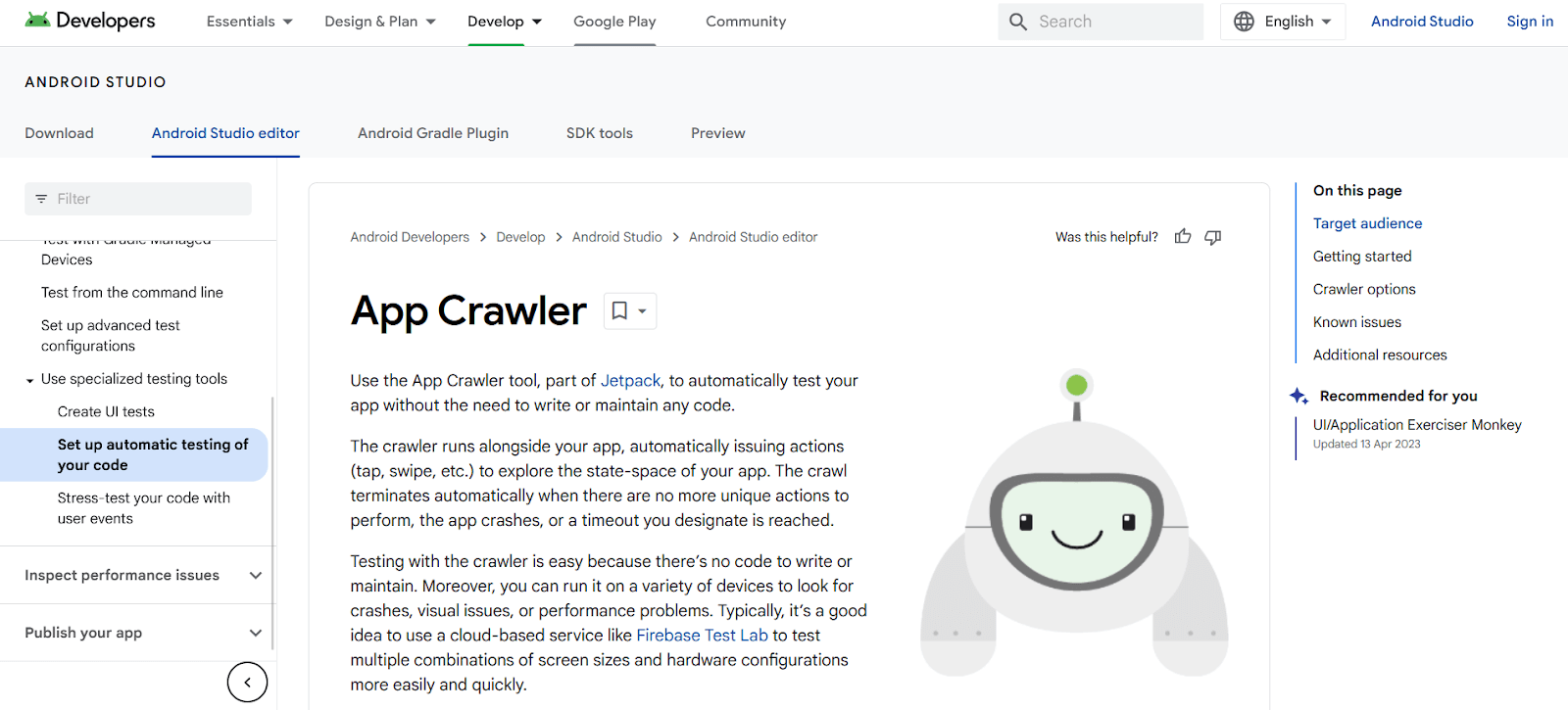
App Crawler, developed by Google, is an automation testing tool for testing mobile apps without writing code. It is part of the Android Jetpack library.
It is designed for developers who want to test basic app functionality with minimum configuration. The crawler runs with the app, performing actions like tap, hold, and swipe to explore the app's state-space.
The crawl ends when no unique activities remain, the program crashes, or a timeout is reached. Testing with App Crawler is simple with no code to maintain.
It can test multiple devices for crashes, visual faults, or performance concerns. For testing various screen sizes and configurations, use cloud-based tools like Firebase Test Lab and TestMu AI.
Key features
- No test code - part of the Android Jetpack library and runs without written test cases.
- Automatic exploration - taps, holds, and swipes its way through the app’s state space.
- Defined stopping point - the crawl ends when no unique activities remain, the app crashes, or a timeout is reached.
- Broad sweeps - checks multiple devices for crashes, visual faults, and performance concerns.
Best fit for: A quick automated crash sweep before investing in written tests.
14. TestFlight
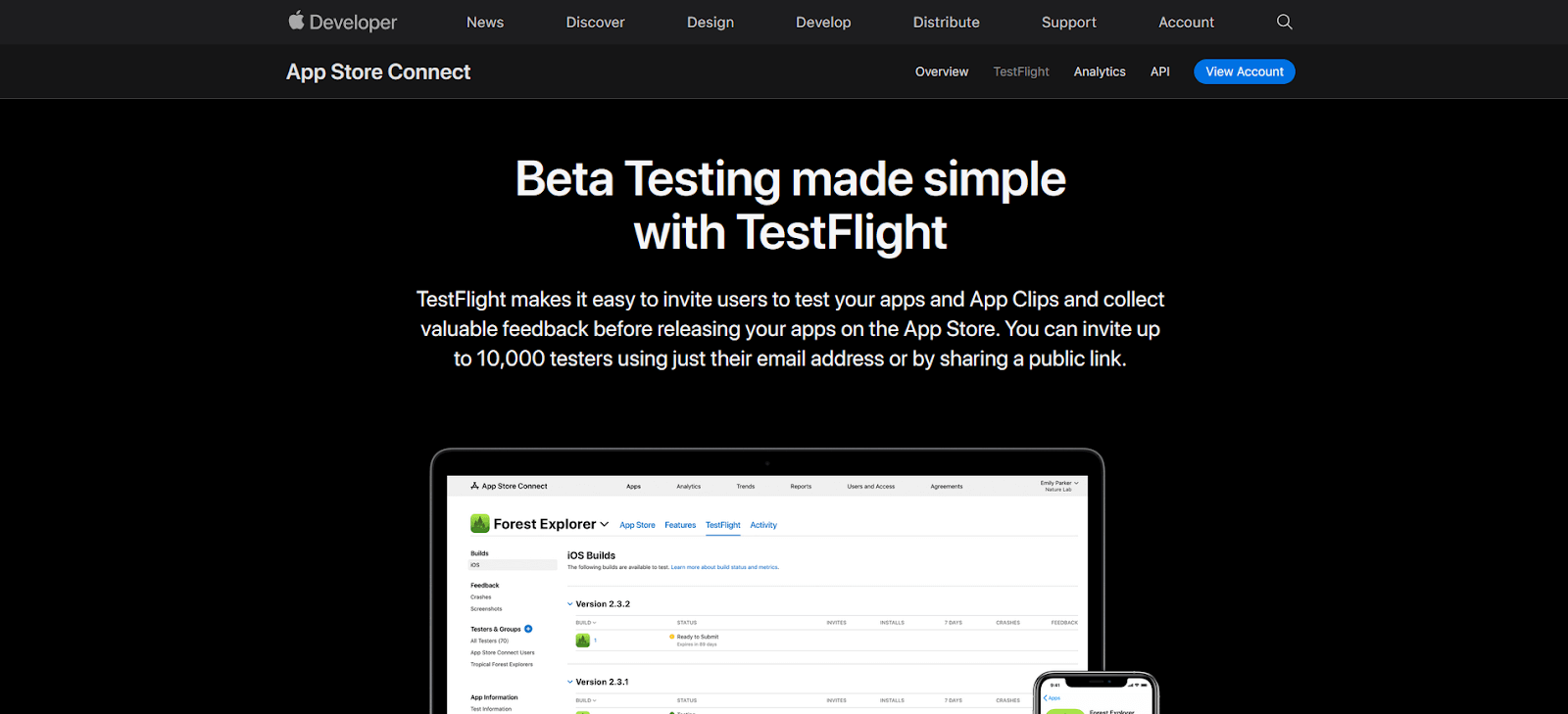
TestFlight is an Apple tool for user testing on iOS and Mac devices. It provides an easy solution for inviting people to test apps before App Store release.
Testers can upload beta or alpha versions to App Store Connect using TestFlight. Users then install the app via TestFlight app and provide feedback.
TestFlight supports iOS, iPadOS, watchOS, macOS, tvOS, and iMessage apps. Automatic upgrades ensure testers always work with the most recent code.
Key features
- Apple’s beta distribution - invites people to test an app before it reaches the App Store.
- App Store Connect upload - beta or alpha builds are uploaded through TestFlight and installed by testers in the TestFlight app.
- Broad Apple coverage - iOS, iPadOS, watchOS, macOS, tvOS, and iMessage apps.
- Automatic updates - testers are always on the most recent build.
Best fit for: Gathering real user feedback on a release candidate, alongside an automation framework rather than instead of one.
Key Takeaway: The native frameworks on this list, Espresso, XCUITest, Detox, and UI Automator, trade cross-platform reach for speed and stability on a single platform. Authoring-led options such as Maestro, Robot Framework, Nightwatch.js, Quash, and Drizz cut script maintenance by replacing driver code with YAML, keywords, or plain language, while TestMu AI, Firebase Test Lab, and Mobot supply the devices rather than the framework. App Crawler and TestFlight run no written test cases, so both belong next to an automation framework rather than in place of one.

This blog discussed the top 14 Appium alternatives for testing native, hybrid, and web apps on Android and iOS devices.
These Appium alternatives work best for smaller-scale testing. For enhanced scalability, use cloud-based testing platforms. Let's see how to test mobile apps on the cloud.
How To Test Mobile Apps on the Cloud?
Cloud-based testing platforms provide scalable infrastructure to test mobile apps across real devices and emulators without managing local hardware.
Cloud-based testing platforms are online services providing tools and infrastructure for mobile app testing. They enable functional, performance, and compatibility testing with scalability and flexibility.
TestMu AI is an AI-native test orchestration platform offering both real and virtual devices for mobile app testing. The steps below cover the real device path; the real device app testing documentation carries the full option list.
- Create a free TestMu AI account. No credit card is required to start.
- From the left navigation, open App Testing under Real Device.
- Choose the operating system you want to test on, Android or iOS.
- Upload the app from your files or by entering a URL. You can also install straight from the Play Store or App Center on Android, or from the App Store, TestFlight, or App Center on iOS.
- Select your region, then pick the Brand, Device Name, and OS Version from the dropdowns.
- To test a locally hosted build, switch on the Tunnel option in the top right before launching.
- Click Start to open a live session on the physical device, then use the session toolbar to capture screenshots, record video, read device logs, and file bugs.
Automated runs on the same cloud add an agentic layer to the debugging step. TestMu AI App Automation records device logs, network logs, video, and screenshots for every session, and its agentic root cause analysis correlates those logs to pinpoint why a run failed. For teams weighing Appium alternatives on maintenance cost, that replaces most of the manual log digging a failed mobile run normally demands.
Conclusion
While Appium remains a top mobile automation framework, competitors offer features like simple APIs, concurrent testing, and cross-platform capabilities.
This article curated 14 best Appium alternatives available for 2026. Learn more in our detailed comparison of Appium vs Selenium to choose the best automation tool. Already on another Appium cloud? Follow the guide to migrate Appium tests from Sauce Labs. And if you are re-evaluating your web automation stack alongside mobile, this guide to the best Selenium alternatives compares nine web frameworks on the same criteria.
Frequently Asked Questions
Author

Sai Krishna
Blogs: 21

Sai Krishna is Director of Engineering at TestMu AI (formerly LambdaTest), where he leads agentic AI for quality engineering, building AI agents that autonomously drive mobile and conversational test automation. His current focus is Agent Testing and Model Context Protocol (MCP) support for mobile. He is a core contributor and member of the Appium open-source project and the creator of AppiumTestDistribution and appium-device-farm. With over 14 years of experience including more than 9 years at Thoughtworks as a Principal Consultant, he holds a BSc in Electronics and speaks regularly at TestMu and Appium Conf on Appium, mobile automation, and agentic AI in testing.
Reviewer

Navin Chandra
Reviewer
Navin Chandra is a Member of Technical Staff at TestMu AI (formerly LambdaTest), building the open-source automation that powers its Selenium and Appium cloud grid. A committer to both Selenium and Appium, he implemented WebDriver BiDi support in Selenium for real-time browser events and bidirectional control and is developing Apple's iOS RemoteXPC protocol in Appium to enable low-level wireless communication with iOS system services. He contributes to Selenium across multiple language bindings as a member of the Selenium GitHub organization. He has served as a Google Summer of Code mentee and mentor at openSUSE and an LFX mentee at CNCF's KubeArmor, and is a SUSE Certified Deployment Specialist. Navin holds a B.Tech in Computer Science.
Appium Alternatives FAQs
Did you find this page helpful?
More Related Blogs
TestMu AI forEnterprise
Get access to solutions built on Enterprise
grade security, privacy, & compliance
- Advanced access controls
- Advanced data retention rules
- Advanced Local Testing
- Premium Support options
- Early access to beta features
- Private Slack Channel
- Unlimited Manual Accessibility DevTools Tests