

Next-Gen App & Browser Testing Cloud
Trusted by 2 Mn+ QAs & Devs to accelerate their release cycles


Top 20 Desktop Automation Tools For 2026
Learn about desktop automation tools to automate repetitive tasks and boost productivity by streamlining the workflows of desktop applications.
February 7, 2026
Desktop applications require installation, configuration, and execution on a desktop operating system, such as Windows, macOS, or Linux. This means end-users must have access to a PC or laptop with sufficient hardware resources to run desktop applications.
Desktop application testing plays a pivotal role in ensuring the quality and reliability of desktop applications, which can be done through manual or automated approaches. Desktop automation testing utilizes desktop automation tools to verify the functionality of these applications much more quickly and efficiently.
In this blog, we will learn about automating desktop applications, its benefits, the process, and various desktop automation tools.
What Are Desktop Applications?
Desktop applications are software programs installed and run locally on personal computers, providing specific functionality without requiring constant internet access.
A desktop application, or software, is designed to run locally on a personal computer or laptop. Unlike web applications that run on the Internet or in a web browser, desktop applications are installed and stored on the hard drive of a user's computer.
These applications provide specific functionality to users, allowing them to perform tasks or functions with or without requiring an Internet connection. Tasks can range from simple utilities like calculators or text editors to complex programs like graphic design software or video editing tools.
Why Should You Automate Desktop Applications?
Automate desktop applications to ensure consistency, expand test coverage, increase testing speed, reduce human errors, improve task management, and achieve long-term cost savings.
Automating tests for desktop applications provides several benefits that can significantly enhance the software development process.
It helps automate repetitive tasks, ensure consistent testing, and reduce the chances of human error, thereby making desktop application testing more efficient and reliable.
Some of the reasons why automating desktop applications is important:
- Consistency and repeatability in test execution: Desktop automation testing allows you to execute tests consistently and with repeatability.
- Tests can be run whenever needed, and since the scripts follow a predefined algorithm, each result is reliable and free from human error, ensuring consistent outcomes every time.
- Expanded test case coverage: By implementing automation testing, you can execute the tests at any moment and in parallel. This capability allows for the reuse of scripts, simultaneously enabling comprehensive coverage of a wide range of test cases.
- Increases testing speed and efficiency: Unlike manual testing, which requires a QA engineer to perform various actions and downloads, an automated test script can complete these tasks in milliseconds.
- This rapid execution provides quicker feedback to your team, reduces the testing phase of the application, and accelerates your time-to-market.
- Reduction of human errors: It reduces errors and biases by eliminating manual intervention. QA specialists can minimize the risk of overlooking critical defects or inaccurately assessing software quality.
- Automated test scripts perform only the tasks they're programmed to do, eliminating concerns about test interpretability. They are objective and focus solely on delivering the expected result.
- Improves task management: It improves task management by creating a specific workflow for your team. QA engineers can prioritize their efforts on more critical tasks since some tests are covered by automated testing.
- Integration with task management tools allows you to track the progress of test execution, identify bottlenecks, and adhere to a schedule.
With desktop automation testing tools, you can assign test cases to specific team members, track their status, and provide updates. QA experts can focus on higher-value activities by automating repetitive and time-consuming tasks.
Task management tools can capture feedback, document lessons learned, and accumulate improvement initiatives.
- Long-term cost-effectiveness: Opting for automation testing for desktop applications can result in long-term cost savings. It enables early detection and resolution of issues, allowing your team to concentrate on more valuable tasks and focus on product refinement.
- This proactive approach helps avoid expensive rework and potential revenue loss from software failures. By empowering your QA engineers and developers to lead the project with their expertise, you can prioritize quality improvement and steer clear of potential development challenges.
- Faster feedback on software quality: It ensures continuous validation of changes. Scripts can be run seamlessly, and the team is promptly notified of any issues. This allows for almost instant identification and resolution of problems.
- Additionally, systematic desktop automation testing provides a broader view. You can quickly pinpoint problematic areas and make necessary adjustments by noting recurring errors during tests.
To learn more about automating desktop applications, follow this guide on desktop automation and get detailed insights.

Note: Discover the power of desktop automation and run tests to simplify your tasks and enhance productivity. Try TestMu AI Now!
What Are the Top 20 Desktop Automation Tools?
Top desktop automation tools include Selenium, Appium, Ranorex, TestComplete, WinAppDriver, Katalon Studio, Tosca, UFT One, and others designed to automate desktop workflows.
Desktop automation tools are software solutions designed to automate tasks and workflows for desktop applications. They help increase efficiency, reduce errors, and save time for critical tasks.
Here are some of the top desktop automation tools to consider:
Appium Desktop
Appium for desktop is a robust open-source GUI application combining two essential Appium toolset components: the Appium Server and the Appium Inspector.
The Appium Server enables the automation of application testing, while the Appium Inspector inspects and gathers specifications about an app's UI elements. This desktop automation tool simplifies the creation of test scripts, sets up a quick test server, and configures the Appium environment.
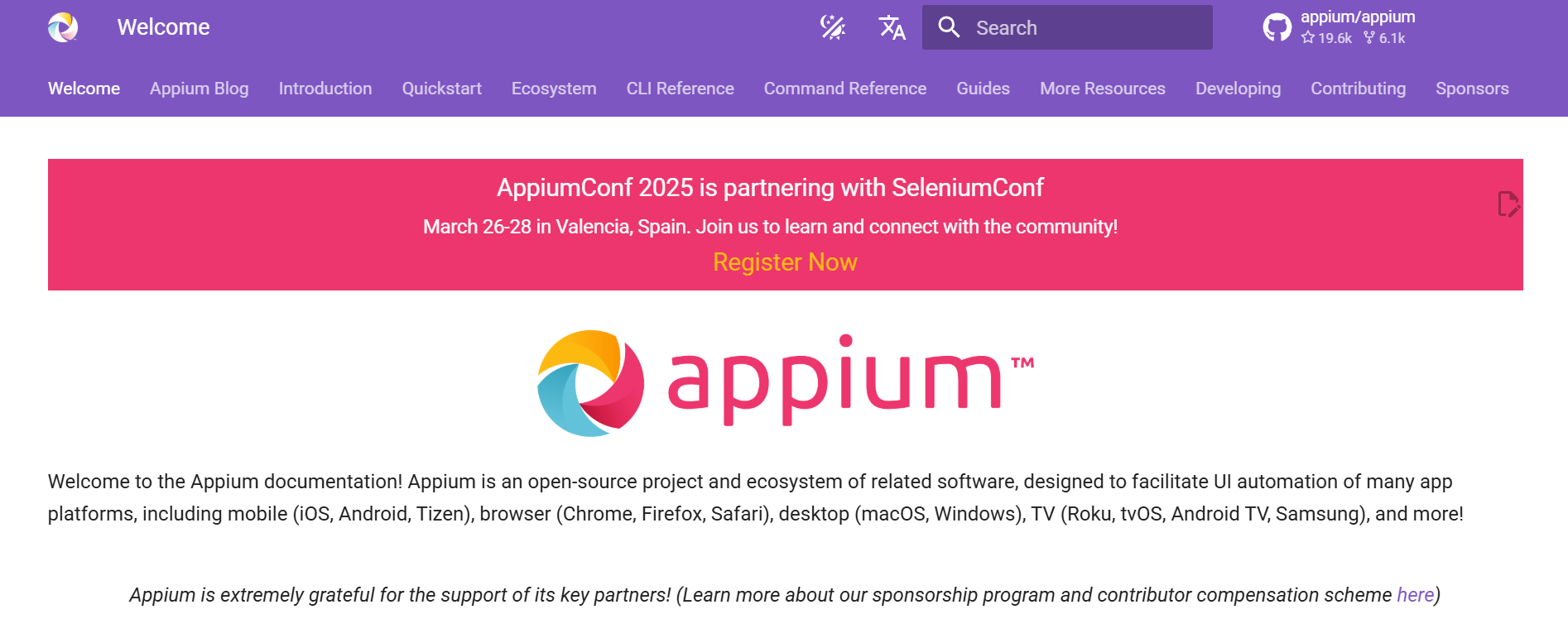
Key features of the Appium desktop automation tool include:
- It helps you identify elements that you want to interact with by allowing you to inspect and locate them.
- It helps you easily start and stop the Appium server, which is important for running your tests.
- It helps display logs generated by the Appium server for your test scripts, which makes it easy for testers to debug the issues and understand what’s happening during test execution.
- It also helps provide a console/CLI where you can interact with the Appium server using commands.
- It allows you to manage the apps installed on your devices or emulators, including installing, uninstalling, and launching them.
Robot Framework
It is an open-source framework designed for desktop automation. It is widely used across various applications and offers seamless integration with various tools for flexible and powerful automation solutions.
It is recognized for its association with free mobile and desktop application testing tools.
Key features of the Robot Framework desktop automation tool include:
- It supports a wide range of programming languages, including Python, Jython (Java), PyPy, and IronPython (.NET), offering flexibility in test development.
- It is compatible with Windows, macOS, Unix, and Linux operating systems, ensuring flexibility in test environment setup.
- It uses a keyword-driven testing approach, simplifying the testing process and making it easier to understand and maintain.
- It features autocomplete functionality and syntax highlighting, improving code development efficiency and reducing errors.
- It seamlessly integrates with popular automation tools such as Appium and Selenium, providing comprehensive testing solutions and extending functionality.
TestComplete
It is a versatile and powerful desktop application testing tool for various applications, including Windows, .NET, WPF, Visual C++, Visual Basic, Delphi, C++Builder, Java, web and mobile platforms.
One of the standout features is its support for constructing test cases using Keywords, which mimic user interactions with the Application Under Test.
Whether teams prefer Record-and-Playback functionality or executing test cases across different environments, it offers flexibility and ease of use. It is particularly beneficial for teams focusing on functional and unit testing because of its comprehensive feature set and adaptability to diverse application types.
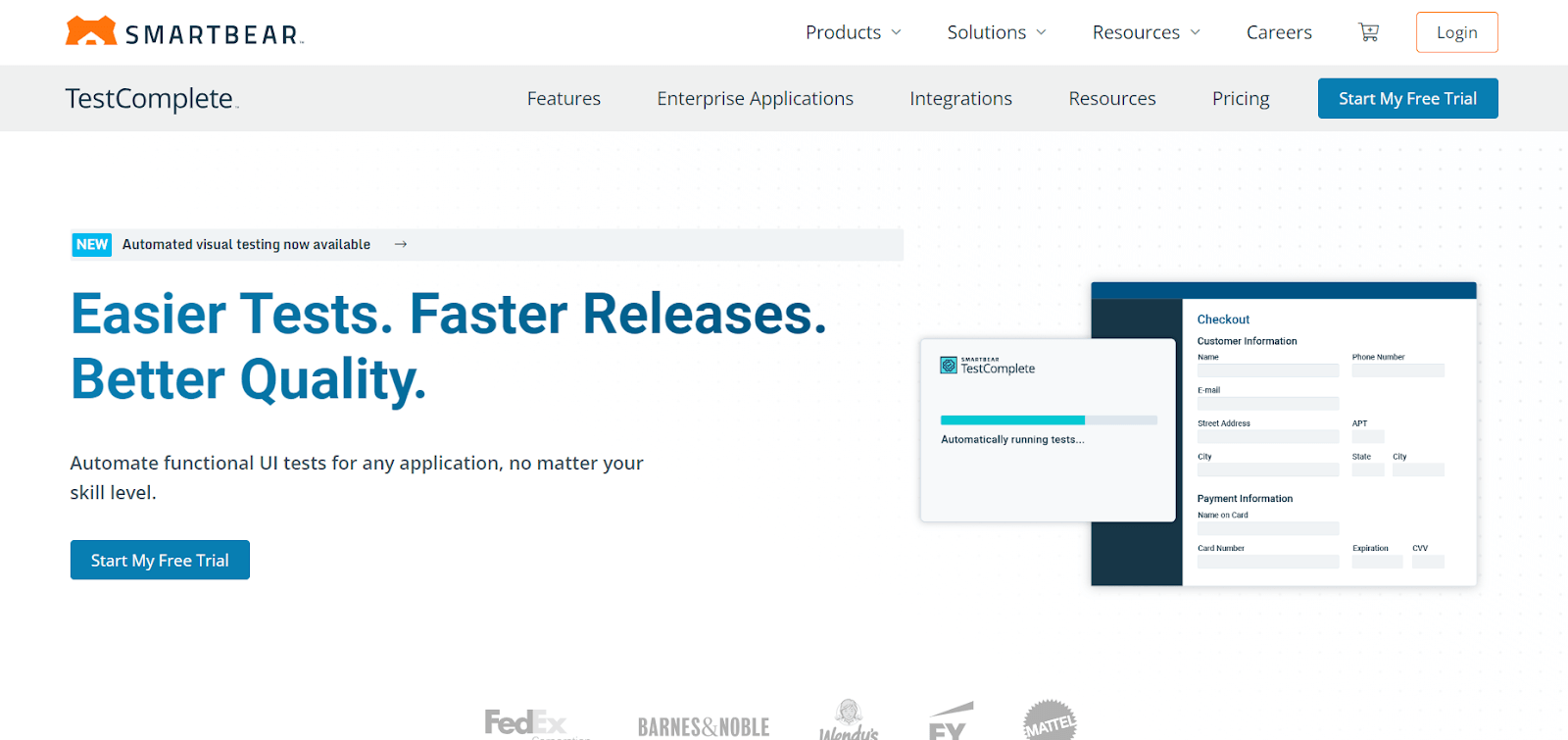
Key features of the TestComplete desktop automation tool include:
- It offers a wide range of keywords (referred to as Operations) that can be customized with parameters for specific actions.
- It allows users to schedule test runs for automation, ensuring tests are executed at specified times.
- It facilitates running a group of tests together as a batch, streamlining the testing process.
- It enables running multiple tests simultaneously, reducing the overall test execution time.
Katalon
It is a comprehensive testing tool that supports automation testing for web, desktop applications, mobile, and APIs. This versatility allows you to switch between different testing modes seamlessly.
For desktop application testing, it provides a user-friendly interface for creating and executing tests, streamlining the testing process for desktop applications.
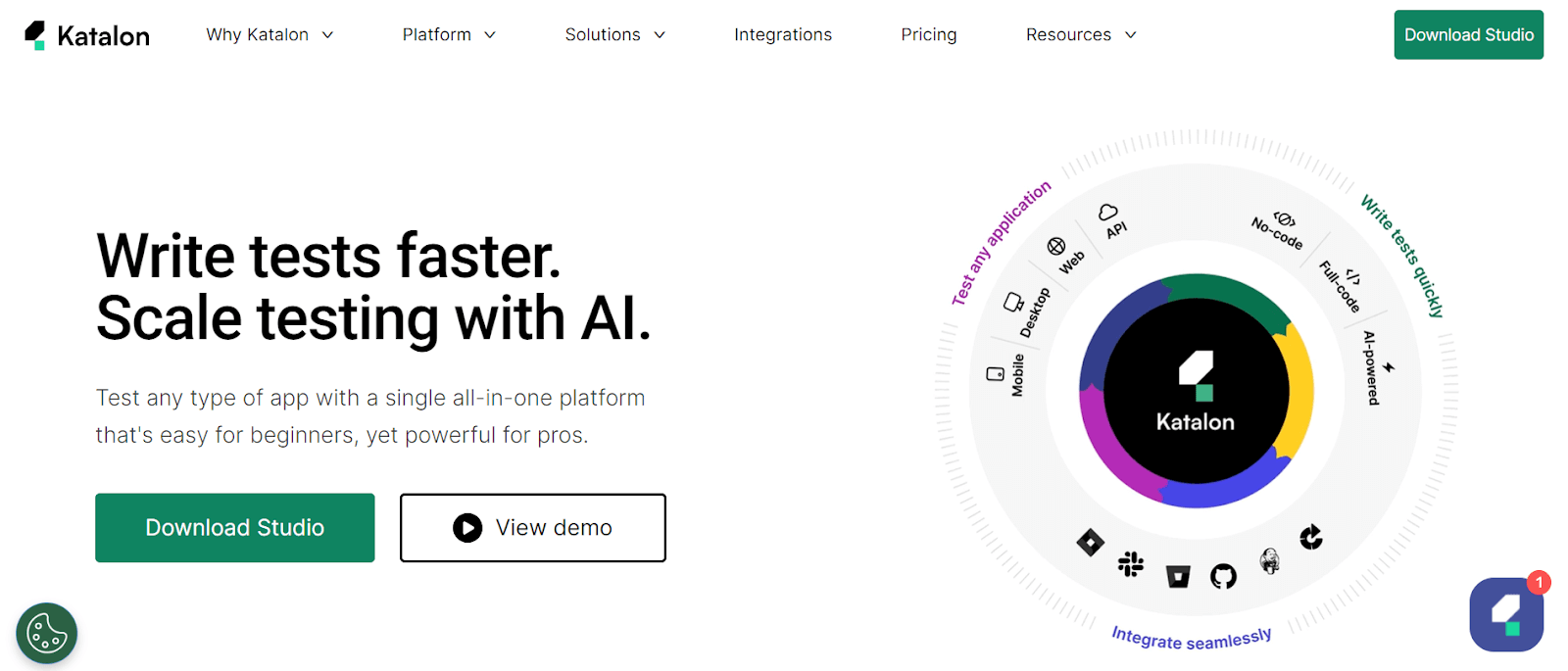
Key features of the Katalon desktop automation tool include:
- It supports automation testing for various desktop platforms, ensuring versatility in testing environments.
- It offers various testing functionalities, including functional, regression, and integration testing, catering to diverse testing needs.
- It integrates seamlessly with CI/CD pipelines, enabling automated testing in continuous integration and delivery workflows.
- It allows users to customize their automation tests according to their specific requirements, enhancing flexibility and efficiency.
TestArchitect
It is driven by keywords, which helps testers easily adapt programming skills and learn quickly. It provides an extensive keyword library and features Action-based testing, a modern method driven by keywords.
Its strong support, high usability, and extensive feature set make it a powerful choice for desktop automation tools compared to open-source solutions.
Key features of the TestArchitect desktop automation tool include:
- It allows testers to use the keyword to create test cases, making it easy to maintain.
- Its user-friendly interface and ease of use make it accessible to testers with varying technical expertise.
- It offers a wide range of features for desktop automation, allowing testers to create comprehensive tests that cover various aspects of their applications.
- It is well-known for its reliability, ensuring that tests run smoothly and produce accurate results.
WinAppDriver
WinAppDriver is one of the leading desktop automation tools that enables users to automate testing scenarios and interact with Windows applications through a standardized set of protocols.
This makes it an ideal choice for seamless integration of automation UI tests into the Software Development Life Cycle (SDLC).
With its robust features and comprehensive support for various programming languages and testing frameworks, it empowers users to achieve efficient and reliable automation of Windows desktop applications.
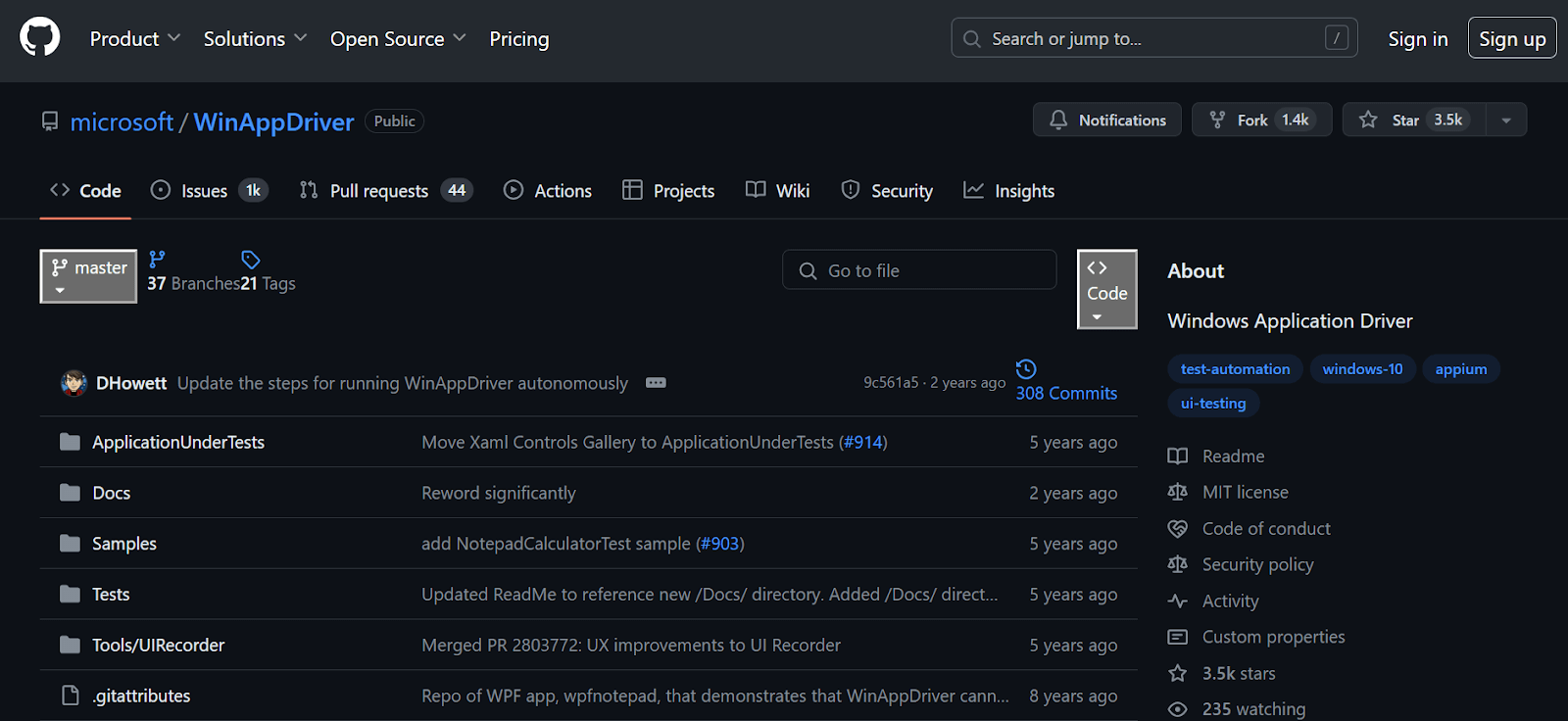
Key features of the WinAppDriver desktop automation tool include:
- It automates testing Windows applications and Universal Windows Platform (UWP) apps using a WebDriver-compatible API.
- It offers robust debugging capabilities, enabling effective troubleshooting and issue diagnosis in automated tests.
- It seamlessly integrates with DevOps pipelines and CI/CD workflows, allowing automated testing to be part of the software development process.
- It supports various programming languages and automation testing frameworks, ensuring compatibility with different development environments and toolchains.
While desktop application testing on a local machine may work well, it’s not a scalable approach. For instance, you may perform the desktop application test on Windows 10, but testing the same application on Windows 11 would require another machine.
Additionally, the challenge of installing WinAppDriver, along with the limitations associated with local grids (e.g., Selenium, Appium, Cypress), also applies when testing desktop applications.
To overcome the challenge, you can use cloud testing that offers scalability and convenience, which are beneficial for desktop application testing. One such platform is TestMu AI.
WinAppDriver supports Selenium-like automated UI testing on Windows applications at scale on cloud automation platforms like TestMu AI.
It is an AI-native test execution and orchestration platform that allows you to perform manual and automation testing at scale over 3000+ environments.
Moreover, HyperExecute by TestMu AI, which is scalable, reliable, secure, and designed for enterprise-grade testing, makes your test 70% faster than other test execution grids.
It optimizes the execution of your tests, allowing you to focus on creating high-quality test cases. It offers dedicated test runners for every major operating system.
It supports all major programming languages and frameworks, including Java, Node.js, Python, PHP, Go, C#, and more.
One of the key benefits of HyperExecute is its intelligent test orchestration. This feature automatically groups and distributes your tests across different testing environments, considering past executions.
It reorders the tests to prioritize those more likely to fail, helping you identify and fix issues faster.
This allows you to run your desktop application tests seamlessly across different operating systems without requiring multiple machines or manual installations of any desktop application tools.

Austin Siewert
CEO, Vercel
Discovered @TestMu AI yesterday. Best browser testing tool I've found for my use case. Great pricing model for the limited testing I do 👏
2M+ Devs and QAs rely on TestMu AI
Deliver immersive digital experiences with Next-Generation Mobile Apps and Cross Browser Testing Cloud

To learn how to use WinAppDriver, follow this guide on automating desktop apps using WinAppDriver. This step-by-step guide covers everything from installation to successfully running the tests, including leveraging cloud-based platform features like HyperExecute.
You can Subscribe to the TestMu AI YouTube Channel and get access to all the video tutorials on various automation testing processes.
Topics include mobile app testing, Appium testing, Selenium testing, Cypress testing, cross-browser compatibility, and more.
Winium
Winium is a desktop automation tool that utilizes the Windows UI Automation framework, enabling testers to automate and test Windows desktop applications using code.
Developed by Codeplex, it extends the functionality of web automation tools to the desktop environment.
It empowers developers and quality assurance professionals to write automated tests that can launch applications, interact with UI elements, verify application state, and more.
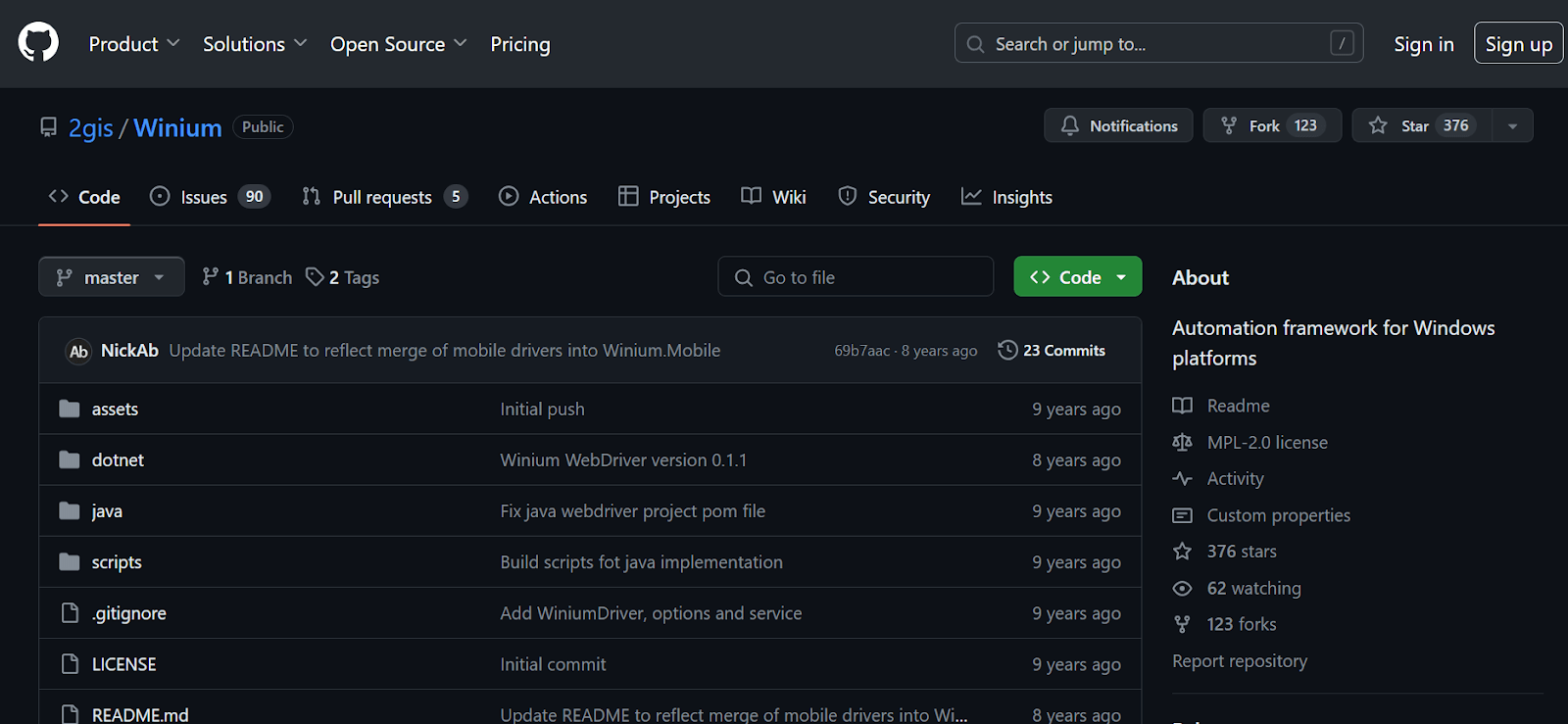
Key features of the Winium desktop automation tool include:
- It offers a Selenium-like syntax, making it easy for testers familiar with Selenium WebDriver to transition to desktop automation seamlessly.
- It utilizes the WebDriver protocol, allowing you to leverage existing WebDriver knowledge and automation testing frameworks like JUnit, NUnit, and more for test execution.
- It provides various object identification methods, including Accessibility IDs, control types, and XPath, ensuring flexibility in interacting with different UI elements within the application.
- It supports multiple programming languages, including C#, Python, Java, and Ruby, through language bindings.
- This flexibility allows development teams to leverage their existing web development skill sets and integrate them into their preferred testing frameworks.
- It provides a JSON wire protocol that facilitates remote communication between test scripts and the Winium driver.
- This feature allows for distributed testing, enabling teams to execute tests on multiple machines or environments simultaneously.
Ranorex
Ranorex is one of the leading desktop automation tools developed by Ranorex GmbH, designed to automate testing processes for desktop, web, and mobile applications.
Leveraging a user-friendly interface and powerful automation capabilities, Ranorex empowers testers and developers to create automated tests, perform GUI testing, and easily execute regression tests.
It offers exceptional capabilities in this domain, particularly for applications built with frameworks like Windows Presentation Foundation (WPF) and Windows Forms (WinForms).
Key features of the Ranorex desktop automation tool include:
- It is a centralized object repository that stores GUI elements and properties, facilitating easy maintenance and reuse of test assets across multiple test cases.
- It enables data-driven testing by allowing users to parameterize test cases and feed input data from external sources, enhancing test coverage and scalability.
- It includes a powerful recorder tool for capturing user interactions and generating automation scripts.
- It offers various functionalities for creating, organizing, and executing automated tests.
- It supports multiple programming languages, such as C#, VB.NET, and JavaScript, allowing developers and testers to leverage their existing skills and integrate with other tools and frameworks seamlessly.
- It supports the automation of desktop applications across various platforms, including Windows, macOS, and Linux, ensuring consistent testing experiences across different operating systems.
SikuliX
It is one of the leading desktop automation tools with its distinct approach. Unlike its commercially licensed counterparts, it provides a free and open-source solution, utilizing image recognition to automate tasks across Windows, macOS, and Linux systems.
By enabling users to automate actions visually rather than through coding, it simplifies automation and facilitates smooth interaction with desktop applications.
With its intuitive interface and adaptable features, it meets a broad spectrum of automation requirements, proving indispensable for organizations aiming to enhance efficiency and productivity.
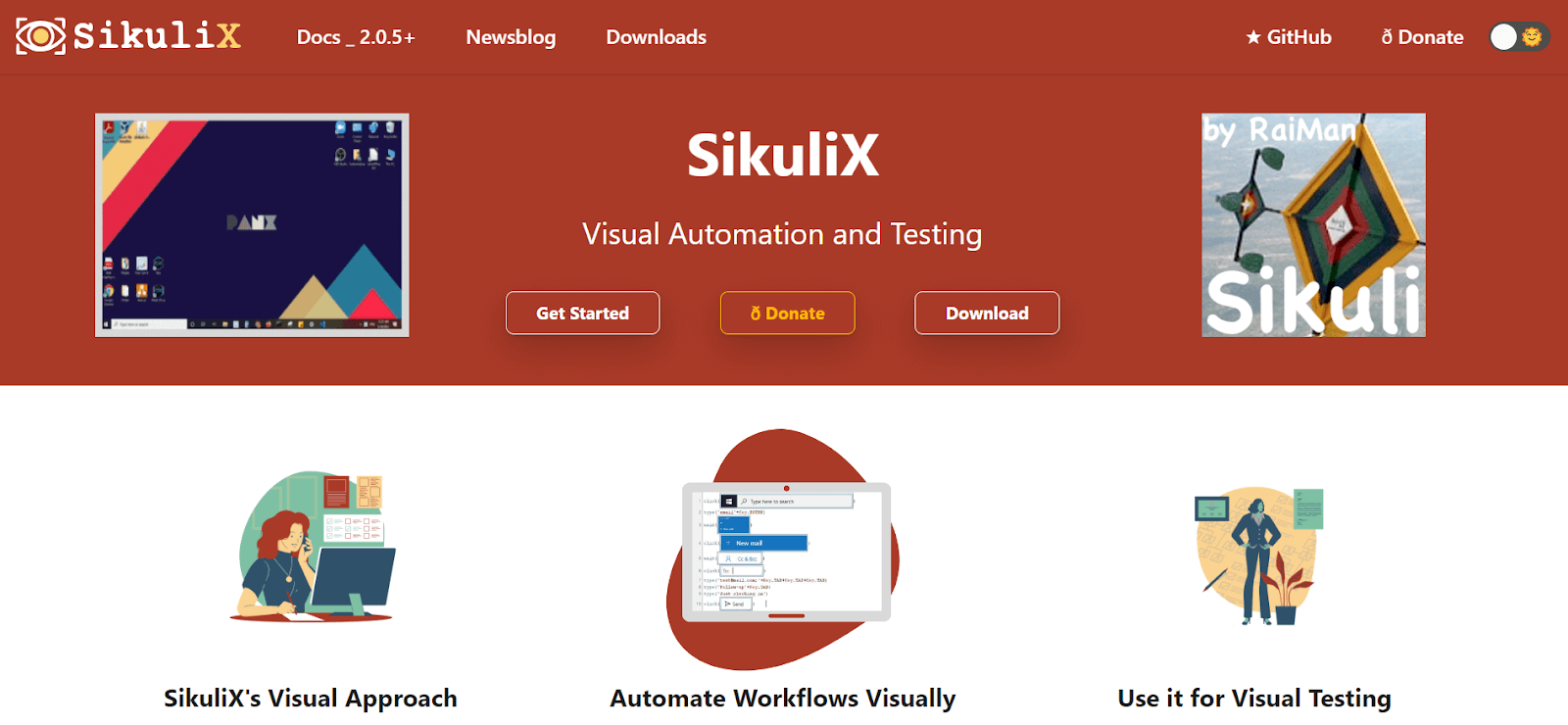
Key features of the SikuliX desktop automation tool include:
- It is distinguished by its advanced image recognition technology, enabling users to automate tasks through the identification and interaction with GUI elements using screenshots.
- It enables users to leverage languages like Python and Jython (a Python implementation designed for the Java platform).
- This functionality allows users to apply their programming skills to develop customized automation scripts to meet specific requirements.
- It is platform-independent, which allows it to function across multiple operating systems, including Windows, macOS, and Linux.
- It offers a visual scripting interface that simplifies the automation process for users without programming expertise.
- Through the intuitive interface, users can create automation scripts by visually defining workflows, capturing screenshots, and specifying interaction patterns, eliminating the need for complex coding.
Power Automate
It offers UI automation actions for interacting with Windows applications and components through mouse clicks, keyboard strokes, and data extraction.
The actions of the Windows subcategory directly manipulate entire application windows. Desktop automation can be done by adding actions manually or using the recorder.
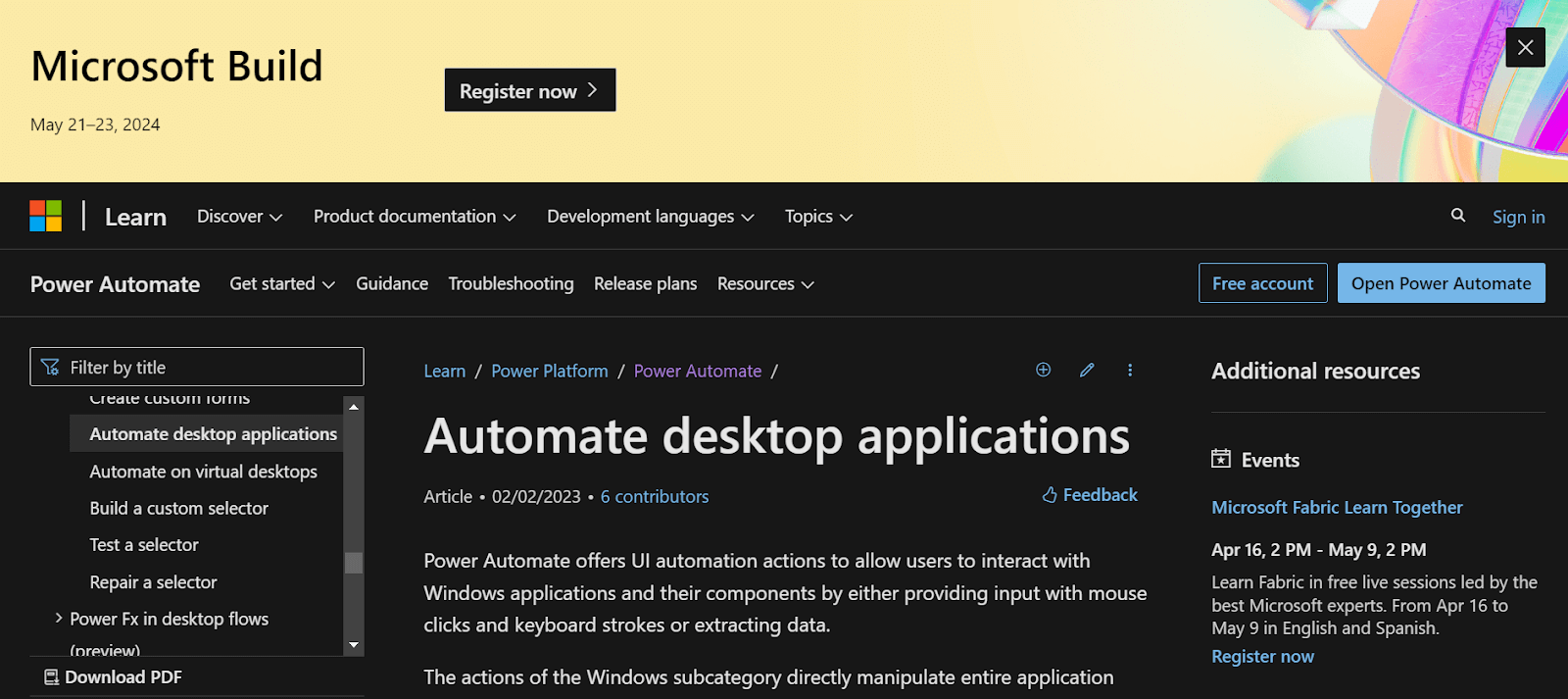
Key features of the Power Automation desktop automation tool include:
- It allows users to interact with Windows applications and components through mouse clicks, keyboard strokes, data extraction, and more.
- It enables the manipulation of entire application windows and interaction with specific components like text fields and buttons.
- It provides capabilities for image-based testing using screenshot comparisons, facilitating automation testing of complex UIs.
AutoIT
AutoIT emerges as a robust scripting language designed for automating Windows GUI and general scripting tasks. It is one of the leading desktop automation tools, characterized by its user-friendly syntax and comprehensive library of functions.
It enables users to streamline repetitive tasks, engage with desktop applications, manage files, and execute diverse system operations effortlessly.
Its adaptability and versatility render it a favored option for automating intricate processes and elevating workflow efficiency across a spectrum of industries.
Key features of the AutoIT desktop automation tool include:
- It offers image recognition capabilities for automating tasks based on visual cues, including capturing and analyzing screenshots.
- It provides a comprehensive library of functions for interacting with Windows, controls, files, and registry settings.
- It allows users to record and playback to automate repetitive sequences of actions, simplifying the automation process for non-programmers.
Airtest
It is an open-source, cross-platform UI automation testing tool that offers a unique approach to testing desktop applications. One of its key features is the ability to create tests without requiring source code, simplifying the testing process for users.
This framework is particularly useful for automating repetitive tasks and ensuring the quality of desktop applications across different operating systems.
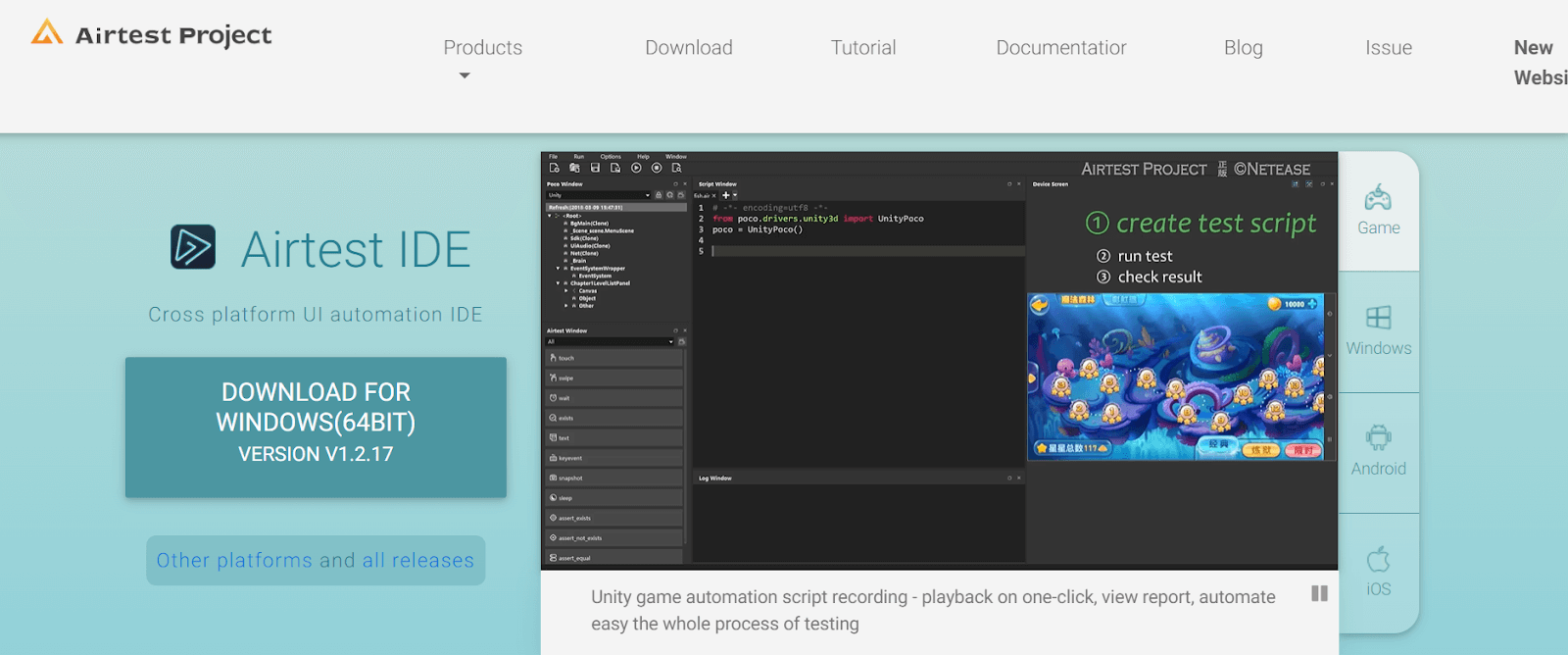
Key features of the Airtest desktop automation tool include:
- It supports multiple platforms, including Android, iOS, Windows, and web applications, ensuring comprehensive cross-platform testing for diverse applications.
- It allows you to write tests in Python, harnessing the power and simplicity of Python scripting for efficient test case development and execution.
- It offers many image recognition tools, facilitating easy and efficient test creation without intricate coding requirements.
- It integrates seamlessly with popular testing frameworks such as pytest and unittest, enabling users to leverage their preferred testing tools for enhanced test automation.
ZapTest
ZapTest emerges as one of the leading desktop automation tools, empowering you to streamline processes on desktops and a wider digital stage. It automates tasks on desktops (Windows, macOS, Linux), and its true power lies in its ability to orchestrate automation across various platforms:
- Web Application Testing: Automate repetitive actions within web browsers.
- Mobile App Development: Streamline workflows on iOS and Android devices.
- APIs: Integrate with APIs to automate data exchange between applications.
- Load Testing: Perform stress tests to analyze application performance under heavy load.

Key features of the ZapTest desktop automation tool include:
- It enables users to automate testing processes for desktop applications, saving time and effort compared to manual testing methods.
- Users can create and execute automated tests, perform regression testing, and generate detailed reports to ensure the quality and reliability of their desktop applications.
- It supports the testing of desktop applications across different platforms, including Windows, macOS, and Linux.
- This cross-platform compatibility ensures that users can test their applications on various operating systems, enhancing the reliability and compatibility of their desktop applications.
- It seamlessly integrates with various testing tools, enabling users to streamline their testing workflows and leverage existing testing environments.
- It offers integration with popular automation testing tools such as Selenium, Cypress, Playwright, Appium, and Jenkins, allowing users to extend functionality and integrate it into existing testing processes.
- It provides detailed reports on test execution results, including pass/fail status, error messages, and Key Performance Indicators (KPIs).
- These test reports enable software development teams to identify issues quickly, prioritize bug fixes, and ensure the quality and reliability of their desktop applications.
Pywinauto
Pywinauto is a widely used, free, and open-source automation library that specializes in automating Windows GUI applications. Its straightforward scripting capabilities make it a popular choice among testers and developers seeking efficient desktop automation solutions.
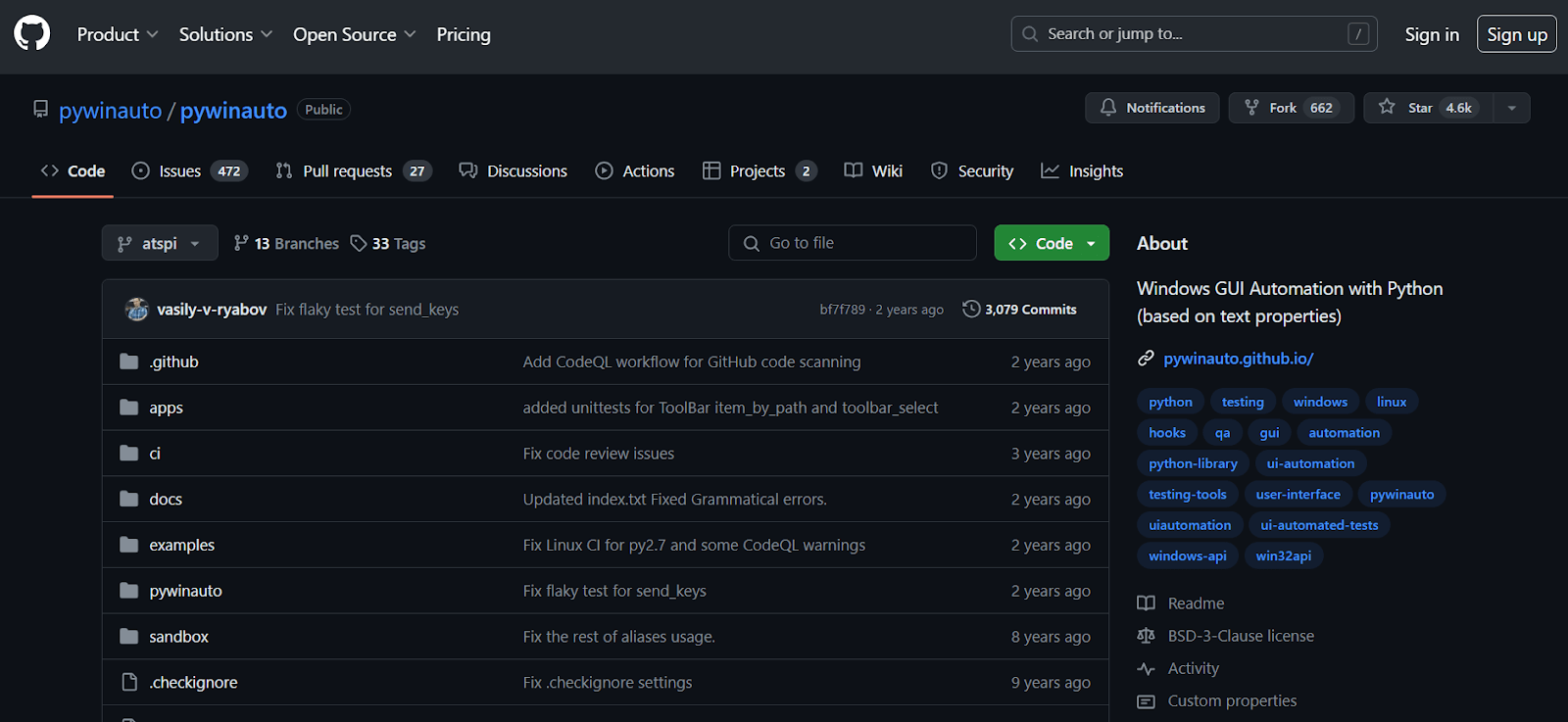
Key features of the Pywinauto desktop automation tool include:
- It is compatible with multiple programming languages, including Python, IronPython, and Jython, ensuring flexibility and adaptability across different development environments.
- It supports standard and custom controls, catering to diverse application scenarios and ensuring compatibility with various UI elements.
- It provides an easy-to-use API, enabling users to interact with GUI elements effortlessly and create automation scripts efficiently.
- It offers a rich set of built-in functions and libraries, empowering testers and developers with comprehensive tools for desktop application automation.

FlaUI
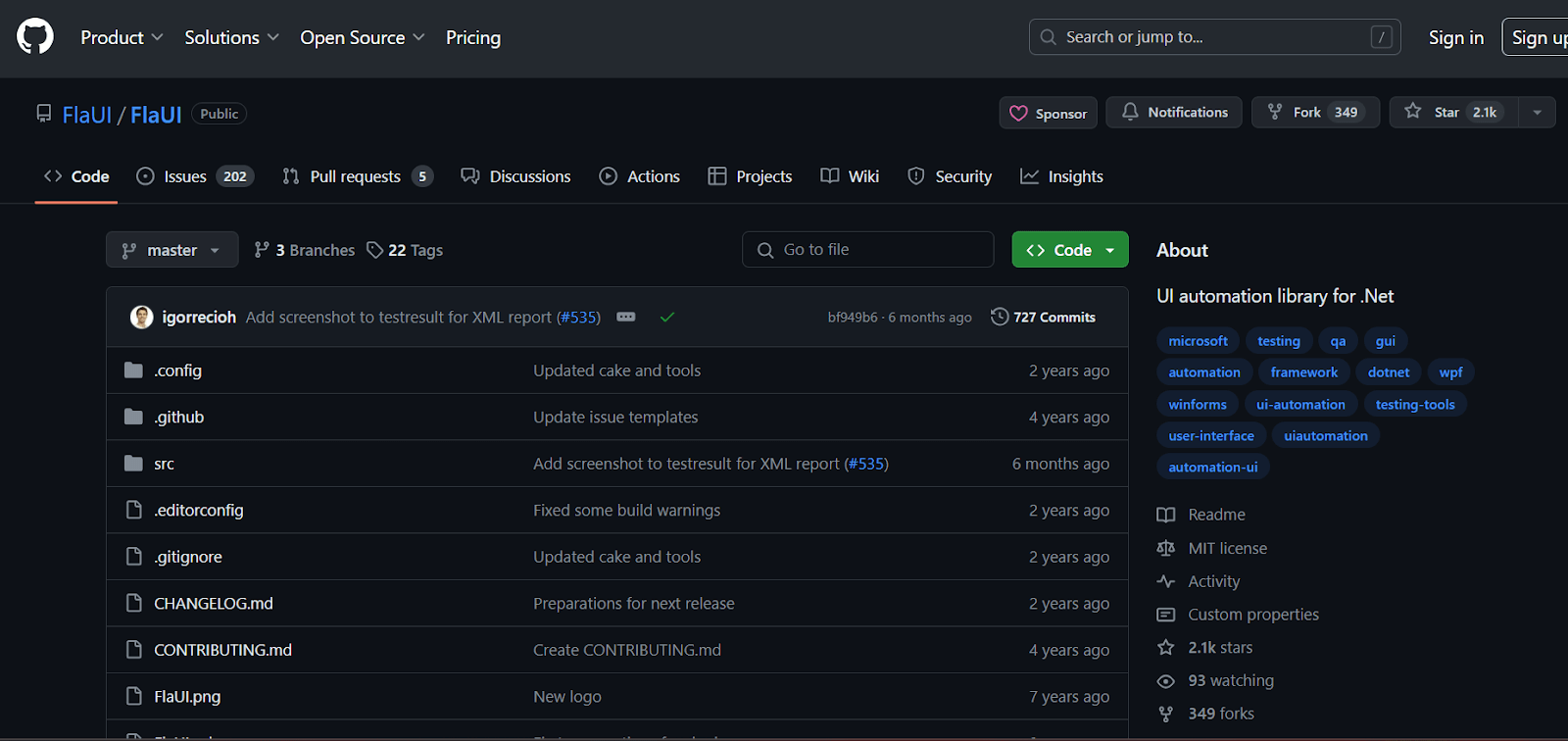
FlaUI is a .NET library designed for automated UI testing of Windows applications, including Win32, WinForms, WPF, and Store Apps. It acts as a wrapper around Microsoft's native UI Automation libraries.
It provides a clean and efficient way to interact with the application's UI elements. It covers almost all aspects of the UI Automation libraries and offers access to native objects for specialized needs not addressed by FlaUI directly.
Key features of the FlaUI desktop automation tool include:
- It provides an object-oriented API for UI automation, allowing for precise interaction with Windows Forms, WPF, and Win32 applications.
- It is compatible with any programming language that supports .NET, ensuring adaptability across various development environments and languages.
- It supports the automation of multiple applications simultaneously, improving testing efficiency by enabling concurrent execution of test cases.
- It includes a comprehensive set of verification and assertion methods for UI testing, ensuring accuracy and reliability in test automation.
OpenText UFT One
Unified Functional Testing (UFT) One is a comprehensive desktop automation tool used mainly for functional and regression testing. It is versatile, supporting various technologies such as web, mobile, and desktop applications.
Key features of the OpenText UFT One desktop automation tool include:
- It enables communication and information sharing between teams to break down silos.
- It allows you to use a DevOps-enabled toolchain to improve efficiency and remove bottlenecks.
AskUI
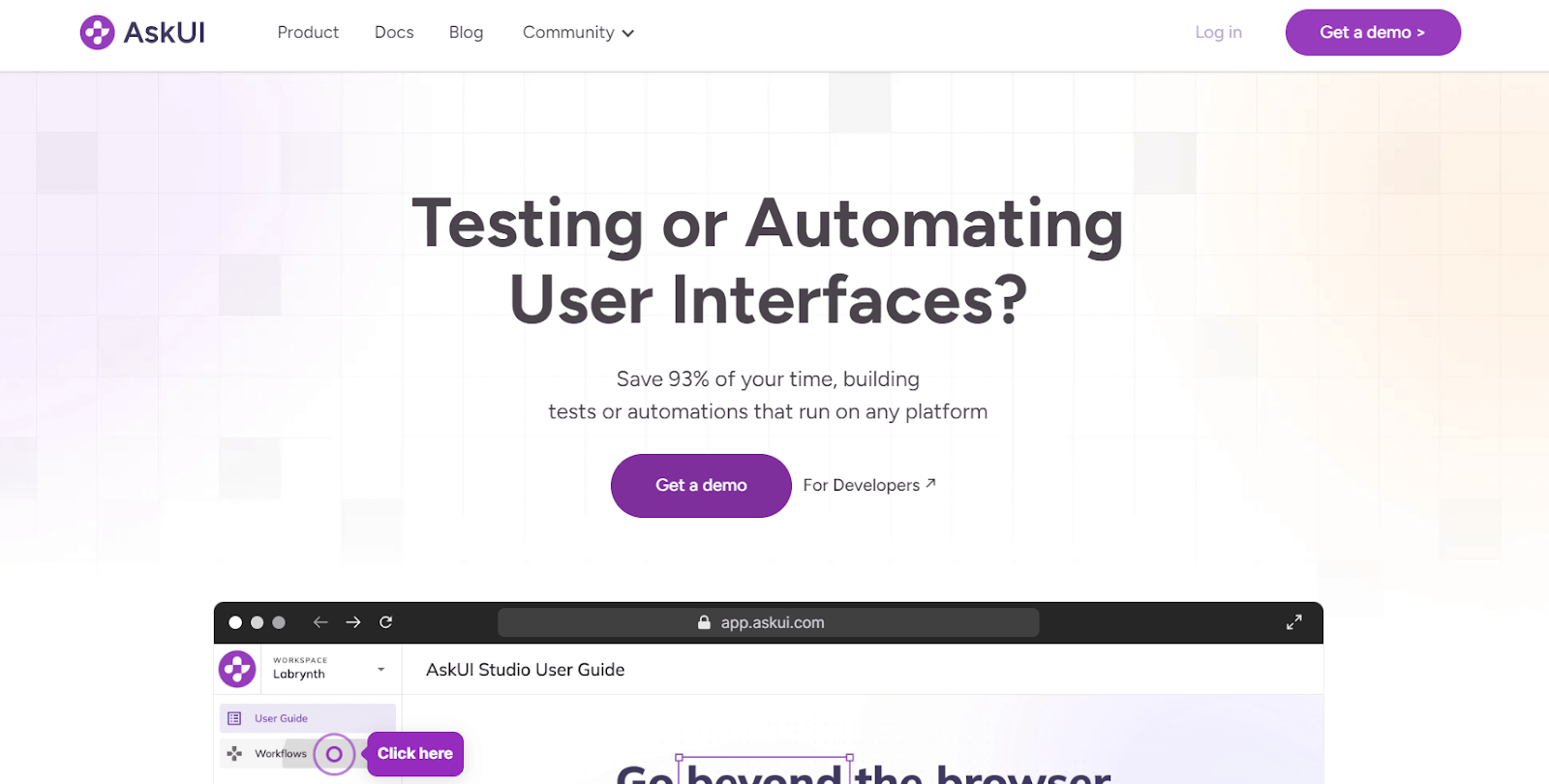
This desktop automation tool is designed to streamline and simplify the process of automating tasks within desktop applications. It offers a wide range of automation capabilities, allowing users to create automated workflows to perform Windows application testing.
Key features of the askUI desktop automation tool include:
- It supports Java, C#, and Python, offering flexibility in test automation.
- It identifies objects through XPath, ID, and CSS selectors, ensuring accurate test execution.
- It integrates with CI/CD tools like Jenkins and Bamboo, streamlining the testing process.
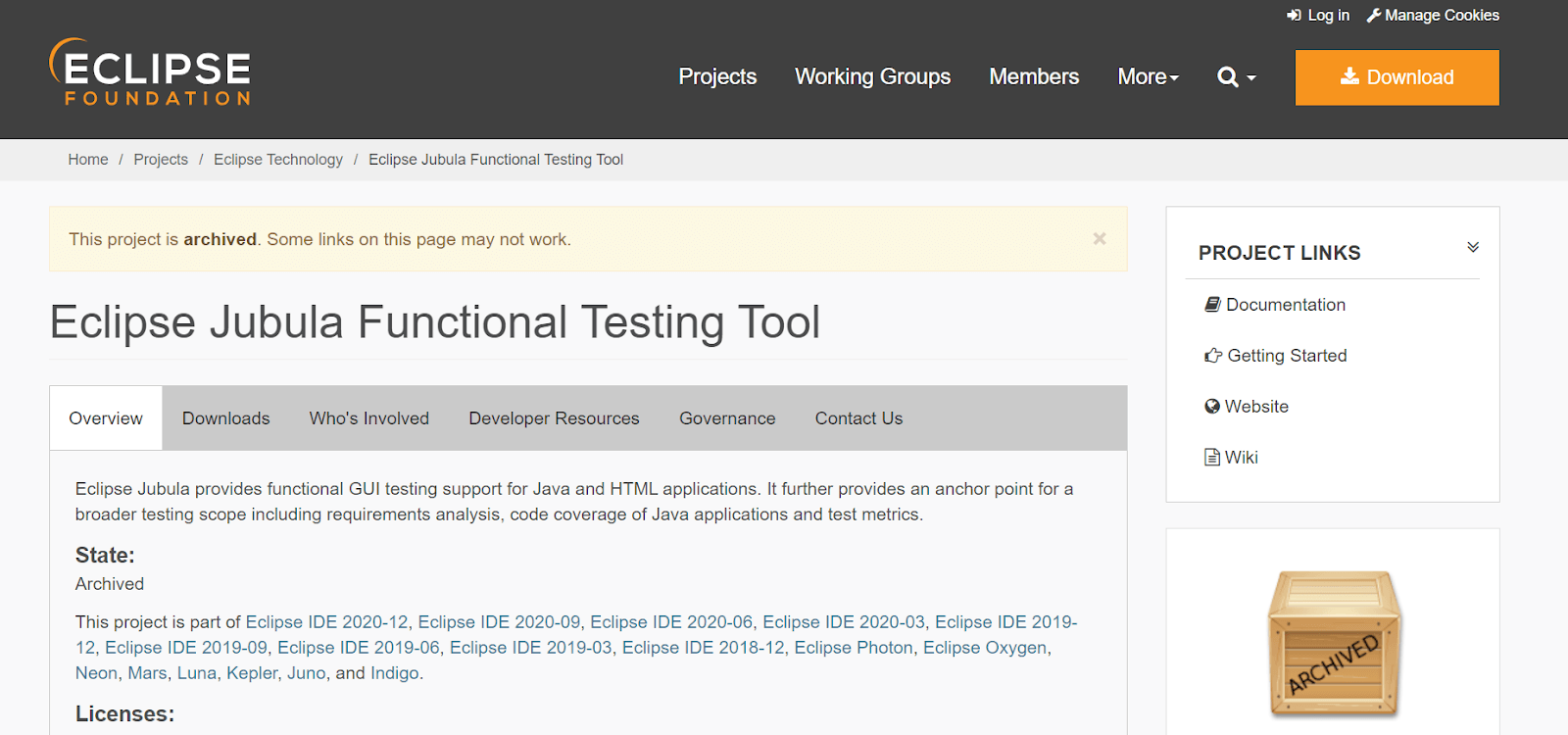
Jubula
It was developed by the Eclipse Foundation and is an open-source desktop automation tool designed to automate functional tests for graphical user interfaces (GUIs) and other systems.
It features a modular architecture and user-friendly interface, making test automation accessible for testers and developers.
Key features of the Jubula desktop automation tool include:
- Its modular architecture enables easy customization and extension of automation capabilities to meet diverse testing needs.
- It offers robust test case management and version control support, facilitating organized and efficient test case development and execution.
- It supports automated testing of complex user interfaces, ensuring accurate and reliable automation for intricate applications.
- Its intuitive interface simplifies creating and running automated tests, enhancing user productivity and efficiency.
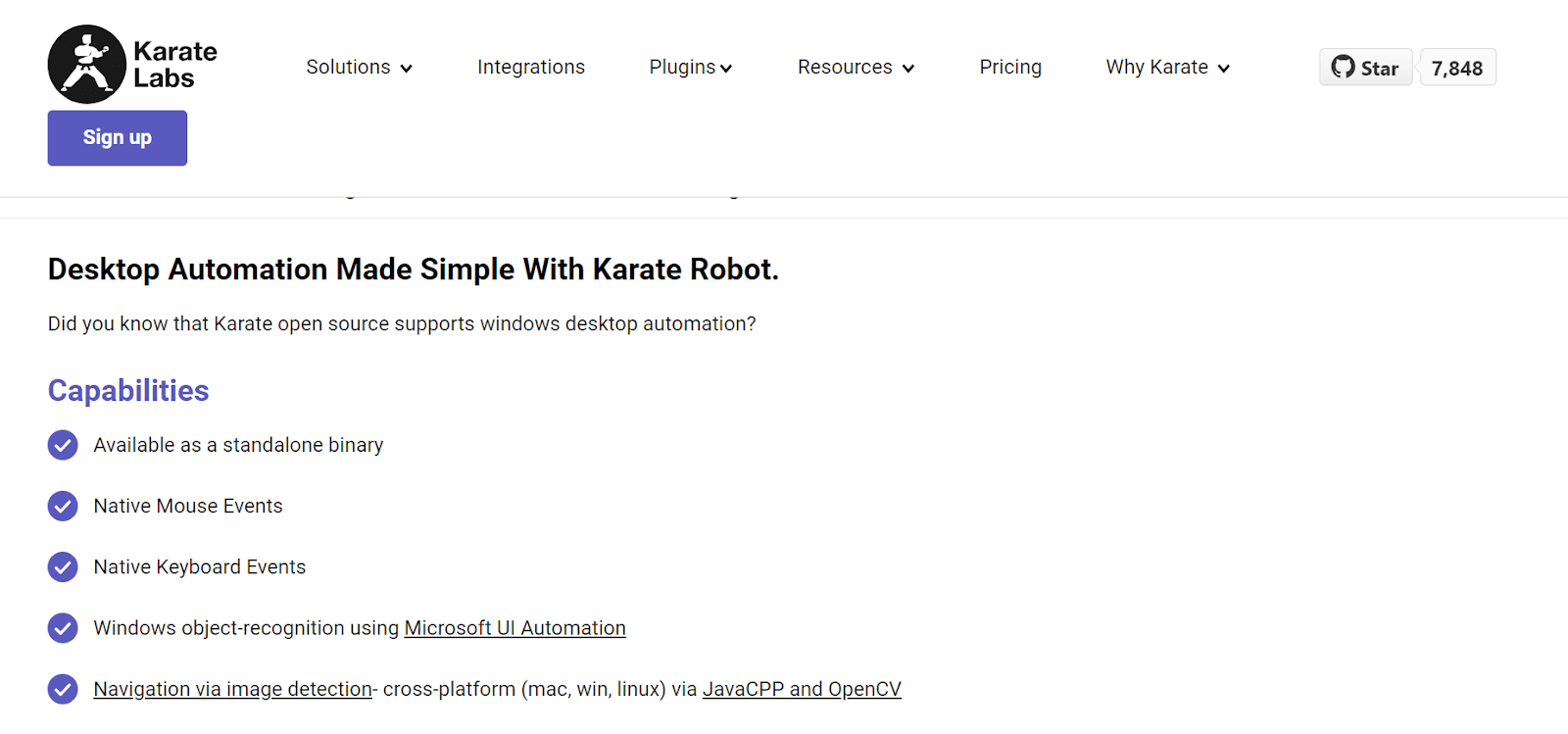
Karate Labs
This tool was developed by Peter Thomas and offers a unique framework that combines API test automation, mock servers, performance testing, and UI automation into a single system.
Its language-neutral syntax eliminates the need for compiling code, allowing users to write tests in a simple, readable syntax suitable for HTTP, JSON, GraphQL, and XML.
It allows for a seamless mixture of API and UI test automation within the same script and offers a Java API for those who prefer programmatic integration.
Key features of the Karate Labs desktop automation tool include:
- It is ideal for quick development and execution, allowing you to write code without compiling it.
- It provides powerful assertion capabilities and generates detailed HTML reports for easy validation and troubleshooting.
- It offers a stand-alone executable for multiple platforms, suitable for teams with varying programming expertise.
- It includes a Java API for programmatic access, enabling integration into custom test suites.
nut.js
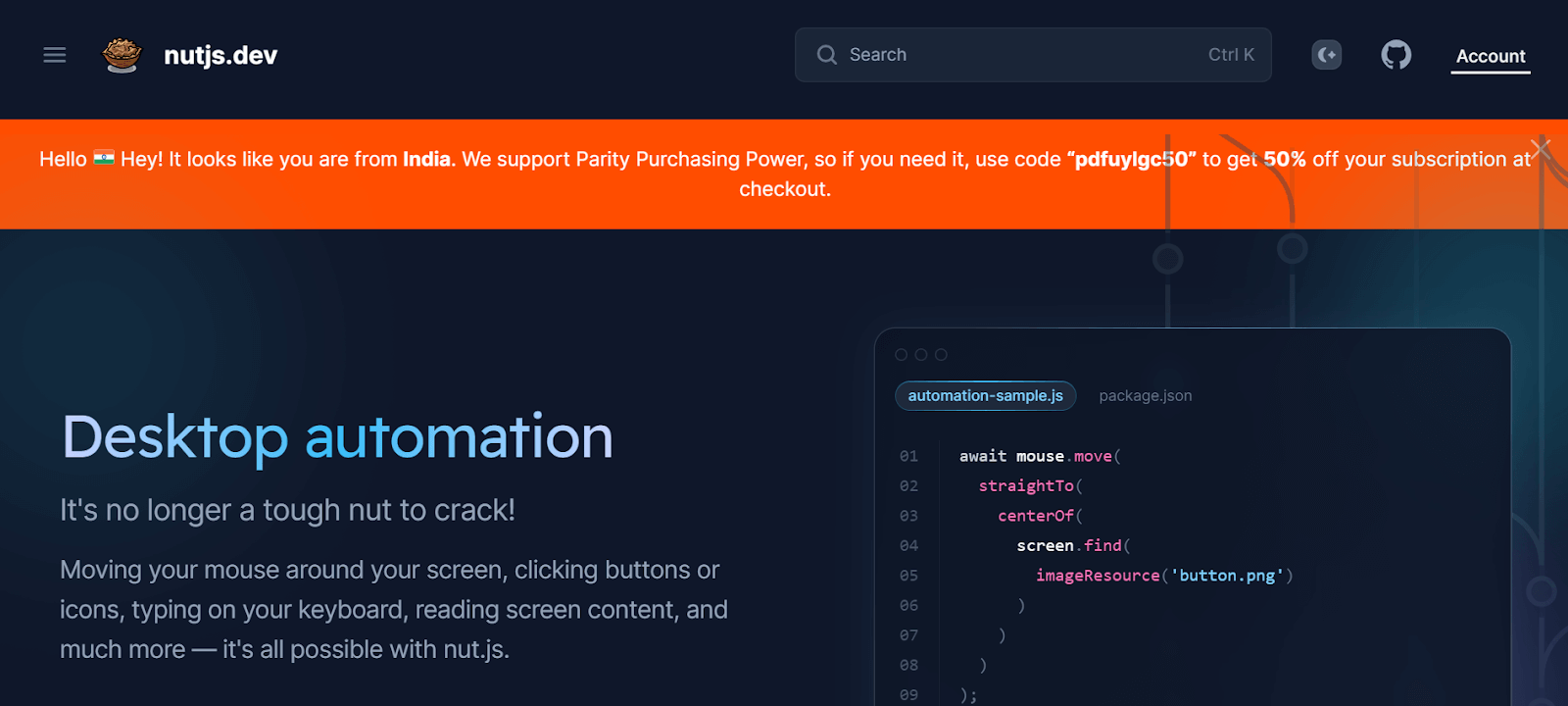
It is a cross-platform desktop automation tool for Node.js. It enables automation of keyboard and mouse interactions, image-based testing using screenshot comparisons, and Optical Character Recognition (OCR) for validating text on the screen.
This versatility makes it an ideal tool for automating tests of desktop applications on Windows, Mac, and Linux.
It enables JavaScript/TypeScript-based control over mouse, keyboard, and clipboard operations. It features a plugin system for on-screen image and text searches, with an additional add-on for effortless OCR on your screen.
Key features of the nut.js desktop automation tool include:
- It works seamlessly on Windows, macOS, and Linux, ensuring consistent desktop automation across different operating systems.
- It provides on-screen image and text recognition for complex automation scenarios like GUI testing.
- It supports a variety of plugins for enhanced functionalities and allows for the development and distribution of custom plugins.
In the below section, we will learn how to select the right desktop automation tools based on specific criteria.
How To Choose The Right Tool for Desktop Automation?
Choose the right desktop automation tool by identifying requirements, researching options, evaluating compatibility, checking integration, assessing support, and considering cost.
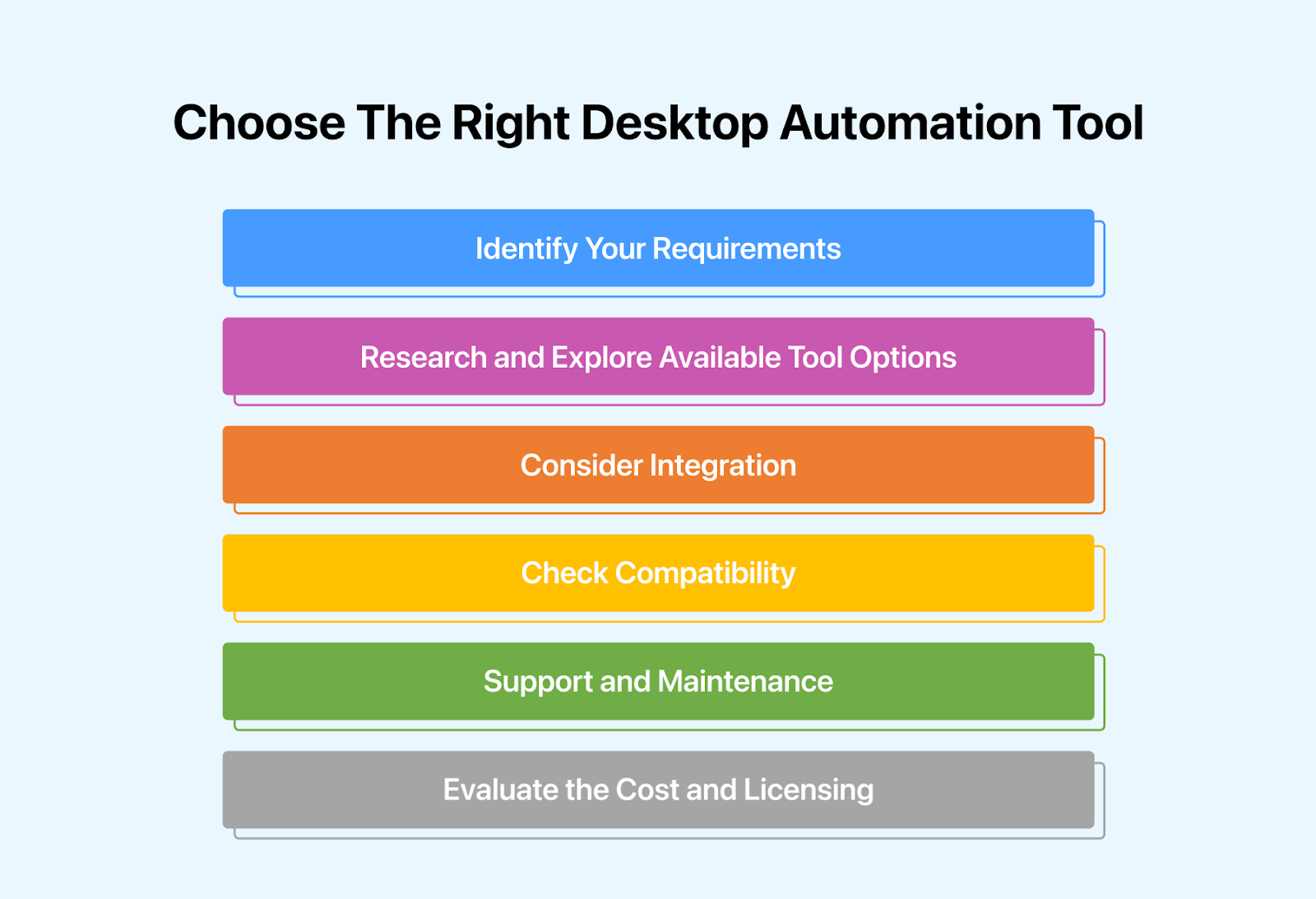
Selecting the right desktop automation tools involves considering several criteria to ensure they align with your specific needs and objectives.
Here are some key criteria to consider:
- Identify Your Requirements: Begin the selection process by conducting a careful analysis of your existing workflows. Identify recurring, time-intensive tasks or error-prone processes within your desktop applications that could benefit from automation.
- Understand the specific functionalities you expect from automation tools, whether it involves data entry, form completion, GUI interactions, or report generation.
- Research and Explore Available Tool Options: Explore the market for desktop automation tools specifically created for your desktop platform, whether Windows, macOS, or Linux.
- Ensure seamless compatibility and optimal performance. Consider a diverse range of automation tools, including both commercial and open-source alternatives.
- Consider Integration: Evaluate how well the automation tools integrate with your existing desktop applications and systems. Check for compatibility with different versions of operating systems, web browsers, and other relevant software.
- Look for tools with APIs or SDKs for seamless integration into your development environment that support popular programming languages and frameworks.
- Check Compatibility: Ensure the automation tools are compatible with the desktop applications and environments you plan to automate. Verify compatibility with different versions of operating systems, web browsers, and other relevant software.
- Assess the reliability and stability of the automation tools by reviewing user feedback, testimonials, and case studies.
Look for tools with a track record of consistent performance and minimal downtime. Consider features such as robust error handling, exception management, and logging capabilities to ensure the smooth execution of automated tasks and effective troubleshooting.
- Support and Maintenance: Assess the level of maintenance and support offered by the suppliers of automation tools. Seek tools that provide prompt customer service, regular upgrades, and continual maintenance to address issues, bugs, and security vulnerabilities.
- Consider variables such as response times, Service-Level Agreements (SLAs), and the availability of technical support channels for prompt issue resolution and unrestricted service.
- Evaluate the Cost and Licensing: Finally, consider the licensing and price structures of the automation tools. Find the most economical alternative that meets your budget limits by analyzing prices, licensing options, and pricing tiers.
- Consider variables like up-front costs, recurring subscription fees, additional expenses for upgrades or maintenance, and the scalability of licensing options as your automation needs grow.
Conclusion
In summary, the array of desktop automation tools presents a diverse landscape, offering numerous avenues to streamline workflows, enhance productivity, and drive efficiency.
Exploring the top 20 desktop automation tools has highlighted the innovation and creativity inherent in each solution. From simplifying repetitive tasks to optimizing software testing procedures, these tools have redefined how individuals and organizations function in the digital era.
Whether you're an experienced developer, a business executive, or an individual striving for personal productivity, there's a desktop automation tool tailored to your specific requirements.
By harnessing the capabilities of these tools, users can unlock unprecedented levels of efficiency, minimize manual labor, and concentrate on tasks of utmost importance.
As we navigate the ever-evolving realm of technology and automation, the significance of desktop automation tools continues to expand.
Embracing these tools and leveraging their potential enables users to remain at the forefront of innovation, adapt to evolving demands, and attain heightened levels of productivity and success.
Author


Frequently asked questions
Did you find this page helpful?
More Related Hubs
TestMu AI forEnterprise
Get access to solutions built on Enterprise
grade security, privacy, & compliance
- Advanced access controls
- Advanced data retention rules
- Advanced Local Testing
- Premium Support options
- Early access to beta features
- Private Slack Channel
- Unlimited Manual Accessibility DevTools Tests