

Power Your Software Testing with AI Agents and Cloud
The Native AI-Agentic Cloud Platform to Supercharge Quality Engineering. Test Intelligently and Ship Faster.


- TestMu AI (Formerly LambdaTest)
- /
- Blog
- /
- 8 Best Functional Testing Tools For 2026
8 Best Functional Testing Tools For 2026
Compare the best functional testing tools for 2026 across automation capabilities, platform coverage, integrations, and pricing to pick the right one.
Last Updated on:
Functional testing verifies that every feature of your application works the way its requirements say it should. Doing that entirely through manual testing is slow at scale: bugs get reported late, fixes get delayed, and the whole release cycle stretches.
Automated functional testing fixes the speed problem, but only if the tool fits your stack. Functional testing tools simulate real user behavior against your UI and APIs, and they differ widely in frameworks, language support, platform coverage, and pricing.
In this blog, we compare the best functional testing tools available so you can select the one that best suits your testing requirements.
Here is a quick comparison of the top five tools covered in this post:
Functional Testing Tools at a Glance
| Tool | Best For | Type / Pricing |
|---|---|---|
| TestMu AI | AI-native functional testing on a cloud grid of 3,000+ browser and OS combinations | Free plan + paid |
| Telerik Test Studio | Record-and-playback functional testing for web, desktop, and mobile | Commercial |
| IBM Rational Functional Tester | Enterprise functional and regression testing with change-resistant scripts | Commercial |
| Worksoft Certify | Scriptless business-process testing across SAP, CRM, and ERP | Commercial |
| Avo Assure | No-code functional testing with SAP-specific accelerators | Free + paid tiers |
| Katalon | Low-code functional automation across web, API, mobile, and desktop | Free + paid tiers |
What Are the Best Functional Testing Tools & Platforms?
Best functional testing tools include TestMu AI for cloud-scale execution, Telerik Test Studio and IBM Rational Functional Tester for enterprise stacks, Worksoft Certify and Avo Assure for no-code business-process testing, plus Rapise and SoapUI.
A note on methodology: each tool below was evaluated on its automation capabilities, platform coverage, integrations, language support, and pricing model. This list deliberately covers tools and platforms rather than code-first frameworks. TestMu AI is our own platform; it appears at number one with that ownership disclosed up front, so weigh it accordingly.
1. TestMu AI (Formerly LambdaTest)
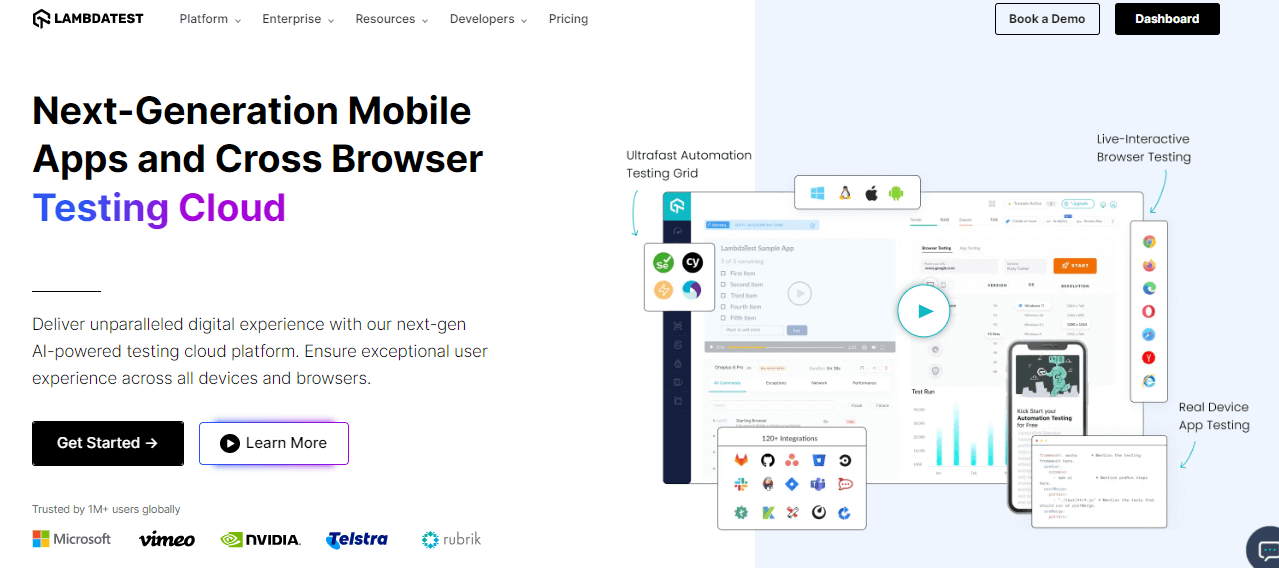
TestMu AI is a full-stack agentic AI quality engineering platform that helps teams test smarter and deliver faster. Built for scale, it offers end-to-end AI agents to plan, create, run, and evaluate software quality.
TestMu AI offers extensive cross-browser and functional testing capabilities across 3,000+ browser and OS combinations, covering real desktop and mobile environments.
One of the important features of TestMu AI is its pixel-by-pixel visual regression testing. It helps you identify visual deviations introduced with the new build related to different elements.
You can compare the screenshots of your application's web pages taken from two different browsers to view and detect any visual deviations.
With TestMu AI HyperExecute, group and distribute tests intelligently across runner environments. This feature helps you to save time and run your automated tests efficiently.
TestMu AI runs scripts from 50+ test automation frameworks without a rewrite, so you can perform automated browser testing on a scalable, secure, reliable automation cloud.
TestMu AI offers different pricing plans to cater to your testing needs. You can start with a free plan with limited features or opt for a premium plan with more features and functionalities.
Follow this guide to get started with automation testing on TestMu AI.
You can refer to the below tutorial on how to automate tests using TestMu AI.
Subscribe to the TestMu AI YouTube Channel to catch up with the latest automated testing tutorials.
2. Avo Assure
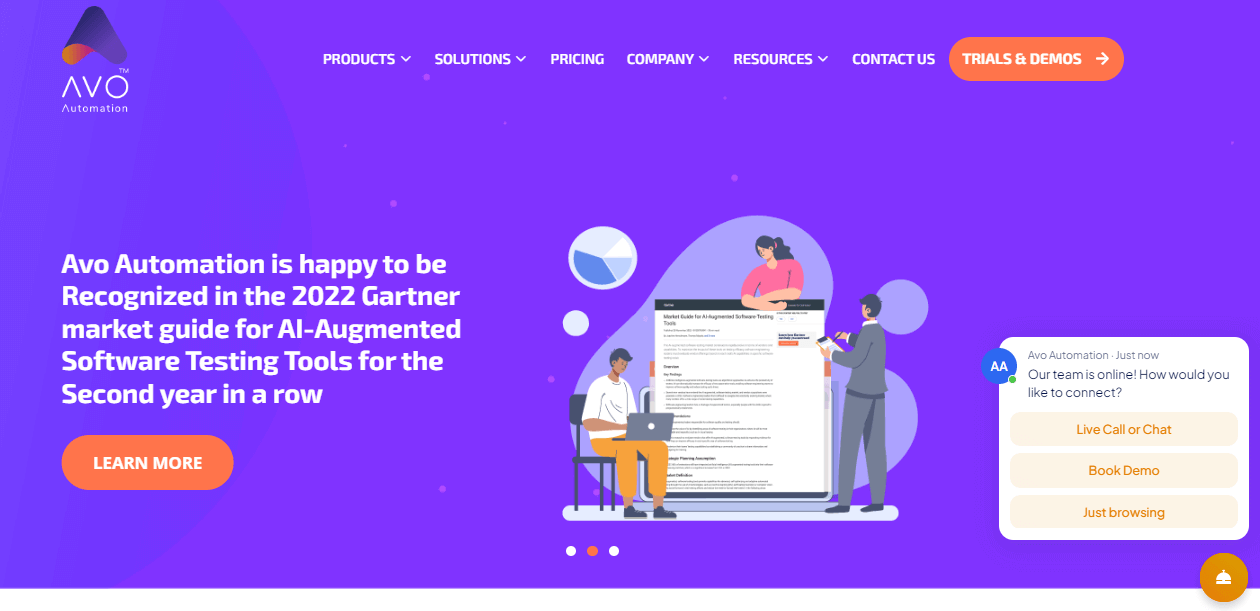
Avo Assure is a heterogeneous no-code test automation solution that easily enables functional testing of applications. One of the unique features of Avo Assure is its pre-built SAP-specific keywords that allow for fast-forward SAP testing.
In addition to SAP-specific testing capabilities, Avo Assure offers other features, including parallel execution, smart scheduling, and a design studio.
Parallel execution allows multiple tests to run simultaneously, speeding up the testing process. Smart scheduling ensures that tests are run optimally, and the design studio provides easy creation and customization of test cases.
Avo Assure is not limited to just SAP testing, as it also allows for testing of web, mobile, APIs, and mainframe applications. Regarding pricing, Avo Assure offers Free, Silver, Gold, and Platinum plans.
3. Telerik Test Studio
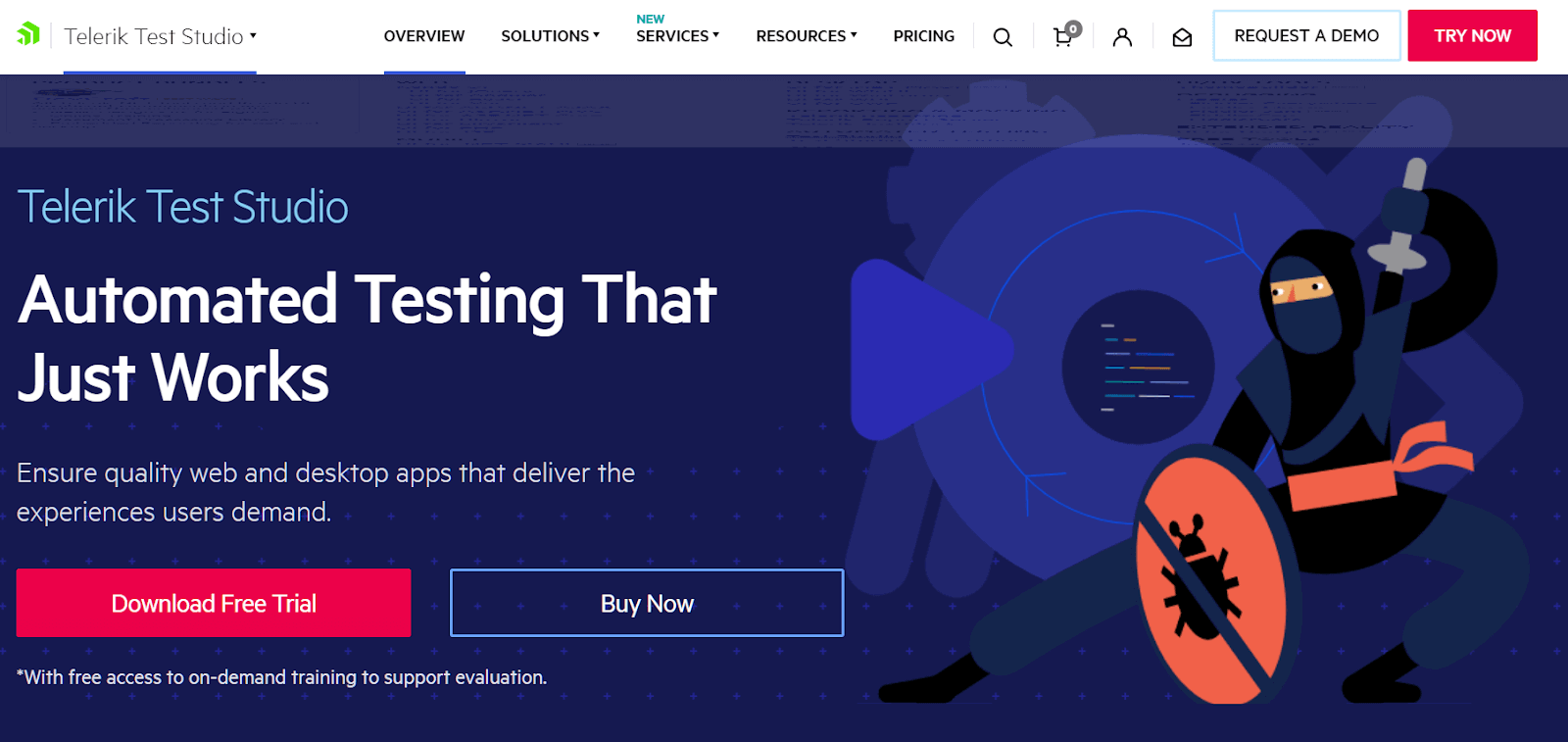
Telerik Test Studio is a test automation tool that supports functional testing for web, desktop, and mobile applications.
You can create automated tests without writing a single line of code, and it also offers an intuitive record & playback interface that supports non-technical users in developing test scripts quickly.
It has a DOM-based identification feature to locate visual objects on the application under test. This means that even if the application changes its layout or design, Test Studio can still identify the object and continue testing without manual intervention.
For more advanced users, Test Studio offers the Test Studio Code Editor, which allows you to create coded tests using C# or VB.NET.
Telerik Test Studio provides two pricing plans: Test Studio Web & Desktop and Test Studio Ultimate.
4. IBM Rational Functional Tester
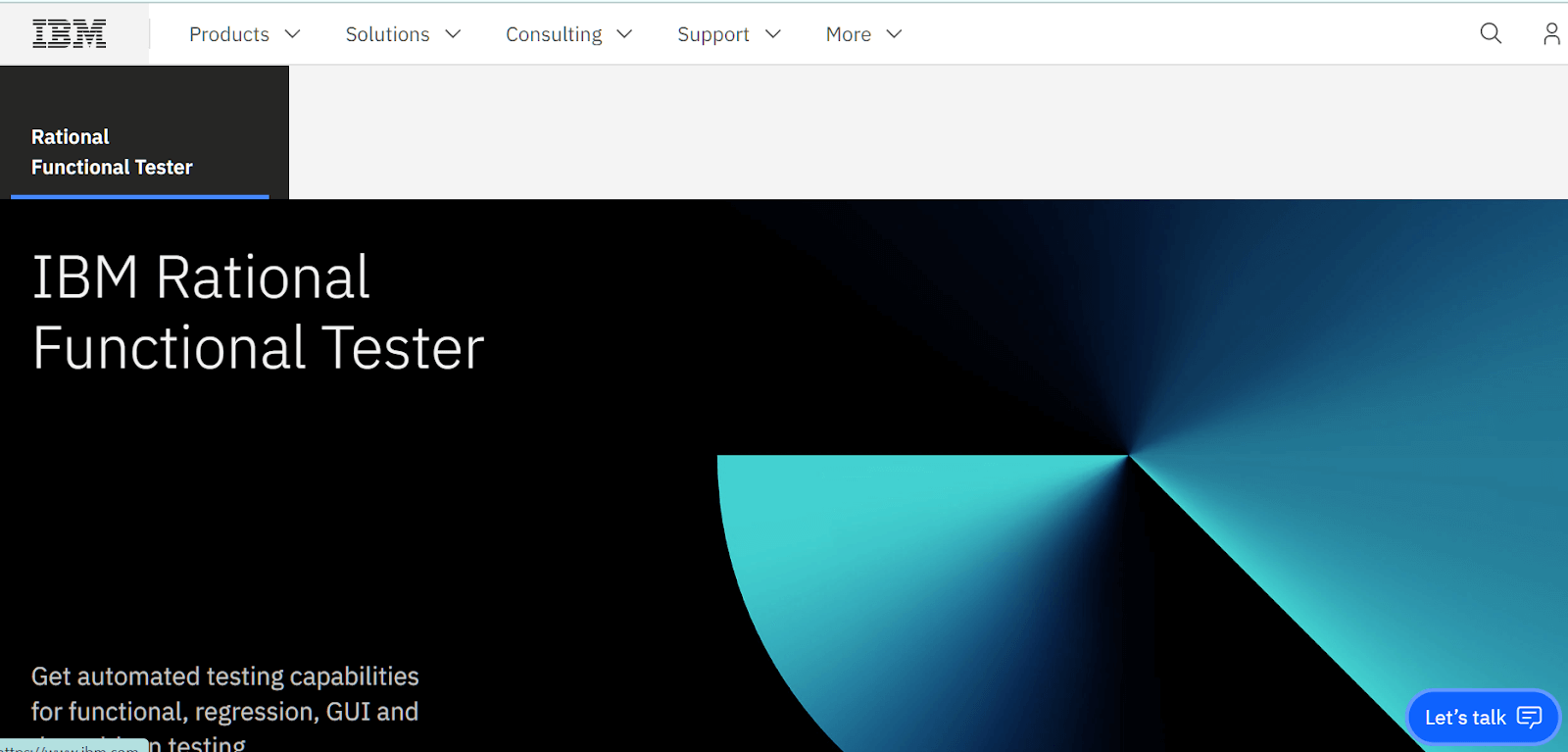
IBM Rational Functional Tester (now sold as IBM DevOps Test UI) is an automated functional and regression testing tool that simplifies test visualization and editing using natural language and renders screenshots.
One of the standout features of RFT is its ScriptAssure technology, which enables testers to create scripts that are highly resistant to changes in the application under test.
RFT also supports sharing functional tests across team members, making it easier for multiple testers to work together on the same project. The tool integrates with Rational Test Automation Server, allowing testers to run functional tests on various hybrid environments.
It will enable you to edit tests through application screenshots to understand the test flow and edit test actions for non-technical stakeholders.

Note: Run functional tests with the frameworks you already use, on 3,000+ browser and OS combinations. Try TestMu AI for free!
5. SoapUI
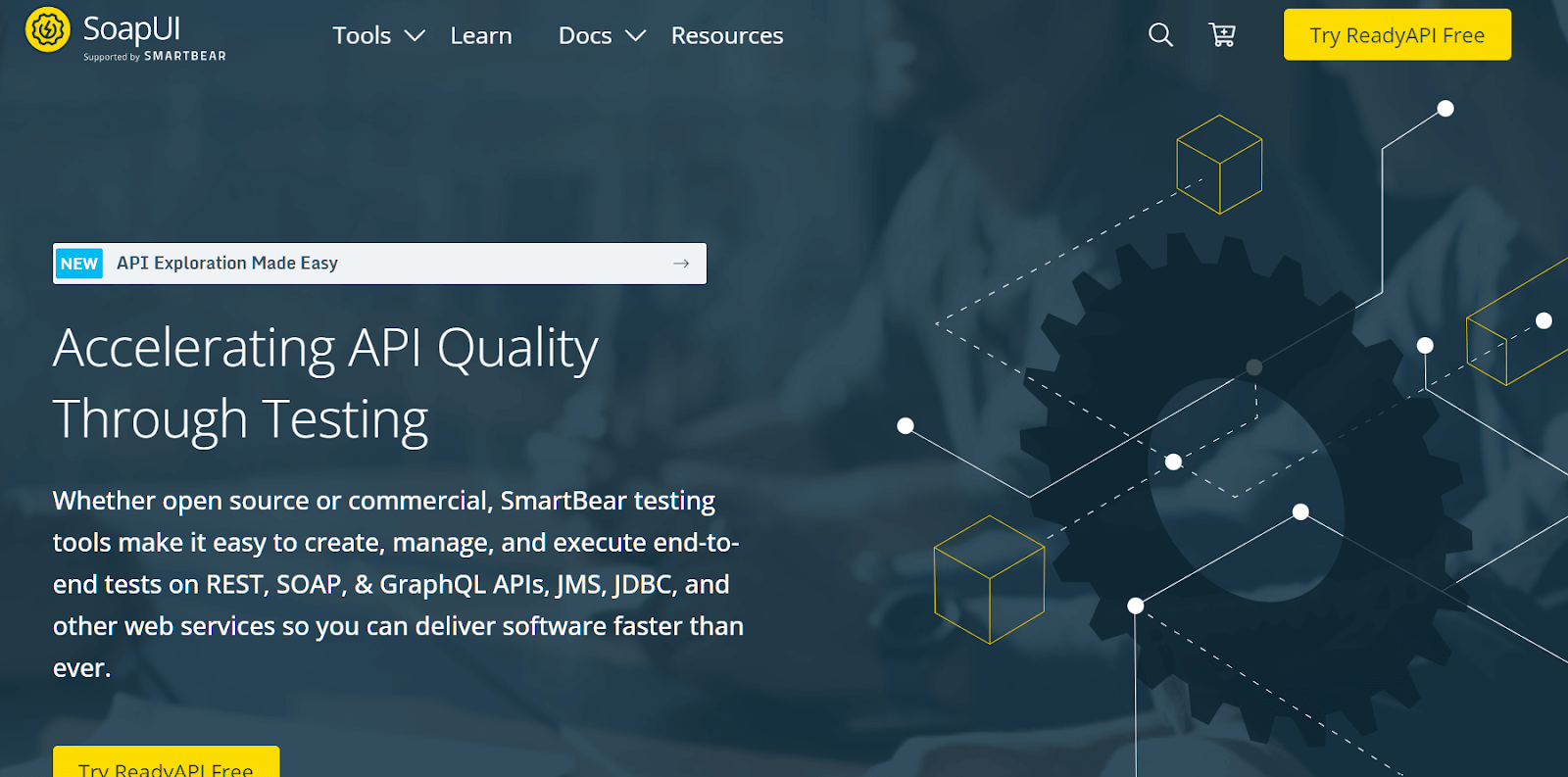
SoapUI is an open-source tool that helps you to execute end-to-end tests on REST, SOAP, and many other web services. SoapUI also supports API mocking, developers can simulate the behaviour of the real API and test their application's response to various scenarios.
Another great feature of SoapUI is the drag-and-drop test creation. This makes it easy for developers to create and run tests without having to write complex code.
SoapUI also has a thriving open-source community, which contributes to the development and improvement of the tool. The community provides support, shares best practices, and creates plugins and extensions that enhance the functionality of SoapUI.
6. Rapise
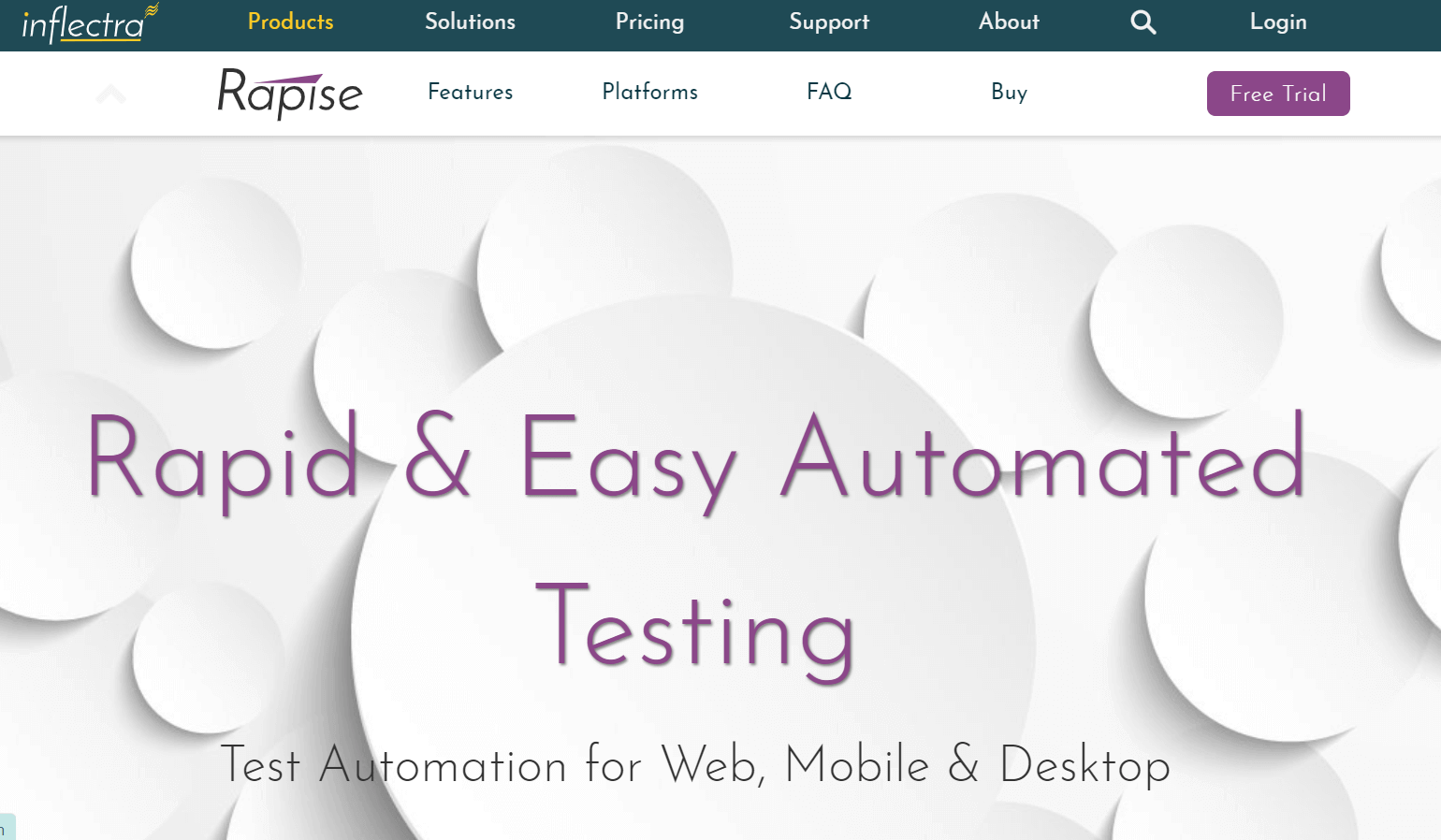
Rapise is an automation testing tool that allows businesses to test web, mobile, desktop, and APIs. It provides an easy-to-use visual language called RVL (Rapise Visual Language) that simplifies creating and refining tests.
One of the key features of Rapise is its out-of-the-box support for popular applications such as Dynamics AX, CRM, NAV, and 365, as well as Salesforce Classic and Lightning.
The tool also enables users to create and refine tests using drag-and-drop functionality. This makes it easier for testers to identify and select objects on the application under test and to generate test scripts quickly and easily.
Teams validating CRM workflows can pair packaged-app tools like Rapise with this comprehensive guide to Salesforce testing, which covers types of CRM tests, automation approaches, and platform-specific considerations.
Rapise offers three pricing tiers based on the number of licenses required.
7. Worksoft
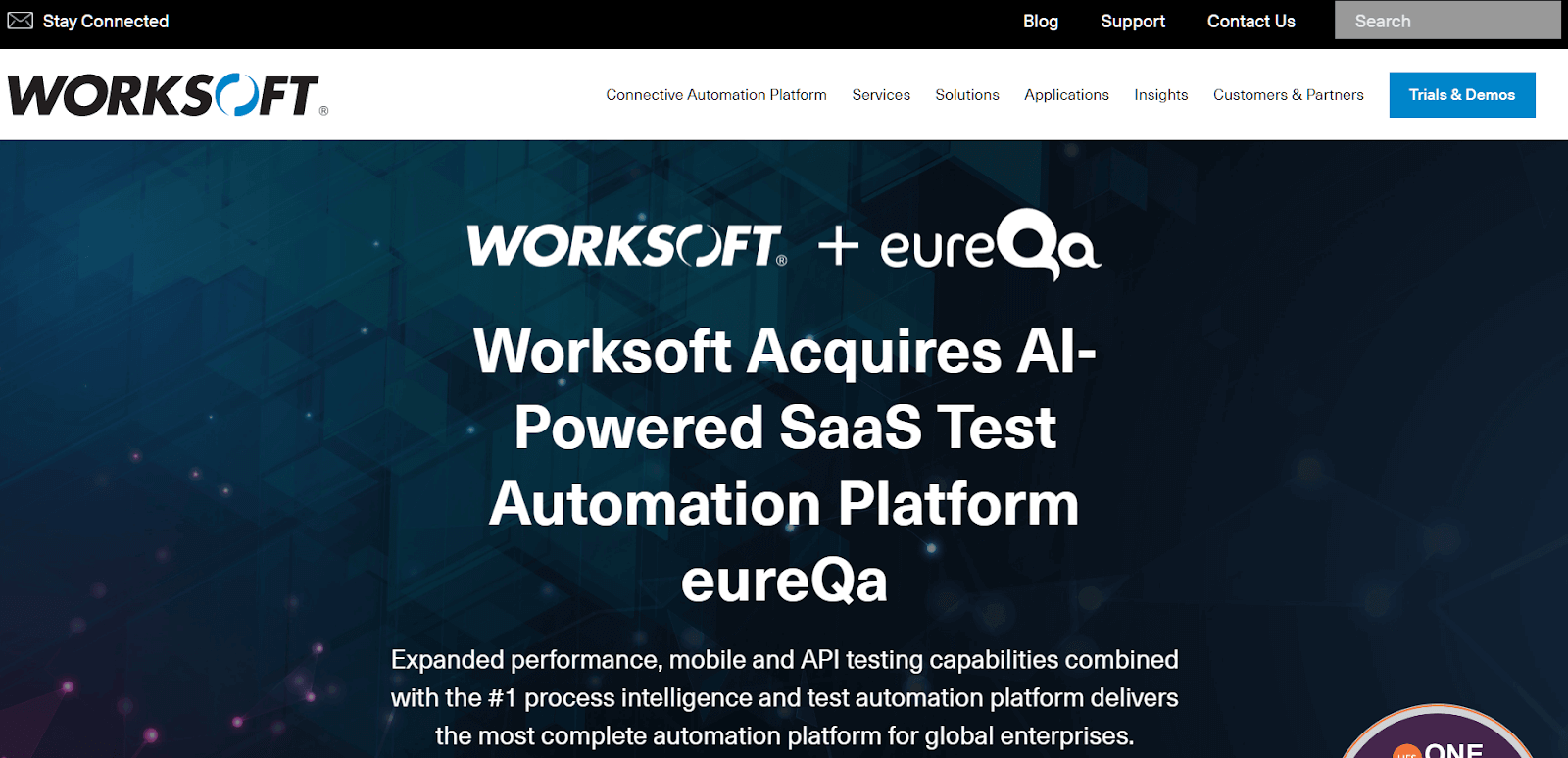
Worksoft combines test automation, process discovery and intelligence, and robotic process automation (RPA) for customer relationship management (CRM), human resources (HR), and enterprise resource planning (ERP) tools. Worksoft Certify is a scriptless platform that helps organizations to streamline their functional testing and automation efforts.
Another benefit of Worksoft Certify is its easy integration with third-party tools. Worksoft Certify is also highly effective at automating SAP processes. With its Livetouch and Process Capture features, automating repetitive and time-consuming functional testing tasks in SAP testing is easy.
Worksoft offers a suite of products that cater to different needs and requirements. Each of these products has a trial demo available on contact.
8. Katalon
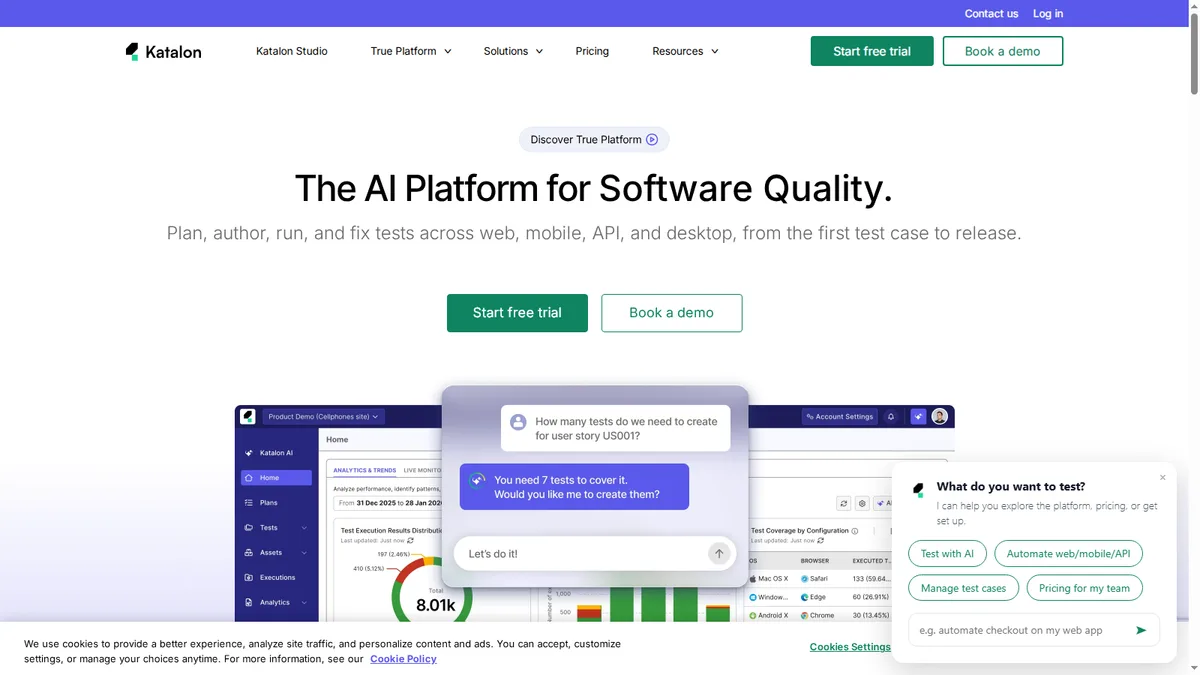
Katalon is a low-code functional testing platform that covers web, API, mobile, and desktop applications from a single project. It pairs record-and-playback and a built-in keyword library for non-programmers with a full scripting mode for engineers who need custom logic, so mixed-skill teams can share the same test suite.
Its built-in object spy and self-healing locators reduce the maintenance that usually breaks functional suites when the UI changes, and reusable test objects keep large regression packs manageable. Katalon also ships data-driven testing, parameterized test cases, and built-in reporting through TestOps.
Integrations with CI/CD servers, source control, and defect trackers let functional tests run inside existing delivery pipelines. Katalon offers a free tier for individual testers alongside paid plans that add parallel execution, analytics, and team collaboration.
How to Select the Best Functional Testing Tool?
Select the best functional testing tool by identifying requirements, evaluating automation capabilities, checking compatibility, verifying integrations, and reviewing scalability and cost.
Following are the main factors to check when choosing the top functional testing tool for your team:
- Identify requirements: Outline the specific needs of your project, such as testing types, platforms, browsers, and technologies to be tested.
- Test automation capabilities: Check whether the tool can automate your full range of test cases, including complex scenarios, and whether it offers record-and-playback, codeless scripting, or visual test creation.
- Test scripting language: Prefer a tool that supports languages your team already knows, or one with a solid no-code or low-code option if your team is not comfortable programming.
- Object recognition and stability: Evaluate how reliably the tool identifies and interacts with application objects, especially dynamic or custom ones, and how stable it stays during long or complex test runs.
- Platform support: Confirm the tool covers the platforms you test on, whether desktop, mobile, or web applications.
- Integration capabilities: Select a tool that fits your existing tech stack, including development, CI/CD, and bug-tracking tools.
- Budget and cost: Some tools are open source and free, others require a paid license. Analyze the pricing structure, licensing options, and total cost of ownership against the expected return.
- Scalability: Evaluate if the tool can accommodate your project's growing complexity and size over time.
- Vendor support and community: Opt for well-supported tools with timely updates, documentation, active community, and real-world user reviews.
- Trial period: Use free trials or demos to evaluate features and usability on your own application before committing.

Summing Up
Shortlist two or three tools against the criteria above and run a proof of concept on your own application; a tool that demos well on a sample app can still fail on your real login flow, your test data, and your CI pipeline.
Commercial platforms earn their cost through codeless authoring, packaged-app support, or managed infrastructure, while open-source options remove licensing fees at the price of more scripting. If writing and maintaining scripts is the bottleneck, TestMu AI's KaneAI by TestMu AI authors functional tests in natural language and exports the code for the framework your team already uses.
Author

Divyasshree N
Blogs: 3


Divyasshree N is a community contributor with 4+ years of experience in developer relations, technical writing, and data-driven platform advocacy. She specializes in creating developer-facing content and documentation around APIs, data streams, and distributed systems, with hands-on experience supporting gRPC, GraphQL, Kafka Streams, and TradingView integrations. Currently a Lead DevRel Engineer at Bitquery, Divyasshree builds demos, code samples, and guides for blockchain analytics and on-chain research platforms. She holds a Bachelor’s degree in Computer Science and an MS in Business Management.
Reviewer

Abhishek Mishra
Reviewer
Abhishek Mishra is a Technical Product Manager at TestMu AI, where he owns Test Manager, the test management product. He has over 8 years of experience in product management and market analysis. His expertise spans across AI-native software testing, product strategy, and analytics. Previously, Abhishek served as the Product Lead at IndiaClan and co-founded Gartley618 Technologies, where he led innovative projects in quantitative trading and blockchain. He holds a B.Tech degree.


Functional Testing Tools FAQs
Did you find this page helpful?
More Related Blogs
TestMu AI forEnterprise
Get access to solutions built on Enterprise
grade security, privacy, & compliance
- Advanced access controls
- Advanced data retention rules
- Advanced Local Testing
- Premium Support options
- Early access to beta features
- Private Slack Channel
- Unlimited Manual Accessibility DevTools Tests