

Power Your Software Testing with AI Agents and Cloud
The Native AI-Agentic Cloud Platform to Supercharge Quality Engineering. Test Intelligently and Ship Faster.


- TestMu AI (Formerly LambdaTest)
- /
- Blog
- /
- Top 9 JavaScript Testing Frameworks [2026]
Top 9 JavaScript Testing Frameworks [2026]
Learn about the top 9 JavaScript testing frameworks and choose the best suited frameworks depending on your project requirements.
Last Updated on:
This article is a part of our Content Hub. For more in-depth resources, check out our tutorial on Automation Testing with Selenium JavaScript.
With the increasing demand for test automation, JavaScript testing frameworks have emerged for fulfilling different purposes. Some are fit for unit testing, while others are made for E2E (End-to-End) testing. It is no wonder that automation testers throughout the globe have become pretty fond of these JavaScript testing frameworks.
The variety of JavaScript testing frameworks made available for automation testers have become a cause of confusion for many. It is only natural, the more options you have in front of you, the more time it will take for you to decide which JavaScript automation testing framework fits the best for you.
Key Takeaways
- A JavaScript testing framework gives developers a structured way to write, organize, and run tests, and the nine covered here divide between unit testing runners and end-to-end browser automation.
- Jest offers zero-config setup with built-in mocking, assertions, and snapshot testing, which makes it the usual default for unit testing React and Node.js applications.
- Mocha is an unopinionated Node.js runner that pairs with libraries such as Chai and Sinon, while Jasmine also runs on Node.js and stays compatible with whichever mocking and assertion libraries a project already uses.
- Playwright drives Chromium, Firefox, and WebKit from a single API, and Puppeteer controls Chrome or Chromium directly through the DevTools Protocol for faster Chrome-only automation.
- Selenium remains the choice for suites that span multiple languages and browsers, and Nightwatch builds on the Selenium WebDriver API for Node.js end-to-end tests.
- Karma runs unit tests inside real browser instances rather than a simulated DOM, which covers the gap left by Jest's default jsdom environment.
- Cypress runs inside the browser and adds time-travel debugging, automatic scrolling, and real-time reloads, which suits developers testing modern JavaScript front ends.
- Selenium, Cypress, and Playwright scripts run unchanged on TestMu AI's cloud grid, which replaces local browser installs with 3,000+ real browser and OS combinations.
What is a JavaScript Testing Framework?
A JavaScript testing framework is a specialized toolset that provides a structured approach to testing JavaScript code. It enables developers to write, organize, and run tests efficiently, ensuring their code behaves as expected.
Given JavaScript's widespread use in both front-end and back-end development, the need for reliable testing frameworks has grown significantly.
These frameworks play a crucial role in verifying code functionality, maintaining performance standards, and preventing bugs across different types of applications.
Before exploring the different JavaScript testing frameworks, it's essential to understand why some may fall short for your needs. Watch the video below for detailed insights!

Top 9 JavaScript Testing Frameworks
Based on the most highly recommended JavaScript testing frameworks, this section presents an updated list of the top 9 JavaScript testing frameworks:
1. Jest
Jest was originally built by Facebook and now lives under OpenJS Foundation governance. It is used to test JavaScript codes, especially applications developed using React JS.
Prerequisites for Installation
The thing that makes Jest special is that it provides an integrated framework that does not require any experience in the configuration. The tool is ready to use and if you are using npm you can set it up instantly by running the following command.
npm install --save-dev jest
What Makes Jest A Popular JavaScript Automation Testing Framework?
- The biggest benefit of using Jest is the out of the box experience of minimal configuration and setup since it comes with a mocking support an assertion library. Just like any new testing libraries, the test cases are written using the behavior-driven development approach. You can put your test cases in a folder named _tests_ and start running them.
- Jest is considered a very well documented, a fast performing JavaScript testing framework.
- Jest offers a robust developer tooling with less error-prone code.
- The framework can also perform visual regression tests by capturing screenshots. When an application is developed using React JS, this feature comes quite handy for preventing UI bugs caused accidentally. It works by recording a screenshot of the rendered component and later comparing it with components rendered in the future. The screenshots can be updated easily if any new feature is added.
Areas Where Jest Can Do Better!
- Compared to frameworks like Jasmine, Jest supports fewer third-party libraries and IDE debugging integrations, which can matter if your IDE lacks native Jest support.
- People who are not comfortable around Jest have stated the learning curve is pretty hard.
- Snapshot testing with Jest is not so feasible for larger snapshots files.
Is Jest The Best JavaScript Automation Testing Framework For You?
Whether you want to use Jest or Jasmine depends entirely on your requirement. If your project requires debugging the test cases in an IDE that does not support Jest, Jasmine is obviously the best choice. Otherwise, Jest is worth choosing for the zero-config setup and the strong track record it has built with the React developer community.

Note: Automate your Jest scripts across 3,000+ real browser and OS combinations on the TestMu AI cloud grid. Try TestMu AI Now!
2. Mocha
Mocha is a JavaScript testing framework meant for testing applications that run using Node.js.
Prerequisites for Installation
The installation is very simple. You only require a workstation and install Mocha using the following commands.
For global installation run the below command:
npm i --global mocha
If you want to install mocha as a dependency for development, run npm i --save-dev mocha.
Want to upskill yourself in JavaScript testing? You can take Selenium JavaScript 101 Certification as proof of expertise in the field of test automation with JavaScript to empower yourself and boost your career.
What Makes Mocha A Popular JavaScript Automation Testing Framework?
Developers as well as testers like Mocha for many reasons.
- The application is open source and allows flexibility.
- It can easily support generators.
- Since it is old, lots of tutorial and documents are available online.
- Sequential execution of test cases with flexible reporting.
- Mocha helps you to easily map exceptions with the relevant test cases.
Areas Where Mocha Can Do Better!
- Mocha can do better with developer tooling.
- With the emergence of Jest, Mocha has significantly reducing the popularity among the tester community.
- Mocha could do better in terms of overall performance, and on-board features.
Is Mocha The Best JavaScript Automation Testing Framework For You?
Well, the time required for setup and configuration makes Mocha a less popular framework. Organizations who have switched to Jest have found no better alternative. Jest makes testing a lot faster with very little requirement for configuration. Although the ecosystem of Mocha is quite vast, the complexity that comes with it is not sometimes worth.
3. Jasmine
Jasmine, mostly used for asynchronous testing is a feature-rich JavaScript automation testing framework for JavaScript. The application runs on Node.js and allows accurate and flexible bug reporting by serially running the test cases.
Prerequisites for Installation
Installation of Jasmine is very simple. All you need is a workstation with internet connectivity. Run the below command in cmd/ terminal for installing Jasmine.
npm install -g jasmine
However, the configuration is a bit complicated than Jest. You have to set up and configure the test.js file before running the test cases.
What Makes Jasmine A Popular JavaScript Automation Testing Framework?
- The biggest strength of Jasmine is its compatibility across every framework or libraries of your choice, making it one of the most flexible JavaScript testing frameworks. Whether you want to use Sinon for mocking or Chai for asserting test cases, Jasmine will help you without any difficulties.
- The community of Jasmine is quite large and you will get all kinds of support which come in the form of libraries, blog posts or video tutorials.
- With a bigger community, the learning curve is very smooth for Jasmine. You get pretty impressive documentation too.
- Offers an elegant programming style & patterns.
Areas Where Jasmine Can Do Better!
- Jasmine is that a lot of configuration is needed. The user has to choose a mocking framework or an assertion library explicitly before using it. If your project requires this flexibility, it can be useful. If not, the configuration procedure can be a bit frustrating.
- Jasmine supports snapshot testing by using the jasmine-snapshot library. However, integrating it can be a bit difficult.
- Popularity of Jest has led to diminishing popularity of Jasmine.
Is Jasmine The Best JavaScript Automation Testing Framework For You?
If your project is large and requires integrating it with external libraries then obviously Jasmine is the best choice because of its age and large user base. If your project is small and especially if you are using React JS, we would suggest using Jest because of its rising popularity among other users.
4. Nightwatch
For automated web application testing, especially apps which are developed using Node.js, Nightwatch JS is a powerful automated framework that uses Selenium WebDriver API and allows the user to perform end to end testing. The primary objective of Nightwatch is to simplify the process of writing automated test cases and helping to set up continuous integration in your development cycle.
Prerequisites for Installation
Since Nightwatch is meant for testing Node.js applications, your workstation should have the latest stable version of Node.js installed. Also, install npm since it is needed for installing the framework.
For running the framework locally, you will also need a standalone Selenium server along with the WebDriver API. This will help you to test applications locally using Firefox or Chrome.
Once your workstation is ready, run the following command in cmd.
npm install nightwatch
What Makes Nightwatch A Popular JavaScript Automation Testing Framework?
- First of all, the setup is quite easy.
- You will only need to import the Selenium library.
- The community is quite large and there is a lot of resources available in the form of blogs and tutorials if you need any help regarding setup or writing the test cases.
- The language is easy to learn. You just need a basic understanding of object-oriented programming. If you're getting ready for job interviews, it's important to know these OOP ideas well. You should also look over typical OOPs interview questions to make sure you really understand them.
- If the tester belongs to a Java team, the backend team members can pick up the knowledge easily and help testers to write automated test cases, thereby increasing the overall productivity of your team.
Areas Where Nightwatch Can Do Better!
- The test cases are not that much readable like other frameworks. The syntax is not clear and it is nor possible for the users to write a clear description in case of each and every step. You can do it in the form of comments but if any test cases fail, it won't get displayed in the logs.
- To find where you went wrong, you can add a clear error message for each step, but it will make maintaining a clean syntax difficult.
Is Nightwatch The Best JavaScript Automation Testing Framework For You?
For end-to-end testing of Node.js-based web applications, Nightwatch is a solid choice, but it has a lot of dependencies and less flexibility for pairing with external unit testing tools than WebdriverIO offers.
5. Playwright
Playwright is an open-source automation library developed by Microsoft specifically designed for web testing and scraping. It allows you to control and interact with Chromium, Firefox, and WebKit browsers using a single API.
Prerequisites for Installation
The main prerequisite for installing Playwright is Node.js. The current Playwright release supports Node.js 22.x, 24.x, and 26.x. In addition to Node.js, you may also need additional system dependencies depending on your operating system to run the browsers Playwright controls.
What Makes Playwright So Popular?
- Control Chromium, Firefox, and WebKit with a single API. Write once, test everywhere.
- Supports latest web features and utilizes headless mode for speedy testing.
- Intuitive API makes writing test scripts a breeze.
- Growing community and regular updates ensure Playwright stays relevant.
Areas Where Playwright Can Do Better!
As a newer framework, it may have fewer learning resources and lack advanced features or robust mobile testing functionalities found in more established options, so teams with those needs often weigh a Playwright alternative.
Should You Use Playwright?
If your project needs genuine cross-browser coverage, Chromium, Firefox, and WebKit, from a single API, Playwright is a strong default. It is well suited to end-to-end suites for modern web apps where auto-waiting and network interception matter more than a mature plugin ecosystem.
6. Puppeteer
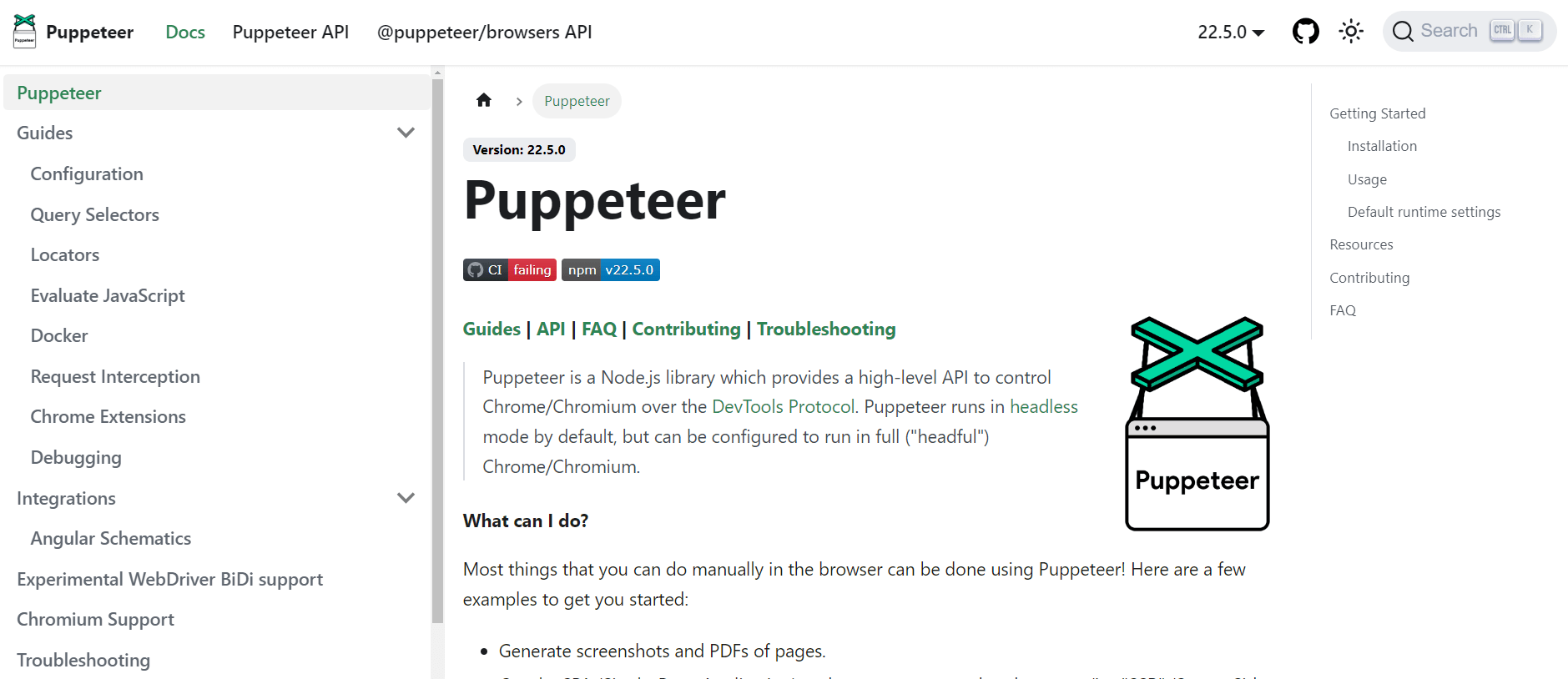
Puppeteer is a Node.js library that gives you a high-level API to control Chrome or Firefox over the DevTools Protocol or WebDriver BiDi. It lets you write programs that automate tasks within the browser, like filling out forms or clicking buttons on a website.
Prerequisites for Installation
Puppeteer is a Node.js library, so you'll need to have Node.js installed on your system. Node.js version 10.18.1 or above is recommended. The good news is that npm (Node Package Manager) typically comes bundled with Node.js, which is what you'll use to install Puppeteer itself.
While Puppeteer will download a compatible version of Chromium by default, you may prefer to use a full Chrome browser instead. This gives you the option to see what the headless browser is doing if needed. You can download Chrome from the official website.
What Makes Puppeteer A Popular JavaScript Automation Testing Framework?
- Puppeteer provides a clean and intuitive API for controlling the browser. Writing test scripts is straightforward, making it accessible for developers of varying experience levels.
- Since Puppeteer directly controls Chrome or Chromium through the DevTools Protocol, it can be faster and more stable than frameworks that rely on external WebDriver implementations.
- Puppeteer being built by Google gives it an edge in terms of supporting the latest Chrome features and modern web technologies.
- As mentioned earlier, headless mode is a major benefit for test execution. It reduces resource consumption and allows tests to run in the background without requiring user interaction.
Areas Where Puppeteer Can Do Better!
- Cross-browser support extends to Chrome and Firefox, but there is no WebKit/Safari support, unlike Playwright's three-engine coverage.
- Puppeteer is a browser automation library, not a full testing framework, so it needs to be paired with a test runner like Jest or Mocha for assertions and reporting.
- There is no built-in retry or auto-waiting logic as robust as Playwright's, so flaky tests from timing issues are more common without extra configuration.
Is Puppeteer The Best JavaScript Automation Testing Framework For You?
Puppeteer is a strong contender for JavaScript automation testing, but it depends on your needs. If you prioritize speed, ease of use, and Chrome-specific testing, Puppeteer excels. Where cross-browser coverage matters more, weigh it against Puppeteer vs Playwright before committing.
7. Selenium
Speaking about JavaScript testing frameworks, Selenium is certainly the most widely used automation testing framework for web-applications. You can use Selenium for performing automated cross browser testing in a thorough manner.
And the fact that it is open-source makes Selenium one of the top JavaScript testing frameworks in the industry. Not only can you use Selenium to perform automation testing with JavaScript, but you can also use it for other programming languages too.
What Makes Selenium A Popular JavaScript Automation Testing Framework?
- The IDE is open source, hence can be easily learned by testers who are new in the industry or someone who wants to get introduced to the domain of web testing.
- Being in the industry for a long time, the community of Selenium is quite huge and for any help or query, the community is always there to resolve your problem.
- Although it has its own language, it offers language bindings to support coding in Java, JavaScript, PHP, etc.
Areas Where Selenium Can Do Better!
- The framework is open source and supported by a community, you will not get an instant solution to any of your problems.
- For utilizing the complete feature of Selenium, you will require any third-party plugins.
- Scalability - you cannot perform parallel testing with Selenium WebDriver directly. Selenium came up with Selenium Grid to help you run multiple tests in parallel. A shortcoming with Selenium Grid is that it would require a heavy infrastructure if you have a large test suite and need multiple tests to run in parallel.
How TestMu AI Can Help You In Making The Most Of Your Selenium Scripts?
TestMu AI is a zero-infrastructure cloud grid that runs your existing Selenium scripts across 3,000+ real browser and OS combinations in parallel, with full session artifacts on every run. Its online Selenium Grid helps you overcome the limitations that come with Selenium test execution on local grids.
- TestMu AI Selenium Grid offers compatibility with every test automation frameworks & language that supports Selenium execution.
- With TestMu AI Selenium Grid, you can scale effortlessly without worrying about maintenance or any down-time.
- Run parallel testing with Selenium scripts by going for more concurrent sessions.
- TestMu AI Integrations provides integrations with numerous CI/CD tools such as Jenkins, CircleCI and more to help you pace your release pipelines.
- Extract test reports using our open Selenium API, without even logging into our platform.
Is Selenium The Best JavaScript Automation Testing Framework For You?
Well, when it comes to automated cross browser testing, there is no better framework than Selenium. The pros of Selenium highly outweigh the cons and the fact that it comes free of cost makes it a preferred tool by many organizations.

Austin Siewert
Co-Founder, Steadfast Systems
Discovered @TestMu AI yesterday. Best browser testing tool I've found for my use case. Great pricing model for the limited testing I do 👏
2M+ Devs and QAs rely on TestMu AI
Deliver immersive digital experiences with Next-Generation Mobile Apps and Cross Browser Testing Cloud

8. Karma
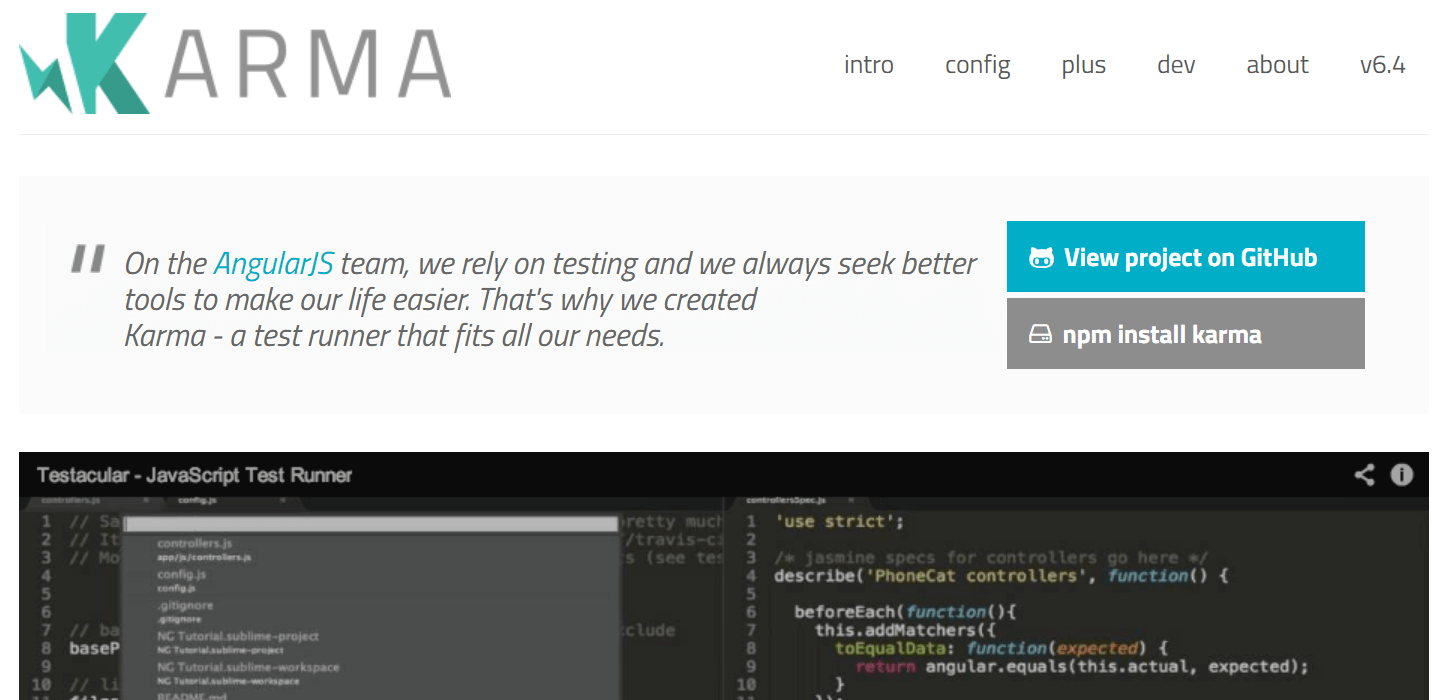
Karma was developed to bring a testing environment to developers. An environment where they have to worry less about configuration. They can only write code and get feedback instantly from the test cases.
Prerequisites for Installation
Since the application is based on Node.js, you will need to have Node.js installed on your system. After that, you can install Karma globally by running the following command on CMD.
npm install -g karma
What Makes Karma So Popular?
- Karma helps you to easily perform automation testing on real devices and browsers. You can run the test cases on tablets, phones or event on a PhantomJS like headless instance.
- You can control the entire workflow directly from your IDE or CMD. You only need to save a file and the framework will run the test cases for you.
- You can run the test cases with Mocha, Jasmine, QUnit or an adapter of your choice.
- Since the application is open source, you will find a lot of help from the community.
- It also supports continuous integration using Jenkins, Semaphore or Travis.
Areas Where Karma Can Do Better!
- Karma itself is a test runner, not an assertion or mocking library, so you still need to configure Jasmine, Mocha, or QUnit alongside it before you can write a test.
- Configuration for real-browser launchers (Chrome, Firefox) adds setup overhead compared to Jest's zero-config default.
- Community activity and new feature releases have slowed compared to newer runners, so fewer recent tutorials and integrations exist.
Should You Use Karma?
Karma is worth using when you specifically need to run unit tests inside real browser instances rather than a simulated DOM, since that is the gap Jest's default jsdom environment does not cover. For most new React or Node.js projects, Jest's zero-config setup makes it the faster starting point.
9. Cypress
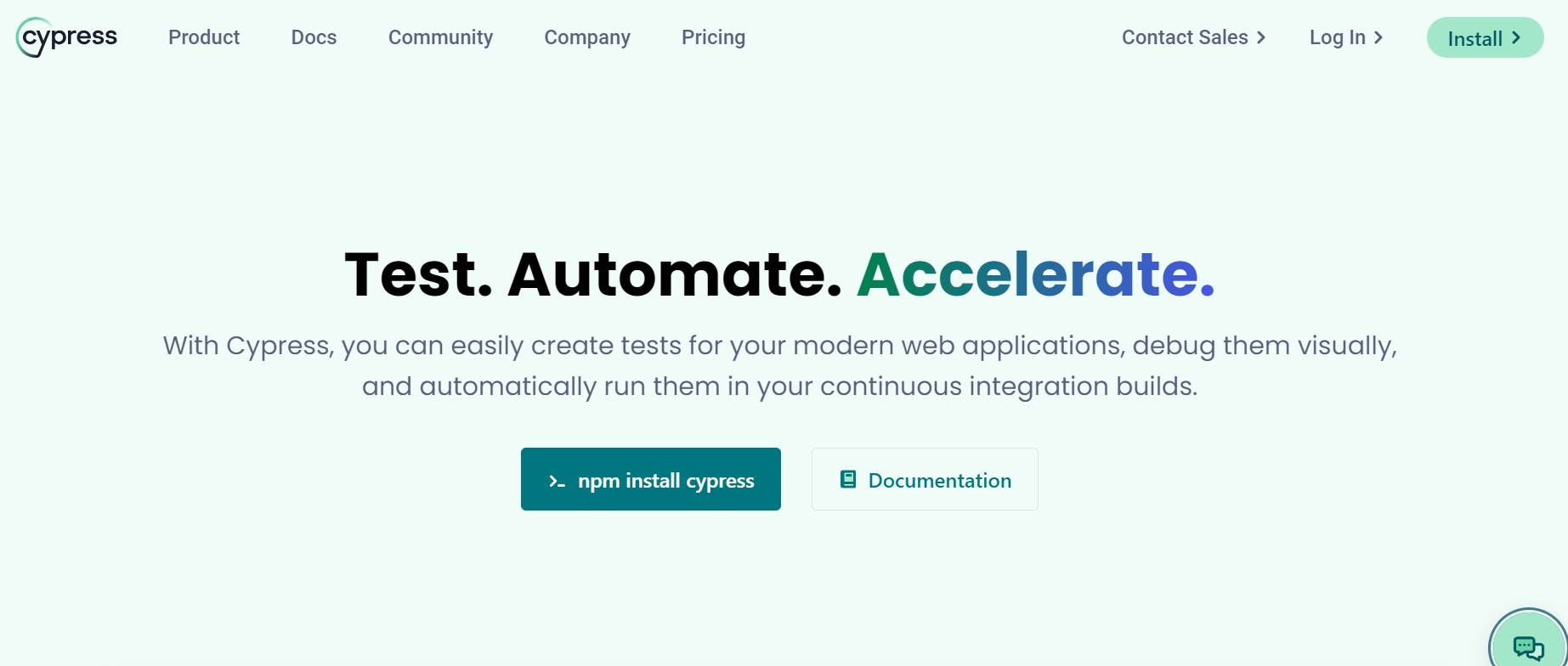
Cypress is a next-generation front-end testing tool built for the modern web. With Cypress, developers can write end-to-end tests, integration tests, and unit tests. Cypress is built on JavaScript, the popular front-end language, and bundles the Mocha JS framework under the hood for test structure and assertions.
Prerequisites for Installation
As the Mocha framework runs on Node.js, before installing Cypress, you need to install the dependent packages:
- Node JS
- IDE like Visual Studio Code
npm install mocha
npm install cypress
What Makes Cypress So Popular?
- Cypress framework is more capable of delivering consistent results.
- Cypress takes a snapshot at every test step. This enables the developer to check the state and activity at any particular step in the test script.
- Cypress lets you modify the DOM elements directly, for example, forcing hidden elements to display so you can interact with them in a test.
- There is no network lag and flakiness in tests executed with Cypress as tests are executed inside the browser and have complete visibility of everything happening in the application synchronously.
- Cypress has access to front & back parts that enable it to modify everything coming in & out of the browser.
Areas Where Cypress Can Do Better!
- Cypress supports Chrome-family browsers (including Edge and Electron) and Firefox natively; WebKit support exists but is still experimental, making Safari coverage less mature than Playwright's.
- It only supports the JavaScript framework for the creation of test cases.
- It does not support remote execution.
- Cypress will never have support for handling multiple browser tabs.
- By default, Cypress does not support multiple-browser instances or control more than one open browser simultaneously.
Should You Use Cypress?
Cypress was built to address the pain points developers and QA engineers face when writing test applications. It offers automatic scrolling, real-time reloads, and time-travel debugging, features most other frameworks on this list do not provide together in one tool.
If you are proficient in JavaScript and are looking for a tool that can perform automation testing on a local machine, you should check out Cypress. If your web application is built using modern JavaScript frameworks like React or Angular and cross-browser testing is not the top priority, Cypress fits well.
Choosing the Right Framework
Start by matching the framework to the test type you need most: Jest or Jasmine if unit testing is the gap, Cypress or Playwright if it is end-to-end browser coverage, and Selenium if the suite has to span multiple languages and browsers. Cross-browser compatibility, your app's existing stack, and how much configuration your team wants to own are the deciding factors from there.
Whichever framework you pick, run your first suite on TestMu AI's automation cloud to see it execute across real browsers instead of a single local machine. If you want to author tests in natural language instead of code across any of these frameworks, KaneAI generates and exports runnable Selenium, Playwright, or Cypress scripts from a plain-English description.
Author

Shravan Mahajan
Blogs: 11

Shravan Mahajan is a Software Engineer at TestMu AI building Kane CLI, the command-line tool that runs browser automation from the terminal, describing flows in natural language that execute in a real Chrome browser and return pass or fail with shareable proof. He has an experience of 6 years in the Technical industry. His top skills are JavaScript, React.js, and full-stack development. At Fractal he built automated data pipelines with T-SQL, SSIS, Python, and Azure. He is also a Microsoft Certified Azure Data Engineer Associate.
Reviewer

Isha Vyas
Reviewer
Isha Vyas is a Lead Member of Technical Staff at TestMu AI (formerly LambdaTest), building the frontend of the quality engineering platform. She works across React.js, responsive web design, and jQuery to ship and maintain the platform's user-facing web interfaces. She brings nearly seven years of frontend engineering experience at the company, with earlier work as a Software Developer at Mantra Labs. Isha holds a B.Tech in Computer Science from Swami Keshwanand Institute of Technology, Management and Gramothan, Jaipur.


JavaScript Testing Frameworks FAQs
Did you find this page helpful?
More Related Blogs
TestMu AI forEnterprise
Get access to solutions built on Enterprise
grade security, privacy, & compliance
- Advanced access controls
- Advanced data retention rules
- Advanced Local Testing
- Premium Support options
- Early access to beta features
- Private Slack Channel
- Unlimited Manual Accessibility DevTools Tests