

Power Your Software Testing with AI Agents and Cloud
The Native AI-Agentic Cloud Platform to Supercharge Quality Engineering. Test Intelligently and Ship Faster.


- TestMu AI (Formerly LambdaTest)
- /
- Blog
- /
- How To Solve Cross Browser Compatibility Issues In CSS And HTML
How To Solve Cross Browser Compatibility Issues In CSS And HTML
In this blog, you can learn how to detect and resolve cross-browser compatibility issues in CSS and HTML. Discover effective approaches and tools with best practices.
Last Updated on:
Cross-browser compatibility bugs in CSS and HTML often hide as small syntax slips, like a missing semicolon, that creep back in with every iteration of a web project. While JavaScript was long blamed as the main culprit, HTML5 gave CSS and HTML their own share of rendering quirks, and a validator catches most of them before browsers ever disagree.
So, this may be one of the main reason you need to handle them delicately. But, before you handle them you need to find out the errors first.
Finding and Fixing General Problems
The major problems that usually went unnoticed by us are the most simpler ones. And these problems are so simple that they may pass through our eyes a hundred times and still we fail to figure them.
It’s just like the semicolon(;). Syntax errors are the highest cause of high pressure among web developers.
So, for CSS and HTML you don’t always need to go finding out the semicolon if you just use a validator for the same.
A validator may help you figure out some mistakes that seem so simple. For HTML, it validates the tags are closed and nested, a DOCTYPE is used, and tags are used correctly while for CSS it checks that the property names and values are spelled correctly, no curly braces are missed, and other CSS properties.
You can use W3C Markup validation service to validate your website’s HTML code or if you simply want to copy paste your HTML you can use Free Formatter or JS Formatter.
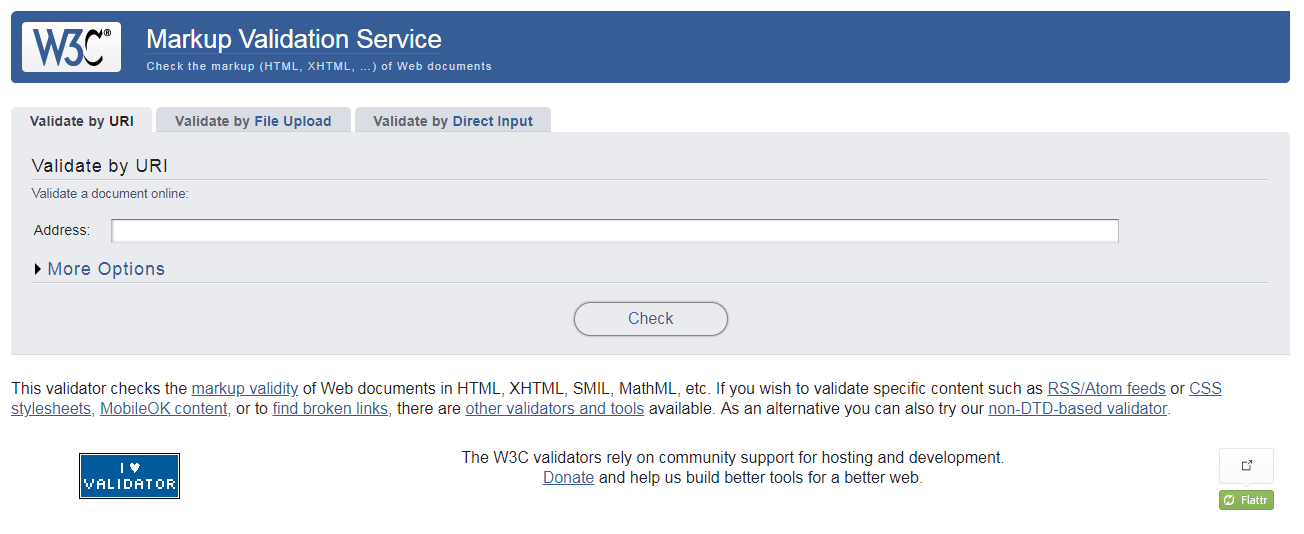
For CSS validation, you can use The W3C CSS Validation Service – W3 Jigsaw or CSS Validation Service.
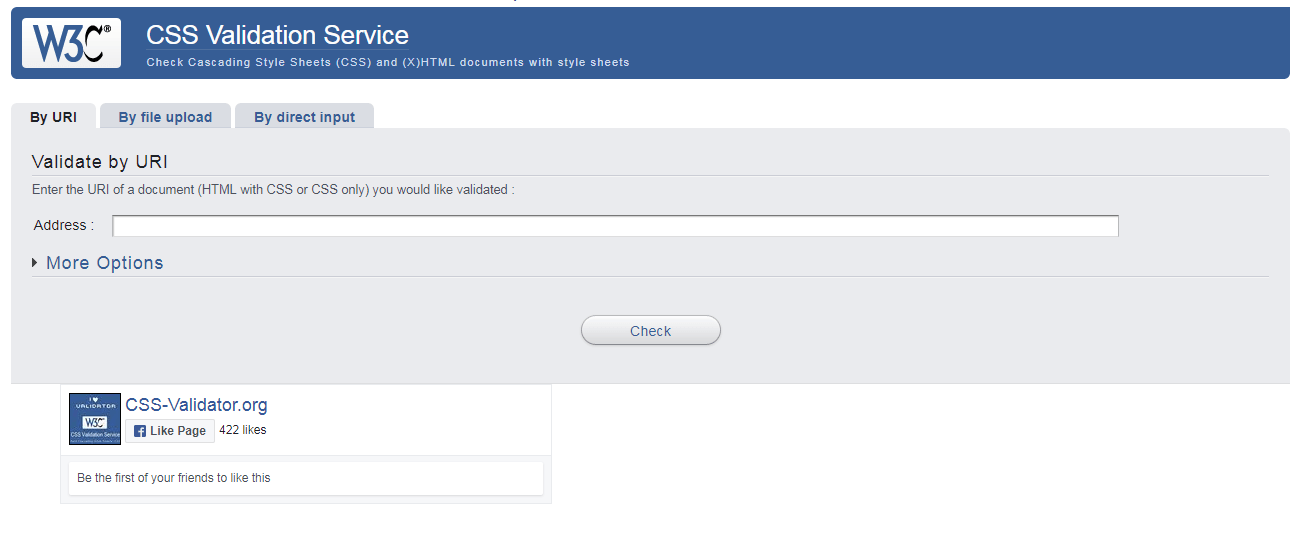
These validators will help you figuring out the problems but if you also want to go ahead and know the bad practices that you’re using you may need to use a Linter. A linter not only points out the errors but it also flag up the warnings for your bad coding practices.
There are many linters available online for CSS, HTML, JS and other languages as well. The best of which are: Dirty Markup (for CSS, JS, HTML), CSS Lint( specially for CSS), JS Lint(for JS only).
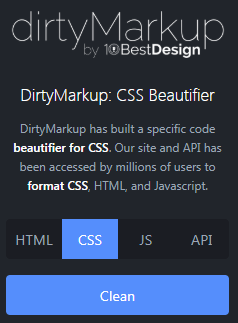
Hunting Common Errors
Using validators and linters, you can beautify your code and figure out common problems but if you are on a hunt for finding the errors you can use one inbuilt feature in your Chrome developer tools.
This works well for CSS errors as HTML errors normally don’t tend to show up in dev tools as they try to cover them up by correcting badly formed markup automatically.
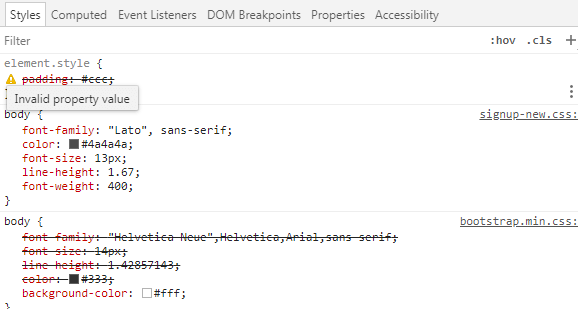
You can find out errors as mentioned: Invalid property type.
These sort of errors may point out to be some of many reasons which causes cross browser incompatibility as some browsers do not support some specific CSS and HTML elements and you can go ahead for finding these elements.

Austin Siewert
Co-Founder, Steadfast Systems
Discovered @TestMu AI yesterday. Best browser testing tool I've found for my use case. Great pricing model for the limited testing I do 👏
2M+ Devs and QAs rely on TestMu AI
Deliver immersive digital experiences with Next-Generation Mobile Apps and Cross Browser Testing Cloud

This certification is for anyone who wants to stay ahead among professionals who are growing their career in Selenium automation testing.
Here’s a short glimpse of the Selenium 101 certification from TestMu AI:

Unsupported CSS Elements in Browsers
Internet Explorer has been retired and is no longer part of any browser support matrix, but it used to lack support for CSS elements that are standard today, including:
- CSS3 selectors
- CSS Counters
- CSS3 Box-sizing
- CSS font-stretch
- CSS namespaces
- CSS3 Colors
By 2026, most of those Chrome-only gaps have closed. CSS overscroll-behavior, CSS display: contents, CSSOM Scroll-behavior, CSS Scroll Snap, CSS conic gradients, and CSS font-size-adjust are now supported across current versions of Chrome, Firefox, Safari, and Edge. The CSS Paint API is the exception: it still only ships in Chromium browsers, so a project that depends on it still needs a fallback for Firefox and Safari.
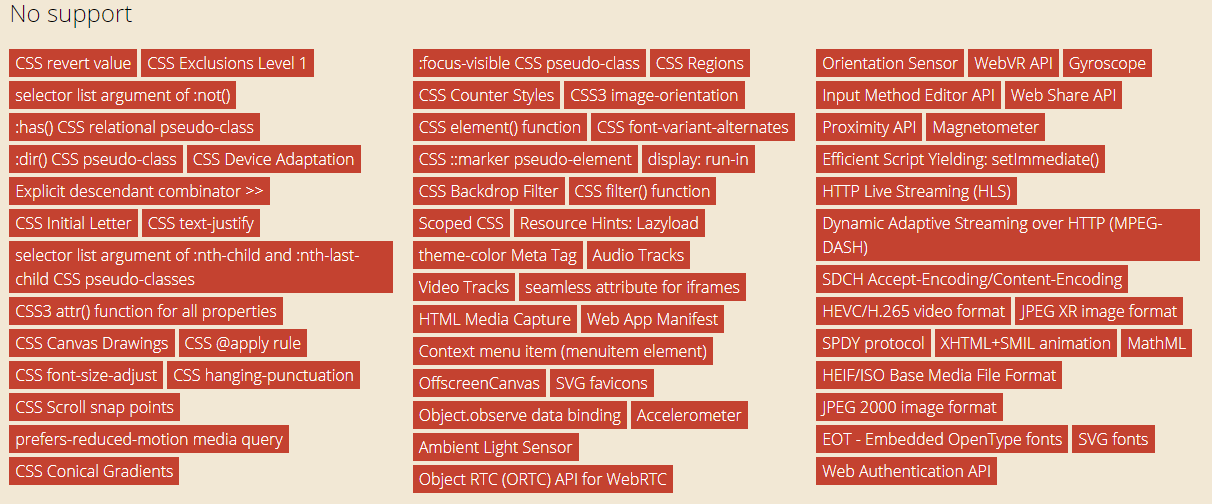
Unsupported CSS Elements in any latest chrome browsers
Similarly, you can check for any of the CSS elements that you are using in your website that what are the browsers that don’t support those elements. Unsupported CSS elements cause cross browser compatibility issues.
HTML Issues in Browsers
If you are willing to figure out the HTML issues, then the first and foremost thing to do is to check for the DOCTYPE. Have you used it?
And once you verify this, you need to make sure that you’re not using any of the third party code. Many times when you use a third-party code, you might find that the HTML generated by the third party app may be using class ID or Name that you’re using for a different purpose in your code. Hence that might a big problem and becomes hard to debug as it will not show any error however you’ll find the difference in the rendering of HTML causing cross-browser issues.
Internet Explorer has been retired, but it used to lack support for these now-standard HTML elements:
- Video element
- Audio element
- Search input type
- Form validation
- Multiple file selection
- Offline web applications
All of these are standard in every current browser now. This list only matters if your audience still runs Internet Explorer, and that population is effectively zero today.

Unsupported CSS Elements in internet explorer browser
Go ahead, test your website across various browser combinations and figure out what went wrong, which unsupported CSS and HTML elements are you using in your website and now it’s turn to rectify them. Because it’s better late than never. For those looking to dive deeper, resources like the “Top 90+ HTML Interview Questions and Answers” can be invaluable.

How Do AI Coding Agents Catch Cross-Browser Bugs in 2026?
In 2026, AI coding agents can run a Playwright MCP server to open real browsers, compare screenshots, and flag layout differences on their own, without a person opening each browser by hand.
- GitHub Copilot and Cursor: suggest CSS and HTML as a developer types, catching a wrong property name or a missing vendor prefix before a validator ever runs.
- Claude Code: can run the W3C validator or a linter as a terminal command, read the output, edit the flagged line, and rerun the check until it passes.
- Playwright MCP server: gives an agent tools to open Chromium, Firefox, and WebKit, screenshot the same page in each, and compare the results for layout differences it can point to directly.
- browser-use: an open-source agent that navigates a live page and checks whether one component renders and behaves the same way, useful for a quick spot-check across engines.
- Judgment on visual diffs: an agent can tell two screenshots differ, but it cannot always tell a real cross-browser bug from a cosmetic difference such as sub-pixel font rendering. A person still reviews the flagged diffs before treating them as bugs.
Author

Deeksha Agarwal
Blogs: 34


Deeksha is a Senior Product Manager at The Economic Times and a Community Evangelist with 8+ years of experience. She is followed by 6,000+ QA professionals, software testers, tech leaders, and enthusiasts across global communities. Deeksha has authored 40+ expert bios for TestMu AI, focusing on cross-browser testing, mobile app testing, regression testing, usability testing, and automation. Previously at TestMu AI, she drove product growth in native app testing and responsive browser features, combining product leadership with deep QA expertise.


Did you find this page helpful?
More Related Blogs
TestMu AI forEnterprise
Get access to solutions built on Enterprise
grade security, privacy, & compliance
- Advanced access controls
- Advanced data retention rules
- Advanced Local Testing
- Premium Support options
- Early access to beta features
- Private Slack Channel
- Unlimited Manual Accessibility DevTools Tests