

Power Your Software Testing with AI Agents and Cloud
The Native AI-Agentic Cloud Platform to Supercharge Quality Engineering. Test Intelligently and Ship Faster.


- TestMu AI (Formerly LambdaTest)
- /
- Blog
- /
- Top 10 Codeless Testing Tools for 2026
Top 10 Codeless Testing Tools for 2026
Compare 10 codeless testing tools for 2026 by pricing model, pros and cons, and best-fit team, with a decision matrix to help you shortlist the right one fast.
Last Updated on:
Quick verdict: We built KaneAI at TestMu AI specifically to turn plain-English test descriptions into runnable tests across web, mobile, and API, then export them to Selenium, Playwright, Cypress, or Appium. It is not the only codeless tool here that does a job well. If your focus is non-technical testers writing readable tests, testRigor is a strong choice. If your team needs no-code business-process testing across SAP, Oracle, and Salesforce, Worksoft Certify is built for that.
Best Codeless Testing Tools: Quick Table
| Tool | Approach | Best For | Pricing Model |
|---|---|---|---|
| KaneAI | GenAI-native, natural language | Plain-English E2E authoring across web, mobile, and API | Free trial; plan pricing via TestMu AI |
| Testsigma | Low-code, AI, natural language | One suite for web, mobile, API, and Salesforce | Free trial; paid + custom enterprise |
| testRigor | Plain-English AI | Non-technical teams writing tests in English | Free public tier; 14-day private trial; enterprise/custom |
| Leapwork | Visual flow builder | Enterprise web, desktop, and mainframe flows | Custom quote; free trial |
| Tricentis Tosca | Model-based, codeless | Large enterprise landscapes (SAP, Salesforce, 160+ technologies) | 14-day free trial; enterprise/custom |
| Worksoft Certify | No-code enterprise | Business-process testing across SAP, Oracle, Salesforce | Enterprise/custom |
| Avo Assure | No-code ERP | ERP-first process validation (SAP, Oracle, Dynamics) | 14-day free trial; custom quote |
| CloudQA | Record and playback | Lean web teams; tests double as monitors | Free plan; paid tiers + custom |
| Ghost Inspector | Recorder + visual regression | Browser tests with screenshot checks | 14-day free trial; paid + custom enterprise |
| Mabl | AI-native, low-code | Auto-healing web, mobile, and API in CI/CD | 14-day free trial; quote-based pricing |
What Are Codeless Testing Tools?
Codeless testing tools let testers build and maintain automated tests without writing scripts or hand-coding locators, authoring through visual flows, record-and-playback, or plain English instead of framework code.
Traditional automation demands Java, Python, or JavaScript plus a maintained Page Object Model.
Codeless tools, also called no-code or scriptless testing tools, remove that barrier so regression coverage is not rationed behind two or three automation engineers.
In practice this shifts test creation left: manual QA and business analysts author smoke and regression suites themselves, instead of filing tickets and waiting on the automation backlog.
What Is the Difference Between Codeless, Low-Code, and No-Code Testing?
Codeless is an umbrella term. In practice, tools sit on a spectrum from fully no-code to low-code, and where a tool lands decides who can use it and how much you can customize.
| Approach | Who Uses It | Scripting | Best Fit |
|---|---|---|---|
| No-code | Manual testers, business analysts | None; visual or record-and-playback only | Standard UI flows and fast test creation |
| Low-code | QA engineers with some scripting | Optional custom code for edge cases | Complex logic that visual steps cannot express |
| Full-code | SDETs and developers | Required; full framework control | Deep customization and reusable libraries |
No-code removes the scripting entirely for non-technical users. Low-code keeps a visual interface but lets engineers drop into code when a scenario needs custom logic the visual layer cannot handle.
Teams that expect those edge cases often lean on dedicated low-code test automation tools that keep the code escape hatch first-class.
How We Evaluated These Codeless Automation Tools
Each tool was scored against its live product site in August 2026 on the criteria that decide long-term cost, not just feature counts:
- Authoring model - recorder, visual flow, keyword, or plain English.
- Coverage scope - web, mobile, API, desktop, and packaged ERP applications.
- Self-healing quality - decides how much maintenance the suite needs after UI changes.
- CI/CD depth - whether the tool can gate a pipeline, not just report results afterward.
- Export and lock-in - whether you can inspect or export the underlying script.
- Pricing model - tier structure rather than exact figures, which change often.
The list is grouped by approach, not ranked best to worst. KaneAI is built by TestMu AI and leads the GenAI-native group; its limitations sit in its entry like every other tool.
Top 10 Codeless Testing Tools for Faster QA
The 10 codeless automation tools below span the full spectrum: GenAI-native authoring, low-code and AI web tools, visual flow builders, record-and-playback recorders, and no-code enterprise suites.
1. KaneAI
KaneAI by TestMu AI is a GenAI-native testing agent that plans, authors, executes, and evolves tests from natural-language prompts.
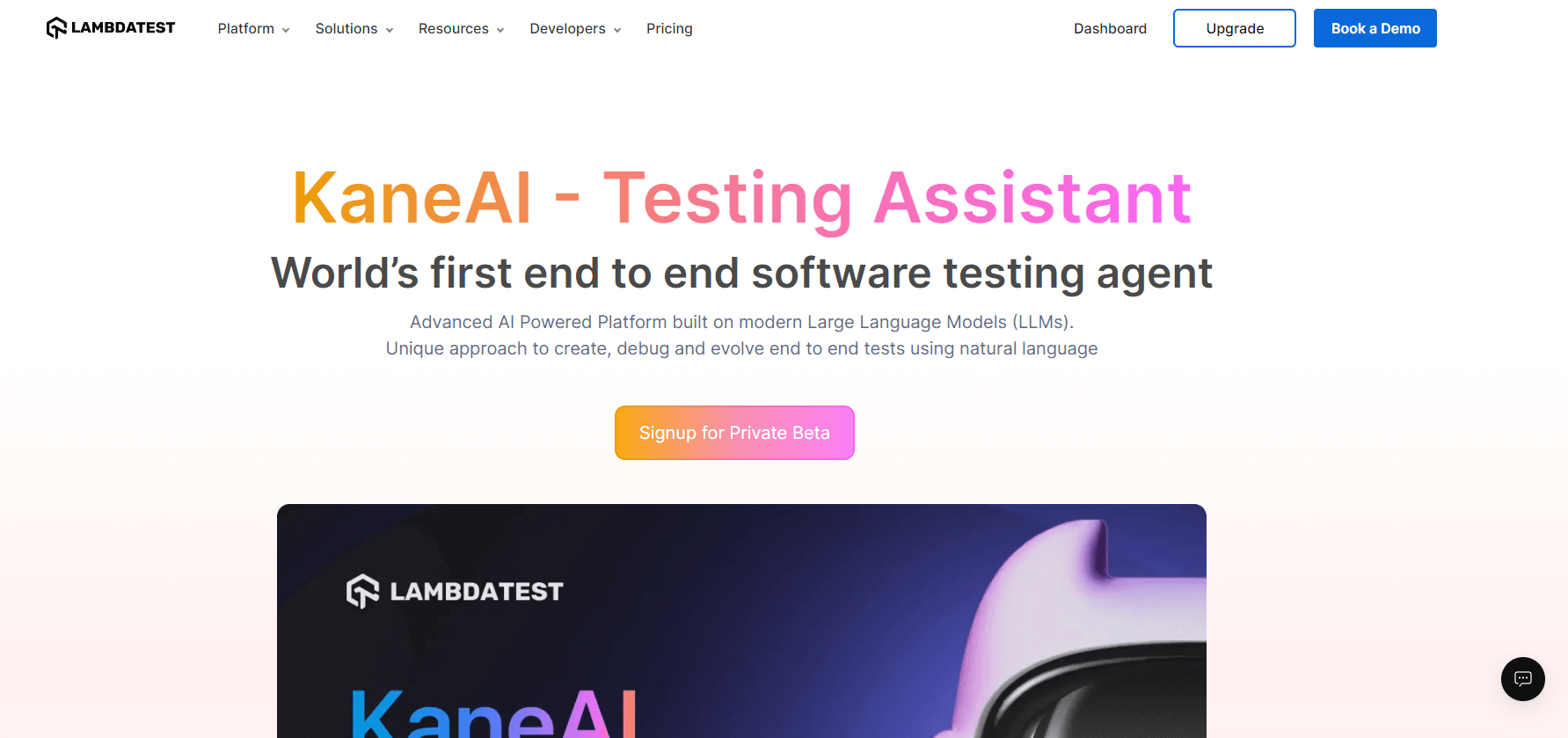
Rather than a recorder with an AI feature bolted on, the language model is the authoring surface: you describe the intent, and the agent works out steps, elements, and assertions.
A single flow can span web UI, mobile, API, database, and accessibility checks in one connected run, the seam-level coverage most codeless recorders cannot reach.
Core capabilities:
- Natural-language test authoring - create and evolve tests in plain English, no selectors or framework syntax.
- Requirements in, tests out - turn PRDs, Jira tickets, and screen recordings into executable tests.
- Self-healing - re-anchors steps when the UI changes, so maintenance becomes a review step, not a rewrite.
- No lock-in - export to Selenium, Playwright, Cypress, and Appium.
- Runs where you work - trigger from Slack, Jira, or GitHub.
Strengths - reaches web, mobile, API, database, and accessibility in one connected flow and exports to every major framework, so there is no proprietary lock-in.
Limitations - it is a paid cloud platform, so teams wanting a free open-source recorder or an offline desktop tool will look elsewhere, and self-healing lowers maintenance rather than removing it entirely.
The KaneAI getting started guide walks through authoring your first natural-language test.

2. Testsigma
Testsigma is a unified, AI-driven test automation platform that generates and self-heals tests across web, mobile, API, and Salesforce applications from natural-language input.
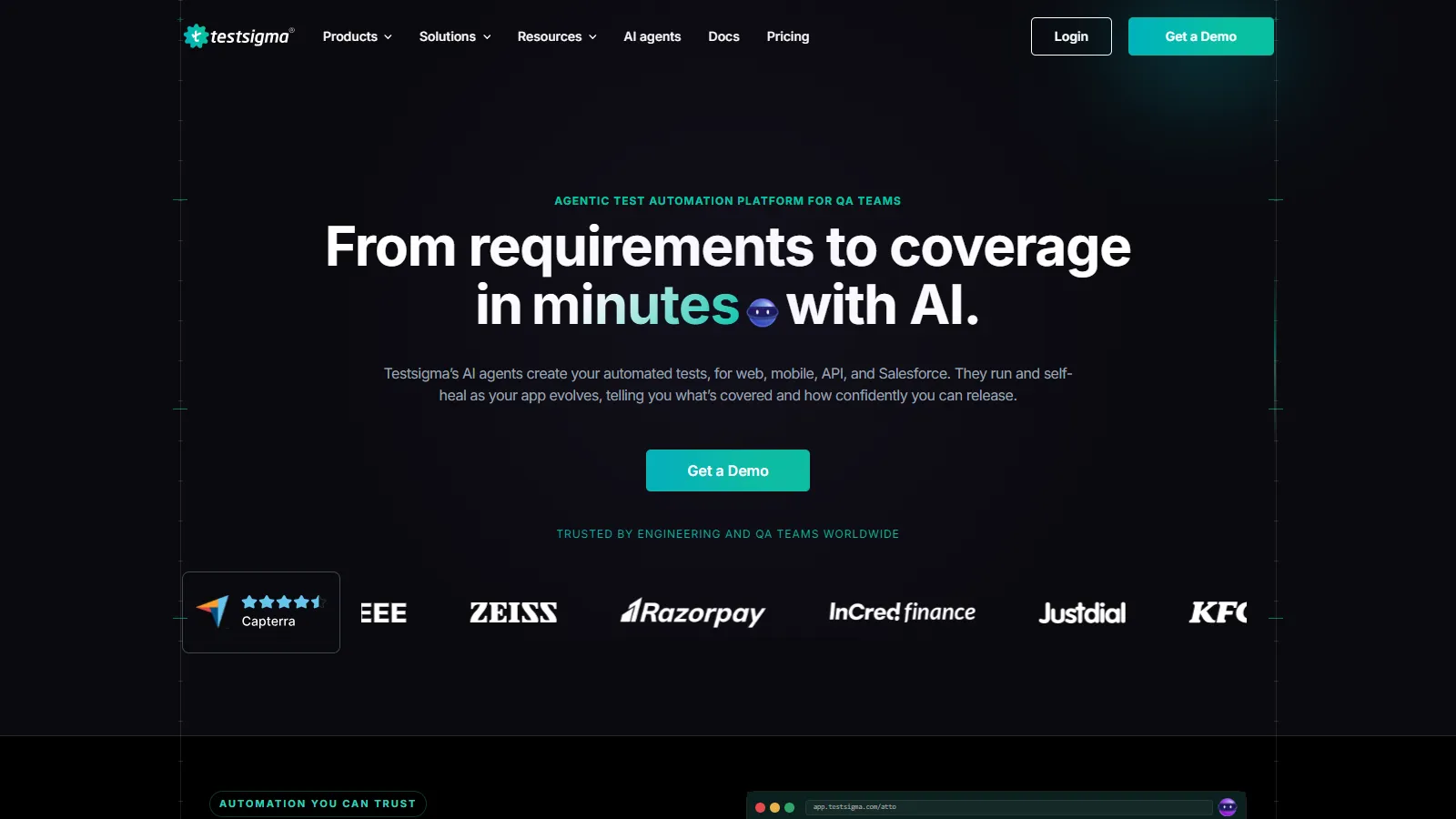
Tests can be authored from plain English, Jira tickets, Figma designs, or session recordings, which makes it a fit for teams that want one suite instead of separate tools per layer.
Core capabilities:
- AI-driven test generation - from sprint context and requirements.
- Self-healing - tests adapt to UI changes automatically.
- Broad coverage - web, mobile (native, hybrid, Flutter), API, and Salesforce.
- Release confidence scoring - combines coverage, pass rate, and critical-path analysis.
Strengths - one platform spans web, mobile, API, and Salesforce, reducing the tool sprawl of maintaining a separate framework per layer.
Limitations - the AI agents lean on integration with Jira, GitHub, and CI/CD for full value, so standalone use without sprint context is less effective.
3. testRigor
testRigor is an AI-powered codeless platform where functional UI tests are written in plain English, then translated into executable automation by generative AI.
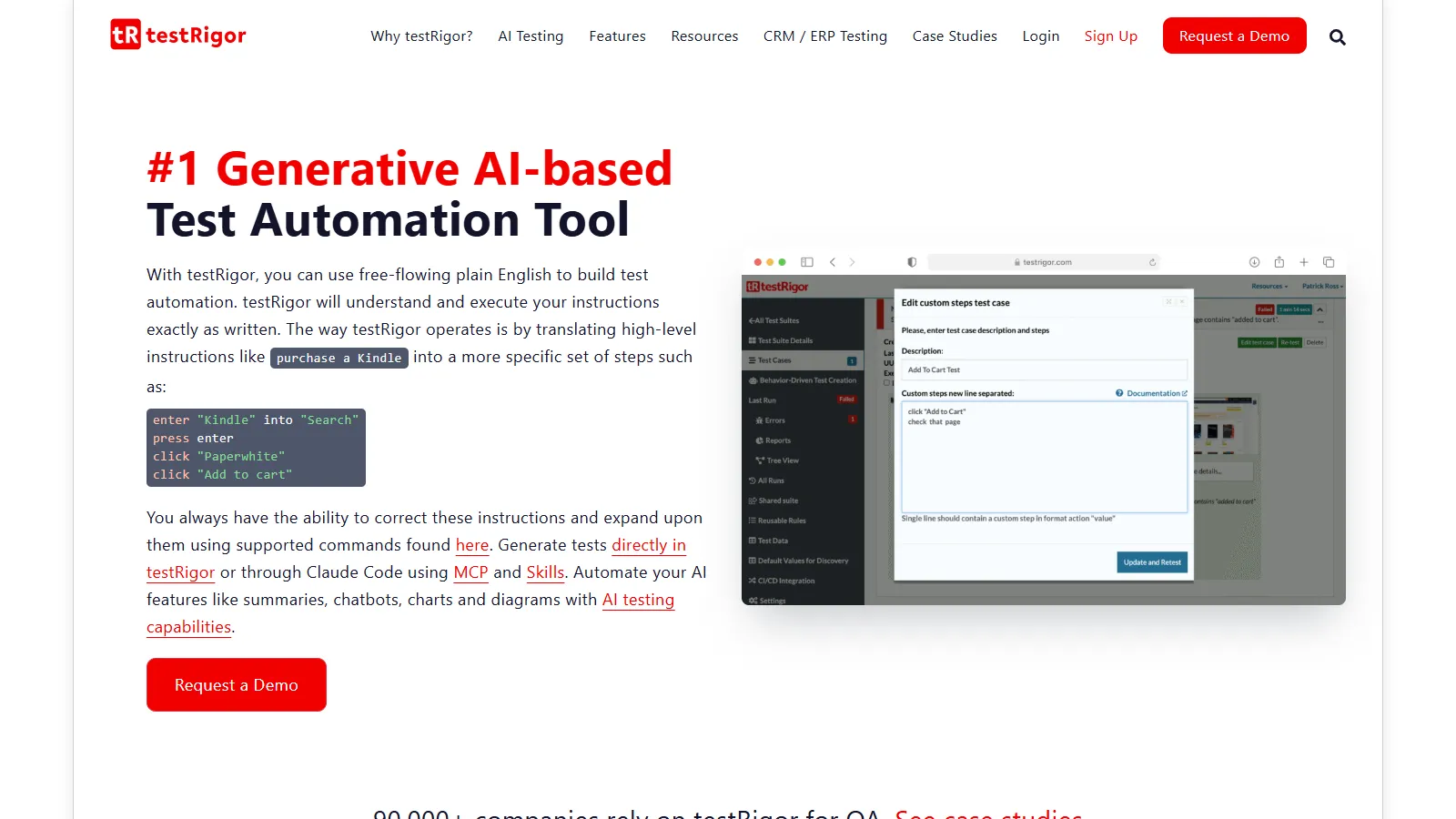
Because steps are described the way a manual tester would phrase them, it suits QA teams with little or no programming background.
Core capabilities:
- Plain-English test generation - author steps in natural language.
- Self-healing - tests adapt to UI changes with minimal maintenance.
- Multi-user flows - spanning email, SMS, and phone-call steps.
- Cross-browser and cross-platform coverage - plus accessibility checks.
Strengths - the plain-English authoring is genuinely readable, so business users can review and edit tests without learning selectors.
Limitations - it focuses on acceptance-level functional testing and does not cover games, performance, or load testing scenarios.
4. Leapwork
Leapwork is a cloud-based, codeless automation platform built around a visual flow builder, supporting Windows desktop and web applications.
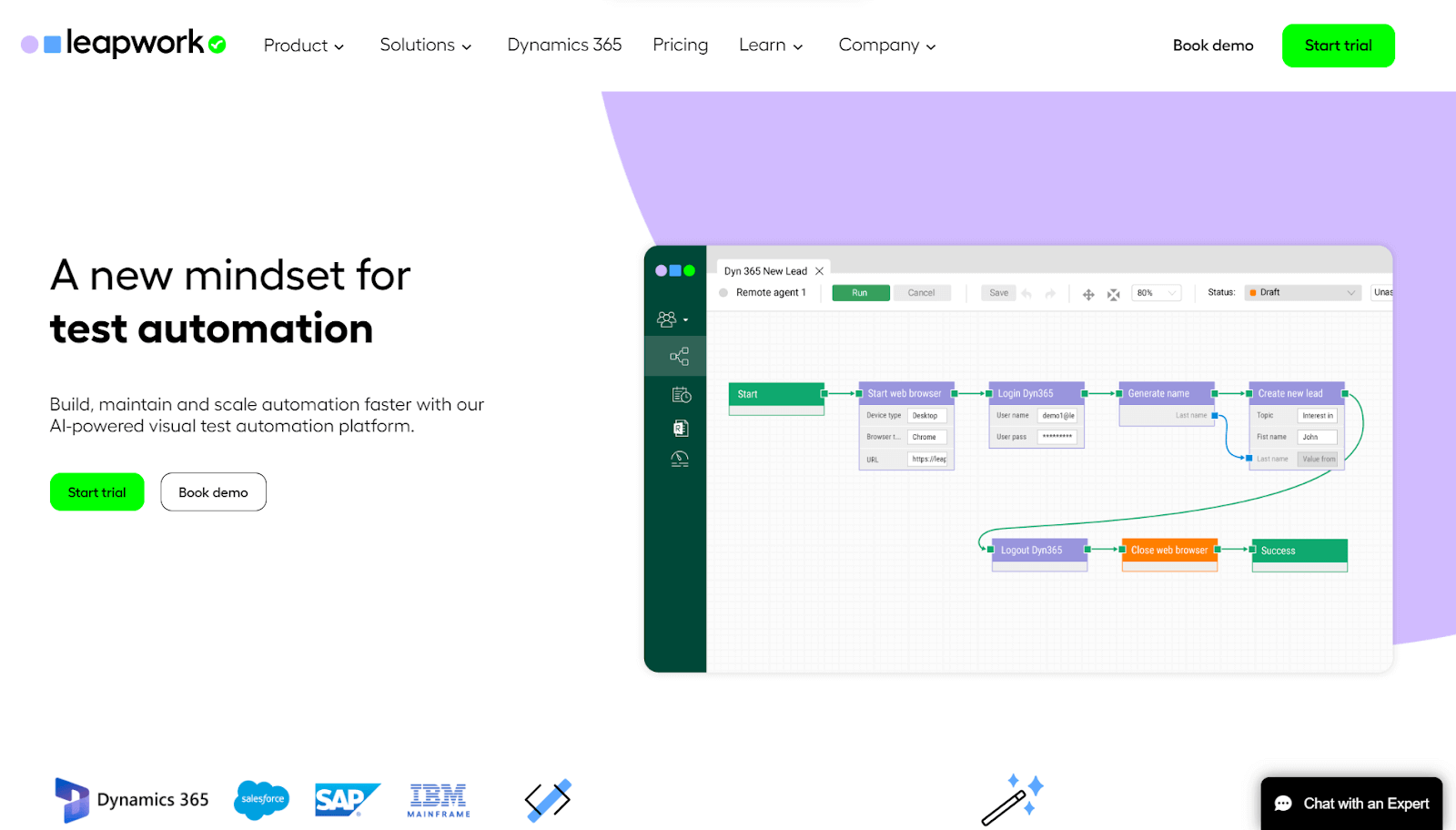
Predefined building blocks and default libraries help agile QA teams assemble flows and shorten the learning curve.
Core capabilities:
- Reusable flows - shared across distinct test cases.
- Visual flow builder - drag-and-drop building blocks, no scripting.
- Cross-browser and parallel runs - across environments.
- DevOps integration - fits existing toolsets, plus a smart recorder.
Strengths - the visual-flow model is approachable for non-developers and covers desktop and mainframe apps many web-only tools skip.
Limitations - visual flows get harder to manage once a suite reaches hundreds of scenarios.
5. Tricentis Tosca
Tricentis Tosca is a model-based, codeless automation platform for enterprise applications, separating the automation model from the underlying app so tests stay resilient without code.
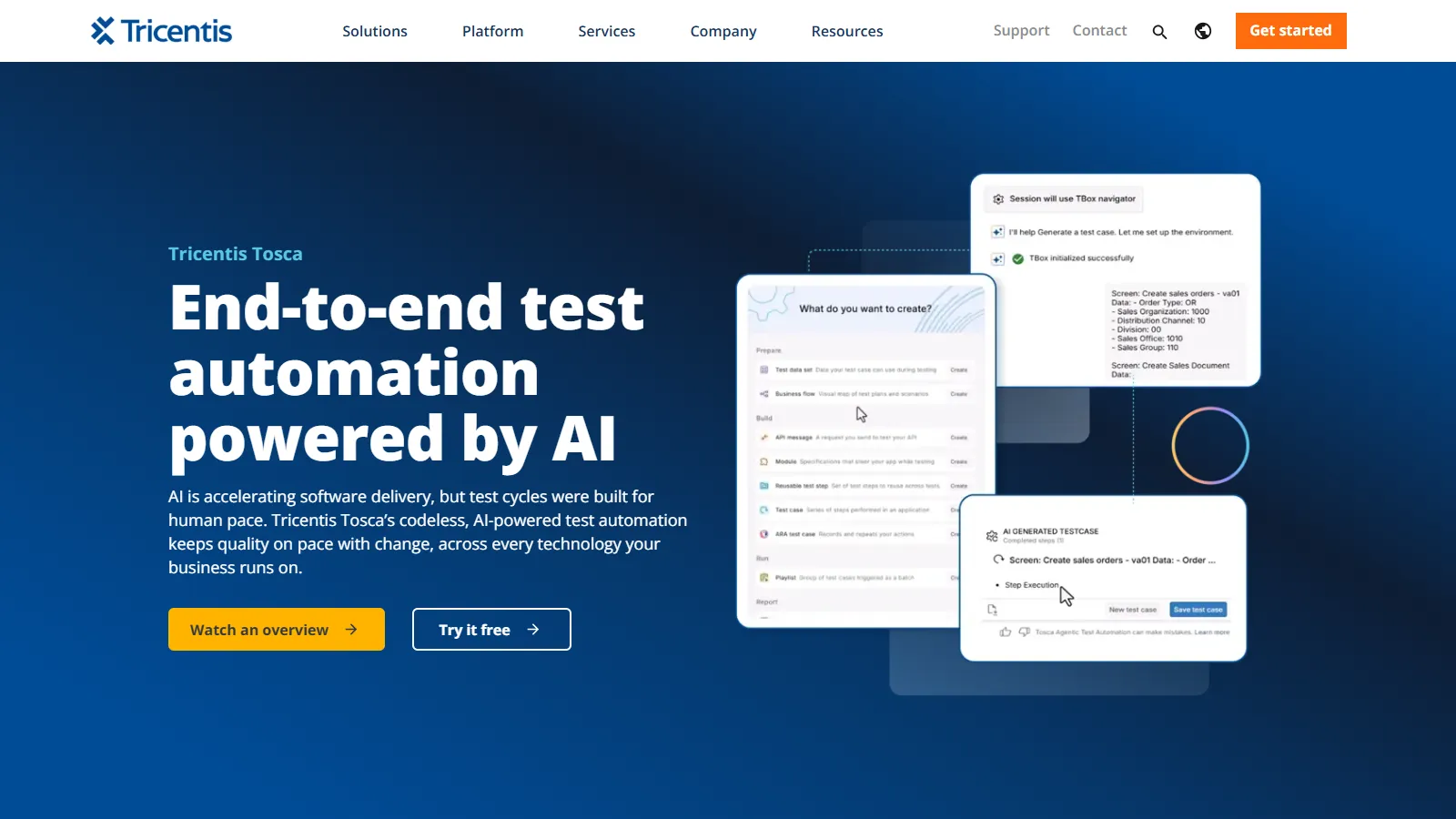
Its focus is broad enterprise coverage, spanning 160+ technologies including SAP, Salesforce, Oracle, ServiceNow, and Workday.
Core capabilities:
- Model-based design - keeps tests resilient to UI change.
- Risk-based optimization - prioritizes business-critical paths.
- Test data management - synthetic and masked data provisioning.
- Broad coverage - functional, regression, API, and UI across enterprise stacks.
Strengths - the model-based approach and 160+ technology integrations make it strong for sprawling enterprise landscapes.
Limitations - full elastic execution leans on cloud-native infrastructure, which can add migration complexity for teams with heavy on-premises legacy setups.
6. Worksoft Certify
Worksoft Certify is a codeless automation platform built for enterprise business-process validation. Tests are assembled without scripting, so business users who know the process can build and maintain coverage.
Its focus is end-to-end workflows across SAP, Oracle, Salesforce, and other packaged systems, validating full business outcomes rather than page-level actions.
Core capabilities:
- No-code test creation - accessible to business users and functional experts.
- Business-process automation - full flows across SAP, Oracle, and Salesforce.
- Audit-ready reporting - traceability and logs for regulated environments.
- One connective platform - process intelligence, testing, and RPA together.
Strengths - it validates complete business processes across packaged enterprise systems, with the governance regulated releases need.
Limitations - its ERP-first design is overkill for teams that only need web or mobile UI coverage.
7. Avo Assure
Avo Assure is a no-code enterprise platform aimed at business-critical systems: SAP S/4HANA and ECC, Oracle Fusion Cloud, Microsoft Dynamics 365, Salesforce, ServiceNow, and Workday.
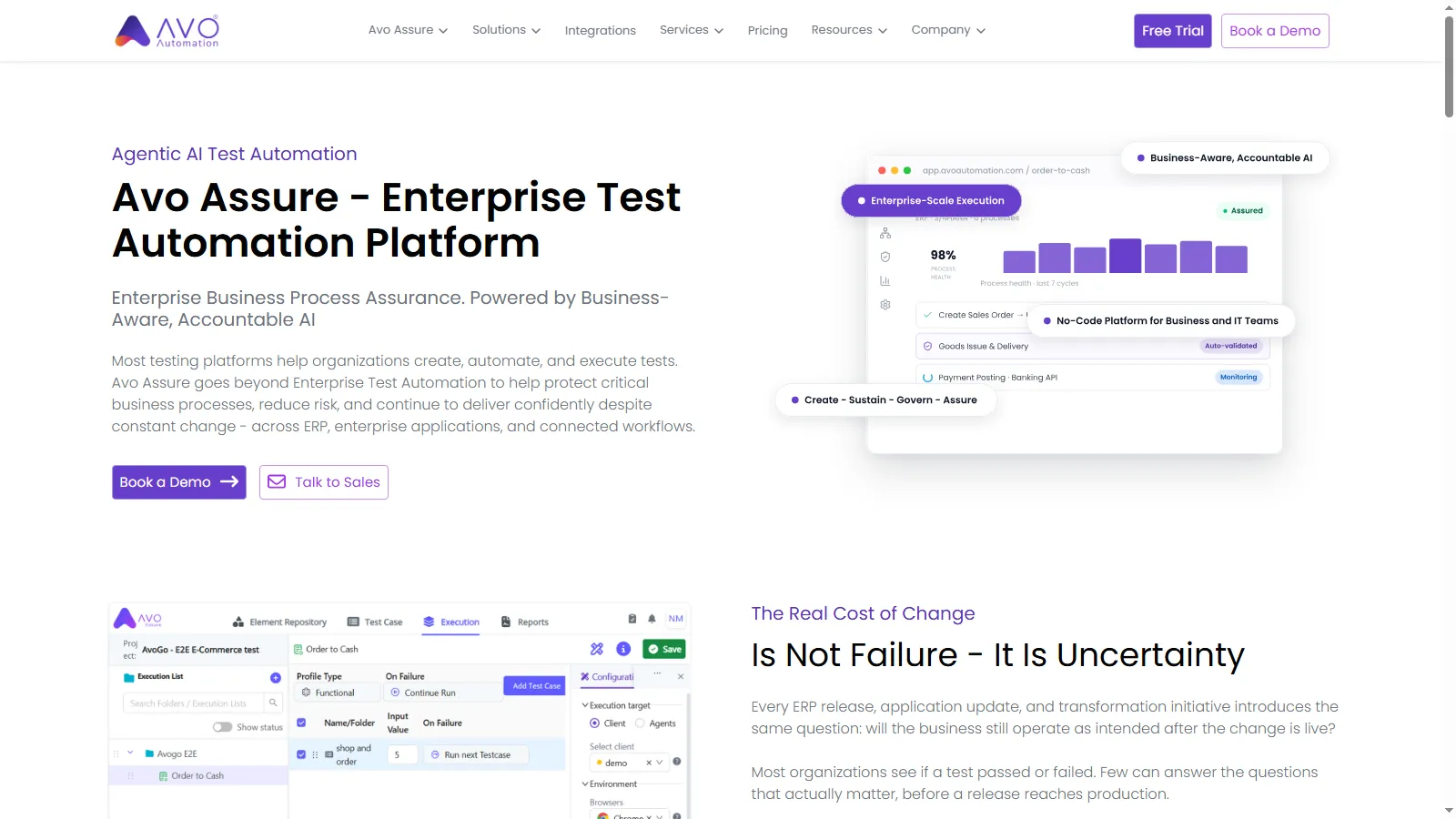
Business analysts and functional consultants build the tests, with no automation expertise required. Its angle is process-level validation: end-to-end flows like Order-to-Cash across every connected system they touch.
Core capabilities:
- No-code authoring - accessible to business analysts and domain experts.
- ERP-first coverage - SAP, Oracle Fusion, and Dynamics 365, plus enterprise SaaS.
- Process-level validation - full business processes rather than single screens.
- Deep reach - APIs, databases, and legacy or mainframe apps in the same flow.
Strengths - it maps which processes a change affects and whether they are adequately tested, useful for regulated ERP estates.
Limitations - its ERP-first focus can feel too narrow for teams that lead with web and mobile suites.
8. CloudQA
CloudQA is a record-and-playback platform for web apps, running captured flows in parallel across browsers with per-step screenshots for triage.
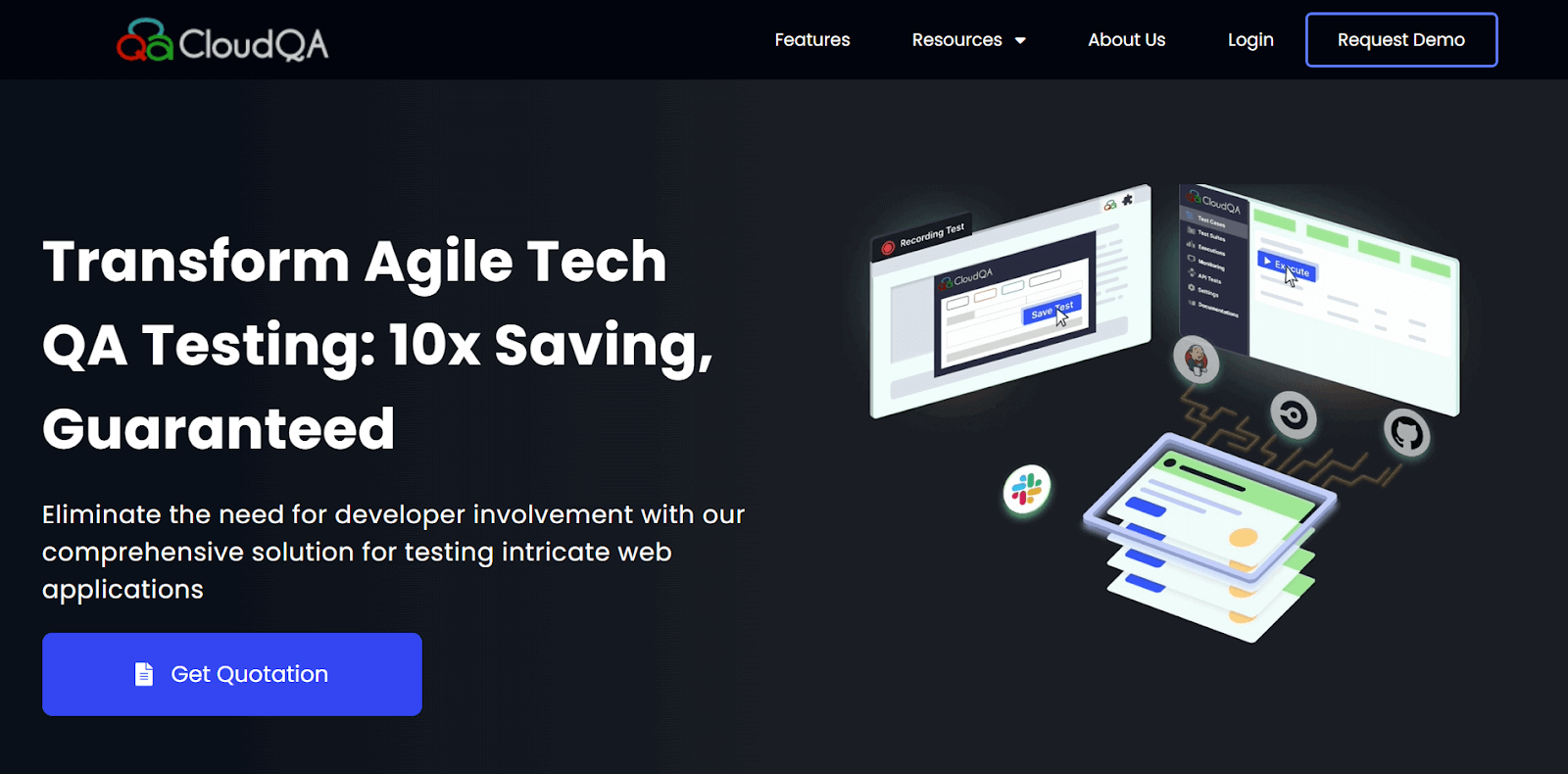
It is not just a record-and-playback tool; recorded tests become reusable modules that also serve regression, load testing, and synthetic monitoring.
Core capabilities:
- Smart recorder - converts captured actions into reliable tests, with per-step screenshots.
- Self-healing AI - fixes broken locators from minor UI changes.
- Reusable tests - the same tests serve regression, load testing, and 24/7 monitoring.
- Scheduled runs - unattended, with Slack, Jenkins, GitHub, and Jira integrations.
Strengths - recorded tests double as production monitors, so lean web teams get coverage and uptime checks from one asset.
Limitations - it is web-focused, so mobile and packaged-ERP testing need other tools.
9. Ghost Inspector
Ghost Inspector lets users create and manage automated browser tests without programming, then run and analyze them from a cloud dashboard.
Core capabilities:
- Cloud execution - tests run from anywhere with an internet connection.
- Scheduled runs - keep tests firing consistently.
- Visual checks - screenshot diffs catch design regressions alongside functional failures.
- Integrations - Jira, Slack, and Zapier for workflow and results routing.
Strengths - the built-in screenshot comparison makes it a low-friction pick for catching visual regressions on browser flows.
Limitations - it is scoped to browser testing, so API, mobile, and desktop needs fall outside it.
10. Mabl
Mabl is an AI-native, low-code testing platform that generates, runs, and auto-heals tests across web, mobile, and API, built to live inside CI/CD.
It combines record-and-playback authoring with agentic test generation and intelligent failure triage.
Core capabilities:
- Autonomous test generation - from application context.
- AI maintenance - auto-healing keeps the suite green.
- CI/CD-native execution - parallel runs inside the pipeline.
- Intelligent failure triage - across web, mobile, and API.
Strengths - auto-healing plus failure triage keeps a suite green with little manual upkeep once it is wired into the pipeline.
Limitations - it still needs initial setup and workflow integration, so it is not fully hands-off from day one.
What Are the Best Open-Source Codeless Tools?
If licensing cost is the constraint, several open-source tools offer codeless or low-code authoring for a specific slice of testing:
- SikuliX - automates GUIs by image recognition, suiting legacy desktop apps and interfaces with no DOM; the original repository is archived, with development continuing in the OculiX fork.
- SoapUI - a GUI-driven workspace for REST and SOAP API testing without deep scripting.
- Selenium IDE - records and replays browser actions as a starting point for web tests.
- Robot Framework - keyword-driven, tabular syntax that non-developers can read and extend.
The trade-off is real: open-source tools remove licensing cost but usually need more setup, break more often on visual changes, and each covers a narrower slice than the commercial platforms above.
What Are the Benefits and Limitations of Codeless Testing?
Codeless testing tools trade some low-level control for speed and accessibility. Knowing where that trade pays off, and where it breaks down, keeps you from adopting one for the wrong job.
The main benefits:
- Non-technical testers and subject matter experts get faster coverage earlier, without writing code.
- Self-healing test automation cuts the maintenance cost that sinks most scripted suites.
To put a number on those time and cost savings versus manual testing, run your team's figures through this test automation ROI calculator.
The limitations to plan around:
- Complex logic, custom integrations, and edge cases still push you back to code.
- Less low-level control than a fully scripted framework gives you.
- Visual flows get hard to manage once suites reach hundreds of scenarios.
- Pricing and vendor lock-in can grow as execution volume scales.
Authoring is only half the decision; execution scale is the other half.

Note: Codeless tests still need real browsers and devices to run on. Execute your suites across 3,000+ browser and OS combinations on TestMu AI. Start testing free
How Do You Choose a Codeless Testing Tool
Choose a codeless testing tool by scoring candidates on coverage, authoring model, self-healing quality, CI/CD depth, and pricing against your team's skills and application stack.
Weigh these factors before you commit:
- Coverage scope - confirm it tests every layer you ship: web, mobile, API, desktop, or ERP.
- Authoring model - matched to who writes tests: visual recorder, drag-and-drop, or plain English.
- Self-healing quality - how reliably it repairs broken locators decides maintenance cost.
- CI/CD depth - can it gate deployments in your pipeline, not just report after the fact.
- Export and lock-in - prefer tools that let you inspect or export the underlying script.
- Pricing and scale - match the licensing model to team size and parallel-run needs.
If you are replacing a recorder you already use, weigh whether tests survive UI changes without re-recording and whether you can export the underlying script.
Which Codeless Testing Tool Is Right for Your Team?
The right tool depends on your approach. Match your situation to the codeless category that fits, then trial the tools in it:
| Your Situation | Where to Start |
|---|---|
| Plain-English authoring across web, mobile, and API without scripting | GenAI-native authoring, like KaneAI |
| One low-code suite covering web, mobile, API, and Salesforce | Unified low-code AI platforms |
| Non-technical QA writing readable tests in plain English | Plain-English AI authoring |
| Growing from record-and-playback into occasional scripting | Dual-mode record-and-code tools |
| Enterprise ERP and business-process testing (SAP, Oracle) | No-code enterprise ERP suites |
| Lean web team wanting a recorder plus monitoring | Record-and-playback web recorders |
| Auto-healing web, mobile, and API inside CI/CD | AI-native low-code platforms |
| Budget-constrained and comfortable with more setup | Open-source codeless tools |
Whichever authoring tool you pick, the tests still need real browsers and devices underneath. TestMu AI's test automation cloud runs codeless suites across 3,000+ browser and OS combinations and 10,000+ real devices.

Can Codeless Tools Test AI Agents
Traditional codeless tools test web and mobile UIs. But as AI agents (chatbots, voice assistants, copilots) become embedded in enterprise software, QA teams need tools that can test agent behavior, not just button clicks.
What is Agent Testing?
Agent Testing is an emerging category where autonomous AI testing agents interact with your AI agent to validate quality dimensions a click-based tool cannot see:
- Hallucination - the agent invents facts or policies not in its knowledge base.
- Bias and tone - across diverse personas and phrasing.
- Context awareness - held across multi-turn conversations.
- Completeness - and correct escalation to a human.
Why Do Traditional Codeless Tools Fail for AI Agents?
The gap shows up on the dimensions a click-based tool never checks:
| Challenge | Traditional Tools | AI Agent Testing |
|---|---|---|
| Dynamic responses | Expect fixed UI elements | Handle variable AI outputs |
| Conversation context | Stateless interactions | Maintain multi-turn context |
| Intent validation | Check button clicks | Validate semantic meaning |
| Edge case coverage | Manual scenario creation | AI generates edge cases |
TestMu AI's Agent Testing deploys 15+ specialized evaluators that run 60 to 100+ auto-generated scenarios per workflow, returning a Green, Yellow, or Red production-readiness verdict.
Teams gate an agent release the way they gate code.
Conclusion
Start by matching the codeless approach to your team, not the longest feature list: GenAI-native authoring like KaneAI when requirements-to-test speed is the bottleneck.
Manual QA teams get further with visual flow builders and recorders, enterprise ERP estates need no-code business-process suites, and budget-constrained teams can start with open-source codeless tools.
The real test: shortlist two candidates, run the same two or three critical user journeys through both for a sprint, and keep the one your team still opens after the first major UI refactor.
Author

Harshit Paul
Blogs: 93


Harshit Paul is Director of Product Marketing at TestMu AI (formerly LambdaTest), with over 8 years of experience in product and growth marketing for developer and QA tools, leading the Agentic AI in Quality Engineering space. He has authored 80+ technical articles for TestMu AI on software testing and automation, and hosted webinars on Selenium, automation testing, browser compatibility, DevOps, and continuous testing. He has led go-to-market and technical marketing initiatives across software testing products, contributing to SEO, content strategy, and developer marketing. He began his career as a certified Salesforce developer at Wipro Technologies, where he worked for 2 years before moving into marketing. Harshit holds a degree in computer programming from Vivekananda Institute of Professional Studies.
Reviewer

Abhishek Mishra
Reviewer
Abhishek Mishra is a Technical Product Manager at TestMu AI, where he owns Test Manager, the test management product. He has over 8 years of experience in product management and market analysis. His expertise spans across AI-native software testing, product strategy, and analytics. Previously, Abhishek served as the Product Lead at IndiaClan and co-founded Gartley618 Technologies, where he led innovative projects in quantitative trading and blockchain. He holds a B.Tech degree.


Codeless Testing Tools FAQs
Did you find this page helpful?
More Related Blogs
TestMu AI forEnterprise
Get access to solutions built on Enterprise
grade security, privacy, & compliance
- Advanced access controls
- Advanced data retention rules
- Advanced Local Testing
- Premium Support options
- Early access to beta features
- Private Slack Channel
- Unlimited Manual Accessibility DevTools Tests