

Power Your Software Testing with AI Agents and Cloud
The Native AI-Agentic Cloud Platform to Supercharge Quality Engineering. Test Intelligently and Ship Faster.


- TestMu AI (Formerly LambdaTest)
- /
- Blog
- /
- 17 Best UI Testing Tools in 2026
17 Best UI Testing Tools In 2026
17 best UI testing tools for 2026, compared by features, pricing, and use cases, from open-source frameworks to enterprise automation platforms.
Last Updated on:
A good user interface (UI) is essential to the quality of any software product. A clean, modern UI makes a strong first impression and keeps users engaged, while a clunky one drives them away before they see what the product can actually do.
Since the UI is the first thing a user sees, testing it thoroughly across browsers, devices, and screen sizes is critical to closing design gaps before they reach production. This article covers what UI testing is, the 17 best UI testing tools for 2026, and the techniques teams use to test UI effectively - alongside our guide to the top UI automation testing tools if you want a narrower, automation-first shortlist.
Overview
UI testing tools automate and verify how users interact with an application's interface - buttons, forms, navigation, and layout - across browsers, devices, and operating systems. The best options in 2026 range from free frameworks like Selenium, Cypress, and Playwright to enterprise platforms like Tricentis Tosca and cloud execution grids like TestMu AI.
- Best for cross-browser cloud execution: TestMu AI runs existing Selenium, Playwright, and Cypress suites across 3,000+ real browser and OS combinations.
- Best for JavaScript end-to-end testing: Cypress offers fast, in-browser tests with built-in debugging and time-travel snapshots.
- Best for one API across browsers: Playwright automates Chromium, Firefox, and WebKit from a single toolkit.
- Best for native Android testing: Espresso runs fast, in-process UI tests tied to Android Studio.
- Best for native iOS testing: XCUITest is Apple's built-in UI testing framework for Xcode projects.
- Best for enterprise codeless testing: Tricentis Tosca combines model-based and risk-based testing for GUIs and APIs.
- Best for self-healing UI tests: Testim, now part of Tricentis, uses AI-based Smart Locators to cut test maintenance.
What is UI Testing?
UI testing, sometimes referred to as GUI testing, is a process designed to test the features of any product that a user will interact with. This often entails evaluating the visual components to ensure they perform and work according to specifications. These UI testing tools guarantee that UI features are free of bugs.
Watch this video for a quick overview of UI testing before we walk through the tools.

Web elements are built with CSS, JavaScript, and other programming languages. UI testing tools run tests and assertions against these components to verify they work as intended. Instead of focusing on the application's underlying logic, this kind of testing focuses on the visual and structural elements the user actually sees and interacts with.
There are various advantages of performing UI testing. Some of them are:
- Examine the user interface from the eyes of the user.
- Efficiently lowers the risk level as the development life cycle closes.
- Provides ease of use and learning for developers and testers.
- Verifies that different icons and elements adhere to their design criteria.
- Increases the product's quality and dependability.
Though UI testing tools come with various advantages, developers might still face certain challenges while performing tests through UI testing tools.
What Are the Challenges of UI Testing?
UI testing challenges include frequent UI updates, complex visual elements, time-consuming script creation, cross-browser compatibility, and maintaining tests as the interface evolves.
Performing UI tests presents various challenges for software testers. The following are a few of the notable difficulties:
- The user interface of programs is frequently updated to include new features and functionality. Comprehensive UI testing is challenging to do when upgrades happen regularly.
- Modern applications offer a variety of intricate features, such as embedded frames, complicated flowcharts, maps, diagrams, and other online components. This increases the difficulty of UI tests.
- The creation of efficient UI test scripts and executing the tests can take a lot of time, especially if a tester is not using the correct tool.
- Updating test scripts is more difficult as developers make changes to the user interface.
- When executing extensive UI tests in a short time, testers invest a lot of work in developing scripts. Fixing problems during testing becomes difficult in these circumstances.
- As the UI changes, so do the tests. This lengthens the time required for UI testing, delaying the delivery process. Ultimately, estimating the ROI for consistently running UI tests becomes challenging.
To overcome the above UI challenges, there are some practical tips. They are:
- Make use of an object repository: Using a shared repository is one method for lowering test maintenance and its associated expenses. During the initial testing phases, limiting the number of UI test cases is also an excellent idea, then gradually raising the coverage moving forward.
- Consider Codeless automation tools: Developers and QA teams should use codeless automation tools to avoid the hassle of making repeated modifications to the test code.
- Organizational guidelines for code reviews: How effectively a team handles testing difficulties during the application development cycle is significantly influenced by the coding culture of the organization. Due to the need for precise standards for code review or modification across the organization, they should concentrate on educating their teams on the best practices for automation testing.
- Select the right automation testing tool: Testers would have to manually test the user interface, which would take a lot of time and effort if they do not have the correct automated UI testing tool. Hence, focus on choosing one that integrates well with your workflow.
If you are just starting with UI testing, you can learn more about devising a UI test plan to make your test better and more efficient.
You must be familiar with the necessary tools to test a particular UI design. You will learn which works best for you over time, but to get you started, here are the 17 best UI testing tools to help you pick the one that best suits your needs.
What Are the 17 Best UI Testing Tools?
Top UI testing tools include TestMu AI, Selenium, Cypress, Playwright, Puppeteer, Appium, Espresso, XCUITest, and Tricentis Tosca for web and mobile UI testing.
This list is deliberately curated rather than exhaustive - each tool below is still actively maintained or sold, and each is included for a specific use case rather than to pad the count. Here is a summary of the most well-liked and in-demand UI testing tools:
1. TestMu AI
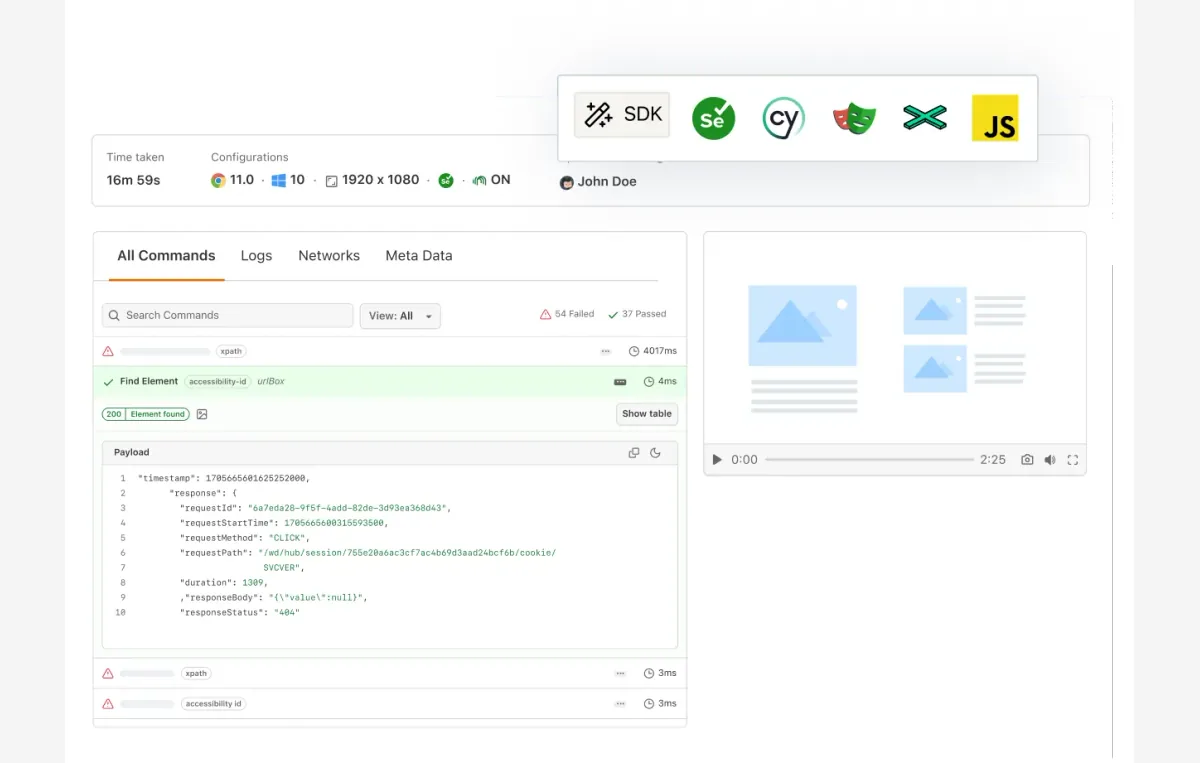
TestMu AI (formerly LambdaTest) is a cloud-based UI testing platform built for cross-browser and cross-device execution. It runs your existing Selenium, Playwright, Cypress, or Appium suites in parallel on a cloud online Selenium Grid, cutting execution time without the overhead of maintaining your own device lab.
TestMu AI gives testers access to 3,000+ real browser and OS combinations and 10,000+ real Android and iOS devices for automated and manual UI testing, alongside a built-in UI comparison tool for catching pixel-level visual regressions. It also offers a developer-friendly browser for faster responsive testing, and cross browser testing at scale.
Key features
- Cloud Selenium Grid with parallel execution across 3,000+ real browser and OS combinations.
- Real Android and iOS device access for mobile UI testing, backed by 10,000+ real devices.
- Built-in UI comparison tool for pixel-level visual regression checks.
- AI app testing with KaneAI, a GenAI-native agent that turns natural-language instructions into automated test steps.
- 120+ CI/CD, project-management, and communication integrations.
Best for: Teams already running Selenium, Playwright, Cypress, or Appium suites who need real cross-browser and cross-device coverage without hosting their own grid.
Drawback: Cloud parallel-session pricing scales with usage, so high-volume suites need to plan capacity.
Pricing: Free plan for light usage; paid plans scale by parallel sessions - see the pricing page for current plans.
Testers who want to generate and maintain UI tests faster can pair TestMu AI with KaneAI, its GenAI-native testing agent for automating complex scenarios using natural language.

2. Selenium
Selenium is a well-known open-source UI test automation tool widely used in the testing industry. It can automate test scripts on various operating systems, including Linux, Mac, and Windows, and browsers, including Chrome, Firefox, and headless browsers. Its adaptability across third-party IDEs and support for major programming languages has made Selenium automation testing the industry standard.
Key features
- Programming languages supported include Java, C#, Python, JavaScript, Ruby, PHP, and more.
- Browsers that are supported include Chrome, Firefox, Microsoft Edge, Opera, Safari, and more.
- Parallel and cross-browser execution on local or remote machines via the Selenium server to speed up runs and expand test coverage.
- Integrations with top CI/CD tools and other testing frameworks.
Best for: Teams that want maximum language and browser flexibility, backed by the largest open-source automation community.
Drawback: No built-in reporting, waiting, or self-healing locators - most teams pair it with a framework like JUnit or TestNG and a cloud grid to run at scale.
Pricing: Free and open-source.
3. Cypress
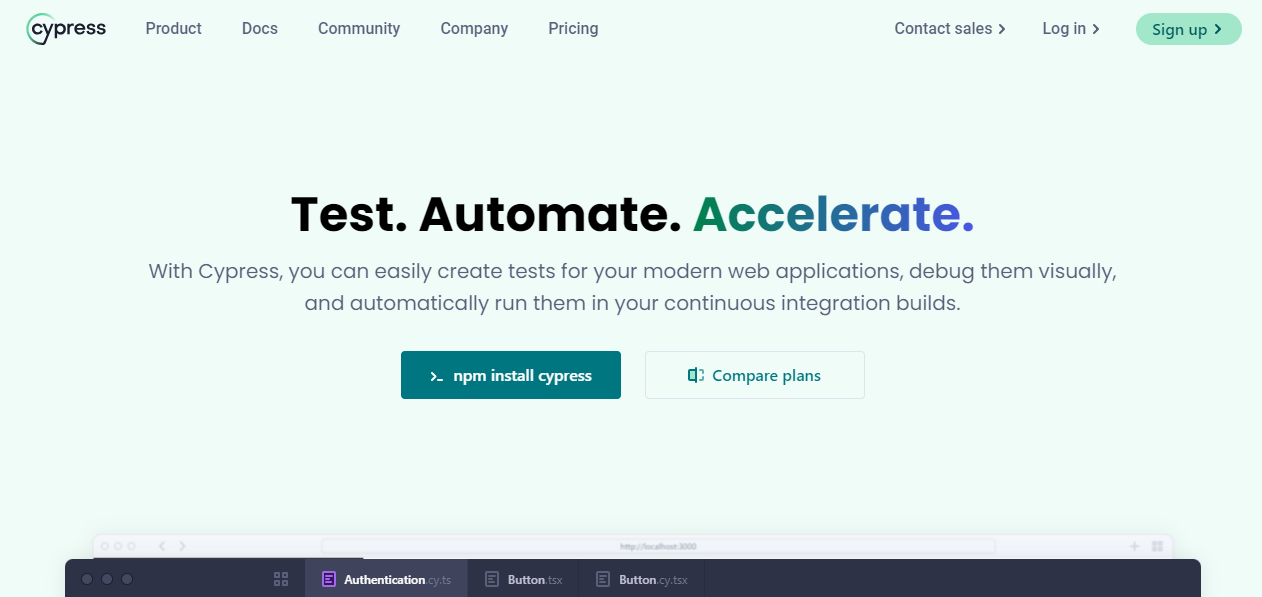
Cypress is a developer-centric automation solution for end-to-end web testing that supports JavaScript and TypeScript. Built on a novel architecture, Cypress runs inside the browser alongside your application, giving it native access to elements and quicker execution during Cypress testing.
Key features
- Time-travel snapshots that make it easy to inspect exactly what happened at each test step.
- Debugging capabilities and test-step execution snapshots from familiar developer tools.
- Control over network traffic, timing, server response, and function behavior.
- Access to a dashboard service for tracking and improving test performance.
Best for: JavaScript and TypeScript teams that want fast, in-browser end-to-end tests with built-in debugging.
Drawback: Cross-origin and multi-tab scenarios need extra setup compared to Selenium or Playwright.
Pricing: Free and open-source; Cypress Cloud (parallelization, analytics, dashboards) is paid, with a free tier.
Watch this video to learn how to run Cypress tests in headless mode.

4. Playwright
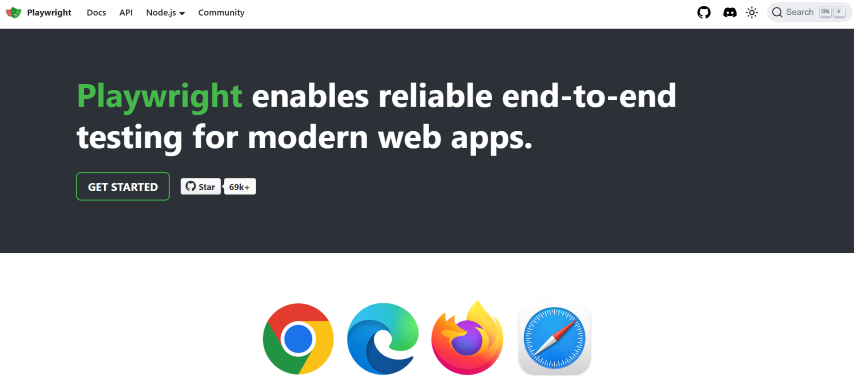
Playwright is a test automation toolkit built by Microsoft's developers, and a favorite among a broad audience of UI testers. It uses a Node.js module to automate Chromium, Firefox, and WebKit browsers with a single API. Released under an Apache 2.0 license, it supports C#, Java, Node.js, and Python, similar to Cypress. You can perform Playwright testing in JavaScript or TypeScript with Node.js.
Key features
- Simple to set up and configure.
- Support for multiple browsers, including Firefox, Edge, Chrome, and Safari.
- Language support for Python, Java, JavaScript/TypeScript, and C#.
- Built-in parallel browser testing and auto-waiting for UI elements.
Best for: Teams that want one API across Chromium, Firefox, and WebKit with strong auto-waiting built in.
Drawback: Its community and ecosystem, while growing fast, are still smaller than Selenium's long-established one.
Pricing: Free and open-source. Run Playwright test scripts on 3,000+ real browser and OS combinations using the TestMu AI cloud to cut execution time and run in parallel.
5. Puppeteer
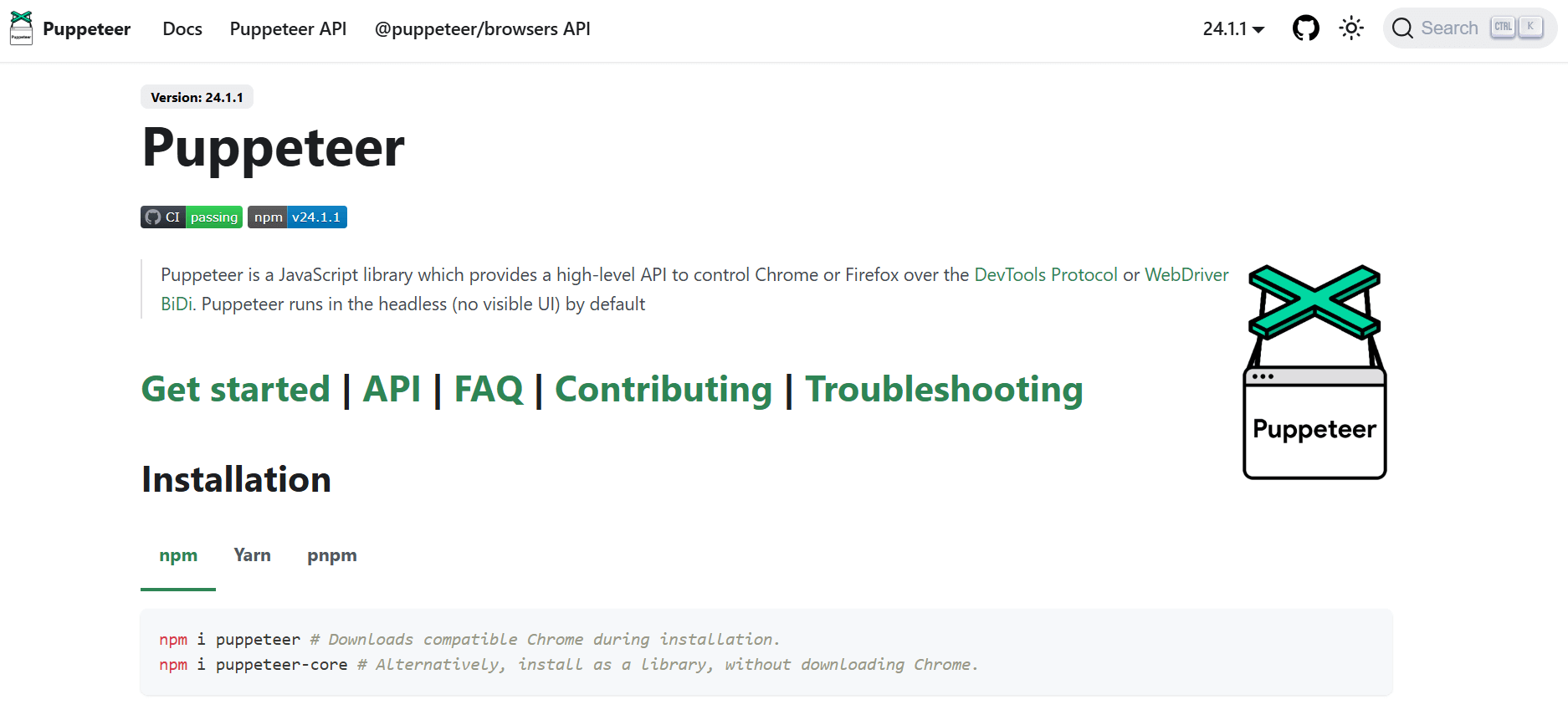
Puppeteer is a Node.js library for automating Chromium. Puppeteer testing is used to scrape web pages, examine web applications by generating PDFs and screenshots, and run test operations against the UI. Puppeteer also lets testers extend coverage by exercising Chrome Extension support in web applications.
Key features
- High-level API for controlling Chromium using the DevTools Protocol.
- Simple, direct interaction with the browser during Puppeteer testing.
- Maintained by the Chrome DevTools team.
- Browser-driven, so it reflects real rendering behavior closely.
Best for: Teams standardized on Chrome/Chromium who want a lightweight Node.js API for UI testing, scraping, and screenshot generation.
Drawback: Primarily Chromium-focused - true cross-browser testing needs Playwright or Selenium instead.
Pricing: Free and open-source.
6. Appium
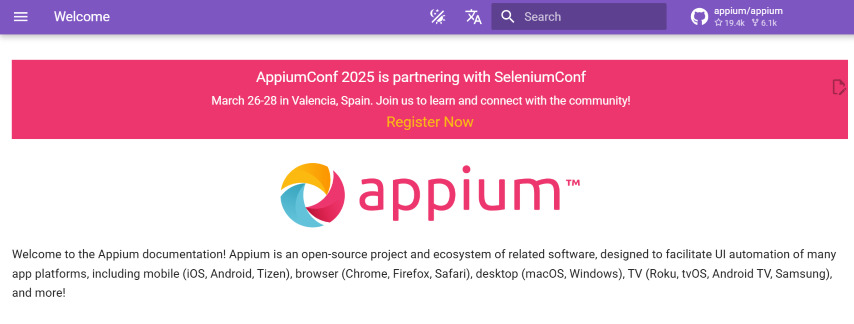
Appium is an open-source UI testing tool for mobile applications. You can create automated UI tests for native, web-based, and hybrid mobile applications on Android and iOS using the mobile JSON wire protocol, and perform Appium mobile testing over a cloud device grid.
Key features
- Programming languages supported include Java, C#, Python, JavaScript, Ruby, PHP, and Perl.
- Cross-platform testing using the same APIs and reusable test scripts.
- Works on real hardware, simulators, and emulators.
- Integrations with CI/CD tools and other testing frameworks.
Best for: Teams testing native, hybrid, or mobile-web apps on Android and iOS with one set of reusable test scripts.
Drawback: Initial setup of drivers, simulators/emulators, and capabilities has a steeper learning curve than web-only tools.
Pricing: Free and open-source.

Note: Integrate Appium with TestMu AI's real device cloud. Try TestMu AI Now!
7. Espresso
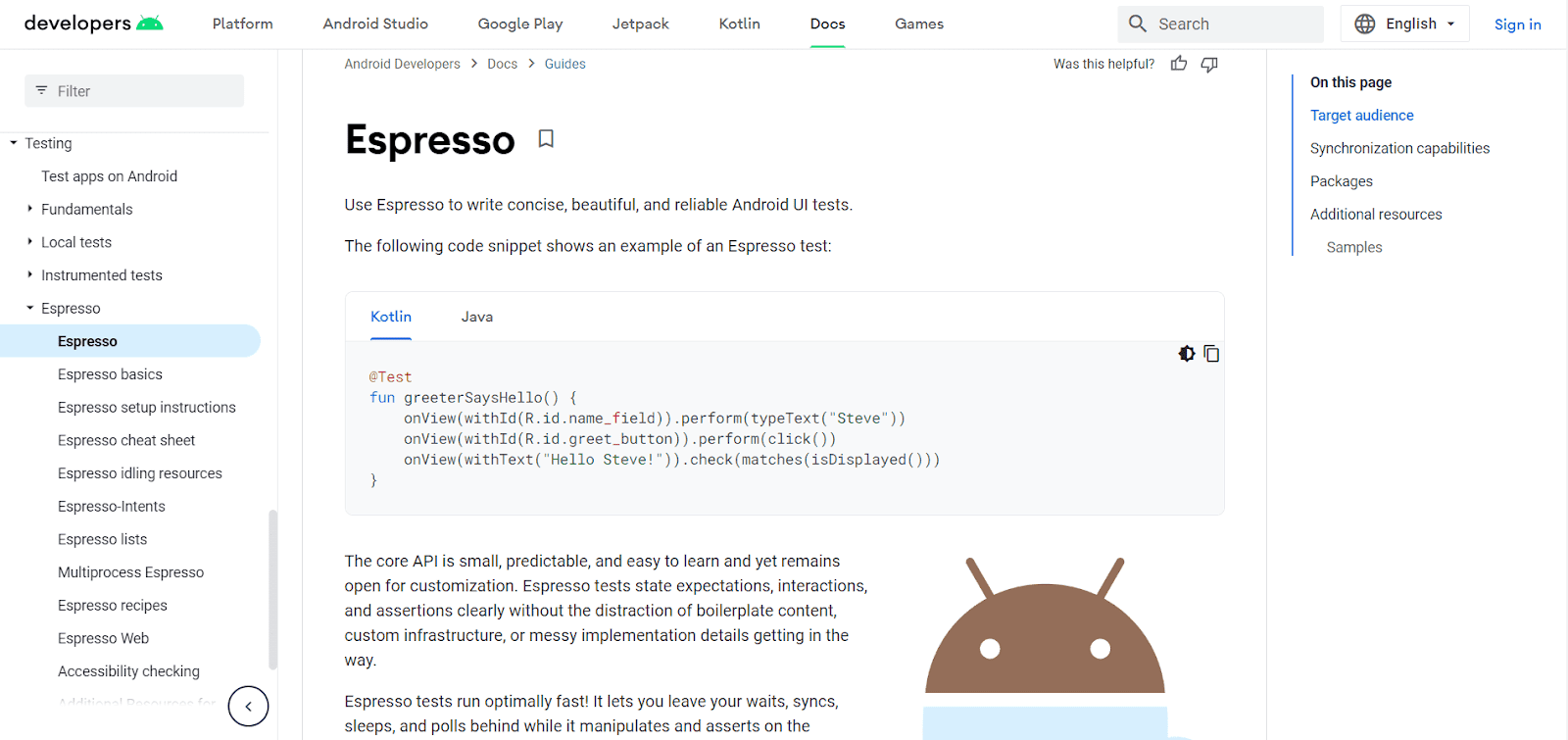
Espresso is Google's open-source testing framework, purpose-built for automating UI tests on native Android applications. It runs in-process with the app under test, which keeps tests fast and reduces flakiness from network or timing issues, and provides a simple way to interact with and verify UI components within an Android app.
Key features
- Automatic synchronization with the UI thread, reducing the need for manual waits.
- Tight integration with Android Studio and the wider Android testing ecosystem.
- Espresso Test Recorder for generating UI tests by interacting with the app.
- Runs well in CI pipelines alongside Gradle-based Android builds.
Best for: Android teams that want fast, reliable in-process UI tests tied closely to their Android Studio workflow.
Drawback: Android-only - teams testing iOS or web UIs need a separate framework like XCUITest or Selenium.
Pricing: Free and open-source.
8. XCUITest
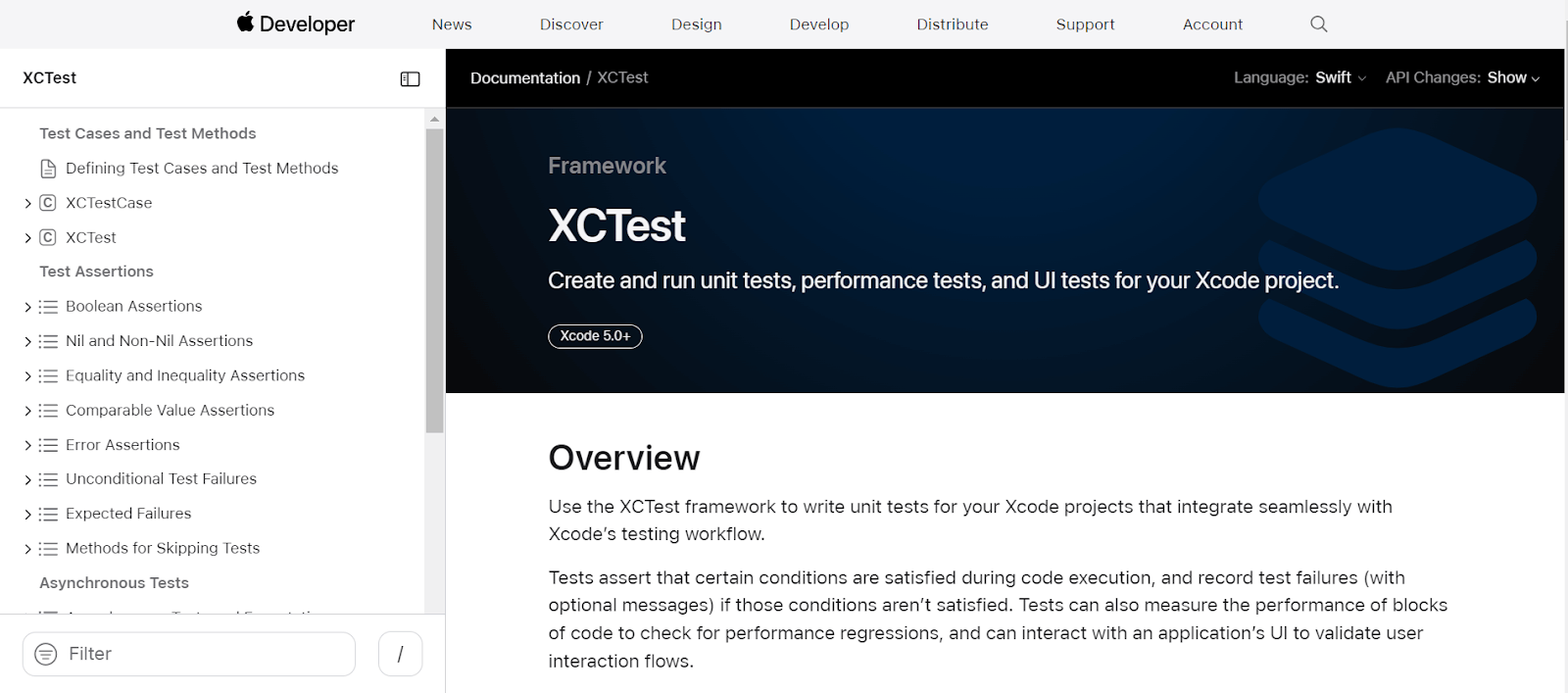
XCUITest is Apple's framework for automating UI tests on iOS applications. It's part of Apple's XCTest framework, which provides a unified approach to writing unit, performance, and UI tests for Xcode projects.
Key features
- Automates user interaction with iOS apps to validate functionality and UI.
- Simulates user actions like taps, swipes, and typing.
- Tests UI elements and their properties directly.
- Runs on simulators or connected physical devices.
Best for: iOS teams that want Apple's native UI testing framework built directly into Xcode.
Drawback: iOS-only and requires a Mac with Xcode; cross-platform teams need a second tool for Android or web.
Pricing: Free with Xcode.

9. Tricentis Tosca
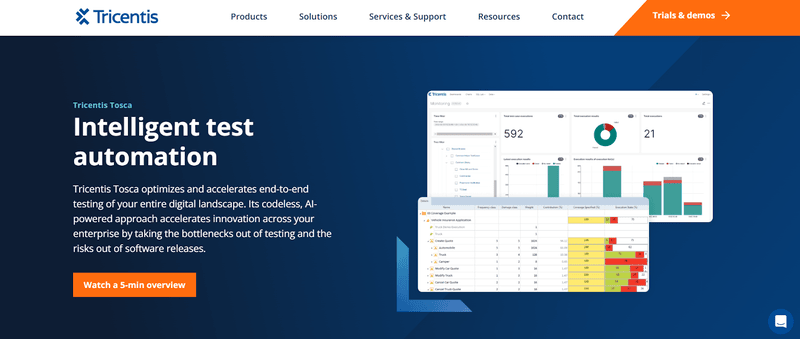
Tosca, from Tricentis, is a software testing platform used for automated end-to-end testing of GUIs and APIs from a business-process standpoint. It combines test case creation, test automation, test data design, and analytics in one platform.
Model-based testing and risk-based testing are two of its most widely used capabilities.
Key features
- Vision AI for automating UIs that are otherwise difficult or impossible to automate.
- Codeless, resilient automated tests through a model-based approach.
- Risk-based testing to prioritize coverage and shrink automation suites.
- Service virtualization for testing against systems that are difficult to access.
Best for: Enterprise QA teams standardizing on one codeless platform for GUI, API, and end-to-end business-process testing.
Drawback: Licensing is quote-based, and the model-based approach has a learning curve for teams used to script-based frameworks.
Pricing: Custom, quote-based enterprise licensing - contact Tricentis for pricing.
10. Testim
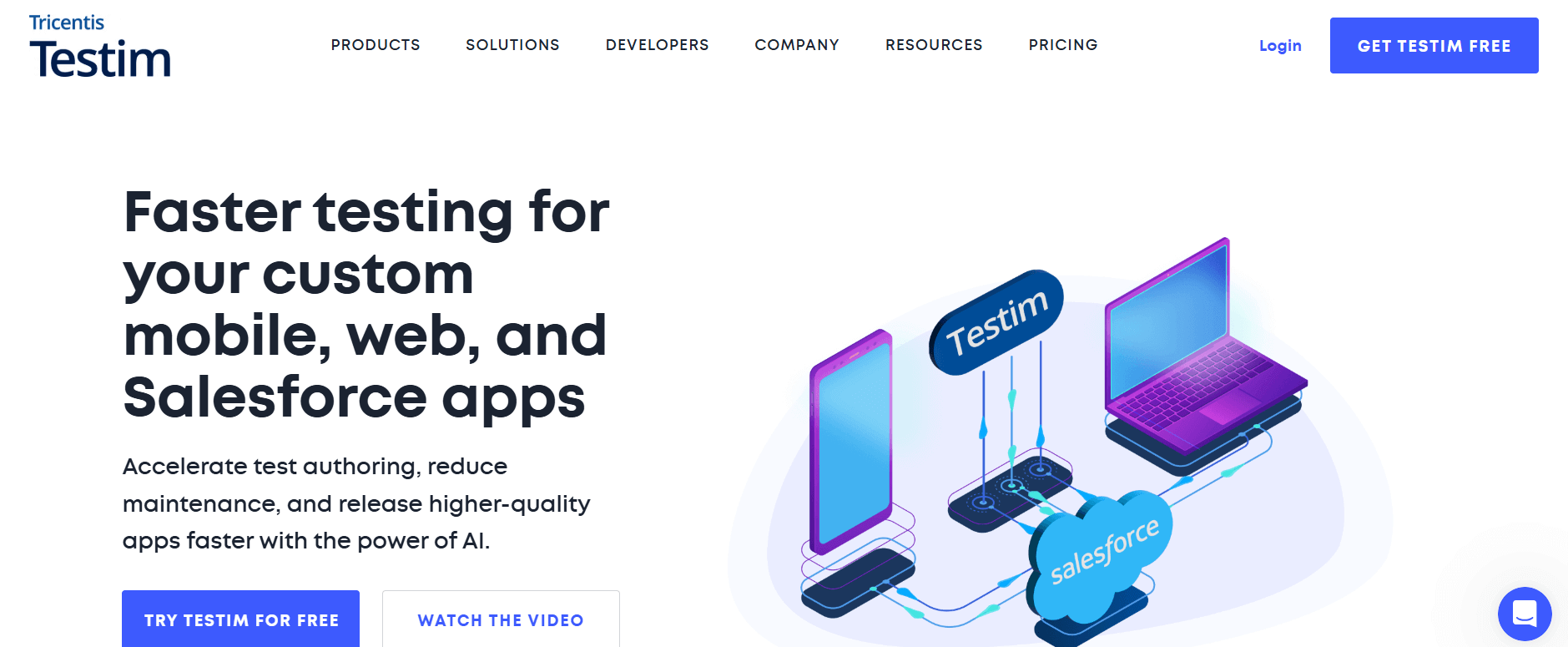
Testim, now part of Tricentis, is a SaaS test automation platform built to reduce the maintenance burden of UI tests. It uses AI-based Smart Locators that adapt when the underlying DOM changes, so a small UI tweak doesn't break an entire test suite.
Key features
- AI-powered Smart Locators for self-healing element identification.
- Root-cause analysis that speeds up debugging of failed runs.
- Both codeless and code-based authoring for end-to-end and functional UI testing.
- CI/CD integration for continuous test execution.
Best for: Teams that want to cut UI test maintenance time on fast-changing web applications.
Drawback: As part of Tricentis, standalone pricing and roadmap are being folded into the broader Tricentis product line.
Pricing: Custom, quote-based - contact Tricentis for pricing.
11. Ranorex Studio
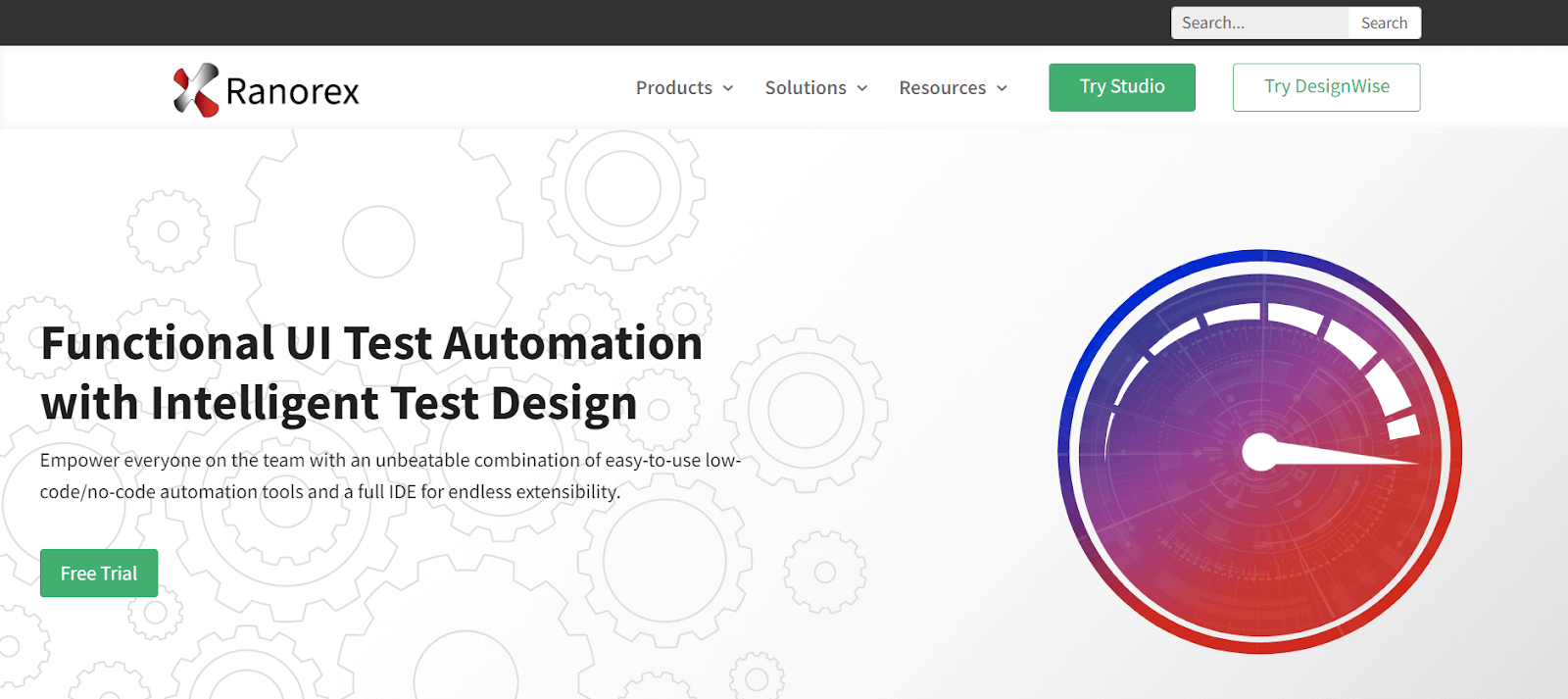
Ranorex Studio is a commercial Windows GUI test automation tool used to test desktop and mobile applications. Its codeless click-and-go interface and wizards make it approachable for beginners, while a full IDE keeps it powerful for automation engineers.
Key features
- Accurate object identification, even for web elements with changing IDs.
- Reusable code modules and a shared object repository for quick test creation and low maintenance.
- Customizable test reports that include a video of the test execution.
- Integrated Selenium WebDriver support to run tests concurrently or across a Selenium Grid.
- Integrates with Git, Jenkins, TestRail, Jira, and other CI/CD tools.
Best for: Windows-based teams testing desktop, web, and mobile UIs from one IDE with both codeless and full-code options.
Drawback: Primarily Windows-centric tooling, and pricing is quote-based rather than published.
Pricing: Quote-based, with a free trial available - contact Ranorex sales for current pricing.
12. UFT One
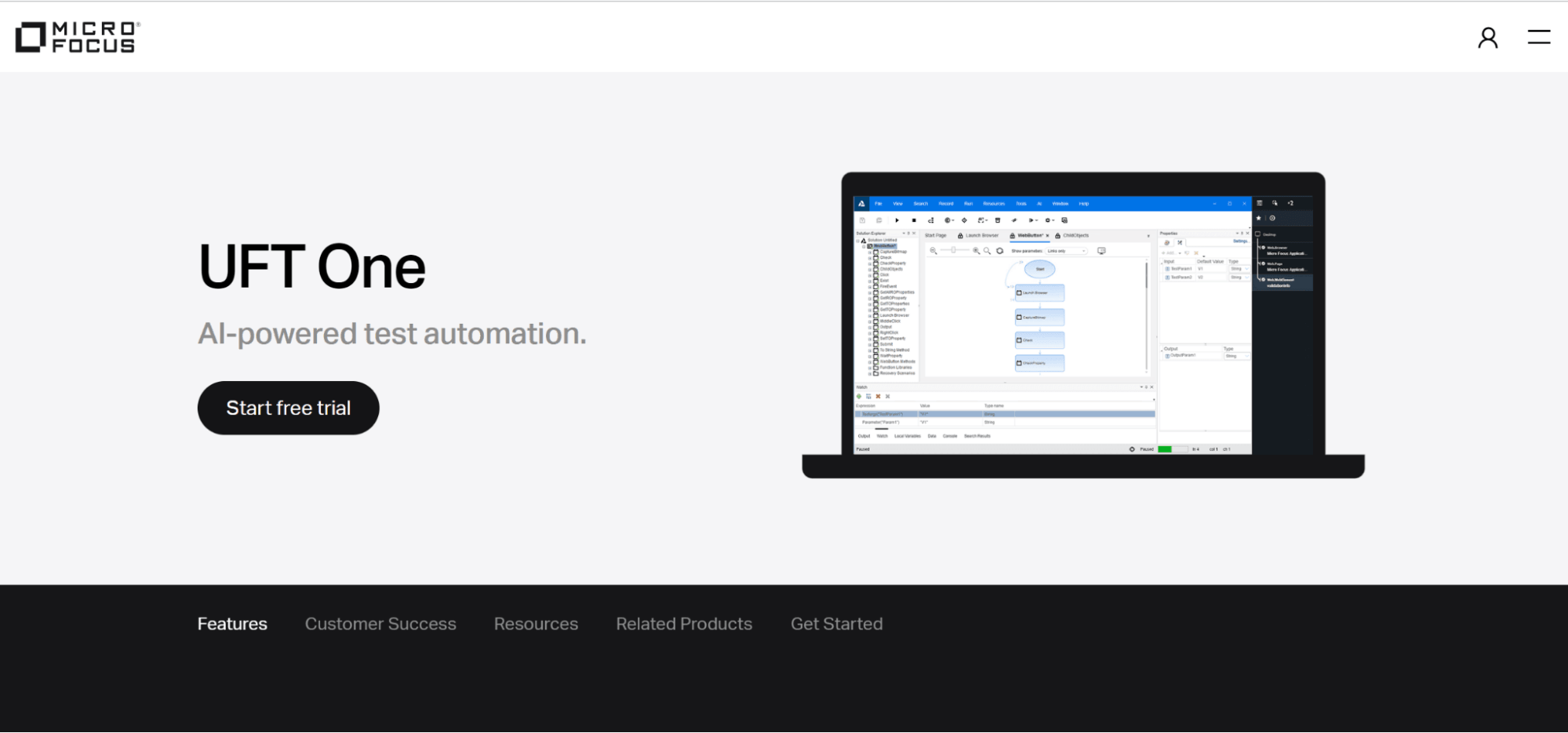
UFT One (formerly QuickTest Professional, or QTP) provides test automation for software regression and functional testing, and now sits in OpenText's testing portfolio following OpenText's acquisition of Micro Focus. Recent versions have shortened testing time and simplified test procedures.
Key features
- A widely used commercial solution for testing desktop, mobile, web, and RPA apps.
- Uses VBScript to record test methods, with a wide range of objects and controls to test apps.
- Reduces scripting for ERP/CRM software like Oracle and SAP. Teams running automated SAP testing at scale can pair this with the TestMu AI cloud grid for parallel execution.
- Visual diagrams for test conditions, actions, and activities, with a user-friendly interface for planning and reporting.
- Smart object recognition and built-in error handling.
Best for: Enterprise teams testing SAP, Oracle, and other packaged ERP/CRM UIs alongside web and desktop apps.
Drawback: Relies on VBScript for scripting, which is dated next to Python or JavaScript-based frameworks, and licensing is enterprise-priced.
Pricing: Custom, quote-based enterprise licensing through OpenText.
13. Sahi Pro
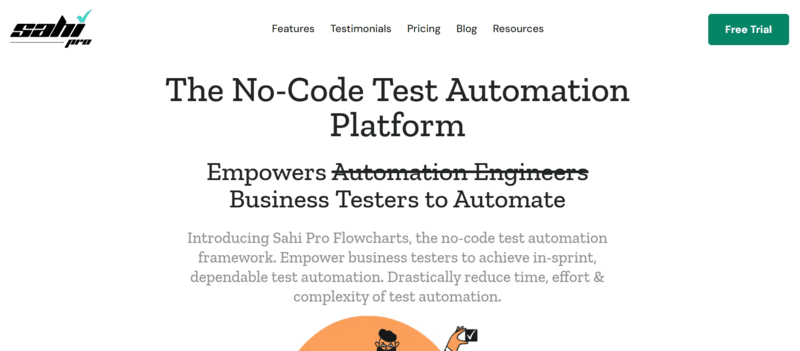
Sahi is a UI testing tool for web applications, available as both an open-source edition and the commercial Sahi Pro. The open-source edition covers fundamental record-and-replay features built in Java and JavaScript; Sahi Pro adds parallel execution, richer reporting, and vendor support.
Key features
- Record-and-playback for quick UI test creation, plus scripting for custom logic.
- Cross-browser execution for web application UIs.
- Sahi Pro adds parallel execution, detailed reporting, and dedicated support over the open-source edition.
Best for: Teams that want a lightweight, lower-cost alternative to Selenium for straightforward web UI record-and-playback testing.
Drawback: Smaller community and plugin ecosystem than Selenium or Cypress.
Pricing: Sahi OSS is free and open-source; Sahi Pro is commercially licensed - contact the vendor for pricing.
14. Squish
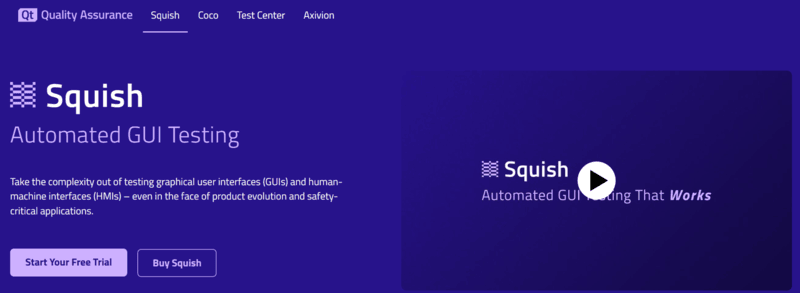
Squish, from froglogic, is a commercial tool for GUI automation testing across desktop, mobile, embedded, and web applications. It supports scripting in JavaScript, Perl, Python, and Ruby, and includes a full Eclipse-based test development environment for verifying properties, images, and complex data.
Key features
- Scripting support in Python, JavaScript, Perl, Ruby, and Tcl.
- Object recognition across desktop (Qt, Java, Windows), mobile, web, and embedded UIs.
- Eclipse-based Squish IDE for building and debugging tests.
- Verification of images, properties, and complex data alongside UI elements.
Best for: Teams testing UIs that other tools don't reach well - embedded systems, Qt applications, and specialized desktop UIs.
Drawback: Enterprise pricing can be costly for small teams, and embedded/desktop targets take more setup than web-only tools.
Pricing: Custom, quote-based - contact froglogic for pricing.
15. Telerik Test Studio
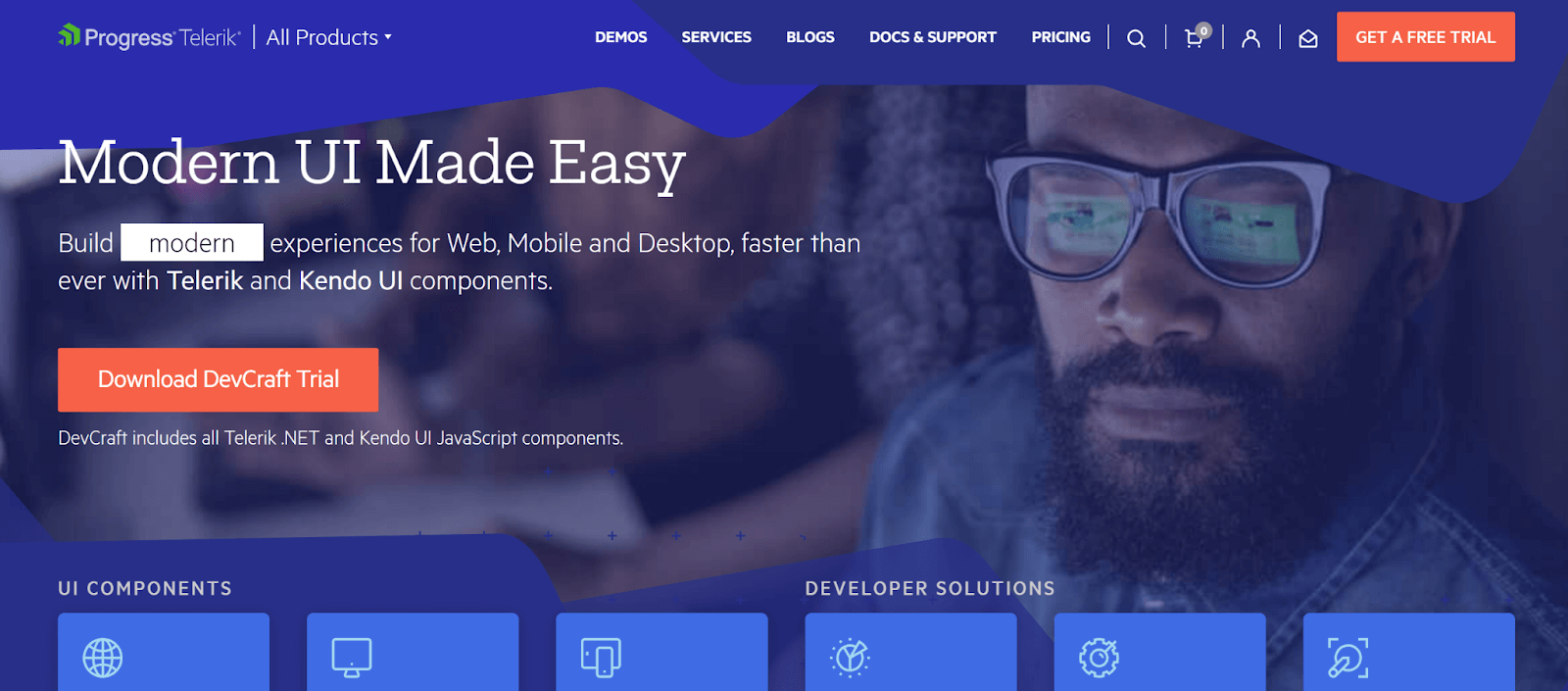
Telerik Test Studio, from Progress, is a Windows-based functional and UI test automation tool that remains actively sold and supported, with a free trial available directly from Progress. It includes an API for building maintainable functional test cases and helps with custom UI controls, animations, and dynamic page elements.
Key features
- Record-and-playback UI test creation with a visual test editor.
- Support for AJAX, HTML5, and cross-browser web UI testing.
- Integration with Visual Studio for teams already on the .NET stack.
- A load-testing add-on alongside functional UI testing.
Best for: .NET-centric teams that want a Windows-first UI testing tool integrated with Visual Studio.
Drawback: Primarily Windows/.NET-oriented, and less suited to teams standardized on open-source, cross-platform stacks.
Pricing: Free trial available; paid Web & Desktop and Ultimate editions - see Progress's Test Studio purchase page for current pricing.
16. QFTest
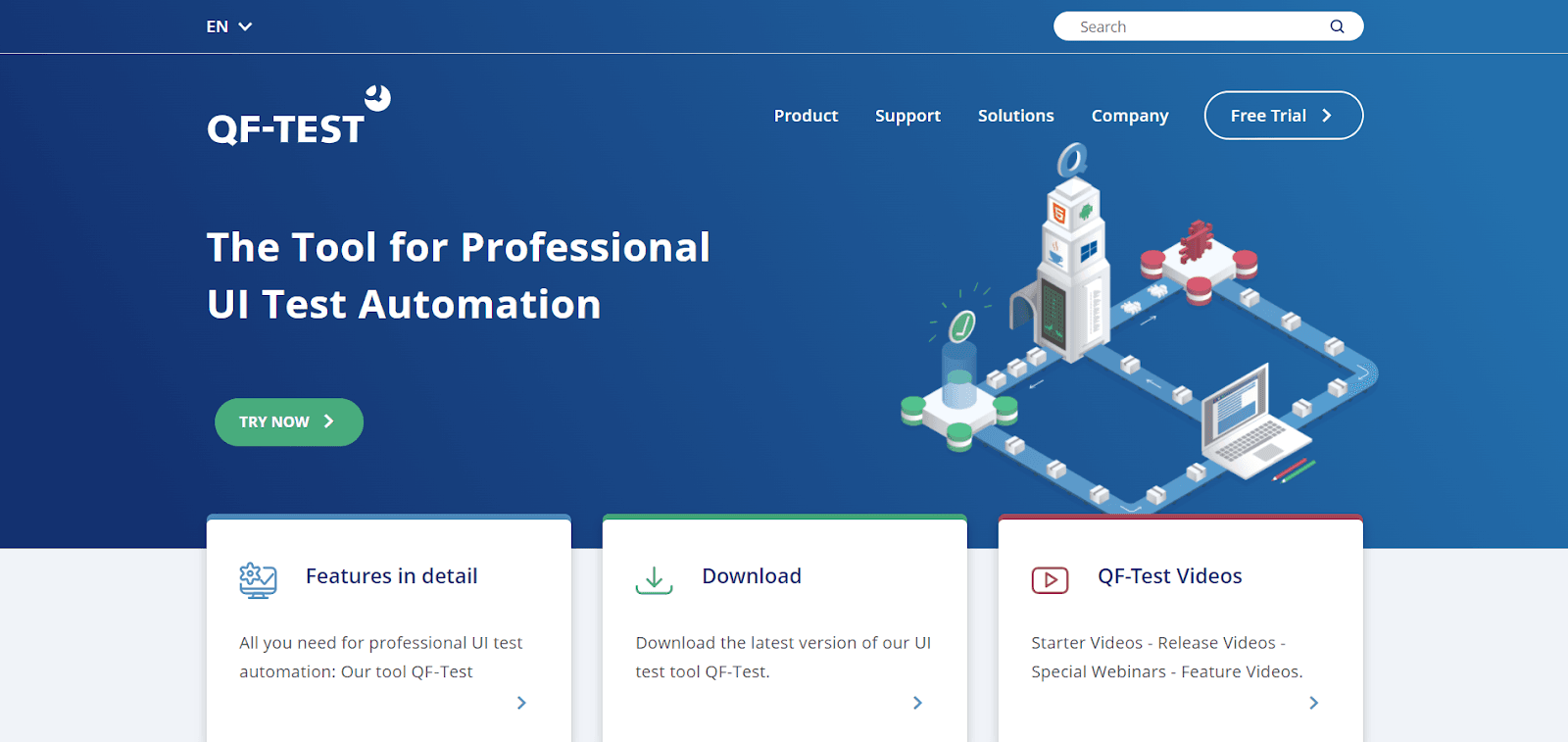
QF-Test, from Quality First Software, is an automated testing tool for web, Java, and Windows applications. It handles Java Swing, AWT, SWT, Eclipse RCP, JavaFX, and browser-embedded Java applications, and is cross-browser compatible with Angular, React, GWT, and other common front-end frameworks.
Key features
- Reusable tests with support for cross-browser testing.
- Coverage for Java Swing, SWT, Eclipse RCP, and JavaFX desktop UIs alongside modern web frameworks.
- Android application testing on real hardware or the Android Studio emulator.
- Documentation aimed at making the tool accessible to both developers and testers.
Best for: Teams testing Java Swing/SWT desktop applications alongside modern web UIs from a single tool.
Drawback: Documentation and community are smaller than mainstream open-source frameworks, and pricing isn't published.
Pricing: Custom, quote-based - contact Quality First Software for pricing.
17. AutoIt
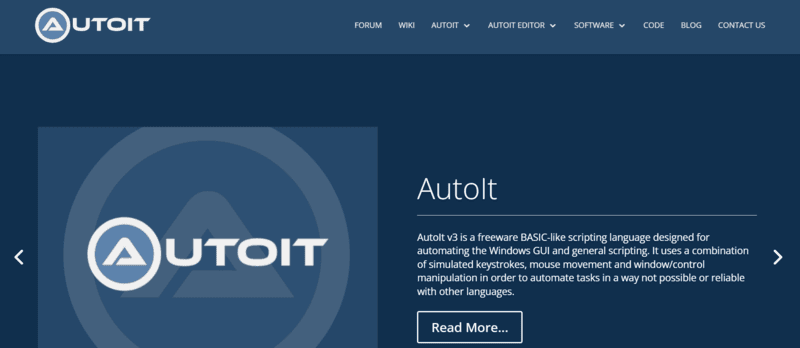
AutoIt is a free scripting language for Windows GUI automation. It combines mouse and keyboard control with COM support, and can compile scripts into standalone executables. It includes a built-in editor and a BASIC-like syntax with a rich function set.
Key features
- BASIC-like scripting language purpose-built for Windows GUI automation.
- Simulates mouse movement, keyboard input, and window management.
- COM object support for automating Windows applications and utilities.
- Compiles scripts into standalone Windows executables.
Best for: Windows-specific desktop GUI automation and lightweight scripting tasks outside a full test-framework setup.
Drawback: Windows-only, with no built-in test management or reporting.
Pricing: Free.
What Are the UI Testing Techniques?
UI testing techniques include manual-based testing for exploratory evaluation, record-and-play for automation, and model-based testing using graphical system representations.
Even with the best UI testing tools available today, knowing when to apply each technique is what produces the most reliable outcomes. Here are the core UI testing techniques.
Manual-based Techniques
Manual-based testing is the first technique for GUI testing. The most straightforward way to perform GUI testing is by manually operating the application, typically carried out by dedicated manual test engineers.
In this method, the test engineer manually tests the graphical elements against the requirements in the Business Requirements Specification (BRS) document.
Manual testing alone can be slow and prone to human error, which is why teams work to automate what they can. Even so, manual testing remains a key part of modern testing strategies - it's where a tester can judge the interface's usability and other cosmetic aspects that automation can't.
Exploratory testing is a good example of manual testing, where one or more testers explore a website's features and operations to confirm they function as intended. Because testers focus on different facets of the user experience and define the paths worth evaluating as they go, it needs relatively little pre-planning.
Record and Play Technique
Automation tools support GUI testing in two ways: during the record phase, the tool captures test steps as the tester interacts with the app; during replay, those recorded steps are run against the application being tested.
Record-and-replay relies on a test engineer using a particular tool to record a testing session, as its name suggests. Because it doesn't require coding expertise, it lowers the barrier to getting started with automation.
Scripted testing is one example of a record-and-play technique, where test frameworks and tools follow precise instructions for what to test and how. Test scripts specify the intended results and test settings through automation frameworks like Selenium, letting the framework compare actual outcomes to expected ones and mark tests as passing or failing. This is the opposite of exploratory testing, which needs extensive planning, test-case creation, and scripting up front.
Model-Based Technique
Model-based testing is the next strategy for GUI testing. A model is a graphic representation of how a system performs, and it can be used to analyze and forecast system behavior.
The models help build realistic test cases from the system requirements. The following fundamental steps apply when using the model-based testing strategy:
- Build the prototype.
- Verify the model's inputs.
- Analyze the anticipated outcome for the specific model.
- Execute the tests.
- Compare the expected and actual results.
- Assess the model's further activity.
Creating the test case with the help of these requirements is an evolving process. Model-based testing can also help address negative states in the GUI that other testing methods may miss.
Conclusion
QA teams must develop a test strategy that outlines which elements of the app or website need examining to conduct thorough UI testing. This also maps out testing resources so bandwidth is used efficiently, letting the team build test cases, scenarios, and scripts that address the concerns that matter.
By mapping out possible user actions, QA teams can create test cases and test scripts that target those actions directly. This helps ensure the UI test covers every step of the user's journey and leaves no bugs in the application.
UI testing should ideally run on actual browsers, devices, and operating systems, just like any other software test - testing against real conditions is the only way to know how the website or app will actually perform for real users. Testers without an internal device lab can use a real device cloud to run these tests instead.
For manual and automated UI testing, TestMu AI, an AI-native test orchestration and execution platform, provides 10,000+ real devices and 3,000+ real browser and OS combinations. Testers can log in, choose the devices, browsers, and operating systems they want, and start running test cases right away - with a broad set of integrations and debugging tools built in to help find and fix issues quickly.
Author

Shakura Banu
Blogs: 8


Shakura Banu is a Community Contributor with over 5 years of experience specializing in creating clear, user-friendly documentation, including user manuals, installation guides, and release notes. She excels in content management, structured authoring, and collaborating with cross-functional teams to deliver accurate technical content. She has completed her Bachelor of Engineering (BE) in Computer Science from Velammal Institute of Technology.
Reviewer

Saurabh Prakash
Reviewer
Saurabh Prakash is an Engineering Manager at TestMu AI (formerly LambdaTest), where he leads engineering on agentic AI development and scalable system architecture for the quality engineering platform. He has also contributed to Test at Scale, the company's open-source test intelligence platform. He brings over 9 years of experience across Node.js, Java, Spring, MVC, data structures, algorithms, and scalable system design, with earlier roles as SDE 2 at Zomato, Senior Software Engineer at LogicHub, and Software Development Engineer at Directi. Saurabh holds a B.Tech in Computer Science and Engineering from Delhi Technological University.


UI Testing Tools FAQs
Did you find this page helpful?
More Related Blogs
TestMu AI forEnterprise
Get access to solutions built on Enterprise
grade security, privacy, & compliance
- Advanced access controls
- Advanced data retention rules
- Advanced Local Testing
- Premium Support options
- Early access to beta features
- Private Slack Channel
- Unlimited Manual Accessibility DevTools Tests