

Power Your Software Testing with AI Agents and Cloud
The Native AI-Agentic Cloud Platform to Supercharge Quality Engineering. Test Intelligently and Ship Faster.


- TestMu AI (Formerly LambdaTest)
- /
- Blog
- /
- 7 Best Automated UI Testing Tools for 2026
7 Best Automated UI Testing Tools for 2026
Compare 7 best automated UI testing tools for 2026, learn what automated UI testing is, the challenges teams face, and how to pick the right tool.
Last Updated on:
The UI is the only part of your application users ever see, so an interface bug reads as a product bug no matter how solid the backend is. Automated UI testing tools drive your application the way a real user would, then flag broken flows, layout failures, and regressions before a release ships.
This guide covers what automated UI testing is, the challenges that break most UI suites, and 7 tools worth shortlisting in 2026, each screened against its live product site. If you are building a broader website testing strategy, UI automation is the layer that guards the user-facing surface.
What Is Automated UI Testing?
Automated UI testing validates that your application's interface looks and behaves correctly: forms submit, navigation works, and layouts hold up across browsers and operating systems. Scripted once, those checks run on every build.
It pairs naturally with regression testing: every UI flow you automate becomes a permanent guard against that flow silently breaking when the code changes.
Here's a video on UI testing. Check it out!

Before automating, it helps to know exactly what to cover; this front-end testing checklist maps the UI surface worth guarding.
Automated UI Testing Tools at a Glance
The table below maps each automated UI testing tool to its category and the situation it fits best, so you can shortlist before reading the details.
| Tool | Category | Best For |
|---|---|---|
| TestMu AI | Cloud UI test execution | Cross-browser UI coverage at scale plus AI visual regression |
| Squish | Object-based GUI suite | Desktop, embedded, and Qt application GUIs |
| Telerik Test Studio | Record-and-playback | .NET, WPF, and Blazor web and desktop apps |
| Ghost Inspector | No-code web SaaS | Recorded browser tests with visual checks and monitoring |
| OpenText UFT One | Enterprise functional testing | Mixed web, desktop, mainframe, and packaged-app estates |
| Rapise | AI-assisted codeless | Self-healing tests across web, desktop, and mobile |
| Avo Assure | No-code ERP | Business-process UIs in SAP, Oracle, and Dynamics 365 |
7 Best Automated UI Testing Tools
Here is a closer look at each of the 7 tools, what it does best, and where it fits.
1. TestMu AI
TestMu AI (formerly LambdaTest) is a GenAI-native platform for running automated UI tests in the cloud. Your existing UI suites execute in parallel across 3,000+ browser and OS combinations, with video, console, and network logs captured on every session. KaneAI by TestMu AI adds AI app testing to the same cloud, turning natural-language steps into UI tests with no scripting.
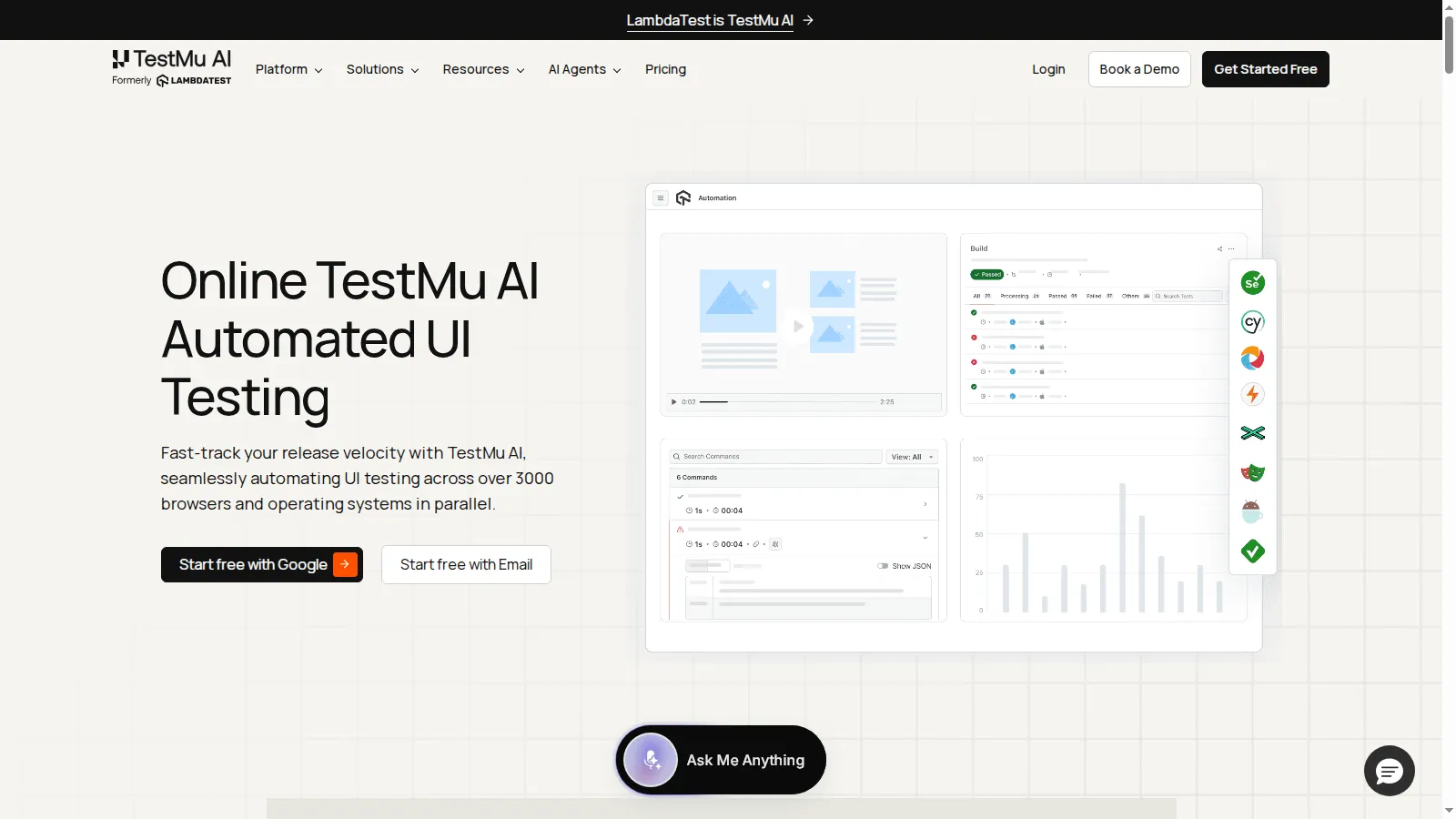
Because UI quality is also visual, its TestMu AI SmartUI engine adds AI-driven visual regression on top of functional runs, comparing screenshots against baselines while filtering rendering noise and dynamic content.
Features:
- Cloud-scale coverage: Run UI tests across 3,000+ browser and OS combinations and 10,000+ real mobile devices, no local grid.
- AI visual regression: SmartUI detects layout shifts, color changes, and element removals, with Smart Ignore cutting false positives by up to 95%.
- Flake reduction: SmartWait waits for elements to become interactable and Auto Healing recovers broken locators as the UI evolves.
- Full session artifacts: Video, screenshots, console, and network logs recorded automatically for every UI test run.
- Debuggable failures: Agentic Root Cause Analysis correlates the artifacts to explain why a UI test failed instead of just reporting it.
To add visual checks to an existing suite, start with the SmartUI visual regression documentation.
2. Squish
Squish, from Qt Group, automates GUI tests across desktop, web, mobile, and embedded systems using object-based recognition rather than pixel matching, which keeps tests stable when layouts change.
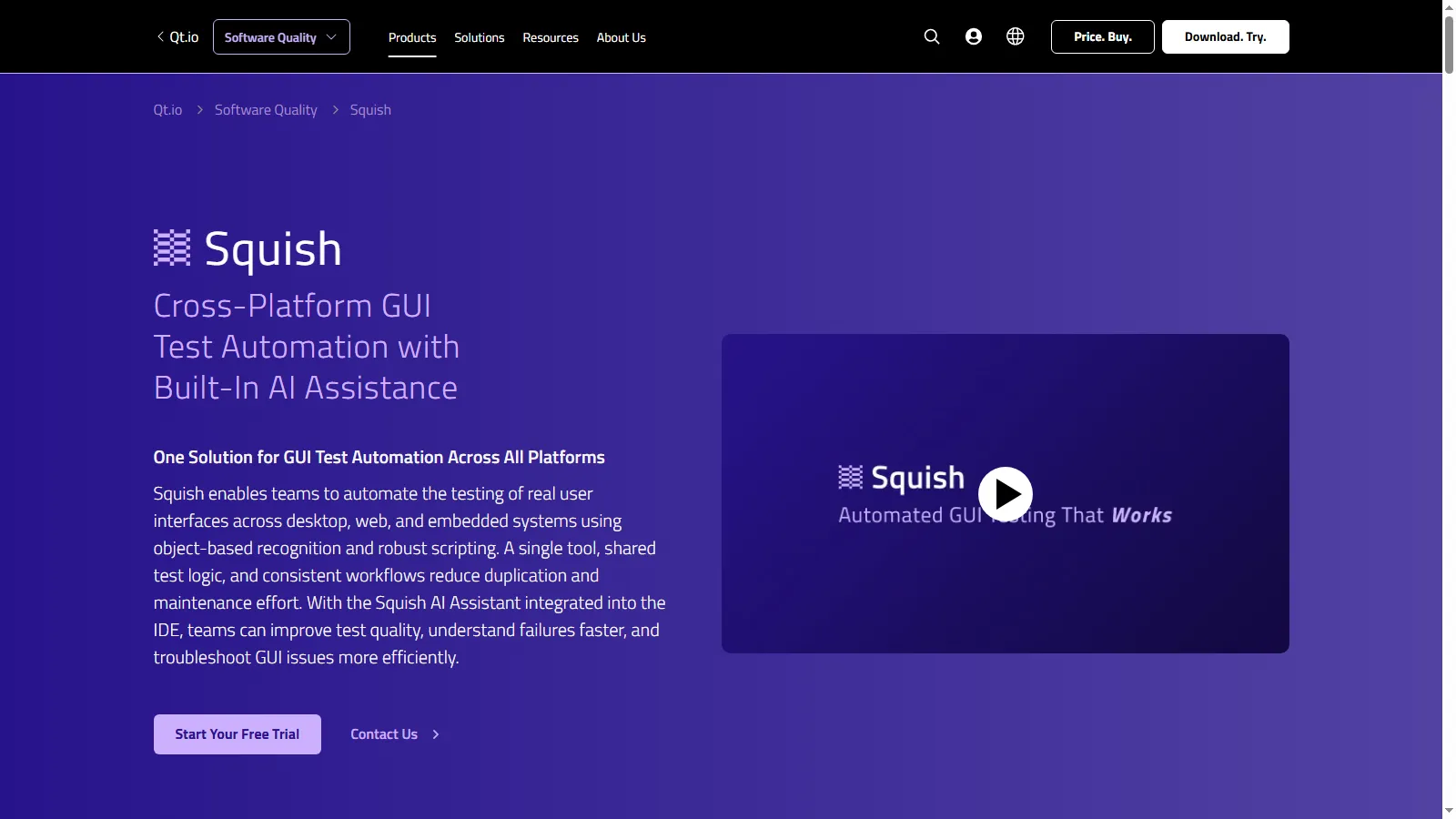
It is the standard choice for Qt and embedded interfaces, from automotive dashboards to medical devices, where browser-only tools cannot reach.
Features:
- Object-based recognition: Identifies UI controls at object level, so tests survive layout and styling changes.
- Cross-platform reach: Desktop (Windows, macOS, Linux), web, mobile, and embedded targets including MCUs.
- Multiple scripting languages: Python, JavaScript, Ruby, and Perl, plus BDD support.
- AI assistant in the IDE: Helps improve test quality and troubleshoot GUI failures faster.
- Shared test logic: One tool and consistent workflows across all interface technologies reduce duplication.
3. Telerik Test Studio
Telerik Test Studio, by Progress, is an automated testing platform built around a visual test recorder with optional scripting, aimed at QA teams working in .NET-centric environments.
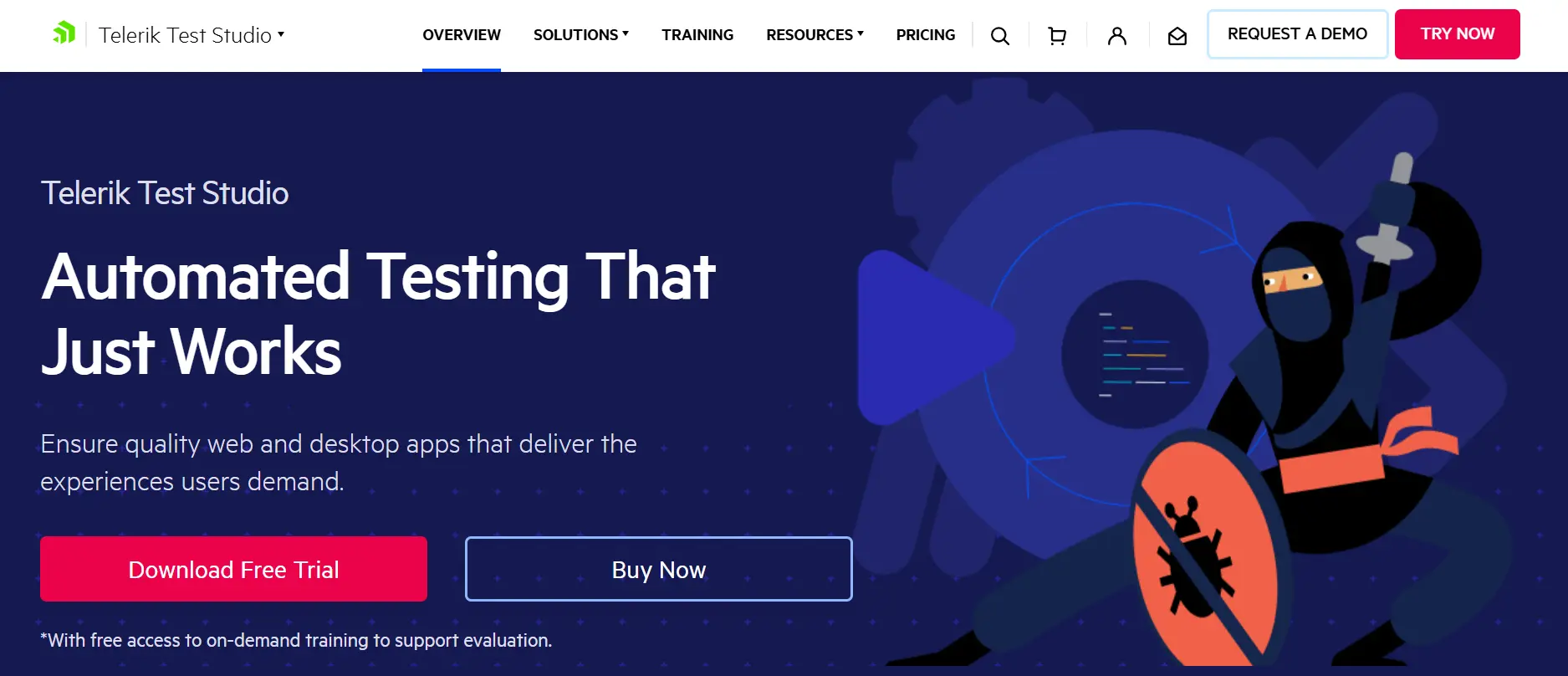
Its hybrid element detection combines DOM-based locators with image recognition, which stabilizes tests against both markup changes and rendering differences.
Features:
- Test recorder: Record-and-playback authoring with cross-browser support.
- Hybrid element detection: DOM locators plus image recognition for stable identification.
- Broad technology support: Web and desktop UI automation across .NET and JavaScript stacks, including WPF and Blazor.
- Beyond functional UI: Integrated API testing and load testing in the same platform.
- CI/CD ready: Works with Jenkins, Azure DevOps, Bamboo, and TeamCity, with headless execution and scheduling.
4. Ghost Inspector
Ghost Inspector is a no-code SaaS for automated browser testing. A browser-extension recorder captures user flows and converts them into repeatable tests, so manual QA teams can automate without writing scripts.
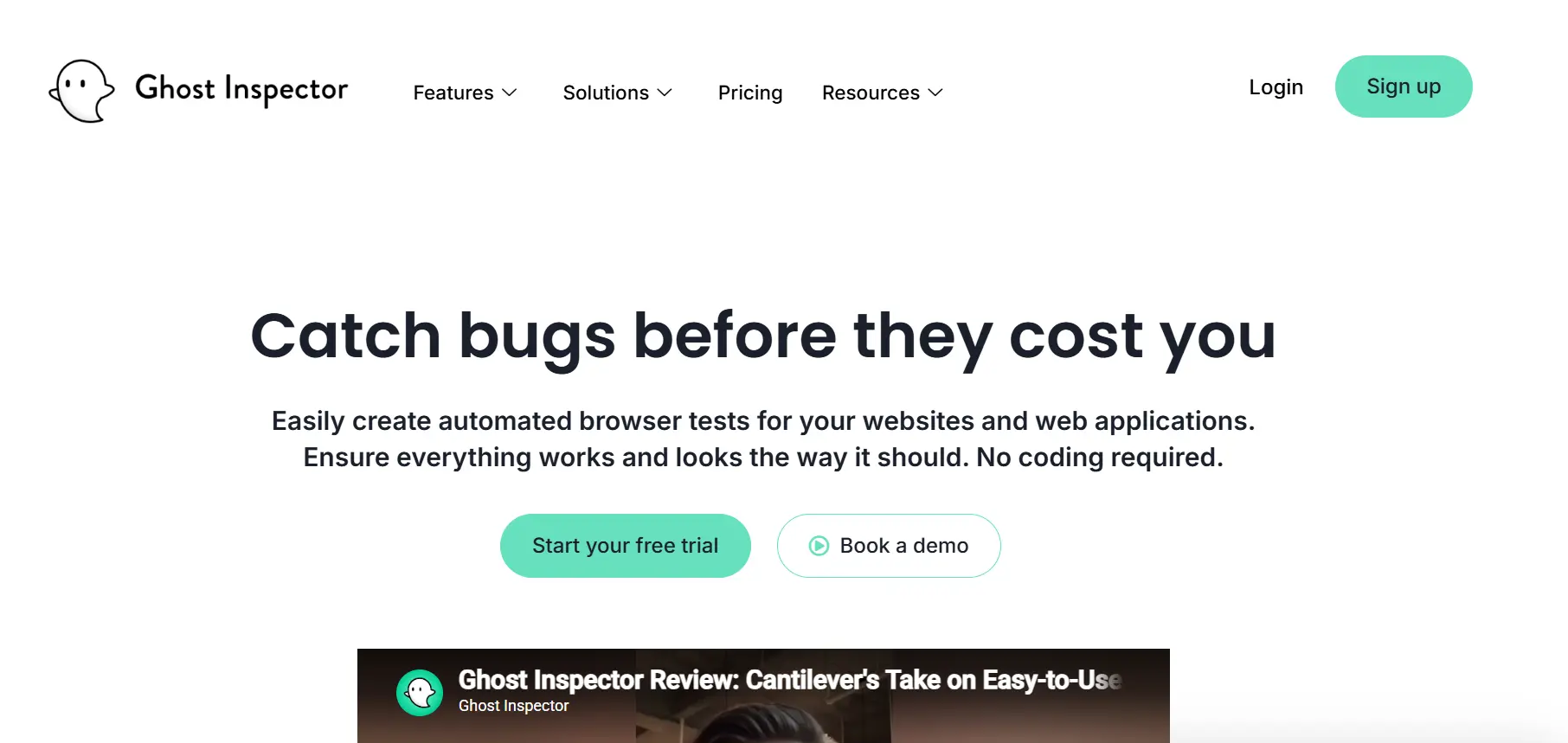
Its scheduled monitoring model doubles as production checking: the same UI tests that gate releases can run hourly against the live site and alert the team when a flow breaks.
Features:
- Web test recorder: Captures clicks and inputs in the browser and converts them into automated tests.
- Visual checks: Compares screenshots across runs to catch visual regressions.
- Scheduled monitoring: Runs tests continuously on a schedule against staging or production.
- Alerting integrations: Notifies via email, Slack, Teams, PagerDuty, and GitHub on failure.
- Room to grow: JavaScript steps, CI/CD integration, and data-driven testing for advanced users.

Note: Recorded UI tests still need real browsers to run on. Execute your UI suites across 3,000+ browser and OS combinations on TestMu AI. Start testing free
5. OpenText UFT One
OpenText UFT One (formerly Unified Functional Testing) is a long-established enterprise platform for automating functional UI tests across web, desktop, mobile, mainframe, and packaged applications.
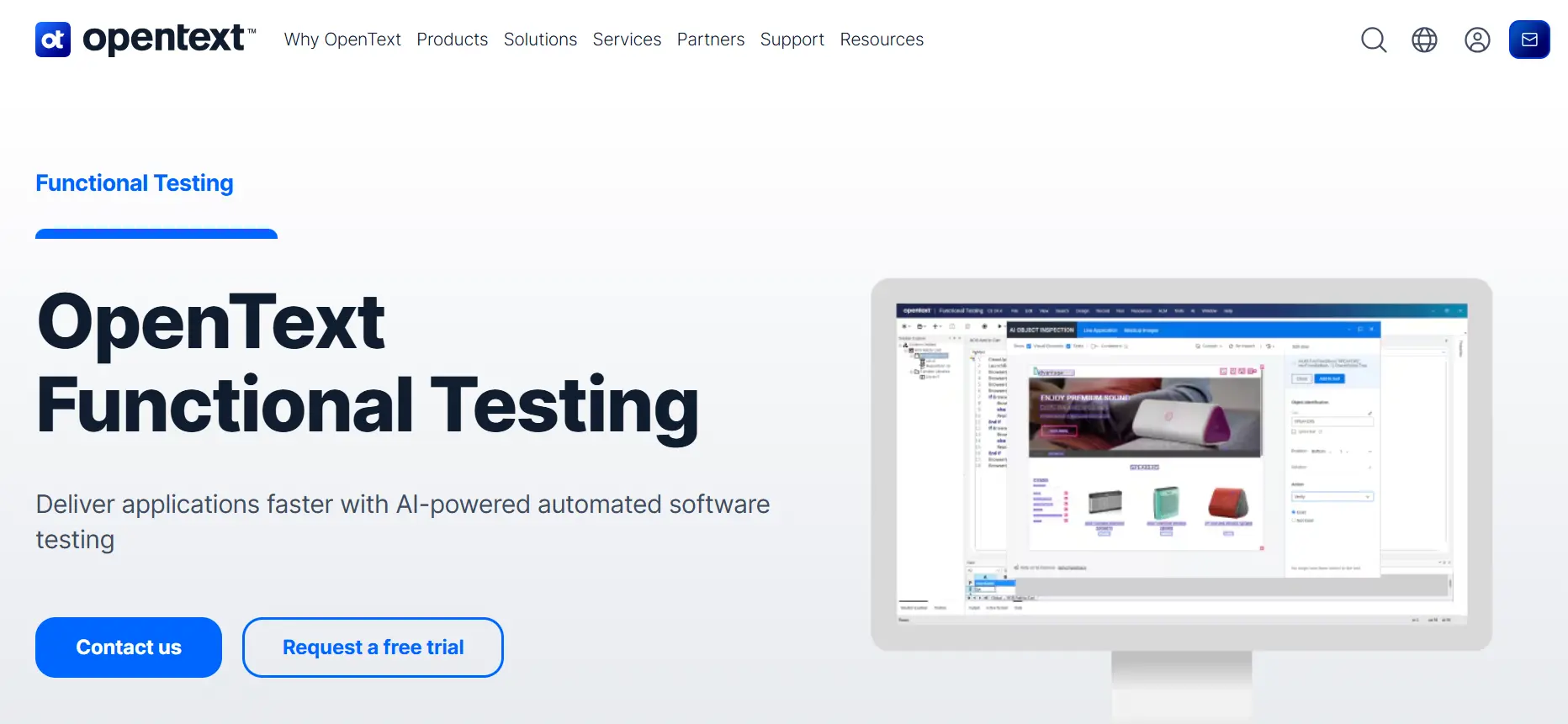
Its AI-based object recognition combines machine learning with advanced OCR to identify complex UI elements, which keeps tests working across the mixed technology estates where it is typically deployed.
Features:
- AI-based object recognition: ML and OCR identify complex and custom UI objects reliably.
- Broadest technology reach: Web, Windows desktop, mobile, mainframe, and enterprise packaged apps in one tool.
- Keyword and scripting interfaces: Low-code keyword view for testers, full scripting for engineers.
- Predictive test execution: Prioritizes and optimizes runs based on historical results.
- Established ecosystem: Decades of documentation and enterprise integrations behind it.
6. Rapise
Rapise, by Inflectra, is an AI-driven test automation platform that combines codeless authoring through its Rapise Visual Language with generative AI features like natural-language test creation.

Self-healing object recognition relocates UI elements after interface changes, which keeps recorded tests alive through redesigns instead of breaking on the first moved button.
Features:
- Codeless authoring: Rapise Visual Language builds tests without programming; record-and-playback included.
- Self-healing tests: AI relocates objects automatically when the interface changes.
- Natural-language generation: Converts plain-English descriptions into executable tests.
- Broad UI coverage: Web, Windows desktop (WinForms, WPF, Java), and native or hybrid mobile apps, plus APIs.
- Enterprise app support: SAP, Salesforce, Oracle, and Microsoft Dynamics UIs, with Azure DevOps and Jenkins integration.
7. Avo Assure
Avo Assure is a no-code enterprise platform focused on the UIs of business-critical systems: SAP S/4HANA and ECC, Oracle Fusion Cloud, Microsoft Dynamics 365, Salesforce, ServiceNow, and Workday.
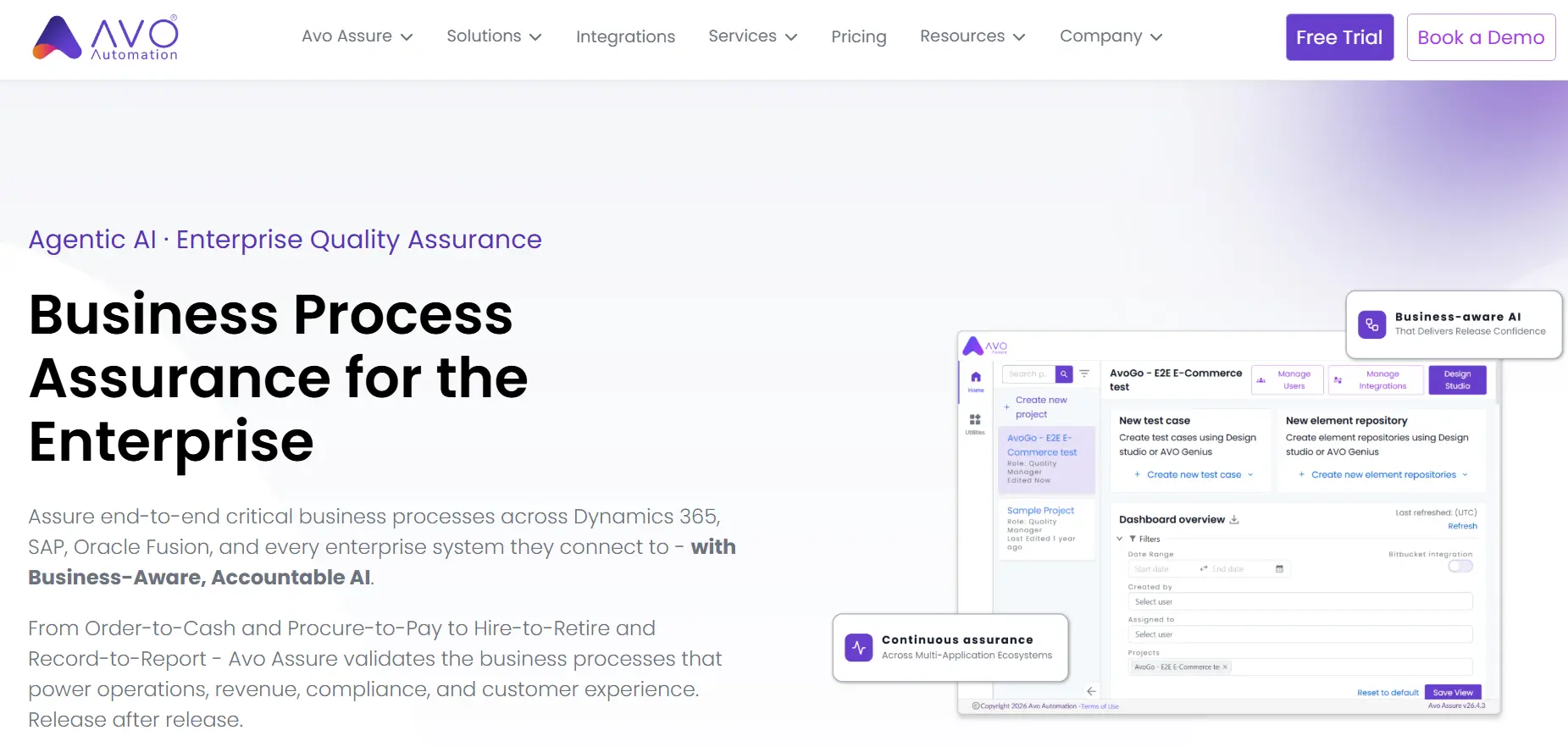
Rather than testing screens in isolation, it validates end-to-end business processes like Order-to-Cash and Procure-to-Pay across the connected systems those flows touch.
Features:
- No-code authoring: Business analysts and functional consultants contribute without automation expertise.
- ERP-first coverage: SAP, Oracle Fusion, and Dynamics 365 UIs alongside enterprise SaaS platforms.
- Process-level validation: Tests span full workflows such as Order-to-Cash, not single screens.
- Connected-system reach: Covers APIs, databases, and legacy or mainframe applications in the same flow.
- Change-impact insight: Highlights which processes a change affects and whether they are adequately tested.
Challenges in UI Test Automation
In Capgemini's World Quality Report 2025-26, 43% of organizations are experimenting with Gen AI in QA, but only 15% have scaled it.
That means most teams still depend on hand-maintained UI scripts, and those suites fail for predictable reasons. Three walls come up again and again:
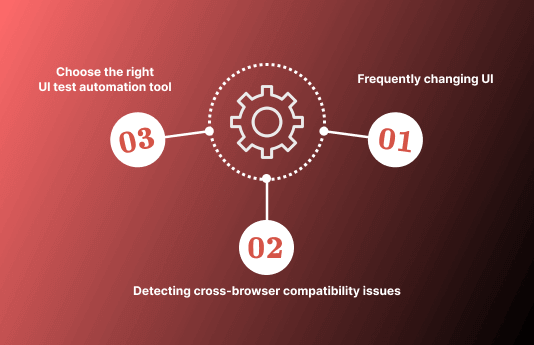
- Frequently changing UI: every redesign or component update breaks locators and baselines, so tests need constant repair. Tools with self-healing locators or visual object recognition cut that maintenance tax; brittle selector-based scripts do not.
- Cross-browser rendering differences: each browser interprets HTML, CSS, and JavaScript its own way, so a UI that passes in one browser can break in another. Catching cross-browser compatibility issues requires running the same suite across many engines, not one.
- Choosing the wrong tool for the stack: a no-code web recorder cannot drive a Qt desktop app, and an object-based desktop suite is overkill for a marketing site. The tool must match the interface technology, the team's coding skills, and the scale of coverage needed.
The 7 tools below each answer a different combination of those constraints.

Do UI Tests Need to Run on More Than One Browser?
A UI test that passes in one browser can still miss a layout that breaks in another. On September 30, 2026, I measured the same product category page of the TestMu AI ecommerce playground at the same 1366 x 900 viewport in three engines on the TestMu AI cloud:
| Measurement | Chrome 154 | Firefox 155 | WebKit (Safari 26.6 engine) |
|---|---|---|---|
| Cards per row | 3 | 3 | 3 |
| Product card size | 300 x 438 px | 300 x 438 px | 249 x 367 px |
| Header height | 162 px | 162 px | 154 px |
The row still held three cards, but WebKit drew each one about 17% narrower and 16% shorter than Chrome and Firefox did. A visual or layout assertion written against Chrome would flag WebKit as broken, or miss a real overflow there, which is why the tools above are usually paired with a cloud grid that runs the same UI suite on every target browser.
How to Choose a UI Testing Tool
Map your situation to a tool instead of comparing feature lists. To justify the switch to a stakeholder, estimate the hours and cost you will recover with this test automation ROI calculator:
- Web app that must work on every browser and device: run your suite on TestMu AI's cloud grid, adding SmartUI for visual coverage.
- Desktop, embedded, or Qt interfaces: Squish.
- .NET, WPF, or Blazor stack with QA recorders: Telerik Test Studio.
- Small team, no coders, web-only checks plus monitoring: Ghost Inspector.
- Mixed estate of web, legacy desktop, mainframe, and packaged apps: OpenText UFT One.
- Codeless with AI self-healing across web, desktop, and mobile: Rapise.
- ERP business processes across SAP, Oracle, or Dynamics: Avo Assure.
Whichever authoring tool you pick, run a proof of concept against your three most fragile UI flows before committing; tool demos rarely include your hardest pages. To compare current and expected screens during that evaluation, our free UI comparison tool highlights visual differences instantly.
Conclusion
Match one tool from the decision list to your interface stack, automate your three highest-traffic UI flows first, and wire those tests into the pull-request gate so a broken flow blocks the merge before it reaches users. Expand coverage only once that core stays green.
Whichever tool you author in, UI tests still need real browsers to run on, and standing up that grid in-house is the cost most teams underestimate. TestMu AI's Automation Cloud runs your existing Selenium, Cypress, and Playwright suites across 3,000+ real browser and OS combinations in parallel, so a run that took hours on a local grid finishes in minutes, with video, console, and network logs captured on every session for debugging. Pair it with SmartUI by TestMu AI and the same runs also flag visual regressions, the layout shifts, color changes, and dropped elements that functional assertions never catch.
Point your current suite at the cloud grid and watch one full cross-browser run before you commit to any tool; that single run tells you more than a demo. For a wider view of interface-quality options, see our guide to the best UI testing tools.
Author

Fahad Ashiq
Blogs: 1


Ashiq Fahad is a community contributor with 4+ years of experience in full-stack software engineering and cloud-based application development. He specializes in building and maintaining web applications using .NET Core, ASP.NET Web APIs, React.js, SQL Server, Docker, and Azure DevOps, with hands-on experience across development, testing, and deployment workflows. Ashiq is a Microsoft Certified Trainer and Azure Certified Developer, and actively contributes to developer education through community programs and technical mentoring. He holds a Bachelor’s degree in Computer Science.
Reviewer

Saurabh Prakash
Reviewer
Saurabh Prakash is an Engineering Manager at TestMu AI (formerly LambdaTest), where he leads engineering on agentic AI development and scalable system architecture for the quality engineering platform. He has also contributed to Test at Scale, the company's open-source test intelligence platform. He brings over 9 years of experience across Node.js, Java, Spring, MVC, data structures, algorithms, and scalable system design, with earlier roles as SDE 2 at Zomato, Senior Software Engineer at LogicHub, and Software Development Engineer at Directi. Saurabh holds a B.Tech in Computer Science and Engineering from Delhi Technological University.


Automated UI Testing Tools FAQs
Did you find this page helpful?
More Related Blogs
TestMu AI forEnterprise
Get access to solutions built on Enterprise
grade security, privacy, & compliance
- Advanced access controls
- Advanced data retention rules
- Advanced Local Testing
- Premium Support options
- Early access to beta features
- Private Slack Channel
- Unlimited Manual Accessibility DevTools Tests