

Cross Browser Testing on 3,000+ Real Desktop and Mobile Browsers
Open a live Chrome, Firefox, Edge, or Safari on macOS session in seconds with Real Time Testing on TestMu AI, a cross browser testing tool with 3,000+ browser-OS combinations.

Trusted by 3M+ users globally at




"We have tripled our tests and are now executing tests in less than 2 hours with 78% Faster Test Execution"


"We figured out a more efficient way to monitor system health and resolve failures earlier in lower environments."





"TestMu AI has significantly boosted our testing speed, is easy to implement, and provides exceptional support."


"With 70% faster test execution, TestMu AI helped us achieve faster time-to-market and enhanced CX."



More browsers in testing. Fewer bugs in production.
Check rendering across browsers and versions: desktop browsers on Windows and macOS, mobile browsers on Android emulators and iOS simulators.
Debug live in any browser
Click, scroll, and reproduce issues live on real desktop browsers, Android emulators, and iOS simulators.
Start a live browser session free
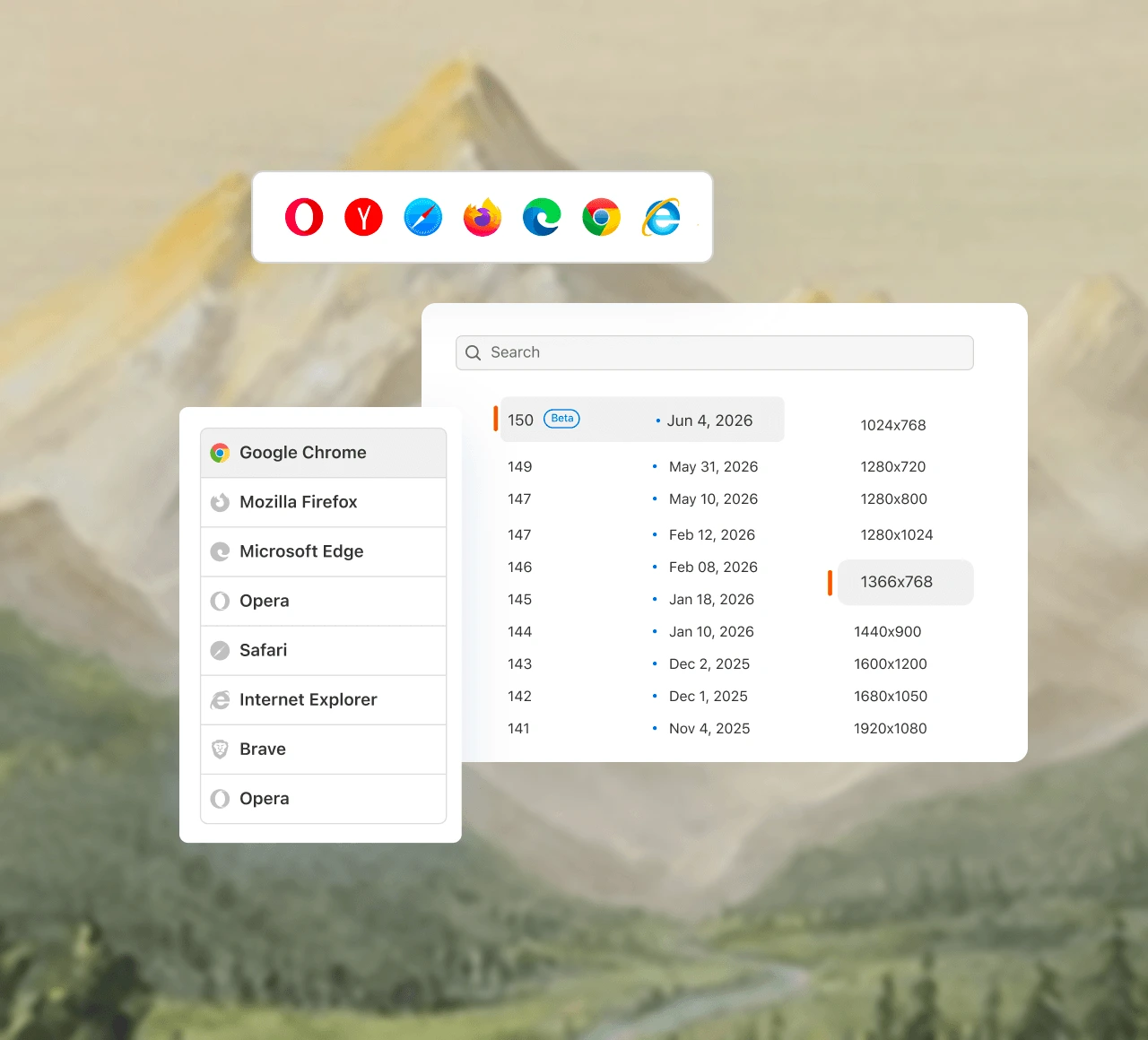
Test on Chrome, Firefox, Edge, Opera, Brave and DuckDuckGo on Windows and macOS, and Safari on macOS, including latest and legacy versions.
Android emulators and iOS simulators running Chrome, Safari, and Firefox. Swipe, zoom, and rotate the device.
Open Chrome DevTools, Firefox DevTools, or Safari Web Inspector inside the session. No tool-switching, no lost context.
Online browser testing, no local setup
Every session runs on a cloud VM or emulator and streams into the tab you already have open.
Start an online browser testPick a browser and OS, enter your URL, and click Start to catch cross browser issues. Nothing to download or install.
TestMu AI keeps every browser, OS image up to date, and wipes each VM when your session ends.
Turn on the secure tunnel to run cross browser tests on local or staging builds before they reach a public URL.
Run browser automation with natural language
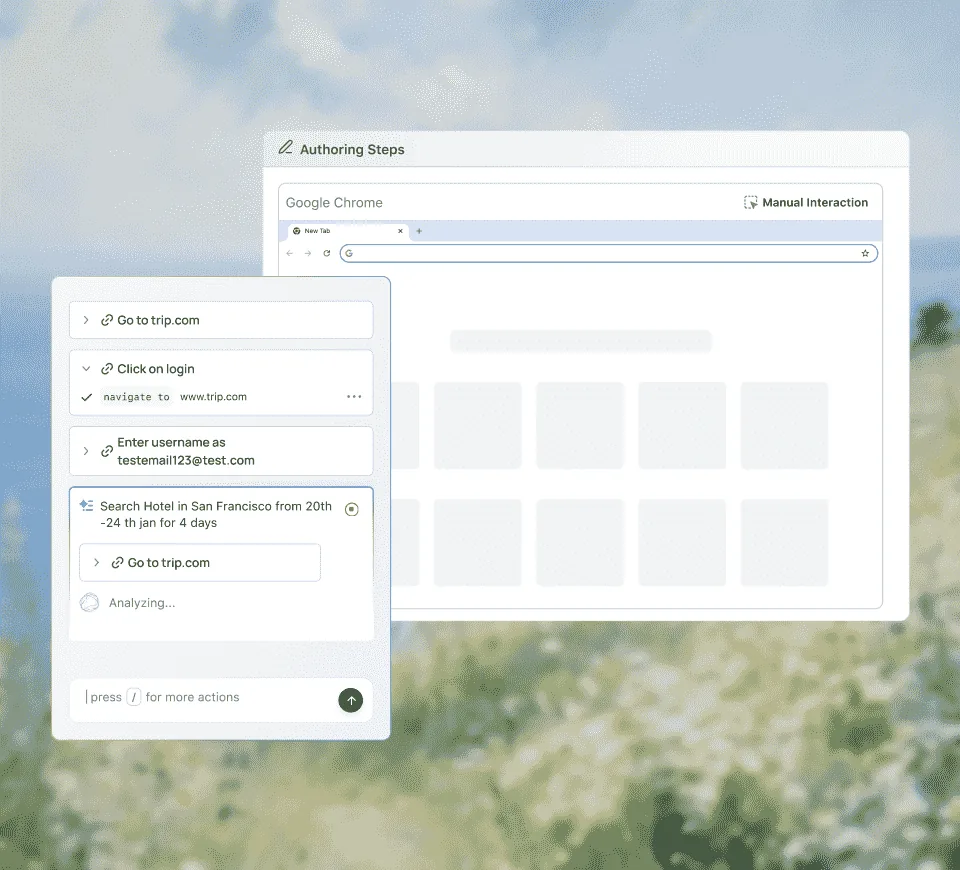
Describe what to test in plain English to KaneAI - end to end QA testing agent. It writes and runs the test.
Run browser automation with KaneAIDescribe the flow in plain English, or hand KaneAI a PRD, Jira ticket, or screen recording. It plans the steps and assertions.
KaneAI finds elements by intent and re-anchors steps when your UI shifts. When a run fails, it explains why and drafts the bug ticket.
Take generated tests into your existing codebase, or run them in parallel across browsers with HyperExecute - 70% faster test execution.
What Is Cross Browser Testing?
Cross browser testing is how you confirm a website behaves the same for every visitor, whatever browser, browser version, operating system, or screen size they use. Chrome and Edge render pages with the Blink engine, Safari with WebKit, and Firefox with Gecko, so the same HTML, CSS, and JavaScript can lay out, animate, or fail differently in each one.
A cross browser test catches the bugs a single-browser check misses: a flexbox gap that collapses in an older Safari, a date input that falls back to a plain text field, a web font that renders differently on Windows and macOS, or a JavaScript API one engine has not shipped yet. Teams test by hand in live sessions to explore a release or reproduce a customer report, and run automated Selenium, Playwright, or Cypress suites on every commit to catch regressions.
On TestMu AI, desktop sessions run real browser builds on Windows and macOS cloud machines, across 3,000+ browser and OS combinations. Safari runs as Apple's own browser on macOS, so a Safari-only bug shows up the way your Mac users see it. A WebKit build on Linux or Windows, such as the one Playwright ships, is close to Safari but is a different browser. Mobile browser sessions run on Android emulators and iOS simulators, which suit layout and rendering checks. When a test needs physical hardware, such as touch response, the camera, or biometrics, run it on Real Device Cloud, with 50,000+ real devices.
Most teams start with the browsers in their analytics, add the oldest versions they still support, and automate the flows that bring in revenue, such as sign-up, search, and checkout. Our cross browser testing guide shows how to build that browser matrix, when to test manually and when to automate, and a checklist to run before each release.
How to Run a Cross Browser Test on TestMu AI
A live session needs no install: pick the browser, open your page, debug it, and send the bug to your tracker.
- Step 1
Pick a Browser and OS
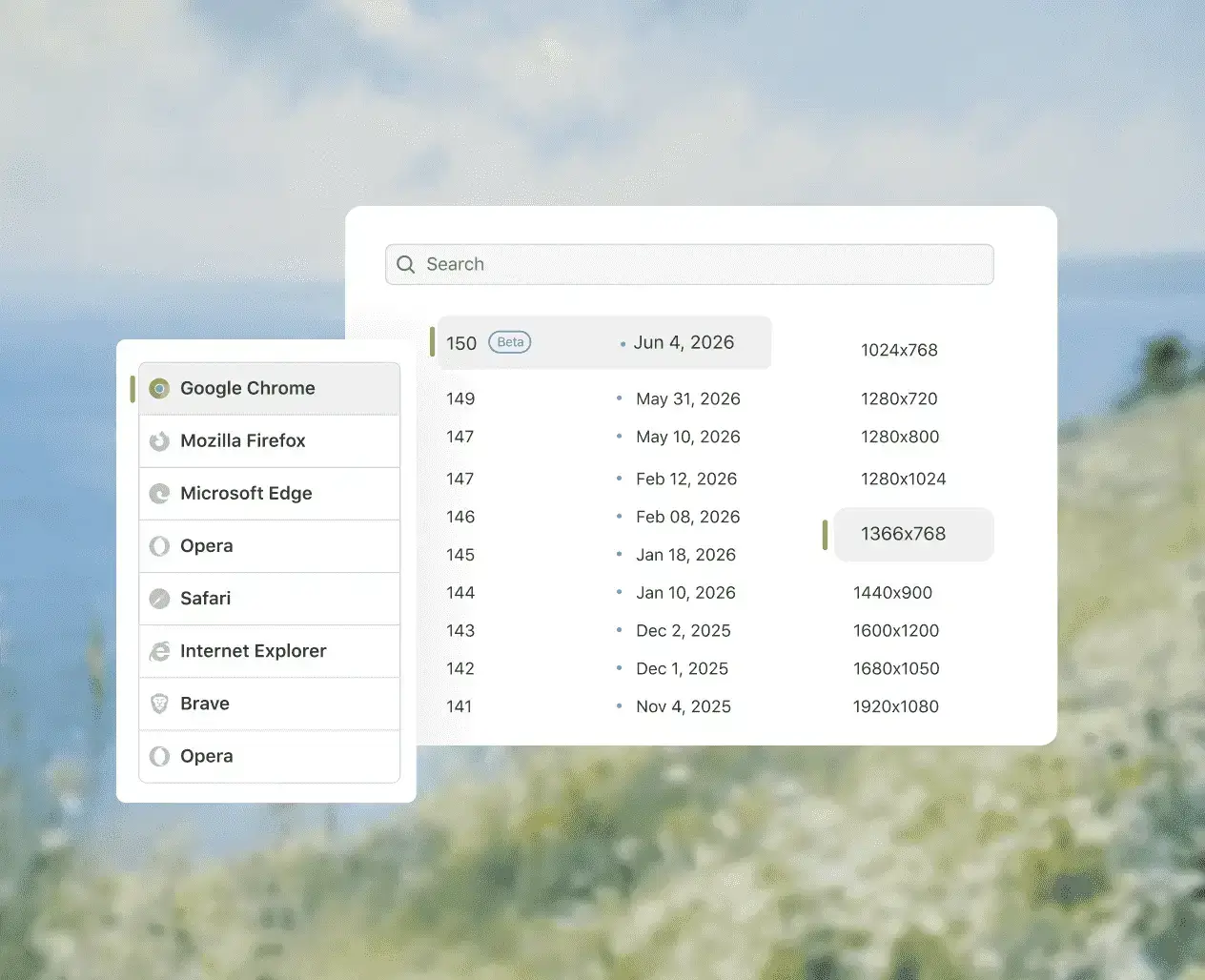
Open Real Time in the dashboard, choose desktop or mobile, then pick the browser, version, operating system, and screen resolution.
- Step 2
Open Your URL or Localhost
Enter a public URL, or turn on the LT Tunnel or the Underpass app to test a localhost or staging build behind your firewall.
- Step 3
Debug in the Live Session
Click through the page with Chrome DevTools or Safari Web Inspector open, and switch on network throttling or geolocation when the bug depends on them.
- Step 4
Log the Bug or Automate It
Mark as Bug sends an annotated screenshot to Jira, Azure DevOps, or GitHub Issues with the browser, OS, and URL attached. Then run the same flow as a Selenium, Playwright, or Cypress test in parallel.
What does browser compatibility testing cover?
Browser compatibility testing covers browsers and their versions, operating systems, screen sizes, networks, and locations. A TestMu AI live session lets you test each one. For why rendering engines differ, read our guide to cross browser compatibility.
Pick from the screen resolutions offered for each browser and OS to check your responsive breakpoints without resizing a window.
Throttle the session to Slow 3G, Fast 3G, 4G, 5G, or offline, or set a custom speed and latency.
Route the session through an IP in any of 170+ countries to check localized content, currency, language, and regional privacy banners.
Upload txt, pdf, doc, xls, docx, and xlsx files, or files from Google Drive, to test upload flows in a desktop browser session.
Turn on NVDA in a Windows session or VoiceOver in a macOS session to check keyboard navigation, focus order, and spoken output.
Get started with your first cross browser test
Cross browser testing guide
Walkthrough on performing cross browser testing with TestMu AI, plus a comparison of the best cross browser testing tools for 2026.
Live interactive browser testing
Start a live cross browser session on desktop browsers, Android emulators, or iOS simulators.
Automated browser testing
Run automated Selenium, Playwright, and Cypress suites in parallel on the cross browser testing cloud.
More browser coverage. Zero maintenance overhead.

No infrastructure to manage
Anyone on the team opens a session from the dashboard, with no machines, emulators, or browser versions to maintain.

Isolated, encrypted sessions
Each session runs in its own VM or emulator, encrypted in transit and at rest. SOC 2 Type II and ISO 27001 certified.

Starts at $15/month
Free for life on limited monthly minutes, no credit card. Unlimited live testing from $15/month, billed annually.
Test on 3,000+ browser-OS combinations
| Cross Browser Testing | Versions | Engine |
|---|---|---|
| Test on Chrome Browsers | 37 to the latest stable, plus Beta | Blink |
| Test on Safari Browsers | 5.1 to 18, plus 26 and 27 | WebKit |
| Test on Firefox Browsers | 32 to the latest stable, plus Beta | Gecko |
| Test on Edge Browsers | 79 to the latest stable, plus Beta, and legacy Edge 15 to 18 | Blink (EdgeHTML for 15 to 18) |
| Test on Opera Browsers | 23 to 110 | Blink |
| Test on Brave Browsers | 1.34 to 1.64 | Blink |
See the full list of browsers. For biometrics, camera, or on-device performance checks, step up to Real Device Cloud - 50,000+ real devices.
AI-Agentic Quality Engineering
AI-native agents that plan, author, run, and analyze your tests across web, mobile, and AI applications.
Agent Testing
AI agents need testing too. Catch failures in your chatbots and voice assistants before real users do.
More about Agent Testing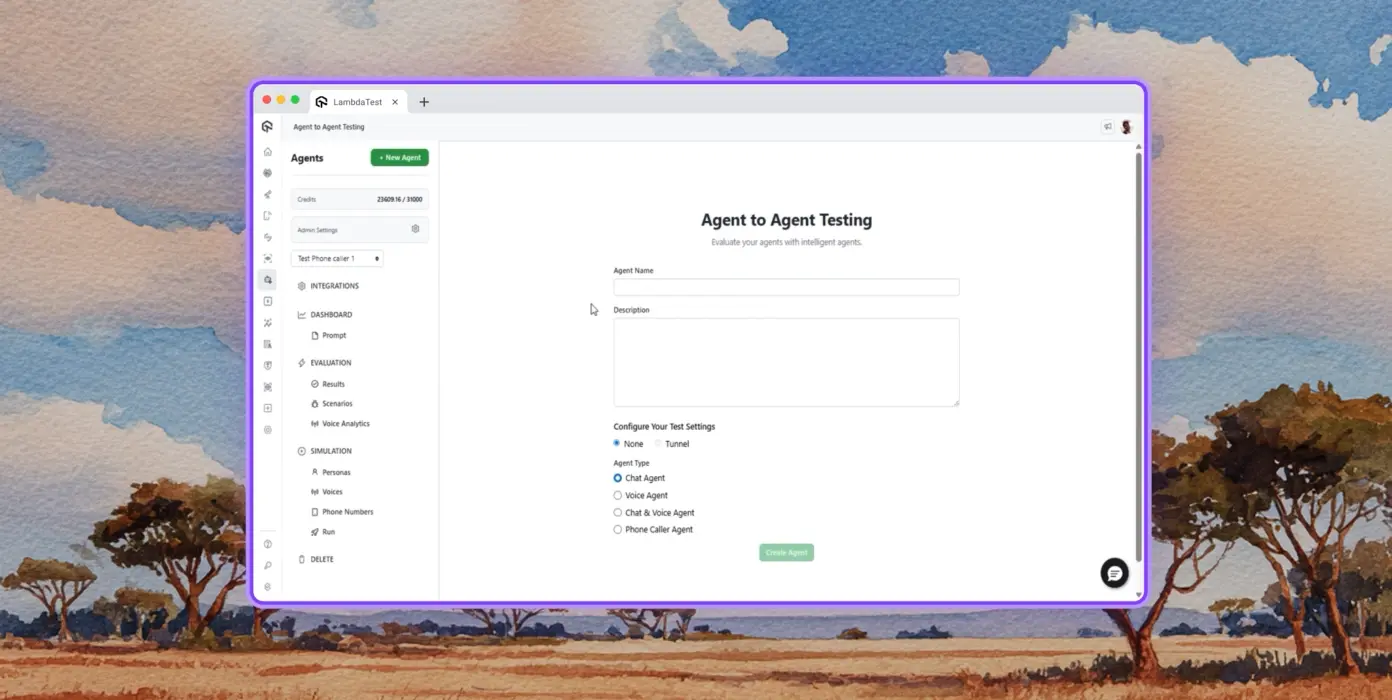
Autonomous Testing
Detailed analysis of the agent under test, from the perspective of a synthetic end-user.
Multi-persona Simulation
Diverse user personas like International Caller, Digital Novice and more.
Risk Scoring & Regression
End to end regression testing for the agent under test, with insights.
Success Stories of TestMu AI
See how engineering teams across industries test smarter, ship faster, and release with confidence on TestMu AI.

2X
Faster Spin Up Time


How TestMu AI helps Dunelm to achieve Digital Transformation in Testing
Stuart Day
Head of Quality



Some Love from our Customers
Excited to Share My Learning Journey with Kane AI & Lambda Tool!
I'm pleased to announce that I've recently gained hands-on experience exploring Kane AI through the Lambda Tool and it’s been a fantastic journey of upskilling!
KaneAI

Suryateja Goud
suryateja-goud

Attended an onboarding call for KaneAI by TestMu AI.
KaneAI is the world's first end-to-end software testing agent.
KaneAI

Anmol Baranwal
anmol-baranwal
I just discovered KaneAI by TestMu AI, and it's a game-changer! Let me walk you through how it's transforming my testing workflow
KaneAI

Muhammad Noorani
muhammadnoorani
More Reasons to Love TestMu AI
TestMu AI is a leading agentic AI quality engineering platform, trusted globally, that assures your AI deployments work as intended, safely and securely, across enterprise and real-world conditions.
Users
3M+
Tests
1.5B+
Enterprises
18K+
Countries
132
TestMu AI positioned as a Leader in the 2026 Gartner® Magic Quadrant™
Read ReportTestMu AI recognized in The Forrester Wave™: Autonomous Testing Platforms, Q4 2025
Read ReportWall of Fame
TestMu AI is the #1 choice for SMBs and enterprises across the globe.

Enterprise-Grade Security
We safeguard your data and AI systems with global security, privacy, responsible AI, and ESG standards.

Integrations
Works where you work, 120+ integrations with the tools your team relies on.




As Seen On
Frequently asked questions
TestMu AI for Enterprise
Get access to solutions built on enterprise-grade
security, privacy, & compliance
- Advanced access controls
- Advanced data retention rules
- Advanced Local Testing
- Premium Support options
- Early access to beta features
- Private Slack Channel
- Unlimited Manual Accessibility DevTools Tests