

Test Websites on Virtual Browsers Online
A virtual browser lets you access and interact with websites through a real browser build running on cloud hardware, streamed as a visual display to your current tab. Unlike emulators that resize viewports or spoof user agents, it runs the genuine browser. TestMu AI streams Chrome, Safari, Firefox, and Edge across 3,000+ OS and version combinations with no installs.

Trusted by 3M+ users globally at




"We have tripled our tests and are now executing tests in less than 2 hours with 78% Faster Test Execution"


"We figured out a more efficient way to monitor system health and resolve failures earlier in lower environments."





"TestMu AI has significantly boosted our testing speed, is easy to implement, and provides exceptional support."


"With 70% faster test execution, TestMu AI helped us achieve faster time-to-market and enhanced CX."



Everything in One Virtual Browser Session
Launch, inspect, and debug in a live cloud browser session, then push bugs straight to your tracker, with no local setup.
Pick any browser, version, and resolution, then launch a live cloud session in seconds. No WebDrivers, no VMs, no installs.
Throttle to Slow 3G, Fast 3G, 4G, or offline mid-session to see how your site loads under real network conditions.
Set the browser to any of 170+ countries and check geo-redirects, localized content, currency, and language live.
Capture console errors, network requests, and render timing automatically in every virtual browser session.
Load your Chrome extensions into a live session to check how they behave in a real browser before you ship.
Flag any issue as a bug in one click, annotate it, and push it to Jira, GitHub, or your tracker.
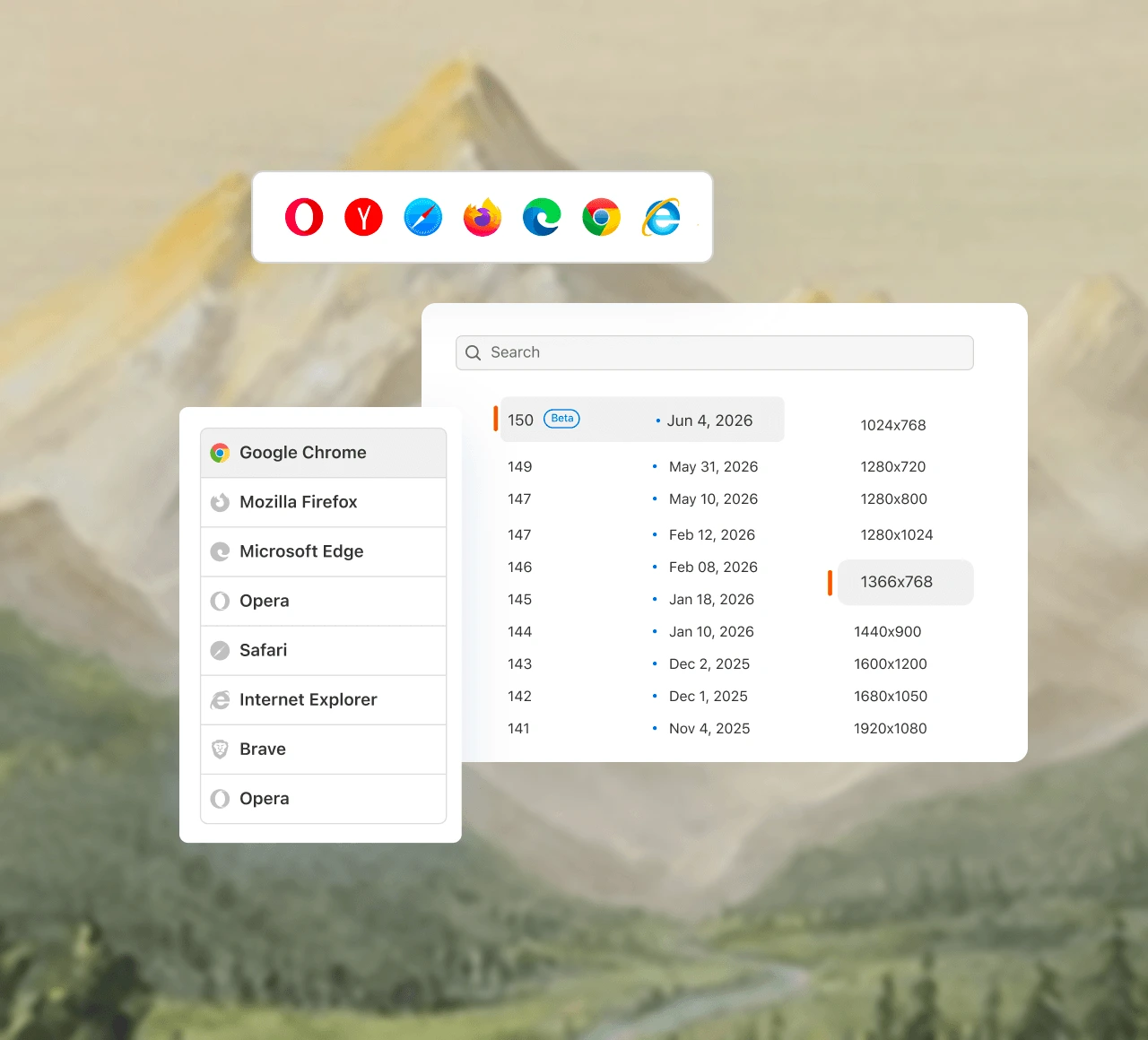
A Virtual Browser That Runs the Real Thing
Run live desktop, mobile, and accessibility tests on 3,000+ virtual browser and OS combinations, with test insights in one dashboard.
 FREE PLAN
Open a Virtual Browser in Seconds
Pick a browser, OS, and version, enter your URL, and a live session opens in your tab on a real cloud machine.
Get Started For Free
The free plan renews every month with no credit card, covering live sessions across 200+ desktop browsers.
Mobile emulator and simulator sessions draw on the same free monthly allowance as the desktop browsers.
Paid Live plans lift the monthly minute cap and open unlimited live testing across 3,000+ combinations.
 BROWSER IN BROWSER
Run a Browser in Your Browser
Stream a real cloud browser inside your current tab and browse any site there. A genuine rendering engine, not a spoofed viewport or mock.
Get Started For FreeEvery session runs the genuine browser build on cloud hardware, not a resized viewport or a spoofed user agent.
The browser streams into your current tab, so there is no installer, extension, or local virtualization to configure.
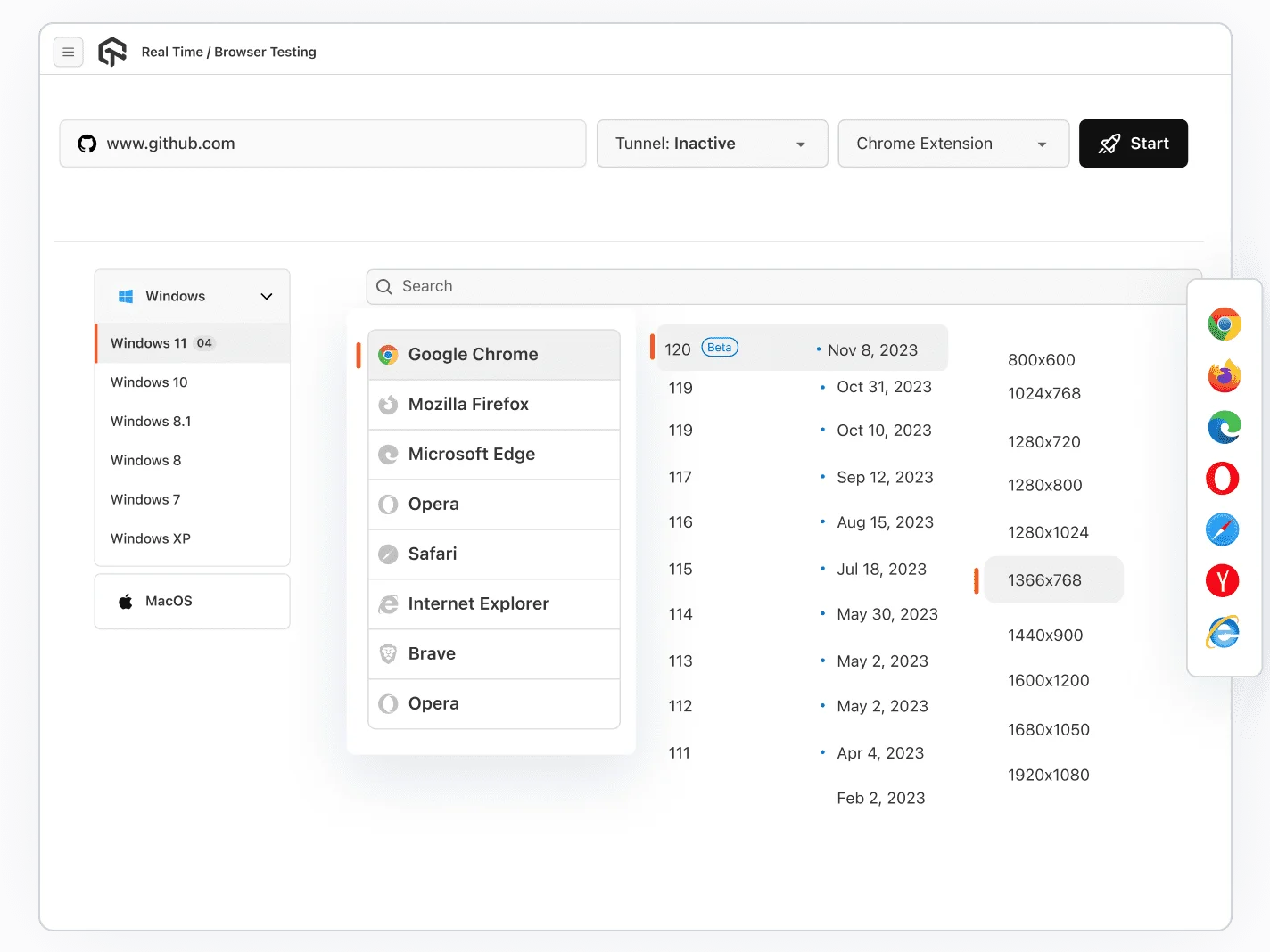
Type the address, choose the OS and browser version, and the live session opens in your tab.
 LIVE TESTING
Interactive Virtual Browser Testing
Open any site in a live cloud browser, from legacy Chrome and Safari builds to the latest release, and see rendering bugs exactly as users do.
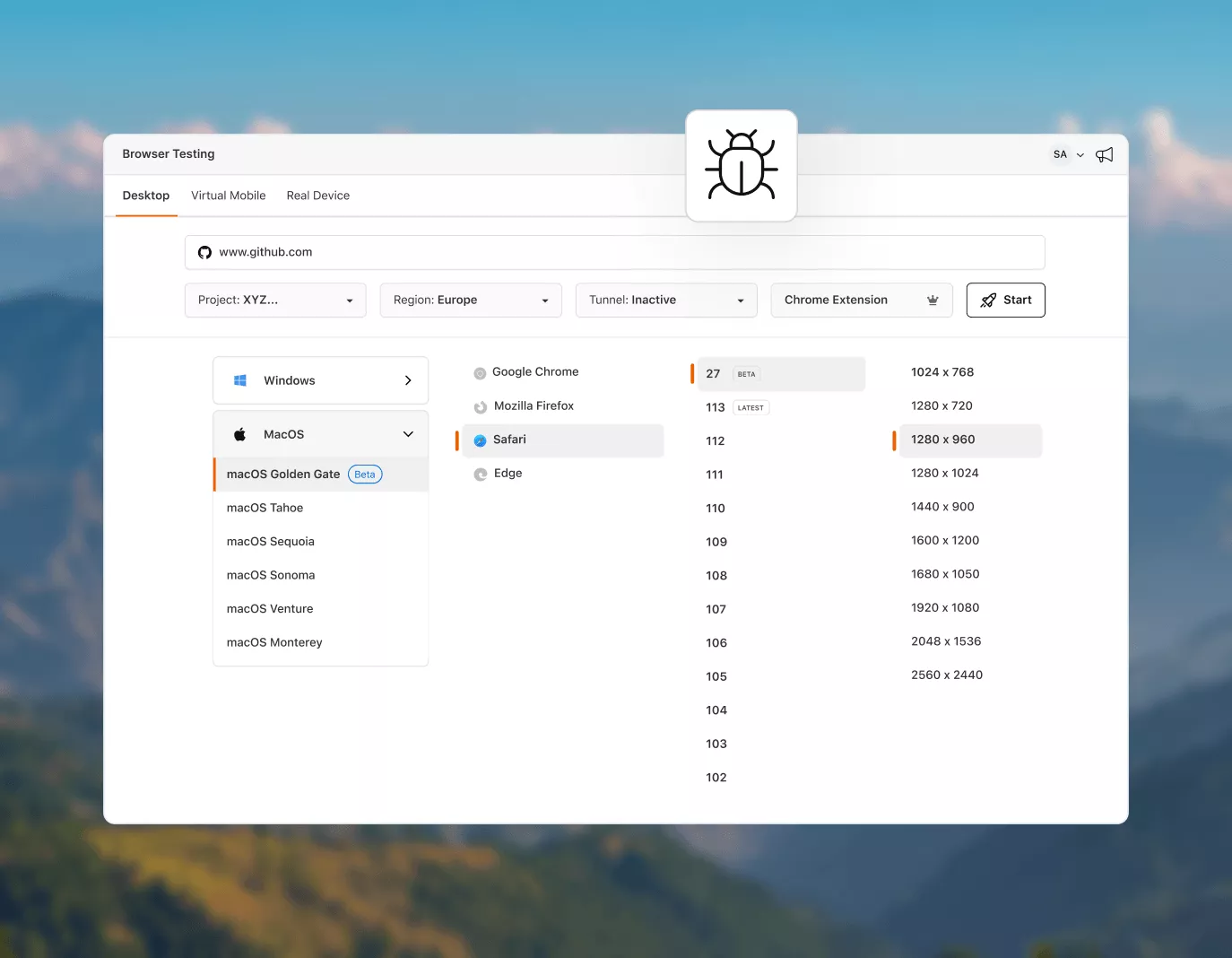
Get Started For FreePick the precise browser, version, and OS the bug was filed on and replicate it exactly, with no guesswork.
Run Safari on a macOS host from a Windows machine, or Edge on Windows from a Mac, without owning either.
Native DevTools are preinstalled in every session, so you can read the DOM, console output, and request timings live.
 MOBILE WEB TESTING
Test on Virtual Mobile Browsers
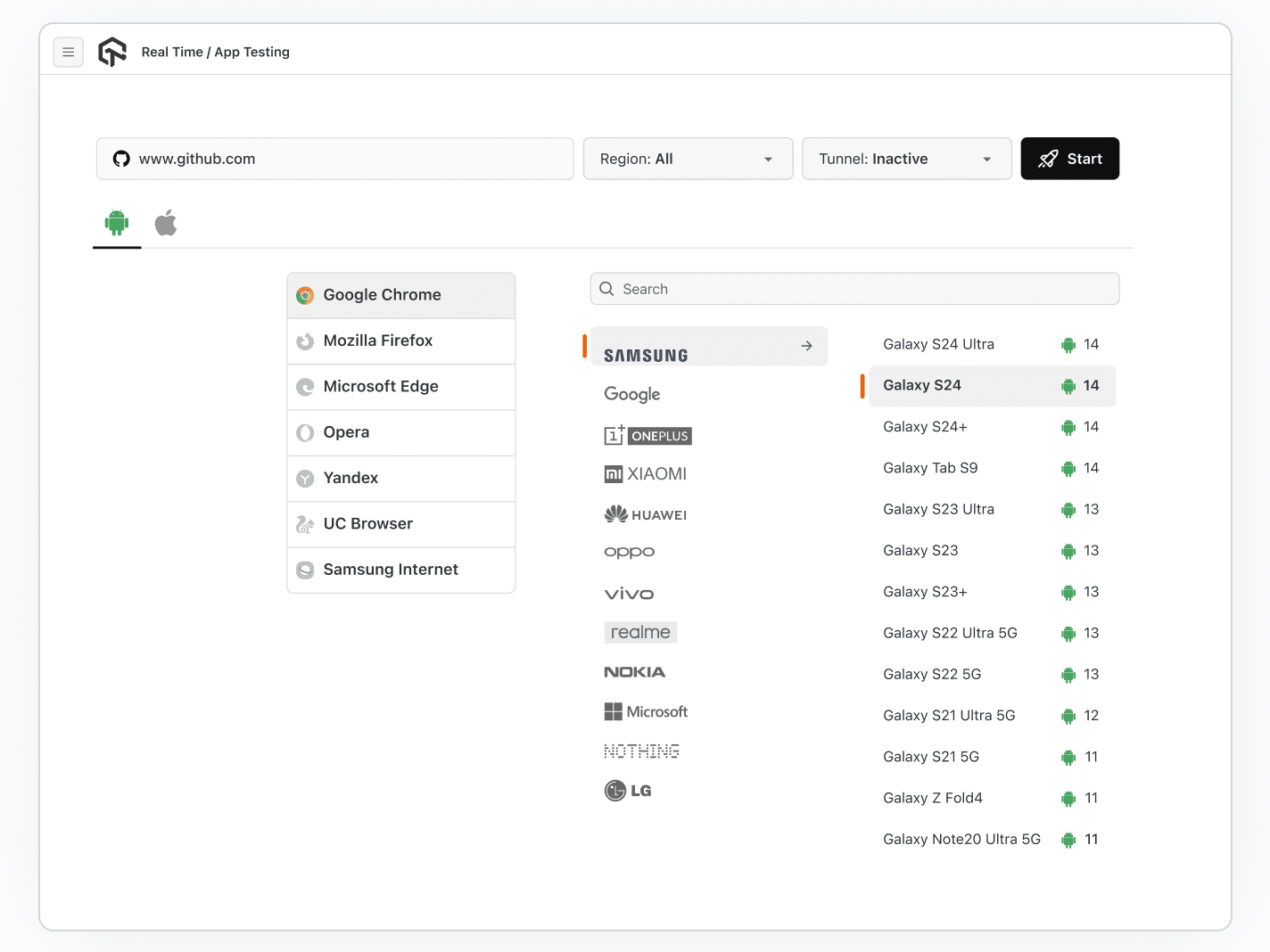
Test the mobile web on virtual Android and iOS browsers with mobile DevTools, no physical device or setup needed.
Get Started For FreeLoad your site on a mobile browser profile and see how it renders under real touch input and network conditions.
Pick a handset and OS version from Samsung, Google, OnePlus, Xiaomi, and more, back through older releases.
Open the mobile DOM, console, and network requests in-session, with tunnel and geolocation controls alongside.
 ACCESSIBILITY TESTING
Run Live WCAG and ADA Checks with NVDA
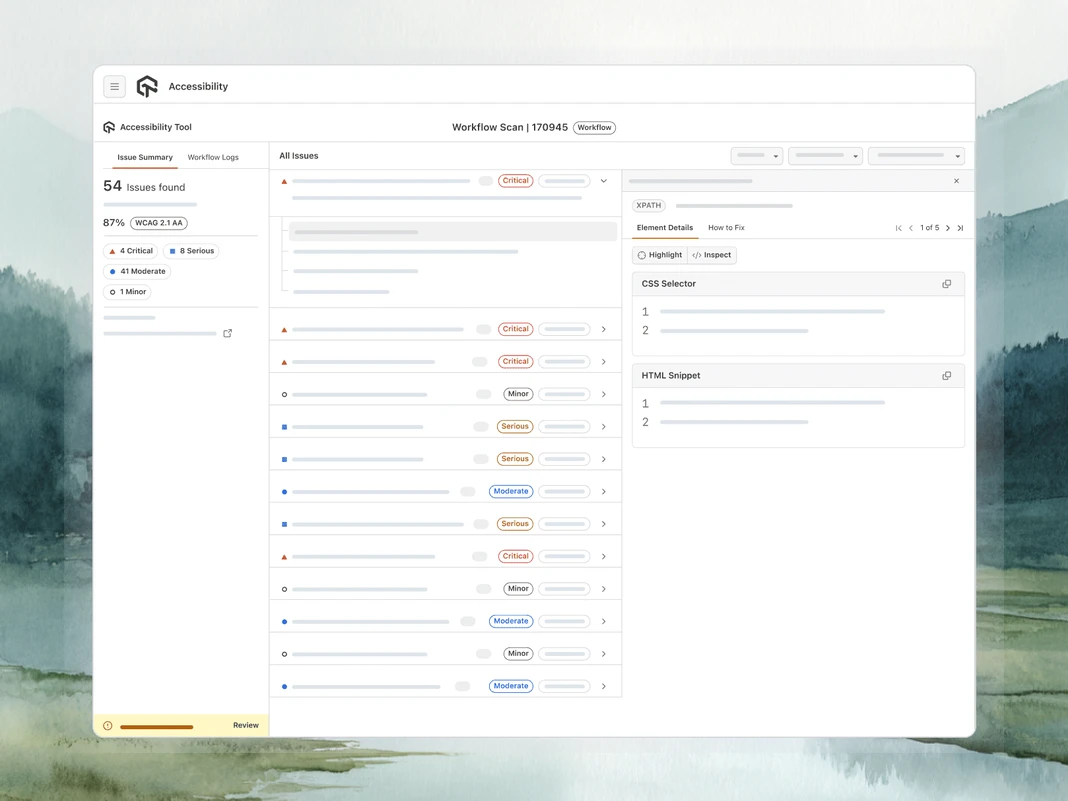
Catch compliance blockers mid-session by auditing web assets for contrast, alt text, and broken structure inside cloud-hosted virtual browsers.
Add to ChromeAudit a page mid-session and get issues grouped by severity with the rule each one breaks.
Turn the screen reader on in a live session to hear how the page is announced and follow the focus order.
The DevTools extension flags contrast failures and unlabeled inputs as you browse, page by page.
 TEST INSIGHTS
Browser Test Insights and Analytics
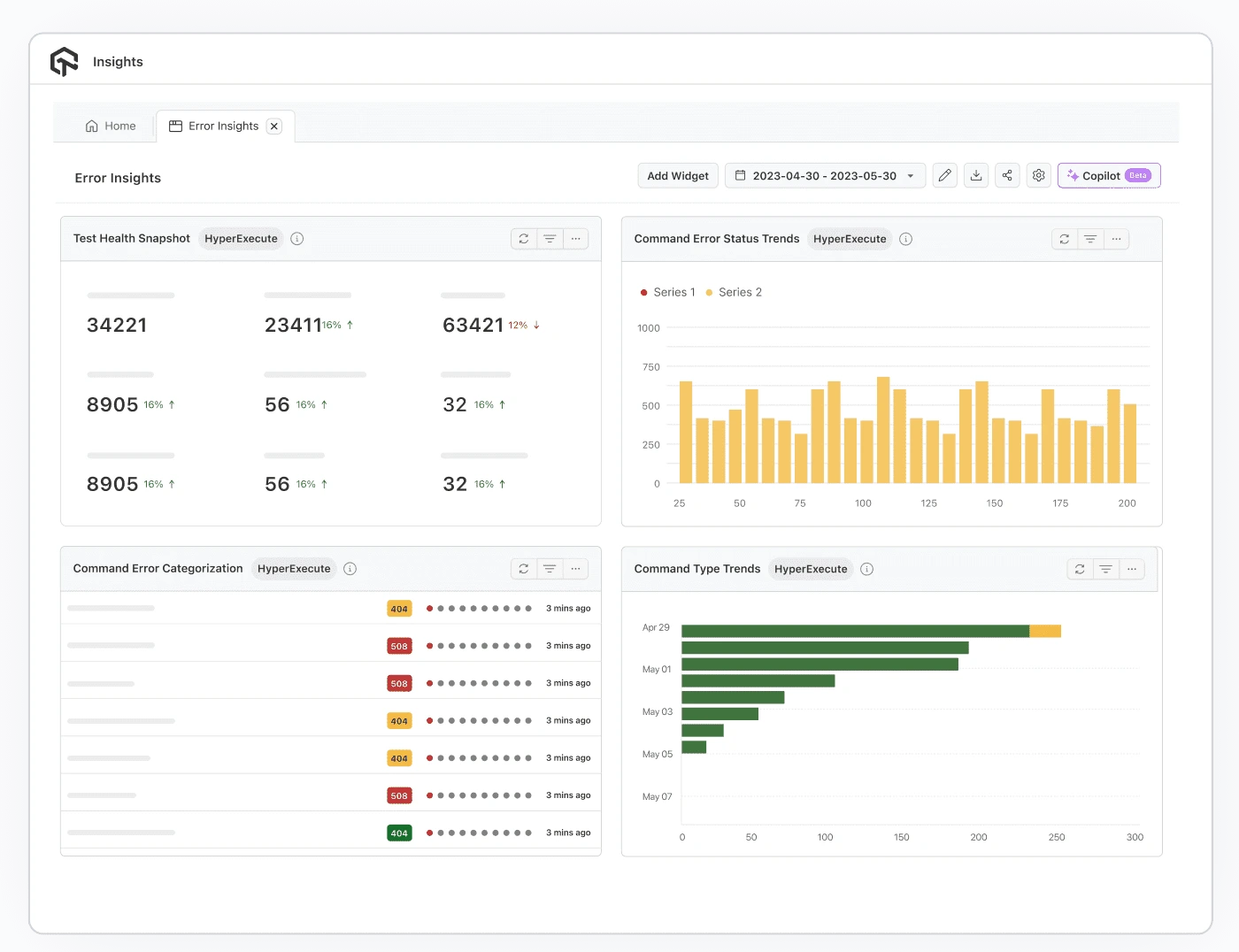
Aggregate every test run in one dashboard to track pass/fail trends, surface flaky tests, and catch performance regressions before code ships.
Get Started For FreeEvery run rolls into one dashboard with test health and job insights, so trends surface without digging.
Filter the same data by environment to find the combination a regression is isolated to.
Error insights categorize recurring command failures and chart their trend, pointing at the likely cause.
Virtual Browser Options, Compared

Top Choice
Features
TestMu AI Virtual Browser
Free Disposable Browsers
Free tier without a credit card
Browser and OS combinations
Older browser versions for bug repro
Native DevTools, console and network logs
Localhost and staging access
Selenium, Playwright and Cypress automation
Screenshots, session video and logs
Geolocation and network throttling
Compliance documentation
Why Teams Pick TestMu AI for Virtual Browser Testing

Isolated, Wiped Sessions
Every session runs in an isolated environment that is wiped when it ends, so nothing leaks between your tests or users.

Day-Zero Browser Coverage
New Chrome, Firefox, Safari, and Edge versions land on launch day, right next to the legacy builds you still support.

No Grid to Build or Maintain
No local VMs, drivers, or nodes to patch. The browser lab is hosted and kept current for you.

Public, Dedicated, or On-Prem
Run on shared cloud, a private dedicated cloud, or fully on-premise when strict data residency is non-negotiable.
Success Stories of TestMu AI (Formerly LambdaTest)

50%
reduction in test execution time
“HyperExecute is a highly reliable test execution platform and has excellent customer support.”
Sagar Uday Kumar
Sr. Engineering Manager
Some Love from our Customers
As Best Egg expanded its product offerings and entered new markets, we knew our old testing infrastructure couldn’t keep up.
With support from Tenny Agustin, our Engineering Operations Lead, we modernized our approach with
TestMu AI

Best Egg
best-egg

Excited to Share My Learning Journey with Kane AI & Lambda Tool!
I'm pleased to announce that I've recently gained hands-on experience exploring Kane AI through the Lambda Tool and it’s been a fantastic journey of upskilling!
KaneAI

Suryateja Goud
suryateja-goud

See how is #Futureready to enable blazing-fast test orchestration seamlessly integrated with organizations' existing CI/CD platforms, using #Microsoft Azure.
TestMu AI

Microsoft India
MicrosoftIndia
More Reasons to LoveTestMu AI (formerly LambdaTest)
See how TestMu AI improves your testing with seamless integration, quicker results, and unmatched accuracy.
Users
3M+
Tests
1.5B+
Enterprises
18K+
Countries
132
TestMu AI Named a Challenger in the 2025 Gartner® Magic Quadrant™
Read ReportTestMu AI recognized in The Forrester Wave™: Autonomous Testing Platforms, Q4 2025
Read ReportWall of Fame
TestMu AI is the #1 choice for SMBs and enterprises across the globe.

Enterprise-Grade Security
We safeguard your data and AI systems with global security, privacy, responsible AI, and ESG standards.

Integrations
Works where you work, 120+ integrations with the tools your team relies on.




As Seen On
Frequently asked questions
TestMu AI forEnterprise
Get access to solutions built on enterprise-grade
security, privacy, & compliance
- Advanced access controls
- Advanced data retention rules
- Advanced Local Testing
- Premium Support options
- Early access to beta features
- Private Slack Channel
- Unlimited Manual Accessibility DevTools Tests