

Safari Browser Testing on Windows
Run genuine Safari from any Windows PC, no install required. Real WebKit rendering, from Safari 5.1 to the latest. Live or automated.

Trusted by 3M+ users globally at




"We have tripled our tests and are now executing tests in less than 2 hours with 78% Faster Test Execution"


"We figured out a more efficient way to monitor system health and resolve failures earlier in lower environments."





"TestMu AI has significantly boosted our testing speed, is easy to implement, and provides exceptional support."


"With 70% faster test execution, TestMu AI helped us achieve faster time-to-market and enhanced CX."



What You Can Do With Safari on Windows
Run live, automated, and local Safari tests from any Windows machine, plus real iOS Safari checks on 50,000+ real devices.
 CROSS-BROWSER TESTING
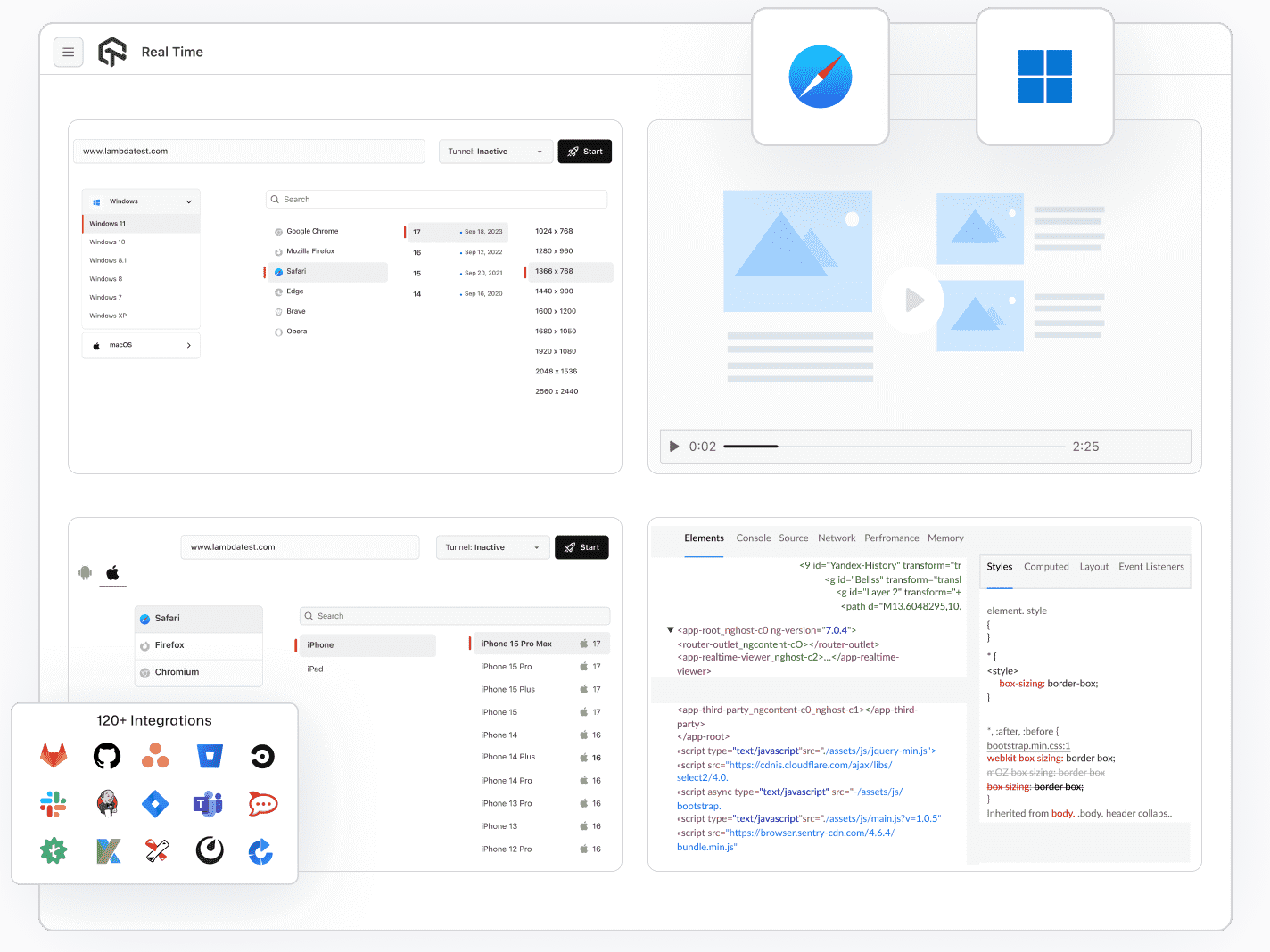
Open Real Safari on Windows
Test your site on any Safari version with a live session - click through real flows, inspect elements, and debug issues as they appear.
Open Safari on Windows
- Safari 5.1 to the latest, all versions in one place
- Debug CSS and network calls in Safari Web Inspector
- Test ITP cookie limits, momentum scroll, and date inputs

 AUTOMATION CLOUD
Automated Safari Tests on Windows
Automate Safari tests with any framework. Run on real browsers and scale with parallel execution.
Start Automating Safari Tests- Run Selenium, Cypress, Playwright, and Puppeteer
- Pin an exact Safari version in your capabilities
- Debug failures with video, network, and console logs

 TUNNEL
Test Localhost and Staging in Safari
Point cloud Safari at localhost or a private staging host through an encrypted tunnel. No public URL required.
Start Testing Safari Locally- Reach self-signed SSL staging sites, no security errors
- Share a live session with teammates to debug together
- Encrypted connection keeps unreleased work private

 REAL DEVICE CLOUD
Test iOS Safari on Real Devices
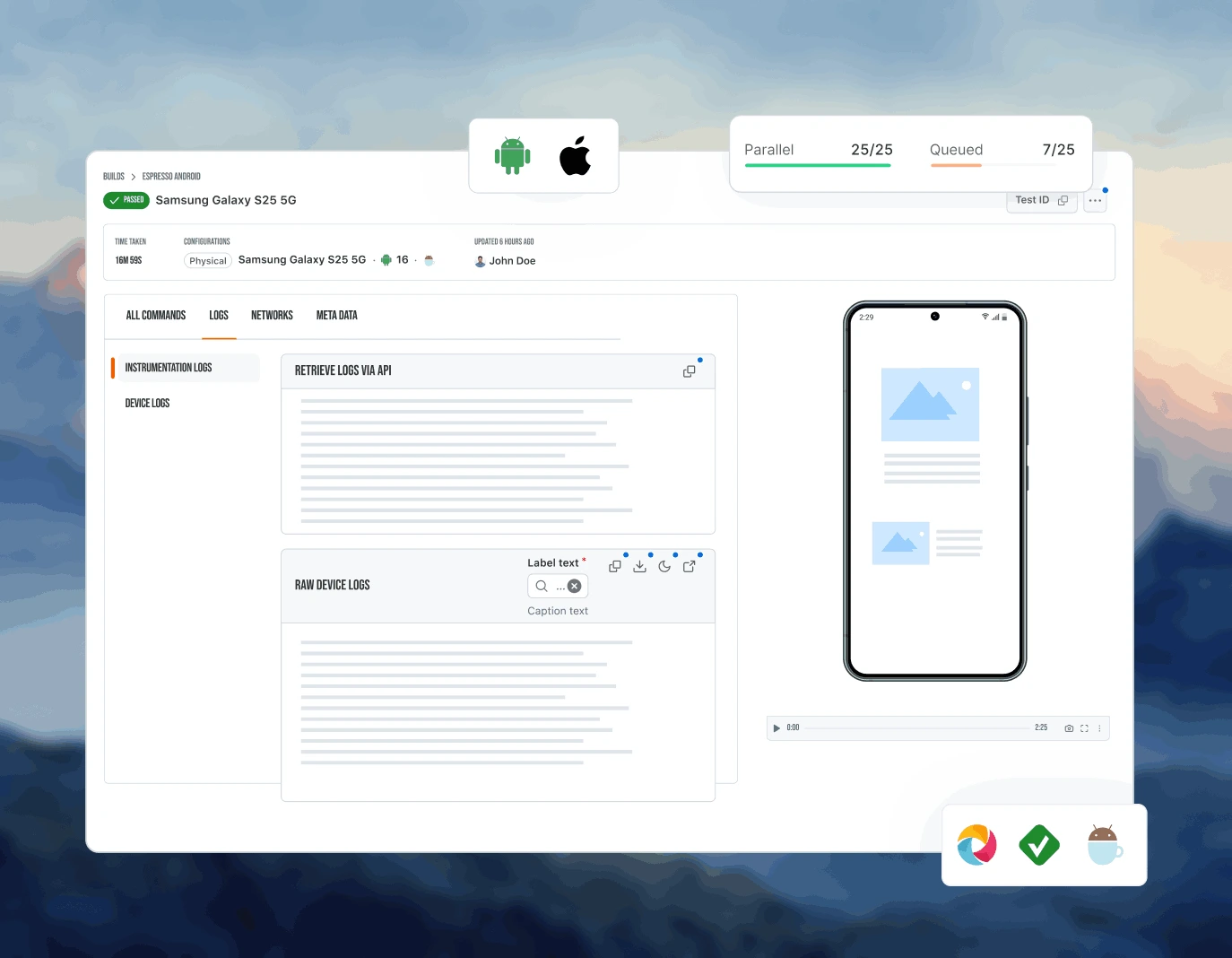
Test on the same hardware your iOS users hold - catch real-world Safari bugs that only surface on actual iOS devices, not in a simulator.
Test Mobile Safari NowWhat real iOS devices unlock
What Every Safari Session on Windows Includes

Mark As A Bug
Report bugs to Jira, Asana, Trello, GitHub, GitLab, or Slack directly from your Safari test session - without leaving the browser.

Screenshot Testing
Capture screenshots across all supported Safari versions in a single run and compare rendering differences at a glance.

Network Throttling
Test your site on Safari under real network conditions - 3G, 4G, and offline - to catch performance issues before users do.

Safari Web Inspector
Open native Web Inspector inside any Safari session to debug WebKit layout, console errors, and network calls.

Geolocation Testing
Test your site from 170+ countries on real Safari to validate geo-gated content, CDN routing, and location-based features.

120+ Integrations
Connect to Jenkins, GitHub Actions, CircleCI, and your existing CI/CD and project management tools to fit Safari testing into your pipeline.
Every Safari Version We Run, 5.1 to Latest
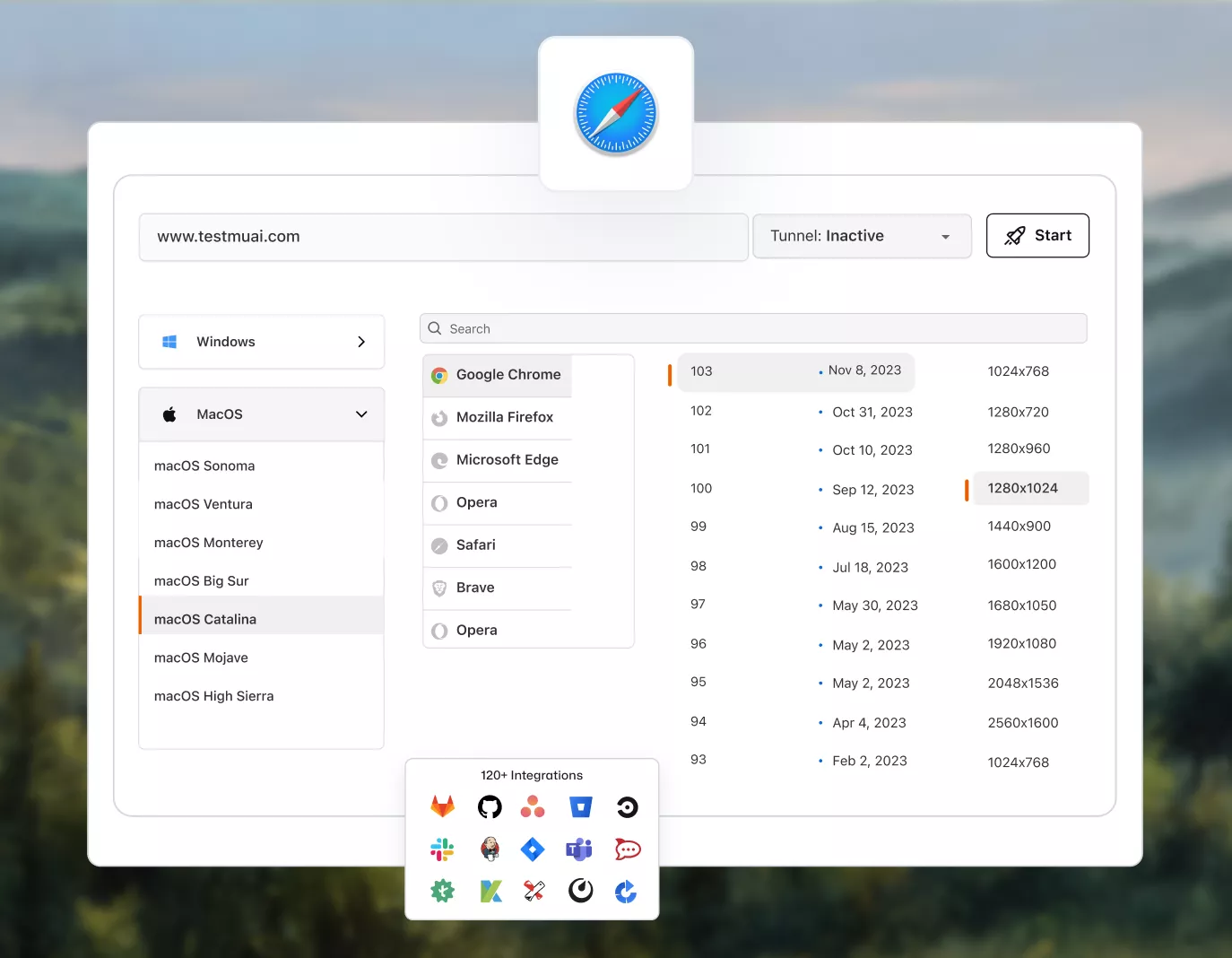
Pick any Safari release from 5.1 onward and pair it with the macOS version it shipped on. Legacy builds stay available for the users who never upgraded.
 Safari 8
Safari 9
Safari 10
Safari 10.1
Safari 11
Safari 12
Safari 13
Safari 14
Safari 15
Safari 16
Safari 17
Safari 18
Safari 26
AI-Agentic Quality Engineering
AI-native agents that plan, author, run, and analyze Safari and cross-browser tests across 3,000+ browsers, 50,000+ real devices, and your CI pipeline.
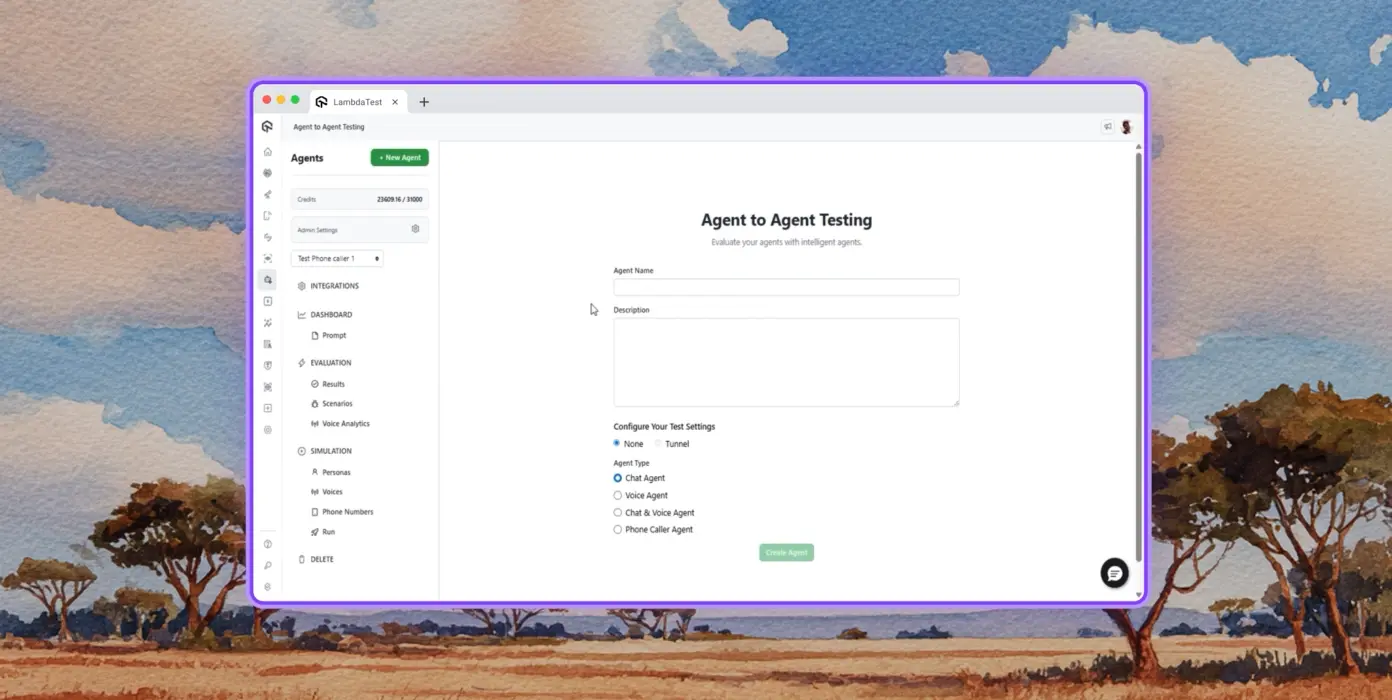
Autonomous Testing
Detailed analysis of the agent under test, from the perspective of a synthetic end-user.
Multi-Persona Simulation
Diverse user personas like International Caller, Digital Novice and more.
Risk Scoring & Regression
End-to-end regression testing for the agent under test with insights.






















Success Stories of TestMu AI (Formerly LambdaTest)

50%
reduction in test execution time
“HyperExecute is a highly reliable test execution platform and has excellent customer support.”
Sagar Uday Kumar
Sr. Engineering Manager
Some Love from our Customers
As Best Egg expanded its product offerings and entered new markets, we knew our old testing infrastructure couldn’t keep up.
With support from Tenny Agustin, our Engineering Operations Lead, we modernized our approach with
TestMu AI

Best Egg
best-egg

Excited to Share My Learning Journey with Kane AI & Lambda Tool!
I'm pleased to announce that I've recently gained hands-on experience exploring Kane AI through the Lambda Tool and it’s been a fantastic journey of upskilling!
KaneAI

Suryateja Goud
suryateja-goud

See how is #Futureready to enable blazing-fast test orchestration seamlessly integrated with organizations' existing CI/CD platforms, using #Microsoft Azure.
TestMu AI

Microsoft India
MicrosoftIndia
More Reasons to Love TestMu AI
TestMu AI is a leading agentic AI quality engineering platform, trusted globally, that assures your AI deployments work as intended, safely and securely, across enterprise and real-world conditions.
Users
3M+
Tests
1.5B+
Enterprises
18K+
Countries
132
TestMu AI positioned as a Leader in the 2026 Gartner® Magic Quadrant™
Read ReportTestMu AI recognized in The Forrester Wave™: Autonomous Testing Platforms, Q4 2025
Read ReportWall of Fame
TestMu AI is the #1 choice for SMBs and enterprises across the globe.

Enterprise-Grade Security
We safeguard your data and AI systems with global security, privacy, responsible AI, and ESG standards.

Integrations
Works where you work, 120+ integrations with the tools your team relies on.




As Seen On
Frequently asked questions
TestMu AI for Enterprise
Get access to solutions built on enterprise-grade
security, privacy, & compliance
- Advanced access controls
- Advanced data retention rules
- Advanced Local Testing
- Premium Support options
- Early access to beta features
- Private Slack Channel
- Unlimited Manual Accessibility DevTools Tests