
Test Your Website on Brave Browser Online
Open Brave 1.32 to 1.64 on cloud Windows and macOS machines and test your site with Shields on. Free to start, nothing to install.

Trusted by 3M+ users globally at


"We have tripled our tests and are now executing tests in less than 2 hours with 78% Faster Test Execution"


"We figured out a more efficient way to monitor system health and resolve failures earlier in lower environments."


"TestMu AI has significantly boosted our testing speed, is easy to implement, and provides exceptional support."


"With 70% faster test execution, TestMu AI helped us achieve faster time-to-market and enhanced CX."


Online Brave Browser Testing With Shields and DevTools
Pick a Brave version on Windows or macOS, see what Shields block on your page, and debug it with Brave's own DevTools.
 BRAVE BROWSER VERSIONS
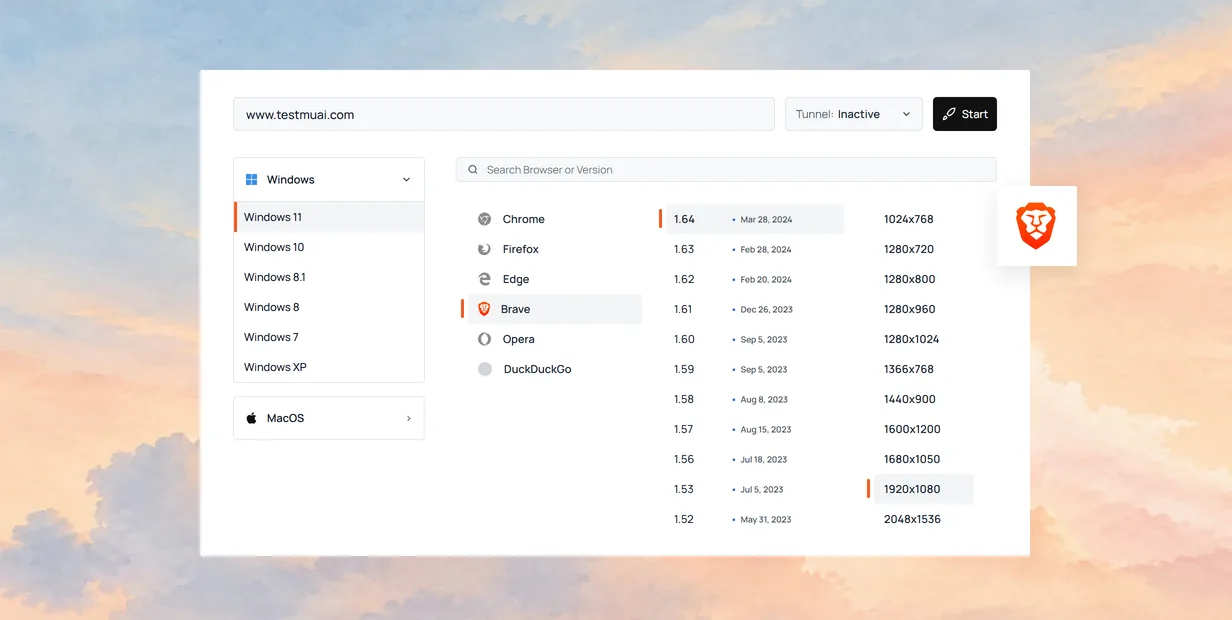
Test on Brave Browser Versions 1.32 to 1.64
Each Brave version runs on a cloud Windows or macOS machine, so your page renders the way it does on that build.
Start Free Testing
- Run Brave from Linux, Mac, or Windows, nothing to install.
- Reproduce a bug on the exact Brave version reported.
- Switch to another Brave version from inside the session.

 BRAVE SHIELDS
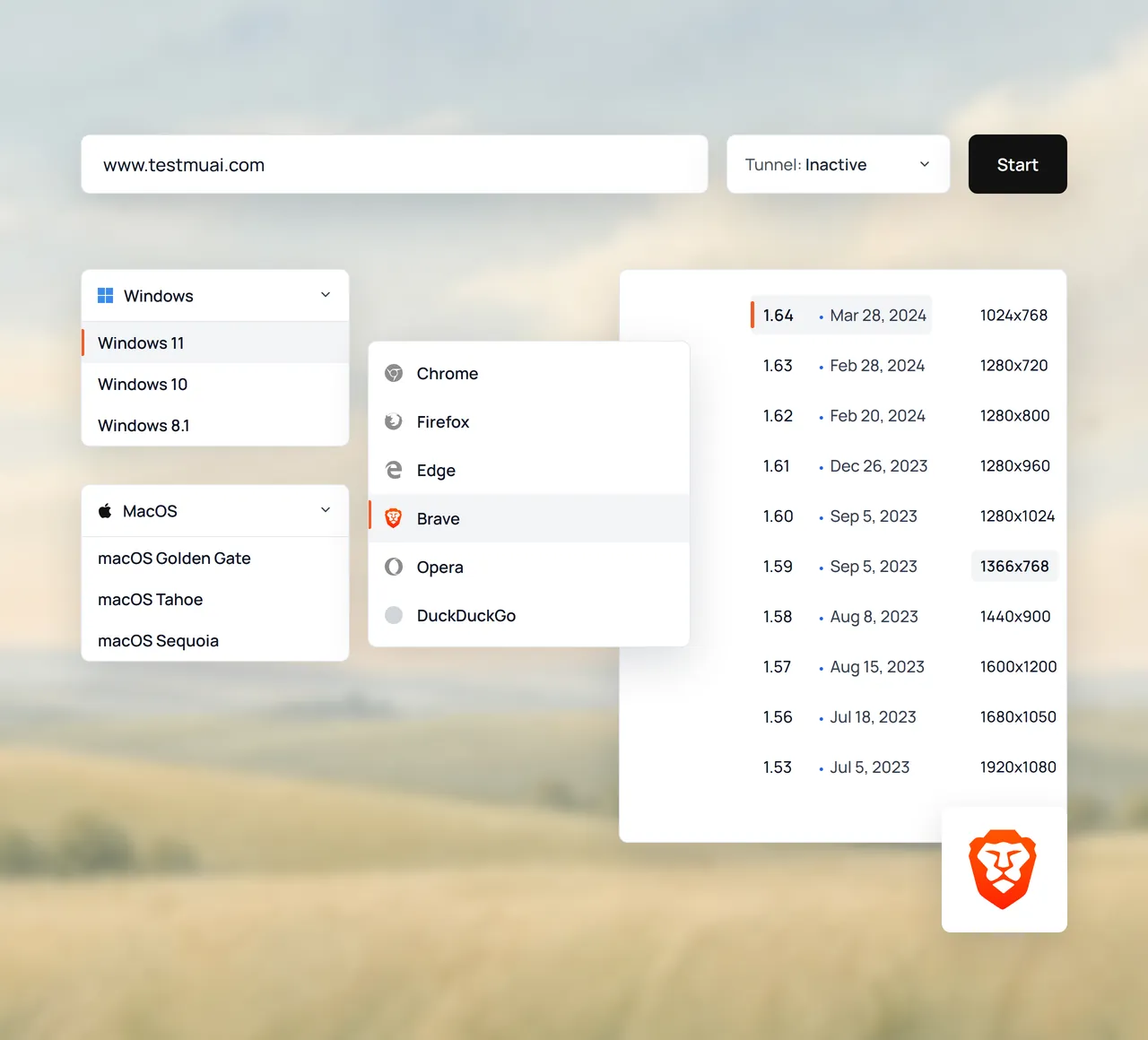
Check Your Site on Brave Browser With Shields On
Shields are on by default in Brave, so a session shows your page with third-party ads, trackers, and cross-site cookies blocked.
Test With Shields On- See ads and trackers blocked as real Brave users do.
- Check that logins and checkouts work with Shields up.
- Switch to Chrome to compare the same page.
 BRAVE BROWSER DEVTOOLS
Debug in Brave Browser With Native DevTools
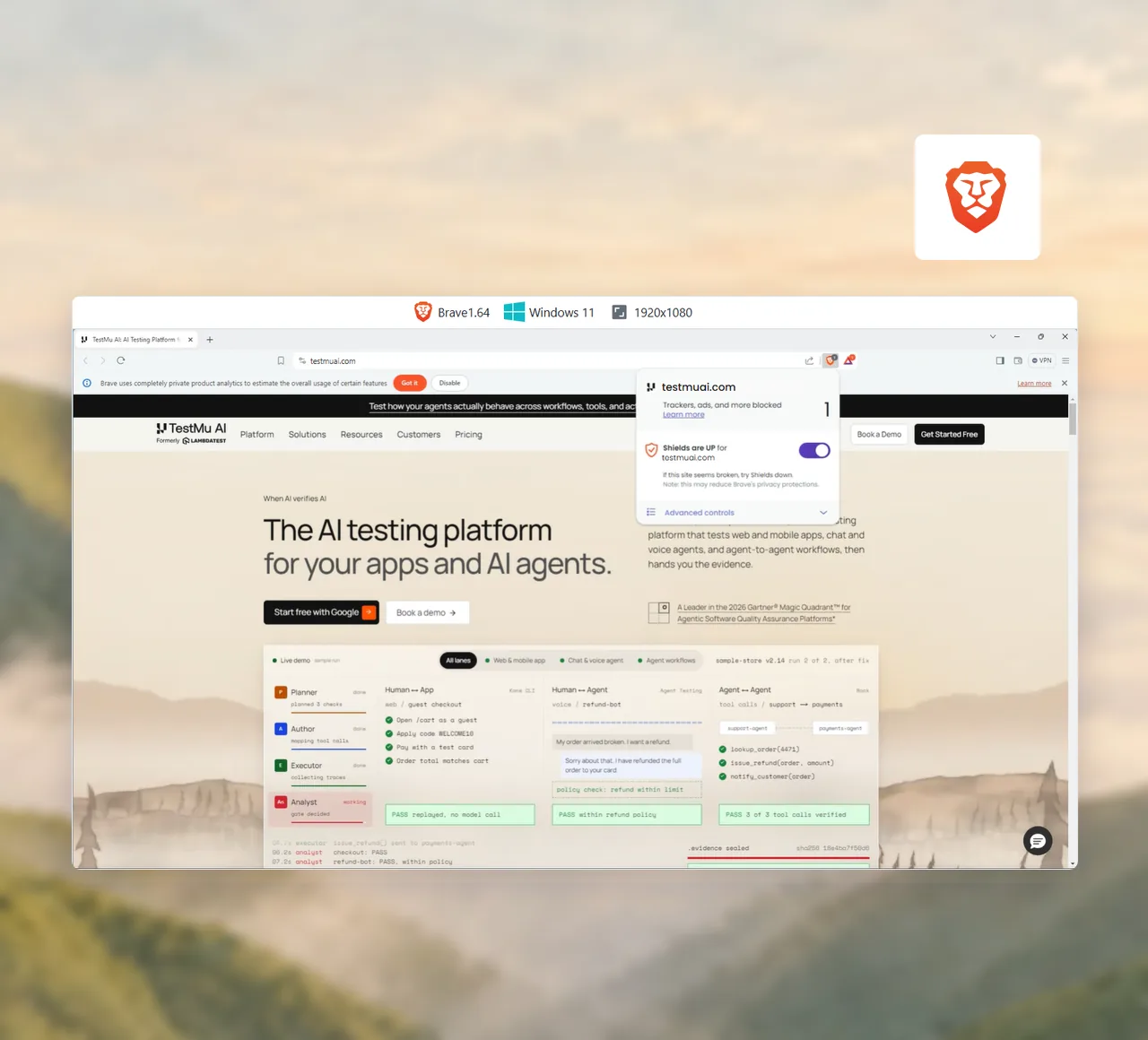
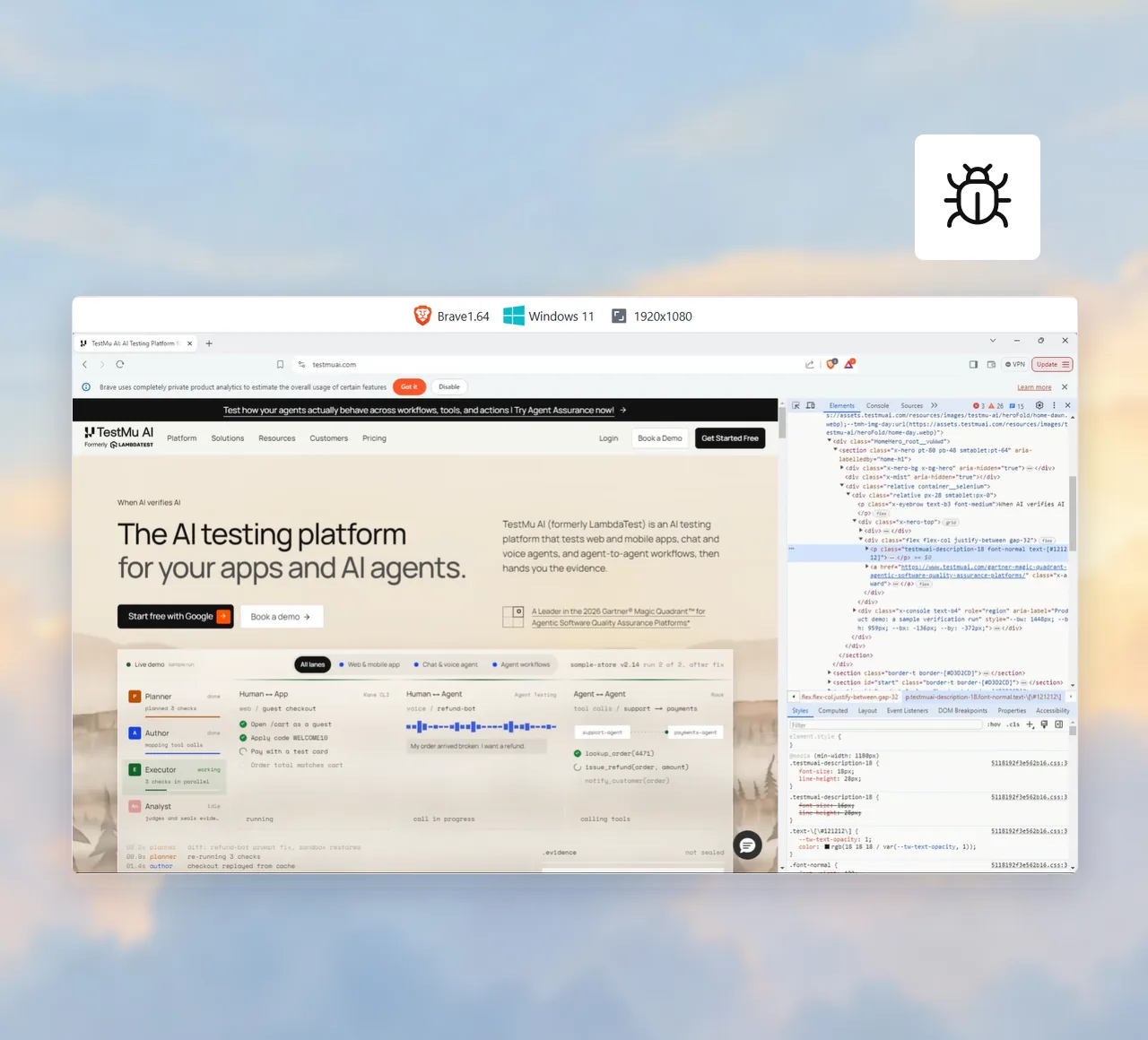
Right-click Inspect opens Brave's developer tools inside the session, on the exact version where the bug shows up.
Debug on Brave- Inspect the DOM, CSS, and network requests live.
- Run JavaScript in the console and test fixes live.
- Mark bugs with an annotated screenshot in one click.
Brave Browser Online Testing Tools

IP Geolocation Testing
Load your site from 170+ countries to check geo-targeted content, redirects, and regional pricing.

Network Throttling
Throttle the session to 3G, 4G, 5G, or offline, or set your own download speed, upload speed, and latency.

Localhost Testing
Turn the tunnel on to open localhost or a staging site behind your firewall, with nothing made public.

Bug Reporting to 48 Apps
Mark a bug mid-session and send it to Jira, GitHub, Asana, or another tracker with the Brave version and OS attached.

Screen Reader Testing
Hear your page through NVDA on Windows or VoiceOver on macOS, with the spoken text shown on screen.

Test Session Recording
Record the whole session and find every video and screenshot later in the session gallery.

File Upload Testing
Upload images, videos, and documents, and download the files your site generates.

Display Scaling Testing
Change the display scale to check your page at different zoom levels and pixel ratios.
Brave Browser Testing Plus the TestMu AI Platform
AI-native agents that plan, author, run, and analyze your tests across web, mobile, and AI applications.
Agent Testing
AI agents need testing too. Catch failures in your chatbots and voice assistants before real users do.
More about Agent Testing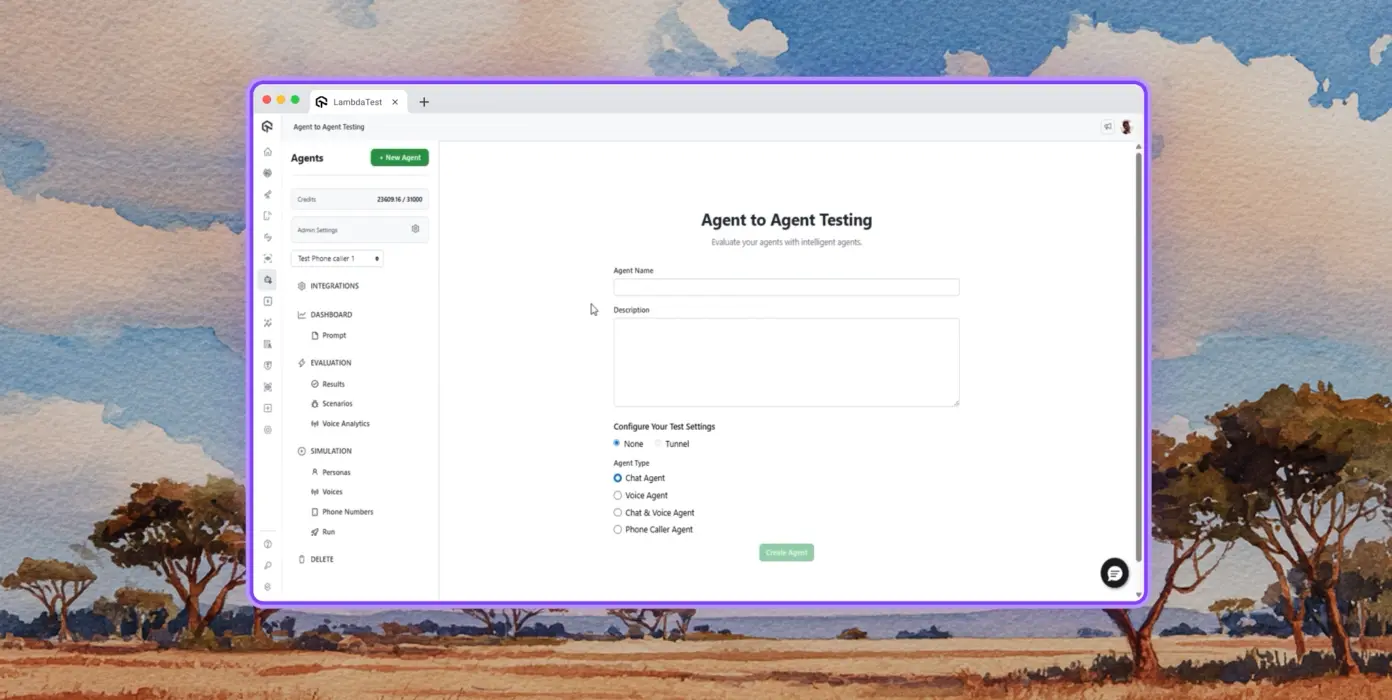
Autonomous Testing
Detailed analysis of the agent under test, from the perspective of a synthetic end-user.
Multi-persona Simulation
Diverse user personas like International Caller, Digital Novice and more.
Risk Scoring & Regression
End to end regression testing for the agent under test, with insights.
Cross Browser Testing Success Stories on TestMu AI
See how engineering teams across industries test smarter, ship faster, and release with confidence on TestMu AI.

2X
Faster Spin Up Time


How TestMu AI helps Dunelm to achieve Digital Transformation in Testing
Stuart Day
Head of Quality



More Reasons to Pick TestMu AI for Brave Browser Testing
TestMu AI is a leading agentic AI quality engineering platform, trusted globally, that assures your AI deployments work as intended, safely and securely, across enterprise and real-world conditions.
Users
3M+
Tests
1.5B+
Enterprises
18K+
Countries
132
TestMu AI positioned as a Leader in the 2026 Gartner® Magic Quadrant™
Read ReportTestMu AI recognized in The Forrester Wave™: Autonomous Testing Platforms, Q4 2025
Read ReportWall of Fame
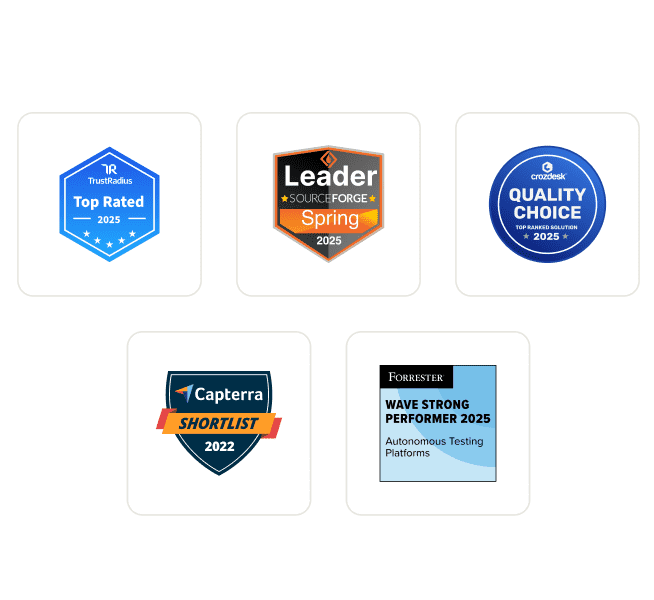
TestMu AI is the #1 choice for SMBs and enterprises across the globe.
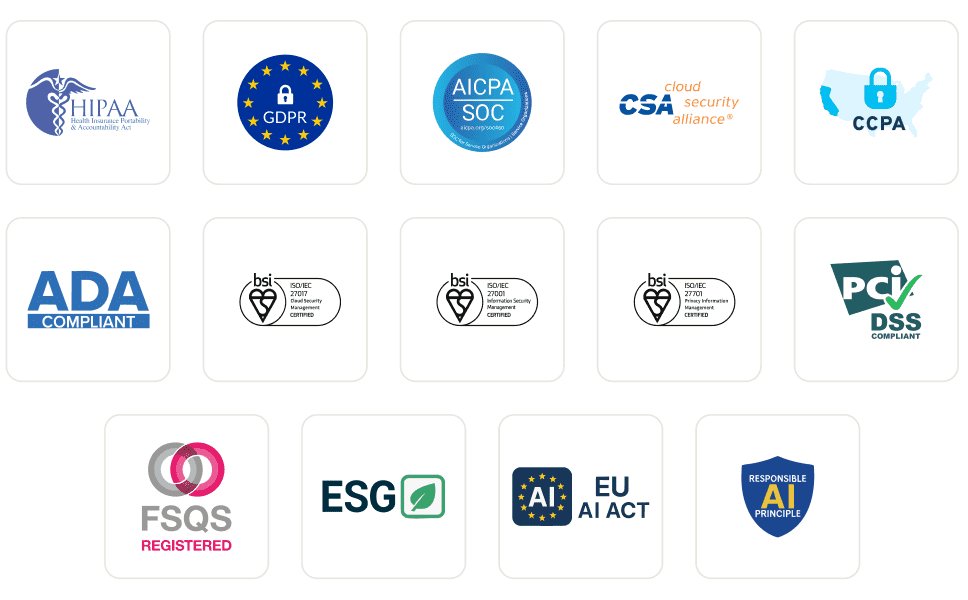
Enterprise-Grade Security
We safeguard your data and AI systems with global security, privacy, responsible AI, and ESG standards.
Integrations
Works where you work, 120+ integrations with the tools your team relies on.



As Seen On
Brave Browser Testing FAQs
TestMu AI for Enterprise
Get access to solutions built on enterprise-grade
security, privacy, & compliance
- Advanced access controls
- Advanced data retention rules
- Advanced Local Testing
- Premium Support options
- Early access to beta features
- Private Slack Channel
- Unlimited Manual Accessibility DevTools Tests