

Power Your Software Testing with AI Agents and Cloud
The Native AI-Agentic Cloud Platform to Supercharge Quality Engineering. Test Intelligently and Ship Faster.


- TestMu AI (Formerly LambdaTest)
- /
- Blog
- /
- How to Fix Cross Browser Compatibility Issues in JavaScript
How to Fix Cross Browser Compatibility Issues in JavaScript
Fix cross browser compatibility issues in code: feature detection, polyfills, CSS resets, @supports guards, and a testing checklist with working examples.
Last Updated on:
A cross browser bug is fixed in one of two places: in the code that assumes a feature exists, or in the stylesheet that assumes every engine starts from the same defaults. This guide covers both, with the JavaScript patterns first because that is where a compatibility bug throws instead of merely looking wrong.
If you are still working out which engine is at fault, start with the companion guide to browser compatibility issues, which covers how each one presents. For the underlying concepts, see the cross browser compatibility guide.
TL;DR
Fix cross browser compatibility issues by detecting features rather than browsers, then giving every unsupported feature a working fallback. Normalize default styles before your own CSS runs, and confirm each fix in one browser per engine: Blink, Gecko, and WebKit.
- Feature detection: Feature detection confirms a JavaScript API exists before the code calls it, which prevents the runtime error that halts every statement after it in the same handler.
- Conditional polyfills: A polyfill loaded through a dynamic import reaches only the browsers missing that API, so the majority of visitors never download the replacement code.
- CSS reset: A CSS reset such as Normalize.css, paired with a global border-box rule, gives every engine identical margins, control sizes, and width math from the first paint.
- @supports guard: The @supports rule applies newer CSS only where the engine understands it, and it needs no build tooling, unlike Autoprefixer and Babel which both require a build pipeline.
TestMu AI runs each fix across 3,000+ browser and OS combinations in parallel, covering one browser per engine in a single pass.
How to Solve Cross Browser Compatibility Issues in JavaScript
JavaScript compatibility bugs come from missing APIs far more often than from unsupported syntax. A transpiler handles the syntax at build time, but nothing at build time can add a method the engine never shipped, so the call throws the moment a visitor on that engine reaches it.
The pattern that fixes this is always the same: test for the capability, then branch. Never read the user agent string to decide, because it tells you what the browser claims to be rather than what it can do.
// Detect the API, not the browser
if ('IntersectionObserver' in window) {
  const observer = new IntersectionObserver(onVisible);
  document.querySelectorAll('[data-lazy]').forEach((el) => observer.observe(el));
} else {
  // No observer: load everything immediately rather than not at all
  document.querySelectorAll('[data-lazy]').forEach((el) => onVisible([{ target: el, isIntersecting: true }]));
}
Some APIs need a real fallback rather than a skipped enhancement. The async Clipboard API is the common example, since it is also gated on a secure context, so the check has to cover both conditions:
async function copyToClipboard(text) {
  if (navigator.clipboard && window.isSecureContext) {
    await navigator.clipboard.writeText(text);
    return true;
  }

  // Fallback for engines without the async Clipboard API
  const field = document.createElement('textarea');
  field.value = text;
  field.setAttribute('readonly', '');
  field.style.position = 'absolute';
  field.style.left = '-9999px';
  document.body.appendChild(field);
  field.select();
  const copied = document.execCommand('copy');
  document.body.removeChild(field);
  return copied;
}
When the missing API is central to your logic, a polyfill is worth the bytes. Load it through a dynamic import so only the browsers that need it pay the cost:
async function loadPolyfills() {
  const pending = [];

  if (typeof structuredClone !== 'function') {
    pending.push(import('./polyfills/structured-clone.js'));
  }

  if (!('requestIdleCallback' in window)) {
    pending.push(import('./polyfills/request-idle-callback.js'));
  }

  await Promise.all(pending);
}

loadPolyfills().then(startApp);
Syntax is the easier half. Set a browserslist target and let Babel and Autoprefixer read it, so your transpiled output and your CSS prefixes both track the same real support matrix instead of two hand-maintained guesses:
{
  "browserslist": [
    "> 0.5%",
    "last 2 versions",
    "Firefox ESR",
    "not dead"
  ]
}
For a deeper walkthrough of individual JavaScript failures and their remedies, see fixing JavaScript cross browser compatibility issues.
11 Ways to Fix Cross Browser Compatibility Issues
Each item below is a fix you apply once and keep, ordered roughly by how much breakage it prevents per line of effort.
1. Declare the DOCTYPE
A missing DOCTYPE drops the browser into quirks mode, where it emulates decades-old layout behavior instead of following current specifications. Box model math and default margins both change, so the same stylesheet produces a different layout.
The fix is one line, and it must be the very first line of the document before any comment or whitespace.
<!DOCTYPE html>2. Use Feature Detection
Browser detection reads the user agent string and branches on the browser name. It breaks whenever a browser updates, spoofs its user agent, or ships the feature you assumed it lacked.
Test for the capability instead, using the inline checks shown above or Modernizr when you need a large battery of tests. The check stays correct no matter which browser gains or loses support.
3. Validate HTML and CSS
Engines recover from malformed markup differently. One browser silently closes an unclosed tag where another nests the following elements inside it, which moves an entire section of the page.
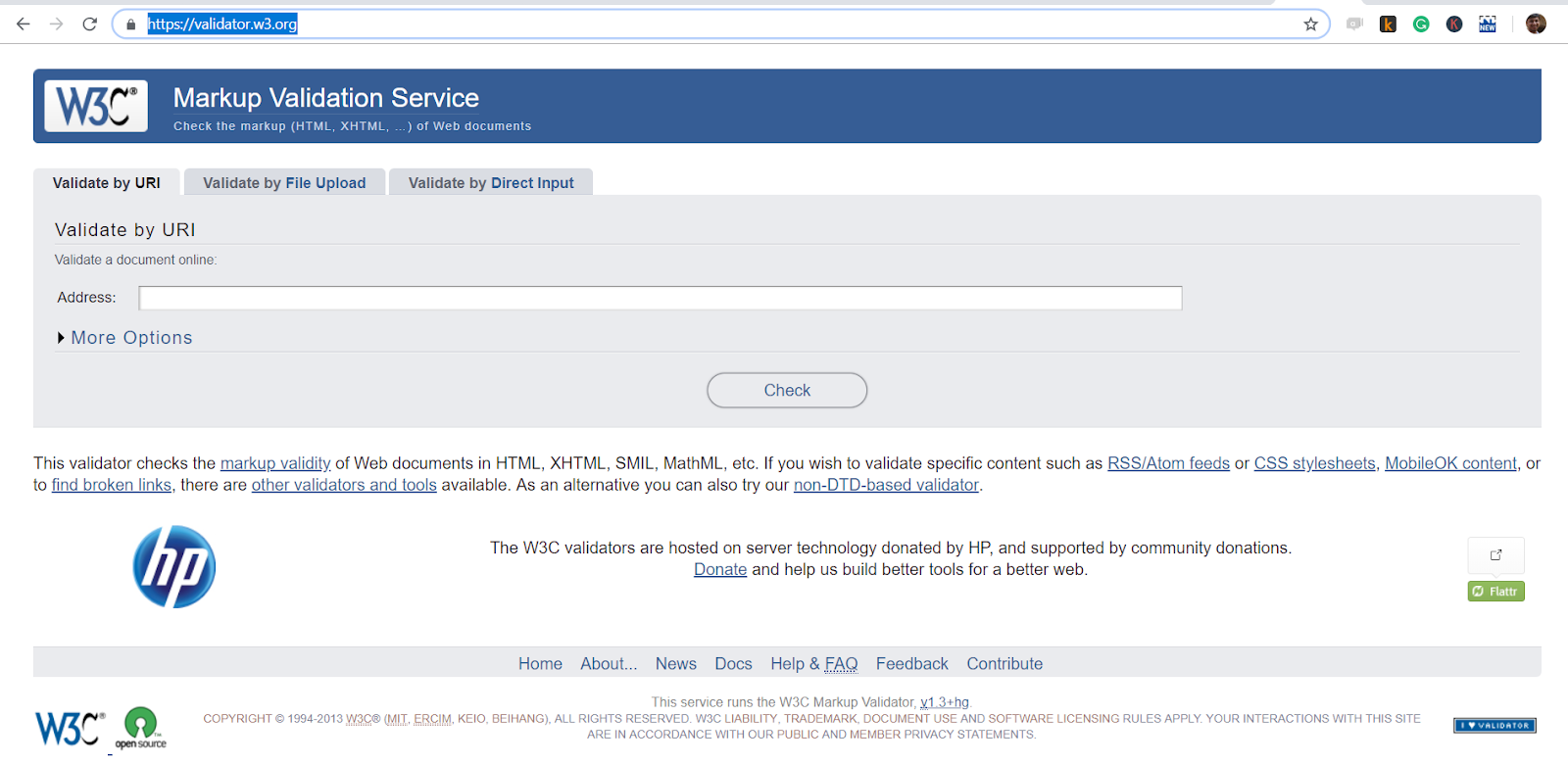
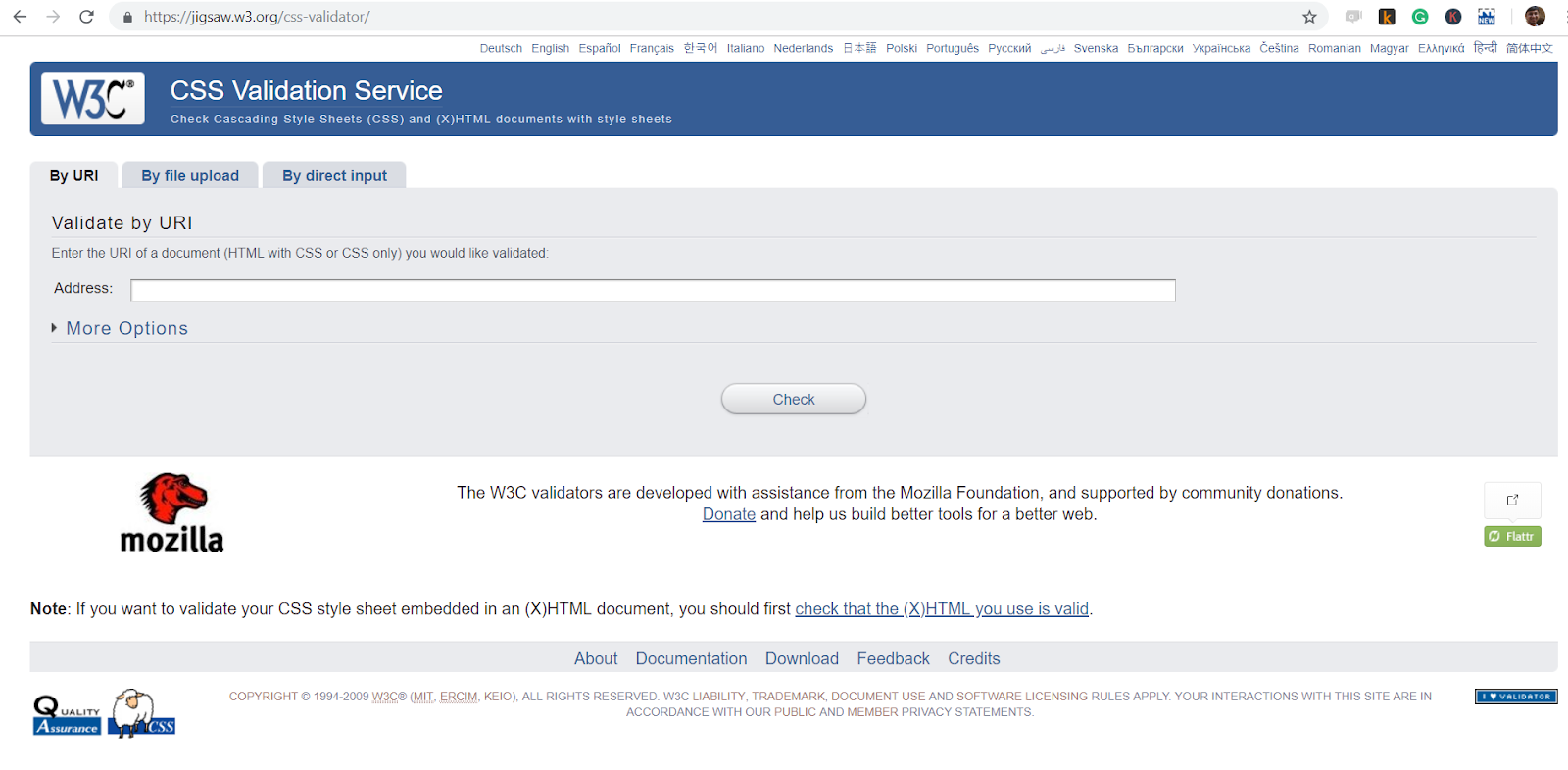
Run pages through the W3C HTML Validator and stylesheets through the Jigsaw CSS Validator. Invalid code is where engine-specific recovery behavior starts.
4. Apply a CSS Reset
Every engine ships a user-agent stylesheet, and they disagree on default margins, heading sizes, and form control dimensions. Those defaults apply before your CSS runs, so the differences are already in the layout by the time your rules arrive.
Apply Normalize.css or the Eric Meyer CSS Reset, then add a global border-box rule so padding never changes an element's computed width.
*, *::before, *::after {
  box-sizing: border-box;
}
5. Build With Flexbox and Grid
Float-based layouts were a workaround for the absence of a real layout system, and they fail in different ways per engine once content wraps unexpectedly.
Flexbox and Grid are dedicated layout mechanisms with broad support across current engines, and they degrade far more predictably. The CSS Flexbox tutorial covers the property set.
6. Automate Vendor Prefixes
A few properties still need a prefix in shipping browsers, including -webkit-user-select for Safari. Maintaining that list by hand means you both ship prefixes no longer needed and miss ones that are.
Run Autoprefixer in your build. It reads the same browserslist config as Babel and adds exactly the prefixes your targets require, then drops them when they become unnecessary.
.product-card {
  -webkit-user-select: none; /* Safari */
  user-select: none;
}
7. Guard New CSS With @supports
An engine that does not recognize a property ignores the declaration silently and keeps whatever value came before it. That is useful behavior if you planned for it and a broken layout if you did not.
Write the baseline layout first, then put the newer property inside an @supports block so it applies only where it is understood.
.gallery {
  display: flex;
  flex-wrap: wrap;
}

@supports (display: grid) {
  .gallery {
    display: grid;
    grid-template-columns: repeat(auto-fit, minmax(240px, 1fr));
  }
}
8. Load Polyfills Conditionally
A polyfill bundled unconditionally is dead weight for every visitor whose browser already implements the API, which is usually the large majority.
Use the conditional dynamic import shown earlier, and set a removal date. Teams routinely ship polyfills for browser versions they dropped from the support matrix years before, because nobody owns taking them out.
9. Pick Tested Libraries
A dependency with narrow browser coverage becomes your compatibility bug, and you inherit its fix timeline rather than controlling it.
Widely used frameworks and libraries such as React and Bootstrap carry their own cross-browser test suites. Before adding a smaller dependency, check that it publishes a supported browser range at all.
10. Separate Browser Styles
When engine-specific overrides accumulate in one stylesheet, nobody can tell later which rule exists for which browser, so the overrides outlive the bugs they patched.
Keep those overrides in their own file with a comment naming the engine and the bug. Prefer an @supports condition over a browser-targeted file wherever the difference is really about a feature.
11. Test on Real Browsers and Devices
Every fix above needs confirming on an engine that is not the one you develop in, and emulated environments do not reproduce native form controls, scrollbar behavior, or font rendering.
TestMu AI's test automation cloud runs Selenium, Cypress, and Playwright suites in parallel across 3,000+ browser and OS combinations, and captures network logs, console logs, and session video for each run so a failure comes back with its own evidence. Geolocation routing across 180+ countries and network throttling cover conditions you cannot reproduce locally, and LT Tunnel points the cloud browsers at a staging build with no public URL.
For manual checks on physical hardware, TestMu AI's real device cloud provides 10,000+ real Android and iOS devices. Compare platforms in this roundup of cross browser testing tools.

Note: Confirm every fix in this guide on one browser per engine without installing a thing. Try TestMu AI free!
Progressive Enhancement vs Graceful Degradation
Both strategies end with a working page in every browser. They differ in which direction you build.
Progressive enhancement starts with semantic HTML and CSS any engine can render, then layers newer features on top behind feature detection. A browser that lacks an enhancement simply never applies it, and the core flow still works.
Graceful degradation builds the full modern experience first, then adds fallbacks underneath it. A video element with a WebM source adds an MP4 source for Safari; a Grid layout adds a Flexbox fallback.
Progressive enhancement tends to produce fewer surprises, because the baseline is the thing you built first and therefore the thing you tested most. Either way the mechanism is the same: feature detection, in CSS through @supports and in JavaScript through the capability checks above.
Cross-Browser Compatibility Testing Checklist
Run this before releasing a new feature or page update, across the browser and device matrix your analytics justify.
| Checklist Item | What To Verify |
|---|---|
| DOCTYPE is present | The HTML5 DOCTYPE is the first line of every page, before any comment or whitespace. |
| HTML and CSS validate | Pages pass the W3C HTML Validator and the Jigsaw CSS Validator without errors. |
| Reset is applied | Normalize.css or an equivalent reset loads before your own stylesheet, plus a global border-box rule. |
| Prefixes are generated | Autoprefixer runs in the build and reads the same browserslist config as Babel. |
| Features are detected | No code path branches on the user agent string. Newer APIs are guarded and newer CSS sits inside @supports. |
| Polyfills load conditionally | Polyfills load only in browsers missing the API, and each one has a recorded removal condition. |
| Layouts hold at breakpoints | Responsive breakpoints render correctly in Chrome, Firefox, Safari, and Edge at mobile, tablet, and desktop widths. |
| Form controls work | Inputs, selects, checkboxes, and submit buttons render and function in every engine, especially iOS Safari. |
| Media plays | Video and audio elements play in Safari, Firefox, and Chrome, with codec fallbacks declared. |
| Fonts render consistently | Web fonts load, fallback families are declared, and text metrics hold across engines and operating systems. |

Conclusion
Start with the two fixes that prevent the most breakage per line of code: apply a reset with a global border-box rule, and replace any user agent branching with feature detection. Everything else in this guide builds on those two.
Then run your existing suite across engines to confirm the fixes hold. The automation testing documentation covers wiring your first cloud run into CI.
Author

Shubham Saxena
Blogs: 5

Shubham Saxena is a community contributor with 2+ years of experience in project and product operations. He is currently an Associate Project Manager (PMO, ANZ) at HSO, where he works on initiatives related to Dynamics 365 CE, business transformation, and cross-team coordination. Shubham has previously held Product Associate roles. On TestMu AI (formerly LambdaTest), he has authored articles on cross-browser compatibility, web application testing, and speeding up the testing cycle. He holds a B.Tech in Electronics and Communications Engineering.
Reviewer

Himanshu Sheth
Reviewer
Himanshu Sheth is the Director of Marketing (Technical Content) at TestMu AI, with over 8 years of hands-on experience in Selenium, Cypress, and other test automation frameworks. He has authored more than 130 technical blogs for TestMu AI, covering software testing, automation strategy, and CI/CD. At TestMu AI, he leads the technical content efforts across blogs, YouTube, and social media, while closely collaborating with contributors to enhance content quality and product feedback loops. He has done his graduation with a B.E. in Computer Engineering from Mumbai University. Before TestMu AI, Himanshu led engineering teams in embedded software domains at companies like Samsung Research, Motorola, and NXP Semiconductors. He is a core member of DZone and has been a speaker at several unconferences focused on technical writing and software quality.


Cross-Browser Compatibility FAQs
Did you find this page helpful?
More Related Blogs
TestMu AI forEnterprise
Get access to solutions built on Enterprise
grade security, privacy, & compliance
- Advanced access controls
- Advanced data retention rules
- Advanced Local Testing
- Premium Support options
- Early access to beta features
- Private Slack Channel
- Unlimited Manual Accessibility DevTools Tests