

Power Your Software Testing with AI Agents and Cloud
The Native AI-Agentic Cloud Platform to Supercharge Quality Engineering. Test Intelligently and Ship Faster.


- TestMu AI (Formerly LambdaTest)
- /
- Blog
- /
- 9 Best Integration Testing Tools to Use in 2026
9 Best Integration Testing Tools For 2026
Discover the 9 best integration testing tools for 2026 to ensure seamless software performance, compatibility, and reliability across your stack.
Last Updated on:
Quick verdict: We built TestMu AI specifically to run integration, API, and end-to-end tests at cloud scale without in-house test infrastructure to maintain. It is not the only tool you need for integration testing. If your focus is API integrations, Postman is a strong choice. If your team tests message-based or microservice integrations, Citrus covers HTTP, JMS, and FTP and is open source.
Integration Testing Tools at a Glance
| Tool | Best For | Type / Pricing |
|---|---|---|
| TestMu AI | Cloud-scale integration, API, and end-to-end testing across 3,000+ browsers and 10,000+ real devices | Free plan + paid |
| Postman | API integration testing for REST and SOAP services | Free + paid |
| SoapUI | Functional, security, and load testing of SOAP and REST APIs | Open source + paid |
| Citrus | Message-based integration testing across HTTP, JMS, and more | Open source |
| IBM Rational Integration Tester | SOA and enterprise message/business-process integration | Commercial |
Top Integration Testing Tools
Top integration testing tools include TestMu AI, Postman, SoapUI, Citrus, and IBM Rational Integration Tester, offering automation for API, message, and enterprise integration testing.
Following are the best integration testing tools available in the market. A note on methodology: TestMu AI is our own platform; it appears at number one with that ownership disclosed up front, so weigh it accordingly.
1. TestMu AI
TestMu AI is an AI-native test orchestration and execution platform that lets you run integration, API, and end-to-end tests across 3,000+ browsers and 10,000+ real devices, versions, and OS combinations. It removes the burden of maintaining in-house test infrastructure while adding the scalability and reliability that integration suites need.
TestMu AI runs suites from popular test automation frameworks without a rewrite, and developers can take advantage of HyperExecute, an end-to-end test orchestration cloud that executes automated tests at a remarkable speed compared to traditional grids.
Key features:
- Its test intelligence platform offers AI-native features that help you run root cause analysis, flaky test detection, error trends forecast, and much more.
- The AI-native SmartUI platform lets you perform visual regression testing across different desktop and mobile environments.
- Using the parallel testing feature, you can run multiple tests across different browsers and devices concurrently, scaling test efforts while cutting execution time.
- Integrates with workflow tools such as Jira and Slack so teams can tie test results and failures directly to bug-tracking and communication channels.
Ideal for: teams that need cloud-scale integration, API, and end-to-end testing across thousands of browser, OS, and real-device combinations.

Subscribe to the TestMu AI YouTube Channel to catch up with the latest automated testing tutorials.

Note: Check this guide to get started with automation testing on TestMu AI.
2. Postman
Postman is a go-to API development and testing platform created to streamline the complexities of developing, evaluating, and documenting APIs.
While its primary purpose is API testing, Postman is also known for integration testing. You can easily create test suites covering API endpoints, ensuring seamless testing of integration scenarios with external digital services.
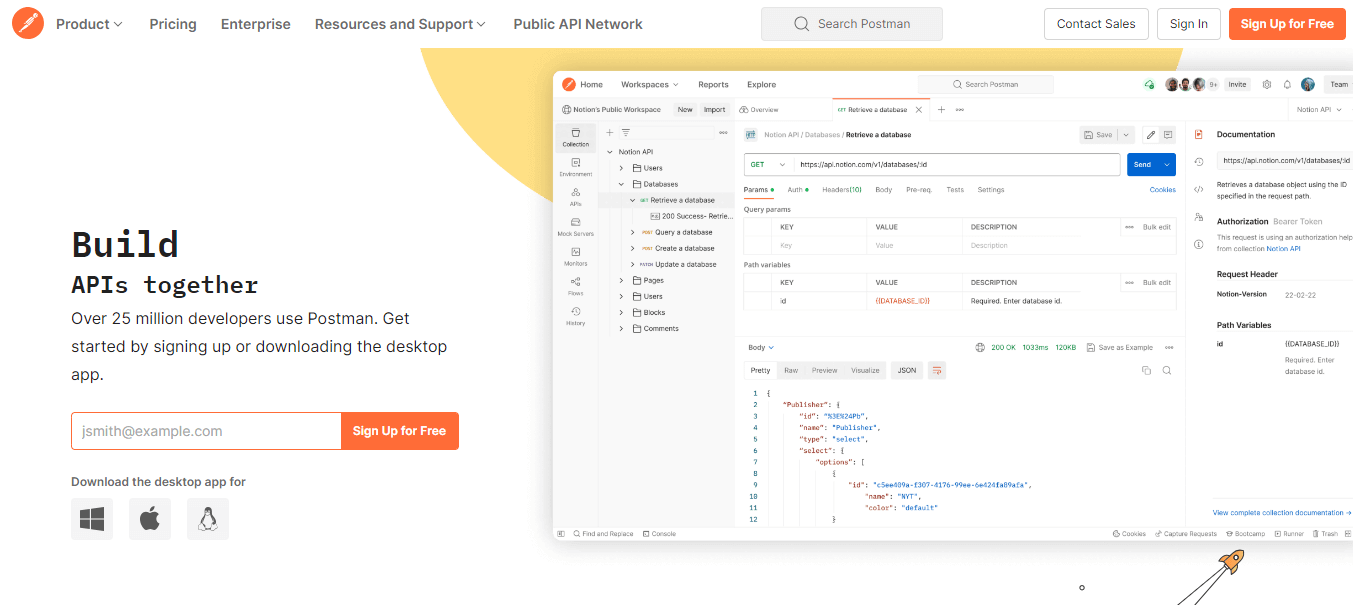
Here are the key features of Postman:
- Manages every aspect, from creating and organizing API tests to executing them and generating comprehensive reports.
- Focuses on RESTful APIs and can also manage SOAP requests to a certain extent.
- Brings in CSV or JSON files effortlessly, utilizing them to drive iterative tests.
- Allows you to create collections of requests and define test scripts using JavaScript directly in the user-friendly Postman interface.
- Simulates backend service behavior when they're yet to be available.
- Provides a broad spectrum of test assertion options to validate API call responses.
- Integrates into your existing CI/CD pipeline and lets team members share collections, environments, and test suites.
Ideal for: developers and QA teams building and validating REST and SOAP API integrations from a familiar workspace.
3. SoapUI
SoapUI emerged as a widely popular open-source tool for testing web services, including SOAP and REST APIs.
Beyond its primary role, it functions as an integration testing tool, offering a user-friendly graphical interface that enables users like you to create test cases, define test steps, and configure test data.
Here are the key features of SoapUI:
- Handles both SOAP (Simple Object Access Protocol) and REST (Representational State Transfer) web services, ensuring seamless compatibility with various APIs.
- Provides an extensive array of assertion types for validating API responses, covering aspects such as status codes, content, headers, and more.
- Provides scripting mode to create custom logic and automate intricate test scenarios.
- Allows users to parameterize their test cases, facilitating the effortless modification of input data without altering the fundamental test case structure.
- Includes support for security testing and load testing, enhancing its versatility in evaluating web service robustness and security.
Ideal for: teams running in-depth SOAP and REST API tests with functional, security, and load checks in one tool.
4. Citrus
Citrus is an open-source integration testing tool for automating integration tests across messaging systems, APIs, databases, and more. It accommodates various messaging protocols and data formats, including HTTP, JMS, and FTP, making it suitable for testing interactions between different components in a software application.
It plays a dual role during integration tests, acting as a client and a consumer. As a client, Citrus sends requests to the System Under Test. As a consumer, it receives and processes responses, simulating real-world interactions between systems.
The following are the key features of Citrus:
- Provides the ability to create comprehensive integration tests that validate the end-to-end functionality of applications.
- Supports multiple transport protocols and data formats, such as HTTP, JMS, and SMTP, offering versatility for a range of testing scenarios.
- Supports testing messaging systems, making it an excellent tool for testing message-based APIs and web services.
- Provides a flexible test configuration, allowing testers to set up tests using XML, Java, or Groovy.
- Offers integration with various CI/CD tools like Jenkins and Bamboo, making it easy to integrate tests into a continuous delivery pipeline.
- Integrates with Apache Camel, Kubernetes, and Docker to support automated integration testing of microservice applications.
Ideal for: engineers testing message-based and microservice integrations across HTTP, JMS, FTP, and similar protocols.
5. IBM Rational Integration Tester
IBM Rational Integration Tester was formerly known as Green Hat and was later acquired by IBM in 2012. It is an appropriate integration testing tool for easing the test for SOA (service-oriented architecture) messaging and business process integration projects.
It is well known for its ability to effortlessly create scripts that mimic human tester behavior. This means tests can be run without scripting, either by recording existing actions within the software application or based on specified requirements.
The following are the key features of IBM Rational Integration Tester:
- Helps mitigate critical integration issues, bugs, and errors and promotes an iterative approach for optimal results.
- Supports a range of protocols such as HTTP, SOAP, JMS, and JDBC.
- Tests applications developed using various technologies, including Java, .NET, and mainframe.
- Offers service virtualization capabilities that help simulate the behavior of external systems, allowing tests to run in isolation.
- Provides storyboard mode for simplified editing and test visualization, and performs data-driven testing for the same series of actions using diverse data sets.
- Supports various data formats, including XML and JSON, commonly used in integration scenarios.
Ideal for: enterprise teams validating SOA messaging and business-process integrations with service virtualization.
6. VectorCAST
VectorCAST facilitates testing each module, component, or routine within embedded software, ensuring functionality works as intended and is free from bugs. It significantly reduces the time, effort, and costs linked to testing C and C++ software components crucial for validating safety and mission-critical embedded systems.
The following are the key features of VectorCAST:
- Allows you to create unit and integration tests for your C and C++ code, ensuring proper functionality before release while saving time and reducing costs.
- Details the source code statements or decision points exercised in single or multiple test runs using an integrated code coverage utility.
- Helps you create test cases and scenarios, simulating multiple functions across various units.
- Supports Probe Points that allow dynamic alterations to data or control flow to bolster testing capabilities.
- Supports host-based development testing using tools like Visual Studio and testing in your final embedded hardware target environment.
- Ensures compliance with safety-critical standards such as DO-178C, ISO 26262, and IEC 61508, providing the tools and documentation to support certification.
Ideal for: embedded C and C++ teams that need safety-critical integration and unit testing with code coverage.
7. LDRA
LDRA is one of the most established integration testing tools, popular in the software testing market for over 40 years. It helps you adhere to various software compliance standards, making it easy to perform a thorough analysis through integration testing.

Within the LDRA tool suite, LDRA TBrun is a unit and integration test tool that streamlines the creation and management of tests. It automates these processes, reducing manual effort and enabling developers to focus on implementing correct software functionality.
The following are the key features of LDRA:
- Offers a close and dynamic solution for integration testing across various types of software.
- Creates stubs for functions and variables outside the test scope, saving you time and effort.
- Supports testing on various platforms, including host, target, and simulator environments.
- Provides cost-effective solutions for integration and unit testing, ensuring the functionality of each software unit and the entire software.
- Allows you to store and maintain test data and results for automated regression analysis, making your testing process more efficient.
- Helps detect source code changes and benefits from tool-driven test vector generation.
Ideal for: teams in regulated, safety-critical industries needing standards compliance and full requirements traceability.
8. TESSY
TESSY is well known for automating dynamic module/unit and integration testing for embedded software while ensuring compliance with certification standards like DO-178B, IEC 61508, and ISO 26262.
This is yet another top integration testing tool that seamlessly manages the testing process, including requirements, traceability, test management, and coverage measurement.
The following are the key features of TESSY:
- Offers a visual editor for writing test cases and an automatic generator that derives test cases from templates.
- Gives various reporting options, including HTML, JUnit, and JSON formats.
- Provides three primary functions, the Test Interface Editor (TIE), Test Data Editor (TDE), and Workspace, to streamline testing processes.
- Offers the Classification Tree Editor (CTE) to define varied test cases systematically.
- Supports both C++ and C programming languages, enhancing its versatility.
Ideal for: embedded software teams automating module and integration testing with certification-standard support.
9. FitNesse
FitNesse is a well-known integration testing tool that provides functional testing, also recognized as acceptance testing, integrated at a business level. This contrasts with testing at a user interface level.
The following are the key features of FitNesse:
- Provides a collaborative environment where multiple team members can actively contribute to test development and documentation.
- Integrates with version-control systems like Git, letting users manage test cases, specifications, and changes within a version-controlled environment.
- Supports developing custom plugins and extensions to meet your testing requirements or integrate with other tools.
- Supports an Agile style of regression, acceptance, and black-box testing.
Ideal for: teams practicing acceptance-test-driven, business-readable integration testing alongside developers.

Types of Integration Testing Approaches
Integration testing follows top-down, bottom-up, or mixed (sandwich) approaches, and teams choose tools that fit whichever approach they use.
Each of the tools above aligns with one or more of the following integration testing approaches:
- Top-down: This method initiates testing with the highest-level modules or components and progressively integrates lower-level ones.
- Bottom-up: In contrast to top-down, this approach starts testing with the lowest-level modules or components and gradually integrates higher-level modules.
- Mixed or sandwich: Also termed hybrid integration testing, this approach combines elements of both top-down and bottom-up methods to ensure thorough integration testing.
What Are the Benefits of Integration Testing Tools?
Integration testing tools automate test execution, detect bugs early, and scale with complex applications, improving efficiency and software quality.
Integration testing tools provide numerous advantages that can notably enhance the efficiency and effectiveness of integration testing. Here are the primary benefits:
- Automation: The automation capabilities of these tools enable the execution of tests without manual intervention, resulting in time and effort savings.
- Defect Identification: Integration testing tools contribute to the early identification and detection of bugs associated with component interactions, helping to address issues proactively.
- Scalability: Integration testing tasks tend to grow quickly as each new component is added to the software. A good integration testing tool should be flexible and scalable to handle this growth effectively.
- Customization: Some customization options enable experienced testers to write test scripts for very specific issues, so they can automate common scenarios while also creating test cases to fit unique requirements.
- Collaboration and Reporting: By offering a centralized platform for test case management, execution, and result sharing, integration testing tools foster enhanced collaboration among development and testing teams.
Ranorex
Ranorex Studio is an automation tool for desktop, mobile, and web applications. It includes a robust set of features to perform integration testing, allowing the testing of complex applications, APIs, and the interoperability of multiple applications or systems.
The tool gives users all the necessary tools for web automation, featuring capture-and-replay, a complete IDE, and built-in reporting capabilities, with the added strength of Selenium WebDriver embedded in the Ranorex core API.
The key features of Ranorex are:
- Tests and validate web applications across popular browsers, including Chrome, IE, Safari, and Firefox.
- Proves valuable for regression testing in continuous build environments, facilitating the easy and quick identification of new software bugs.
- Simulates real-world scenarios and scrutinizes interactions between different components with Ranorex.
- Enables technical and non-technical users to create and execute tests, making it an excellent tool for developers and testers.
Sita Corp
Sita Corp or SITA (Smart Integration Test Accelerator) is a widely utilized integration testing tool with a business-centric approach. In the present time many organizations are shifting towards business-oriented architecture.
The conventional bottom-up approach to integration testing requires a substantial effort to generate test data. Wipro Smart Integration Test Accelerator (SITA) is the best solution for overcoming these challenges. This tool facilitates the efficient generation of test data and design.
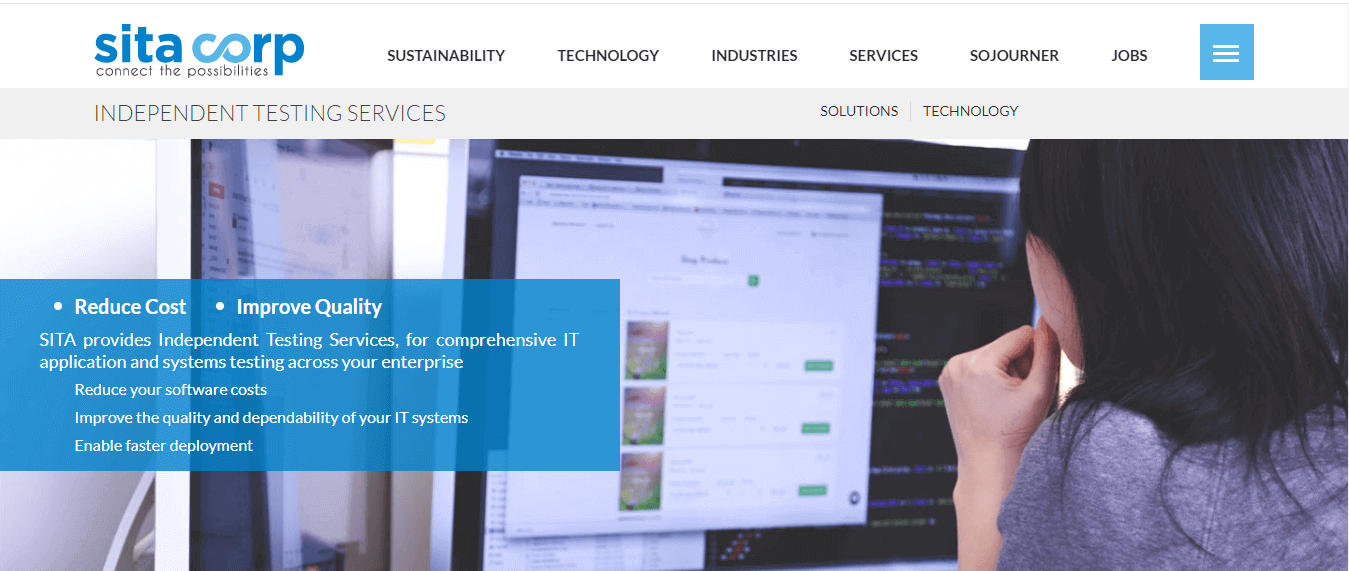
The following are the key features of SITA:
- Automates test data that covers a broader spectrum of essential business scenarios, reducing faults in production or UAT.
- Proves to be cost-effective due to the reusability of test data and test cases.
- Offers automation of diverse test design activities.
- Enables easy integration with tools like HP ALM, IBM Rational, etc.
Validata MSG
Validata MSG is a widely used integration testing tool designed to automate the integration testing process and enhance its efficiency. It is an automated testing framework for SWIFT, SOA, ATM, and Generic Interface testing.
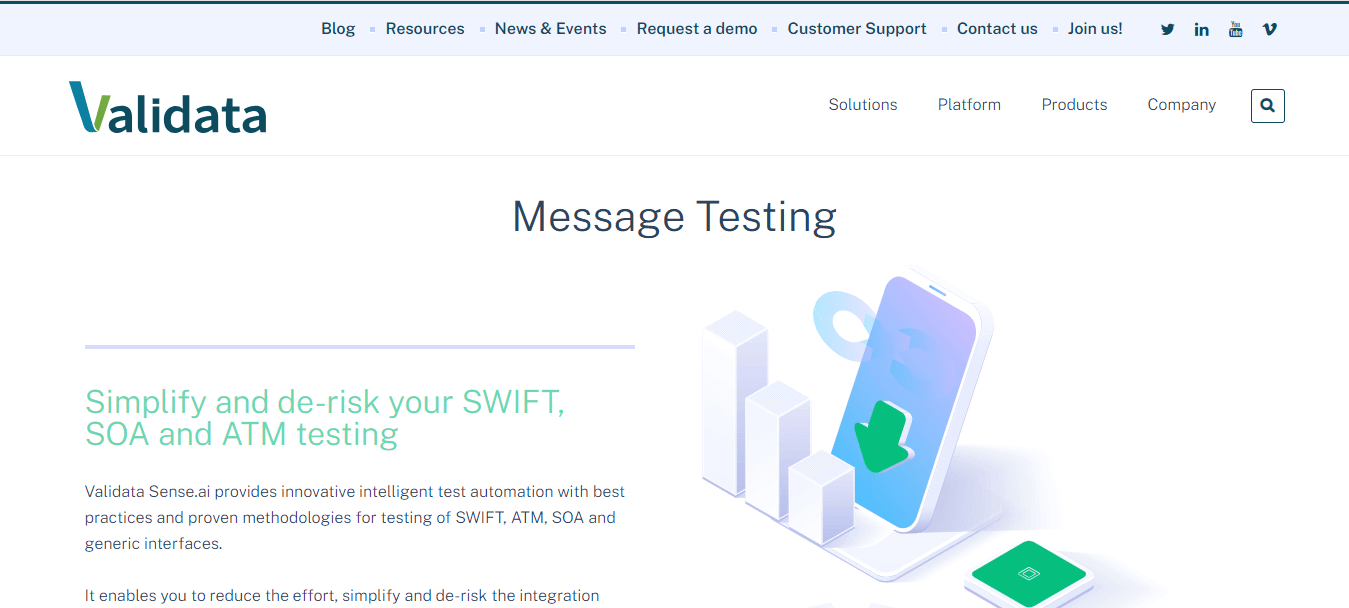
This integration tool functions to simplify and expedite the integration testing phase.
This is possible as it streamlines the complexities associated with integration testing, reduces the execution time, and stimulates various business use and test cases for heightened effectiveness.
The following are the key features of Validate MSG:
- Replicates real-life business scenarios.
- Allows the creation and testing of end-to-end scenarios at different levels.
- Ensures data content and the application’s sending and receiving behavior.
- Offers an all-in-one solution for ensuring file formatting, data content, and an improved testing process flow.
- Incorporates reusability, which significantly enhances testing efficiency and productivity.
- Provides diverse end-to-end business cases and scenarios for efficient integration testing.
- Leverages an extensive set of pre-built test scenarios, further improving the efficiency of integration testing.
VectorCAST/Ada
It is another integration testing tool from Vector Software is VectorCAST/Ada, specifically designed for developers working on projects in the Ada programming language.
This tool offers automated testing solutions for both integration and unit testing; hence, it plays an important role in verifying the safety and reliability of critical embedded systems.
VectoCAST/Ada facilitates unit testing locally or through a target simulator. The generation of code occurs after the formation of each component or module.
The following are the key features of VectorCAST/Ada:
- Integrates with various applications, including IBM Rational and Green Hills.
- Generates stubs and drivers automatically using the code generator in VectorCAST/Ada.
- Offers a way to perform integration testing through the GUI (Graphical User Interface) and scripts.
- Comes equipped with a comprehensive code complexity analysis and risk highlighting feature, enhancing the effectiveness of integration testing outcomes.
- Provides a seamless integration solution with various systems and software, including IBM® Rational® Rhapsody®, DDC-I™ SCORE®, IBM® Rational® DOORS®, AdaCore GNAT, Green Hills® AdaMULTI™, Atego™ ObjectAda®, and other compatible tools.
- Utilizes existing test cases to achieve automated regression testing.
- Implements code complexity analysis to identify high-risk code segments.
Protractor
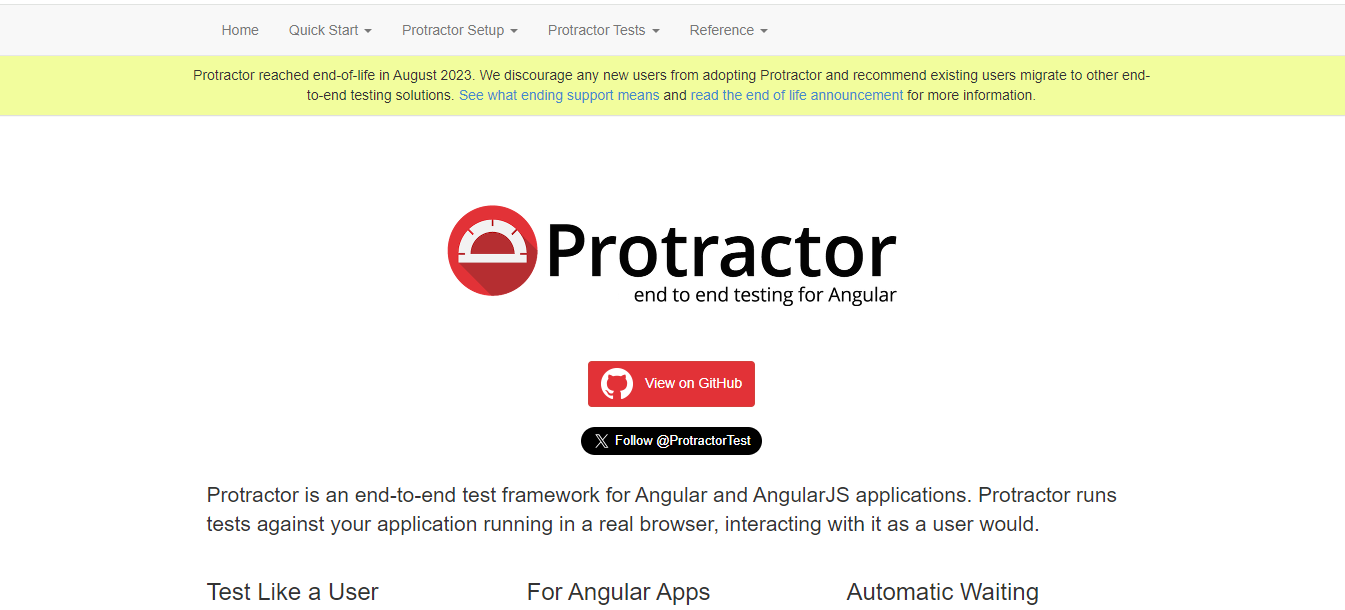
Protractor is a comprehensive end-to-end testing framework designed explicitly for AngularJS applications. It is a solution integrator, combining powerful tools and technologies like Node.js, Selenium WebDriver, Jasmine, Cucumber, and Mocha.
Initially created by Google Developers to support Angular applications, Protractor has transitioned into an open-source framework that now extends its support to both Angular and non-Angular applications.
The following are the key features of the Protractor:
- Offers specialized support for Angular applications, featuring angular-specific locators like ng-model, ng-bind, ng-repeat, and more.
- Demonstrates proficiency in handling non-Angular applications.
- Runs test scripts across multiple browsers, including Chrome, Firefox, Safari, IE11, and Edge.
- Provides a stable API for interaction with web browsers.
- Supports asynchronous testing, a crucial aspect in dealing with web applications.
- Simplifies configuring reports, especially compared to non-Node.js-based open-source automation frameworks.
- Supports various assertion libraries, such as Jasmine, Mocha, or custom libraries of your choice.
What Are Some Bonus Tools for Integration Testing?
Additional integration testing tools include EZscript, Steam, Spock, and Pioneerjs, providing automation, defect detection, and support for various technologies.
So far, we have explored some of the top integration testing tools to be used in 2026. However, you can also consider using the integration testing tools below based on your software project requirements.
EZscript
EZscript is a popular integration testing tool that helps organizations automate their testing processes. It facilitates the evaluation of diverse software application components and systems, ensuring their intended functionality and correct integration.
It supports defect detection and automated elimination, enhancing the overall efficiency of the testing procedure. Further, EZscript improves compatibility with various testing frameworks like JUnit and NUnit and provides the ability to generate reports in formats like HTML, JUnit, and JSON.
EZScript enables the effective management of test data and the testing environment, contributing to the consistency and stability of the testing process.
It also Integrates with other tools, including Jira, Jenkins, and Git, expanding its utility and interoperability. Plus, EZScript Identifies objects through mapping to the object repository, ensuring precision in testing procedures.

Steam
In 2008, GitHub introduced Steam, a tool designed for integration testing. Steam is an open-source automation platform to test websites with JavaScript support, relying on Java Runtime, RJB, and HTMLUnit (a jar file).
Spock
For Java and Groovy applications, the testing framework Spock comes into play. Compatible with various IDEs and Continuous Integration servers, Spock facilitates the creation of easy-to-write and easily interpretable tests.
One of its intriguing characteristics is the simultaneous execution of assertion testing and mocking. Spock for JAVA offers numerous valuable features, including compatibility with testing frameworks (such as JUnit and NUnit) and report formats (like HTML, JUnit, and JSON).
Pioneerjs
Pioneerjs simplifies integration test scripting and debugging, saving substantial time. It enables the maintenance of a legible code base for both programmers.
The tool incorporates features that streamline testing automation and simplify defect resolution. Pioneerjs supports various web application testing frameworks, including AngularJS and React, and offers diverse reporting options, such as HTML reports, JUnit reports, and JSON reports.
What Key Features Should You Consider When Selecting Integration Testing Tools?
Consider compatibility with various technologies, test data management, ease of use, CI/CD integration, and scalability when selecting integration testing tools.
When selecting integration testing tools, it's essential to consider some factors:
- Make sure the tool can handle integration with technologies like REST, SOAP, messaging queues, databases, and APIs, so it is compatible with the way your integrations are set up.
- The tool should help with managing test data, including creating data, masking it, and supporting data-driven testing.
- A tool should be easy to use when designing and running integration test cases, letting you define test steps, inputs, expected outputs, and checks without being complicated.
- It should allow you to make reusable test cases and offer options for prioritizing tests, scheduling them, and running multiple tests at the same time.
- It should integrate smoothly into your Continuous Integration (CI) pipeline so it can automatically run integration tests as part of your overall development process.
Besides the above factors, it's also important to test on real browsers and operating systems. Maintaining an in-house test infrastructure can be challenging and comes with scalability and reliability issues, which is why cloud-based platforms like TestMu AI are a viable option.
Conclusion
In this blog, we've explored the best integration testing tools available in the market. Integration testing holds immense significance in ensuring functionality and smooth interactions among different software modules.
It's crucial for software development teams to opt for suitable integration testing tools to ensure the effective operation of their software during the system integration testing phase in the Software Development Life Cycle.
The tools covered here provide diverse options for automating testing and reducing the time spent tracking and fixing bugs. Choose the one that best aligns with your software project requirements, and get started by running your first suite on the TestMu AI cloud grid.
Author

Nazneen Ahmad
Blogs: 39


Nazneen Ahmad is a freelance Technical Content SEO Writer with over 6 years of experience in crafting high ranking content on software testing, web development, and medical case studies. She has written 60+ technical blogs, including 50+ top-ranking articles focused on software testing and web development. Certified in Automation Basic and Advanced Training - XO 10, she blends subject knowledge with SEO strategies to create user focused, authoritative content. Over time, she has shifted from quick, keyword-heavy drafts to producing content that prioritizes user intent, readability, and topical authority to deliver lasting value.
Reviewer

Saurabh Prakash
Reviewer
Saurabh Prakash is an Engineering Manager at TestMu AI (formerly LambdaTest), where he leads engineering on agentic AI development and scalable system architecture for the quality engineering platform. He has also contributed to Test at Scale, the company's open-source test intelligence platform. He brings over 9 years of experience across Node.js, Java, Spring, MVC, data structures, algorithms, and scalable system design, with earlier roles as SDE 2 at Zomato, Senior Software Engineer at LogicHub, and Software Development Engineer at Directi. Saurabh holds a B.Tech in Computer Science and Engineering from Delhi Technological University.


Integration Testing Tools FAQs
Did you find this page helpful?
More Related Blogs
TestMu AI forEnterprise
Get access to solutions built on Enterprise
grade security, privacy, & compliance
- Advanced access controls
- Advanced data retention rules
- Advanced Local Testing
- Premium Support options
- Early access to beta features
- Private Slack Channel
- Unlimited Manual Accessibility DevTools Tests