How to Perform API Testing With REST Assured on HyperExecute
To run REST Assured API tests on HyperExecute, download the HyperExecute CLI, set your TestMu AI credentials, point the CLI at a hyperexecute.yaml configuration, and trigger the run. REST Assured is a Java library for testing REST APIs, and HyperExecute is the TestMu AI test orchestration platform that discovers your tests, runs the suite on its cloud grid, and reports the results in the dashboard.
Run your own REST Assured (Java + Maven) project or the ready-made sample used in the steps below.
Prerequisites
Before you start, make sure you have:
- Java (JDK 8 or above) and Maven installed and on your
PATH(java -versionandmvn -versionshould both succeed). REST Assured is a Java library, so the suite builds with Maven. - Git, to clone the sample repository.
- A TestMu AI account. Get your
LT_USERNAMEandLT_ACCESS_KEYfrom the TestMu AI Profile. You will export them in Step 3.
How the REST Assured sample works
The sample is a Java + Maven project that uses REST Assured with TestNG. REST Assured sends HTTP requests (GET, POST, PUT, DELETE) and asserts on the responses using a readable given().when().then() syntax. For example, this call fetches a resource and asserts that the API returns a 200 status code:
given().when().get(url).then().assertThat().statusCode(200);
RestAssured.baseURIsets the common part of your endpoints so you don't repeat it.given()sets up the request,when()sends it, andthen()handles the response and assertions.log().all()prints the request and response for debugging, andextract().response().asString()returns the response body as a string.
You don't need to change the test code to run it on HyperExecute. The steps below build the suite with Maven and hand execution to the HyperExecute grid through hyperexecute.yaml.
Run the REST Assured suite on HyperExecute
Step 1: Clone the sample repository
Clone the REST Assured API testing sample from the TestMu AI GitHub repository, or use your own project.
Download or clone the REST Assured API testing sample from the TestMu AI GitHub repository to run the tests on HyperExecute.
 View on GitHub
Step 2: Download the HyperExecute CLI
The CLI triggers your tests on HyperExecute. Download the binary for your platform and keep it in the root directory of the test suite.
Step 3: Set your TestMu AI credentials
Export the LT_USERNAME and LT_ACCESS_KEY from your TestMu AI Profile (linked in the Prerequisites) as environment variables. The CLI reads these to authenticate your run.
- Linux / macOS
- Windows (PowerShell)
export LT_USERNAME="undefined"
export LT_ACCESS_KEY="undefined"
$env:LT_USERNAME = "undefined"
$env:LT_ACCESS_KEY = "undefined"
Step 4: Review the hyperexecute.yaml
The hyperexecute.yaml at the repository root tells HyperExecute how to build the suite, discover tests, and run them. It ships ready to use. Review it to see the pre (Maven build), testDiscovery, and testRunnerCommand steps.
loading...
Step 5: Trigger the run from the CLI
From the root folder of the project, run the CLI against your YAML file:
Verified./hyperexecute --config RELATIVE_PATH_OF_YOUR_YAML_FILE
If you did not export your credentials in Step 3, pass them inline instead:
Verified./hyperexecute --user undefined --key undefined --config RELATIVE_PATH_OF_YOUR_YAML_FILE
If macOS reports permission denied when you run the CLI, make it executable with chmod u+x ./hyperexecute. If a security popup appears, allow the binary from System Preferences → Security & Privacy → General.
Step 6: Monitor the run in the dashboard
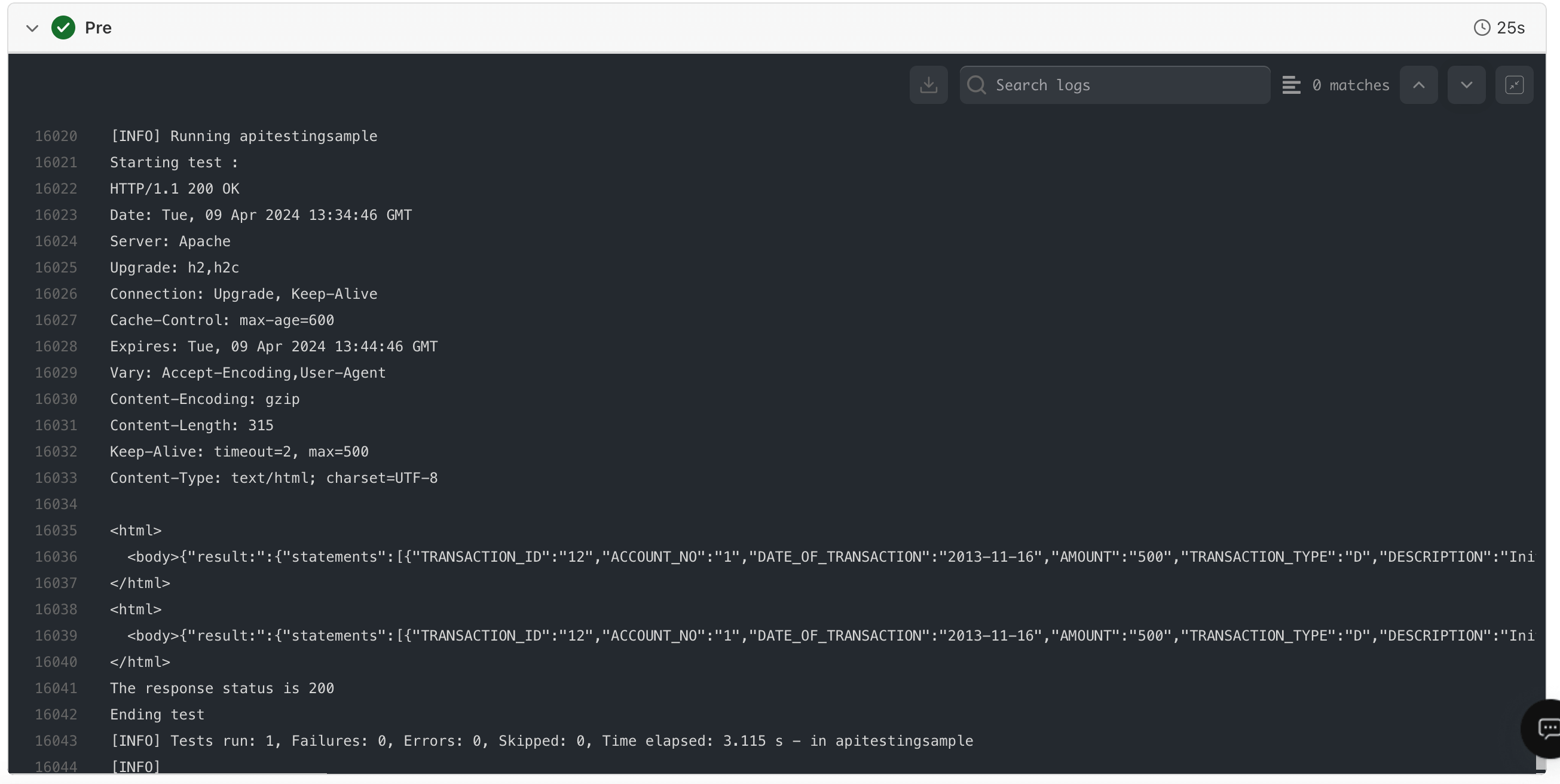
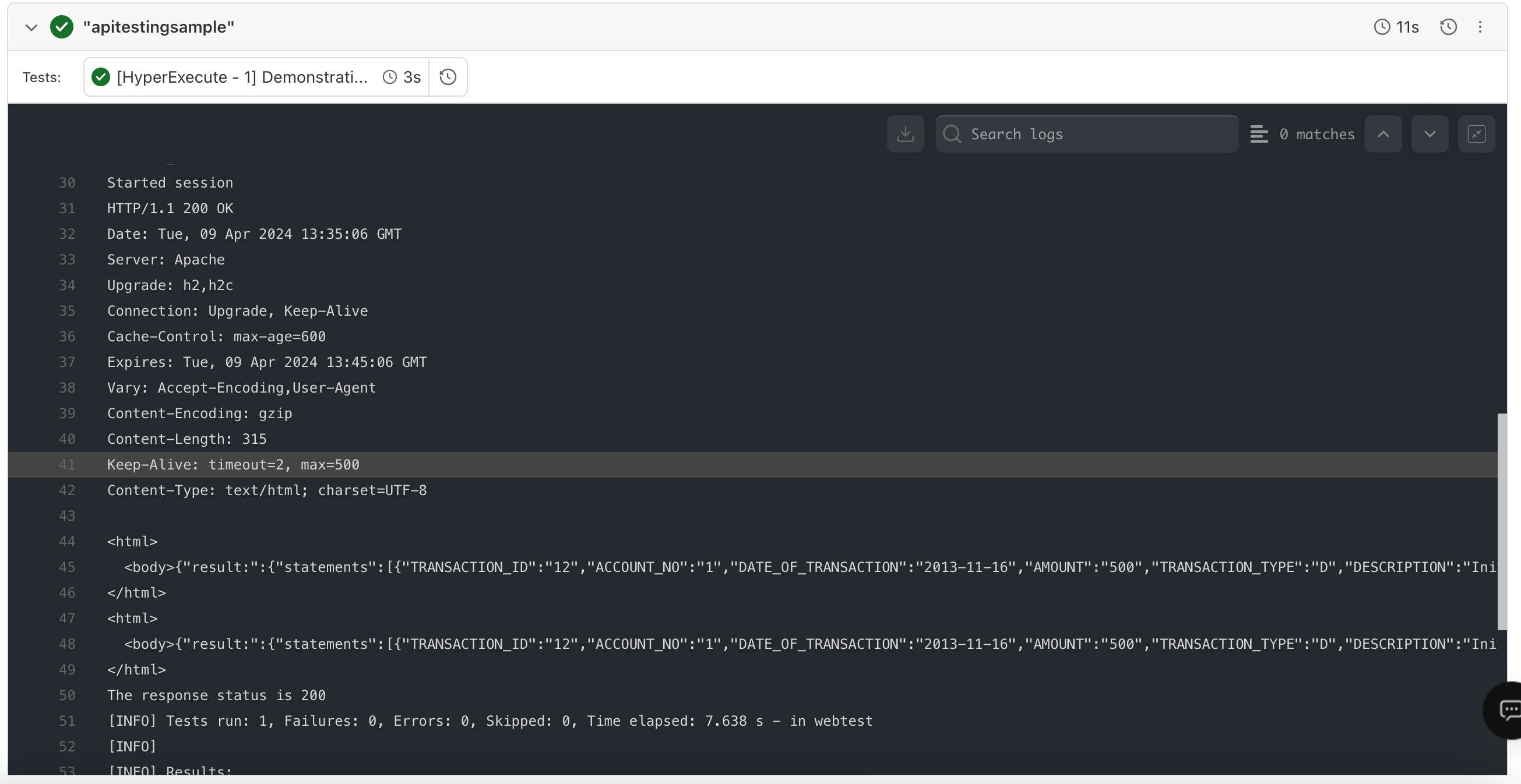
Open the HyperExecute Dashboard and find your job. A successful run shows the job as Completed with passing tests, and the pre, scenario, and post stages available as logs. Open each stage to validate the API responses your suite tested.
Pre-run logs
Scenario logs
Post-run logs

Related resources
Getting started with HyperExecute
Set up HyperExecute and trigger your first job on the grid.
hyperexecute.yaml parameters
Reference for every YAML key, with examples you can copy.
Auto-split test execution
Distribute tests across parallel machines automatically.
HyperExecute FAQs
Common questions on YAML, the CLI, and the platform.


 Chat with Us