Enhance Web Accessibility with TestMu AI Accessibility Automation
Enhance Web Accessibility with TestMu AI Accessibility Automation
 Playlist

- How to Schedule and Automate Accessibility Scans With TestMu AI
- How to Perform Real-Time App Testing on Emulators & Simulators (Updated)
- How to Perform Real-Time Testing on Desktop Browsers (Updated)
- How To Perform Real Time Browser Testing On Emulators And Simulators (Updated)
- How to Perform Real-Time App Testing On Real Devices (Updated)
- How to Perform Real-Time Browser Testing on Real Device Cloud (Updated)
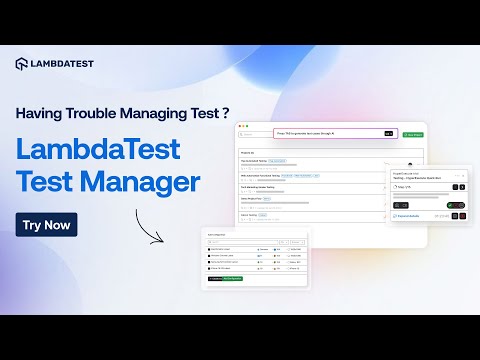
- TestMu AI Test Manager: AI-Native Test Case Management! [Must-Have Tool]
- Meet KaneAI: The Smartest GenAI-Native Test Agent for QA Teams
- How to Perform Visual Regression Testing with SmartUI (Updated)
- How to Perform Fast & Reliable End-to-End Testing with HyperExecute (Updated)
- How to Perform Automation Testing of Websites & Mobile Apps (Updated)
- Complete TestMu AI Tutorial | All-In-One Demo For TestMu AI Products And Features
- Introducing The All New LT Browser 2.0!🖥️ | TestMu AI
- How To Perform Real Time Testing On Desktop Browsers | Manual Testing
- How To Perform Real Time Testing On Mobile Browsers | Manual Testing
- How To Perform Real Time Browser Testing On Real Devices | Manual Testing
- How To Perform Real Time App Testing On Emulators & Simulators | Manual Testing
- How To Perform Real Time App Testing On Real Devices | Manual Testing
- How To Perform Automation Testing On Desktop Browsers | TestMu AI
- How To Perform Automation Testing On Mobile Browsers | Automation Testing
- How To Perform App Automation On Real Devices | Automation Testing
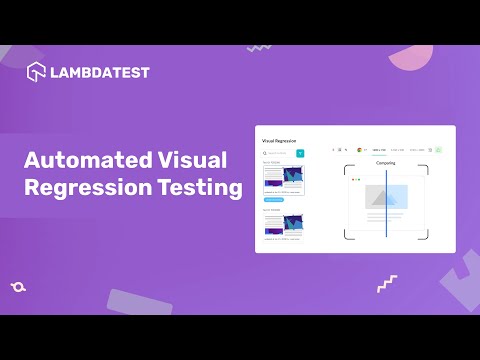
- How To Perform Automated Visual Regression Testing | TestMu AI
- How To Integrate TestMu AI With Third-Party Tools | TestMu AI
- How To Perform Local Testing Using UnderPass | TestMu AI
- How To Perform Automated Screenshot Testing📱| TestMu AI
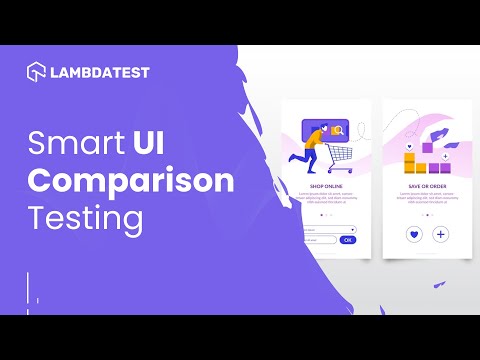
- How To Perform Smart UI Comparison Testing | TestMu AI
- How To Perform End-To-End Testing Using HyperExecute | TestMu AI
- How To Integrate Katalon Studio And TestMu AI For Codeless Automation Testing
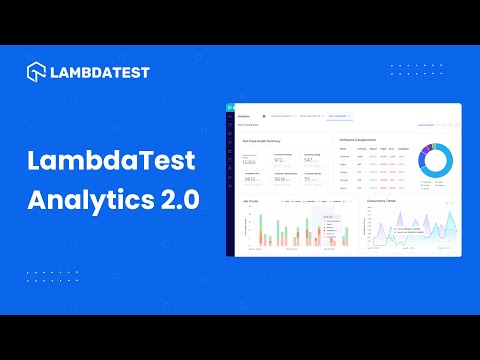
- Introducing TestMu AI Analytics 2.0 | AI-Native Test Analytics And Observability Suite
- How To Integrate Katalon Studio And HyperExecute | TestMu AI
- How To Integrate Azure Pipelines And HyperExecute | TestMu AI
About the Video
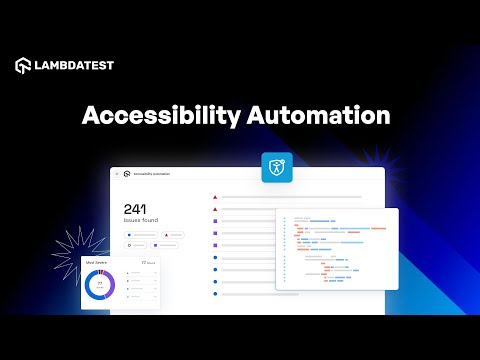
Watch this video to get hands-on with automated accessibility testing and see how it simplifies compliance with standards like WCAG! 🔍
📢TestMu AI Accessibility Automation unlocks the power of automated tools and scripts to pinpoint and report accessibility roadblocks within your web applications. This ensures your digital content is inclusive and usable by everyone, including people with disabilities.
In under three minutes, this walkthrough goes from an unconfigured project to a triaged list of accessibility violations. You will see where a manual review stops scaling, how an automated scan covers the same ground on every release, and what the resulting report actually tells a developer who has to fix the markup.
Key Topics Covered
Where Manual Accessibility Testing Runs Out A screen reader pass over a handful of screens says very little about the hundreds of others, and it has to be repeated by hand after every change. That is fine for a spot check and unworkable as a release gate, which is the gap automated scanning is meant to close.
Setting Up Automated Accessibility Tests The video walks through configuring a scan against your web application, with no separate framework to stand up. Checks run against the page as it renders in a real browser, so what gets evaluated is the DOM your users actually receive rather than a static approximation of it.
Executing Tests and Viewing Results Once a scan completes, results land in the TestMu AI dashboard rather than in raw console output. You see which pages were covered and which checks failed, without stitching together logs from separate runs.
Analyzing the Accessibility Report Findings are grouped by rule and severity instead of arriving as one flat list of errors. That grouping is what tells you whether you are looking at a single systemic problem repeated across a shared template, or several unrelated defects that need separate owners.
Fixing Issues Effectively Every finding names the element and the rule it violates, which turns "this page fails accessibility" into a specific, assignable change. Re-running the scan confirms the fix, and scheduling scans keeps the same violations from reappearing in a later release.
Video Chapters
00:00 Introduction & Challenges of Manual Accessibility Testing
00:12 Why Automated Accessibility Testing is Essential
00:39 Setting Up Automated Accessibility Tests
01:02 Executing Tests & Viewing Results in TestMu AI
01:24 Analyzing Accessibility Reports & Issue Breakdown
01:53 How to Fix Accessibility Issues Effectively
02:06 Conclusion: Enhancing Testing with Accessibility Automation
Related Blogs & Hubs

TestMu AI
TestMu AI (Formerly LambdaTest) is an AI-Native test orchestration and execution platform that allows you to perform both manual and automated testing across 3000+ environments, making it a top choice among other cloud testing platforms.