

Next-Gen App & Browser Testing Cloud
Trusted by 2 Mn+ QAs & Devs to accelerate their release cycles


15 Best Automated UI Testing Tools for 2026
Explore the top UI automation tools, learn what is automation UI testing, the challenges in UI testing, and discover effective solutions in this guide.

Fahad Ashiq
February 8, 2026
The web development industry is growing, and many Best Automated UI Testing Tools are available to test your web-based project to ensure it is bug-free and easily accessible for every user. These tools help you test your web project and make it fully compatible with user-end requirements and needs.
UI automated testing tools test your complete GUI validations, functionalities, and usability of web-based applications or software. They are tested to meet the end-user or application/software requirements to ensure that they are fully providing the functionalities they are supposed to develop for and the best user experience for their users.
The need for UI automated testing tools ensures that the web layer or UI of a software/application is bug-free and easy to access without any user experience flaws and delays in processing some event action on it. Through website UI testing, you can also ensure that your website prevents all the slow loading, non-responsive, bad navigation, outdated design, poor content structure, and obstructive use of audio and video features inclusively.
In this article on the Best Automated UI Testing Tools, let’s see what is UI testing, the challenges while performing UI testing, and how to overcome those challenges using Best UI Automation Testing Tools.
What is UI Testing?
As the majority of people in today’s society rely heavily on the Internet to complete their day-to-day tasks, these interactions must be seamless and satisfying.
UI testing makes sure your website looks and works right. It helps ensure it’s easy to use and works on different web browsers and computers. UI testing is an excellent way to ensure your site is user-friendly and compatible with different browsers and operating systems. By automating GUI testing, you can ensure your users get a bug-free experience. You can also add to your test suite by including regression testing, which ensures that bugs are not reintroduced if changes are made to the code.
Here’s video on UI testing. Check it out!
UI testing requires integrating various tools and methodologies to create an effective website UI testing plan. So, if you are performing GUI testing, this UI testing checklist can help you save a lot of time.
Challenges while performing UI Testing
In this section, we will discuss the UI automated testing challenges and how to overcome and use them for your next testing project.
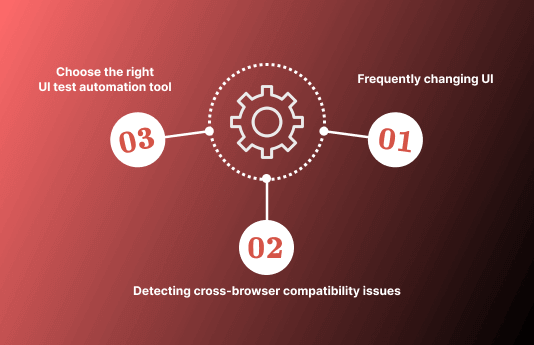
Here are a few of the major and mostly faced UI automated testing challenges:
- Frequently changing UI
UI testing is an important part of ensuring the functional quality of our product. This can significantly impact the development team’s efficiency and effectiveness, particularly when the UI changes often. The main challenge in dealing with frequent changes in the UI is that we have to ensure that all tests are adapted to the new changes. Since we work with a wide range of browsers (IE, Firefox, Chrome, Safari, Opera), our tests have many possible configurations (different resolutions, different browsers). We also need to check if our tests are still running correctly after each change in the codebase.
- Detecting cross-browser compatibility issues
UI testing has traditionally been a difficult task due to the presence of complex web applications. There are major compatibility issues between browsers, requiring a more careful testing process. Many issues arise because each browser interprets the HTML, CSS, and JS in its way. UI testing mainly focuses on detecting cross-browser compatibility issues to provide the best possible user experience for web applications.
- Choosing the right UI test automation tool
The best technique to increase the coverage, efficiency, and effectiveness of any software program is now thought to be through automation testing. It is changing how engineers conduct testing procedures. Having stated that, determining whether or not test automation is necessary is the most challenging assignment for each UI project. If so, what equipment (tools & steps) needs to be used? This establishes the foundation for automation to be viewed as a different skill set in general.
However, with many UI comparison tools available, choosing the right tool is the key to successful test automation. Let’s explore the top 15 UI automated testing tools in the next section.

15 Best UI Automation Testing Tools
The success of any UI testing approach depends on determining the right automation testing tool for the UI project. With so many commercial and open-source automation tools to choose from, choosing the right automation testing tools can become difficult.
To ease things for you, we have covered the most popular UI automated testing tools here:
1. TestMu AI
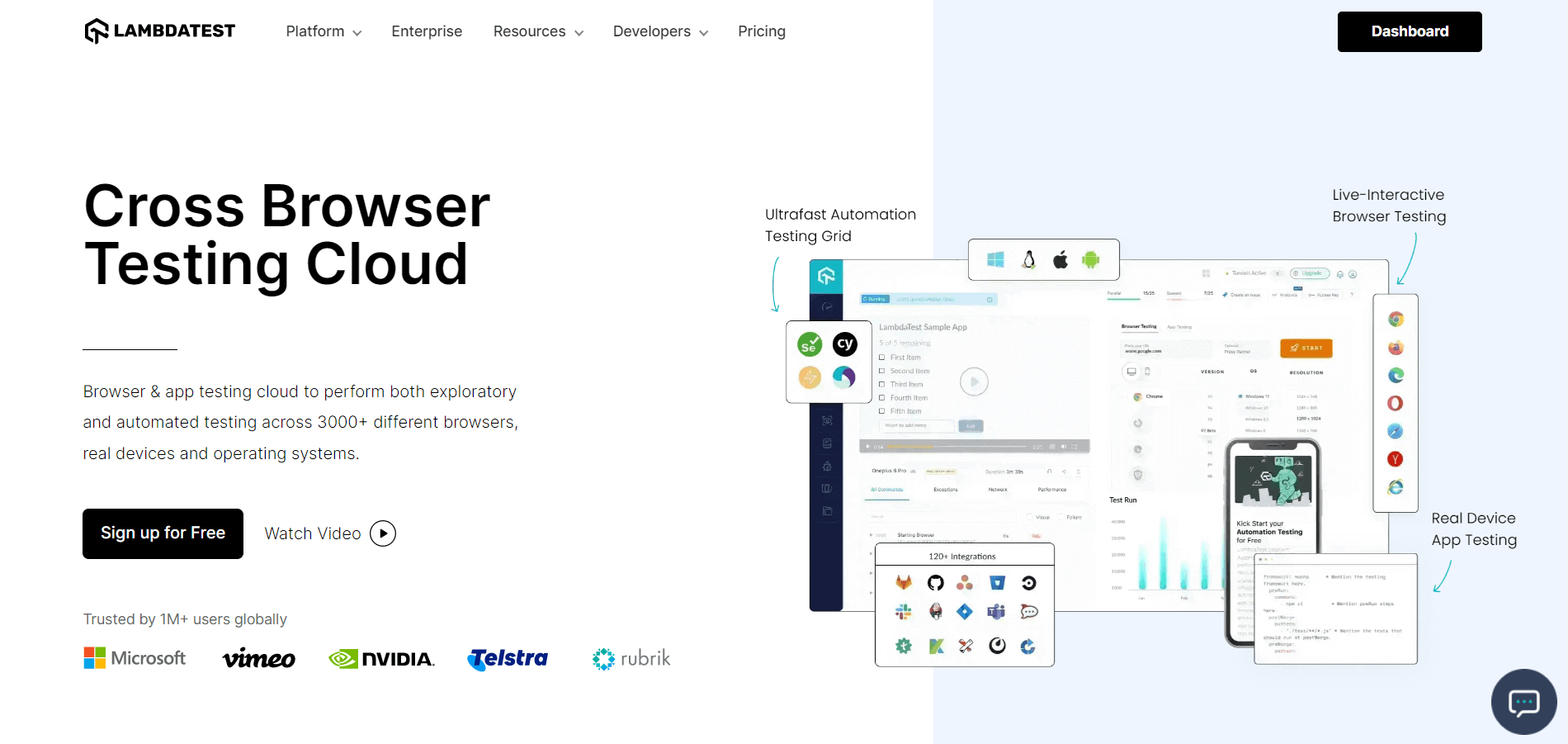
Having helped more than 1M+ users, TestMu AI, an AI-native test orchestration and execution platform has turned out to be the most favored automated UI testing platform to run automated UI tests. Users can perform automated web testing using its scalable, secure, and reliable cloud Selenium Grid on an online browser farm of 3000+ real browsers and browser versions to maximize your test coverage for UI automated testing.
You can also subscribe to the TestMu AI YouTube Channel and stay updated with the latest tutorial around automated browser testing, Cypress E2E testing, Mobile App Testing, and more.
Features that make TestMu AI one of the Best Automated UI Testing Tools:
- Automated UI testing with Selenium, Cypress, Playwright, and Puppeteer.
- App test automation using Appium, Espresso, and XCUITest.
- Automated device testing on real Android and iOS devices.
- Blazing fast test automation with HyperExecute.
- Real-time testing across 3000+ browsers and OS combinations.
- 120+ TestMu AI Integrations with third-party tools for CI/CD, Project management, bug tracking, codeless automation, and more.
- Parallel testing support for accelerating your release cycles.
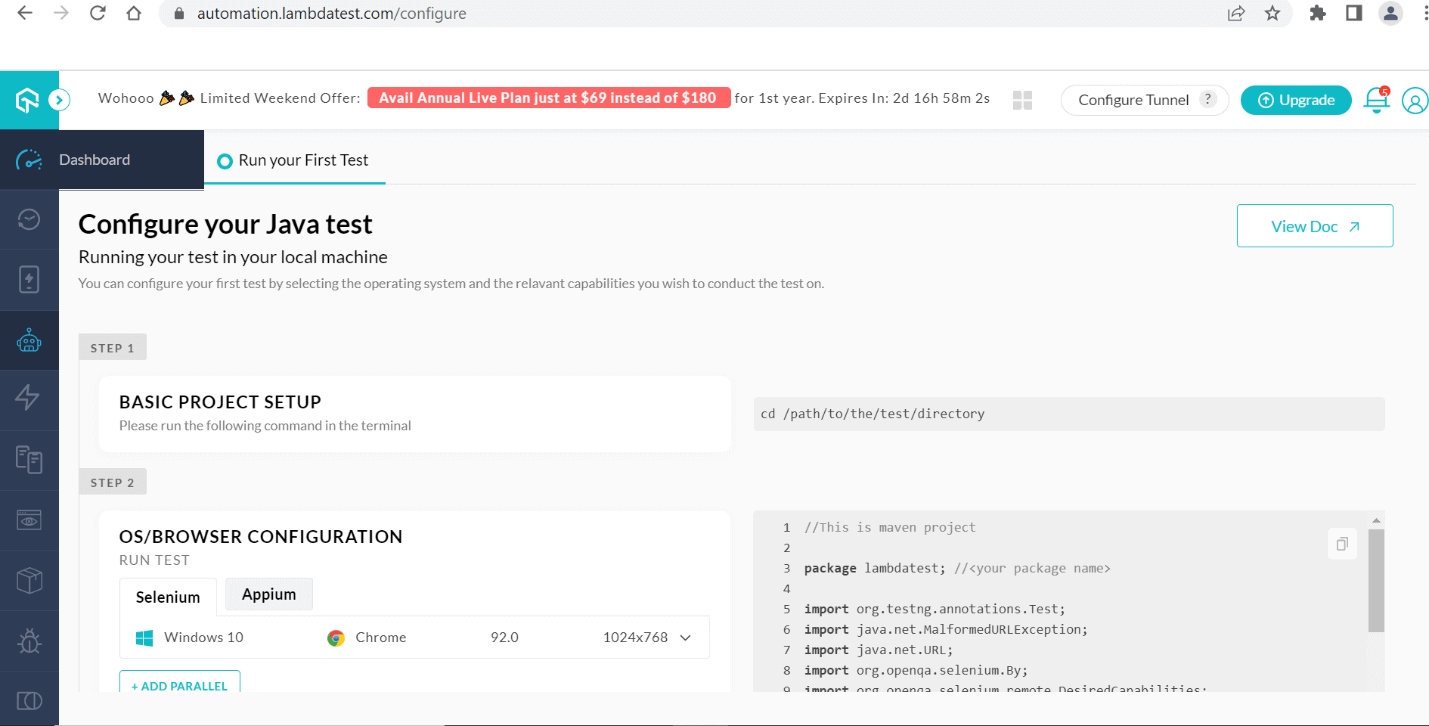
We have mentioned some steps to follow for UI automated testing using Lambda Test UI automated testing tools are as follows:
Step 1. Log in to your TestMu AI account. If you don’t have an account, sign up for free.
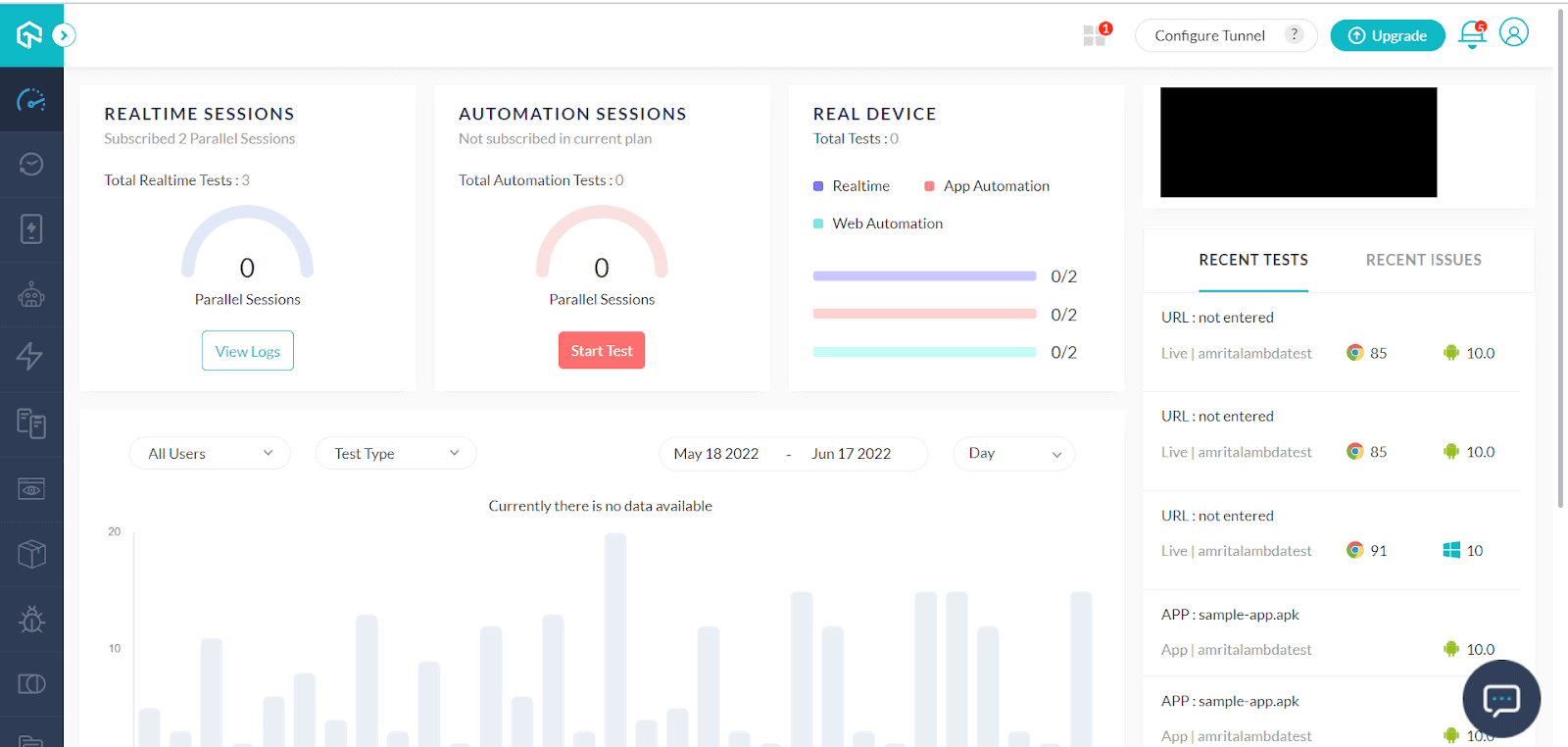
Step 2: Navigate to Automation > Builds from the left sidebar.
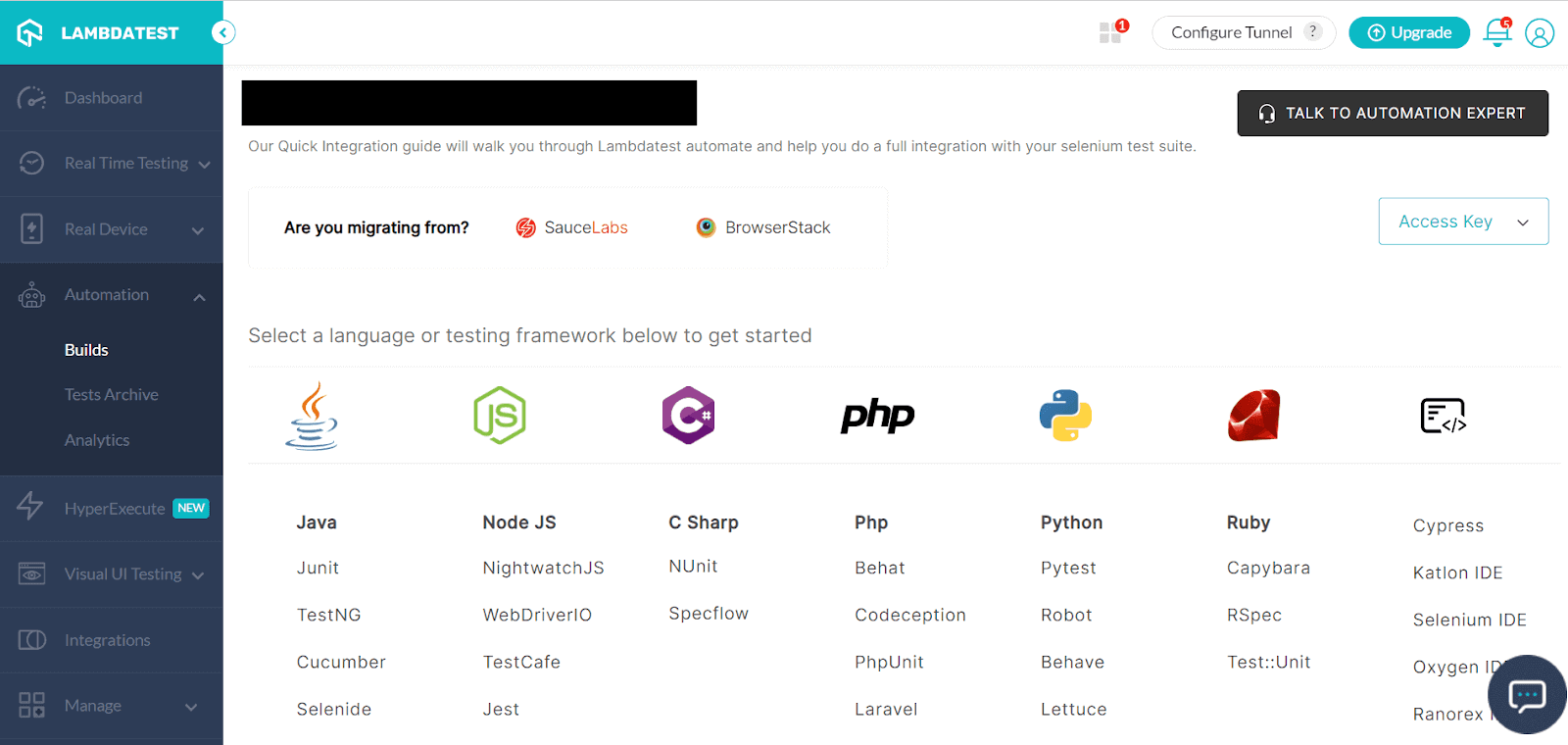
Step 3: Select the language of your choice and configure the environment accordingly. For example, for Java, you can configure the required details as given below.
2. Selenium
Selenium is a free (open source) UI automated testing tool used to validate web applications in different browsers and platforms. It is a leading test automation framework for all your web testing needs. If you are currently testing an application in a browser and want to speed up the process, you can automate the process with Selenium.
Features that make Selenium one of the Best UI Automation Testing Tools:
- Tests can be written in any of these languages: Java, Python, C#, PHP, Ruby, and JavaScript.
- Tests can be carried out in any of these OS: Windows, Mac, or Linux.
- Tests can be carried out using any browser: Mozilla, Firefox, Internet Explorer, Google Chrome, Safari, or Opera.
- Open-source and portable.
- Easy to identify and use web elements.
One of the major disadvantages of the Selenium UI automated testing tool is that the Selenium automated testing tool is only available and can execute test cases for the testing of web applications and websites. However, this is the most adopted tool for web UI automated testing.

Note: Run Selenium testing on cloud with TestMu AI. Execute Selenium scripts in parallel on multiple configurations, simultaneously with TestMu AI. Try TestMu AI Today!
3. Playwright
Playwright is an open-source automated testing tool steadily gaining popularity among UI developers. It combines an easy-to-use HTML form-based user interface with powerful features, including parameterized URL capabilities and the ability to record and playback user interactions with a website. Moreover, it comes with a customizable data-driven test workflow, the ability to generate dynamic data from the application under test, and cross browser testing capability, which help you perform Playwright testing at scale.
This UI automated testing tool supports multiple features for the automation of your test case for GUI testing, which makes your software bug free and accessible for the end-users, which are mentioned below:
Features that make Playwright one of the Best Automated UI Testing Tools:
- Playwright is fast because it runs its tests in your browser.
- Playwright is easy to use, so you can focus on writing tests instead of spending time figuring out how to write them.
- Playwright supports various rendering engines, including Chromium, Webkit, and Firefox.
Note: Run Playwright testing scripts across 50+ major browsers and OS, simultaneously. Try TestMu AI’s automation cloud and accelerate Playwright testing today.
4. Cypress
Cypress is a purely JavaScript-based UI automated testing tool built for the modern web. Its purpose is to remove the pain points developers or QA engineers face when testing modern applications. Cypress is a modern test runner that runs tests concurrently with your code. It provides native access to DOM elements and records test execution to provide maximum feedback.
Cypress is the best compared to the features available in Selenium; if we technically consider Cypress testing, it enables you to write faster, easier, and more reliable tests for your UI automated testing. We have discussed some prominent features of Cypress below:
Features that make Cypress one of the Best Automated UI Testing Tools:
- Cypress supports different browsers and can easily be extended with custom commands that allow you to automate almost every aspect of your development cycle.
- You can validate your tests in real-time, right within your browser.
- The Cypress executable has built-in commands that extend the framework’s functionality. There are many third-party plugins available for integration as well.
- The command line interface (CLI) for Cypress makes it easy to run your tests from any device or operating system. It allows you to share your test results with others across your team.

5. Appium
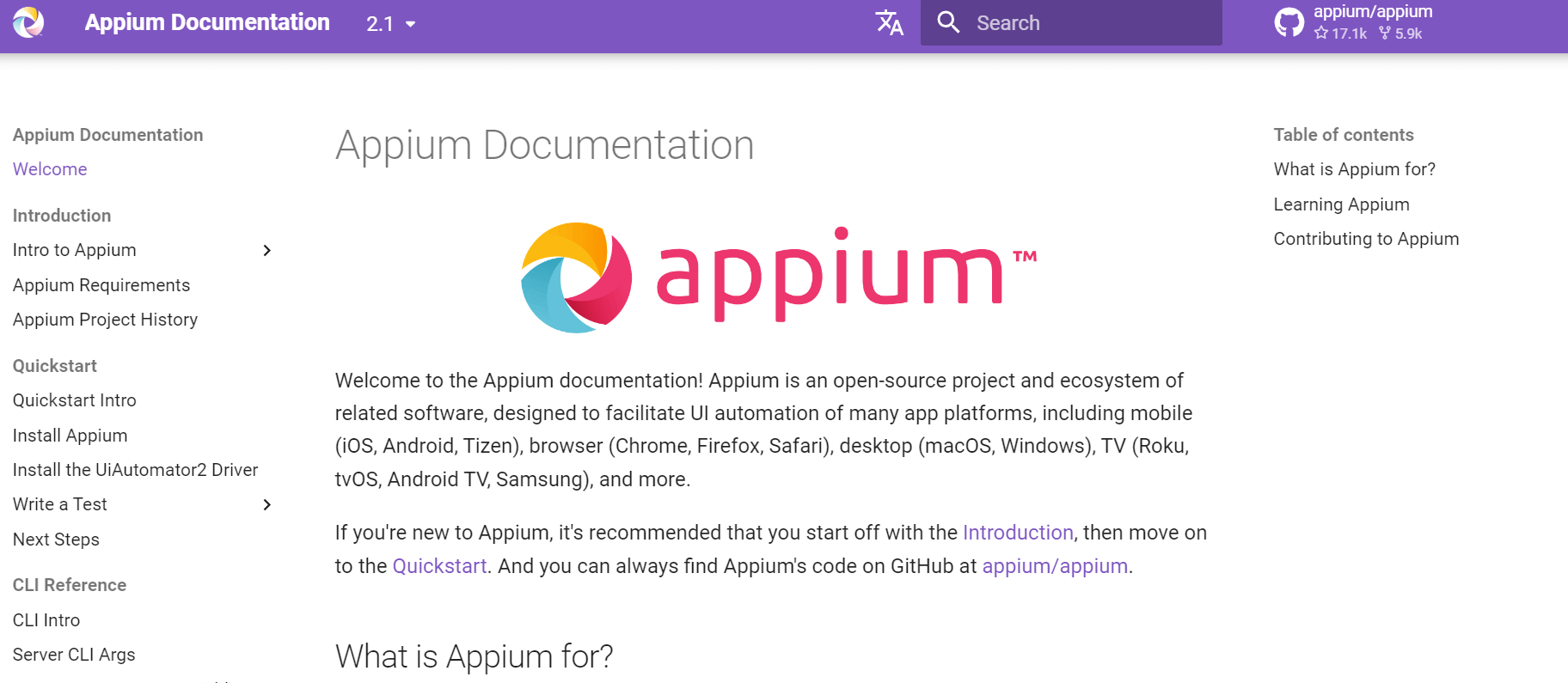
Appium is an open-source tool used for automating mobile applications. It allows QA engineers to write tests against mobile applications running on Android and iOS platforms, using the same API. The beauty of Appium lies in its flexibility: it supports various languages, test frameworks, and backing tools, making it a preferred choice among developers and testers for mobile application testing.
Whether it’s a native, hybrid, or mobile web app, Appium can handle it. With its user-friendly interface and strong community support, tackling the challenges of mobile app testing becomes a less daunting task. The tool has been designed to meet mobile automation needs, thus ensuring a seamless workflow in the testing environment.
Features that make Appium one of the Best Automated UI Testing Tools:
- Allows automation of Android and iOS applications using the same API.
- Supports various programming languages including Java, Python, and C#.
- Capable of testing native, hybrid, and mobile web applications.
- Provides an intuitive interface for writing and managing tests.
- Boasts strong community backing for troubleshooting and continuous learning.
6. Puppeteer
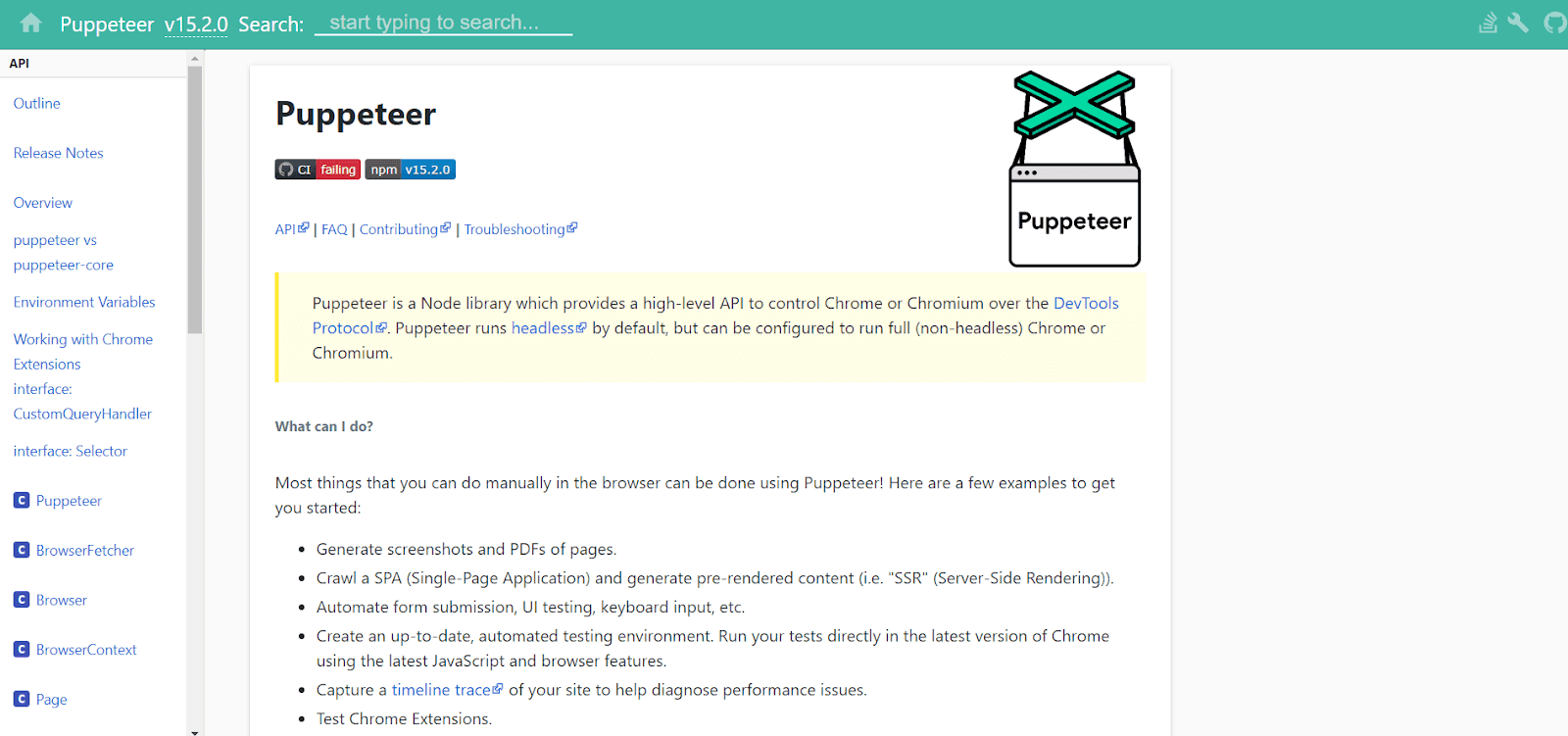
The Puppeteer framework is a Node.js library that provides a high-level API to control headless Chrome or Chromium over the DevTools Protocol. It allows you to easily automate websites and run tests without dealing with the WebDriver protocol and its quirks.
In its simplest form, you can think of Puppeteer as a high-level web scraping library: given some HTML page, it will extract all links and submit them to the browser. It will then capture the content for each link, recursively downloading the linked pages. This way, you can quickly parse a huge amount of data through Puppeteer testing without worrying about how to download it.
Features that make Puppeteer one of the Best Automated UI Testing Tools:
- Cross-platform support: Its use of the Blink rendering engine means it supports both Chrome and Chromium.
- Works on multiple operating systems: Puppeteer can run natively on Mac, Windows, and Linux. You could write tests using Puppeteer and run them on your local machine, your CI server, or even in a continuous integration environment.
- Supports headless mode: The usage of Chromium makes this possible since it supports running with an empty window. This is useful for environments where you cannot see the browser’s output (e.g., in CI servers) or if you just want to run automated.
Note: Run Puppeteer testing on cloud with TestMu AI. Execute Puppeteer scripts in parallel on multiple configurations, simultaneously with TestMu AI. Try TestMu AI Today!
7. TestCafe
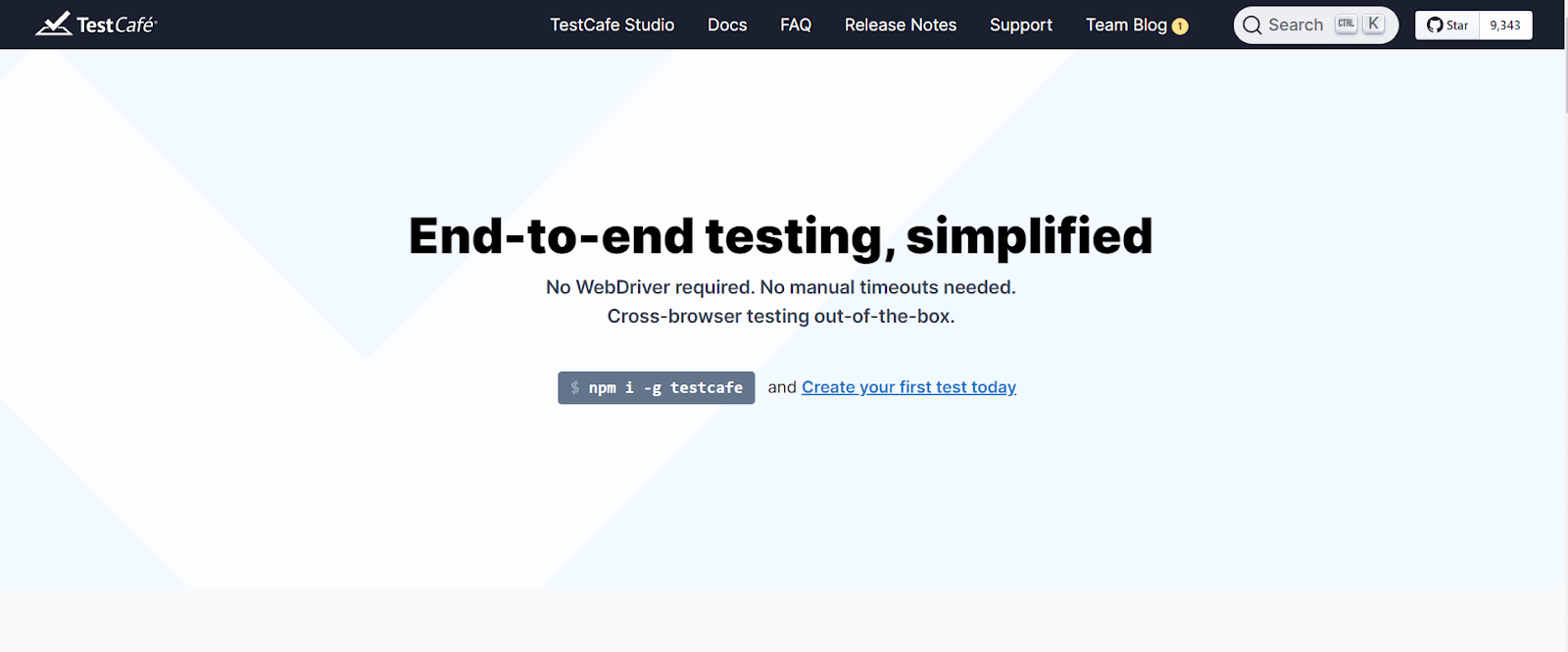
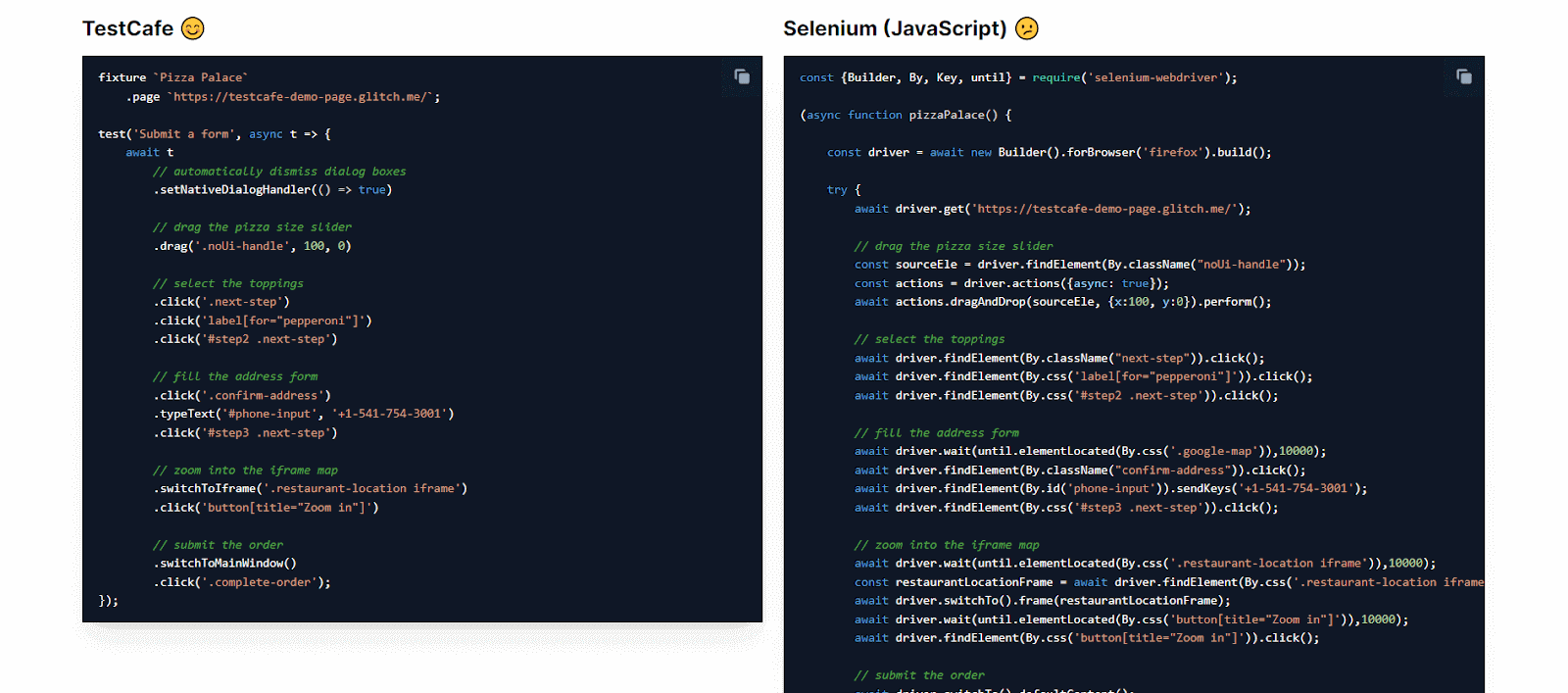
TestCafe is a Node.js-based open source tool for UI automated testing of web applications. TestCafe’s core is a command-line utility but also includes a desktop application with a built-in browser that runs tests and displays test results. With TestCafe, you don’t have to insert manual timeouts or use a tedious boilerplate. As a result, you can spend less time looking for annoying problems.
TestCafe is not tied to any specific test runner or assertion library, so you’re free to use it with any tools you choose. It is used by developers of all skill levels, from seasoned experts to junior testers who are just getting started with automated testing.
Features that make TestCafe one of the Best Automated UI Testing Tools:
- Fully integrated visual Web Test Recorder.
- Auto-generated Element Selectors.
- Cross-platform and Cross-browser tests.
- No additional tools to maintain.
- Built-in Wait Mechanism.
8. WebdriverIO
A progressive automation UI automated testing tool called WebdriverIO was created to automate modern web and mobile applications. It makes using your app more accessible and offers many plugins that may be used to build a scalable, authentic, and safe test suite. It operates for automating browsers and native mobile apps.
Additionally, it gives a sketch of all the available third-party packages, including framework adaptations, reporters, and services, and downloads all of them for you.
Features that make WebdriverIO one of the Best Automated UI Testing Tools:
- Customization: WebdriverIO is highly extendable, so users can customize the framework as they need.
- Easy to Set Up: WebdriverIO follows a simple setup process.
- Feature Rich – The wide variety of built-in and community plugins allows you to integrate and extend your setup to fulfill your requirements easily.
- Cross Browser Testing: Supports multiple browsers like Chrome, Edge, Firefox, Internet Explorer, and Safari for WebdriverIO testing.
Note: Run WebdriverIO testing on cloud with TestMu AI. Execute WebdriverIO scripts in parallel on multiple configurations, simultaneously with TestMu AI. Try TestMu AI Today!
9. Katalon Studio
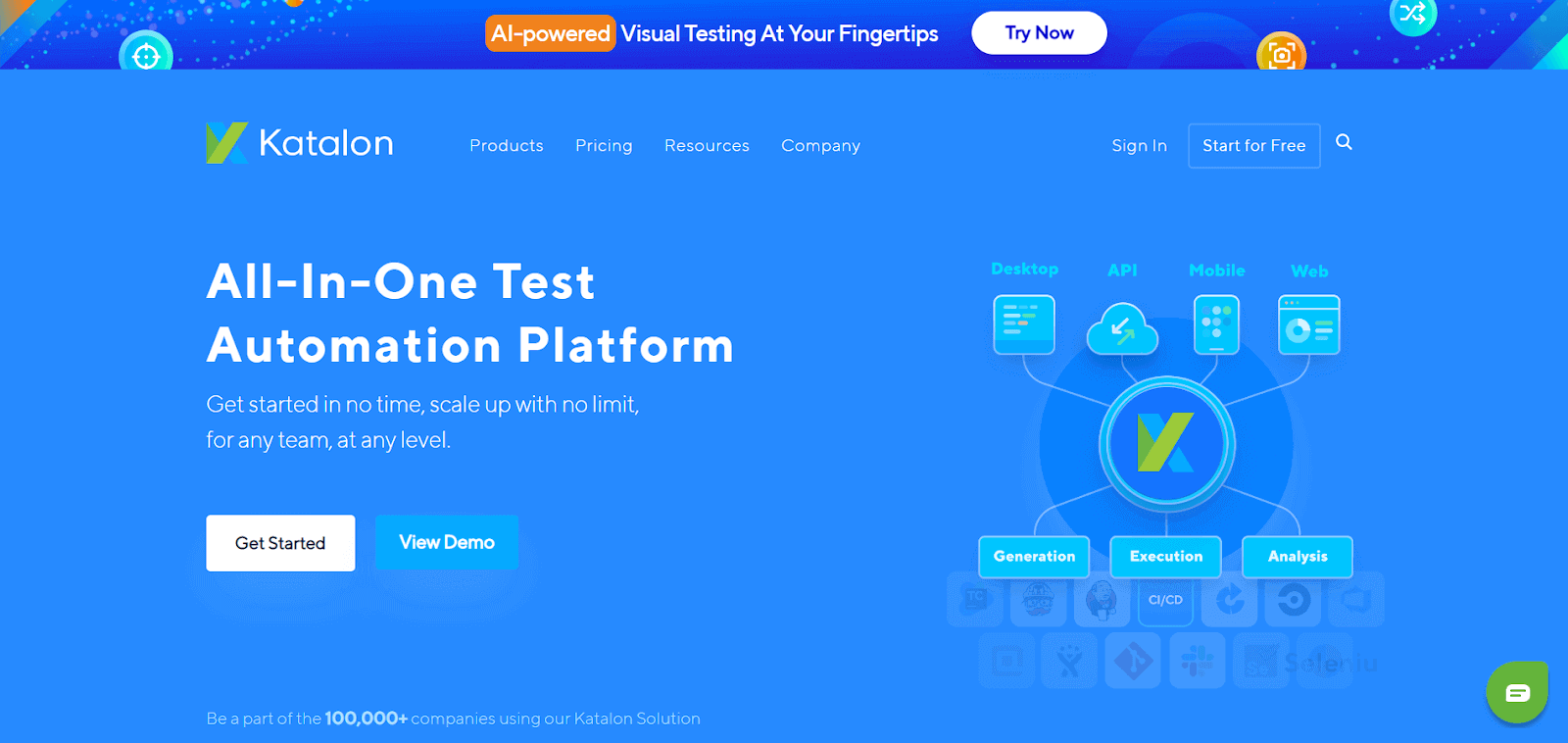
Katalon Studio is a UI automated testing tool developed by Katalon, Inc. It is a complete and detailed toolset for web and mobile app automation testing. It is developed on top of the open source automation framework tool Selenium with a specialized IDE interface for web API, mobile, and desktop application testing.
Features that make Katalon Studio one of the Best Automated UI Testing Tools:
- It comes with a wide range of powerful features, and more to overcome familiar challenges in web UI test automation.
- This friendly and easy toolset helps the users to test better, work faster and launch high-quality software.
- It does not require advanced programming skills to write an automated test while offering a scripting mode for advanced users and test cases. This is one of the best, among others,Best Automated UI Testing Tools.
10. Screenster
Screenster is the first and only UI automated testing tool that combines the power of visual regression testing with the ease of use of screenshot comparison. It’s built on top of the Selenium framework, which means it can run tests in any browser and against any web application (e.g., web apps, web services, single page applications—even games!). With TestMu AI, you can perform Selenium Visual Testing on Cloud.
Moreover, it has a visual user interface and a high level of automation, meaning that non-technical stakeholders can also get involved in the process. Screenster boasts a number of features that set it apart from many other automated testing tools.
Features that make Screenster one of the Best UI Automation Testing Tools:
- JavaScript IDE: Screenster integrates with your web browser’s developer tools so that you can use your existing JavaScript development workflow.
- Support for Code Coverage Reports: Use the Coveralls and Codecov services to track how well your tests are running.
- Support for External NPM Modules: Extend your code coverage by using external modules in your test code.
- Browser Support: Run tests in any of Chrome, Firefox, Internet Explorer (9+), Edge, and Safari (10+).
- Extensive Documentation: With a comprehensive documentation library of user guides and examples, Screenster is easy to learn and get started with.
Want to compare your screenshots against the baseline to identify visual changes and deliver pixel-perfect websites? Check out our visual comparison tool.
11. Squish
Squish is a UI automated testing tool that optionally offers a full suite of unit tests for UI projects. By focusing on the JavaScript portion of a project and by providing the ability to create automated tests that can be run on browsers, Squish helps ensure the quality of projects throughout the whole development process.
With Squish, you can edit tests from your favorite IDE, and the test results are displayed instantly within your browser. The best part about Squish is that it’s not just for testing—you can use it for code coverage and performance measurements.
Features that make Squish one of the Best Automated UI Testing Tools:
- Unit tests for JavaScript code and HTML.
- Validation of CSS code.
- Extensive support for DOM concepts, including data binding and inheritance.
- Integration with Apache JMeter for load testing.
- Support for Selenium WebDriver in addition to JavaScript tests.
Note: Revolutionize your user experience with Puppeteer Visual Testing – Capturing, Comparing, and Creating Seamless Experiences!
12. Ranorex Studio
Ranorex Studio is a powerful yet easy-to-use UI automated testing tool that helps UI developers and testers to perform web testing and web application testing. It offers different features that make it one of the top tools in the market. These features include integration with Ranorex Web Test, which allows you to use two of its most powerful functionalities: web scraping and functional testing. For example, you can create a web test and use it to scrape all links in your browser automatically. Using the title or text, you can then create tests for each link.
The following is a list of some of the most important features that make Ranorex Studio one of the Best Automated UI Testing Tools in the market today:
Features that make Ranorex Studio one of the Best UI Automation Testing Tools:
- Ranorex Studio can be used to create automated UI tests with simple drag and drop actions. Tests can be created without any coding or scripting knowledge.
- Well-designed test cases that are easy to learn, build and maintain.
- Test automation can help reduce manual workload, increase team productivity and improve software quality.
- Test cases can be run on multiple devices simultaneously.
13. ACCELQ

ACCELQ is an AI-driven, codeless test automation and test management platform designed to address the inefficiencies in quality assurance and engineering. This cloud-based solution aims to simplify the process of Quality Assurance (QA) by leveraging AI and machine learning to accelerate test automation and improve the quality of product delivery. With its natural language programming and codeless automation approach, ACCELQ delivers agility and efficiency to the testing and QA processes.
The tool is designed to empower testers, providing a full spectrum of testing functionalities without requiring coding knowledge. Whether it’s web, mobile, or API testing, ACCELQ’s holistic approach encompasses all aspects of software testing, making it a versatile choice for modern-day QA teams. The platform also promotes collaboration and real-time insights, ensuring a cohesive testing environment.
Features that make ACCELQ one of the Best Automated UI Testing Tools:
- Allows for codeless test design and automation, making it accessible to non-programmers.
- Utilizes AI and ML to enhance test automation, design, and execution.
- Employs natural language programming to simplify test creation and understanding.
- Supports web, mobile, and API testing, providing a holistic testing solution.
- Facilitates collaboration among team members with real-time insights and shared assets.
- Offers a cloud-based platform for accessibility and ease of deployment.
- Supports agile methodologies and continuous testing for modern QA processes.
14. Robot Framework
Robot Framework is an open-source automation framework that empowers testers to automate web, mobile, desktop, and other applications with ease. Its keyword-driven approach simplifies the writing of test cases, making the framework accessible to non-programmers as well.
With Robot Framework, testers can create robust, scalable, and maintainable automated tests with lesser effort. It supports a wide range of libraries and tools, providing a comprehensive environment for different testing needs. Its active community continuously contributes to its growth, ensuring it stays updated with the latest testing trends.
Features that make Robot Framework one of the Best Automated UI Testing Tools:
- Simplifies test writing through a keyword-driven approach, making it accessible to non-programmers.
- Supports a wide range of libraries and tools for various testing needs.
- Allows for the automation of web, mobile, desktop, and other applications.
- Promotes the creation of robust, scalable, and maintainable automated tests.
- Benefits from an active community that contributes to its growth and staying updated with the latest testing trends.
15. Protractor
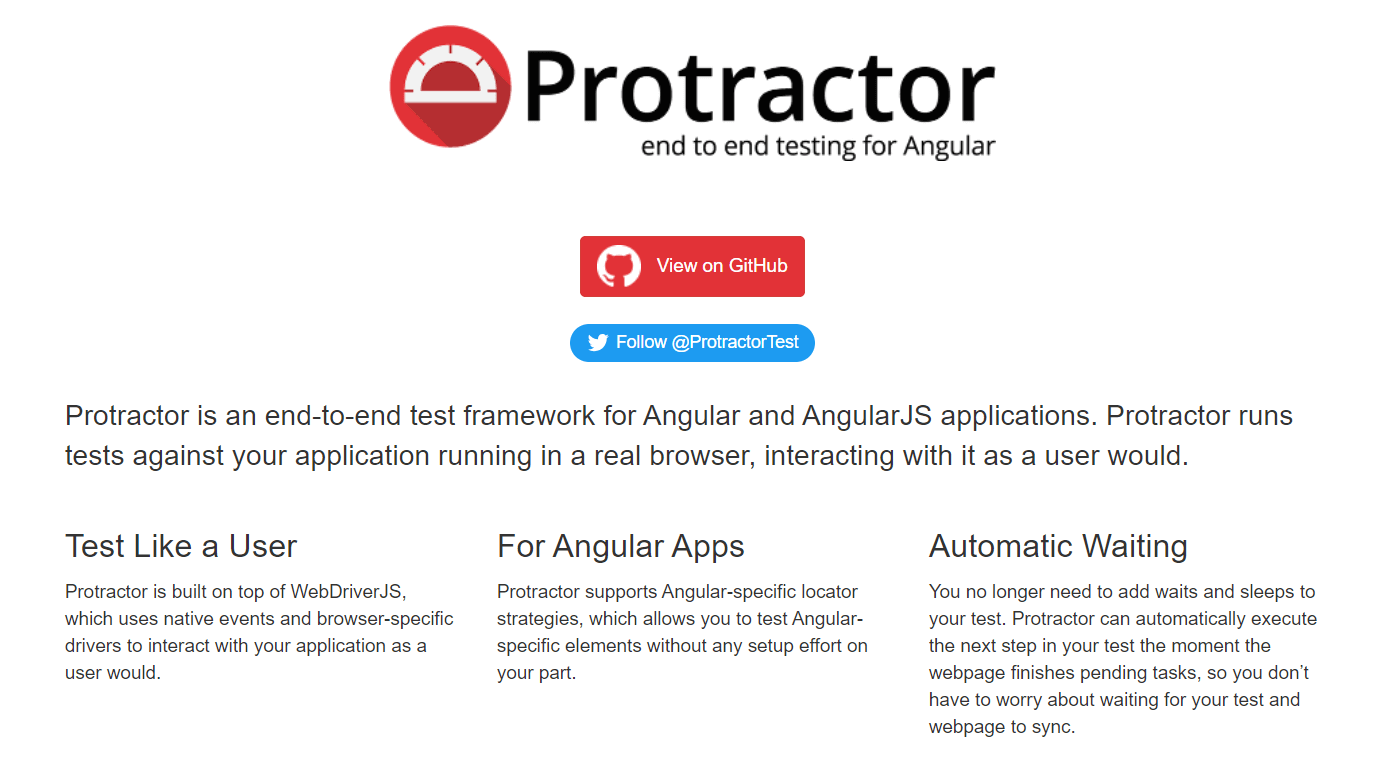
Protractor is an end-to-end testing framework for Angular and AngularJS applications. It’s built on top of WebDriverJS and provides functionalities to interact with web elements with ease. Protractor plays a crucial role in verifying the health of Angular applications and ensuring they work as expected.
The synchronization feature of Protractor automatically waits for tasks to finish before moving on to the next step, thus simplifying the process of writing reliable tests. Its ability to run tests on real browsers, in a real environment, makes it a reliable tool for end-to-end testing of Angular applications.
Features that make Protractor one of the Best Automated UI Testing Tools:
- Specifically designed for testing Angular and AngularJS applications.
- Built on top of WebDriverJS for enhanced functionality.
- Features automatic synchronization to wait for tasks to finish before moving on to the next step, simplifying test writing.
- Enables running tests on real browsers in real environments for accurate testing.
- Provides functionalities to easily interact with web elements.

Conclusion
This blog was to make your UI testing smooth and easy to adopt by using the tools mentioned above. It also caters to achieving a bug-free product that fulfills the end user need and product demand to scale it on a bigger level resolving all the bugs, accessibility and alignment issues, pagination and styling flaws, responsiveness, and navigation flaws.
By following all the instructions and features explained above, you can easily decide and instruct your team to select your next UI automated testing tool. For a deeper comparison of top-performing solutions, check out our complete guide on the best UI Testing Tools to ensure your application or website release is error-free and meets both user expectations and project timelines.


Frequently asked questions
Did you find this page helpful?
More Related Hubs
TestMu AI forEnterprise
Get access to solutions built on Enterprise
grade security, privacy, & compliance
- Advanced access controls
- Advanced data retention rules
- Advanced Local Testing
- Premium Support options
- Early access to beta features
- Private Slack Channel
- Unlimited Manual Accessibility DevTools Tests