
Debug with Native Browser Tools on Desktop and Mobile
Debug on the go while testing on TestMu AI Mobile and Desktop browsers.
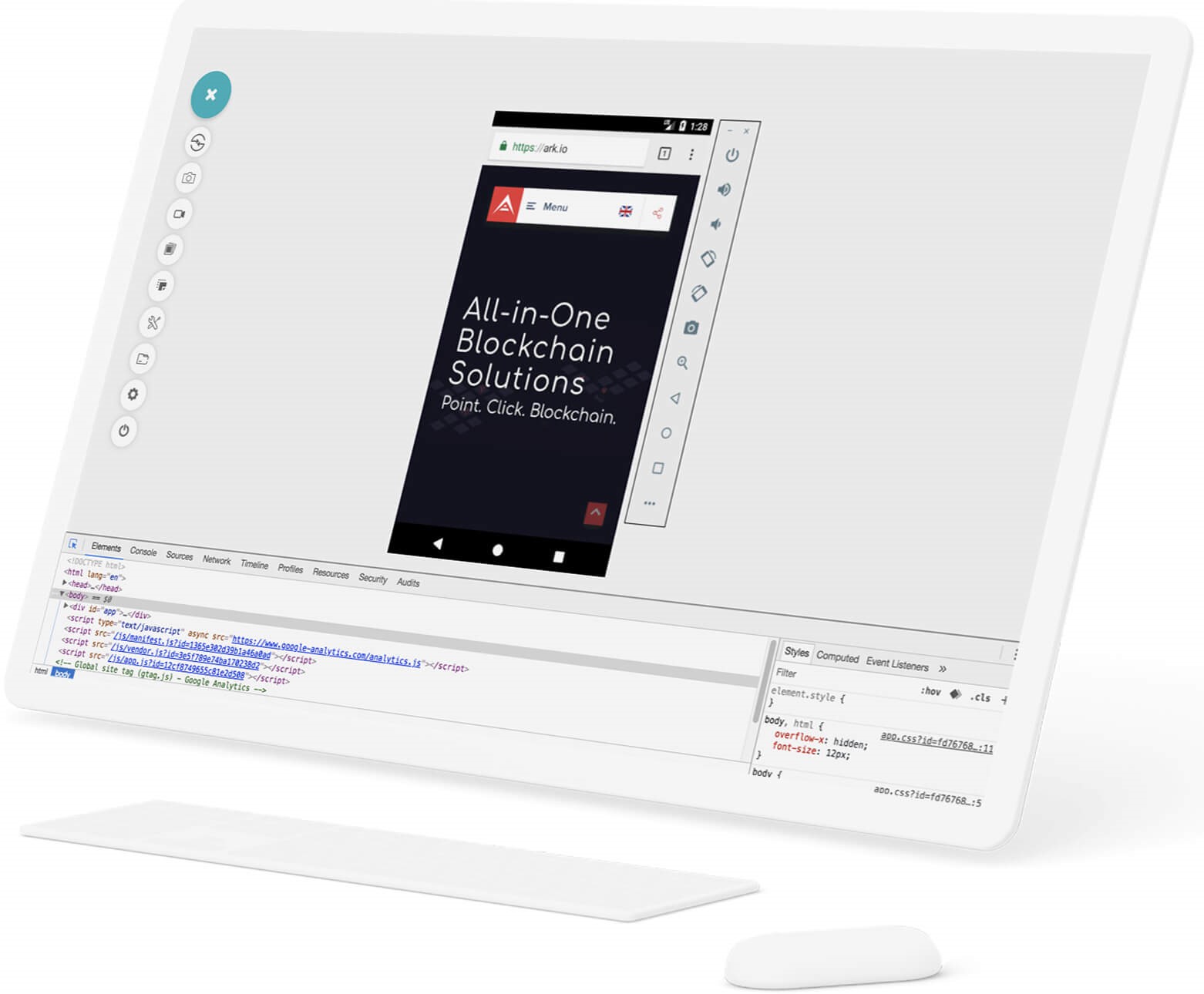
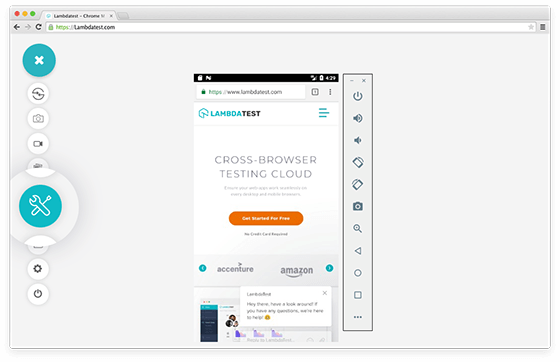
Debugging in Real Time on Android Browsers
Now you can easily debug on the go with integrated chrome developer tools while testing on android browsers at TestMu AI platform. You can debug your android mobile browser webpages or webapps as if you are debugging desktop pages through integrated chrome developer tools.
Get Started
Debugging in Real Time on iOS Browsers
At TestMu AI platform, you can view and debug any HTML, CSS, JavaScript website or webapps by leveraging the full potential of integrated Safari Developer tools on iOS mobile browsers. You can check your website by changing in code through developer tools across all the iOS devices.
Start Debugging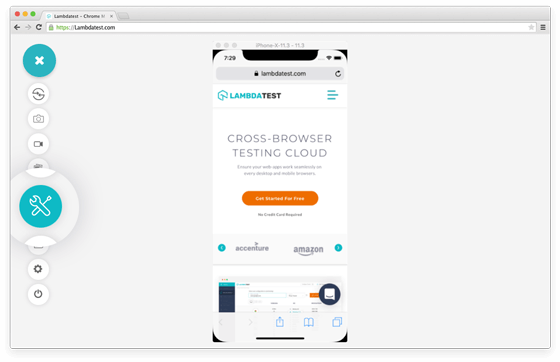
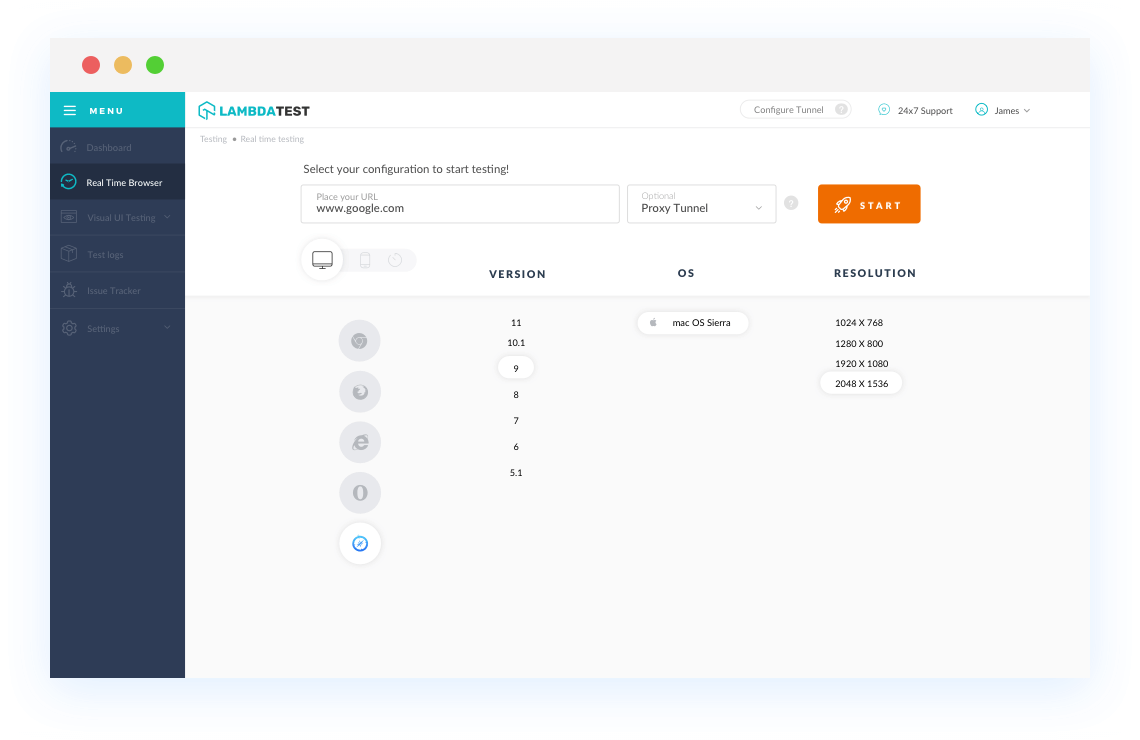
Debugging in Desktop Browsers
While performing cross browser testing on desktop browsers using TestMu AI, you have full access to browsers native debugging tools to help you debug your websites or webapps in real time. This can also be done while testing your locally hosted web application across all browsers.
Free Sign UpTry TestMu AI Now !!
Get limited sessions of 2 minutes each of live real time interactive testing every month that gets renewed each month.
- No Credit Card Required
- Free Sign Up
- 24/7 Support
Mark as a Bug
While performing cross browser testing on all Safari browser versions with TestMu AI, you can also mark your bug directly from TestMu AI to any bug management tool like: JIRA, Asana, Trello or move it to Github, Gitlab or also communicate over Slack.
See All Integrations


Other Browsers to choose from
You can choose from a range of 3000+ desktop & mobile browsers, to get pixel perfect experience across all screen sizes, devices, OS, browsers & resolutions.
Check out all browsersBENEFITS
Fastest Way for Cross Browser Testing
More Reasons To Love TestMu AI
It's not just about infrastructure, you get a whole range of complimentary features that will make your browser testing experience smoother and help you ship products faster.

Integrated Debugging
Integrated developer tools to help you debug issues in live testing on Safari 14 online .

Locally Hosted
Web Testing
Local hosted web testing to save your website or web application from after deployment bugs.

Geolocation
Testing
Test from different locations to make sure your users get perfect experience across all locations.
Seamless Collaboration
Integrate TestMu AI with your favorite tools and save yourself from manually managing bugs and tasks. Also fits with your CI/CD pipeline.










What Our Users Say About Us
Trusted By 3M+ Developers & QA Teams
Frequently asked questions
Yes. In a desktop session on TestMu AI, right-click the page and choose Inspect to open the browser's own developer tools, such as Chrome DevTools or Firefox Developer Tools. In mobile sessions, open developer tools from the toolbar at the top right; on iOS simulators this opens Safari's inspector with Styles, Event Listeners, DOM Breakpoint, Properties, and Accessibility tabs.
The Android version is probably below 7.0. Developer tools are supported on Android 7.0 and above, so on older versions they are not available in the session. Pick a device running Android 7.0 or later, or reproduce the issue in a desktop browser session and debug it there.
Because the bug is usually in a browser, version, or operating system the developer does not have installed. A live session on TestMu AI opens that exact environment with its native developer tools, so you can find the cause and confirm the fix on the same configuration without installing anything.