

Power Your Software Testing with AI Agents and Cloud
The Native AI-Agentic Cloud Platform to Supercharge Quality Engineering. Test Intelligently and Ship Faster.


- TestMu AI (Formerly LambdaTest)
- /
- Blog
- /
- 15 Best PWA Frameworks and Tools in 2026
15 Best PWA Frameworks and Tools in 2026
The 15 best PWA frameworks and tools in 2026, from Angular, Next.js, and SvelteKit to Workbox and Vite PWA, with how each adds offline support and install.
Last Updated on:
The best PWA frameworks in 2026 are Angular, Next.js, SvelteKit, Vue.js with Vite PWA, and Ionic, because each one gives you a documented way to add a web app manifest and a service worker. A progressive web app framework is a library or toolkit that helps you build a website users can install and, with a service worker, use offline. Tools such as Workbox, Vite PWA, and PWABuilder add those features to almost any framework.
TL;DR
- Angular adds PWA support with one command, ng add @angular/pwa, which installs the Angular service worker, a web app manifest, and a caching configuration file.
- Next.js creates the web app manifest from an app/manifest.ts file, while offline caching needs a service worker library such as Serwist.
- SvelteKit bundles and registers a service worker automatically when the project has a src/service-worker.js file.
- Vite PWA turns Vite-based apps built with Vue, React, Svelte, Preact, or Nuxt into PWAs, generating the manifest and a Workbox service worker.
- Flutter no longer generates a caching service worker for web builds by default, so Flutter PWAs need Workbox or a custom service worker for offline support.
- Lighthouse PWA testing is deprecated, so PWAs are now checked in the browser's Application panel and by testing offline reloads on real browsers and devices.
What Are Progressive Web Apps (PWAs)?
Progressive Web Apps (PWAs) are interactive websites that provide the experience of native mobile applications. They offer all the features of native apps without the need to download them from an app store. PWAs can be saved on the device's home screen like mobile apps.
Technically, PWAs run on browsers using web technologies like HTML, CSS, and JavaScript. They combine web components with the benefits of mobile experiences to deliver an app-like user experience in a browser.
PWAs work across multiple platforms and devices from a single codebase, making them operable on any device or browser. They also offer features similar to native apps, such as device installation, offline and background operation, and integration with other apps.
Some of the key offerings of Progressive Web Apps are as follows:
- Adaptability to various screen sizes through responsive design.
- Cross-platform and cross-browser compatibility.
- Offline functionality facilitated by service workers (with HTTPS).
- Access to device hardware like cameras, geolocation, and microphones.
- Push notifications.
- Ease of updating with the latest features.
Advantages of Progressive Web Apps:
- Offline access - It eliminates the need for a constant Internet connection, retaining user sessions and synchronizing data upon reconnection.
- Compatibility across browsers and devices - It ensures a consistent experience for users regardless of the platform they are using.
- State retention and reload - It indicates the current state using URIs, facilitating state retention or reload when bookmarked or shared.
To learn more about PWAs and other mobile app types like Native, Web, and Hybrid apps, follow this guide on different types of mobile apps. This guide will provide valuable insights and help you make informed decisions in your mobile app development journey.
Best Progressive Web App Frameworks and Tools
Every item below was checked in September 2026 for current releases and documentation. Four entries from the previous edition were replaced: Polymer, which its maintainers superseded with Lit; ScandiPWA, whose repository has had no commits since July 2024; Apache Cordova, which wraps web code in native apps rather than building PWAs; and Lighthouse, whose PWA audits are deprecated.
| Framework or tool | Type | How PWA support is added |
|---|---|---|
| React | UI library | Through Next.js or Vite with Vite PWA |
| Angular | Framework | ng add @angular/pwa |
| Next.js | React framework | app/manifest.ts, plus a service worker library for offline |
| Vue.js | Framework | Vite PWA plugin |
| Nuxt | Vue framework | @vite-pwa/nuxt module |
| SvelteKit | Framework | src/service-worker.js, registered automatically |
| Preact | UI library | Vite PWA plugin |
| Lit | Web components library | Any service worker tool, such as Workbox |
| Ionic | UI toolkit | Framework-specific PWA guides |
| Quasar | Vue framework | quasar mode add pwa |
| Flutter | Cross-platform framework | Workbox or a custom service worker |
| PWA Studio | Commerce toolkit | Built in for Adobe Commerce storefronts |
| Workbox | Service worker library | Caching strategies for any app |
| Vite PWA | Build plugin | Generates manifest and service worker |
| PWABuilder | Packaging tool | Packages PWAs for app stores |
1. React
React is a JavaScript library for building user interfaces, and it has no PWA features of its own. The React team deprecated Create React App in February 2025, including the PWA template many older tutorials use, and now recommends starting with a framework such as Next.js or a build tool such as Vite. For a React PWA, that means Next.js or Vite with the Vite PWA plugin.
Best for - Teams that already build in React and want the largest component ecosystem.
2. Angular
Angular has first-party PWA support. According to the Angular service worker guide, running ng add @angular/pwa adds the @angular/service-worker package, registers the service worker, links a manifest.webmanifest file, adds icons, and creates an ngsw-config.json file that controls what is cached.
Best for - Large applications where you want caching configured in a file rather than written by hand.
3. Next.js
Next.js generates the web app manifest from an app/manifest.ts or app/manifest.json file. Its PWA guide shows web push notifications with a service worker you write yourself, and for full offline caching it points to Serwist, a service worker library with Next.js examples. Server-side rendering keeps the first page load fast and indexable.
Best for - React PWAs that also need strong SEO and server rendering.
4. Vue.js
Vue.js projects created with Vite add PWA features through the Vite PWA plugin, which has a Vue integration that exposes a virtual:pwa-register/vue module for update prompts. Older guides use the Vue CLI PWA plugin, but new Vue projects are built with Vite.
Best for - Teams that want a gentle learning curve and a small framework.
5. Nuxt
Nuxt, the full-stack framework built on Vue, adds PWA support with the @vite-pwa/nuxt module: the Vite PWA Nuxt guide installs it with npx nuxi@latest module add @vite-pwa/nuxt and configures it under a pwa key in nuxt.config.ts.
Best for - Vue teams that need server rendering and routing out of the box.
6. SvelteKit (Svelte)
Svelte compiles components to small JavaScript bundles, and SvelteKit is its application framework. According to the SvelteKit service worker docs, a src/service-worker.js file is bundled and registered automatically, and the $service-worker module lists the build files, static files, and a version string to use for cache names.
Best for - Small, fast PWAs where bundle size matters.
7. Preact
Preact describes itself as a "Fast 3kB alternative to React with the same modern API." Its preact/compat layer lets you use React components, and it works with the Vite PWA plugin for the manifest and service worker.
Best for - Lightweight PWAs for slow networks and low-end phones.
8. Lit
Lit is a library for building web components, at around 5 KB minified and compressed. It replaces Polymer, which appeared in earlier versions of this list: the Polymer README names LitElement as the successor to PolymerElement and recommends it for new projects. Lit components work in any framework or in plain HTML.
Best for - Design systems and PWAs built from reusable, framework-independent components.
9. Ionic
Ionic is a UI toolkit for Angular, React, and Vue. Its PWA deployment docs state that because Ionic apps are built with web technologies, "they can run just as well as a Progressive Web App as they can a native app," and provide a separate PWA guide for each framework.
Best for - One codebase shipped as a PWA and as iOS and Android apps.

Note: Validate the functionality and appearance of your Progressive Web Apps by running them across various browsers and OS combinations. Try TestMu AI Today!
10. Quasar
Quasar is a Vue-based framework that builds single-page apps, PWAs, and mobile and desktop apps from one codebase. PWA mode is added with quasar mode add pwa, according to the Quasar PWA guide.
Best for - Vue teams that need many build targets from one project.
11. Flutter
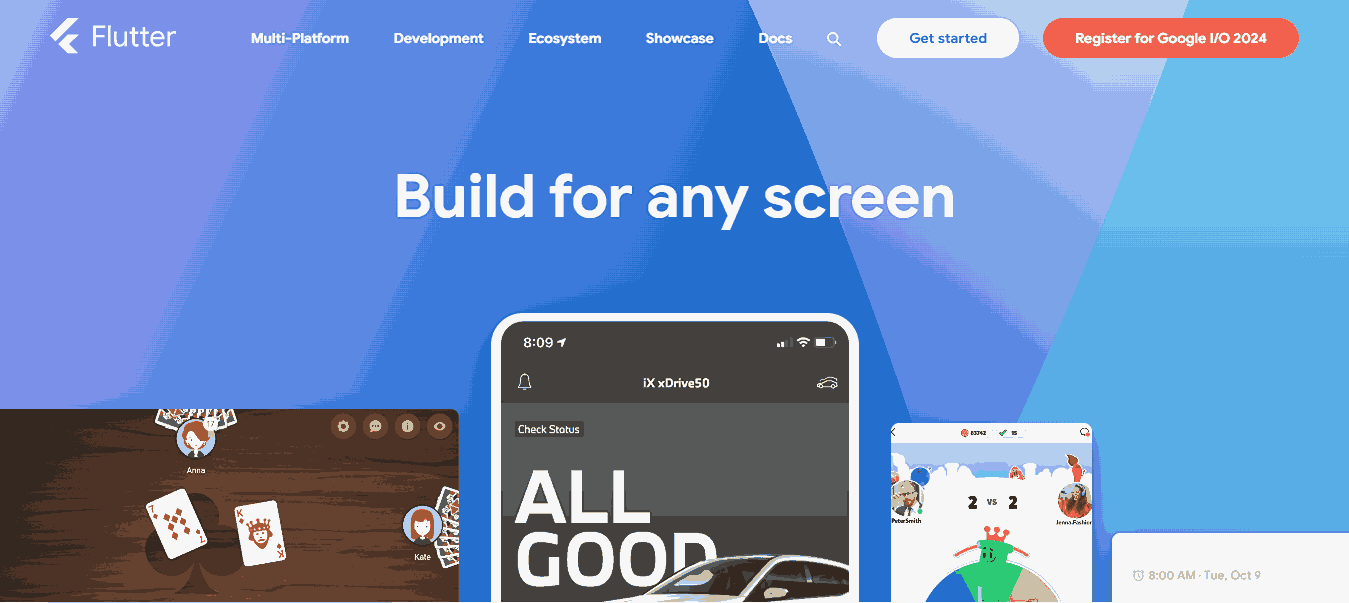
Flutter builds web apps from the same Dart code as its mobile apps, and the Flutter web FAQ lists PWAs among the uses it is suited for. One change matters for PWAs: Flutter no longer generates or manages a caching service worker by default, so offline support needs Workbox or your own service worker.
Best for - Teams already shipping Flutter mobile apps who want a web version.
12. Adobe Commerce PWA Studio
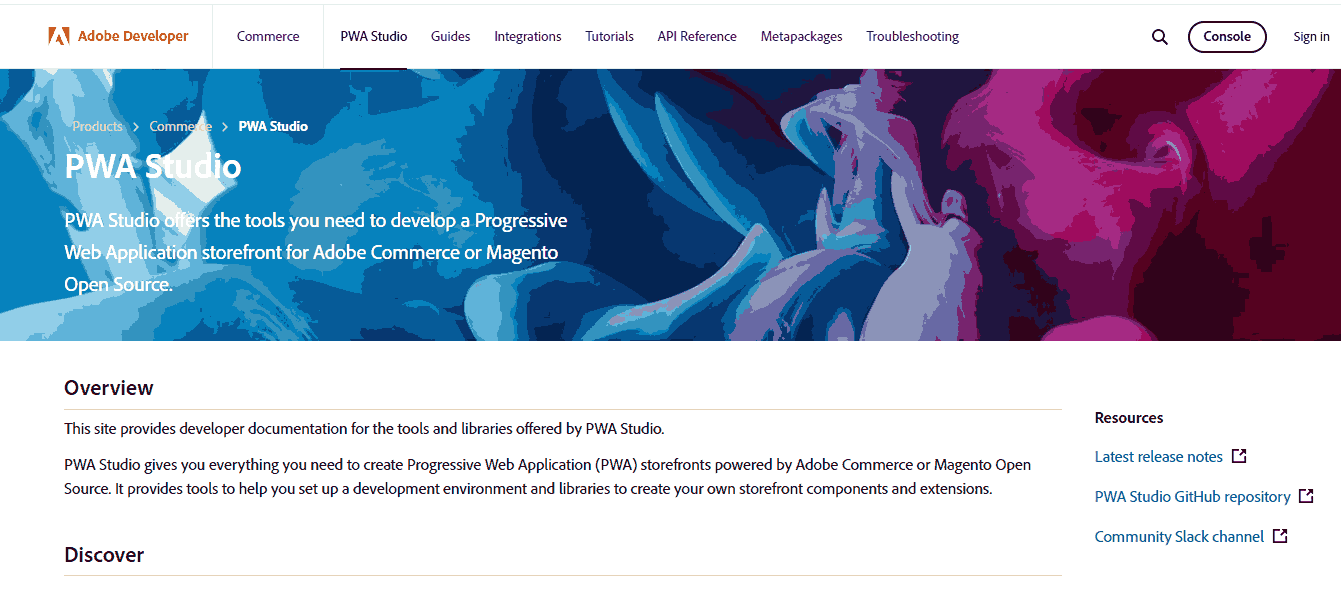
PWA Studio is a set of tools for building PWA storefronts for Adobe Commerce and Magento Open Source, including project setup utilities, React hooks and components, and the Venia reference storefront. It is still released regularly, with version 14.5.1 published in May 2026 on GitHub.
Best for - Online stores that run on Adobe Commerce or Magento.
13. Workbox
Workbox is Google's set of "production-ready service worker libraries and tooling" for caching strategies, precaching, and background sync, documented on Chrome for Developers. Several tools on this list use it underneath, and Flutter's docs recommend it for offline support.
Best for - Adding offline caching to any framework without writing service worker code from scratch.
14. Vite PWA
Vite PWA is a plugin that turns existing Vite applications into PWAs by generating the web app manifest, the service worker, and the registration script. It has integrations for Vue, React, Svelte, SolidJS, Preact, SvelteKit, Astro, Nuxt, and more, and it builds the service worker with Workbox.
Best for - Adding PWA features to an existing Vite project in a few lines of configuration.
15. PWABuilder
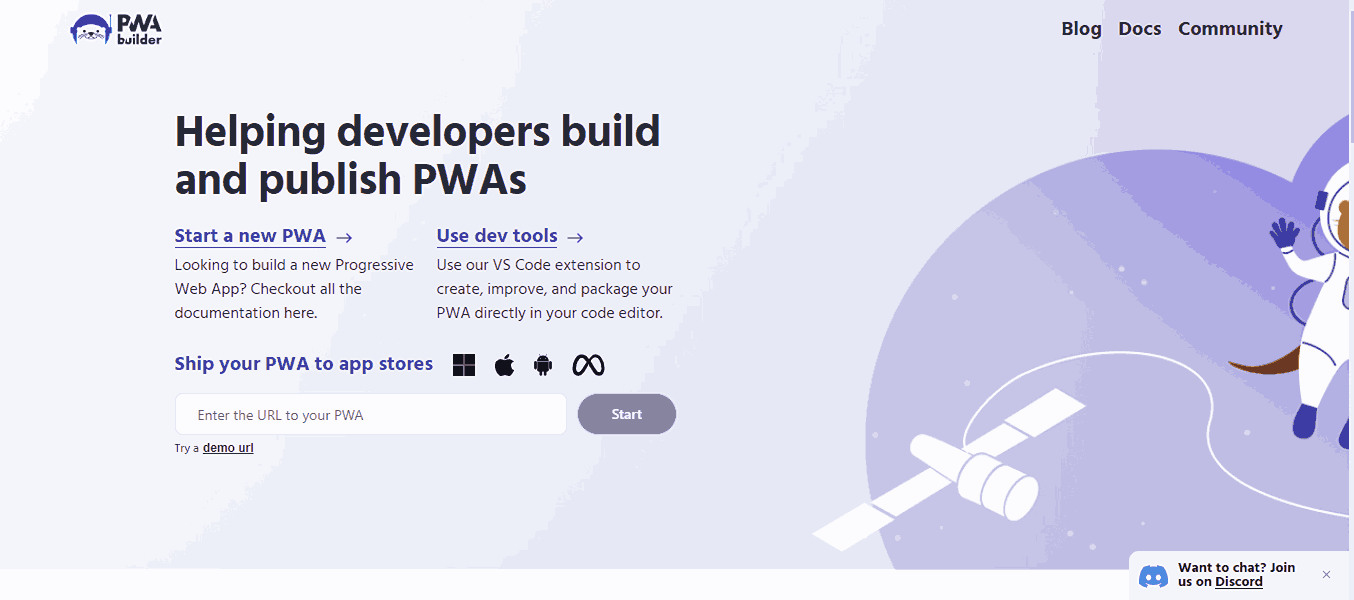
PWABuilder is an open-source tool that checks an existing PWA and packages it for app stores such as the Microsoft Store and Google Play, so the same web app can be listed next to native apps.
Best for - Publishing a finished PWA to app stores.
How to Test a PWA Built With Any Framework
A PWA is only as good as its behavior on real browsers, and the familiar checklist tool is gone: Chrome states that PWA testing in Lighthouse is deprecated. Test these instead:
- Manifest and install - Open the Application panel in Chrome DevTools, check the manifest has a name, icons, start URL, and display mode, and confirm the browser offers to install the app.
- Service worker control - Reload the page after the first visit and confirm
navigator.serviceWorker.controlleris set. A registered service worker that does not control the page cannot serve it offline. - Offline reload - Switch the browser offline and reload. The app should load its shell or an offline page, not the browser's connection error.
- Install on iOS and Android - Safari on iPhone installs PWAs through Add to Home Screen and supports web push only for installed apps, so test the installed app on real devices.
To see how common these signals are, I ran the first three checks on the documentation sites of 12 frameworks and tools on this list, in Chrome 154 on Windows 11 on the TestMu AI cloud. This measures how each project runs its own docs site, not what the framework can do:
| Result | Sites |
|---|---|
| Manifest, service worker controlling the page, and loaded offline | vite-pwa-org.netlify.app (Vite PWA) |
| Manifest and a registered service worker, but the page was not controlled and did not load offline | quasar.dev |
| Manifest only, no service worker | angular.dev, svelte.dev, react.dev |
| No manifest and no service worker | lit.dev, preactjs.com, ionicframework.com/docs, nextjs.org/docs, vuejs.org, nuxt.com, docs.flutter.dev |
The Quasar result is the useful lesson: a service worker can register without the page ever being served from it, and only the offline reload exposes that. TestMu AI Real Device Cloud gives access to 10,000+ real Android and iOS devices, so the install and offline checks can be run on the phones your users hold; see browser testing on real devices to start a session.
Which AI Coding Agents Help Build PWA Frameworks in 2026?
In 2026, AI coding agents speed up PWA development by generating service worker code, manifest fields, and test steps, but each tool covers a different slice of the workflow and none replace a manual review.
- GitHub Copilot - suggests service worker registration code, manifest fields, and caching logic inline inside React, Vue, or Angular files. It reads the open file for context, so it cannot tell if the suggested cache strategy fits your app's real offline needs.
- Claude Code - runs as a terminal agent that reads a full PWA codebase, adds a manifest file, wires up a service worker, and runs the build command in one session. It edits files and runs commands directly, so a wrong build assumption can break the app until you check the diff.
- Cursor - an AI-native editor that turns a plain description of a feature, such as an install prompt, into a multi-file patch across your framework's components. It only sees the files open in your workspace, so a service worker file outside that view can get missed.
- Playwright MCP server - exposes real browser control as callable tools, so an agent can open a PWA, trigger the install prompt, and check offline behavior across Chrome and Edge in one run. It drives an actual browser but cannot judge if the offline experience feels right to a user.
- browser-use - an open-source agent framework that lets an LLM click through a PWA's install flow or offline fallback page without a written test script. It handles simple flows well but struggles to locate custom UI controls that do not use standard HTML elements.
Selecting The Right Progressive Web Apps Framework
In the above section, we have highlighted the best Progressive Web App frameworks that allow developers to build Progressive Web Apps. However, choosing the right Progressive Web Apps framework is a critical challenge because it will directly influence your software project implementation.
To select the right framework to build Progressive Web Apps, consider certain factors related to project and business requirements. However, before starting with the factors to consider the best Progressive Web App frameworks, you must ask some questions.
- What is the scale of your project?
- What are their technical strengths and limitations? Select a framework that aligns with your skills and experience to ensure efficient development.
- What is the ETD for your project? Take into account your project timeline and budget constraints. Certain frameworks can expedite development and are more cost-effective, making them suitable for tight schedules and limited budgets.
- What tools and libraries are you using? If your business already uses particular technologies or platforms, ensure the chosen Progressive Web Apps framework is compatible to prevent integration complications.
Key Consideration when selecting a Progressive Web Apps Framework:
- Depending on the size of the application, opt for an appropriate development framework. Larger applications may require extensive frameworks or libraries with numerous components, while smaller ones may benefit from lighter frameworks.
- Well-documented Progressive Web App frameworks provide excellent support for developers. Choose a framework with robust online support communities for prompt issue resolution.
- The selected framework should facilitate seamless feature updates and accommodate the introduction of new features as the application scales. It should support integration with third-party tools and accommodate the growing application size.
- Code maintenance is crucial for every project. Choose a Progressive Web Apps framework that simplifies code maintenance and supports the development of reusable components. Ensure the framework facilitates easy onboarding for new team members and allows for efficient grouping and maintenance of code.
- PWA development frameworks may necessitate the use of third-party tools for certain services. Ensure compatibility with external libraries or tools when selecting a framework.
- Some PWA frameworks may require learning a new programming language. Evaluate if your team can learn the language; otherwise, opt for a framework that uses a familiar programming language.

Conclusion
Pick the framework your team already knows, then add PWA features with its documented path: ng add @angular/pwa for Angular, app/manifest.ts plus a service worker library for Next.js, a src/service-worker.js file for SvelteKit, or Vite PWA for Vite-based projects. Before release, confirm the service worker controls the page and the app reloads offline on real browsers and phones; TestMu AI Real Device Cloud runs those checks on real iOS and Android devices.
Author

Nazneen Ahmad
Blogs: 39


Nazneen Ahmad is a freelance Technical Content SEO Writer with over 6 years of experience in crafting high ranking content on software testing, web development, and medical case studies. She has written 60+ technical blogs, including 50+ top-ranking articles focused on software testing and web development. Certified in Automation Basic and Advanced Training - XO 10, she blends subject knowledge with SEO strategies to create user focused, authoritative content. Over time, she has shifted from quick, keyword-heavy drafts to producing content that prioritizes user intent, readability, and topical authority to deliver lasting value.
Reviewer

Srinivasan Sekar
Reviewer
Srinivasan Sekar is Director of Engineering at TestMu AI (formerly LambdaTest), where he leads engineering and open-source initiatives behind the Selenium and Appium automation grid and owns TestMu AI's MCP Server. A committer to Appium and a contributor to Selenium, WebdriverIO, Taiko, and AppiumTestDistribution, he brings over 15 years of experience in quality engineering and open-source technologies. He is the author of the Apress book 'The MCP Standard: A Developer's Guide to Building Universal AI Tools with the Model Context Protocol,' a Certified Kubernetes and Cloud Native Associate, and an international conference speaker. Before TestMu AI he spent over eight years at Thoughtworks as a Principal Consultant and Quality Architect. Srinivasan holds a B.Tech in Information Technology from Anna University.


PWA Frameworks FAQs
Did you find this page helpful?
More Related Blogs
TestMu AI forEnterprise
Get access to solutions built on Enterprise
grade security, privacy, & compliance
- Advanced access controls
- Advanced data retention rules
- Advanced Local Testing
- Premium Support options
- Early access to beta features
- Private Slack Channel
- Unlimited Manual Accessibility DevTools Tests