

Next-Gen App & Browser Testing Cloud
Trusted by 2 Mn+ QAs & Devs to accelerate their release cycles


- TestMu AI (Formerly LambdaTest)
- /
- Blog
- /
- 13 Best Mobile App Testing Tools for 2026
13 Best Mobile App Testing Tools for 2026
Compare 13 mobile app testing tools for 2026. See how Appium, Espresso, XCUITest, Detox, and more stack up on platform support, speed, and cost, with a guide to choosing the right tool for your Android or iOS project.

Mehul Gadhiya
Author

Siddhant Sinha
Reviewer
June 23, 2026
With smartphone subscriptions projected to exceed 7.9 billion by 2028, mobile app testing is no longer optional. The right testing tool can mean the difference between catching a crash before launch and losing users to a one-star review.

Overview
How do you choose the right mobile app testing tool?
- Open-source frameworks are free but require you to own and maintain your own device infrastructure.
- Cloud platforms eliminate lab overhead and enable parallel execution across hundreds of devices on demand.
- Cross-platform coverage (iOS + Android from one test suite) narrows your options significantly.
- Native frameworks run faster and access more device APIs but lock you into a single platform.
- Most production teams pair a framework with a cloud execution layer to maximise coverage without scaling device inventory.
What Are Mobile Testing Tools?
Mobile testing tools are software solutions that help test mobile apps across different devices and operating systems. They ensure apps function properly, identifying bugs and performance issues early.
These tools automate testing for functionality, security, and usability, improving app quality and speeding up development.
They range from open-source frameworks like Appium and Espresso that you run on your own infrastructure, to cloud platforms that give you real devices on demand. Most teams combine the two: a framework to write tests and a cloud execution layer to run them at scale.
Why is Mobile App Testing Important?
Adopting an effective mobile app testing strategy is crucial for the success of mobile applications. Here’s why it’s important:
- Automated and Cross-Platform Testing: Speeds up testing by running it across various devices and platforms without extra effort.
- Cost Efficiency: Saves money over time by automating testing, reducing manual labor, and identifying issues early.
- Easy Sharing of Results: Facilitates quick sharing of test outcomes among team members for faster decisions.
- Faster Execution: Ensures quicker, more reliable execution of tests to meet fast-paced development cycles.
- Quality Assurance: Ensures the app meets performance, security, and functionality standards before release.
- Improved Coverage: Increases the test coverage by checking apps on a range of devices, operating systems, and network conditions.
- Consistent User Experience: Validates that the app performs well across all user devices and settings.
Challenges in Mobile App Testing:
- Selecting the Right Tool: Choosing the appropriate tool that fits your app’s needs and budget.
- Device Fragmentation: Testing on different devices, screen sizes, and OS versions can be complicated.
- User Interface Variations: Ensuring consistency in design and functionality across various device interfaces.
- Network Conditions: Testing app behavior across 2G, 3G, 4G, and 5G speeds, plus offline states.
- Continuous Updates: Keeping tests aligned with frequent OS and app version releases without breaking coverage.

What Are the Types of Mobile Testing Tools?
Mobile testing tools include functional, performance, security, usability, and cross-platform testing tools, each addressing specific app quality aspects.
- Functional Testing Tools: Verify that buttons, forms, navigation, and interactions work as expected by simulating real user behavior to surface bugs before release.
- Performance Testing Tools: Evaluate response time, speed, and stability under high traffic, heavy load, or limited resources to ensure the app holds up in real-world conditions.
- Security Testing Tools: Identify vulnerabilities, data exposure risks, and unauthorized access vectors, which is especially critical for apps that handle payments, health data, or personal information.
- Usability Testing Tools: Assess whether the app is intuitive and easy to navigate by collecting feedback on friction points and interaction patterns across different user groups.
- Cross-Platform Testing Tools: Run a single test suite against both Android and iOS to catch consistency issues across devices, OS versions, and screen sizes without duplicating effort.
What Are the Top Mobile Testing Tools to Enhance Your Testing Process?
Top mobile testing tools include TestMu AI, Appium, Robotium, Selendroid, Espresso, XCUITest, and more, offering automation for Android and iOS apps.
For teams choosing the underlying framework rather than a managed platform, this guide to the best mobile app testing frameworks compares Espresso, UIAutomator2, XCUITest, Appium, Maestro, Detox, and Flutter's integration_test and Patrol across gray-box versus black-box tradeoffs.
How we evaluated these tools: We compared each option on the five criteria that matter most when you ship to production:
- Platform coverage: Android, iOS, or both from a single test suite.
- Language and framework support: whether it fits the language your team already writes tests in.
- Execution environment: local emulators and simulators versus real devices in the cloud.
- Pricing model: open-source and free versus paid plans, and what the free tier actually covers.
- CI/CD and scale: parallel execution and how cleanly it plugs into your build pipeline.
| Tool | Platform | Language | Pricing | Best For |
|---|---|---|---|---|
| Appium | iOS + Android | Java, JS, Python, Ruby, C# | Free (open-source) | Cross-platform automation |
| TestMu AI | iOS + Android | Any | Free tier + paid plans | Cloud real device testing at scale |
| Robotium | Android | Java | Free (open-source) | Android UI automation |
| Selendroid | Android | Java (Selenium API) | Free (open-source) | Android native and hybrid apps |
| XCUITest | iOS | Swift, Objective-C | Free (Apple native) | iOS native UI testing |
| Espresso | Android | Java, Kotlin | Free (Google native) | Fast Android UI testing |
| Nightwatch.js | Web + mobile browsers | JavaScript | Free (open-source) | Cross-browser E2E testing |
| Robot Framework | iOS + Android | Python | Free (open-source) | Keyword-driven and BDD testing |
| Xamarin.UITest | iOS + Android | C# | Free (open-source) | Xamarin cross-platform apps |
| EarlGrey | iOS | Swift, Objective-C | Free (open-source) | iOS native with advanced sync |
| Calabash | iOS + Android | Ruby | Free (open-source) | BDD acceptance testing |
| Detox | iOS + Android | JavaScript | Free (open-source) | React Native E2E testing |
| TestFlight | iOS | N/A | Free (Apple) | iOS beta distribution |
1. Appium
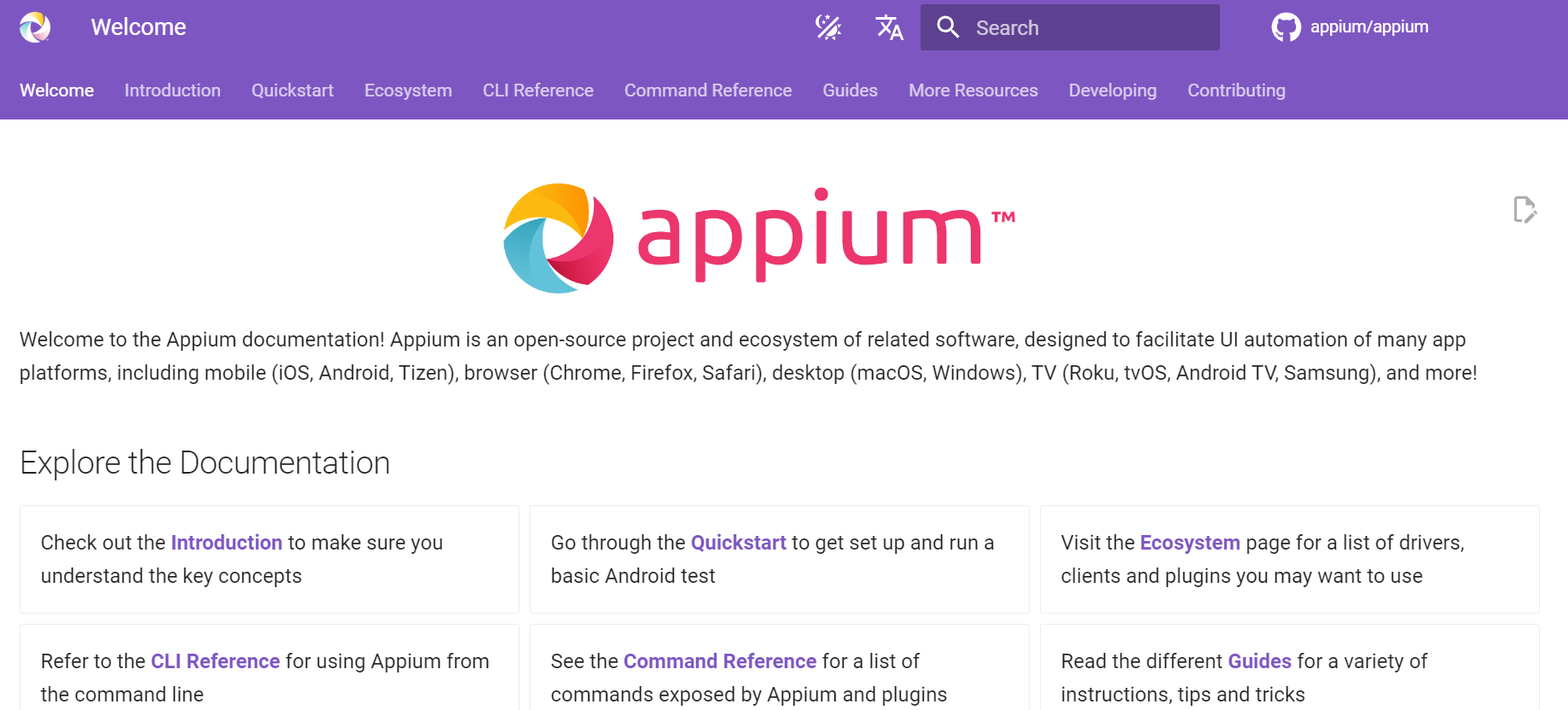
Appium is an open-source automation testing framework that can be used for both Android and iOS apps. It is an effective tool for web and mobile application testing and works even for hybrid apps.
Appium is also used for automated functional testing that improves the overall functionality of the applications.

Pros of using Appium mobile testing tool
- Multiple language support: Supports end-to-end testing in languages like Java, JavaScript, Node, Python, Ruby, and C#.
- Cross-platform compatibility: Supports testing on both iOS and Android devices using the same API.
- Record and playback: Enables fast testing with test scripts in multiple languages.
- Easy integration: Easily integrates with Jenkins and other popular CI/CD tools.
Cons of using Appium mobile testing tool
- Complex setup: Requires advanced programming skills for setting up the client-server model.
- Flaky tests: Tests can be inconsistent, leading to different results for the same configuration.
- Slower execution: The architecture causes slow server startup and delays in test actions.
- Element location issues: Struggles with locating elements and recognizing images, requiring manual input.
- Limited support for older Android versions: Doesn’t support Android versions earlier than 4.2, reducing test coverage.
Here is a quick video tutorial on mobile app automation using the Appium framework.

Note: Refer to the support documentation on getting started with Appium testing.
2. TestMu AI (Formerly LambdaTest)
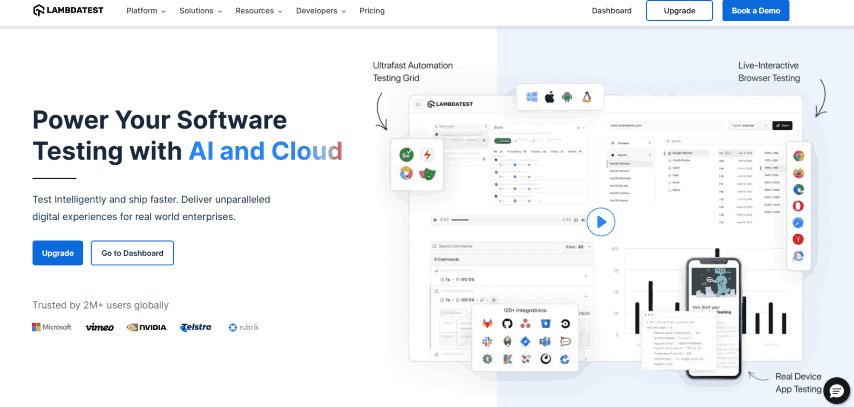
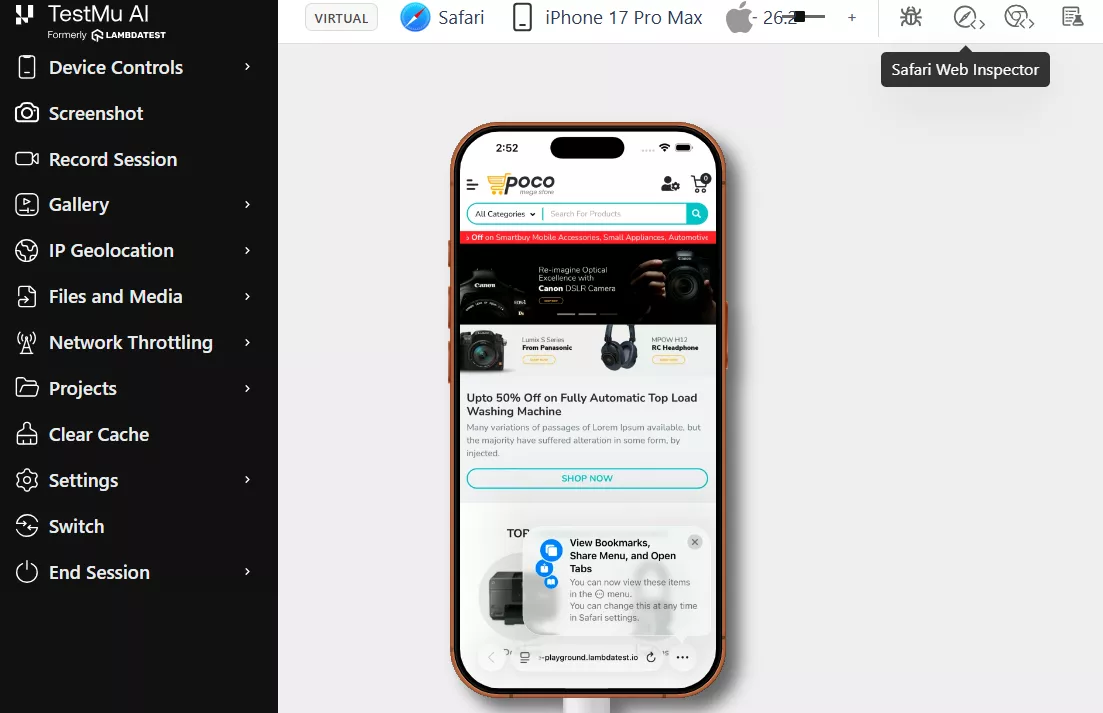
TestMu AI is an AI-native test orchestration and execution platform that supports manual and automated mobile app testing across 10,000+ real Android and iOS devices, with additional support for app testing on emulator and simulator environments, through its Real Device Cloud.
Here are the steps to start mobile app testing on the TestMu AI Real Device Cloud:
- Register for free on TestMu AI and log in to your account.
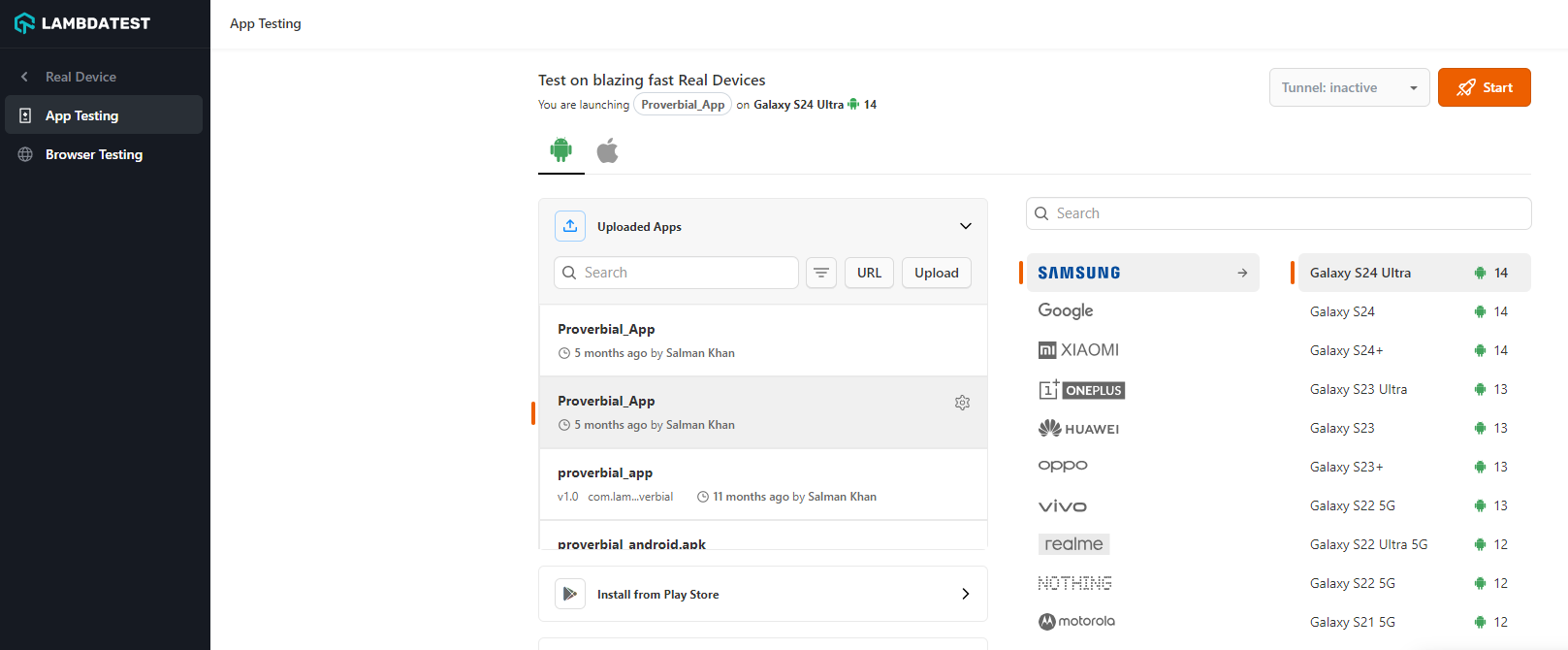
- From the left sidebar menu, go to Real Device > App Testing
- Select OS (Android or iOS) as per your requirement, upload your application, and select the device, and OS version of your mobile device. Once you’ve completed these steps, click the Start button to proceed.
When you click on the Start button, it will launch a cloud-based real device where you can perform mobile app testing as per real-world conditions.
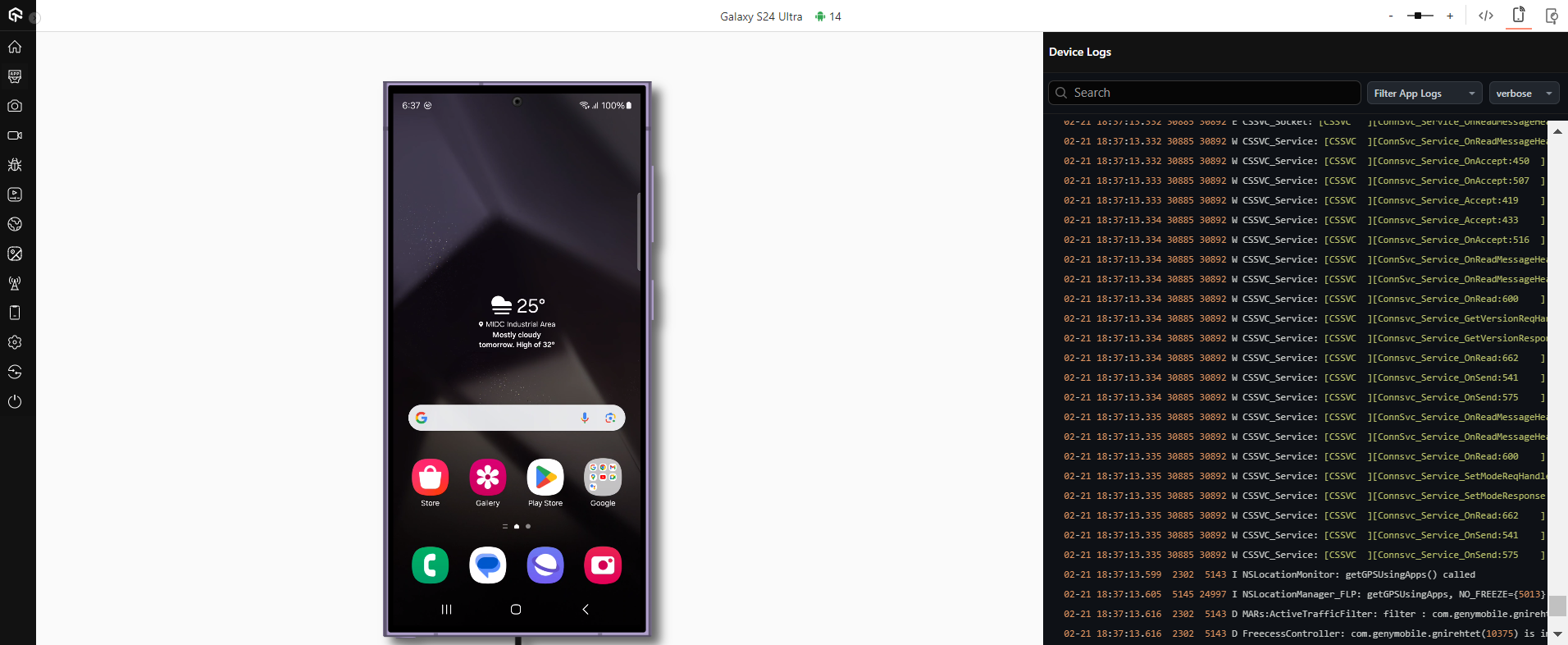
If you want to perform mobile app testing on virtual devices (Emulator and Simulator), the process is the same.
With TestMu AI, you can automate mobile app testing on a real device cloud using popular frameworks like Appium, Espresso, and XCUITest.
TestMu AI also provides day-zero access to new OS releases. macOS Golden Gate and iOS 27 were available on the Real Device Cloud the same day Apple released them in beta, so QA teams can validate apps against major OS changes before users start upgrading.
3. Robotium
Robotium is an open-source Android UI testing framework that lets developers write test cases covering functional, system, and acceptance scenarios across multiple activities, including apps with multiple screens, without requiring source code access or modifying the app under test.
Pros of using Robotium mobile testing tool
- Simplifies test case creation with shorter code and less time spent.
- Allows developers to create test cases with minimal app understanding.
- Automatically handles multiple Android activities, making test cases more readable.
- Automates timing and delay management, reducing manual intervention.
- Easily integrates with Maven or Ant, and doesn’t require Android platform changes.
Cons of using Robotium mobile testing tool
- Doesn’t support Flash or Web components.
- Can only handle one app at a time.
- Requires the ‘enterText()’ function to input text into EditText fields.
- Doesn’t support interaction with Status Bar Notifications.
- Performance can be slow on older devices.
4. Selendroid
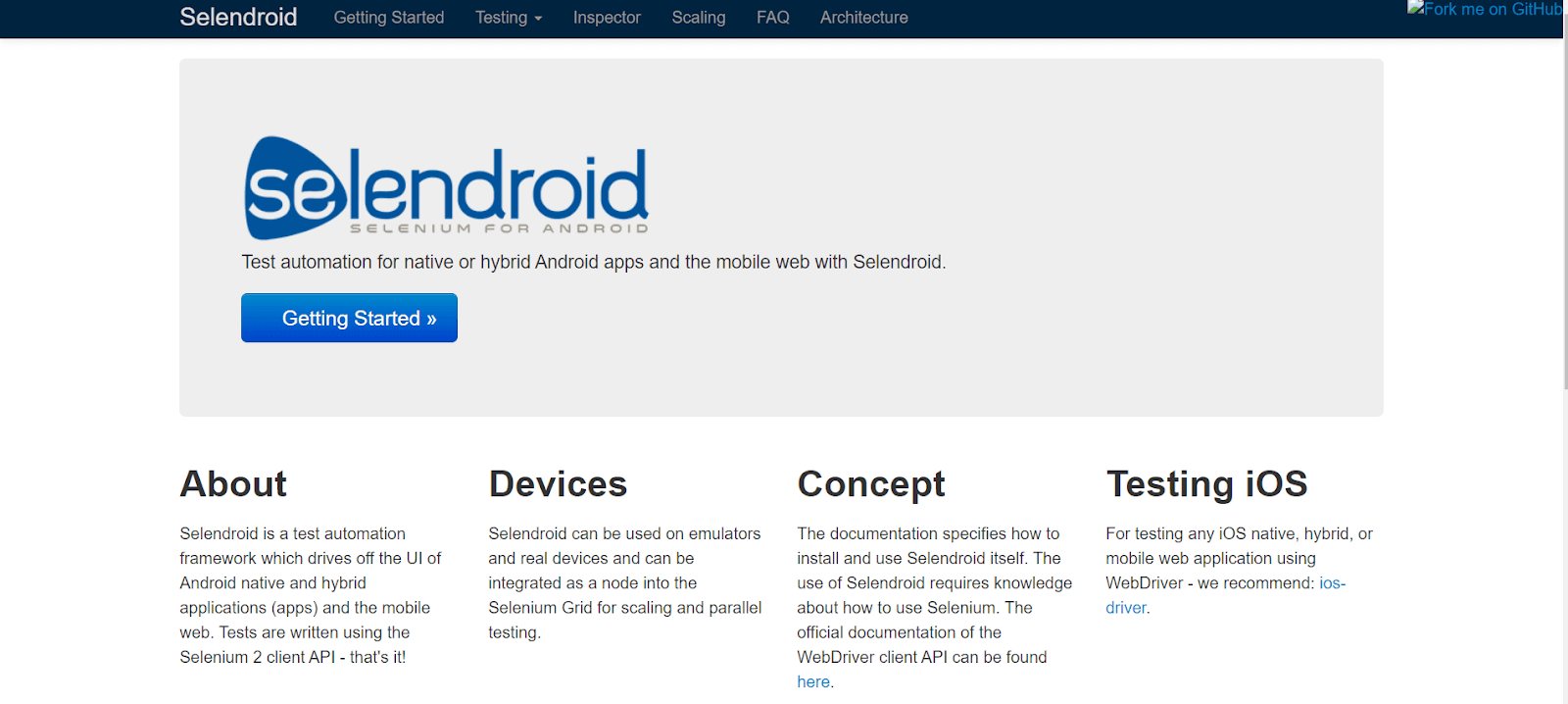
Selendroid is an open-source automation framework designed to operate through the user interface (UI) of Android native, hybrid, and mobile web applications. It leverages the underlying Android instrumentation framework to achieve this functionality.
In addition, the tests are scripted utilizing the API of the Selenium 2 client, also known as the Selenium WebDriver, which allows Selendroid to build upon the existing Selenium framework effectively.
Pros of using Selendroid mobile testing tool
- Seamlessly integrates with JSON wire protocol and is compatible with Selenium 3.
- Doesn’t require app modification, simplifying the testing process.
- Efficiently tests mobile web apps with its built-in web view Android driver.
- Supports native and hybrid apps, ensuring consistency.
- Easily locates UI elements with various locator support.
Cons of using Selendroid mobile testing tool
- May have slower test execution speeds.
- Requires high-end machines or devices with sufficient processing power.
- Not ideal for systems with less than 4 GB of RAM.
5. XCUITest
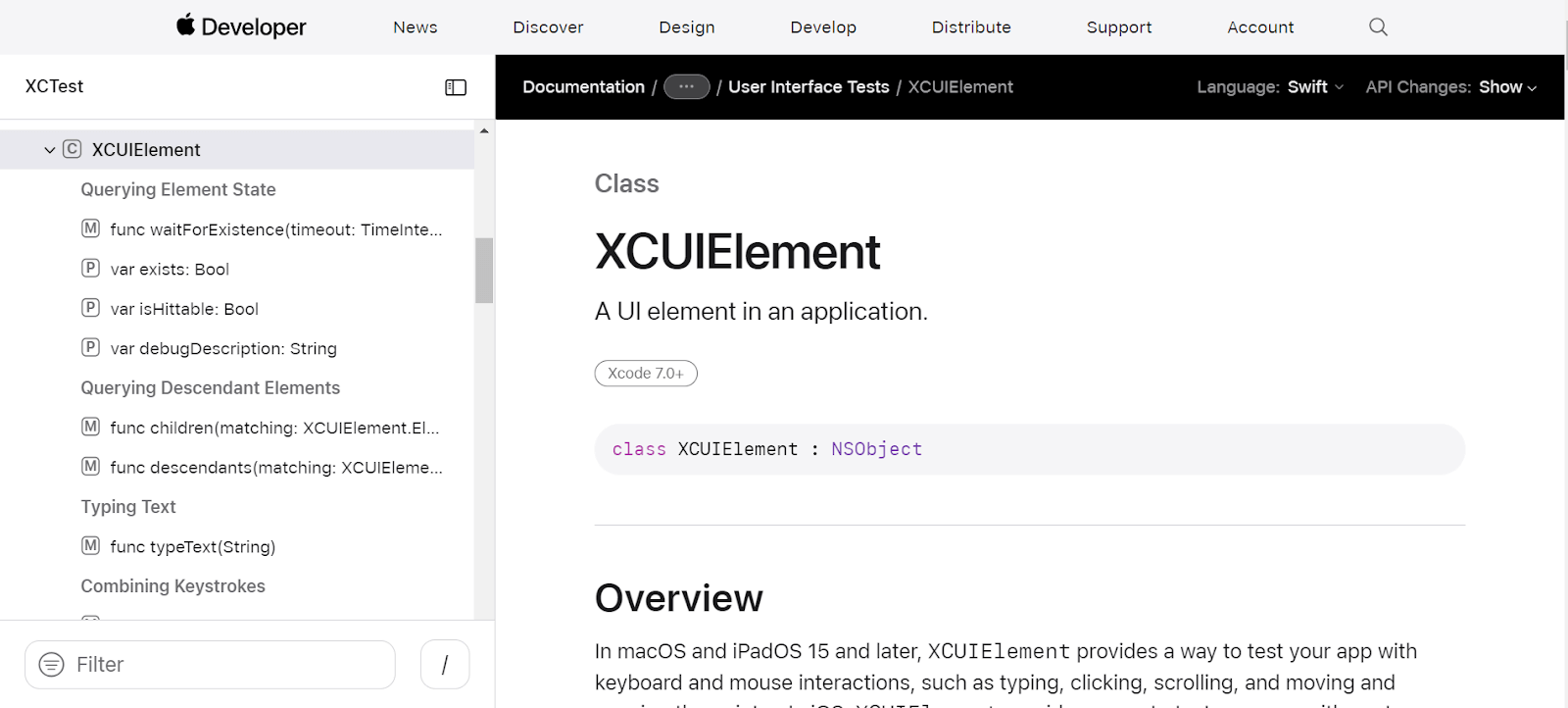
In 2015, Apple introduced XCUITest, one of the most powerful mobile testing tools designed specifically for automating UI tests on iOS devices. Built upon XCTest, which is Apple's integrated test framework for Xcode, XCUITest offers a seamless and efficient testing experience.
With XCUITest, you can write automated UI tests using Swift or Objective-C, the two programming languages commonly used for developing native iOS and macOS applications.
Pros of using XCUITest mobile testing tool
- Integrates seamlessly with Xcode IDE, making it easy for developers to use.
- Delivers faster test results for iOS devices due to its efficient architecture.
- Reliable test execution with minimal flakiness and consistent results.
- APIs and framework have matured, improving stability and robustness.
- Operates at the object level, reducing maintenance efforts for app changes.
Cons of using XCUITest mobile testing tool
- Device fragmentation can make testing on various devices time-consuming.
- Requires additional frameworks for testing across multiple Android platforms.
- Complex apps with multiple screens and data make testing edge cases harder.
- Test maintenance as the app evolves can be time-consuming and require a dedicated team.
6. Espresso
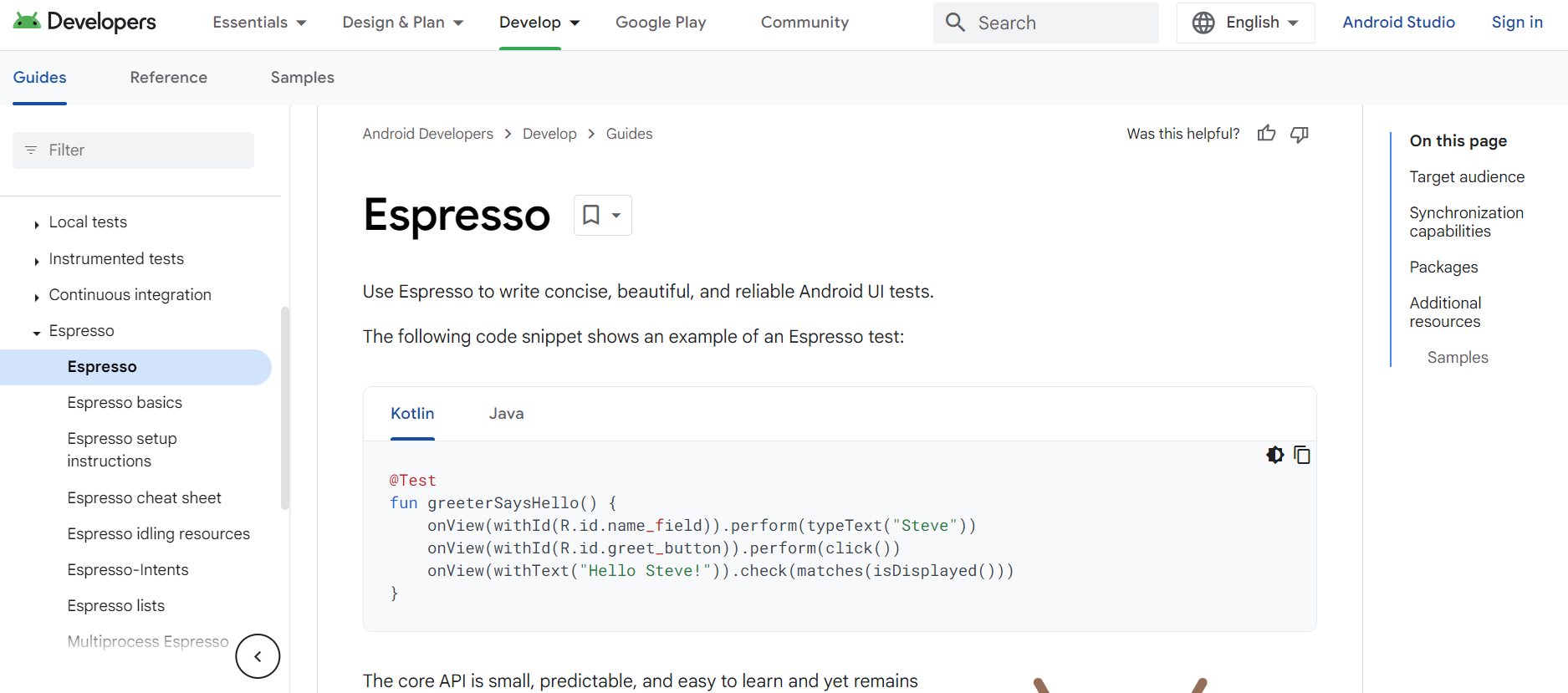
Espresso is a framework for Android automation testing developed by Google and has gained significant popularity due to its exceptional performance.
With Espresso, you can effortlessly create straightforward tests without the need to be concerned about the intricacies of the application's infrastructure.
Moreover, this open-source framework allows developers to customize it according to their requirements. Such features make Espresso one of the best mobile testing tools.
Research conducted by the University of Oulu has revealed that Espresso boasts remarkable speed, offering the shortest test execution time and fallibility among testing frameworks. This makes it a preferred choice for efficient testing.
Pros of using Espresso mobile testing tool
- Allows building a standalone APK for easy installation and quick execution on devices or emulators.
- Provides faster feedback on code changes, helping with quicker debugging.
- Runs alongside the application, offering instant test results without needing a separate server.
- Ensures stable test cycles with synchronized execution and element confirmation.
- Easily set up within Android Studio, simplifying test suite development.
Cons of using Espresso mobile testing tool
- Limited to testing user interfaces, unable to test other aspects of the app.
- Does not support iOS automation testing.
- Only supports Java and Kotlin, limiting language options.
- Requires access to the app’s source code for testing.
7. Nightwatch.js
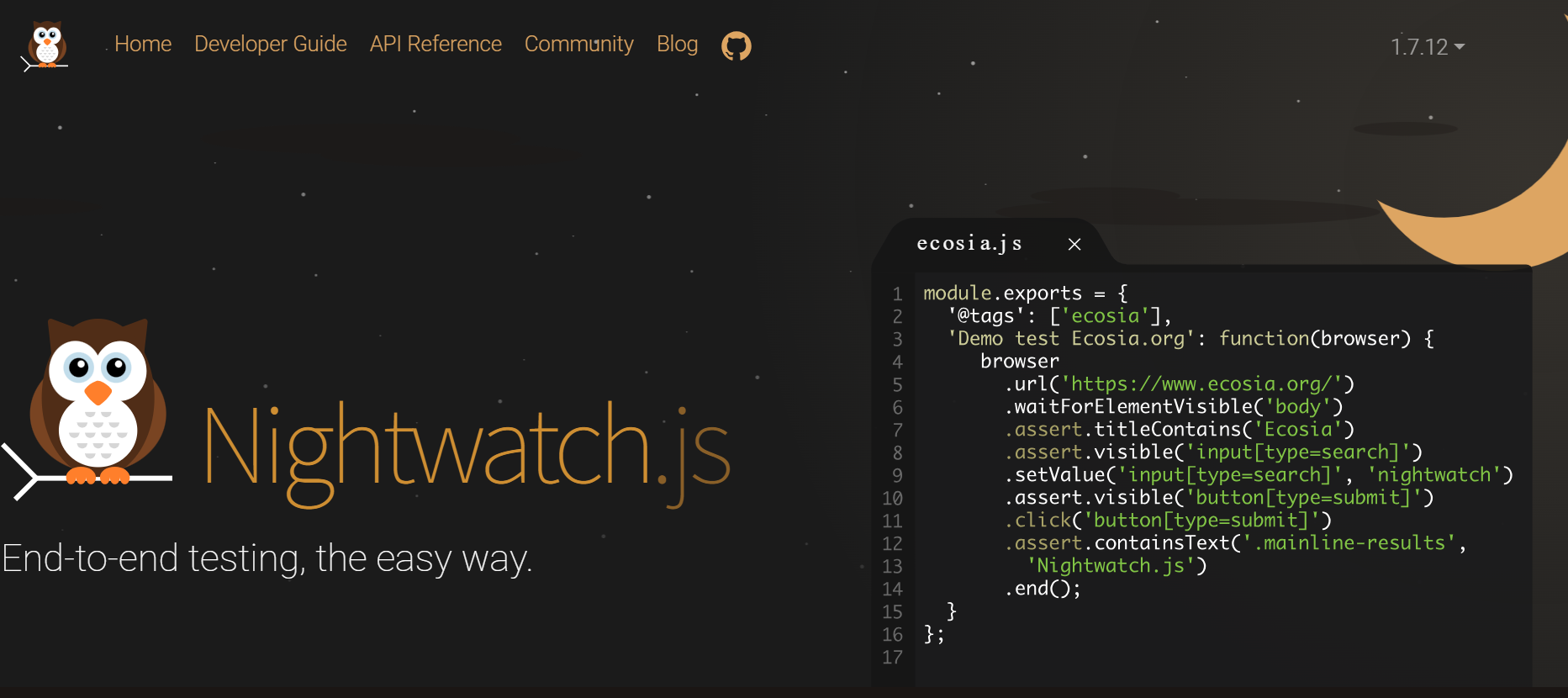
Nightwatch.js is a comprehensive testing tool that facilitates the automated end-to-end testing of web applications and websites across popular browsers.
Developed in Node.js, it leverages the W3C WebDriver API to interact with different browsers seamlessly.
This framework provides a holistic approach to testing, covering end-to-end and cross-browser scenarios. Its primary objective is to streamline the creation and execution of diverse test types, such as:
- End-to-end tests: These tests encompass all major web browsers and allow for a thorough evaluation of application functionality.
- Unit tests: Nightwatch.js supports the testing of Node.js services, enabling developers to assess the individual components of their applications.
- Integration tests: With Nightwatch.js, HTTP APIs can be thoroughly examined to ensure seamless integration between different components.
Pros of using Nightwatch.js mobile testing tool
- It possesses a powerful setup and a streamlined framework that enhances performance.
- Requires minimal code upkeep and enhances the organization of tests.
- Offers superior performance and facilitates advanced parallelism.
- Enables configuration with Cucumber to establish a BDD (Behavior Driven Development) environment.
- Supports a wide range of features, including multi-tabs, iFrames, pinch-zoom, and geolocation.
- Provides built-in support for Page Object Model, implicit waits, HTML reporter, and other useful functionalities.
Cons of using Nightwatch.js mobile testing tool
- The available reporter options in this framework are not as extensive as those in Jest or other mobile testing tools.
- Custom messages for expected assertions are not supported in this framework.
- Compared to headless browsers like Cypress, this framework is slower.
8. Robot Framework
Robot Framework is an open-source framework designed for automation testing and the development of acceptance testing scenarios. It offers various styles for writing test cases, including keyword-driven, behavior-driven, and data-driven approaches.
This diversity in test case styles contributes to its exceptional ease of understanding. Test cases are composed in a tabular format using a keyword style, further enhancing readability and clarity. Refer to the Robot Framework tutorial for a complete setup walkthrough.
Pros of using Robot mobile testing tool
- Seamlessly integrates with external libraries and tools for automation.
- Simple installation, making it easy for beginners to create and execute test cases.
- Supports various test case writing styles, including keyword-driven, behavior-driven, and data-driven approaches.
Cons of using Robot mobile testing tool
- Lacks support for if-else and nested loops, making complex code challenging.
- Maintenance can be difficult due to the framework’s complexity.
- Customizing HTML reports can be challenging.
- Does not support parallel test execution.
9. Xamarin.UITest
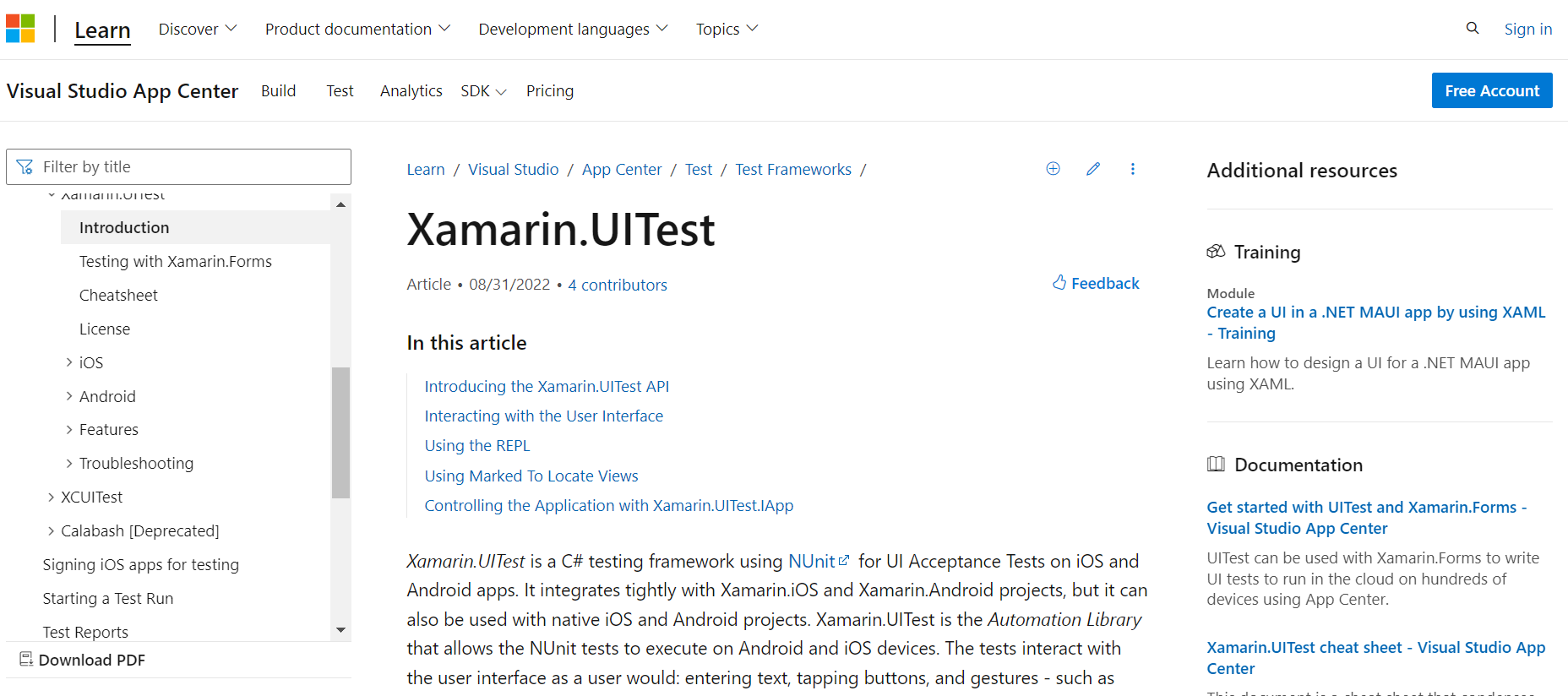
Xamarin.UITest is a C# testing framework that uses NUnit to perform UI Acceptance Tests on iOS and Android applications. This framework works smoothly with Xamarin.iOS and Xamarin.Android applications, as well as native iOS and Android projects. For setup details, refer to the Xamarin testing guide.
Developers may successfully automate the execution of NUnit tests on Android and iOS devices using Xamarin.UITest. These tests mimic user interactions with the app's UI, including text input, button tapping, and even motions like swiping.
Pros of using Xamarin.UITest mobile testing tool
- Enables cross-platform testing with similar app pages across platforms.
- Uses the Page Object Pattern (POP) for scalable, maintainable, and readable tests.
- REPL tool allows real-time interaction and UI element exploration.
- Supports native Xamarin Test Cloud for running tests on a wide range of devices in the cloud.
Cons of using Xamarin.UITest mobile testing tool
- Requires Xamarin.Forms, which may not suit all projects.
- Limited API, restricting advanced UI property evaluation.
- Minimal distinctions between Android and iOS may be a limitation.
- Slow scrolling performance can be a drawback.
- Reliability issues, such as device port conflicts, may occur.
10. EarlGrey
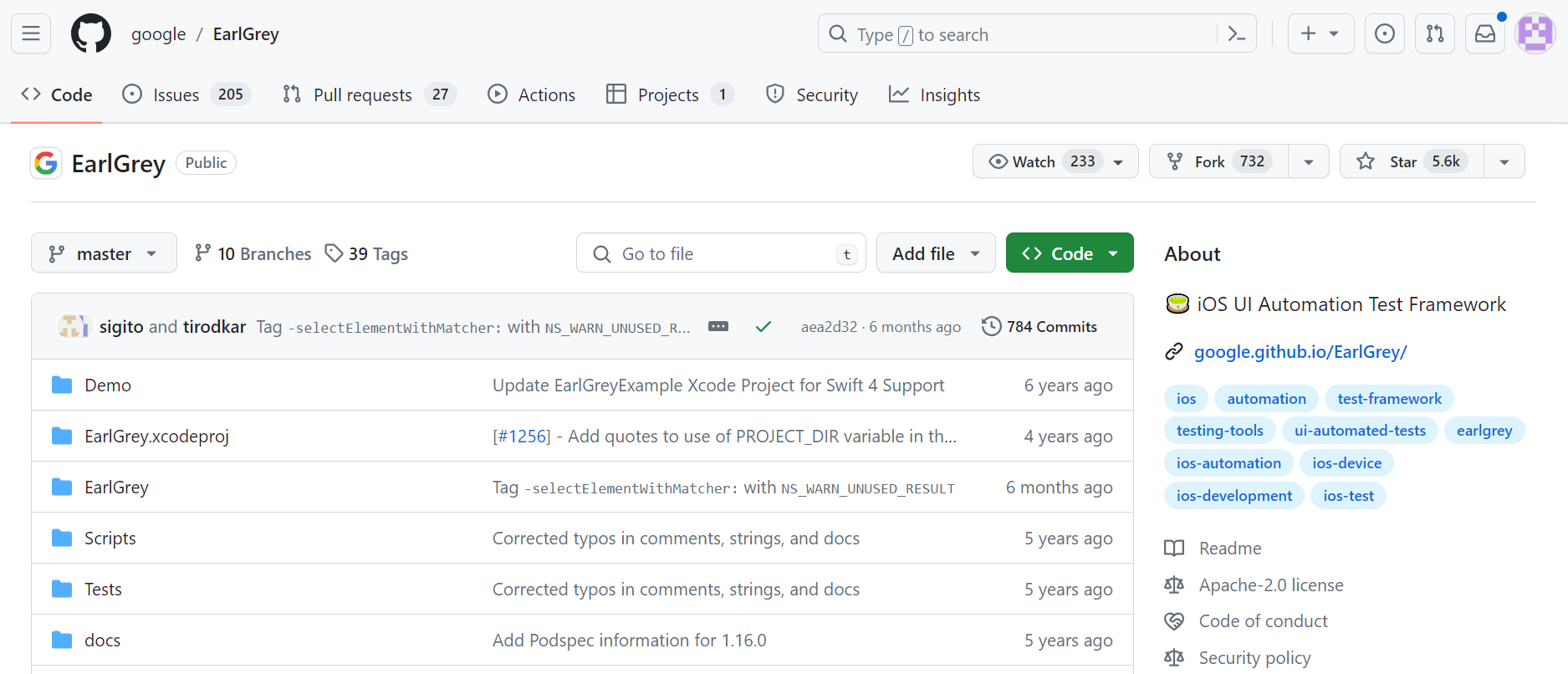
EarlGrey serves as a native iOS UI automation test framework that empowers you to create clear and concise tests. By utilizing the EarlGrey framework, you gain access to advanced synchronization functionalities.
EarlGrey automatically synchronizes with the user interface, network requests, and various queues while still providing the option to implement custom timings, if necessary, manually.
The synchronization features offered by EarlGrey are instrumental in ensuring that the user interface remains stable before executing actions. This significantly enhances the stability of tests and renders them highly repeatable.
Pros of using EarlGrey mobile testing tool
- EarlGrey simplifies test writing with the XCTest framework, making tests clear and concise.
- Enhanced synchronization in EarlGrey automatically handles UI, network requests, and queues, improving test reliability.
- EarlGrey supports testing for native and hybrid iOS apps, providing versatility in test coverage.
Cons of using EarlGrey mobile testing tool
- The app exclusively works on iOS devices, excluding Android and other platforms.
- Xcode is necessary for running tests; alternative IDEs are not supported.
- Possible compatibility problems may arise with certain third-party libraries or frameworks.
11. Calabash
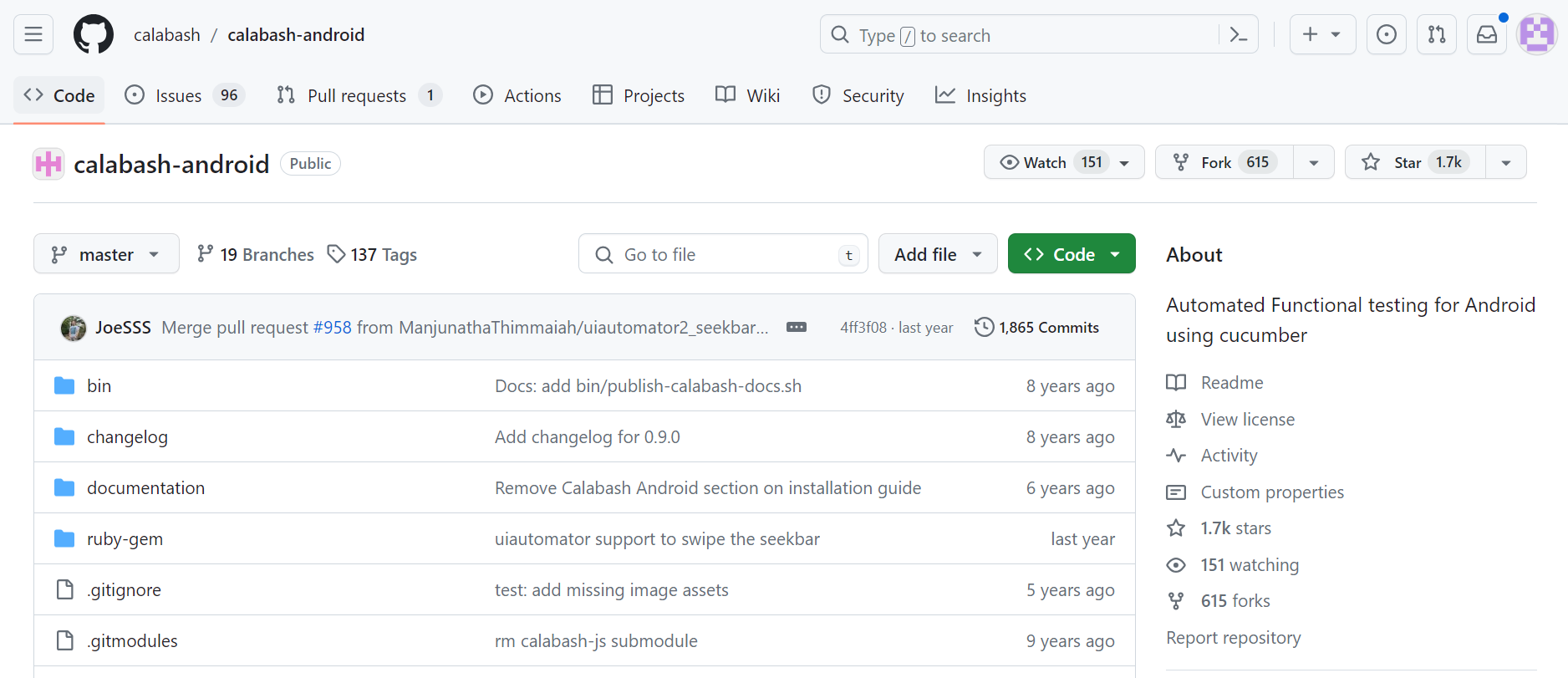
Calabash is an open-source user acceptance testing framework that makes it easy to create and run tests for iOS and Android apps.
This framework functions as an automated user interface framework, allowing developers to write Cucumber tests in Ruby.
Its core premise is to enable automatic UI interactions within a mobile application, such as pushing buttons, entering text, and validating responses. Its adaptability enables configuration across Android and iOS devices, ensuring real-time feedback and thorough validations.
Pros of using Calabash mobile testing tool
- Provides a unified interface for both Android and iOS, simplifying development with a single script.
- Cucumber integration allows easy writing of feature files using simple or domain-specific language, improving readability.
- Supports testing on physical devices and simulators for concurrent testing across multiple devices.
- A large community contributes to improving the tool and extending its functionality.
Cons of using Calabash mobile testing tool
- Requires proficiency to write effective test scripts for accurate results.
- Debugging test scripts can be challenging and time-consuming.
- Maintaining playback methods for automation can be costly due to frequent updates.
- Managing test data becomes more complex when scripts cover multiple screens.
12. Detox
One of the most challenging aspects of automation testing in the mobile realm pertains to the apex of the testing pyramid, namely end-to-end testing. E2E tests commonly face the issue of flakiness, where the tests' outcomes are often non-deterministic.
To confront this problem directly, a shift from black box testing to grey box testing becomes necessary. This is precisely where Detox proves its value.
By employing Detox, you can conduct tests on your mobile application while it runs on an actual device or simulator, effectively interacting with it as a genuine user would.
Pros of using Detox mobile testing tool
- Allows JavaScript-based end-to-end tests on both iOS and Android.
- Modern async-await API for easier debugging and troubleshooting.
- Prevents test flakiness by monitoring asynchronous operations for reliable results.
- Integrates easily with CI platforms like Travis CI, Circle CI, and Jenkins.
- Tests can simulate real user interactions on devices or simulators (iOS support is limited).
Cons of using Detox mobile testing tool
- Android support is improving, but still limited.
- iOS lacks real testing capabilities, limiting app assessment.
- Does not support web views or hybrid apps.
- Lacks key methods like text extraction and coordinate location.
- Falls short in test reporting and screenshot capabilities compared to other tools.
13. TestFlight
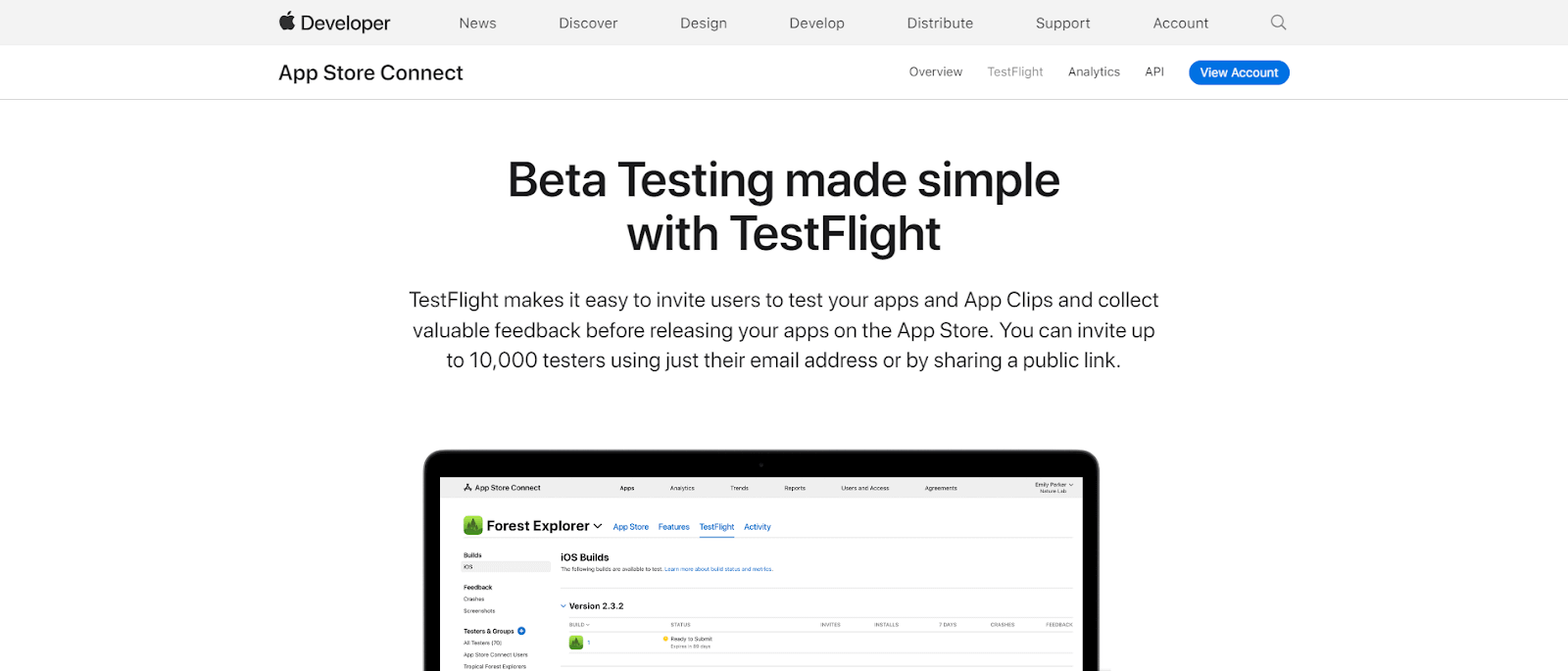
TestFlight offers a user-friendly solution for inviting individuals to test your apps and App Clips, enabling you to gather valuable feedback before launching them on the App Store.
By leveraging TestFlight, you can easily upload a beta version of your app or App Clip to App Store Connect. Testers can then utilize the TestFlight app to install your application and share their feedback.
TestFlight supports iOS, iPadOS, macOS, tvOS, watchOS, and iMessage apps while ensuring that testers consistently work with the most up-to-date build through automatic updates.
Pros of using TestFlight mobile testing tool
- Test up to 100 apps simultaneously, both internally and externally.
- Assign up to 100 beta testers with various roles.
- Each tester can test on up to 30 devices for thorough evaluation.
- All beta builds are accessible to team members for comprehensive feedback.
- Builds remain active for 90 days, allowing ample time for testing and improvements.
Cons of using TestFlight mobile testing tool
- Requires iOS 16 or later, excluding users on older iOS versions.
- Requires a “beta review” process before external testers can access apps.
- Uploaded builds need several hours of processing before becoming accessible.
What Are Essential Factors to Consider When Choosing a Mobile Testing Tool?
Consider multi-language support, CI/CD integration, codeless testing options, cross-platform compatibility, and comprehensive logging and reporting features when choosing tools.
Use this mobile app testing checklist to evaluate each tool against your team's actual requirements:
- Supports multiple programming languages: According to the Stack Overflow Developer Survey 2024, JavaScript is the most-used language for the 12th year running, followed by HTML/CSS and Python; pick a tool that supports whichever language your team already uses.
- CI/CD integration: The tool must plug into your existing pipeline: execution, revision control, test management, defect tracking, and reporting should all be covered by native integrations, not workarounds.
- Codeless test creation: Tools with codeless options let non-developers contribute to the test suite and reduce execution time for repetitive scenarios.
- Multi-platform support: Prioritise tools that cover both Android and iOS from a single configuration if cross-platform coverage is a requirement.
- Record & playback: The ability to record, play back, and automate user interactions reduces the time to write initial test scripts.
- Logs and reporting: Look for structured test reports with screenshots, defect markers, and session logs, which make root-cause analysis significantly faster.

Real Device vs Emulator vs Simulator: Which Should You Use?
Emulators and simulators are fast to spin up and cost nothing, making them the right choice for early development and CI pipelines where feedback speed matters most.
Real devices catch hardware-specific bugs, accurate battery drain, camera and sensor behavior, OS-version edge cases, and network conditions that emulators cannot replicate. Most production teams run emulators during development and switch to real devices for pre-release validation.
| Factor | Real Device | Emulator / Simulator |
|---|---|---|
| Hardware-specific bugs | Catches them | Misses them |
| Setup time | Minutes (cloud) or hours (physical lab) | Seconds |
| Cost | Higher (devices or cloud subscription) | Free |
| CI/CD fit | Good (cloud-based) | Excellent |
| Sensor / camera testing | Yes | Limited |
| OS version coverage | Broad (cloud platforms) | Manually managed |
Appium vs Espresso vs XCUITest: Which Framework Should You Pick?
These three are the most widely adopted mobile automation frameworks, but they serve different needs:
- Choose Appium if your team needs to test both iOS and Android from a single test suite, or if you want to write tests in a language your team already uses (Java, Python, JavaScript, Ruby, or C#). Best for cross-platform and heterogeneous teams.
- Choose Espresso if you are testing Android-only native apps and need the fastest possible test execution. Runs in-process with the app, so no external server is required. Requires Java or Kotlin.
- Choose XCUITest if you are testing iOS-only native apps. Built into Xcode, deeply integrated with Apple's toolchain, and the most stable option for Swift and Objective-C projects.
All three integrate with TestMu AI's Real Device Cloud for execution across real Android and iOS devices without managing a device lab.
Free vs Paid Mobile Testing Tools
Most frameworks in this list are free and open-source: Appium, Espresso, XCUITest, EarlGrey, Robotium, Selendroid, Calabash, Detox, Nightwatch.js, Robot Framework, and Xamarin.UITest all have no licensing cost.
The cost shifts when you need device infrastructure. Running tests on real devices requires either a physical lab (expensive to maintain) or a cloud platform.
TestMu AI offers a free tier with 60 minutes of real device testing per month, with paid plans for teams that need parallel execution and broader device coverage. TestFlight is free for Apple Developer Program members.
Conclusion
Choosing the right mobile testing tool comes down to your stack, device coverage requirements, and how much infrastructure you want to manage.
Open-source frameworks like Appium, Espresso, and XCUITest give teams full control and deep framework integration. Managed platforms eliminate the device lab overhead that slows release cycles.
TestMu AI's Real Device Cloud gives you instant access to 10,000+ real Android and iOS devices with native support for Appium, Espresso, XCUITest, and Detox, with no device lab to maintain, no wait times, and parallel execution across hundreds of devices built in.
Run your first cloud test using the Appium setup guide linked in the note above, or explore mobile testing interview questions to strengthen your fundamentals.
Note: Mehul Gadhiya, Community Contributor at TestMu AI with expertise in Appium and Automation Testing, reviewed, fact-checked, and approved this article, which was researched and drafted with AI assistance. Our editorial process and AI use policy describes how every claim is verified before publication.
Author
Mehul Gadhiya
Blogs: 7


Mehul Gadhiya is a Community Contributor with experience in creating content and strategies around software testing, automation, and emerging technologies. At TestMu AI, he has worked on initiatives spanning product messaging, sales enablement, and lifecycle campaigns, supporting testing solutions like KaneAI and HyperExecute. He has also contributed to community-focused efforts, including the Testμ Conference, building awareness and collaboration across the QA and developer ecosystem
Reviewer
Siddhant Sinha
Reviewer
Siddhant Sinha is a Lead Member of Technical Staff at TestMu AI architecting Kane CLI, the command-line tool for browser automation from the terminal, where natural-language flows run in a real Chrome browser and return pass or fail with shareable proof. He has spent over three years at TestMu AI (formerly LambdaTest) building scalable platforms that run tests at scale on real Android and iOS devices. His expertise covers platform architecture, large-scale distributed systems, and CLI design, shaped by earlier cloud-native engineering at Semut.io, including building Elasticsearch as a service.




Mobile App Testing Tools FAQs
Did you find this page helpful?
More Related Blogs
TestMu AI forEnterprise
Get access to solutions built on Enterprise
grade security, privacy, & compliance
- Advanced access controls
- Advanced data retention rules
- Advanced Local Testing
- Premium Support options
- Early access to beta features
- Private Slack Channel
- Unlimited Manual Accessibility DevTools Tests