

Power Your Software Testing with AI Agents and Cloud
The Native AI-Agentic Cloud Platform to Supercharge Quality Engineering. Test Intelligently and Ship Faster.


- TestMu AI (Formerly LambdaTest)
- /
- Blog
- /
- 35 Open Source and Free Web UI Mockup Tools in 2026
35 Open Source and Free Web UI Mockup Tools in 2026
35 open source and free web UI mockup tools for 2026 - Penpot and 4 more genuinely open-source picks, plus 30 free design tools for teams.
Last Updated on:
Designing a website involves generating numerous ideas, but implementing them directly using HTML or CSS can be time-consuming, especially if the concept gets rejected. Planning your design thoroughly with a UI testing mindset from the start can speed up development and reduce rework.
If self-hosting or source-code access matters to your team, "open source" and "free" are not the same thing - most popular mockup tools (Figma, Sketch, Adobe XD) are free or freemium but proprietary. This article covers both: genuinely open-source web UI mockup tools first, followed by the best free and freemium tools if open-source isn't a hard requirement for your team.
Key Takeaways
- Open source and free are not the same thing: Penpot, Pencil Project, Quant-UX, draw.io, and Excalidraw publish their source code, while Figma, Sketch, and Adobe XD are free or freemium but proprietary.
- Penpot is the closest open-source match to Figma, runs in the browser on SVG, CSS, and HTML, and can be self-hosted on your own infrastructure under the MPL-2.0 license.
- Pencil Project, maintained by Evolus, is an installable cross-platform GUI prototyping app that works without a cloud account.
- Quant-UX pairs prototyping with built-in usability testing, so a mockup can be checked against task-based user testing data instead of visual review alone.
- draw.io is Apache-2.0 licensed and includes a dedicated mockup shape library, which suits teams that already diagram there and want low-fidelity wireframes in the same tool.
- Excalidraw is MIT licensed and self-hostable, and it is built for hand-drawn wireframes and flow sketches where speed matters more than visual fidelity.
- The 30 free and freemium picks, among them Balsamiq, Protopie, Mockplus, Framer, Sketch, Adobe XD, and Figma, cover a wider range of features and platforms than the five open-source tools.
- A mockup shows how a UI is supposed to look, not how the coded interface renders, so verify the built page with cross browser testing or TestMu AI SmartUI before release.
Open Source Web UI Mockup Tools
These five tools are genuinely open-source - their source code is publicly available, and most offer a self-hosting option. That's a meaningfully different guarantee than "free," since it means no vendor can shut down access to your design files or change pricing on you later.
1. Penpot
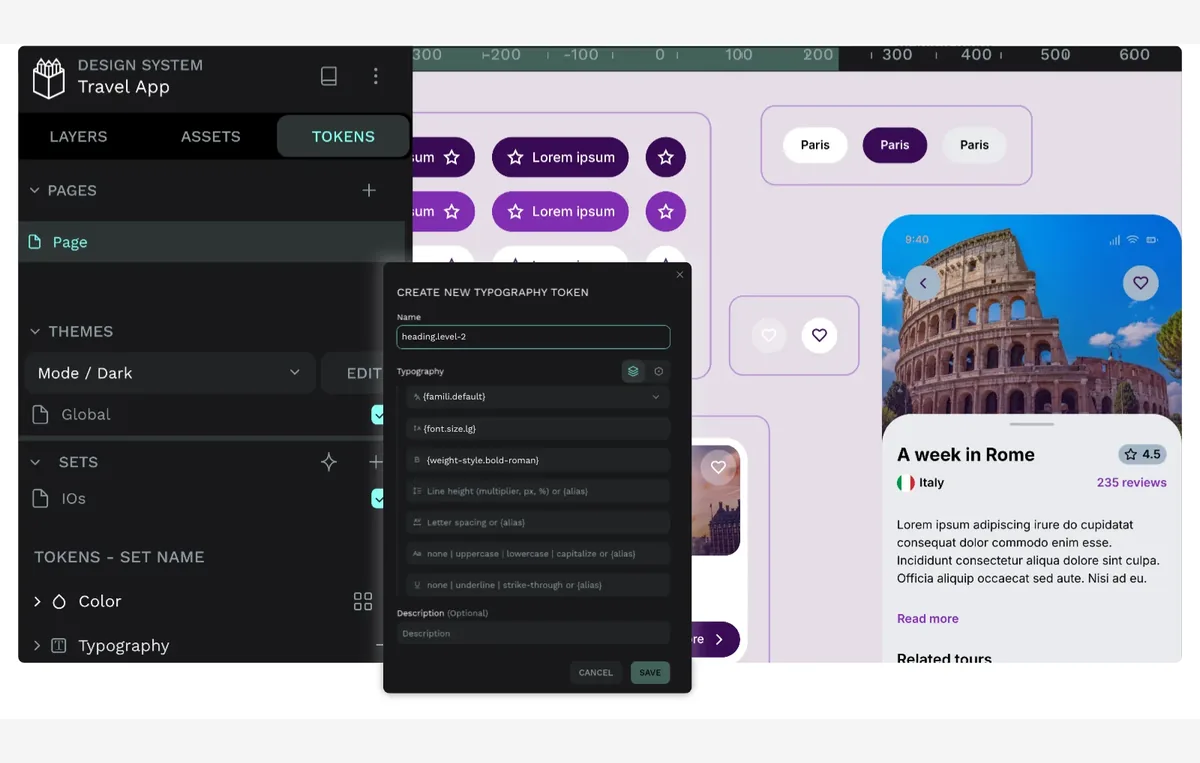
Penpot is the most complete open-source alternative to commercial UI design platforms like Figma. It runs entirely in the browser, is built on open web standards (SVG, CSS, HTML), and can be self-hosted on your own infrastructure or used via the hosted app.
Key features of Penpot:
- Design and Prototyping in One Tool: Full UI design, wireframing, and interactive prototyping without switching apps.
- Open File Format: Native SVG files with CSS and HTML export for developer handoff.
- Design Systems: Component-based libraries and design tokens for consistent, reusable UI elements.
- Self-Hosting Option: Run Penpot on your own servers if you need full control over design files.
- Real-Time Collaboration: Multiple designers can work on the same file simultaneously.
Best for: Teams that want a production-ready, self-hostable, open-source replacement for a commercial design platform.
License: Open-source (MPL-2.0), free to use hosted or self-hosted.
2. Pencil Project
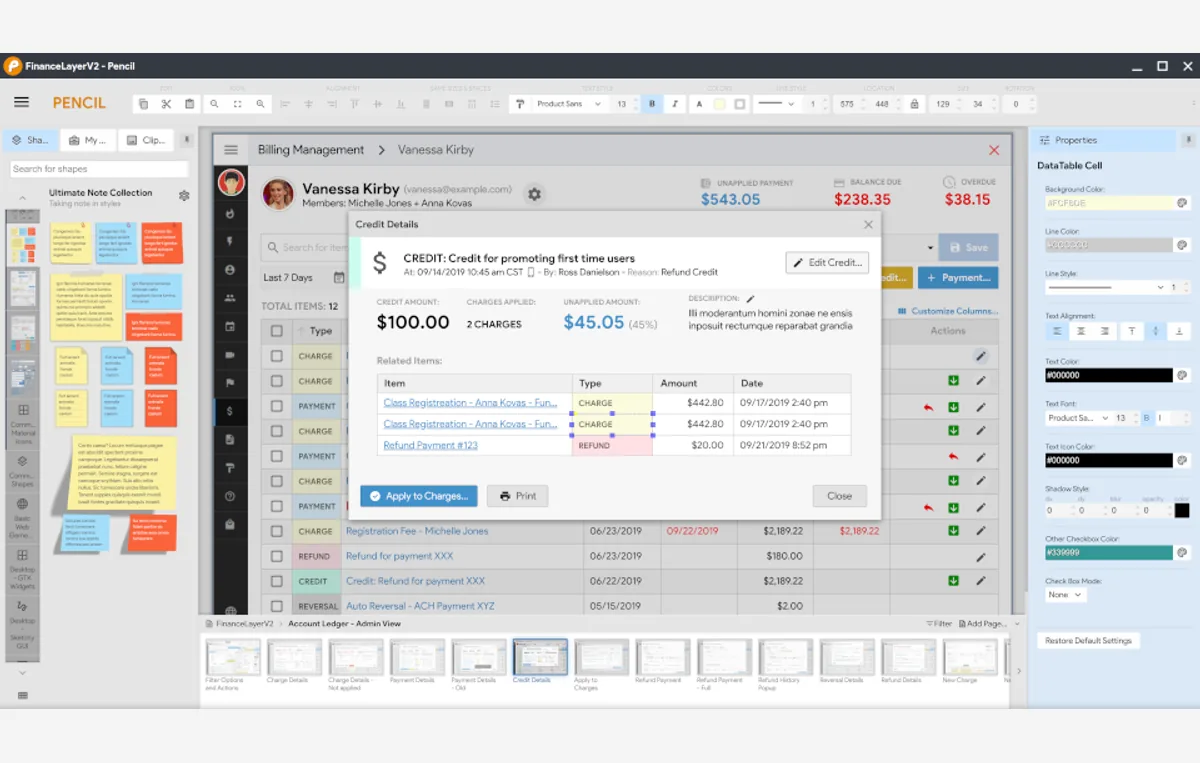
Pencil Project, maintained by Evolus, is an open-source GUI prototyping tool for creating wireframes and mockups on Windows, macOS, and Linux. The current stable release continues active development, with a full rewrite (Pencil V3) underway.
Key features of Pencil Project:
- Built-In Shape Collections: Sketch desktop, web, and mobile interfaces with ready-made UI shapes.
- Cross-Platform Desktop App: Native installers for Windows, macOS, and Linux.
- Stencils and Templates: Reusable patterns for common UI layouts.
- Export Options: Share static mockups without needing a viewer account.
Best for: Teams and individuals who want a free, installable, cross-platform mockup tool without a cloud account.
License: Open-source, free.
3. Quant-UX
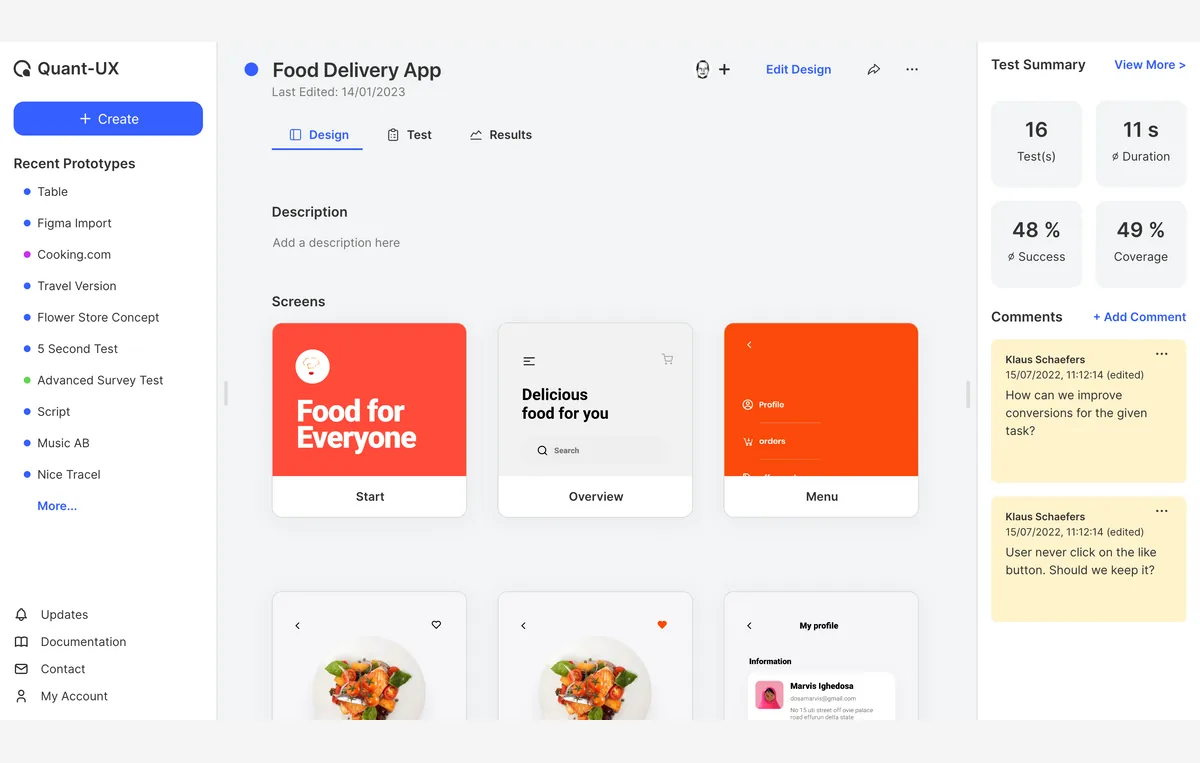
Quant-UX combines prototyping with built-in usability testing and analytics in one open-source, web-based tool. Instead of just building the mockup, you can run task-based tests against it and see heatmaps, drop-off points, and completion times without separate tooling.
Key features of Quant-UX:
- Visual Prototyping: A drag-and-drop designer with reusable components and design systems.
- Task-Based User Testing: Run usability tests with automatic screen recording.
- Built-In Analytics: Heatmaps, success rates, and drop-off analysis from real test sessions.
- No Install Required: Runs entirely in the browser.
Best for: Teams that want to validate a mockup with real user testing data, not just visual review.
License: Open-source, free.
4. draw.io (diagrams.net)
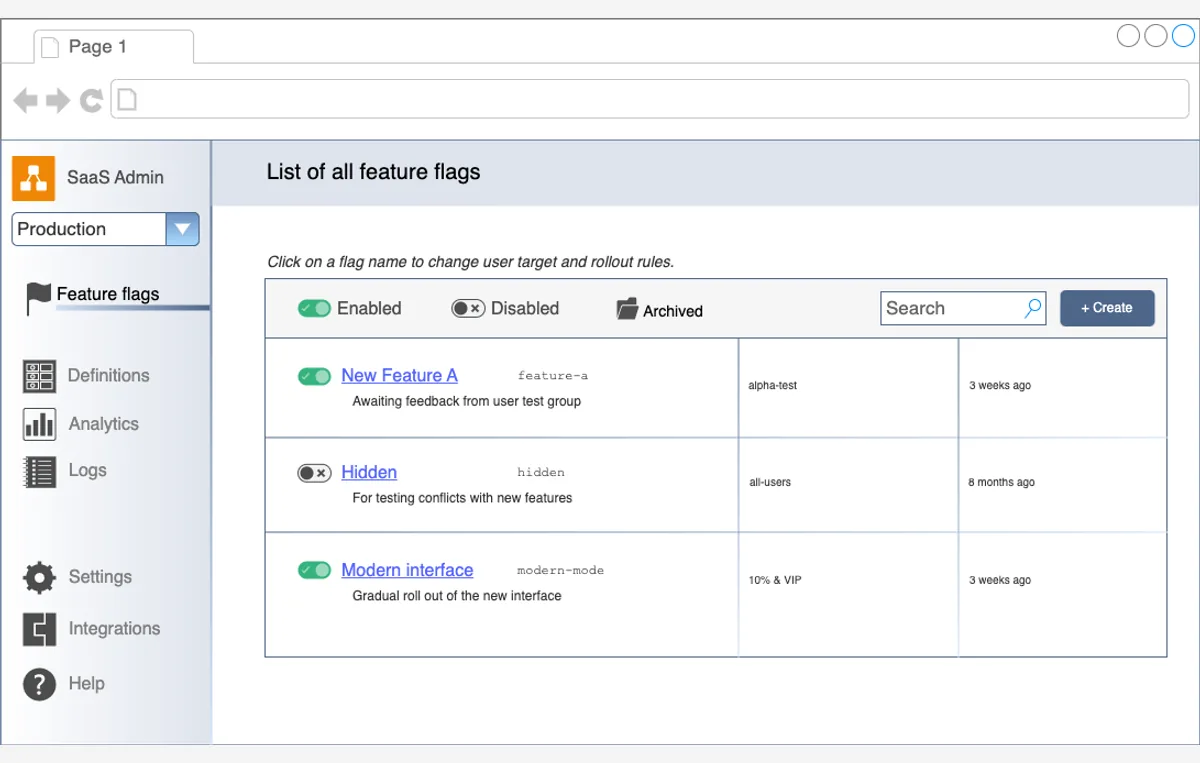
draw.io (formerly diagrams.net) is an Apache-2.0 licensed diagramming tool that also works well for low-fidelity UI wireframes, thanks to a dedicated mockup shape library alongside its general diagramming shapes. It's independently run, not VC-funded, and diagrams saved since 2005 still open in the current version.
Key features of draw.io:
- Dedicated Mockup Shapes: A wireframe/mockup shape library alongside general diagramming shapes.
- Multiple Deployment Options: Web app, desktop app, or embedded in Google Workspace, Microsoft 365, Confluence, GitHub, and VS Code.
- Your Own Storage: Save files locally or in your own cloud storage instead of a vendor's servers.
- Export Options: SVG, PNG, PDF, or editable formats.
Best for: Teams that already use draw.io for diagrams and want to sketch low-fidelity wireframes in the same tool.
License: Open-source (Apache 2.0), free.
5. Excalidraw
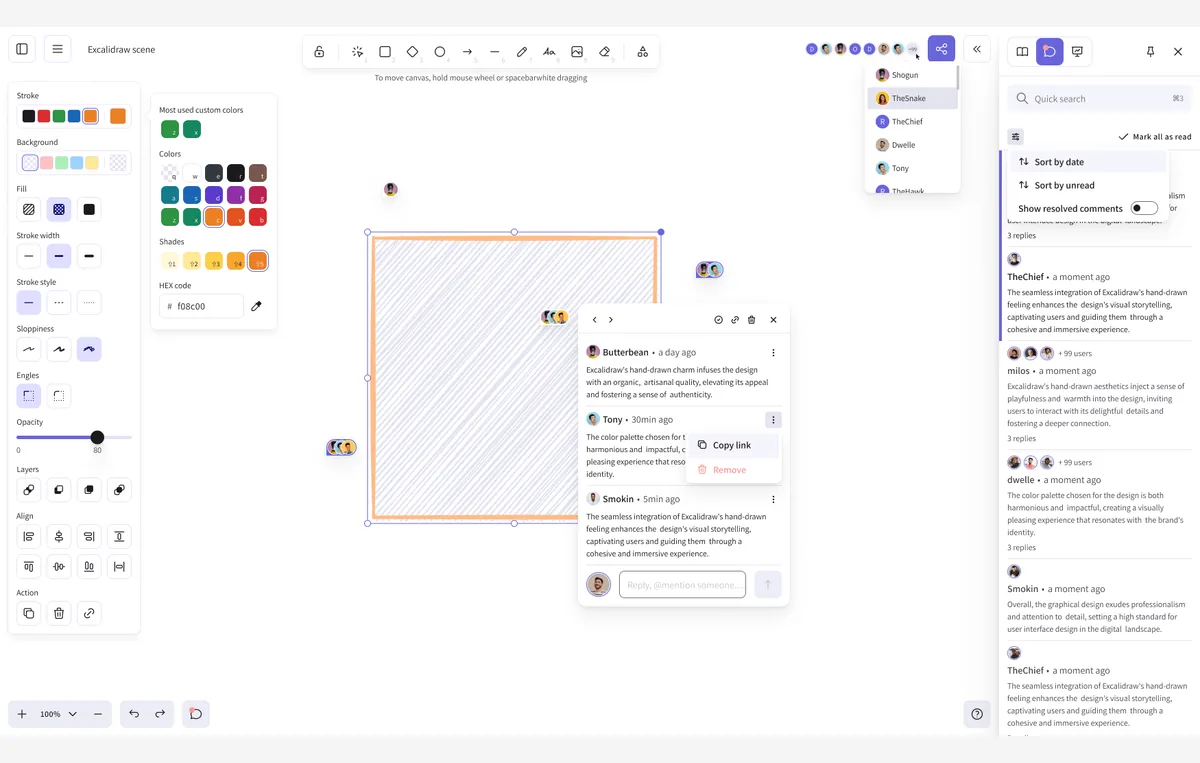
Excalidraw is an open-source, MIT-licensed whiteboard tool with a distinctive hand-drawn style, more commonly used for quick wireframes and flow diagrams than pixel-perfect UI. The hosted version adds real-time, end-to-end encrypted collaboration; the code also ships a Docker configuration for self-hosting.
Key features of Excalidraw:
- Hand-Drawn Aesthetic: An infinite canvas suited to fast, low-fidelity wireframes.
- Shape Libraries: Reusable shapes, image support, and labeled arrow-binding for flows.
- Encrypted Collaboration: Real-time, end-to-end encrypted editing on the hosted version.
- Self-Hostable: Docker configuration published for running it on your own infrastructure.
Best for: Quick, informal wireframes and flow sketches where speed matters more than visual fidelity.
License: Open-source (MIT), free.
Key Takeaway: The five open-source picks divide by job: Penpot for a full self-hostable design platform, Pencil Project for an installable desktop app with no cloud account, Quant-UX for prototypes that carry their own usability tests, draw.io for wireframing inside a diagram tool, and Excalidraw for fast hand-drawn sketches. All five publish their source code, and most offer self-hosting, so no vendor controls access to the design files.
Free and Freemium Web UI Mockup Tools
The 30 tools below are free or offer a free tier, but they're closed-source commercial products, not open-source software. If self-hosting or source-code access matters to your team, stick to the five picks above - otherwise, these cover a much wider range of features, platforms, and use cases.
6. Balsamiq
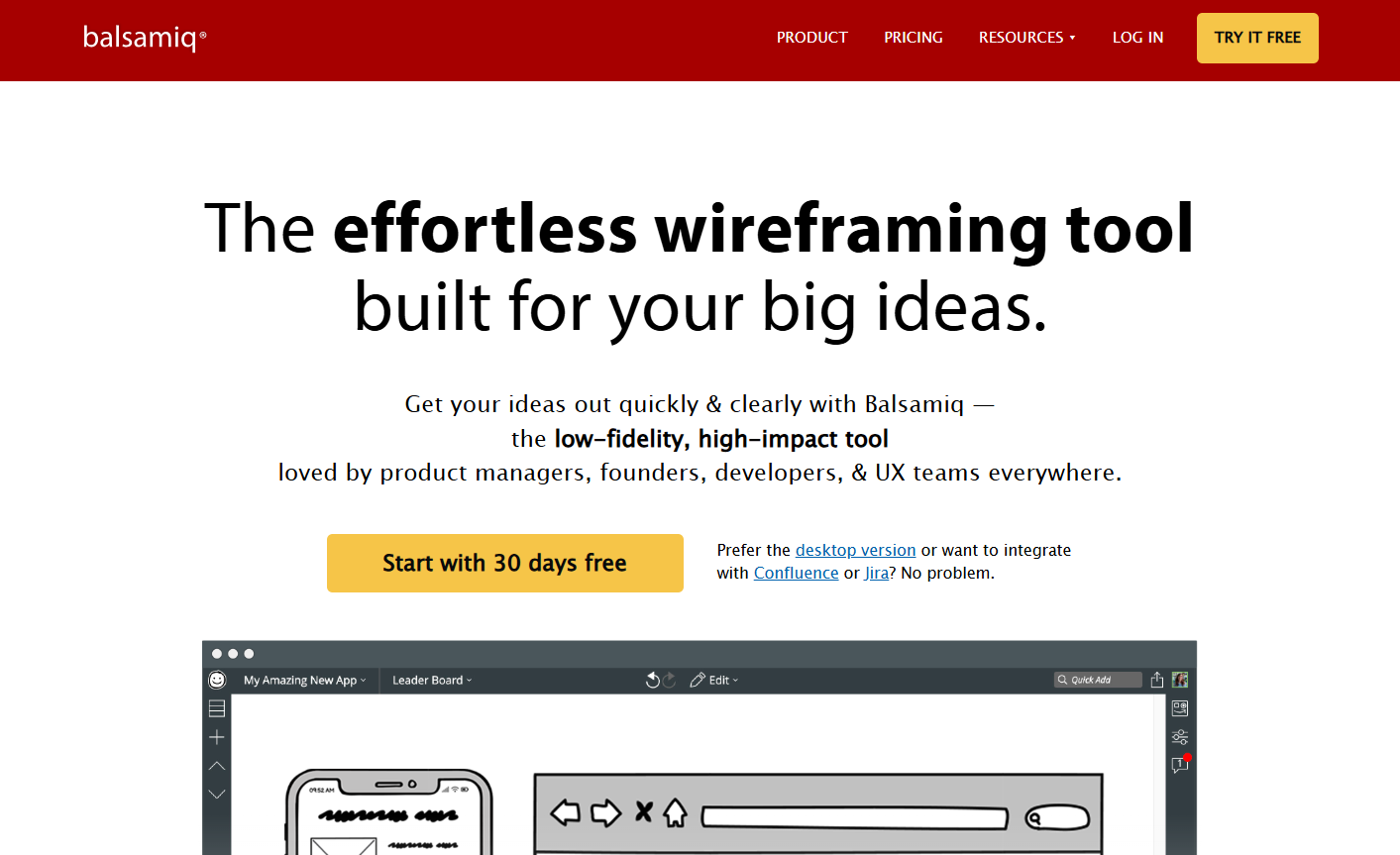
Balsamiq offers a browser-based Website UI mockup tool. It has everything you need to create a simple prototype, like a collection of icons, buttons, frames, text generator and other elements. There is also a toggle button that lets you switch between a sketch-like layout and the real interface.
Key features of the Balsamiq mockup tool:
- Drag-and-Drop Interface: Quickly add elements like buttons, frames, and icons to your mockups with ease.
- Pre-built UI Components: A rich library of pre-designed elements, including text generators and form components, makes building designs simple.
- Sketch and Wireframe Modes: Use a single toggle button to switch between a hand-drawn sketch style and a clean, realistic interface layout.
- Collaboration Tools: Share your designs with team members and receive feedback directly on the mockups.
- Cross-Platform Access: Works on any browser, enabling users to design from anywhere.
7. Protopie
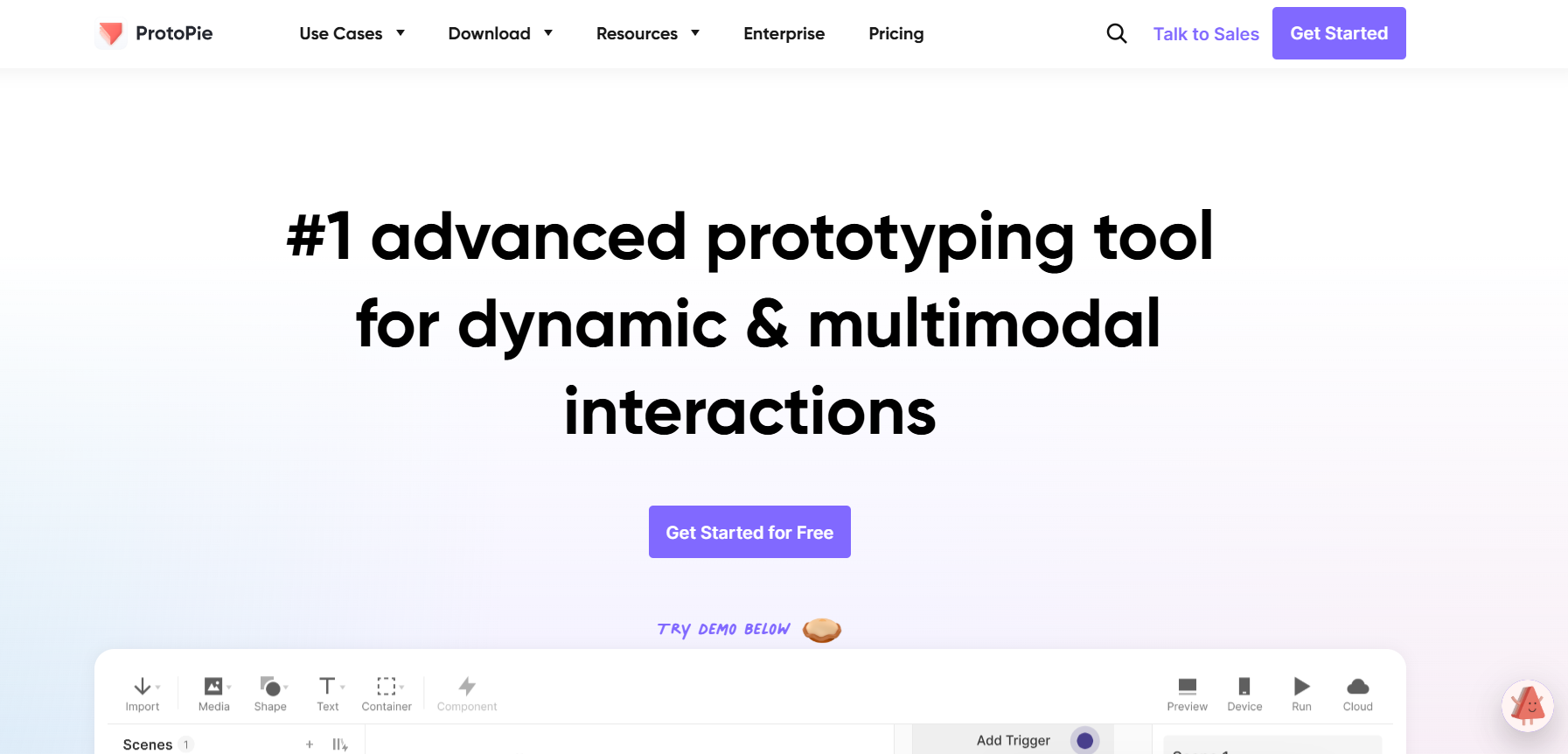
Protopie is one of the most used mockup tools that allows you to create interactive prototyping without any coding knowledge. Apart from applying all the latest styling features in your design, you can also control the sensor of smart handheld devices like tilt, touch sensors, sound etc. in your prototypes.
Key features of Protopie mockup tool:
- No Coding Required: Helps you create fully interactive prototypes without needing any programming knowledge.
- Advanced Interaction Options: Allows you to apply the latest design and styling features to make your design visually appealing.
- Sensor Simulation: This allows you to simulate smart device sensors like tilt, touch gestures, and sound to make prototypes highly realistic.
- Cross-Platform Testing: This lets you test your prototypes on various devices, such as desktops, smartphones, and tablets, for a better user experience.
- Collaboration Tools: This lets you share your work with teams and clients and get real-time feedback.
8. Mockplus
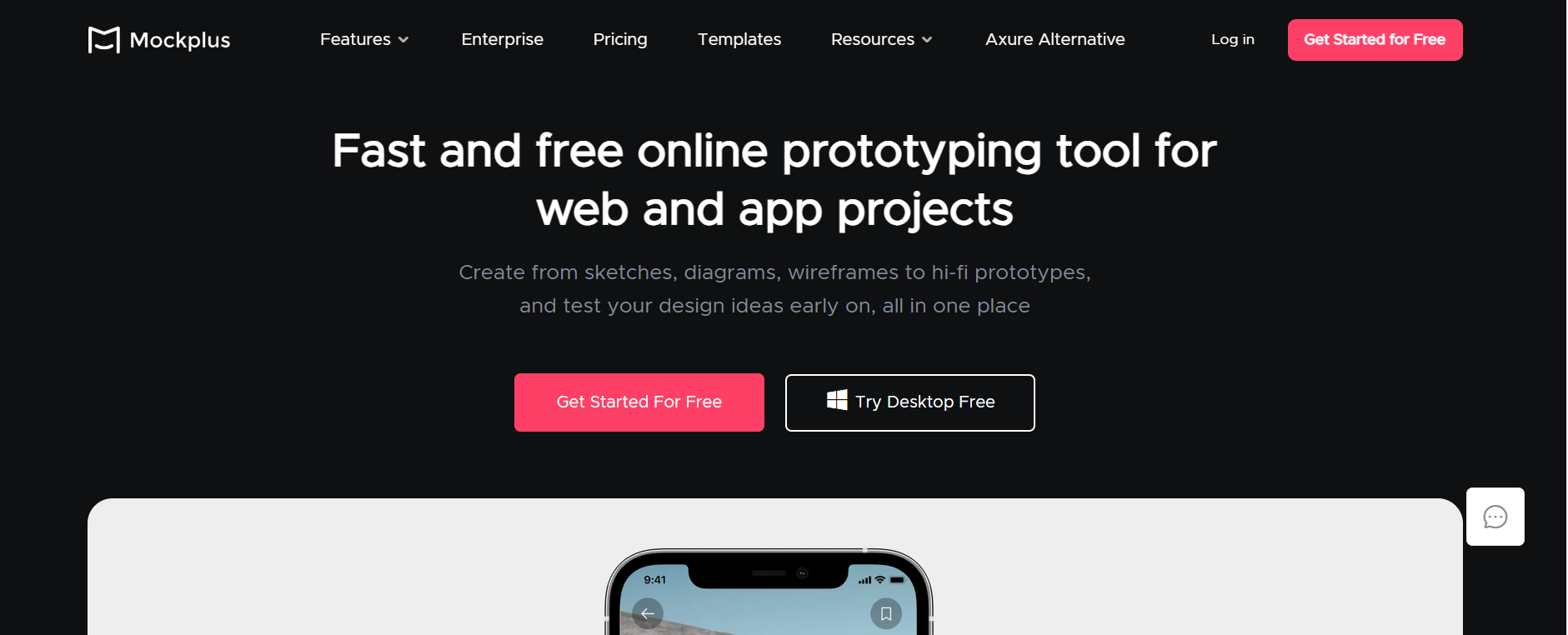
Mockplus is a web-based rapid mockup tool designed for quick and efficient prototyping. It provides a built-in prototyping feature that enables even beginners to create responsive mockups within minutes. The tool offers real-time collaboration, scalable components, adjustable icons, and vector drawing capabilities, making it versatile and user-friendly for both design and team management tasks.
Key features of Mockplus mockup tool:
- Rapid Prototyping: Create responsive mockups quickly without prior experience.
- Real-Time Collaboration: Co-edit pages, view real-time updates, and track team activities.
- Customizable Components: Use scalable components and adjustable icons for easy customization.
- Advanced Drawing Tools: Create vectors, logos, and illustrations with pen and pencil tools.
- Animated Interactions: Create prototypes with pop-ups and sub-artboard interactions.
- Storyboard View: Visualize system flow with a full-view storyboard.
- Built-In Collaboration System: Features commenting, design handoff, project management, and more.
9. Justinmind
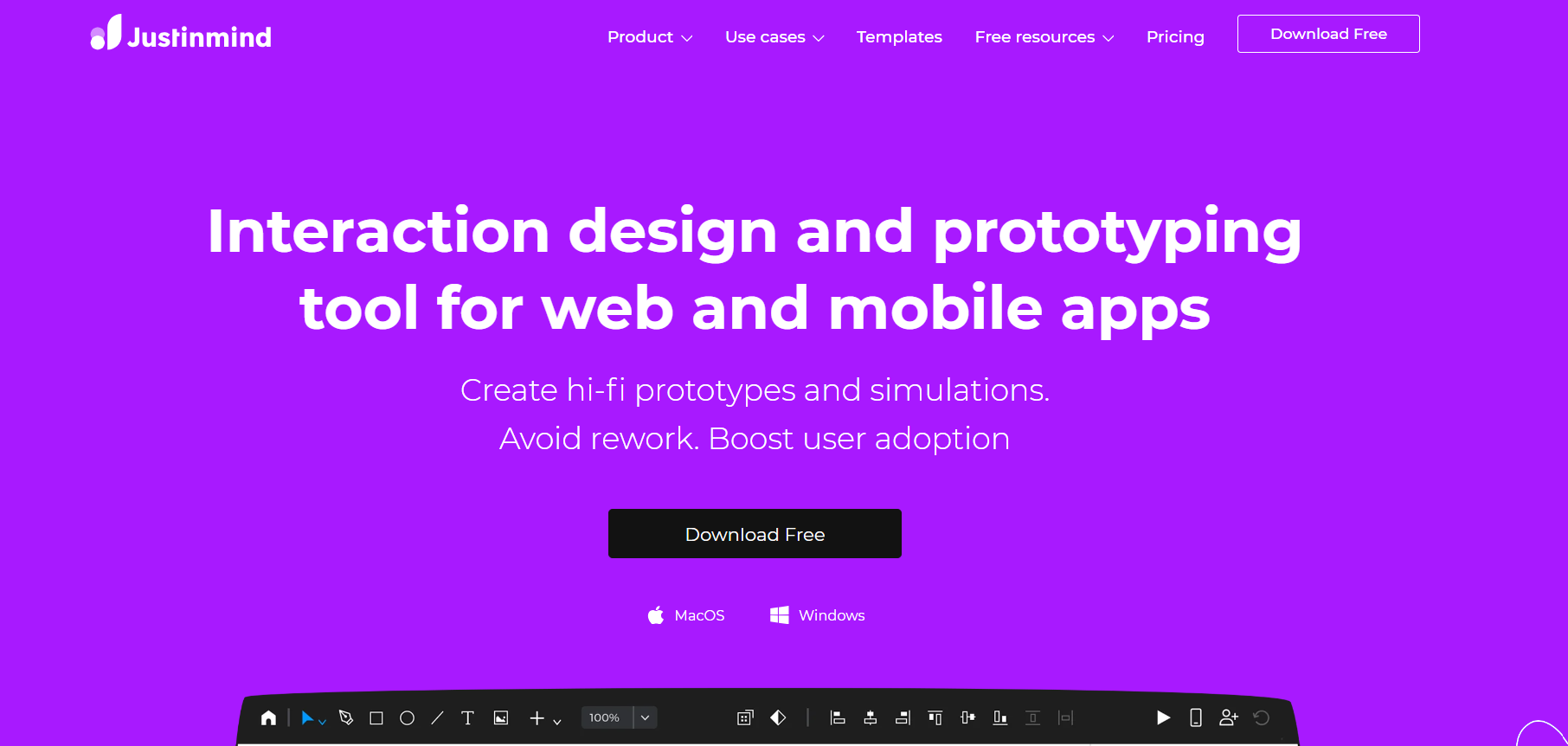
Justinmind is a Website UI mockup tool that allows you to create a clickable and functional prototype or wireframe. With this mockup tool you can design various UI aspects such as dropdowns, toggle animations, shadows, and other effects, with compatibility for both desktop and handheld device prototypes.
Key features of Justinmind mockup tool:
- Clickable Prototypes: Create functional and interactive prototypes or wireframes.
- UI Design Tools: Design dropdowns, toggle animations, shadows, and other effects.
- Device Compatibility: Build prototypes for both desktops and handheld devices.
10. Flinto
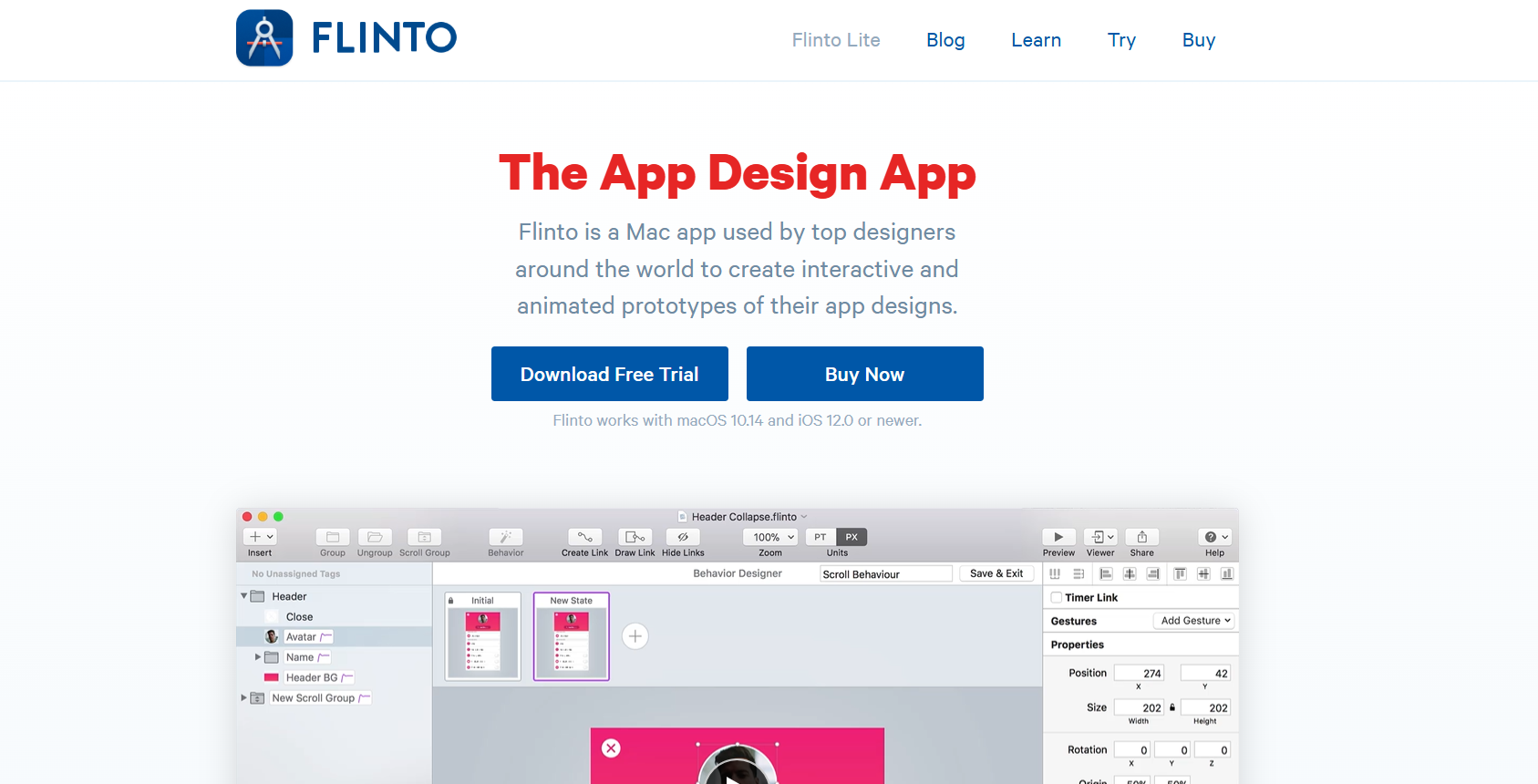
Flinto is a Mac-based Website UI mockup tool popular among designers worldwide. You can create dynamic prototypes having animated transitions, customized scrolling, sound effects, and other features. You can also export the prototype as a recorded video or GIF and present it to your stakeholders.
Key features of Flinto mockup tool:
- Dynamic Prototypes: Helps you create interactive prototypes with animated transitions and scrolling effects.
- Custom Animations: Helps you design unique animations and transitions tailored to your project.
- Sound Effects: Allows you to add sound effects to enhance the interactivity of your prototypes.
- Export Options: Allows you to export prototypes as recorded videos or GIFs for presentations.
- Mac-Based Design: Built specifically for Mac users with a clean and intuitive interface.
11. Proto.io
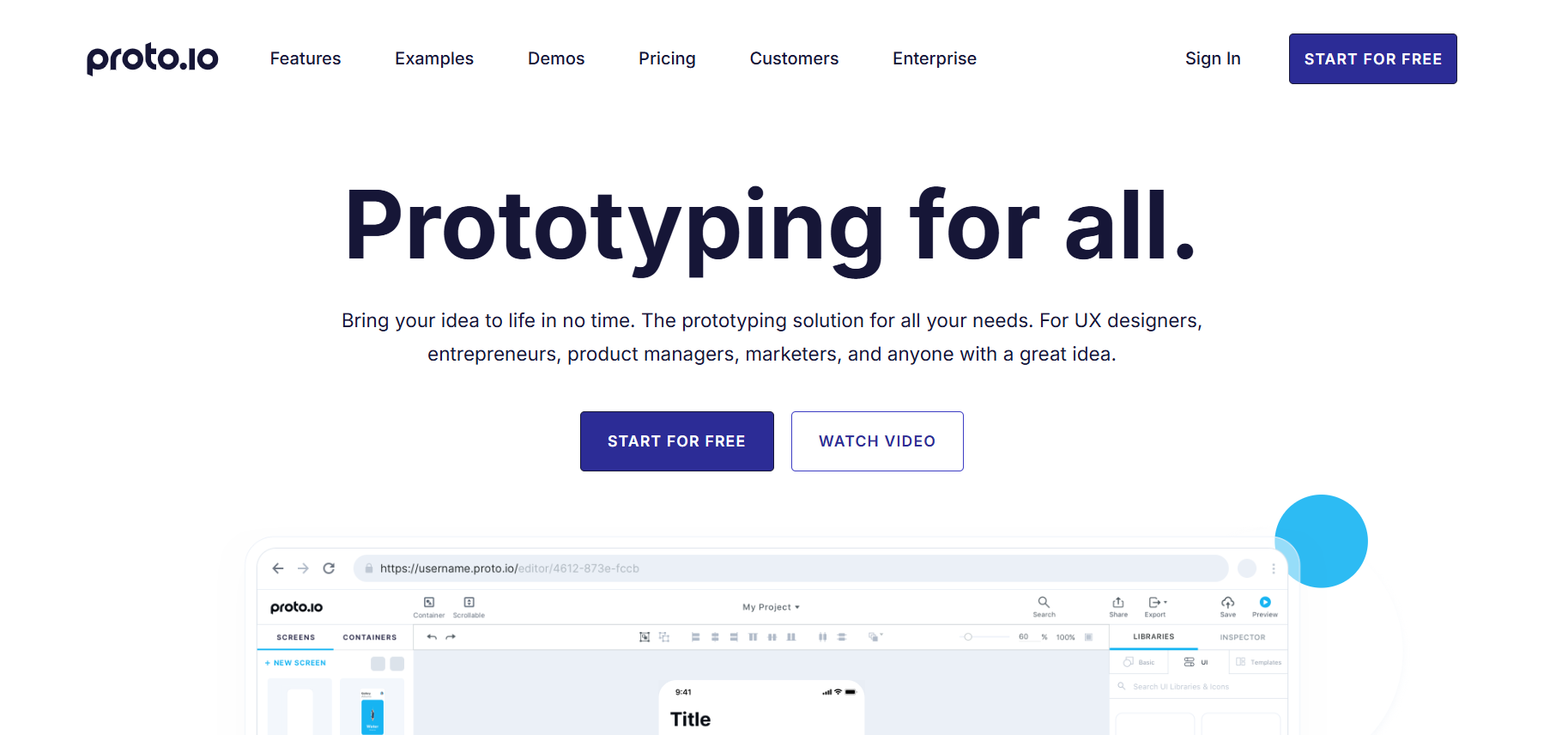
Proto.io is a feature-rich Web UI mockup tool that allows users to create dynamic prototypes to showcase all desired UX features, including animations. It provides a versatile platform to design and simulate interactive and realistic web interfaces, making it ideal for presenting ideas effectively.
Key features of Proto.io mockup tool:
- Dynamic Prototypes: Enables you to create interactive and realistic prototypes to showcase UX features.
- Animation Support: Allows you to add animations to bring designs to life and simulate real user interactions.
- Intuitive Interface: Easy-to-use platform suitable for both beginners and advanced users.
- Device Compatibility: Allows you to design and test prototypes across various devices, including desktops and mobiles.
- Collaboration Tools: Allows you to easily share your prototypes with stakeholders and collect feedback efficiently.
12. TemplateToaster
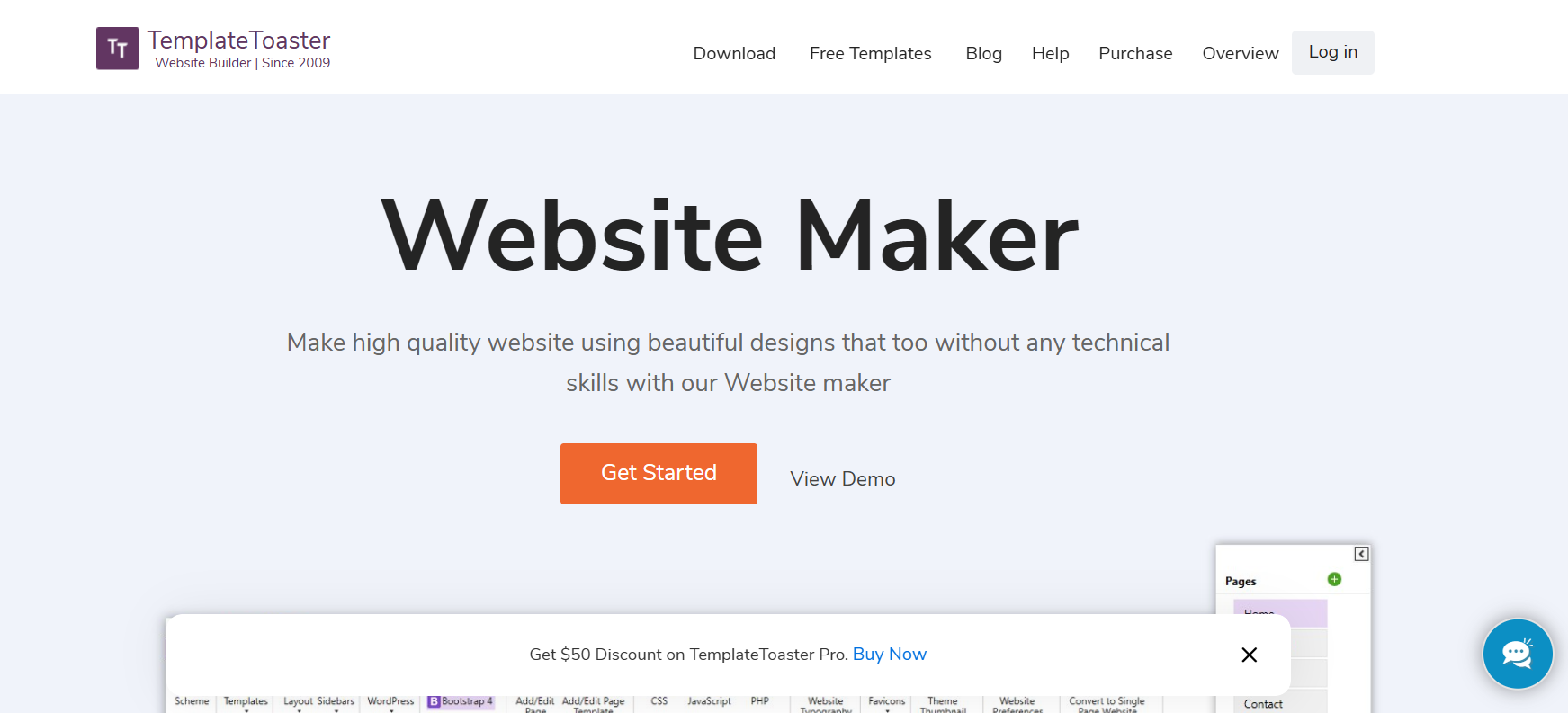
TemplateToaster is a desktop application able to handle heavy design work. With an interactive interface, it allows you to create responsive websites that are SEO friendly as well.
Key features of TemplateToaster:
- Desktop Application: Designed to handle heavy design work efficiently.
- Interactive Interface: Offers an intuitive interface for easy design creation.
- Responsive Design: Create websites that are fully responsive and adapt to various devices.
- SEO Friendly: Build websites optimized for search engines to enhance visibility.
- Versatile Design Tools: Includes tools to create templates and themes for different platforms.
13. Marvel
Marvel is one of the most popular mockup tools, allowing designers to create interactive prototypes for websites and apps effortlessly. It's well suited for rapid design iterations and collaborative workflows.
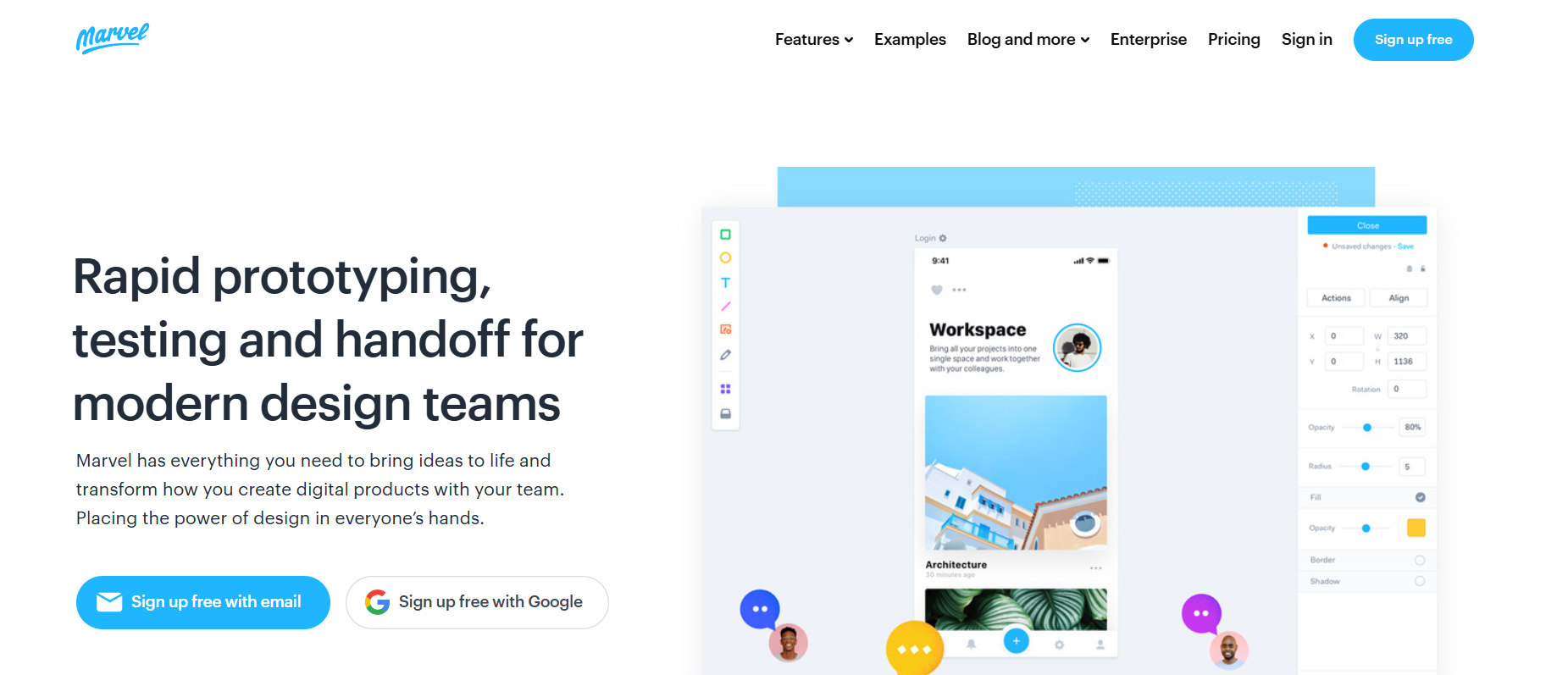
Key features of Marvel mockup tool:
- Interactive Prototyping: Allows you to easily create interactive prototypes for websites and mobile apps.
- User Testing Integration: Enables you to test prototypes with users to gather real-time feedback.
- Design Handoff: Generates developer-ready specs and assets for smooth handoff.
- Template Library: Provides access to pre-designed templates to accelerate the design process.
- Cross-Platform Compatibility: Work on web, mobile, or desktop with ease.
- Cloud-Based Storage: Save and share projects via the cloud for a simpler workflow.
14. Mockuuups Studio
Mockuuups Studio is a specialized mockup tool for visualizing designs in realistic scenarios. It's widely used for generating device mockups for presentations and marketing materials.
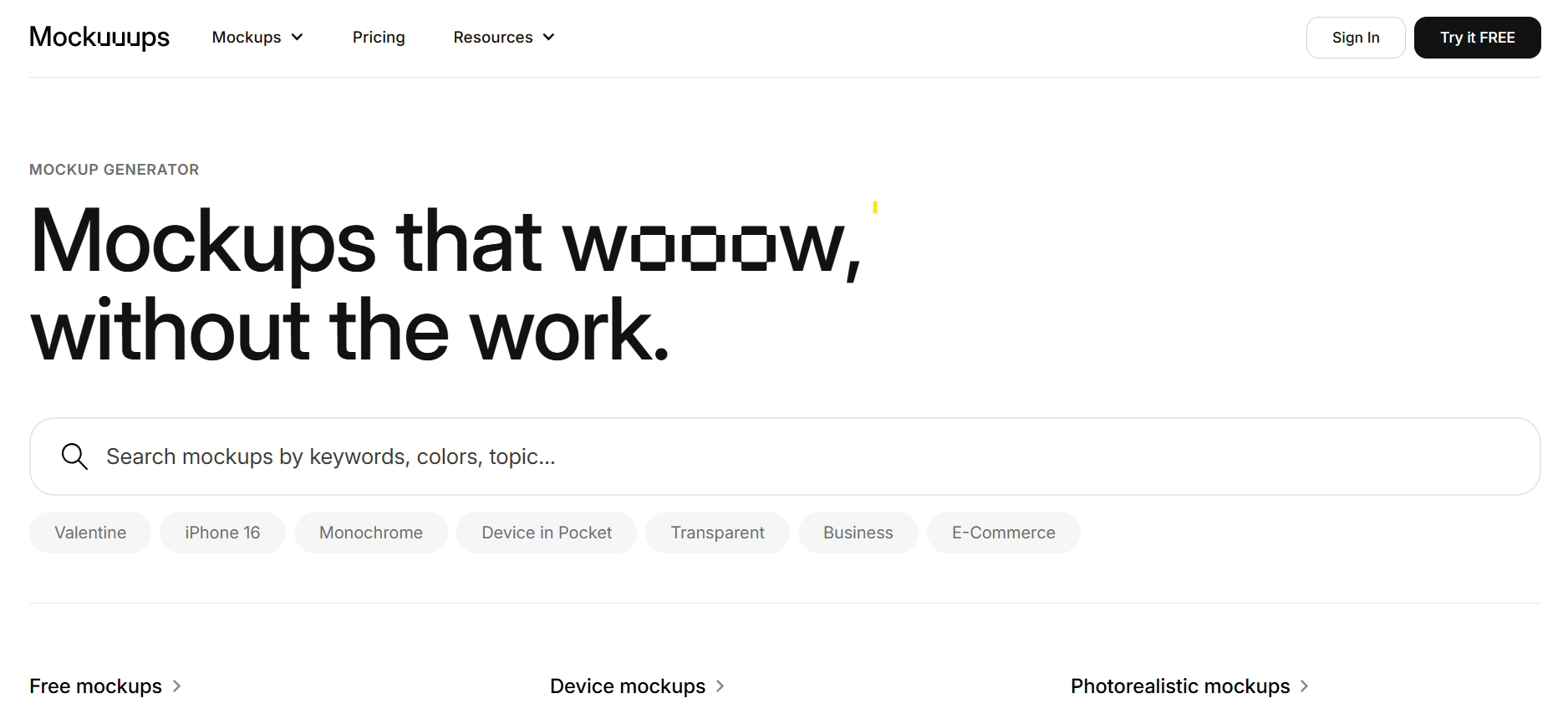
Key features of Mockuuups Studio mockup tool:
- Extensive Mockup Library: Offers over 600 customizable device mockups, including smartphones, laptops, and tablets.
- Drag-and-Drop: Quickly turn your designs into professional mockups with minimal effort.
- Real-Time Editing: Instantly preview and adjust mockups to fit your needs.
- High-Resolution Exports: Provides crisp, print-ready mockups for presentations and marketing.
- Platform Support: Available on macOS, Windows, and Linux.
15. Wondershare Mockitt
Wondershare Mockitt is a mockup tool designed to create wireframes, interactive prototypes, and UI designs with ease. It's suited for both beginners and advanced designers.
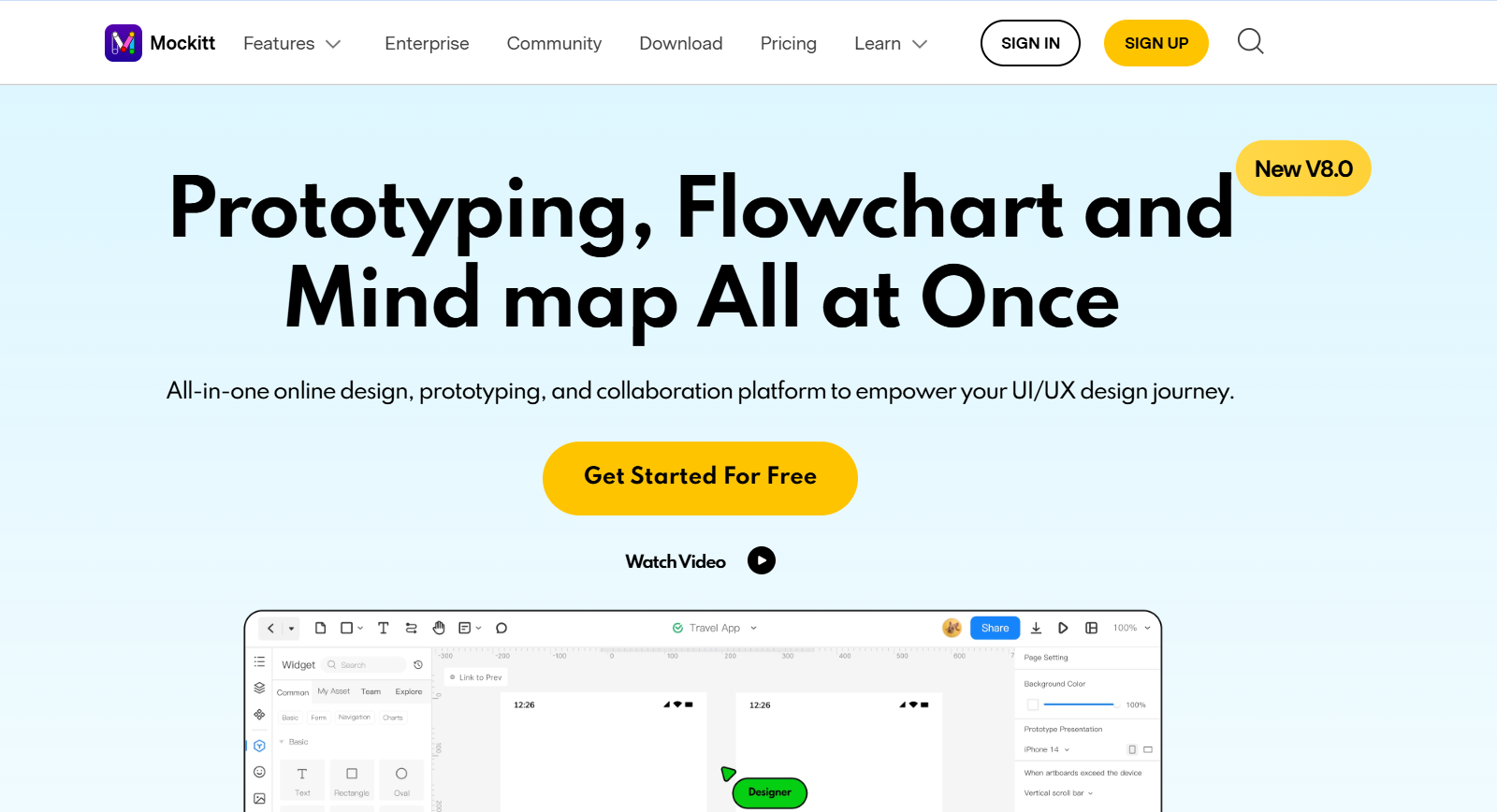
Key features of Wondershare Mockitt mockup tool:
- Interactive Prototyping: Allows you to create fully interactive prototypes with transitions and animations.
- Drag-and-Drop Interface: Simplifies the design process with an intuitive drag-and-drop editor.
- Pre-Designed Templates: Access a library of templates and UI components to speed up your workflow.
- Cloud-Based Storage: Save and access your projects from anywhere.
- Cross-Platform Support: Compatible with web, Windows, and macOS platforms.
- Feedback Tools: Gather comments and suggestions directly on your designs.
16. Wireframe.cc
Wireframe.cc is best for creating a static wireframe - one of the best mockup tools to try if you're planning to prototype a single page. The premium version provides a private account and lets you create multiple pages and export them in different formats.
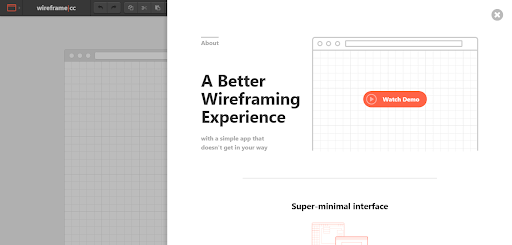
Key features of Wireframe.cc mockup tool:
- Static Wireframe Creation: Ideal for sketching simple single-page prototypes.
- User-Friendly Interface: A minimalistic design for quick and easy wireframing.
- Multiple Page Support: Helps you create and manage multiple pages for your wireframe projects.
- Export Options: Allows you to export wireframes in various formats for sharing and presentation.
- Private Account Access: Provides enhanced privacy and project management capabilities.
17. Sketch
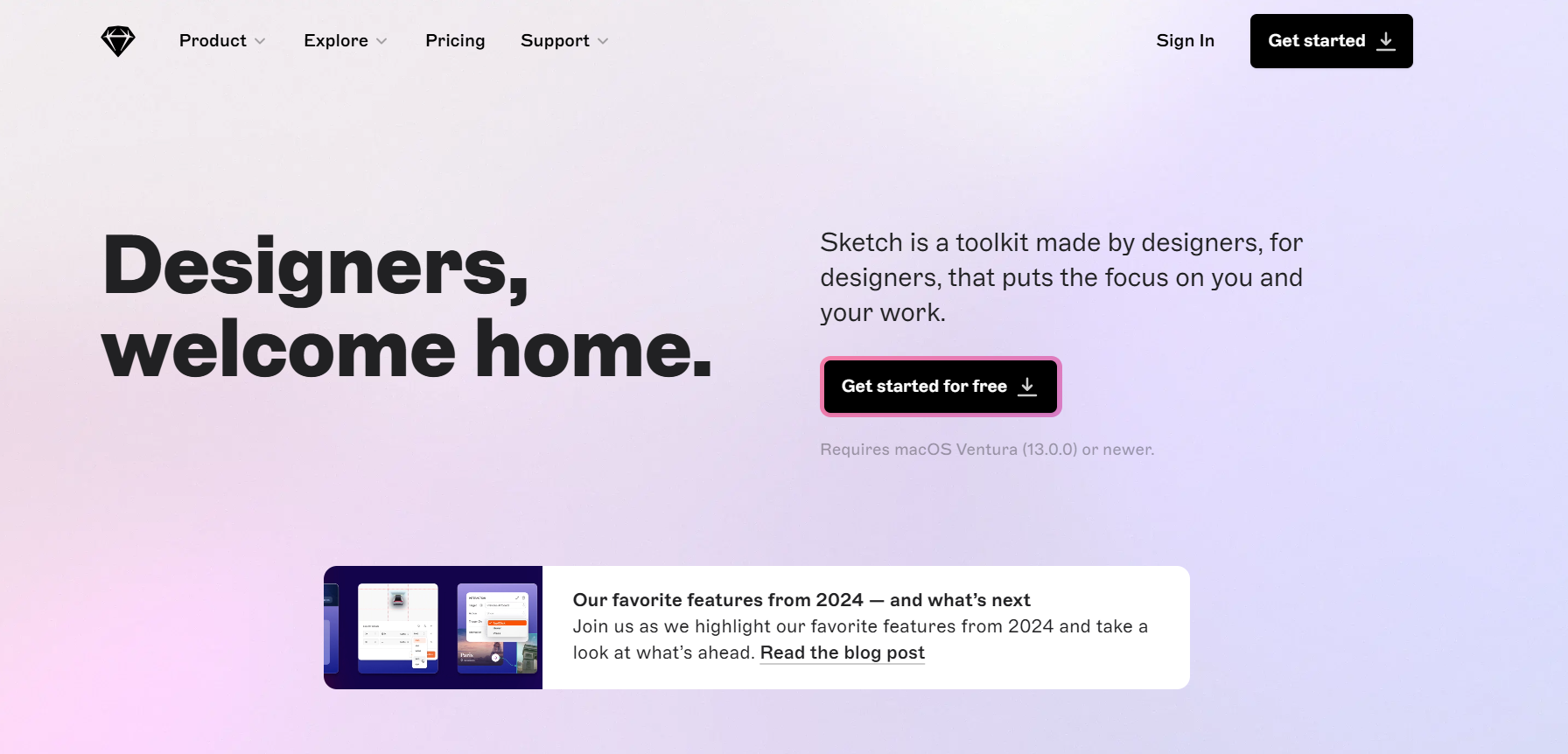
Sketch is a Web UI mockup tool popular among designers who prefer to work on macOS. The reason behind its popularity is its simplicity - it's more intuitive than Adobe Photoshop and makes prototyping a faster, less time-consuming job.
Key features of Sketch mockup tool:
- macOS Exclusivity: Built specifically for designers working on macOS.
- Intuitive Interface: Simpler and more user-friendly than traditional design tools like Photoshop.
- Rapid Prototyping: Enables quick creation of prototypes and design iterations.
- Vector-Based Design: Allows for scalable and high-quality designs without loss of resolution.
18. Adobe XD
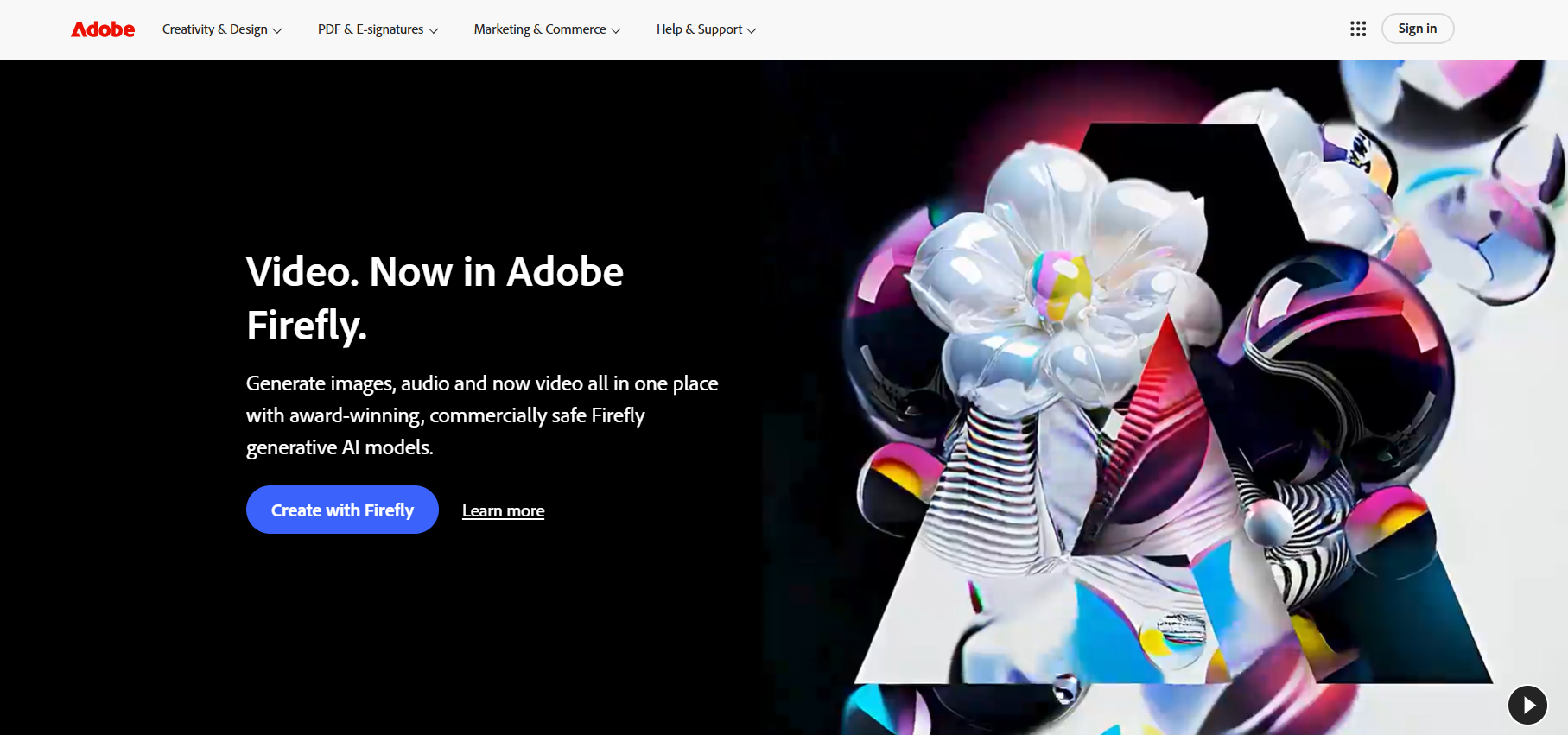
Adobe XD is a free Web UI mockup tool available for both Mac and Windows. It allows you to create a static wireframe and, while collaborating with your team, gives you the option to create flowcharts, sitemaps, and storyboards.
Key features of Adobe XD mockup tool:
- Cross-Platform Compatibility: Available for both Mac and Windows users.
- Static Wireframe Creation: Easily design static wireframes for your projects.
- Team Collaboration: Collaborate with your team in real-time on projects.
- Flowchart and Sitemap Creation: Add flowcharts and sitemaps to map out user journeys.
- Storyboard Support: Helps you create storyboards to visualize and present ideas effectively.
19. HotGloo
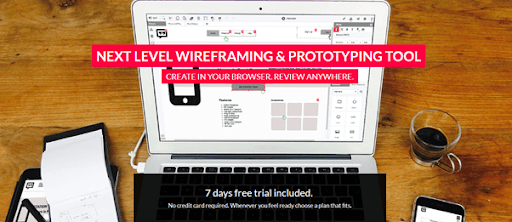
HotGloo is an HTML-based prototyping tool where you can save your projects offline or export them as HTML for presenting to stakeholders. It's compatible across devices and operating systems and supports team collaboration through shareable project links.
Key features of HotGloo mockup tool:
- HTML-Based Prototyping: Helps you create prototypes that can be exported as HTML for presentations.
- Offline Project Saving: Saves your projects offline for easy access and edits.
- Cross-Device Compatibility: Works across devices and operating systems.
- Interactive Prototypes: Helps you design interactive prototypes to simulate real user experiences.
20. Froont
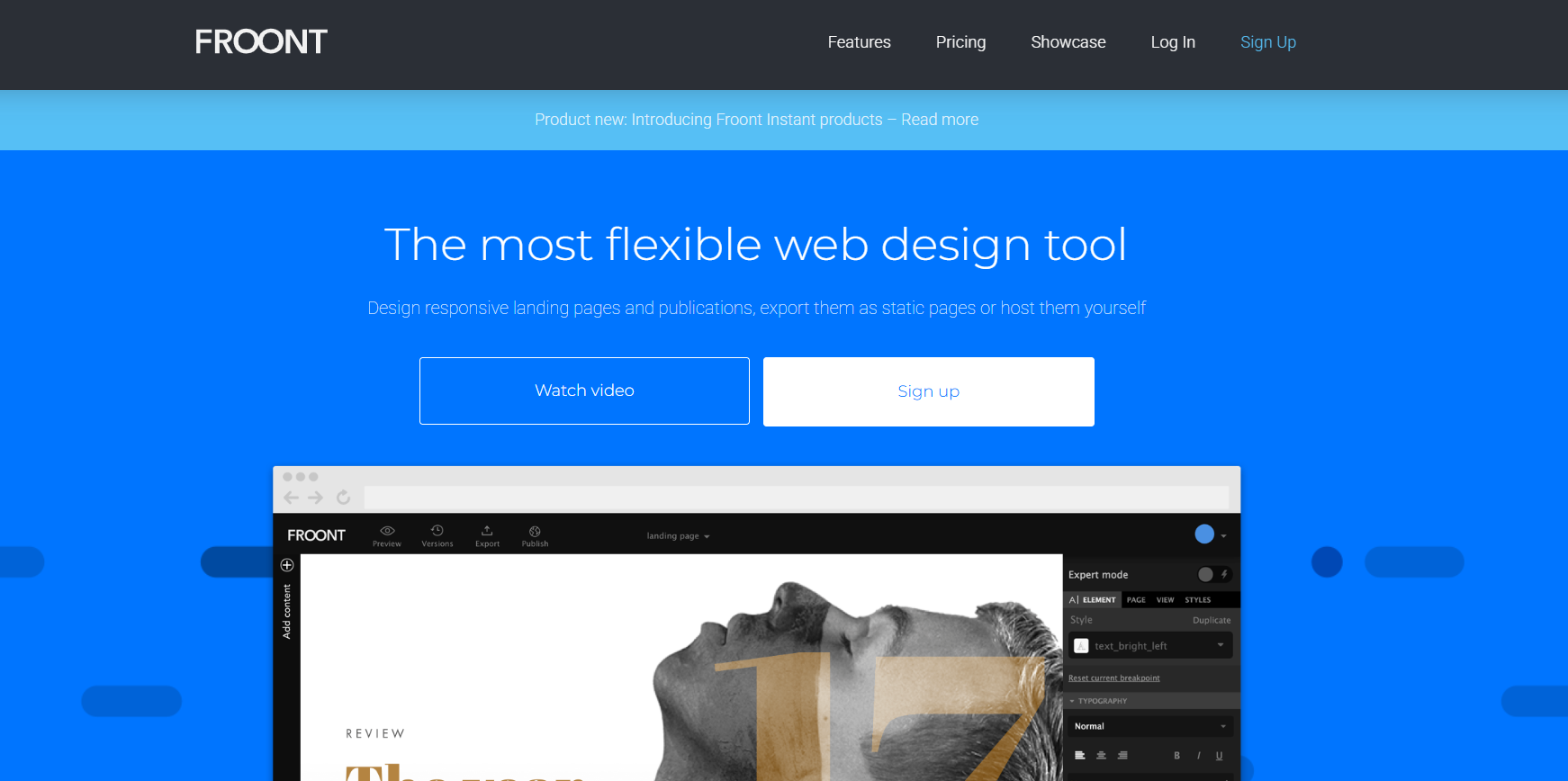
Froont is a browser-based free Web UI mockup tool used by organizations including TechCrunch and Wired. It's well suited for designing single-page responsive websites, offering a visual drag-and-drop editor plus the ability to add behavioral animations to prototypes.
Key features of Froont mockup tool:
- Responsive Design: Ideal for creating single-page responsive websites.
- Drag-and-Drop Editor: Simplifies the design process with an intuitive visual editor.
- Behavioral Animations: Allows designers to add animations to enhance prototypes.
- Trusted by Professionals: Used by known organizations like TechCrunch and Wired.
21. UXPin
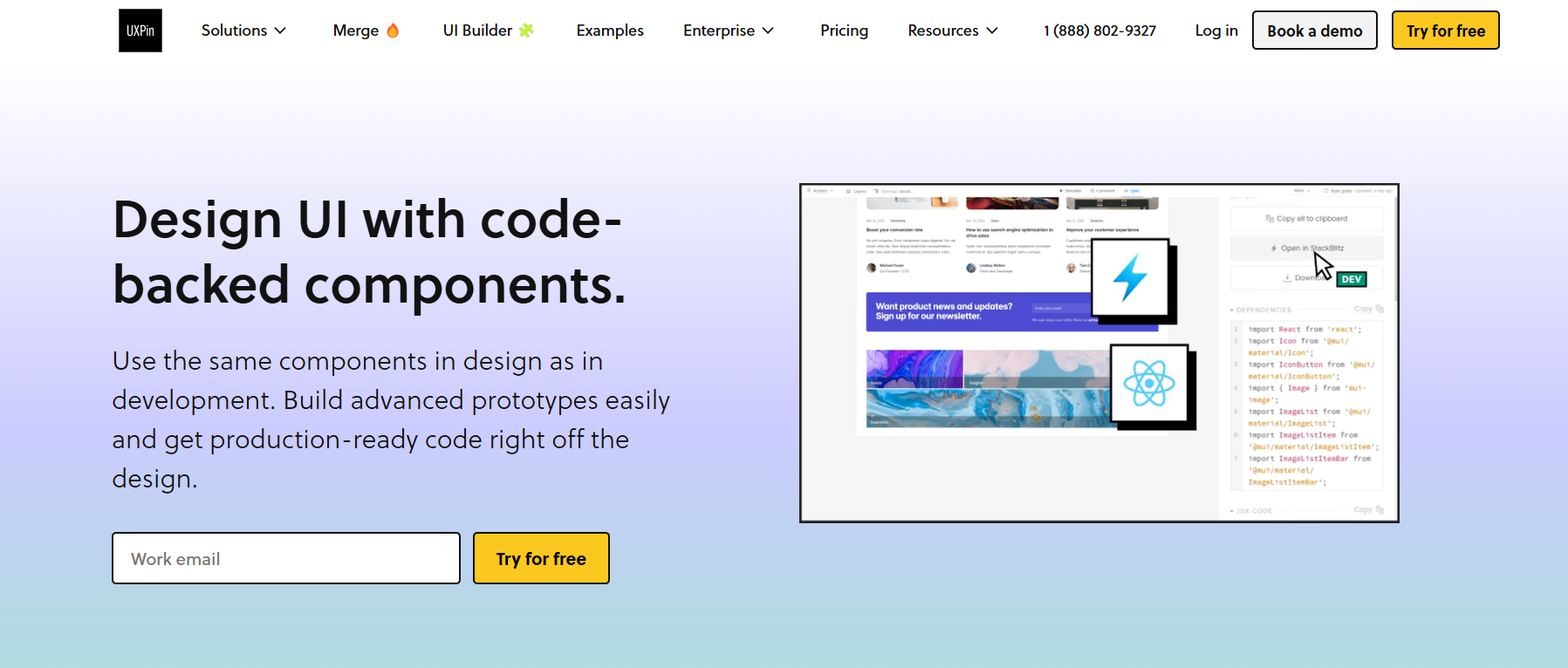
UXPin is a powerful wireframing and prototyping tool widely used by interface designers. It provides a drag-and-drop library of UI elements for quick wireframe creation and supports integration with tools like Sketch and Photoshop.
This mockup tool enables live presentations, feedback collection, and collaboration. Its DesignOps-focused features simplify the transition from prototype to production, making it a strong choice for designers aiming to create high-fidelity prototypes efficiently.
Key features of UXPin mockup tool:
- Drag-and-Drop UI Library: Includes a built-in library of customizable UI elements for efficient wireframing.
- Integration with Design Tools: Compatible with other tools like Sketch, Photoshop, and React.js for continuous design workflows.
- Live Prototyping: Offers live presentation and feedback tools with options to share interactive previews.
- DesignOps Features: Focuses on operations by including HTML in wireframes and supporting React.js components.
22. Axure
Axure is another free Web UI mockup tool that allows you to create an interactive prototype with functional elements like clickable buttons or dropdowns with animated effects.
Key features of Axure mockup tool:
- Interactive Prototyping: Helps you create high-fidelity prototypes with dynamic content, conditional logic, and animations.
- Drag-and-Drop Widgets: A built-in library of widgets for fast and efficient wireframing.
- Advanced Documentation: Enables you to generate detailed specifications and annotations for developers.
- Cross-Platform Compatibility: Allows you to design for desktop, mobile, and web with responsive layouts.

23. Framer
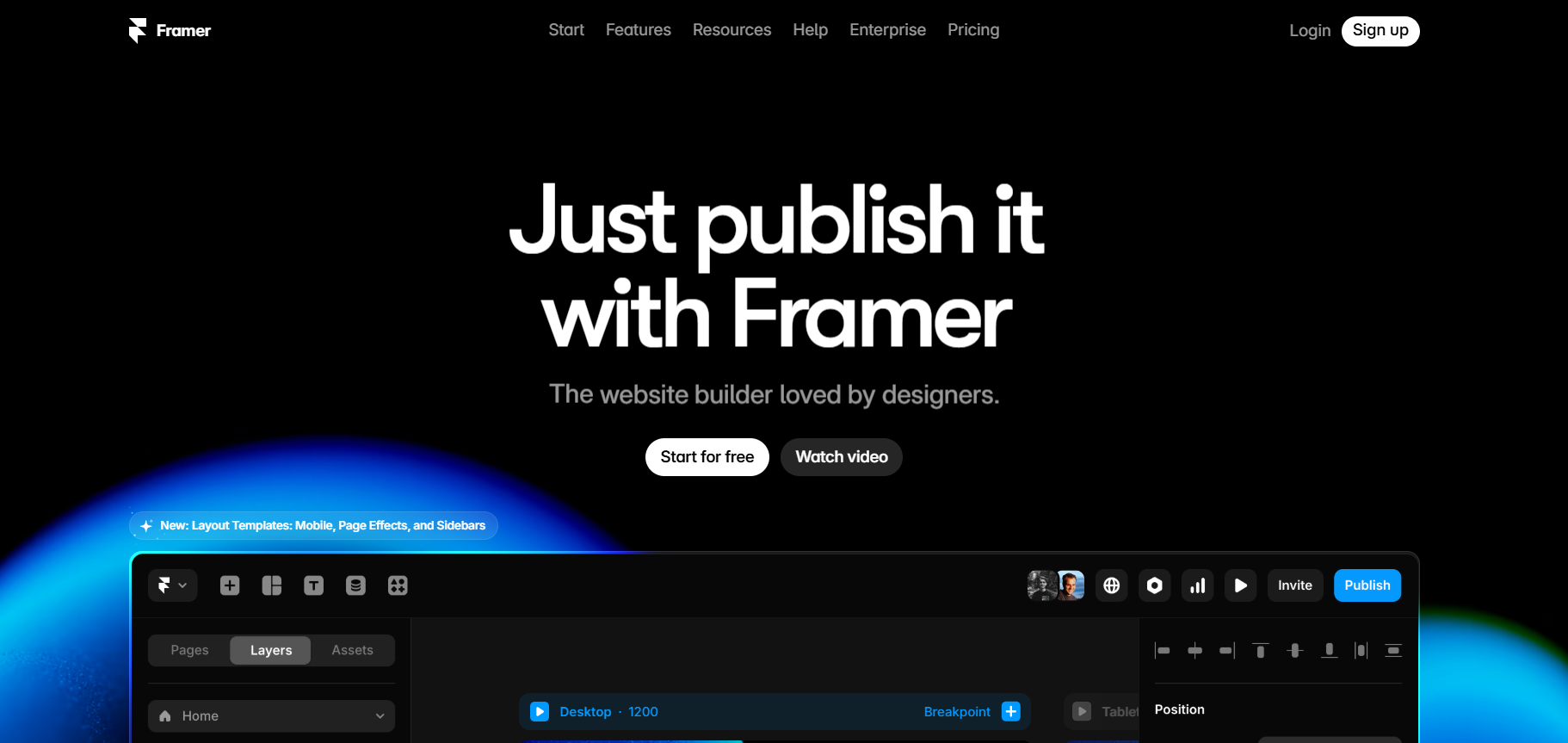
Framer is a mockup tool that enables users to design, animate, and publish live websites on a single platform. Unlike traditional design tools requiring exporting and handoffs, Framer combines wireframing, prototyping, and publishing directly. Its free-form canvas makes it accessible for designers of all levels, even those without coding knowledge.
This mockup tool supports real-time collaboration, enabling teams to work together efficiently on live projects. With a library of over 1,000 customizable templates, it simplifies the creation of interactive, branded websites for any purpose.
Key features of Framer mockup tool:
- All-in-One Tool: Helps you design, animate, and publish live websites without needing to export or hand off designs for development.
- 1,000+ Templates: Choose from a vast library of customizable templates for portfolios, landing pages, blogs, and more.
- No-Code Design: Helps you create interactive websites without requiring HTML or CSS knowledge using the intuitive canvas.
- Cross-Platform Access: Enables you to design directly in the browser or through the app available for Mac and Windows.
24. Mocky
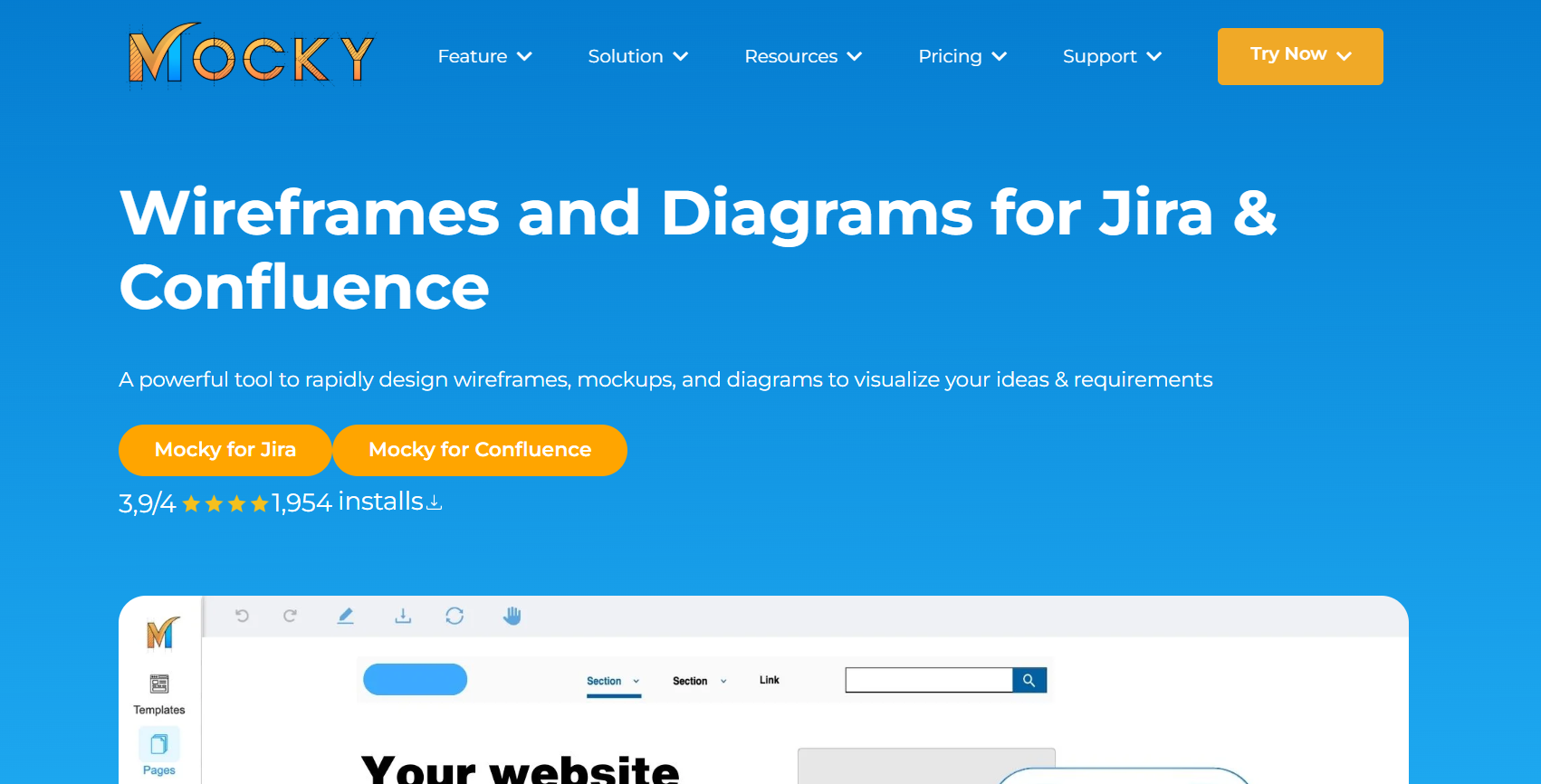
Mocky is a lightweight mockup tool designed for quick prototyping and creating user interfaces. It's suited for small projects or teams looking for a straightforward design solution.
Key features of Mocky mockup tool:
- Drag-and-Drop Interface: Easy to use for creating mockups quickly.
- Prebuilt Components: Offers a library of commonly used UI elements.
- Export Options: Export designs in PNG or SVG formats for sharing or presentation.
- Real-Time Collaboration: Work with your team simultaneously on projects.
- Cross-Platform Accessibility: Works on both web and desktop environments.
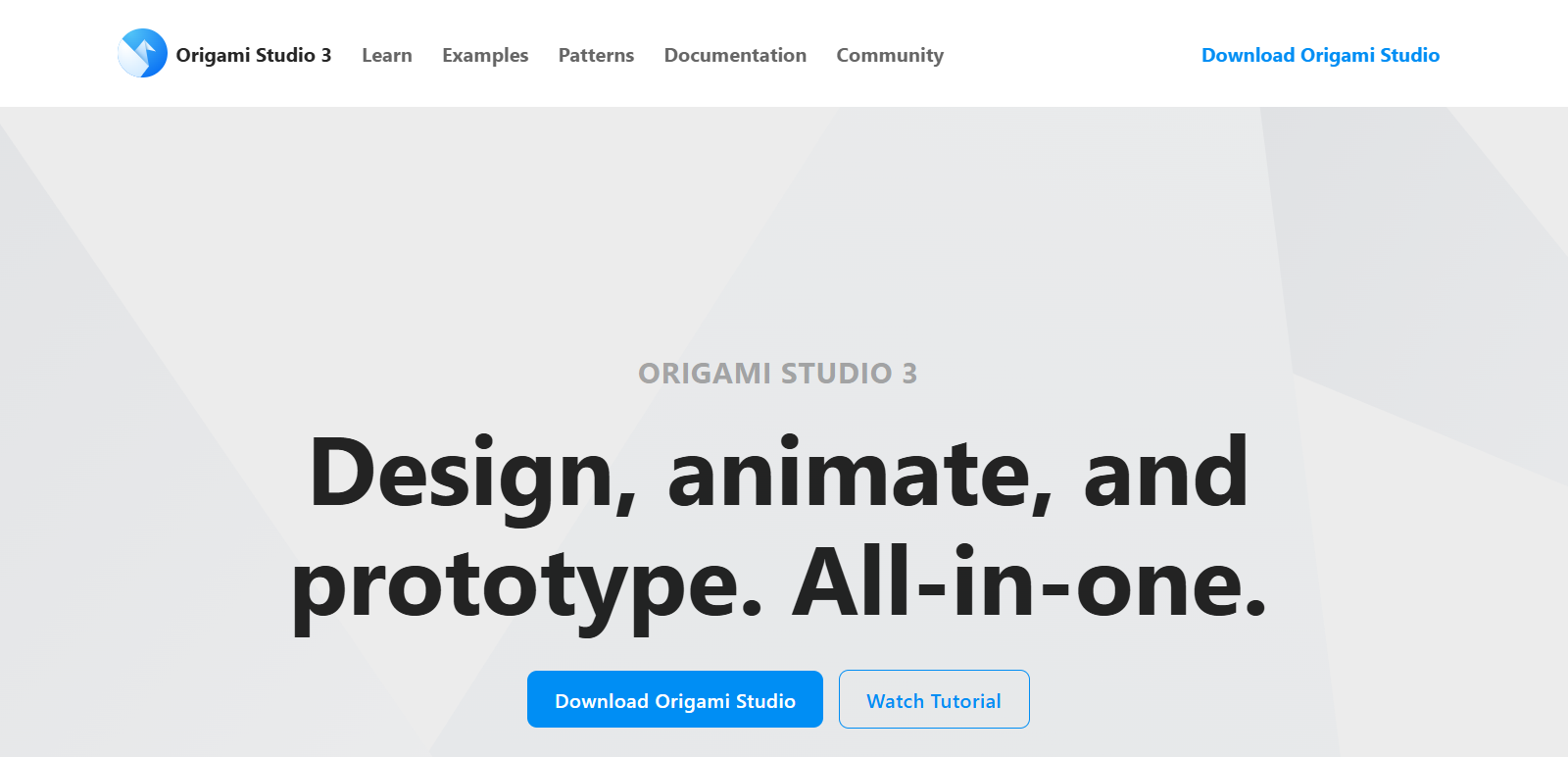
25. Origami Studio
Origami Studio is a mockup and prototyping tool created by the team behind Facebook. It allows designers to create highly interactive and advanced prototypes for apps and interfaces, and is particularly popular for animations that mimic real-life app interactions.
Key features of Origami Studio mockup tool:
- Advanced Interactions: Helps you create highly detailed and interactive prototypes with logic-based actions.
- Real-Time Preview: Test prototypes on your device with real-time updates using Origami Live.
- Integration with Sketch & Figma: Import designs directly from Sketch or Figma for continuous prototyping.
- Code Export: Export design interactions as production-ready code snippets in Swift, Objective-C, or JavaScript.
- Reusable Components: Build reusable components to maintain consistency across prototypes.
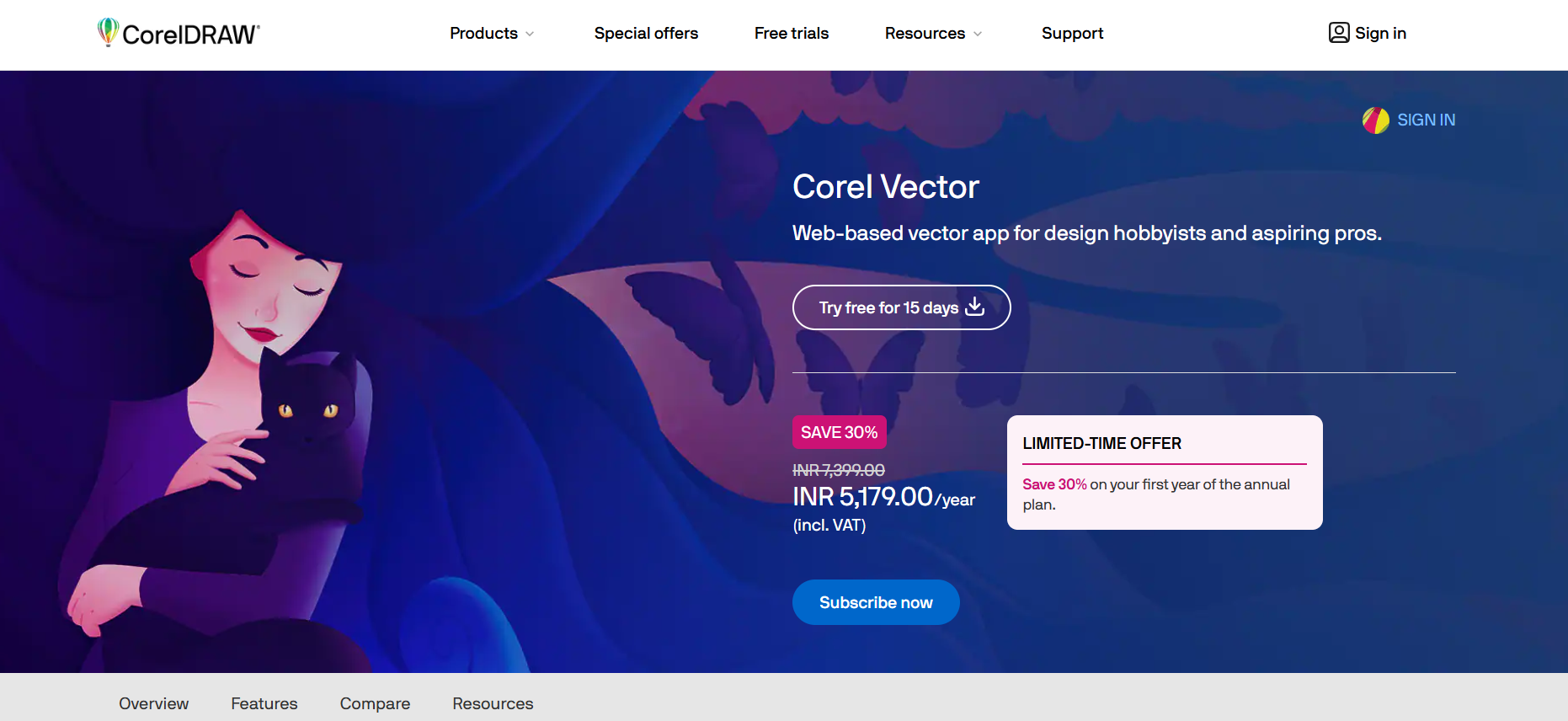
26. Gravit
Gravit has gained popularity among designers for its cross-platform compatibility and user-friendly interface. Now owned by Corel Corporation, the company behind CorelDRAW, this mockup tool lets users create pixel-perfect designs with its vector design capabilities.
Key features of Gravit mockup tool:
- Cross-Platform Compatibility: Works across multiple operating systems for added flexibility.
- Easy-to-Use Interface: Approachable for all skill levels.
- Vector Design Capability: Create pixel-perfect vector designs for precision.
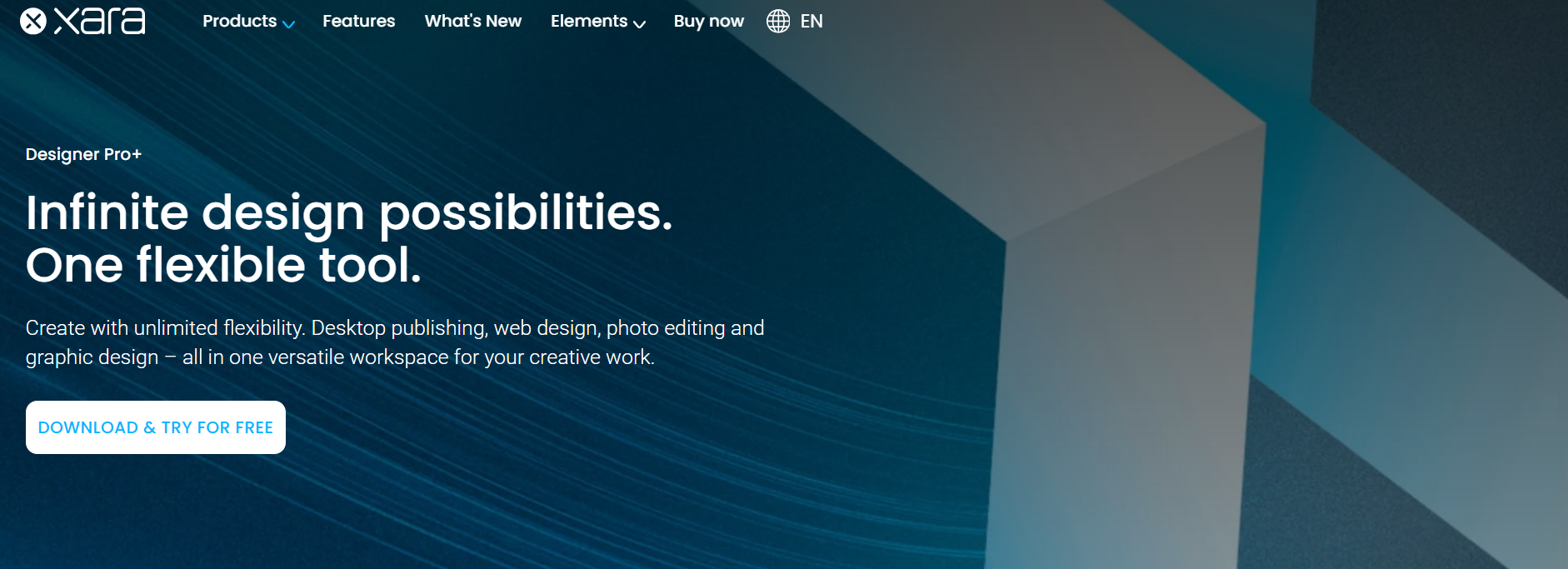
27. Xara Designer Pro
Xara Designer Pro is the flagship product of Xara, letting you edit photos, draw illustrations, and design webpage layouts in one place. Its popularity comes from offering a single integrated solution instead of separate tools.
Key features of Xara Designer Pro mockup tool:
- Photo Editing: Offers advanced tools for professional photo editing and enhancements.
- Illustration Drawing: Enables the creation of detailed illustrations with ease.
- Webpage Layout Design: Provides tools for designing and structuring web page layouts effectively.
- Integrated Solution: Combines photo editing, illustration, and design tools in a single platform.
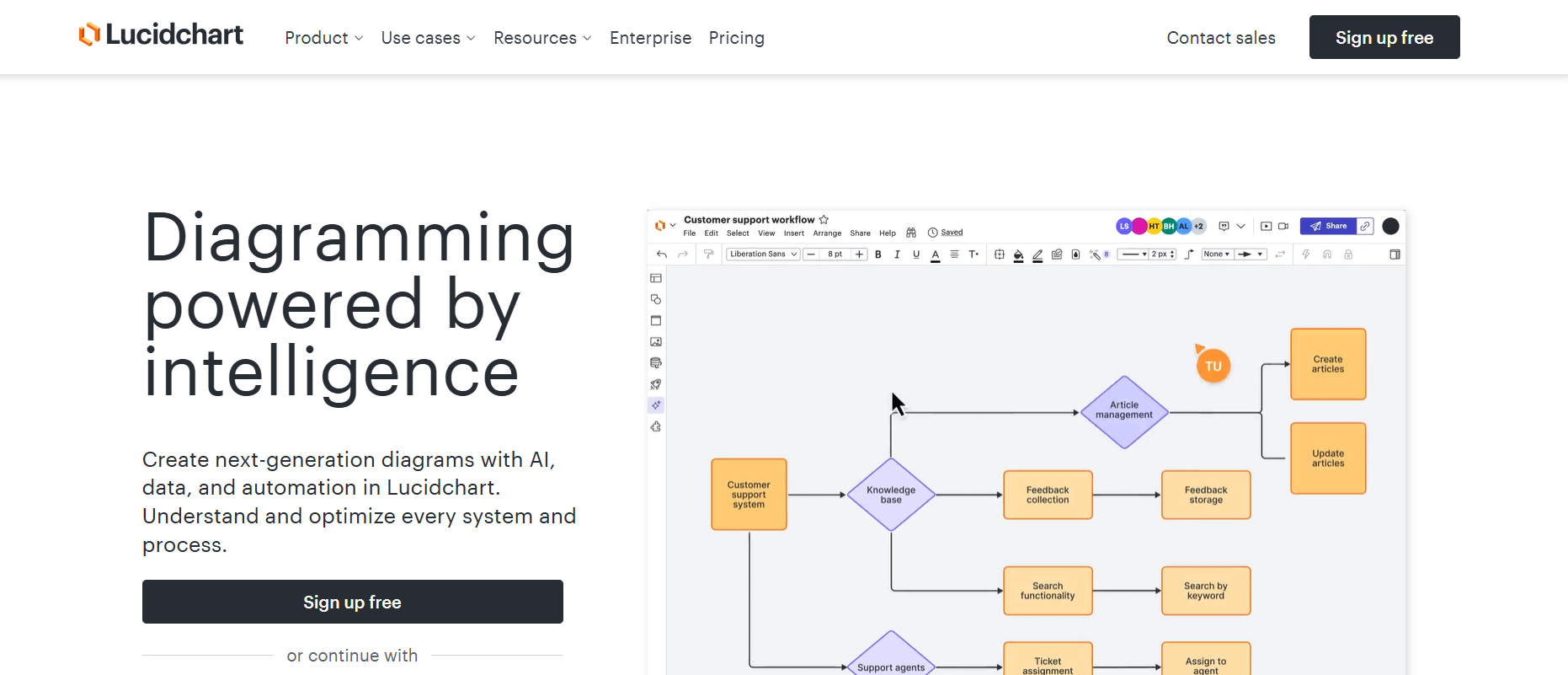
28. Lucidchart
Lucidchart is a cloud-based Web UI mockup tool with a free tier that supports a single project with up to 60 objects. It offers templates you can integrate into your design, plus the ability to customize your own workspace.
Key features of Lucidchart mockup tool:
- Cloud-Based: Enables easy access and collaboration from anywhere.
- Templates: Provides pre-built templates for quick and efficient design creation.
- Custom Workspace: Allows customization of your design workspace for better productivity.
- Object Limit on the Free Tier: The free tier supports a single project with up to 60 objects.
- Collaborative Design: Facilitates team collaboration for project management.
29. Pidoco
Pidoco is a mockup tool that lets you create interactive UX prototypes and static wireframes, which can also be simulated on handheld devices. Like most tools on this list, it lets you share your work with your team.
Key features of Pidoco mockup tool:
- Interactive Prototypes: Allows creation of dynamic UX prototypes for testing and design.
- Static Wireframes: Enables design of static wireframes for straightforward project planning.
- Device Simulation: Simulates wireframes on handheld devices for realistic previews.
- Collaboration Tools: Allows sharing designs with team members for feedback and collaboration.
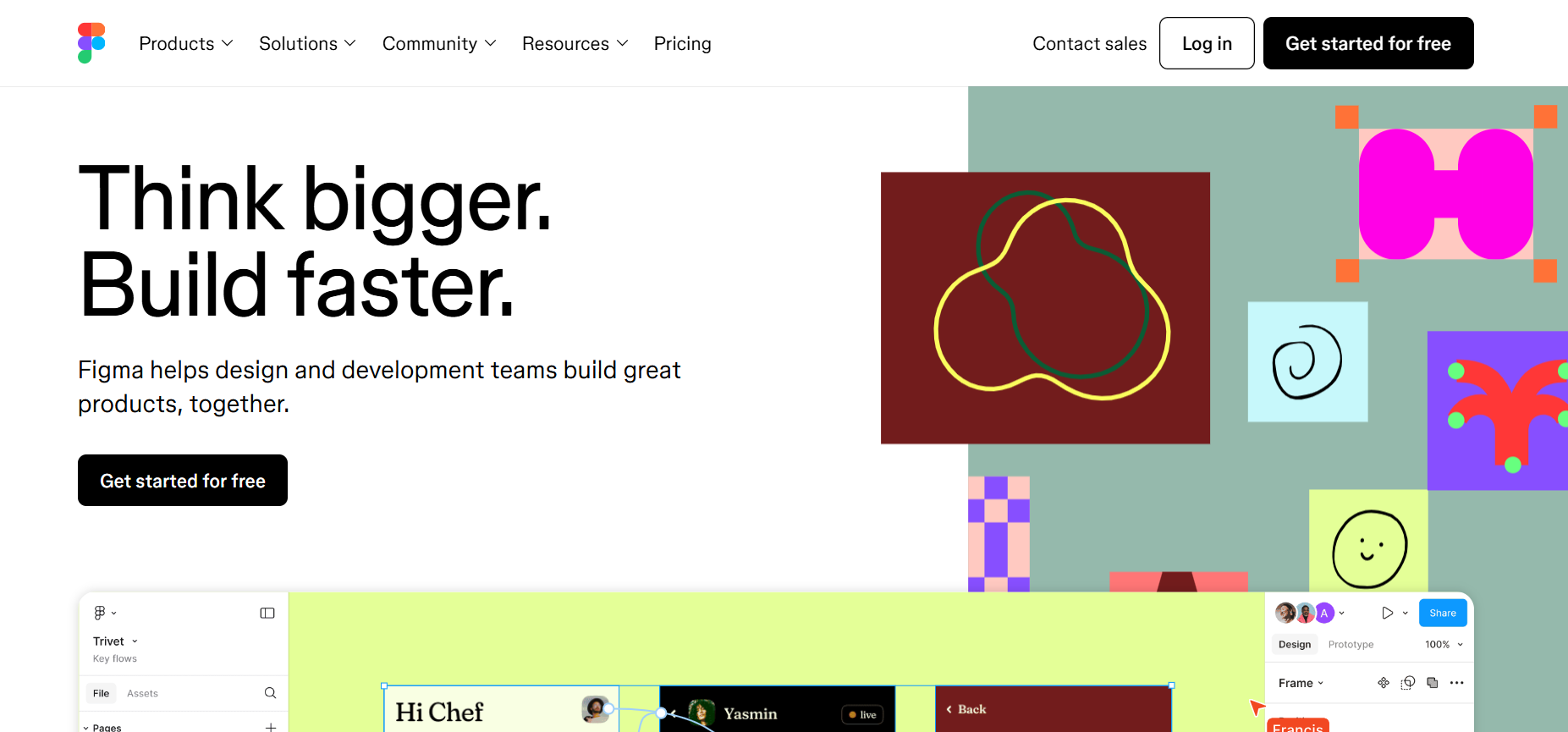
30. Figma
Figma is a Web UI mockup tool that handles both design and prototyping in one place. It lets you switch between prototyping and designing without exporting or syncing, and you can share a prototype with teammates or stakeholders by sending a link.
Key features of Figma mockup tool:
- Integrated Design and Prototyping: Switch between designing and prototyping without exporting or syncing.
- Cross-Platform Access: Work from any browser or device without installation constraints.
- Intuitive Interface: User-friendly tools for creating interactive, high-quality prototypes efficiently.
31. Fluid UI
Fluid UI is another free wireframe tool, popular among designers worldwide, offering a library of over 2,000 web elements. It lets you create page animations and interactive prototypes that show how the real webpage will look and feel. The free tier is limited to one project and a subset of the element library.
Key features of Fluid UI mockup tool:
- Extensive Library: Offers over 2,000 web elements for designing wireframes and prototypes.
- Page Animations: Create interactive page animations for a realistic preview of the webpage.
- Interactive Prototypes: Build prototypes to preview the look and feel of the final webpage.
- Cross-Platform Access: Accessible via browsers for a consistent design experience.
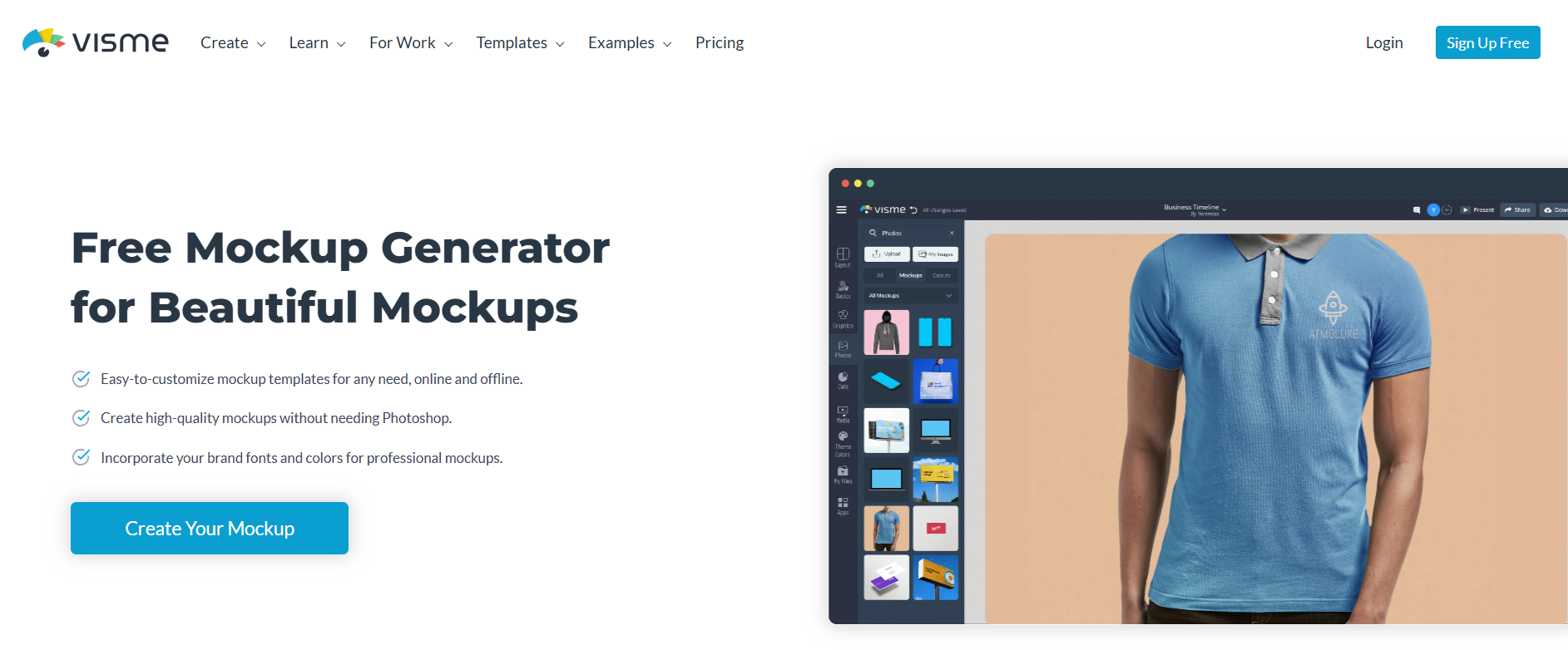
32. Visme
Visme is an all-in-one design tool for creating presentations, infographics, wireframes, mockups, and more. With a drag-and-drop interface and extensive templates, Visme suits professionals, educators, and businesses that need visually engaging designs.
Key features of Visme mockup tool:
- Drag-and-Drop Editor: Easy-to-use interface for quick and efficient design creation.
- Extensive Templates: Offers a wide range of templates for presentations, infographics, and wireframes.
- Interactive Elements: Add animations, transitions, and interactivity to your designs.
- Brand Customization: Maintain brand consistency with style guides, logos, and colors.
- Collaboration Tools: Share designs, receive feedback, and collaborate with team members in real-time.
- Export Options: Download designs in various formats like PDF, PNG, HTML, or present directly online.
- Stock Library: Access millions of icons, images, and media assets for enhancing designs.
- Cross-Platform Compatibility: Works on browsers, ensuring accessibility on any device.
33. InDesign CC
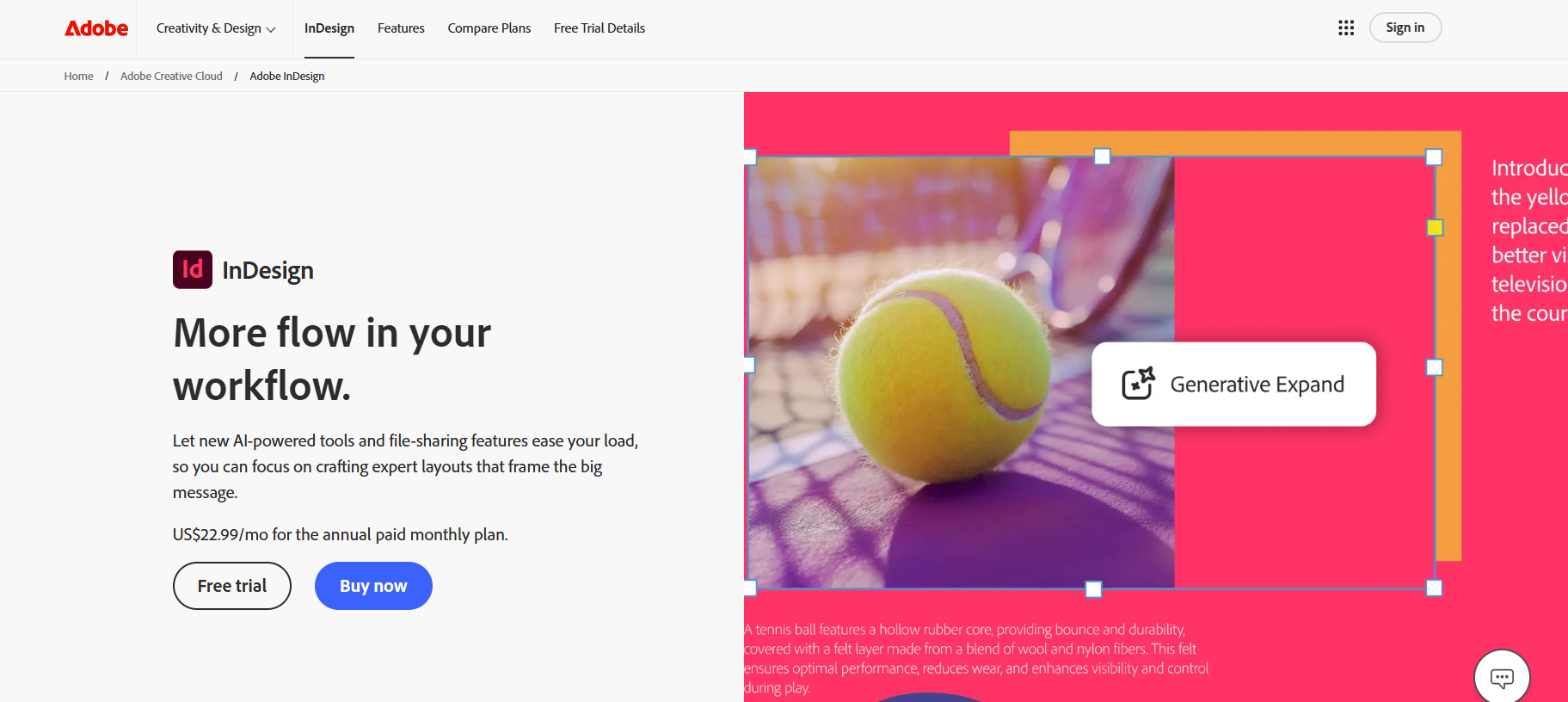
InDesign CC is a mockup tool available as part of Adobe Creative Cloud or on a basic individual plan. It lets you create interactive wireframes with videos and animated objects, exportable as PDF, and stores reusable elements in a library.
Key features of InDesign CC mockup tool:
- Interactive Wireframes: Create wireframes with videos and animated objects for engaging designs.
- Export Options: Export wireframes as PDFs for easy sharing and presentation.
- Reusable Library Elements: Save and store design components in the library for reuse across projects.
- Professional Layout Tools: Provides advanced layout and text formatting capabilities.
- Integration with Adobe Ecosystem: Integrates with other Adobe Creative Cloud tools.
34. Moqups
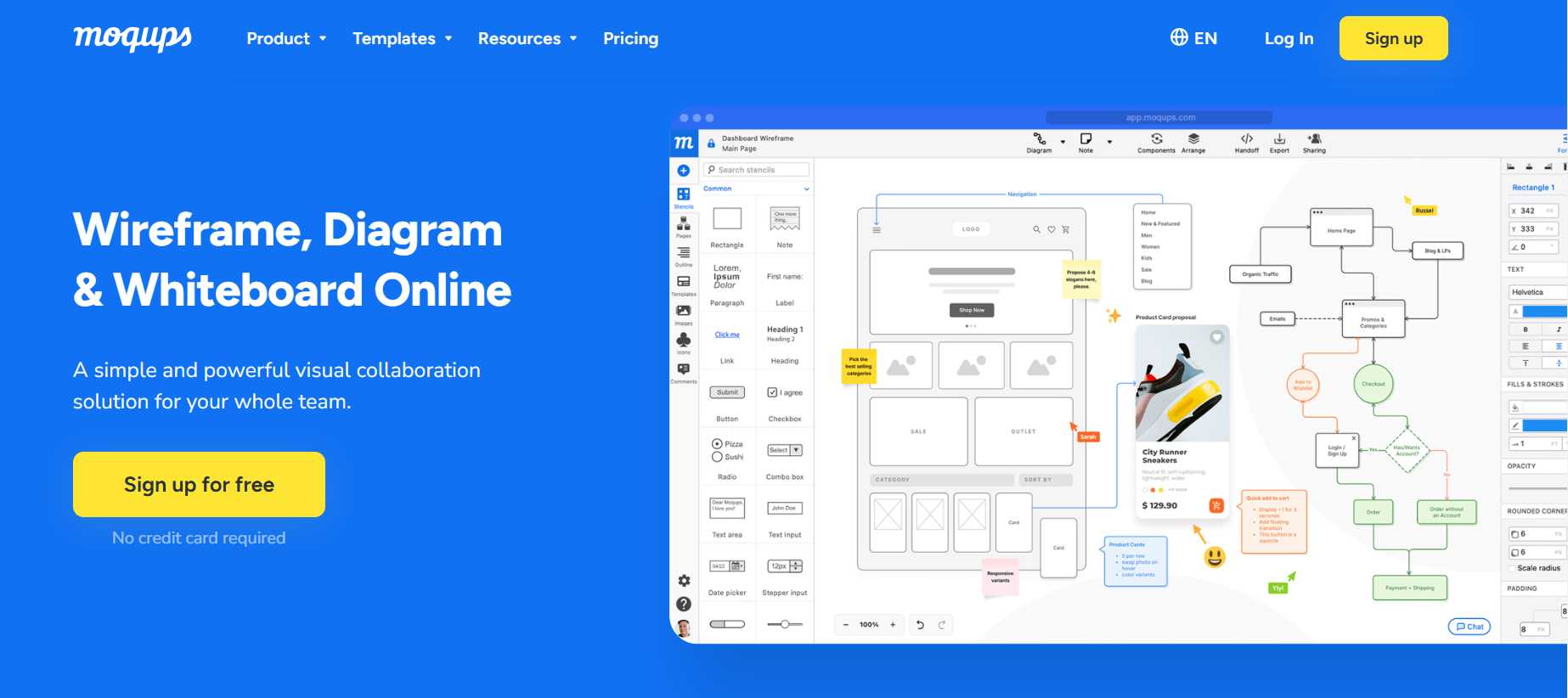
Moqups is a free Web UI mockup tool that lets you create mockups and real-time wireframes and share them with your team. Beyond the regular feature set, it includes a built-in library with hundreds of predesigned icons.
Key features of Moqups mockup tool:
- Interactive Wireframes: Create dynamic wireframes to visualize workflows and ideas effectively.
- Built-in Icon Library: Access a library with hundreds of predesigned icons for faster design creation.
- Drag-and-Drop Interface: Simplifies the process of creating mockups with an intuitive drag-and-drop feature.
- Cloud-Based Access: Work on your projects anywhere with cloud-based accessibility.
35. MockFlow
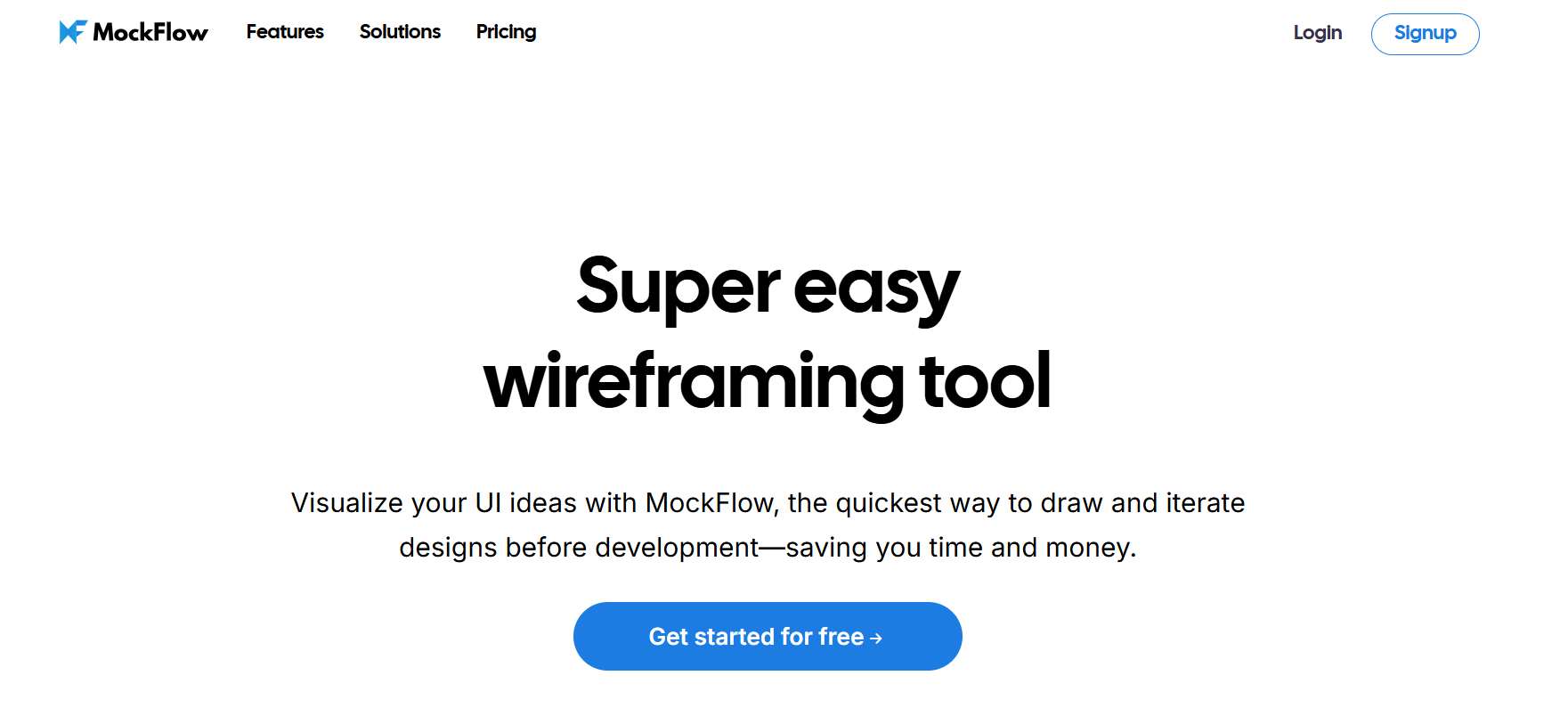
MockFlow is another free wireframe tool where the elements in the library are arranged categorically - for example, a Web component pack for building a webpage prototype. Once you create a project, you can move it through stages like "in progress" or "completed."
Key features of MockFlow wireframe tool:
- Categorized Element Library: Access categorized component packs like Web, Mobile, and more for quick prototyping.
- Stage Management: Organize your project workflow by moving it through stages like "in progress" or "completed."
- Interactive Wireframes: Create detailed wireframes to visualize and test design ideas effectively.
- Cloud-Based Platform: Work and save projects on the cloud for easy access and continuity.
Bonus Tip: If you're looking to communicate and visualize business processes or plan marketing campaigns, a good flow chart can help bring your plans to life. This guide covers everything you need to know about creating effective flowchart templates that work.
Key Takeaway: The 30 free and freemium tools listed here are closed-source commercial products with a free tier. Coverage runs from single-page static wireframes in Wireframe.cc and Balsamiq, to advanced interactive prototypes in Protopie and Origami Studio, to full design tools such as Framer, Sketch, and Adobe XD. Pick from this group when a free tier and feature breadth matter more than source-code access or self-hosting.
The tools above will help you build a static or dynamic prototype covering the ideas you want to implement on your webpage - open-source picks if you need self-hosting or source-code access, and free/freemium picks if you don't. Before deploying to production, don't forget to include cross browser compatibility testing in your testing phase.
A mockup only shows how a UI is supposed to look - it doesn't tell you how the real, coded interface will actually render. Once development starts, test it manually or with a cloud-based solution like TestMu AI SmartUI to confirm your audience gets the UX you designed, no matter which browser or device they're using.
Author

Isha Vyas
Blogs: 8

Isha Vyas is a Lead Member of Technical Staff at TestMu AI (formerly LambdaTest), building the frontend of the quality engineering platform. She works across React.js, responsive web design, and jQuery to ship and maintain the platform's user-facing web interfaces. She brings nearly seven years of frontend engineering experience at the company, with earlier work as a Software Developer at Mantra Labs. Isha holds a B.Tech in Computer Science from Swami Keshwanand Institute of Technology, Management and Gramothan, Jaipur.
Reviewer

Shubham Suri
Reviewer
Shubham Suri is a Lead Member of Technical Staff at TestMu AI (formerly LambdaTest), building the frontend and web interfaces of the quality engineering platform. He works across React.js, HTML5, CSS3, Bootstrap, jQuery, JavaScript, and Angular to create and maintain webpages and web applications. He brings around a decade of experience in web and frontend development, with earlier roles as a Software Engineer at Hard Shell Technologies and an IT Analyst at Cyrus Group. Shubham holds a B.Tech in Computer Science from Uttar Pradesh Technical University.


Open Source Web UI Mockup Tools FAQs
Did you find this page helpful?
More Related Blogs
TestMu AI forEnterprise
Get access to solutions built on Enterprise
grade security, privacy, & compliance
- Advanced access controls
- Advanced data retention rules
- Advanced Local Testing
- Premium Support options
- Early access to beta features
- Private Slack Channel
- Unlimited Manual Accessibility DevTools Tests