TestMu AI Author
Shubham Suri is a Lead Member of Technical Staff at TestMu AI (formerly LambdaTest), building the frontend and web interfaces of the quality engineering platform. He works across React.js, HTML5, CSS3, Bootstrap, jQuery, JavaScript, and Angular to create and maintain webpages and web applications. He brings around a decade of experience in web and frontend development, with earlier roles as a Software Engineer at Hard Shell Technologies and an IT Analyst at Cyrus Group. Shubham holds a B.Tech in Computer Science from Uttar Pradesh Technical University.
Published Articles: 3
Articles by Author
Automation
Best 11 Newsletters For Web Designers And Developers In 2026Boost your skills with top newsletters for web designers & developers curated tips, trends, & best practices delivered straight to your inbox!
September 23, 2026
Automation
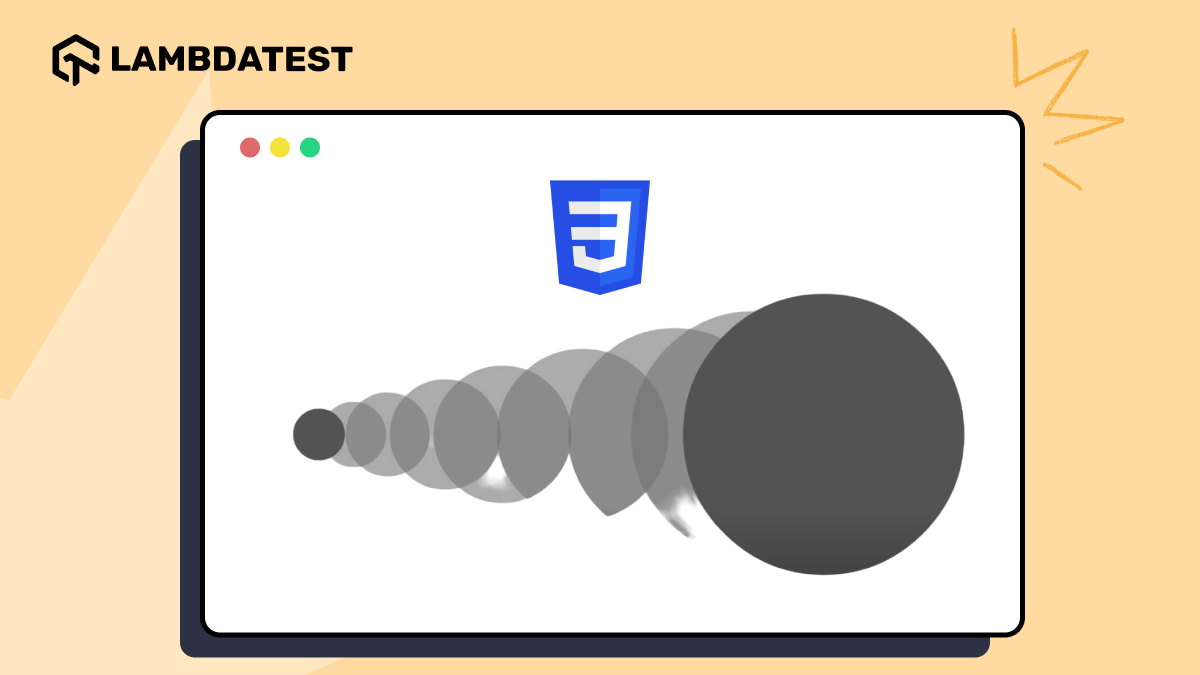
A Detailed Guide to CSS Transition PropertyThis blog dives into CSS transitions, explaining how to create smooth effects and subtle interactions to enhance user experiences.
September 24, 2026

Automation
How to Create a Website With Your PhoneLearn how to create a website with your phone using no-code builders or HTML editors. Design, customize, and publish a mobile-friendly site easily.
September 24, 2026
Automation
CSS Media Queries for Standard DevicesLearn media queries for standard devices plus 2026 best practices: modern range syntax, container queries, accessibility media features, and content-based breakpoints.
September 17, 2026
Automation
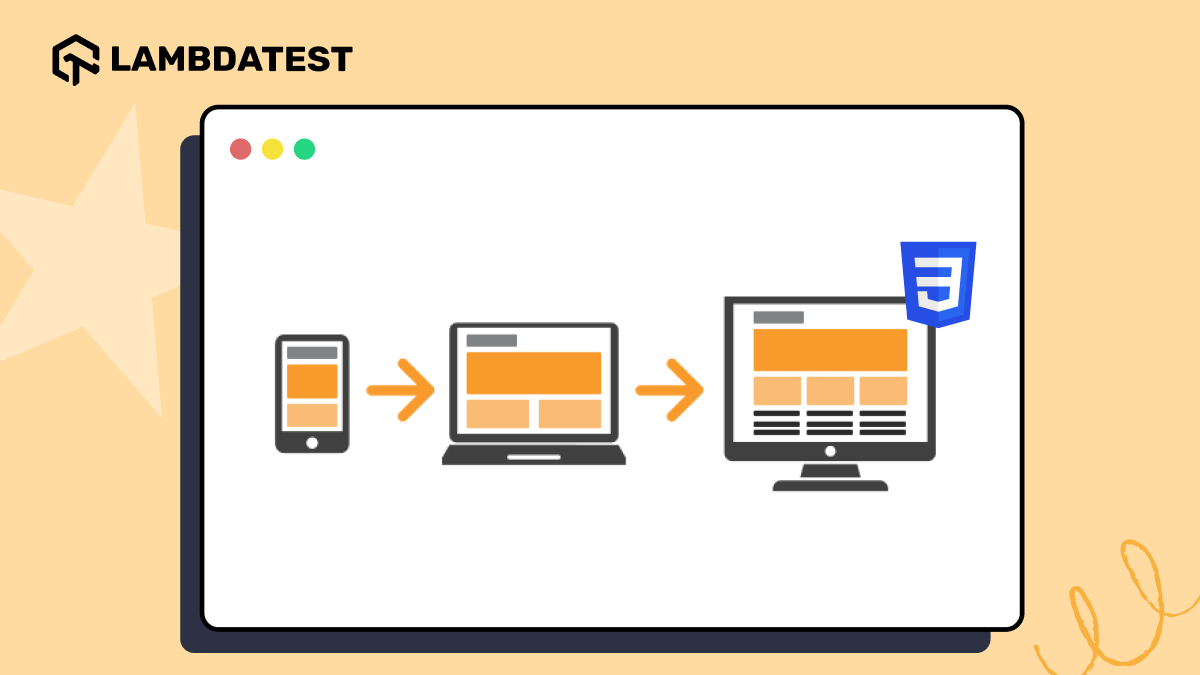
How to Implement The Mobile First CSS ApproachThe mobile first CSS approach means designing a website for mobile screens first, then using media queries and breakpoints to adapt the layout for tablets, laptops, and desktops. With StatCounter reporting 59.57% of users browsing on mobile devices, this approach improves responsive design, accessibility, and SEO by prioritizing the smallest screen first.
September 17, 2026
Automation
How to Position Text Over Images With CSSThe CSS position property, especially the absolute value combined with top, left, right, bottom, and transform, lets you place text precisely on top of an image outside the page's normal document flow. Centering text over an image combines position: absolute with top: 50% and left: 50%, then transform: translate(-50%, -50%) keeps it centered regardless of its dimensions.
September 24, 2026
![17 Best React Testing Libraries, Tools and Frameworks [2026]](https://assets.testmuai.com/resources/images/meta/react-testing-libraries.webp)