
Automated Accessibility Testing for Every Build
Add WCAG checks to the Selenium, Playwright, Cypress, and Appium tests you already run. Every scan lands in one report, with the fix for each issue.

Trusted by 3M+ users globally at




"We have tripled our tests and are now executing tests in less than 2 hours with 78% Faster Test Execution"


"We figured out a more efficient way to monitor system health and resolve failures earlier in lower environments."





"TestMu AI has significantly boosted our testing speed, is easy to implement, and provides exceptional support."


"With 70% faster test execution, TestMu AI helped us achieve faster time-to-market and enhanced CX."



Accessibility Automation in Your Existing Tests
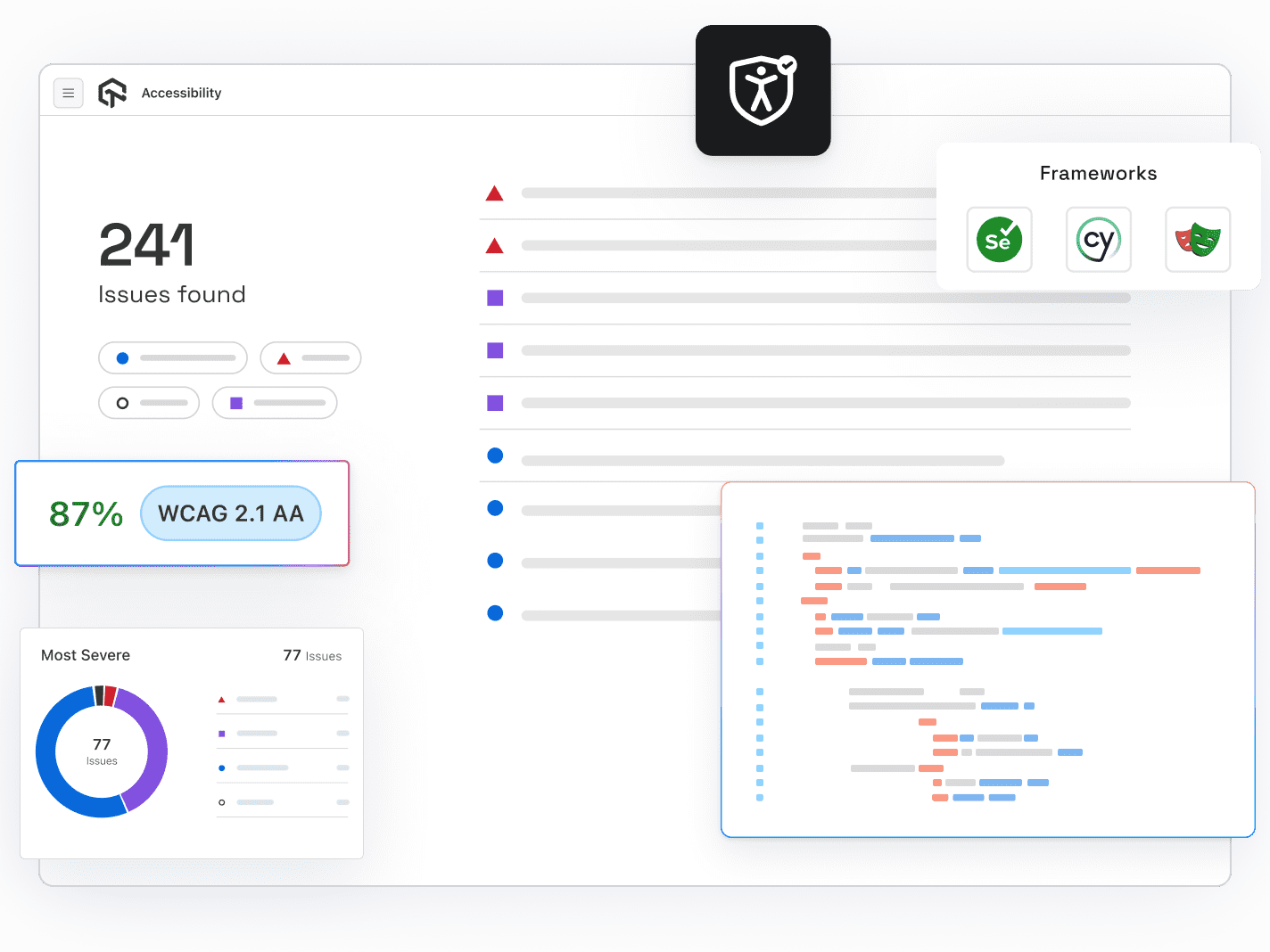
Turn on one capability, add a scan hook or autoscan, and every run reports WCAG issues next to your functional results.
 ONE CAPABILITY
Add WCAG Checks With One Capability
Set accessibility to true, then scan with a hook after a page loads or turn on autoscan.
Automate Your First Scan
Chrome and Edge 90 and newer. Works with TestNG, JUnit 5, NUnit, Robot Framework, and Cucumber.
Runs on real Chrome. Playwright's bundled pw-chromium is not supported.
Import the scanner in cypress/support/e2e.js and run lambdatest-cypress-cli. Supports v10 and v9.
Add the capability and call lambda-accessibility-scan after each screen on real Android and iOS devices.
 CI/CD GATES
Catch Regressions Before They Merge
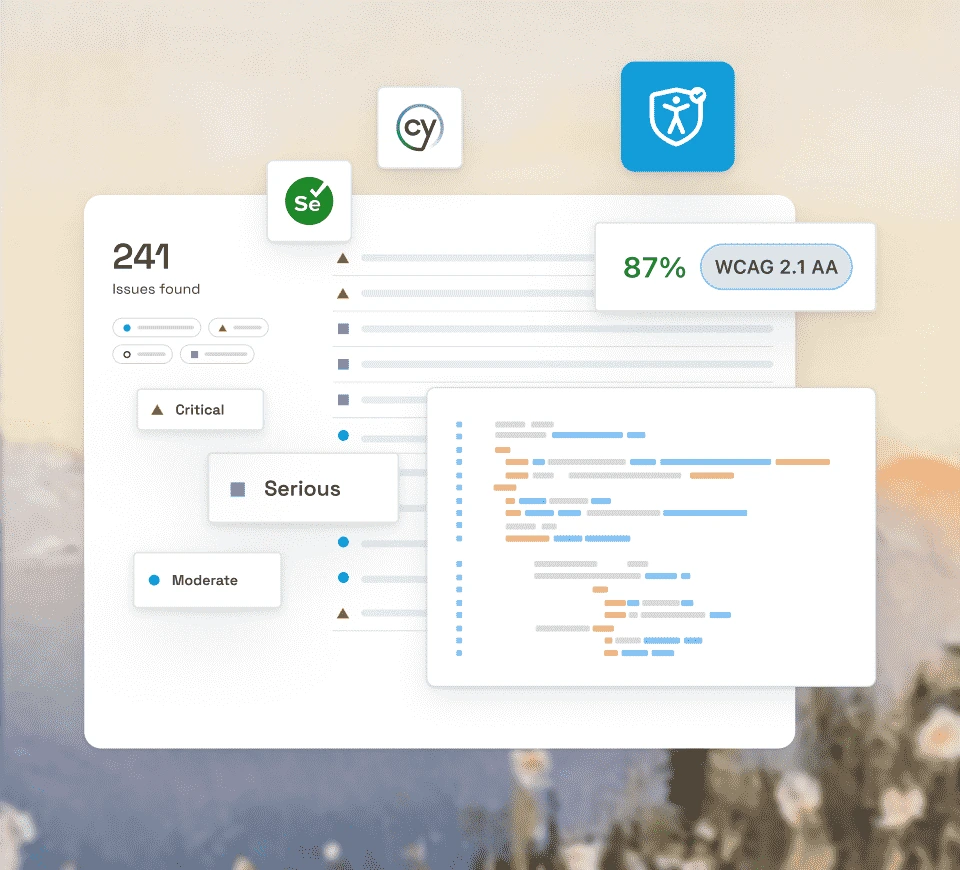
Run accessibility checks with the test command you already use, on any CI platform.
Add Checks to Your Pipeline- Runs in GitHub Actions, Jenkins, GitLab CI, and more
- Start at WCAG Level A, then tighten to AA
- Store credentials as CI secrets, never in code

 REPORTS & TRIAGE
See Every Issue Next to the Test
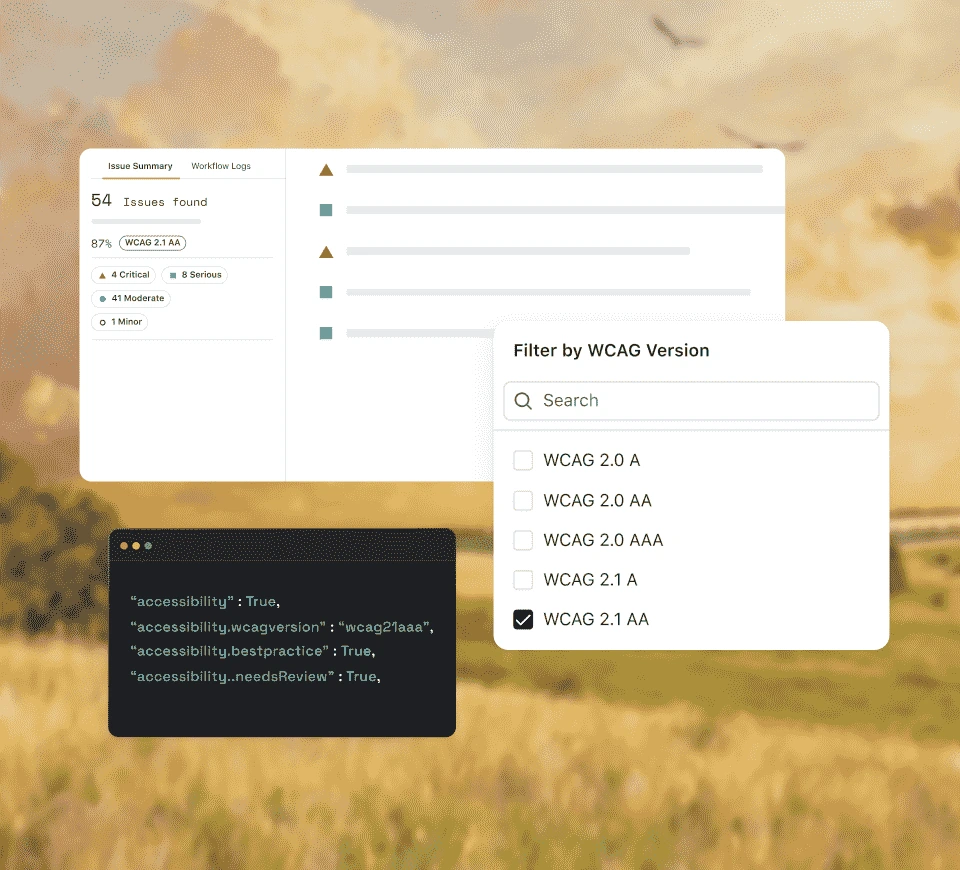
Results appear in the Accessibility tab of each build, next to your functional results.
See a Sample ReportIssues are ranked Critical, Serious, Moderate, or Minor and linked to the criterion they fail.
Each issue shows the failing element and plain-language guidance on how to fix it.
Full-page screenshots mark each violation with a red box for faster debugging.
File a bug from any issue with the WCAG reference and element already filled in.
 AI CODING AGENTS
Let Your AI Agent Wire It Up
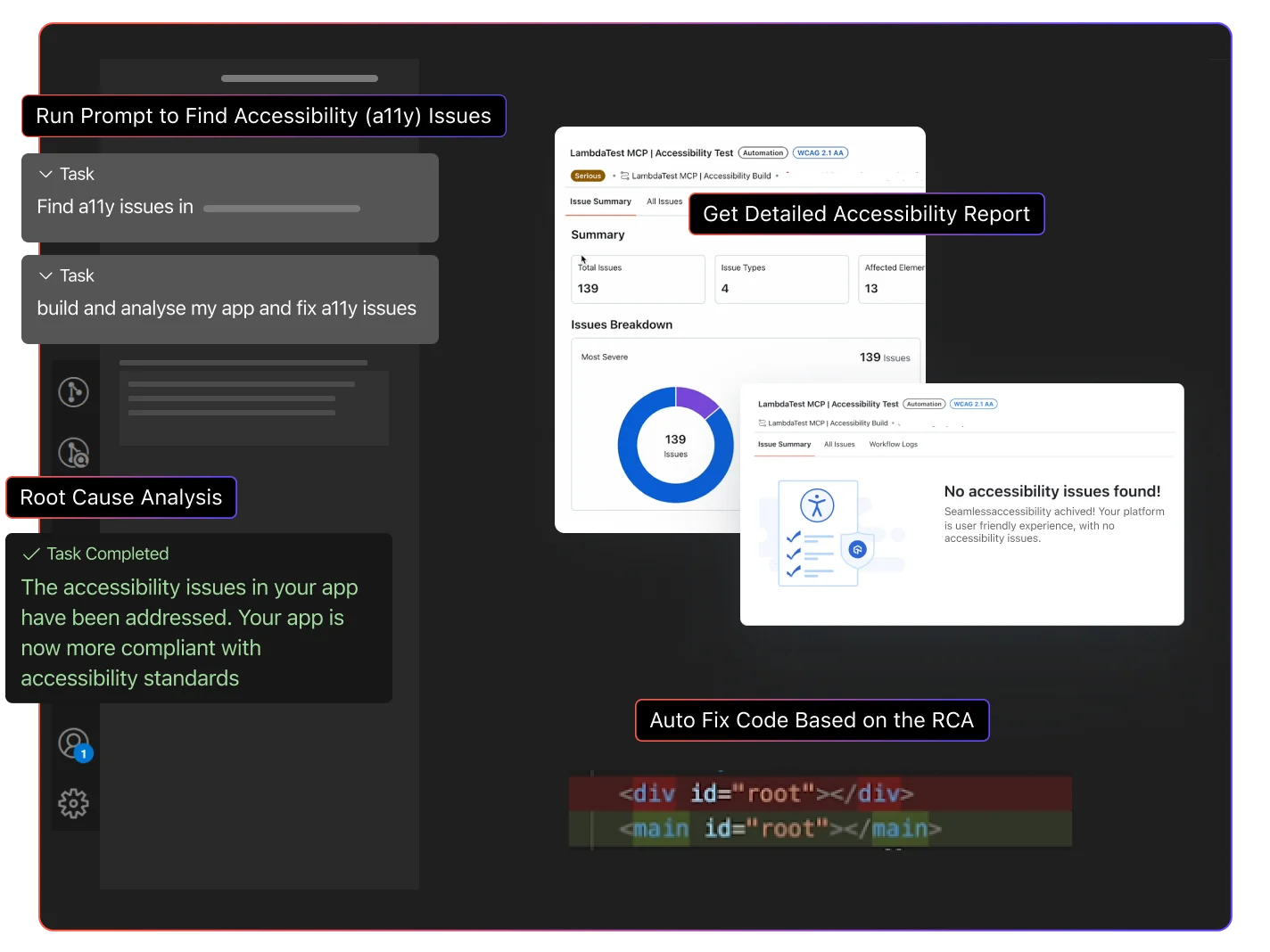
Let an AI coding agent add scan hooks, then review reports and fixes in your IDE.
Try It With Your Agent- Works with Claude Code, Cursor, Copilot, and Codex
- Ask for WCAG 2.1 AA checks in plain English
- Get suggested fixes without leaving the editor
Accessibility Automation in a Few Lines
Copy the capability and scan hook for your framework. Results appear in the Accessibility tab of your build.
Hooks, autoscan, and every capability are covered in the Selenium guide. Check out our documentation
What Automation Catches and Misses
Start free with Google
Automated rules find structural issues on every run. Pair them with manual checks for the judgment calls rules cannot make.
Automated Scans Catch
A Person Still Checks
Images
Missing or empty alt text
Whether the alt text describes the image
Color
Text contrast below 4.5:1 at Level AA
Color used as the only signal, such as a red error border
Forms
Unlabeled fields and unlinked error messages
Whether error messages help users fix the input
Keyboard
Interactive elements that cannot take focus
Whether the tab order makes sense in context
Structure and ARIA
Invalid ARIA attributes and skipped heading levels
Whether screen reader announcements are clear
Page content
Missing page language and page titles
Whether instructions are clear and readable
Automated Scans Catch
Images
Missing or empty alt text
Color
Text contrast below 4.5:1 at Level AA
Forms
Unlabeled fields and unlinked error messages
Keyboard
Interactive elements that cannot take focus
Structure and ARIA
Invalid ARIA attributes and skipped heading levels
Page content
Missing page language and page titles
A Person Still Checks
Images
Whether the alt text describes the image
Color
Color used as the only signal, such as a red error border
Forms
Whether error messages help users fix the input
Keyboard
Whether the tab order makes sense in context
Structure and ARIA
Whether screen reader announcements are clear
Page content
Whether instructions are clear and readable
Built for Teams That Ship Every Day

Every Major Framework
Selenium, Playwright, Cypress, Appium, TestNG, JUnit 5, NUnit, Robot Framework, and Cucumber.

Any CI Platform
Jenkins, GitHub Actions, GitLab CI, CircleCI, and Azure DevOps run it with your existing test command.

WCAG, ADA and Section 508
Every issue maps to a WCAG success criterion, the technical standard behind ADA and Section 508.

Scan What Matters
Use hooks to scan only the pages you choose, or autoscan to check every navigation in a session.

Real Browsers at Scale
Run on real Chrome and Edge in the TestMu AI cloud, with HyperExecute for large Selenium suites.

Trends Across Builds
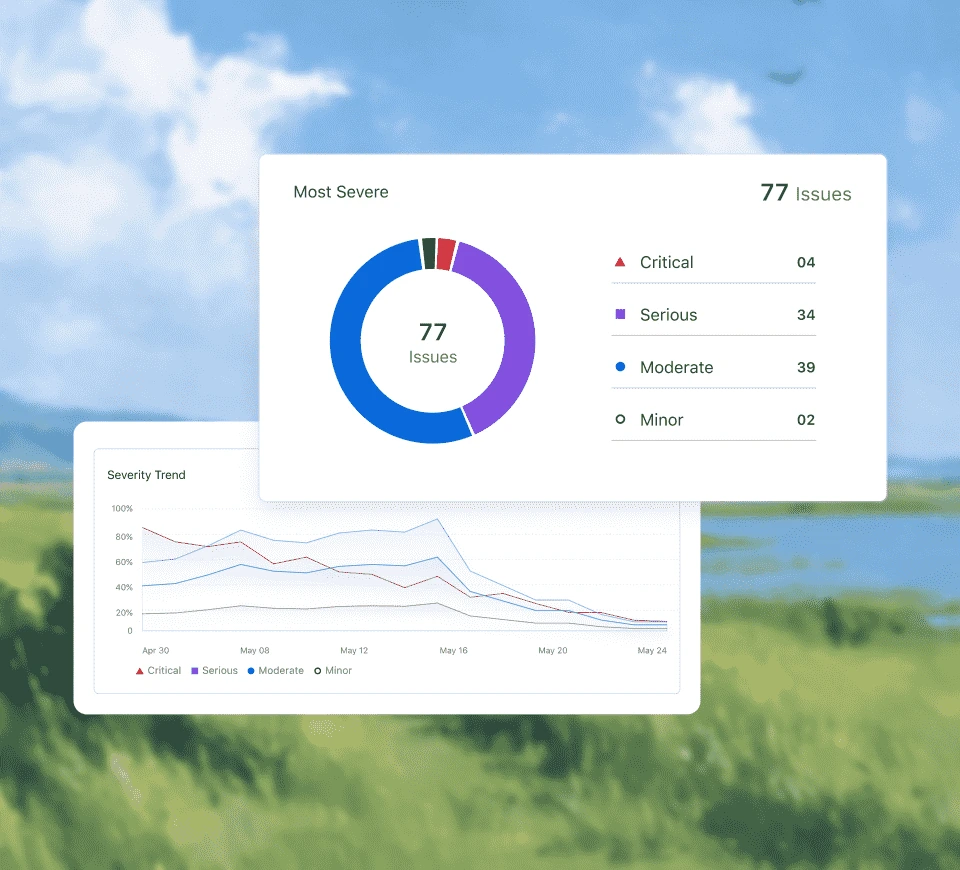
Compare issue counts and severity across builds to see whether accessibility is improving.
AI-Agentic Quality Engineering
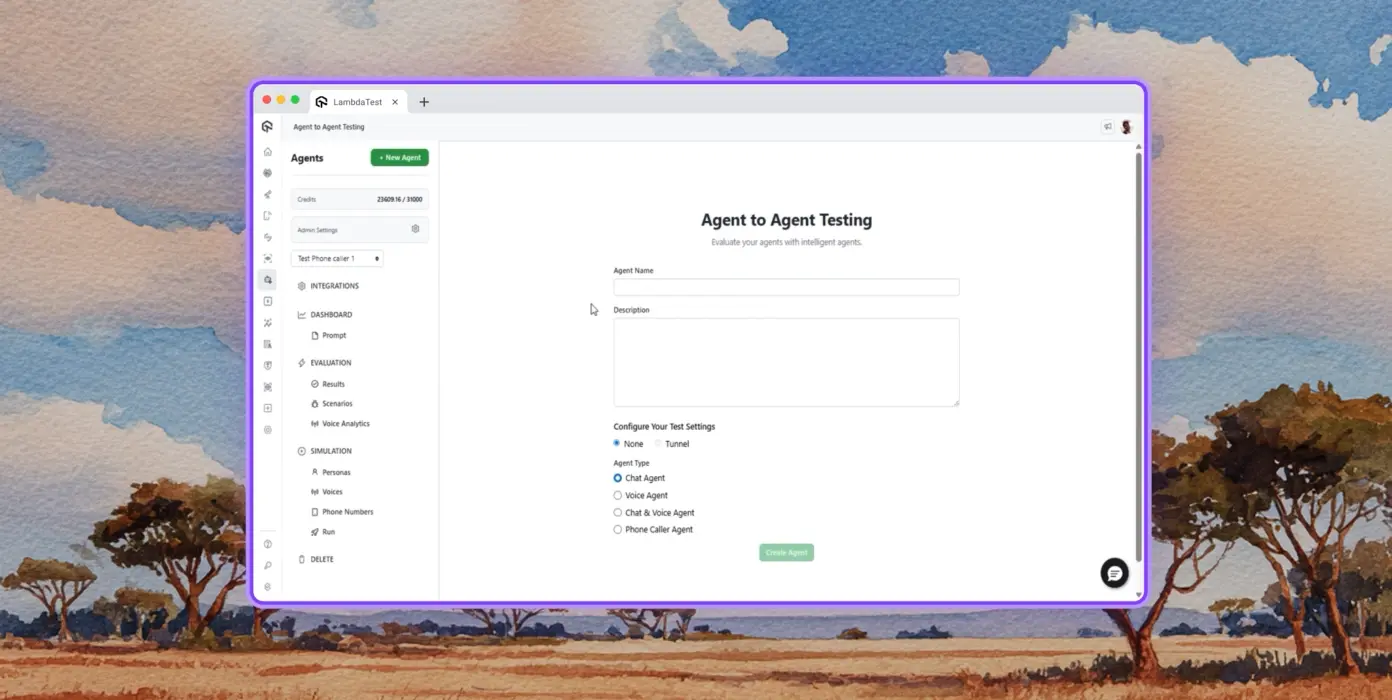
AI-native agents that plan, run, and analyze tests across web and 10,000+ real Android and iOS devices.
Autonomous Testing
Detailed agent analysis under test, from the perspective of a synthetic end-user.
Multi-Persona Simulation
Diverse user personas like International Caller, Digital Novice and more.
Risk Scoring & Regression
End to end regression testing for agent under test with insights.
Success Stories of TestMu AI (Formerly LambdaTest)

50%
reduction in test execution time
“HyperExecute is a highly reliable test execution platform and has excellent customer support.”
Sagar Uday Kumar
Sr. Engineering Manager
Some Love from our Customers
As Best Egg expanded its product offerings and entered new markets, we knew our old testing infrastructure couldn’t keep up.
With support from Tenny Agustin, our Engineering Operations Lead, we modernized our approach with
TestMu AI

Best Egg
best-egg

Excited to Share My Learning Journey with Kane AI & Lambda Tool!
I'm pleased to announce that I've recently gained hands-on experience exploring Kane AI through the Lambda Tool and it’s been a fantastic journey of upskilling!
KaneAI

Suryateja Goud
suryateja-goud

See how is #Futureready to enable blazing-fast test orchestration seamlessly integrated with organizations' existing CI/CD platforms, using #Microsoft Azure.
TestMu AI

Microsoft India
MicrosoftIndia
More Reasons to LoveTestMu AI (formerly LambdaTest)
See how TestMu AI improves your testing with seamless integration, quicker results, and unmatched accuracy.
Users
3M+
Tests
1.5B+
Enterprises
18K+
Countries
132
TestMu AI Named a Challenger in the 2025 Gartner® Magic Quadrant™
Read ReportTestMu AI recognized in The Forrester Wave™: Autonomous Testing Platforms, Q4 2025
Read ReportWall of Fame
TestMu AI is the #1 choice for SMBs and enterprises across the globe.

Enterprise-Grade Security
We safeguard your data and AI systems with global security, privacy, responsible AI, and ESG standards.

Integrations
Works where you work, 120+ integrations with the tools your team relies on.




As Seen On
Explore Accessibility
From Automated Checks to Full WCAG Coverage
Automation catches the machine-detectable issues on every build. Pair it with in-browser checkers, scheduled scans, and real device app testing to close the remaining gaps on WCAG, ADA, and Section 508 across your whole product.
Accessibility Testing
Scan & Schedule
In-Browser Checkers
Standards & Compliance
Frequently asked questions
TestMu AI forEnterprise
Get access to solutions built on enterprise-grade
security, privacy, & compliance
- Advanced access controls
- Advanced data retention rules
- Advanced Local Testing
- Premium Support options
- Early access to beta features
- Private Slack Channel
- Unlimited Manual Accessibility DevTools Tests