How to Test Biometric Authentication in Mobile Apps (Video)
 Playlist

- Effortless Browser Testing Using Pre-Loaded Chrome Extension | TestMu AI
- Geolocation Testing Of Web Apps On Real Device Cloud | TestMu AI
- Network Throttling Using Real Device Cloud | TestMu AI
- Ensure Inclusivity For All Users With Accessibility DevTools Chrome Extension | TestMu AI
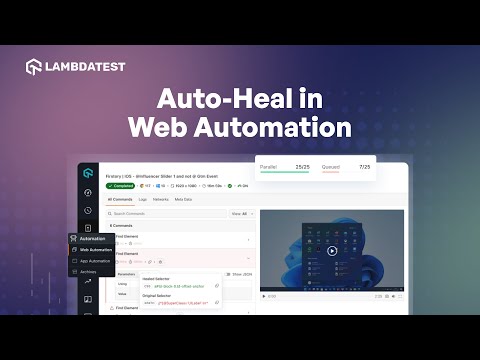
- Enhance Test Reliability with TestMu AI Auto Healing | TestMu AI
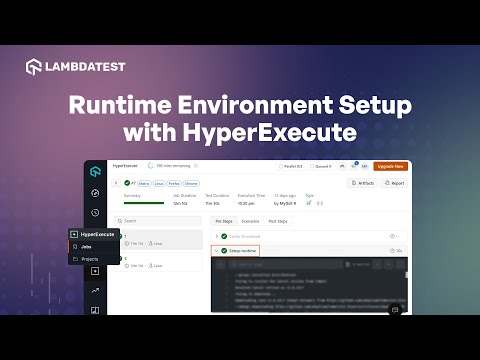
- How to Setup Runtime Environment with HyperExecute
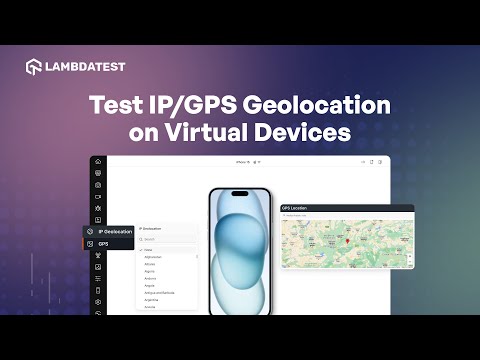
- IP/GPS Geolocation Testing on Emulators and Simulators | TestMu AI
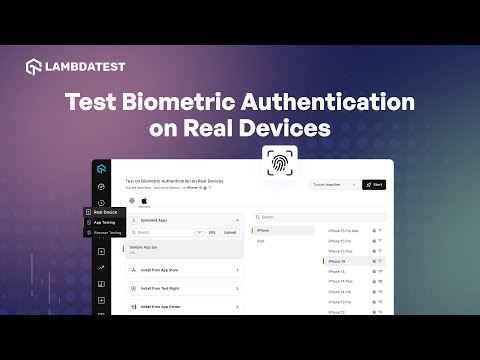
- Test Biometric Authentication on Real Devices | TestMu AI
- How to perform Accessibility Testing Using Screen Reader | TestMu AI
- Visual Regression Testing for PDF Files Using SmartUI | TestMu AI
- How to Access Device Logs on Real Devices | TestMu AI
- How to Distribute Test Using AutoSplit in HyperExecute | TestMu AI
- How to Parallelize Tests With Matrix Multiplexing in HyperExecute | TestMu AI
- How to Debug your Selenium Tests Using Telemetry Logs | TestMu AI
About The Video
Learn how to test biometric authentication testing to ensure your application's biometric functionality is accurate and provides an optimal user experience across a range of devices and platforms.
Video Chapters
00:00 Introduction
00:23 Demo
01:10 Closing Words
Video Transcript
This video was recorded before LambdaTest became TestMu AI, so the speaker uses the LambdaTest name.
Want to make sure your app gives users a smooth experience when it comes to fingerprint scanning? With LambdaTest, you can level up your game with biometric authentication for real devices. LambdaTest supports biometric authentication for iOS and Android real devices, allowing you to test across various devices and platforms. Wondering how? Let's dive in.
First, head to the Real Device from your LambdaTest dashboard and then App Testing. Now upload your mobile application. After uploading the app, click on the settings icon. Enable the Biometric Authentication toggle and click on Save Changes. Now select your preferred device and OS version and hit Start.
Once a session starts and biometric authentication is enabled for the app, use the LambdaTest biometric authentication popup to interact with any instance where biometric authentication is involved. And there you go! Now you can test your applications for biometric authentication using LambdaTest Real Device Cloud.

TestMu AI
TestMu AI (Formerly LambdaTest) is an AI-Native test orchestration and execution platform that allows you to perform both manual and automated testing across 3000+ environments, making it a top choice among other cloud testing platforms.