AI AGENTS
Kane CLI - Testing from terminal
KaneAI - End-to-end AI QA Agent
Agent Assurance
Chat, Voice, and Video Agent Testing
AI Test Management
AI Test Insights
Accessibility Testing Agent
SmartUI - Visual Testing
AGENTIC CLOUD
HyperExecute - AI Test Orchestration
Real Device Cloud
Test Automation Platform
Native App Automation Cloud
Browser Cloud for AI Agents
Performance Testing
Tools
TestMu AI MCP Server
Accessibility DevTools
WHAT'S NEW
End-to-end testing for your AI deployment.
Use cases
AI QA Agent
End-to-end Agent Testing
IVR Agent Testing
Voice Testing Agent
Phone Calling Agent
Chatbot Testing Agent
Video Agent Testing
Test Planning Agent
Web Testing Agent
Mobile Testing Agent
Test Automation Agent
API Testing Agent
AI Test Orchestration
Cross Browser Testing
Visual Agent Testing
ENTERPRISE APPS
Salesforce Testing
SAP Testing
ServiceNow Testing
Workday Testing
Oracle Testing
TESTMU AI PROFESSIONAL SERVICES
TestMu Al experts to help you accelerate & achieve business goals.
BY INDUSTRY
Retail
Finance
Media & Entertainment
Healthcare
Travel & Hospitality
Insurance
Learn
Blog
Webinars
Learning Hub
Use Cases
Customer Stories
Certifications
Developer
Documentation
API
Integrations
GitHub Repositories
TestMu AI for Community
Company
About Us
Careers
Partners
Press
QA Job Board
LambdaTest is TestMu AI
Languages & frameworks
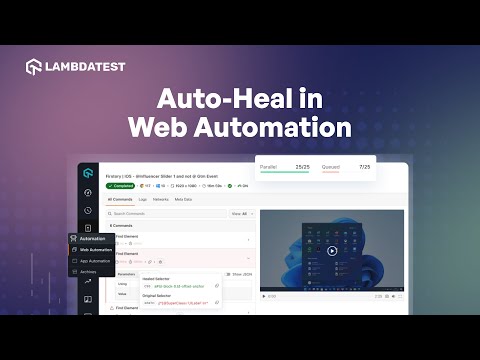
Enhance Test Reliability with TestMu AI Auto Healing
TestMu AI
Join us for a quick overview of how to use the TestMu AI Auto Healing feature. Learn how this feature can help you overcome test flakiness in your Selenium tests, enhancing the reliability of your test suites.
00:00 Introduction
00:28 Demo
01:50 Closing Words

TestMu AI (Formerly LambdaTest) is an AI-Native test orchestration and execution platform that allows you to perform both manual and automated testing across 3000+ environments, making it a top choice among other cloud testing platforms.
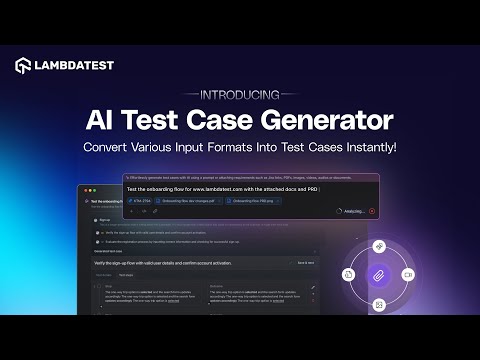
Convert Various Input Formats Into Test Cases With AI Test Case Generator | TestMu AI
How to Use Command Annotations to Enhance Test Debugging | TestMu AI
How to Debug your Selenium Tests Using Telemetry Logs | TestMu AI
How to Parallelize Tests With Matrix Multiplexing in HyperExecute | TestMu AI
How to Distribute Test Using AutoSplit in HyperExecute | TestMu AI
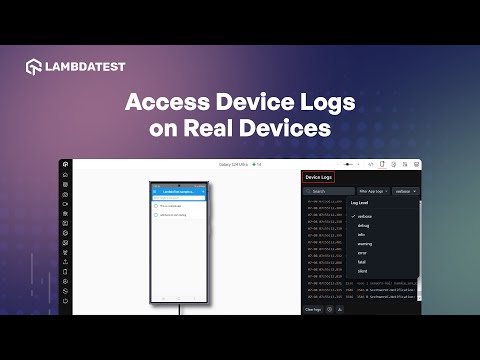
How to Access Device Logs on Real Devices | TestMu AI
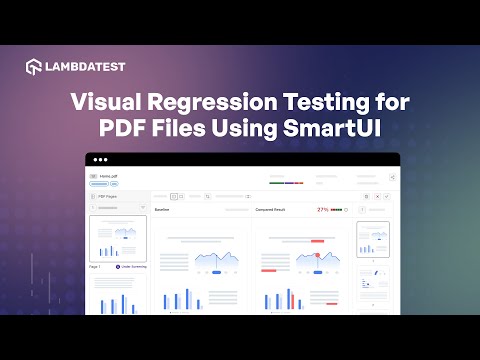
Visual Regression Testing for PDF Files Using SmartUI | TestMu AI
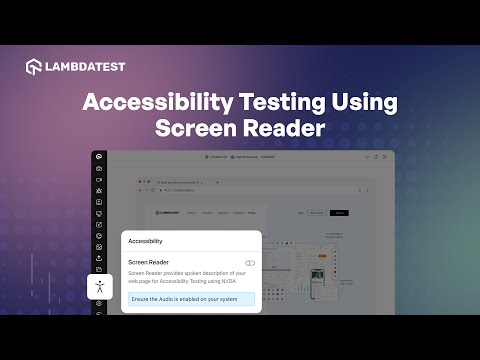
How to perform Accessibility Testing Using Screen Reader | TestMu AI
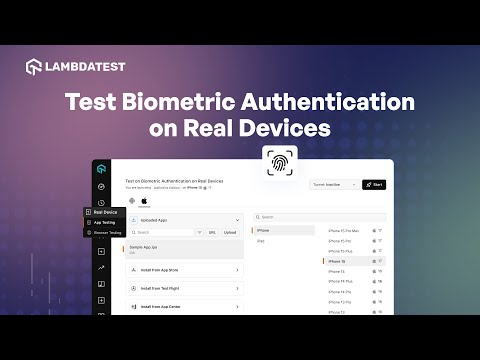
Test Biometric Authentication on Real Devices | TestMu AI
IP/GPS Geolocation Testing on Emulators and Simulators | TestMu AI
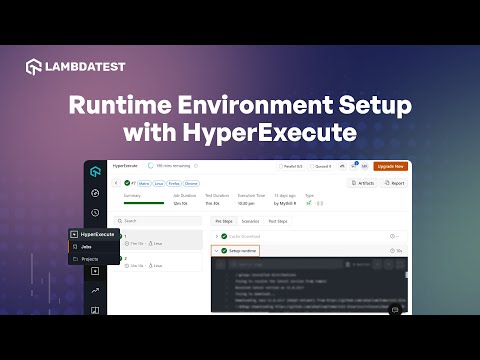
How to Setup Runtime Environment with HyperExecute | TestMu AI
Enhance Test Reliability with TestMu AI Auto Healing | TestMu AI
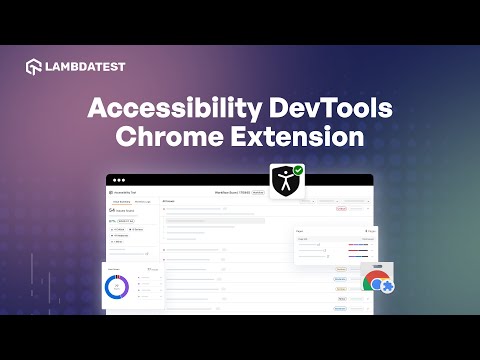
Ensure Inclusivity For All Users With Accessibility DevTools Chrome Extension | TestMu AI
Network Throttling Using Real Device Cloud | TestMu AI
Geolocation Testing Of Web Apps On Real Device Cloud | TestMu AI
Effortless Browser Testing Using Pre-Loaded Chrome Extension | TestMu AI