How to Test IP and GPS Geolocation on Real Devices (Video)
 Playlist

- Effortless Browser Testing Using Pre-Loaded Chrome Extension | TestMu AI
- Geolocation Testing Of Web Apps On Real Device Cloud | TestMu AI
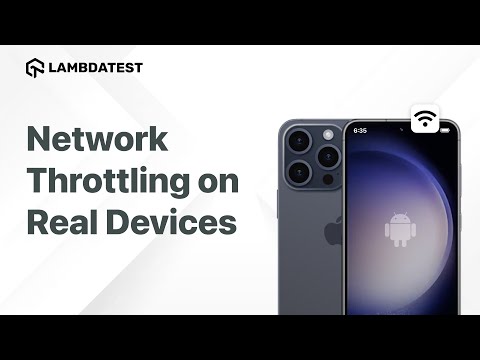
- Network Throttling Using Real Device Cloud | TestMu AI
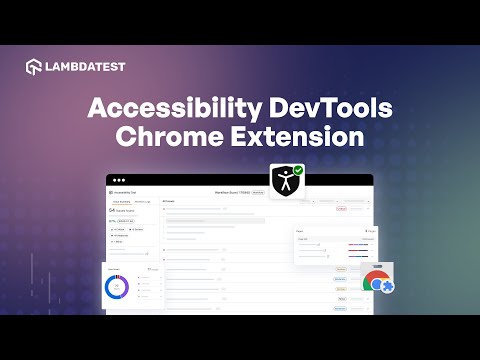
- Ensure Inclusivity For All Users With Accessibility DevTools Chrome Extension | TestMu AI
- Enhance Test Reliability with TestMu AI Auto Healing | TestMu AI
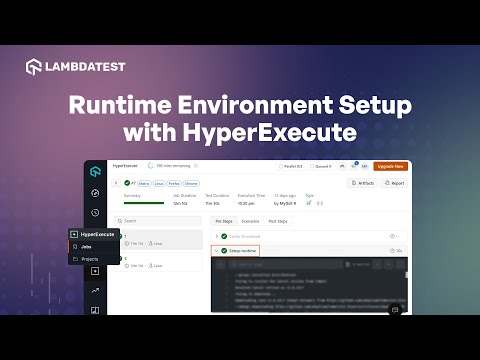
- How to Setup Runtime Environment with HyperExecute
- IP/GPS Geolocation Testing on Emulators and Simulators | TestMu AI
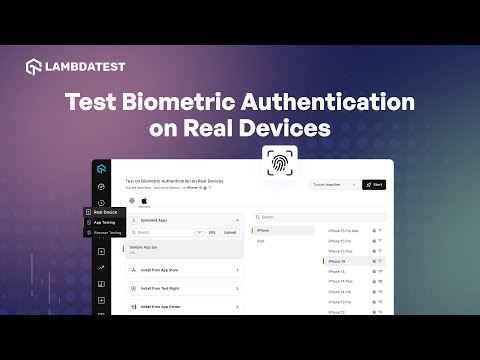
- Test Biometric Authentication on Real Devices | TestMu AI
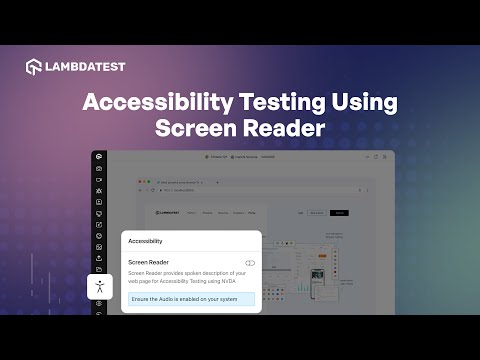
- How to perform Accessibility Testing Using Screen Reader | TestMu AI
- Visual Regression Testing for PDF Files Using SmartUI | TestMu AI
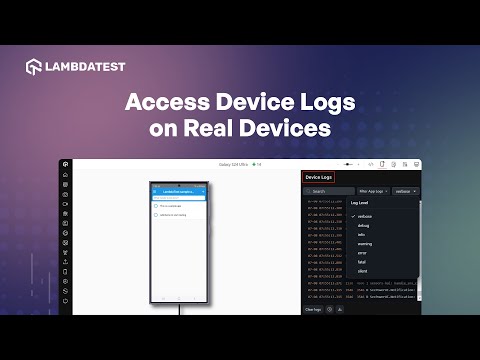
- How to Access Device Logs on Real Devices | TestMu AI
- How to Distribute Test Using AutoSplit in HyperExecute | TestMu AI
- How to Parallelize Tests With Matrix Multiplexing in HyperExecute | TestMu AI
- How to Debug your Selenium Tests Using Telemetry Logs | TestMu AI
- How to Use Command Annotations to Enhance Test Debugging | TestMu AI
About The Video
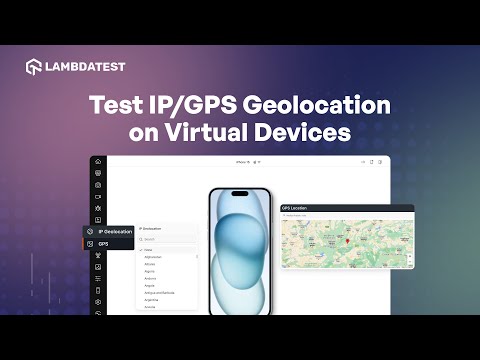
Join us for a comprehensive walkthrough on how to use TestMu AI for geolocation testing of your web applications. Learn how to test on real devices across various geographies and even conduct GPS-based geolocation testing to target specific geoIPs. This video will guide you in validating your web experience effectively with precise location testing.
Video Chapters
00:00 Introduction
00:15 Demo
01:38 Closing Words
Video Transcript
This video was recorded before LambdaTest became TestMu AI, so the speaker uses the LambdaTest name.
You can perform geolocation testing with LambdaTest to test your web applications on real devices from different geographies. You can even perform GPS-based geolocation testing to pinpoint a specific geo IP to help you validate your web experience. Let's dive in to learn how to perform geolocation testing.
Log into LambdaTest and navigate to the dashboard. From the left sidebar, choose Real Device, click on Browser Testing and then specify the test URL. For this demonstration, we will use the LambdaTest homepage as the URL. Next, select the browser, device and its version according to your preferences. Click Start to initiate a cloud-based machine running on real browsers and operating systems.
From the left sidebar, click on the IP geolocation icon to select the country. You can pick from the list of available countries or search for your desired country. This action will route the cloud machine to a respective IP address based on your selection, enabling you to effectively perform geolocation testing of your website within that specific geolocation.
Now let's see how to perform GPS-based geolocation testing of your mobile websites. From the left sidebar, click on the GPS location icon and enter the address, or specify the latitude and longitude of the location, or select your preferred location on the map. Then select Confirm. The cloud machine will now be redirected to the specific GPS location. There you go! You can now perform GPS-based geolocation testing of your website within the selected GPS location. Thank you for watching. If you like this video, do subscribe to the LambdaTest YouTube channel for more such videos.

TestMu AI
TestMu AI (Formerly LambdaTest) is an AI-Native test orchestration and execution platform that allows you to perform both manual and automated testing across 3000+ environments, making it a top choice among other cloud testing platforms.