
Run Web Automation Tests at Scale with Agentic AI
Generate tests with AI agents or automate test suites with Selenium, Playwright and other frameworks. Run tests in parallel on TestMu AI scalable cloud grid.

- TestMu AI (Formerly LambdaTest)
- /
- Learning Hub
- /
- Playwright vs Selenium: Which to Use in 2026, With Code
Playwright vs Selenium: Which to Use in 2026, With Code
Playwright vs Selenium compared on languages, browsers, waits, speed and cost, with the same login test in Python and Java and a clear rule for which to pick.
Published on:
Choose Playwright for a new web-only suite written in JavaScript, TypeScript, Python, Java or .NET, because auto-waiting, the trace viewer and parallel browser contexts remove most flakiness work. Choose Selenium when you need Ruby, real Safari, Edge IE mode, Appium for native mobile, or when a large working suite already exists. This Playwright vs Selenium guide shows the evidence and the code.
Key Takeaways
- Playwright auto-waits for elements to be visible, stable, enabled and able to receive events before it acts, while Selenium waits only where you add an implicit or explicit wait.
- Selenium implements the W3C WebDriver standard with official bindings for Java, Python, C#, Ruby and JavaScript, and drives real Safari and Edge IE mode, which Playwright does not.
- Playwright is not Selenium-based: it uses its own protocol to talk to browsers, not WebDriver classic, so the two share no driver code.
- Speed differs mainly through connection design, waiting strategy and how cheaply a test gets clean state, so measure your own suite instead of trusting a headline multiplier.
- Migration is a per-suite decision: move a flaky, high-value flow first and keep stable Selenium suites where they are.
- Running both works on one platform: TestMu AI Automation Cloud runs Selenium and Playwright scripts across 3,000+ browser and OS combinations in parallel.
Playwright vs Selenium: What Are the Differences?
Playwright is a Microsoft framework that bundles an automation library, browser builds and, for JavaScript and TypeScript, a test runner. Selenium is a long-running open-source project built around the W3C WebDriver standard. The table compares them as of 6 November 2026.
| Area | Playwright | Selenium |
|---|---|---|
| Latest version | 1.65.0 (5 Nov 2026); 1.64.1 shipped 14 Oct 2026 | 4.52.0 (29 Oct 2026) |
| Languages | JavaScript and TypeScript, Python, Java, .NET | Java, Python, C#, Ruby, JavaScript, plus community bindings |
| Browsers | Chromium, Firefox and WebKit builds it manages; Chrome and Edge through channels | Chrome, Firefox, Edge and real Safari through each browser's own driver; Edge IE mode |
| Protocol | Its own protocol; builds on the Chrome DevTools Protocol for Chromium | W3C WebDriver (classic), with WebDriver BiDi support in progress |
| Waiting | Auto-waits on actionability; web-first assertions retry | Implicit, explicit and fluent waits that you write |
| Test runner | Built-in runner for JavaScript and TypeScript; pytest plugin for Python | None; use JUnit, TestNG, pytest, NUnit or similar |
| Parallelism | Parallel workers and isolated browser contexts | Selenium Grid or runner-level parallelism |
| Debugging | Trace viewer, codegen, UI mode, inspector | IDE debugging, Selenium IDE, driver and browser logs |
| Mobile | Device emulation in desktop engines; experimental Android | Mobile browsers and native apps through Appium |
| Standard | No standards body; one vendor controls the project | W3C Recommendation, many implementations |
Check the current figures on the Playwright language documentation and the Selenium WebDriver documentation before you commit, since both projects ship every few weeks.
Selenium or Playwright: Which Should You Pick?
Pick Playwright for a new web-only suite where flakiness and debugging time are the main costs. Pick Selenium when a requirement only it meets, such as Ruby, real Safari, Edge IE mode or Appium, decides the question before preference does.
| If this is true | Pick | Why |
|---|---|---|
| New web-only suite, no legacy code | Playwright | Auto-waiting, tracing and parallel workers come in the box. |
| Team writes Ruby | Selenium | Playwright has no Ruby binding. |
| You must test the exact Safari release users run | Selenium | It drives real Safari through safaridriver; Playwright uses a WebKit build. |
| Internal app that needs Edge IE mode | Selenium | Playwright has no IE mode automation. |
| Native iOS or Android app in the same framework | Selenium with Appium | Appium builds on the WebDriver protocol; Playwright is for web. |
| Large Selenium suite that is stable | Selenium | Migration cost buys little when tests already pass. |
| Suite fails intermittently on timing | Playwright | Auto-waiting removes the usual cause. |
| Mixed JavaScript, Python and Java teams | Either | Both offer those languages; pick the one your CI already supports. |
Weighing Cypress as well? The Playwright vs Selenium vs Cypress comparison covers all three on one page.
Why Do Teams Move From Selenium to Playwright?
Teams move mainly because of intermittent failures caused by timing, the time spent diagnosing them, and the glue code needed around Selenium. Playwright addresses all three, but only the first two apply if your Selenium suite is already well written.
Brittleness and Timing
Most Selenium flakiness comes from acting on an element before the page is ready. The fix is a wait on every interaction, and one missed wait is a failure that appears one run in twenty. The Selenium waits guide covers implicit, explicit and fluent waits and why mixing them goes wrong.
Auto-Waiting Versus Explicit Waits
Playwright runs actionability checks before every action: the element is attached, visible, stable, enabled and able to receive events. Its assertions retry until they pass or time out. The Playwright actionability documentation lists each check. Selenium has no equivalent, so the waiting logic lives in your code.
Tooling That Shortens Debugging
- Trace viewer - a recorded timeline of actions, DOM snapshots, network calls and console output you can step through after a CI failure.
- Codegen - records a browser session and writes locator-based test code to start from.
- UI mode - a watch-mode runner with time travel for local debugging.
- Browser contexts - cheap isolated sessions, so each test starts with clean cookies and storage.
Selenium can match some of this with add-ons and a good framework, but you assemble it yourself. If the real issue is that Selenium itself is the wrong fit, read the Selenium alternatives guide before assuming Playwright is the only exit.

Note: Run the same Playwright and Selenium scripts across 3,000+ browser and OS combinations without maintaining a grid. Start free with TestMu AI
When Is Selenium Still the Right Call?
Selenium is still the right call when your requirement is something Playwright does not cover: Ruby, real Safari, Edge IE mode, native mobile through Appium, or a standards-based protocol with many independent implementations.
- Languages - Selenium has official Java, Python, C#, Ruby and JavaScript bindings. Playwright has no Ruby binding.
- Branded Safari - Selenium drives the real Safari application through safaridriver on macOS. Playwright tests a WebKit build, which is close but not the same browser. Real Safari runs only on macOS, so a Linux CI pool cannot host it.
- Edge IE mode - Selenium can automate Internet Explorer mode in Edge, which matters for internal apps tied to legacy sites.
- Native mobile - Appium extends the WebDriver model to native iOS and Android apps, so one skill set covers web and app.
- The W3C standard - WebDriver is a W3C Recommendation with several independent implementations, and Selenium Grid distributes tests across machines and browsers. A self-hosted Grid needs its nodes, browsers and drivers kept in step, and version drift is a common reason sessions fail to start.
- Ecosystem and existing code - years of frameworks, integrations, tutorials and hiring pool. A stable suite with a low failure rate is an asset, not a problem.
Playwright also has limits. It is a single-vendor project, it does not automate IE mode, and mobile coverage is emulation plus experimental Android rather than real devices. If those matter, compare Playwright alternatives as well.
Playwright vs Selenium Code: The Same Login Test in Python and Java
The same login test written four times shows the practical difference: Playwright needs no wait code and asserts with retries, while Selenium needs an explicit wait before each interaction that depends on page state.
Each test opens the login page of the TestMu AI ecommerce playground, signs in with credentials from environment variables, and checks that the browser lands on the account page. Set SHOP_EMAIL and SHOP_PASSWORD to an account you registered on the playground. Selectors are the page's own ids and a role-based button locator.
Playwright vs Selenium Python
Install with pip install playwright pytest-playwright, then run playwright install to download the browser builds. The Playwright version uses the sync API. For a full setup walkthrough, see the Playwright Python tutorial.
import os
import re

from playwright.sync_api import sync_playwright, expect

LOGIN_URL = "https://ecommerce-playground.lambdatest.io/index.php?route=account/login"


def test_login_lands_on_account_page():
    with sync_playwright() as p:
        browser = p.chromium.launch()
        page = browser.new_page()
        page.goto(LOGIN_URL)
        page.locator("#input-email").fill(os.environ["SHOP_EMAIL"])
        page.locator("#input-password").fill(os.environ["SHOP_PASSWORD"])
        page.get_by_role("button", name="Login").click()
        # Web-first assertion: retries until the URL matches or the timeout hits
        expect(page).to_have_url(re.compile(r"route=account/account"))
        browser.close()
The Selenium 4 version below relies on Selenium Manager, bundled since Selenium 4.6, to download a matching driver, so no driver setup is needed. Framework patterns are in the Selenium Python guide.
import os

from selenium import webdriver
from selenium.webdriver.common.by import By
from selenium.webdriver.support import expected_conditions as EC
from selenium.webdriver.support.ui import WebDriverWait

LOGIN_URL = "https://ecommerce-playground.lambdatest.io/index.php?route=account/login"


def test_login_lands_on_account_page():
    driver = webdriver.Chrome()  # Selenium Manager resolves the driver binary
    try:
        wait = WebDriverWait(driver, 10)
        driver.get(LOGIN_URL)
        # Explicit wait: nothing waits for you unless you ask
        wait.until(EC.visibility_of_element_located((By.ID, "input-email"))).send_keys(os.environ["SHOP_EMAIL"])
        driver.find_element(By.ID, "input-password").send_keys(os.environ["SHOP_PASSWORD"])
        driver.find_element(By.CSS_SELECTOR, "input[value='Login']").click()
        wait.until(EC.url_contains("route=account/account"))
    finally:
        driver.quit()
Playwright vs Selenium Java
Add the com.microsoft.playwright:playwright dependency. Playwright for Java downloads browsers on first run. Use one Playwright instance per thread when you run tests in parallel.
import com.microsoft.playwright.Browser;
import com.microsoft.playwright.Page;
import com.microsoft.playwright.Playwright;
import com.microsoft.playwright.options.AriaRole;

import java.util.regex.Pattern;

import static com.microsoft.playwright.assertions.PlaywrightAssertions.assertThat;

public class LoginTest {
    public static void main(String[] args) {
        try (Playwright playwright = Playwright.create()) {
            Browser browser = playwright.chromium().launch();
            Page page = browser.newPage();
            page.navigate("https://ecommerce-playground.lambdatest.io/index.php?route=account/login");
            page.locator("#input-email").fill(System.getenv("SHOP_EMAIL"));
            page.locator("#input-password").fill(System.getenv("SHOP_PASSWORD"));
            page.getByRole(AriaRole.BUTTON, new Page.GetByRoleOptions().setName("Login")).click();
            // Web-first assertion: retries until the URL matches or the timeout hits
            assertThat(page).hasURL(Pattern.compile(".*route=account/account.*"));
            browser.close();
        }
    }
}
The Selenium Java test uses the same explicit-wait pattern with ExpectedConditions. Selenium Manager resolves the driver here too. For project structure with TestNG or JUnit, see Selenium Java.
import org.openqa.selenium.By;
import org.openqa.selenium.WebDriver;
import org.openqa.selenium.chrome.ChromeDriver;
import org.openqa.selenium.support.ui.ExpectedConditions;
import org.openqa.selenium.support.ui.WebDriverWait;

import java.time.Duration;

public class LoginTest {
    public static void main(String[] args) {
        WebDriver driver = new ChromeDriver(); // Selenium Manager resolves the driver binary
        try {
            WebDriverWait wait = new WebDriverWait(driver, Duration.ofSeconds(10));
            driver.get("https://ecommerce-playground.lambdatest.io/index.php?route=account/login");
            // Explicit wait: nothing waits for you unless you ask
            wait.until(ExpectedConditions.visibilityOfElementLocated(By.id("input-email")))
                .sendKeys(System.getenv("SHOP_EMAIL"));
            driver.findElement(By.id("input-password")).sendKeys(System.getenv("SHOP_PASSWORD"));
            driver.findElement(By.cssSelector("input[value='Login']")).click();
            wait.until(ExpectedConditions.urlContains("route=account/account"));
        } finally {
            driver.quit();
        }
    }
}
Count what each pair does not contain. The Playwright versions have no wait calls and no driver management. The Selenium versions are longer but explicit, which some teams prefer because every synchronization point is visible in the code.
Is Playwright Faster Than Selenium?
Often, but not by a fixed amount. Speed differences between Playwright and Selenium come from how each talks to the browser, how it waits, and how cheaply a test gets clean state. Suite speed depends on those design choices more than on the library name.
This guide does not publish a benchmark number, because results change with browser version, network, page weight and test design. These are the factors that decide the gap in your own suite:
- Connection model - Selenium's classic protocol sends one HTTP request per command to the driver. Playwright keeps a persistent connection to the browser, which cuts per-command overhead on chatty tests. WebDriver BiDi moves Selenium toward the same two-way model.
- Waiting strategy - fixed sleeps cost time on every run. Auto-waiting proceeds the moment an element is ready, and polling waits do the same when tuned well.
- Test isolation - Playwright creates a new browser context in a small fraction of the cost of a new browser process. Selenium starts a new session per test, which launches a browser unless you reuse one and clean state yourself.
- Parallelism - Playwright's runner schedules workers by default. Selenium parallelizes through the test runner or Selenium Grid, which scales further but needs setup. With either tool, the hardware behind the workers sets the ceiling, and every runner needs matching browser builds installed and kept current.
- Network distance - against a remote grid, round trips between the test and the browser dominate, so a persistent connection and fewer calls matter more.
For Playwright's side of parallel runs, including sharding and workers, see Playwright parallel testing. Run the same login test from the code section on both tools in your CI, 20 times each, and compare the median and the spread, not the best run.
Is Playwright Selenium-Based?
No. Playwright is not built on Selenium or the WebDriver classic protocol. It controls browsers through its own protocol, which for Chromium builds on the Chrome DevTools Protocol, and it ships patched browser builds for Firefox and WebKit. Selenium implements the W3C WebDriver specification.
Selenium also supports WebDriver BiDi, the bidirectional W3C protocol in development, so the gap in protocol design is narrowing. A platform can also run Selenium and Playwright scripts side by side, as in the cloud section below, without either library depending on the other.
Is It Worth Migrating From Selenium to Playwright?
It is worth it when flaky timing failures, slow debugging or missing parallelism cost your team more than a rewrite would. It is not worth it for a stable suite that needs Ruby, real Safari, IE mode or Appium.
- Start with the flakiest, most valuable flow, not the whole suite.
- Count the waits and sleeps you delete, and track the failure rate before and after.
- Run Selenium and Playwright side by side in CI until the new tests earn trust.
- Retire a Selenium test only after its Playwright replacement has stayed green through several releases.
The complete process, including locator mapping and CI changes, is in the Selenium to Playwright migration guide.
How Do You Run Playwright and Selenium Tests at Scale?
At scale, the real work is infrastructure rather than test code: browsers and versions to keep current, parallel capacity to provision, a grid or runners to keep alive, evidence to collect when a run fails, and a way to reach localhost or a staging host. A hosted grid takes that upkeep off the team. TestMu AI Automation Cloud, cloud test automation infrastructure with AI-native debugging, runs existing Selenium and Playwright scripts across 3,000+ browser and OS combinations in parallel, with network logs, console logs, video and screenshots captured on every run.
To move a suite, point both frameworks at the hosted grid and change only how the browser session is created. Your tests, language and framework stay as they are.
- Capabilities - generate the browser, version, OS and build settings with the capabilities generator, then add your credentials from CI secrets.
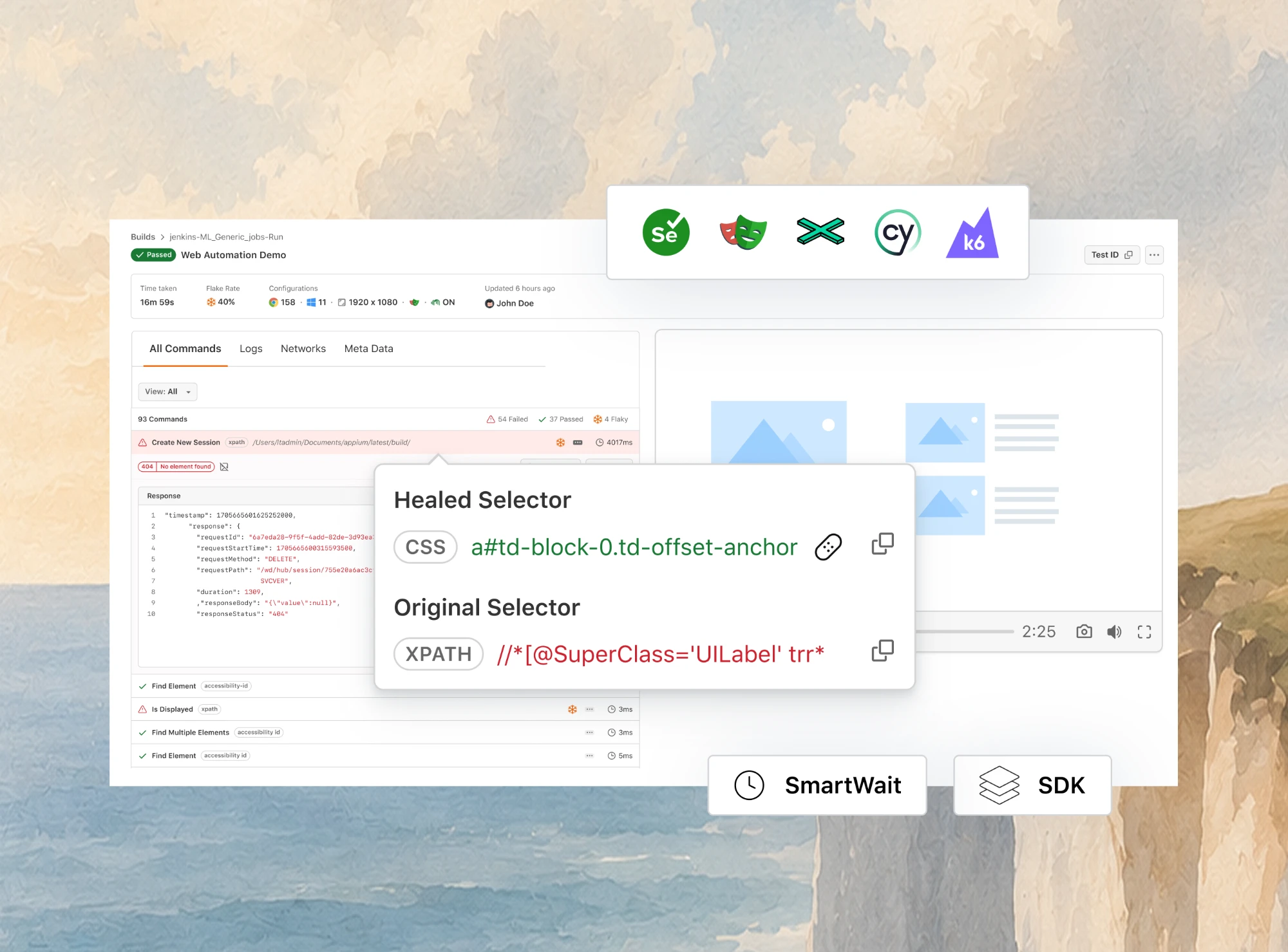
- Auto Healing - recovers from locator failures caused by DOM changes, enabled with the autoHeal capability; it is supported on Selenium and Playwright. It is heuristic, so leave it off for strict regression suites.
- HyperExecute - for large suites, this orchestration engine splits tests across parallel nodes and retries flaky ones, running up to 70% faster than traditional grids.
Setup steps for each framework are in the docs: running Playwright tests on TestMu AI and running your first Selenium test on TestMu AI. Take the exact hub endpoint and capability keys from the capabilities generator in the documentation rather than copying them from a blog post.
What Should You Do Next?
Port one flaky spec. Pick the Selenium test with the worst failure record, rewrite it in Playwright, and count the waits you delete and the failures that stop. That gives you a real estimate for your own codebase in an afternoon.
If your Selenium suite is stable and you need Ruby, real Safari, IE mode or Appium, keep it. Leaving working tests alone is a valid result of this comparison.
Browser automation choices go further than this pair. See Puppeteer vs Playwright and Puppeteer vs Selenium if Puppeteer is also on your list.
Author

Sri Harsha
Blogs: 8

Sri Harsha is Engineering Manager of the Open Source Program Office at TestMu AI, where he leads open-source engineering behind the Selenium and Appium automation grid and builds agentic AI systems for quality engineering. He is a member of the Selenium Technical Leadership Committee and a committer to WebdriverIO and Appium, and was recognized with the LambdaTest Delta Award 2023 for Best Contributor in open-source testing. He brings over 10 years of experience in software testing and automation, with earlier roles at EPAM Systems and ZenQ. Sri Harsha holds a B.Tech in Computer Science from Jawaharlal Nehru Technological University.
Reviewer

Himanshu Sheth
Reviewer
Himanshu Sheth is the Director of Marketing (Technical Content) at TestMu AI, with over 8 years of hands-on experience in Selenium, Cypress, and other test automation frameworks. He has authored more than 130 technical blogs for TestMu AI, covering software testing, automation strategy, and CI/CD. At TestMu AI, he leads the technical content efforts across blogs, YouTube, and social media, while closely collaborating with contributors to enhance content quality and product feedback loops. He has done his graduation with a B.E. in Computer Engineering from Mumbai University. Before TestMu AI, Himanshu led engineering teams in embedded software domains at companies like Samsung Research, Motorola, and NXP Semiconductors. He is a core member of DZone and has been a speaker at several unconferences focused on technical writing and software quality.


Playwright vs Selenium FAQs
Did you find this page helpful?
More Related Learning Hubs

TestMu AI forEnterprise
Get access to solutions built on Enterprise
grade security, privacy, & compliance
- Advanced access controls
- Advanced data retention rules
- Advanced Local Testing
- Premium Support options
- Early access to beta features
- Private Slack Channel
- Unlimited Manual Accessibility DevTools Tests