

Power Your Software Testing with AI Agents and Cloud
The Native AI-Agentic Cloud Platform to Supercharge Quality Engineering. Test Intelligently and Ship Faster.


- TestMu AI (Formerly LambdaTest)
- /
- Blog
- /
- Eclipse vs Visual Studio vs VS Code: Which to Use
Eclipse vs Visual Studio vs VS Code: Which to Use
How Eclipse, Visual Studio and VS Code differ on language support, performance, debugging and cost, and which one fits Java, .NET or polyglot work.
Last Updated on:
Choosing the right Integrated Development Environment (IDE) is an important decision for developers and testers, as it influences the efficiency and smoothness of their development and testing journey. According to the Top IDE Index created by analyzing how frequently IDEs’ download pages are searched on Google, Visual Studio shares 27.84%, whereas Eclipse shares 11.26%.
Eclipse and Visual Studio are popular and powerful IDEs designed for different purposes. They have unique features that make them useful for specific kinds of projects. This guide will look deep into the key factors developers should consider for choosing between Eclipse vs Visual Studio.
TL;DR
- Eclipse is a free, open-source IDE built around Java with a large plugin ecosystem.
- Visual Studio is a full Microsoft IDE for Windows, strongest on .NET, C#, and C++.
- Visual Studio Code is a cross-platform editor that gains language support through extensions.
- Visual Studio for Mac retired on 31 August 2024, leaving VS Code as Microsoft's macOS option.
- Eclipse runs on Windows, macOS, and Linux, while Visual Studio proper runs only on Windows.
- Eclipse suits large Java codebases, Visual Studio suits .NET work, and VS Code suits polyglot development.
Eclipse- An Overview
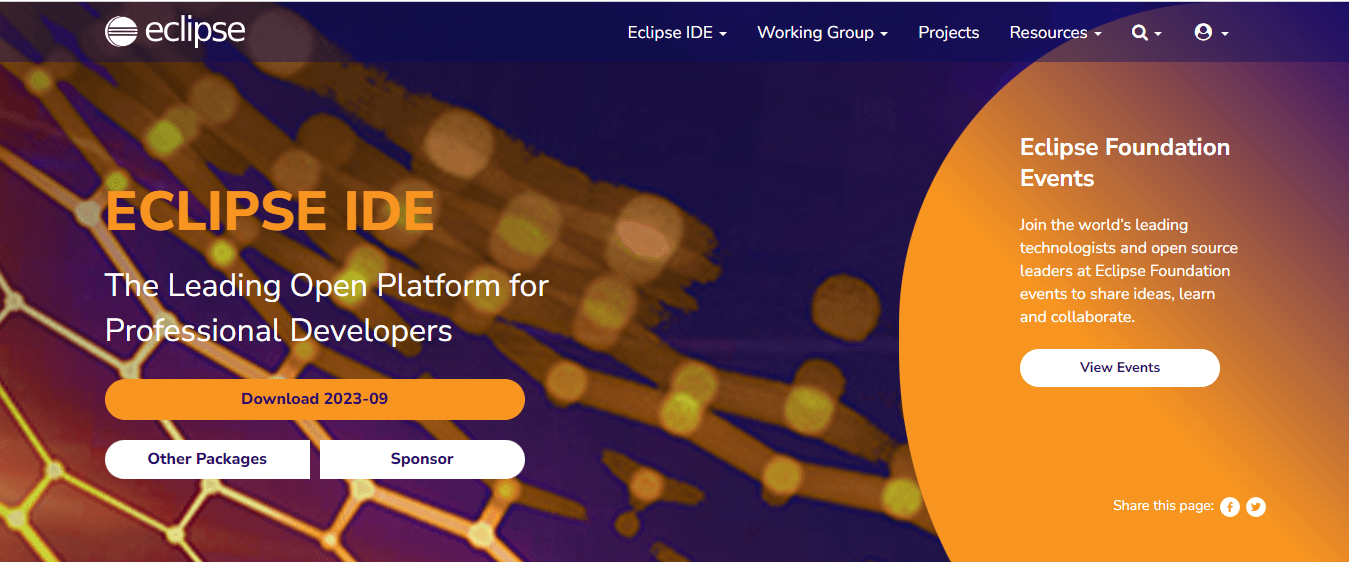
Eclipse is an open-source Integrated Development Environment (IDE) commonly used for Java, C/C++, and PHP development. It was originally developed by IBM in 2001, later open-sourced, and is currently managed by the Eclipse Foundation. Eclipse’s open-source nature and supportive community contribute to its popularity, creating a versatile and accessible environment for developers and testers to build, enhance, and test their projects.
Eclipse is primarily known as a JAVA IDE; however, it extends its functionality beyond Java development to support programming languages like C/C++ and PHP.
Features of Eclipse
Eclipse is a versatile IDE renowned for its robust features and plugin ecosystem, making it an excellent choice for Java and other programming languages. Some of the key features of Eclipse are:
- Eclipse Marketplace: The Eclipse Marketplace is a platform within Eclipse IDE that offers a wide range of plugins and extensions like CheckStyle, Maven, TestNG, Quick JUnit, and many more to make developers’ and testers’ tasks easy.
- Support for Enterprise-Based Java Applications: Eclipse provides robust support for enterprise-based Java applications by offering Java development tools such as JUnit, Java Formatter, JDT Developer, Maven, Groovy Development Tools (GDT), etc, empowering developers to build robust and efficient Java-based applications.
- Modeling Capabilities: Eclipse provides modeling frameworks like Eclipse Modeling Framework (EMF), Graphical Modeling Framework (GMF), and Eclipse Papyrus to create, edit, and visualize models efficiently. It simplifies the development of complex software systems by providing a comprehensive infrastructure for defining, creating, and manipulating structured data models.
- Integrated Support for Unit Testing: Eclipse provides integrated support for unit testing through popular testing frameworks like JUnit and TestNG, which facilitates efficient test case creation, execution, and result visualization to ensure developers that their code works properly while building software applications.
- Easy Debugging: Eclipse supports debugger features like breakpoints, variable inspection, remote debugging, step-by-step execution, etc by which developers can thoroughly assess and enhance their applications with ease and precision.
- Efficient Support Update System: Eclipse supports an efficient update system, ensuring users stay current with the latest enhancements and bug fixes. Its robust update mechanism simplifies keeping plugins, features, and IDE up-to-date.
Visual Studio- An Overview
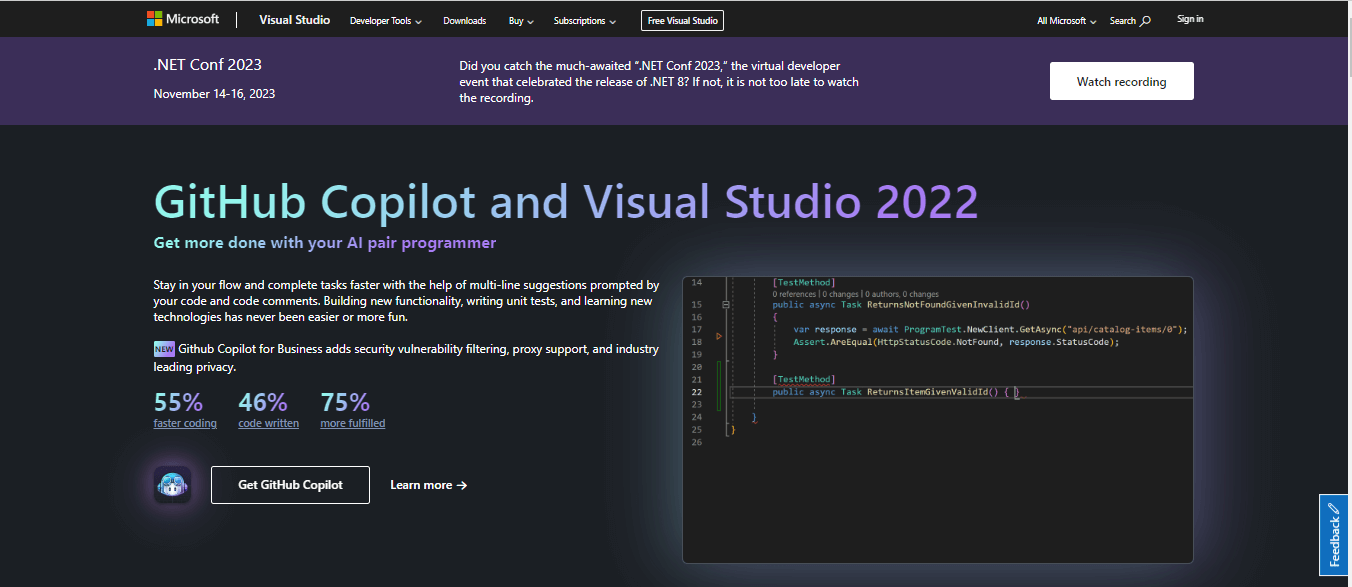
Visual Studio, developed by Microsoft, is a free IDE and Code Editor for .Net and C++ development on Windows and Mac. It can be used to edit, debug, build, and release code. Unlike other standard IDEs, Visual Studio also includes compilers, code completion and correctness tools, graphical designers, and other features to enhance software development.
Note: Microsoft has announced that it will retire the Visual Studio for Mac OS in Aug 2024.
Features of Visual Studio
Visual Studio is a powerful integrated development environment (IDE) developed by Microsoft. It offers a wide range of features and tools for various programming languages, including C#, C++, and Python. Some of the key features of Visual Studio are:
- Code Editor: Visual Studio’s code editor offers syntax highlighting and code completion for languages such as C++, C#, Visual Basic, JavaScript, HTML, etc. It provides tools for efficient code navigation and search. Additionally, it allows code refactoring for improved development productivity.
- Debugger: Visual Studios supports debugger features like breakpoints, step-through code execution, watch variables, real-time inspection, code map, etc, by which developers and testers can identify and resolve bugs quickly, ensuring a bug-free software development.
- Visual Studio Marketplace: Visual Studio Marketplace is a diverse collection of extensions, plugins, and tools. Developers can browse, discover, and install them to enhance and customize their Visual Studio environment to optimize their workflows and development experience.
- Visual UI Designer: Visual Studio features visual graphic designers like Windows Forms Designer (WFD), Windows Presentation Foundation (WPF), Xamarin, etc. that permit developers to easily create and edit UI components.
Visual Studio vs VS Code: Which One Do You Actually Mean?
Most comparisons of Eclipse and Visual Studio are really asking about VS Code, so it is worth separating the two Microsoft products before going further. They share a name and almost nothing else.
Visual Studio is a full IDE for Windows. It ships with designers, profilers, an installer for entire workloads such as .NET desktop or C++ game development, and it is the heavier of the two by a wide margin. Visual Studio Code is a cross-platform editor that starts empty and becomes a development environment through extensions.
One practical consequence catches Mac developers out. Visual Studio for Mac was retired on 31 August 2024, and Microsoft now points Mac users to VS Code with the C# Dev Kit instead. If you are on macOS, the real comparison is Eclipse against VS Code, because Visual Studio proper is not an option.
For Java specifically, Eclipse arrives ready to work: compiler, debugger, refactoring and a project model are built in. VS Code needs the Extension Pack for Java before it can do the same things, after which it is lighter and starts faster, but it stays an editor with Java support rather than a Java IDE.
A short way to decide: choose Visual Studio for .NET and C++ on Windows, Eclipse for large Java and enterprise codebases that lean on its plugin ecosystem, and VS Code when you work across several languages or want one editor that behaves the same on Windows, macOS and Linux.
Eclipse vs Visual Studio: Which is Best for Testing?
When comparing software testing capabilities between Eclipse vs Visual Studio, it’s notable that both platforms provide strong integration with a diverse range of automation testing tools like JUnit, MSTest, NUnit, etc. The choice between the two depends on project requirements, developer preferences, and time.
Eclipse primarily has good support for testing Java applications, whereas Visual Studio primarily has good support for testing .NET and C++ applications. Both IDEs seamlessly integrate with cloud-based solutions like TestMu AI, facilitating efficient test case creation and test execution.
Difference Between Eclipse vs Visual Studio
Eclipse and Visual Studio are two popular integrated development environments (IDEs) used for software development. They differ in terms of their features, supported languages, and platform support. Some key differences between Eclipse vs Visual Studio are:
| Aspects | Eclipse | Visual Studio |
|---|---|---|
| Primary Language | Java (with plugins for other languages such as C, C++, Python, etc.) | Primarily .NET and C++ language. with support for other languages like C#, VB.NET, etc.. |
| Platform Support | Windows, macOS, and Linux | Only Windows and macOS (retiring in Aug 2024) |
| User Interface Responsiveness | Eclipse's user interface may exhibit occasional delays, especially on resource-constrained systems or with extensive plugin usage. | Visual Studio offers a polished, responsive UI with strong Microsoft ecosystem integration. |
| Pricing | Free, open-source (EPL license) | Free Community Edition, Paid Professional and Enterprise editions. |
| Recommended Hardware Requirements | ||
| RAM | 2 GB (4 GB or more recommended) | 4 GB or higher (16 GB recommended) |
| Disk Space | 300 MB to 1.5 GB (depending on the packages and plugins installed) | It requires a minimum of 850MB, however, generally, it consumes 20-50 GB of free space on harddisk. |
| Processor | 1.5 GHz or higher, with at least two cores | 2.0 GHz or faster, Quad-core or better |
| Community Support | Eclipse has a large and active community of developers. | Visual Studio Code's community is even larger and more active than Eclipse. |
Eclipse vs Visual Studio With Cloud Testing Platform
Both Eclipse and Visual Studio are powerful Integrated Development Environments (IDEs) robust for writing, debugging, and executing tests, making them ideal for testers, QAs, and software developers.
Local testing can be convenient for initial development and testing phases, but it often falls short in scalability. Hence, cloud-based testing solutions come to the rescue. We can scale the testing infrastructure with a robust cloud-based platform like TestMu AI and elevate our application quality. Eclipse and Visual Studio support the writing and running tests on such cloud-based solutions as well to achieve the best of both worlds.
TestMu AI is an AI-powered test orchestration and execution platform that lets you run manual and automated tests at scale with over 10,000+ real devices, browsers, and OS combinations.

Conclusion
This guide on Eclipse vs Visual Studio tells us that both are popular integrated development environments (IDEs) that support a wide range of programming languages and offer extensibility through plugins or extensions. The choice between Eclipse and Visual Studio IDE ultimately hinges on project specifications and requirements. As reliable tools for beginners, exploring Visual Studio and Eclipse IDE can provide a comprehensive understanding of the coding landscape.
Author

Tanay Kumar Deo
Blogs: 13


Tanay kumar deo is a skilled software developer with expertise in Android and web development, he is always eager to expand his skill set and take on new challenges. Whether developing software or sharing his knowledge with others, he is driven by a desire to make a positive impact on the world around him. In addition to his technical abilities, Tanay also possesses excellent blogging and writing skills, which allow him to effectively communicate his ideas and insights to a wider audience.
Reviewer

Harshit Paul
Reviewer
Harshit Paul is Director of Product Marketing at TestMu AI (formerly LambdaTest), with over 8 years of experience in product and growth marketing for developer and QA tools, leading the Agentic AI in Quality Engineering space. He has authored 80+ technical articles for TestMu AI on software testing and automation, and hosted webinars on Selenium, automation testing, browser compatibility, DevOps, and continuous testing. He has led go-to-market and technical marketing initiatives across software testing products, contributing to SEO, content strategy, and developer marketing. He began his career as a certified Salesforce developer at Wipro Technologies, where he worked for 2 years before moving into marketing. Harshit holds a degree in computer programming from Vivekananda Institute of Professional Studies.


Eclipse vs Visual Studio FAQs
Did you find this page helpful?
More Related Blogs
TestMu AI forEnterprise
Get access to solutions built on Enterprise
grade security, privacy, & compliance
- Advanced access controls
- Advanced data retention rules
- Advanced Local Testing
- Premium Support options
- Early access to beta features
- Private Slack Channel
- Unlimited Manual Accessibility DevTools Tests