
Catch Visual UI Bugs with SmartUI Visual Testing
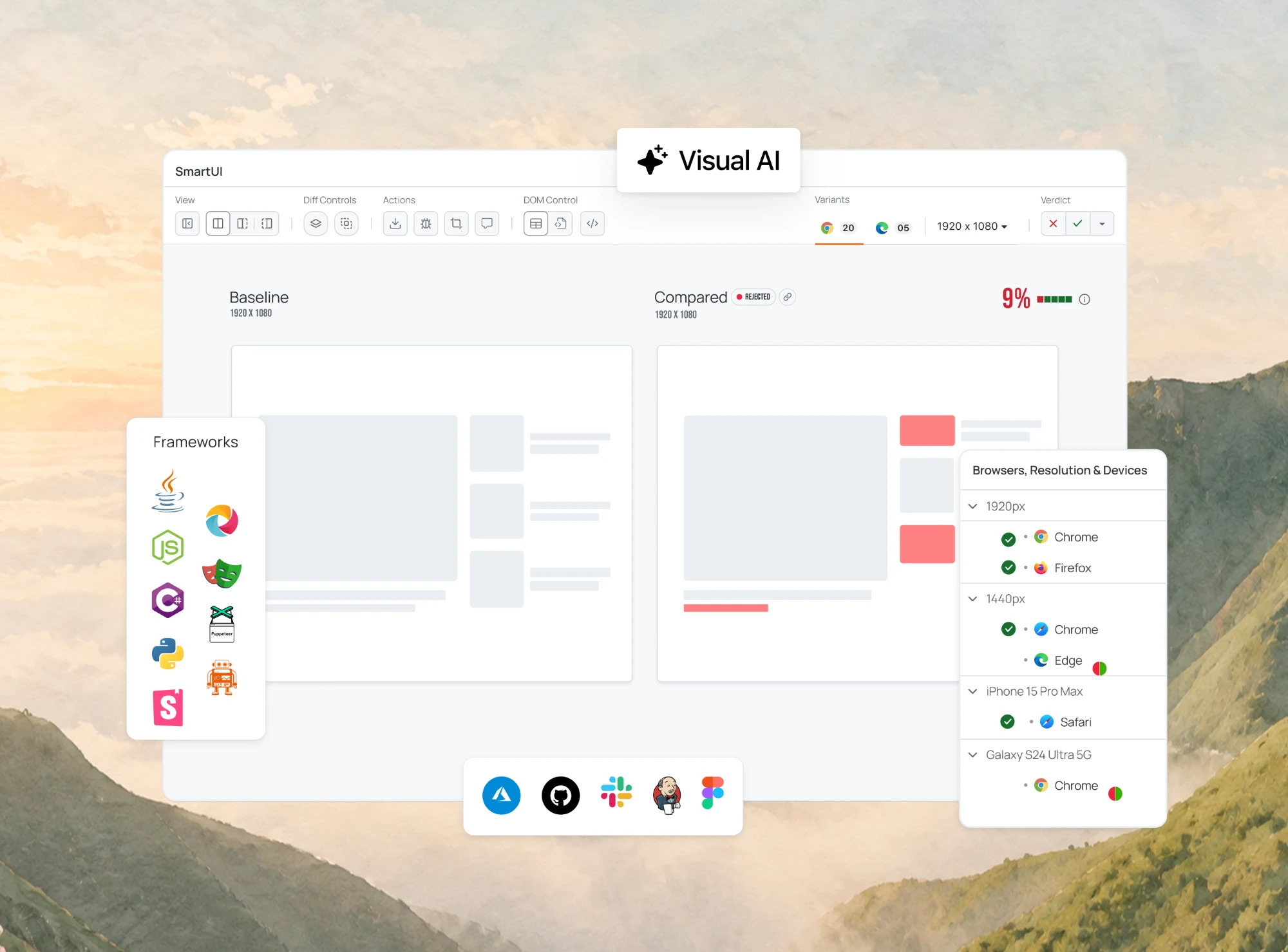
Catch Layout, CSS, and Rendering Bugs across Browsers and Real Devices. Visual AI Filters Out Pixel Noise.

Galen Framework Tutorial: Layout Testing With Selenium
Galen Framework tutorial: write a .gspec layout spec, run it with Java and Selenium on a cloud grid, read the HTML report, and see its maintenance status.
Last Updated on:
Galen Framework checks page layout from a spec file instead of comparing screenshots pixel by pixel. You describe where elements sit and how big they are, and Galen measures the live page against that description.
This guide sets up a Java project, writes a .gspec spec for the Selenium Playground form, runs it on a cloud test automation grid, and reads the HTML report. The test case writing guide helps if you are deciding which layout checks are worth automating.
TL;DR
Galen Framework is an open-source Java tool that tests page layout by measuring element positions, sizes, and alignment against a .gspec spec file. Its latest release, 2.4.4, came out in March 2019, and the project gets no active updates, but it still runs on current Chrome through a remote Selenium grid.
- .gspec spec files: A Galen spec maps element names to locators in an @objects section, then lists the layout checks each named element must pass on the page.
- Layout checks: Galen checks such as visible, width ranges, above, and aligned vertically left describe where elements sit relative to each other, instead of comparing screenshots pixel by pixel.
- Selenium and TestNG run: Galen 2.4.4 bundles Selenium 3.14.0, and a TestNG test calls Galen.checkLayout with a RemoteWebDriver, then writes an HTML report with a heat map.
- SmartUI layout testing: For new projects, TestMu AI SmartUI layout testing compares the arrangement of UI elements against a baseline and ignores text, color, and CSS style changes.
Does Galen Framework Still Work in 2026?
Yes. A Galen 2.4.4 layout test in this guide passed all five checks on Chrome 155 on Windows 11 through the TestMu AI cloud Selenium grid.
Galen Framework Maintenance Status
The latest release on the Galen Framework GitHub repository is 2.4.4, published in March 2019, and the last push to the repository was in July 2022. Version 2.4.4 bundles Selenium 3.14.0, so it still works, but expect no fixes for new browser behavior.
For new projects, TestMu AI SmartUI offers layout testing that compares the arrangement of UI elements against a baseline and ignores text, color, and CSS style changes.
Step 1: Install a JDK
Galen needs a JDK. The run in this guide used JDK 17 from Eclipse Temurin.
After installing, open "Edit the system environment variables" on Windows and add JAVA_HOME with your installation path as its value.

Then edit the Path variable and add %JAVA_HOME%\bin so the java command uses this JDK.

Confirm the setup by running java -version in Command Prompt.


Step 2: Create a Maven Project
Install IntelliJ IDEA Community Edition, choose Create New Project, and select Maven.

Enter a GroupId and ArtifactId, keep the default version, pick a project location, and click Finish.

Add Galen and TestNG to pom.xml. The galen-java-support artifact pulls in Galen core and Selenium 3.14.0 as transitive dependencies.
<dependencies>
    <dependency>
        <groupId>com.galenframework</groupId>
        <artifactId>galen-java-support</artifactId>
        <version>2.4.4</version>
    </dependency>
    <dependency>
        <groupId>org.testng</groupId>
        <artifactId>testng</artifactId>
        <version>7.5.1</version>
        <scope>test</scope>
    </dependency>
</dependencies>
Step 3: Write a Spec File
A Galen spec has two parts. The @objects section maps names to locators, and the sections below it list the checks for each object. Save this as src/test/resources/specs/simple-form.gspec; it checks the Simple Form Demo page.
@objects
    show-button     id      showInput
    first-value     id      sum1
    second-value    id      sum2

= Simple Form Demo =
    show-button:
        visible
        width 50 to 400px

    first-value:
        visible
        above second-value
        aligned vertically left second-value
Indentation matters in .gspec files. The Galen spec language guide lists every check, including ranges, tags, and image comparison.
Step 4: Write the Test
Create src/test/java/testsuites/SimpleFormLayoutTest.java. The test opens a RemoteWebDriver session on the TestMu AI Automation Cloud Selenium grid, so there is no local ChromeDriver to match against Galen's bundled Selenium 3.14.0. Set LT_USERNAME and LT_ACCESS_KEY as environment variables first.
package testsuites;

import com.galenframework.api.Galen;
import com.galenframework.reports.GalenTestInfo;
import com.galenframework.reports.HtmlReportBuilder;
import com.galenframework.reports.model.LayoutReport;
import org.openqa.selenium.WebDriver;
import org.openqa.selenium.remote.DesiredCapabilities;
import org.openqa.selenium.remote.RemoteWebDriver;
import org.testng.Assert;
import org.testng.annotations.AfterClass;
import org.testng.annotations.BeforeClass;
import org.testng.annotations.Test;

import java.net.URL;
import java.util.Arrays;
import java.util.HashMap;
import java.util.LinkedList;
import java.util.List;
import java.util.Map;

public class SimpleFormLayoutTest {
    private static final String SPEC = "src/test/resources/specs/simple-form.gspec";
    private static final String PAGE = "https://www.testmuai.com/selenium-playground/simple-form-demo/";
    private WebDriver driver;

    @BeforeClass
    public void setUp() throws Exception {
        String user = System.getenv("LT_USERNAME");
        String key = System.getenv("LT_ACCESS_KEY");

        Map<String, Object> ltOptions = new HashMap<>();
        ltOptions.put("platformName", "Windows 11");
        ltOptions.put("build", "Galen Layout Testing");
        ltOptions.put("name", "Simple Form Demo layout check");
        ltOptions.put("w3c", true);

        DesiredCapabilities caps = new DesiredCapabilities();
        caps.setCapability("browserName", "Chrome");
        caps.setCapability("browserVersion", "latest");
        caps.setCapability("LT:Options", ltOptions);

        driver = new RemoteWebDriver(new URL("https://" + user + ":" + key + "@hub.lambdatest.com/wd/hub"), caps);
        driver.get(PAGE);
    }

    @Test
    public void simpleFormLayout() throws Exception {
        LayoutReport report = Galen.checkLayout(driver, SPEC, Arrays.asList("desktop"));

        List<GalenTestInfo> tests = new LinkedList<>();
        GalenTestInfo test = GalenTestInfo.fromString("Simple Form Demo layout");
        test.getReport().layout(report, "Check form layout on Chrome");
        tests.add(test);
        new HtmlReportBuilder().build(tests, "target/galen-html-reports");

        System.out.println("Galen layout errors: " + report.errors());
        Assert.assertEquals(report.errors(), 0, "Layout errors found");
    }

    @AfterClass(alwaysRun = true)
    public void tearDown() {
        if (driver != null) {
            driver.quit();
        }
    }
}
Run it with mvn test. When I ran it on JDK 17, Galen 2.4.4 opened a W3C session on Chrome 155 on Windows 11 and printed this:
INFO: Detected dialect: W3C
Galen layout errors: 0
Step 5: Read the Report
Open target/galen-html-reports/report.html and click the test name. Expand All shows each check from the spec; all five passed in this run.

The Heat Map link overlays the measured elements on the page screenshot Galen captured from the cloud session.


Note: Run your Galen layout checks on 3,000+ browser and OS combinations without maintaining a local Selenium grid. Start testing free
Troubleshooting
- Project SDK errors - If IntelliJ IDEA reports compile errors after setup, open Project Structure and set the module SDK to the JDK you installed.
- Spec parse errors - Galen reads structure from indentation, so check that each check sits one level under its object name.
- Local driver mismatches - Galen 2.4.4 ships Selenium 3.14.0, which predates Selenium Manager. Running against a remote grid avoids matching a local ChromeDriver by hand.
Next Steps
Add a spec for one page whose layout breaks most often, and run it on the browsers your users have; the responsive testing guide covers which breakpoints to check. For layout checks without spec files, the TestMu AI automation getting started docs and SmartUI layout testing are the next places to look.
Testing from the terminal? Kane CLI by TestMu AI lets SDETs and developers plan, write, run and debug tests from the command line.
Author

Sushobhit Dua
Blogs: 4

Sushobhit Dua is an Engineering Manager at TestMu AI, leading SmartUI, the visual regression and visual testing product. He manages the team that builds and ships SmartUI and maintains and cuts releases of the open-source SmartUI CLI. He works primarily in Core Java, Spring Boot, and Gradle, and is an AMCAT Certified Software Engineer. He brings over 10 years of software engineering experience, with earlier work as a Software Engineer at ecare Technology Labs. Sushobhit owns the SmartUI roadmap and the engineering decisions behind it.
Reviewer

Parth Mistry
Reviewer
Parth Mistry is a Member of Technical Staff at TestMu AI, building SmartUI, the visual regression testing product. He developed and owns the SmartUI CLI, a modular TypeScript tool built on Playwright for multi-browser automation, and built the Storybook CLI for visual regression of UI components. He maintains cross-language SDKs in Python, Java, Ruby, C#, and Node.js, and engineered a Node-based visual rendering service on Kafka, Redis, MySQL, and S3. His migration of that service to an event-driven, KEDA-autoscaled architecture improved execution speed by 60% and cut annual infrastructure cost by $9,600. He also built the end-to-end SmartUI integration with KaneAI. Parth is a Google Summer of Code 2024 contributor and an alumnus of IIT Jodhpur.


Galen Framework FAQs
Did you find this page helpful?
More Related Blogs



TestMu AI forEnterprise
Get access to solutions built on Enterprise
grade security, privacy, & compliance
- Advanced access controls
- Advanced data retention rules
- Advanced Local Testing
- Premium Support options
- Early access to beta features
- Private Slack Channel
- Unlimited Manual Accessibility DevTools Tests