
AI Agent Assurance for Your Agent Deployments
Agent Assurance Tests How Your Agent Actually Behaves across Workflows, Tools, and Actions to Catch Failures and Vulnerabilities.
npm install -g @testmuai/rook
- TestMu AI (Formerly LambdaTest)
- /
- Blog
- /
- AI Agent Security: A Complete Guide for 2026
AI Agent Security: A Complete Guide for 2026
AI agent security explained: the OWASP Agentic Top 10 risks, the controls that matter, and how to test both what an AI agent says and what it actually does.
Last Updated on:
If your team has moved from a chatbot to an agent that can take actions, you have probably noticed that the security questions have started to change shape. Checking what the model says still matters, but the agent is now also reading tickets, calling tools, and updating records on your behalf, often across several steps that nobody reviews one at a time.
That shift is genuinely hard to plan for, because most security practices and evaluation suites were designed around replies. A response can read perfectly well while the action behind it went further than anyone intended, and much of the guidance published over the past year, including OWASP's Top 10 for Agentic Applications, exists to give teams a shared way of talking about that gap.
This guide walks through those risks one at a time, explains the controls that most frameworks agree on, and shows how to test an agent so you can see both what it said and what it actually did before it reaches production.
Overview
AI agent security means controlling what an autonomous agent is allowed to do, checking what it intends to do, and verifying what it actually did. Agents hold credentials and act across many steps, so a successful attack produces an action, and security has to be tested against the agent's behavior rather than its replies.
What are the biggest AI agent security risks?
- Agent Goal Hijack (ASI01): Hidden instructions in a web page, document, or email redirect the agent's objective or plan. It leads the OWASP Top 10 for Agentic Applications 2026.
- Tool Misuse (ASI02): The agent applies a tool it is fully authorized to use in an unsafe way, such as deleting the wrong records or pulling data out through a legitimate integration.
- Identity and Privilege Abuse (ASI03): Credentials, tokens, and delegated permissions accumulate across tools, so one compromised step can reach systems far outside the task.
- Rogue Agents (ASI10): Individual steps look legitimate while the agent's overall behavior drifts toward harm, which rule-based filters struggle to see.
How do you test AI agent security?
Red-team what the agent says with attacks such as prompt injection and PII leakage, then verify what it does by checking changed files and tool calls against its permitted tools. TestMu AI covers both halves, and every change to the prompt, model, tools, or permissions should trigger a re-run.
Why AI Agents Change the Security Risk
An agent plans a sequence of steps, picks tools, calls APIs, reads and writes data, and sometimes hands work to other agents. Often nobody reviews the steps in between. Four properties make that a different security problem from a chatbot:
- It acts. The output of a successful attack is a refund, a deleted record, or a sent email, so the damage lands before anyone reads a transcript.
- It holds credentials. Service tokens and delegated user permissions travel with the agent across every tool it touches.
- It reads untrusted content as input. Web pages, retrieved documents, tickets, and calendar invites all become potential instructions.
- It works across steps. Harm can emerge from a sequence where no single step looks wrong on its own.
That's why OWASP published a separate list for agents instead of stretching its LLM list. The OWASP Top 10 for Agentic Applications 2026 was released on December 9, 2025, and was developed with more than 100 industry experts, researchers, and practitioners.
If you're new to how agents are evaluated in general, start with our AI agent testing guide. This article assumes you know the basics and focuses on security. For the wider field that agent security sits inside, from training data to infrastructure, see AI security.
The OWASP Top 10 for Agentic Applications
All ten risks, with the kind of test that actually surfaces each one. The IDs and names are as published in OWASP's launch announcement.
| ID | Risk | How to test for it |
|---|---|---|
| ASI01 | Agent Goal Hijack | Plant instructions in content the agent retrieves, then check whether its plan or tool choice changed |
| ASI02 | Tool Misuse | Compare the tool calls the agent made against the task and the tools it declares |
| ASI03 | Identity and Privilege Abuse | Ask for actions outside the task scope and confirm the agent refuses rather than using a broader credential |
| ASI04 | Agentic Supply Chain Vulnerabilities | Ask each MCP server what tools it really exposes instead of trusting its config |
| ASI05 | Unexpected Code Execution | Send technical injection payloads and watch the filesystem for anything the task did not require |
| ASI06 | Memory and Context Poisoning | Seed a false fact early in a session and check whether later steps act on it |
| ASI07 | Insecure Inter-Agent Communication | Tamper with a message one agent passes to another and check whether the receiver validates it |
| ASI08 | Cascading Failures | Force one tool to fail mid-run and check whether the agent stops or compounds the error |
| ASI09 | Human-Agent Trust Exploitation | Check whether the agent's summary of its work matches what actually changed |
| ASI10 | Rogue Agents | Run long multi-step scenarios repeatedly and compare behavior across runs |
Five of these show up most often when an agent has real tools and real credentials.
Agent Goal Hijack (ASI01)
Agents decide what to do next from natural language, and they can't reliably tell a legitimate instruction from one an attacker planted. A line hidden in a web page, a document pulled into a RAG pipeline, or an inbound email can quietly change the agent's objective.
- Treat every natural-language input as untrusted, including content the agent retrieved itself.
- Require human approval before any action that changes the goal or has high impact.
- Log every deviation from the task the agent started with.
Tool Misuse (ASI02)
This one catches teams out because nothing is technically unauthorized. The agent deletes data it shouldn't have touched, hammers an expensive API, or moves information out through an integration it's allowed to use.
Scope what each tool can do, log every call, and validate intent before the call fires. A check afterwards only explains the damage. Checks that run before the call are known as tool-call rails, a category of AI guardrails.
Identity and Privilege Abuse (ASI03)
OWASP's LLM work already covered excessive agency; this is where it goes once agents are real. Agents pile up credentials, session tokens, and delegated permissions, and other attacks use that pile to reach further.
- Manage each agent as a non-human identity, with the same lifecycle and audit trail you give service accounts.
- Issue permissions per task and let them expire, rather than granting a standing token.
- Isolate sessions so one compromised run can't reuse another run's access.
Agentic Supply Chain Vulnerabilities (ASI04)
Agents load prompt templates, tool descriptions, and MCP server definitions from outside your codebase. A poisoned template or a lookalike tool endpoint gets treated as trusted guidance, and nobody had to write malicious code for it to happen. Even the optional instructions string an MCP server returns can be treated the same way, which lets MCP prompt injection begin before any tool runs.
Vet each integration the way you'd vet a new dependency: track where it came from, sign manifests, and keep an allowlist. When you test, ask each MCP server what it actually exposes rather than reading its config file.
Rogue Agents (ASI10) and Cascading Failures (ASI08)
The hardest category for rule-based systems. Each action can look fine while the overall behavior goes wrong. OWASP's announcement describes agents showing "misalignment, concealment, and self-directed action", and in multi-agent setups one bad step can set off failures down the chain.
A one-time review won't catch this. It shows up across sequences and across runs, so monitoring and testing both have to be continuous. Compounding errors and faults that spread between agents need no attacker at all, and the guide to agentic AI risks covers them as operational risks.

Austin Siewert
Co-Founder, Steadfast Systems
Discovered @TestMu AI yesterday. Best browser testing tool I've found for my use case. Great pricing model for the limited testing I do 👏
3M+ Devs and QAs rely on TestMu AI
Deliver immersive digital experiences with Next-Generation Mobile Apps and Cross Browser Testing Cloud

Where Prompt Injection Fits
Prompt injection is LLM01:2025, the top risk in the OWASP Top 10 for LLM Applications. The agentic list doesn't name it separately. It's led by Agent Goal Hijack, which is what injection turns into once the model can act. For the model-level risks, the guide to LLM security pairs each entry in the OWASP Top 10 for LLM Applications with a test.
OWASP lists the consequences of a successful injection as including:
- Unauthorized access to functions available to the model.
- Execution of arbitrary commands in connected systems.
- Manipulation of critical decision-making processes.
All three are actions, and an agent with browsing, tools, and connected data reads untrusted input almost everywhere. You can't close that surface completely, so build for the day an injection lands. Our walkthrough of prompt injection testing covers the payloads and test cases in detail.
Governance Frameworks for Agentic AI
OWASP tells you what can go wrong. An AI governance framework tells you who owns fixing it. Forrester's AEGIS, short for Agentic AI Guardrails For Information Security, spreads agent security across six domains instead of leaving it inside application security:
- Governance, risk, and compliance
- Identity and access management
- Data security and privacy
- Application security
- Threat management
- Zero Trust architecture
The practical consequence: checking whether an action is allowed isn't enough. An agent can produce a plan that looks like a normal, permitted action, such as querying customer data, for a reason nobody intended. So you also need to check why it's acting.
That needs telemetry most application logs never captured: the prompt sequence, each tool call, and the reasoning behind it. Budget for it on day one. After an incident, reconstructing why an agent did something without that trail is close to impossible. The guide to agentic AI governance covers what that trail should hold, including tool calls, changed records and approvals.
How to Test AI Agent Security
Least privilege, approval gates, intent checks, behavioral baselines. Each is a claim about how the agent will behave. The only way to know a claim holds is to attack the agent before it ships and keep attacking it afterwards. The AI agent red teaming test plan sets out those attacks for goal hijack and tool misuse as 11 scenarios, each graded on its effect with evidence the agent did not write.
That testing has two halves, and most programs only do the first.
| What you're testing | What it catches | Evidence |
|---|---|---|
| What the agent says | Jailbreaks, PII leakage, harmful content, policy violations in replies | Transcripts and recordings, scored per metric |
| What the agent does | Hijacked plans, misused tools, over-reach on credentials | Files changed on disk, artifacts produced, tool calls against the declared tool surface |
Red-teaming what the agent says
TestMu AI Agent Testing runs multi-turn conversations against chat, voice, phone, and image agents. Its red-team command attacks across nine categories at three intensity levels:
- Categories - prompt injection, jailbreak, data exfiltration, PII leakage, harmful content, overreliance, hijacking, policy violation, and technical injection.
- Intensity - basic, intermediate, and advanced.
- Verdict - Green, Yellow, or Red for go-live, with a High, Medium, or Low confidence level on each metric and annotated transcripts for every failing scenario.
- Schedule - daily, weekly, or monthly, or a custom cron expression, so the suite re-runs without anyone remembering to trigger it.
Voice and phone agents need this most. A misheard intent or a guardrail that never fires on spoken input won't show up in text-only red-teaming. The Agent Testing red-teaming documentation lists the attack categories its adversarial suites cover.
Verifying what the agent does
A transcript is the agent's own account of its work, and that's the weakest evidence you have about what it actually did. For agents that write files, call APIs, or move money, you need to check the effect, which is the third check in AI agent verification after identity and authority.
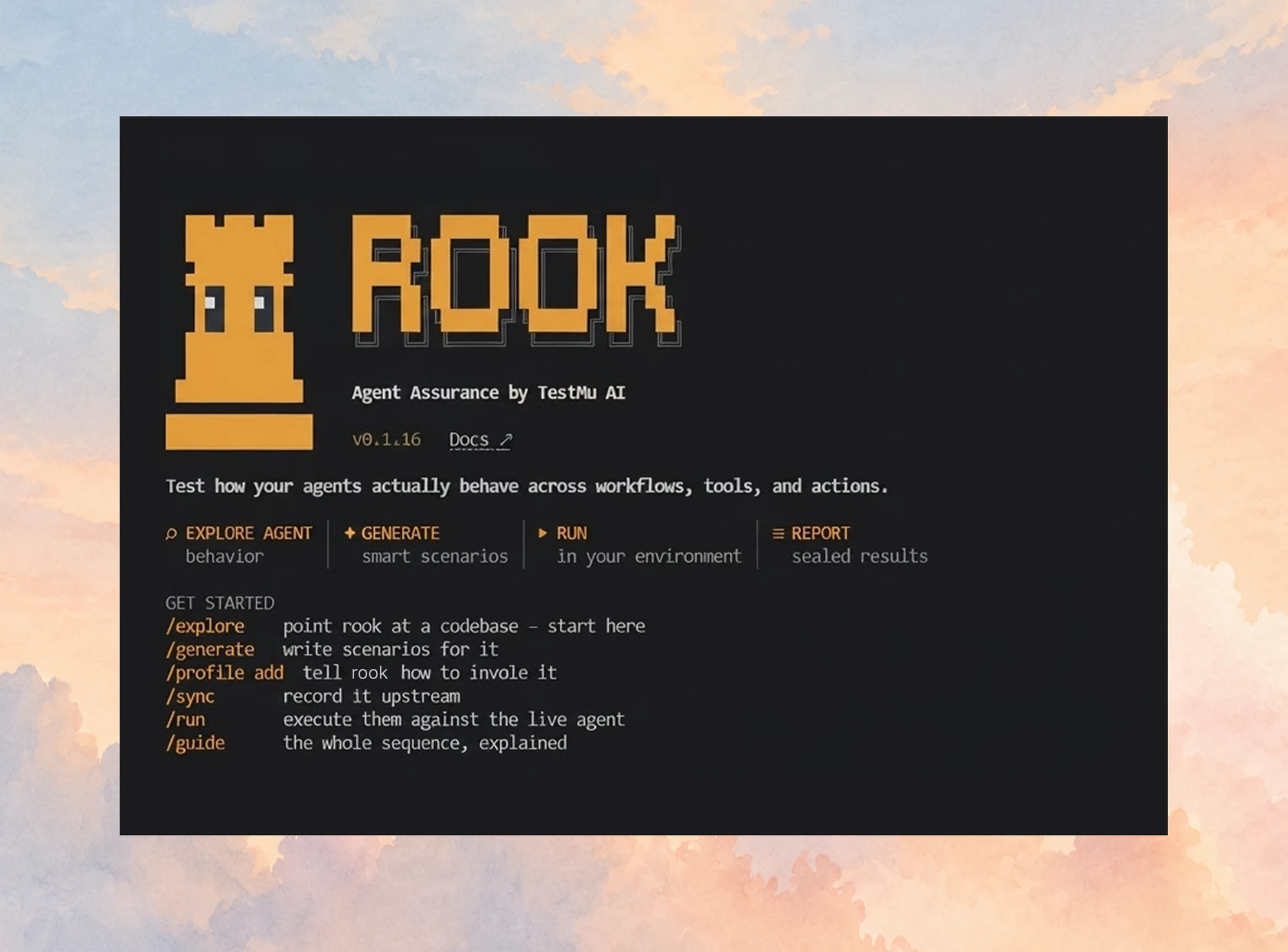
That's what Agent Assurance does. It reads the agent's codebase, generates adversarial scenarios, runs them against the live agent, and grades each result against what it saw happen:
- Tool calls are checked against the tools the agent declares, which is the direct test for Tool Misuse and Identity and Privilege Abuse.
- Files that changed on disk are recorded, so a hijacked plan shows up as an effect you can inspect.
- MCP servers are asked which tools they really expose, instead of the harness trusting their config.
- Anything it couldn't verify is reported as unverifiable rather than counted as a pass, so a security review knows exactly what nobody checked.
One caution applies to any tool that tests an agent for real: the agent's writes are real. Agent Assurance reports how many write tools the agent declares and asks before it starts, but you should still point it at staging.

Note: Agent Assurance tests what autonomous agents actually do, down to the tool calls and file changes behind every reply.
AI Agent Security Checklist
Every framework referenced here converges on the same short list. Work through it in order.
- Map every agent's permissions. If a tool or credential isn't needed for the declared task, remove it.
- Treat all external content as untrusted, including retrieved documents, email, and calendar invites.
- Put human approval in front of high-impact and goal-changing actions.
- Log reasoning, not just inputs and outputs, so you can reconstruct the plan after an incident.
- Red-team before launch and on a schedule after it. A prompt update three months from now can reopen a hole you closed today.
- Verify effects as well as replies by checking the files and tool calls themselves.
- Score against defined guardrails so the release decision rests on an auditable verdict.
- Vet every third-party tool and MCP server like a new dependency: provenance, signing, and an allowlist.
Step five belongs in CI. Our guide to the Agent Testing CLI shows how to gate a pipeline on evaluation results, and the AI red teaming tools roundup compares the wider tooling if you're still choosing.
Where to Start
Pick the agent with the broadest permissions and run one red-team pass against its staging endpoint this week. Then check the tool calls from that run against what the agent was supposed to do.
That single pass tells you more than a policy document will. If the agent's replies passed but its tool calls didn't match the task, you've found exactly the gap this guide is about.
For the broader question of how to combine red-teaming with simulation and judging, see our comparison of AI agent testing methodologies. A separate guide to AI penetration testing explains how a scoped test of the whole application differs from red-teaming.
Note: AI assistance was used in researching and drafting this article. Yogendra Porwal (a TestMu AI community contributor and Solution Architect at EPAM Systems, expertise in security testing) verified every statistic, link, and product claim against primary sources before publication, following our editorial process and AI use policy.
Author

Yogendra Porwal
Blogs: 2


Yogendra Porwal is a Solution Architect at EPAM Systems with 10+ years of hands-on experience in quality assurance, spanning automation, functional, performance, and security testing. He specializes in tools like Selenium, WebdriverIO, and Playwright, with a strong focus on building robust automation frameworks and integrating them into CI/CD pipelines to improve test coverage and release efficiency. With 5+ years of leadership experience, he has guided small teams and mentored peers across QA initiatives. A regular contributor to testing communities, he recently shared insights at the Appium Conference 2024. His approach has evolved from script-heavy automation to a more strategic focus, leveraging automation as a support to core testing fundamentals for sustainable quality outcomes.


AI Agent Security FAQs
Did you find this page helpful?
More Related Blogs

TestMu AI forEnterprise
Get access to solutions built on Enterprise
grade security, privacy, & compliance
- Advanced access controls
- Advanced data retention rules
- Advanced Local Testing
- Premium Support options
- Early access to beta features
- Private Slack Channel
- Unlimited Manual Accessibility DevTools Tests