
Automated Screenshot Comparison Tool for Every Browser and Device
A screenshot comparison tool captures each page or screen and compares it against an approved baseline to find visual changes. SmartUI runs it across browsers and real devices, and Visual AI highlights the changes that matter while it filters out rendering noise. Comparing just two images? Try our free screenshot diff tool.


Trusted by 3M+ users globally at


"We have tripled our tests and are now executing tests in less than 2 hours with 78% Faster Test Execution"


"We figured out a more efficient way to monitor system health and resolve failures earlier in lower environments."


"TestMu AI has significantly boosted our testing speed, is easy to implement, and provides exceptional support."


"With 70% faster test execution, TestMu AI helped us achieve faster time-to-market and enhanced CX."


Everything You Need for Screenshot Comparison
Compare every screen against its baseline, faster, and on exactly the terms you set.
 VISUAL PERFECTION
Achieve Visual Perfection
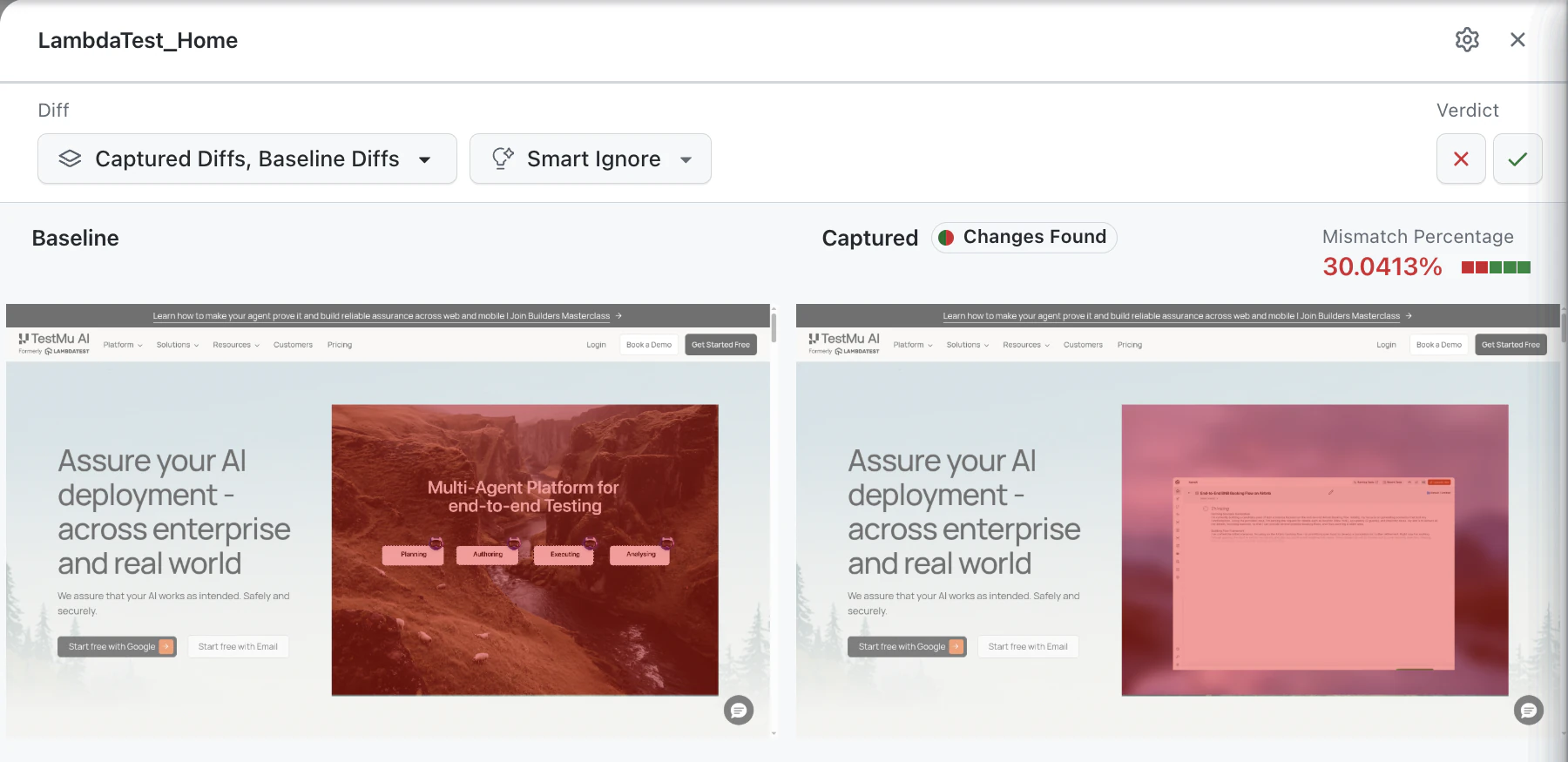
Compare each build against its baseline and catch visual and functional regressions before they ship to a user.
Start Comparing Free
- Hold visual consistency across every release.
- Eliminate the risk of shipping a visual bug unnoticed.
- Find visual and functional regressions automatically.

 FASTER RELEASES
Speed Up Your Release
DOM snapshotting and parallel execution cut the time spent hunting elusive visual bugs across browsers and devices.
Start Parallel Testing- Run comparisons in parallel instead of browser by browser.
- Pair with HyperExecute for up to 70% faster execution.
- Shorten the release cycle without dropping visual coverage.

 LAYOUT TESTING
Catch Layout Regressions
DOM-based layout testing compares element position, size, and hierarchy between builds, catching structural breaks a pixel diff never sees.
Run a Layout Test- Compare element position, size, and visibility across builds.
- Validate responsive behaviour at each breakpoint.
- Catch structural drift that renders identically but breaks a11y order.

 ADVANCED OPTIONS
Tune What Counts as a Diff
Control how the baseline and test output are compared with thresholds, ignore rules, and bounding boxes.
Configure a ComparisonAvailable advanced options

Screenshot Comparison Across Every Surface You Ship

Screenshots on Real Devices
Compare captures taken on real iOS and Android hardware, not an emulated mobile viewport.

Smart Baseline Branching
Every Git branch keeps its own baseline, so parallel feature work never collides on a shared reference.

PR Comments and Merge Gates
Comparison results post to the pull request, and a failing status check can block the merge.

Storybook Component Testing
Capture every component story so a shared-component regression is caught once, not across 50 screens.
Success Stories of TestMu AI (Formerly LambdaTest)

50%
reduction in test execution time
“HyperExecute is a highly reliable test execution platform and has excellent customer support.”
Sagar Uday Kumar
Sr. Engineering Manager
Frequently asked questions
TestMu AI for Enterprise
Get access to solutions built on enterprise-grade
security, privacy, & compliance
- Advanced access controls
- Advanced data retention rules
- Advanced Local Testing
- Premium Support options
- Early access to beta features
- Private Slack Channel
- Unlimited Manual Accessibility DevTools Tests