
Scan Pages for WCAG Issues Right in Chrome DevTools
TestMu AI Accessibility DevTools Runs axe-core Scans on Full Pages, Workflows and Keyboard Paths, Then Saves Each Report to Your Dashboard.

WAVE vs axe DevTools: Which Accessibility Extension Fits Your Team?
Compare WAVE and axe DevTools on rules engine, WCAG coverage, how results show, sign-in, pricing and CI support, with vendor sources checked in November 2026.
Published on:
WAVE and axe DevTools are the two browser extensions most teams try first when they check a page for accessibility issues. They answer the same question in different ways: WAVE paints its findings onto the page, while axe DevTools lists them in the developer tools panel using the axe-core rules your test suite can also run.
This comparison sets the two side by side on what each checks, how results look, what needs an account, what costs money and how each one reaches CI. Every vendor fact links to WebAIM's or Deque's own pages, read on November 11, 2026. For a run of both tools on the same form, with the issues each one caught, see the WAVE accessibility tool guide.
Overview
WAVE is WebAIM's evaluator that marks errors, alerts and structure directly on the page, which suits designers, content editors and quick visual reviews. axe DevTools is Deque's extension built on the open-source axe-core engine, which suits developers who want the same rules in the browser and in automated tests.
- Pick WAVE for a visual, in-context review of one page, in Chrome, Firefox or Edge, with no account.
- Pick axe DevTools when you want WCAG version and level settings, guided tests (Pro) and rules that match your CI checks.
- Use both before release: they apply different rules, and neither replaces a keyboard and screen reader pass.
WAVE vs axe DevTools at a Glance
Store figures and prices change, so each row is dated to November 11, 2026.
| Area | WAVE (WebAIM) | axe DevTools (Deque) |
|---|---|---|
| Maker | WebAIM, at Utah State University; first released in 2001 | Deque Systems, which also maintains axe-core |
| Rules engine | WebAIM's own WAVE engine | axe-core (open source, MPL-2.0) |
| Browsers | Chrome, Firefox, Edge | Chrome and Edge; a limited version for Firefox |
| Standards setting | Checks against WCAG 2.2 and Section 508; no level picker | Pick WCAG 2.0, 2.1 or 2.2 at A, AA or AAA, Trusted Tester v5 or RGAA 4 |
| Where results show | Icons on the page, a summary sidebar and a code panel | An issues list in the browser's developer tools |
| Account needed | No, for the extension and online tool | No, for a full-page scan; yes, for Pro features |
| Guided manual tests | None in the extension | Intelligent Guided Tests (Pro) |
| Export | No export documented for the extension; the API returns JSON or XML | CSV, JSON and JUnit XML (Pro) |
| Paid options | WAVE API credits, Stand-alone API from $4,000 a year, AIM reports from $500 | Pro (14-day trial, price not published) and the axe DevTools for Web bundle (sales) |
What Is WAVE?
WAVE is a suite of web accessibility evaluation tools from WebAIM, which its about page calls "a free community service" run from Utah State University. You use it in one of three ways:
- Online: enter a public URL at wave.webaim.org.
- Browser extension: Chrome, Firefox and Edge versions that, per the WAVE extension page, run entirely in the browser and send nothing to the WAVE server, so they can check intranet, local and logged-in pages.
- API and stand-alone engine: paid options for checking pages from scripts or your own servers.
WebAIM is direct about the limit on its help page: "WAVE cannot tell you if your web content is accessible." Its alerts are prompts for a person to judge, not failures.
What Is axe DevTools?
axe DevTools is Deque's accessibility extension for the browser's developer tools. It runs axe-core, the open-source rules engine Deque has maintained since 2015 and the one Google Lighthouse also builds on. The pricing page splits the extension into two plans:
- Free: "basic, automated, page-by-page testing" with no account.
- Pro: partial-page scans, saved tests, exports, user-flow testing and Intelligent Guided Tests, with a 14-day trial that needs no payment details and drops back to Free when it ends.
Deque describes axe-core's goal as "zero false positives (bugs notwithstanding)". That is the vendor's claim: a clean axe scan still leaves the checks a rule can't judge, such as whether alt text is meaningful.
Rules Engine and WCAG Coverage
The two tools do not share rules, which is why they report different counts on the same page.
- WAVE groups findings into errors, contrast errors, alerts, features, structure and ARIA. Each check lists the WCAG guidelines it relates to, and the help page says WAVE looks for issues in "the Section 508 and WCAG 2.2 guidelines". There is no setting to choose a version or level.
- axe-core lists 105 rules in its rule descriptions: 60 for WCAG 2.0 A and AA, 3 for WCAG 2.1, 1 for WCAG 2.2, 3 AAA rules that are off by default, 27 best practices, plus experimental and deprecated rules. In the extension you pick WCAG 2.0, 2.1 or 2.2 at A, AA or AAA, Trusted Tester v5 or RGAA 4, and turn best practices on or off.
The same-page run in the WAVE guide shows how that plays out: on one form, WAVE flagged labels not tied to their inputs, while axe accepted placeholders as the fields' names.
How Results Show Up
- WAVE injects red, yellow and green icons next to each element it flags, with a summary sidebar and a code view at the bottom. Start it from the toolbar icon, the context menu ("WAVE this page") or Ctrl+Shift+U (Cmd+Shift+U on a Mac). Seeing issues in place makes it easy for a designer or editor to act on.
- axe DevTools opens as a tab in the browser's developer tools and lists the issues it finds there. That fits a developer already inspecting the DOM, and Pro adds Intelligent Guided Tests that walk you through tables, keyboard access, modal dialogs, forms, images and page structure.

Pricing: What Is Free and What Is Paid
Prices below are as published on November 11, 2026.
- WAVE online and extensions: no price shown by WebAIM or the stores.
- WAVE API: 100 free credits for a new account, then $0.04 a credit for 250 to 999, $0.03 for 1,000 to 9,999 and $0.025 for 10,000 or more; a basic page analysis is one credit (WAVE API).
- WAVE Stand-alone API and Testing Engine: $4,000, $8,000 or $12,000 a year by request volume and domains (stand-alone licensing).
- AIM report: from $500 for one scan of up to 20,000 pages, with expert testing of 4 sample pages (AIM).
- axe DevTools Free: no charge for automated full-page scans.
- axe DevTools Pro: a 14-day trial; Deque's pricing page does not list a price, so check it at checkout. The wider axe DevTools for Web bundle, Linter, Monitor and Auditor are sold through Deque's sales team.
Automation and CI
An extension catches issues on the page in front of you. Keeping them fixed needs the same checks in your test runs.
- axe-core has Deque-maintained packages for Playwright, Puppeteer, WebdriverIO, WebDriverJS, the axe CLI and Java Selenium, so the rules you saw in the extension can fail a build. Cypress (cypress-axe) and Jest (jest-axe) integrations exist too, but axe-core's own project list marks them as community projects.
- WAVE reaches automation through the paid API, which returns JSON or XML for a URL, or the Stand-alone API and Testing Engine, which runs in headless Chrome on your own servers and can sit inside Selenium or Puppeteer runs.
For how to wire either approach into a pipeline, see the guide to automated accessibility testing.
Which One Should You Use?
| If you are | Start with | Why |
|---|---|---|
| A designer or content editor | WAVE | Issues show in place on the page, with no developer tools or account |
| A developer fixing components | axe DevTools | Results sit next to the DOM, and the rules match axe-core in your tests |
| A team on Firefox | WAVE | axe DevTools on Firefox is limited and has no Pro features |
| Checking against a set WCAG level | axe DevTools | You choose the WCAG version and level for each scan |
| Signing off a release | Both, plus manual testing | Different rules catch different issues; keyboard and screen reader checks cover what neither can |
Whichever you pick, finish with the manual passes in the accessibility testing guide: keyboard-only navigation, focus order and a screen reader test.
An axe-core Extension Linked to Your Test Runs
If you like axe-core's rules but want scans that go beyond one page, TestMu AI Accessibility DevTools is a Chrome extension that uses the same axe-core rules and is free to install from the Chrome Web Store. You sign in with a TestMu AI account in the panel to run scans and save reports.
- Scan types: Full Page, Partial Page, Multi-Page, Workflow (records clicks, form entries and page loads) and Keyboard scans.
- Standards: WCAG 2.0, 2.1 at A, AA or AAA, and 2.2 at A or AA, with WCAG 2.1 AA as the default.
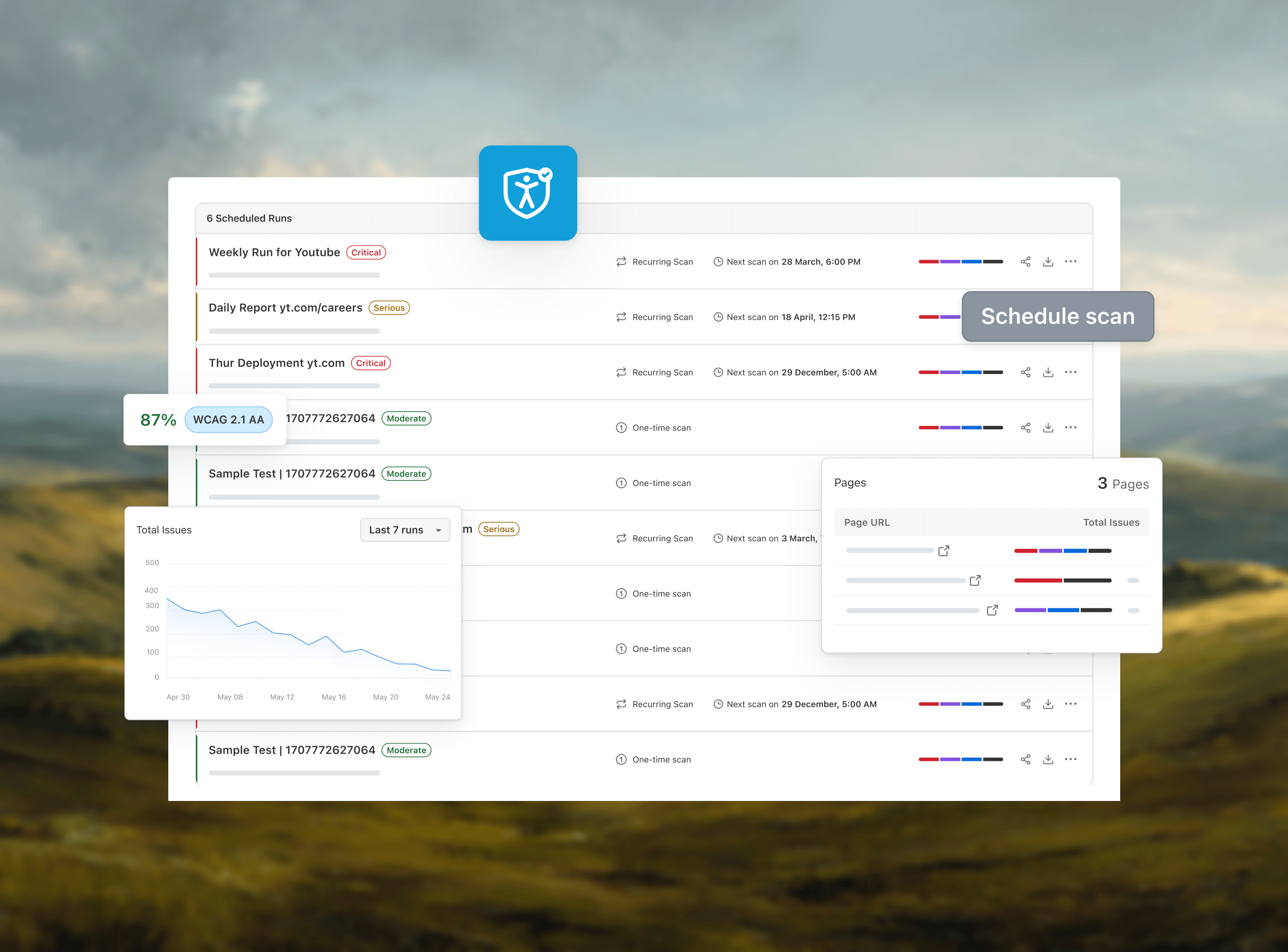
- Reports: scans save to your dashboard, where you can filter by severity, export PDF or CSV and file issues to Jira, GitHub or Slack.
- In CI: TestMu AI Accessibility Testing runs the same axe-core checks inside Selenium, Playwright and Cypress suites.
Setup steps are in the Accessibility DevTools documentation, and the roundup of accessibility extensions covers the other options.
Author

Mythili Raju
Blogs: 55


Mythili is a Community Contributor at TestMu AI with 3+ years of experience in software testing and marketing. She holds certifications in Automation Testing, KaneAI, Selenium, Appium, Playwright, and Cypress. At TestMu AI, she leads go-to-market (GTM) strategies, collaborates on feature launches, and creates SEO optimized content that bridges technical depth with business relevance. A graduate of St. Joseph’s University, Bangalore, Mythili has authored 35+ blogs and learning hubs on AI-driven test automation and quality engineering. Her work focuses on making complex QA topics accessible while aligning content strategy with product and business goals.
Reviewer

Salman Khan
Reviewer
Salman is a Test Automation Evangelist and Community Contributor at TestMu AI, with over 6 years of hands-on experience in software testing and automation. He has completed his Master of Technology in Computer Science and Engineering, demonstrating strong technical expertise in software development, testing, AI agents and LLMs. He is certified in KaneAI, Automation Testing, Selenium, Cypress, Playwright, and Appium, with deep experience in CI/CD pipelines, cross-browser testing, AI in testing, and mobile automation. Salman works closely with engineering teams to convert complex testing concepts into actionable, developer-first content. Salman has authored 120+ technical tutorials, guides, and documentation on test automation, web development, and related domains, making him a strong voice in the QA and testing community.


WAVE vs axe DevTools FAQs
Did you find this page helpful?
More Related Blogs

TestMu AI forEnterprise
Get access to solutions built on Enterprise
grade security, privacy, & compliance
- Advanced access controls
- Advanced data retention rules
- Advanced Local Testing
- Premium Support options
- Early access to beta features
- Private Slack Channel
- Unlimited Manual Accessibility DevTools Tests